
Independent Samsung Touchscreen Monitor Alternative for Custom Projects
Looking for an independent touchscreen display manufacturer while comparing Samsung touchscreen monitor options? Lucky-XFC provides specification-based 27-inch PCAP monitors, commercial touch displays and large interactive display solutions for OEM, integration and project procurement.
- 27-inch flat PCAP touchscreen monitor starting point
- 1920 × 1080, 16:9 display configuration
- Metal housing for integration projects
- OEM/ODM and specification-matching support
Lucky-XFC does not sell Samsung-branded products and is not affiliated with, authorized by, or endorsed by Samsung. Samsung and its product names are trademarks of their respective owner. Product selection is based on application requirements and approved Lucky-XFC specifications.
What Buyers Mean by a Samsung Touchscreen Monitor
This search term often represents four distinct procurement intents: a 27-inch portable or lifestyle smart touchscreen, a 27-inch external-host PCAP monitor, a 32–55 inch commercial touchscreen display, or a 65–86 inch interactive display for meetings or education.
Note: These formats are not interchangeable. Screen size alone does not confirm mounting, host architecture, operating system, touch controller, interface or software compatibility.
Typical Application
Determine if the screen is for desktop control, retail signage, self-service kiosks, or large-scale collaborative meetings.
Computing Architecture
Identify whether an external PC/media player is used, or if an integrated Android/Windows system is required.
Installation Style
Clarify desktop stands, VESA wall mounts, open-frame equipment integration, or mobile rolling stands.
Information Required
Quotation requires exact dimensions, interface types, brightness needs, and environmental conditions.
Samsung Touchscreen Monitor Alternative Product Paths
27-Inch Flat PCAP Touchscreen Monitor
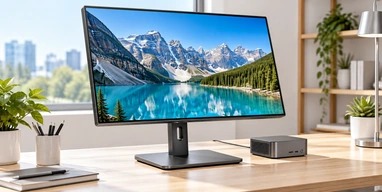
The recommended starting point for buyers who need a conventional external-host touchscreen rather than a battery-powered smart display. The verified Lucky-XFC TP270-JX-DR-02 configuration uses a 27-inch, 1920 × 1080, 16:9 display, projected capacitive touch and metal housing.
32–55 Inch Commercial Touch Display
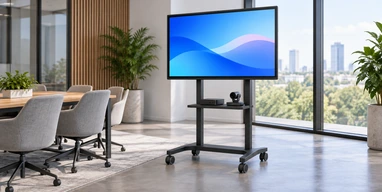
For self-service terminals, product presentation, digital signage, information access and commercial interactive installations. Final size, brightness, interfaces and mounting structure must be selected by project.
65–86 Inch 4K Interactive Display
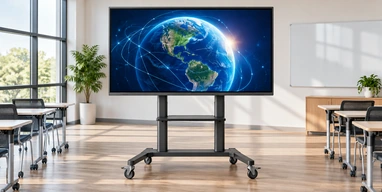
For meeting rooms, training, presentations and collaborative interaction. The verified XFC-IWB-6500 starting point is a 65-inch 4K UHD PCAP display. Specifications for 75-inch and 86-inch models require separate confirmation.
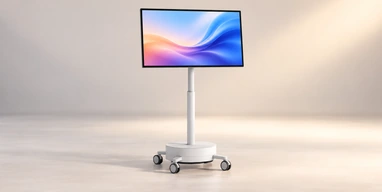
Portable or Rolling Smart Touchscreen Display
A project-evaluation path for buyers interested in movable or integrated smart displays. Battery operation, integrated OS, detachable construction and rolling-stand functions must be confirmed individually and must not be assumed from another brand’s product.

Brand Search vs Project Specification
A brand keyword identifies the buyer’s research direction, but the quotation must be based on the required size, interfaces, mounting, host system, environment and expected service conditions.
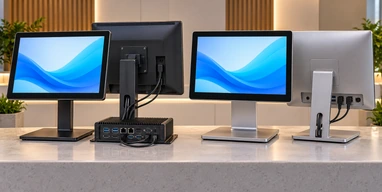
External Host vs Integrated System
Confirm whether the screen connects to a separate PC or media player, or requires an Android or Windows computing system inside the enclosure.
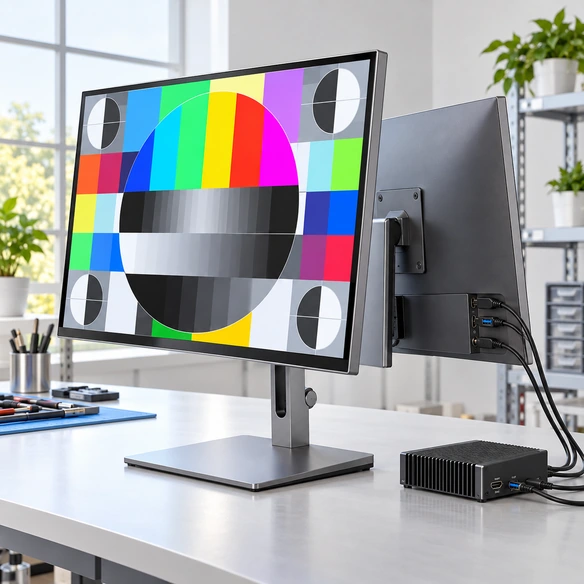
27-Inch Samsung Touchscreen Monitor Alternative
This product path is suitable when the project requires a conventional touchscreen monitor connected to an external computer, controller or media system. It should not be presented as a copy of a Samsung portable smart display.
Verified Base Specifications
- Lucky-XFC model starting point: TP270-JX-DR-02
- Display size: 27 inch
- Resolution: 1920 × 1080
- Aspect ratio: 16:9
- Touch technology: Projected capacitive touch
- Housing: Metal
- Architecture: External-host touchscreen monitor
Final interfaces, touch points, brightness, VESA pattern and OS support: confirm against the approved specification sheet.
Before Replacing a Samsung Touchscreen Monitor
Lucky-XFC will not claim direct replacement or compatibility until the original product specification and the proposed Lucky-XFC configuration have been compared and, where necessary, sample-tested.
Verified Samsung Touchscreen Monitor Alternative Starting Points
| Product path | Verified starting point | Display | Touch | Positioning | Status |
|---|---|---|---|---|---|
| Main product | TP270-JX-DR-02 | 27", 1920×1080, 16:9 | PCAP | External-host flat monitor | Verified starting configuration |
| Commercial display | TP315-JX-DR-02 | 31.5/32" class, FHD | PCAP | Commercial integration | Verified product-family path |
| Commercial display | TP430-JX-DR-02 | 43", FHD | PCAP | Signage and information access | Verified product-family path |
| Large interactive | 49-inch interactive reference | 4K reference | PCAP | Large interactive project | Confirm exact model before publishing |
| Interactive display | XFC-IWB-6500 | 65", 4K UHD | PCAP | Meeting and presentation | Verified starting configuration |
| Extended large size | 75"/86" project path | To be confirmed | To be confirmed | Large collaboration display | Model confirmation required |
| Mobile smart display | Portable/rolling candidate | To be confirmed | To be confirmed | Custom project evaluation | Not a confirmed standard equivalent |

Samsung Touchscreen Monitor Specification-Matching Framework
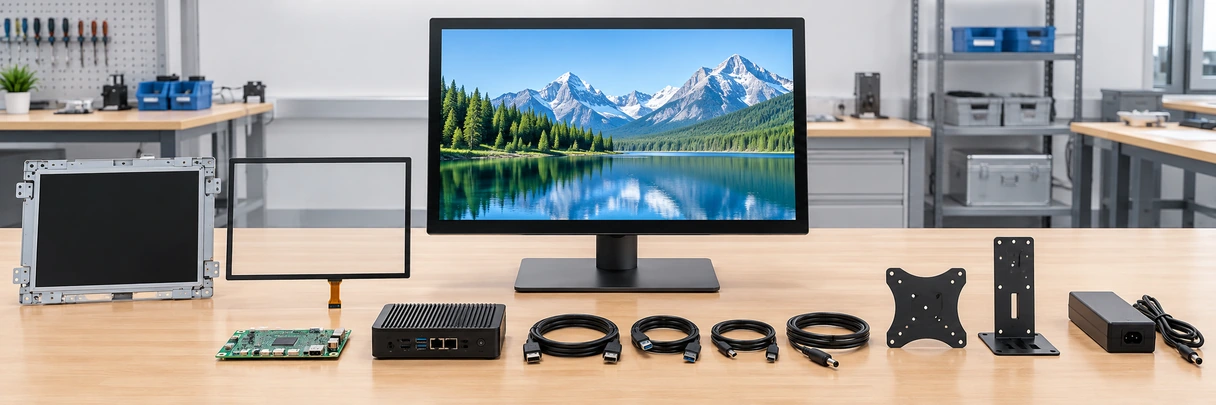
Compare Samsung Touchscreen Monitor Alternative Formats
| Format | Recommended use | Host architecture | Typical installation | Key validation |
|---|---|---|---|---|
| 27-inch flat PCAP monitor | Desktop control, OEM equipment, operator terminal | External PC/controller | Desktop, arm, panel or VESA | Interfaces, touch OS, VESA |
| 32–55 inch commercial touch display | Retail, signage, information terminal | External or project-defined | Wall, kiosk or enclosure | Brightness, mounting, ports |
| 65–86 inch interactive display | Meeting, training, collaboration | External host or confirmed integrated system | Wall or mobile stand | 4K input, touch, host system |
| Portable/rolling smart display | Mobile presentations or lifestyle projects | Integrated system candidate | Rolling or movable structure | Battery, OS, stability, safety |
Mechanical Matching for a Samsung Touchscreen Monitor Project
Physical integration requires precise dimensional verification. A slight difference in bezel width or mounting hole placement can disrupt an entire kiosk or equipment design.
- ✓ Overall dimensions
- ✓ Active area
- ✓ Bezel width
- ✓ Enclosure material
- ✓ VESA mounting
- ✓ Embedded or open-frame installation
- ✓ Desktop stand or articulated arm
- ✓ Cable direction and connector clearance
- ✓ Custom brackets and mounting holes
- ✓ Thermal ventilation requirements
Warning: Never approve a substitute using diagonal size alone. Confirm the mechanical drawing before sample or batch production.

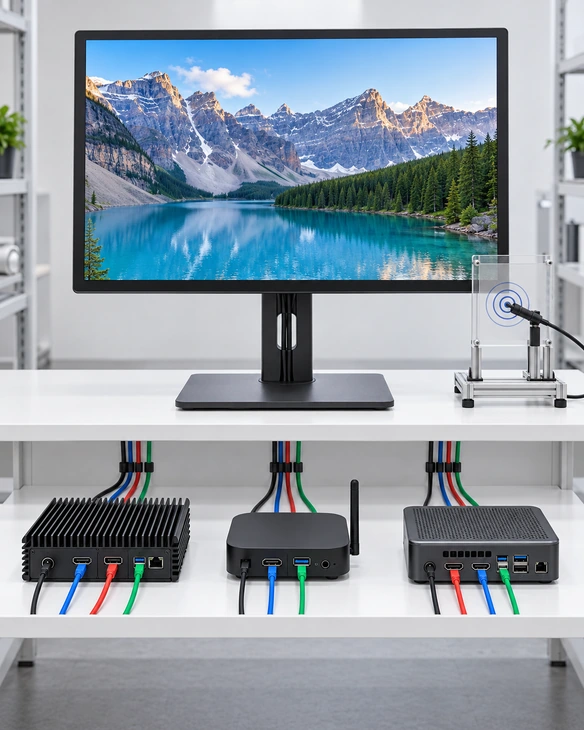
Host, OS and Touch Validation for Samsung Touchscreen Monitor Projects
External-host monitor
- Display and touch connect to a separate PC or controller
- Video and touch-data connections are evaluated separately
- Recommended as the main 27-inch product direction
Integrated Android system
- Android version, memory, storage and application compatibility must be confirmed
- Do not publish an Android configuration without an approved model sheet
Integrated Windows system
- CPU, RAM, storage, ports, licensing and thermal design require project confirmation
- Do not describe an external-host monitor as an all-in-one computer
Samsung Touchscreen Monitor Alternatives by Application

OEM control console
Format: 27-inch PCAP | Install: Panel/VESA | Host: External | Needed: Dimensions, Ports
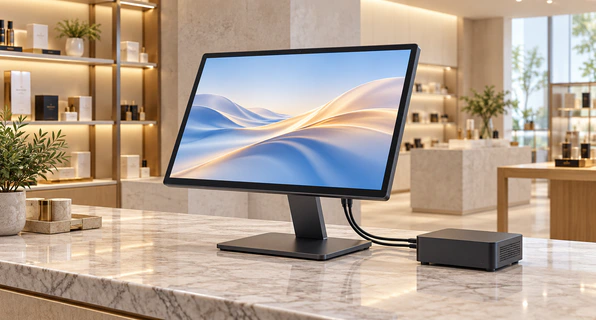
Retail product presentation
Format: 32-55 inch | Install: Wall/Stand | Host: Android/PC | Needed: Brightness, OS

Self-service information terminal
Format: Commercial | Install: Kiosk | Host: PC | Needed: Housing

Meeting-room collaboration
Format: 65-86" 4K | Install: Wall/Cart | Host: OPS/Ext | Needed: Touch pts
Training and education display
Format: 65-86" 4K | Install: Wall | Host: Android/PC | Needed: OS

Exhibition and showroom interaction
Format: Commercial | Install: Custom | Host: Ext | Needed: Brightness
Representative Samsung Touchscreen Monitor Specification Review
"A retail display integrator is reviewing an alternative to a discontinued branded interactive display. The integrator needs to retain the existing installation area and external host while evaluating a new touch display supplier."
Record the original model and available specification.
Confirm active area, outer dimensions and mounting.
Identify video, USB touch and power connections.
Confirm the external host, OS and application.
Select the closest verified Lucky-XFC product path.
Document every specification difference.
Produce or approve a sample before volume procurement.
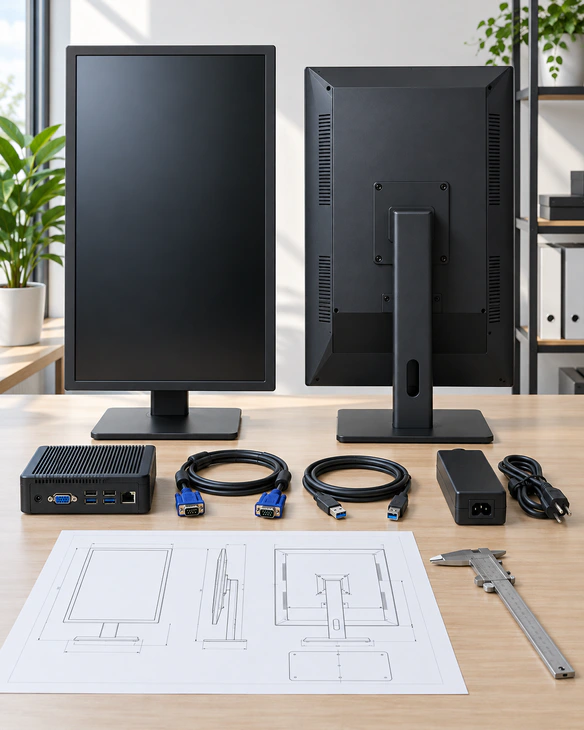
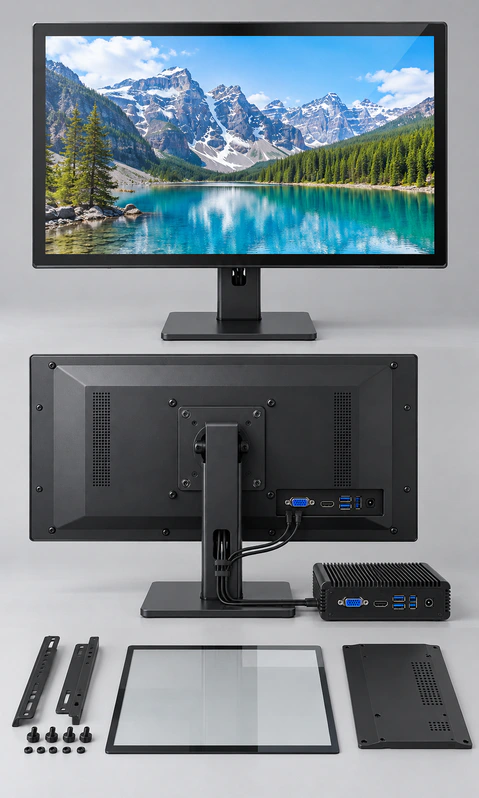
Custom Samsung Touchscreen Monitor Alternative Options
Lucky-XFC supports specification matching through flexible manufacturing capabilities. Availability depends on the selected model, quantity, engineering review and approved specification. Do not treat every option as standard on every product.
Samsung Touchscreen Monitor Alternative Review Process

Submit Requirements
Send the original model, specification, drawing or application description.

Select a Product Path
Choose the 27-inch monitor, commercial display, large interactive display or custom smart-display path.

Compare Specifications
Identify confirmed matches, differences and unverified requirements.

Engineering Review
Confirm structure, interfaces, host system and customization scope.

Sample Validation
Test installation, display input, touch response and software behavior where required.

Production and Inspection
Produce only against the approved specification and quality requirements.
Quality Control for Samsung Touchscreen Monitor Alternatives
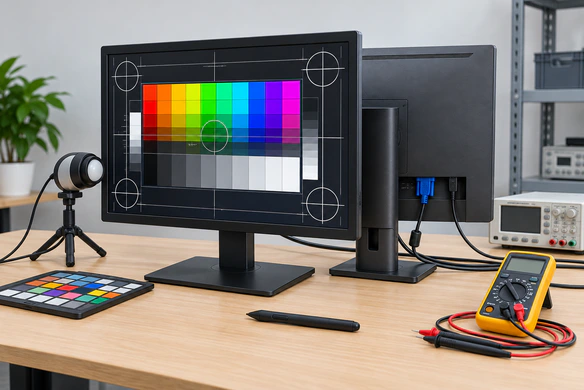
Every unit undergoes rigorous inspection to ensure it meets the approved project specifications before shipment.
- ✓ Incoming display and touch-component inspection
- ✓ Housing and mechanical-dimension verification
- ✓ Display input and image inspection
- ✓ Touch response and coordinate verification
- ✓ Interface and power-on testing
- ✓ Burn-in or operating inspection according to the approved project plan
- ✓ Appearance, packaging and shipment verification
Why Source a Samsung Touchscreen Monitor Alternative from Lucky-XFC

Independent Touch Display Manufacturing
Direct factory control over materials and assembly ensures accountability for project specifications rather than relying on consumer retail channels.
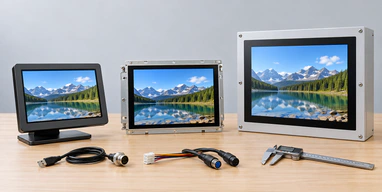
Specification-Based Product Selection
Specification-based selection helps buyers identify incompatible mounting, host or interface requirements before volume procurement.
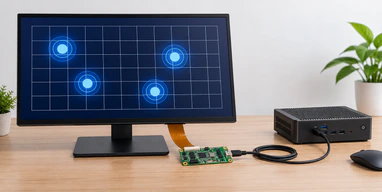
PCAP Touch Integration Experience
Proven capability in projected capacitive touch tuning for industrial, commercial and interactive environments.
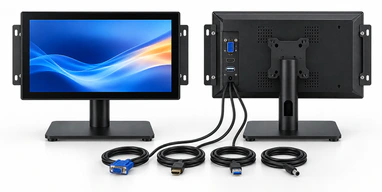
Mechanical and Interface Customization
Ability to adapt metal housings, VESA patterns and I/O ports to match existing equipment enclosures or kiosk designs.

External-Host and System Project Evaluation
Clear separation and evaluation of external monitor architectures versus integrated Android/Windows computing needs.
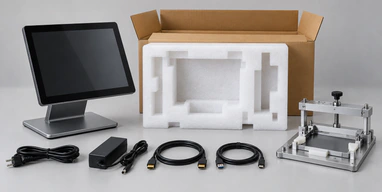
B2B Sample and Production Support
Structured processes for prototype validation, strict quality control, and reliable batch manufacturing for OEM clients.
Samsung Touchscreen Monitor Alternative Selection Matrix
| Requirement | Recommended path | Buyer must confirm |
|---|---|---|
| 27-inch external-host desktop or equipment monitor | TP270 product direction | Ports, VESA, brightness, touch OS |
| 32-inch commercial interactive installation | TP315/32-inch path | Housing, mounting, duty cycle |
| 43–55 inch retail or signage project | Commercial touch-display path | Resolution, brightness, interfaces |
| 65-inch 4K meeting display | XFC-IWB-6500 direction | Host, touch, installation |
| 75–86 inch interactive display | Project/model confirmation | Complete approved specification |
| Rolling or portable smart display | Custom candidate | OS, battery, stand, safety and mobility |

Samsung Touchscreen Monitor Buyer’s Checklist
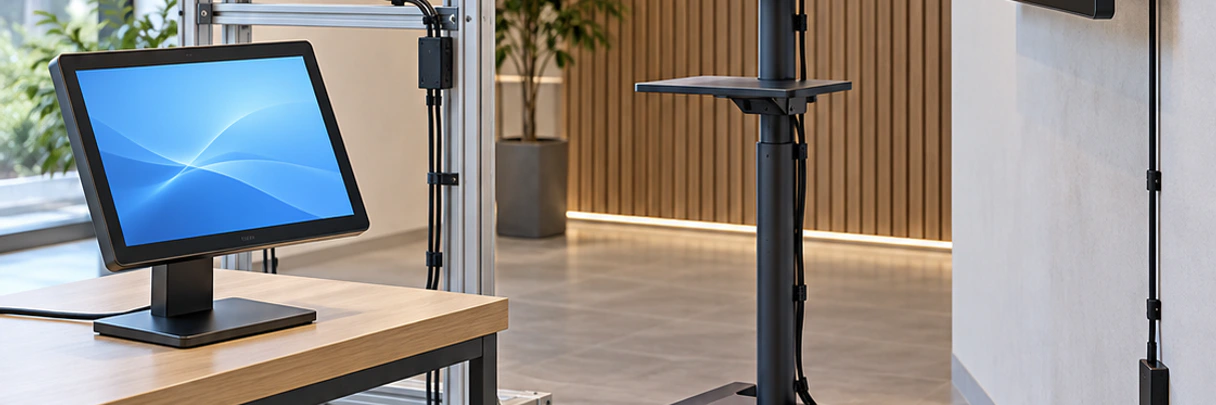
Please prepare the following information before requesting a quotation to ensure accurate specification matching:
Samsung Touchscreen Monitor Alternative FAQ
1. Does Lucky-XFC sell Samsung touchscreen monitors?
2. Is Lucky-XFC affiliated with or authorized by Samsung?
3. Can a Lucky-XFC monitor directly replace a Samsung touchscreen monitor?
4. What is the recommended 27-inch product direction?
5. Is the 27-inch model a portable smart display with a battery?
6. Are Android and Windows configurations available?
7. Can Lucky-XFC customize the enclosure and mounting?
8. What information is needed to check compatibility?
9. Should buyers test a sample?
10. Can Lucky-XFC provide 65-inch or larger interactive displays?
Related Samsung Touchscreen Monitor Alternative Solutions
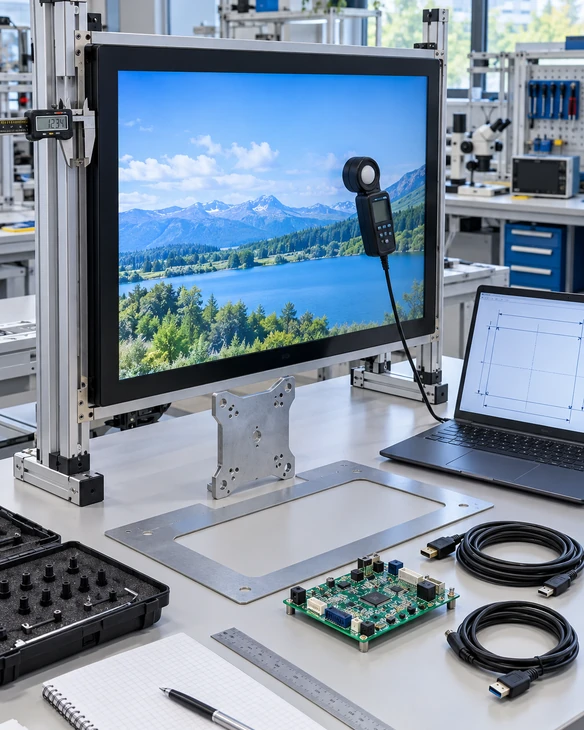 32-Inch Touchscreen Monitor
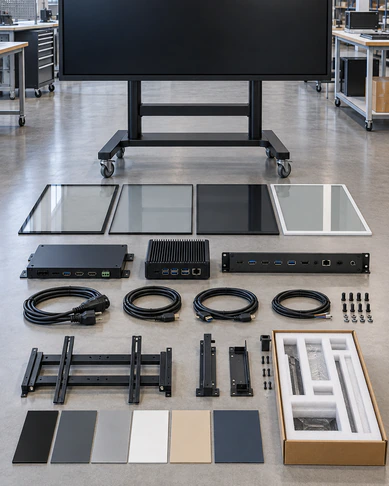 65-Inch Touchscreen Monitor
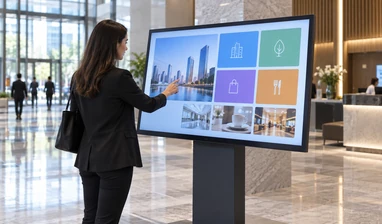 Large Touch Screen Monitor
 Smart Touchscreen Monitor
 Interactive Digital Signage
Touchscreen Display Solutions
Request a Samsung Touchscreen Monitor Alternative Quote
Tell us which Samsung touchscreen monitor or application you are researching. Lucky-XFC will review your required size, mounting, interfaces, host system and touch specifications, then recommend an independent product path for further evaluation.
Lucky-XFC Contact: sales13@lucky-xfc.com | Phone: +86 13530368341
Address: No. 15, Lianfeng Road, Hongqiaotou, Yanluo Street, Songgang Town, Bao'an District, Shenzhen City