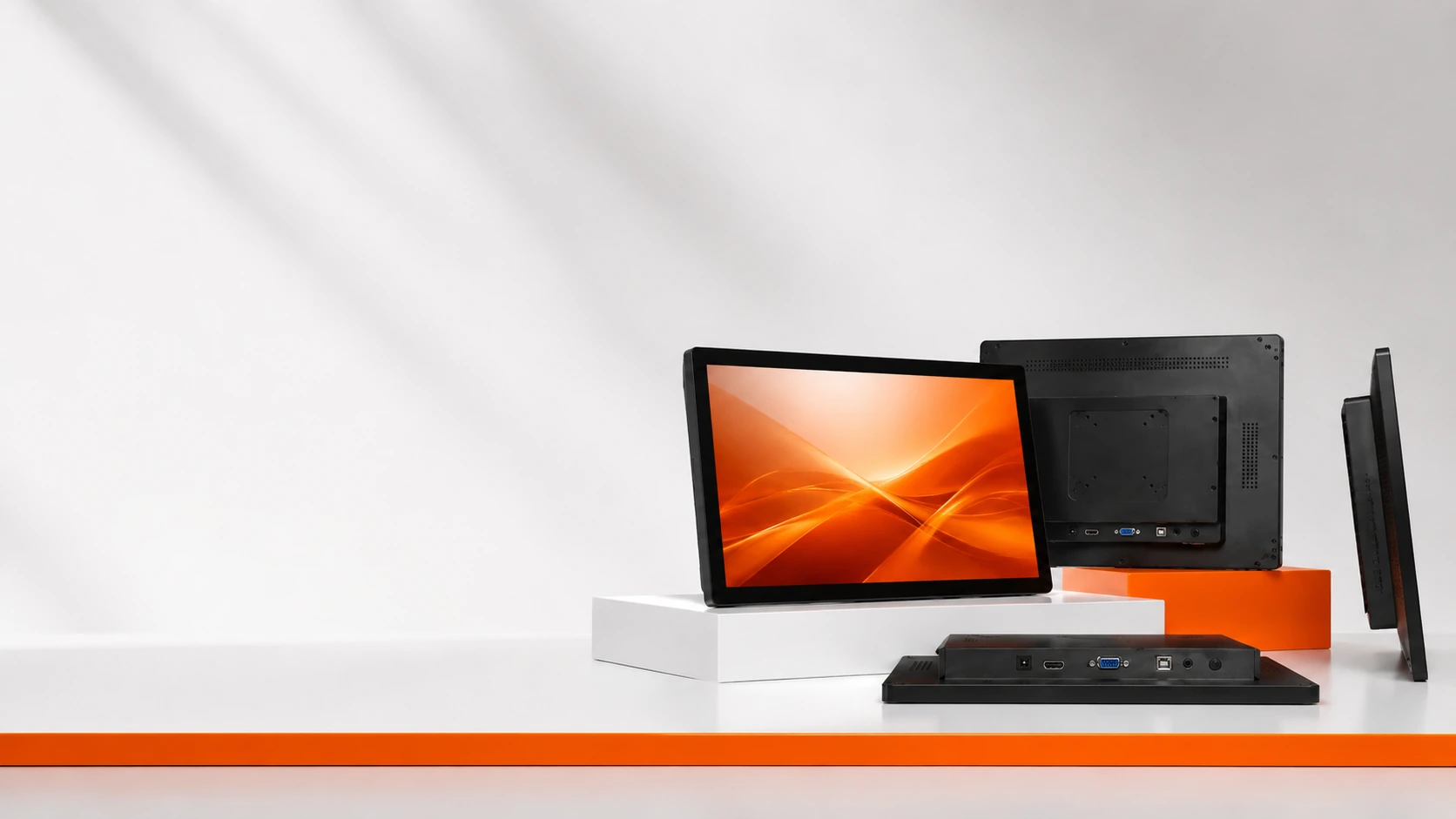
Custom Touchscreen Monitors for Equipment Integration
Lucky-XFC manufactures and customizes capacitive touchscreen monitors for industrial equipment, kiosks, POS systems, information terminals and commercial devices. Current flat monitor sizes include 21.5, 23.8, 27, 31.5 and 43 inches, with Full HD resolution, 16:9 format and metal housing.
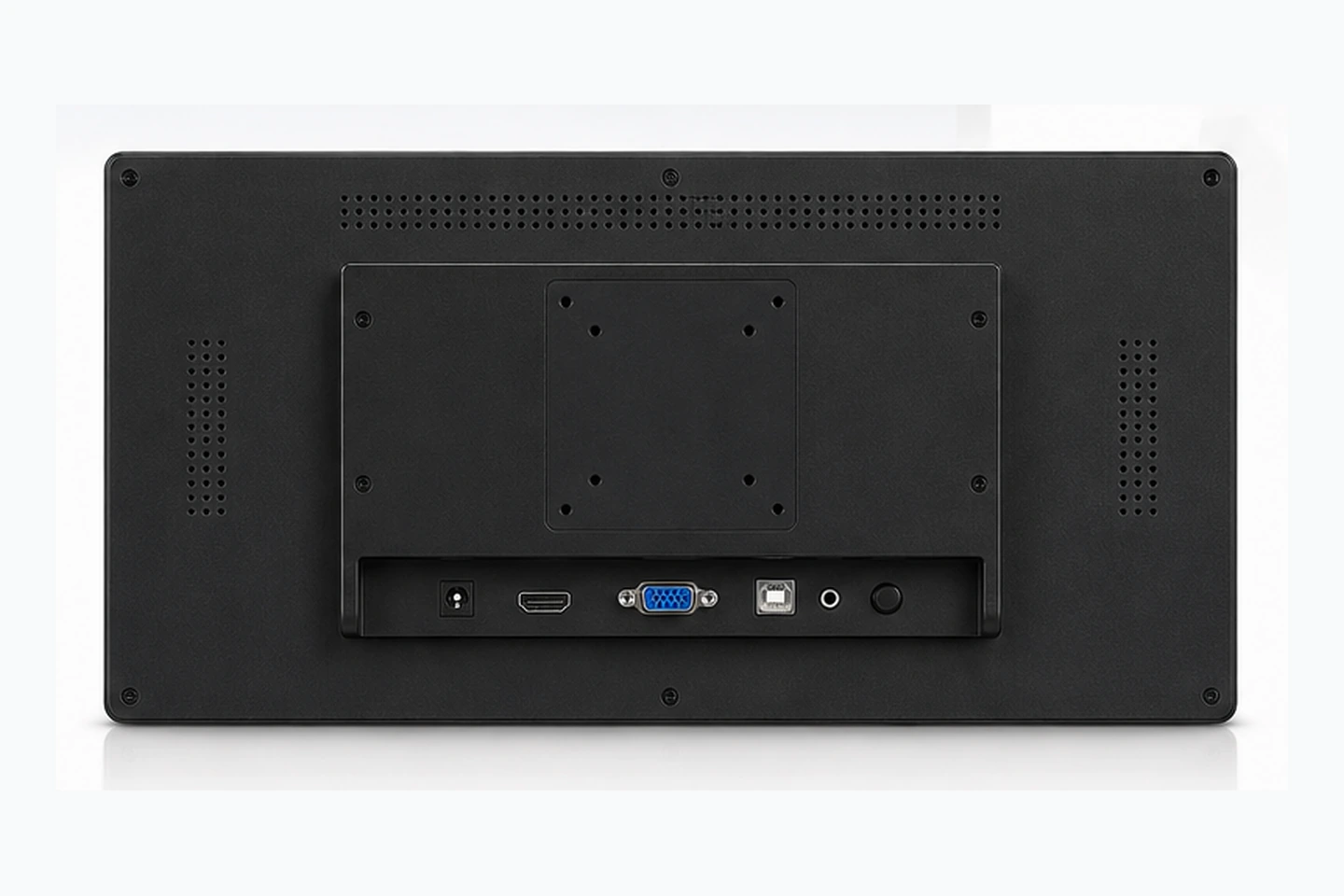
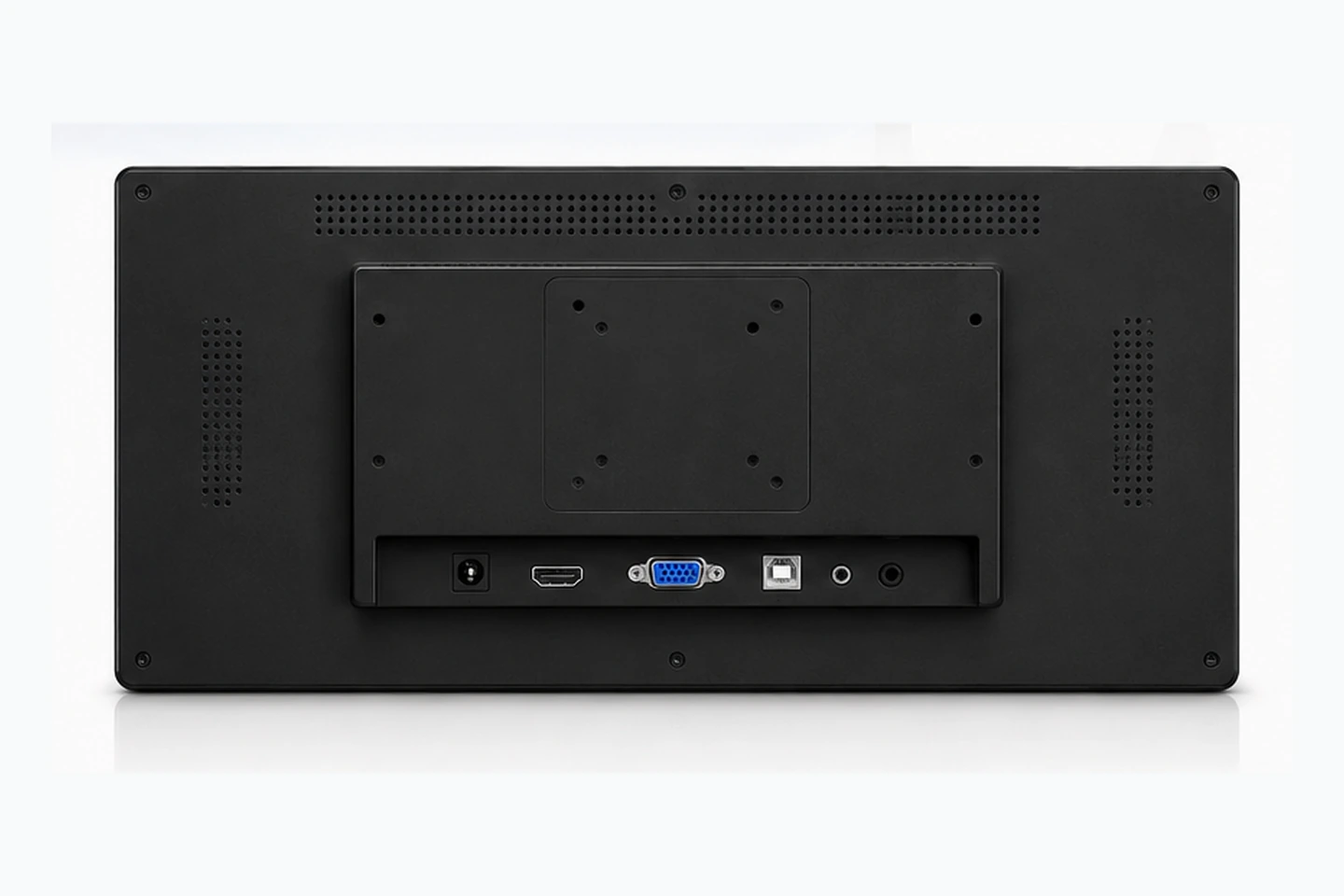
Interfaces, mounting, touch points, operating system support and environmental specifications are confirmed according to the selected model and project requirements.
- 21.5"–43" Current Range
- Capacitive Touch
- Full HD 1920 × 1080
- Metal Housing
- OEM / ODM Support
Capacitive Touchscreen Monitors by Size
Compare the current flat touchscreen monitor models according to equipment space, viewing distance, installation structure and user interaction requirements.
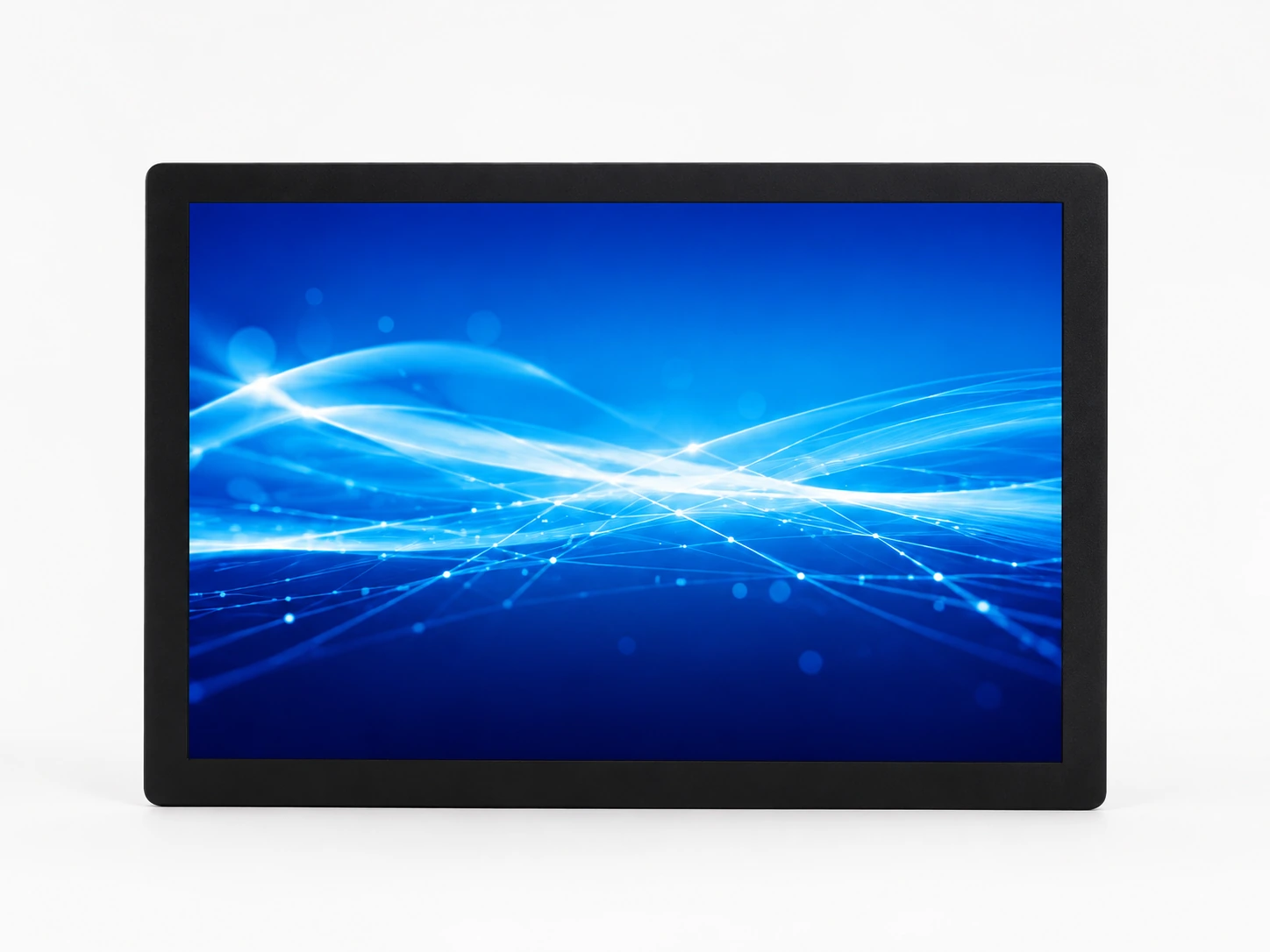
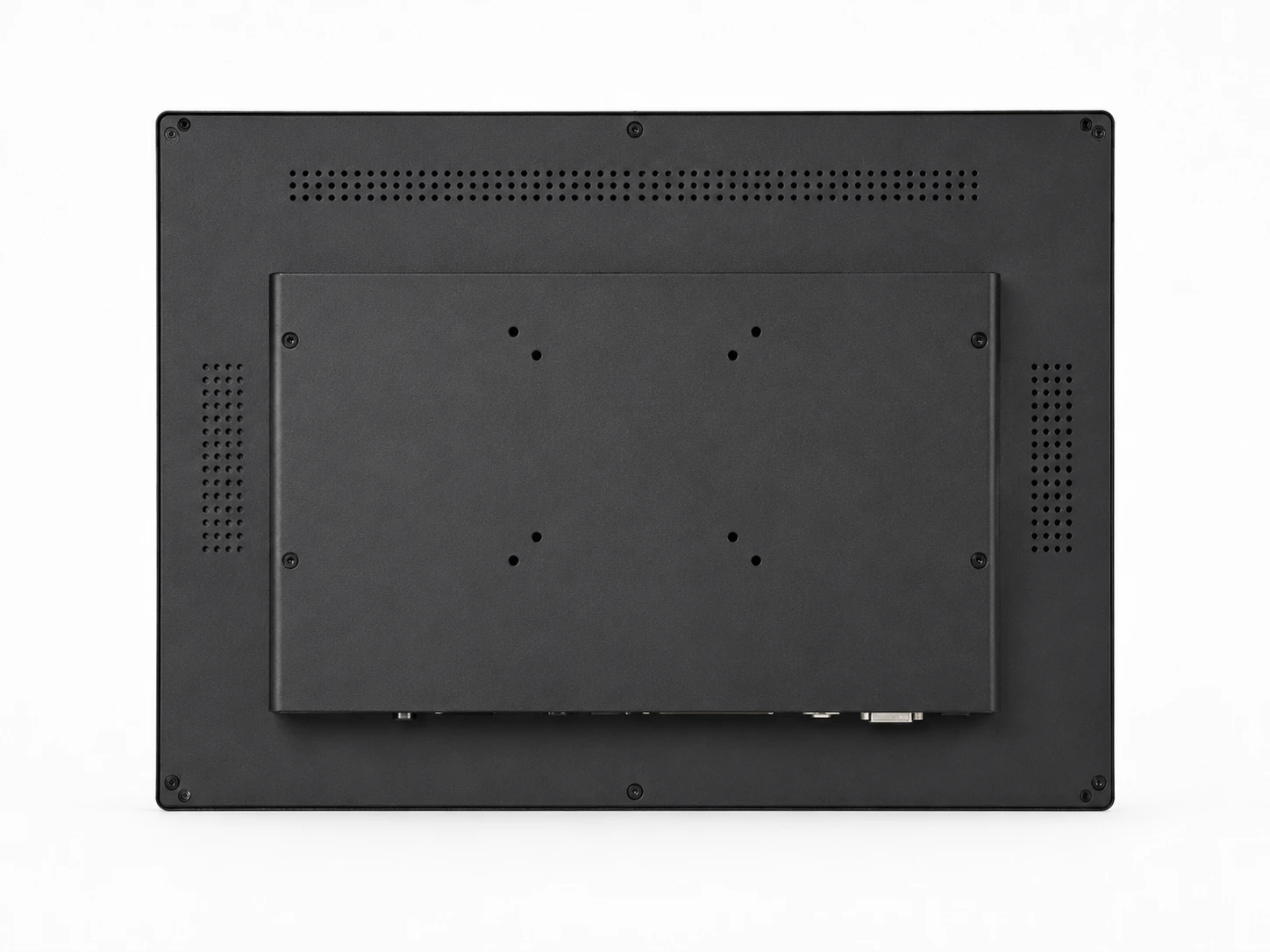
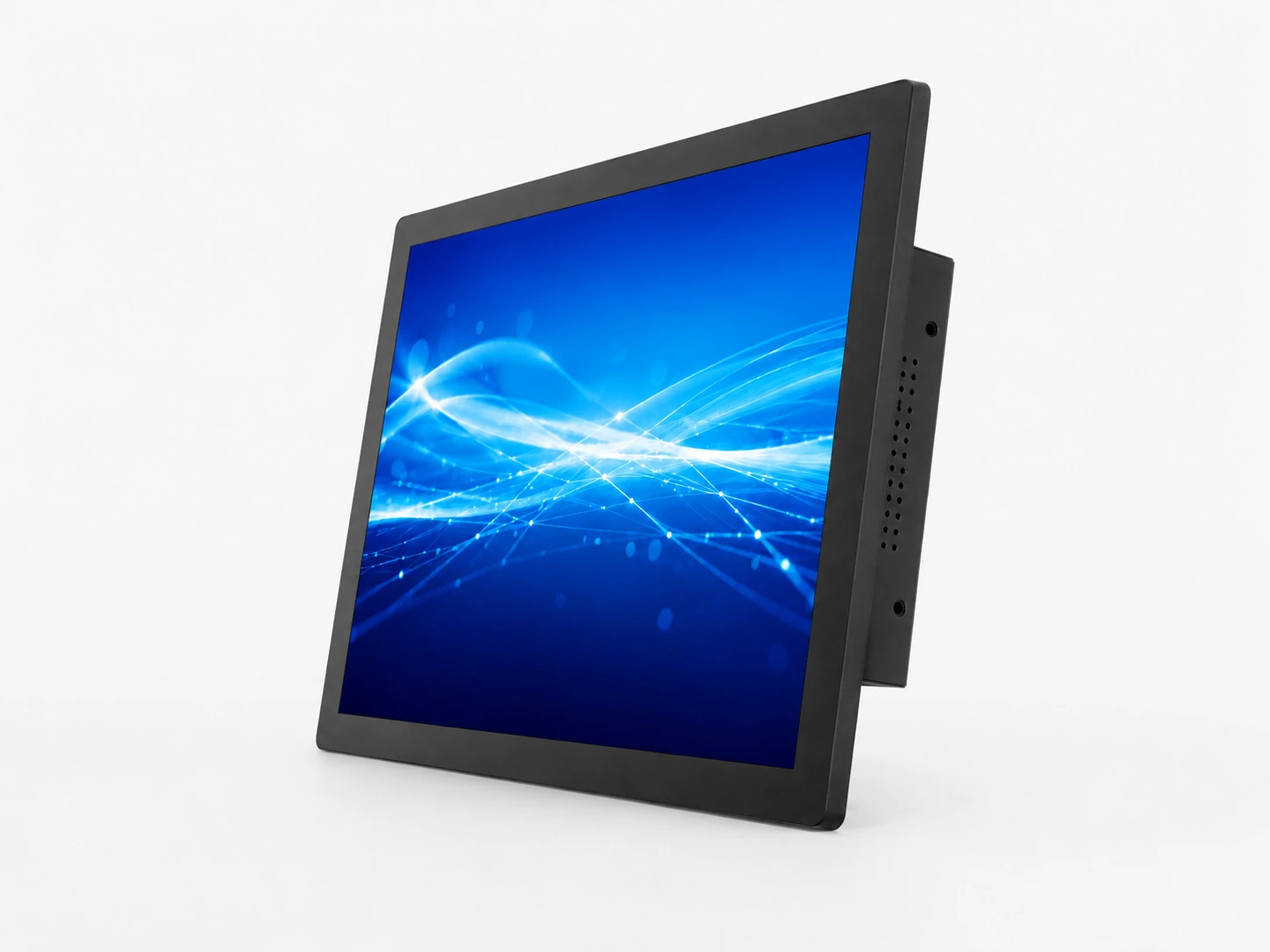
21.5-Inch Touchscreen Monitor
Confirmed Specifications
- Capacitive Touch
- 16:9 Aspect Ratio
- 1920 × 1080 Resolution
- Metal Housing
Typical Applications
- Compact equipment
- POS terminals
- Information systems
- Control interfaces
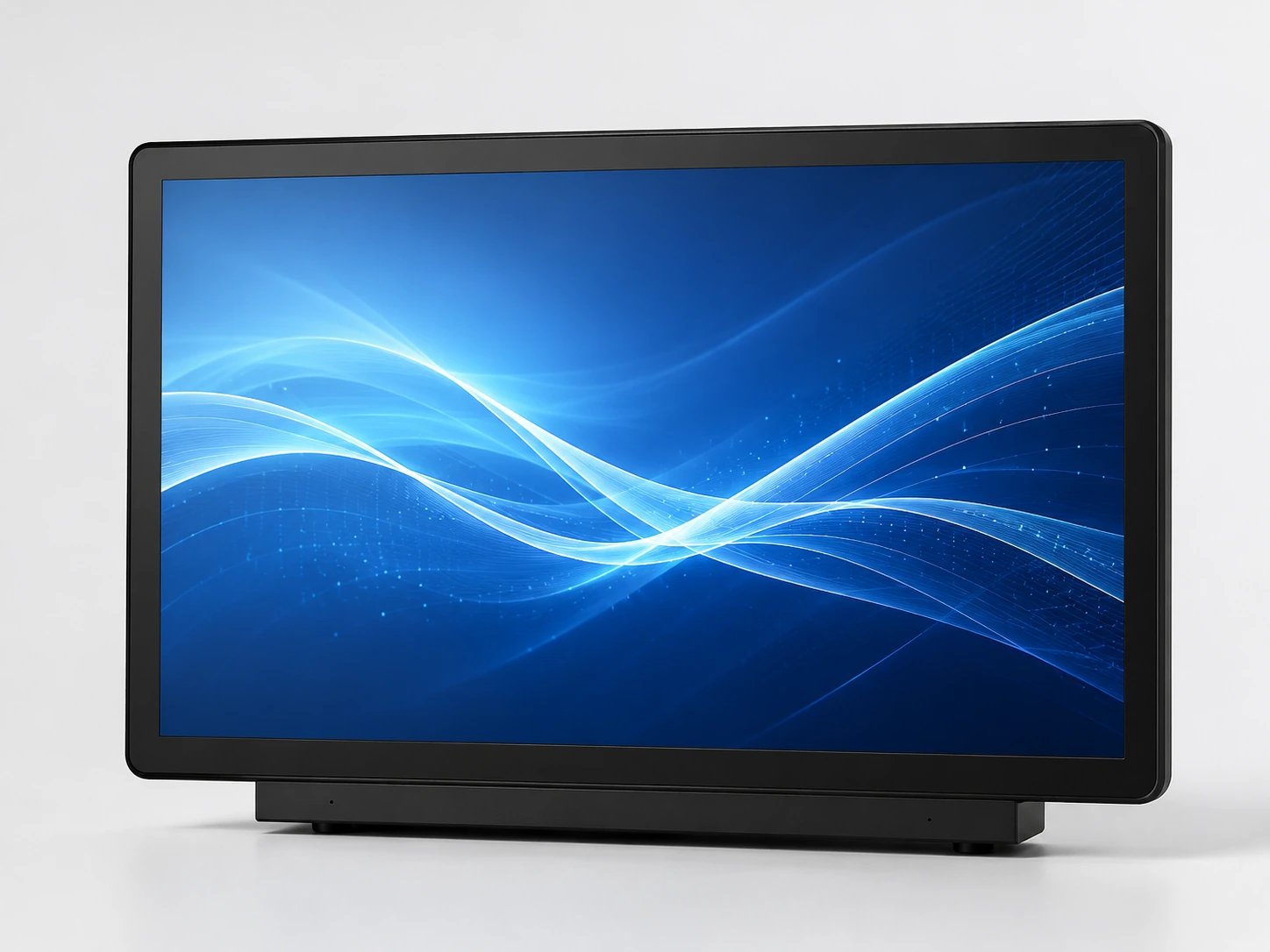
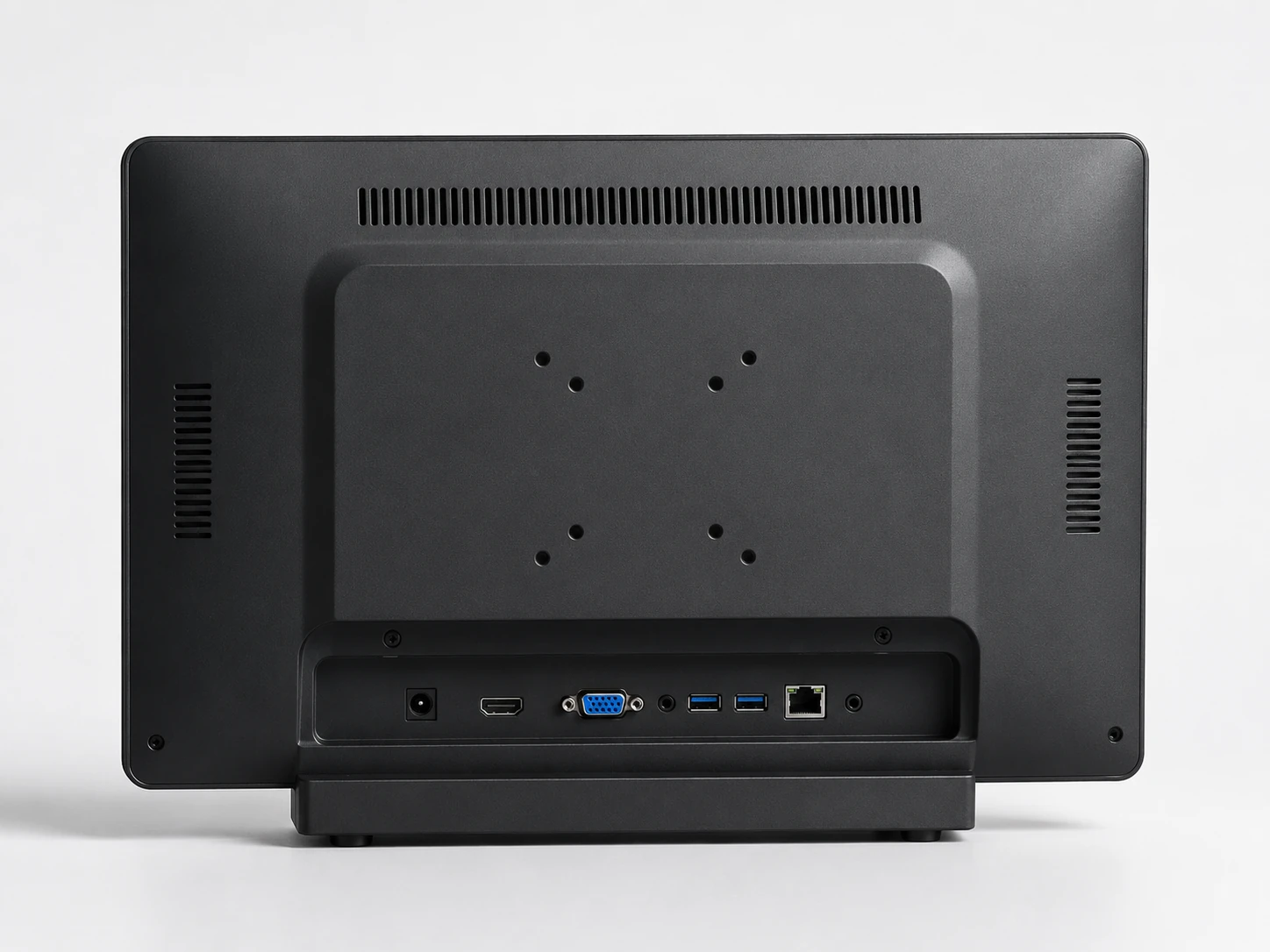
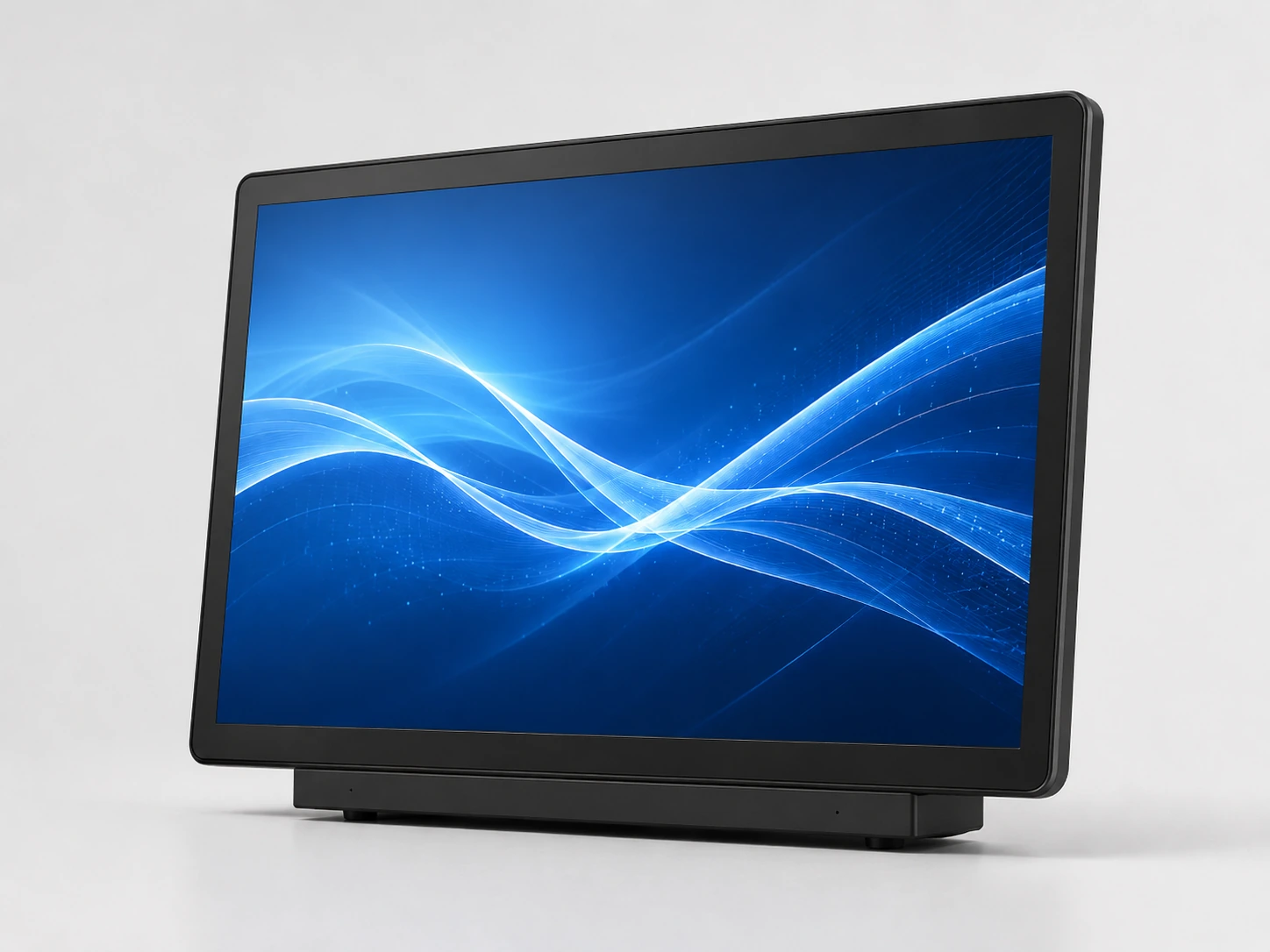
23.8-Inch Touchscreen Monitor
Confirmed Specifications
- Capacitive Touch
- 16:9 Aspect Ratio
- 1920 × 1080 Resolution
- Metal Housing
Typical Applications
- Desktop equipment
- Commercial terminals
- Operator interfaces
- Interactive counters
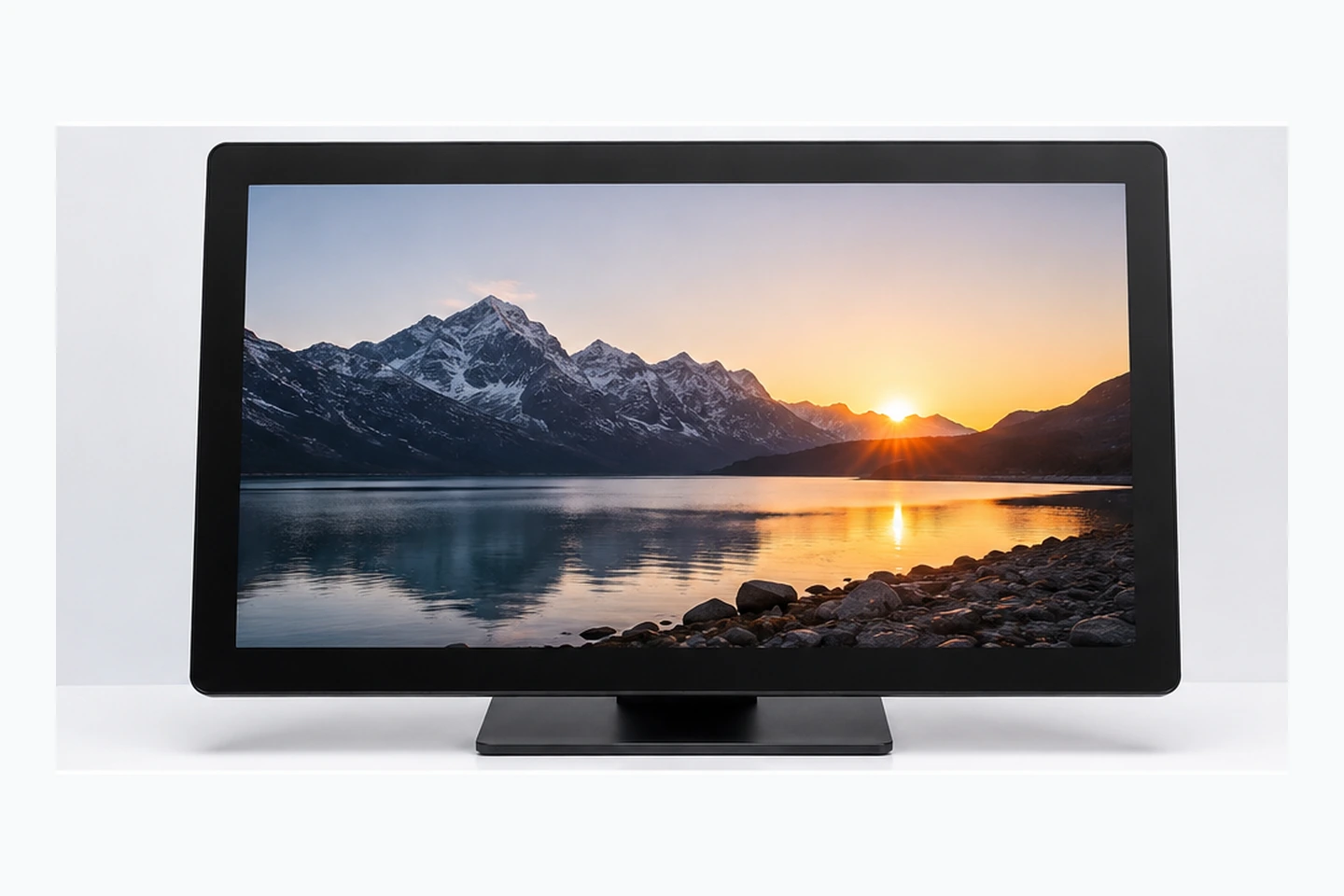
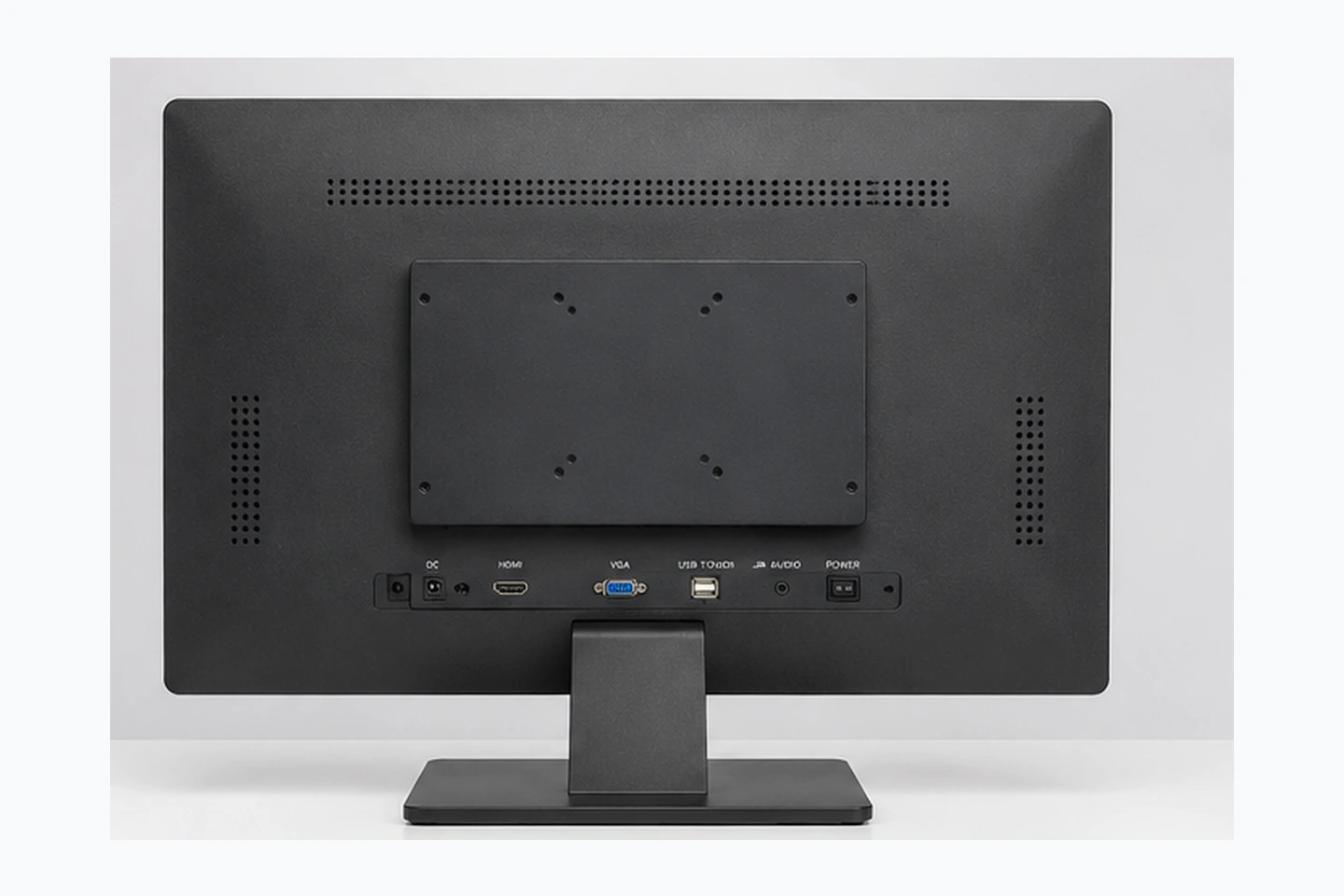
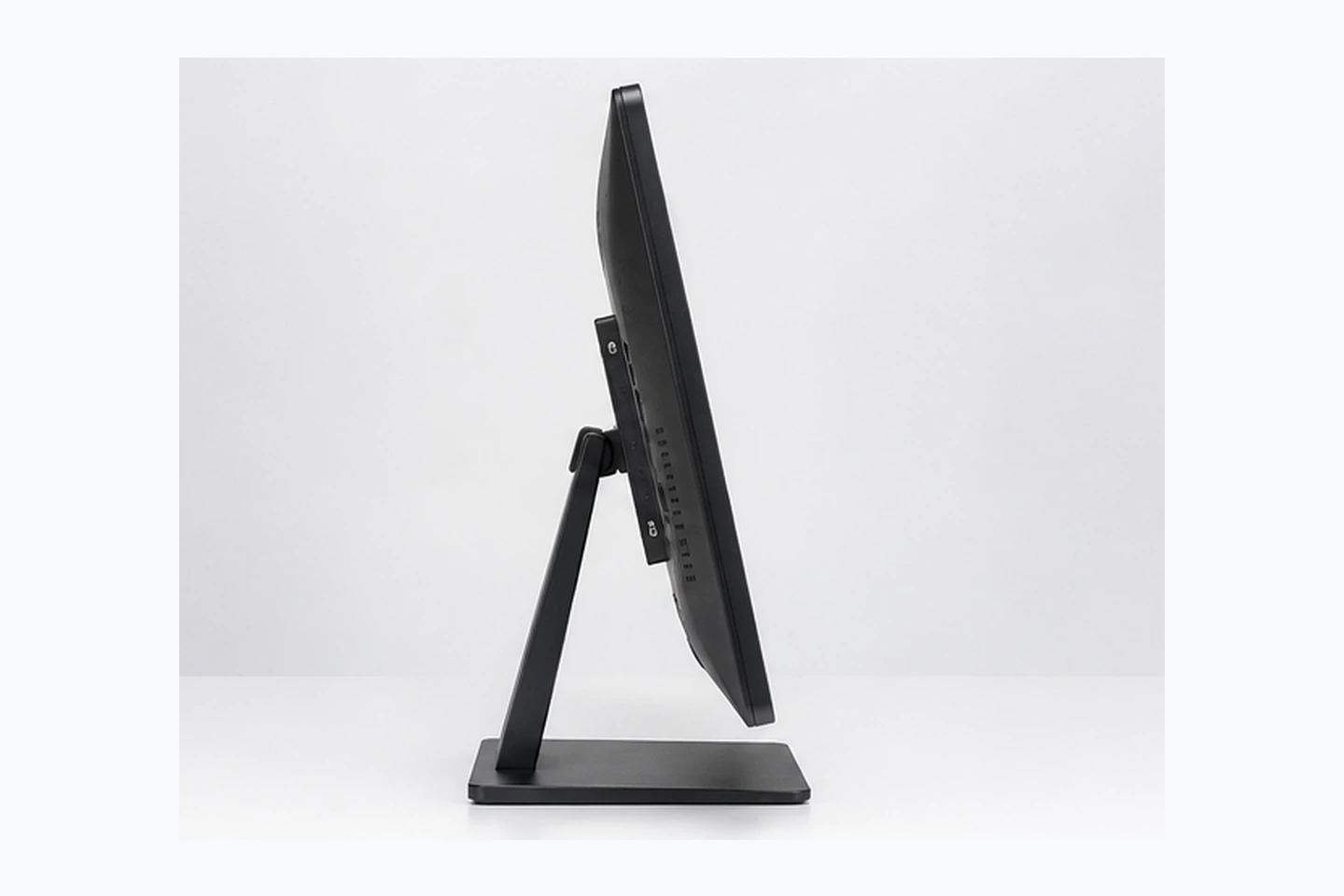
27-Inch Touchscreen Monitor
Confirmed Specifications
- Capacitive Touch
- 16:9 Aspect Ratio
- 1920 × 1080 Resolution
- Metal Housing
Typical Applications
- Self-service equipment
- Industrial workstations
- Retail interaction
- Gaming equipment integration
31.5-Inch Touchscreen Monitor
The 31.5-inch model is often grouped by buyers into the 32-inch touchscreen monitor class, but the actual panel size and mechanical dimensions must be confirmed from the datasheet.
Confirmed Specifications
- Capacitive Touch
- 16:9 Aspect Ratio
- 1920 × 1080 Resolution
- Metal Housing
Typical Applications
- Large control interfaces
- Information terminals
- Commercial equipment
- Integrated cabinets
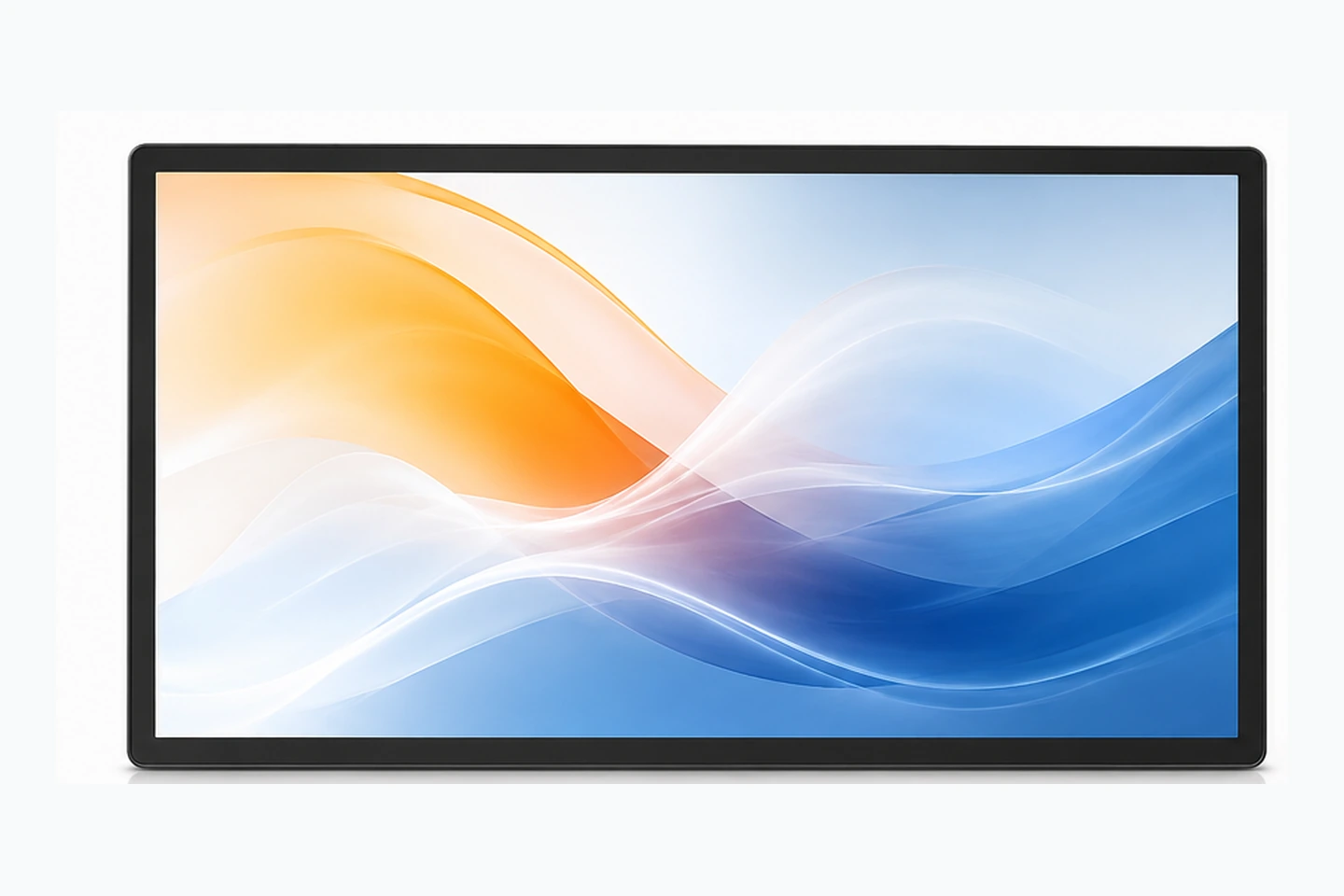
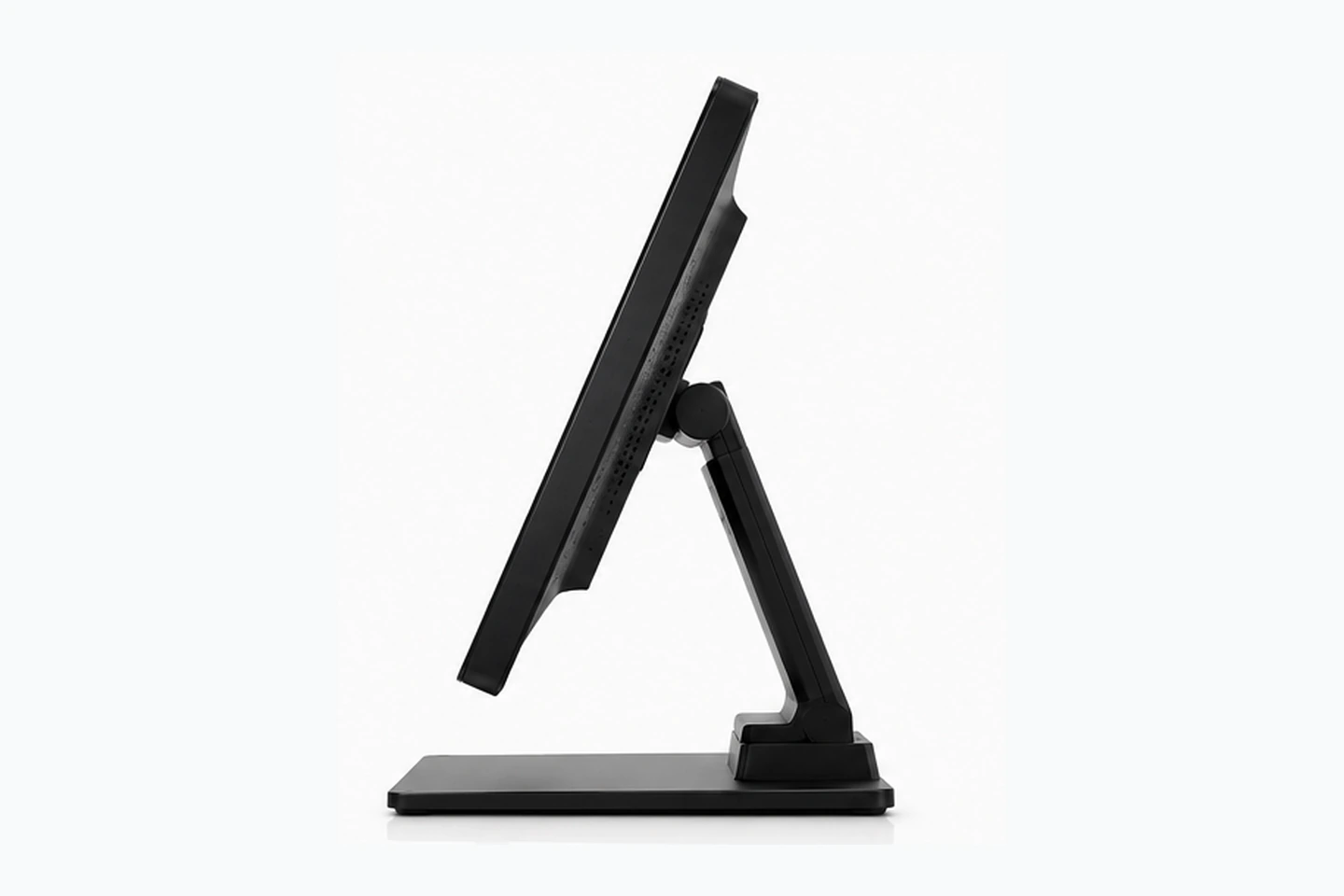
43-Inch Touchscreen Monitor
Confirmed Specifications
- Capacitive Touch
- 16:9 Aspect Ratio
- 1920 × 1080 Resolution
- Metal Housing
Typical Applications
- Large information terminals
- Interactive retail equipment
- Commercial display systems
- Custom equipment cabinets
Touchscreen Monitor Model Comparison
| Screen Size | Model | Touch Technology | Resolution | Housing | Touch Points | Brightness | Action |
|---|---|---|---|---|---|---|---|
| 21.5 Inch | TP215-JX-DR-02 | Capacitive Touch | 1920 × 1080 | Metal Housing | Confirm by model | Confirm by model | Request Quote |
| 23.8 Inch | TP238-JX-DR-02 | Capacitive Touch | 1920 × 1080 | Metal Housing | Confirm by model | Confirm by model | Request Quote |
| 27 Inch | TP270-JX-DR-02 | Capacitive Touch | 1920 × 1080 | Metal Housing | Confirm by model | Confirm by model | Request Quote |
| 31.5 Inch | TP315-JX-DR-02 | Capacitive Touch | 1920 × 1080 | Metal Housing | Confirm by model | Confirm by model | Request Quote |
| 43 Inch | TP430-JX-DR-02 | Capacitive Touch | 1920 × 1080 | Metal Housing | Confirm by model | Confirm by model | Request Quote |
What Is a Touchscreen Monitor?
A touchscreen monitor combines a visual display and touch input in one external display unit. It normally connects to a computer, industrial PC or media system for video and touch control. Unlike an all-in-one PC, a standard touchscreen monitor does not necessarily include its own CPU, memory, storage or operating system.
Touchscreen Monitor
- • Display
- • Touch Layer
- • Controller
- • Housing
- • Video and Touch Interfaces
Touchscreen All-in-One PC
- • Display & Touch
- • CPU
- • Memory
- • Storage
- • Operating System
Open Frame Touchscreen
- • Display & Touch
- • Open Metal Structure
- • Integration Brackets
Capacitive Touchscreen Monitor Technology
Projected capacitive touch detects changes in the electrical field when a finger or compatible input device touches the glass surface. It is commonly selected for responsive interaction, clear display presentation and multi-touch operation.
Current flat series are confirmed as Capacitive Touch.
Specific touch points (e.g., 10-point) are confirmed by model.
Glove, water, stylus and thick glass support require separate validation. Passive/active styluses are not universally compatible.
| Feature | PCAP (Main Focus) | Resistive | Infrared |
|---|---|---|---|
| Input Method | Finger, specific stylus | Any object (pressure) | Any opaque object |
| Multi-Touch | Excellent | Limited/None | Good |
| Surface Durability | High (Glass) | Lower (Film) | High (Glass) |
How Does a Touchscreen Monitor Connect to a Computer?
A touchscreen monitor normally uses one connection for the display image and another data connection for touch input. HDMI or DisplayPort commonly carries video, while USB commonly carries touch data. USB-C may combine video, touch data and power only when both the monitor and host device support the required functions.
Computer / Industrial PC
Touchscreen Monitor
Does HDMI carry touch input?
HDMI normally carries video and audio, not touchscreen data. A separate USB touch connection is commonly required unless an approved USB-C or other integrated connection is used.
Available interfaces vary by model and configuration.
Desktop, VESA, Wall and Equipment Integration
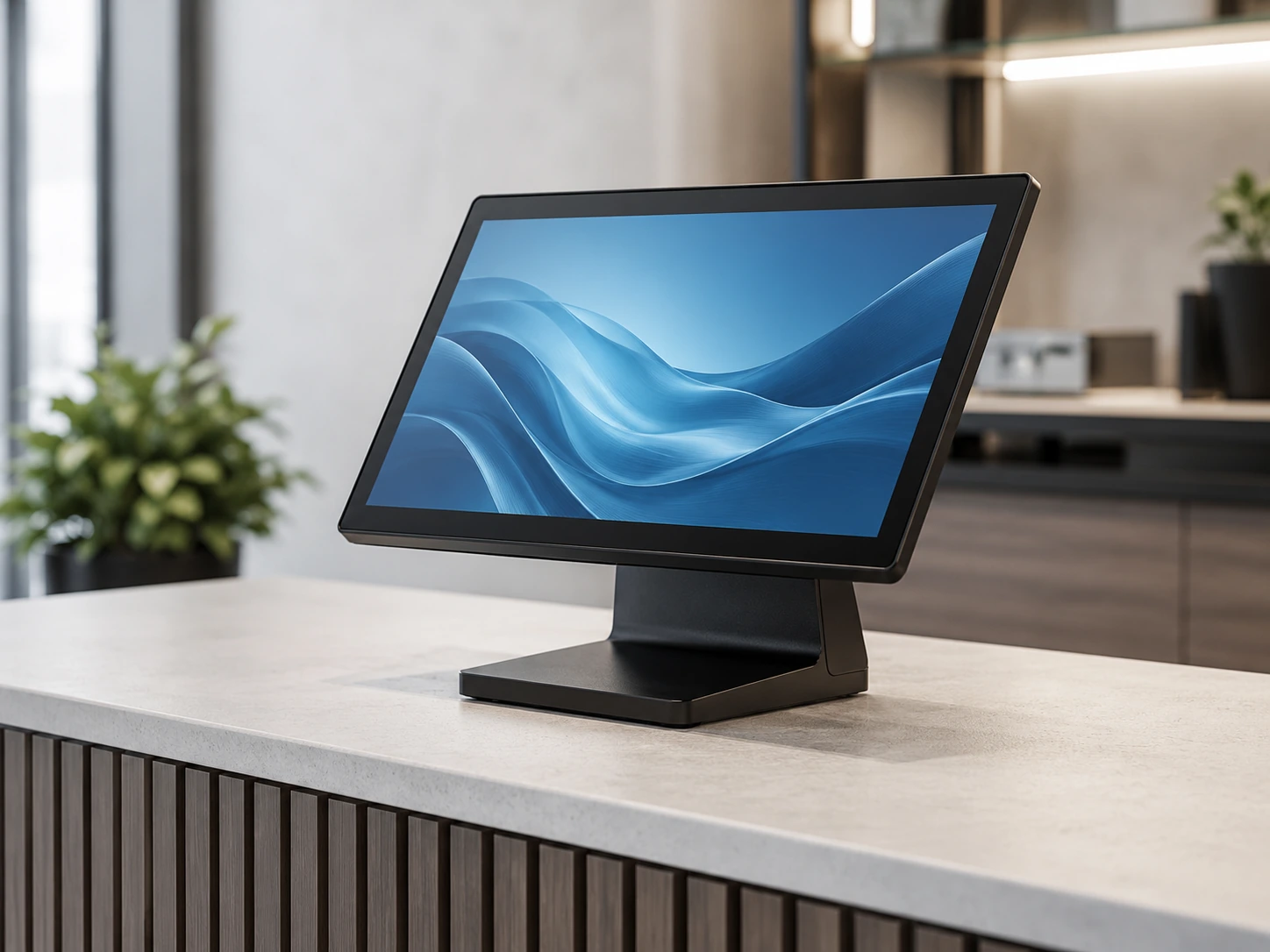
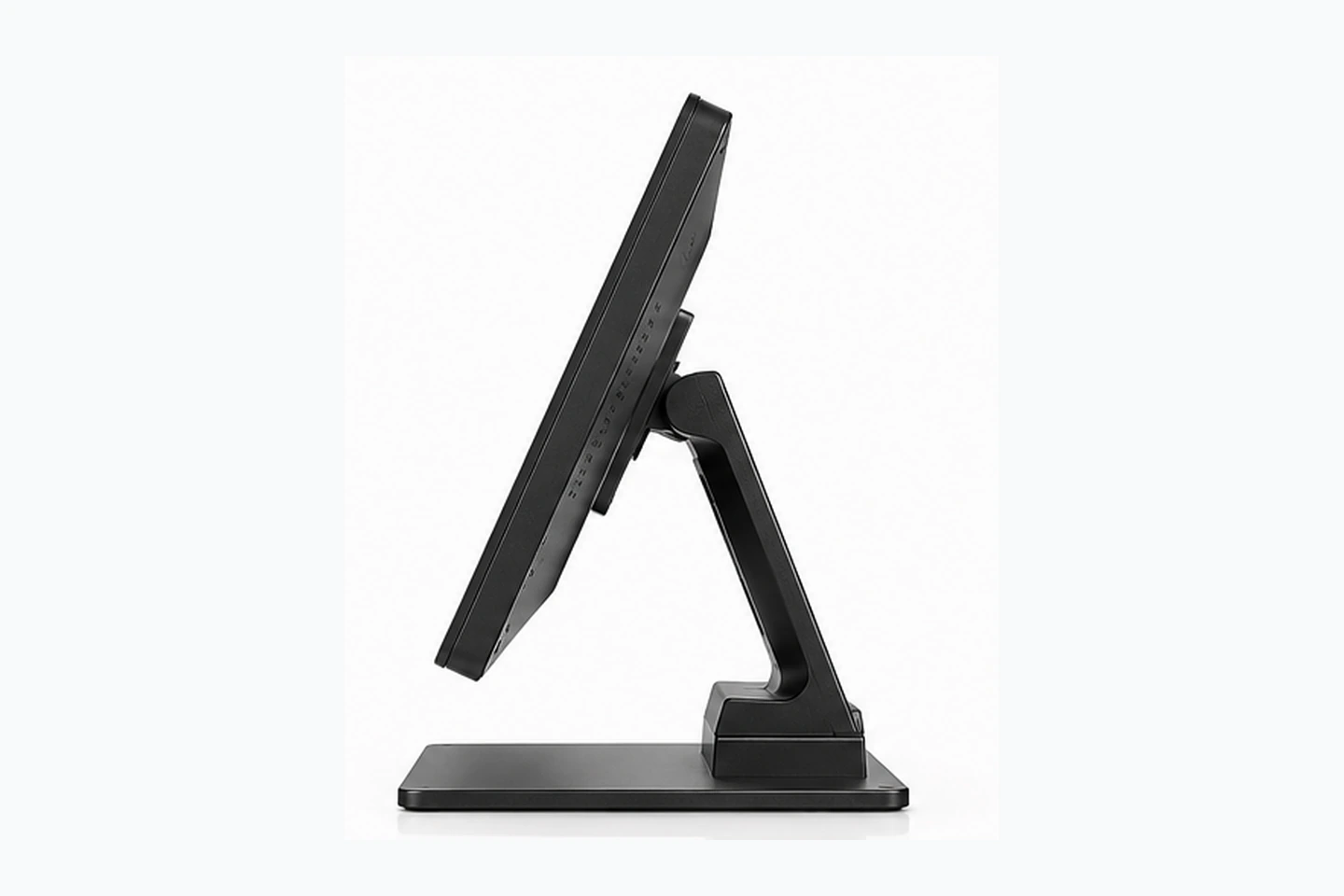
1. Desktop Installation
Suitable for:
- • POS systems
- • Operator Desks
- • Interactive Counters
- • Office Equipment
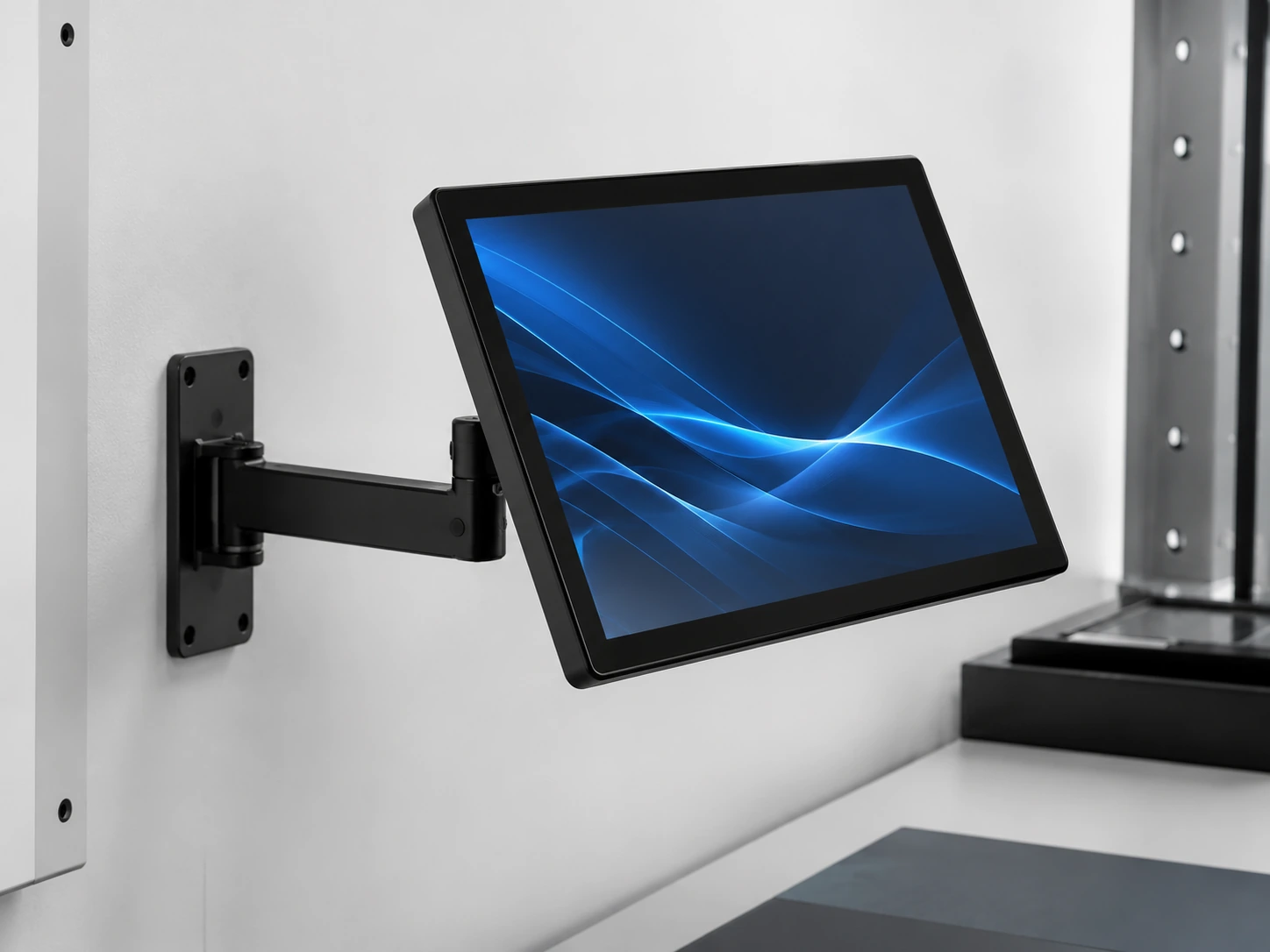
2. VESA Mounting
Suitable for:
- • Monitor Arms
- • Equipment Brackets
- • Wall Structures
- • Custom Stands
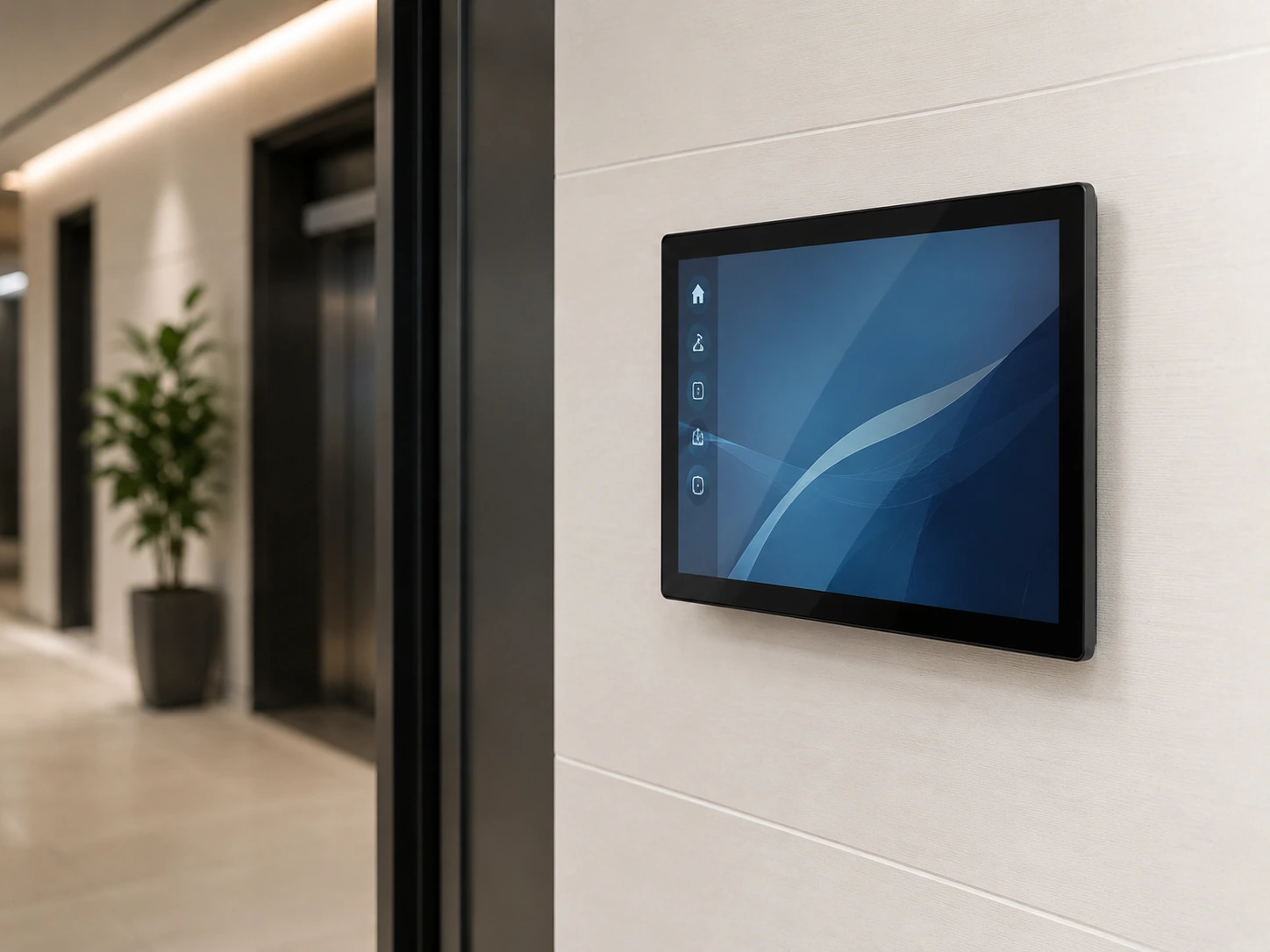
3. Wall Mounting
Suitable for:
- • Information Displays
- • Building Systems
- • Commercial Interfaces
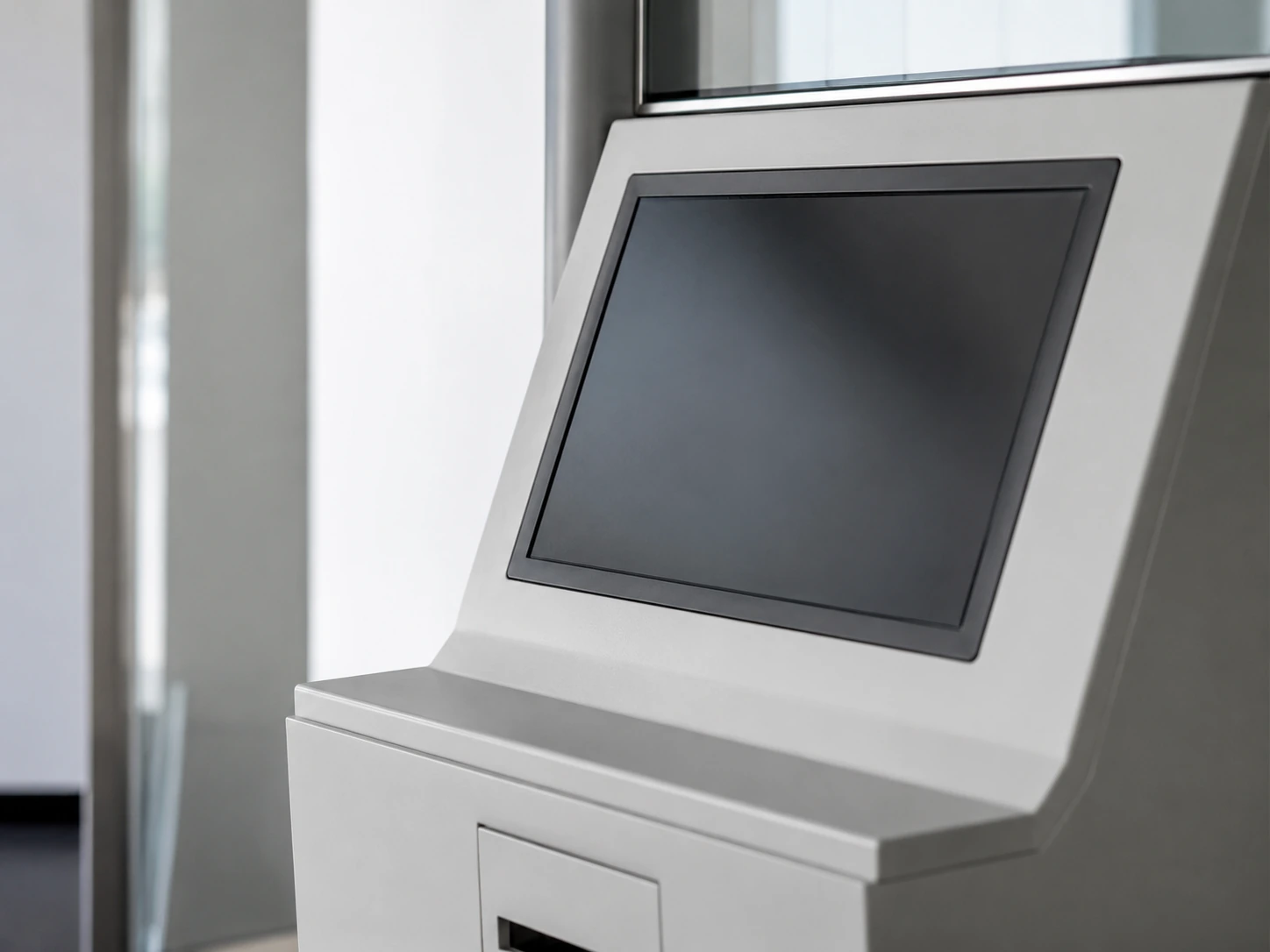
4. Embedded Integration
Suitable for:
- • Kiosks
- • Machines
- • Custom Enclosures
- • Gaming Cabinets
Available mounting methods and VESA patterns vary by model.
Need a frameless structure? View Open Frame Touchscreens.
Touchscreen Monitors for Equipment and Commercial Applications
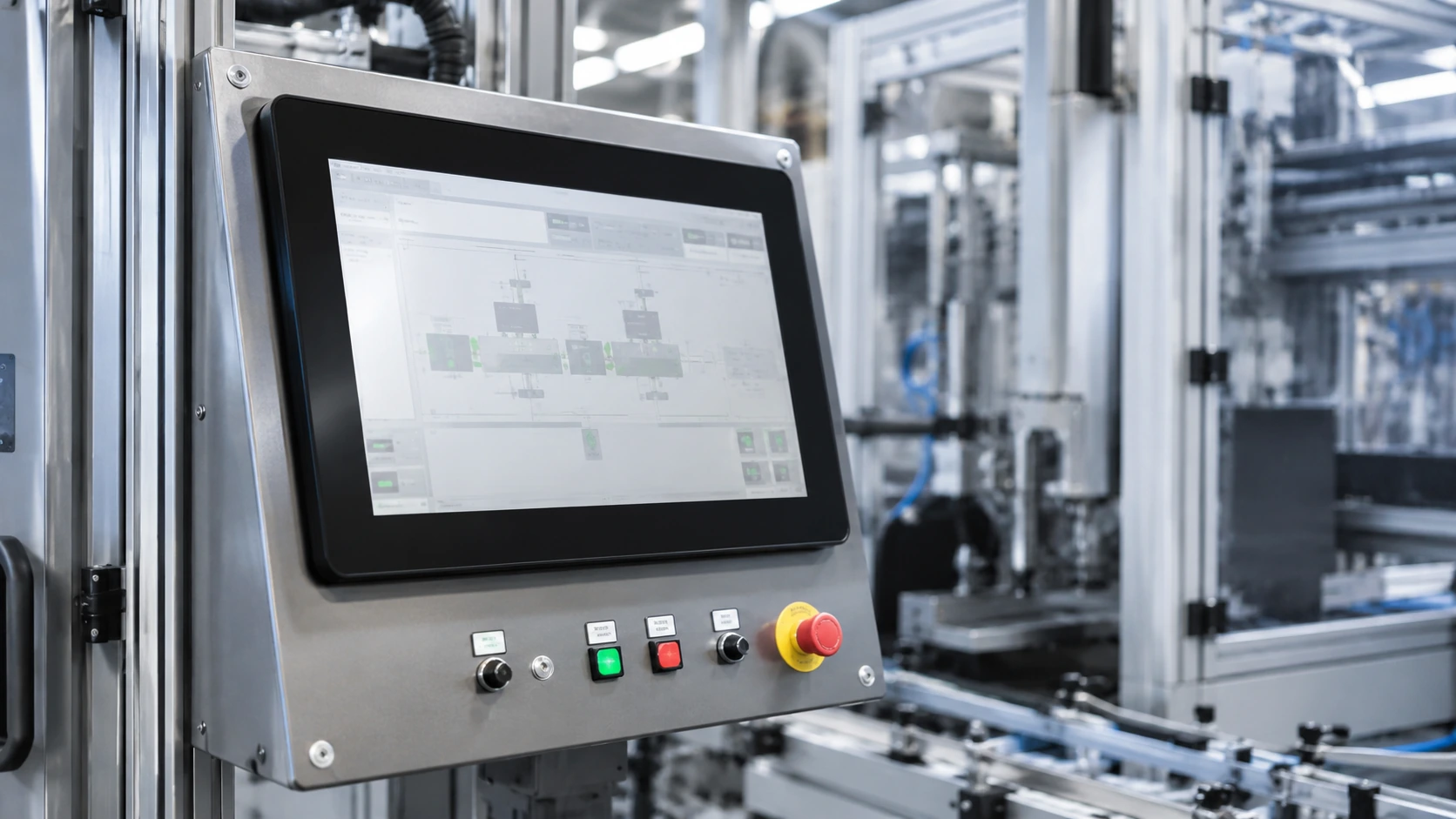
Industrial Control
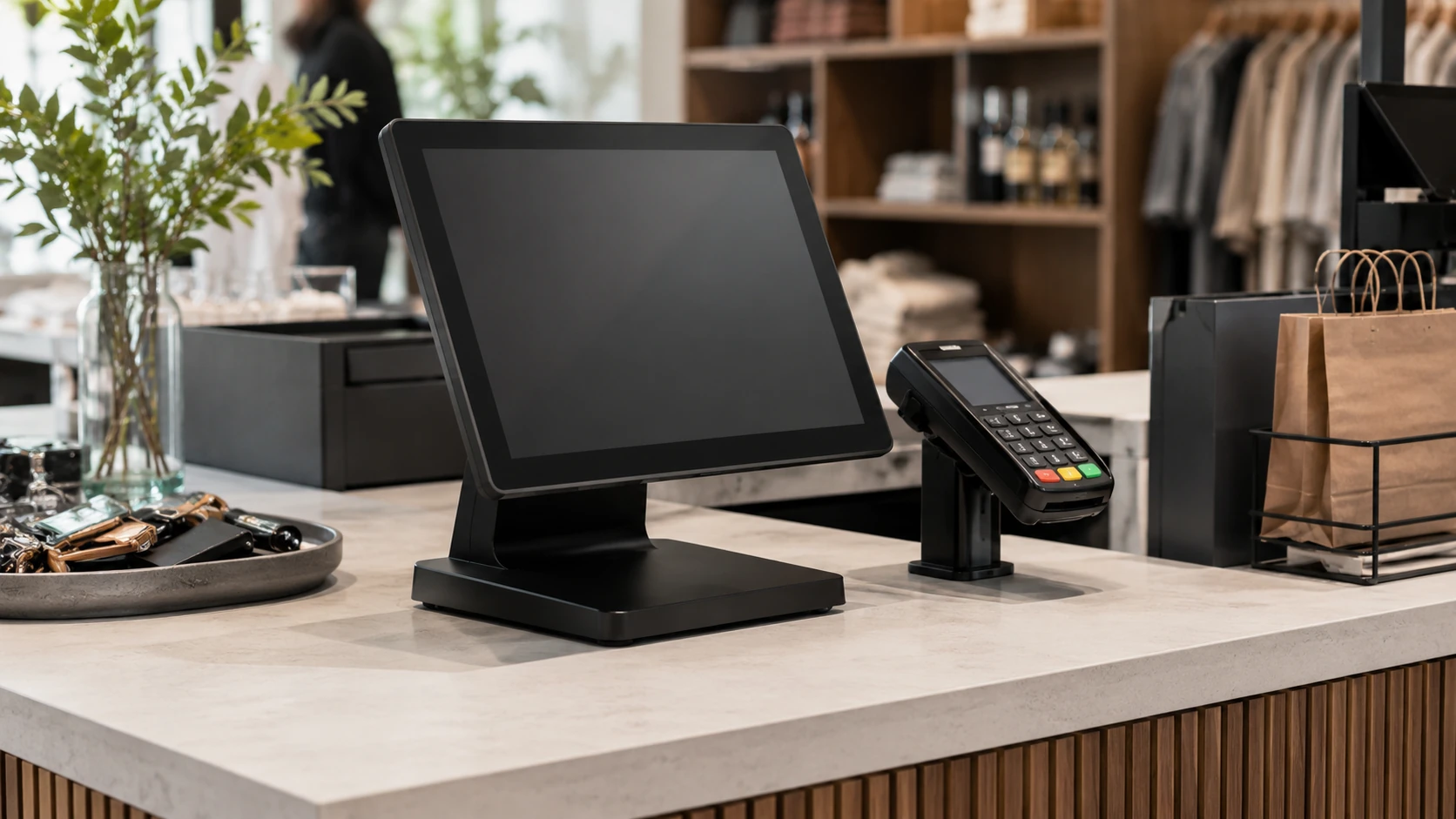
POS & Payment
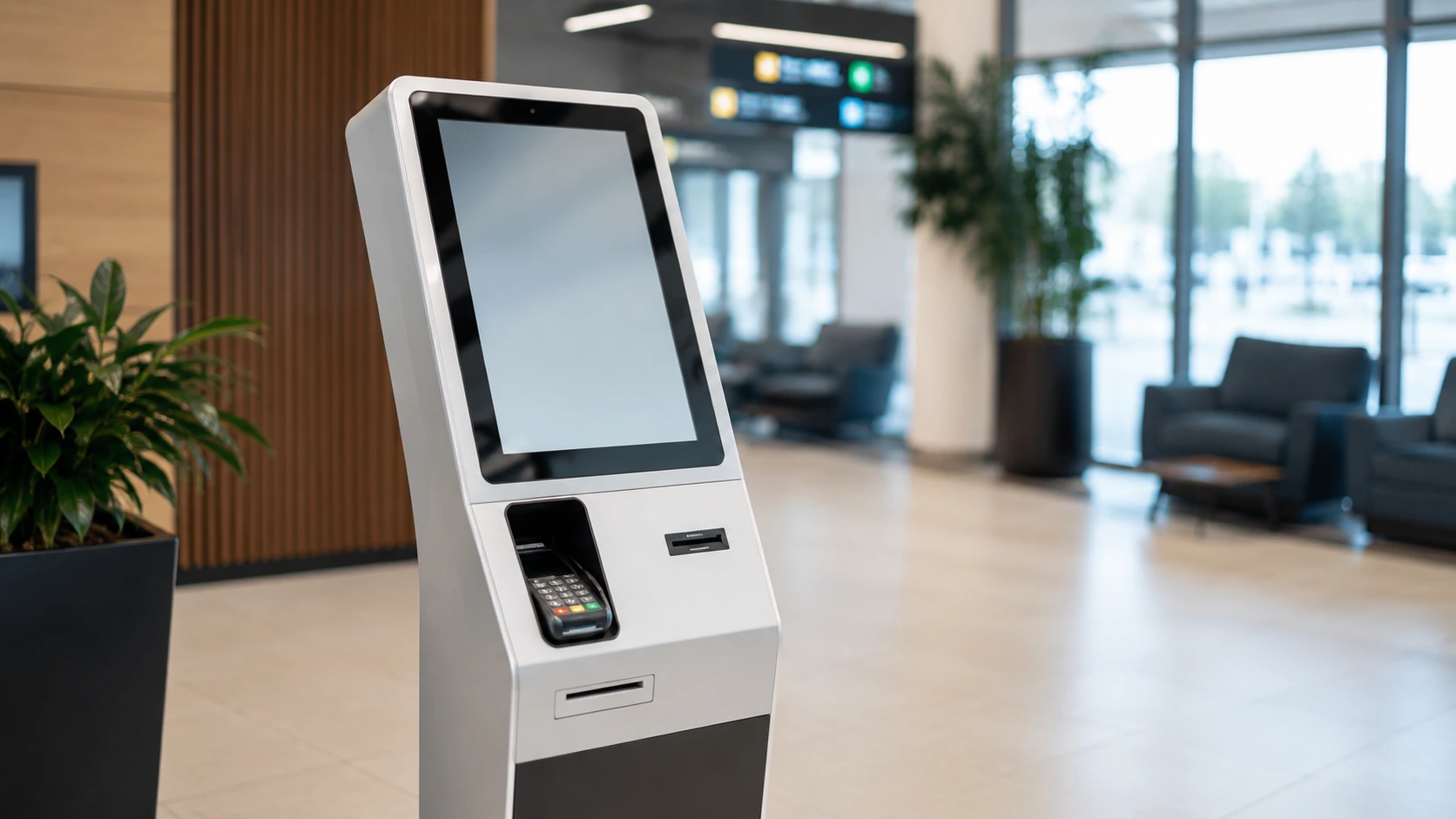
Self-Service Kiosks
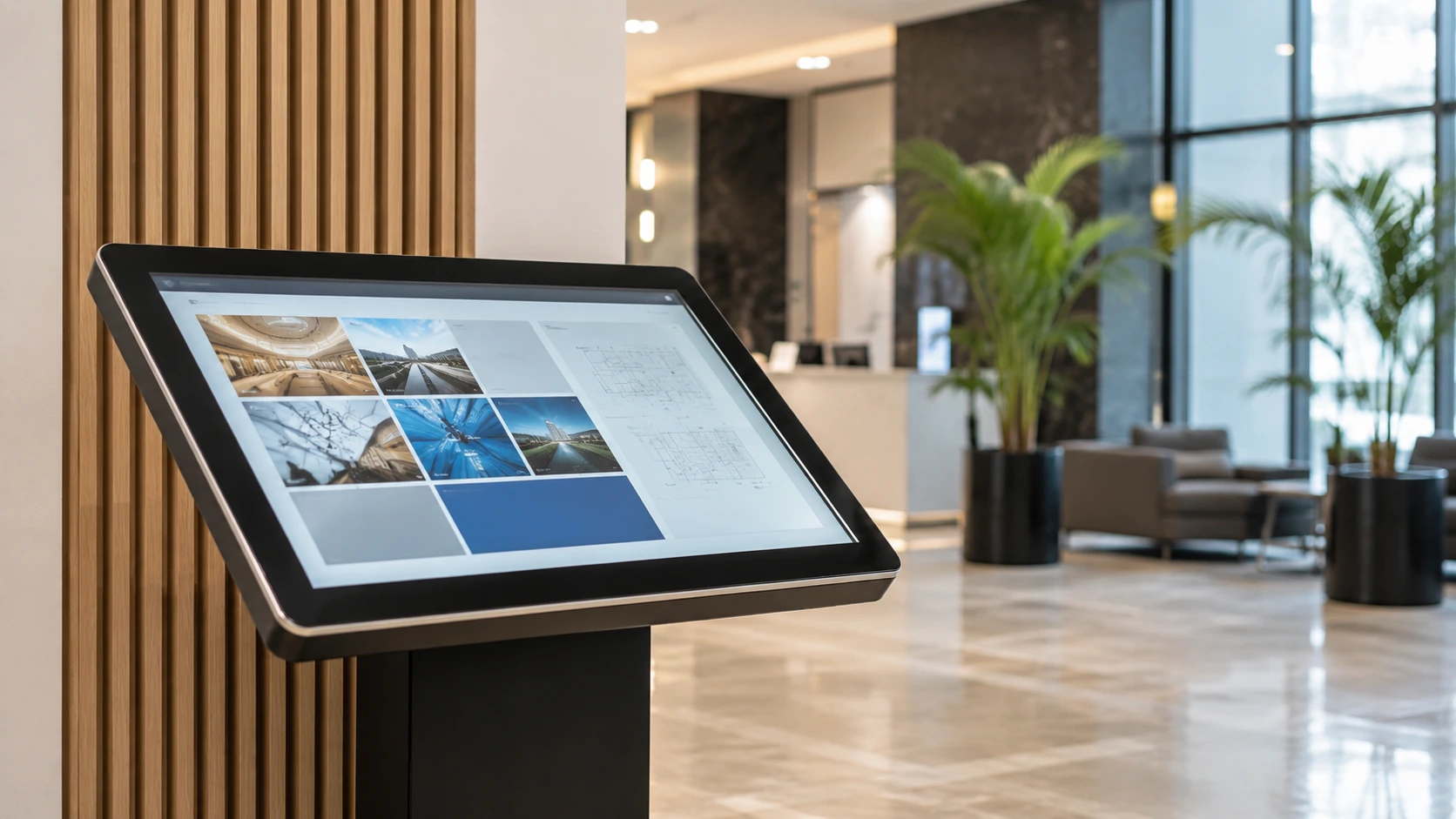
Commercial Information
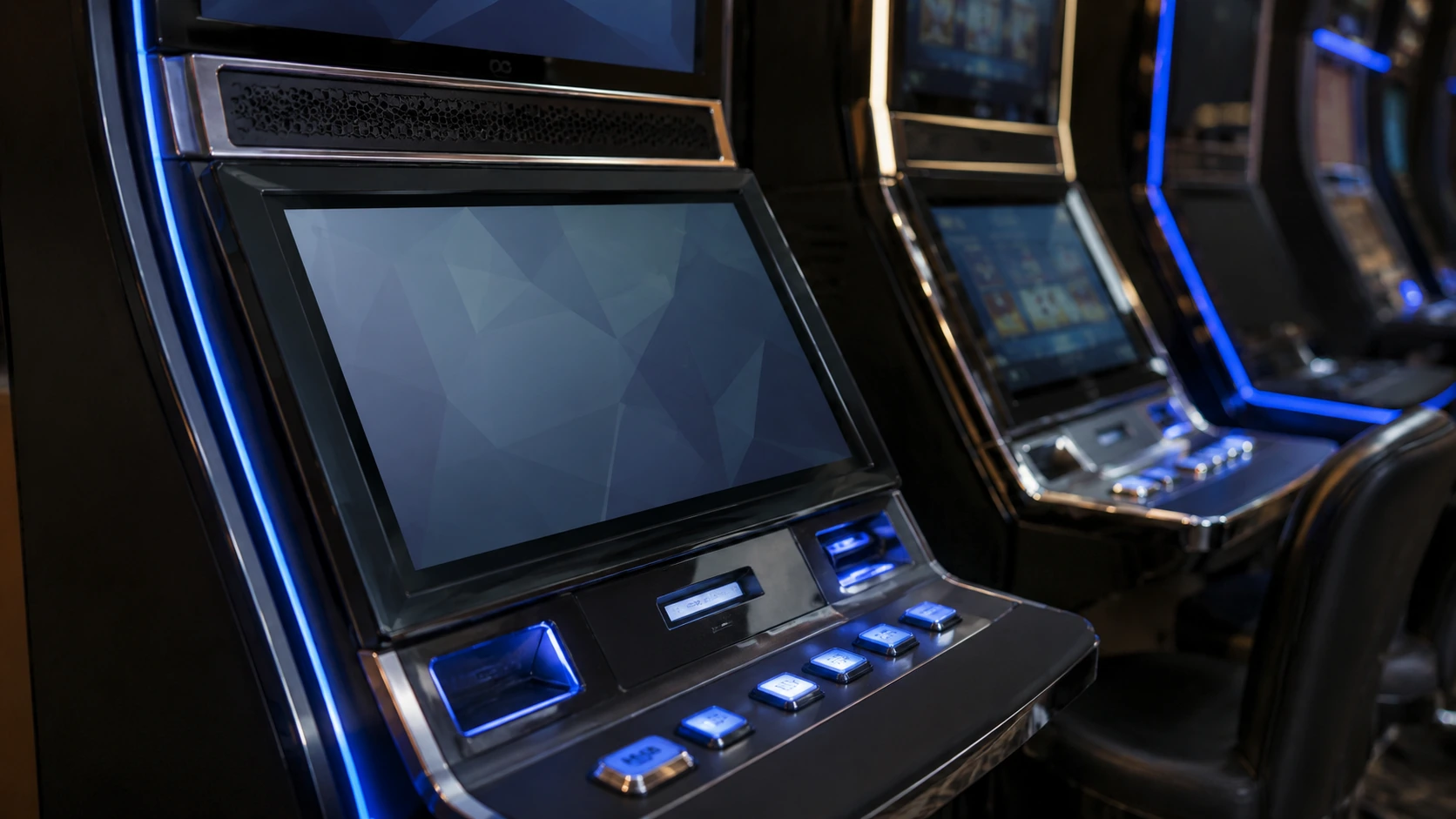
Gaming Equipment
*Integration for gaming equipment, not consumer esports monitors.
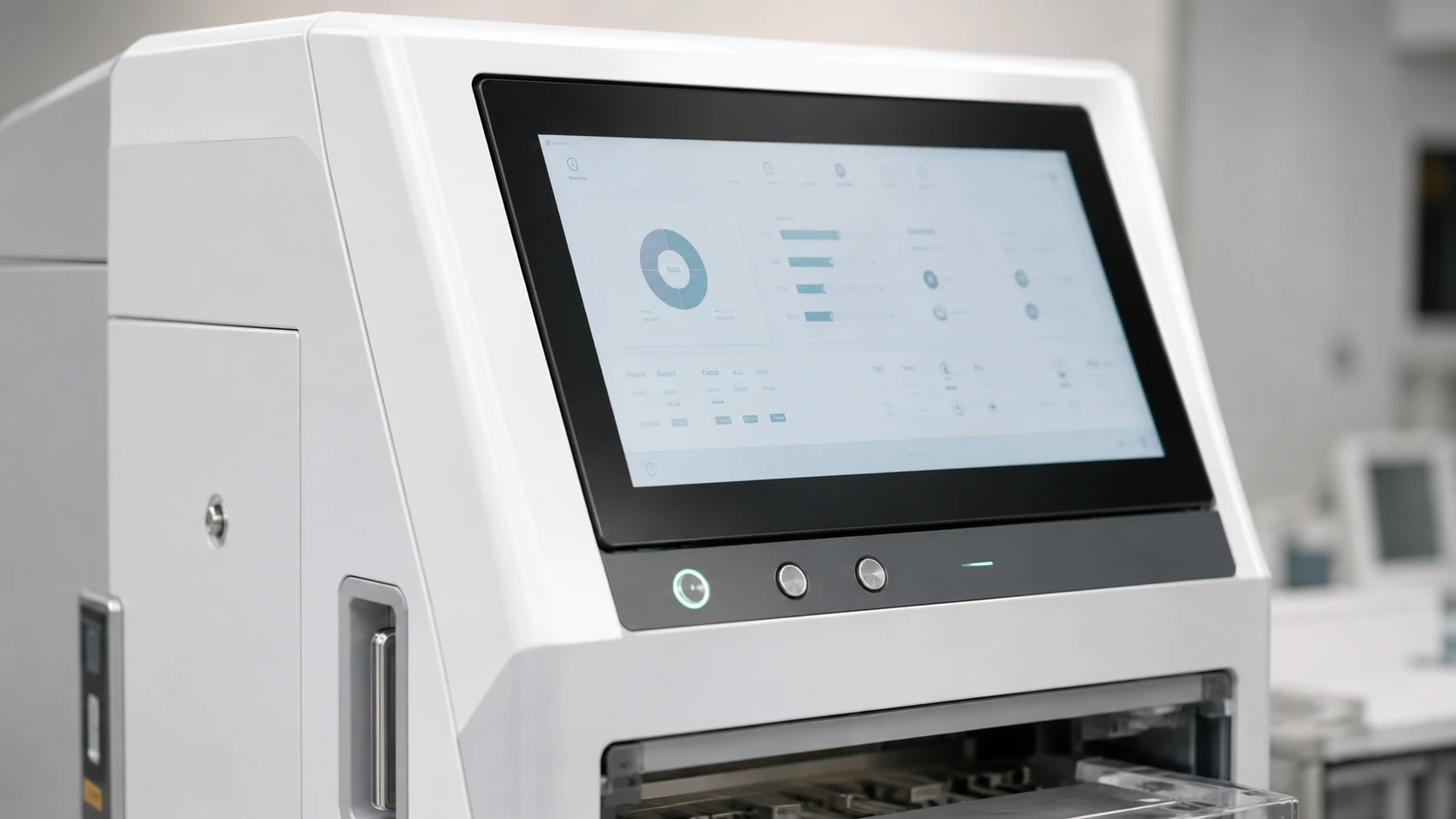
Custom Equipment
Custom Touchscreen Monitors for OEM and ODM Projects
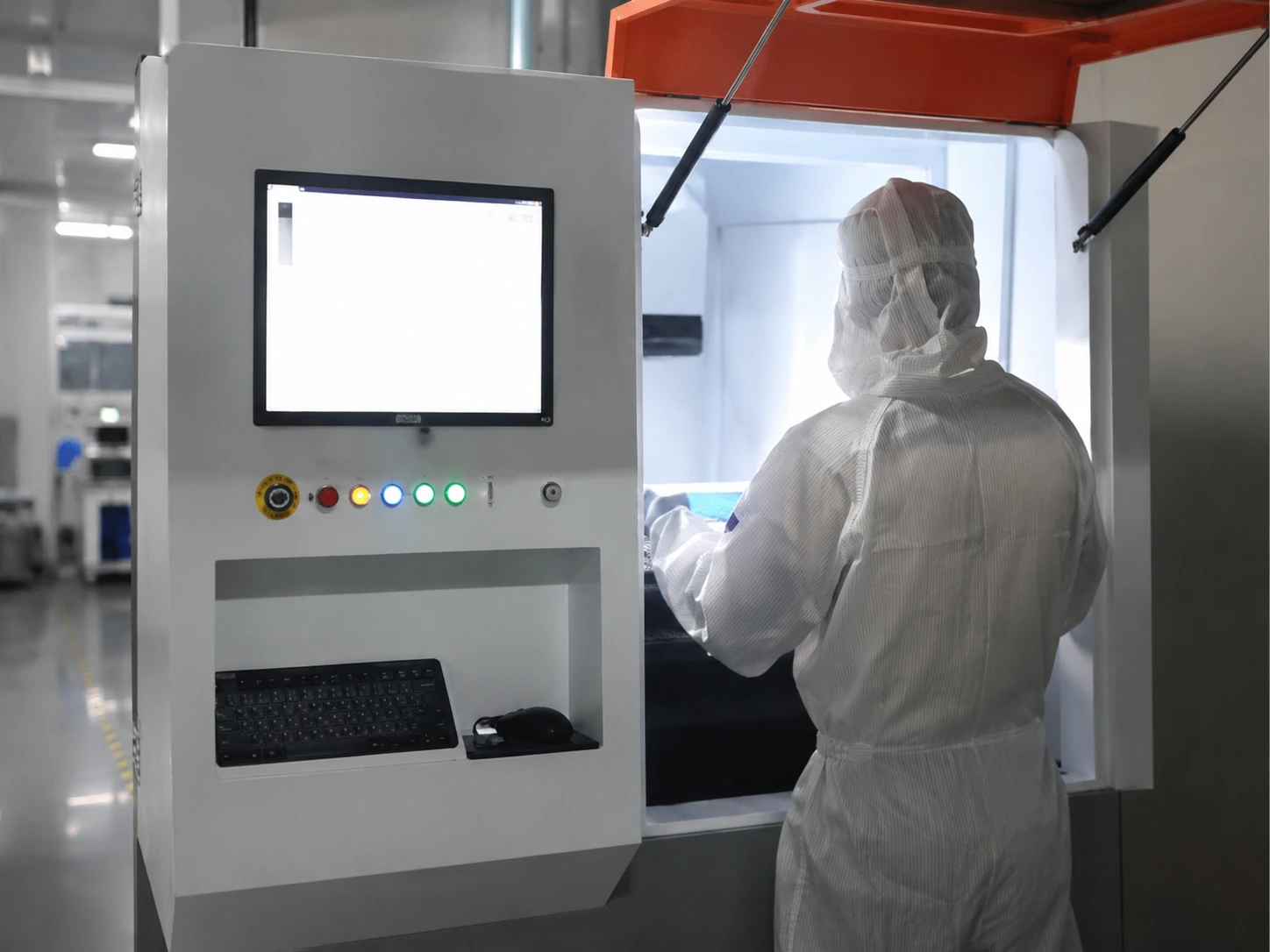
Lucky-XFC can review touchscreen monitor customization according to equipment drawings, reference samples and project requirements. Feasibility is confirmed after reviewing the display panel, touch structure, housing, electronics, mounting and order requirements.
Custom sizes and structures are subject to panel availability, tooling, electronics and engineering review.
Reference Images & Specs
Client provides initial concept.
Engineering Drawings
Structure and interfaces confirmed.
Finished Sample
Produced for final integration testing.
Common Touchscreen Monitor Integration Challenges
The monitor displays an image but touch input does not work.
Check the USB touch connection, driver, controller and operating system.
Faster system integration and troubleshooting.
Cabinet opening does not match mounting holes.
Review mechanical drawings, bezel dimensions, mounting pattern and cable space.
Reduced cabinet modification.
Glare or poor visibility under strong ambient light.
Review brightness, surface treatment, glass and installation angle.
Clearer display in the target environment.
Touchscreen Monitor FAQs
What is a touchscreen monitor?
How does a touchscreen monitor connect to a PC?
Does HDMI carry touchscreen input?
Does a touchscreen monitor need a USB connection?
Can I use a touchscreen monitor with a laptop?
Are touchscreen monitors compatible with Windows 11?
Can touchscreen monitors work with macOS?
Do Lucky-XFC monitors support multi-touch?
What is the difference between a touchscreen monitor and an all-in-one PC?
What is the difference between an enclosed monitor and an open-frame touchscreen?
What touchscreen monitor sizes are available?
Can touchscreen monitors be wall-mounted or VESA-mounted?
Can I order one sample before production?
Does Lucky-XFC support OEM and ODM customization?
What information is needed for a quotation?
Can a touchscreen monitor be used for graphic design?
Still Not Sure Which Model Fits Your Equipment?
Tell Us About Your Touchscreen Monitor Project
Provide your specifications, and our engineering team will review feasibility and prepare a quotation.
Manufacturing Capabilities
- 5 Current Flat Monitor Sizes
- Capacitive Touch
- Full HD Resolution
- Metal Housing
- Sample Order Support
- OEM / ODM Review