
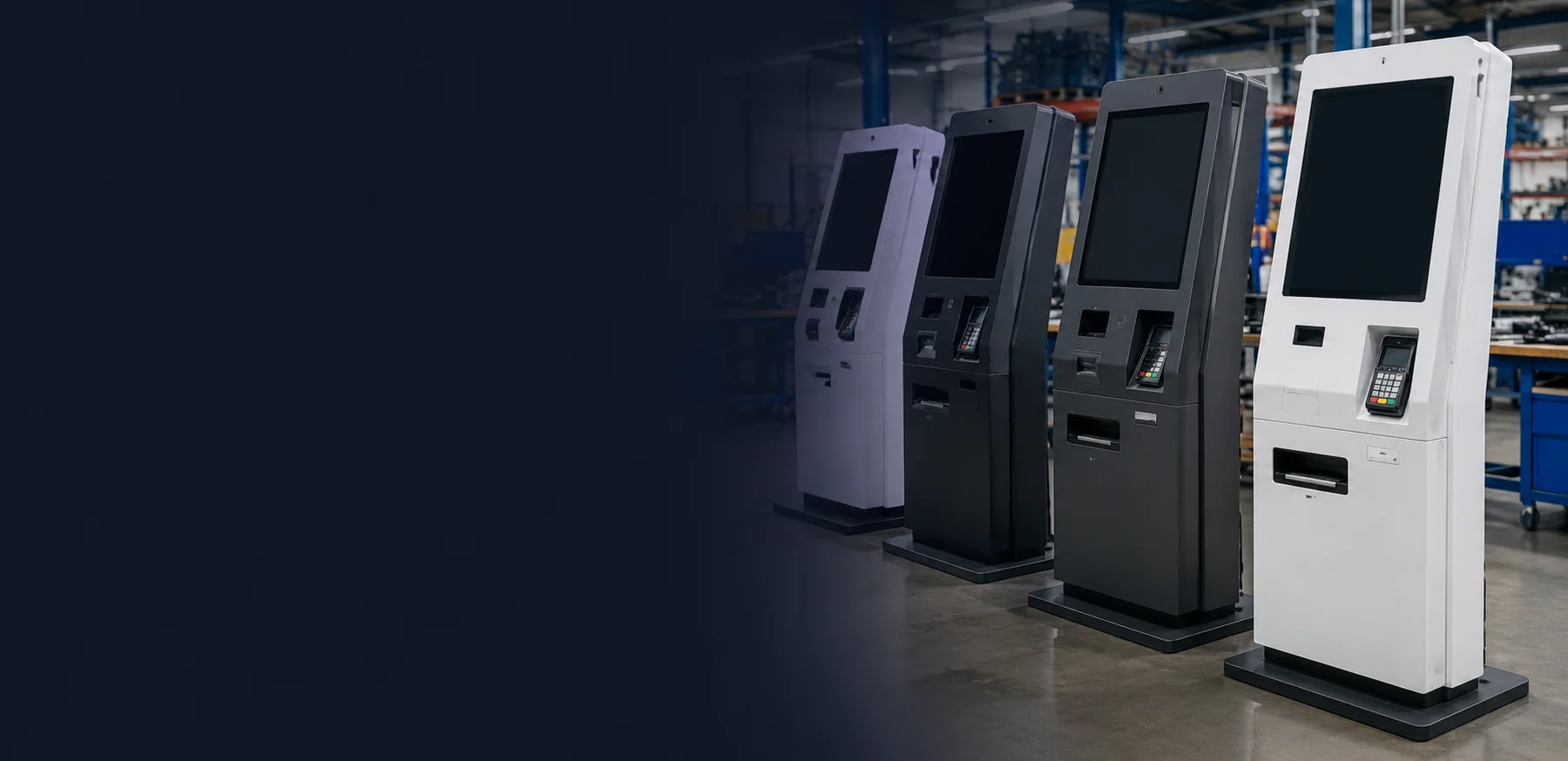
Custom Ticketing Kiosk Hardware for Sales, Pickup and Check-In
Configure a ticketing kiosk around your installation and transaction flow. Lucky XFC supplies the kiosk enclosure, touch display, mechanical structure and mounting integration for project-selected peripherals. Available formats include floor-standing, wall-mounted, countertop, dual-screen and outdoor configurations.
Lucky XFC supplies and integrates kiosk hardware. Ticketing software, ticket inventory and backend systems, payment processing and merchant services are provided by the customer or its designated software and payment partners.
What a Ticketing Kiosk Needs to Do
A ticketing kiosk is an interactive terminal that connects a touch display, computing hardware and selected peripherals to a ticketing application. Depending on the project, it can support on-site ticket sales, reservation lookup, ticket pickup, printing, registration, check-in or information access.
The kiosk hardware provides the physical interface. Ticket availability, fares, seat selection, user accounts, payment authorization and transaction rules remain functions of the connected software and service providers.
Identify the Transaction
Scan a booking code, enter an order reference or begin a new ticket selection.
Select or Verify the Ticket
Display the available choices or retrieve an existing reservation through the connected application.
Complete Payment When Required
Use a customer-selected payment terminal installed in the reserved mount or opening. Transaction authorization and payment processing are handled by the selected payment provider.
Print, Issue or Confirm
Print a ticket or receipt, issue another credential, or display a digital confirmation according to the workflow.
Choose a Ticketing Kiosk Format
Start with the installation environment and expected transaction flow. The enclosure, touch display, internal layout and service access can then be configured around the required ticketing devices.
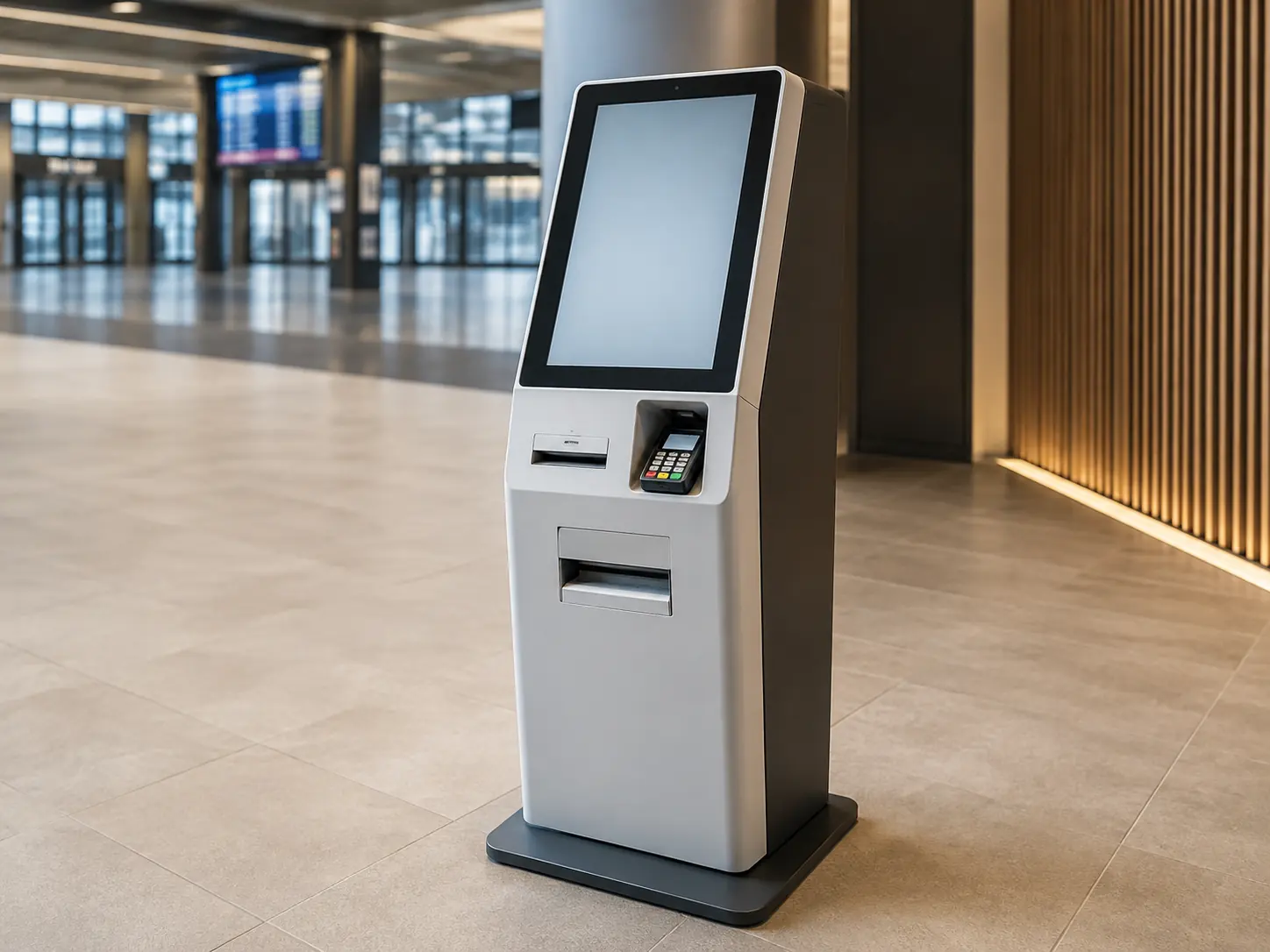
Floor-Standing Ticketing Kiosks
A freestanding enclosure provides room for a touch display, computing hardware and project-selected ticket printers, scanners, cameras, card readers or payment-terminal mounting. It is suitable where the kiosk needs a visible, dedicated position and greater internal component capacity.
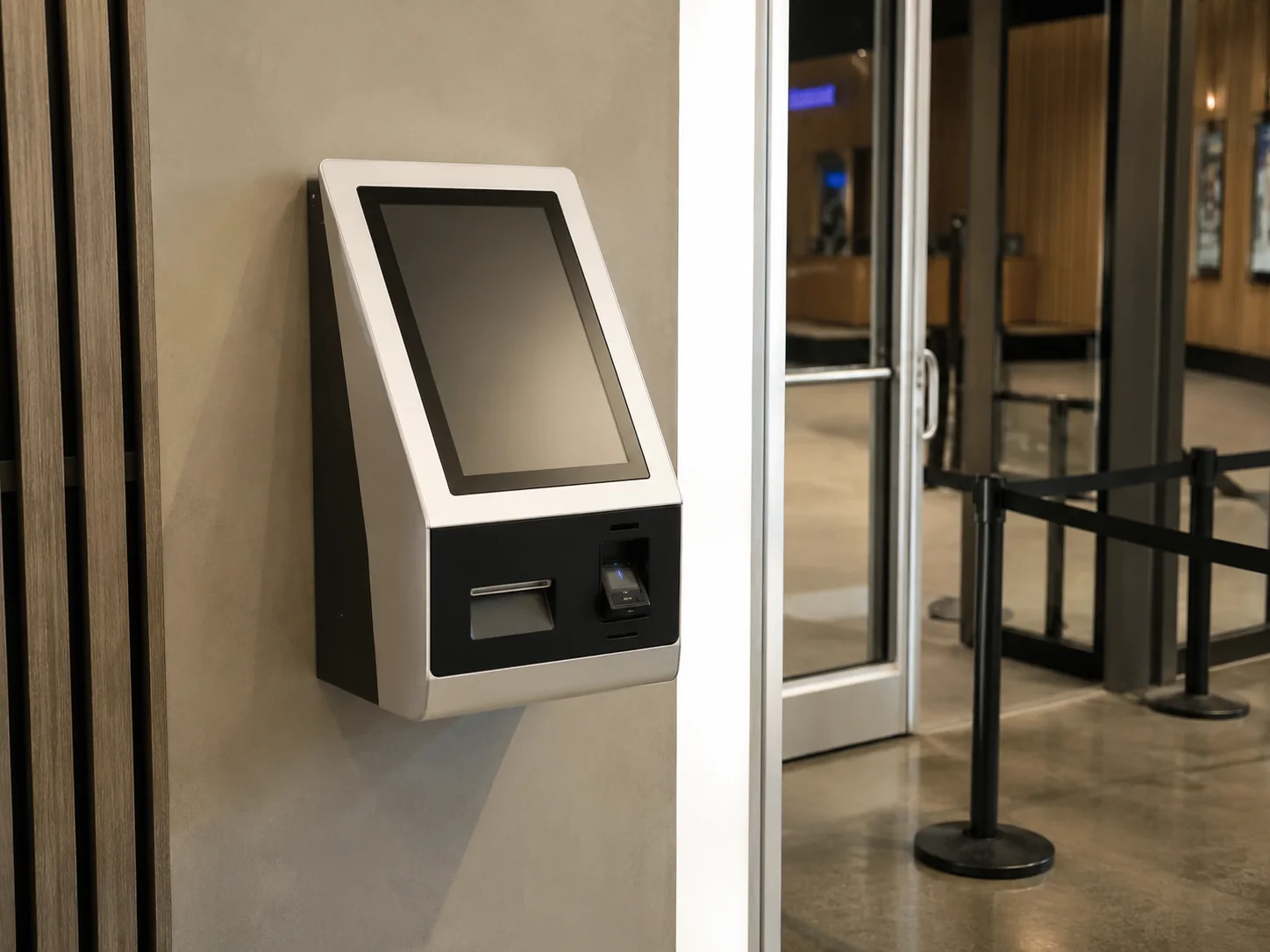
Wall-Mounted Ticketing Kiosks
A wall-mounted format helps preserve floor space at entrances, counters and compact service areas. Screen height, enclosure depth, wall structure, peripheral placement and maintenance access must be confirmed for the installation site.
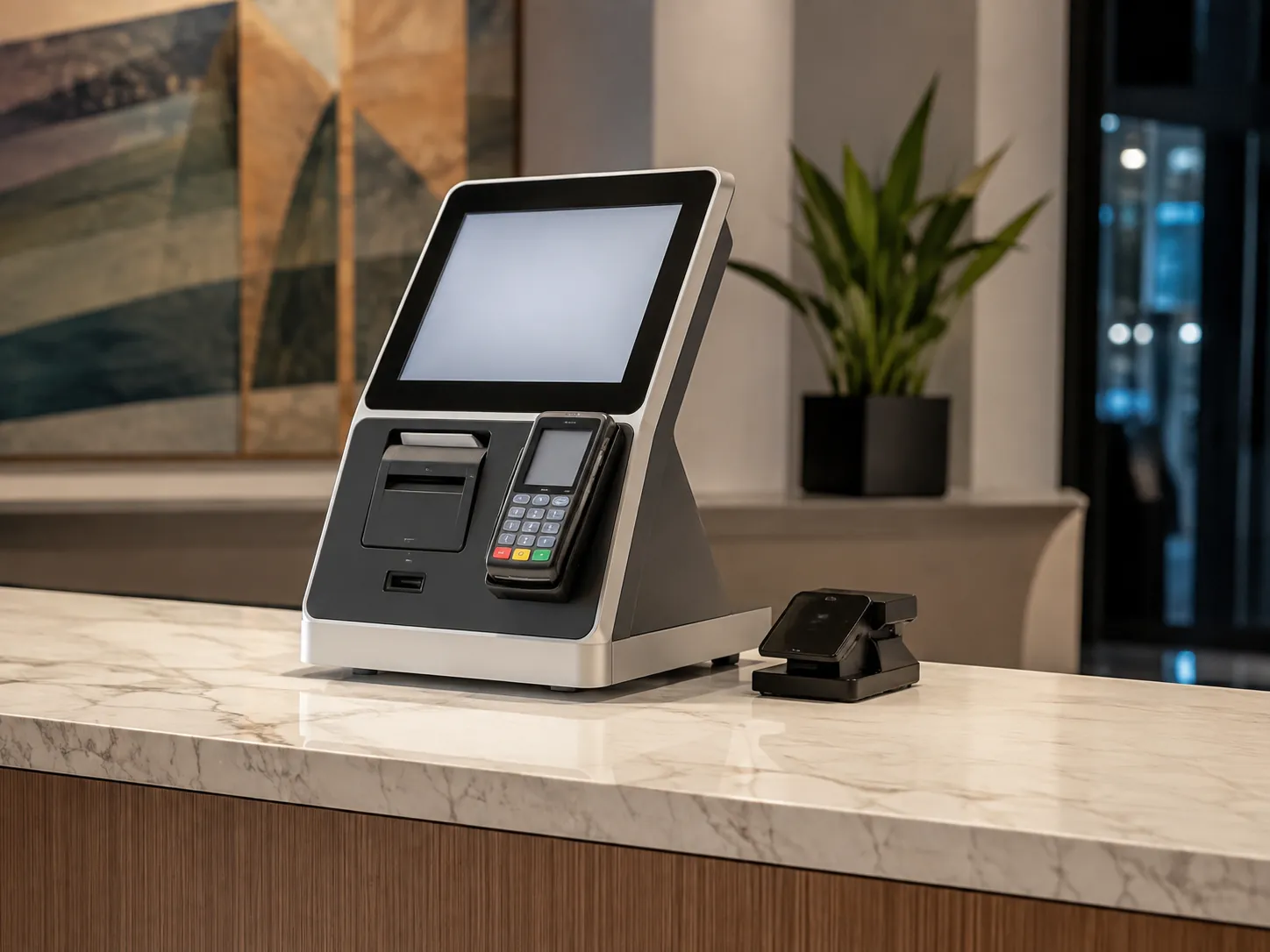
Countertop Ticketing Kiosks
A countertop kiosk can add self-service ticket lookup, payment or printing to an existing box office, reception desk or service counter. The project should confirm the available footprint, screen size, printer position, cable routing and access for staff.
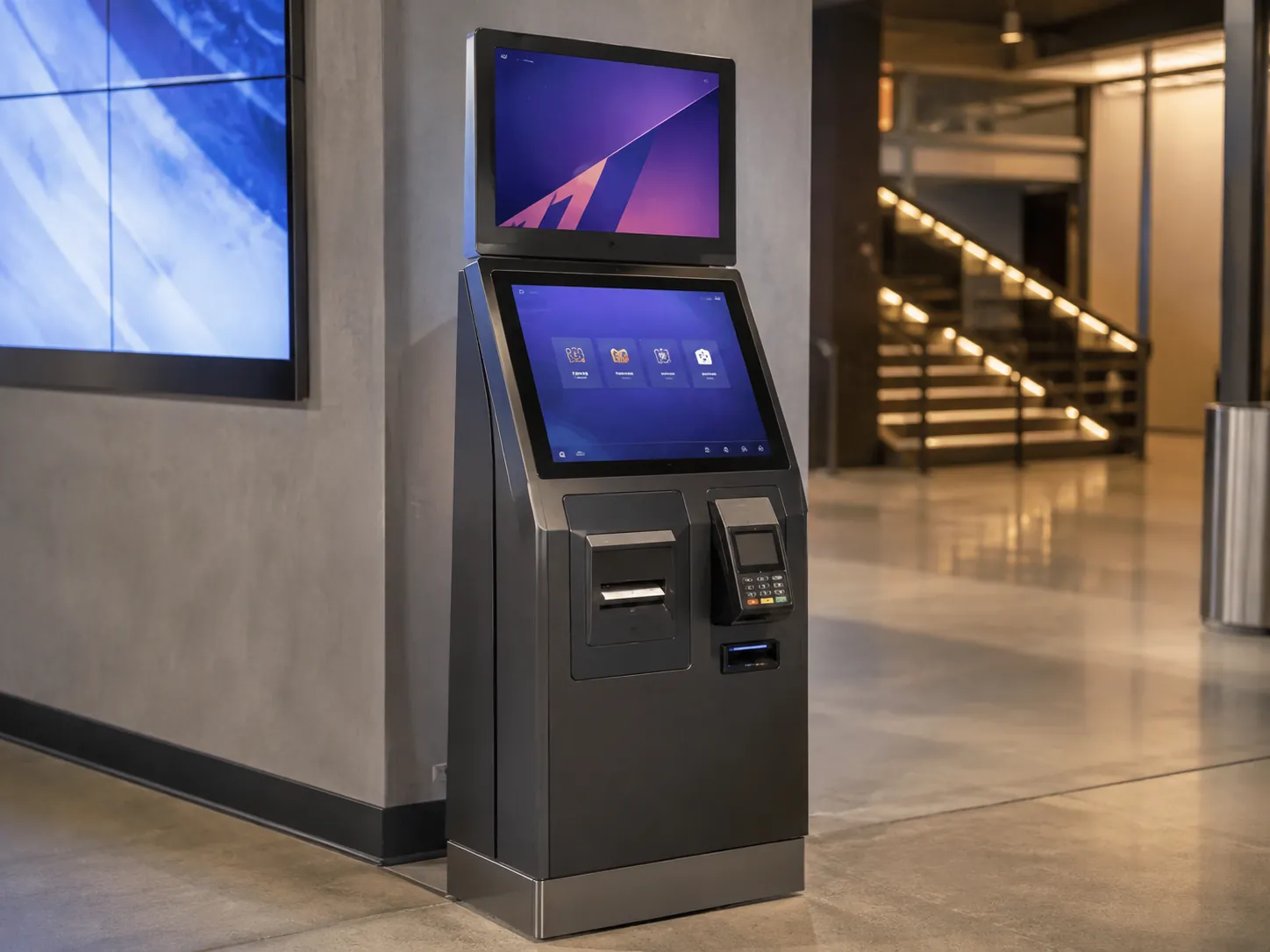
Dual-Screen Ticketing Kiosks
A dual-screen kiosk combines a primary interactive display with a secondary screen for instructions, advertising, transaction information or other project-defined content. Screen sizes, touch requirements, viewing angles and maintenance access are configured for the intended workflow.
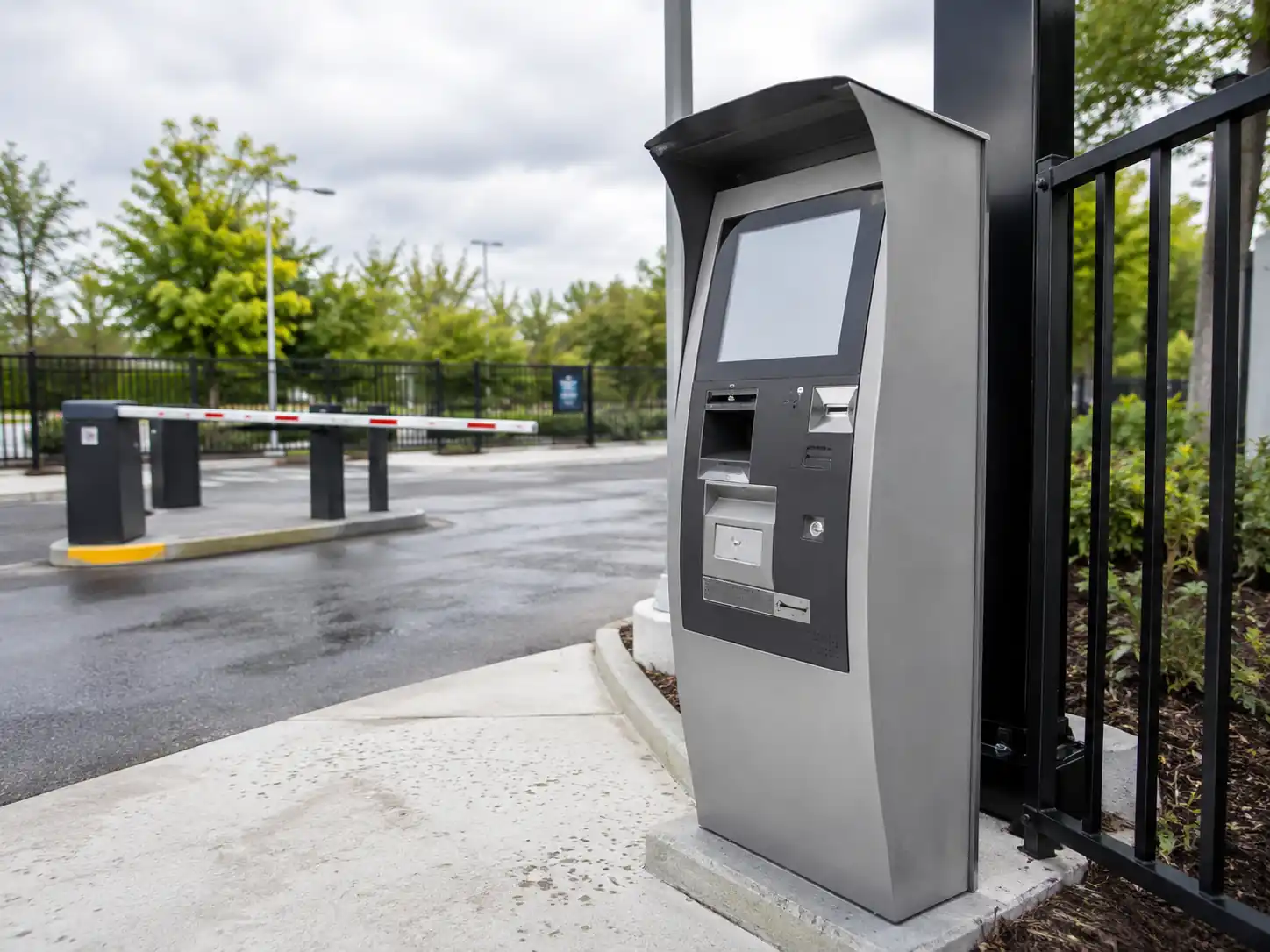
Outdoor Ticketing Kiosks
Outdoor configurations are engineered for the specific installation site. Display visibility, enclosure protection, thermal management, drainage, ventilation, security and operating conditions are confirmed after reviewing the environment and selected components.
Optional peripherals may include ticket or receipt printers, QR or barcode scanners, cameras, card readers and customer-selected payment-terminal mounts. Availability and layout depend on the enclosure, screen size and approved project configuration.
Compare Ticketing Kiosk Formats
The best format depends on the site, user flow, required peripherals and how the kiosk will be serviced.
| Format | Best Fit | Space and Installation | Peripheral Capacity | Service Approach | Important Confirmation |
|---|---|---|---|---|---|
| Floor-Standing | High-traffic lobbies, venues and transport facilities | Dedicated floor position with power, network and anchoring planned | Typically offers more room for integrated devices | Front access, rear access or pull-out structures depending on the selected chassis | Traffic flow, anchoring, cable entry and service clearance |
| Wall-Mounted | Entrances, ticket counters and compact service areas | Requires a suitable wall structure and confirmed mounting height | Moderate and dependent on enclosure depth | Front-access or detachable layouts can be evaluated | Wall load, user reach, depth and maintenance access |
| Countertop | Existing desks, counters and box-office areas | Uses an existing support surface | Light to moderate, depending on footprint | Staff-side, rear or removable access depending on design | Counter dimensions, weight, cables and printer access |
| Dual-Screen | Workflows needing a separate information or media display | Often configured as a floor-standing system | Moderate to high, depending on enclosure and screen arrangement | Determined by the selected chassis and component layout | Purpose, size and touch status of the second screen |
| Outdoor | Exposed or semi-exposed service points | Requires site, foundation and environmental planning | Project-specific | Must account for environmental sealing, thermal management and security | Exposure, temperature, brightness, protection level and maintenance method |
Peripheral capacity varies by enclosure, screen size and component selection. Printers, scanners, payment devices and other modules are optional project components, not standard equipment on every kiosk.
Design the Hardware Around the Ticketing Workflow
Addressing common procurement challenges through structured hardware configuration.
Components Are Selected Separately
The screen, printer, scanner and customer-selected payment terminal may compete for enclosure space, cable access and maintenance clearance.
Review the touch display, computing platform and selected peripherals together, then plan their openings, mounting positions and internal layout within one enclosure configuration.
Software Compatibility Is Checked Too Late
Operating-system, driver, port or device-interface requirements can delay deployment.
Confirm the intended software environment, operating platform and peripheral requirements before the final hardware configuration. Application development and final system integration remain with the customer or its technology partners.
Maintenance Access Is Overlooked
Routine paper replacement or component servicing can become unnecessarily disruptive.
Evaluate service doors, detachable display or peripheral panels, and pull-out printer structures where they are available for the selected chassis.
The Installation Environment Is Treated as an Afterthought
Visibility, user reach, heat, security, anchoring or outdoor exposure may not match the finished kiosk.
Define the site conditions, expected users, service clearance and environmental requirements before approving the enclosure and display configuration.
Configure the Ticketing Kiosk Hardware
A useful specification starts with the transaction and installation conditions, not with a fixed list of components. The following options provide a starting point for project review.
| Configuration Area | Available Starting Direction | What Must Be Confirmed |
|---|---|---|
| Kiosk Format | Floor-standing, wall-mounted, countertop, dual-screen or outdoor | Site dimensions, user flow, mounting and service access |
| Touch Display | Documented starting configurations include 15.6, 17, 19, 21.5, 23.6, 27, 32 and 43-inch displays | Size availability varies by kiosk format, enclosure and project |
| Display Requirements | Flat touch display with project-selected viewing and performance requirements | Resolution, brightness, touch technology and ambient-light conditions |
| Computing Platform | Windows IoT, Android or Linux configurations can be evaluated depending on the selected hardware | Application requirements, drivers, ports and integration responsibilities |
| Ticket and Receipt Printing | Thermal ticket or receipt printers, A4 printers and other project-selected printing devices | Paper format, cutting method, capacity, loading access and software support |
| Scanning and Identification | Barcode or QR scanners, cameras and ID or document readers | Code type, reading distance, lighting, privacy and application support |
| Payment and Credentials | Payment-terminal mounting, card-reader integration and reserved openings for customer-selected payment devices. | Device model, external dimensions, mounting method, connector requirements, deployment country and software-provider responsibilities. |
| Enclosure Customization | Sheet-metal structure, project openings, component positions, exterior color and logo application | Approved drawings, finish references and installation requirements |
| Maintenance Access | Access doors, detachable display or peripheral panels and pull-out printer structures on selected chassis | Service direction, clearance, paper replacement and security |
| Ticketing Software | Customer-selected or partner-provided ticketing application | Operating environment, APIs, device drivers, testing and final deployment |
| Outdoor Configuration | Project-specific display, enclosure protection, thermal management and security planning | Exact exposure, temperature range, sunlight, drainage, ventilation and required protection level |
Optional peripherals may include ticket or receipt printers, QR or barcode scanners, cameras, card readers and customer-selected payment-terminal mounts. Availability and layout depend on the enclosure, screen size and approved project configuration.
Match the Hardware to the Ticketing Task
| Ticketing Task | Typical User Flow | Hardware to Evaluate | Integration Point |
|---|---|---|---|
| On-Site Ticket Sales | Browse, select, pay and print | Touch display, ticket printer, payment-terminal mounting and optional QR scanner | Ticket inventory, pricing and payment are managed by connected systems |
| Pre-Booked Ticket Pickup | Scan a code or enter an order reference, verify and print | QR or barcode scanner, touch display and ticket printer | The ticketing application must retrieve and validate the booking |
| Event Registration or Check-In | Search, scan, verify and issue a ticket, badge or confirmation | Scanner, camera or ID reader when required, plus the appropriate printer | Registration records and admission rules remain in the event platform |
| Transit or Venue Self-Service | Select a destination or event, choose a ticket, pay and print | Visible touch display, reserved payment-terminal mounting, optional printer and accessibility planning | Fare, schedule, seat and transaction logic come from the operator’s software |
| Information or Digital-Ticket Access | Browse, look up or display a digital confirmation | Touch display and optional scanner | Some workflows may not require a printer or payment device |
Where Ticketing Kiosks Fit
The same enclosure concept can serve different ticketing environments when the display, peripherals, installation and software interface are configured for the actual workflow.
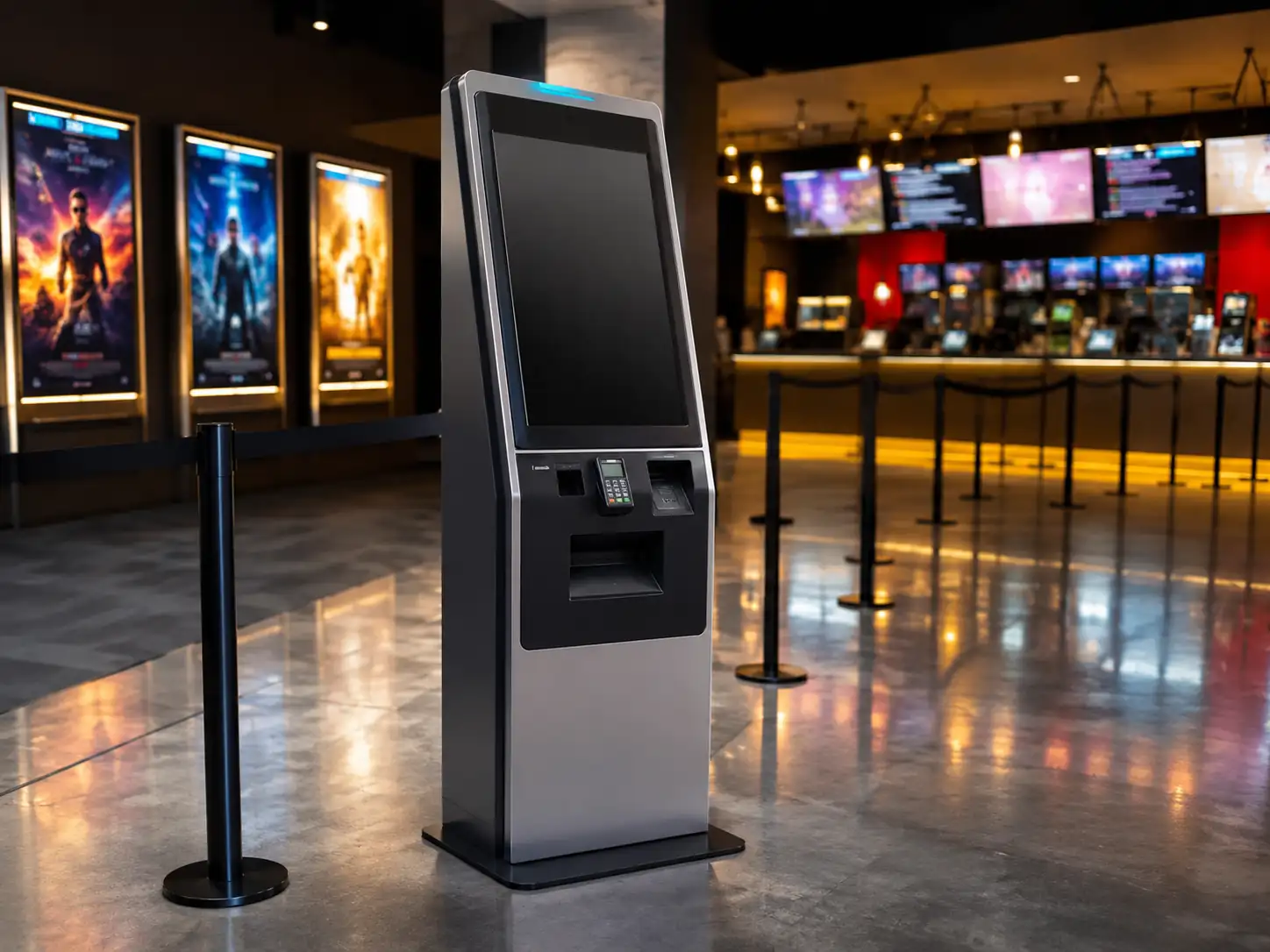
Cinemas and Entertainment Venues
Support on-site purchases, reservation lookup, ticket printing or digital-ticket access according to the venue’s software and operating rules.
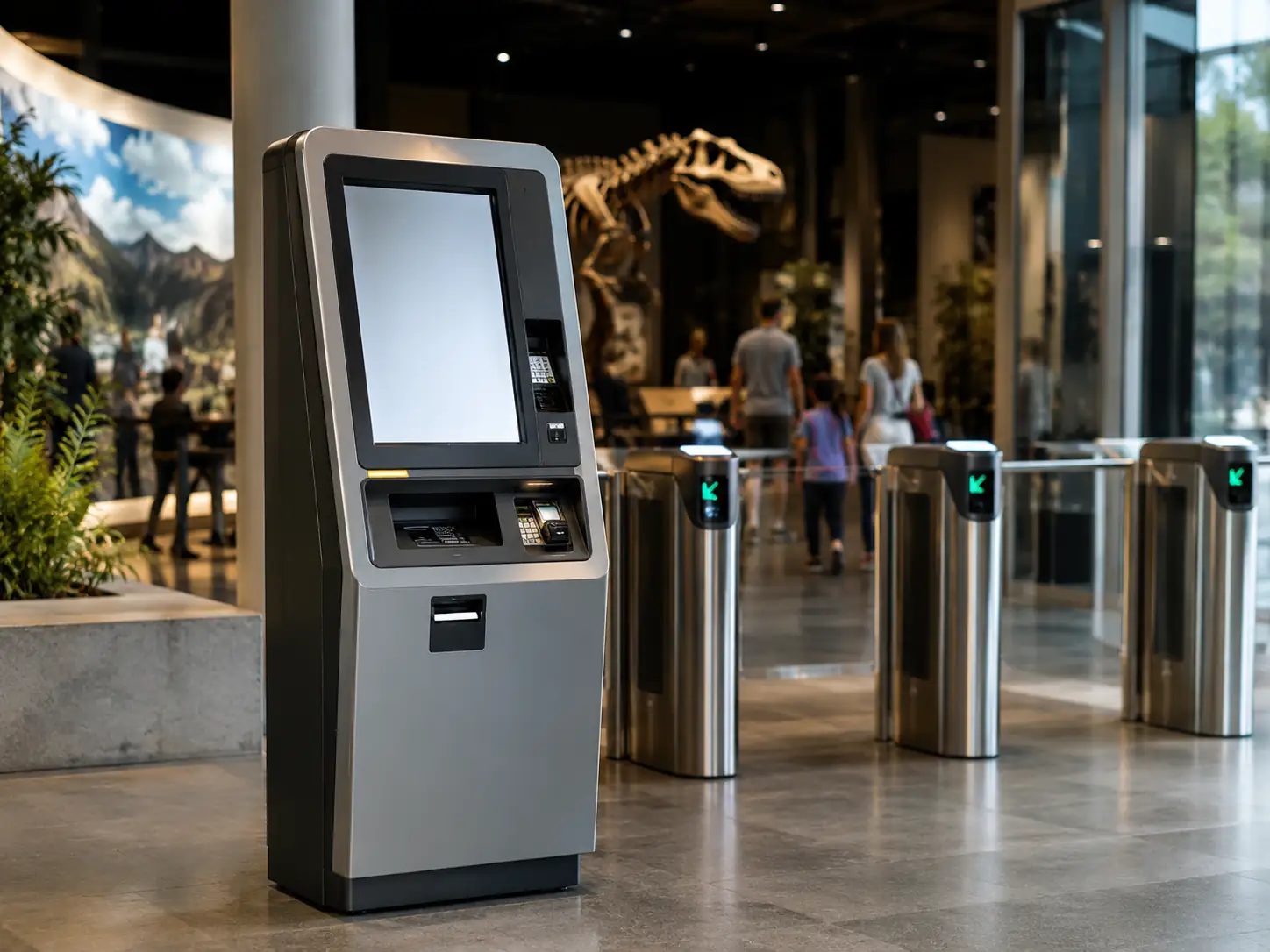
Museums, Attractions and Theme Parks
Provide self-service entry selection, booking retrieval, payment or ticket issuance while accounting for visitor flow and peak-period use.
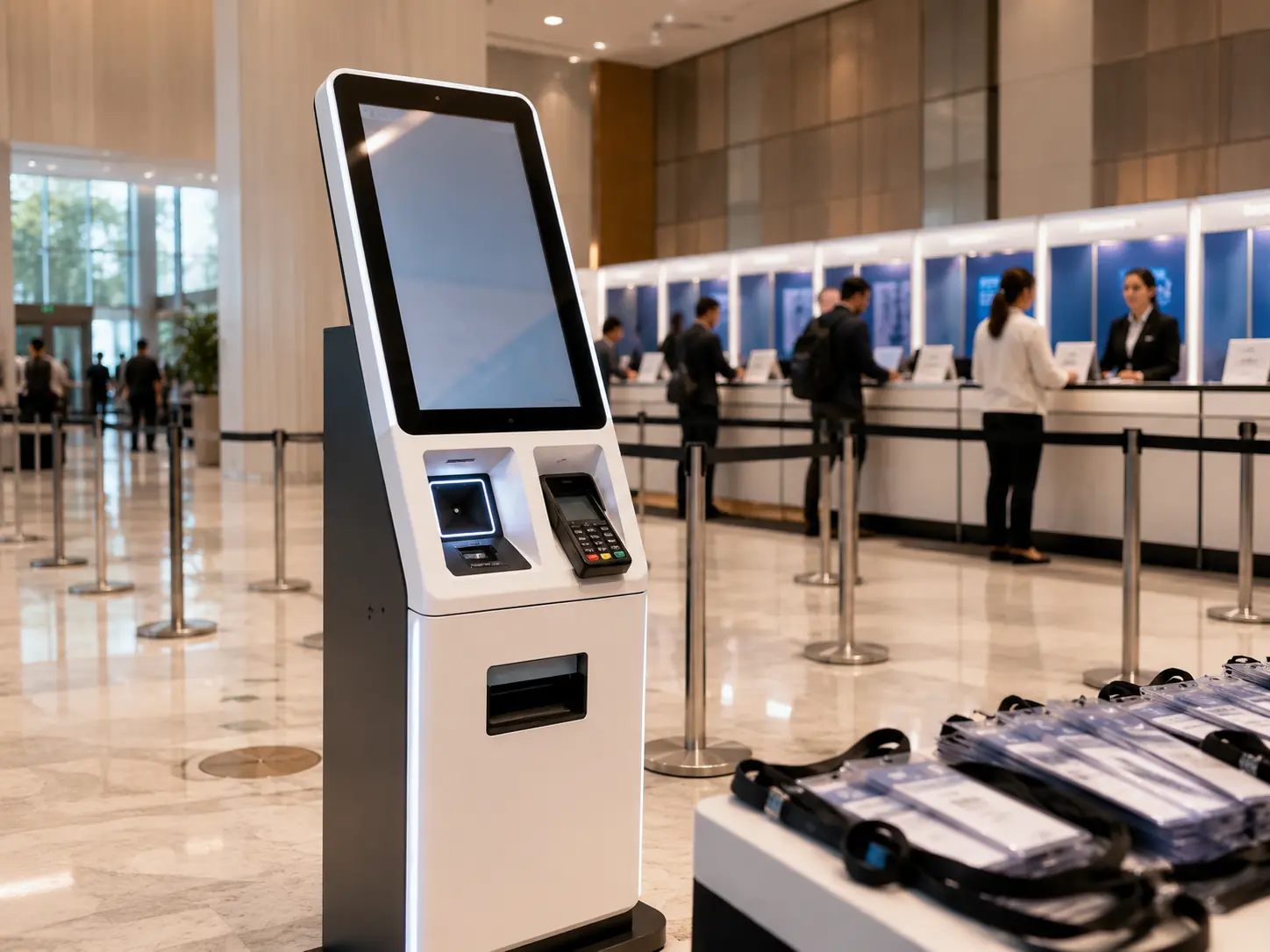
Event Box Offices and Registration Areas
Combine ticket lookup, QR scanning, registration, check-in or badge and ticket printing in a project-defined terminal.
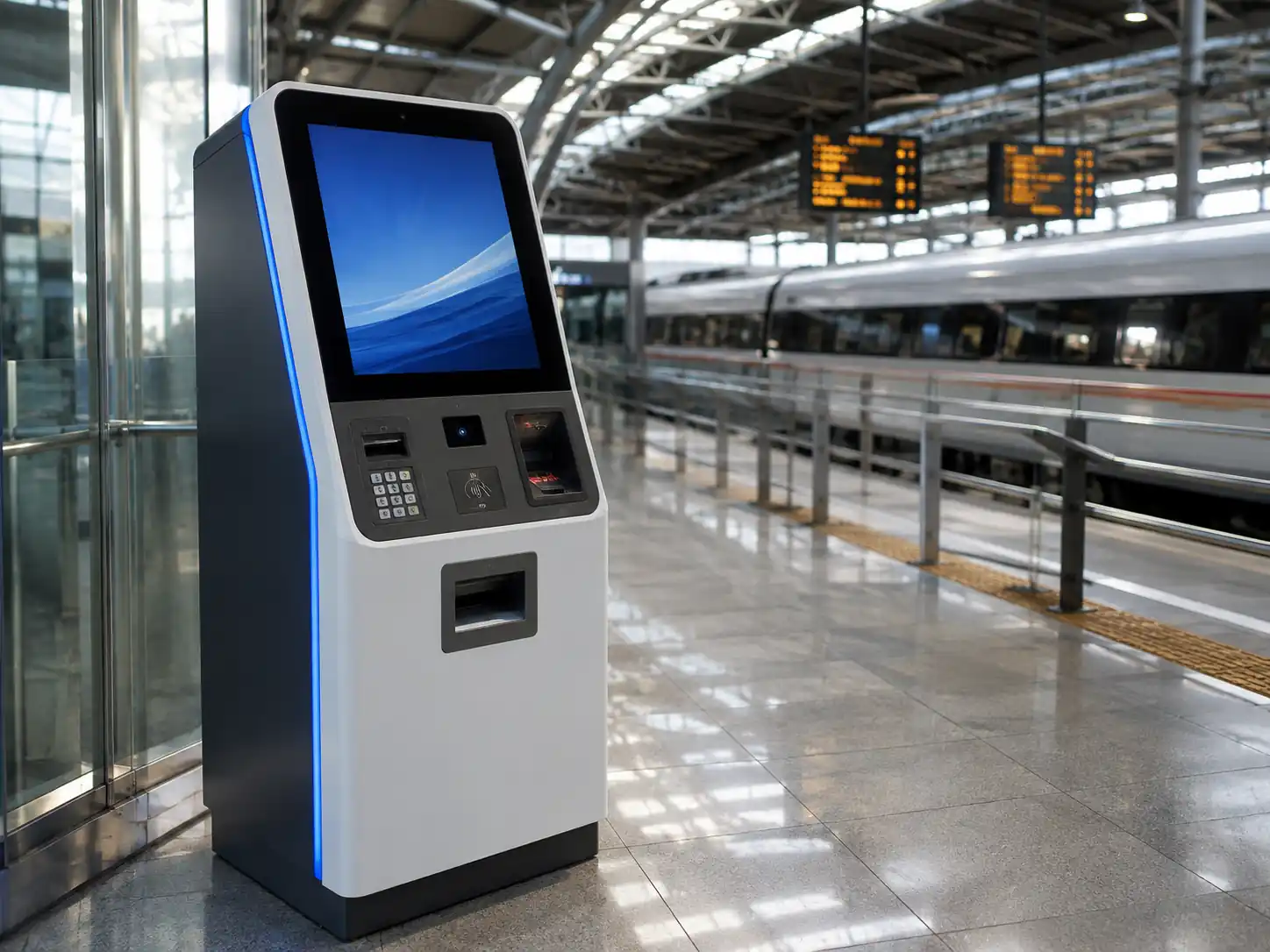
Train, Bus and Transportation Hubs
Create a hardware interface for route or fare selection, payment and ticket printing when connected to the operator’s approved ticketing system.
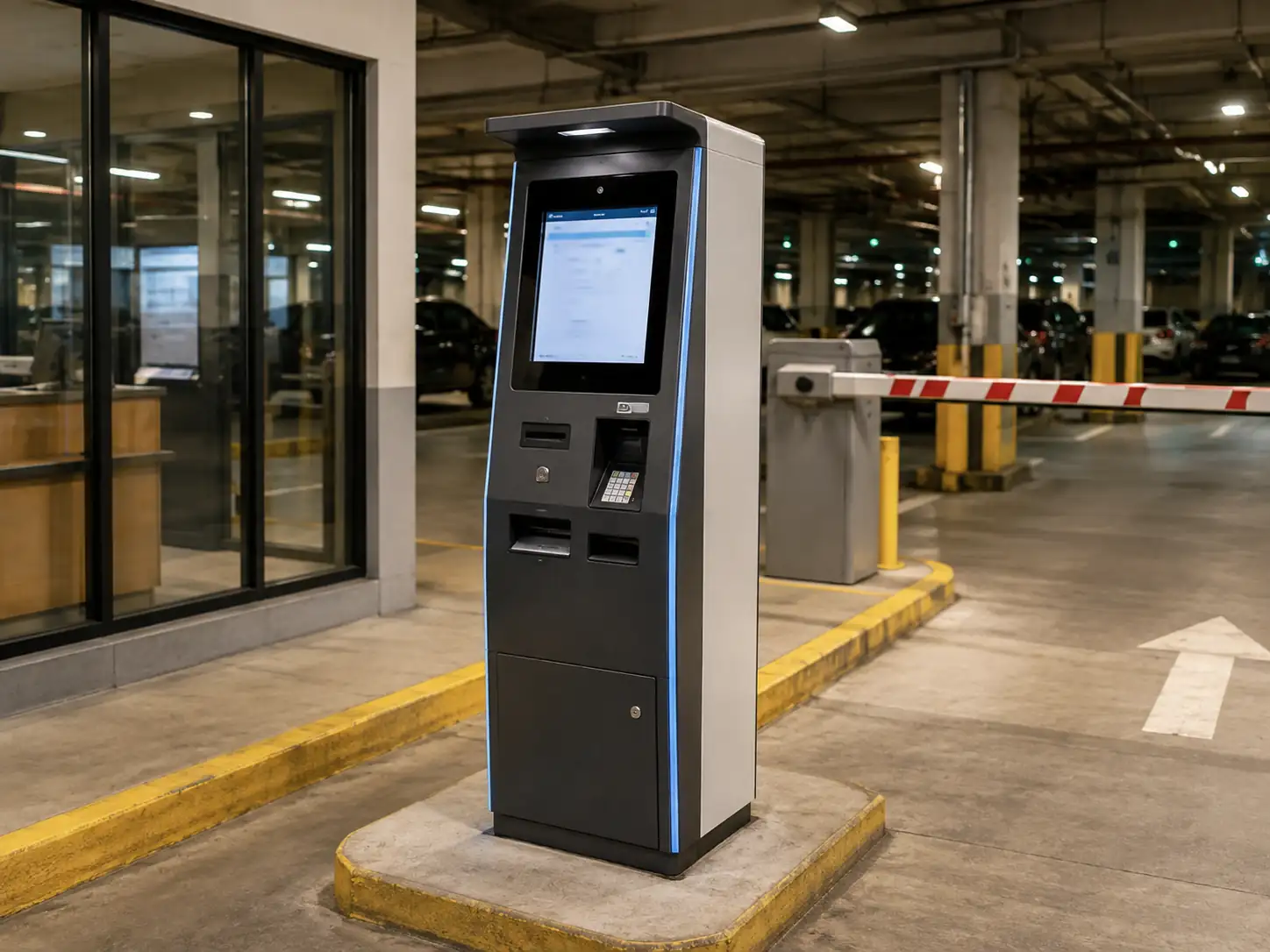
Parking and Public-Service Locations
Configure a kiosk for payment, credential printing, appointment lookup or other controlled transactions defined by the operating platform.
A Configurable Hardware Platform, Not a Fixed Cabinet
Choose the Format Around the Site
Start with floor-standing, wall-mounted, countertop, dual-screen or outdoor hardware according to the available space, mounting conditions and customer flow.
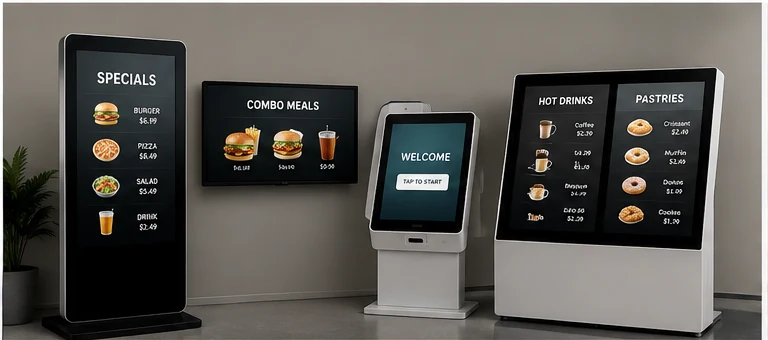
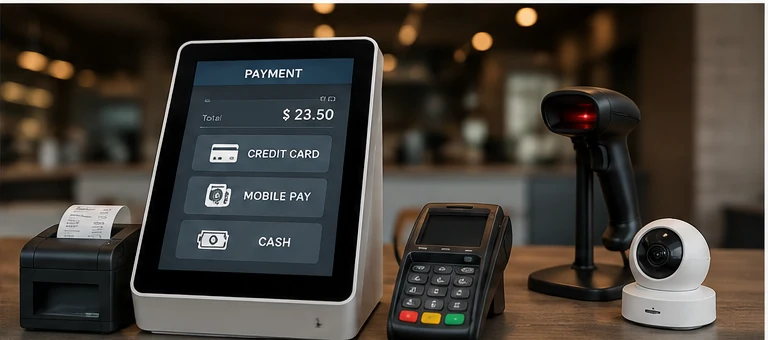
Plan the Peripherals Around the Transaction
Position printers, scanners, cameras, card readers and payment-device mounting according to the steps users need to complete.
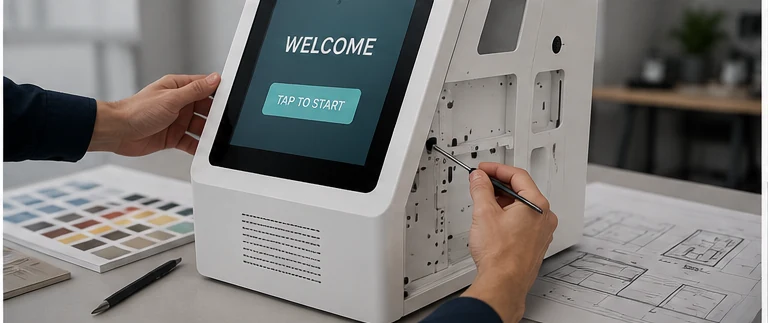
Adapt the Enclosure to the Project
Customize component openings, internal positions, exterior finish and logo application after the hardware requirements have been reviewed.
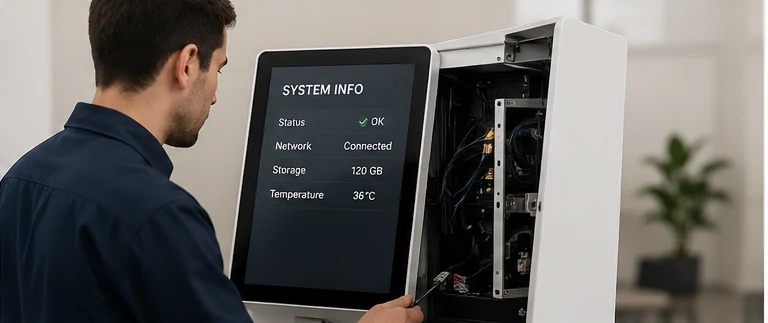
Review Compatibility and Service Access Early
Confirm the intended operating environment, interfaces, paper loading and maintenance direction before the approved configuration moves into production.
From Enclosure Planning to Final Hardware Inspection
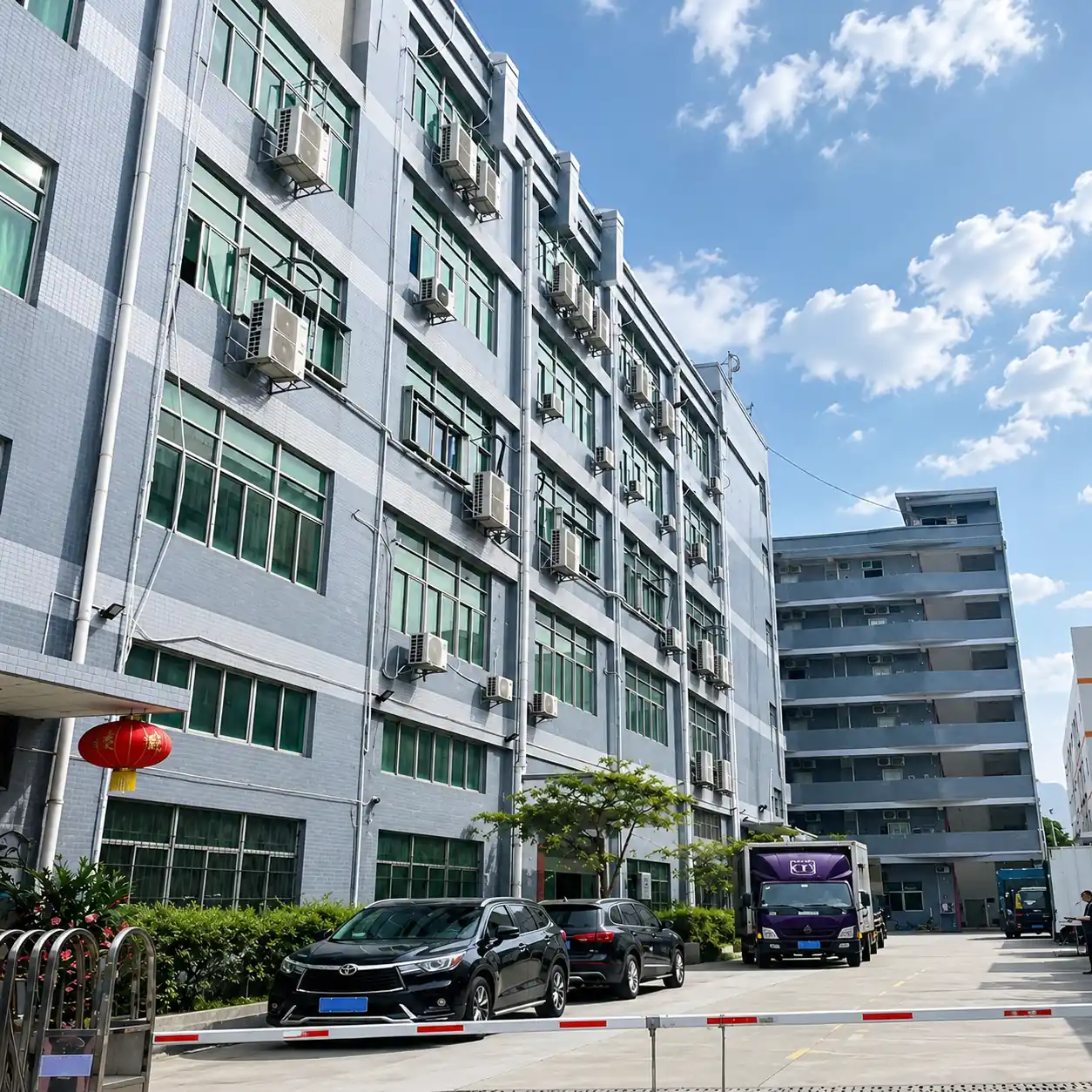
Lucky XFC develops custom touch-display and self-service hardware in Shenzhen. A ticketing kiosk project can move from requirement review and mechanical planning to component fitting, assembly, inspection and protective packing against an approved configuration.
Define the ticketing task, installation environment, display, computing platform and required peripherals.
Plan the screen position, device openings, internal mounting, cable paths and maintenance access.
Check the selected hardware against the intended operating environment, interfaces and available enclosure space.
When included in the agreed project process, review the sample or prototype configuration before production quantities proceed.
Assemble and inspect the kiosk against the approved component list, mechanical layout and visible finish requirements.
Prepare the finished hardware for shipment using the packing method agreed for the product and order.
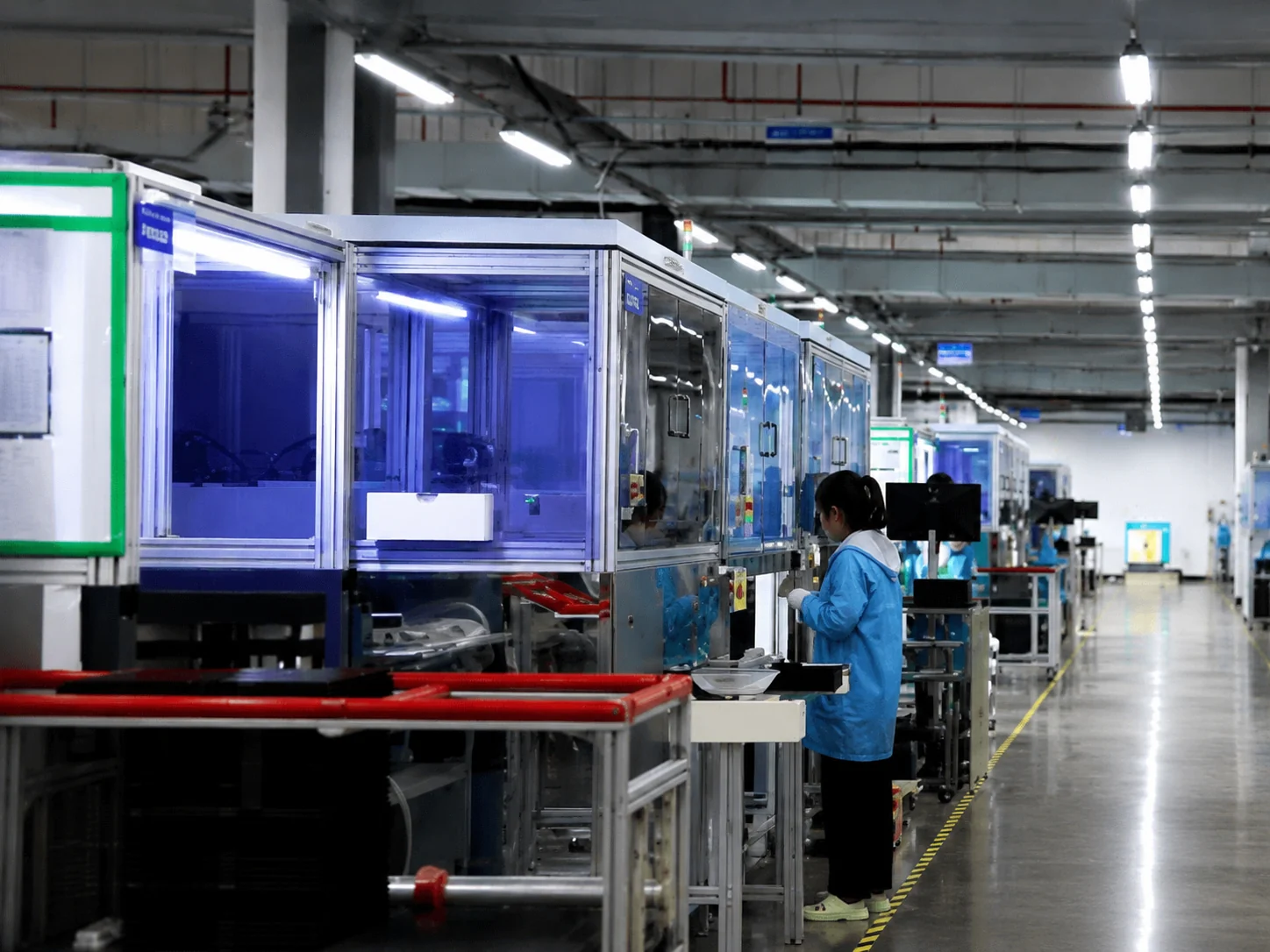
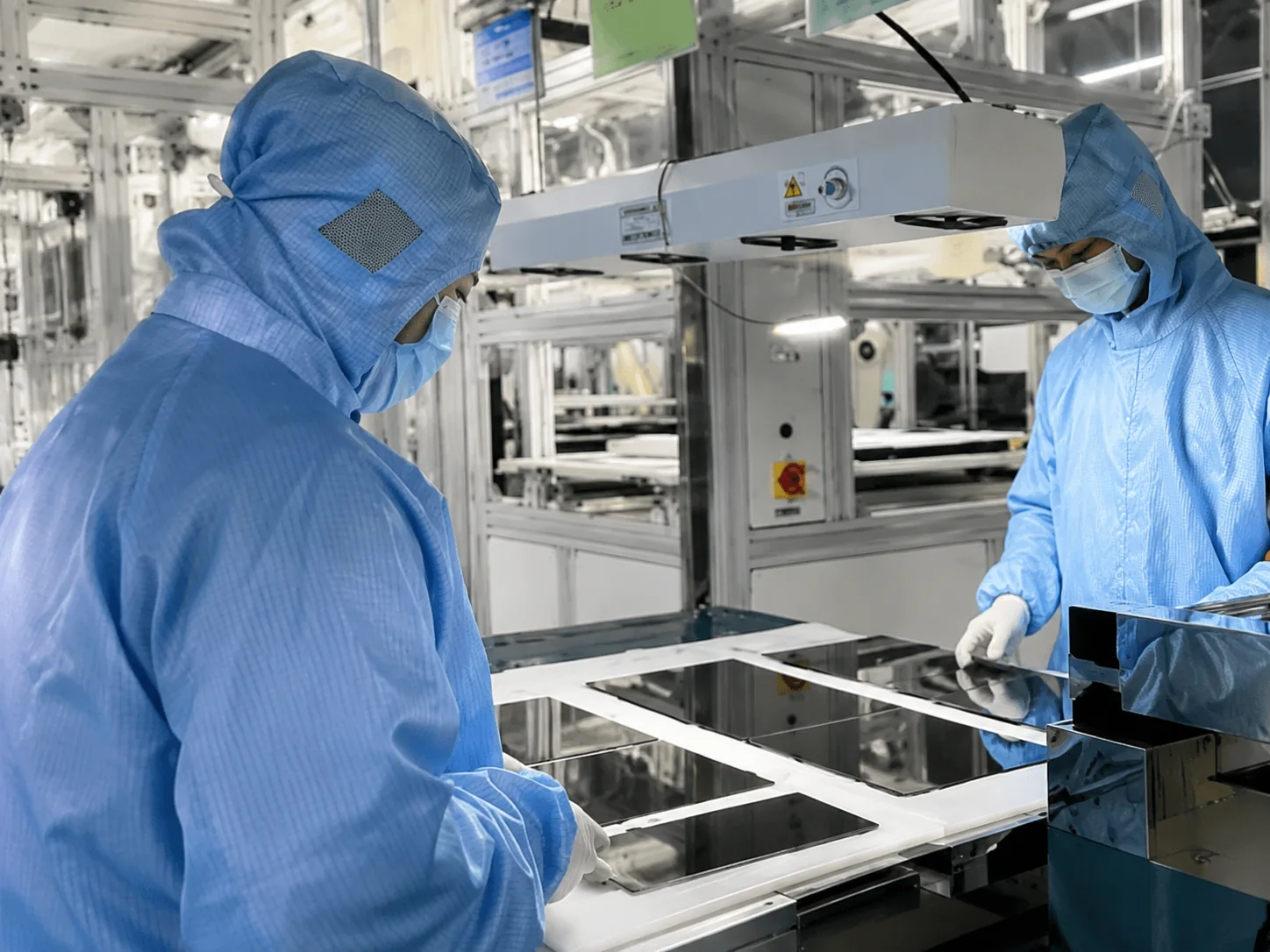
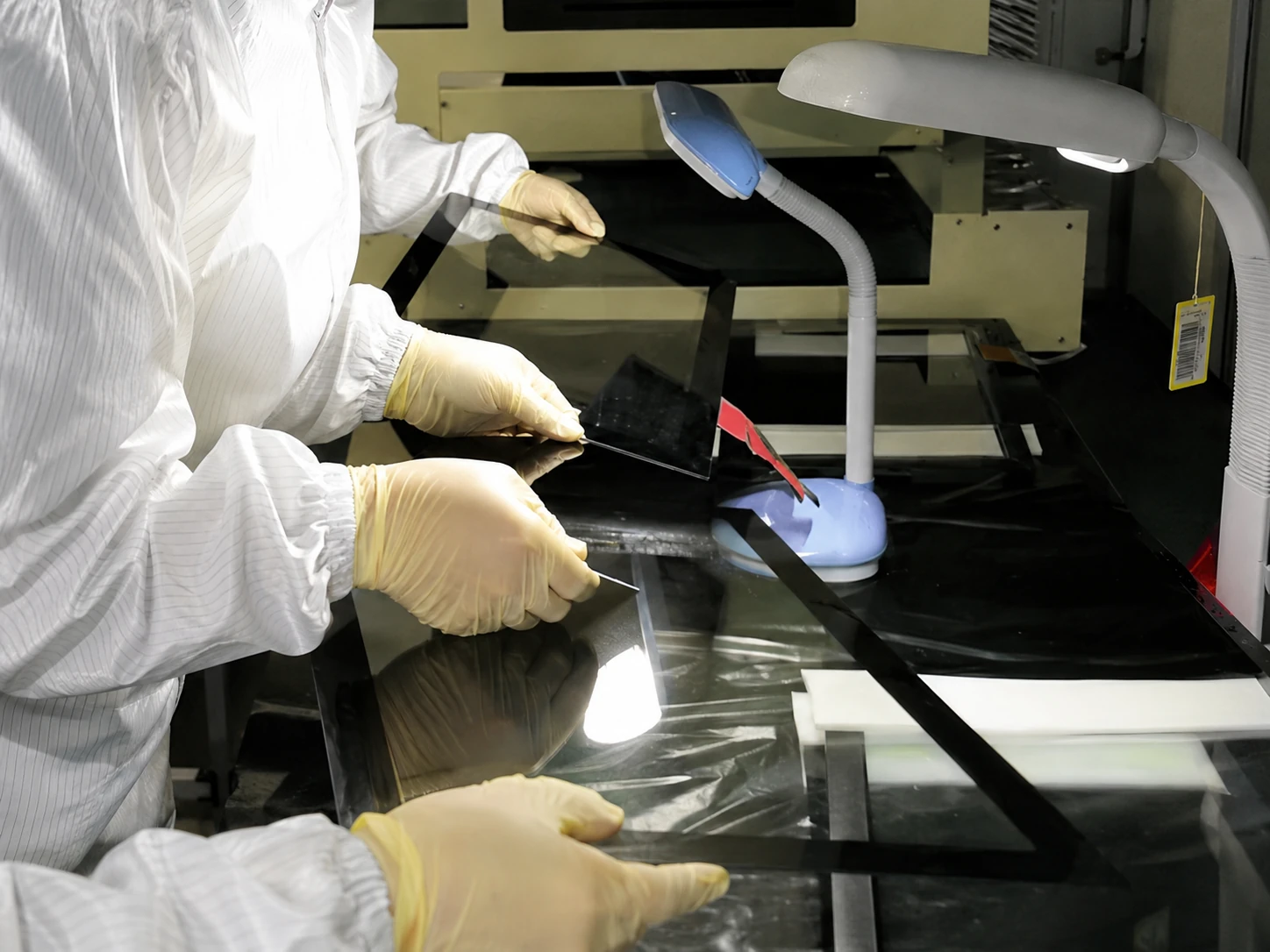
Testing scope, documentation and acceptance requirements should be defined for each project before production.
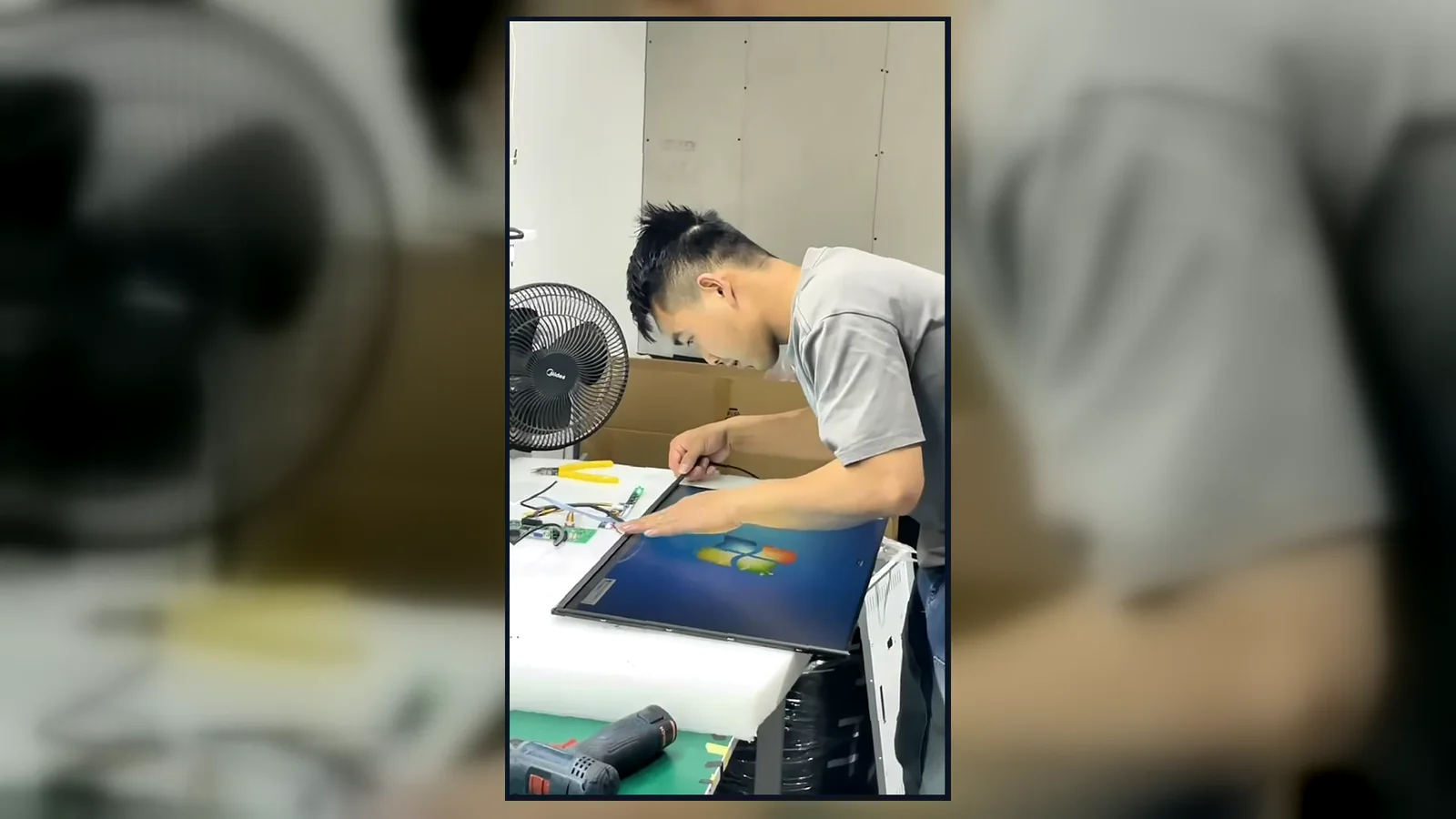
Inside the Factory: Production & Quality Testing
View an overview of enclosure production, assembly and inspection activities at our facility. Inspection items are defined according to the approved kiosk configuration and project acceptance requirements.
Certification and Compliance by Model and Destination
Certification, testing and documentation requirements are reviewed against the selected kiosk configuration and destination market. Applicable reports, markings and compliance documents must be confirmed for the specific model and order. They do not automatically apply to every ticketing kiosk configuration.

ISO 9001:2015
Ticketing Kiosk Selection Guide
Which ticketing kiosk format should I choose?
What payment methods can a ticketing kiosk accept?
How does a kiosk print a pre-booked ticket?
What should be checked before installing a ticketing kiosk?
What affects the cost of a custom ticketing kiosk?
How should I evaluate a ticketing kiosk manufacturer?
Can users buy last-minute tickets from the kiosk?
What makes an outdoor ticketing kiosk different?
Explore Related Hardware
Custom Self-Service Kiosks
Configure interactive kiosk hardware for check-in, information access, ordering, registration and other self-service workflows.
Industrial Touch Displays
Explore touch-display hardware for equipment interfaces and demanding commercial or industrial applications.
Commercial Display and Digital Signage
View display hardware for advertising, wayfinding and customer-facing information.
Discuss Your Ticketing Kiosk Configuration
Share the ticketing task, installation environment, preferred format, screen size, required printer, scanner, card reader or customer-selected payment terminal, software or operating-system environment and expected quantity. We will use this information to review a practical hardware configuration.
Optional peripherals may include ticket or receipt printers, QR or barcode scanners, cameras, card readers and customer-selected payment-terminal mounts. Availability and layout depend on the enclosure, screen size and approved project configuration.
Email Us
sales13@lucky-xfc.com
Call Us
+86 13342931453
