
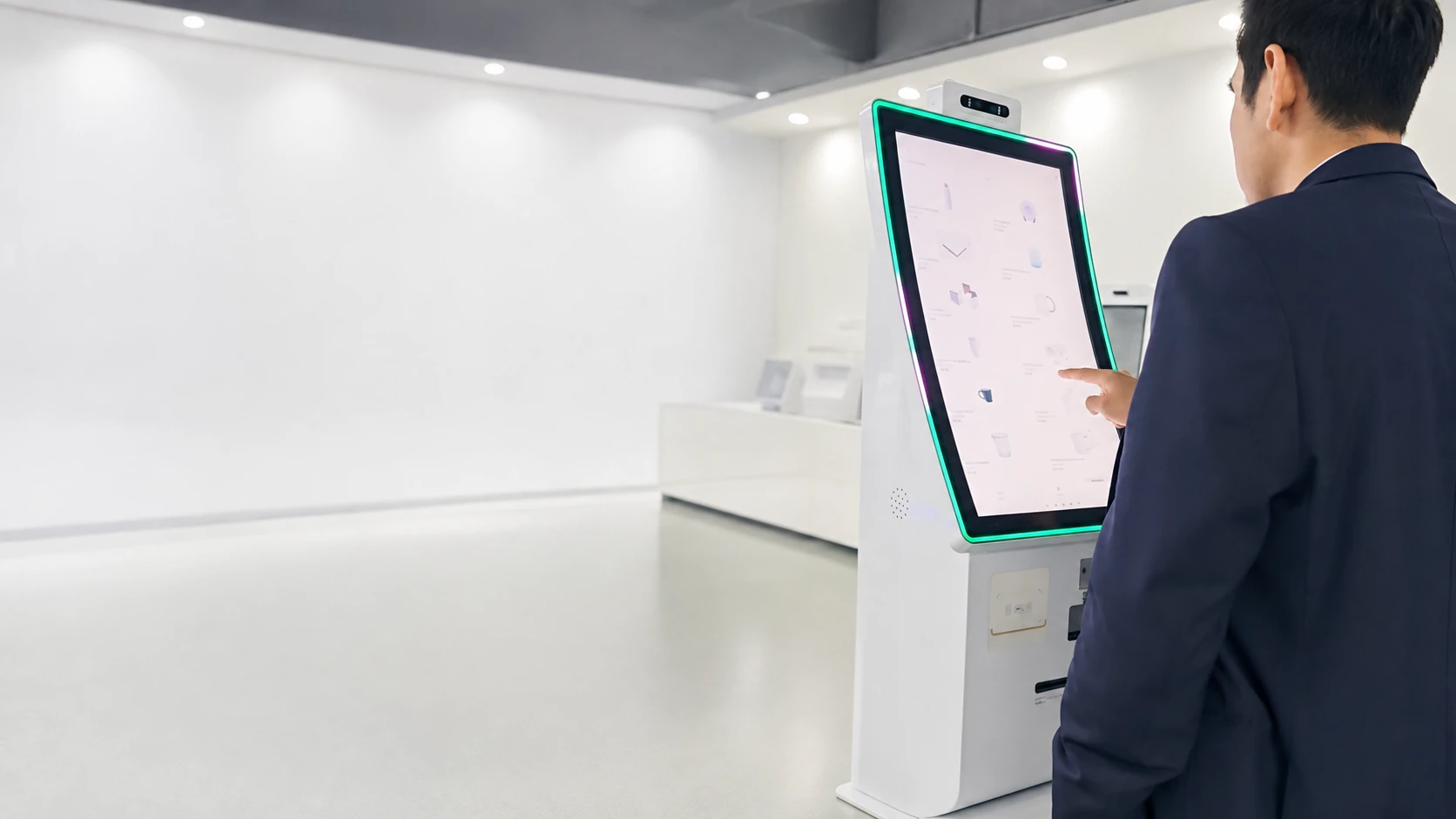
Custom Self-Ordering Kiosks for Restaurants & QSRs
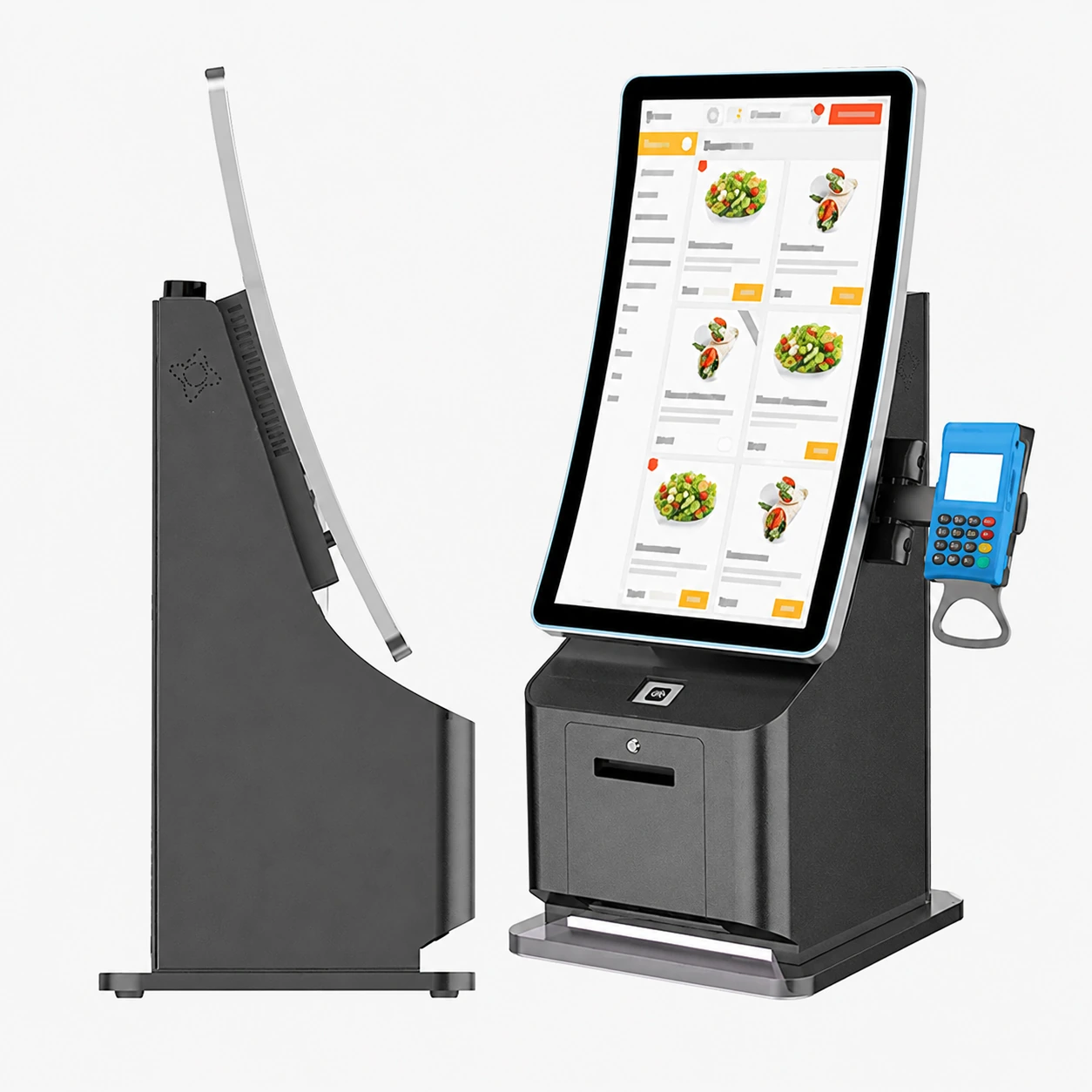
XFC provides highly customizable self-ordering kiosk hardware, including floor-standing, wall-mounted, countertop, dual-screen, and curved models. We configure touch displays, computing systems, printers, scanners, cameras, NFC, and POS terminal mounts to match your workflow.
MOQ starts from 1 unit. Send your photos, drawings, or project requirements for an immediate engineering evaluation.
- OEM/ODM hardware customization
- From 1-unit prototypes to volume production
- Software and peripheral compatibility evaluation
13+ Years
Manufacturing
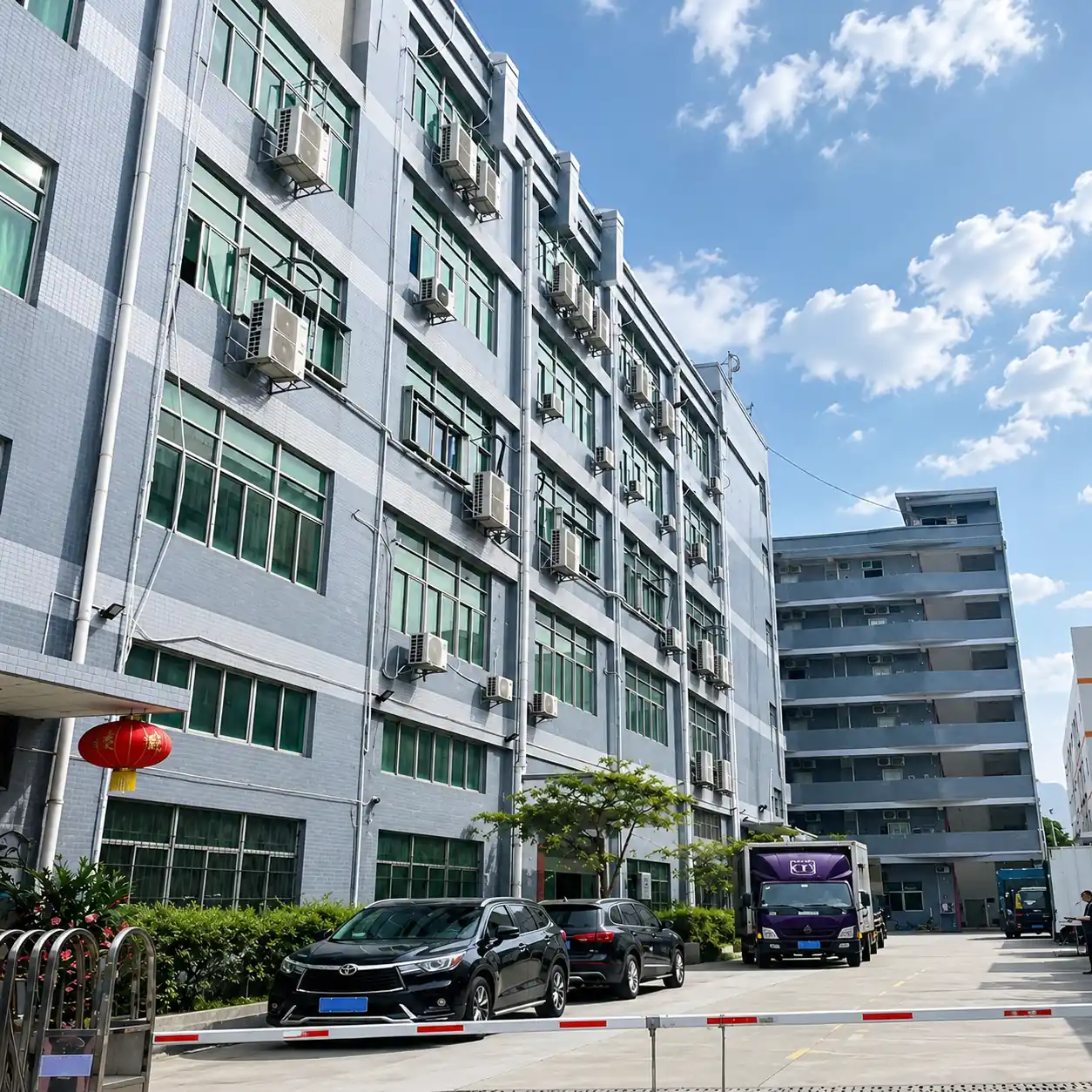
6,000㎡
Factory
300+
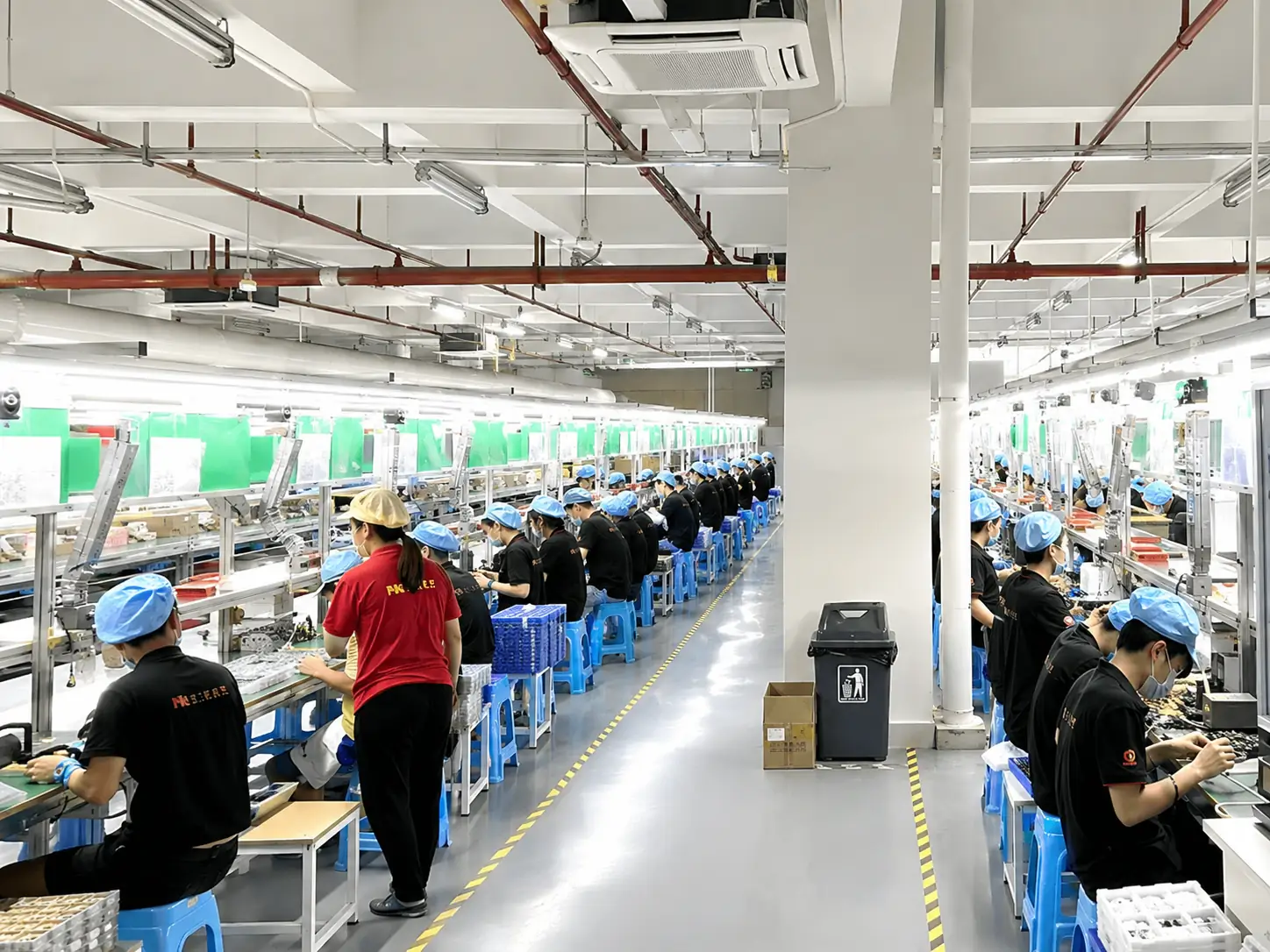
Employees
80+
Countries Exported
Why Self-Ordering Kiosk Projects Become Difficult to Scale
Fragmented sourcing and uncoordinated hardware integration often lead to operational bottlenecks.
Staffing & Queues
Long queues and limited front-of-house staff during peak hours negatively impact customer experience.
Order Inaccuracy
Order errors caused by manual verbal entry lead to food waste and dissatisfied customers.
Multi-Supplier Chaos
Hardware sourced from multiple disjointed suppliers increases procurement and assembly headaches.
Integration Risks
POS, payment terminal, and peripheral compatibility risks delay deployment schedules.
Maintenance Issues
Difficult maintenance after deployment due to poor internal layout and lack of front-access design.
Inconsistent Branding
Inconsistent enclosure and component configurations across locations hurt brand image.
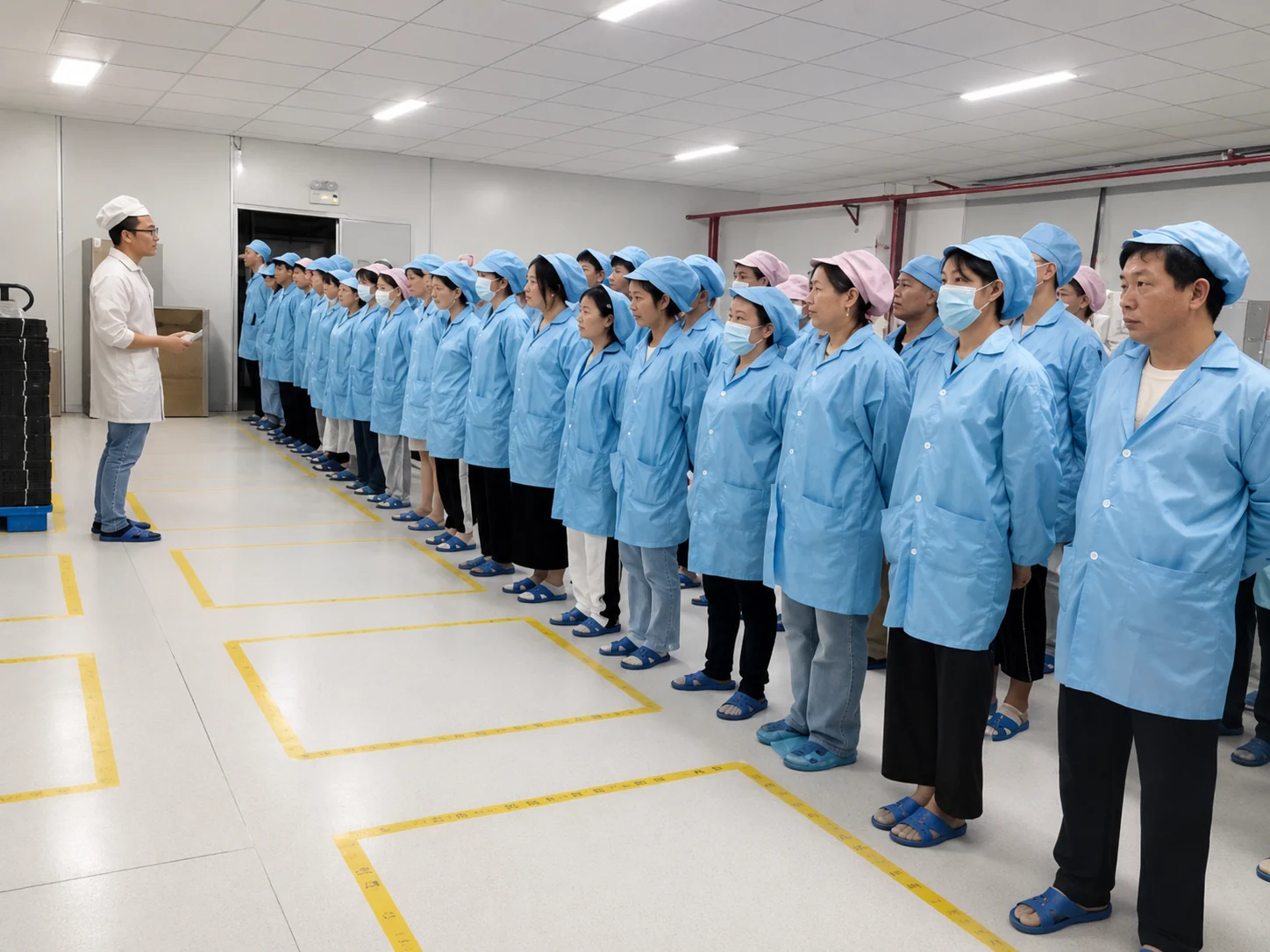
XFC helps clients reduce multi-supplier coordination by providing unified touch displays, computing hardware, custom metal structures, peripheral layouts, testing, and manufacturing processes under one roof.
Discuss Your Kiosk RequirementsWhat Is a Self-Ordering Kiosk?
A self-ordering kiosk is an interactive touchscreen terminal that allows customers to browse menus, select or modify items, confirm orders, and complete payments. The device typically connects to POS, KDS, menu, loyalty, or payment systems through the customer's software.
Explore our comprehensive custom self-service kiosk solutions to see how we build these systems.
Typical System Composition:
- 1 Touchscreen interface
- 2 Computing platform
- 3 Kiosk software supplied by the customer or software partner
- 4 POS/KDS/backend connection
- 5 Payment and printing peripherals
- 6 Custom enclosure and mounting structure
How a Self-Ordering Kiosk Works
A streamlined hardware and software interaction process.
Customer browses the digital menu
Customer selects and customizes the order
Software validates pricing and menu options
Payment is completed through the selected terminal
Order data is sent to the POS, KDS or backend system
* Actual data flow and functionality depend entirely on the customer's chosen software application and API interfaces.
Self-Ordering Kiosk Product Types
Hardware configurations designed for every restaurant footprint and workflow.
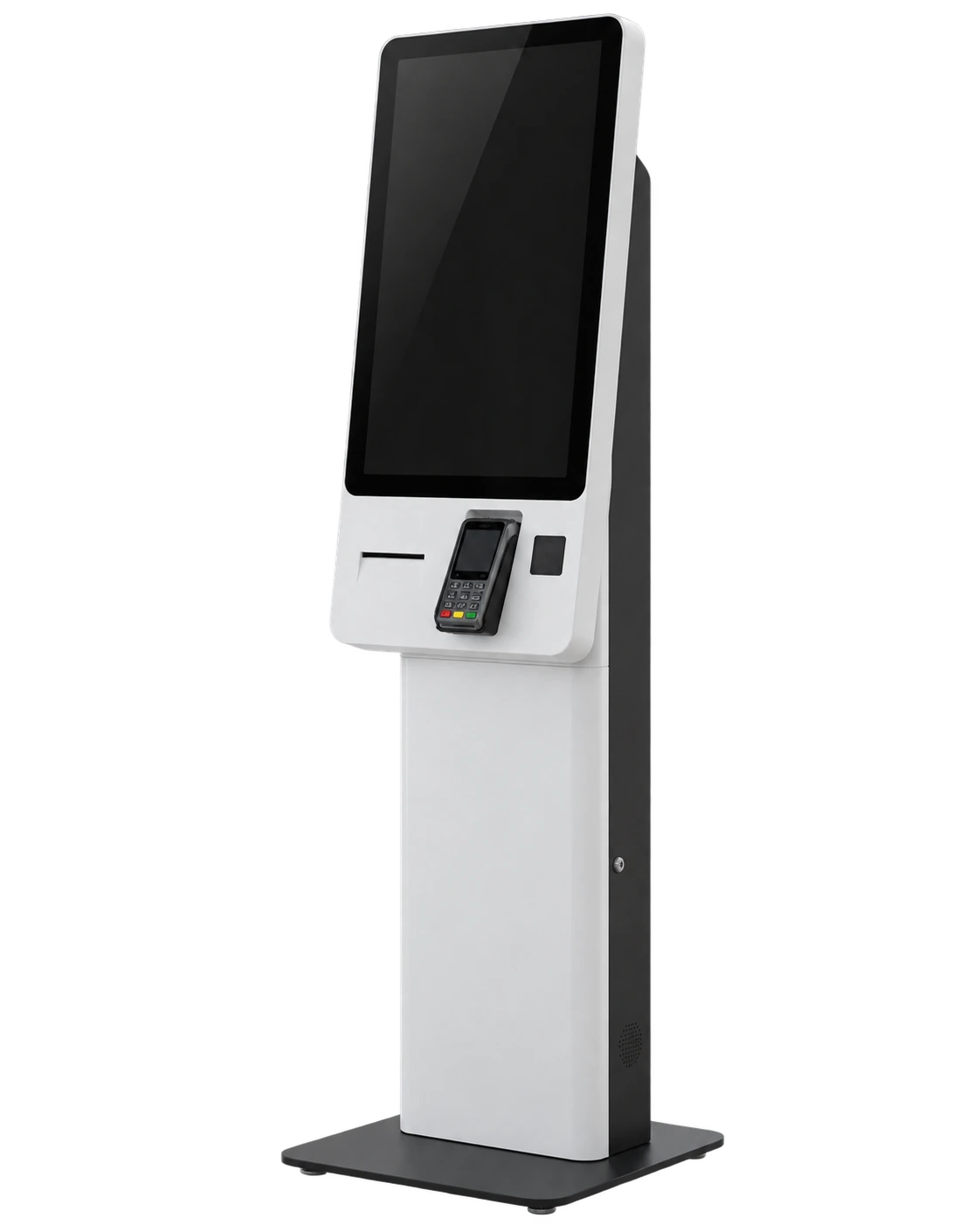
Floor-Standing Self-Ordering Kiosk
Best For: QSRs, food courts, chain restaurants, and high-traffic venues.
Advantages: High visibility, robust freestanding structure, accommodates full peripheral sets.
Common Sizes: 17″, 19″, 21.5″, 27″, 32″, and 43″.
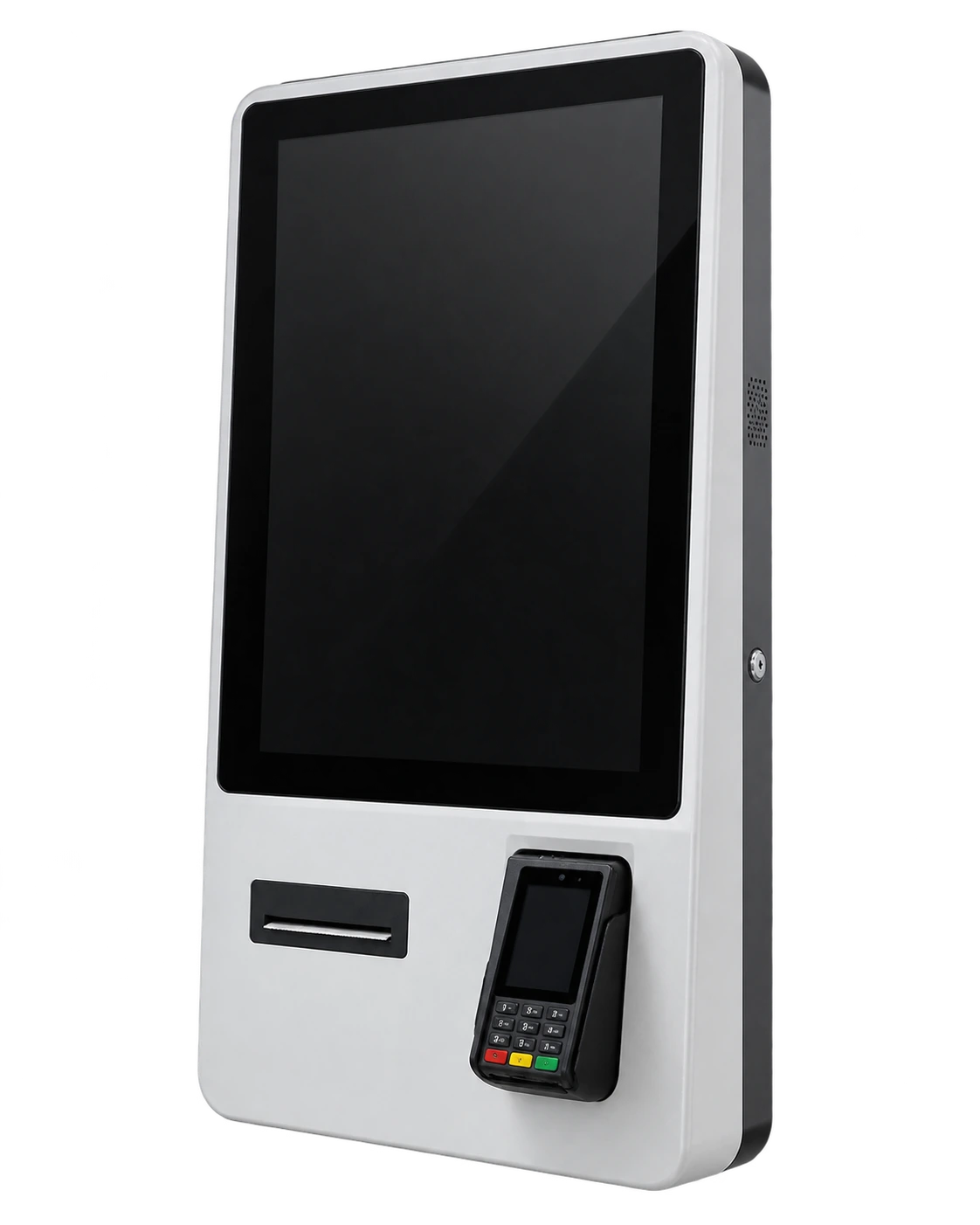
Wall-Mounted Ordering Kiosk
Best For: Space-constrained restaurants, coffee shops, and pickup areas.
Advantages: Zero floor footprint, easy eye-level installation, clean aesthetic.
Common Sizes: 21.5″, 23.6″, 27″, and 32″.
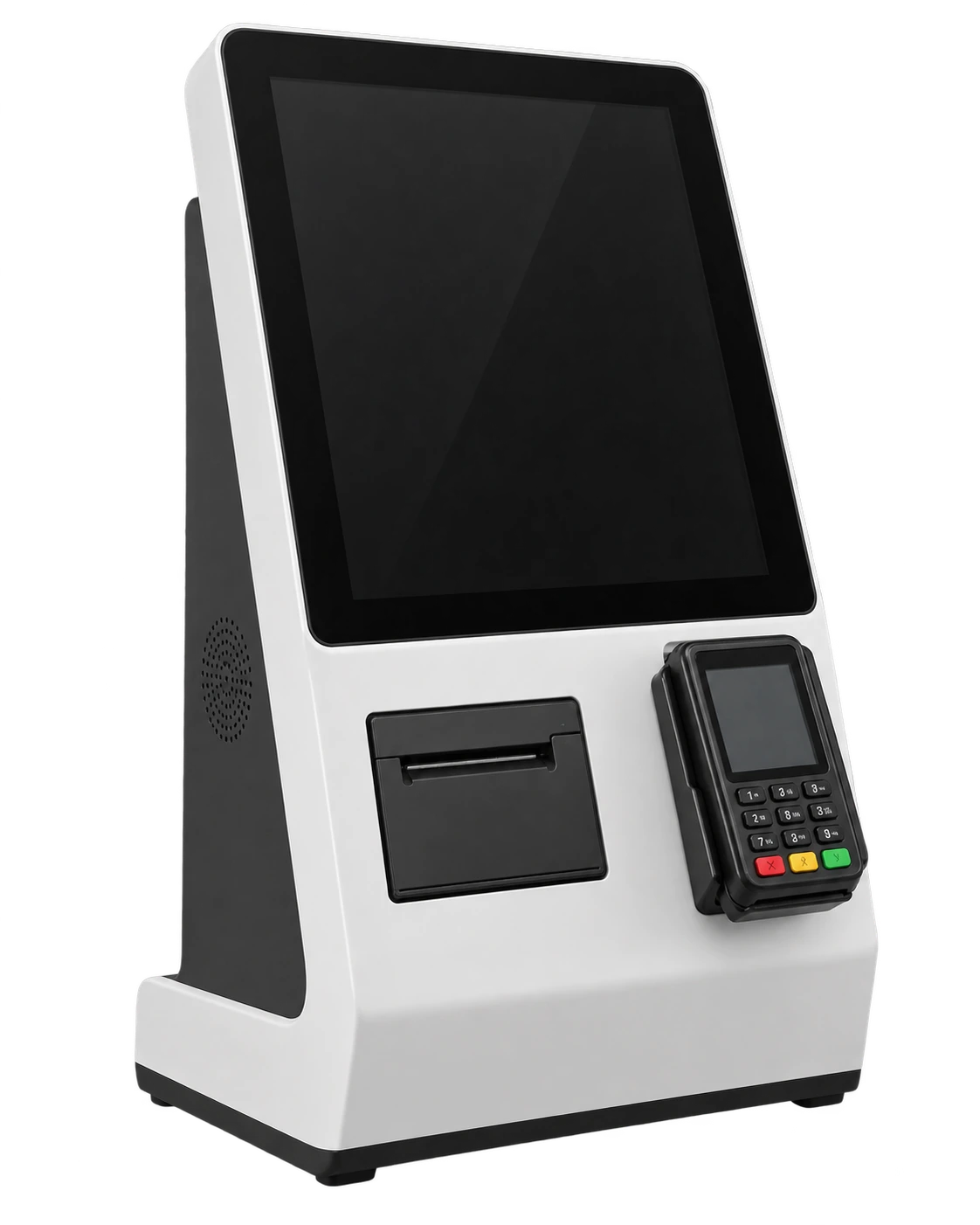
Countertop Self-Order Kiosk
Best For: Small diners, cafes, bakeries, and pilot deployment projects.
Advantages: Compact installation on existing counters, lower deployment threshold.
Common Sizes: 15.6″ to 21.5″.
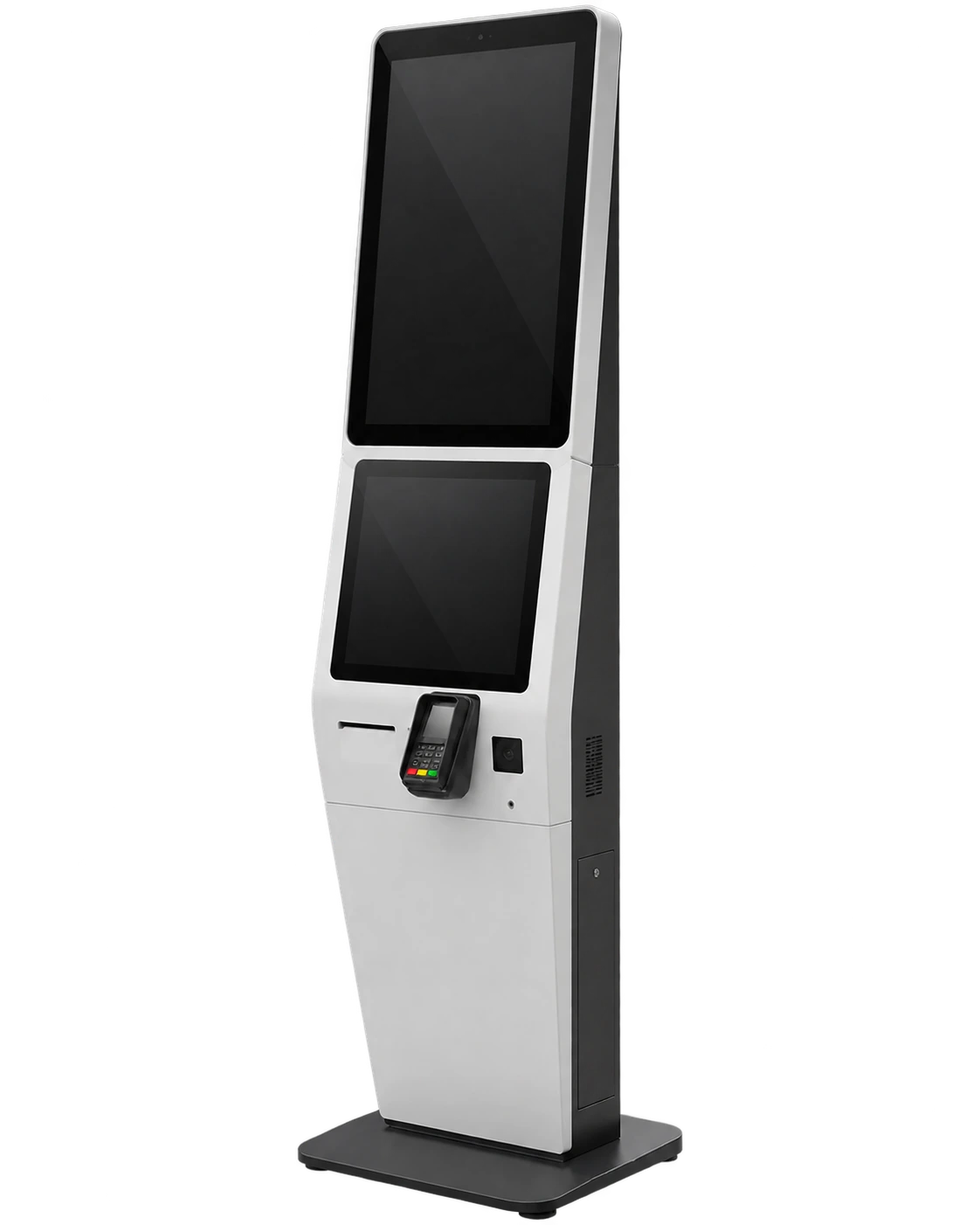
Dual-Screen Ordering Kiosk
Best For: Venues wanting simultaneous ordering and digital signage.
Advantages: One screen for ordering, another for ads, menus, or branding content.
Common Sizes: 17″, 21.5″, and 23.6″.
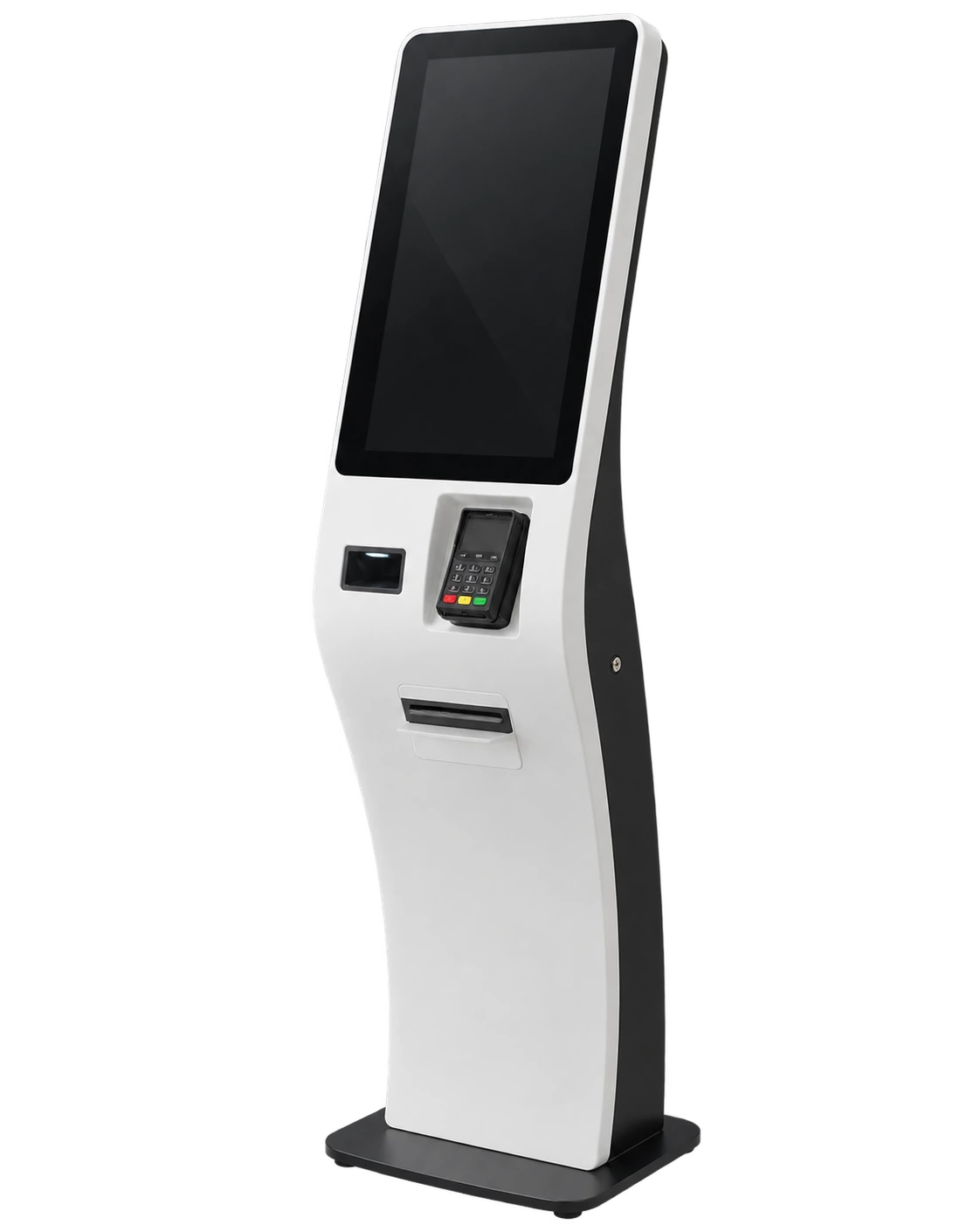
Curved Self-Ordering Kiosk
Best For: Custom projects requiring differentiated aesthetics and strong brand presence.
Advantages: Premium look, ergonomic interaction. Learn more about custom curved touch displays.
Common Sizes: 23.6″ and 32″ curved models.
Self-Ordering Kiosk Specifications
Detailed hardware parameters and configuration options.
Core Configuration
- Screen sizes: 15.6″, 17″, 19″, 21.5″, 23.6″, 27″, 32″, 43″
- Form factors: Floor-standing, wall-mounted, countertop, dual-screen, flat or curved
- Operating systems: Android, Windows IoT or Linux, configuration-dependent
- Enclosure: Custom sheet-metal enclosure
- Standard colors: White, black or model-specific combinations
- Customization: Color, logo, openings, peripheral layout, enclosure and mounting
- Display specs: Touch technology, brightness, resolution and 4K options are configuration-dependent
- Connectivity: Confirmed according to the computing platform and customer requirements
Peripheral Options
- Thermal receipt printer
- A4 printer
- Specialty printer options
- Camera
- Barcode/QR scanner
- ID reader / Document scanner
- Card reader
- NFC/smart card reader
- POS terminal mount
- PIN pad / Cash module options
System & Maintenance
- Computing platform selected by project
- Customer software compatibility evaluation
- Front or rear maintenance access on selected models
- Detachable modules on selected models
- Internal structure adapted to selected peripherals
- Final interfaces confirmed before prototype production
MOQ and Lead Time
- MOQ: from 1 unit
- Sample/Small orders: typically 3–7 days
- Bulk orders: typically 7–15 days after confirmation
- Selected sample projects: shipment may be possible in as little as 3 days
- All lead times are subject to configuration, components, certification and order scope.
Representative Model Dimensions
| Model Series | Screen Size | Dimensions (W × D × H) |
|---|---|---|
| A01 (Floor) | 17″ | 430 × 389 × 1442 mm |
| A02 (Floor) | 19″ | 436 × 430 × 1490 mm |
| A03 (Floor) | 21.5″ | 490 × 370 × 1531 mm |
| A041 (Floor) | 27″ | 462 × 520 × 1677 mm |
| A05 (Floor) | 32″ | 525 × 507 × 1772 mm |
| A07 (Floor) | 43″ | 670 × 629 × 2012 mm |
| B01 (Wall-Mounted) | 21.5″ | 745 × 340 × 60 mm |
| B03 (Wall-Mounted) | 23.6″ | 770 × 362 × 91.5 mm |
| B04 (Wall-Mounted) | 27″ | 876 × 410 × 91.5 mm |
| B05 (Wall-Mounted) | 32″ | 980 × 465 × 91.5 mm |
| Dual-Screen | 17″ / 21.5″ / 23.6″ | Varies (e.g., 608 × 630 × 1800 mm for 21.5″) |
| Flat Ordering Kiosk | 21.5″ / 27″ / 32″ | Varies (e.g., 520 × 420 × 1570 mm for 27″) |
| QT01 Curved | 23.6″ | 420 × 420 × 1635 mm |
| QT02 Curved | 32″ | 500 × 420 × 1800 mm |
* Dimensions and internal layouts may change when printers, payment terminals, scanners or custom components are added. The final engineering drawing must be confirmed before ordering.
Configure the Kiosk Around Your Workflow
XFC doesn't just bolt standard parts together. We arrange internal structures, custom metalwork, and precision openings specifically for your ordering, payment, printing, scanning, and maintenance processes.
Ideal Applications
Quick-Service Restaurants
Fast-Casual Restaurants
Coffee Shops & Bakeries
Food Courts
Canteens & Cafeterias
Convenience Food Retail
Hotel F&B Areas
POS & Kiosk System Integrators
Benefits for Restaurant and QSR Projects
How purpose-built hardware solves operational challenges.
Reduces pressure at staffed counters
Diverts customer traffic to self-service stations during peak rush hours.
Supports faster order entry
Enables simultaneous multi-point ordering, increasing throughput.
Gives customers more control
Allows visual browsing and precise menu customization at their own pace.
Helps reduce errors
Minimizes mistakes caused by verbal miscommunication in noisy environments.
Supports automated upselling
Provides a reliable platform for software-driven add-on suggestions.
Frees staff for fulfillment
Reallocates labor from order-taking to food preparation and customer service.
Maintains brand consistency
Supports consistent custom kiosk configurations across multiple franchise locations.
Self-Ordering Kiosk vs. Traditional Counter vs. Tablet Stand
| Feature | Commercial Self-Ordering Kiosk | Traditional Counter | Tablet Stand |
|---|---|---|---|
| Customer order control | High (Self-paced) | Low (Staff-led) | High (Self-paced) |
| Peak-hour throughput | High (Multi-station scalability) | Moderate (Staff dependent) | Low to Moderate |
| Peripheral integration | Built-in (Printers, scanners, POS) | External desktop devices | Very limited |
| Enclosure durability | High (Sheet metal/Industrial) | N/A | Low (Consumer grade) |
| Branding customization | Full enclosure design & colors | Store decor | Minimal (Stickers/cases) |
| Upfront investment | Moderate to High | Low hardware, High labor | Low |
Objective Conclusion:
- • Traditional counters are best for fine-dining or scenarios requiring highly personalized human service.
- • Tablet stands are suitable for light-duty pilot testing or extremely space-constrained micro-cafes.
- • Commercial self-ordering kiosks are best for projects requiring integrated peripherals, durable brand structures, long-term continuous operation, and multi-location deployment consistency.
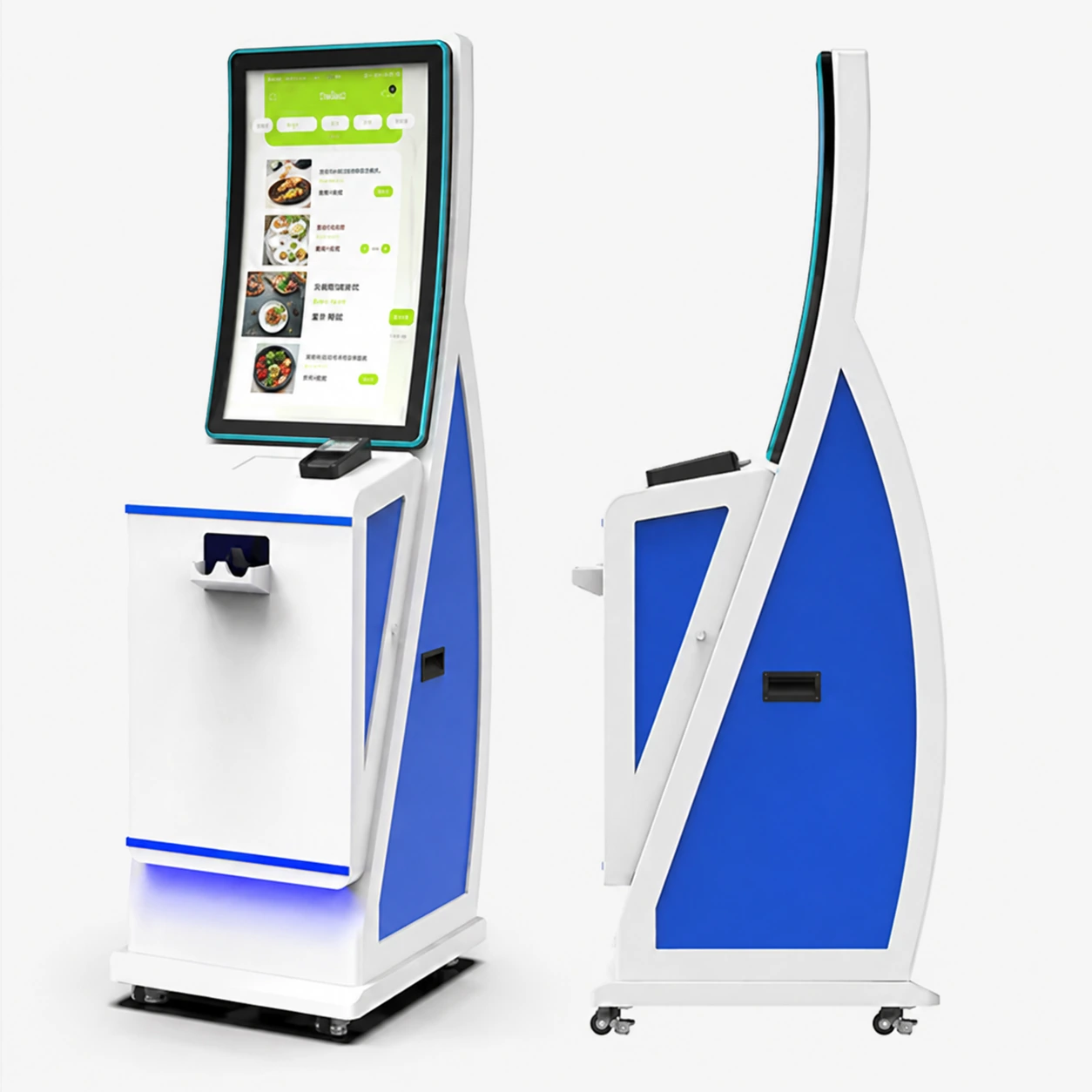
How to Choose a Self-Ordering Kiosk
A systematic 8-step selection process.
Define the ordering workflow
Map out how customers will order, pay, and collect receipts in your specific restaurant.
Confirm expected traffic
Determine the restaurant type and peak-hour volume to decide the number of units needed.
Choose installation type
Select floor-standing, wall-mounted, or countertop based on available floor space.
Select screen size
Choose the optimal industrial touchscreen display options and orientation (portrait/landscape).
Confirm software environment
Verify POS, KDS, and operating system requirements (Windows, Android, Linux).
Select peripherals
Finalize payment terminal mounts, receipt printers, and barcode scanner requirements.
Review maintenance needs
Check accessibility (front/rear doors) and local certification requirements.
Confirm rollout plan
Establish prototype quantity, testing timeline, and volume production schedule.
How Much Does a Self-Ordering Kiosk Cost?
The cost of a self-ordering kiosk depends on its screen size, computing platform, enclosure type, integrated peripherals, payment hardware, software compatibility work, certification requirements, and order quantity.
XFC provides accurate quotes only after reviewing your functional checklist, dimensions, quantity, software environment, and peripheral requirements.
On selected projects, factory-direct sourcing and integrated manufacturing may help reduce total procurement costs by up to approximately 31% compared with fragmented sourcing. Actual savings depend on the project.
Key Cost Factors:
- Display size and touch technology
- Computing system and operating platform
- Floor-standing, wall-mounted or countertop enclosure
- Printer, scanner and payment peripherals
- Custom metalwork and branding
- Software compatibility testing & Certification
- Prototype quantity and production volume
OEM/ODM Customization Process
From concept to volume production. Learn more about our OEM kiosk manufacturing capabilities.
Requirement Input
Customer sends a photo, drawing or requirement list.
Engineering Review
XFC reviews the workflow and hardware requirements.
Component Selection
Display, computing platform and peripherals are selected.
Structural Design
Enclosure structure and precise openings are designed.
Customer Confirmation
Customer confirms the engineering drawing and configuration.
Prototyping
Initial prototype is assembled and tested.
Refinement
Sample feedback is incorporated into the final design.
Mass Production
Batch production and final inspection begin.
Why Choose XFC?
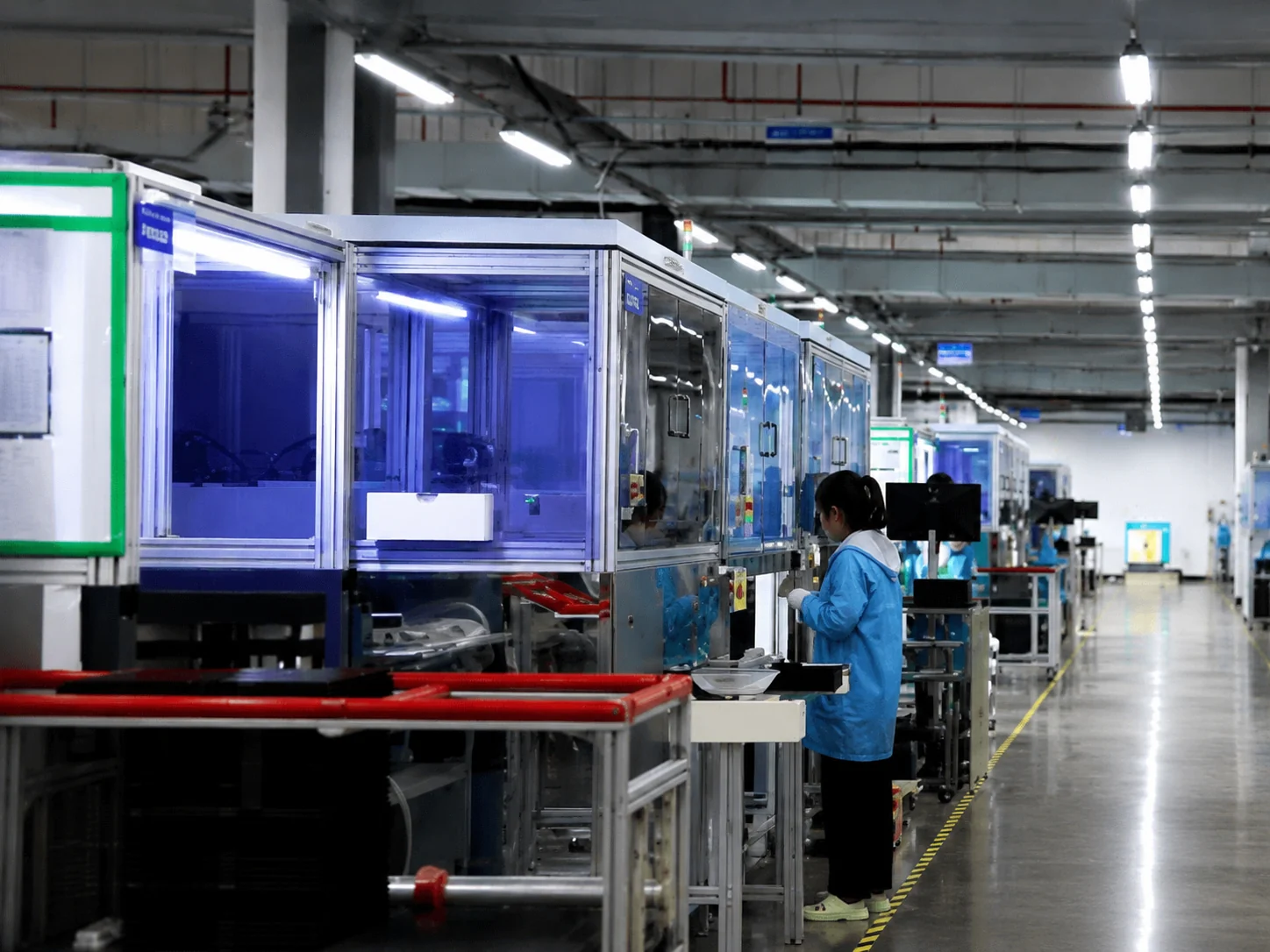
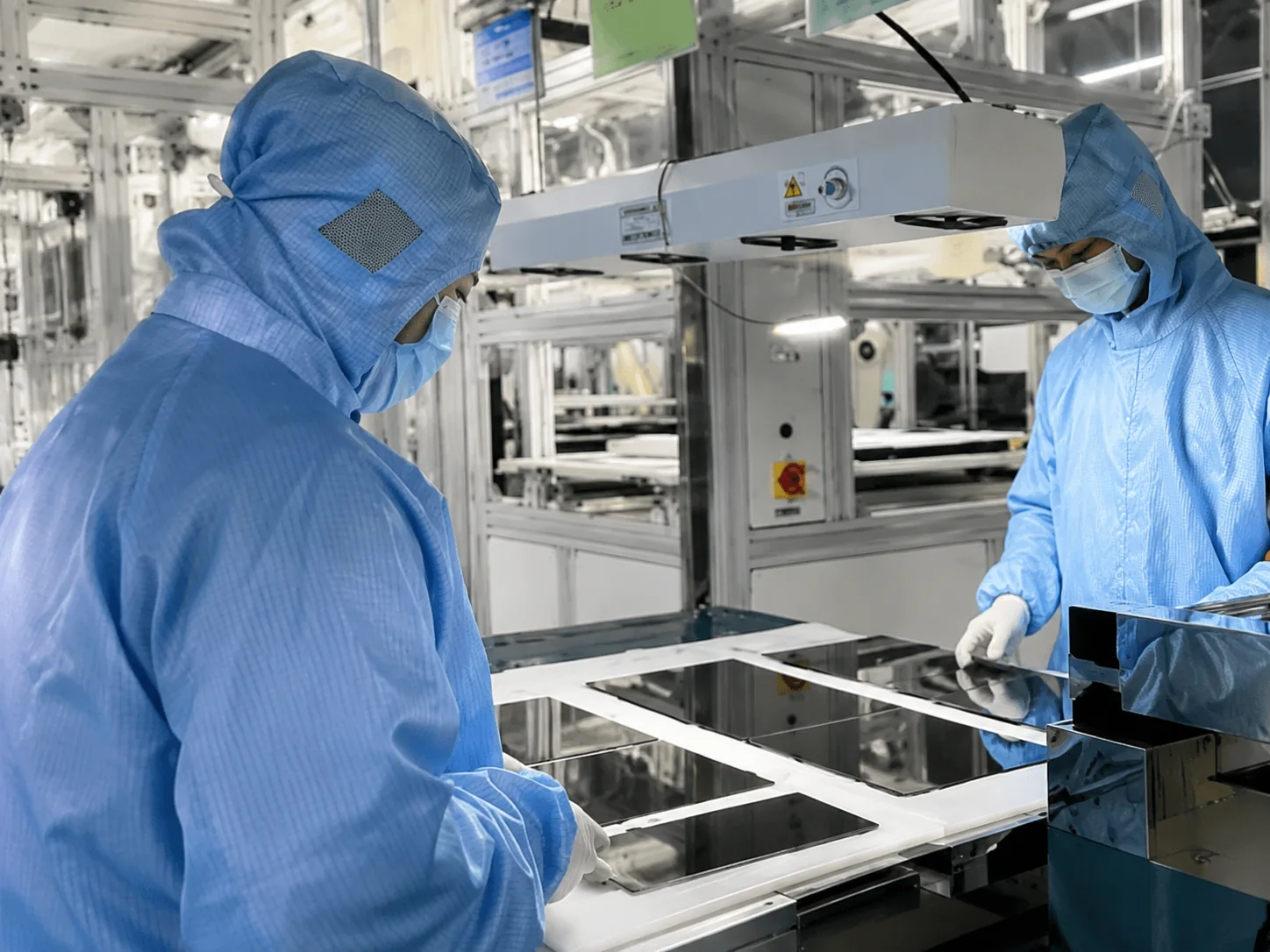
We integrate display technology, metal fabrication, and assembly to reduce your procurement and compatibility risks.
Inside the Factory: Production & Quality Testing
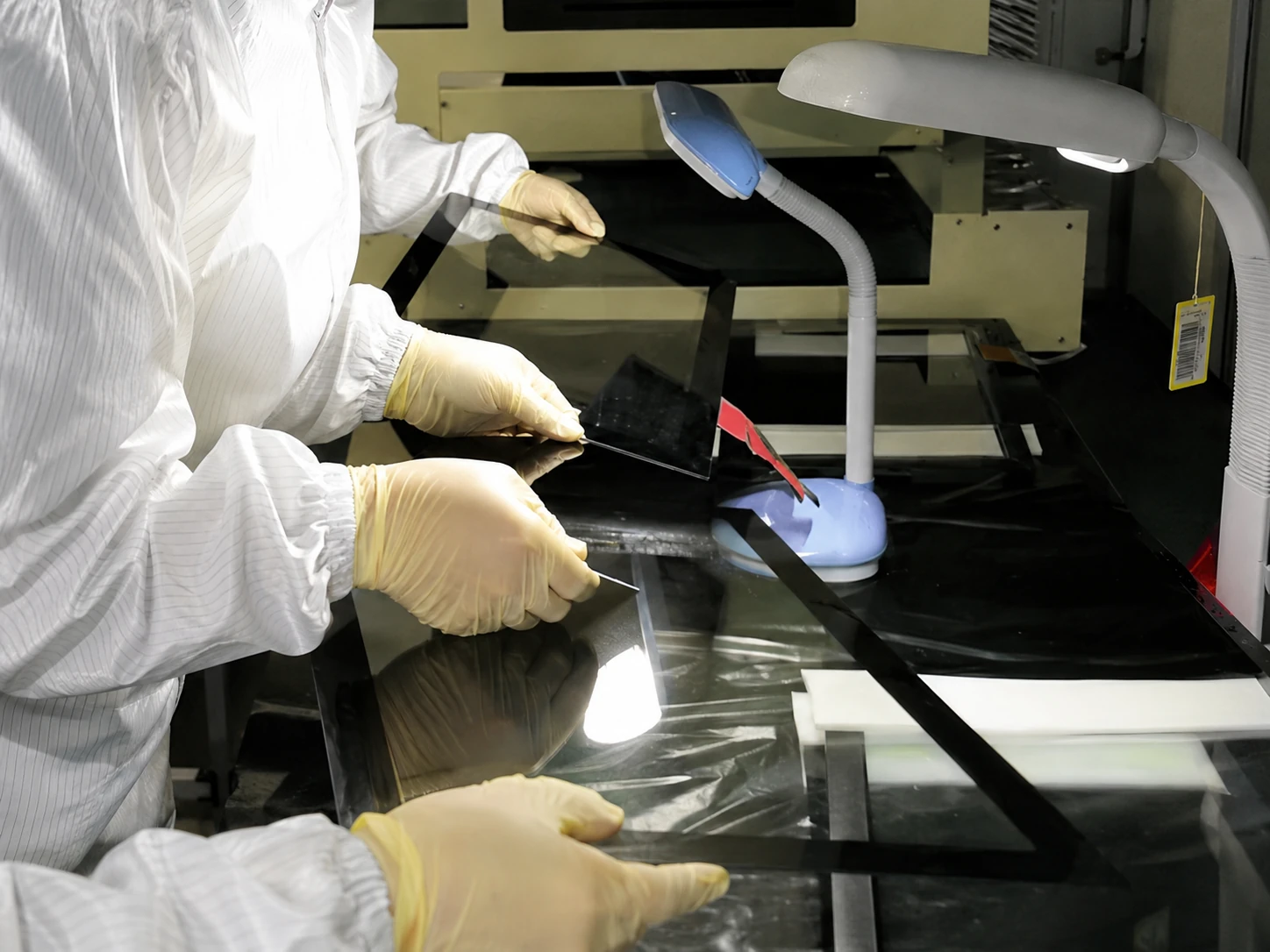
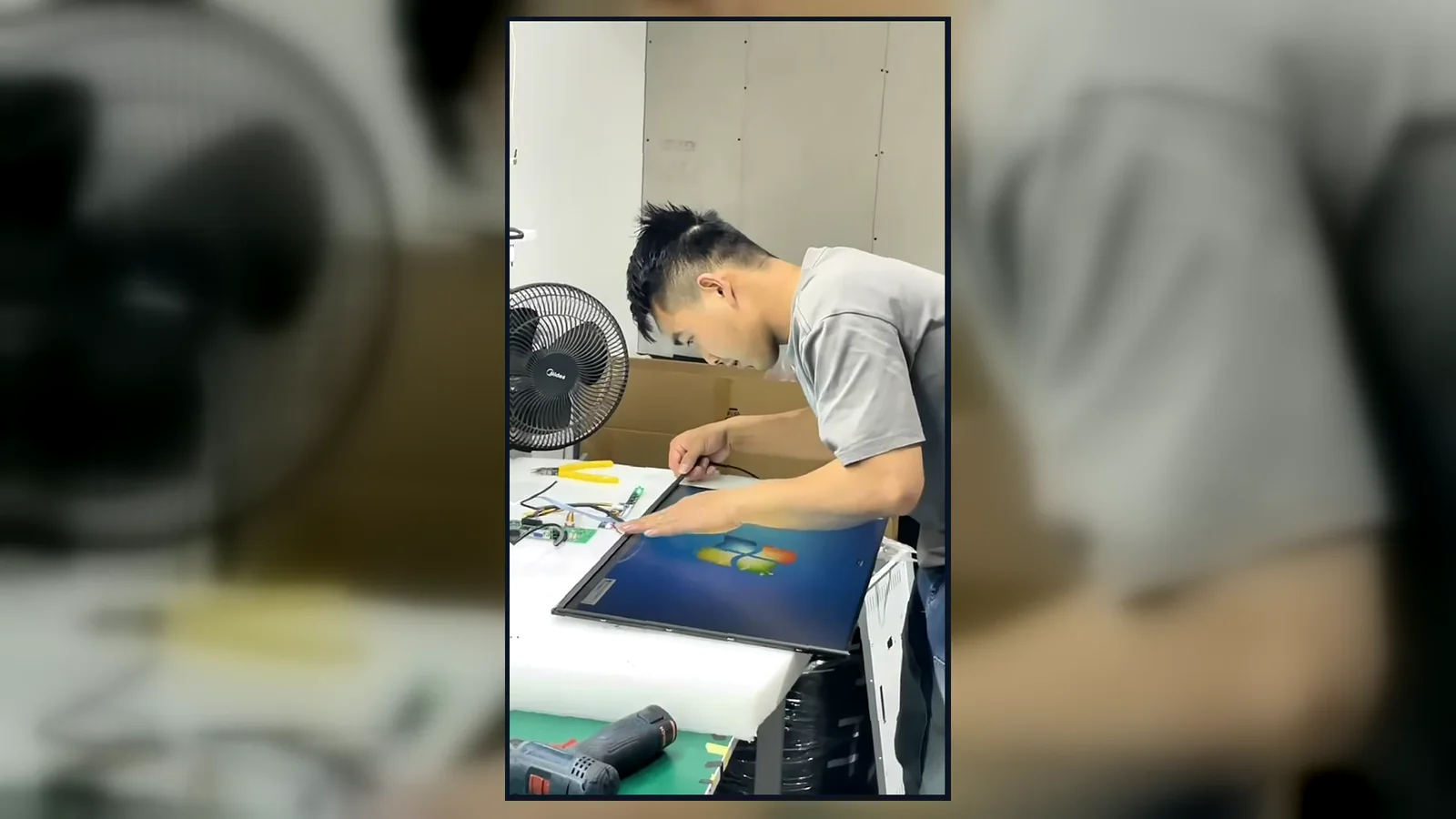
Watch our brief 45-second overview showcasing the rigorous assembly and testing procedures at our facility. See firsthand how our QC team conducts 100% inspections to verify touch response, display quality, interfaces and appearance according to the approved specifications.
Global Quality & Compliance Standards
Our products are manufactured under strict quality control systems and comply with international standards, ensuring reliability and safety for your projects.

ISO 9001:2015
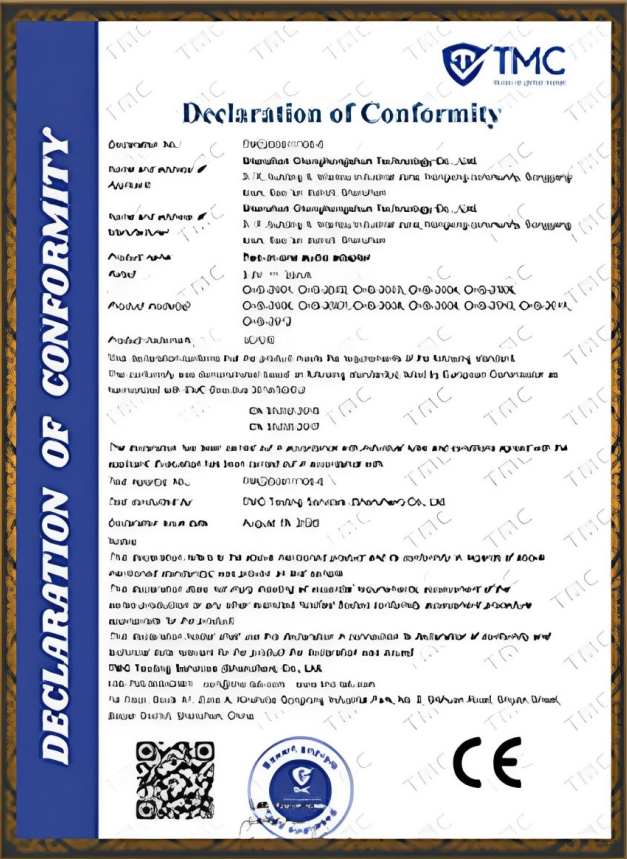
CE Certification
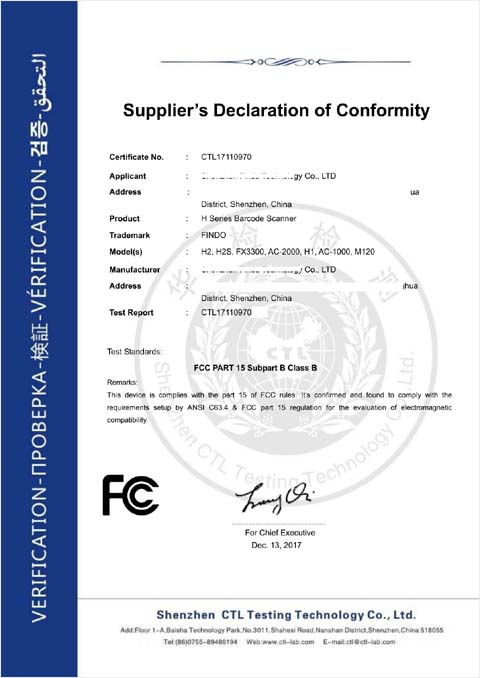
FCC Certification

RoHS Compliance

IP56/IP65/IP67/IK10
Frequently Asked Questions
What is a self-ordering kiosk?
How does a self-ordering kiosk work?
How much does a self-ordering kiosk cost?
What screen size is best for a restaurant ordering kiosk?
Can the kiosk work with an existing POS or KDS?
Does XFC provide self-ordering kiosk software?
Which operating systems are available?
What peripherals can be installed?
Should I choose a floor-standing, wall-mounted or countertop kiosk?
Can XFC customize the enclosure and branding?
What is the minimum order quantity?
How long does a sample take?
What information is required for a quotation?
Can XFC support certifications?
Are self-ordering kiosks worth the investment?
Can I send a photo or drawing for evaluation?
Build a Self-Ordering Kiosk Around Your Project
Send us your pictures, drawings, software environment details, peripheral lists, dimensions, and quantities. Our engineering team will evaluate your requirements and recommend the optimal hardware configuration.
Project Information Required for an Accurate Quote:
- • Application and restaurant type
- • Preferred form factor & screen size
- • Estimated quantity
- • OS or software environment
- • POS/KDS & payment terminal info
- • Required printers, scanners, or cameras
- • Custom color/logo requirements
- • Required certifications
* Our sales engineers will reply based on your specific project parameters rather than providing an instant fixed quote. The more complete your information, the more accurate the engineering evaluation.
