
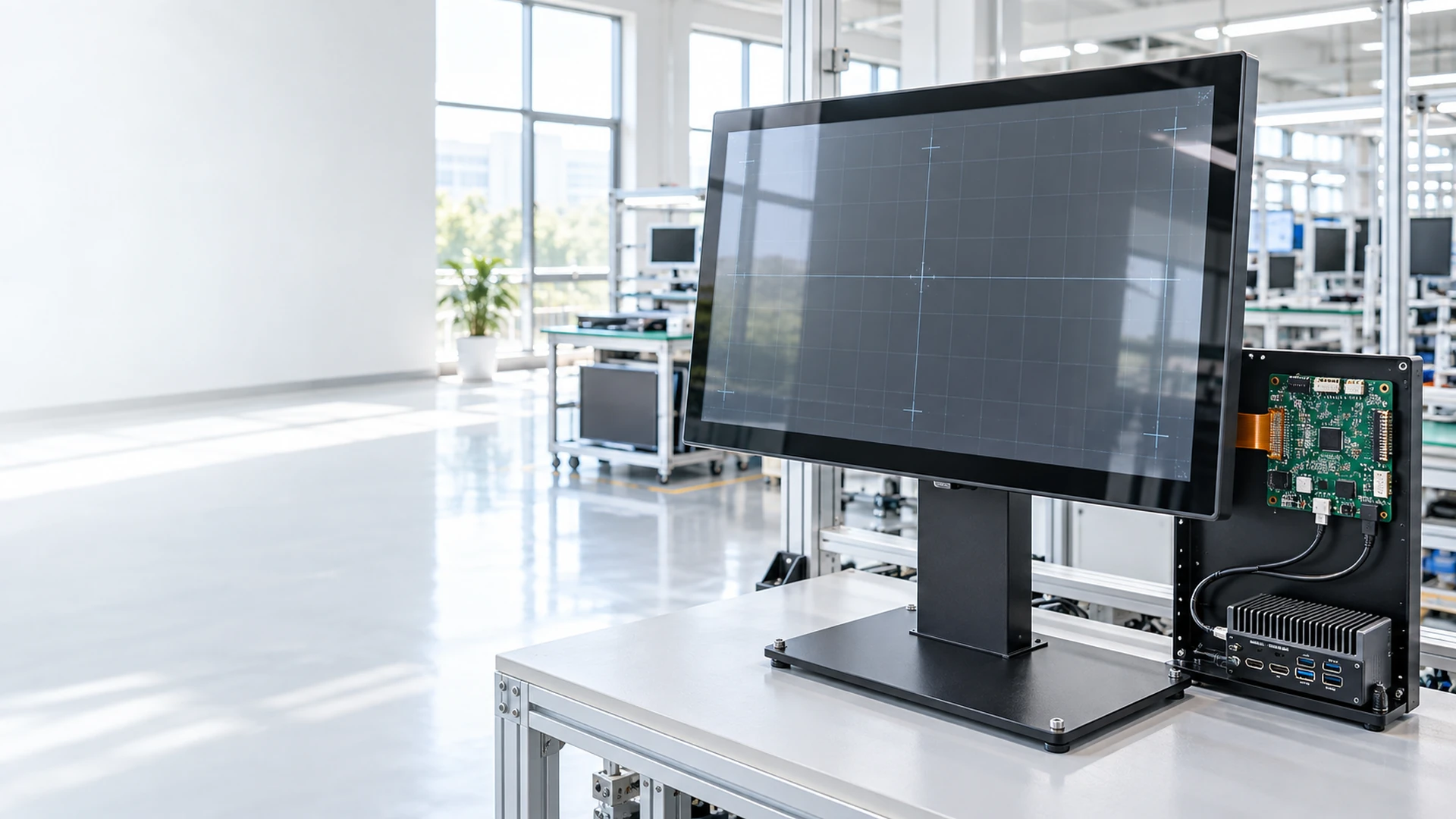
32 Inch Touchscreen Monitor Manufacturer for Equipment Integration
Lucky-XFC manufactures and customizes touchscreen display hardware for commercial equipment, information terminals, control interfaces and self-service systems. Our standard flat reference uses a 31.5-inch panel—the size commonly grouped into the 32-inch monitor class—while open-frame, all-in-one, kiosk and curved configurations can be evaluated around the final installation.
- 31.5-inch Full HD PCAP flat monitor reference
- Flat, open-frame, all-in-one, kiosk and C-type curved formats
- Mechanical, touch, interface and computing customization
- OEM and ODM project support
Product specifications, inspection items and deliverables are aligned with the approved model and project requirements.
32-Inch Touchscreen Monitor Configurations
Start with the product architecture rather than the nominal screen size alone. The correct configuration depends on whether the display uses an external host, fits inside an enclosure, includes computing hardware or becomes part of a complete interactive terminal.
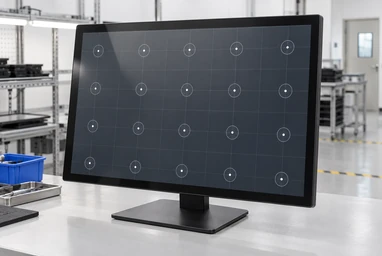
31.5-Inch Flat PCAP Touchscreen Monitor
TP315-JX-DR-02 is the verified flat reference for buyers searching the 32-inch class. It combines capacitive touch, a 16:9 Full HD display and a metal housing for externally mounted or equipment-integrated applications.
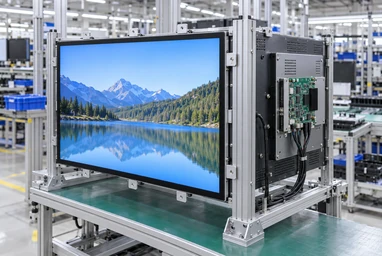
31.5-Inch Open Frame Touchscreen Monitor
An open-frame configuration places the LCD, touch sensor and display electronics inside an open metal chassis for installation behind a machine panel or custom enclosure. A 31.5-inch configuration can be evaluated according to panel availability and the approved mechanical drawing.
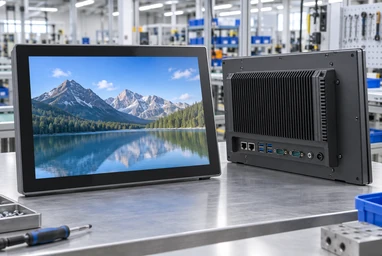
32-Inch Touchscreen All-in-One Computer
This project path combines display, touch input and an internal computing platform. Android, Windows or Linux configurations depend on the required application, processor platform, memory, storage, ports and peripheral workflow.
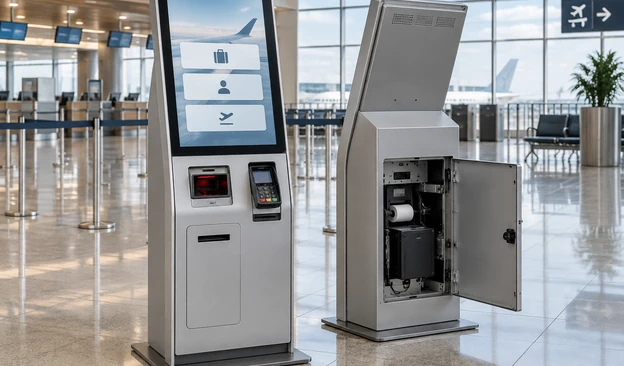
32-Inch Kiosk Touchscreen Solution
A kiosk project can combine the touch display, computing hardware, sheet-metal enclosure and selected peripherals. The screen orientation, user reach, service access, printer, scanner and payment-device positions must be coordinated as one system.
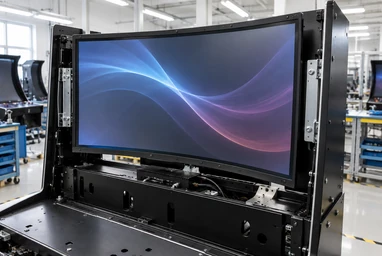
32-Inch C-Type Curved Touchscreen Monitor
The verified C-type family includes a 32-inch option with a continuous curved display profile. Curve geometry, active touch area, cabinet opening, mounting depth, interface and system environment must be reviewed together.
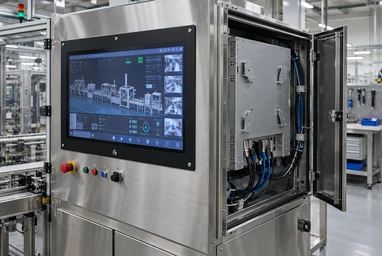
32-Inch 4K PCAP Project Evaluation
A 3840×2160 PCAP configuration may be evaluated when the application needs higher information density or detailed visual content. It is not the standard TP315-JX-DR-02 specification; panel supply, touch structure, interfaces and mechanical feasibility require project review.
What Is a 32-Inch Touchscreen Monitor?
A 32-inch touchscreen monitor combines a visual display with touch input and normally connects to an external computer, industrial PC or media system. In this market, “32 inch” frequently describes the commercial size class, while the actual LCD panel may measure 31.5 inches diagonally.
A standard touchscreen monitor supplies the display and touch functions but does not necessarily include a CPU, memory, storage or operating system. An open-frame monitor provides the same core functions in an integration-oriented chassis. A touchscreen all-in-one adds computing hardware, while a complete kiosk adds the enclosure and project-specific peripherals.
Touchscreen Monitor
- • Display and touch input
- • External host normally required
- • Finished housing or integration structure
Touchscreen All-in-One
- • Display, touch and computing hardware
- • Android, Windows or Linux by configuration
- • Suitable for standalone application operation
Complete Kiosk
- • Touch display, computer and custom enclosure
- • Optional printers, scanners, readers and payment hardware
- • Designed around a complete user workflow
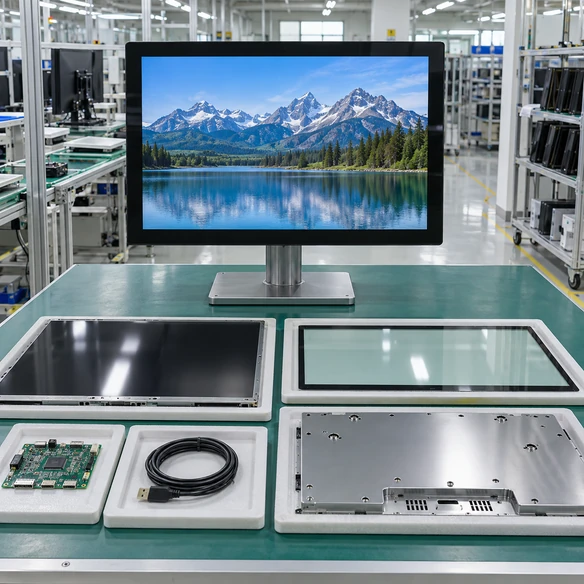
How a Touchscreen Monitor Connects to the Host System
A working display image does not automatically mean that touch input is connected. The video path, touch-data path and power path must be reviewed separately unless a confirmed combined interface is used.
32-Inch Touch Display Range and Supply Status
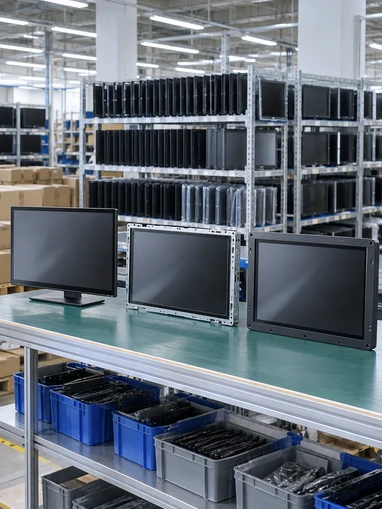
Use the following range to identify a suitable starting point. Values described as project-dependent must be confirmed in the selected datasheet, approved drawing or configuration record before ordering.
| Configuration | Size Reference | Display | Touch | Structure | Supply Status |
|---|---|---|---|---|---|
| Flat PCAP Monitor | 31.5-inch actual panel / 32-inch class | 1920×1080, 16:9 | Capacitive touch | Metal housing | Verified standard reference: TP315-JX-DR-02 |
| Open-Frame Monitor | 31.5-inch configuration may be evaluated | Confirmed after panel selection | PCAP or resistive options according to project | Open chassis with integration brackets | Verified customization path |
| Touchscreen All-in-One | 32-inch-class project configuration | Resolution and computing platform by project | Touch configuration by project | Integrated display and computing enclosure | Verified customization path |
| Self-Service Kiosk | 32-inch screen option | Display and orientation by project | Selected around the user workflow | Floor-standing, wall-mounted or custom enclosure | Verified product and project path |
| C-Type Curved Monitor | Verified 32-inch family option | Standard reference 1920×1080 | Projected capacitive touch | Continuous curved metal-housing format | Verified product family |
| Flat 4K PCAP Project | Requested 32-inch-class configuration | Target 3840×2160 | PCAP requested | Structure subject to engineering review | Feasibility confirmation required |
The nominal screen class does not define the outer dimensions, active area, panel opening, mounting-hole positions or rear clearance. Use the approved mechanical drawing for enclosure design.
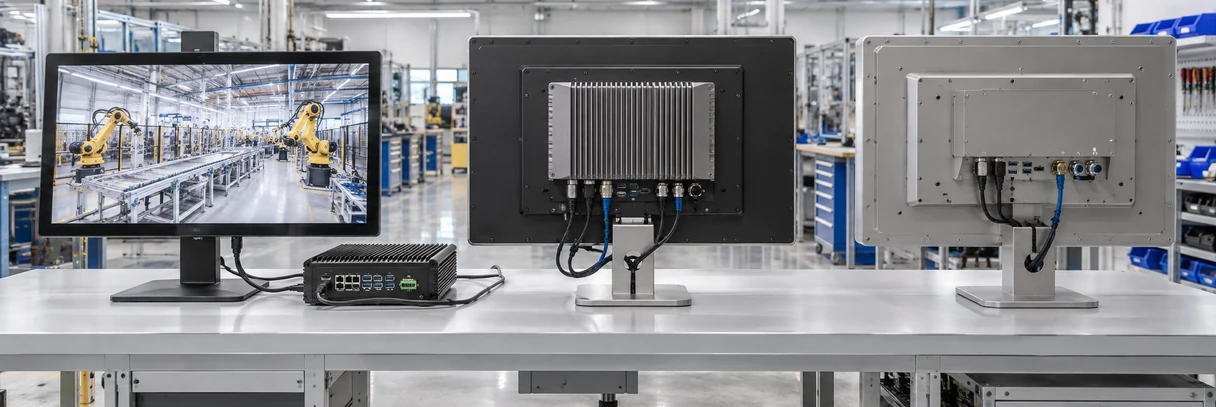
Choose the Computing Path Before Selecting the Enclosure
External Host Monitor
A display-only 32-inch touchscreen monitor connects to a laptop, industrial PC, media player or control computer. It is appropriate when the project already has an approved host platform.
Confirm:
- ✓ Video output
- ✓ USB touch connection
- ✓ Operating-system compatibility
- ✓ External mounting and cable routing
Integrated Touchscreen Computer
An internal computing board is selected around the software workload, operating system, storage, memory, ports and peripheral requirements.
Confirm:
- ✓ Android, Windows or Linux
- ✓ Application resource requirements
- ✓ Network and peripheral interfaces
- ✓ Maintenance and system-update plan
Complete Interactive Kiosk
The display, computer, enclosure and peripherals are planned around the complete user journey. Component positions must also allow loading, cleaning and service access.
Confirm:
- ✓ User workflow and accessibility
- ✓ Printer, scanner and reader positions
- ✓ Internal cable and ventilation arrangement
- ✓ Front or rear maintenance access
How to Specify a 32-Inch Touchscreen Monitor Correctly
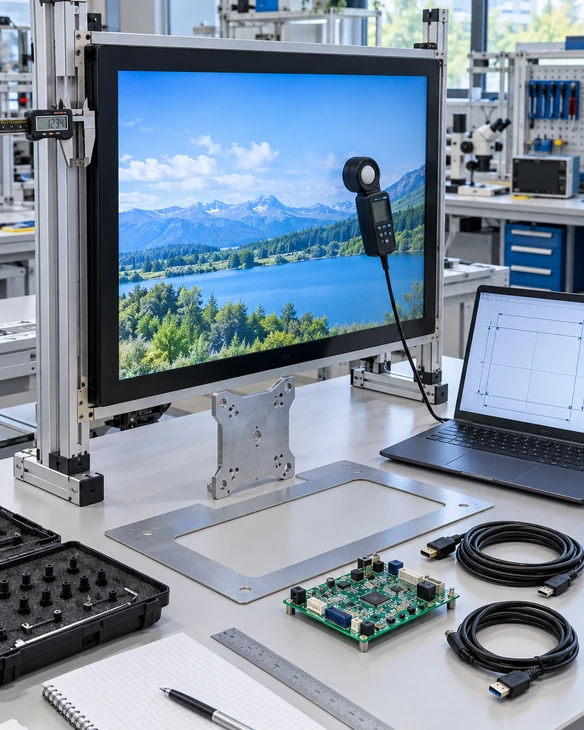
The screen-size label is only the first dimension. Equipment integration should be based on the actual panel, active display area, complete housing dimensions and approved mounting drawing.
1 Actual panel diagonal
The standard flat reference is 31.5 inches even though buyers often search for a 32 inch touchscreen monitor.
2 Active display area
Use the active area to evaluate visible content, button size, interface layout and user reach.
3 Overall dimensions
The outside width, height and depth determine whether the complete monitor fits the intended space.
4 Front-panel opening
For embedded installations, define the opening around the visible area, bezel overlap and required assembly tolerance.
5 Rear installation depth
Allow space for the chassis, connectors, cable bending radius, airflow and maintenance access.
6 Mounting positions
Confirm VESA, side brackets, rear fixing points or project-specific structures against the selected drawing.
7 Orientation
Landscape or portrait use must be confirmed with the monitor structure, application interface, stand or enclosure.
8 Viewing and touch distance
A large screen can display more information, but the control size and interaction zones must remain comfortable at the expected viewing and reaching distance.
Do not manufacture the cabinet from a marketplace product photo or nominal size alone. Confirm the selected model drawing before cutting sheet metal or machining the front panel.
Touch Technology and Installation Structure
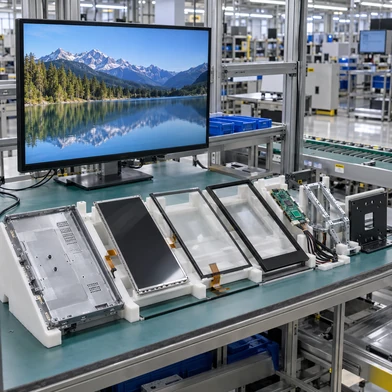
The standard TP315-JX-DR-02 reference uses capacitive touch. Open-frame projects may also evaluate resistive touch when the operating method requires pressure input. Final selection depends on the actual user, interface and enclosure.
Swipe left to view full comparison
| Factor | PCAP Touch | Resistive Touch |
|---|---|---|
| Input method | Finger or compatible conductive input | Pressure from finger, glove or stylus |
| Multi-touch | Commonly supported, subject to controller and OS | Usually selected for single-point operation |
| Surface construction | Cover-glass-based touch surface | Flexible resistive touch layers |
| Visual clarity | Generally higher | Additional resistive layers affect optical clarity |
| Best-fit direction | Modern interactive interfaces and gesture-based control | Pressure-based input and selected gloved or stylus workflows |
| Required validation | Touch points, cover glass, grounding, controller and OS | Actuation force, surface durability, controller and application |
Enclosed / VESA Monitor
A finished metal-housing monitor for equipment arms, stands, wall brackets or external installation.
Open Frame
An internal display assembly for OEM machines, kiosks and cabinets that provide their own finished exterior.
Integrated Kiosk
The touch display is coordinated with a complete sheet-metal structure and peripheral layout.
Curved Cabinet Integration
The display profile, touch mapping, opening, radius, mounting depth and service clearance are reviewed as one mechanical system.
Prevent Common Touchscreen Integration Mismatches
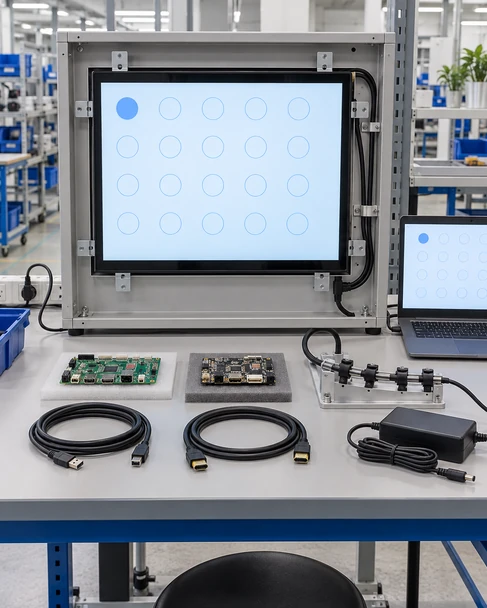
The enclosure is designed from the nominal size.
Consequence: A 31.5-inch panel marketed in the 32-inch class can still have different outer dimensions, bezel geometry, mounting points and connector positions.
Response: Base the cabinet opening and fixing structure on the selected model drawing, not the category label.
The display shows an image, but touch does not respond.
Consequence: A video cable can carry the picture without returning touch data to the host.
Response: Plan the video path and USB touch path separately, then validate the touch controller with the intended operating system.
The screen, computer and application are selected independently.
Consequence: Port, driver, resolution, scaling and peripheral conflicts may appear during integration.
Response: Review the display, touch controller, computing platform and application workflow as one system before production.
Connectors collide with the cabinet or service panel.
Consequence: Insufficient rear clearance or an unsuitable cable exit can make assembly and maintenance difficult.
Response: Confirm connector location, cable direction, bending space and service access in the mechanical review.
A marketplace specification is treated as a universal standard.
Consequence: Brightness, touch points, protection scope, interfaces and mounting details can vary between models.
Response: Use the approved specification and drawing for the exact project configuration. Do not transfer competitor parameters to the selected XFC model.
A configuration review cannot replace final equipment validation, but it helps identify avoidable dimensional, interface and architecture mismatches before the enclosure and application are finalized.
Typical Applications for 32-Inch Touch Displays
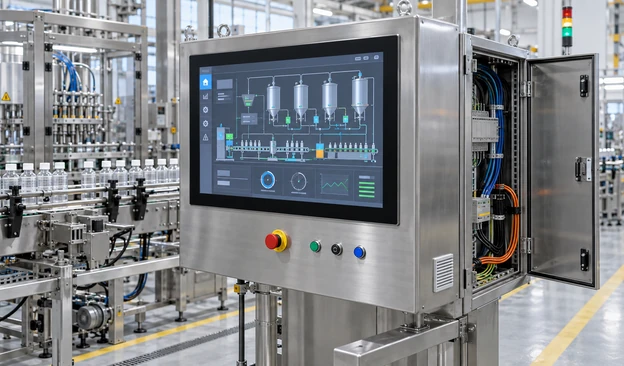
Industrial Control Interfaces
A 31.5-inch flat or open-frame monitor can provide a larger operator interface for equipment status, process visualization and touch-based control. Mounting, grounding, host compatibility and service access remain project-specific.
Self-Service and Check-In Kiosks
The display can be coordinated with an enclosure, computer, printer, scanner or identification device. Screen position and peripheral access should follow the actual user workflow.

Retail and Service Terminals
Suitable configurations can support product browsing, assisted service, ordering and interactive counter workflows.
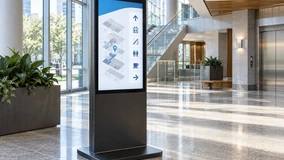
Information and Wayfinding
A larger interactive area can present maps, directories, forms and guided information when content scale and user reach are designed together.
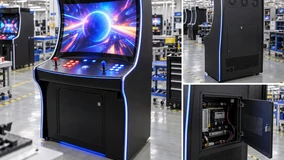
Gaming and Interactive Cabinets
Flat or C-type curved displays can be evaluated around the cabinet profile, active touch area, controller, interfaces and application layout.
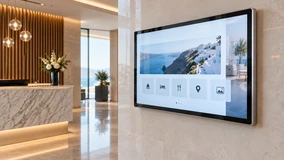
Interactive Digital Signage
Interactive signage projects should coordinate content resolution, orientation, touch workflow, computing platform, mounting and maintenance access.
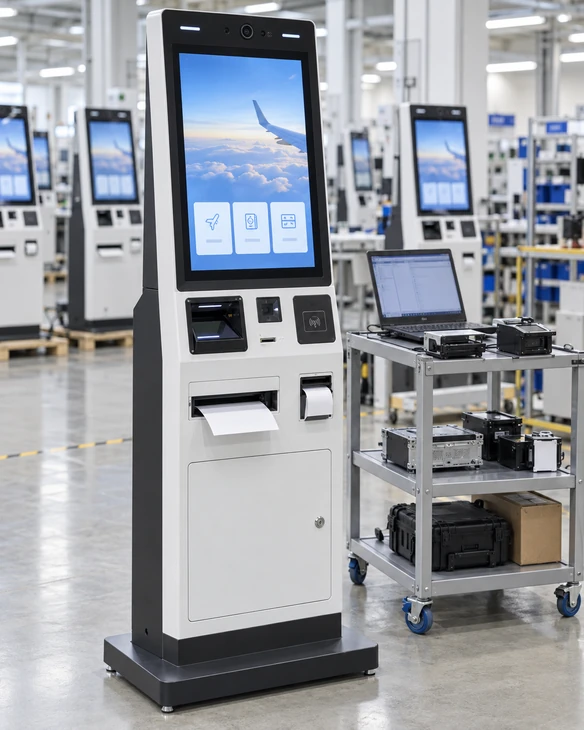
US Check-In Kiosk Hardware Integration
Coordinating the touchscreen, software environment, A4 printing and ID scanning around one validation path.
Project Requirement
A US project required a custom check-in kiosk combining a touchscreen interface, A4 printing and ID scanning. The hardware had to support the customer’s software-validation process and allow practical paper loading inside the enclosure.
Integration Response
Lucky-XFC coordinated the kiosk hardware configuration and tested printer-driver operation with Windows IoT. One prototype was prepared for the customer’s software team to validate the application and peripheral workflow.
Mechanical Adjustment
The project review identified that paper loading needed easier service access. Minor structural adjustments were made before the rollout configuration was finalized.
Delivery Planning
The project used phased delivery planning to support a regional deployment sequence rather than treating all units as one undifferentiated shipment.
What This Case Illustrates
- • Display, computing platform and peripherals should be reviewed together.
- • Driver checks should use the intended operating-system environment.
- • A prototype can reveal maintenance and loading issues that are not visible in a component list.
- • Enclosure details may require adjustment after real workflow validation.
Customize the Display Around the Equipment
Customization begins with the equipment architecture and installation drawing. The available options depend on the selected panel, touch structure, computing path and mechanical feasibility.
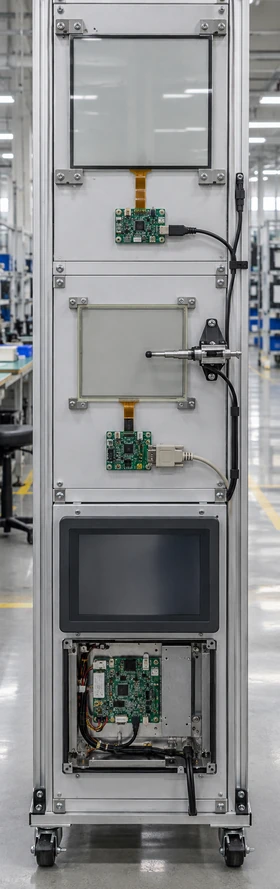
Display
- ▪ 31.5-inch standard flat reference or project-specific panel evaluation
- ▪ Full HD standard flat reference
- ▪ 4K project evaluation where required
- ▪ Landscape or portrait orientation subject to configuration
Touch and Glass
- ▪ PCAP touch for the verified flat reference
- ▪ PCAP or resistive evaluation for open-frame projects
- ▪ Cover-glass dimensions and printed border
- ▪ Touch-controller selection according to the host and application
Housing and Mounting
- ▪ Finished metal housing
- ▪ Open-frame chassis
- ▪ VESA, side-bracket or project-specific mounting
- ▪ Custom cabinet integration
- ▪ Cable exit and rear-service clearance review
Interfaces
- ▪ HDMI, DisplayPort, VGA and USB touch according to the selected configuration
- ▪ Optional project-specific connections only after feasibility confirmation
- ▪ Separate review of video, touch-data and power paths
Computing
- ▪ External host monitor
- ▪ Integrated Android, Windows or Linux platform
- ▪ Processor, memory, storage, networking and peripheral interfaces selected around the software workload
Brand and Product Appearance
- ▪ Housing color, logo placement and printed details according to the approved project scope
- ▪ Final appearance subject to the agreed drawing and sample
From Requirement Review to Production

1. Requirement Review
Define the application, size class, quantity, installation, host system, touch method, interfaces and operating conditions.
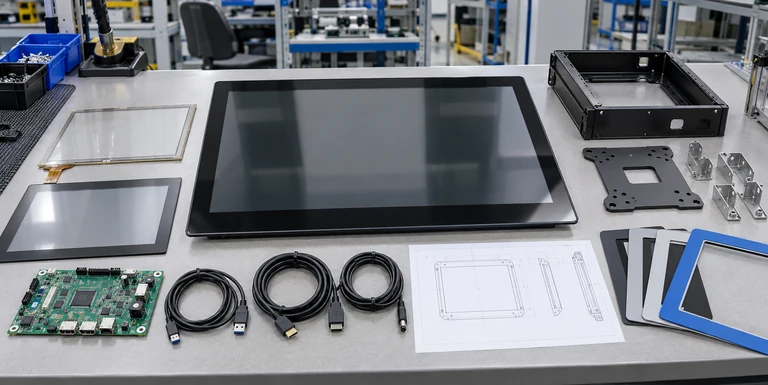
2. Configuration Selection
Match the project with a flat, open-frame, all-in-one, kiosk, curved or feasibility-review path.
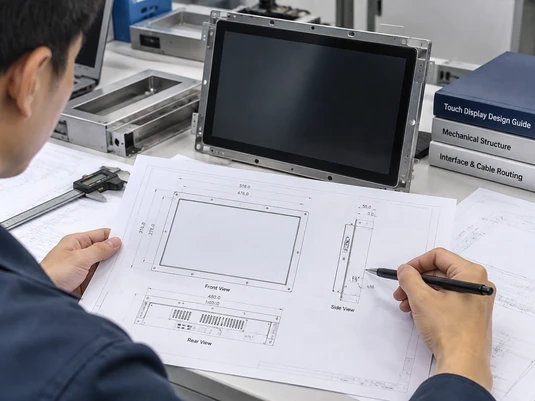
3. Drawing Review
Review outer dimensions, active area, opening, fixing points, rear depth, connectors and cable clearance.
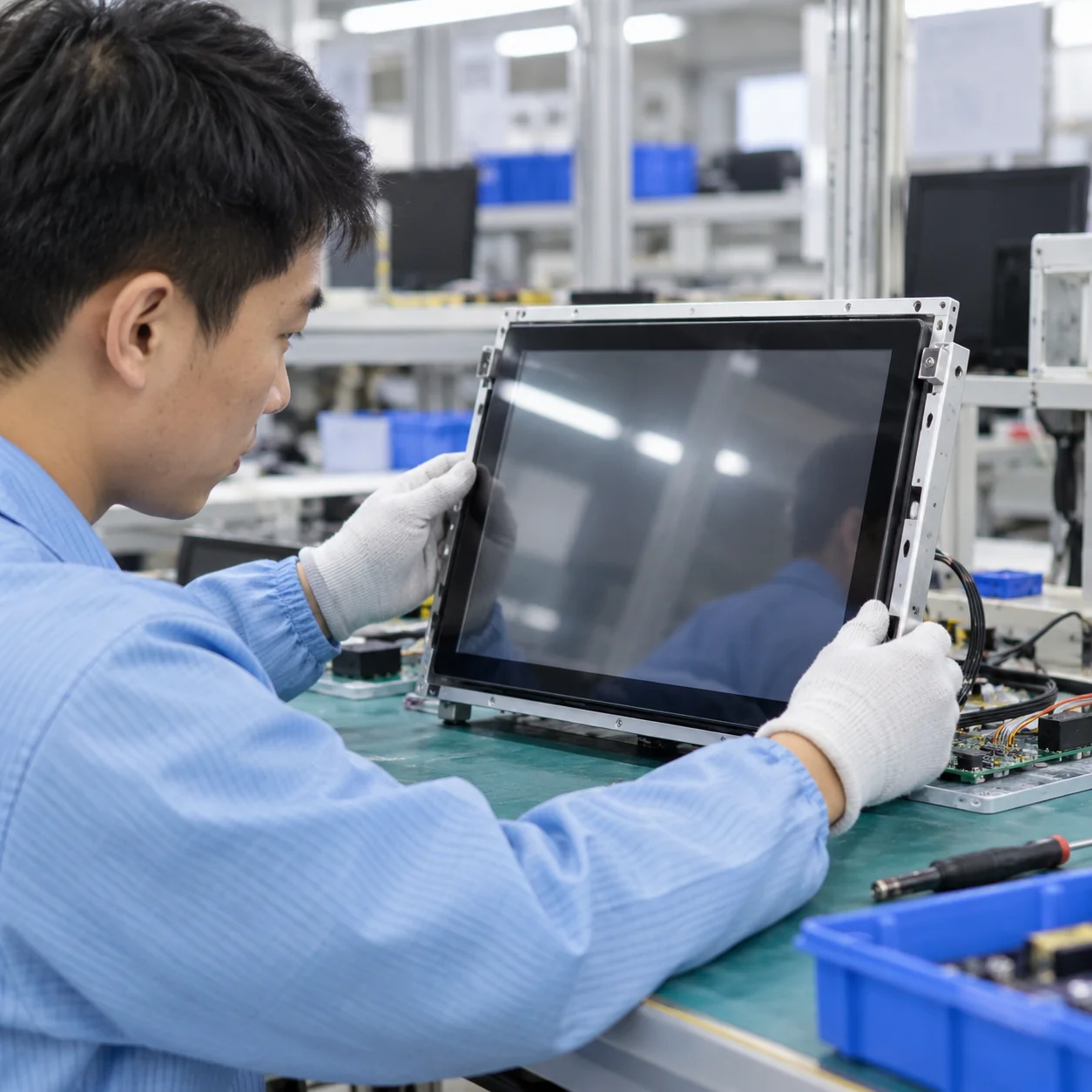
4. Sample or Prototype
Prepare the agreed hardware configuration for physical, software and workflow evaluation when included in the project plan.
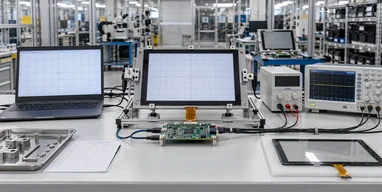
5. System Validation
Validate display output, touch response, operating-system behavior, application scaling and required peripherals in the real setup.
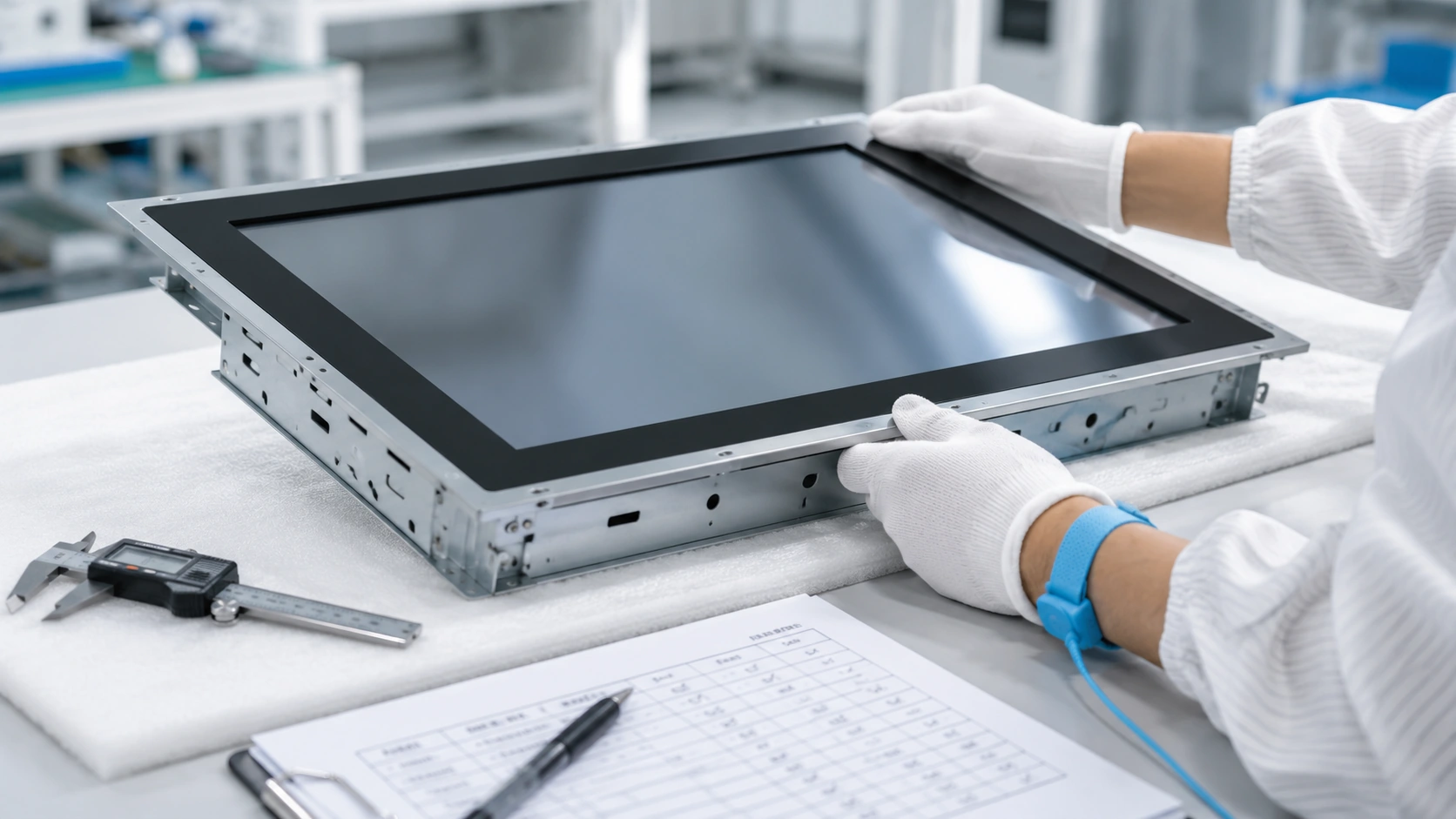
6. Production and Inspection
Produce against the approved configuration and apply the agreed inspection checklist before delivery.
The exact sample, documentation and validation scope must be agreed for the individual project. Do not promise a fixed development or delivery schedule.
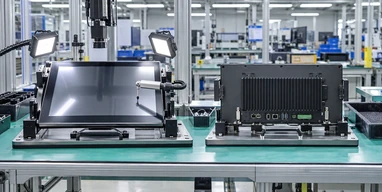
Manufacturing and Inspection for Project Consistency
Lucky-XFC has 13 years of touch display manufacturing experience, supported by a 3,100 m² facility, a production team of more than 160 people and 26 quality personnel. Products undergo inspection before delivery according to the approved configuration and project requirements.
Project Inspection Directions:
- Selected model and configuration
- Visible display operation
- Touch response
- Confirmed video and touch interfaces
- Housing appearance and assembly
- Labels and project-specific details
- Required accessories and approved packing list
Important: Inspection criteria, test conditions and acceptance records must follow the selected product and agreed project scope. Do not convert this section into claims of zero defects, universal certification or guaranteed field performance.
For custom equipment, buyer-side validation remains necessary because the final performance also depends on the host computer, application, enclosure, grounding, cabling, installation and operating environment.
Why Buyers Use Lucky-XFC for Custom Touch Display Projects
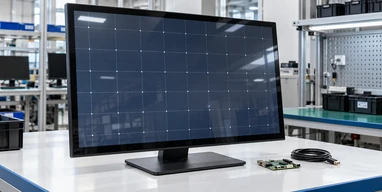
A Defined Flat Starting Model
TP315-JX-DR-02 gives the project a verified 31.5-inch Full HD PCAP starting point instead of an undefined “32-inch screen” request.
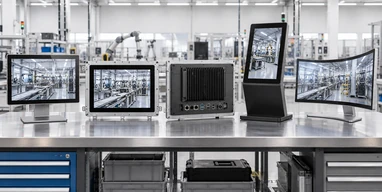
Multiple Integration Architectures
Flat, open-frame, computing-integrated, kiosk and C-type curved paths allow the screen architecture to follow the equipment rather than forcing every project into one housing.
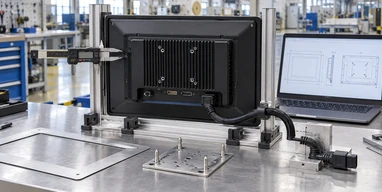
Drawing-Based Mechanical Review
Outer size, opening, mounting, depth, connector position and service clearance can be reviewed before the enclosure is finalized.
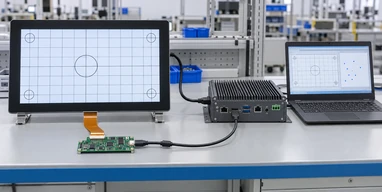
Display, Touch and Computing Coordination
The screen, touch-data path, operating system and application workflow can be evaluated as connected parts of the same system.
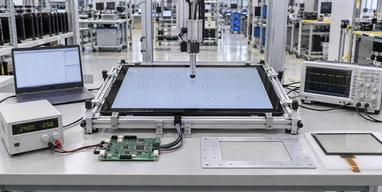
Prototype-Oriented Validation
When included in the project plan, a sample or prototype provides a practical point for checking mechanical fit, software behavior and peripheral workflow.
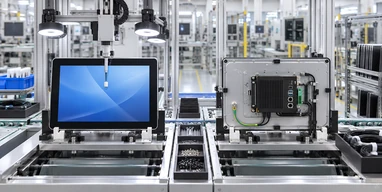
Manufacturing and Inspection Support
The project moves from an approved configuration into production with inspection aligned to the selected hardware and agreed requirements.
Check Compatibility Before Approving the Monitor
Compatibility is a system-level question. It includes the display signal, touch-data connection, operating system, application, power, mounting and enclosure—not only the LCD resolution.
| Check | What to Verify | Why It Matters |
|---|---|---|
| Video output | Match the host output with the confirmed HDMI, DisplayPort, VGA or other selected monitor input | A physical connector does not guarantee the required resolution or signal behavior |
| Touch connection | Confirm the USB touch-data path and touch-controller support | Video can work while touch remains disconnected |
| Operating system | Validate the selected controller and computing configuration with Windows, Android or Linux as applicable | Gesture, driver and calibration behavior can vary |
| Application scaling | Check interface scale, button size, aspect ratio and portrait or landscape layout | A larger or higher-resolution display can change the usable interface |
| Power | Use the approved power input and adapter configuration | Power requirements are model-specific |
| Mounting | Verify VESA, side brackets, open-frame fixing or cabinet structure | Nominal size does not determine the mounting pattern |
| Cable clearance | Check connector direction and bending space | Cables must remain accessible during assembly and maintenance |
| Touch environment | Evaluate finger, glove, stylus, moisture, electrical noise and grounding conditions where relevant | Touch behavior depends on the complete installation |

Validation Checklist
- ✓ Connect the intended host computer.
- ✓ Test the final video resolution and orientation.
- ✓ Confirm touch response across the usable screen area.
- ✓ Check single-touch or multi-touch behavior required by the application.
- ✓ Test the actual application instead of only the operating-system desktop.
- ✓ Confirm cable routing with the rear cover or cabinet installed.
- ✓ Recheck service access after peripherals are added.
A successful monitor bench test does not automatically validate the complete kiosk or machine. Repeat the required checks after final enclosure, cabling, grounding and application integration.
How to Choose a 32-Inch Touchscreen Monitor
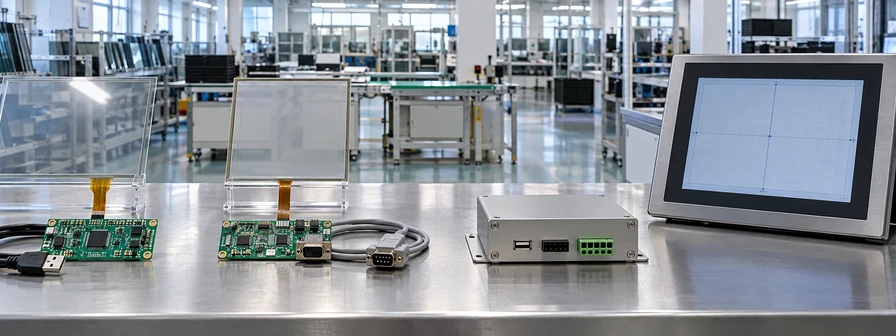
Selection Steps
Guide 1 — Start with the product architecture
Choose a standard monitor when the project already has an external computer and needs display plus touch input. Choose an open-frame unit when the screen must sit behind an equipment panel. Choose an all-in-one when computing hardware must be integrated. Choose a complete kiosk when the enclosure and peripherals are also part of the scope.
Guide 2 — Decide whether Full HD is sufficient
The verified TP315-JX-DR-02 flat reference uses 1920×1080 resolution. Full HD is suitable for many control, kiosk, information and commercial interfaces when the software layout is designed for that resolution.
Consider a 4K feasibility review when the interface must show fine drawings, dense data, several detailed windows or high-resolution visual content at the same time. Higher resolution also increases requirements for graphics output, application scaling and content preparation, so it should not be selected from the resolution number alone.
Guide 3 — Match the touch method to the user
PCAP provides the familiar touch behavior used by modern interactive interfaces and is the verified technology for the standard flat reference. Open-frame projects may evaluate resistive touch when pressure input is more appropriate. The final decision should consider glove use, stylus requirements, gesture needs, cover glass, grounding and the real operating environment.
Guide 4 — Select the mechanical structure from the enclosure
Use a finished metal-housing monitor for external mounting. Use open frame when the customer’s equipment supplies the exterior. Use a complete kiosk structure when the display, computing system and peripherals need one coordinated sheet-metal design. Use C-type curved hardware only when the cabinet and interface are designed around the curved profile.
Guide 5 — Verify the host and application
Confirm the host video output, touch-data interface, operating system, application scaling and required peripheral drivers. If the project uses an integrated computer, also define processor workload, memory, storage, networking and service requirements.
Guide 6 — Prepare useful project information
A practical request should include:
- Application and installation location
- Flat, open-frame, all-in-one, kiosk or curved format
- Required screen orientation
- Full HD or 4K evaluation
- External host or integrated computing platform
- Touch method
- Video, USB, network and peripheral interfaces
- Enclosure drawing or available installation dimensions
- Operating conditions
- Estimated quantity
These inputs allow the discussion to begin from a realistic configuration rather than a generic 32-inch label.
32 Inch Touchscreen Monitor FAQs
Is a 32 inch touchscreen monitor always exactly 32.0 inches?
No. The commercial 32-inch class commonly includes LCD panels with an actual diagonal measurement of 31.5 inches. Lucky-XFC’s verified flat reference, TP315-JX-DR-02, uses a 31.5-inch panel. Always confirm the actual panel and mechanical drawing before designing an enclosure.
What is the resolution of the standard Lucky-XFC 31.5-inch model?
The verified TP315-JX-DR-02 flat reference uses a 1920×1080 Full HD, 16:9 display with capacitive touch and a metal housing. Brightness, touch points, interfaces, mounting and other details must be confirmed for the selected configuration.
Can Lucky-XFC supply a 32-inch 4K touchscreen monitor?
A 32-inch-class 4K PCAP project can be evaluated, but it should not be treated as the standard TP315-JX-DR-02 specification. Panel availability, touch structure, interfaces, housing and mechanical feasibility must be reviewed before the configuration is offered.
Does the monitor include a computer?
The standard touchscreen monitor provides display and touch functions and normally uses an external host. A touchscreen all-in-one can integrate Android, Windows or Linux computing hardware according to the project. A complete kiosk can also include the enclosure and selected peripherals.
Why does the picture work when touch input does not?
The video connection and touch-data connection are normally separate. HDMI or DisplayPort can produce the image, while a USB connection commonly returns touch input to the host. The touch controller and operating-system compatibility must also be verified.
Can a 31.5-inch touchscreen be built into our existing enclosure?
An open-frame or customized structure may be evaluated around the enclosure. Provide the front opening, available rear depth, mounting positions, connector clearance and an enclosure drawing so the selected panel and chassis can be checked for fit.
Which is better, a flat or curved 32-inch touch display?
Neither format is universally better. A flat monitor is the practical starting point for standard equipment, control interfaces and information terminals. A C-type curved monitor is appropriate when the cabinet, visual design and touch interface are intentionally built around a continuous curved profile.
Can the screen operate in portrait orientation?
Portrait use depends on the selected display, housing, mounting method, application layout and cooling or service arrangement. Confirm the required orientation before approving the drawing and sample.
Which operating systems can be used?
Windows, Android or Linux may be considered depending on whether the project uses an external host or an integrated computing configuration. Compatibility must be checked with the selected touch controller, drivers, application and peripherals.
What information is needed for a quotation?
Include the application, required format, screen orientation, resolution, touch method, host or operating system, interfaces, installation dimensions, operating conditions and estimated quantity. A mechanical drawing or reference photo is useful for embedded and kiosk projects.
Discuss Your 32 Inch Touchscreen Monitor Project
Share the application, installation structure, host system and required interfaces. Lucky-XFC can use this information to identify whether the project should begin with the verified 31.5-inch flat model, an open-frame structure, an integrated computer, a kiosk configuration, a C-type curved display or a 4K feasibility review.
Useful details include:
- • Application and installation location
- • Flat, open-frame, all-in-one, kiosk or curved format
- • Screen orientation and required resolution
- • External computer or integrated operating system
- • Touch method and user input
- • Required video, USB, network and peripheral interfaces
- • Enclosure dimensions or drawing
- • Operating conditions and estimated quantity
