Lucky-XFC Logo
Wireless-Ready Touchscreen Monitor Manufacturer
LUCKY XFC PORTABLE TOUCH DISPLAY DEVELOPMENT

Custom Wireless-Ready Touchscreen Monitor Manufacturer

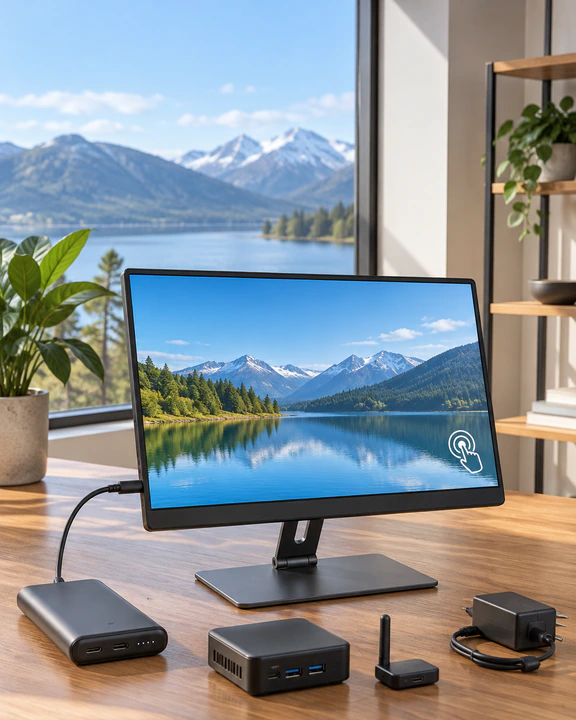
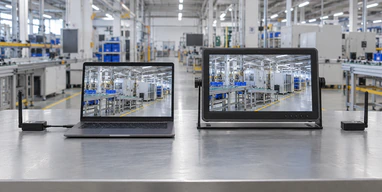
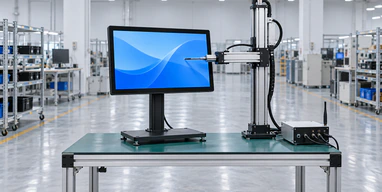
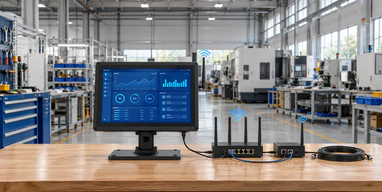
Build a portable touch display around the way your system sends video, returns touch input and supplies power. Lucky XFC supports 15.6-inch and 14-inch PCAP touchscreen projects with interface planning, controller matching, custom housing and OEM/ODM coordination.

Wireless video, wireless touch return and battery operation are separate system functions. Each function must be confirmed in the approved project architecture and validated with the intended host before production.

  • 15.6-inch portable PCAP project base
  • 14-inch compact project option
  • Wireless integration evaluated by architecture
  • USB-C and HDMI wired fallback paths
  • Custom housing, stand and interface planning
Ask on WhatsApp

What a Wireless Touchscreen Monitor Must Actually Do

A wireless touchscreen monitor must solve more than screen mirroring. A complete system has three separate paths:

Video path

The host sends the image to the display through a wireless protocol, a hardware transmitter and receiver, or a wired video connection.

Touch-return path

The display sends touch coordinates back to the host. A system that supports wireless video may still require USB for touch input.

Power path

The monitor requires power from an adapter, USB-C source or approved battery configuration. Wireless video does not make the display power-free.

A product should only be described as a complete wireless touchscreen when both wireless display transmission and usable touch return have been validated. Battery operation is an additional function, not an automatic part of wireless display technology.

System claim What must be verified
Wireless display Protocol, transmitter, receiver, resolution and connection behavior
Wireless touch Bidirectional touch-data return and host recognition
Cable-free operation Battery, capacity, charging method and operating duration
Plug and play Driver, pairing, software and operating-system requirements
Low latency Test method, application and measured result

Wireless Touchscreen Monitor Product and Integration Paths

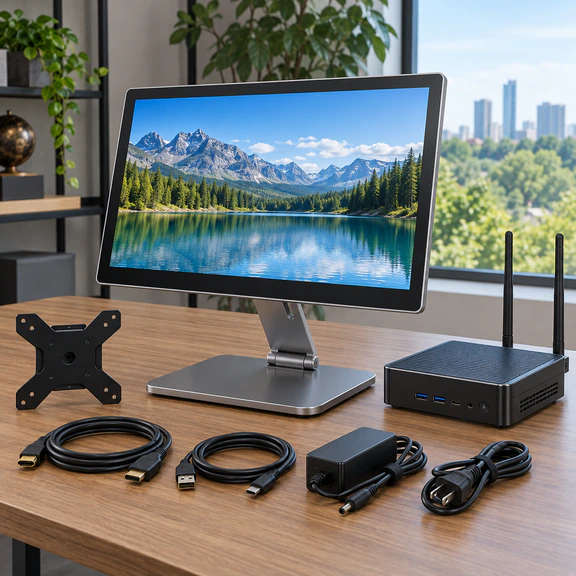
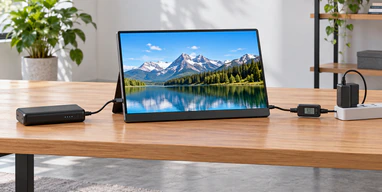
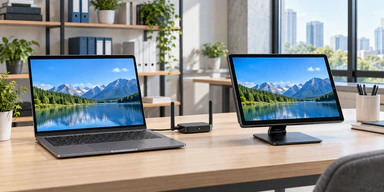
15.6-inch portable PCAP touchscreen for wireless integration evaluation

15.6-Inch Wireless-Ready Portable Touchscreen

The primary project direction combines a verified 15.6-inch portable PCAP display base with a wireless architecture reviewed around the host, application and power requirements.

Portable touch base verified; wireless functions require project confirmation
14-inch compact wireless-ready portable touchscreen monitor

14-Inch Wireless-Ready Portable Touchscreen

A more compact direction for mobile workstations, product demonstrations and portable control interfaces.

Portable touch base verified; wireless functions require project confirmation
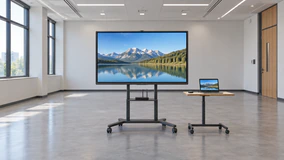
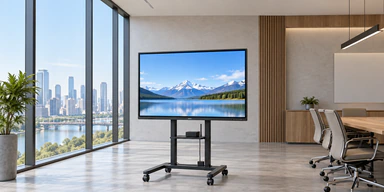
Large interactive touchscreen display with wireless casting configuration

Large-Format Touchscreen with Wireless Casting

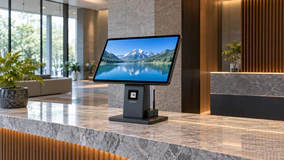
An interactive display direction for meeting, training, showroom and presentation spaces. Wireless casting is configuration-dependent; touch return to an external host must be separately confirmed.

Verified customization path
View Interactive Touchscreen Options
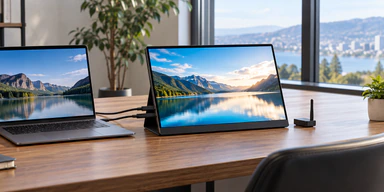
USB-C and HDMI wired portable touchscreen monitor

USB-C and HDMI Wired Touchscreen

A verified alternative when stable touch input, predictable latency or host compatibility is more important than wireless operation.

Verified product and customization path
View Portable Touchscreen Options
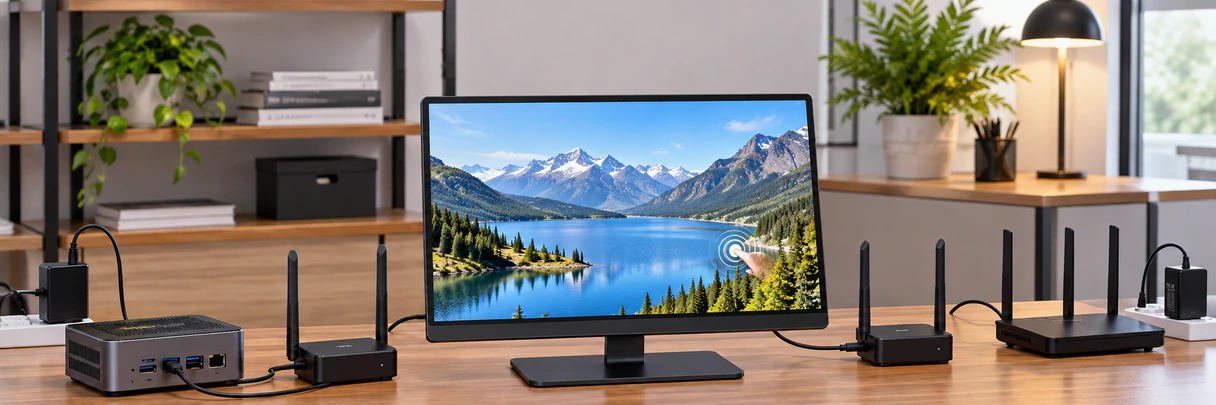
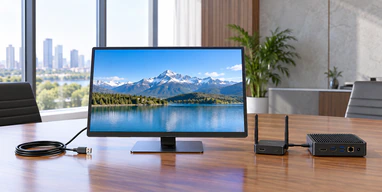
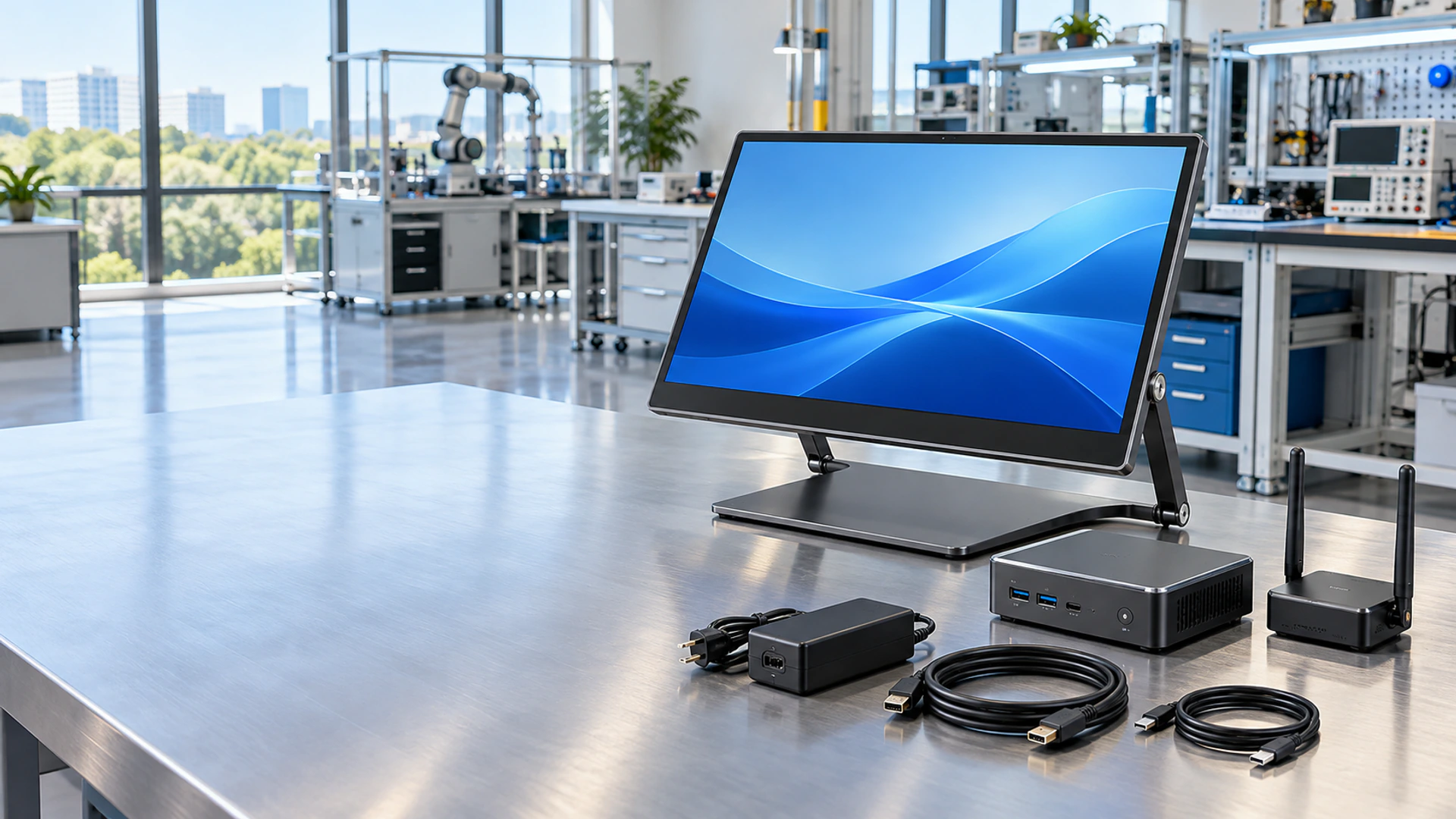
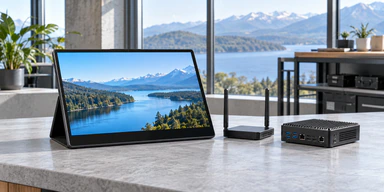
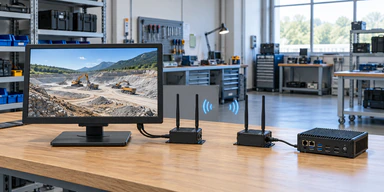
Hardware transmitter and receiver architecture for a touch display

Wireless Transmitter and Receiver Evaluation

A candidate architecture in which an external transmitter sends video to a receiving module. Bidirectional touch-data support must be confirmed separately.

Candidate requiring engineering confirmation
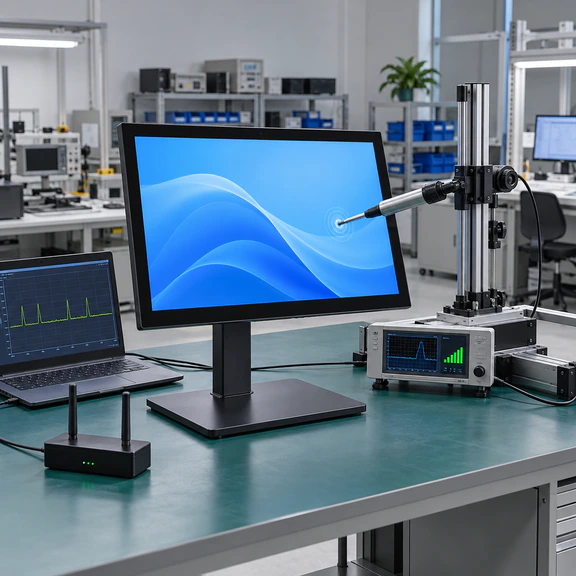
Host protocol and touch-return validation for wireless displays

Host and Protocol Validation

A configuration review covering the source device, operating system, wireless protocol, touch return, network restrictions and power.

Required before sample approval

15.6-Inch Wireless-Ready Touchscreen Monitor for Custom Integration

The 15.6-inch portable PCAP touchscreen is the recommended starting point for this project category. The format provides enough viewing area for dashboards, documents, presentation content and touch-operated controls while remaining suitable for portable structures.

The verified base can include a 15.6-inch display direction, PCAP touch integration, controller matching, USB-C or HDMI interface planning, and a customized housing or kickstand. FHD 1920×1080 is an available project direction, subject to panel and controller confirmation.

Wireless functions are added only after the system architecture is defined. The final design may require a wireless receiving module, separate touch-return path, external transmitter, network connection or wired fallback. No wireless function should be treated as standard until it appears in the approved specification.

  • 15.6-inch portable display direction
  • PCAP touch and controller matching
  • FHD project option
  • USB-C and HDMI planning
  • Custom housing and support structure
  • Candidate wireless-module integration
  • Sample-based host validation
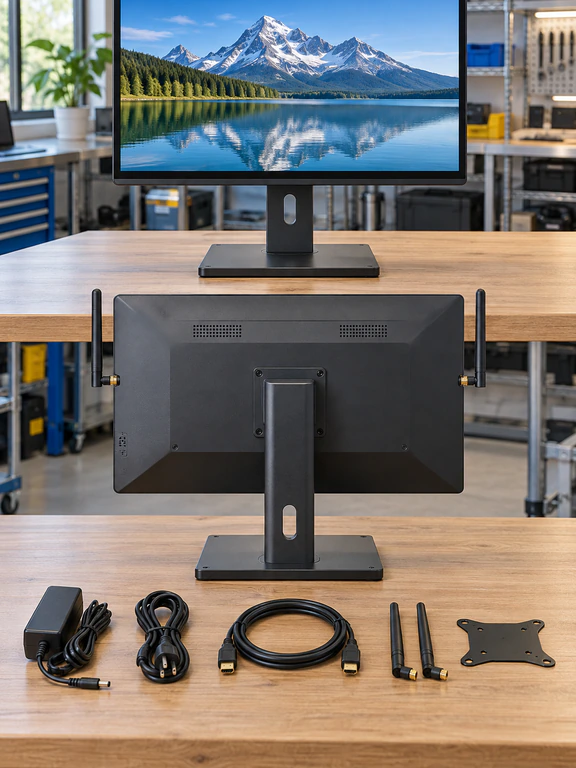
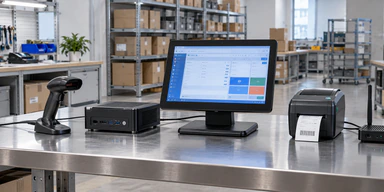
15.6-inch Lucky XFC PCAP portable touchscreen with custom housing

Wireless Touchscreen Monitor Specification Status

Specification Verified starting point Project option Status
Main display size 15.6 inch 14 inch compact alternative Verified project range
Display direction FHD 1920×1080 available Other resolution paths depend on panel supply Project confirmation
Touch technology PCAP touch integration Controller and cover-glass matching Verified customization
Touch points Not fixed publicly Depends on controller, OS and glass design Must be confirmed
Wired video USB-C or HDMI planning Mini/Micro HDMI by project Verified customization
Wired touch data USB data path USB-C combination when supported Host validation required
Wireless video Not a standard published specification Candidate module or casting architecture Engineering confirmation
Wireless touch return Not verified as standard Candidate bidirectional control path Sample testing required
Battery No standard capacity published Candidate custom configuration Engineering confirmation
Wireless protocol No universal protocol published Selected by host and architecture Must be confirmed
Wireless range Not published Depends on module and environment Testing required
Latency Not published Depends on protocol and application Testing required
Housing Portable custom structure Metal or plastic by project Verified customization
Support structure Kickstand or custom mount Application-specific structure Verified customization
Operating system Controller-dependent Windows, Android, Linux or Chrome OS by configuration Validation required
Branding Lucky XFC or approved OEM branding Label and packaging review Verified customization
MOQ Not fixed for this configuration Depends on development scope Quotation confirmation
Note: Specifications on this page describe available starting points and engineering decision fields. The approved quotation, drawing, component list and sample determine the final product configuration.
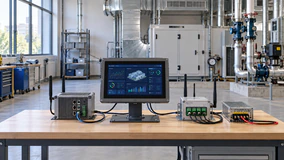
Wireless touchscreen monitor architecture with video touch and power paths

Wireless Touchscreen Monitor System Architecture

A wireless touch display combines several components that must operate as one system:

1 LCD panel
2 PCAP touch sensor
3 Touch controller
4 Video controller
5 Candidate wireless receiving module
6 Touch-return channel
7 Power or battery system
8 Housing and support structure
9 Host device and operating system

The wireless module must not be shown as a verified standard component unless a real Lucky XFC module and specification are available. When no verified hardware photograph exists, use an information diagram based only on the relationships above.

Wireless Touchscreen Monitor Connection Methods Compared

Connection method Video Touch return Power Main consideration
Network or protocol-based casting Wireless May be unavailable or software-dependent Adapter or battery Protocol, network and OS behavior
Hardware transmitter and receiver Wireless between transmitter and display Requires explicit bidirectional support Adapter or battery Module pairing, latency and touch-data support
USB-C wired connection Wired May share the cable when supported May share the cable when supported Host USB-C video, data and power capability
HDMI plus USB Wired Separate USB connection Separate power or approved USB power More cables, but clearer signal separation
Large-format wireless casting Wireless video Depends on display system and host Mains power Meeting and presentation workflow

Bluetooth should not be described as a general full-resolution video path. It may support accessories or control functions in some architectures, but its role must be specified.

Miracast, AirPlay and other casting methods should not be presented as interchangeable. Their availability and touch behavior depend on the host, receiver and operating system.

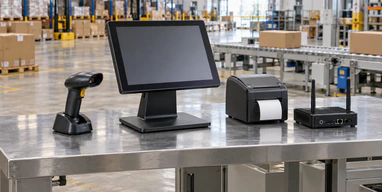
Comparison of wireless casting hardware wireless USB-C and HDMI touch connections

Wireless Touch Return and Latency in a Touchscreen Monitor

Wireless video can be technically separate from touch input. A receiver may display the host image correctly while the host receives no touch coordinates from the screen.

A usable wireless touch system must define:

  • How the touch controller sends data back
  • Whether the host recognizes it as a supported input device
  • Whether a driver or application is required
  • Whether touch coordinates map correctly to the wireless display
  • How reconnection behaves after sleep or signal loss
  • How latency affects the intended application

Latency must be evaluated in the actual workflow. A presentation viewer, dashboard and real-time control interface do not have the same response requirements. Do not publish "zero latency," "instant touch" or "real-time control" without a documented test and defined conditions.

Diagnostic sequence

01 Confirm wireless video.
02 Confirm touch-controller recognition.
03 Confirm touch-return path.
04 Confirm coordinate mapping.
05 Confirm reconnect behavior.
06 Test the real application.

Wireless Touchscreen Monitor Compatibility Checklist

Compatibility depends on the complete system rather than the screen size alone.

Host

  • • Device model
  • • Operating system and version
  • • Available USB-C, HDMI or other outputs
  • • Wireless-display support
  • • USB data capability
  • • Security and administrator restrictions

Wireless architecture

  • • Protocol or transmitter type
  • • Receiver requirements
  • • Network or direct-connection mode
  • • Pairing method
  • • Touch-return capability
  • • Reconnection behavior

Display

  • • Resolution and orientation
  • • PCAP controller
  • • Power requirement
  • • Battery requirement, if any
  • • Housing and support structure

Application

  • • Acceptable latency
  • • Touch accuracy requirement
  • • Single-display or multi-display use
  • • Required operating distance
  • • Indoor or controlled-environment use
  • • Software interaction requirements

Compatibility must be confirmed with the intended host, wireless architecture, operating system and application. A successful video connection does not prove that wireless touch return will work.

Wireless touch display compatibility review with host and operating system
Power input and candidate battery planning for portable wireless touch displays

Power and Battery Planning for a Wireless Touchscreen Monitor

A wireless display still requires electrical power. The project should choose one of three directions:

External power

Suitable where the display remains near a desk, machine or presentation area. Wireless video can reduce signal cabling while power remains wired.

USB-C power

Possible when the selected design and power source support the required load. USB-C power does not prove that the same connection supports video or touch data.

Battery-powered configuration

A candidate custom path that requires battery selection, charging design, enclosure space, heat review, protection, runtime testing and shipping-compliance review. Lucky XFC should not publish a standard battery capacity or operating time until a real configuration is approved.

Selection factors

  • Required operating time
  • Display brightness
  • Wireless-module power consumption
  • Touch-controller consumption
  • Charging time
  • Charging interface
  • Battery serviceability
  • Enclosure thickness
  • Thermal behavior
  • Transport requirements

Wireless Touchscreen Monitor Applications and Connection Priorities

Portable wireless-ready touchscreen used for a product demonstration

Mobile Product Demonstration

A portable screen can display interactive software during meetings and demonstrations. Confirm touch return, power and reconnect behavior before deployment.

15.6-inch touchscreen display in a temporary workstation

Temporary Workstation

A wireless-ready portable display may reduce signal-cable routing in temporary work areas, while power and latency requirements remain part of the design.

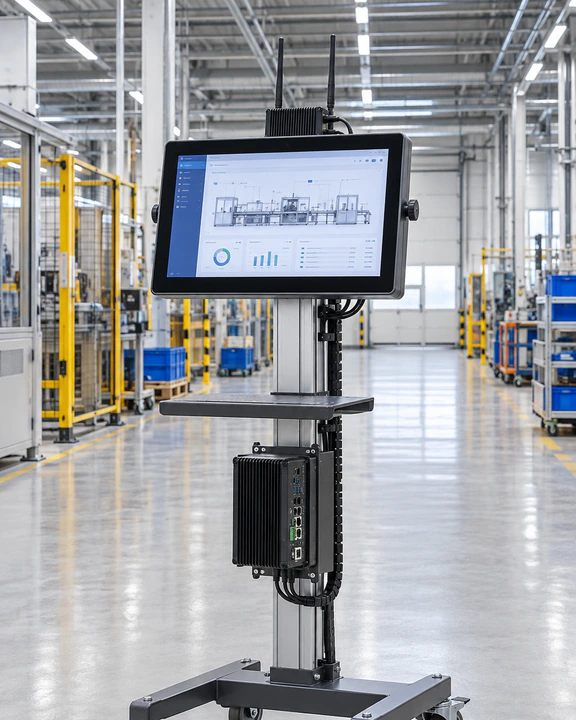
Portable touch display used for equipment commissioning

Equipment Commissioning

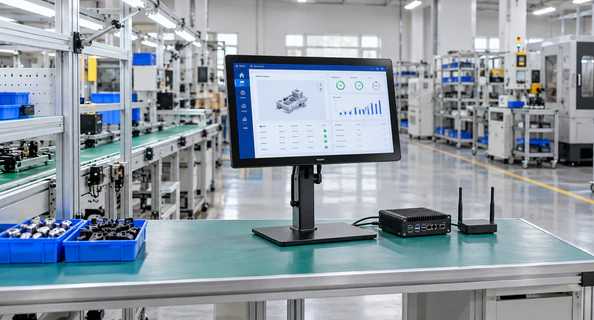
A portable touch display can support setup and diagnostic interfaces. For time-sensitive control, compare wireless latency with a wired USB-C or HDMI-plus-USB configuration.

Large interactive touchscreen with wireless presentation casting

Training and Presentation

Large-format interactive displays can use wireless casting for shared content. External-host touch control must be separately validated.

Custom touchscreen display for a showroom interface

Showroom Interface

A custom touch display can present products or digital content where visible cable management matters.

14-inch portable touchscreen for monitoring applications

Portable Monitoring

A 14-inch or 15.6-inch screen can show dashboards and monitoring interfaces when the host and connection method have been validated.

Custom Wireless Touchscreen Monitor Engineering Options

A wireless-ready touchscreen project begins with a verified display and touch base, then adds the connection and power architecture required by the application.

Display

  • • 15.6-inch main direction
  • • 14-inch compact direction
  • • FHD or project-specific panel selection
  • • Landscape or portrait use

Touch

  • • PCAP integration
  • • Controller matching
  • • Cover-glass design
  • • Operating-system validation

Wireless architecture

  • • Candidate receiver-module location
  • • External transmitter evaluation
  • • Protocol and host review
  • • Touch-return planning
  • • Wired fallback

Power

  • • External power
  • • USB-C power evaluation
  • • Candidate battery architecture
  • • Charging and enclosure review

Mechanical design

  • • Metal or plastic housing
  • • Kickstand
  • • Mounting points
  • • Port and antenna placement
  • • Cable exit and service access

Brand presentation

  • • Approved logo
  • • Label
  • • Packaging
  • • Documentation

Wireless-module, antenna, battery and protocol options remain subject to engineering confirmation.

Custom portable touchscreen housing interface and wireless-module integration review
Wireless-ready touchscreen monitor development and sample approval workflow

Wireless Touchscreen Monitor Development Workflow

1

Define the application

Confirm how the display will be used, moved, powered and controlled.

2

Select the display base

Choose the 15.6-inch, 14-inch or large-format starting point.

3

Define the signal architecture

Separate video transmission, touch return and power.

4

Review the host

Check the device, operating system, available ports, wireless support and software restrictions.

5

Prepare the project configuration

Confirm the panel, controller, interfaces, housing and candidate wireless components.

6

Build and validate a sample

Test video, touch, power, latency, connection stability, reconnect behavior and application operation.

7

Approve the specification

Use the approved drawing, component list and sample as the production reference.

8

Inspect and produce

Apply the agreed functional, appearance and packaging criteria.

Why Choose Lucky XFC for a Wireless-Ready Touch Display

Do not claim that these advantages prove a working wireless function before validation.

Portable Touch Display Starting Points

Verified 14-inch and 15.6-inch PCAP project directions support portable product development.

Display and Touch Coordination

Panel, touch sensor, controller and cover glass can be reviewed as one project configuration.

Interface Planning

USB-C, HDMI, USB touch-data and project-specific connection paths can be evaluated around the host.

Custom Mechanical Structure

Housing, kickstand, mounting points and connector positions can be adjusted to the application.

Sample-Based Validation

The selected host, touch behavior, connection method and structure can be reviewed before production approval.

Manufacturing Since 2013

Lucky XFC manufactures touch display products and supports custom commercial and equipment-integration projects.

Wireless Touchscreen Monitor Quality Control by Approved Configuration

Quality inspection must follow the approved project specification. A wireless-ready product requires both standard display checks and architecture-specific functional checks.

Inspection directions

  • Incoming display and component check
  • Screen appearance and image check
  • PCAP touch-function check
  • Touch-coordinate check
  • Wired video and USB interface check
  • Candidate wireless-module function check when included
  • Power and charging check when applicable
  • Housing and connector inspection
  • Support-structure inspection
  • Label, accessory and packaging verification
Lucky XFC touchscreen monitor display touch and interface inspection

Wireless Touchscreen Monitor Validation Tests Before Approval

Only describe tests that are actually performed for the approved sample.

Display Signal

Verify resolution, orientation and visible image behavior.

Touch Recognition

Confirm that the operating system recognizes the selected touch controller.

Touch Return

Verify how touch data reaches the host in the selected architecture.

Connection Recovery

Evaluate pairing or reconnection after restart, sleep or temporary signal interruption where applicable.

Power Operation

Check the selected adapter, USB-C power or approved battery configuration.

Application Workflow

Run the intended software and evaluate latency, coordinate mapping and practical interaction.

Wireless Touchscreen Monitor Scenario for a European Equipment Integrator

This is a non-identifying representative application scenario. It does not name a customer or claim a completed order or measured project result.

A European equipment integrator is evaluating a portable touch display for temporary machine setup and software demonstrations. The intended host can send a display signal, but the team also needs to interact with the software from the external screen.

The initial request describes the product as a wireless touchscreen monitor. During technical review, the requirement is divided into three functions:

  • Wireless transmission of the host image
  • Return of touch coordinates to the host
  • Power for the display and receiving hardware

The project starts with a 15.6-inch PCAP portable display direction. The team then compares a candidate hardware wireless architecture with the verified USB-C or HDMI-plus-USB fallback.

Before production approval, the sample should be checked for host recognition, touch mapping, latency, reconnect behavior, power operation, housing fit and the real application workflow.

This process does not guarantee that every host supports wireless touch. It establishes the questions and validation steps required before committing to a production configuration.

Portable wireless-ready touchscreen application scenario for equipment setup

How to Select a Wireless Touchscreen Monitor or Wired Alternative

Product path Best fit Wireless video Wireless touch return Power Evidence status
15.6-inch wireless-ready portable touchscreen Mobile workstation, demonstration, portable control Candidate project path Requires engineering confirmation External, USB-C or candidate battery Touchscreen base verified
14-inch wireless-ready portable touchscreen Compact mobile use and laptop extension Candidate project path Requires engineering confirmation External, USB-C or candidate battery Touchscreen base verified
Large-format touchscreen with wireless casting Meetings, training and presentation Verified customization direction Depends on selected system Normally mains power Wireless casting path verified
USB-C wired portable touchscreen Compatible USB-C hosts No Wired USB data May share USB-C when supported Verified project direction
HDMI plus USB portable touchscreen Hosts requiring separated signal paths No Wired USB data Separate power may be required Verified project direction

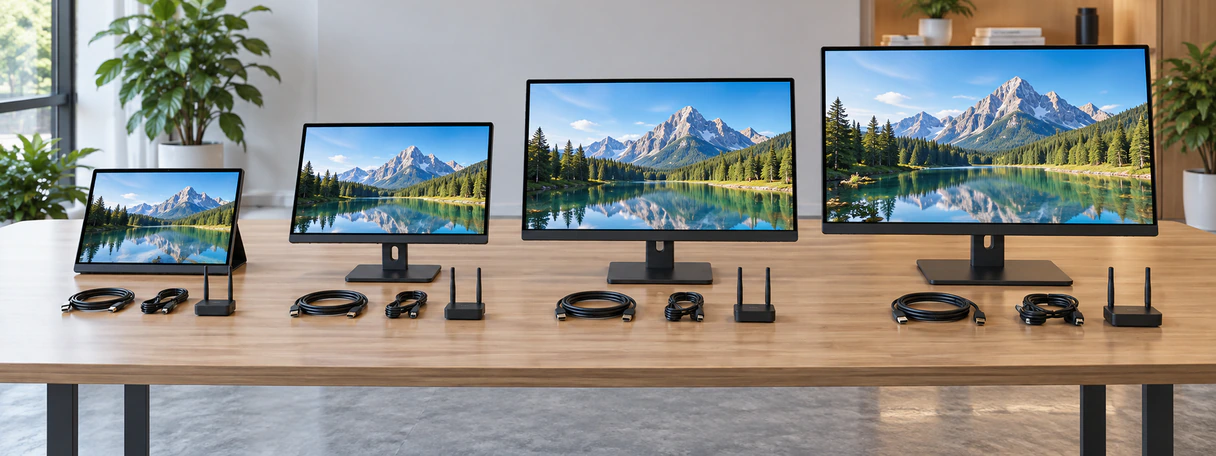
Choose a 15.6-inch format when viewing area is the priority. Choose 14 inches when compact transportation matters more. Use a large-format interactive display for shared-room applications. Select the wired USB-C or HDMI-plus-USB path when predictable touch communication is more important than reducing signal cables.

Comparison of wireless-ready portable large-format and wired touchscreen monitor paths

Wireless Touchscreen Monitor FAQ

1. Is a wireless monitor automatically a touchscreen?
No. Many wireless monitors only receive video. A touchscreen also needs a touch sensor, controller and a path for returning touch data to the host.
2. Can touch data be sent wirelessly?
It is technically possible in some dedicated systems, transmitter-and-receiver architectures or software-based remote-control environments. The exact method must be supported by both the display system and host.
3. Does Miracast automatically support touch return?
No universal assumption should be made. Miracast may provide wireless display transmission, while touch return depends on the receiver, host, operating system and system implementation.
4. Can AirPlay turn a portable screen into a wireless touchscreen?
AirPlay primarily addresses content streaming or mirroring. Interactive touch return to the source device requires additional supported behavior and must not be assumed.
5. Does Bluetooth carry wireless monitor video?
Bluetooth is not normally treated as the general full-resolution video path for a portable monitor. It may support controls or accessories in certain systems, while video uses another connection method.
6. Does a wireless touchscreen monitor still need power?
Yes. The display requires an adapter, USB-C power source or approved battery configuration.
7. Can Lucky XFC provide a battery-powered configuration?
Battery integration can be evaluated as a custom project, but capacity, runtime, charging and enclosure design must be confirmed before publication or order approval.
8. What causes delay on a wireless touch display?
Latency can be affected by the transmission architecture, resolution, network conditions, encoding, host performance, software and touch-return path. It should be tested in the actual application.
9. Which operating systems are supported?
Operating-system behavior depends on the wireless architecture, touch controller and driver requirements. Confirm the exact host and OS version during project review.
10. What is the safest fallback if wireless touch cannot be validated?
Use a verified wired connection. USB-C may combine functions when supported, while HDMI plus USB separates video and touch data more clearly.
11. Should a sample be tested before a production order?
Yes. For a custom wireless-ready configuration, test the intended host, software, touch behavior, power and connection architecture before production approval.
12. What information is required for a quotation?
Provide the screen size, host model, operating system, desired wireless method, touch-control requirement, power method, application, expected quantity and mechanical requirements.

Lucky XFC Support for Wireless Touch Display Projects

Display Selection

Compare 15.6-inch, 14-inch and large-format starting points.

Architecture Review

Separate video, touch return and power requirements.

Controller Matching

Review the PCAP controller around the host and operating system.

Mechanical Customization

Coordinate housing, stand, mounting and connector positions.

Sample Validation
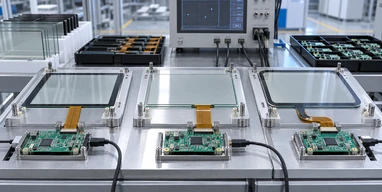
Evaluate the selected configuration with the intended host and software.

Production Coordination

Manufacture against the approved configuration and inspection requirements.

Request a Wireless Touchscreen Monitor Project Review

Share the application and connection requirements you already know. Lucky XFC can use this information to identify the appropriate display base, the wireless functions that require engineering review and the most practical wired fallback.

Discuss on WhatsApp