
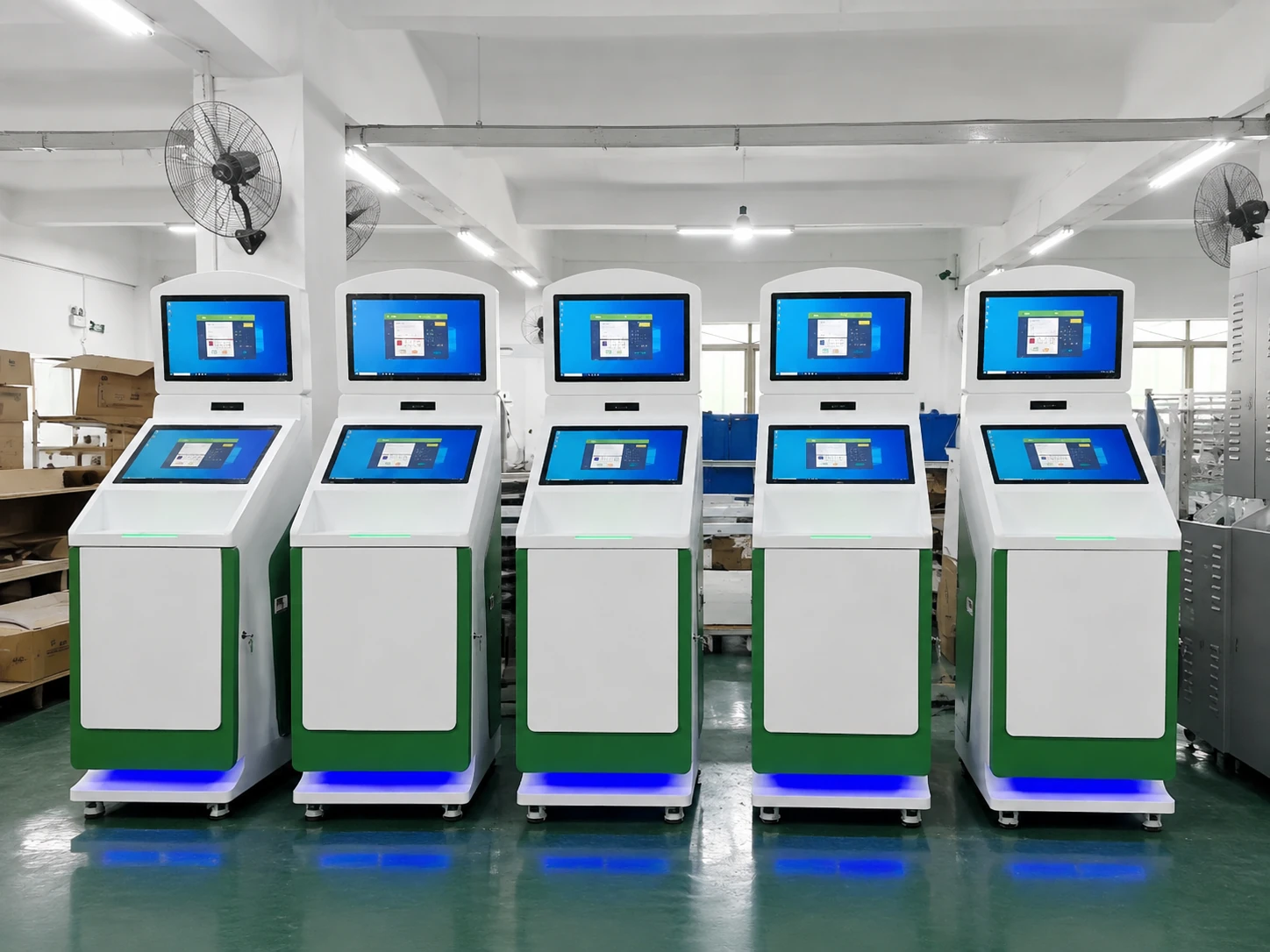
Custom Indoor Digital Signage Displays for Commercial Spaces
Engage customers with customizable indoor digital signage from Lucky XFC, ideal for stores, offices, and public spaces. Options include 4K Android displays, various installations, and wired or wireless connectivity.
- Available 4K Android configurations
- Landscape or portrait display
- Wall-mounted, embedded or stand installation
- OEM/ODM hardware support
Buyer prompt: Tell us your screen size, installation method, quantity, application and required functions for a faster quotation.
Indoor Digital Signage Hardware Built Around Your Project
OEM/ODM Customization
Configure the display, computing system, enclosure, interfaces, mounting structure and exterior finish around the project.
Display and Enclosure Integration
Combine the screen, system hardware and installation structure into one coordinated commercial display.
Prototype and Production Support
Move from requirement review and engineering confirmation to prototype evaluation and batch production.
Configuration Assistance
Receive practical guidance on screen size, installation, orientation, touch, connectivity and system options.
Why Indoor Digital Signage Projects Become Difficult to Deploy
A display that looks suitable on a product list may still create installation, compatibility or maintenance problems when the complete project has not been considered.
The Screen Does Not Match the Space
An incorrect screen size, brightness level or orientation can make content difficult to see and leave the installation looking out of proportion.
Consumer TVs Are Used for Commercial Requirements
A consumer TV may work for simple local playback, but it may not provide the mounting flexibility, portrait use, scheduling, interfaces or project support required.
Hardware and Software Are Selected Separately
The screen, Android system, media player, network and CMS may come from different suppliers. Without compatibility review, deployment becomes difficult.
Installation Is Considered Too Late
Wall structure, ventilation, cable routing, power access, mounting depth and service access need to be reviewed before production—not after the product arrives.
Content Updates Become Time-Consuming
USB playback may be adequate for one screen. Multi-location projects often require a compatible networked player or CMS to simplify publishing and scheduling.
The Quote Does Not Cover the Complete Setup
Display hardware is only one cost component. Mounting, player or Android configuration, software, installation, logistics and after-sales requirements also affect the project.
What Is Indoor Digital Signage?
Indoor digital signage is a commercial display system used inside buildings to present advertising, menus, directories, announcements, wayfinding information or interactive content. It replaces frequently changed printed materials with digital content that can be scheduled, updated and adapted to different locations.
Lucky XFC focuses on the display terminal and customizable hardware platform. Software and CMS compatibility should be confirmed according to the selected Android version, media player, network architecture and customer application.
A complete setup may include six parts:
-
1
Commercial display: The screen and protective structure used to present content.
-
2
Android system or media player: The hardware that stores, processes and plays the media.
-
3
Network connection: Ethernet, Wi-Fi or another supported connection used to update content.
-
4
Content software or CMS: The compatible application used to publish, schedule and manage content.
-
5
Mounting or enclosure: Wall mount, embedded structure, floor stand or customized housing.
-
6
Installation and support: Site preparation, setup, testing and ongoing project support.
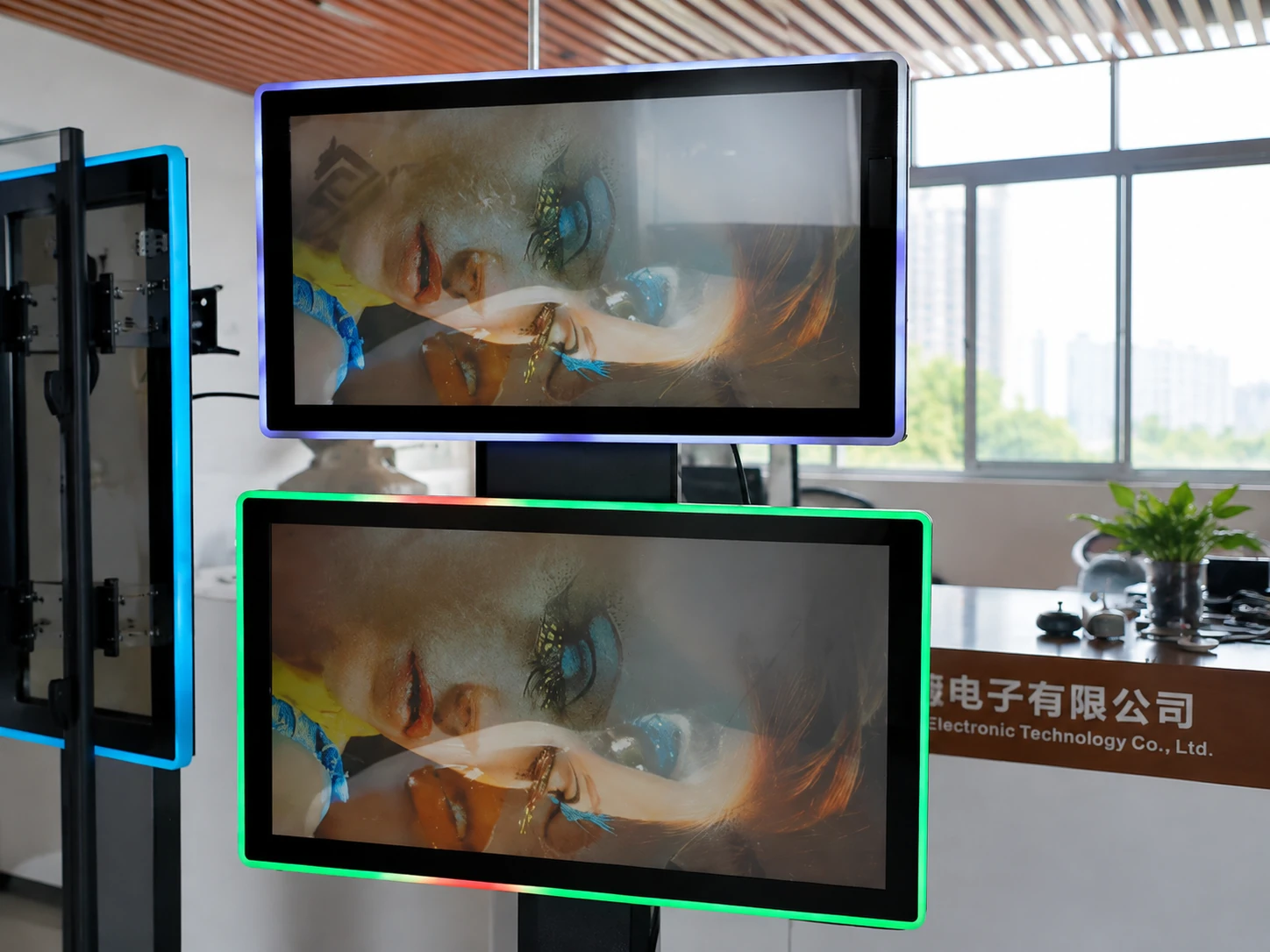
Hardware platforms customized for your CMS and installation environment.
Choose the Right Indoor Digital Signage Format
Select the physical format that best matches your floor space, building structure, and how visitors will interact with the screen.
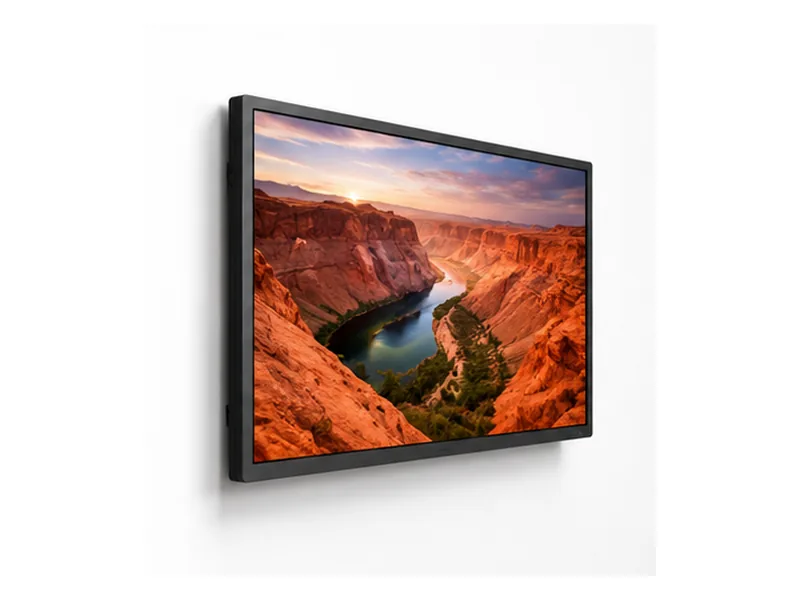
Wall-Mounted Signage
A space-efficient option for retail walls, office communication, waiting areas, and corridors. Can be planned for landscape or portrait content.
Best for: Advertising, menus, announcements.
Key decision: Wall structure, VESA pattern, orientation.
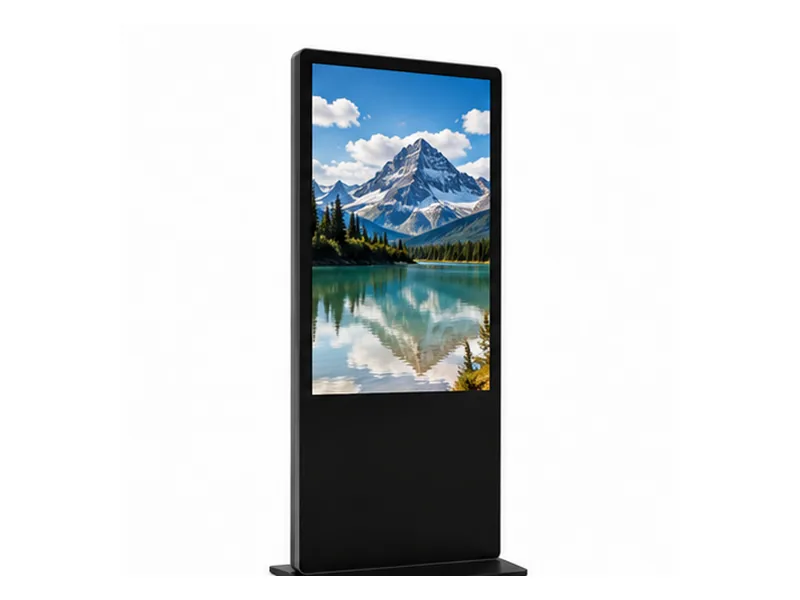
Floor-Standing & Totems
A freestanding format for store entrances, lobbies, and event spaces. Provides a strong visual presence without requiring wall fixing.
Best for: Promotions, directories, welcome content.
Key decision: Floor space, stability, service access.
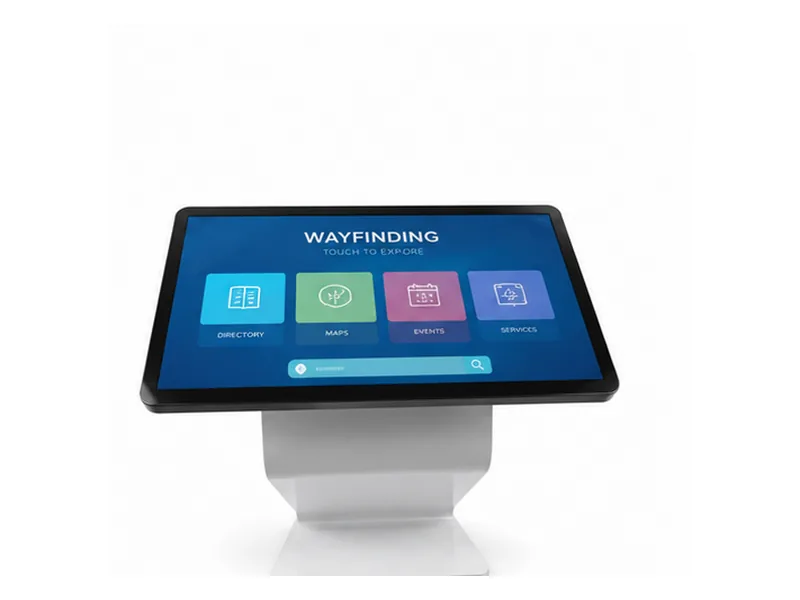
Interactive Touch Signage
Allows visitors to browse products, search directories, or navigate a venue. Select when the audience needs to complete a task.
Best for: Product discovery, wayfinding, visitor service.
Key decision: Touch technology, user height.
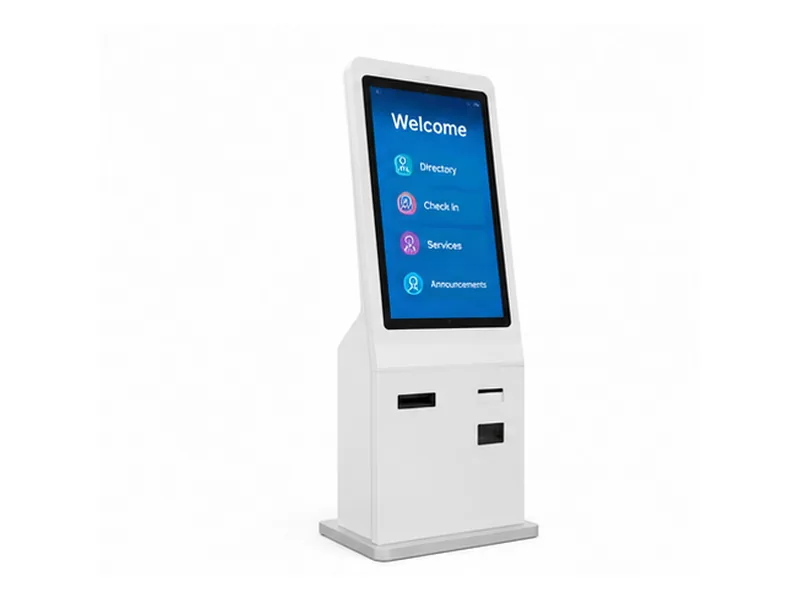
Digital Signage Kiosks
Combines a display, enclosure and computing system, with space for project-specific hardware. Suitable for multifunction projects.
View Self-Service Kiosks →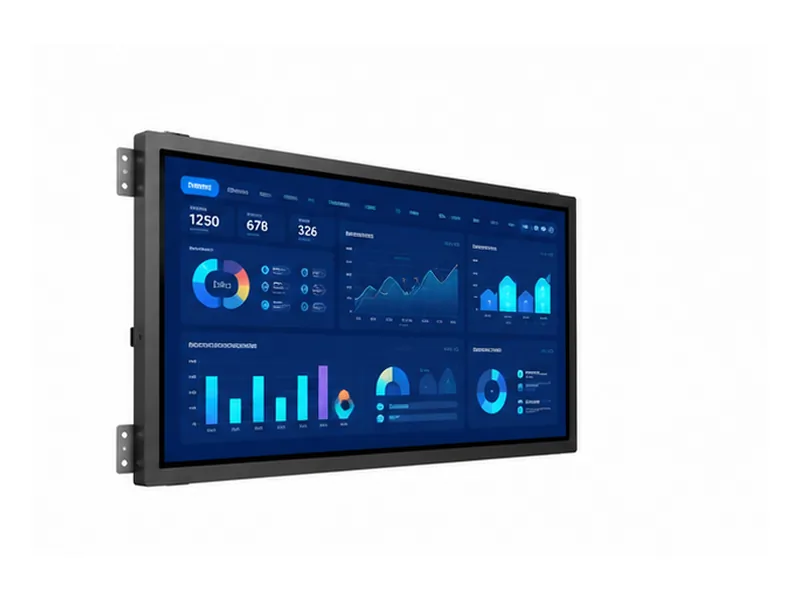
Embedded Displays
Designed for integration into walls, retail fixtures, or custom equipment. Dimensions and ventilation must be coordinated.
View Industrial Displays →Indoor Digital Signage for Commercial and Public Environments
Reliable display hardware designed for continuous operation across diverse indoor settings.
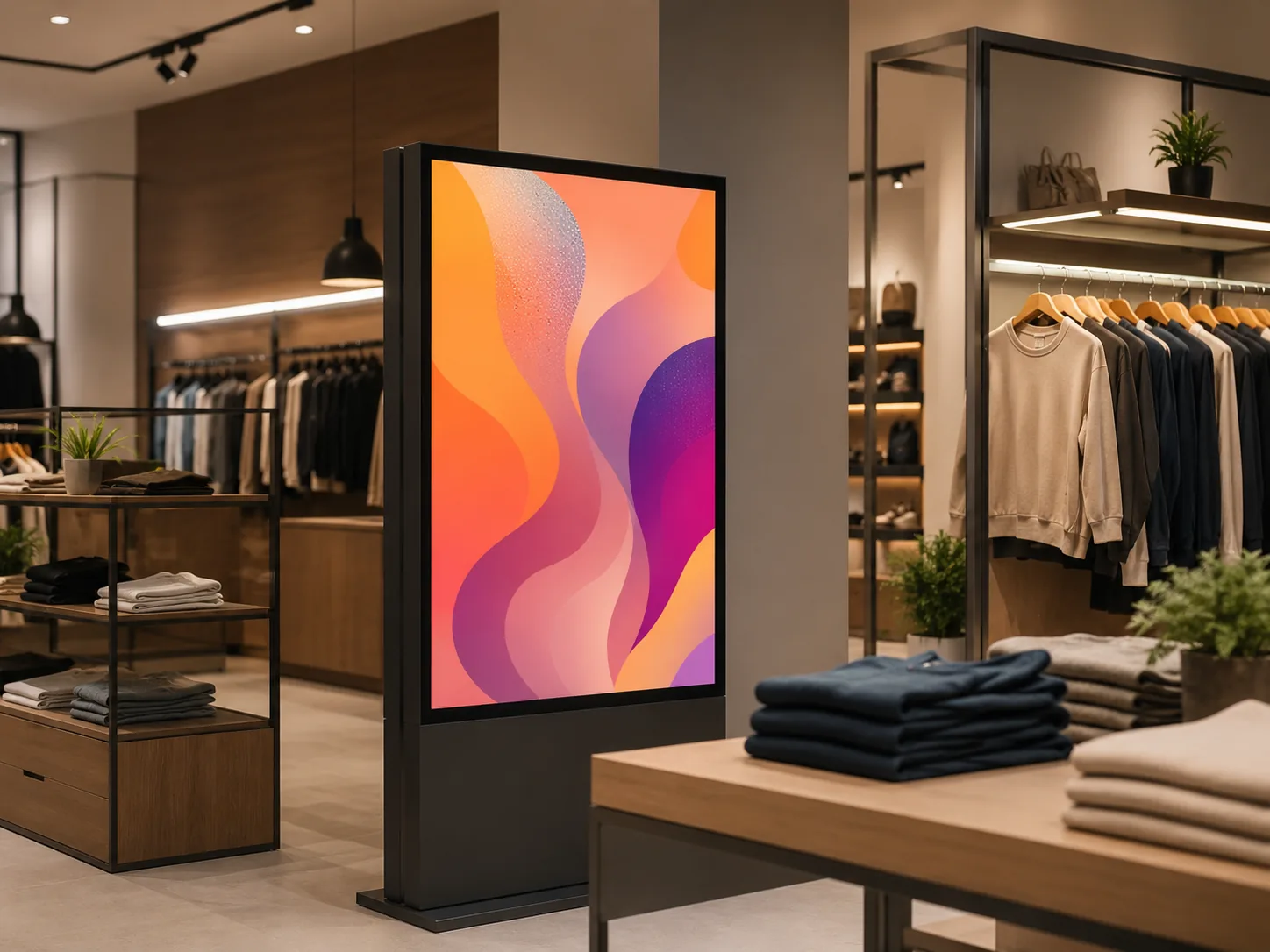
Retail Stores
Present campaigns, product launches, and prices near entrances or shelves.
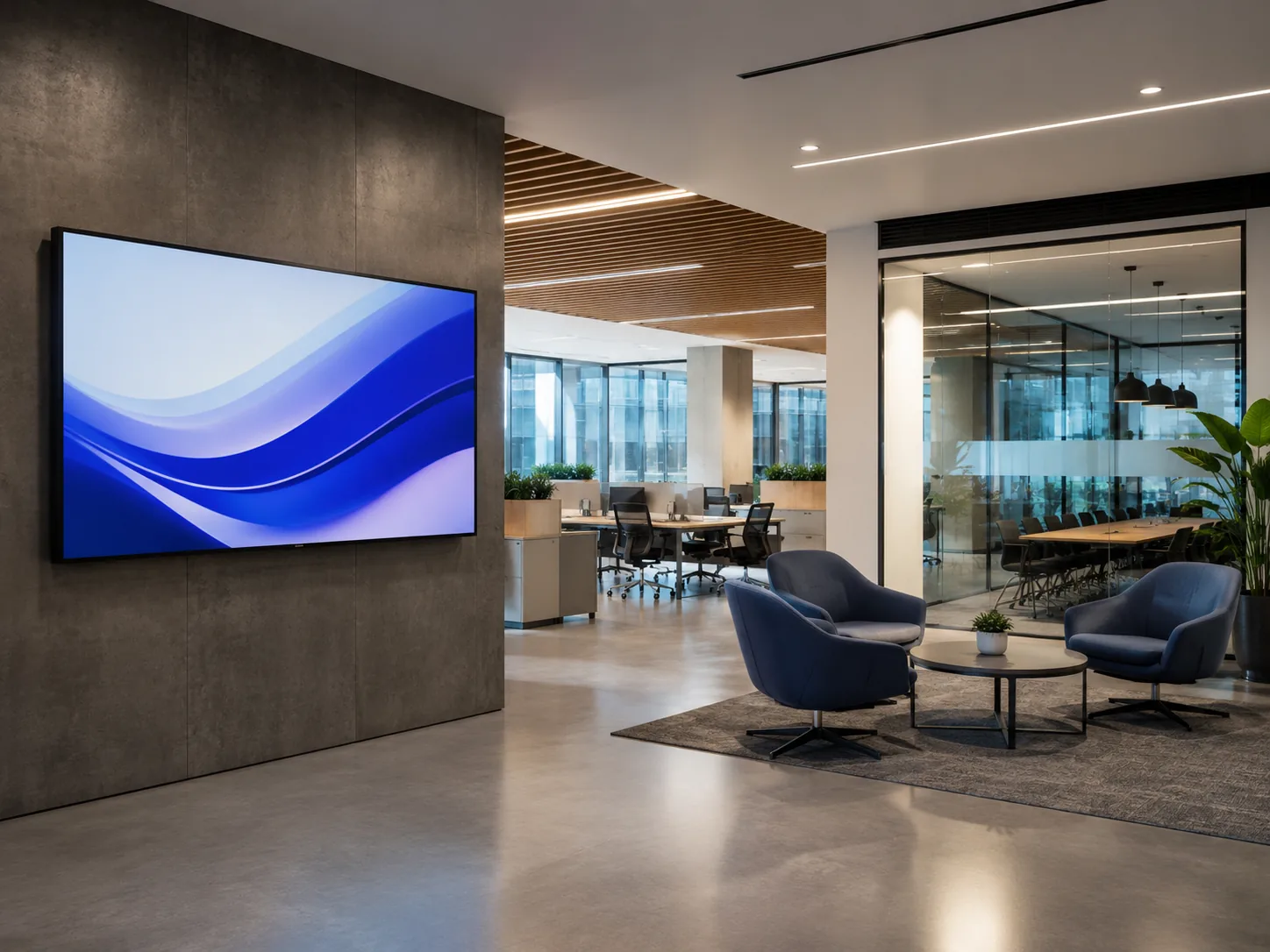
Corporate Offices
Display announcements, dashboards, and internal communications.
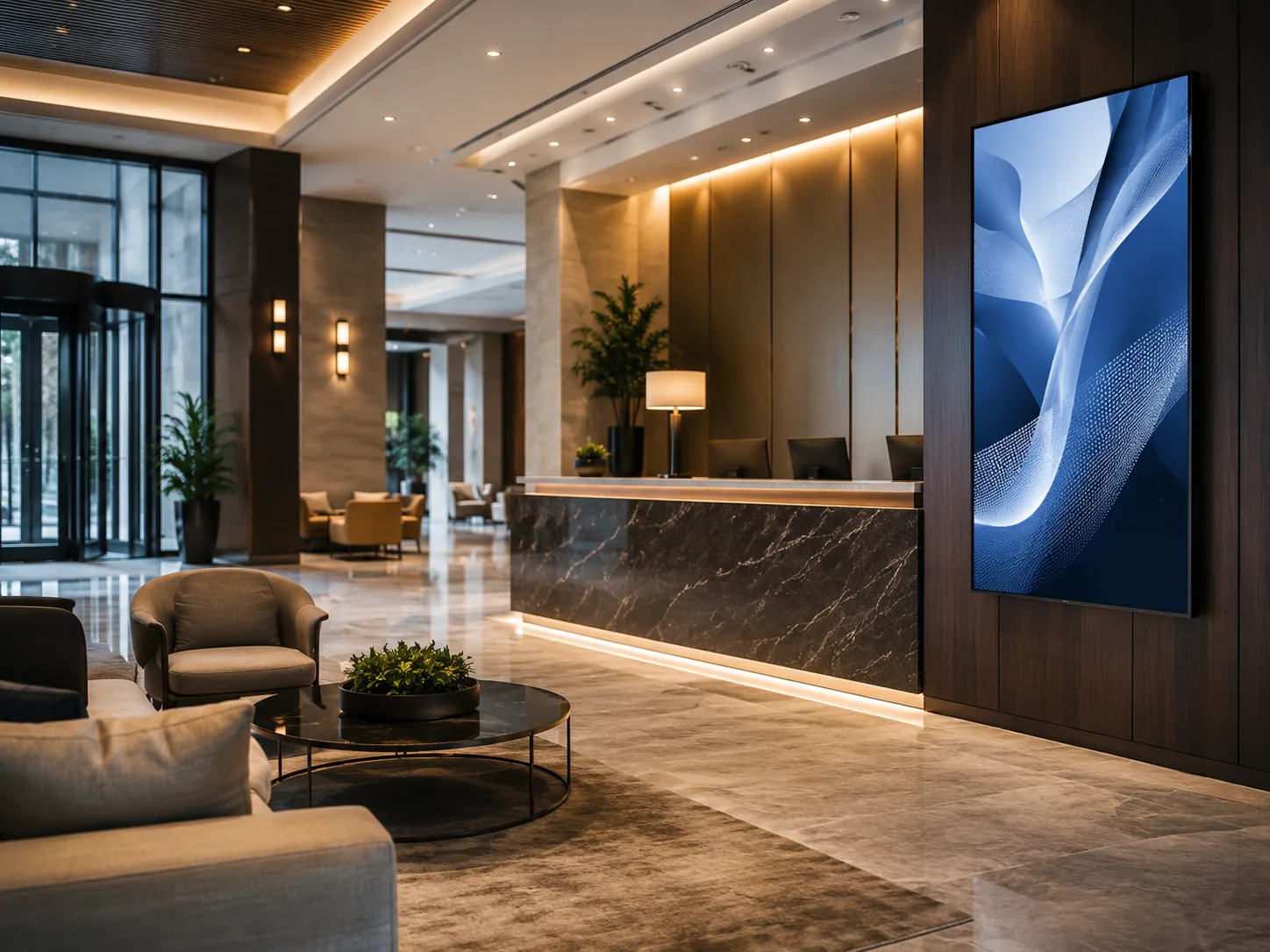
Lobbies & Reception
Welcome visitors and show directions or service information.
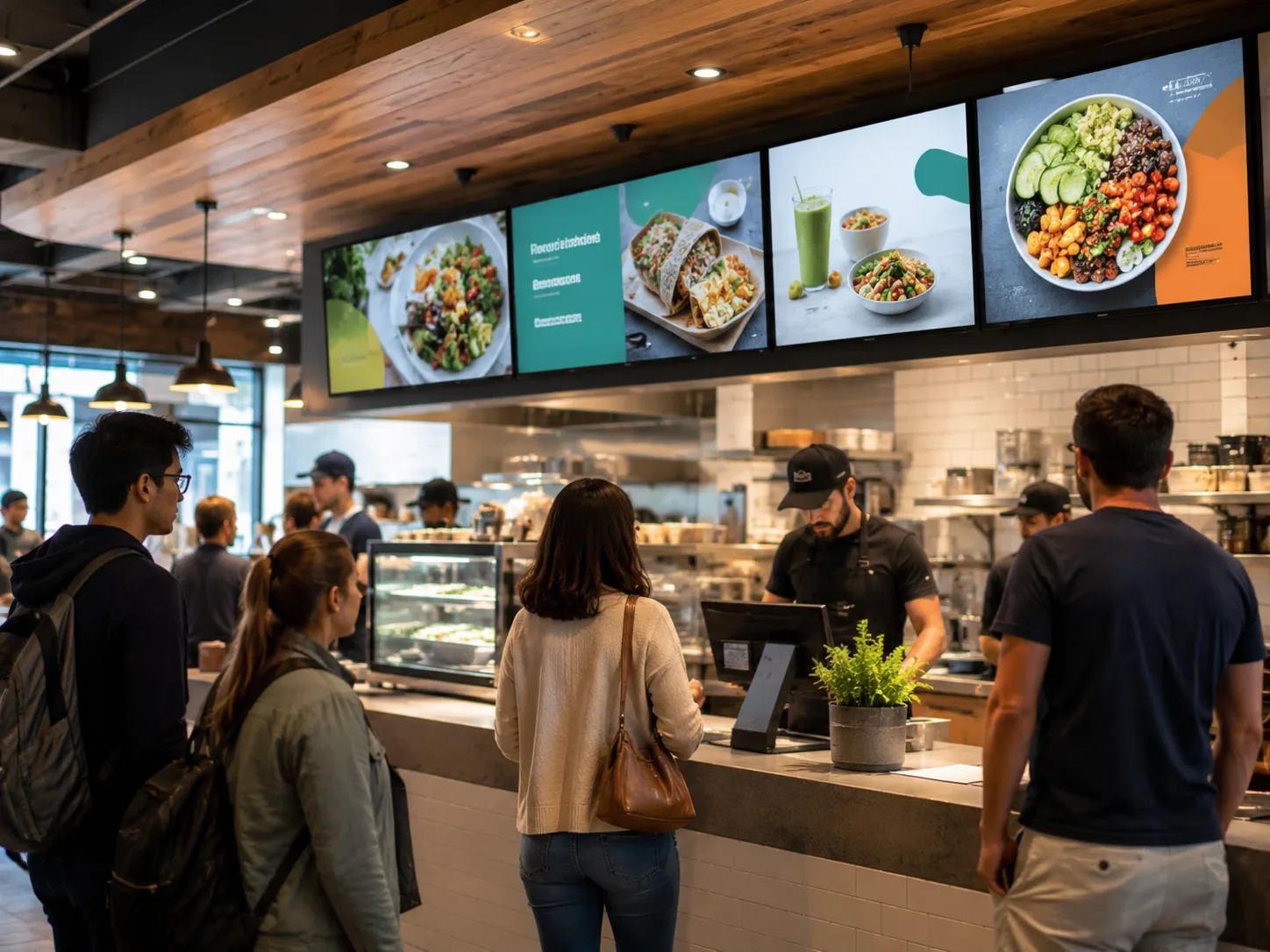
Restaurants & Menus
Show menu items, promotions, and ordering information clearly.
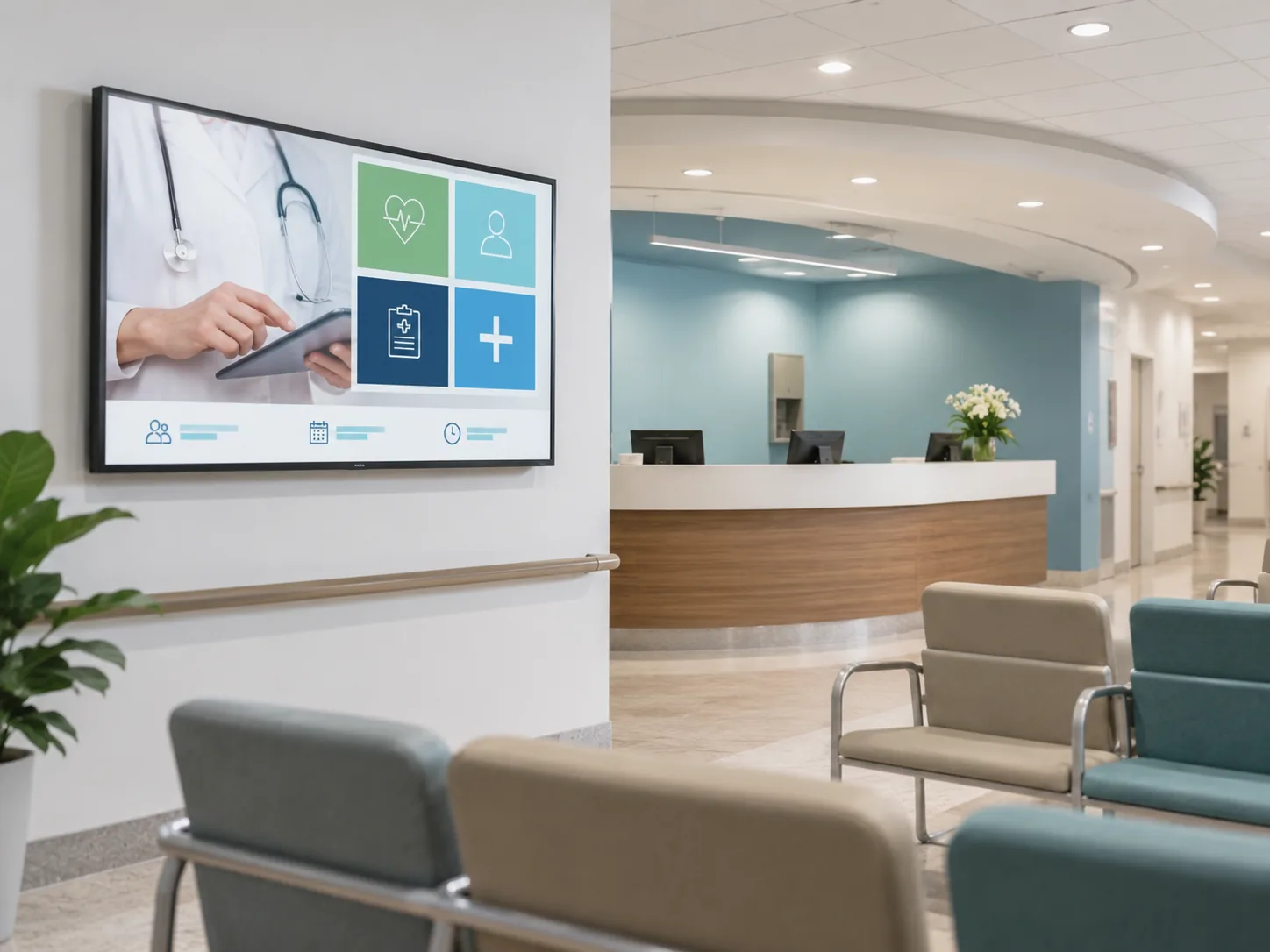
Healthcare & Clinics
Present doctor schedules, queue information and visitor guidance.
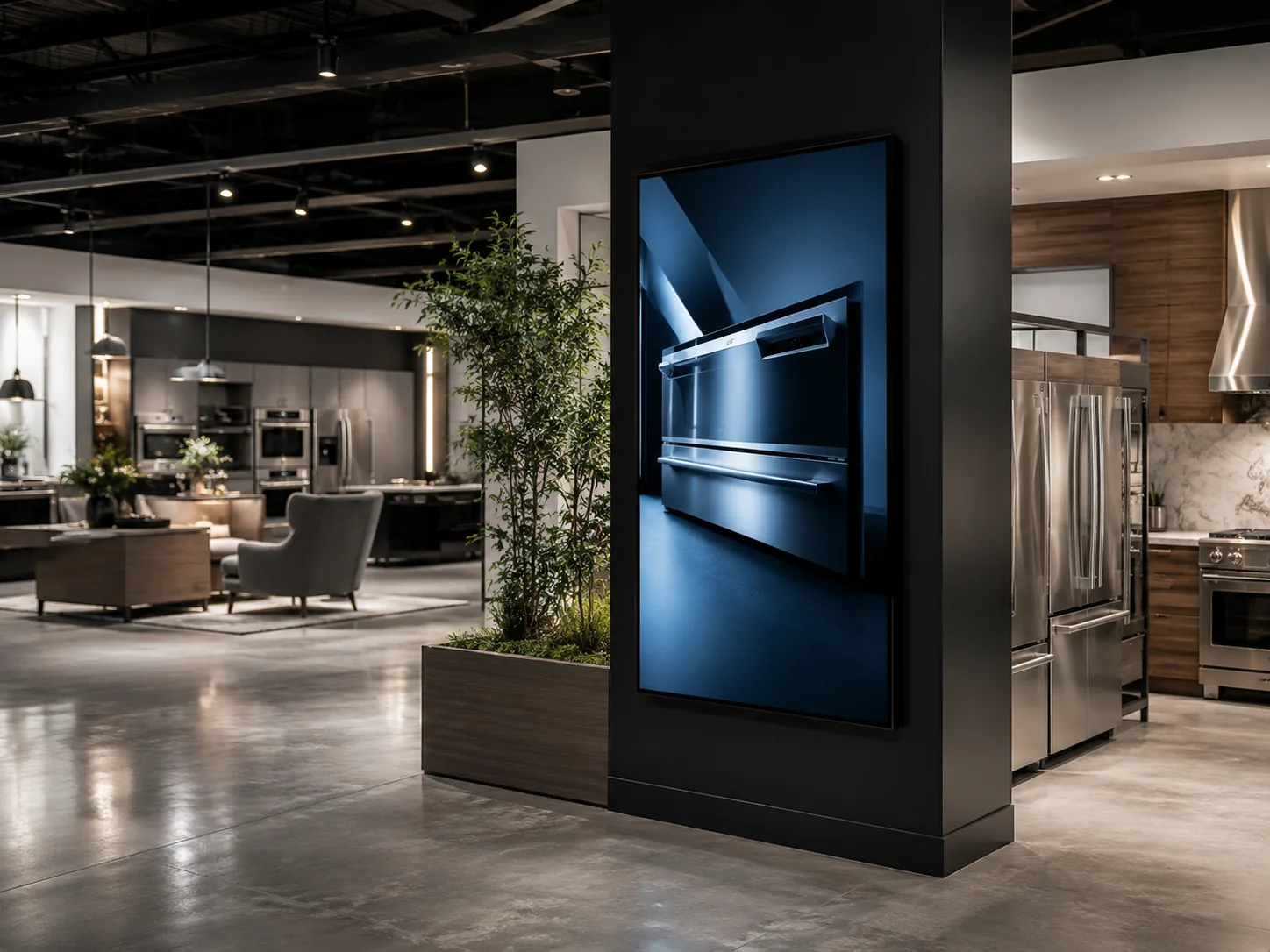
Showrooms
Display product details, floor plans, and promotional videos.
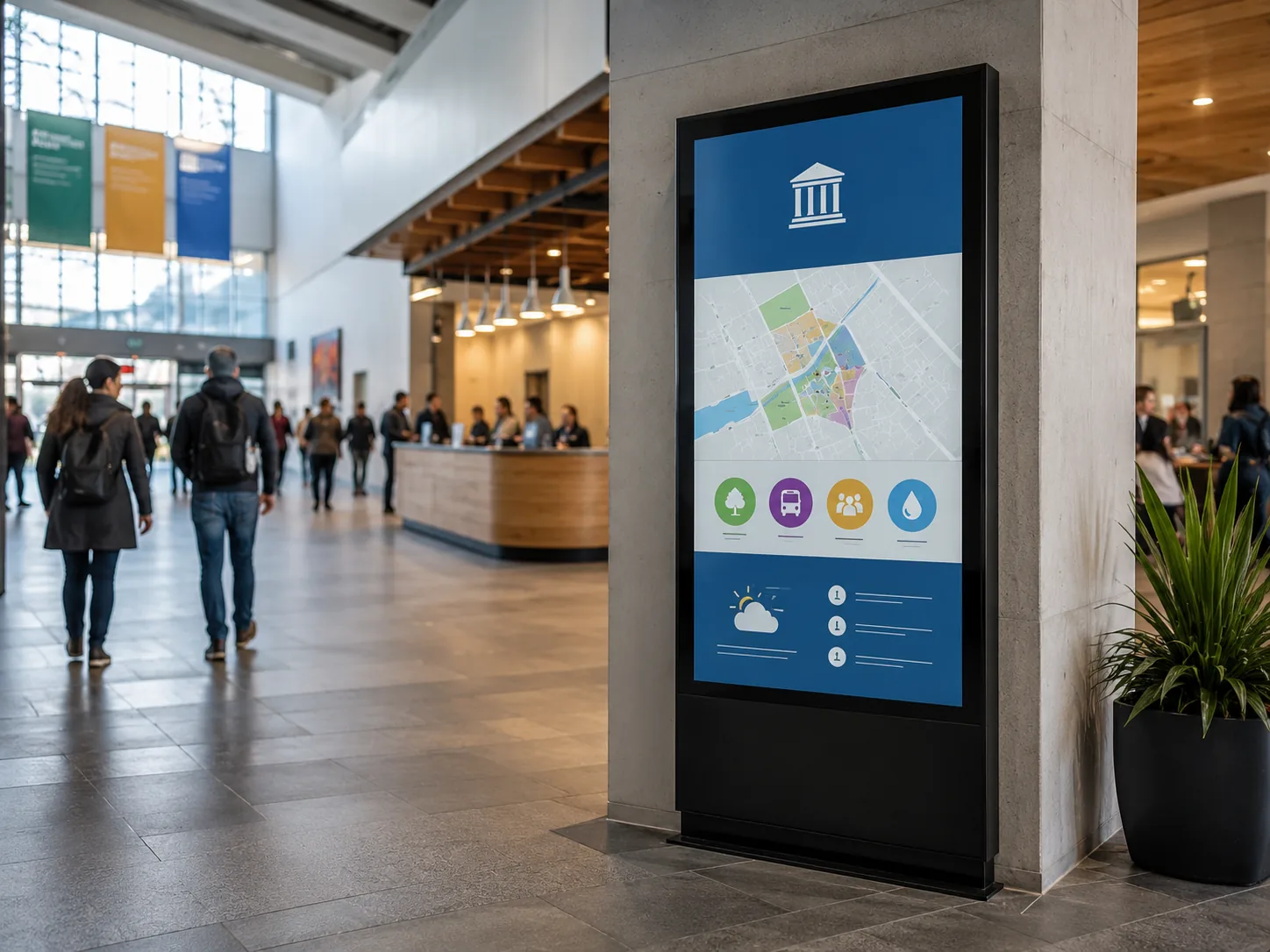
Public Information
Communicate notices, schedules, and emergency information.
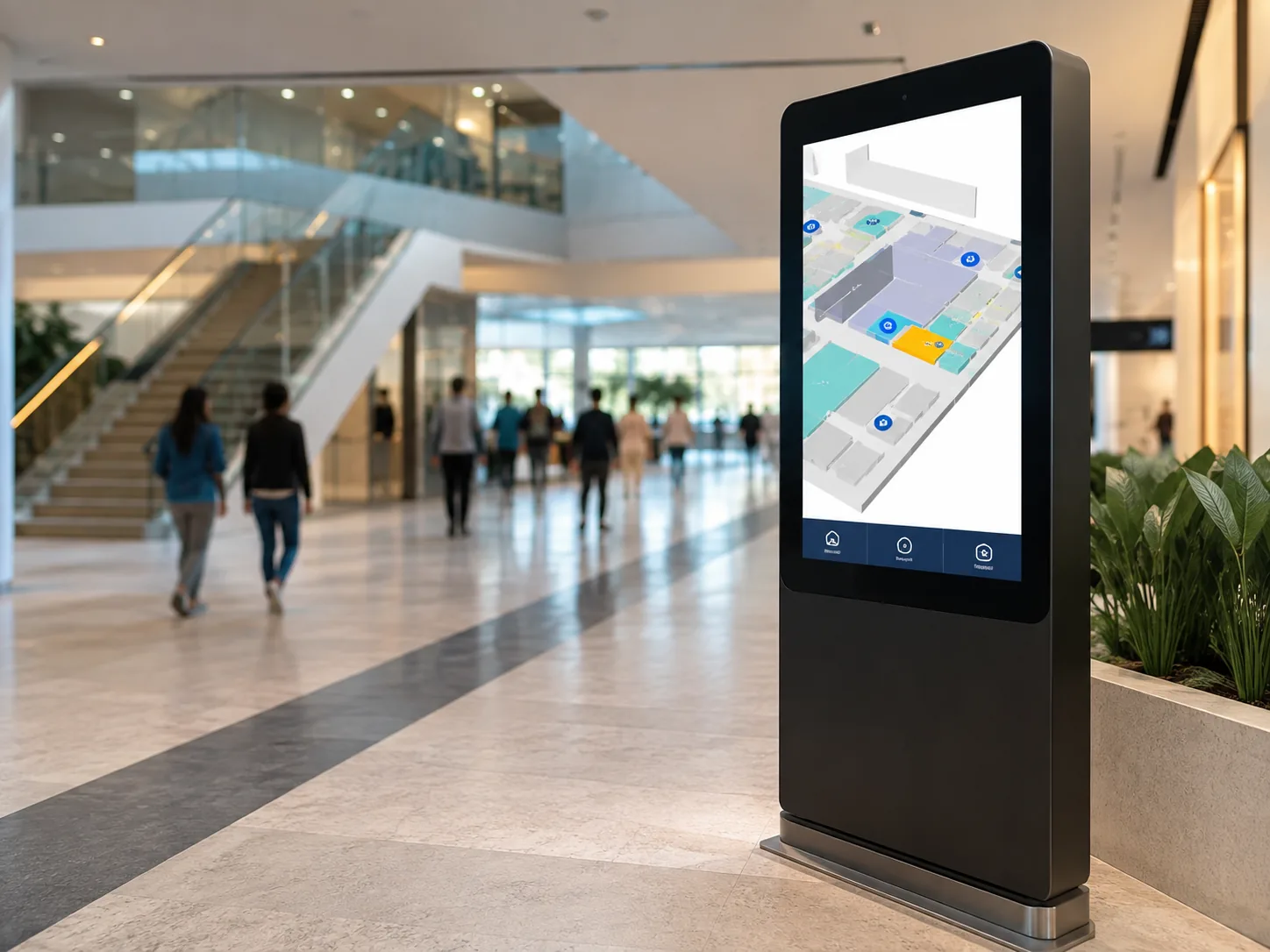
Wayfinding
Help visitors identify destinations and reduce confusion.
Indoor Digital Signage Designed for Practical Deployment
Engineered for commercial reliability, flexible installation, and seamless content management.
Available 4K Display Performance
3840 × 2160 resolution helps detailed advertising and product information remain clear at appropriate viewing distances.
Landscape and Portrait Playback
Support for horizontal and vertical content matches wall dimensions, poster layouts, and directional information.
Scheduled and Loop Playback
Automatic loop playback, split-screen functions and scheduled power control reduce manual operation.
Flexible Connectivity
Ethernet, Wi-Fi, USB and RJ45 connections support different local and networked deployment methods.
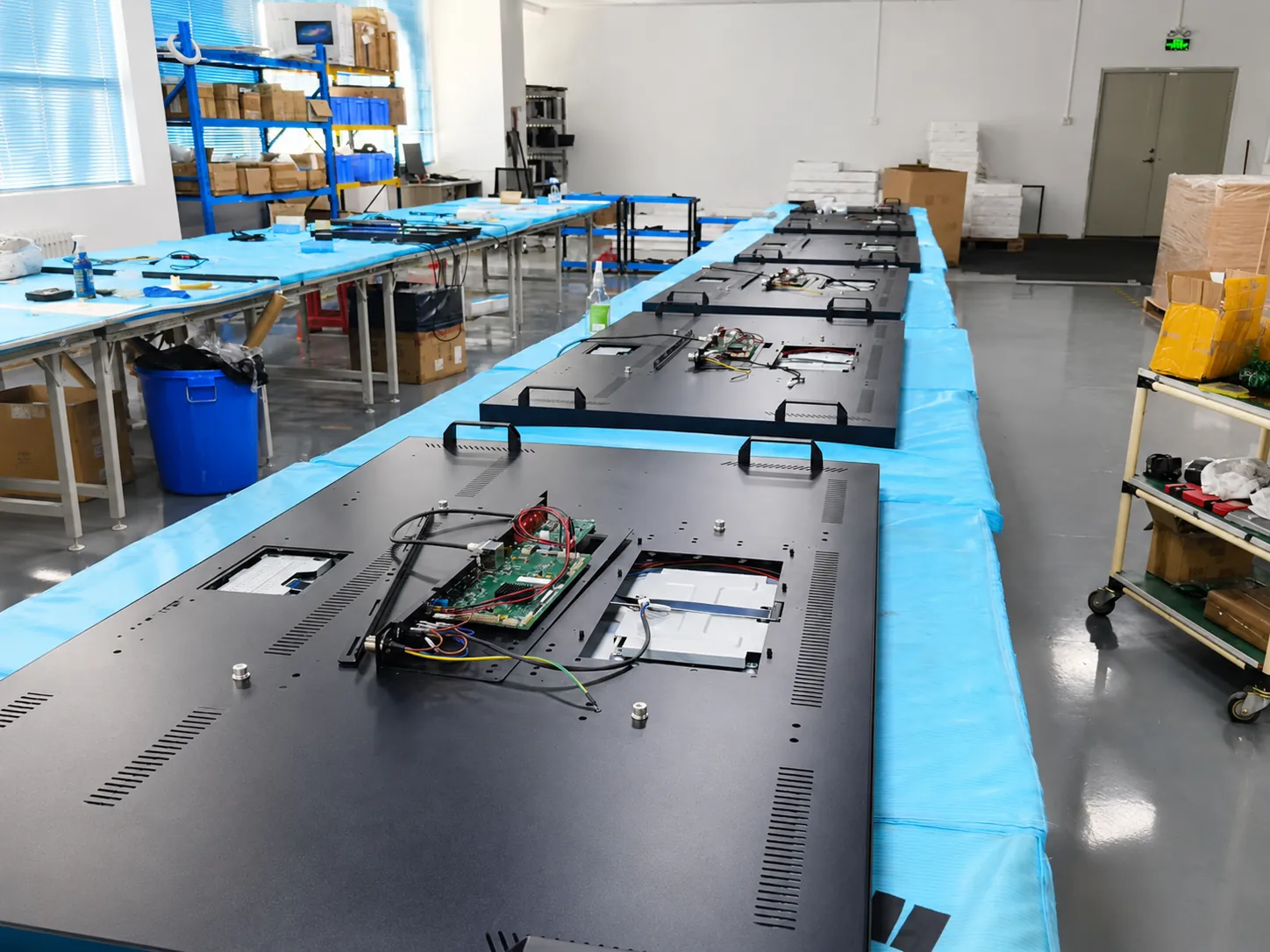
Android Hardware Platform
Reference models use Android 11 and quad-core processors, ready for third-party digital signage software testing.
Multiple Installation Methods
Wall-mounted, embedded and base-mounted options allow the display to be planned around the building structure.
Stable Display Structure
Constructed with tempered glass and an aluminum-alloy frame to support stable commercial installations.
Configurable System Hardware
Memory, storage, network options, and touch functions can be evaluated according to order requirements.
55-Inch Indoor Digital Signage (Model MZYHY55AZ)
The MZYHY55AZ is a 55-inch wall-mounted digital signage configuration for indoor commercial content. It combines a 4K TFT-LCD panel, Android hardware, wired and wireless connectivity, portrait or landscape playback and multiple installation options.
- 55-inch TFT-LCD S-IPS panel
- 3840 × 2160 resolution at 60Hz
- 300 cd/m² typical brightness
- Android 11, Quad-core Cortex-A55
- Ethernet and Wi-Fi connectivity
- Landscape or portrait playback
- Wall-mounted, embedded or base installation
- Tempered protective glass
Important: These specifications apply to the referenced 55-inch configuration. Panel, system, enclosure and optional features may vary by model and customization requirement. Confirm the final specification sheet before ordering.
Technical Specifications
Display
| Model | MZYHY55AZ |
| Display size | 55 inches |
| Panel type | TFT-LCD, S-IPS |
| Resolution | 3840 × 2160 at 60Hz |
| Typical brightness | 300 cd/m² |
| Viewing angle | 178° H / 178° V |
| Active area | 1209.6 × 680.4mm |
| Display life | More than 30,000 hours |
System & Network
| OS | Android 11 |
| CPU | Quad-core Cortex-A55 (1.8GHz) |
| Memory / Storage | 2GB DDR4 / 16GB (Options available) |
| Network | Ethernet, Wi-Fi (3G/4G optional) |
| Interfaces | USB 2.0 ×2, RJ45 ×1, TF card ×1 |
| Audio | Built-in 2 × 5W speakers |
| Power input | AC 100–240V |
| Dimensions (w/ bracket) | 1258.2 × 728.7 × 65.6mm |
How Does Indoor Digital Signage Work?
Prepare Content
Create advertising, menus, or announcements in the required screen ratio.
Select Playback
Use local USB, Android app, external player or CMS depending on the project.
Connect Display
Connect via Ethernet, Wi-Fi, USB or mobile network to update content.
Configure Layout
Set orientation, playlists, split-screen and scheduled power control.
Publish & Maintain
Display content and update using the selected local or networked workflow.
How to Choose Indoor Digital Signage
Follow these steps to define your requirements before requesting a quotation. Clear specifications help ensure the hardware matches your deployment environment.
Information Required for a Faster Quote
- • Application and installation location
- • Preferred screen size
- • Wall-mounted, embedded or floor-standing
- • Touch or non-touch operation
- • Android system or external player
- • Required interfaces and network method
- • Quantity and destination country
Define the Business Objective
Decide whether the display will advertise products, guide visitors, show menus, or provide an interactive service.
Measure Space & Viewing Distance
Confirm installation dimensions, viewing distance and expected audience position before selecting screen size.
Evaluate Indoor Lighting
Select brightness according to ambient light, windows, and reflections. Brighter is not automatically better indoors.
Choose Installation Format
Select wall-mounted, embedded, floor-standing or kiosk based on floor space and building structure.
Choose Touch or Non-Touch
Use touch for browsing, searching, or navigation. Use non-touch for passive advertising and menus.
Confirm System & Connectivity
Define if the project needs Android, external player, third-party CMS, Ethernet, Wi-Fi, or mobile connectivity.
Confirm Operating Requirements
Provide schedule, orientation, interfaces, ventilation, and maintenance method. Confirm continuous-duty needs.
Indoor Digital Signage vs Consumer TV
| Decision Factor | Commercial Indoor Digital Signage | Consumer TV |
|---|---|---|
| Primary purpose | Commercial information, advertising and deployment | Home entertainment |
| Portrait installation | Available on suitable models and structures | Often not designed for portrait use |
| Scheduled playback | Available through system functions or software | Usually requires additional player or manual operation |
| Installation options | Wall-mounted, embedded, floor-standing, custom | Primarily standard wall mount or desktop stand |
| Customization | Enclosure, mounting, interfaces and system options | Limited product-level customization |
When Is a TV Enough?
For a small, low-duty, single-screen installation with simple local playback and no special mounting or management requirements.
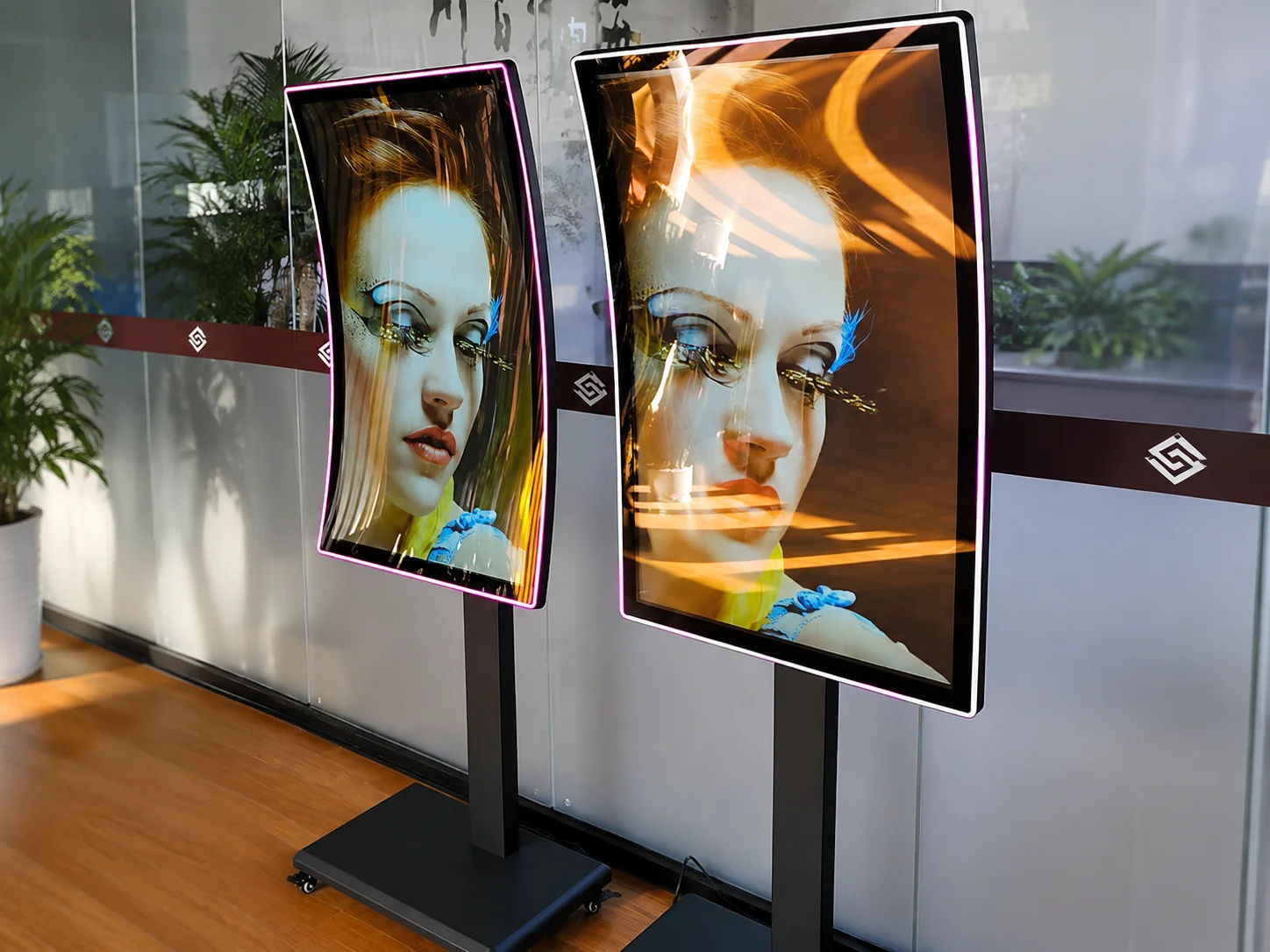
When to Use Commercial Signage?
When the project requires portrait mounting, scheduled playback, multiple locations, customized structures, defined interfaces, or long-term deployment support.
Touch vs Non-Touch Indoor Digital Signage
Non-Touch Digital Signage
Choose when the screen presents advertising, menus, announcements, queue information, or branded content without requiring direct user input.
Advantages: Simpler interaction flow, lower configuration complexity and fewer user-interface requirements.
Touch Digital Signage
Choose when visitors need to browse products, search information, use a directory, navigate a venue or interact with an application.
Advantages: Enables self-guided information access and interactive customer journeys.
Touch adds value only when the user needs to make a selection or complete a task. For passive information, non-touch is simpler and more cost-effective.
Discuss a Touch Configuration →What Determines Indoor Digital Signage Cost?
There is no single price for a complete system. The final quotation depends on multiple project-specific variables.
Display Hardware
Screen size, panel type, resolution, brightness, touch function and protective structure.
System Configuration
Android hardware, memory, storage, media player, interfaces and network modules.
Mounting & Enclosure
Standard wall bracket vs. embedded structure, floor-standing enclosure or customized housing.
Software & CMS
Local playback, third-party CMS licensing, custom applications and compatibility testing.
Quantity & Customization
Order volume, branding, enclosure color, structural modifications and prototype requirements.
Installation & Logistics
Packaging method, shipping destination, customs and after-sales scope.
Complete Setup Cost Formula
Display + Mounting + System/Player + Network + Software + Logistics + Support
From Requirement to Production
Requirement Review
Confirm app, size, install, touch, system & qty.
Component Eval
Review panel, hardware & network options.
Mechanical Design
Plan enclosure, mounting & cable routing.
Drawing Approval
Confirm specs before prototype.
Prototype Testing
Assemble and evaluate unit & interfaces.
Production & Ship
Batch production and agreed inspections.
A Practical Hardware Partner for Commercial Display Projects
Indoor digital signage projects require more than a panel. They require coordination between the display, computing hardware, enclosure, mounting, interfaces, packaging and customer application.
Lucky XFC supports B2B projects through requirement review, hardware configuration, mechanical design, prototype evaluation, production and shipping preparation.
-
Engineering Before Production Confirm critical dimensions, mounting points, and interfaces early.
-
Configuration-Based Manufacturing Select options according to the application, not a fixed template.
-
Inspection Against Specification Verify the agreed display, system, and appearance before shipment.
Lucky-XFC
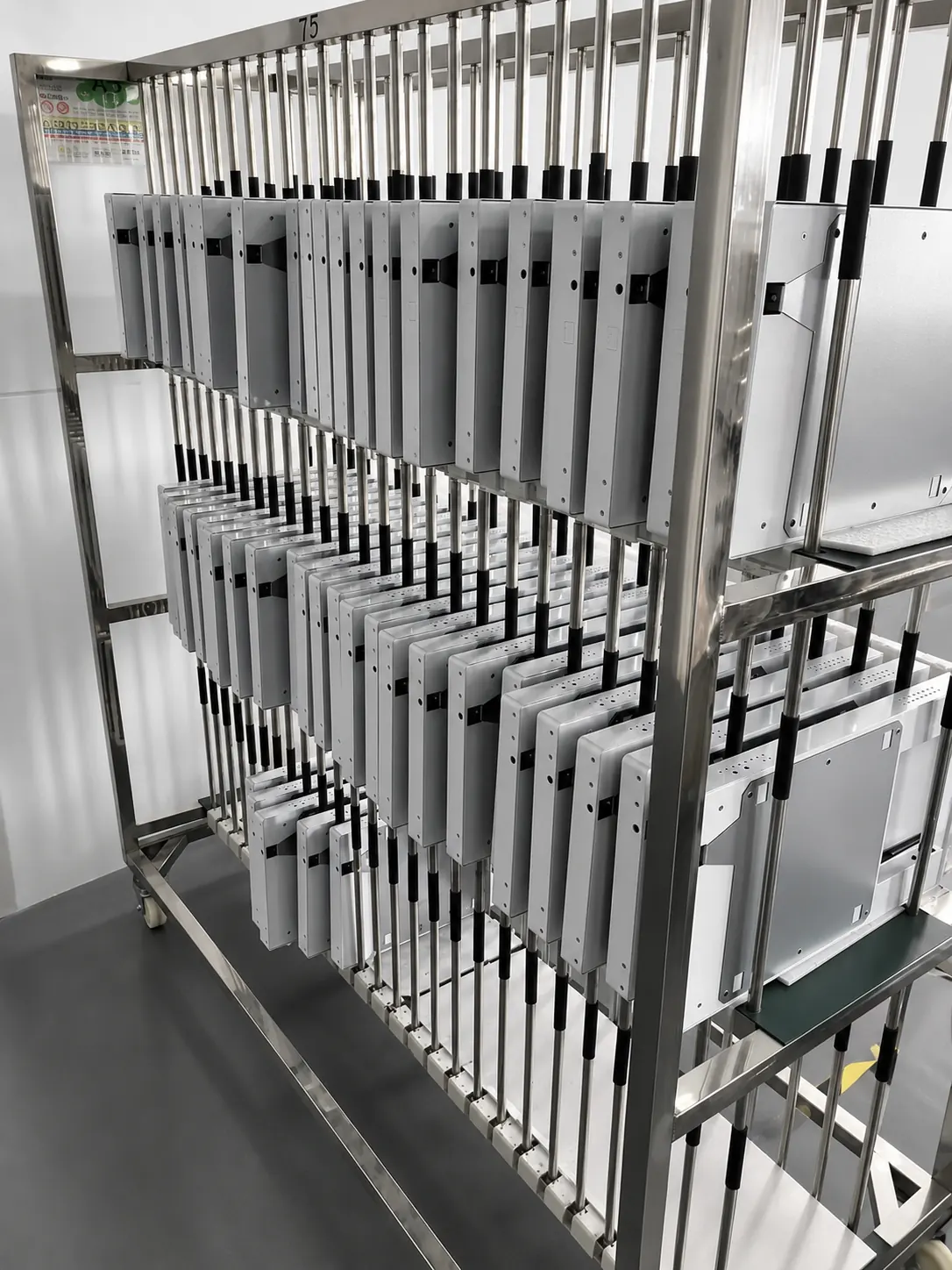
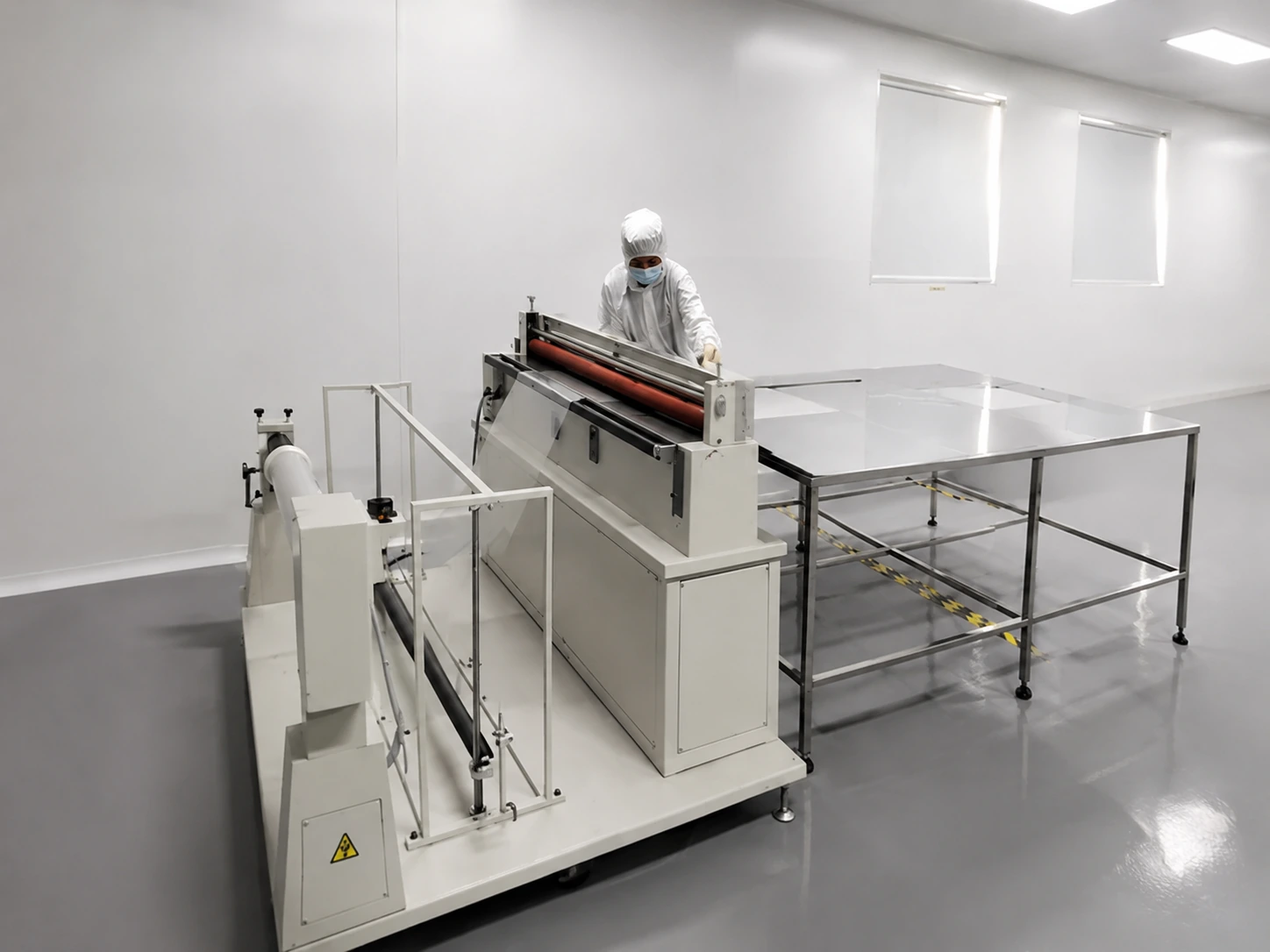
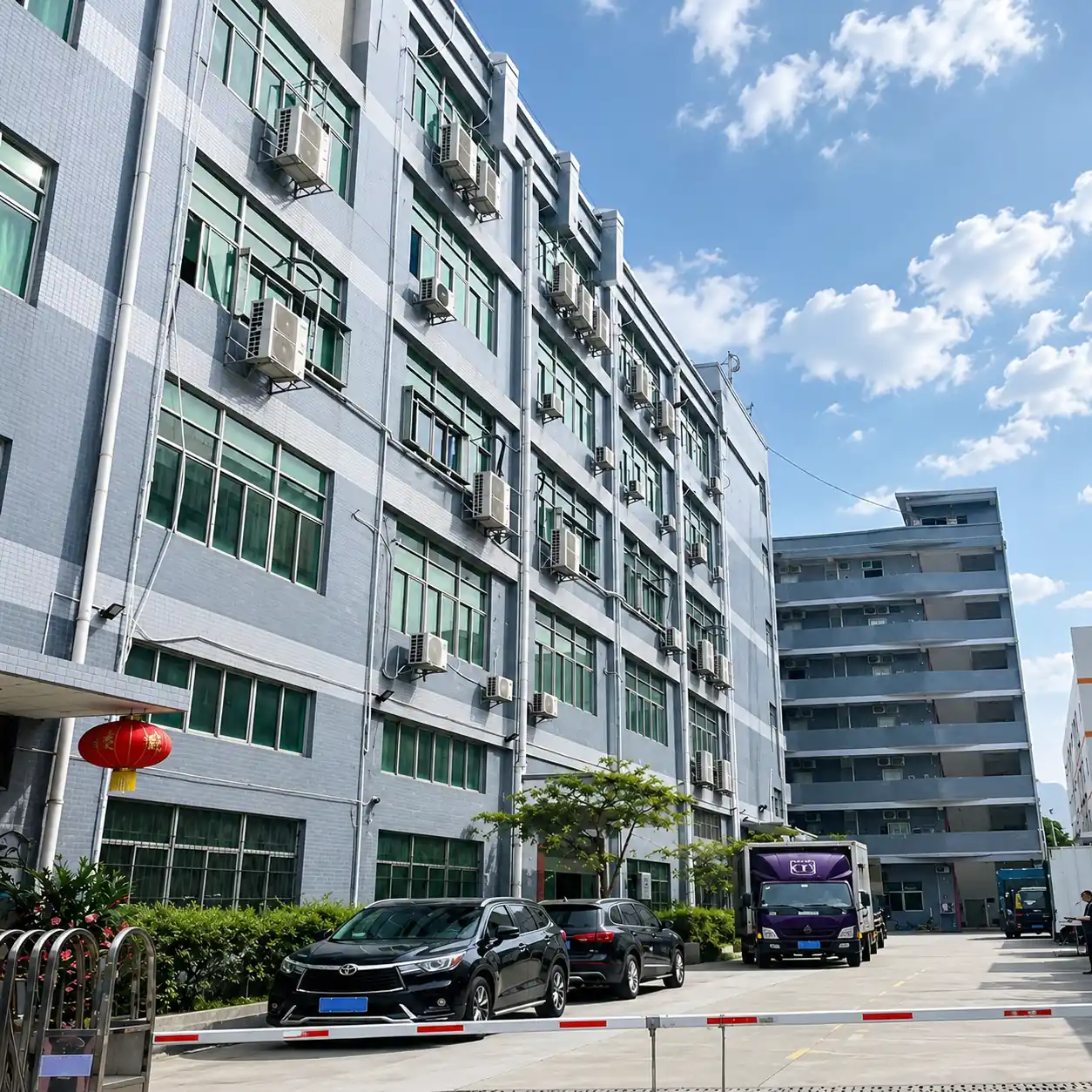
Lucky-XFC supports custom projects from product selection and engineering confirmation through sample production, 100% inspection and shipment.
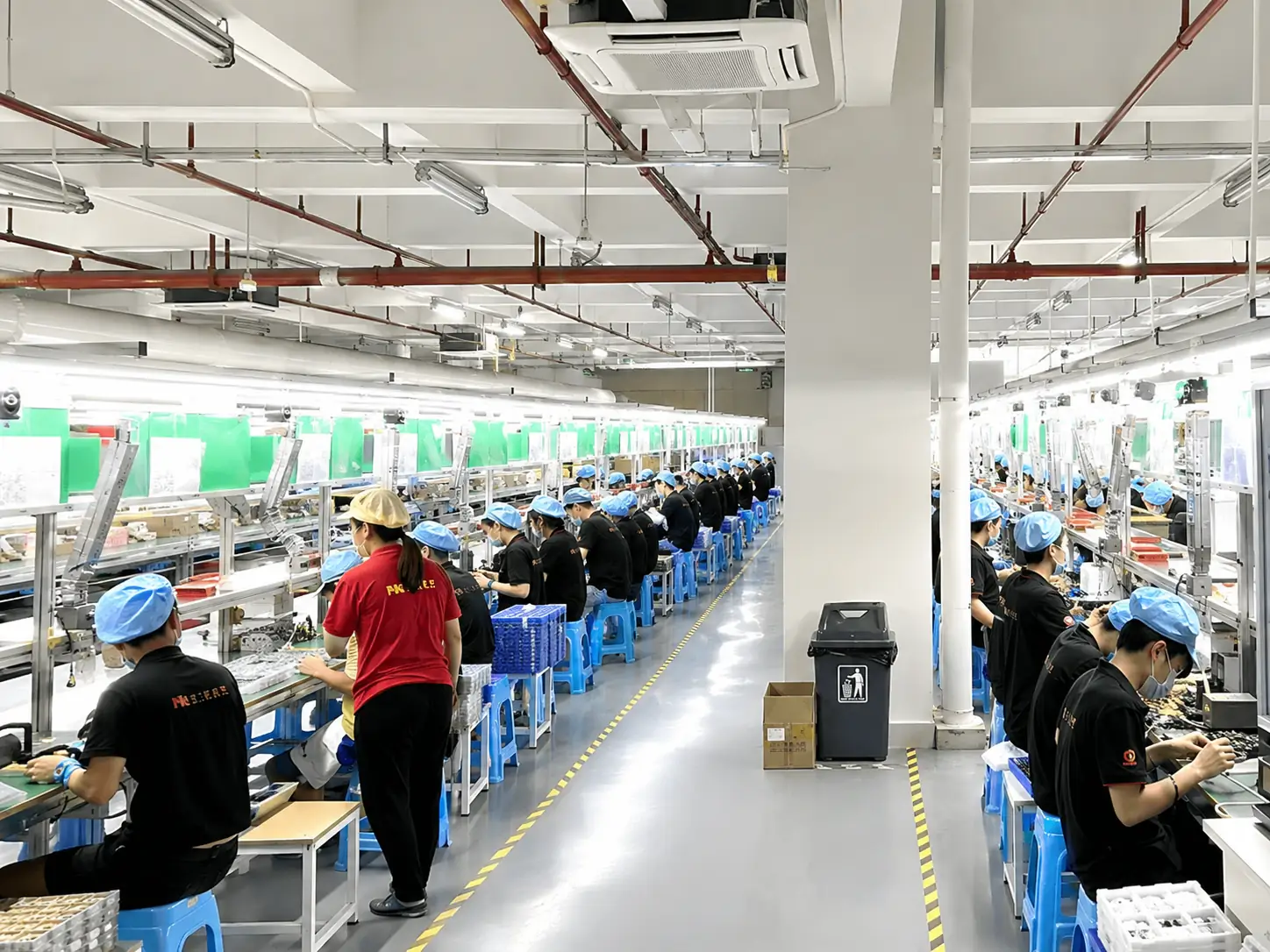
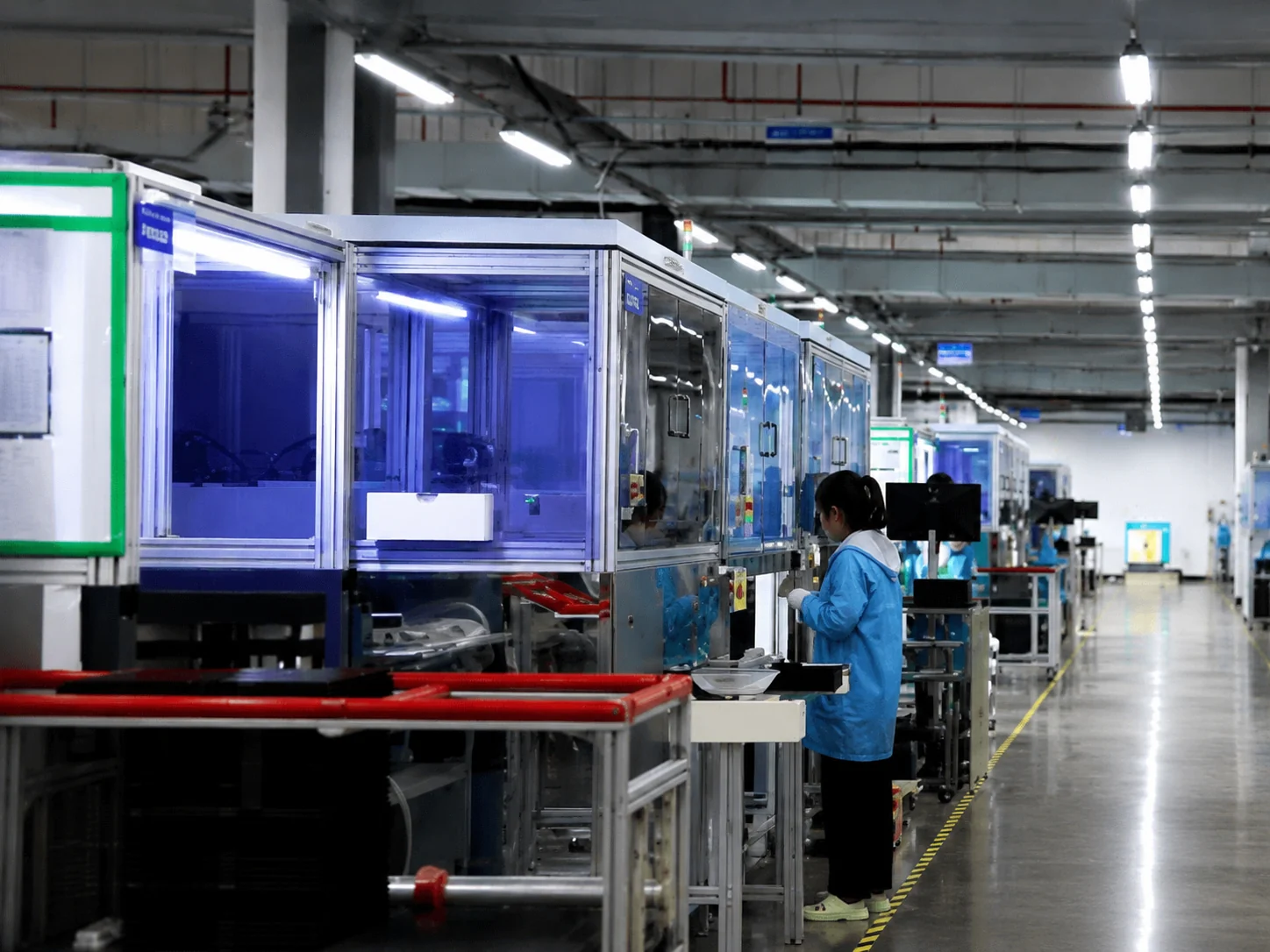
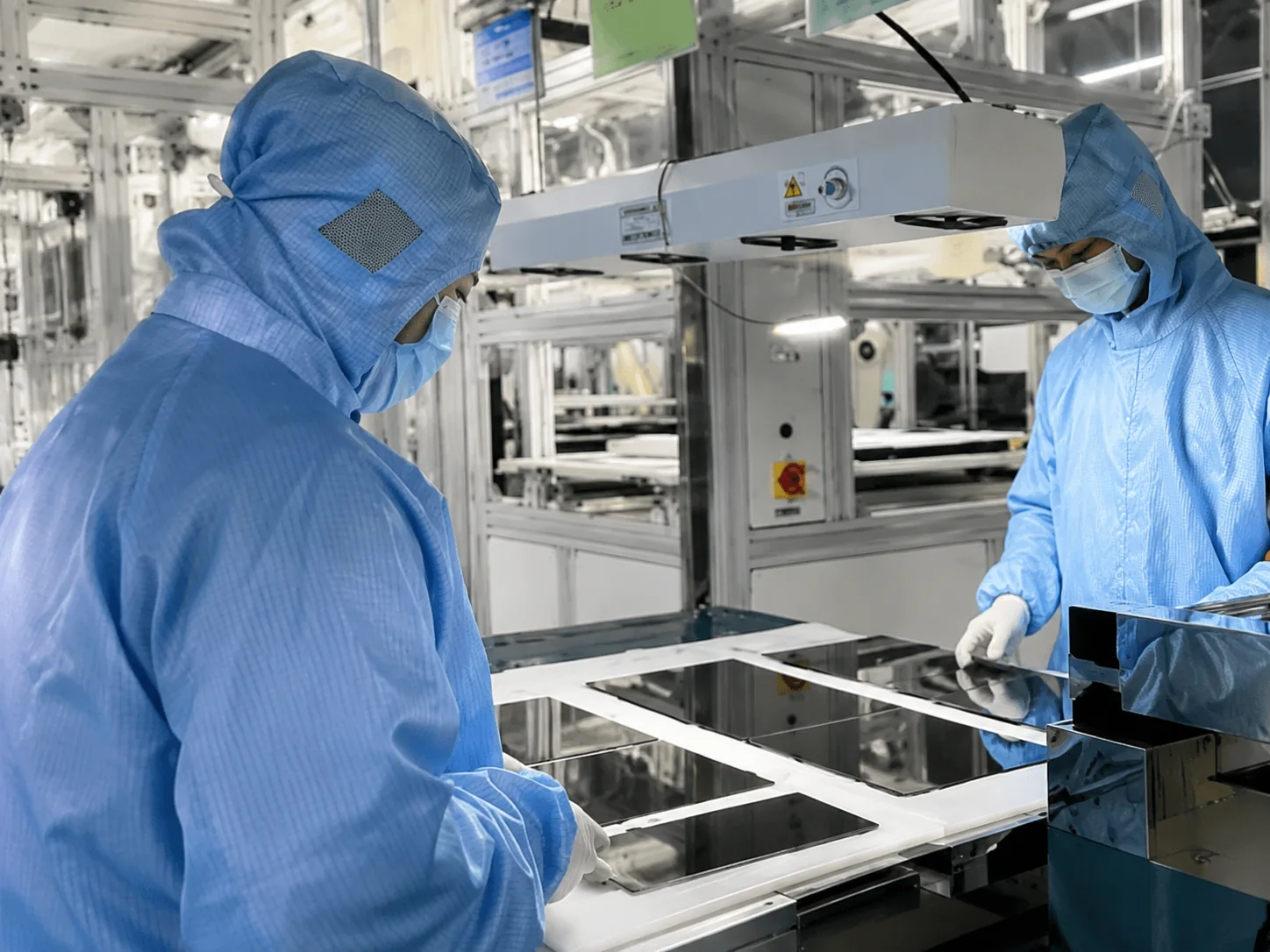
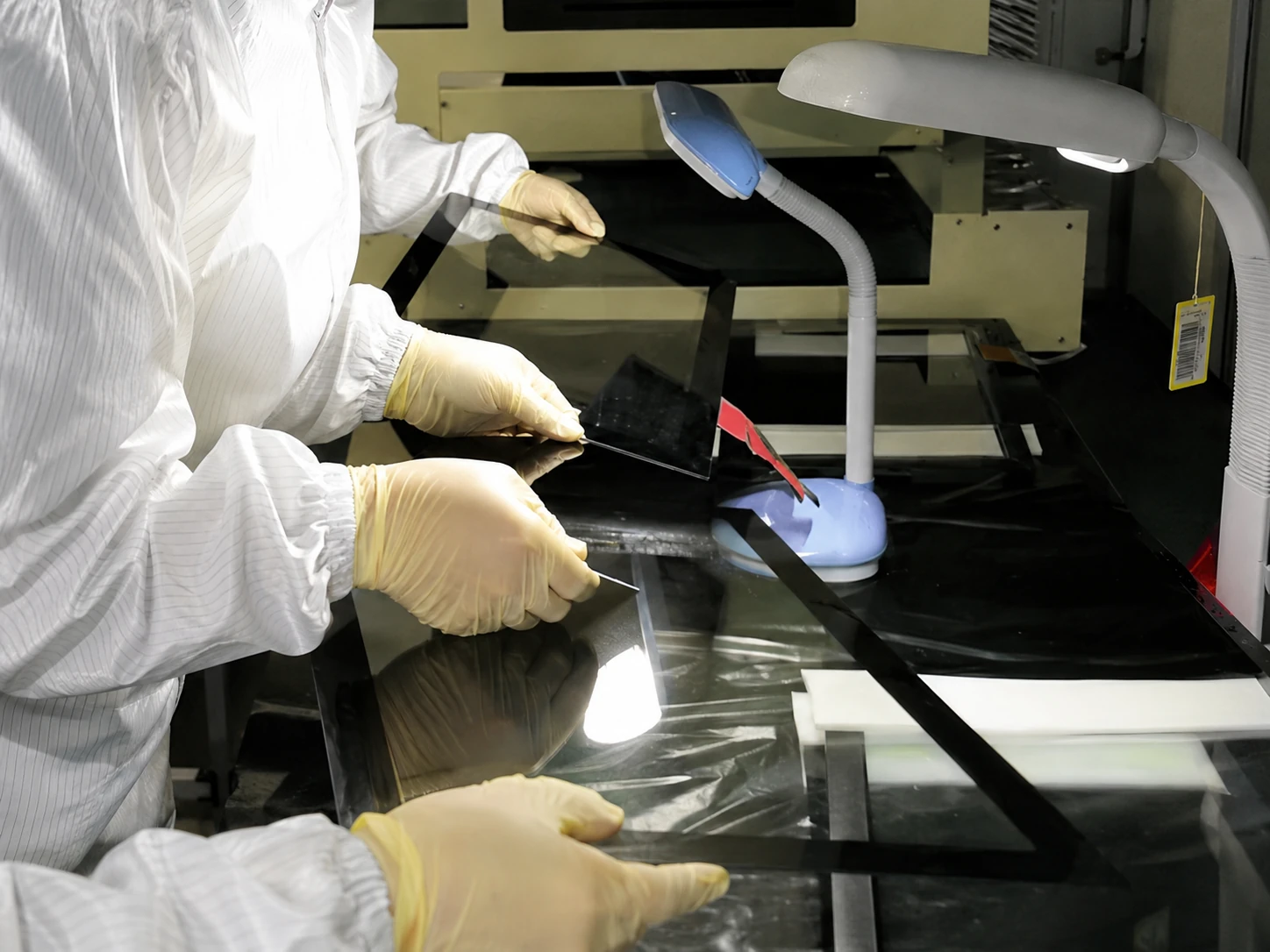
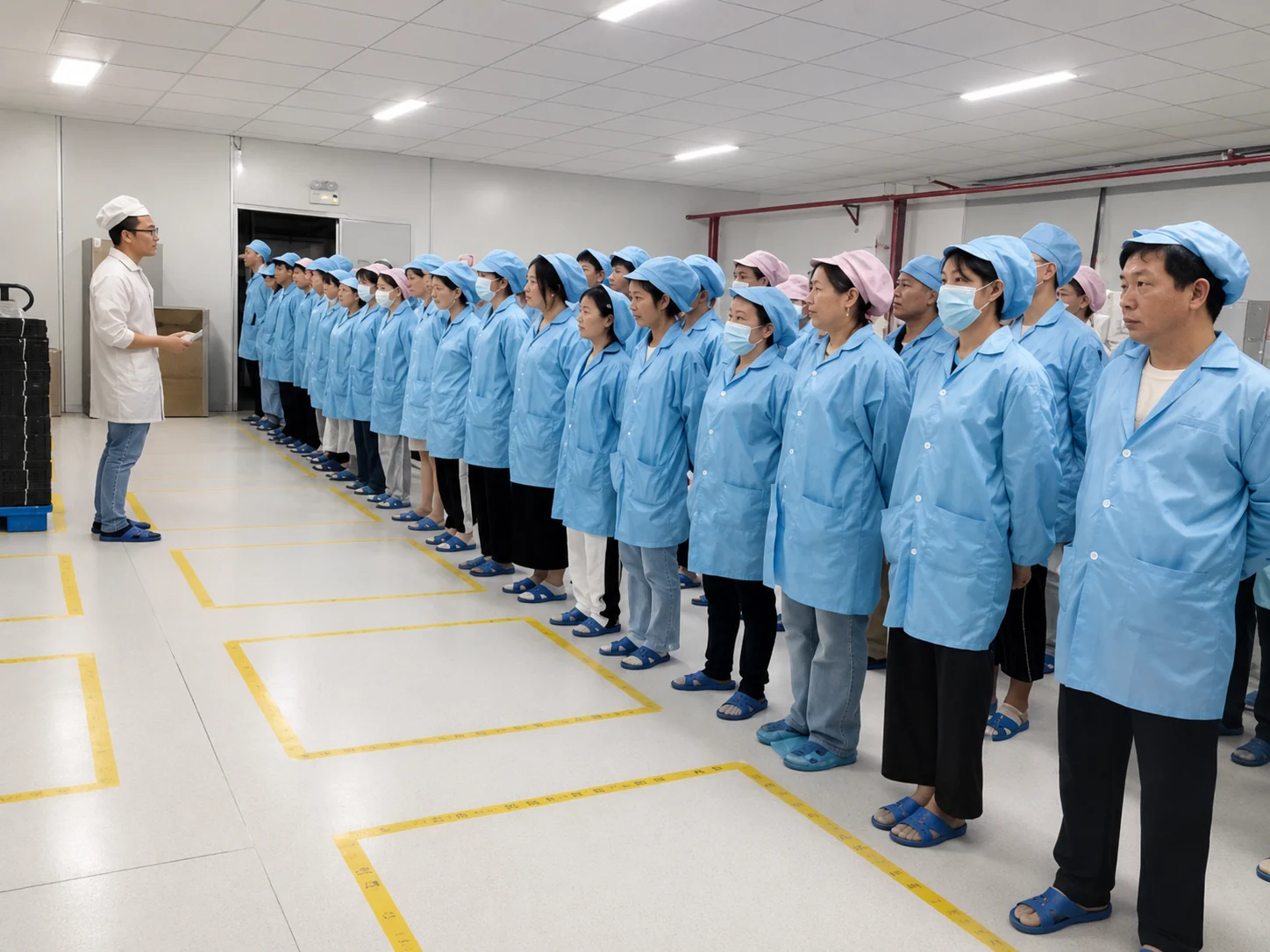
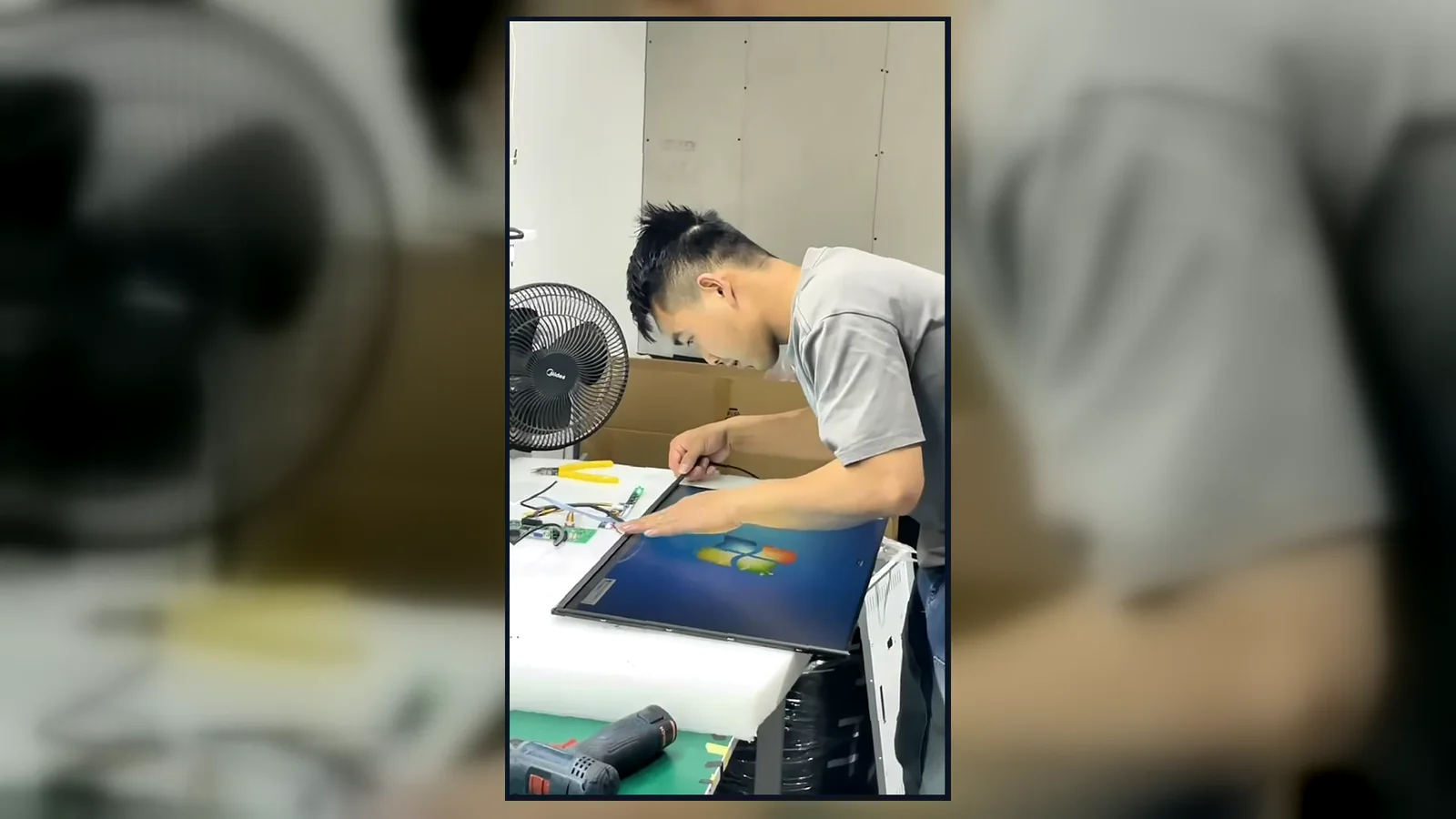
Inside the Factory: Production & Quality Testing
Watch our brief 45-second overview showcasing the rigorous assembly and testing procedures at our facility. See firsthand how our QC team conducts 100% inspections to verify touch response, display quality, interfaces and appearance according to the approved specifications.
Global Quality & Compliance Standards
Our products are manufactured under strict quality control systems and comply with international standards, ensuring reliability and safety for your projects.

ISO 9001:2015
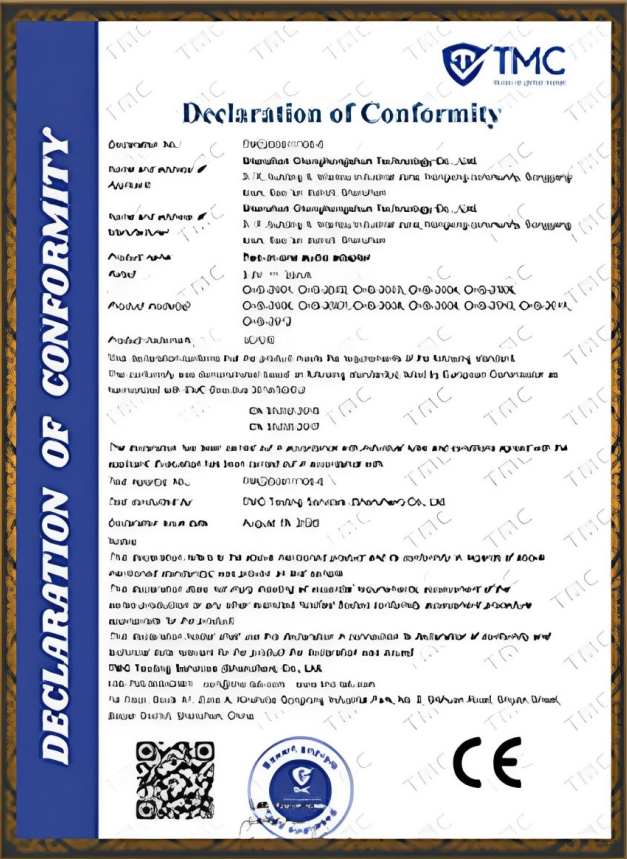
CE Certification
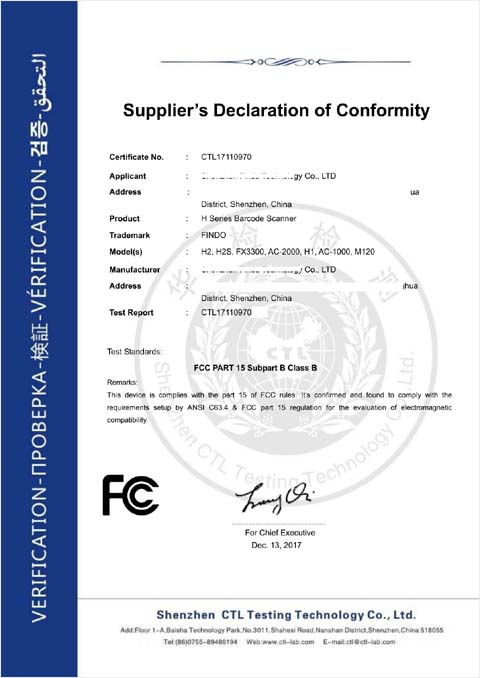
FCC Certification

RoHS Compliance

IP56/IP65/IP67/IK10
Indoor Digital Signage FAQs
What is the difference between indoor digital signage and a TV?
How do I choose the right screen size for a lobby digital sign?
Can indoor digital signage be installed vertically?
Can I use my own digital signage software or CMS?
Is a media player included?
What information is required for a quotation?
Get the Right Indoor Digital Signage Configuration
Share your application, screen size, installation method, quantity and system requirements. Lucky XFC will review the project and recommend a suitable hardware configuration for quotation.
Email Us
sales13@lucky-xfc.comCall or WhatsApp
+86 13342931453Factory Address
No. 3, Lianfeng Road, Hongqiaotou Community, Yanluo Street, Bao'an District, Shenzhen, Guangdong Province, China
