
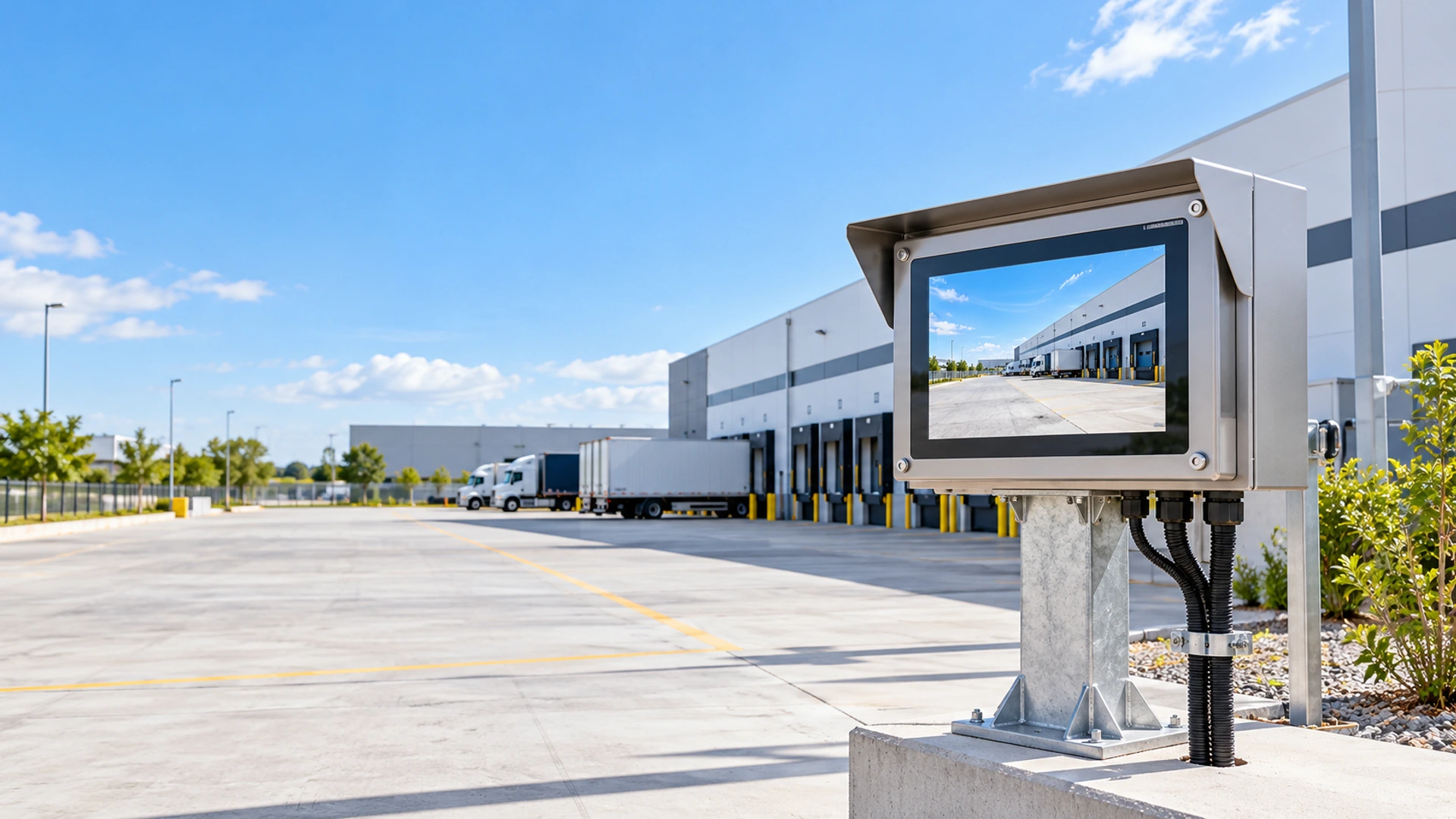
Outdoor Touchscreen Monitor Manufacturer
Develop a touch display for exposed, semi-outdoor or weather-protected equipment with project-based review of ingress protection, sunlight readability, touch behavior, thermal conditions, mounting and interfaces.
Outdoor suitability is confirmed by the complete display, enclosure, installation and test specification—not by one feature alone.
Outdoor Touchscreen Monitor Project Scope at a Glance
Use these project fields to define the required level of outdoor protection before selecting a display configuration.
1 Front-Sealed Protection
Review front-glass sealing for equipment where the rear of the display is protected by the customer enclosure.
2 Fully Sealed Project Direction
Evaluate the housing, joints, connectors and cable entries when exposure can reach more than the front surface.
3 High-Brightness Display Options
Select brightness and optical treatment according to ambient light, reflection and direct-sun exposure.
4 PCAP or Resistive Touch
Choose touch technology according to rain, wet fingers, gloves, gestures and the required front surface.
5 Multiple Installation Paths
Panel, open-frame, wall and VESA directions can be reviewed by project.
6 OEM/ODM Engineering Review
Coordinate the display, cover glass, sealing, housing, interfaces, cables, mounting and equipment enclosure.
Outdoor Touchscreen Monitor Product Paths
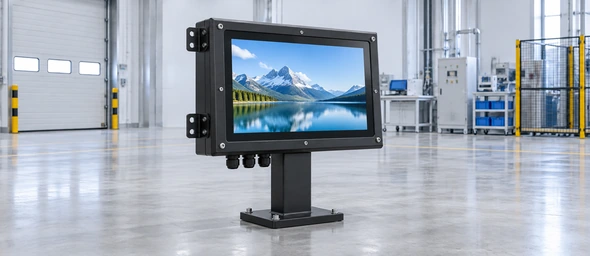
Front-Sealed Outdoor Touchscreen Monitor
A practical starting direction when the front glass and panel interface face rain, dust or cleaning exposure while the rear electronics remain protected inside the customer’s equipment.
- Required front protection.
- Panel opening and gasket.
- Display size.
- Ambient light.
- Touch method.
- Customer enclosure protection.
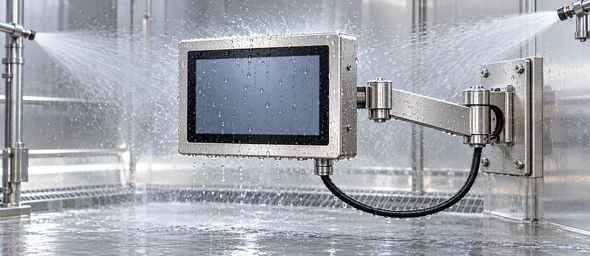
Fully Sealed Waterproof Outdoor Touchscreen Monitor
A project-specific enclosure direction for applications where water, dust or humidity may reach the monitor housing, connectors or rear structure.
- Required IP scope.
- Exposure direction.
- Connector sealing.
- Cable entries.
- Housing material.
- Thermal and service requirements.
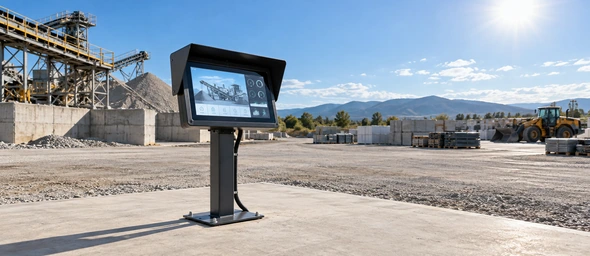
High-Brightness Sunlight-Readable Outdoor Touchscreen Monitor
A display direction for high ambient light or direct-sun applications. Brightness, reflection control, optical construction and thermal load must be reviewed together.
- Ambient-light level.
- Direct-sun duration.
- Required brightness.
- AG or AR treatment.
- Optical bonding requirement.
- Power and heat management.
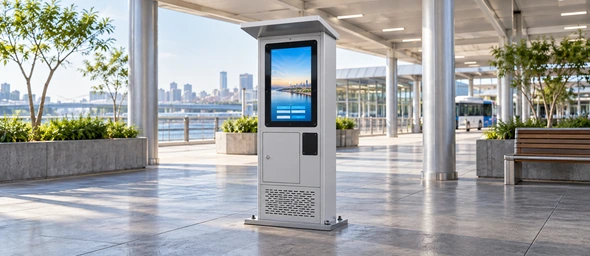
Outdoor Open-Frame and Kiosk Integration Touchscreen
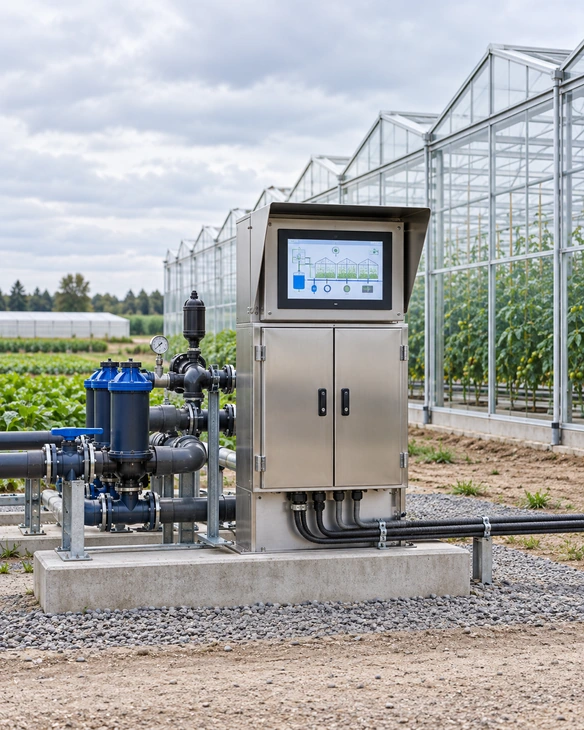
An open-frame touch display installed inside the customer’s weather-protected kiosk or equipment enclosure. The completed enclosure provides the final sealing, thermal control, drainage and maintenance protection.
- Enclosure opening.
- Bezel overlap.
- Internal mounting.
- Climate-control method.
- Cable routing.
- Maintenance access.
Outdoor Environmental Requirement Map
Define rain, dust, sunlight, heat, cold, condensation, cleaning and operator input before selecting the product.
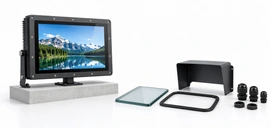
Display, Enclosure and Host Coordination
Treat the display, touch surface, enclosure, connections and external host as one outdoor system.
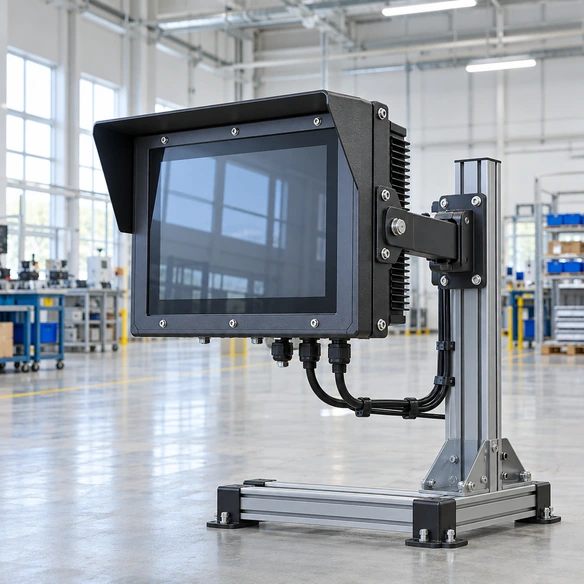
What Is an Outdoor Touchscreen Monitor?
An outdoor touchscreen monitor is a touch-enabled display configured for a defined level of exposure to sunlight, moisture, dust, temperature variation and public or industrial use.
A complete outdoor solution may include:
- A high-brightness LCD selected for the viewing conditions.
- A PCAP or resistive touch system.
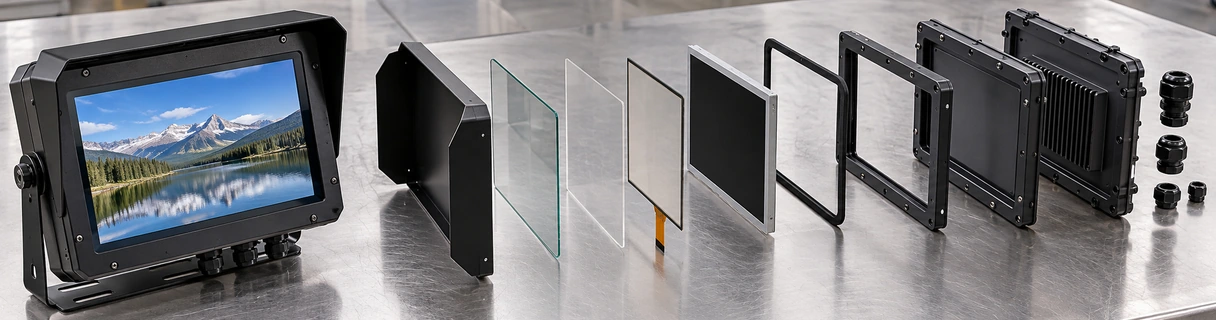
- Cover glass with approved optical and mechanical properties.
- A sealed front panel or fully sealed enclosure.
- Protected video, touch-data and power connections.
- Thermal management for solar heat, internal heat and ambient temperature.
- Drainage, ventilation or climate control in the surrounding equipment.
- Mounting and service access appropriate for the installation.
A waterproof front surface alone does not make the complete monitor suitable for every outdoor environment. Final suitability depends on the scope of sealing, installation orientation, sunlight exposure, enclosure design, touch behavior and verified test requirements.
Outdoor Touchscreen Monitor Problems to Prevent
Avoid common integration failures by addressing these risks during the engineering review.
Risk: IP65 front is treated as full-enclosure IP65.
A front-protection rating applies only to the tested surface and installation conditions. The rear housing, connectors and cable entries require separate evaluation.
Risk: High brightness is treated as guaranteed sunlight readability.
Reflections, cover glass, air gaps, optical bonding, viewing angle and content contrast also affect outdoor readability.
Risk: The display overheats in direct sunlight.
Solar load, backlight power, enclosed electronics and poor airflow can raise internal temperature beyond the ambient reading.
Risk: Rain causes false touches or blocks operation.
Wet-touch behavior depends on the sensor, controller tuning, water film, glass and installation. It must be tested under realistic conditions.
Risk: Condensation forms inside the kiosk.
Temperature cycling and humidity can create internal moisture even when rain does not enter directly.
Risk: Cables bypass the enclosure protection.
Unsealed cable glands, connectors and service openings can compromise the complete equipment protection.
Outdoor Touchscreen Monitor Protection Layers
A reliable outdoor display project coordinates multiple layers:
Protects the touch surface and influences glare, reflection, impact behavior and touch response.
Provides PCAP or resistive input according to the operator and exposure conditions.
Includes air gaps, adhesives or bonding structures that influence reflections and readability.
Provide the required image and brightness for the viewing environment.
Coordinates the glass, gasket, panel opening and mounting pressure.
Protects the display electronics according to the approved enclosure design.
Require protection appropriate to their exposure.
Manages solar heat, internal heat, airflow, heating or cooling.
Must remain compatible with the display controller and outdoor equipment architecture.
Each layer should be documented in the approved project specification. One protected component does not establish the performance of the complete assembly.
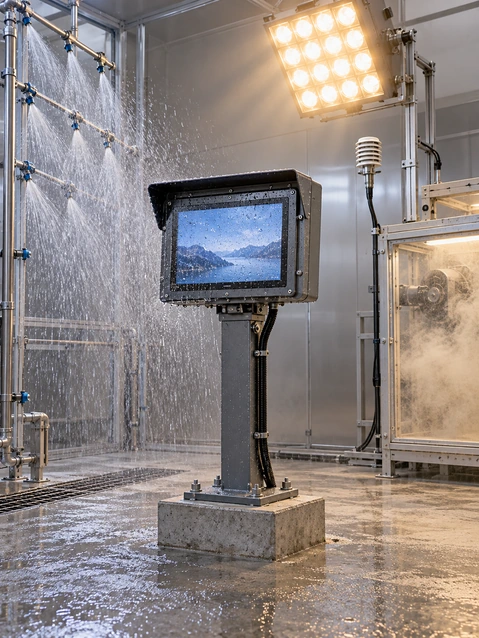
Outdoor Touchscreen Monitor Configuration Matrix
The options below are documented Lucky XFC project directions. Exact values and test scope must be confirmed for the selected configuration.
| Configuration Field | Supported Project Direction | Must Be Confirmed |
|---|---|---|
| Ingress protection | IP65 front, full IP65 or IP67 project options | Exact protected surfaces, test method, installation and certificate |
| Touch technology | PCAP or resistive | Touch points, wet behavior, glove, stylus and controller |
| Brightness | Standard or high-brightness project option | Exact nit value, ambient light and thermal impact |
| Readability | Sunlight-readable direction | Reflection, AG/AR treatment, bonding and viewing conditions |
| Mounting | Panel, open-frame, wall or VESA direction | Drawing, cutout, brackets, orientation and depth |
| Cover glass | Custom glass option | Thickness, outline, border, treatment and touch tuning |
| Housing | Metal or stainless project option | Material grade, finish, sealing and corrosion requirements |
| Interfaces | HDMI, VGA, DisplayPort, USB touch or project-specific options | Exact controller, connector type and cable protection |
| Operating environment | Outdoor or wet-area review | Temperature, humidity, UV, salt, vibration and installation exposure |
Supporting note: A project option is not a standard specification for every model. The quotation, approved drawing, specification and test documents define the final product.
Sunlight-Readable Outdoor Touchscreen Monitor Planning
Outdoor readability depends on more than backlight brightness.
Review Checklist:
- Ambient-light level.
- Direct or indirect sunlight.
- Viewing direction and installation angle.
- Required viewing distance.
- Content colors and contrast.
- Cover-glass reflection.
- AG or AR treatment.
- Air gap or optical-bonding requirement.
- Automatic brightness-control requirement.
- Backlight power consumption.
- Internal heat generated at max brightness.
- Night-time dimming requirement.
A higher nit value can improve visibility, but it may also increase power use and internal temperature. The correct configuration should balance readability, reflection, thermal design and operating schedule.
Do not describe a monitor as sunlight readable until the selected display, glass and expected viewing conditions have been reviewed.
Outdoor Touchscreen Monitor IP Protection Selection
Front-Sealed Protection
The exposed glass and front-panel interface are protected, while the rear electronics remain inside the customer’s protected equipment enclosure.
Fully Sealed Monitor Direction
The housing, seams, rear structure, connectors and cable entries are included in the protection design.
Complete Kiosk or Equipment Protection
The monitor becomes one component of a larger outdoor system. The final equipment enclosure manages rain, drainage, ventilation, heating, cooling and service access.
Before selecting an IP target, define:
- Water direction and pressure.
- Dust exposure.
- Cleaning method.
- Installation orientation.
- Connector exposure.
- Cable-entry design.
- Drainage.
- Rear-enclosure protection.
- Required test documentation.
An IP rating applies only to the tested construction and conditions. It should not be transferred from one model or component to another.

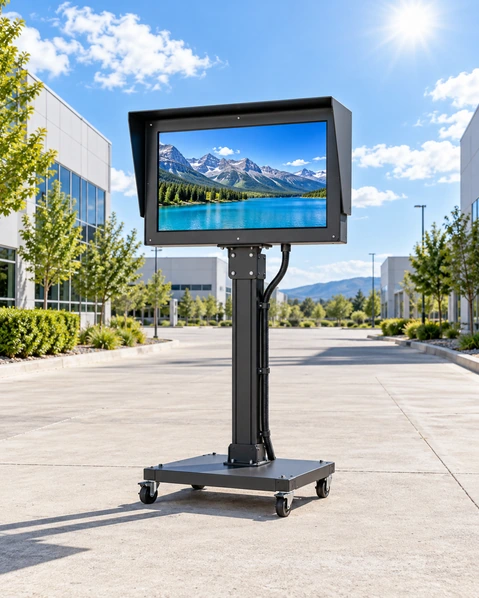
Outdoor Touchscreen Monitor Thermal and Enclosure Integration
Outdoor equipment must manage both the surrounding temperature and the heat generated inside the enclosure.
Review during enclosure design:
- Maximum and minimum ambient temp.
- Direct-sun duration.
- Enclosure color and solar absorption.
- LCD and backlight heat.
- Host-computer and power-supply heat.
- Natural or forced airflow.
- Heat-sink position.
- Fan and filter access.
- Heater requirement.
- Thermostat or temperature-sensor.
- Internal condensation.
- Drainage and pressure equalization.
- Cable-gland position.
- Maintenance and cleaning access.
For open-frame outdoor integration, the customer enclosure is responsible for the final weather and thermal design. Do not place a standard open-frame monitor in an outdoor opening without an approved enclosure plan.
Outdoor Touchscreen Monitor Applications
Engineered for public, industrial and commercial environments.
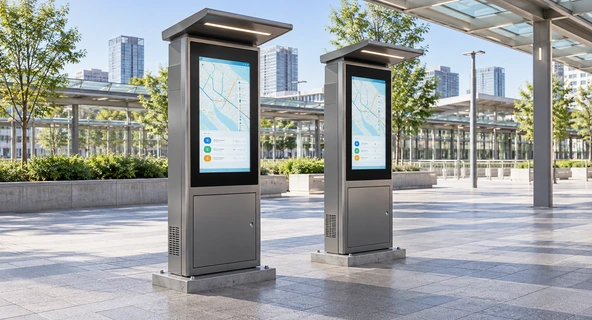
Outdoor Self-Service Kiosks
Review the display, front glass, enclosure sealing, sunlight exposure and user reach as one terminal system.
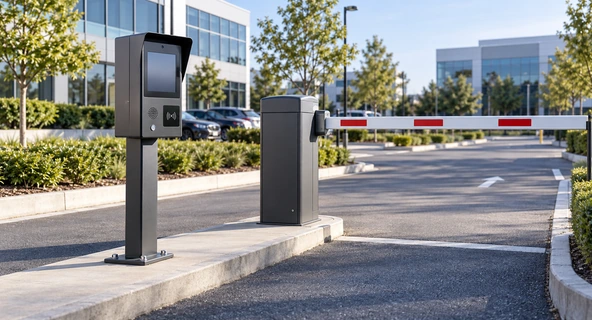
Parking and Access Terminals
Coordinate outdoor readability, wet-touch behavior, payment or access hardware and the equipment enclosure.
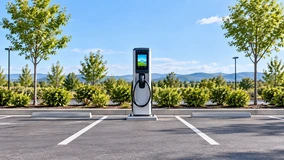
EV Charging Equipment
Select the display and touch structure according to installation exposure, viewing angle, operator input and thermal conditions.
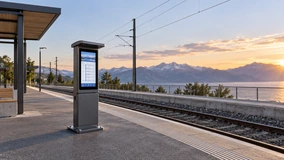
Transport Information Systems
Review visibility, installation height, cleaning, public use and the complete equipment protection.
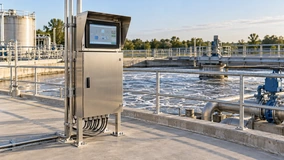
Outdoor Industrial Equipment
Use a front-sealed or fully enclosed configuration according to the machine panel and environmental exposure.
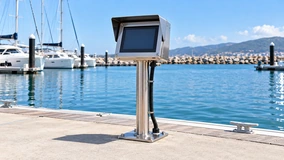
Marine and Coastal Project Review
Salt, corrosion, UV and sealing requirements must be specified separately. Do not assume a general outdoor product is marine grade.
Outdoor Touchscreen Monitor Integration Scenario
Representative Parking-Terminal Planning Example
An equipment manufacturer needs a touchscreen for an outdoor parking terminal. The front surface may receive rain and direct sunlight, while the display electronics sit inside the terminal enclosure.
A practical review process would:
- 1. Define which surfaces are exposed to rain, dust and cleaning.
- 2. Determine whether front protection or a fully sealed monitor is required.
- 3. Record the ambient-light and direct-sun conditions.
- 4. Select the display brightness and optical direction.
- 5. Compare PCAP and resistive touch using the real operator conditions.
- 6. Review the glass, gasket, panel opening and mounting pressure.
- 7. Check the enclosure’s airflow, drainage and condensation control.
- 8. Test the monitor with the actual host, cables and application.
- 9. Approve the specification and enclosure drawing before production.
This is a representative engineering scenario, not a named customer testimonial or a claim of measured customer results.
Custom Outdoor Touchscreen Monitor Options
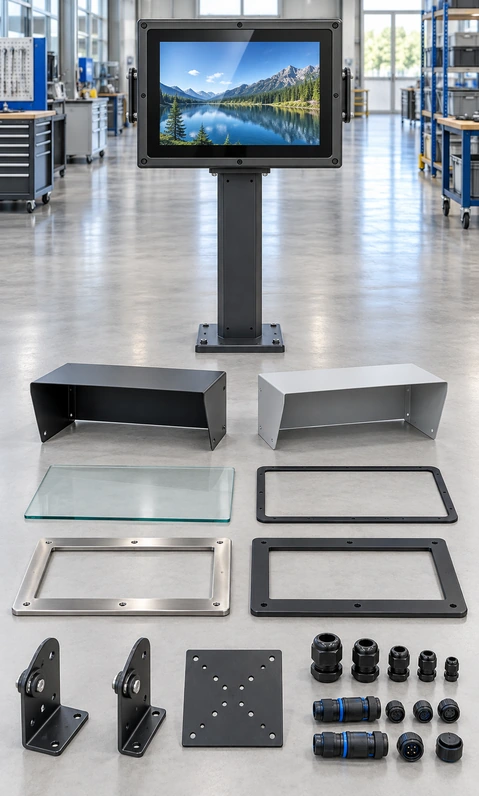
Lucky XFC can review the following options for a defined outdoor display project:
- Display: size, resolution, brightness and panel selection.
- Touch: PCAP or resistive technology.
- Cover Glass: thickness, outline, printed border, AG or AR treatment.
- Optical Structure: air-gap or optical-bonding direction where technically supported.
- Front Seal: glass, gasket, panel opening and mounting-pressure coordination.
- Housing: metal or stainless project structure.
- Ingress Protection: front protection or complete-enclosure target.
- Mounting: panel, open-frame, wall or VESA direction.
- Interfaces: video, touch data, power and project-specific connector routing.
- Cable Protection: connector position, cable glands and service access.
- Thermal Direction: airflow, heating, cooling or sensor coordination with the equipment enclosure.
- Appearance: housing finish, logo, labels and packaging.
- System Review: host, operating system, application and touch workflow.
Customization is evaluated by project. It does not mean that every option or rating is available on every display size.
Outdoor Touchscreen Monitor Project Workflow
A structured process to reduce engineering risk.
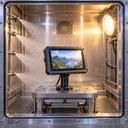
1. Environment Review
Define sunlight, rain, dust, humidity, temperature, cleaning and user interaction.

2. Product Path Selection
Choose front-sealed, fully sealed, high-brightness or outdoor kiosk integration.
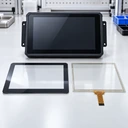
3. Optical and Touch Definition
Confirm brightness, glass, reflection control, PCAP or resistive touch and required input behavior.
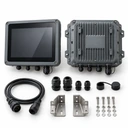
4. Enclosure & Interface Review
Coordinate the panel opening, sealing, housing, connectors, cables, mounting and thermal design.

5. Sample Validation
Test readability, touch, host compatibility, mechanical fit and applicable environmental requirements.
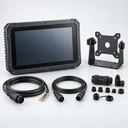
6. Approved Production
Freeze the specification, drawings, sealing structure, interfaces, accessories, labels and inspection plan.
Outdoor Touchscreen Monitor Testing and Inspection
An outdoor touchscreen should be evaluated according to the approved product and installation requirements.
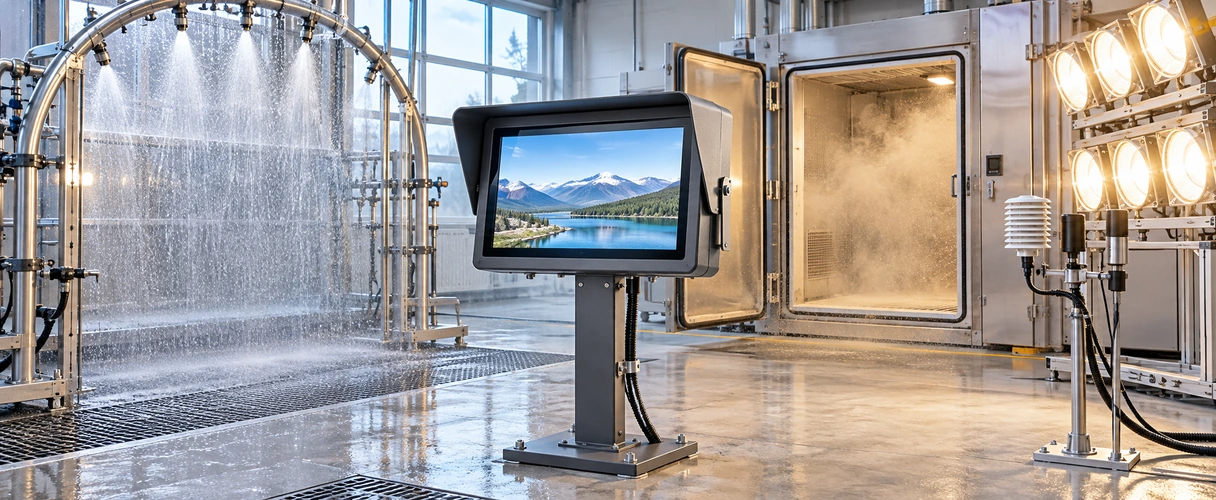
Applicable inspection or validation items may include:
- Incoming LCD, touch and glass inspection.
- Housing and surface inspection.
- Display image and interface checks.
- Brightness verification against the approved specification.
- Touch response and coordinate checks.
- Wet-hand, glove or water-film testing when specifically required.
- Seal and gasket inspection.
- Connector and cable-entry inspection.
- Dimensional and mounting checks.
- Power-on and restart checks.
- Thermal or temperature-related tests when defined.
- Water or dust testing for the approved IP scope.
- Packaging, labels and supplied-accessory confirmation.
Do not describe visual inspection or a simple water spray as formal IP certification. Test method, protected surfaces, sample condition and report must match the claimed rating.
Why Choose Lucky XFC for an Outdoor Touchscreen Monitor Project?
Multiple Protection Directions
Review front-sealed, fully sealed and customer-enclosure integration according to the real exposure.
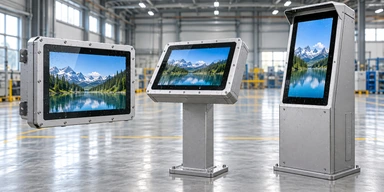
High-Brightness Project Options
Coordinate display brightness with reflection, power and thermal requirements.
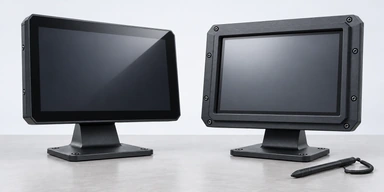
PCAP and Resistive Touch Paths
Select the touch technology according to rain, wet fingers, gloves and required gestures.
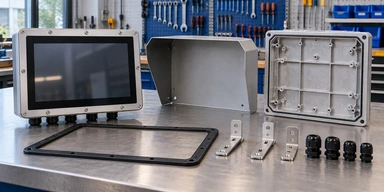
Mechanical and Sealing Review
Coordinate glass, gaskets, panel openings, housings, connectors and mounting.
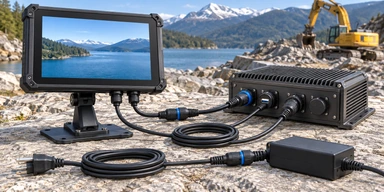
External-Host Integration
Review video, touch data, power, operating system and application behavior.
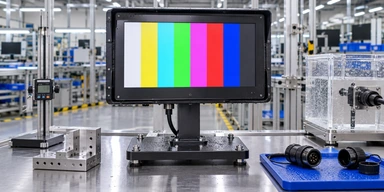
Specification-Based Inspection
Align production and inspection with the approved protection scope, drawings and project requirements.
Outdoor Touchscreen Monitor Selection Matrix
| Product Path | Suitable Starting Use | Protection Responsibility | Main Selection Fields | Evidence Status |
|---|---|---|---|---|
| Front-Sealed Outdoor Touchscreen Monitor | Equipment panel with protected rear electronics | Front surface plus customer enclosure | Front IP target, gasket, brightness, touch and cutout | Project option |
| Fully Sealed Waterproof Outdoor Monitor | Monitor housing may receive multi-direction exposure | Complete monitor enclosure | IP scope, connectors, housing, thermal design and service | Custom project option |
| High-Brightness Sunlight-Readable Monitor | High ambient light or direct-sun viewing | Depends on selected housing | Brightness, reflection, bonding, power and heat | Custom display option |
| Outdoor Open-Frame and Kiosk Touchscreen | Display installed inside a weather-protected kiosk | Customer’s complete equipment enclosure | Opening, sealing, thermal control, drainage and mounting | Verified display path plus outdoor integration review |
Choose the exposure and enclosure path before selecting detailed display specifications. A high-brightness open-frame monitor and a fully sealed outdoor monitor solve different engineering requirements.
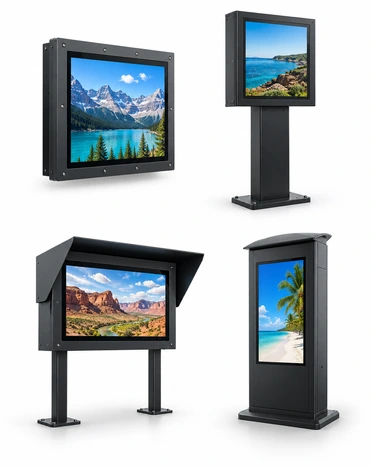
Outdoor Touchscreen Monitor Buying Guide
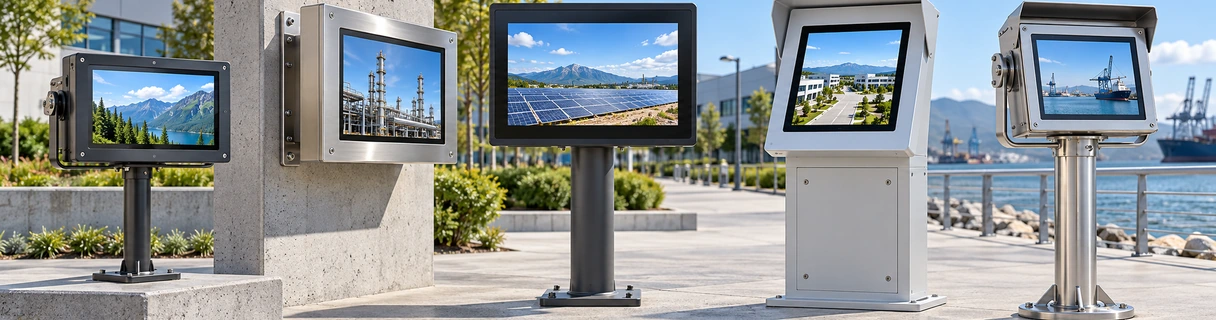
1. Which surfaces are exposed?
Identify whether exposure reaches only the front glass or also the sides, rear housing, connectors and cable entries.
2. Is an IP65 front rating enough?
It may be suitable when the rear electronics are protected inside a correctly designed enclosure. It is not equivalent to a completely sealed monitor.
3. How bright should the display be?
Define ambient light, direct-sun duration, viewing direction and night-time use. Exact brightness should be selected with the optical and thermal design.
4. Does high brightness guarantee sunlight readability?
No. Glass reflection, air gaps, bonding, viewing angle and content contrast also influence visibility.
5. Can PCAP work in rain?
Selected PCAP systems can be reviewed for wet conditions, but water film, droplets, controller tuning and glass construction affect performance. Test the real condition.
6. When should resistive touch be considered?
Review resistive touch when pressure-based input, defined gloves or a simple single-touch workflow is more important than a glass-front multi-touch experience.
7. How should temperature be specified?
Provide minimum and maximum ambient temperature, solar exposure, internal heat sources and enclosure climate-control method. Do not copy a temperature range from an unrelated model.
8. What must be approved before production?
Approve the display specification, protection scope, drawings, glass, sealing, housing, connectors, touch behavior, thermal design, sample result and required test documents.
Outdoor Touchscreen Monitor FAQ
Is every waterproof touchscreen monitor suitable for outdoor use?
What is the difference between IP65 front and full IP65?
Does Lucky XFC offer IP67 outdoor monitors?
What brightness is required outdoors?
Can an outdoor touchscreen work with wet fingers?
Can operators use gloves?
Is an open-frame monitor waterproof?
Can the monitor work in extreme temperatures?
Does an outdoor monitor include a computer?
What information is required for a quotation?
Related Outdoor Touchscreen Monitor Product Paths
Waterproof Touch Screen Monitors
Review current waterproof and sealed-display customization directions.

Open-Frame Touch Monitors
Explore display platforms for customer-designed outdoor enclosures.

Kiosk Touch Screen Monitors
Review display structures for self-service and information terminals.

Industrial Monitors
Compare panel, VESA and open-frame industrial display platforms.
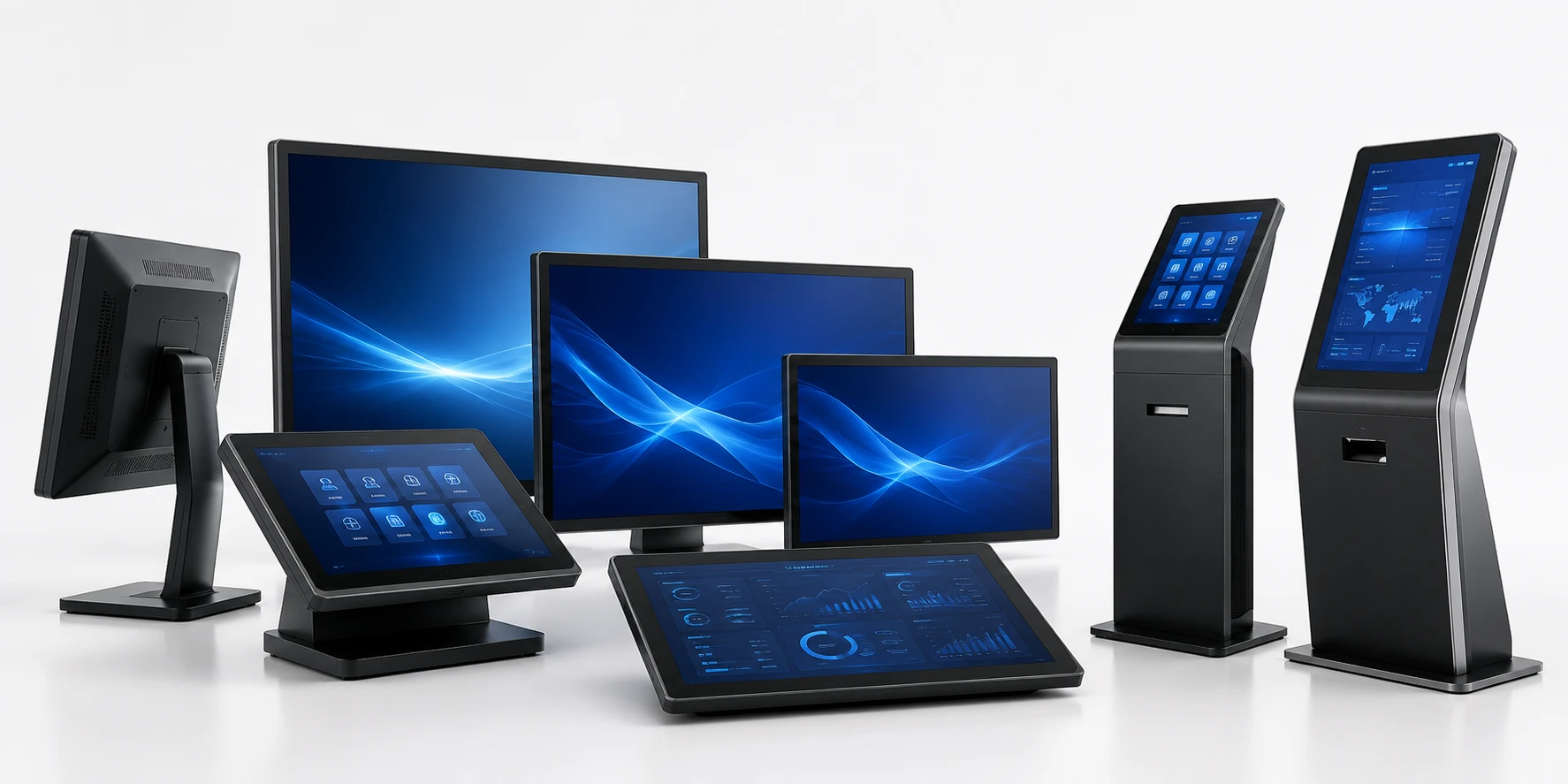
Touchscreen Displays
Explore additional sizes, structures and customization paths.

High-Brightness Project Review
Discuss brightness, optical and thermal requirements for a custom display.
Request an Outdoor Touchscreen Monitor Configuration
Tell us where the display will be installed and which surfaces will be exposed. Lucky XFC can review a suitable protection, display, touch and integration direction.
Helpful Information to Include
- Required display size and resolution.
- Estimated quantity.
- Indoor, semi-outdoor or fully outdoor installation.
- Rain, dust, cleaning or humidity exposure.
- Front-only or full-enclosure protection.
- Required IP target.
- Ambient-light and direct-sun conditions.
- Required brightness or readability target.
- Minimum and maximum ambient temperature.
- PCAP or resistive-touch preference.
- Wet-hand, rain, glove or stylus requirement.
- Mounting and enclosure structure.
- Video, touch-data and power connections.
- Existing drawing or equipment reference.
- Sample or production schedule.
