
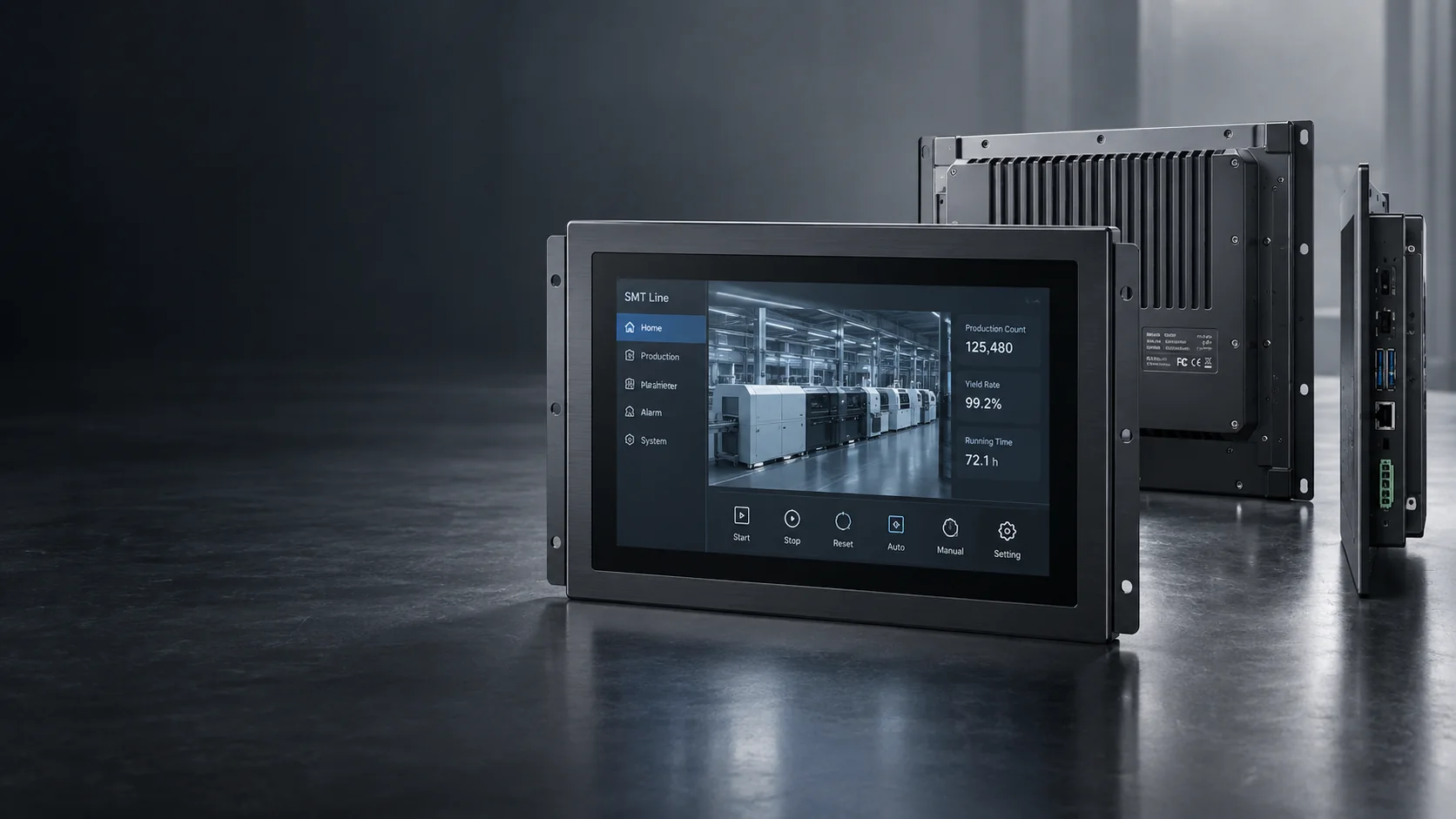
Custom Touch Panel Monitor Manufacturer for Equipment Integration
Lucky-XFC manufactures and customizes touch panel monitors for kiosks, industrial equipment, POS systems, gaming machines and commercial terminals. Start with a standard flat monitor or select an open-frame, industrial, large-format or curved configuration for your equipment.
Screen size, brightness, touch points, interfaces, mounting and operating-system compatibility are confirmed against the selected model and application.
- Standard and Custom Configurations
- Capacitive Touch
- Equipment Integration Support
- OEM / ODM
- Selected Samples from 1 Unit
Figures shown are based on the current company profile. Product availability and project terms depend on the selected configuration.
Touch Panel Monitors by Product Format and Application
Choose the monitor format according to the enclosure, mounting method, operating environment, viewing distance and host system. Final specifications are confirmed by model and project review.
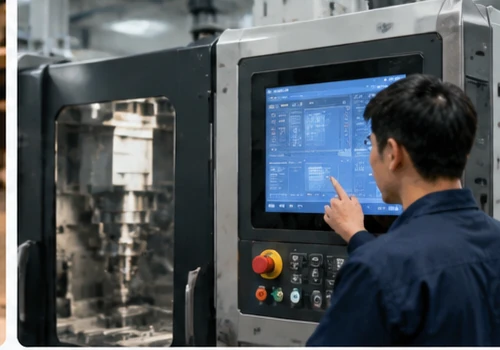
Standard Flat Touch Panel Monitors
A practical starting point for desktop equipment, VESA mounting, wall installation and conventional machine integration. Current flat models use capacitive touch, a 16:9 format, Full HD resolution and metal housings.
Selection cue: Choose this format when you need a complete external monitor rather than an exposed integration chassis.
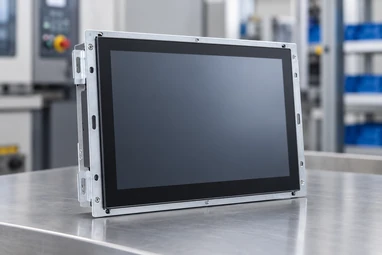
Open Frame Touch Panel Monitors
Designed for installation behind an equipment bezel or inside a custom enclosure. Selection must consider the front cutout, active display area, rear depth, fixing points and cable clearance.
Selection cue: Choose an open-frame structure when the monitor will become part of the customer’s cabinet.
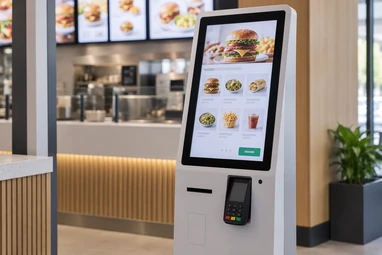
Kiosk Touch Panel Monitors
Touch displays for self-service terminals, ordering systems, information kiosks, payment equipment and public-interaction machines. Peripheral layout and maintenance access should be reviewed with the kiosk structure.
Selection cue: Choose this route when the display must integrate with a purpose-built self-service terminal.
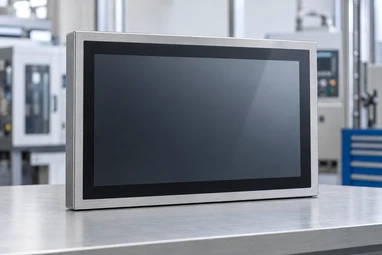
Industrial and Rugged Touch Panel Monitors
Configurations for machinery, operator stations, HMI systems and demanding equipment environments. Required brightness, touch behavior, temperature range, front protection and electrical compatibility must be confirmed for the application.
Selection cue: Choose an industrial configuration when operating conditions are more important than consumer-style features.
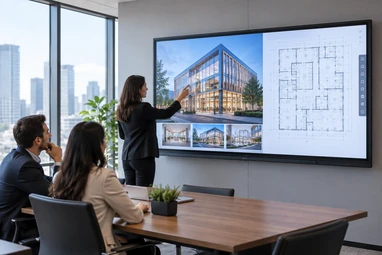
Large-Format and 4K Touch Panel Monitors
Large interactive displays for commercial information, collaborative interfaces and equipment requiring a longer viewing distance. Full HD or 4K availability depends on screen size, panel supply and the selected configuration.
Selection cue: Choose this category when viewing distance, content density or interaction area requires a larger display.
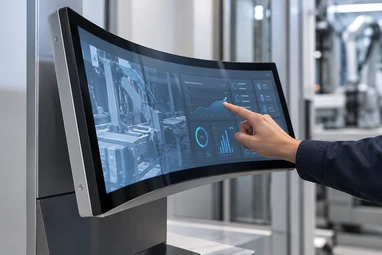
Curved Touch Panel Monitors
J-Type and C-Type curved touch displays for gaming cabinets, casino equipment and project-specific structures. Confirmed C-Type sizes include 32, 43, 49 and 55 inches; confirmed J-Type sizes include 43, 49 and 55 inches.
Selection cue: Choose a curved monitor when the display profile must follow the shape of the equipment cabinet.
Compare Touch Panel Monitor Formats
The diagonal screen size alone does not determine whether a monitor will fit your equipment. Compare the product structure first, then confirm the detailed drawing and electronics.
| Product Format | Typical Fit | Installation | Verified Starting Point | Confirm Before Ordering | Product Route |
|---|---|---|---|---|---|
| Standard Flat | POS, information terminals, commercial equipment and operator interfaces | Desktop, VESA, wall or equipment mount | 21.5, 23.8, 27, 31.5 and 43-inch current flat models; capacitive touch; 1920 × 1080; metal housing | Brightness, touch points, interfaces, power and mechanical dimensions | Compare Flat Models |
| Open Frame | Kiosks, machines and custom enclosures | Rear-mounted behind a bezel or fixed inside a cabinet | PCAP starting configurations with project-specific mounting structures | Cutout, active area, rear depth, mounting holes and connector positions | View Open Frame Options |
| Kiosk | Self-service, ordering, ticketing and information terminals | Integrated into a complete terminal structure | Documented kiosk formats from compact display integrations to 43-inch terminal systems | Peripheral modules, maintenance doors, printer space, ventilation and service access | View Kiosk Monitors |
| Industrial and Rugged | HMI, machinery and production equipment | Panel, VESA, wall, arm or custom equipment mount | Touch and display configuration based on the operating environment | Protection level, brightness, temperature, vibration, EMC and input voltage | Explore Industrial Displays |
| Large-Format and 4K | Large interaction areas and commercial information systems | Wall, stand or integrated equipment structure | Full HD and 4K options according to the selected model | Panel availability, viewing distance, mounting load, touch technology and resolution | View Large-Format Displays |
| Curved | Gaming machines, casino cabinets and immersive equipment | Project-specific curved cabinet integration | J-Type and C-Type capacitive touch monitor series | Curvature, cabinet opening, active touch area, mounting structure and system interface | Compare Curved Monitors |
Specifications shown are selection starting points, not a universal specification for every model. Use the approved model datasheet and mechanical drawing for final integration.
What Is a Touch Panel Monitor?
A touch panel monitor combines a display, touch sensor and controller, housing, video input and touch-data connection. It normally receives video from an external computer and sends touch input back to that host. “Touch panel monitor” and “touchscreen monitor” usually describe the same finished display category, but neither term automatically means that a computer is built inside.
Choose a touch panel monitor when you need a finished display-and-touch unit. Choose a panel PC when the equipment also requires built-in computing.
Touch Panel Monitor
- Display panel
- Touch sensor and controller
- Housing or open-frame structure
- Video input
- Touch-data interface
Usually connects to an external host computer.
Touch Panel PC or All-in-One
- Display and touch system
- CPU
- Memory
- Storage
- Operating system
Choose this when the display must run applications without a separate computer.
View Touchscreen All-in-One SystemsTouch Panel Component
- Touch sensor or touch glass
- Controller where required
- No complete monitor by default
Choose this only when your engineering team is integrating the touch layer with a separate display.
PCAP, Resistive or Infrared Touch?
Touch technology should be selected according to the required input method, surface construction, environment, screen size and software behavior. It should not be chosen by price alone.
Projected Capacitive Touch (PCAP) Standard for Flat Models
Finger or compatible conductive input
Responsive multi-touch operation through a glass surface
Modern kiosks, POS systems, commercial interfaces and equipment controls
Glove operation, water rejection and thick-cover-glass performance require configuration-specific testing
Resistive Touch
Pressure from a finger, glove or stylus
Direct pressure-based operation, commonly single-point
Specific industrial controls and applications requiring non-conductive input
Surface wear, optical clarity and gesture requirements
Infrared Touch
Finger, glove or stylus interrupting an infrared grid
Touch detection without pressure on the display surface
Selected large-format and high-use interactive displays
Bezel structure, contamination, ambient conditions and product-specific accuracy
PCAP is the documented standard for the current Lucky-XFC flat touch panel monitor range. Resistive and infrared solutions must be confirmed through project evaluation before they are presented as available product configurations.
Selection Process
Define the user input.
Will operators use bare fingers, gloves, a stylus or multiple simultaneous touch points?
Define the environment.
Consider moisture, dust, surface contamination, direct light, operating temperature and cleaning methods.
Validate the complete configuration.
Confirm the touch controller, cover glass, operating system and sample performance together.
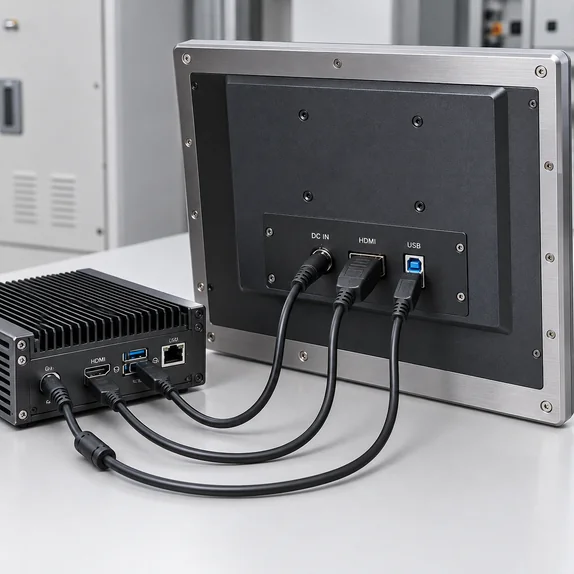
How Does a Touch Panel Monitor Connect to a Computer?
Most touch panel monitors use separate paths for the picture and the touch signal. A video cable carries the image from the host computer to the monitor, while a USB or other confirmed touch-data connection sends user input back to the host. The monitor also requires its specified power input.
Operating-System Compatibility
Windows, Android and Linux compatibility is available across documented product lines, but touch behavior, drivers and gesture support depend on the controller, host hardware and operating-system version. Verify the complete configuration before approving a production order.
Compatibility Checklist
- Host operating system and exact version
- Available video output
- Required display resolution and refresh rate
- Touch-data interface
- Number of touch points
- Driver or plug-and-play requirements
- Cable length and exit direction
- Power input
- Landscape or portrait orientation
- Sleep, wake and restart behavior
Do not assume that one USB-C cable carries video, touch and power unless the selected model datasheet explicitly confirms it.
Desktop, VESA, Open-Frame and Custom Cabinet Installation
Two monitors with the same nominal screen size can have different housings, active areas, mounting patterns and connector positions. Select the installation method before finalizing the model.
Desktop Installation
Suitable for counters, operator desks and movable equipment when a complete monitor and stable stand are required.
VESA or Wall Mounting
Suitable for arms, brackets, walls and equipment frames using a compatible rear mounting pattern.
Open-Frame or Embedded Installation
The monitor is installed behind a bezel or inside an equipment enclosure.
Custom Cabinet Integration
Used when the monitor housing, curvature, cable exit or mounting structure must match purpose-built equipment.
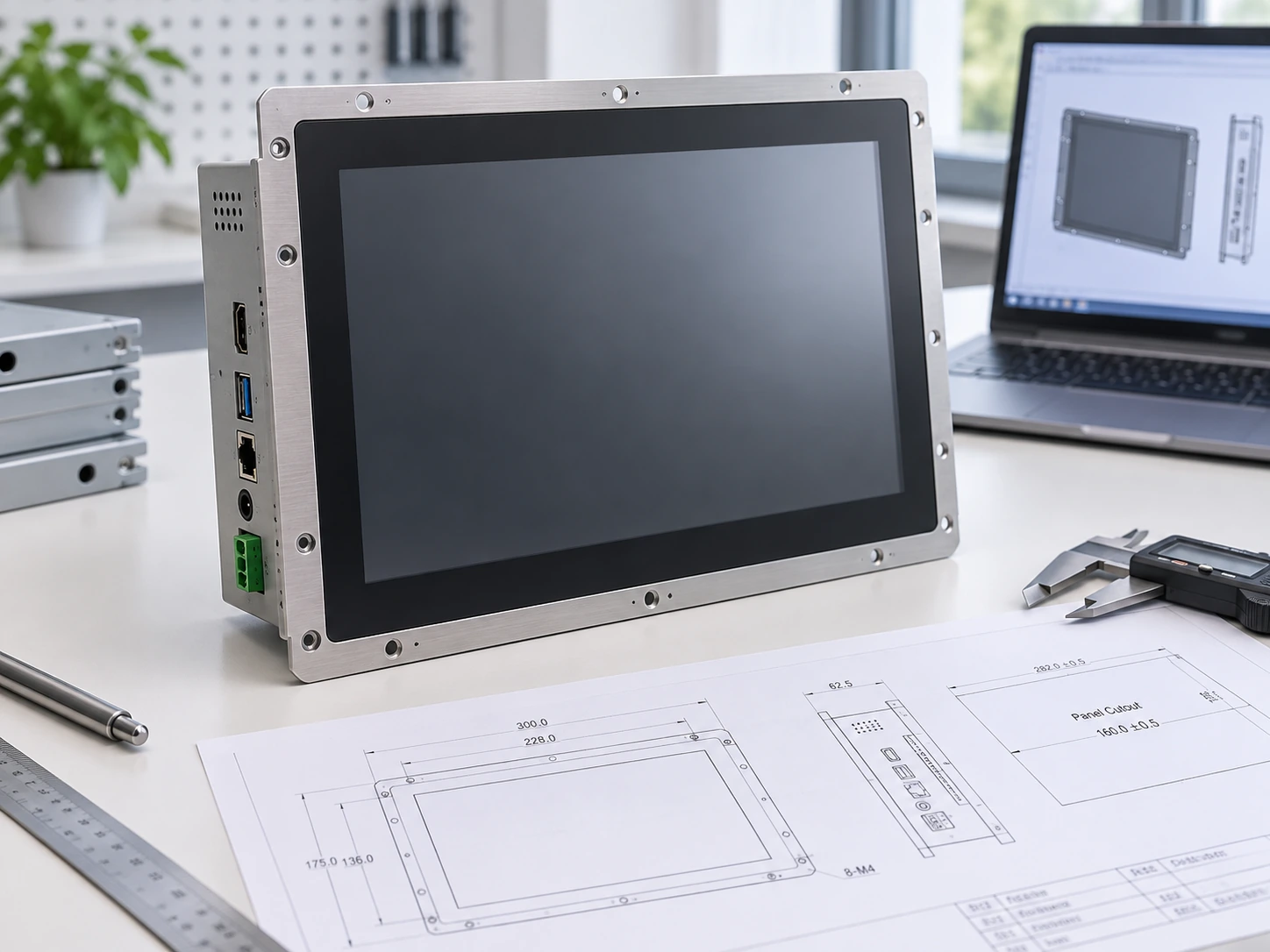
Drawing Review Checklist
- Nominal screen size
- Overall monitor width and height
- Active display area
- Front-panel cutout
- Rear installation depth
- Mounting-hole positions
- Maximum screw depth
- Connector locations
- Cable bending space
- Ventilation clearance
- Landscape or portrait orientation
- Replacement and maintenance access
Approve the model datasheet and mechanical drawing before machining the final enclosure.
Touch Panel Monitors for Interactive Equipment
Match the monitor to the user, equipment structure, operating environment and expected daily interaction.
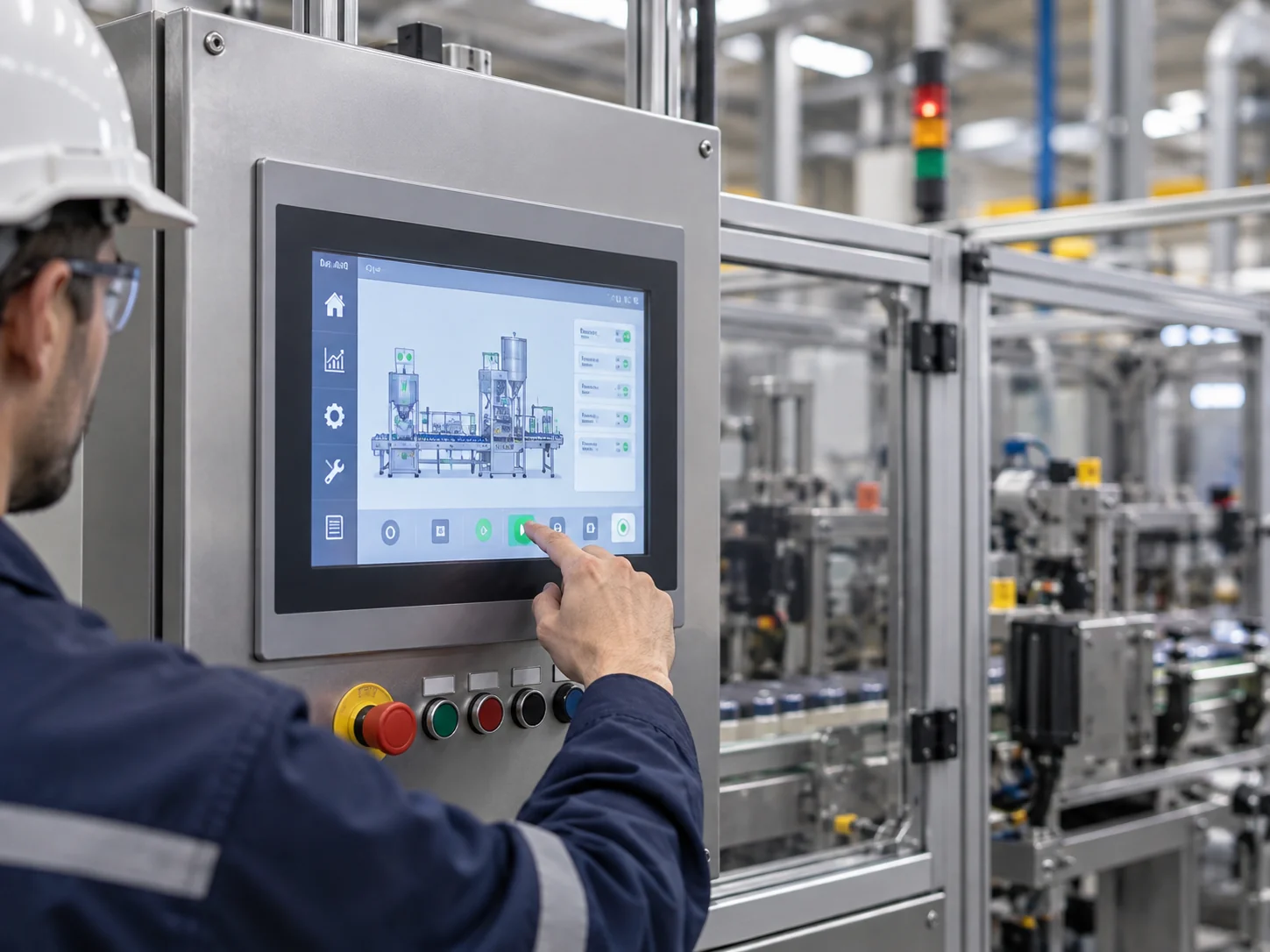
Touch interfaces for machinery, production equipment and operator stations where mounting, electrical compatibility and operating conditions require careful review.
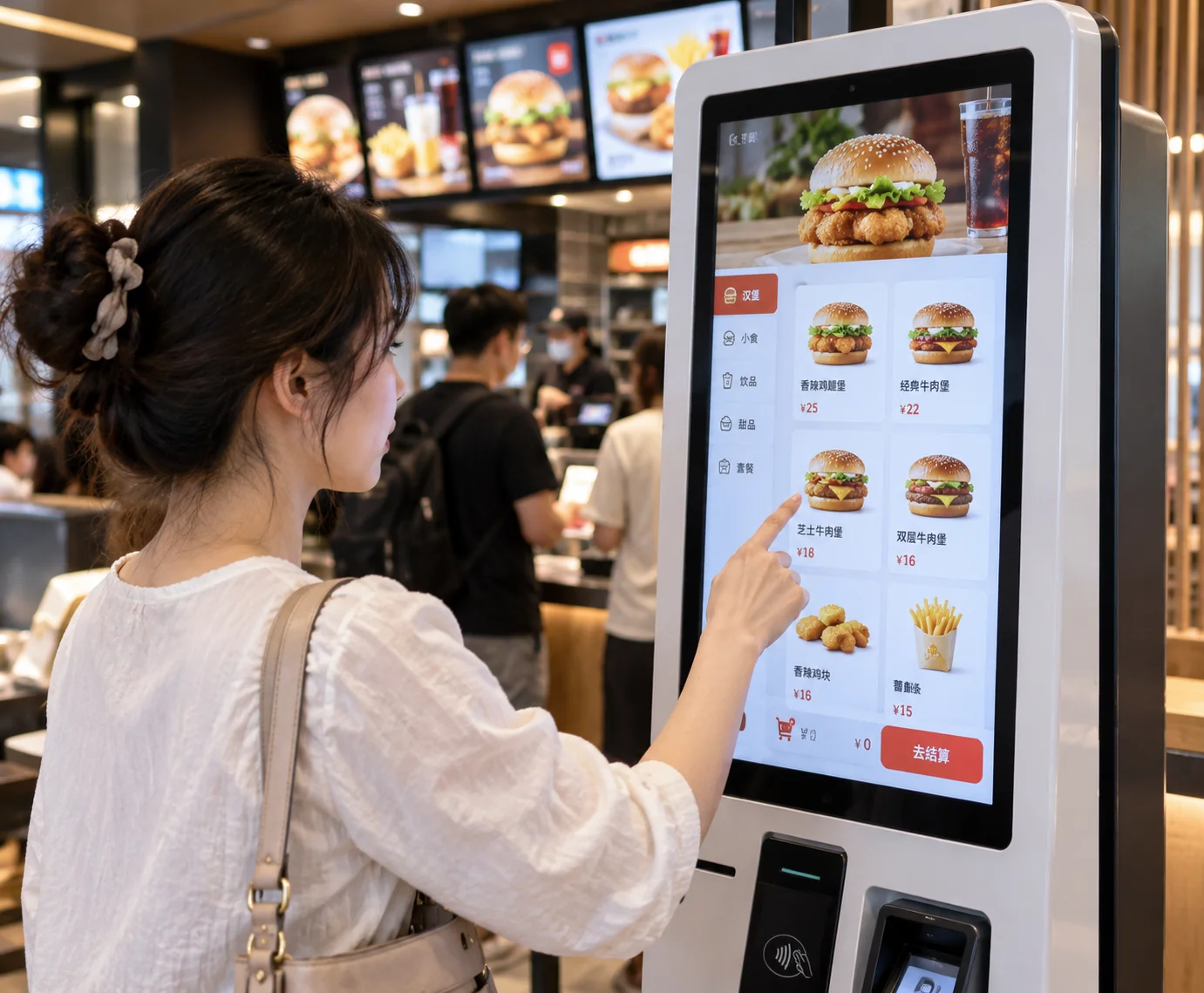
Interactive displays for information, ordering, check-in, ticketing and service terminals with project-specific peripheral layouts.
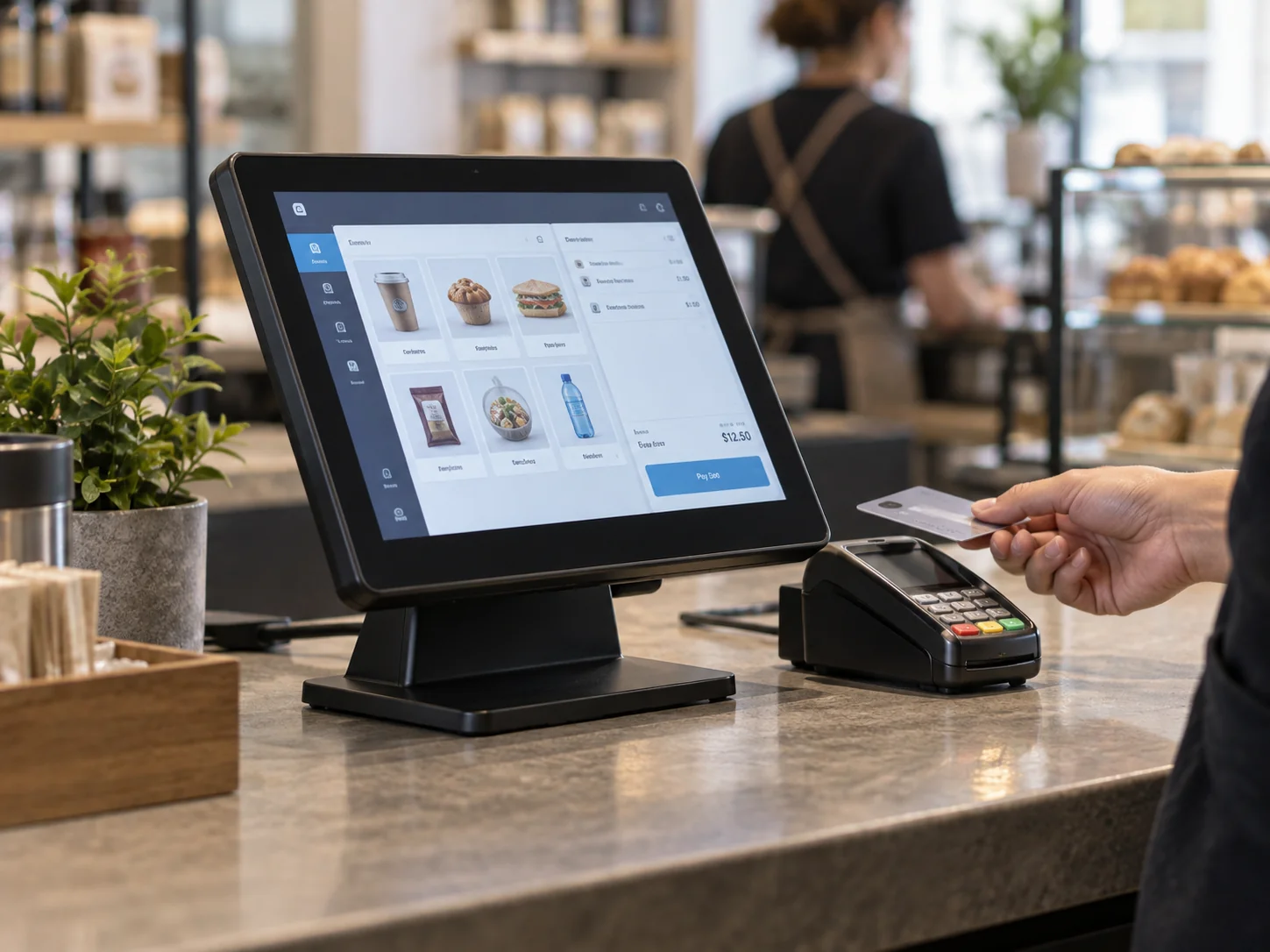
Compact touch displays for retail counters, payment stations and customer-facing transaction interfaces.

Flat or curved touch displays for slot machines, gaming cabinets and custom entertainment equipment.
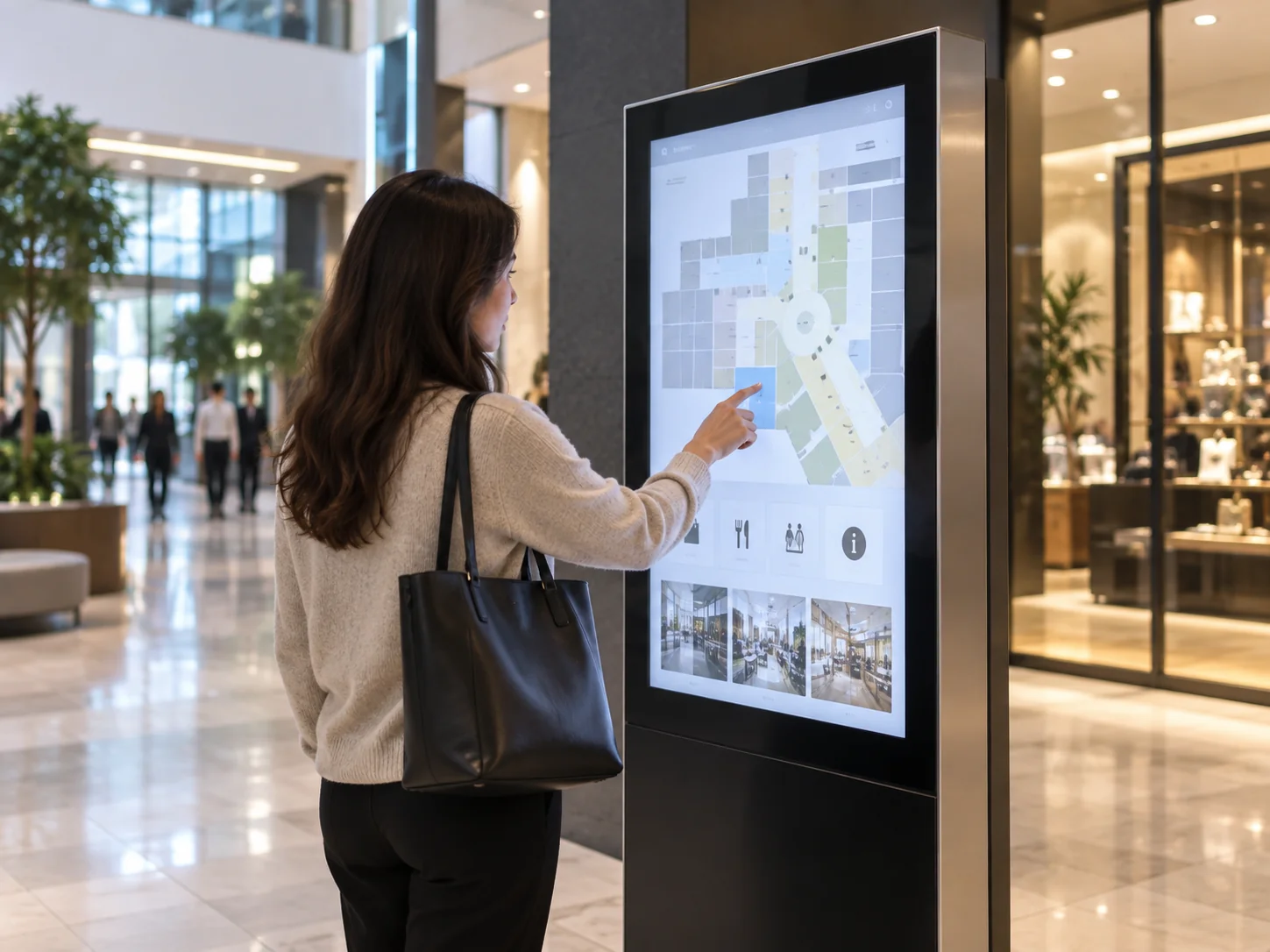
Interactive screens for wayfinding, product information, public directories and commercial content browsing.
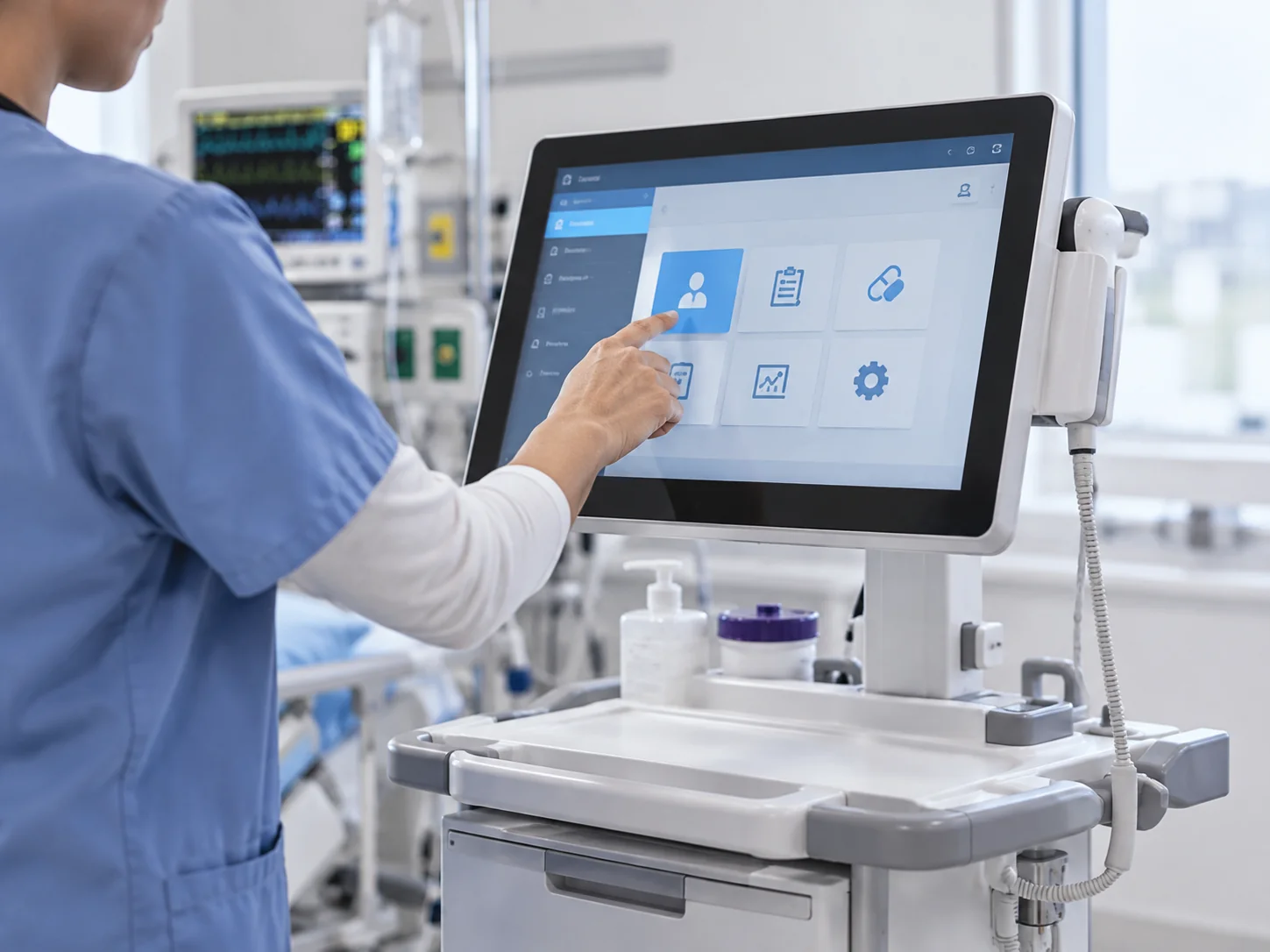
Touch display configurations for healthcare information terminals and equipment interfaces. Environmental, cleaning and compliance requirements must be confirmed for each project.
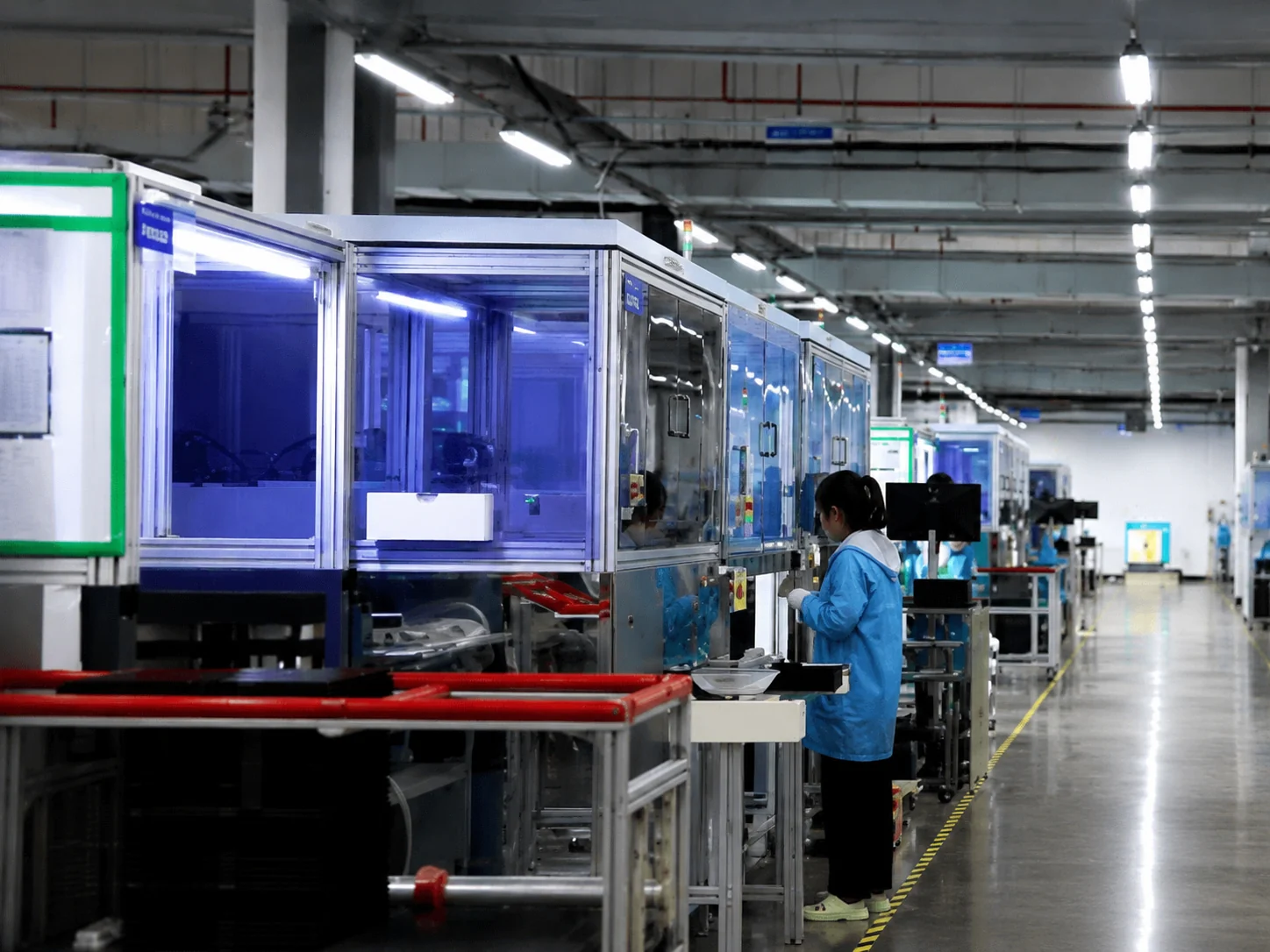

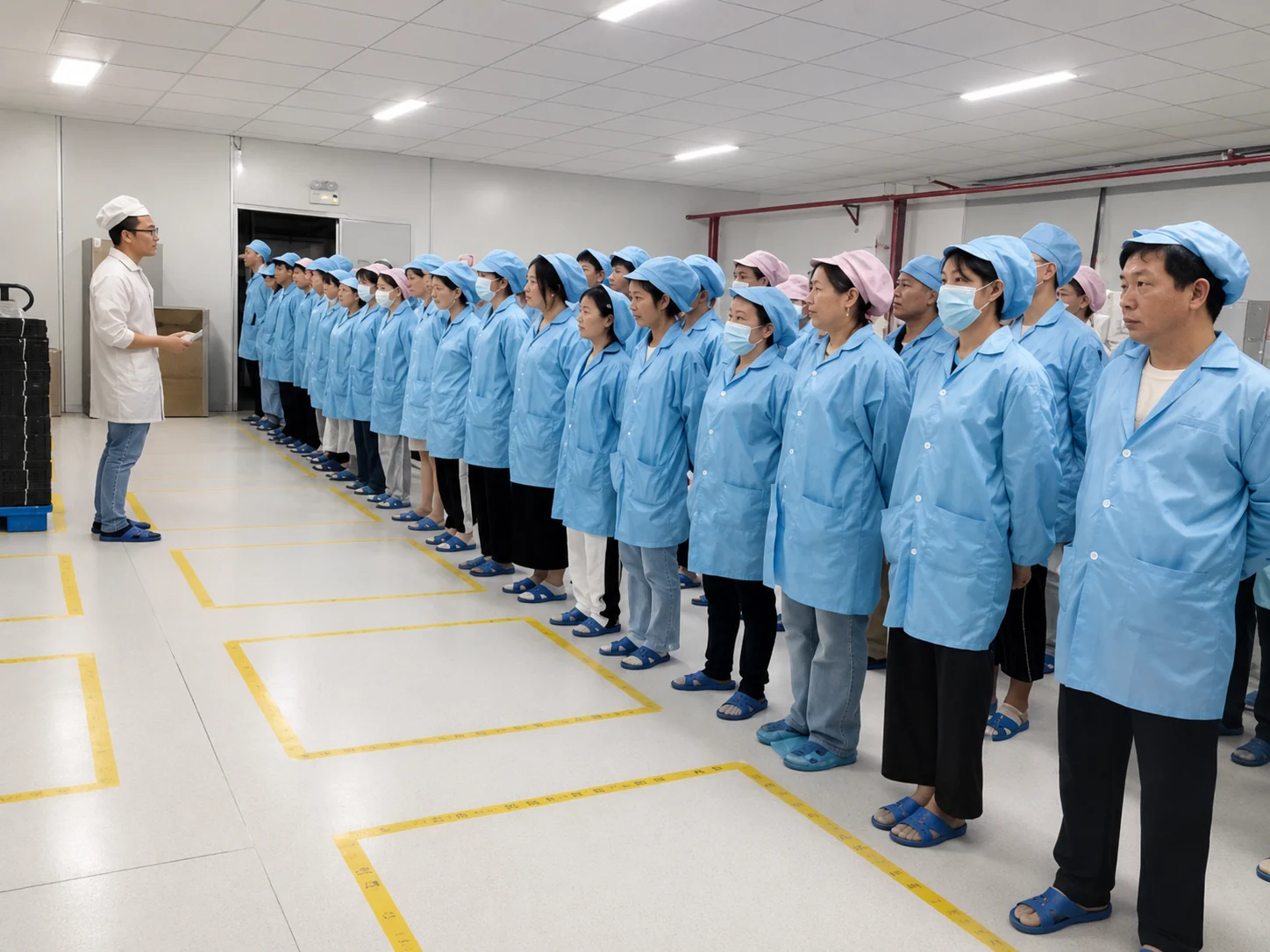
Custom Touch Panel Monitors from Design Review to Production
Shenzhen Xin Fei Chi Technology Co., Ltd., operating under the Lucky-XFC brand, integrates research, development, production and sales for touch displays, all-in-one systems and curved touch screens. The team supports projects from requirement review and sampling through production.
- 13 years focused on touch display products
- 3,100 m² manufacturing facility
- 160+ production employees
- 26 QC personnel
- 100% inspection throughout production
- OEM, ODM, logo and project-specific size support
- Touch display solutions documented across a 2.5 to 120-inch company product range
- Samples or orders from one unit on selected models only
The company-wide size range does not mean that every size is available in every monitor format. Final availability depends on panel supply, electronics, tooling, quantity and engineering evaluation.
Common Touch Panel Monitor Integration Problems
Many display problems begin with an incomplete mechanical or electrical specification. Early review helps identify mismatches before the equipment design is finalized.
The monitor does not fit the enclosure.
Nominal size does not define the complete chassis or active area.
Review the cutout, overall dimensions, mounting points, rear depth and cable clearance against the selected model drawing.
The picture works, but touch input does not.
Video and touch data normally use separate connections and may have different compatibility requirements.
Confirm the host output, touch interface, controller, driver and operating-system version as one configuration.
The touch technology does not match the operator or environment.
Gloves, water, thick glass, stylus input and multi-touch gestures affect technology selection.
Define the actual input and environmental conditions before choosing PCAP or evaluating another technology.
The display is difficult to read in its installed location.
Viewing distance, ambient light, reflections, resolution and installation angle influence readability.
Confirm brightness, resolution, viewing direction, cover treatment and physical orientation by model and application.
A sample specification changes before production.
Panel supply and project-specific components can affect final availability.
Use an approved model specification, drawing and configuration record as the basis for sampling and production review.
A useful project file includes the equipment drawing, application description, target quantity, host system, required interfaces and operating environment.
Touch Panel Monitor FAQs
Is a touch panel monitor the same as a touchscreen monitor?
What is the difference between a touch panel monitor and a panel PC?
Which touch panel monitor is suitable for a kiosk?
Which flat touch panel monitor sizes are currently documented?
Can a touch panel monitor work as a second computer display?
Do touch panel monitors work with Windows, Android and Linux?
Can the screen be operated with gloves or when the surface is wet?
Does a touch panel monitor need separate video and USB cables?
Can Lucky-XFC supply large-format or 4K touch panel monitors?
What information is needed for a custom touch panel monitor quotation?
Can I order one sample?
Can every touch panel monitor be used outdoors?
Tell Us About Your Touch Panel Monitor Project
Share the application, equipment structure and required display configuration. Lucky-XFC will review the information and identify suitable product routes and the specifications that still need confirmation.
Prepare These Details
- Product format or application
- Required screen size
- Estimated quantity
- Touch input method
- Resolution and brightness
- Host operating system
- Video and touch interfaces
- Mounting or cabinet dimensions
- Operating environment
- Target sample or production stage
Not sure which category fits?
Send the equipment application and any available product photo or dimensioned drawing. The product route can be reviewed before the exact model is selected.
sales13@lucky-xfc.com
13530368341
