
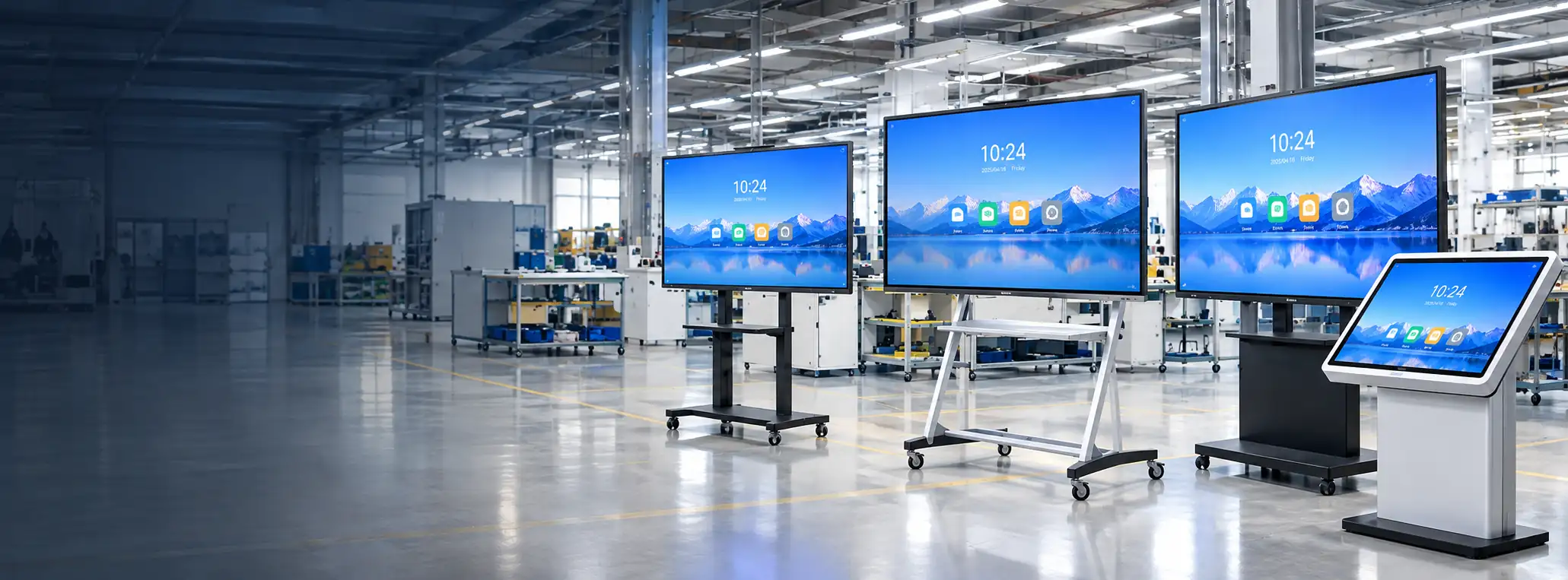
Large Touch Screen Monitors for Commercial and Custom Display Projects
Choose from documented flat and curved capacitive-touch formats, interactive digital signage, whiteboard displays, or a custom large-format configuration. Lucky XFC helps match screen shape, size, resolution, operating system and interface requirements to the way the display will be installed and used.
43-inch flat touch reference · 32–55-inch curved families · 4K interactive options · Custom display integration
Choose the Right Large Touch Display Format
“Large touch screen monitor” can describe several different products. Start with the role of the screen, then compare its shape, display specification, touch configuration and computing architecture.
Flat Large-Format Touch Monitors
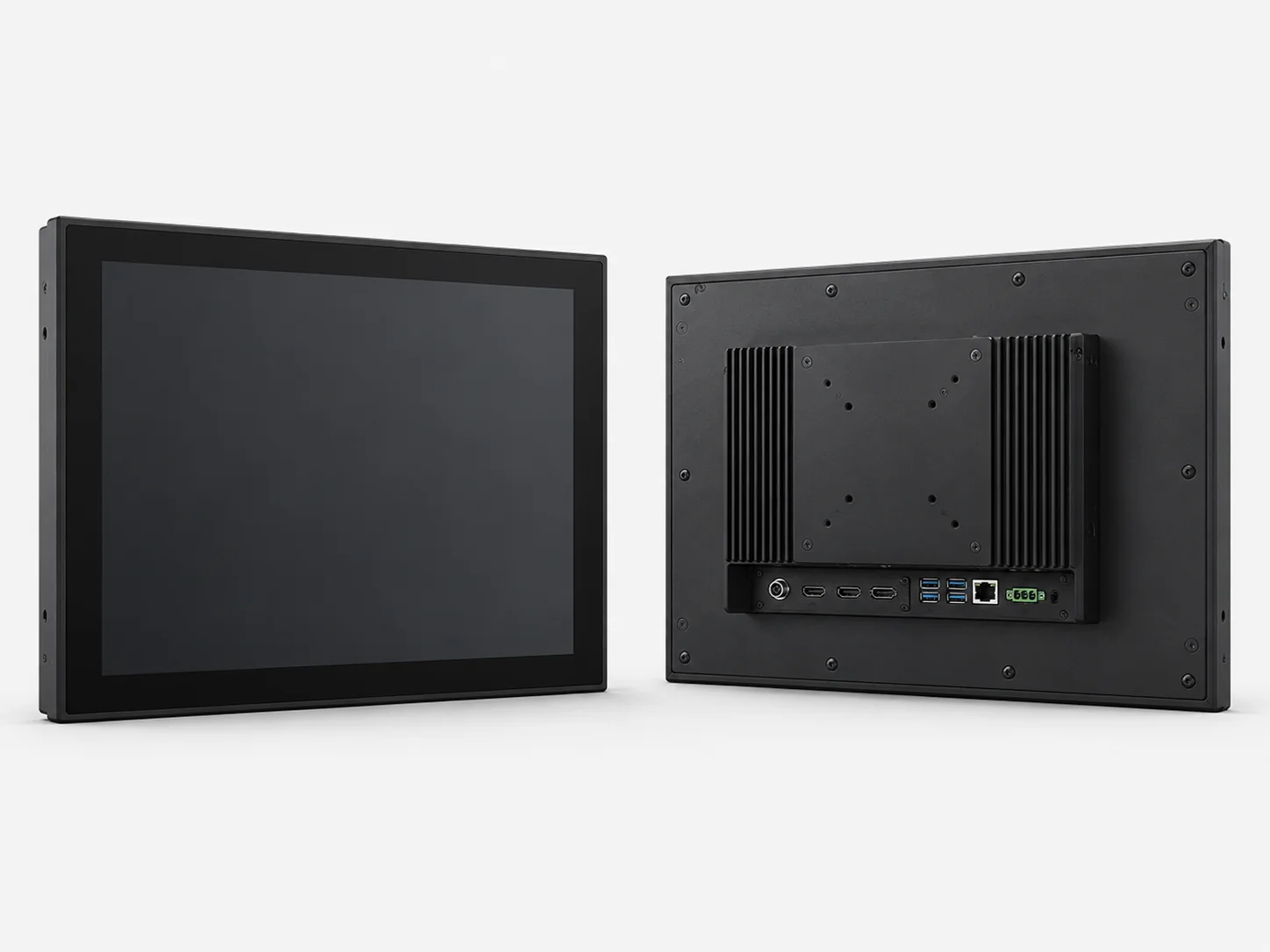
Choose a conventional flat screen when the display must fit an equipment front, cabinet or external-monitor layout. Lucky XFC’s documented 43-inch reference uses capacitive touch, a 16:9 1920 × 1080 panel and a metal housing.
Large Curved Touch Screen Monitors
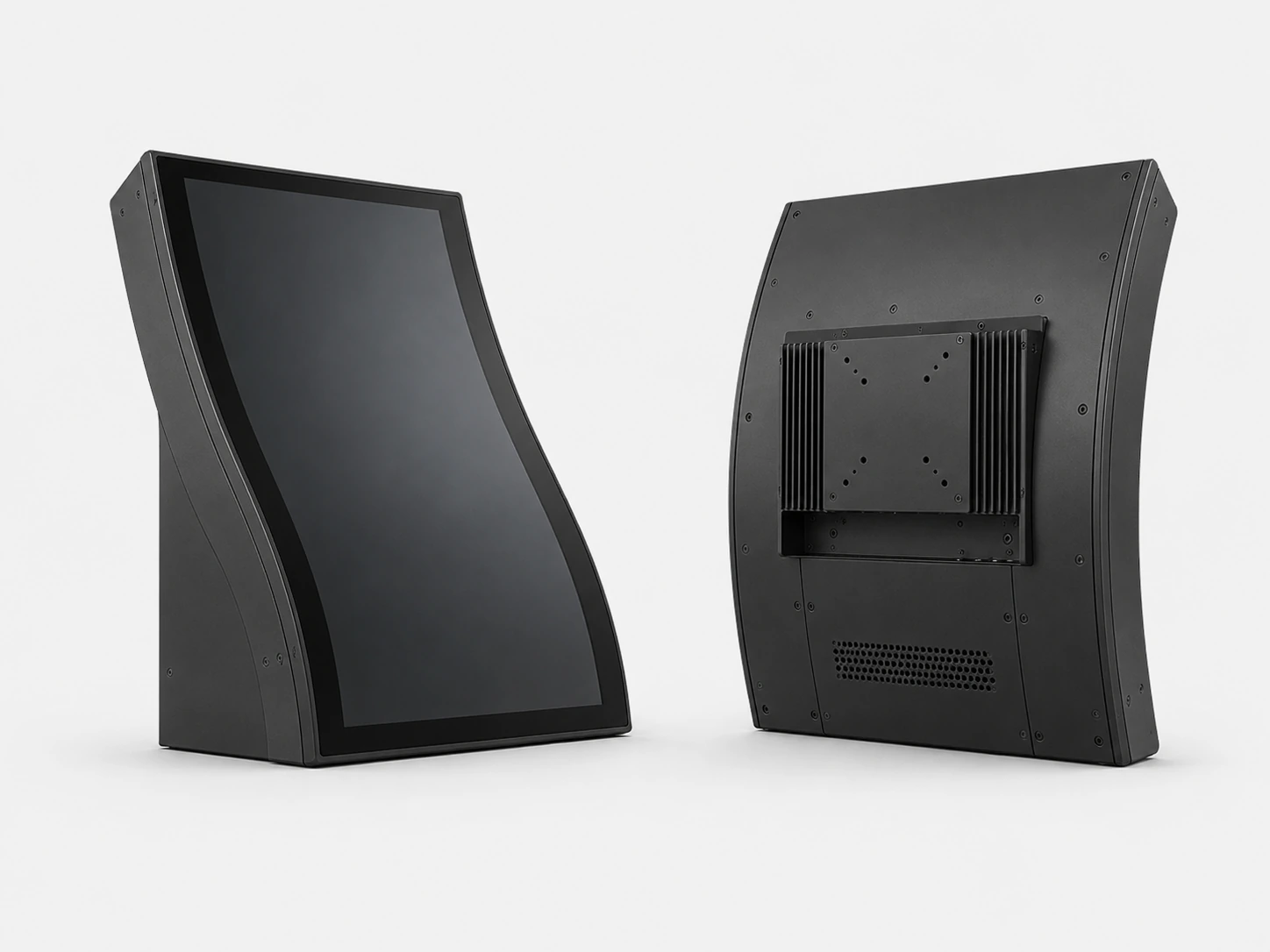
C-shaped options are documented in 32, 43, 49 and 55 inches, while J-shaped options are documented in 43, 49 and 55 inches. These capacitive-touch displays use 16:9 1920 × 1080 panels and metal housings. Select the curve around the equipment geometry, user position and interactive area.
Interactive Touch Digital Signage
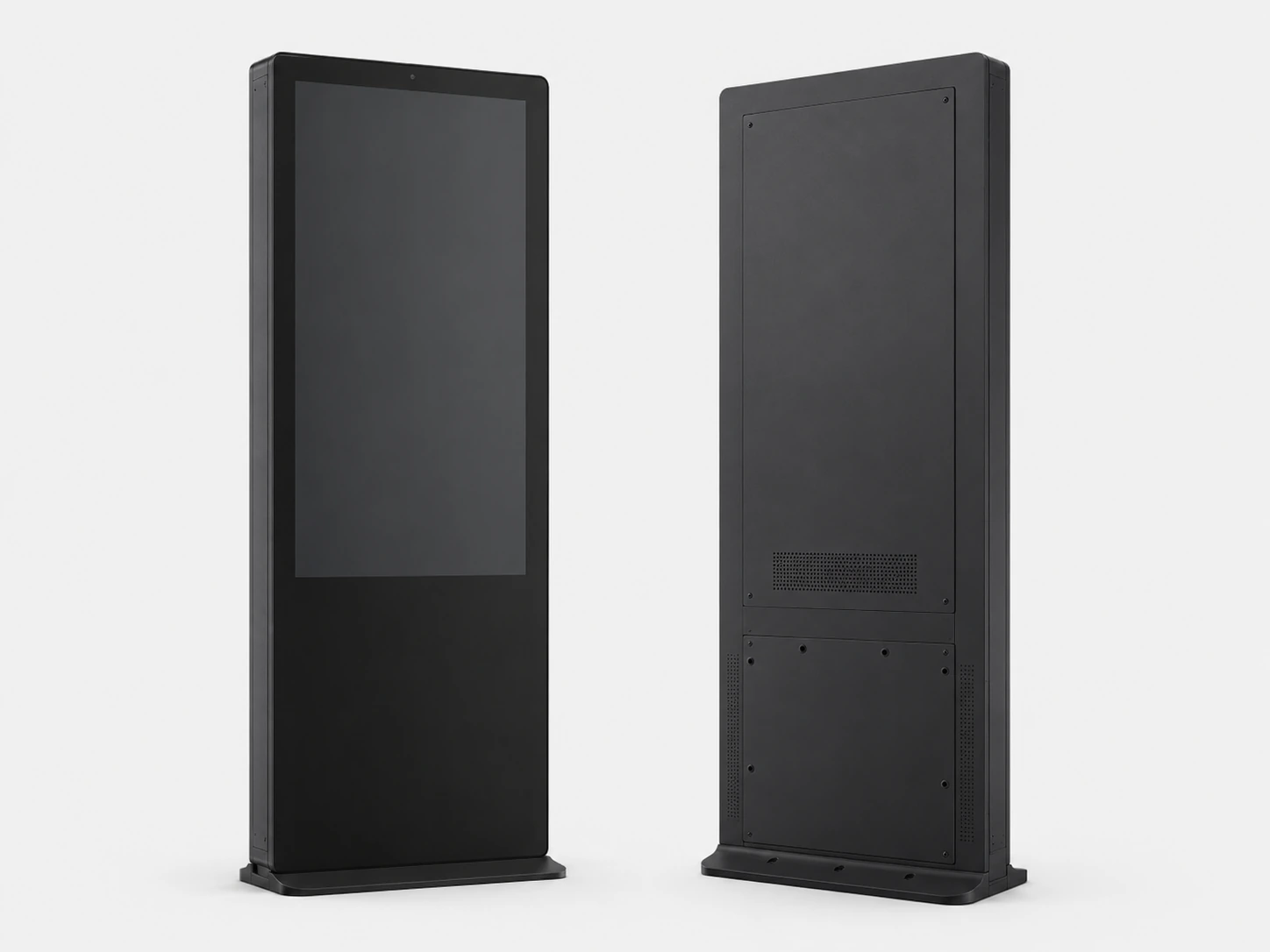
Use this format when people need to browse, navigate or select content rather than only watch it. Lucky XFC’s documented 49-inch interactive LCD combines 4K resolution with 10-point PCAP touch for retail, wayfinding and public-information projects.
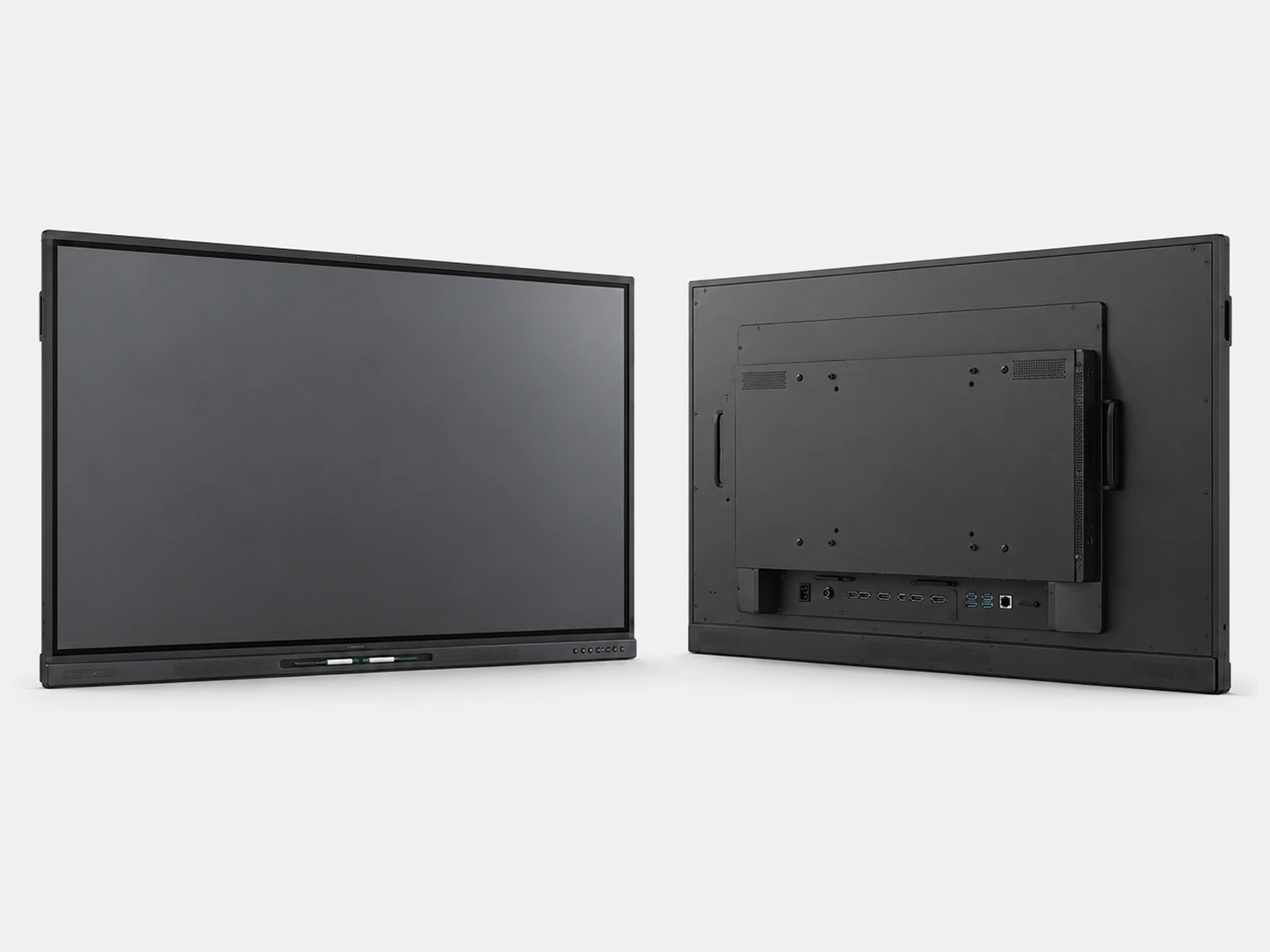
Interactive Whiteboard Displays
Built for classrooms, training rooms and meetings where writing, presenting and content sharing happen on one large screen. Current Lucky XFC product materials include 4K touch displays with Android, Windows or built-in PC configurations. Wireless casting, camera, audio and memory options vary by model.
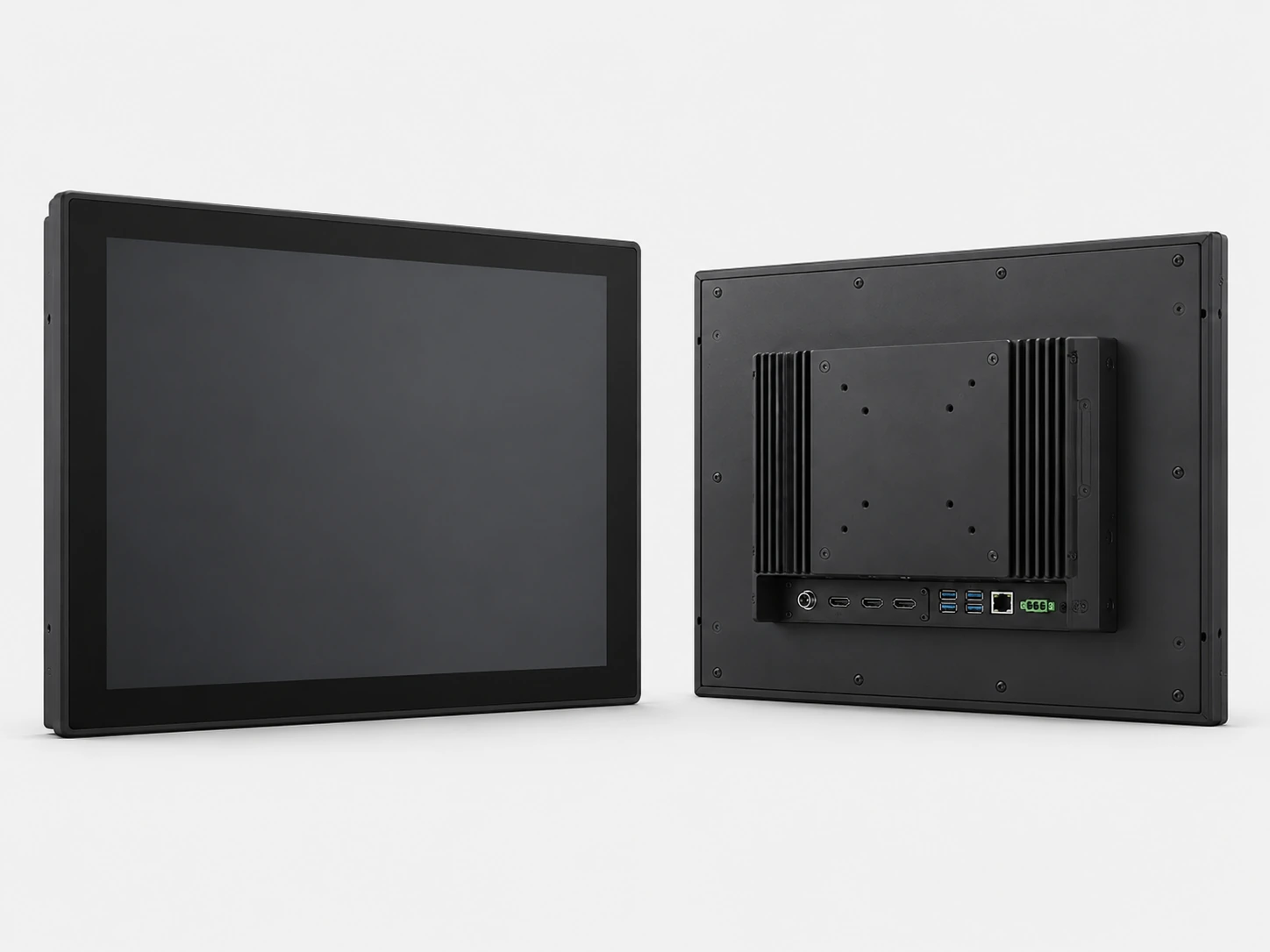
Custom Large Touch Display Solutions
Choose this path when standard product geometry does not fit the enclosure, software or installation plan. Lucky XFC reviews custom size, flat or curved structure, touch or non-touch construction, resolution, Android or computer system, interfaces and exterior design. The documented custom-size scope extends up to 120 inches; final feasibility is confirmed against the project specification.
Compare the Available Large Touch Display Types
Use this comparison to identify the closest starting point. Final specifications and optional configurations must be confirmed for the selected product.
| Product Type | Documented Starting Point | Display and Touch | System or Integration Direction | Typical Project Fit |
|---|---|---|---|---|
| Flat Large-Format Touch Monitor | 43-inch reference | 16:9, 1920 × 1080, capacitive touch, metal housing | External signal source or project-defined system integration | Equipment displays, interactive terminals and custom enclosures |
| C-Shaped Curved Touch Monitor | 32, 43, 49 and 55 inches | 16:9, 1920 × 1080, capacitive touch, metal housing | Windows, Android and Linux compatibility documented for the curved family | Gaming equipment, immersive interaction and shaped equipment fronts |
| J-Shaped Curved Touch Monitor | 43, 49 and 55 inches | 16:9, 1920 × 1080, capacitive touch, metal housing | HDMI, USB and RJ45 are documented for the curved family; selected configurations may add other interfaces | Gaming, checkout and equipment interfaces with an interactive curved edge |
| Interactive Touch Digital Signage | 49-inch reference | 4K LCD with 10-point PCAP touch | Interactive content and signage configuration | Retail browsing, directories, wayfinding and public information |
| Interactive Whiteboard Display | 4K configurations; a 49-inch model is documented | Multi-touch features and system specifications vary by model | Android, Windows or built-in PC configurations | Classrooms, training, presentations and meeting rooms |
| Custom Large Touch Display | Custom requests reviewed up to 120 inches | Flat or curved, touch or non-touch, resolution confirmed by project | Android or computer system, interfaces and exterior structure reviewed together | Custom equipment, special display geometry and integrated terminals |
Configuration Boundary Note: Exact model availability, touch-point count, brightness, mounting, environmental protection and computing configuration must be confirmed for the selected display. Do not transfer a specification from one family to another.
Avoid the Mismatch Behind “Large Touch Screen”
Product shape and system role should be selected before detailed options are added.
The screen size fits, but the product format does not
A 43-inch flat monitor, a 43-inch curved display and a 43-inch interactive whiteboard solve different installation and interaction problems.
Lucky XFC provides documented flat, C-shaped, J-shaped, signage and whiteboard starting points so the project can begin with the appropriate product family.
The display is selected before the touch behavior
A large panel does not automatically provide the required touch response. Touch technology, touch-point count, cover glass, operating system, interface and environmental conditions all affect the final experience.
The documented flat and curved references use capacitive touch, while the 49-inch interactive signage reference uses 10-point PCAP. Other touch specifications remain model-dependent.
A monitor is ordered when the project needs a complete system
Some projects need only a display and touch interface connected to an external computer. Others need Android, Windows or an integrated PC to run content and applications independently.
Separating the display role from the computing role prevents unnecessary hardware or a missing system component.
The enclosure is designed after the display is chosen
Curve, housing, interface position, ventilation, service access and installation method influence the complete product structure. These decisions become harder to change after the enclosure is finalized.
Custom projects should review the display, touch layer, system and exterior structure as one integration package.
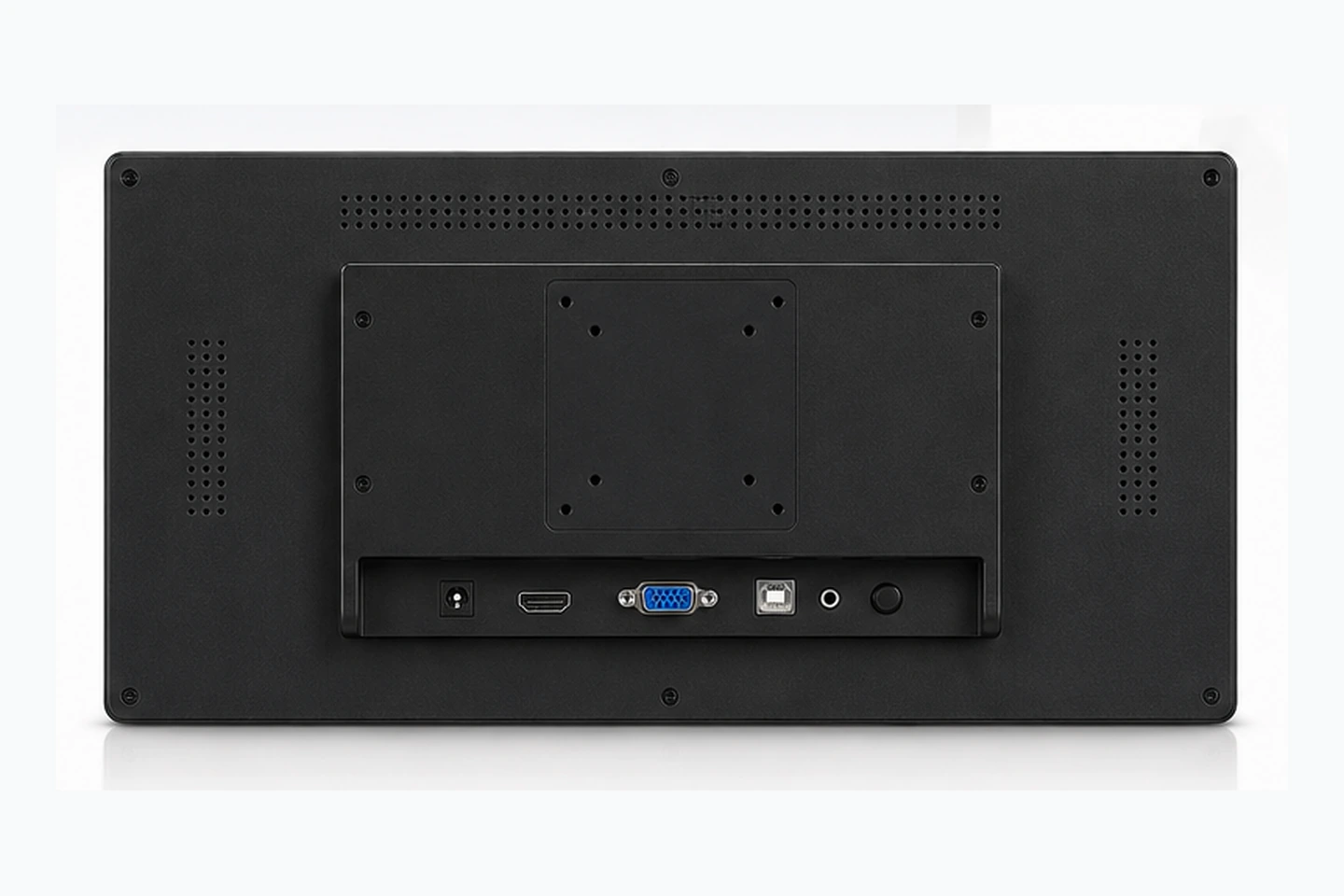
Structure Integration Review: Display + Touch + System + Enclosure
How to Specify a Large Touch Screen Monitor
Follow these six steps to define the hardware architecture before comparing detailed specifications.
Define the product role
Choose a monitor-only format when an external computer or controller will provide the content. Choose interactive signage when the screen is part of a public content experience. Choose a whiteboard display when writing, presenting and collaboration functions must work together.
Match the screen shape to the equipment
Flat displays suit conventional cabinets and equipment fronts. C-shaped curved displays create a continuous inward curve, while J-shaped displays add an interactive curved edge. The user position and the equipment profile should determine the shape.
Select resolution for the actual content
4K is useful when users stand close to the display, read small text, review detailed content or use split-screen layouts. Full HD may remain suitable for simpler interfaces, video and equipment controls at an appropriate viewing distance.
Lucky XFC’s documented flat and curved references use 1920 × 1080 panels. The interactive signage and whiteboard ranges include 4K configurations.
Confirm the required touch behavior
Multi-touch count should follow the application rather than the screen size alone. A single-user selection interface may not need the same touch capacity as collaborative writing or multi-user interaction.
Confirm touch points, cover-glass requirements, compatible input method, operating system and whether the display will be used with gloves, moisture or other environmental constraints.
Decide where the computing system belongs
An external PC keeps computing separate from the display. Android or an integrated PC can simplify a self-contained signage, whiteboard or application installation. Compare software compatibility, maintenance access, network requirements and future system updates before choosing.
Confirm structure and interfaces together
Review the housing, equipment opening, cable path, power input, video input, USB touch connection, network connection, mounting and service access as one system. Curved product materials document HDMI, USB and RJ45 support, while additional interfaces remain configuration-dependent.
Match the Display to the Application
Select the product format designed for your interaction environment and user workflow.
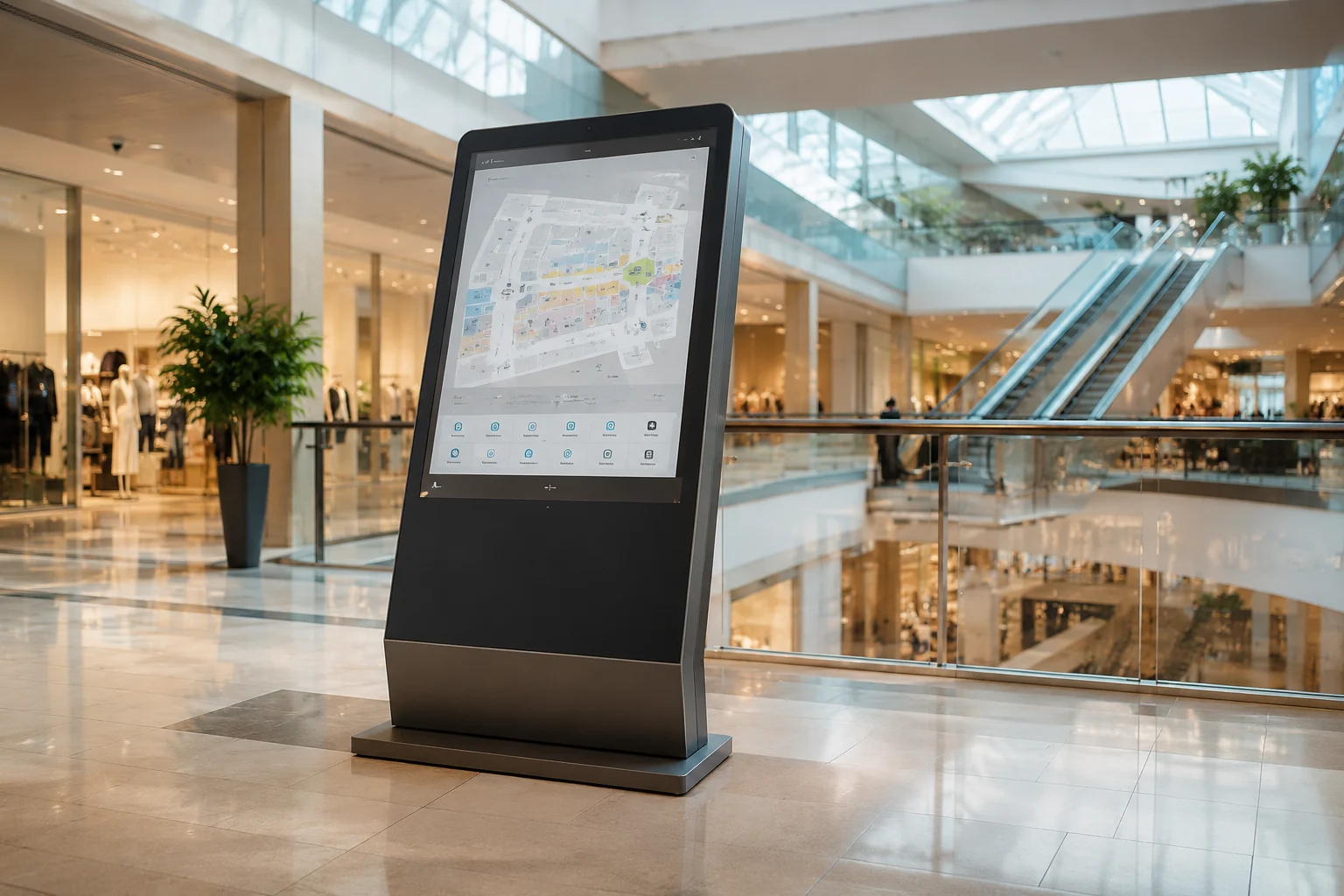
Retail, Wayfinding and Public Information
Interactive touch digital signage helps visitors browse products, navigate directories and select information on a screen designed for public interaction. Start with the 49-inch 4K PCAP reference when visual detail and direct touch are both required.
Classrooms, Training and Meeting Rooms
Interactive whiteboard displays combine large-screen viewing with writing, presentation and content-sharing workflows. Compare the operating system, PC architecture, casting, camera, audio and mounting requirements at model level.
Gaming and Interactive Equipment
C-shaped and J-shaped curved touch displays are designed around gaming equipment and shaped user interfaces. Select the curve, size and touch area according to the cabinet geometry and the operator’s reach.
Equipment and Custom Enclosure
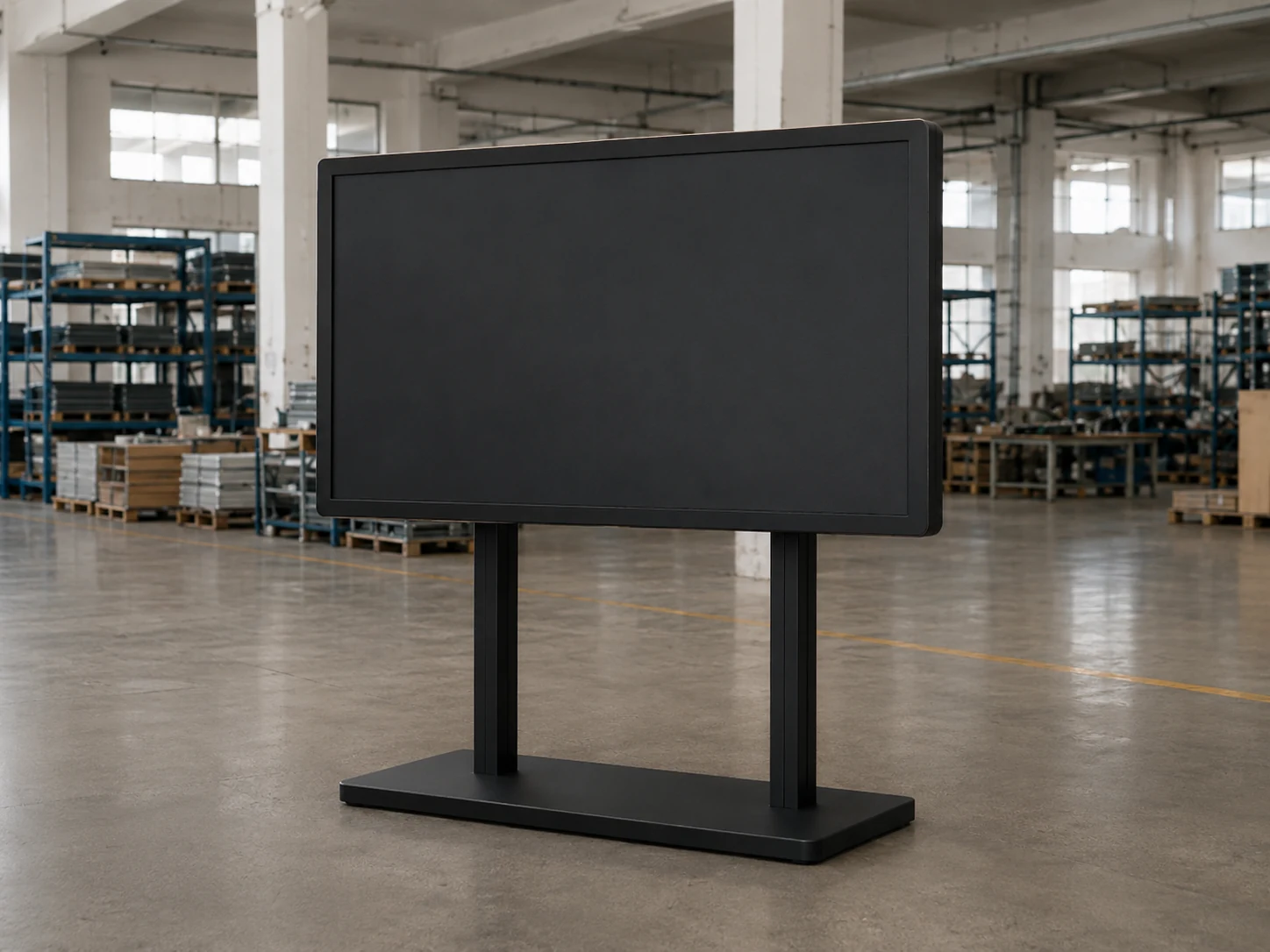
A flat 43-inch touch reference provides a standard starting point for equipment displays. When the required opening, curve, system or interface differs from the standard references, move to a custom display review.
Interactive Showrooms and Exhibitions
Large interactive displays can present product information, maps, demonstrations and guided content. Choose between signage, whiteboard and custom formats according to whether the installation emphasizes browsing, presenting or application control.
Why Lucky XFC Fits Configured Display Projects
Standard references before custom development
Documented flat, C-shaped and J-shaped touch products give the project a real starting point. This makes it easier to compare a standard construction with the changes required for a custom design.
Multiple screen structures within one product scope
Flat, C-shaped and J-shaped formats address different equipment profiles without forcing every project into the same monitor construction.
Display, touch, housing and system coordination
A large touch product is more than an LCD panel. Screen shape, touch layer, metal housing, interface layout and computing architecture can be reviewed as connected parts of the same product.
Configuration boundaries remain visible
Verified values stay attached to their product family. Resolution, touch points, system, brightness, mounting and environmental requirements are confirmed for the selected model rather than presented as universal specifications.
Large Touch Screen Monitor Buyer Guide
Technical answers for specifying large-format touch hardware.
Contents
- What size is considered a large touch screen monitor?
- Do I need a 4K large touch screen?
- Which large touch display fits a conference room or classroom?
- How many touch points should a large monitor have?
- Should I choose a monitor, Android display or integrated PC?
- Can a large touch monitor be used for gaming or professional design?
- What affects the price of a large touch screen monitor?
What size is considered a large touch screen monitor?
Large-format product ranges commonly begin around 32 inches, but size alone does not define the product. On this page, the documented starting points include 32–55-inch curved touch displays, a 43-inch flat touch monitor, a 49-inch interactive signage display and larger custom requests subject to technical review.
Choose size together with viewing distance, user reach, content detail, installation space and service access.
Do I need a 4K large touch screen?
Choose 4K when users will work close to the screen, read small text, review detailed images or use several content areas at once. Full HD can remain practical for simpler control interfaces, video and equipment applications where the viewing distance and content do not require 4K detail.
Lucky XFC’s flat and curved reference models use 1920 × 1080 panels. The interactive signage and whiteboard ranges include 4K configurations, allowing resolution to follow the application rather than a universal specification.
Which large touch display fits a conference room or classroom?
An interactive whiteboard display is the most appropriate starting point when the project needs writing, presentation, wireless content sharing or an integrated computing environment. Compare screen size, touch behavior, operating system, PC configuration, casting, camera, speakers and installation method.
A monitor-only product is better when the room already has a separate computer and collaboration system and only requires a large touch display.
How many touch points should a large monitor have?
The answer depends on how many people and gestures the application must recognize at the same time. A public directory or product selector may use fewer simultaneous touches than collaborative writing or multi-user learning.
The documented 49-inch interactive signage reference uses 10-point PCAP touch. The flat and curved references use capacitive touch, but their exact touch-point requirements should be confirmed by model and application.
Should I choose a monitor, Android display or integrated PC?
Choose a monitor when an external computer, media player or industrial controller will run the application. Choose Android when the approved software can run directly on that platform and a self-contained installation is preferred. Choose an integrated Windows PC when the required application, device management or peripheral compatibility depends on Windows.
Lucky XFC’s whiteboard and custom-display scope includes Android, Windows and computer-system directions. Final hardware and software compatibility must be reviewed against the intended application.
Can a large touch monitor be used for gaming or professional design?
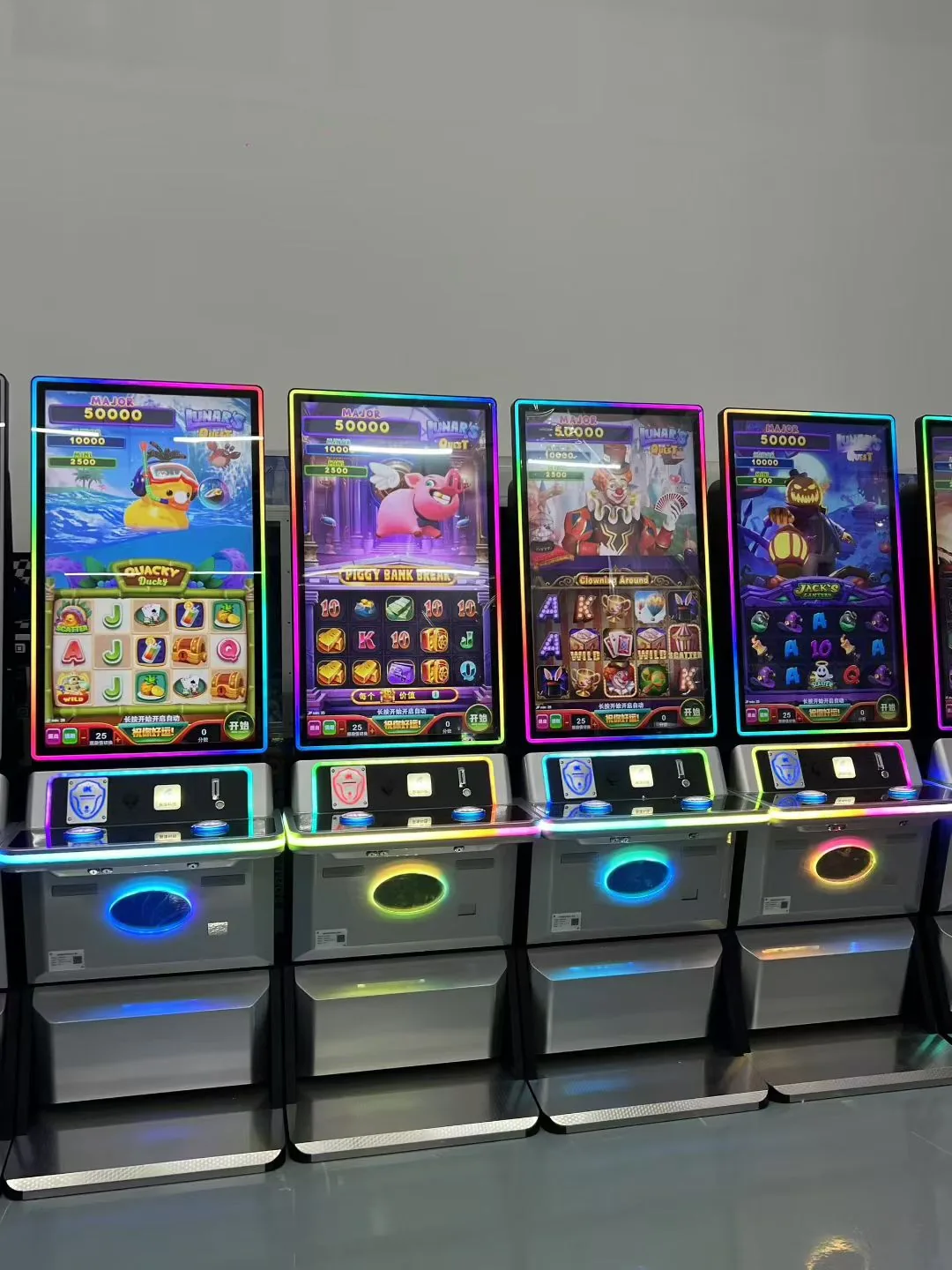
Lucky XFC’s C-shaped and J-shaped curved touch displays are documented for gaming and interactive equipment. Curve, size, interface position and cabinet geometry should be evaluated together.
Professional drawing and graphic-design work requires model-level confirmation of color performance, calibration, touch accuracy, stylus protocol, operating-system support and application compatibility. A general capacitive touch specification alone does not establish suitability for pen-focused creative work.
What affects the price of a large touch screen monitor?
Price is influenced by screen size, panel resolution, touch configuration, cover glass, flat or curved construction, housing, computing system, interfaces, installation structure, customization scope and order quantity.
Compare quotations only after these specifications are aligned. Two products with the same diagonal size may have different display, touch, system and mechanical requirements and therefore should not be compared by screen size alone.
From Display Concept to Production Handoff
Lucky XFC has focused on touch display and integrated terminal projects since 2013. Its documented product scope includes flat touch displays, C-shaped and J-shaped curved monitors, interactive signage, whiteboard displays and custom system integration.
Large touch projects often combine the LCD panel, touch layer, metal structure, interface layout and operating system. The development workflow can move from requirement and design review through sampling, sample evaluation, confirmation and production, keeping the product definition connected to the final application.
For custom projects, the useful starting point is not a generic promise. It is a clear product family, a documented reference configuration and a list of changes that must be reviewed before production.
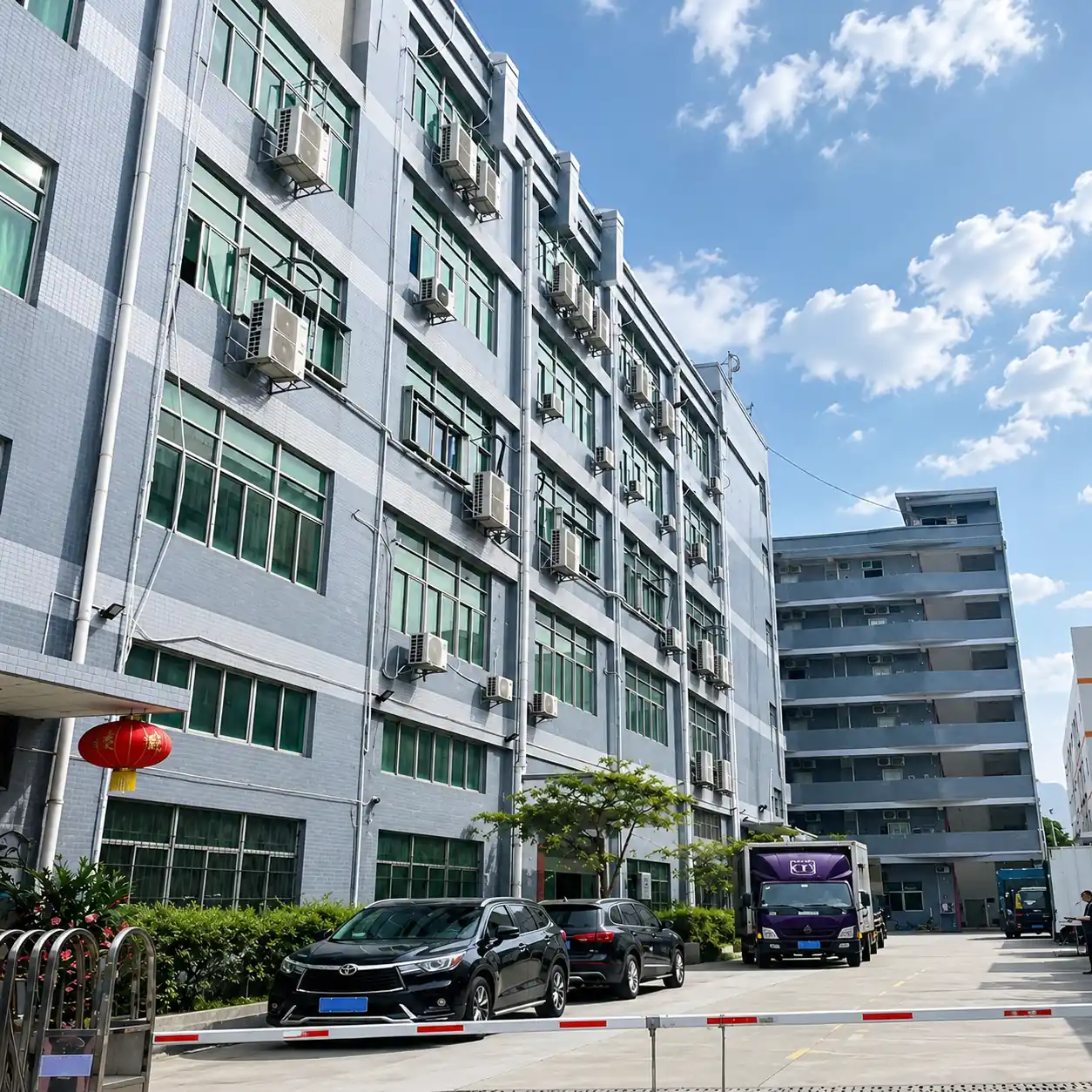
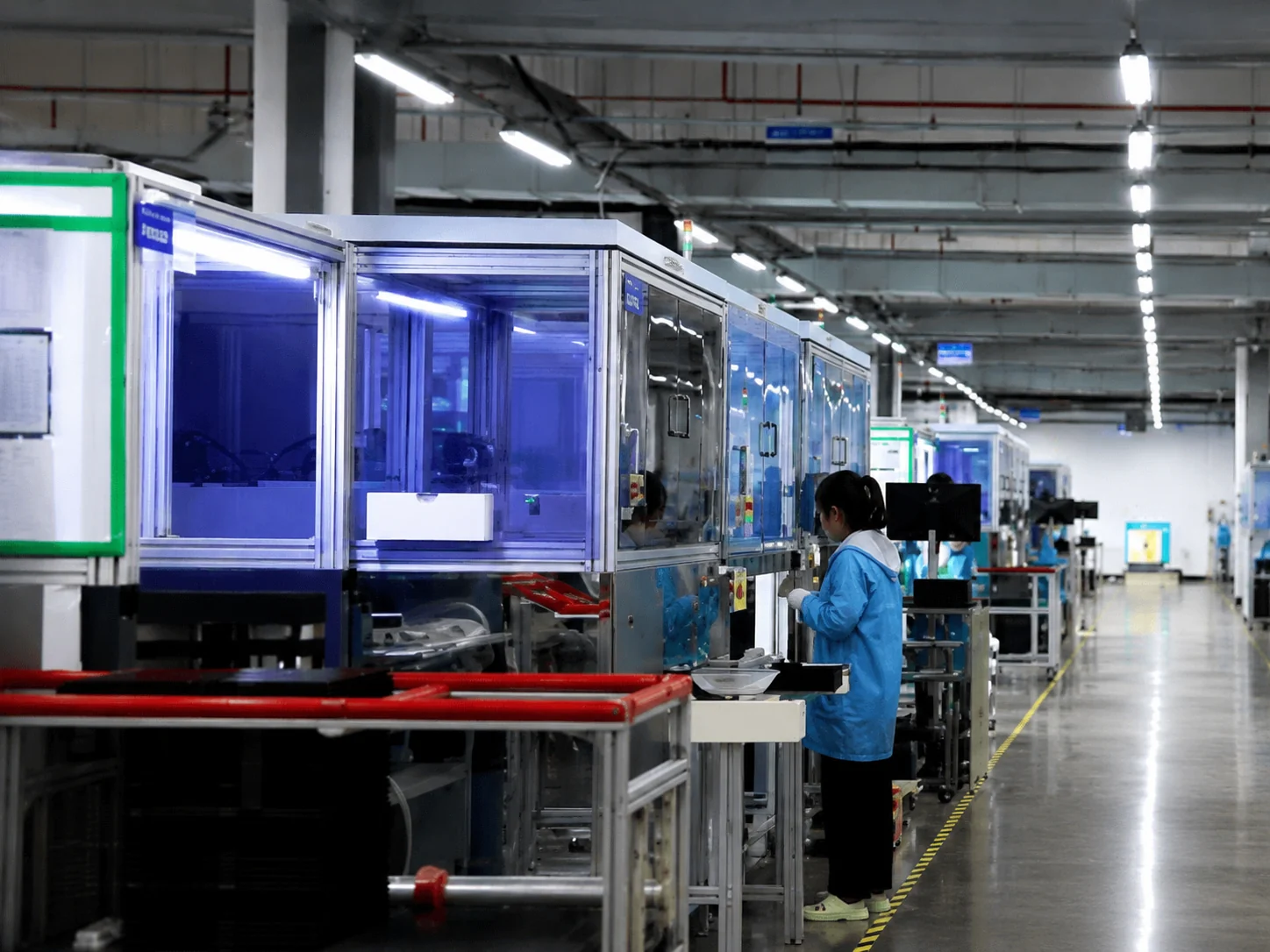
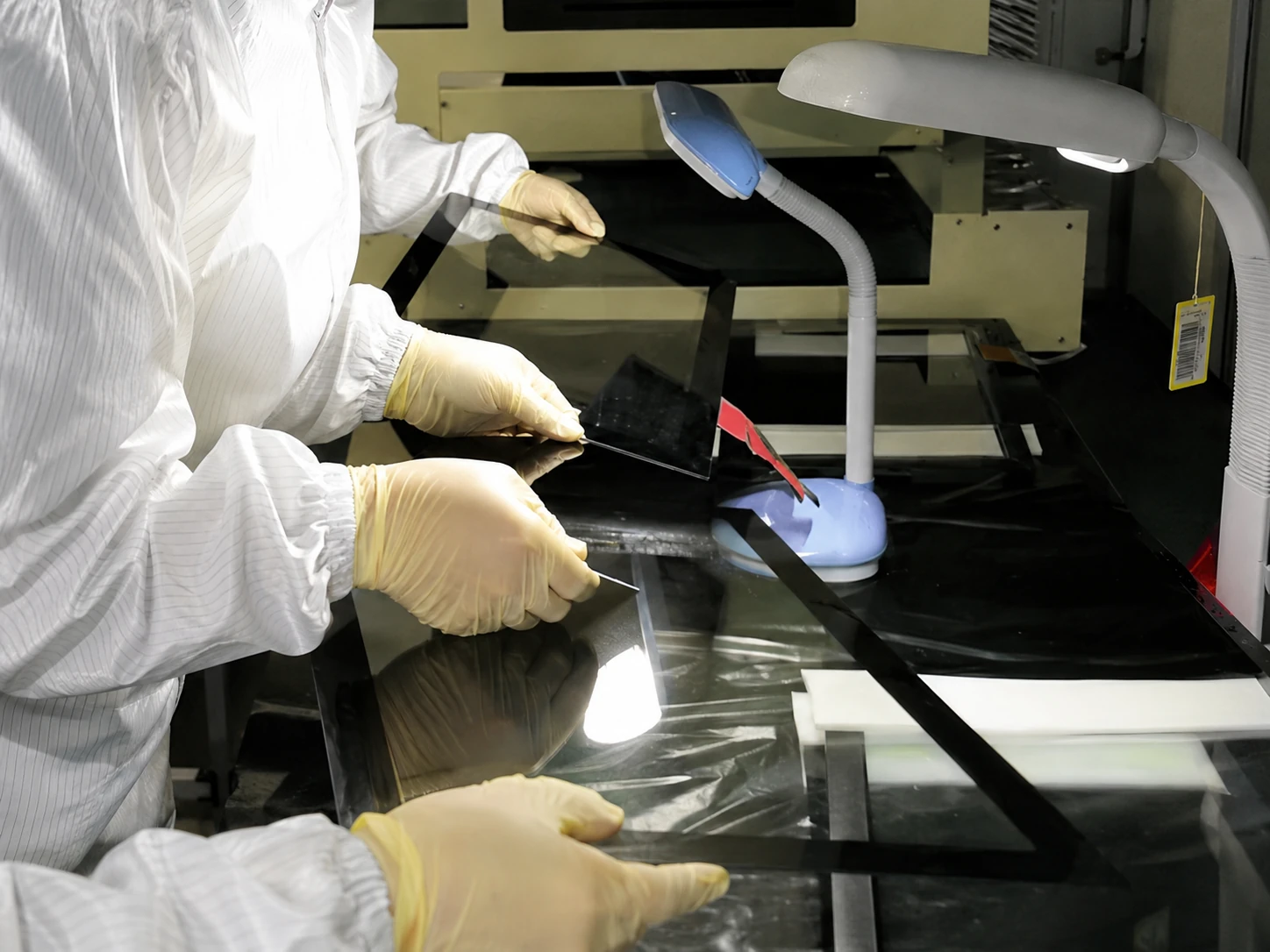
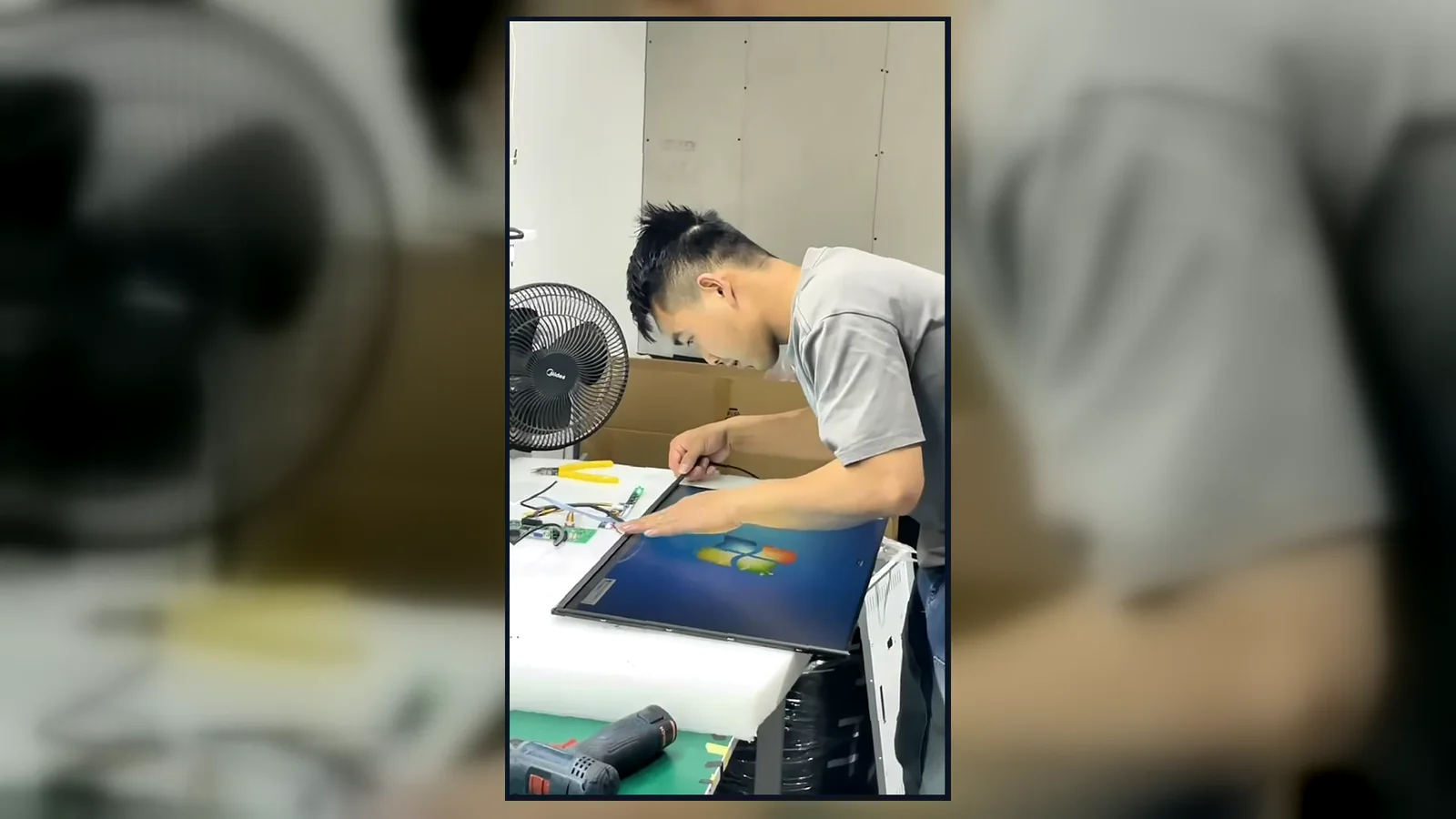
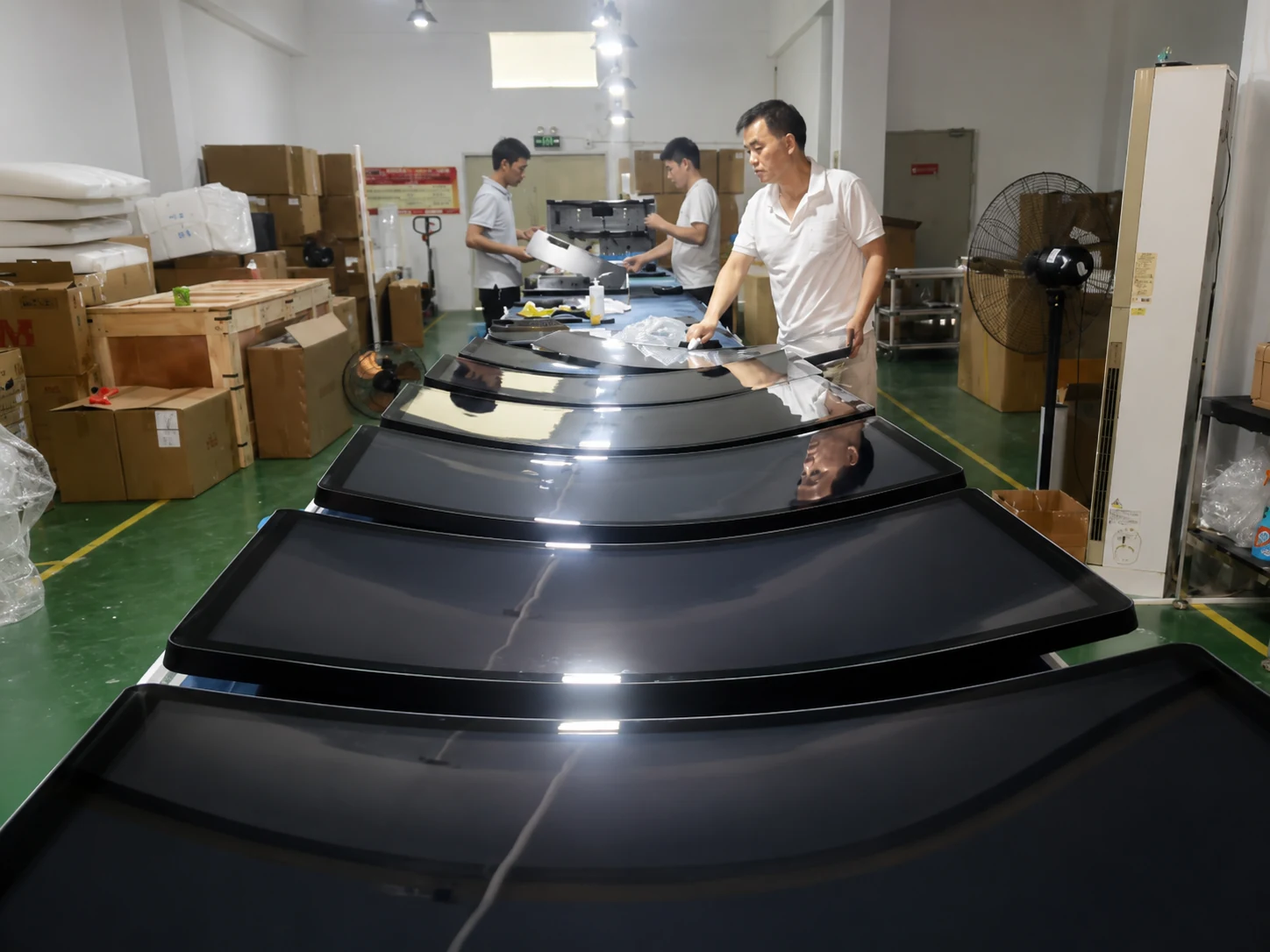
Inside the Factory: Production & Quality Testing
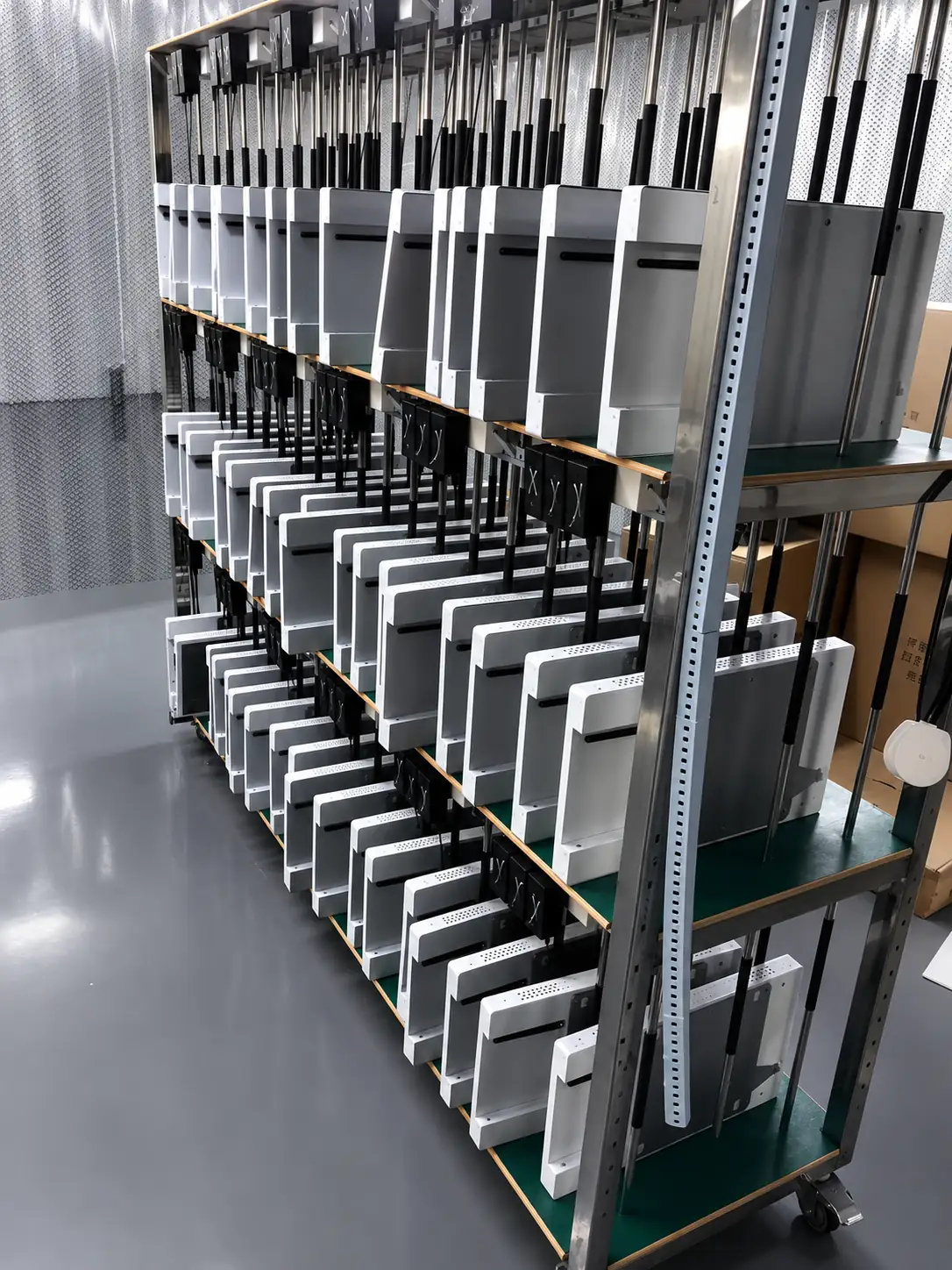
Watch our brief 45-second overview showcasing the rigorous assembly and testing procedures at our facility. See firsthand how our QC team conducts 100% inspections to verify touch response, display quality, interfaces and appearance according to the approved specifications.
Global Quality & Compliance Standards
Our products are manufactured under strict quality control systems and comply with international standards, ensuring reliability and safety for your projects.
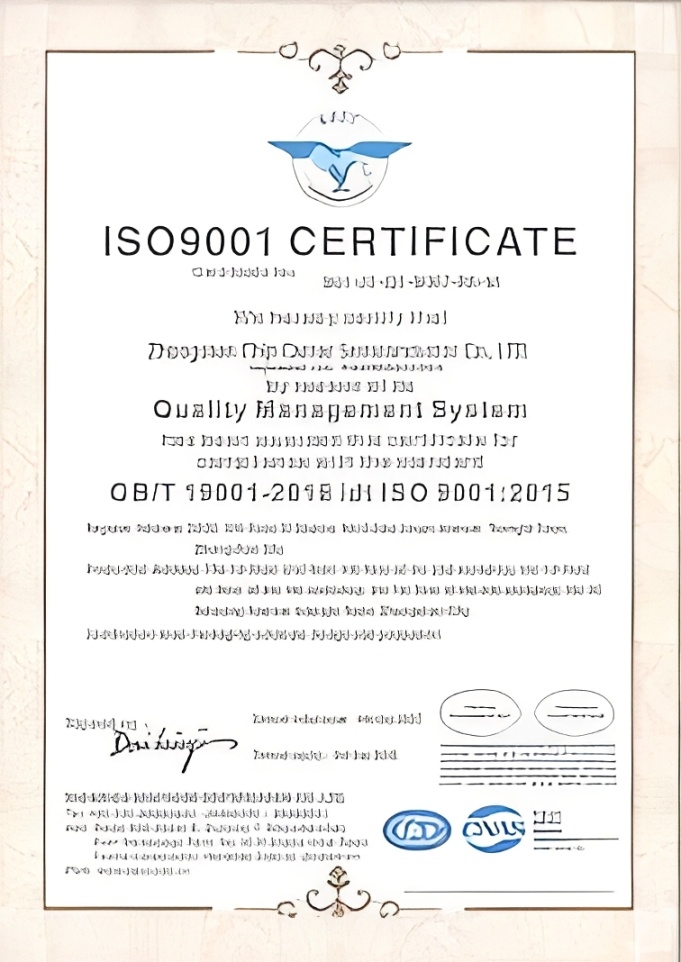
ISO 9001:2015
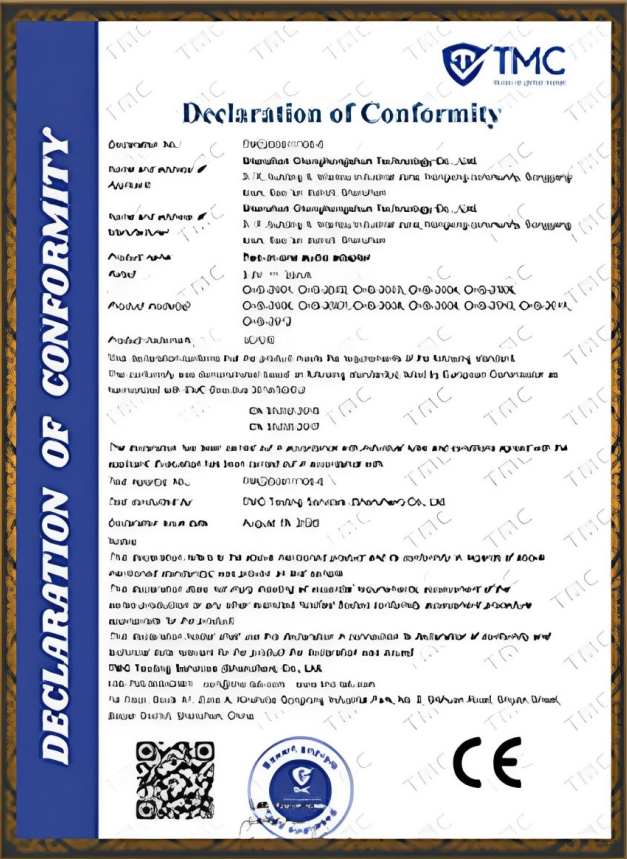
CE Certification
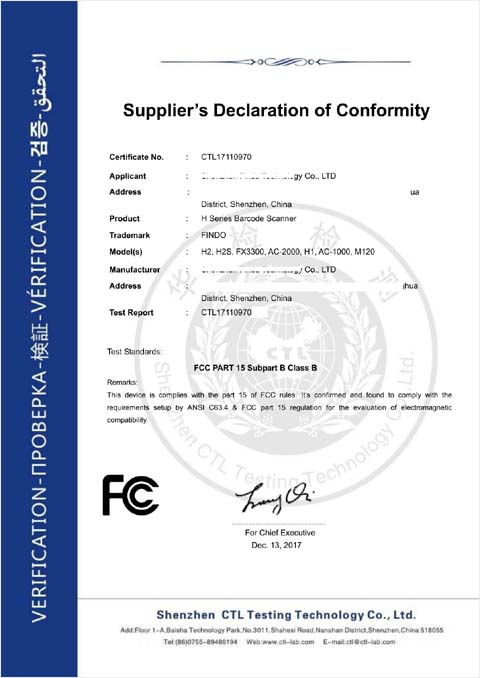
FCC Certification
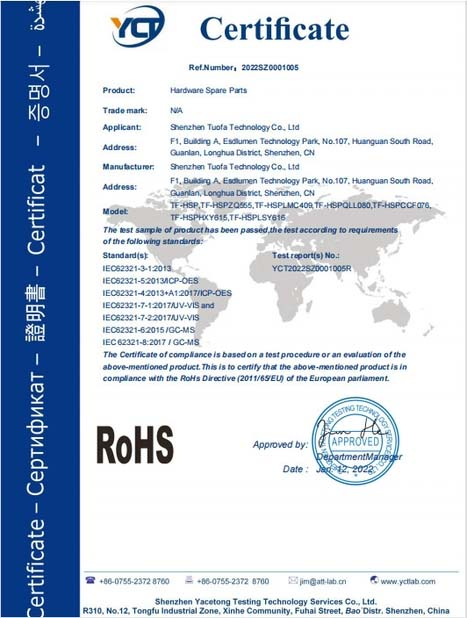
RoHS Compliance
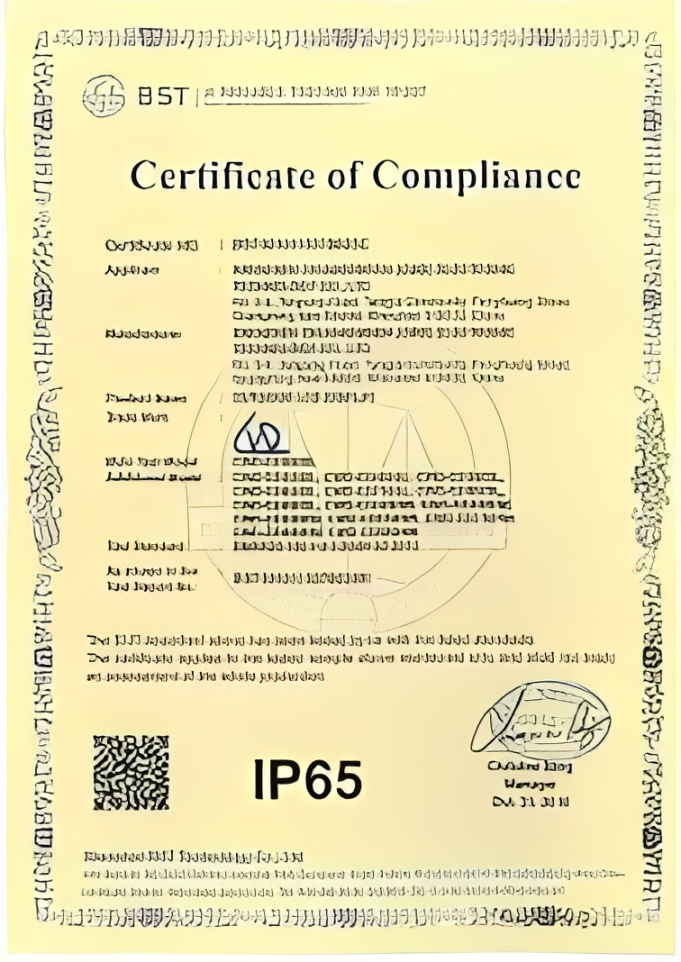
IP56/IP65/IP67/IK10
Related Display Solutions

Not Sure Which Display Format Fits?
Start with the target size, installation, application and computing architecture. Lucky XFC can compare the closest documented product family with the custom changes your project requires.
Discuss Your Large Touch DisplayTell Us the Display You Need
Share the intended application and the closest product type. Include the target size, quantity, resolution, touch requirements, operating system, interfaces and installation method when available.
Direct Contact
- sales13@lucky-xfc.com
- +86 13342931453
- No. 3, Lianfeng Road, Hongqiaotou Community, Yanluo Street, Bao'an District, Shenzhen, Guangdong Province, China
