
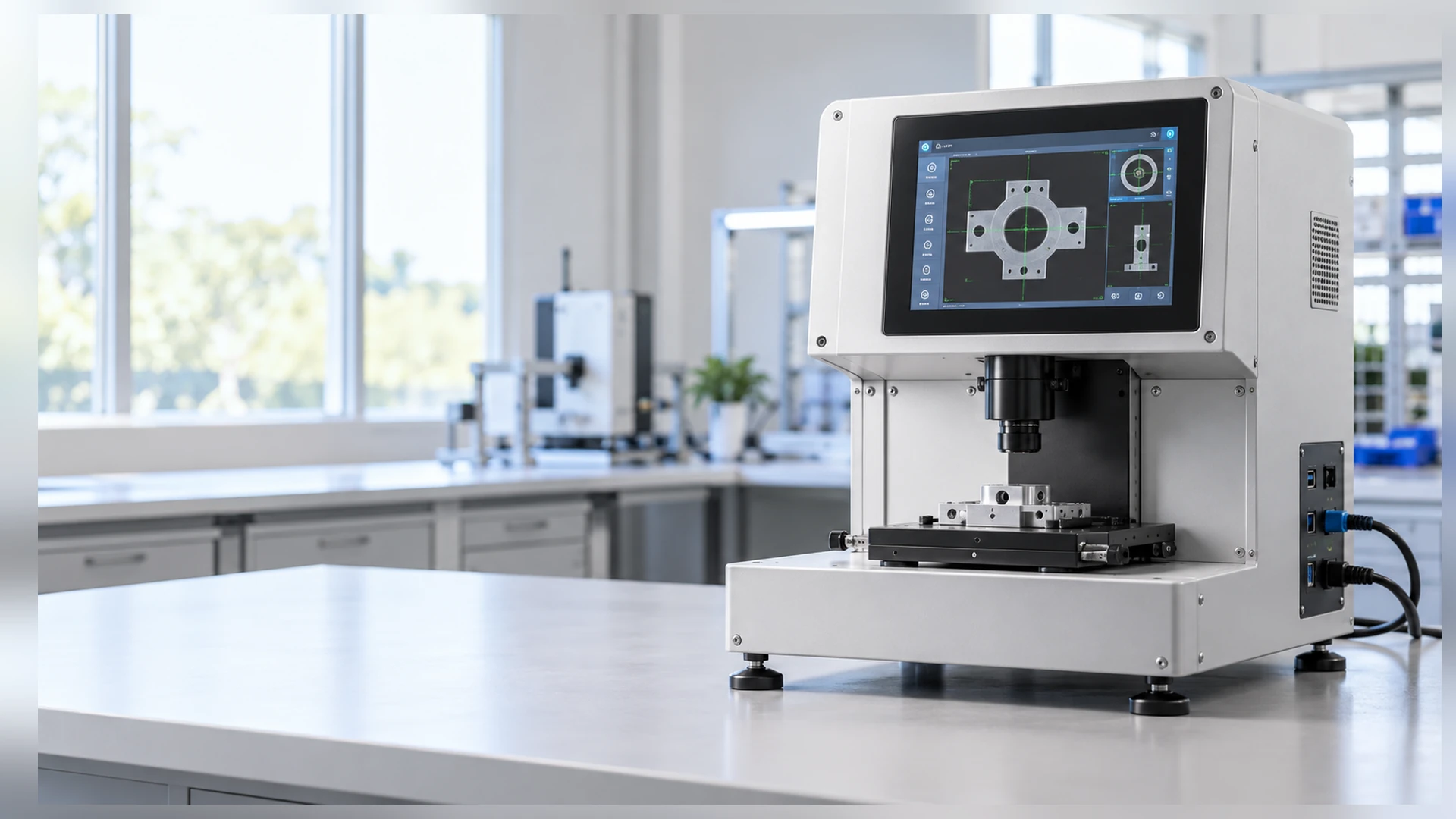
10 Inch Touchscreen Monitor Manufacturer for Compact Equipment
Integrate a compact touch display into machine controls, operator terminals and equipment panels with the XFC-IM-101P configuration base. This 10.1-inch-class monitor combines 1280 × 800 resolution, projected capacitive touch, panel or VESA mounting, and HDMI and VGA video inputs.
The final touch connection, dimensions, cutout, power input and environmental configuration are confirmed against the selected host and equipment drawing.
- XFC-IM-101P Configuration Base
- 10.1-Inch Compact Display
- 1280 × 800 Resolution
- Projected Capacitive Touch
- Panel or VESA Mounting
- HDMI and VGA Video Inputs
10 Inch Touchscreen Monitor at a Glance
- Configuration BaseXFC-IM-101P
- Search Class10 inch
- Actual Diagonal10.1 inch
- Resolution1280 × 800
- TouchProjected Capacitive
- MountingPanel / VESA
- Video InputsHDMI / VGA
- Host ArchitectureExternal computer
The term "10 inch touchscreen monitor" commonly represents a size class. The documented Lucky-XFC configuration uses a 10.1-inch diagonal panel. Use the approved drawing, not the rounded search term, for enclosure design.
Choose Your 10 Inch Touchscreen Monitor Configuration
Review the available mounting, touch, and computing directions around the XFC-IM-101P configuration base.
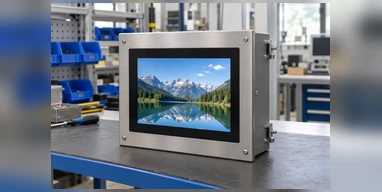
Panel-Mount Configuration
Install the monitor into a prepared equipment or control-panel opening. The cutout, panel thickness and mounting depth must be reviewed before enclosure production.
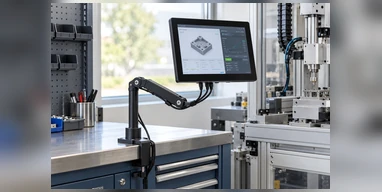
VESA-Mount Configuration
Use the documented VESA mounting direction for monitor arms, brackets or compact workstations. The final VESA pattern remains subject to the approved drawing.
PCAP Touch Configuration
The documented XFC-IM-101P base uses projected capacitive touch for direct finger interaction and modern user interfaces.
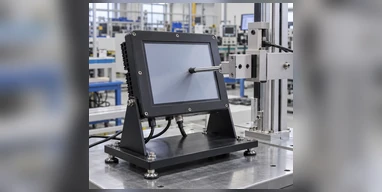
Resistive Touch Evaluation
A pressure-based touch direction may be evaluated for projects that prioritize glove, stylus or single-point input. It is not the published standard touch configuration of XFC-IM-101P.
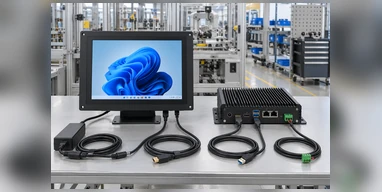
External Industrial PC Configuration
Use HDMI or VGA for the display signal and confirm the separate touch-data connection with the selected industrial PC or box PC.
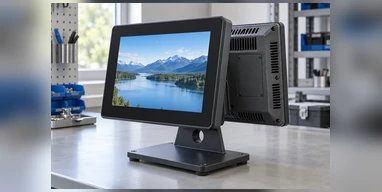
Integrated Computing Alternative
Choose a panel PC or touchscreen computer instead when the display must include a processor, memory, storage and operating system.
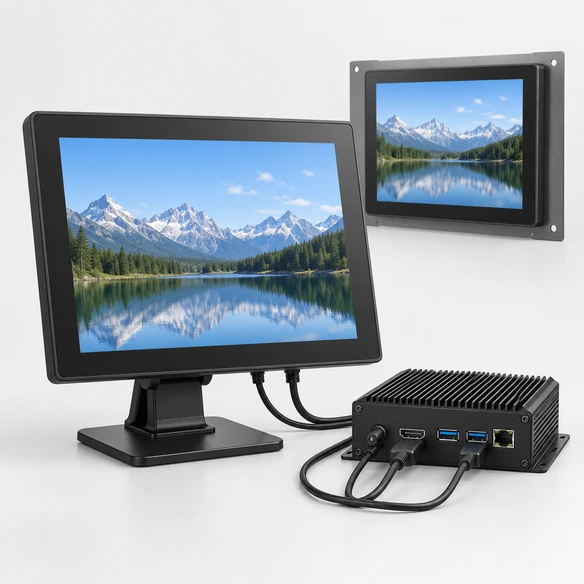
What Is a 10 Inch Touchscreen Monitor?
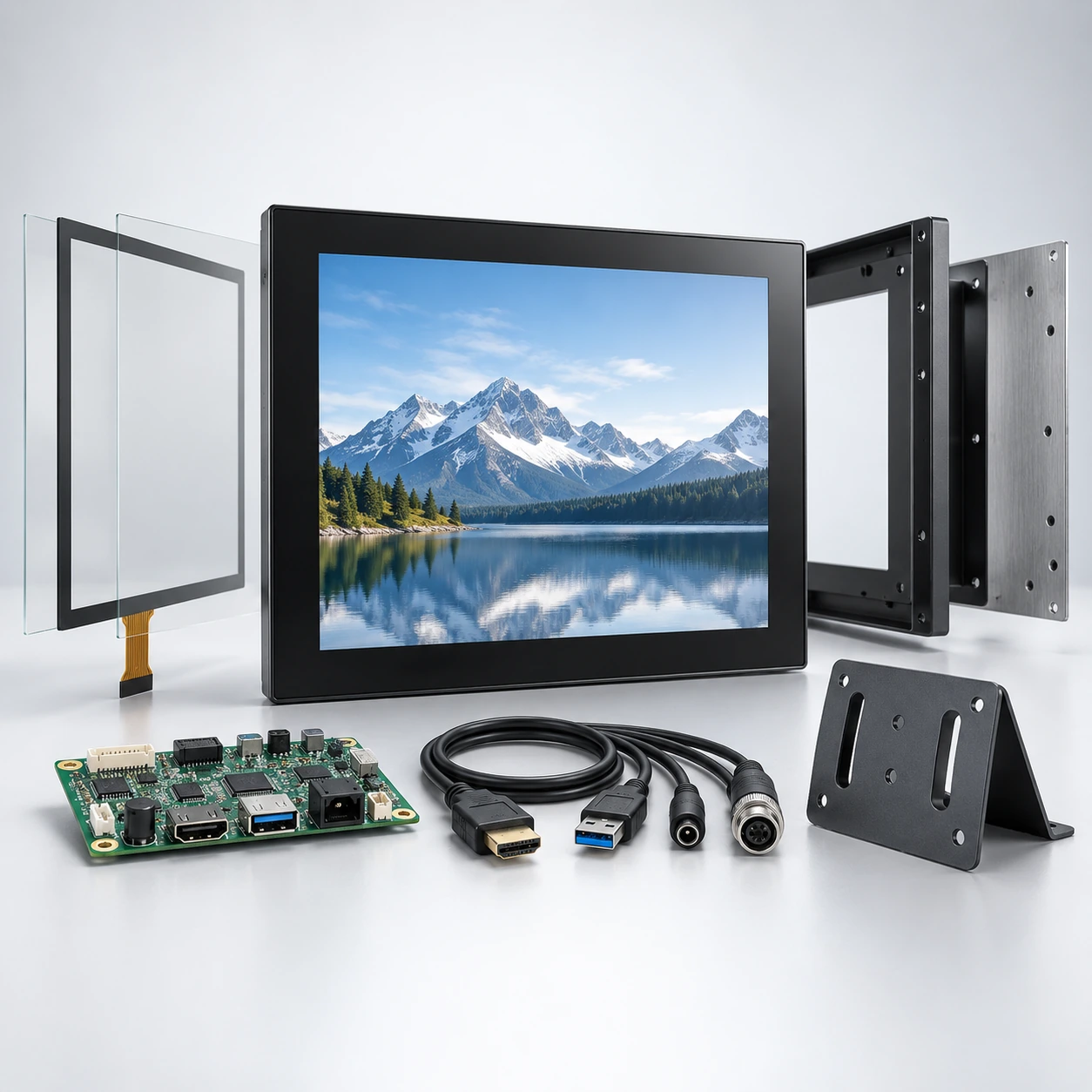
A 10 inch touchscreen monitor combines a display panel, touch sensor, touch controller, display electronics and a mounting structure. It normally receives the visual interface from an external computer and returns touch input to that host.
The documented Lucky-XFC product uses a 10.1-inch diagonal panel. The rounded "10 inch" wording describes the search and purchasing category, while the approved drawing defines the actual product dimensions.
Touchscreen Monitor
- Display and touch input
- External computer normally required
- Video and touch connections confirmed separately
Panel PC
- Display and touch
- Processor, memory and storage
- Operating system included by configuration
HMI
- Dedicated machine interface
- Commonly communicates with a PLC or controller
- Software and communication protocol form part of the system
Common 10 Inch Touchscreen Monitor Integration Problems
Avoid these frequent mechanical and electronic mismatch issues when designing compact enclosures and selecting host systems.
1. Rounded screen size is used for enclosure design.
Consequence: The panel opening or bezel does not match the actual 10.1-inch product.
Response: Use the approved mechanical drawing and active-area dimensions.
2. HDMI is connected, but touch input does not work.
Consequence: The screen displays the interface but cannot control it.
Response: Confirm the separate touch-data connection, controller and operating-system support.
3. The software was designed for a different resolution.
Consequence: Controls become too small, cropped or incorrectly scaled.
Response: Validate the user interface at the native 1280 × 800 resolution.
4. The mounting method is selected too late.
Consequence: The panel opening, brackets, mounting depth or cable route requires redesign.
Response: Select Panel or VESA mounting before the enclosure is finalized.
5. Raspberry Pi or Linux compatibility is assumed.
Consequence: Video may work while touch mapping, drivers, rotation or power remains unresolved.
Response: Test the selected operating-system image, output resolution and touch controller.
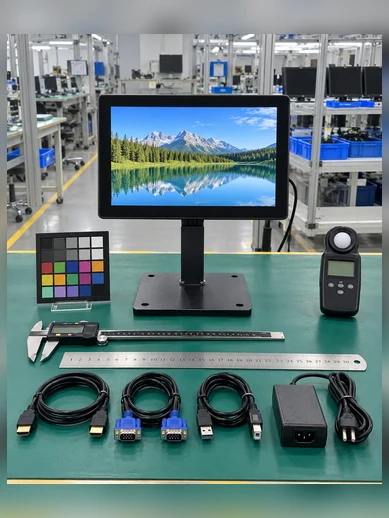
Verified 10 Inch Touchscreen Monitor Specifications
Only the first table should be presented as the documented configuration. Values in the confirmation list must come from the approved product specification and drawing before order approval.
Documented Configuration
| Parameter | Verified Configuration |
|---|---|
| Configuration Base | XFC-IM-101P |
| Search Size Class | 10 inch touchscreen monitor |
| Actual Display Size | 10.1 inch |
| Resolution | 1280 × 800 |
| Touch Technology | Projected capacitive touch |
| Mounting | Panel mount / VESA mount |
| Video Inputs | HDMI / VGA |
| System Architecture | External-host touchscreen monitor |
| Application Direction | Compact equipment and industrial integration |
Confirm for the Project
- Touch-point count
- Brightness and viewing angle
- Overall dimensions
- Active area
- Panel cutout
- VESA pattern
- Mounting depth
- Touch-data interface
- Power input
- Cable orientation
- Operating environment
- Glove or stylus behavior
10 Inch Touchscreen Monitor Resolution and Interface Layout
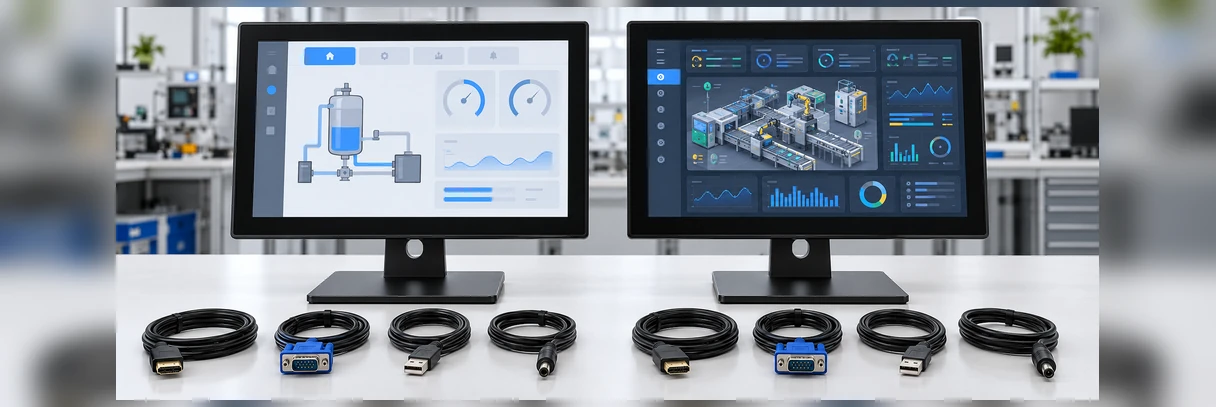
The XFC-IM-101P configuration uses 1280 × 800 resolution. This corresponds to a 16:10 interface layout and should be tested with the actual application rather than treated as a smaller version of a Full HD desktop screen.
Do not display a 1920 × 1080 value in the XFC-IM-101P specification table unless a new approved datasheet confirms it.
| Decision | 1280 × 800 Native Layout | Full HD Request |
|---|---|---|
| Current XFC-IM-101P Status | Documented resolution | Not documented as the standard configuration |
| Best Fit | Compact controls, status panels, forms and machine interfaces | Denser dashboards or small text only when another configuration is confirmed |
| Software Review | Test at native resolution | Confirm panel availability, scaling and host output |
| Enclosure Effect | Use approved active-area drawing | Different panel may change dimensions and mounting |
| Procurement Rule | Specify XFC-IM-101P | Request a separate configuration review |
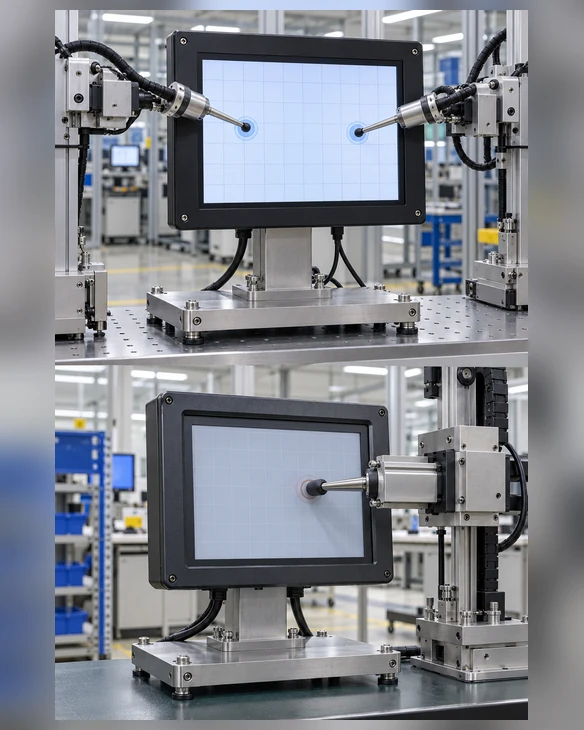
10 Inch Touchscreen Monitor PCAP and Resistive Touch Selection
The XFC-IM-101P starts with projected capacitive touch. Choose a resistive direction only when the application's input method justifies a separate configuration review.
| Factor | PCAP | Resistive |
|---|---|---|
| Input Method | Finger and compatible conductive input | Pressure from finger, glove or stylus |
| Gesture Support | Commonly supports multi-touch, subject to controller | Commonly single-touch |
| Front Surface | Smooth glass appearance | Flexible pressure-sensitive layer |
| Best-Fit Direction | Modern interfaces and direct gesture operation | Specific glove, stylus or legacy-control requirements |
| XFC-IM-101P Status | Documented touch technology | Requires separate configuration evaluation |
| Validation | Touch points, glass, glove and OS | Input pressure, accuracy, overlay and controller |
10 Inch Touchscreen Monitor Connections and Host Compatibility
- • HDMI and VGA are the documented video-input directions.
- • HDMI normally carries the display image, not touch input.
- • Touch data commonly uses USB or a controller-specific interface, but the exact XFC-IM-101P touch connection must be confirmed from the approved specification.
- • Raspberry Pi compatibility requires verification of video output, 1280 × 800 support, operating-system image, touch-controller driver, rotation and power.
- • Windows, Linux, Android and macOS compatibility must be confirmed by version and controller.
- • Do not state that USB-C carries video, touch and power unless a separate configuration confirms it.
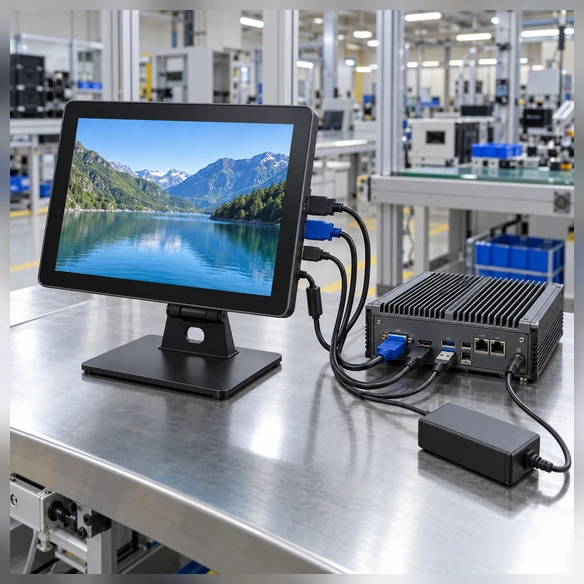
10 Inch Touchscreen Monitor Panel and VESA Integration
Panel mounting and VESA mounting solve different mechanical requirements. A panel-mounted monitor becomes part of the equipment front surface. A VESA-mounted monitor attaches to a bracket, arm or workstation structure.
The enclosure should not be manufactured from the nominal 10-inch size alone. Use the approved XFC-IM-101P drawing to define the opening, mounting points and rear clearance.
Mechanical Checkpoints
- Overall product dimensions
- Active display area
- Panel cutout
- Bezel overlap
- Panel thickness
- Mounting depth
- VESA pattern
- Connector direction
- Cable bend clearance
- Ventilation and service access
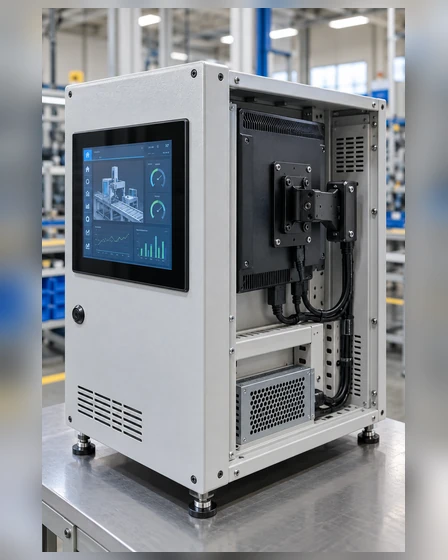
10 Inch Touchscreen Monitor Applications
Compact integration directions for industrial, testing and facility interfaces.
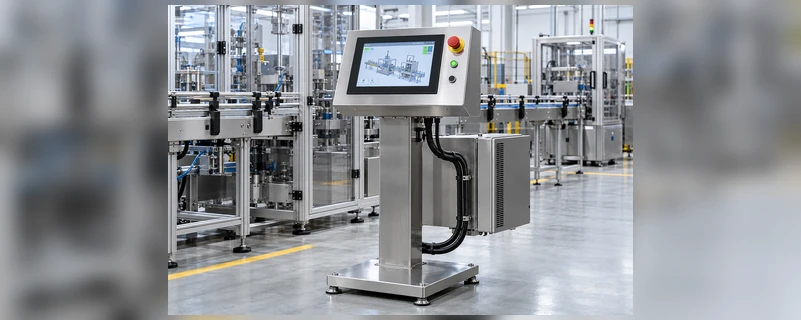
Machine Control Panels
Compact operator controls and machine-status interfaces connected to an external industrial computer.
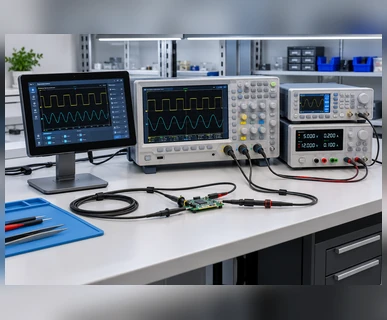
Test & Measurement
Touch interfaces for instruments, test stations and equipment requiring a small integrated display area.
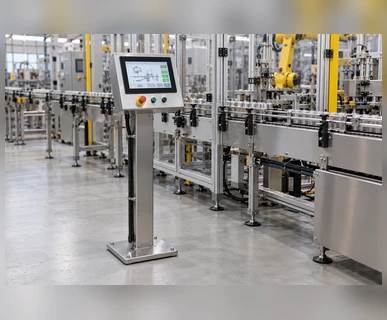
Factory Operator Terminals
Production-data viewing and parameter input where a larger monitor would occupy unnecessary panel space.
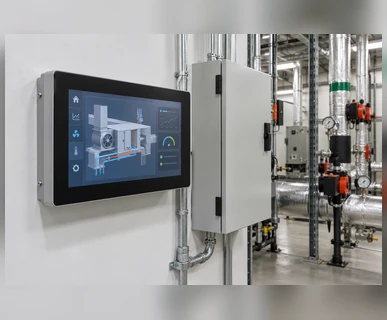
Building & Facility Controls
Compact interfaces for room, lighting, access or facility-control systems after confirming software and communication architecture.
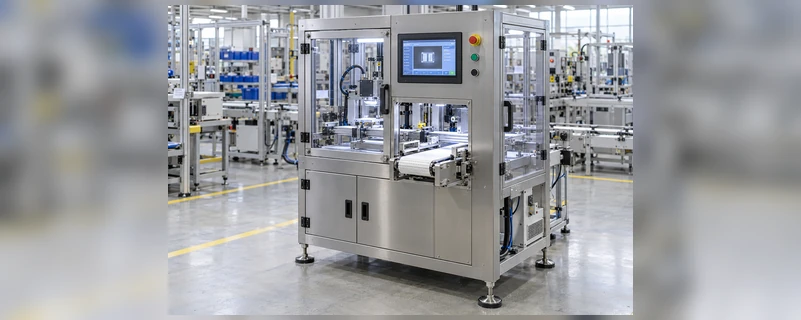
OEM Equipment Integration
Panel-mounted displays designed around a defined equipment opening, cable route and host system.
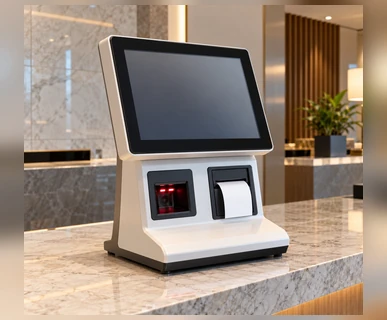
Self-Service Terminals
Compact interaction points for counters, registration systems and equipment-mounted information interfaces.
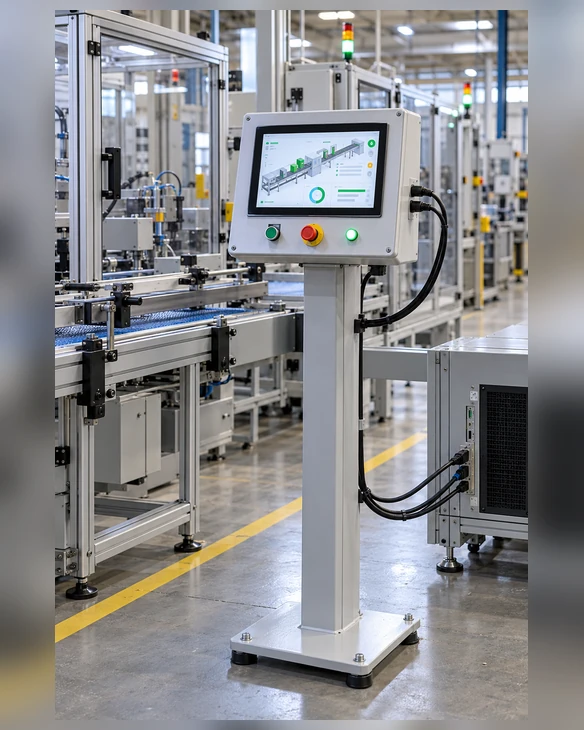
10 Inch Touchscreen Monitor Representative Project Scenario
Compact Production-Line Status Terminal in Poland
A production-equipment integrator needed a compact touch terminal for a status and parameter-entry station. The available panel space was limited, while the control software had already been designed for a 1280 × 800 interface.
The XFC-IM-101P configuration provided the starting point because its documented size, PCAP touch, panel or VESA mounting direction, and HDMI/VGA video inputs matched the initial system architecture. The project review still needed to confirm the panel cutout, mounting depth, connector direction and touch-data interface.
The proposed validation used the customer's actual industrial PC, operating-system image and control application. Touch mapping, button size, cable clearance and access for future servicing formed part of the review before a production configuration could be approved.
- Project Type: Compact production-line status terminal
- Starting Configuration: XFC-IM-101P
- Key Review Points: 1280 × 800 software layout, panel opening, PCAP input, host connection and service clearance
- Validation Direction: Drawing review → host test → enclosure fit → application validation
This anonymized representative scenario combines common project requirements to explain the selection and validation process. It does not identify a specific customer or claim a published project result.
Custom 10 Inch Touchscreen Monitor Options
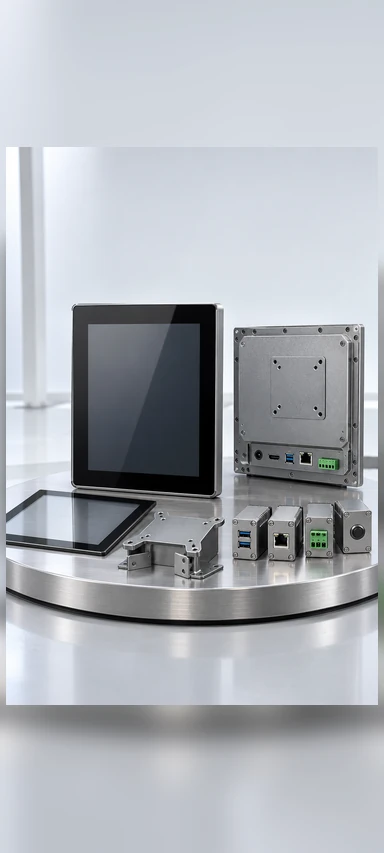
Display
- XFC-IM-101P 1280 × 800 starting point
- Alternative resolution subject to panel feasibility
- Brightness selected by environment
- Landscape or portrait software layout
Touch
- PCAP documented configuration
- Resistive evaluation
- Touch-point requirement
- Glove, stylus or wet-touch validation
Mechanical
- Panel or VESA mounting
- Enclosure and bezel review
- Cutout and mounting depth
- Connector direction
- Cable clearance
- Logo and label direction
Electronics
- HDMI and VGA documented video inputs
- Touch-data interface confirmation
- Power-input review
- External industrial PC or box-PC matching
Documents
- Product datasheet
- Mechanical drawing
- Panel-cutout drawing
- Interface diagram, when applicable
Customization remains subject to panel availability, touch-controller matching, electronics, mechanical feasibility and approved drawings.
10 Inch Touchscreen Monitor Project Workflow

1. Application Review
Confirm equipment, user, environment and software interface.

2. Configuration Matching
Start with XFC-IM-101P or identify the need for another touch or mechanical direction.

3. Spec & Drawing
Confirm resolution, mounting, cutout, interfaces, power and cables.
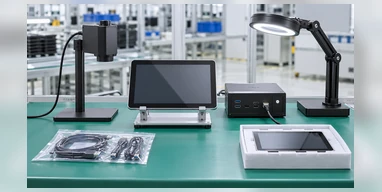
4. Sample
Prepare the agreed configuration for host and enclosure review.

5. Validation
Test the actual software, computer, touch input and mechanical fit.

6. Production
Produce the approved version and complete applicable display and packaging checks.
10 Inch Touchscreen Monitor Manufacturing and Inspection
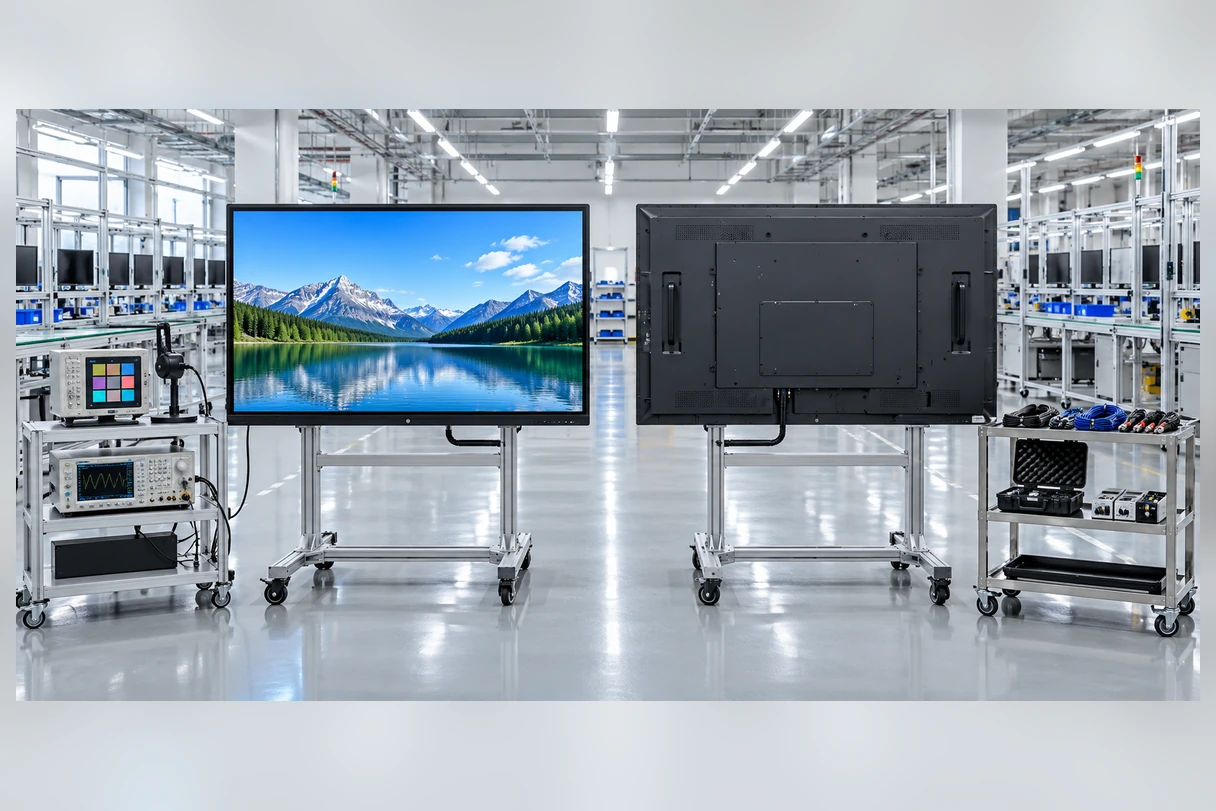
Lucky-XFC has focused on touch display products for 13 years, supported by a 3,100 m² factory, more than 160 production personnel and 26 quality-control staff. OEM and ODM projects move through configuration review, drawing confirmation, sample validation and production planning according to the approved product scope.
Inspection Protocol
- Incoming component review
- Display-function inspection
- Touch response inspection
- Video-interface and signal inspection
- Appearance inspection
- Mechanical fit review where applicable
- Label and configuration verification
- Packaging inspection
- 100% pre-shipment inspection
Why Work with Lucky-XFC on a 10 Inch Touchscreen Monitor?
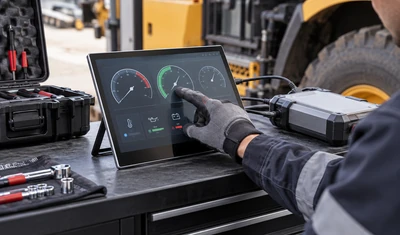
Documented Compact Starting Point
XFC-IM-101P provides a defined 10.1-inch, 1280 × 800, PCAP starting configuration.
Panel and VESA Integration Paths
The mounting direction can be selected around an equipment panel or workstation bracket.
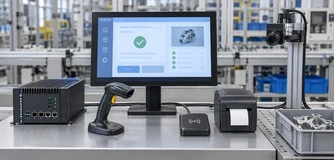
Display and Touch Coordination
Panel resolution, touch behavior, controller and host connection are reviewed as one system.
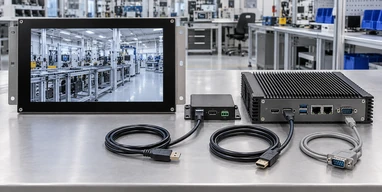
Industrial Host Matching
HDMI and VGA video requirements can be checked against the selected industrial PC or box PC.
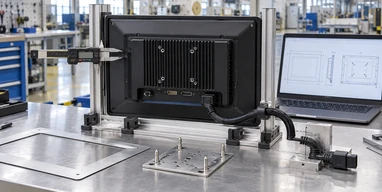
Mechanical Drawing Review
Cutout, depth, mounting points and cable access can be considered before the enclosure is finalized.
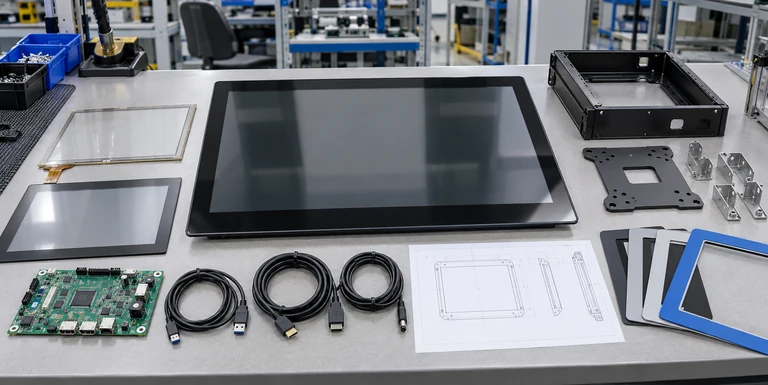
Configuration-Based Inspection
Inspection follows the approved display, touch, interface and mechanical configuration.
10 Inch Touchscreen Monitor Selection Matrix
| Selection Factor | XFC-IM-101P Base | Alternative Review |
|---|---|---|
| Display Size | 10.1 inch | Another diagonal requires separate panel review |
| Resolution | 1280 × 800 | Alternative resolution subject to feasibility |
| Touch | PCAP | Resistive evaluation for pressure-input requirements |
| Mounting | Panel / VESA | Open-frame or custom structure by project |
| Video Inputs | HDMI / VGA | Other interfaces require confirmation |
| Computer | External host | Panel PC or touchscreen computer when integrated computing is needed |
| Software | Validate at 1280 × 800 | Rework interface or select another confirmed panel |
| Environment | Confirm project conditions | Protection and temperature options need model evidence |
Choose XFC-IM-101P When:
- 10.1-inch diagonal fits the equipment
- 1280 × 800 matches the software
- PCAP touch fits the input method
- Panel or VESA mounting is suitable
- HDMI or VGA matches the host
Request Another Configuration Review When:
- Full HD is mandatory
- Resistive touch is required
- USB-C or DisplayPort is required
- The monitor must include a computer
- A specific IP or temperature rating is mandatory
- The panel opening cannot use the XFC-IM-101P drawing
10 Inch Touchscreen Monitor Buying Guide
1. Is a 10-inch monitor the same as a 10.1-inch monitor?
The phrase "10 inch" is commonly used as a purchasing category. The documented XFC model has a 10.1-inch diagonal. Mechanical design must follow the exact drawing.
2. Is 1280 × 800 enough for an equipment interface?
It can suit compact controls, status information and structured forms. Test the actual software at native resolution and verify that touch targets remain readable and reachable.
3. Should I select PCAP or resistive touch?
Choose PCAP for glass-front interaction and gesture-oriented interfaces. Evaluate resistive touch when pressure input, a specific glove or stylus workflow is more important.
4. Does HDMI enable the touchscreen?
HDMI normally carries the display image. Touch input usually requires a separate data connection whose connector and driver must be confirmed.
5. Can it work with Raspberry Pi?
Compatibility should be validated rather than assumed. Check the Raspberry Pi model, HDMI output, 1280 × 800 support, operating-system image, touch-controller driver, rotation and power arrangement.
6. Should I choose panel mount or VESA mount?
Choose panel mount when the monitor forms part of the equipment front panel. Choose VESA when it attaches to a bracket, arm or workstation structure.
7. When should I use a panel PC instead?
Use a panel PC when the product must include the processor, memory, storage and operating system. Use the monitor when computing hardware remains separate.
10 Inch Touchscreen Monitor FAQs
What is the actual screen size of the Lucky-XFC 10 inch touchscreen monitor?
What resolution does XFC-IM-101P use?
What touch technology is used?
What video interfaces are available?
Does HDMI transmit touch input?
Can the monitor be installed in an equipment panel?
Can it use a VESA mount?
Is a resistive-touch version available?
Does the monitor include a computer?
What information is required for a quotation?


Direct Contact
Email: sales13@lucky-xfc.com
Phone: 13530368341
Address: No. 15, Lianfeng Road, Hongqiaotou, Yanluo Street, Songgang Town, Bao'an District, Shenzhen City, Guangdong Province
Discuss Your 10 Inch Touchscreen Monitor Project
Share the equipment layout, host system, software resolution and mounting requirements for your compact touch-display project. The information helps the team review whether XFC-IM-101P or another industrial configuration is the appropriate starting point.
