
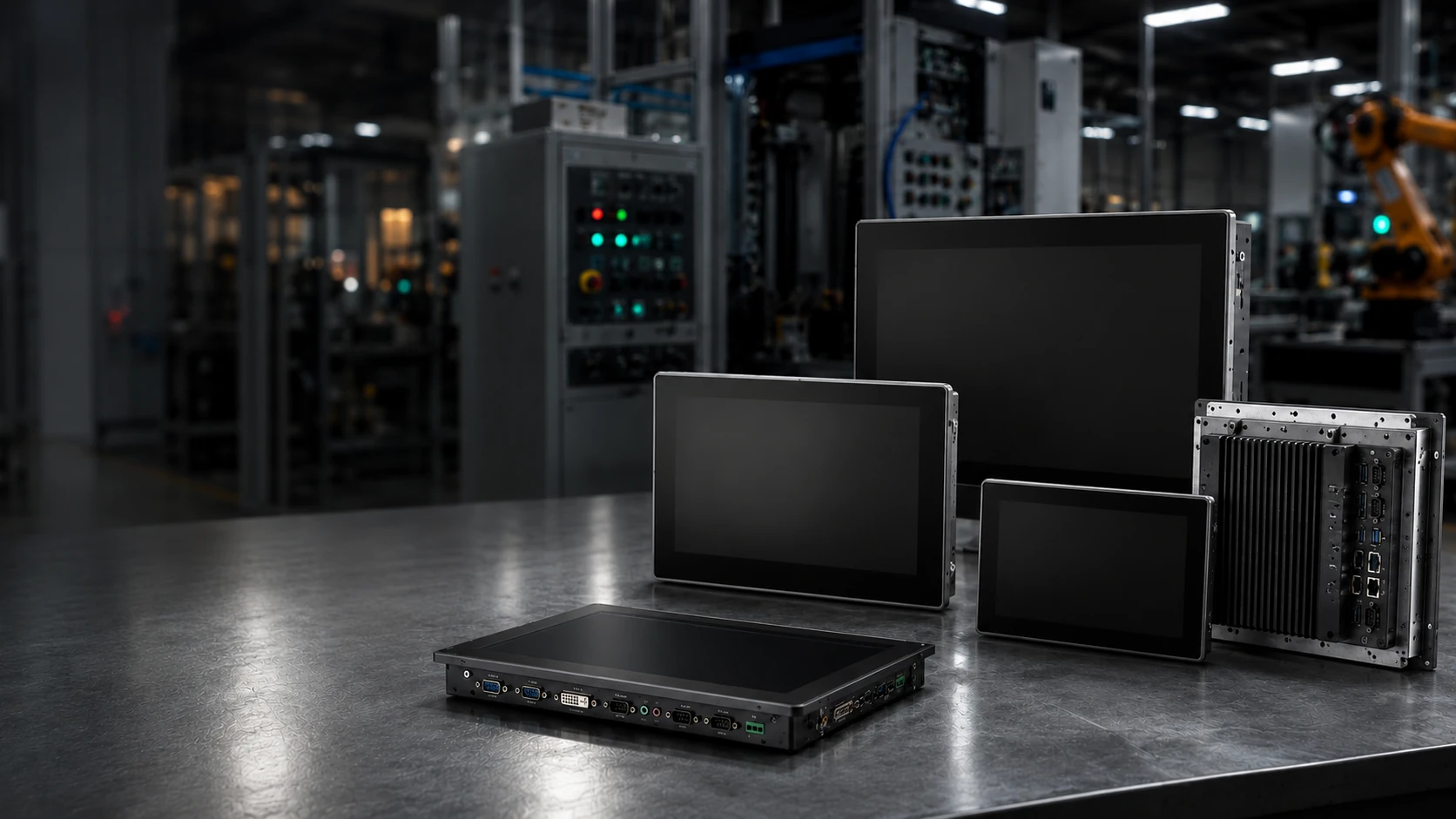
Industrial Monitors
for Factory and Equipment Integration
XFC offers industrial monitors and touchscreen displays for machine control, factory workstations, and equipment integration. Choose screen size, touch technology, mounting method, interface, and environmental setup for your needs.
Industrial Monitor Configurations
Industrial monitors can be configured according to mounting structure, touch technology, environmental conditions and equipment interface requirements. Choose a configuration based on how the monitor will be installed and operated.
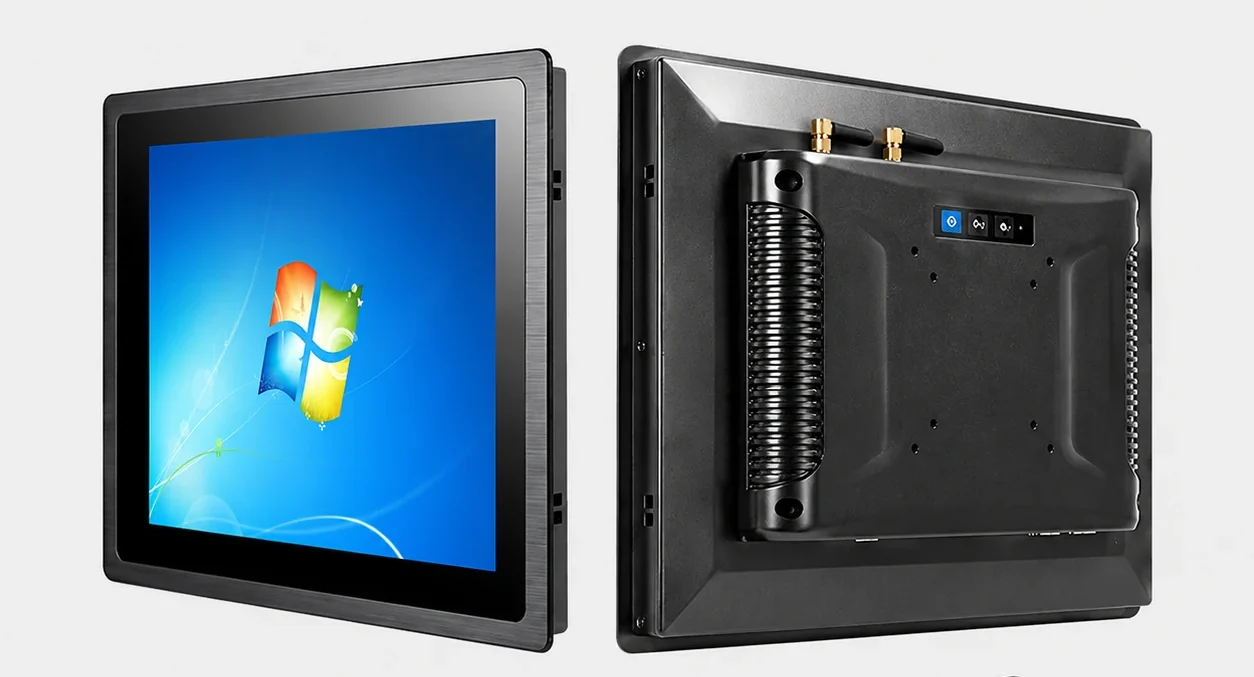
Industrial Touchscreen Monitors
Touch-enabled industrial displays for machine operation, control interfaces, factory terminals and interactive equipment. Available in capacitive and resistive formats.
Explore Touch Options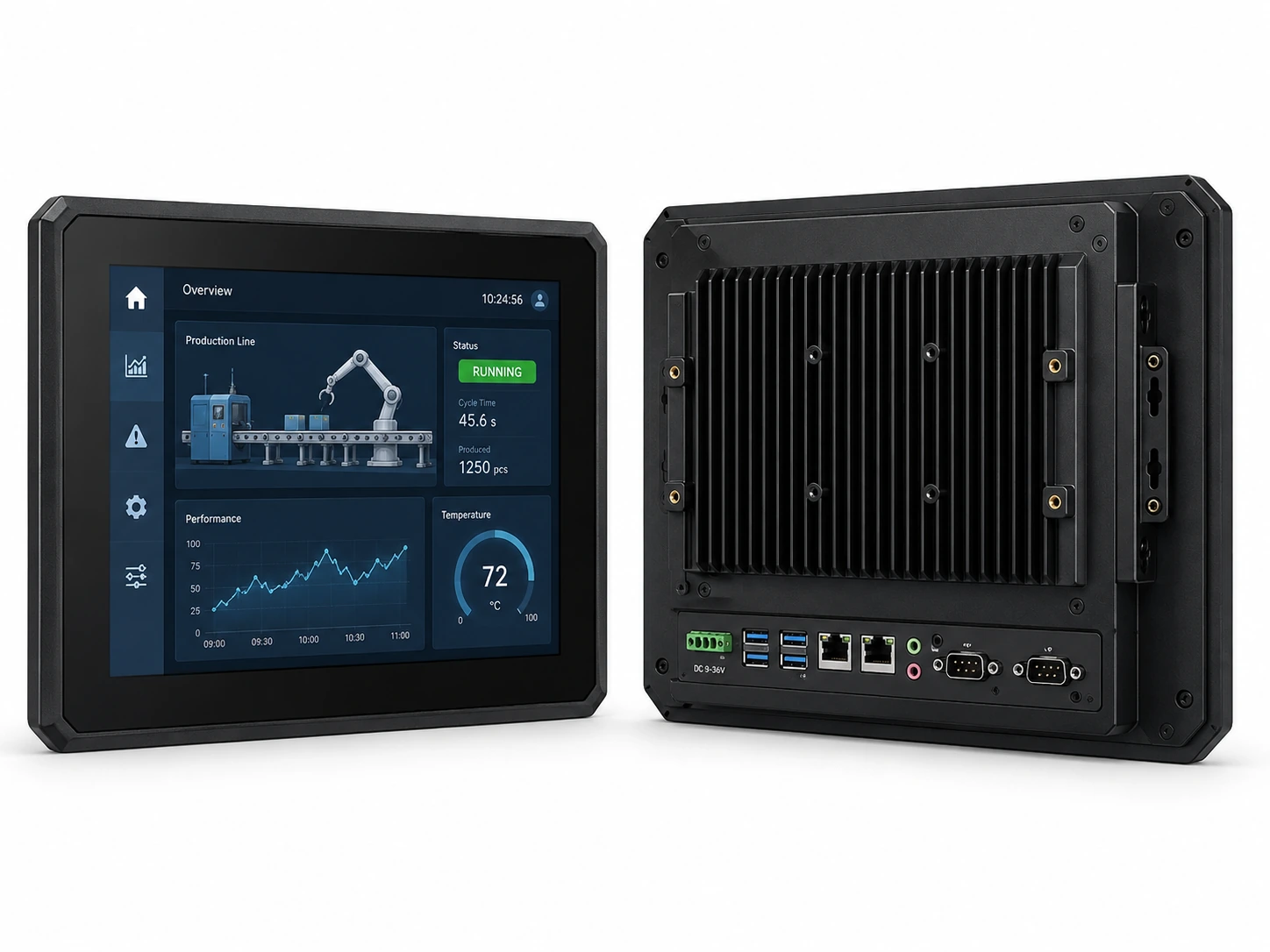
Panel Mount Industrial Monitors
Designed for integration into control cabinets, equipment panels and machine enclosures using a defined panel opening and mounting structure.
Check Panel Mount Options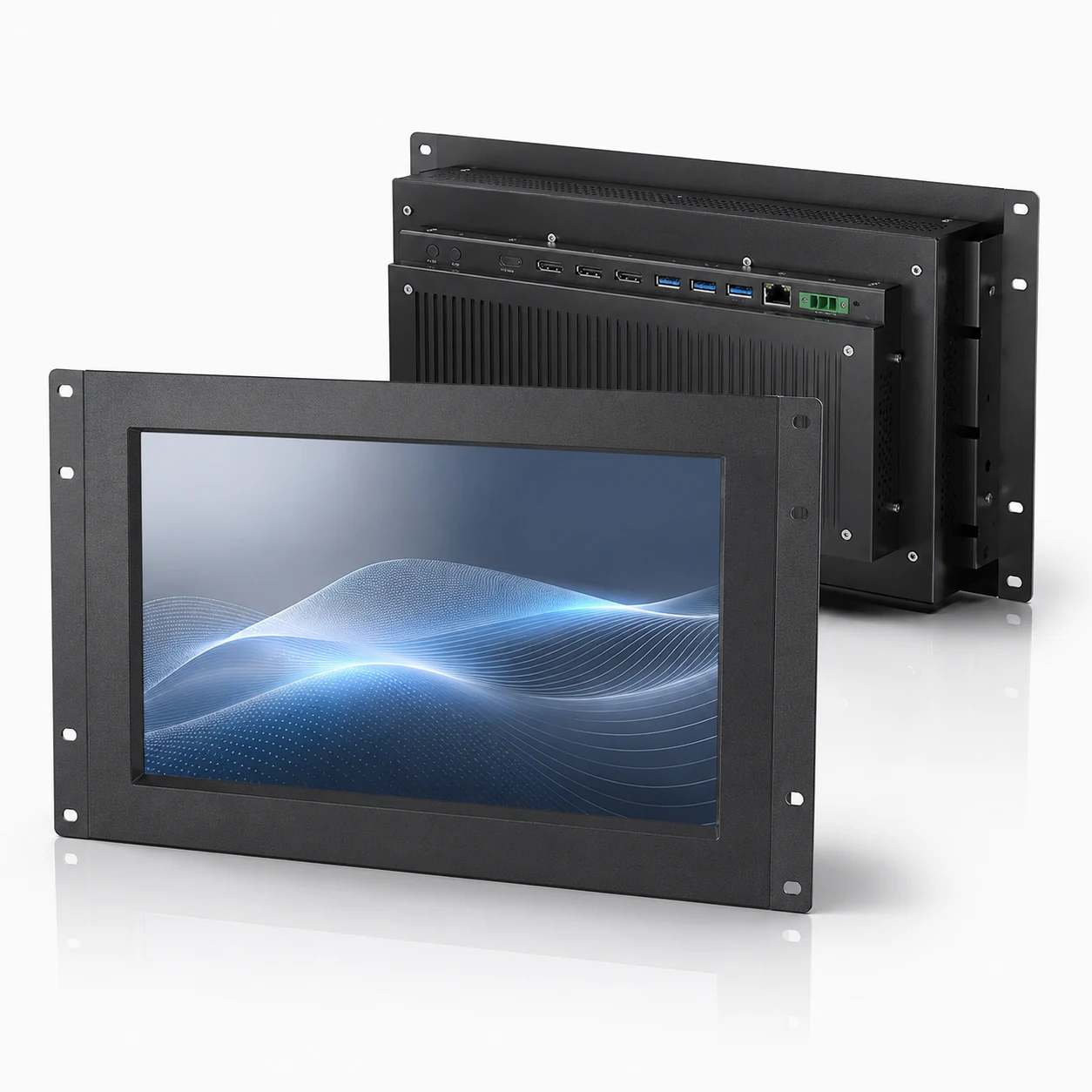
Open Frame Industrial Monitors
Open-frame monitor configurations for kiosks, equipment housings, embedded installations and OEM touch screen kiosk solutions.
Discuss Your Installation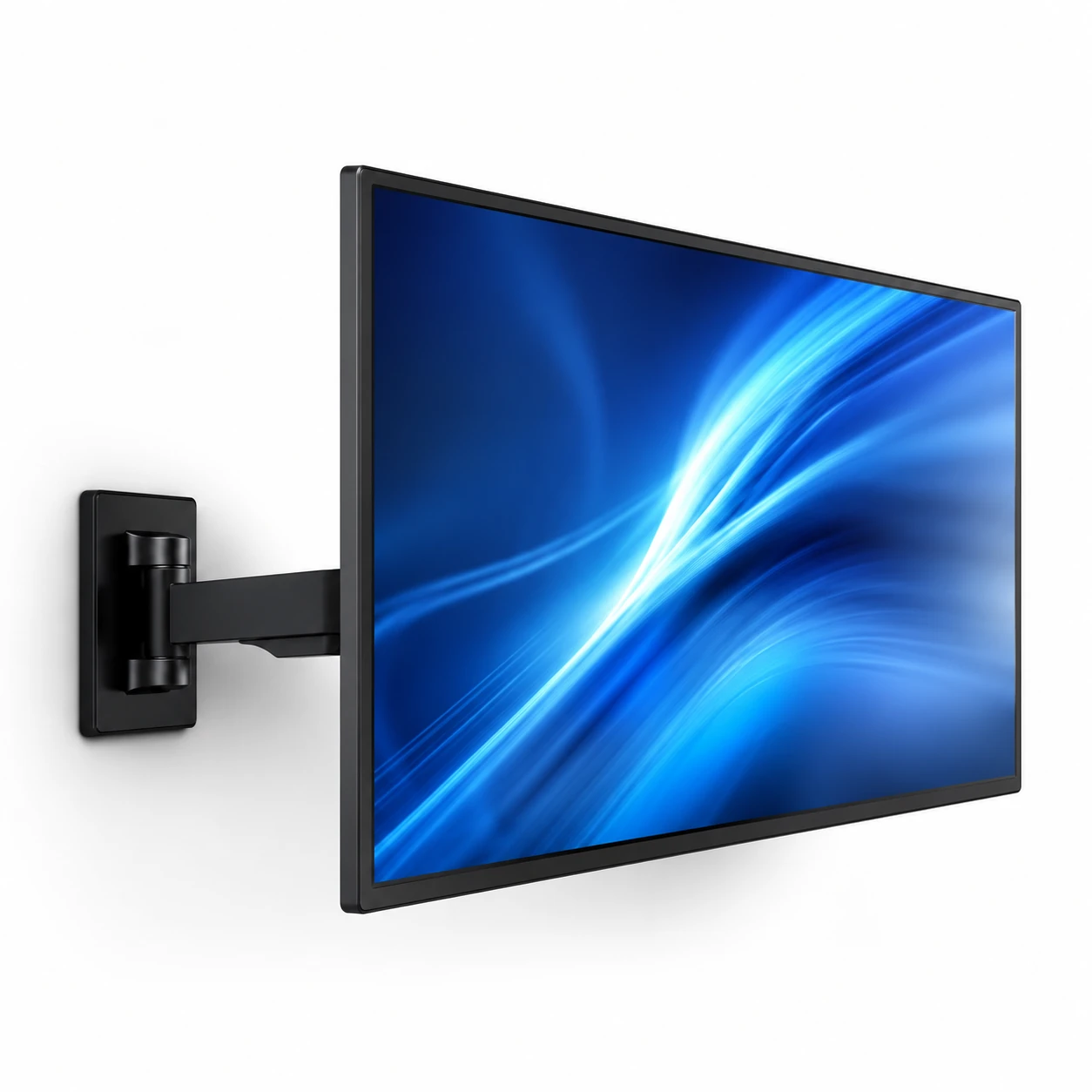
VESA & Wall Mount Monitors
Standard VESA mounting configurations for swing arms, wall brackets and desktop stands in factory workstations and control rooms.
View VESA ModelsCompare Industrial Monitor Models
Compare available XFC industrial monitor configurations by screen size, resolution, touch technology, mounting method, brightness, interface and environmental requirements.
| Configuration Base | Screen Size | Resolution | Touch Tech | Mounting | Video Inputs | Action |
|---|---|---|---|---|---|---|
| XFC-IM-101P | 10.1 inch | 1280x800 | PCAP Touch | Panel / VESA | HDMI, VGA | Request Specs |
| XFC-IM-156P | 15.6 inch | 1920x1080 | PCAP / Resistive | Panel / VESA | HDMI, VGA, DVI | Request Specs |
| XFC-IM-215O | 21.5 inch | 1920x1080 | PCAP Touch | Open Frame | HDMI, DP, VGA | Request Specs |
| Custom Size | 10.4" - 43" | Up to 4K | Optional | Custom | Configurable | Discuss Custom |
Can’t find the required configuration?
Send us your size, interface, mounting and environmental requirements for a tailored recommendation.
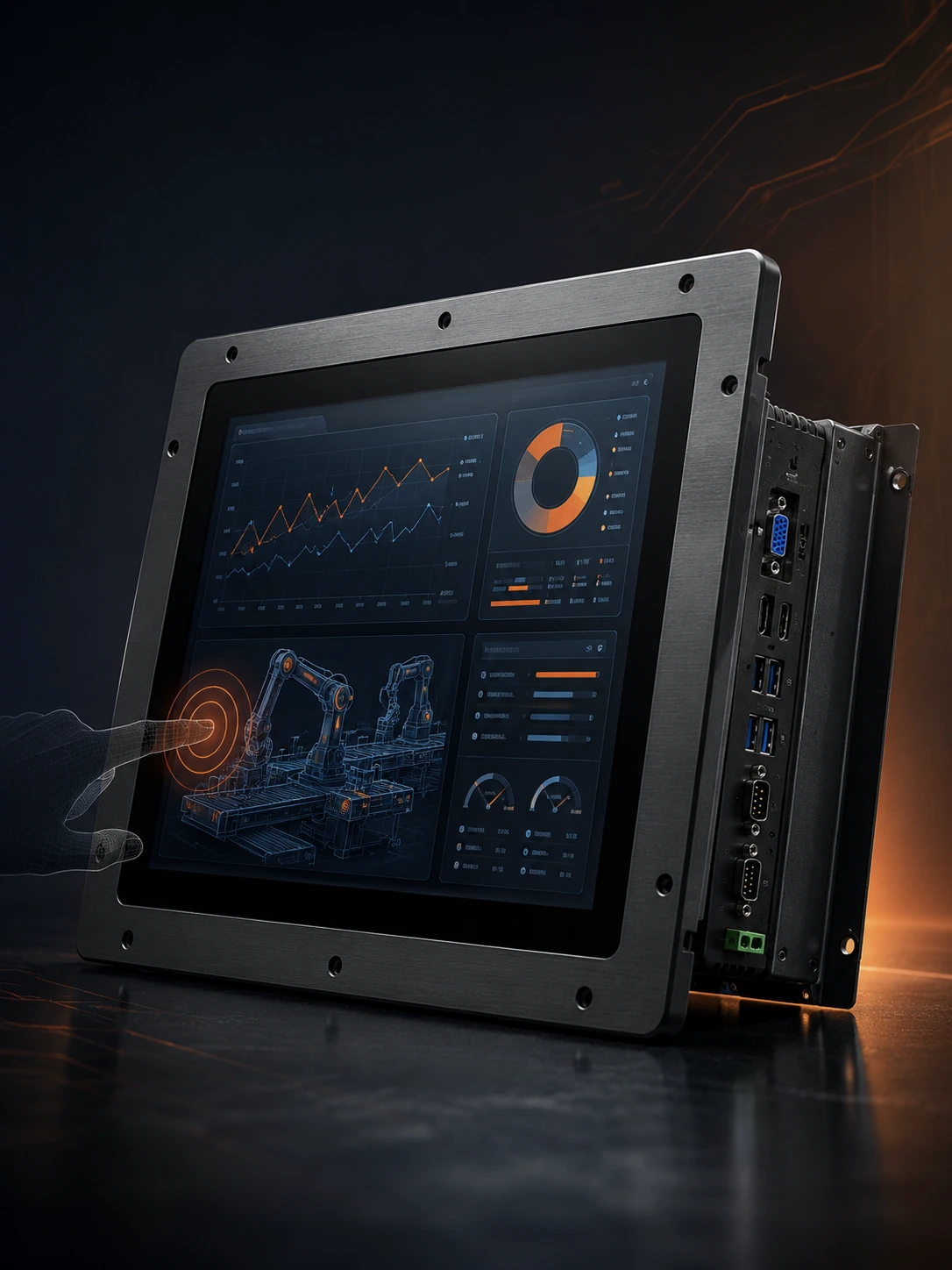
Key Features to Consider in an Industrial Monitor
Evaluate these core aspects to ensure the industrial LCD monitor meets your equipment integration and operational requirements.
Display Performance
Select the appropriate resolution, aspect ratio (4:3 or 16:9), viewing angle and brightness levels for clear visibility in your specific factory lighting conditions.
Touch Technology
Choose projected capacitive touch for multi-touch gestures, or resistive touch for pressure-based input and specific glove operation requirements.
Mechanical Integration
Verify panel mount cutout dimensions, open frame structures, VESA mount compatibility, and installation depth to ensure physical fit.
Interfaces and Compatibility
Match video inputs (HDMI, VGA, DVI, DisplayPort) and touch connections (USB touch, serial touch) with your existing industrial PC or PLC equipment.
Environmental Protection
Configure front panel protection against dust, moisture and washdown based on actual operating conditions. Wide temperature options available per model.
Lifecycle & Customization
Benefit from stable model availability, mechanical customization for legacy replacements, and comprehensive documentation support for project continuity.
Industrial Monitor vs Commercial Monitor
| Selection Factor | Industrial Monitor | Commercial Monitor |
|---|---|---|
| Installation | Designed for equipment or industrial mounting | Mainly desktop or consumer installation |
| Enclosure | Configured for industrial integration | Designed mainly for offices or homes |
| Touch Options | May support industrial PCAP or resistive touch | Usually consumer touch or non-touch |
| Connectivity | Selected around industrial equipment requirements | Focused on common computer use |
| Environmental Design | Can be configured for demanding conditions | Intended for controlled indoor environments |
| Lifecycle | Often selected for project continuity | Models may change more frequently |
| Engineering Documents | May include drawings and integration data | Usually limited mechanical documentation |
Choose an industrial monitor when the display will be installed in machinery, production equipment, control cabinets or other applications where mounting, touch input, interface stability and environmental conditions must be considered.
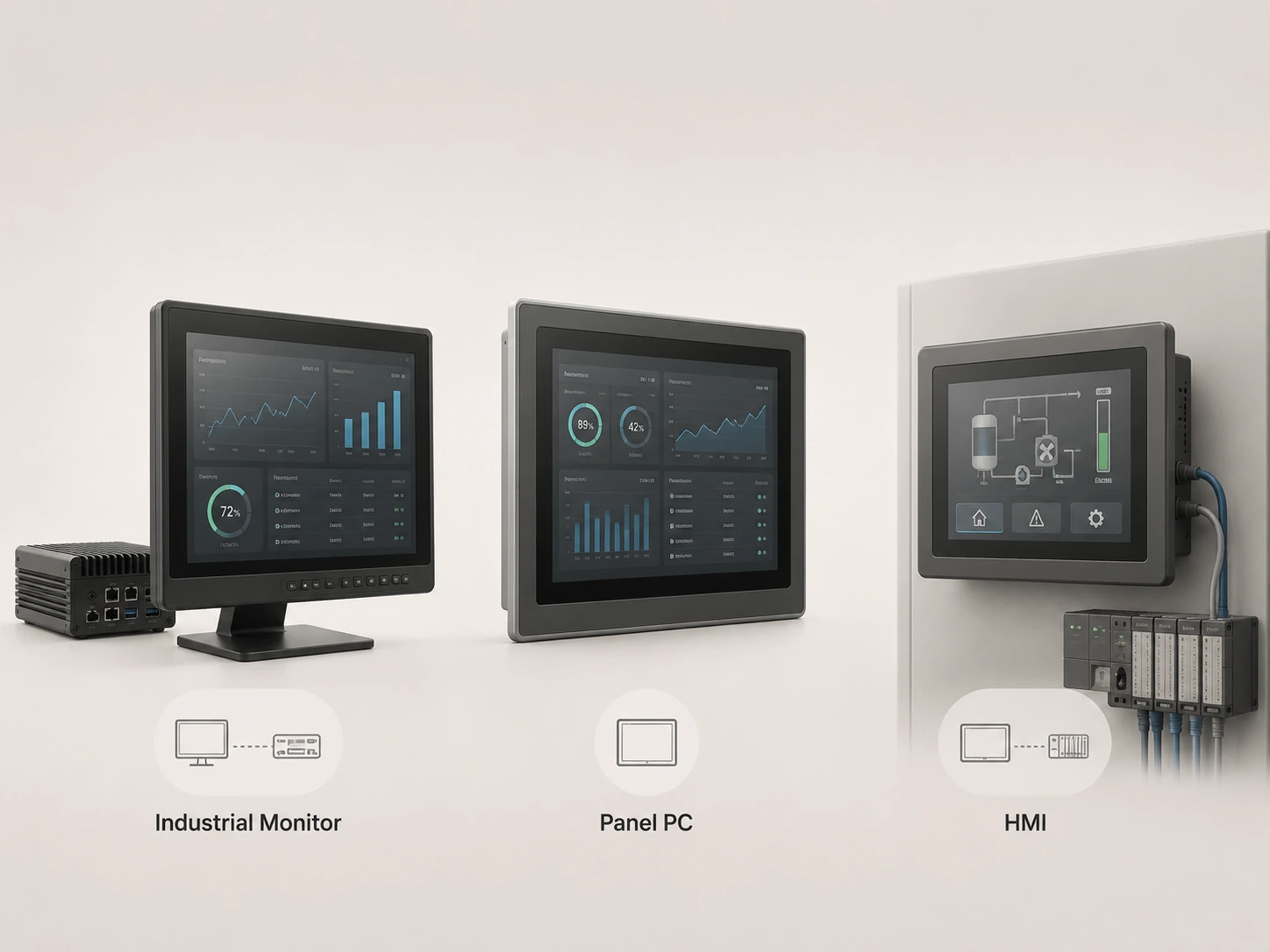
Industrial Monitor vs Panel PC vs HMI
| Product | Display | Touch | Built-in Computer | Typical Role |
|---|---|---|---|---|
| Industrial Monitor | Yes | Optional | No | Display and touch terminal for an external industrial computer monitor setup. |
| Panel PC | Yes | Usually | Yes | Integrated industrial computer and display. |
| HMI | Yes | Usually | Includes control interface | Machine operation and PLC interaction. |
For broader industrial display configurations, visit our industrial displays page.
PCAP vs Resistive Industrial Touchscreens
PCAP Touch
- Touch Method: Finger or compatible stylus.
- Multi-Touch: Commonly supported.
- Front Surface: Smooth glass appearance.
- Typical Use: Modern control interfaces and multi-touch operation.
- Selection Point: User experience and gesture control.
Resistive Touch
- Touch Method: Pressure-based input (heavy gloves, tools).
- Multi-Touch: Usually single-touch.
- Front Surface: Flexible touch layer.
- Typical Use: Applications requiring pressure input or extreme environments.
- Selection Point: Input method and specific operating conditions.
Not Sure Which Touchscreen to Choose?
What Is an Industrial Monitor?
An industrial monitor is a standalone display designed to connect with an industrial PC, box PC or control system. It provides visual output and optional touch input for machine control, factory workstations and equipment integration, but it does not normally include a built-in computing system.
Industrial Monitor
- Display and optional touch input
- Connects to an external computer
- Designed for equipment integration
Not a Panel PC
- No built-in processor, memory or storage
How to Choose an Industrial Monitor
Define the Installation Environment
Determine if it will be used indoors or outdoors, and identify exposure to dust, moisture, temperature extremes, vibration, or regular washdown requirements.
Confirm the Mounting Method
Select from Panel Mount, Open Frame, VESA, Wall Mount, or Rack Mount based on the equipment enclosure or workstation setup.
Select Screen Size & Resolution
Match the size to viewing distance and available panel space. Ensure resolution and aspect ratio fit your software interface and required information density.
Choose the Touch Technology
Decide between PCAP (multi-touch, glass), Resistive (pressure, gloves), or Non-Touch based on operator interaction needs.
Match the Interfaces
Verify required video inputs (HDMI, VGA, DP), touch connections (USB, RS-232), power input specs, and cable routing directions to match the existing industrial PC.
Verify Drawings & Compliance
Check overall dimensions, panel cutout, mounting depth, front protection ratings, operating temperatures, and request datasheets to ensure mechanical fit.
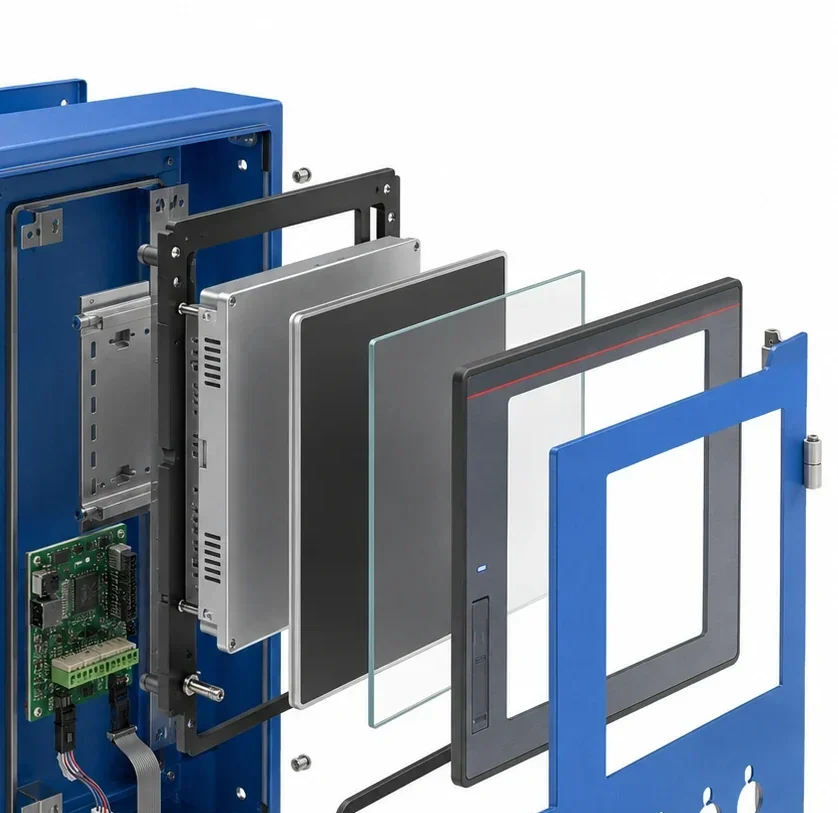
Industrial Touchscreen Control Panel Integration
Integrating an industrial panel mount monitor into a control cabinet requires precise mechanical and electrical planning. Ensure your enclosure design accounts for the following parameters:
- Panel cutout dimensions
- Mounting depth
- Panel thickness limits
- Cable access & clearance
- Power input routing
- Video & Touch connection
- Ventilation requirements
- Front sealing method
Industrial Monitor Applications
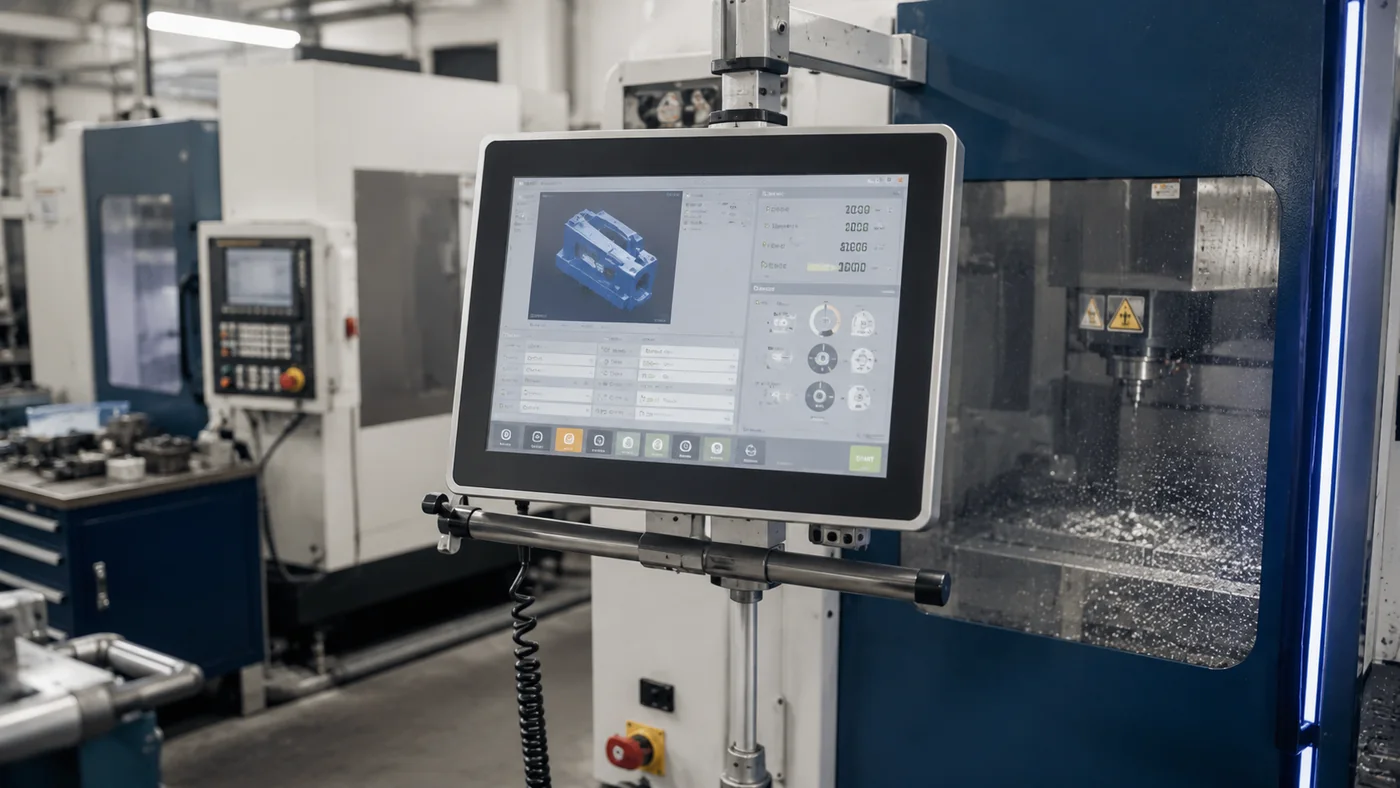
Machine & Equipment Control
Industrial automation monitor setups and machine control displays integrated directly into production machinery.
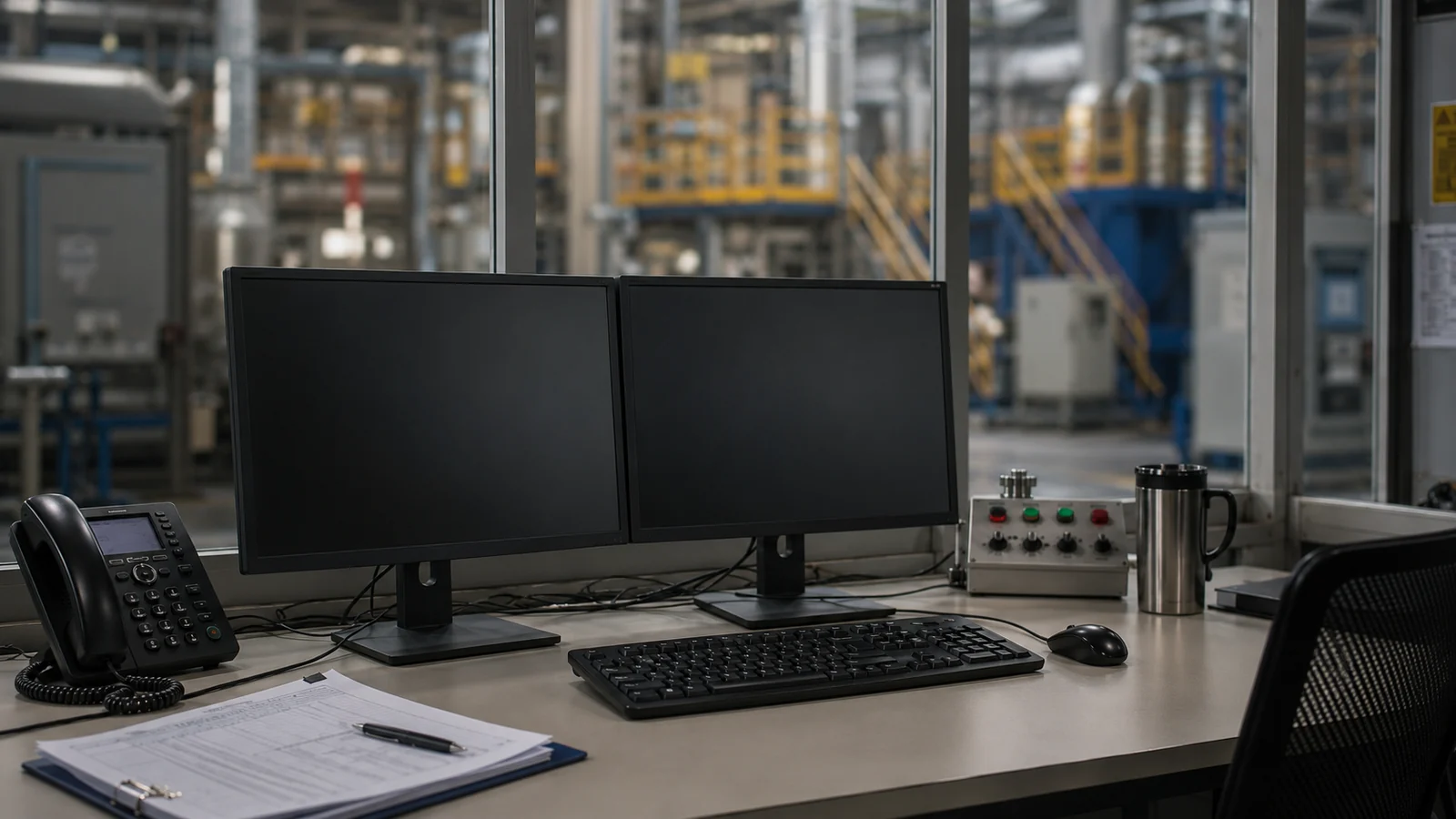
HMI & SCADA Workstations
Reliable touch terminals connected to industrial PCs for plant floor SCADA visualization and control.
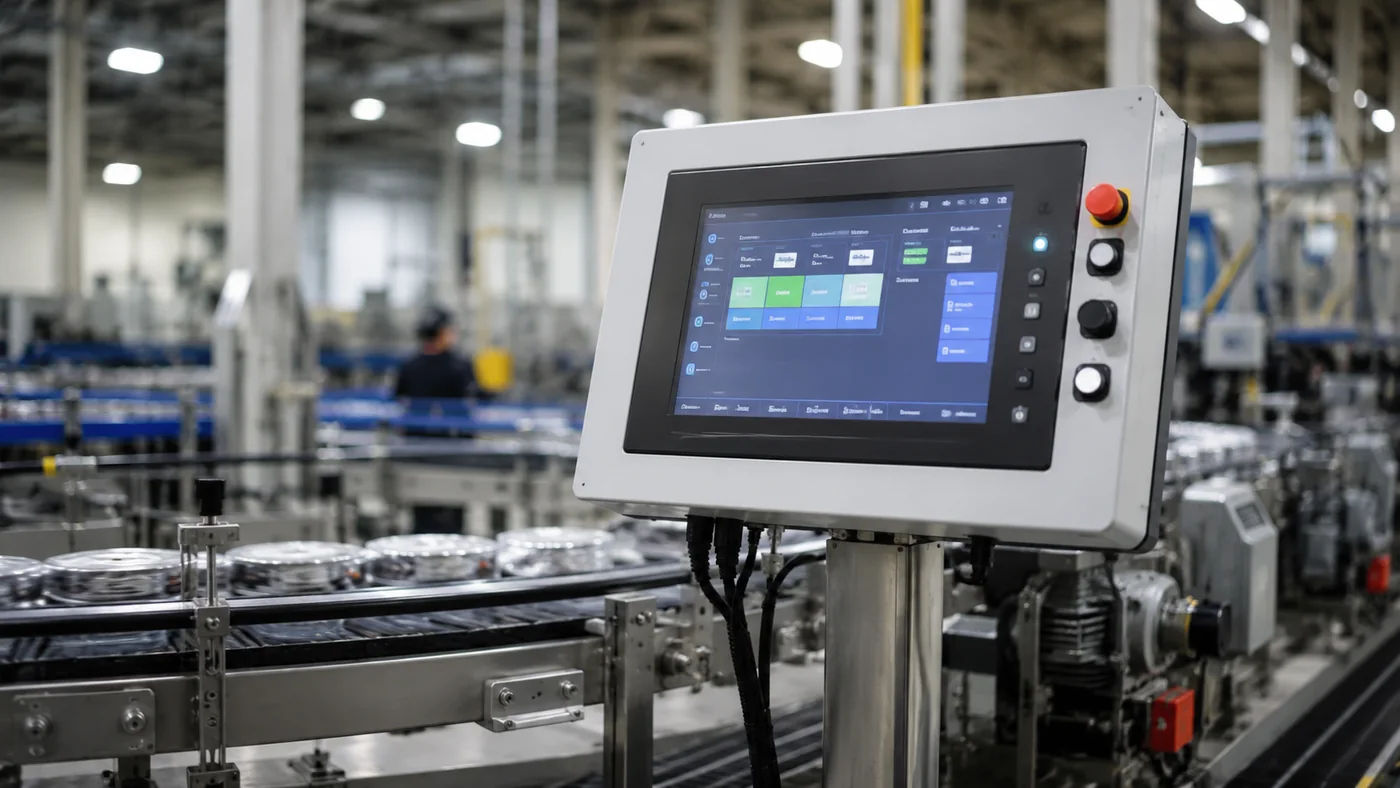
Factory Operator Terminals
Durable screens for viewing production data, inputting parameters and displaying equipment status.
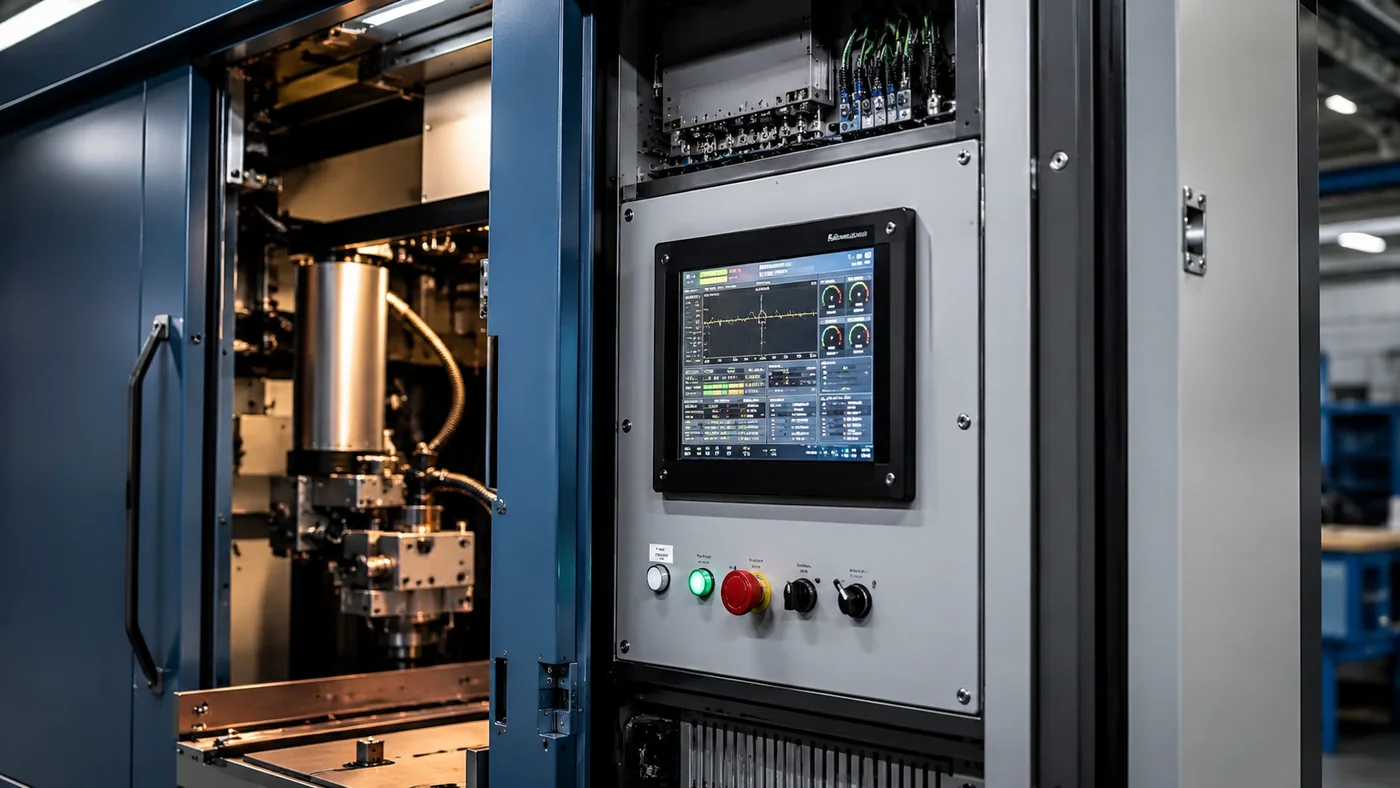
OEM Equipment Integration
Project-based configurations focusing on mechanical fit, interface matching and display customization for OEMs.
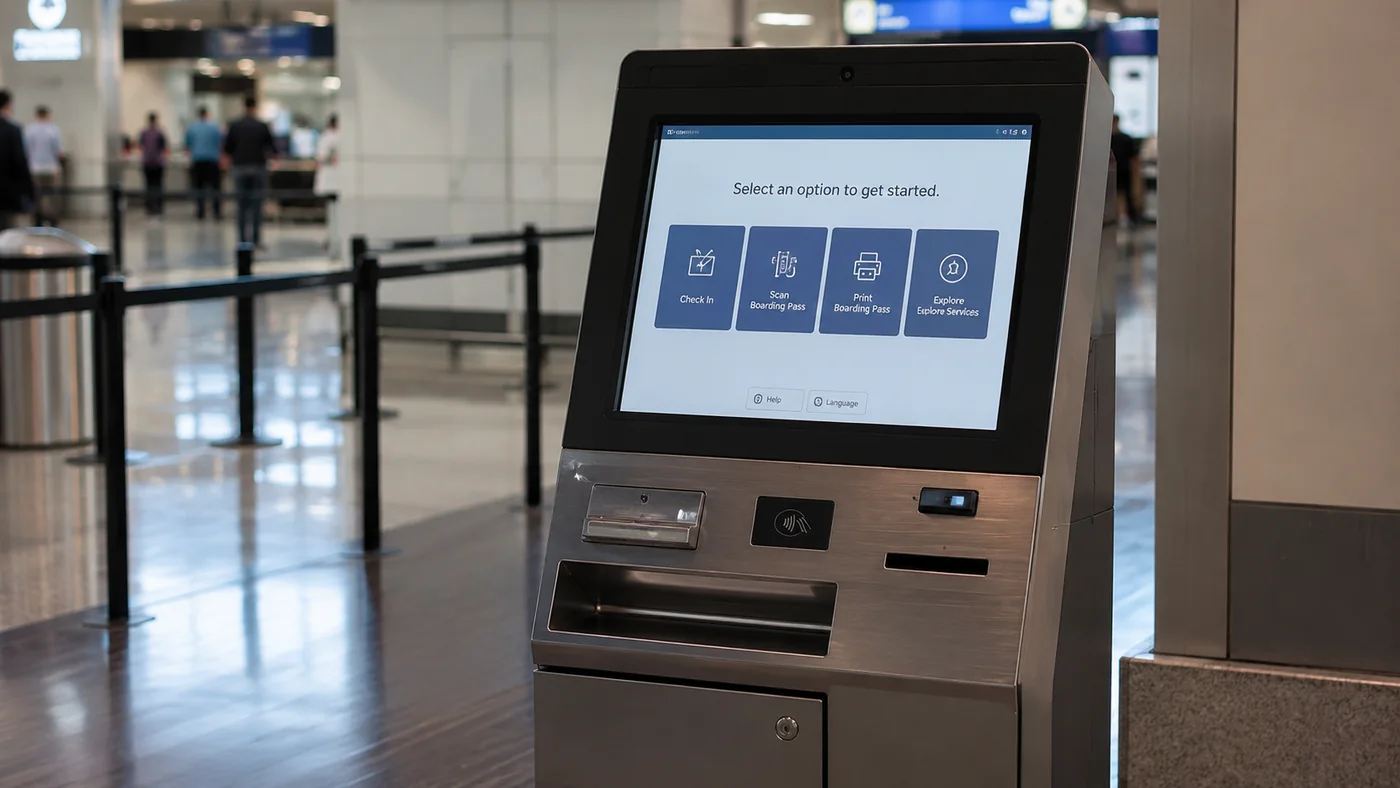
Self-Service & Industrial Kiosks
Open frame and panel mount monitors for custom touch screen kiosk solutions and ticketing systems.
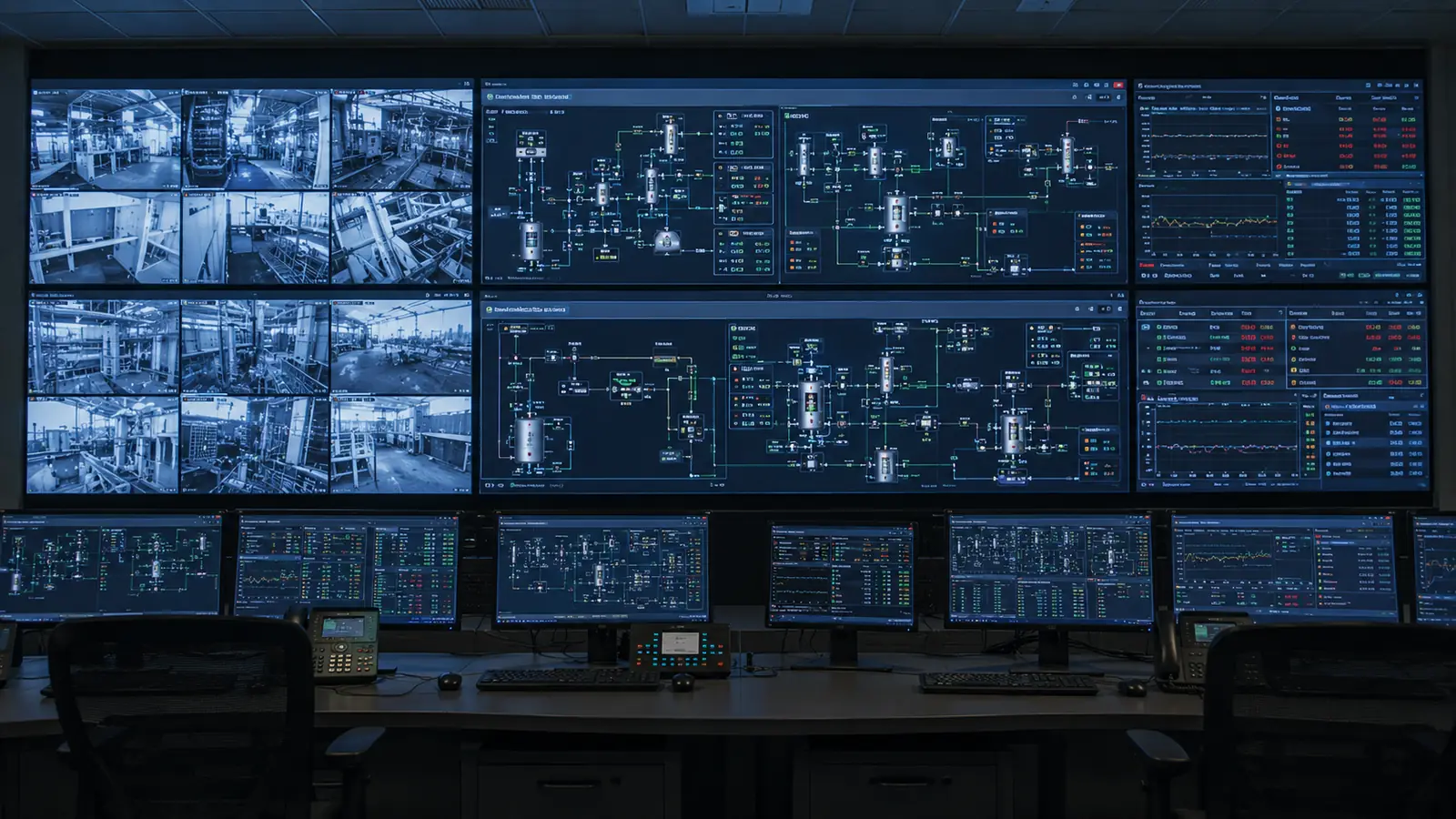
Control Rooms & Monitoring
High-resolution VESA mount display terminals for centralized process monitoring and facility control stations.
From Requirement Review to Production
Requirement Review
Model Matching
Drawing Confirmation
Sample Evaluation
Production & Delivery
Documentation for Industrial Monitor Integration
We provide necessary engineering documents to ensure smooth mechanical and electrical integration into your equipment.
Why Work with XFC for Industrial Monitor Projects?
Leverage our industrial display manufacturing capabilities to secure reliable hardware for your equipment.
Application-Based Model Selection
We recommend configurations based on your exact mounting, environment and interface needs.
Display and Touch Configuration
Support for custom brightness, PCAP or resistive touch, and specific resolution requirements.
Mechanical and Interface Review
Detailed drawing verification to ensure the monitor fits your control panel or enclosure.
OEM and ODM Project Support
Flexible MOQ from 1 piece and comprehensive customization for equipment manufacturers.
Industrial Monitor FAQs
Find answers to the most common questions about our industrial display solutions, integration, and customization capabilities.
What is the difference between an industrial monitor and a commercial monitor?
Does an industrial monitor include a built-in computer?
What is the difference between an industrial monitor and a panel PC?
An industrial monitor provides display output and optional touch input but normally does not include a complete computer. A panel PC combines a display, touchscreen and computing hardware in one unit. Industrial monitors are suitable when the computer must be installed separately, replaced independently or located away from the operator panel. Panel PCs are useful when a compact all-in-one computing solution is required. XFC can help determine which product structure is more suitable for your application.
Learn more about related industrial display solutions.What is the difference between an industrial monitor and an HMI?
Which touchscreen technology is better for industrial monitors?
Can XFC industrial monitors be supplied without a touchscreen?
What screen sizes are available for industrial monitors?
How do I choose the correct resolution and aspect ratio?
What mounting methods are available for industrial monitors?
What is a panel-mount industrial monitor?
What is an open-frame industrial monitor?
An open-frame industrial monitor is designed for integration inside a kiosk, machine housing, control console or custom OEM enclosure. It generally provides a mounting frame without a conventional desktop stand or finished external housing. Open-frame construction gives equipment manufacturers greater flexibility in mechanical design, but the installation drawing, mounting points, ventilation, touch-glass position and cable access must be carefully confirmed.
Explore related touch screen kiosk solutions.Which video inputs are available for industrial monitors?
Can an industrial monitor connect to an existing industrial PC?
Are industrial touchscreen monitors compatible with Windows, Linux or Android?
How do I choose an industrial monitor for outdoor use?
What brightness is required for an industrial monitor?
What IP rating should an industrial monitor have?
Can industrial monitors be used with gloves or in wet conditions?
Can XFC customize an industrial monitor?
What information is required for a custom industrial monitor quotation?
For accurate model selection and quotation, provide:
- Required screen size and resolution
- Touch or non-touch requirement
- PCAP or resistive touch preference
- Mounting method
- Video and touch interfaces
- Brightness and viewing environment
- Protection and operating-temperature requirements
- Estimated order quantity
- Project schedule
- Mechanical drawings or available installation space
The more complete the information, the faster XFC can identify a suitable configuration.
Can I send a drawing for installation review?
Yes. You can send panel drawings, enclosure drawings, installation photographs or interface diagrams for preliminary review. Useful formats include PDF, DWG, DXF, STEP, JPG and PNG. XFC can check the available panel opening, mounting depth, connector clearance, cable direction and installation structure against the selected monitor. Final installation responsibility should still be confirmed through approved drawings and sample testing.
Can I order a sample before bulk production?
What documents can XFC provide for industrial monitor integration?
Are XFC industrial monitors suitable for continuous operation?
What industries use industrial monitors?
How long is the lead time for industrial monitors?
What factors affect the price of an industrial monitor?
How do I select the best industrial monitor for manufacturing equipment?
How can I request an industrial monitor recommendation from XFC?
Get an Industrial Monitor Recommendation
Tell us your application, installation method and technical requirements. XFC will review your project and recommend a suitable industrial monitor configuration.
What You'll Receive
- Recommended monitor configuration
- Available size and touch options
- Interface and mounting review
- Quotation and technical documents
Need a Faster Technical Discussion?
Send your application, drawing or specifications directly to an XFC engineer.
Chat with an Engineer