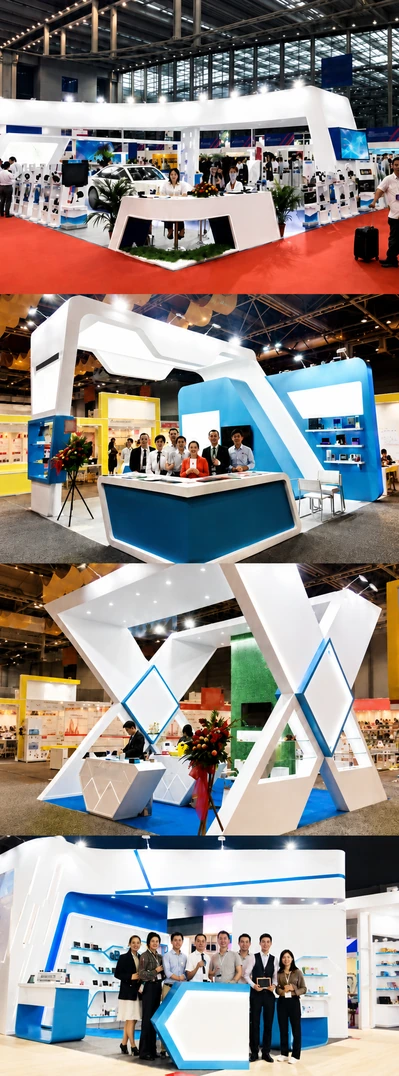

Portable Display Direction · Open-Frame Integration · Metal Housing Review · Touch and Interface Coordination
OLED Touchscreen Monitor Development with a Custom Display Manufacturer
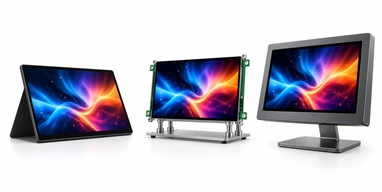
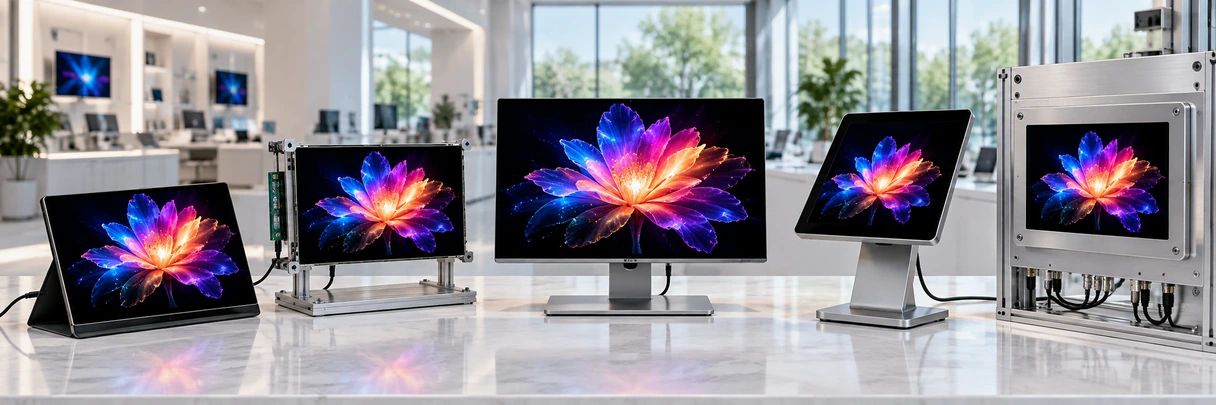
Evaluate a portable, open-frame or metal-housed OLED touch display around the required panel, host system, touch interface, enclosure and operating profile. Lucky XFC reviews OLED projects individually because panel availability and final specifications depend on the selected source and application.
OLED touchscreen monitors are reviewed as project-specific developments rather than a standard stocked Lucky XFC product series.
OLED Touchscreen Monitor Project Scope at a Glance
Use the following project fields to determine whether a suitable OLED touch display can be developed.
OLED Panel Source
Confirm the required size, resolution, availability and product-life expectations.
Portable Product Direction
Review a compact external display with a stand, housing and host connection.
Open-Frame Integration
Evaluate an OLED module and touch assembly for installation inside custom equipment.
Metal-Housed Monitor Review
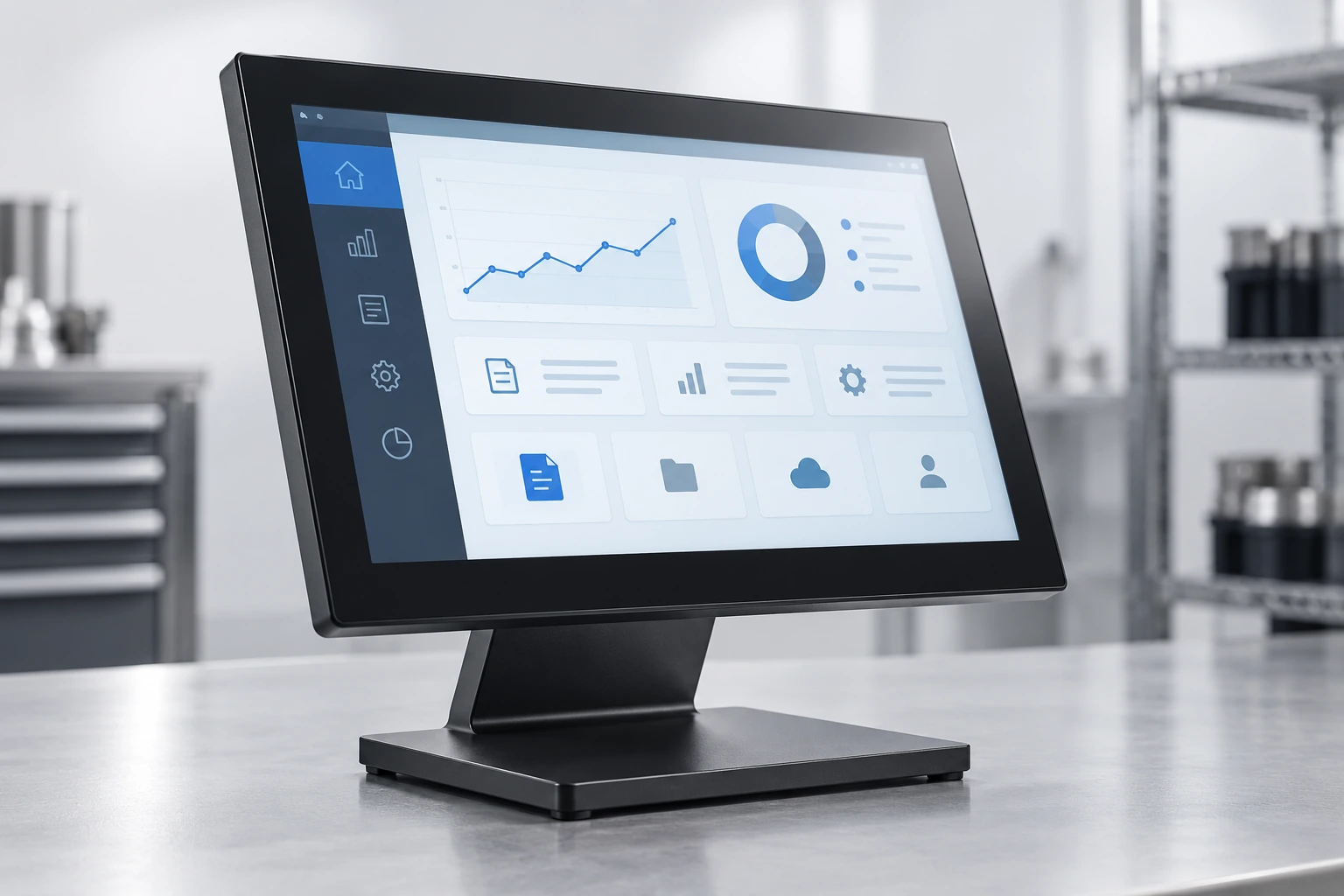
Coordinate the panel, touch surface, controller, housing and mounting as a finished external display.
Touch and Host Compatibility
Define video, touch data, power, operating system and required gestures.
Operating-Profile Review
Document static content, daily operating hours, brightness and image-retention risk before approving OLED.
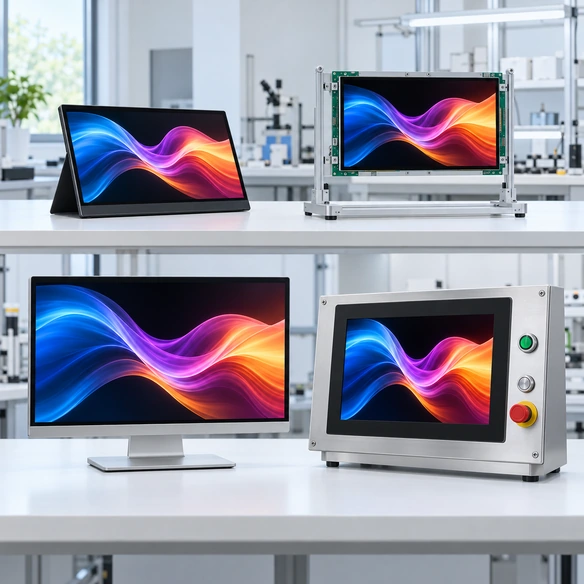
OLED Touchscreen Monitor Product Paths

Portable OLED Touchscreen Monitor
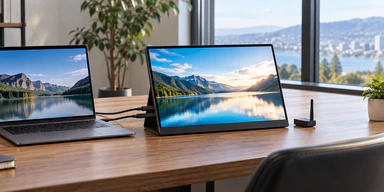
A compact external display direction for mobile workstations, creative workflows and equipment diagnostics. The panel, housing, stand, USB-C functions and HDMI connection require project validation.
Selection cues:
- Target screen size.
- Resolution and refresh rate.
- Host computer.
- USB-C video, data and power.
- HDMI fallback.
- Daily operating profile.
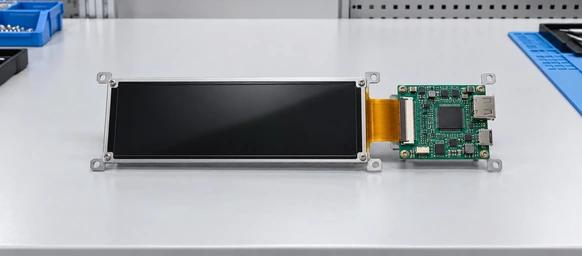
Open-Frame OLED Touchscreen Display
An OLED panel, touch sensor and controller integrated into the customer’s equipment or enclosure.
Selection cues:
- Active display area.
- Panel outline.
- Touch structure.
- Mounting points.
- Controller-board space.
- Thermal and service access.
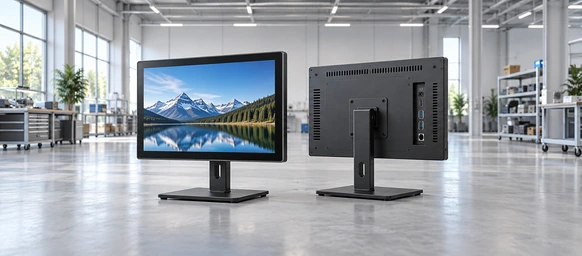
Metal-Housed OLED Touchscreen Monitor
A finished external monitor direction combining an OLED panel, touch surface, control electronics and project-specific metal housing.
Selection cues:
- Desktop or VESA use.
- Housing dimensions.
- Interface location.
- Controls and speakers.
- Cable direction.
- Static-content risk.

Custom OLED Touch Display for Equipment Integration
A development path built around a specified OLED panel or detailed product requirement.
Selection cues:
- Panel part number.
- Forecast quantity.
- Product-life requirement.
- Touch input.
- Host architecture.
- Mechanical drawing.

OLED Panel Availability Review
The display specification begins with an available panel and documented supply path.
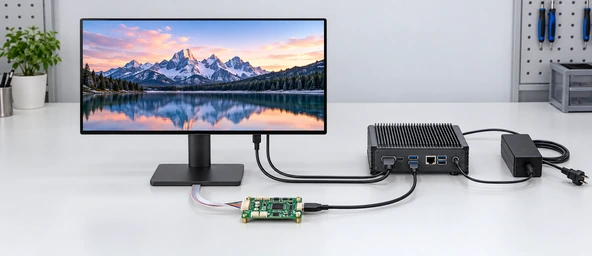
Display, Touch and Host Coordination
Video, touch data and power must work together with the actual deployment host.
What Is an OLED Touchscreen Monitor?
An OLED touchscreen monitor combines a self-emissive OLED display with a touch sensor, touch controller, display electronics and mechanical structure. Unlike an LCD, which uses a separate backlight, each OLED pixel generates its own light.
This can provide:
- Deep black levels.
- High image contrast.
- Fast pixel response.
- Thin display construction.
- Strong visual impact in suitable applications.
The complete monitor also requires:
- A compatible OLED panel.
- A touch sensor and controller.
- Video-input electronics.
- Touch-data connection.
- Power management.
- Housing or integration structure.
- Thermal and image-retention planning.
- Host and operating-system validation.
OLED is not automatically the best choice for every touchscreen project. Static interfaces, long operating hours, maximum brightness and long-term panel availability must be considered before selection.
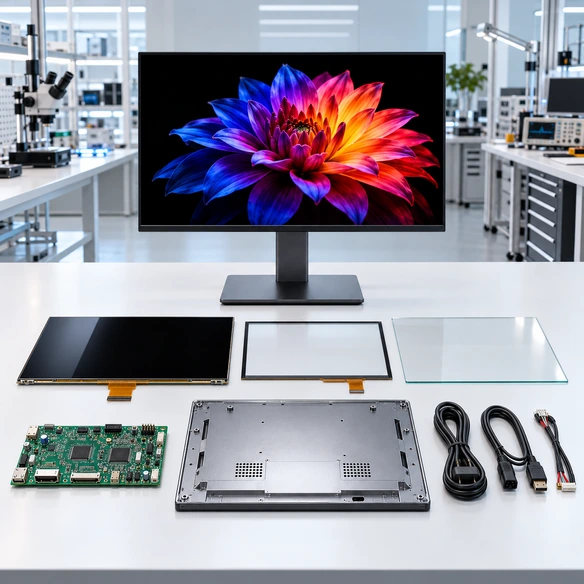
OLED Touchscreen Monitor Development Risks to Review
The required OLED panel is not available for the project lifetime.
OLED panel availability may be narrower than common LCD supply. Confirm the panel source, forecast quantity and replacement strategy.
The application displays static controls for long periods.
Persistent menus, logos, status bars and fixed buttons can increase image-retention or differential-aging risk.
A consumer OLED specification is copied into industrial equipment.
Portable consumer products and embedded equipment have different mechanical, thermal, service and supply requirements.
USB-C is assumed to provide every function.
Video, touch data and power work through one cable only when both the host and selected monitor support the required USB-C functions.
Touch integration changes the optical result.
Cover glass, touch sensor, bonding or air gaps can influence reflection, thickness and perceived image quality.
Maximum brightness is used continuously.
Brightness, content, operating hours and temperature can affect power, heat and OLED aging.
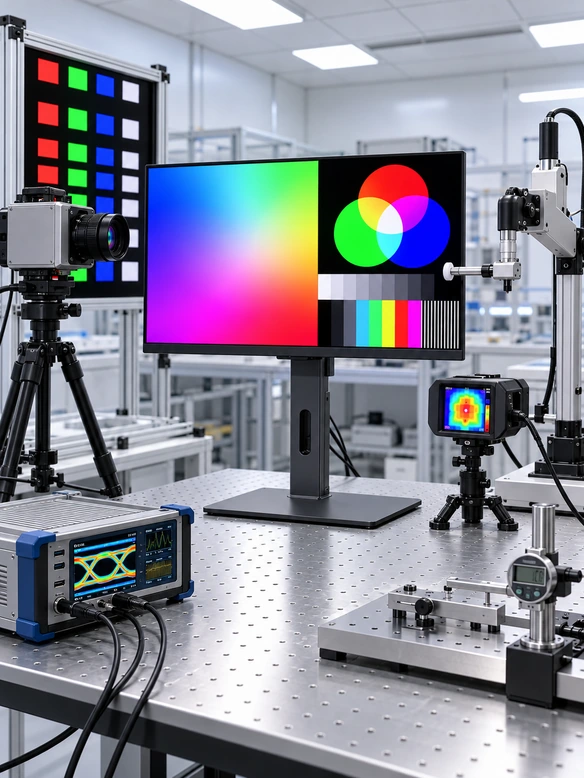
OLED Touchscreen Monitor System Architecture
A complete OLED touch monitor coordinates the following layers:
- Cover Glass — protects the touch surface and influences reflection and thickness.
- Touch Sensor — provides the required finger or stylus input direction.
- Optical Integration — coordinates bonding, air gap and visible image quality.
- OLED Panel — defines size, resolution, refresh rate, brightness and pixel behavior.
- Display Controller — receives USB-C, HDMI or another approved video signal.
- Touch Controller — returns touch coordinates to the host.
- Power System — supplies the panel, touch controller and display electronics.
- Housing or Open-Frame Structure — provides mounting, protection and service access.
- External Host — runs the operating system and application unless an integrated computer is separately specified.
- Content and Duty Cycle — influence OLED image-retention and aging risk.
The panel, controller, touch stack, host and operating profile must be reviewed as one system.
OLED Touchscreen Monitor Feasibility Matrix
The following fields must be confirmed before an OLED monitor can be quoted as a defined product.
| Project Field | Required Information | Approval Basis |
|---|---|---|
| OLED panel | Size, part number, active area and supplier | Verified panel datasheet and availability |
| Resolution | Required native resolution and host output | Panel and controller compatibility |
| Refresh rate | Application requirement | Panel, controller, interface and host |
| Touch | Touch points, input method and gestures | Touch sensor and controller specification |
| Brightness | Typical and required operating level | Panel datasheet and operating profile |
| Interfaces | USB-C, HDMI or other approved inputs | Controller and host validation |
| Power | Adapter or USB-C power arrangement | Complete system power requirement |
| Mechanical structure | Portable, open-frame or metal housing | Approved drawing |
| Operating profile | Daily hours and static-content ratio | OLED risk review |
| Supply plan | Sample, forecast and replacement requirement | Panel supplier confirmation |
Supporting note: No value in this matrix should be replaced with a competitor specification. The final OLED product definition must come from the selected panel, controller and approved project documents.
OLED vs LCD Touchscreen Monitor Selection
| Selection Factor | OLED Direction | LCD Direction |
|---|---|---|
| Light generation | Self-emissive pixels | Separate backlight |
| Black level | Can provide deep blacks | Depends on LCD and backlight design |
| Contrast | Strong contrast potential | Depends on panel technology |
| Pixel response | Fast response potential | Model dependent |
| Static-content risk | Requires image-retention and aging review | Generally more tolerant of static interfaces |
| Panel availability | May be limited by size and supplier | Broader established supply in many sizes |
| Long product lifecycle | Requires careful supply planning | Often easier to source for industrial projects |
| Brightness and outdoor use | Must be assessed by selected panel | High-brightness industrial LCD options may be more practical |
| Best-fit direction | Premium visual, portable and selected interactive applications | Industrial, kiosk and long-duration static interfaces |
Choose OLED when its contrast, black level, thin construction or response characteristics materially improve the application. Choose LCD when long static operation, broad size availability, high-brightness requirements or product-lifecycle stability are more important.
OLED Touchscreen Monitor Burn-In and Image-Retention Planning
OLED displays require an operating-profile review because individual pixels can age differently when the same content remains on screen for long periods.
Review:
- Daily operating hours.
- Percentage of static and moving content.
- Fixed logos.
- Navigation bars.
- Status indicators.
- Repeated control buttons.
- Maximum brightness duration.
- Screen-saver strategy.
- Pixel-shift or panel-protection functions.
- Automatic brightness reduction.
- Scheduled display-off periods.
- Application theme and content rotation.
- Required product lifetime.
OLED burn-in risk cannot be eliminated through marketing language. The application and operating policy should reduce unnecessary static exposure, and the selected panel’s documented protection functions should be reviewed.

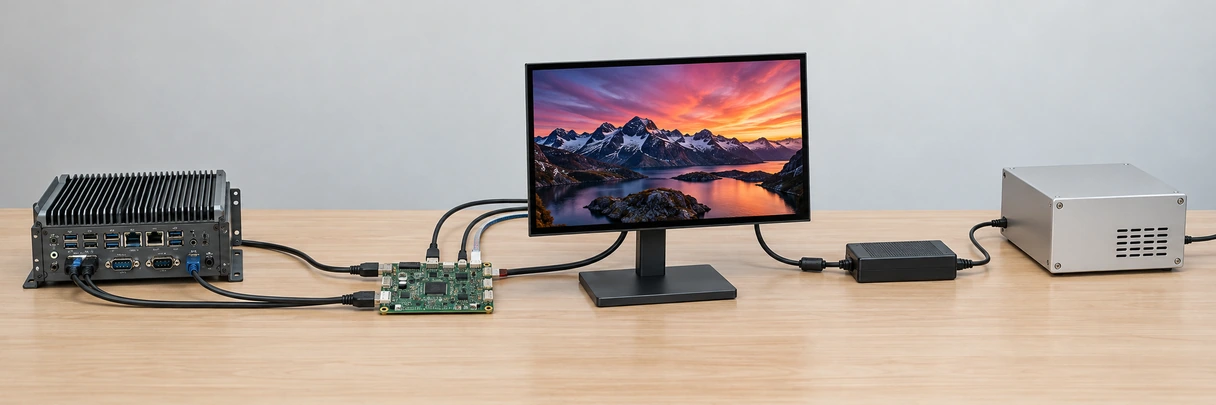
OLED Touchscreen Monitor Interface and Host Compatibility
A working OLED touch monitor may require separate paths for video, touch data and power.
Full-Featured USB-C
A one-cable connection is possible only when the host and monitor both support the required video, USB data and power functions.
USB-C Video and Touch with External Power
Some configurations may use USB-C for video and touch while a separate power source supplies the display.
HDMI Plus USB Touch
HDMI can carry the image while a separate USB connection returns touch data to the host.
Host Validation
Confirm:
- Computer or device model.
- Operating system.
- Video output.
- Required resolution & refresh rate.
- USB-C DisplayPort Alt Mode.
- USB data support.
- Available power.
- HDMI format.
- Adapter or dock use.
- Touch mapping.
- Startup & reconnection behavior.
Do not promise touch support on macOS, Android, gaming hardware or handheld devices without testing the selected controller and operating-system version.
OLED Touchscreen Monitor Application Directions
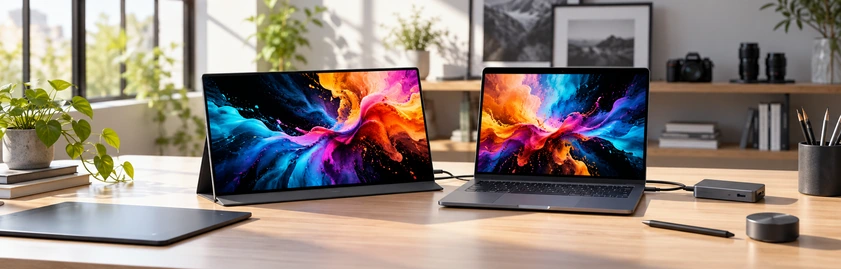
Portable Creative Workstations
Review OLED when contrast, black levels, compact size and touch interaction support an image-focused mobile workflow.

Mobile Equipment Diagnostics
A portable OLED display can be evaluated for diagnostic or service equipment when host compatibility and operating conditions are defined.
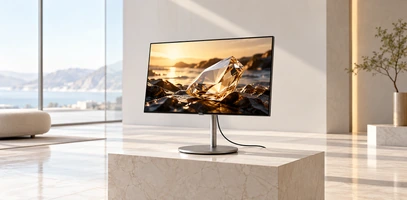
Premium Product Demonstrations
Use an OLED touch display direction when high visual contrast materially improves interactive product presentation.
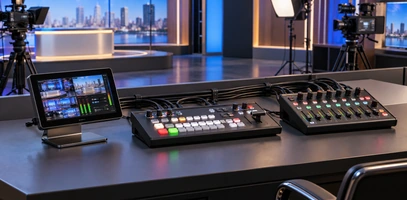
Compact Media Control
Evaluate OLED for touch-based preview or control interfaces with dynamic content and a defined operating schedule.

Custom Instrument Interfaces
Review an open-frame OLED module for equipment that requires a compact, high-contrast user interface.
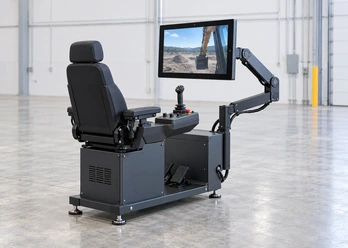
Specialized Interactive Equipment
Develop around a specified OLED panel when the project has a clear visual requirement and sufficient volume for engineering review.
OLED Touchscreen Monitor Development Scenario
Representative Portable Diagnostic Display Planning Example
An equipment developer is considering a compact OLED touchscreen for a mobile diagnostic workstation. The request begins with screen size and image quality, but successful development also depends on panel availability, host output, touch data, power, housing and the application’s static interface.
A practical review process would:
- Define the required size, resolution and viewing workflow.
- Review available OLED panel sources.
- Document video, touch-data and power paths.
- Check the host’s USB-C and HDMI capabilities.
- Review the percentage of static content and daily operating time.
- Design the housing, stand and cable arrangement.
- Build and test a sample with the deployment host.
- Confirm the panel supply plan before production approval.
This is a representative development scenario, not a named customer case or a claim that Lucky XFC has completed an identical OLED project.


Custom OLED Touchscreen Monitor Options
Subject to panel and engineering feasibility, Lucky XFC can review:
- ✓ OLED Panel: size, resolution, refresh rate and supplier.
- ✓ Touch: capacitive touch, touch points and required gestures.
- ✓ Cover Glass: outline, thickness, border printing and surface treatment.
- ✓ Optical Structure: air-gap or bonding direction where supported.
- ✓ Interfaces: USB-C, HDMI, touch data and power.
- ✓ Housing: portable enclosure, metal housing or open-frame structure.
- ✓ Mounting: stand, VESA, internal brackets or equipment integration.
- ✓ Controls: buttons, OSD and approved status indicators.
- ✓ Audio: speaker requirements where technically supported.
- ✓ Cables: connector type, length and direction.
- ✓ Branding: logo, labels and packaging.
- ✓ Content Protection: screen-saver, dimming and usage guidance according to the selected panel.
- ✓ System Review: host, operating system, application and duty cycle.
Customization begins with a confirmed OLED panel and project requirement. It does not mean every option is available in every size.
OLED Touchscreen Monitor Development Workflow
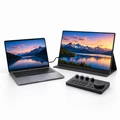
1. Application Review
Define the user workflow, visual requirement, host system, operating hours and quantity.

2. OLED Panel Feasibility
Review available panel sizes, specifications, samples and supply status.
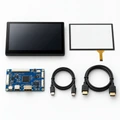
3. Touch and Connection Definition
Confirm the touch controller, video, USB data, power and operating system.
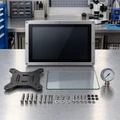
4. Mechanical and Optical Review
Coordinate the cover glass, housing, mounting, controller boards and visible image area.
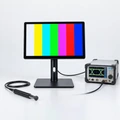
5. Prototype Validation
Test image quality, touch, interfaces, power, temperature and the real application content.

6. Approved Production Configuration
Freeze the panel, controllers, drawings, cables, accessories, labels and inspection requirements.
OLED Touchscreen Monitor Sample Inspection
An OLED sample should be evaluated as a complete display, touch and host system.

Applicable checks may include:
- OLED panel identity and appearance.
- Native resolution and image output.
- Pixel and uniformity inspection according to the approved standard.
- Touch response and coordinate mapping.
- USB-C or HDMI input verification.
- USB touch-data detection.
- Power consumption and startup behavior.
- Housing and dimensional inspection.
- Cover-glass and visible-area alignment.
- Cable and connector inspection.
- Temperature observation under the intended operating condition.
- Static-content and screen-protection review.
- Packaging and accessory confirmation.
Do not publish a fixed OLED lifetime, burn-in guarantee, color accuracy, response time or test duration without panel-specific documents and results.
Why Work with Lucky XFC on an OLED Touchscreen Monitor Review?

Custom Display Integration Experience
Review the display, touch, controller, glass, housing and host connection as one system.
Portable, Open-Frame and Enclosed Structures
Evaluate different product formats according to the intended application.

Touchscreen Coordination
Define the sensor, controller, gestures, glass and operating-system requirements.

Interface Planning
Coordinate USB-C, HDMI, touch data and power with the selected panel and host.

Drawing and Prototype Review
Use approved drawings and samples before defining a production configuration.
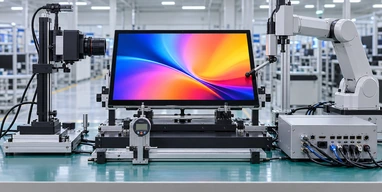
Specification-Based Inspection
Align inspection with the selected panel, approved design and agreed project requirements.

OLED Touchscreen Monitor Selection Matrix
| Product Path | Suitable Starting Use | Main Decision Fields | Evidence Status |
|---|---|---|---|
| Portable OLED Touchscreen Monitor | Mobile workstation, creative display and diagnostics | Size, resolution, refresh rate, USB-C, HDMI, power and stand | Feasibility review required |
| Open-Frame OLED Touchscreen Display | Custom equipment and instrument integration | Panel outline, active area, touch, controller and mounting | Feasibility review required |
| Metal-Housed OLED Touchscreen Monitor | Finished external display and premium terminal | Housing, VESA, interfaces, controls and duty cycle | Feasibility review required |
| Custom OLED Touch Display | Project built around a specified panel | Panel source, forecast, product life, mechanics and host | Feasibility review required |
The portable direction currently matches the dominant search intent, but the final product path must follow verified OLED panel availability and the actual application. None of these paths should be treated as a standard stocked series until a specific panel and configuration are approved.
OLED Touchscreen Monitor Buying Guide
1. Is an OLED touchscreen monitor available as a standard product?
Start by confirming whether a suitable OLED panel and complete touch configuration are available. Do not assume that an LCD product can be converted by changing the panel name.
2. Is OLED better than LCD for every application?
No. OLED can offer strong contrast and fast response, while LCD may be more practical for static interfaces, high-brightness industrial use and long product lifecycles.
3. How should burn-in risk be evaluated?
Document static-content areas, brightness, daily operating hours and the required service life.
4. Can one USB-C cable carry video, touch and power?
Only when both the host and monitor support the required video, USB data and power functions.
5. Which operating systems support touch?
Support depends on the touch controller, host hardware, operating-system version and required gestures. Test the deployment system.
6. What should be confirmed about panel supply?
Confirm the panel part number, sample availability, forecast quantity, production status and replacement plan.
7. What should be tested in the prototype?
Test resolution, refresh rate, image quality, touch, power, interfaces, housing, temperature and the actual application content.
8. What must be approved before production?
Approve the panel, controllers, specification, drawings, cables, accessories, sample result, supply plan and inspection requirements.
OLED Touchscreen Monitor FAQ
Does Lucky XFC currently offer a standard OLED touchscreen monitor series?
What is the recommended starting product direction?
What is the difference between OLED and LCD?
Can an OLED monitor suffer from burn-in?
Can OLED be used for an industrial HMI?
Can touch work through cover glass?
Can one USB-C cable support the complete monitor?
Does touch work on macOS, Android or gaming devices?
Can Lucky XFC use a customer-specified OLED panel?
What information is required for a feasibility review?
Related OLED Touchscreen Monitor Product Paths

Portable Touchscreen Monitors
Review existing portable LCD product directions and host-connection requirements.

Open-Frame Touch Monitors
Explore documented open-frame LCD structures for equipment integration.
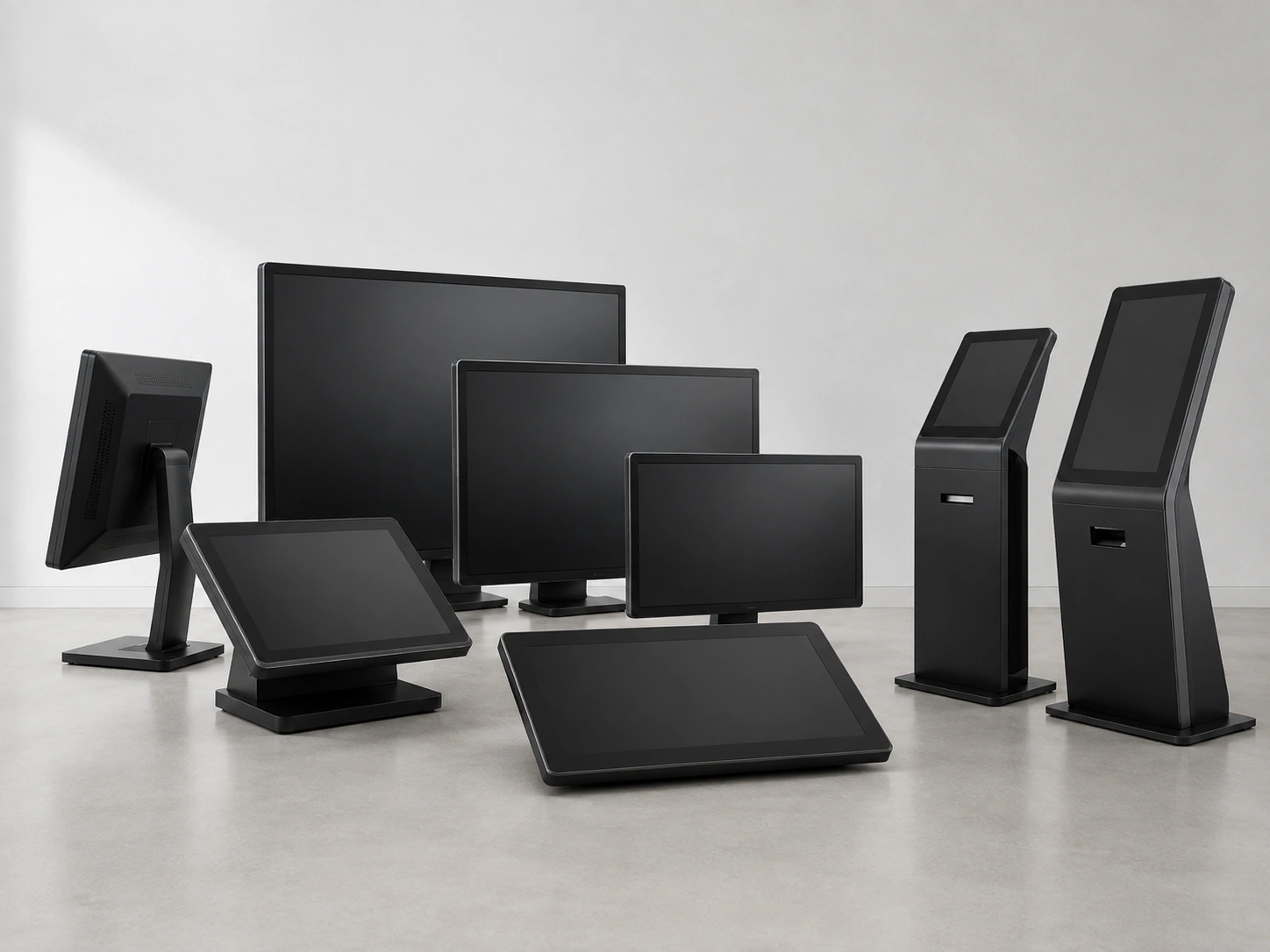
Touchscreen Displays
Compare verified flat, industrial, curved and custom display capabilities.
Industrial Monitors
Review display platforms for longer static operation and equipment integration.
USB-C Touchscreen Monitors
Understand video, touch-data and power compatibility for USB-C projects.
Contact Lucky XFC
Submit an OLED panel, datasheet or development requirement.
Request an OLED Touchscreen Monitor Feasibility Review
Send the required product format, panel information and operating profile. Lucky XFC can review whether a suitable OLED touch display configuration can be developed.