
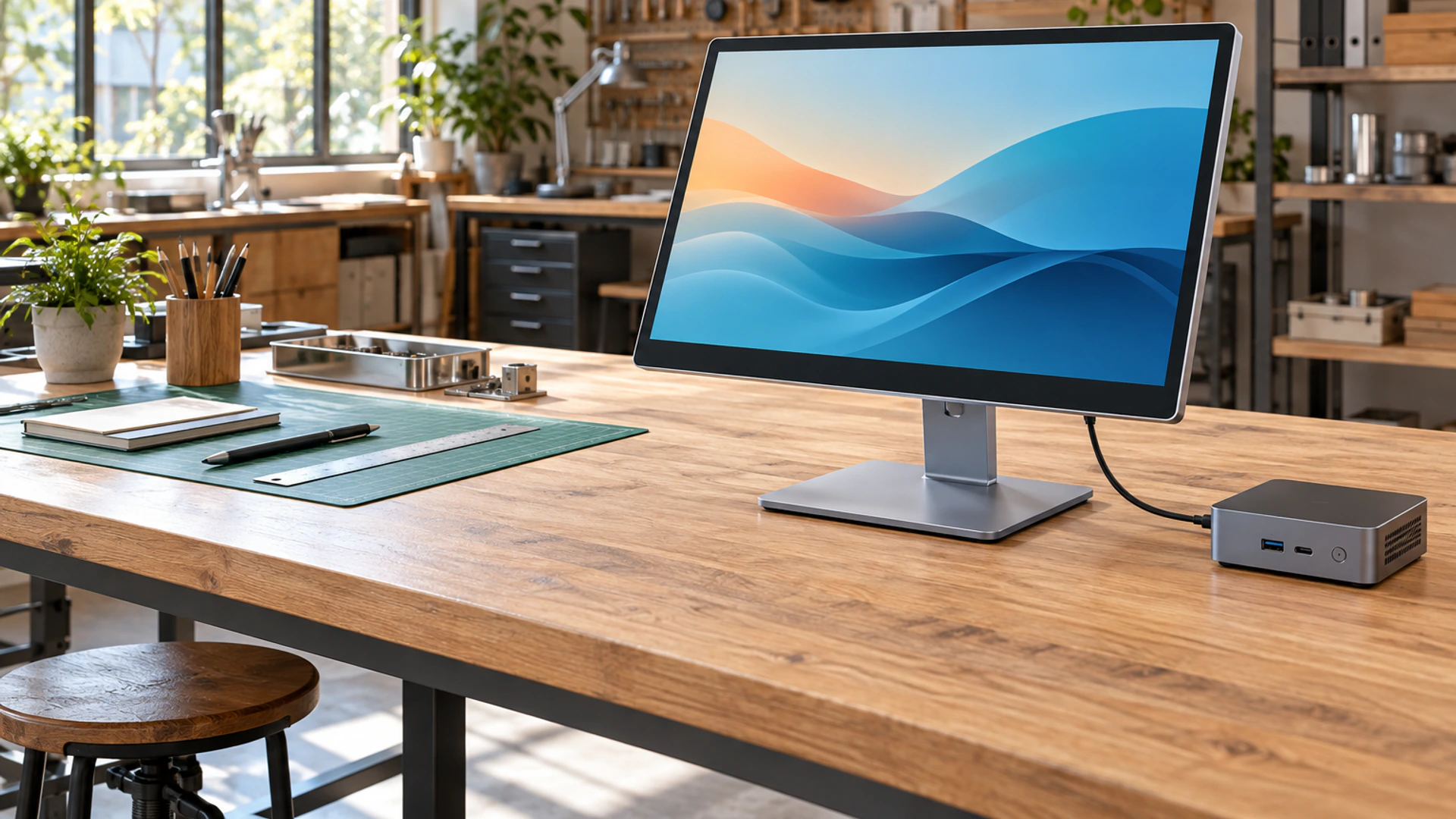
Independent Lenovo Touchscreen Monitor Alternative for B2B Projects
Source a configurable 23.8-inch PCAP touchscreen monitor for desktop workstations, commercial terminals and equipment integration. Lucky XFC supports interface planning, metal housing, mounting design, cover-glass customization and project-based OEM/ODM manufacturing.
Looking for a display for a Lenovo computer? Send us the host model, operating system, available video output and installation requirements. Our team will help evaluate the appropriate video, touch-data and power connection before sampling.
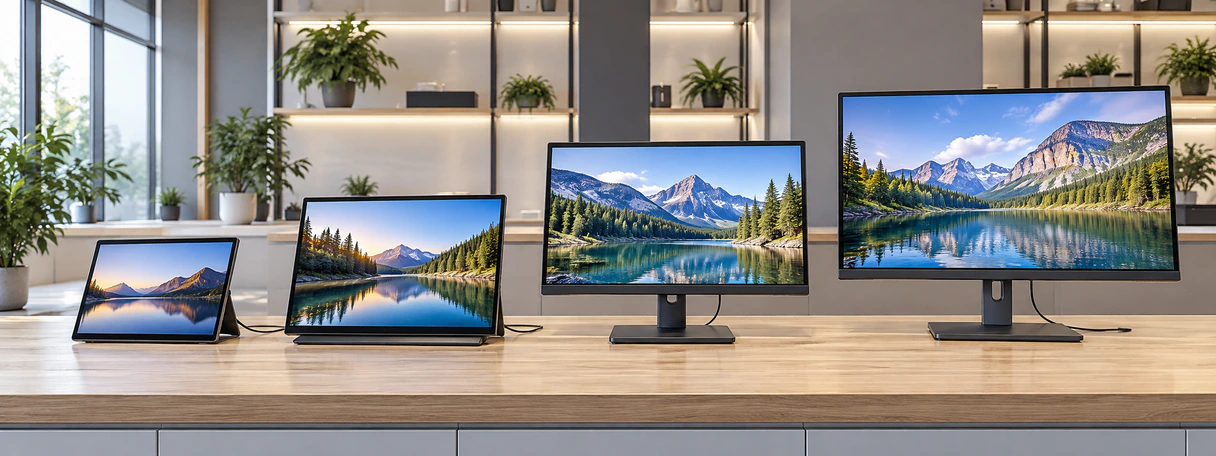
- 23.8-inch desktop PCAP solution
- 21.5-inch compact option
- 14-inch and 15.6-inch portable options
- OEM/ODM support from sample evaluation to production
Choosing the Right Lenovo Touchscreen Monitor Alternative
A search for a Lenovo touchscreen monitor can describe several different products. Some buyers need a fixed desktop touch display, while others need a portable second screen or a complete touchscreen computer. These products are not interchangeable.
Choose a 23.8-inch desktop PCAP monitor when the project requires a stable external display for a workstation, terminal or commercial system. Select the 21.5-inch option when installation space is more limited. A 14-inch or 15.6-inch portable touchscreen is more suitable when mobility, compact storage or laptop extension is the priority.
Important: Lenovo is a trademark of its respective owner. Lucky XFC is an independent touchscreen monitor manufacturer and is not affiliated with, authorized by, endorsed by, or sponsored by Lenovo. We do not sell Lenovo-branded monitors and do not claim universal compatibility with Lenovo computers. Compatibility is reviewed according to the host model, operating system, output ports, USB data capability, power requirements and project testing.
Desktop Touch Monitor
A fixed external display for desks, terminals, consoles and commercial systems.
Portable Touch Monitor
A lightweight display for mobile work, presentations and laptop extension.
Touchscreen Computer
A computing device with its own processor and operating system. This is different from an external monitor.
Lenovo Touchscreen Monitor Product Paths for Different Projects
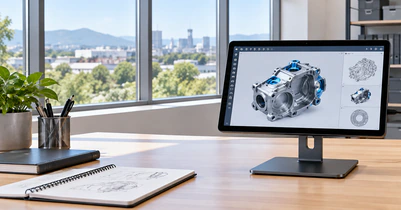
23.8-Inch Desktop PCAP Touchscreen Monitor
The recommended primary configuration for commercial workstations, POS systems, control terminals and interactive desktop applications. FHD 1920×1080 is a practical starting direction, subject to panel and project confirmation.
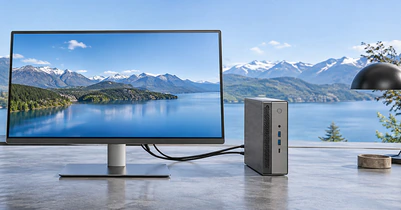
21.5-Inch Compact Desktop Touchscreen Monitor
A smaller fixed-display option for counters, compact consoles and equipment with limited installation space.
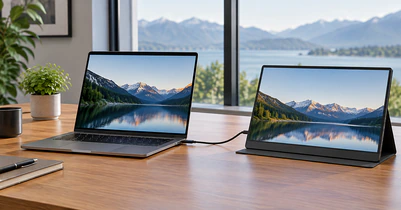
14-Inch USB-C Portable Touchscreen Monitor
A portable project path for business travel, mobile demonstrations and laptop extension. USB-C single-cable operation is conditional and must be verified.
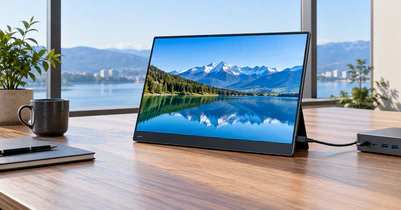
15.6-Inch Portable Touchscreen Monitor
A larger mobile workspace for field operation, presentations and portable control applications.
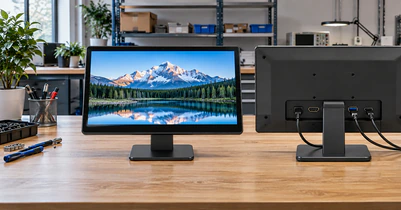
Custom Interface Configuration
Plan HDMI, USB, USB-C and power connections around the actual host and installation environment.
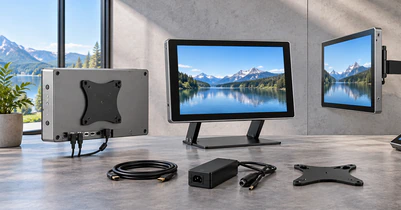
Custom Housing and Mounting
Adapt metal housing, cover glass, stand, VESA location, mounting brackets and cable exit positions to the equipment.
23.8-Inch Lenovo Touchscreen Monitor Alternative for Desktop Integration
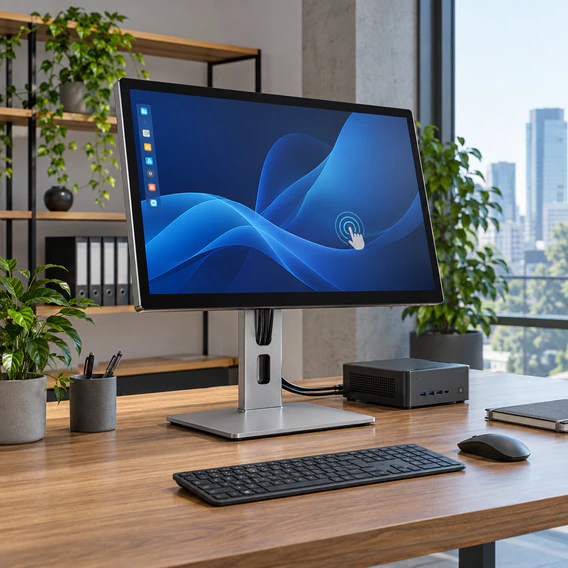
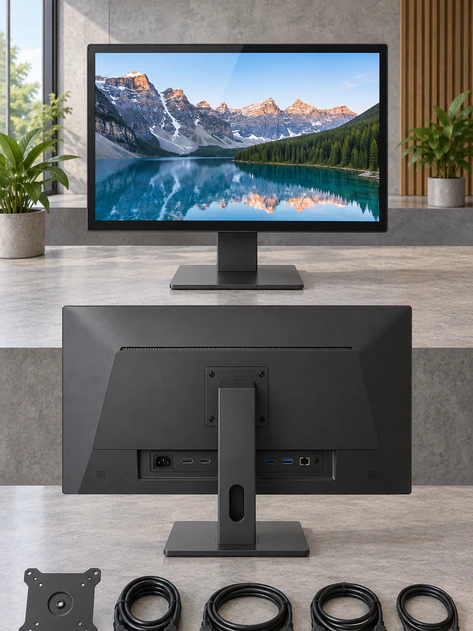
The 23.8-inch desktop PCAP touchscreen monitor is the main product direction for this page. It provides a practical balance between usable display area and manageable installation size for commercial workstations, service counters, control desks and interactive equipment.
The product should be presented as a Lucky XFC touchscreen monitor that may be evaluated for use with a Lenovo computer or another compatible host. It must not be described as a Lenovo-manufactured product.
A project configuration may include an FHD display direction, projected capacitive touch, metal housing, desktop support or VESA mounting, video input and a separate USB touch-data connection. Final specifications depend on the panel, controller, interface board and mechanical design approved for the project.
- 23.8-inch desktop product direction
- PCAP touch configuration
- FHD starting resolution direction
- Metal housing and custom structure
- Desktop stand or VESA installation
- Project-specific video and USB touch planning
- OEM logo, packaging and mechanical customization
Lenovo Touchscreen Monitor Alternative Specifications to Confirm
| Specification | 23.8-Inch Main Direction | Available Project Options | Status |
|---|---|---|---|
| Product type | External desktop touchscreen monitor | Compact desktop or portable display | Verified product direction |
| Display size | 23.8-inch | 21.5, 14 and 15.6-inch paths | Verified size directions |
| Resolution | FHD 1920×1080 starting direction | Other resolutions subject to panel availability | Project confirmation required |
| Touch technology | Projected capacitive touch | Controller and touch behavior matched to project | Project confirmation required |
| Touch points | Do not publish a fixed number | Confirm with controller, OS and glass design | Unverified until selected |
| Housing | Metal housing direction | Custom housing, color and structural details | Available by project |
| Video input | Selected around host output | HDMI and other board-dependent options | Project confirmation required |
| Touch data | Normally separate USB data connection | USB-C path subject to host capability | Host verification required |
| Power | External or project-specific power design | Depends on board and product structure | Project confirmation required |
| Mounting | Desktop or VESA direction | Custom bracket or integration structure | Available by project |
| Operating system | Evaluate by controller and driver | Windows and other environments require validation | Sample testing required |
| Branding | Lucky XFC or approved OEM branding | Label, packaging and documentation options | Available by project |
| MOQ | Project-dependent | Sampling and small-batch discussion available | Confirm during quotation |
Specifications shown on this page are configuration directions, not a universal datasheet for every unit. The final specification must be confirmed in the quotation, drawing or approved sample.
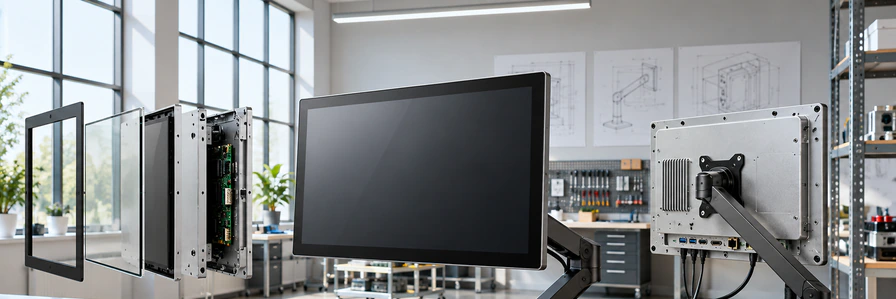
Lenovo Touchscreen Monitor Construction Designed Around the Project
A reliable touch display is not defined by the panel alone. The cover glass, touch sensor, controller, LCD panel, interface board, metal enclosure, mounting points and cable routing must work together.
Lucky XFC evaluates the mechanical and electrical structure according to the intended application. Cover-glass dimensions, printed borders, mounting openings, connector positions and housing geometry can be reviewed during the project process.
Lenovo Touchscreen Monitor Connection Planning: Video, Touch and Power
An external touchscreen monitor normally uses separate signal paths. The video connection displays the image, while USB carries touch data back to the host. The monitor also requires a suitable power source.
For an HDMI-based configuration, connect HDMI for the display signal and USB for touch data. Depending on the design, power may come from a separate adapter or another approved connection. USB-C can combine several functions, but the connector shape alone does not guarantee one-cable operation. The host port, display controller, cable and power design must support the required functions.
HDMI Route
- Host HDMI → Video
- Host USB → Touch data
- Approved power source → Monitor power
USB-C Route
- Host USB-C with video support → Video
- Host USB data support → Touch data
- Adequate power support → Monitor power
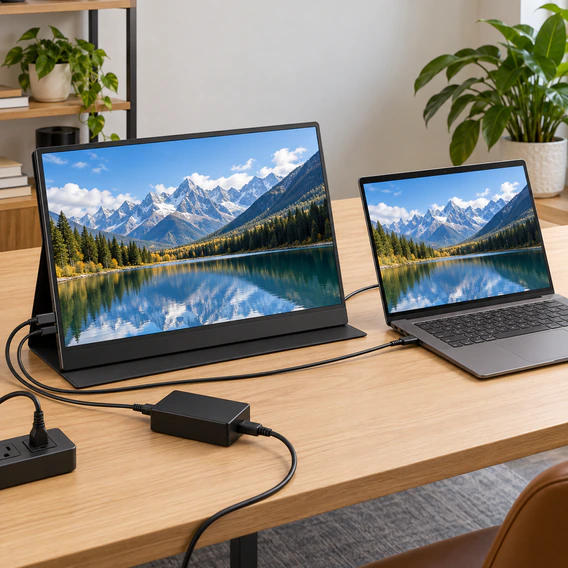
USB-C Planning for a Lenovo Touchscreen Monitor Alternative
Before promising one-cable operation, verify all parts of the connection:
- The host USB-C port supports video output, such as an appropriate DisplayPort Alt Mode implementation.
- The port supports USB data for touch communication.
- The host or external power design can provide enough power.
- The cable supports the required video, data and power functions.
- The selected display controller supports the planned connection.
- The operating system recognizes the touch controller.
- The touch input is mapped to the correct display when multiple screens are connected.
Common Connection Behaviors
The monitor shows an image, but touch does not work
The video cable may be connected while the USB touch-data cable is missing, connected to a charging-only port or not recognized by the operating system.
The USB-C cable powers the monitor, but no image appears
The host port or cable may not support video output.
Touch controls the wrong screen
The operating system may need display and touch mapping to be configured.
One cable works on one computer but not another
USB-C capability differs by device and port. Verify the specific host model and port documentation.
Lenovo Computer and Touch Display Compatibility Must Be Verified
Compatibility is a system-level question. A suitable screen size does not automatically mean the display, touch controller and host will work together as expected.
Before quotation or sampling, collect:
- Complete host model
- Operating system and version
- Available video outputs
- USB data ports
- Required cable length
- Available power source
- Number of connected displays
- Required mounting method
For projects that require dependable deployment, approve the configuration through a physical sample before volume production.
Lucky XFC does not guarantee compatibility with every Lenovo computer. Compatibility depends on the host configuration and the approved display solution.
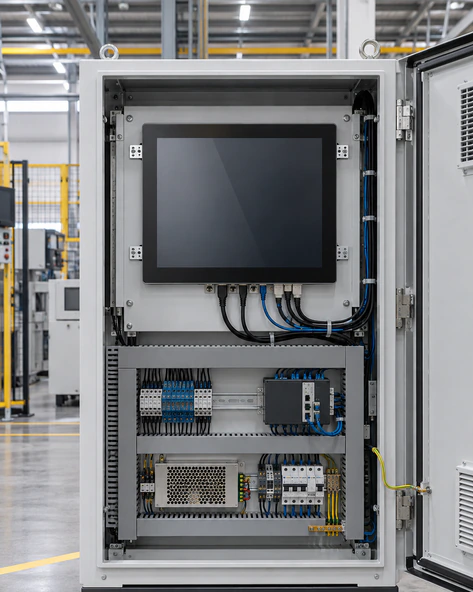
Mounting a Lenovo Touchscreen Monitor Alternative in Your Equipment
Select the mounting method according to viewing distance, touch frequency, cable access and maintenance requirements.
Desktop Stand
Suitable for office workstations, service counters and interactive desks. Confirm viewing angle, base stability and cable routing.
VESA Mount
Suitable for monitor arms, wall brackets and equipment structures. Confirm the hole pattern and load requirements from the approved drawing.
Embedded Installation
Suitable for consoles, kiosks and equipment panels. Confirm bezel overlap, ventilation, fastening and service access.
Custom Mechanical Integration
Use a project-specific housing, bracket, cable outlet or mounting plate when the standard structure does not fit the equipment.
Lenovo Touchscreen Monitor Applications Across Commercial Projects
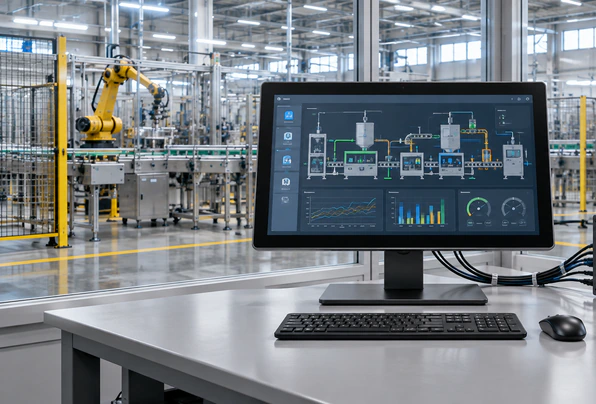
Industrial Control Workstation
A 23.8-inch touch display can provide a larger control and visualization surface for equipment interfaces. Confirm environmental, mounting and signal requirements before selection.
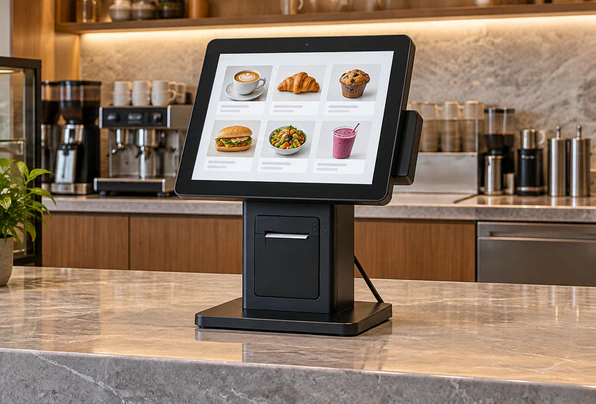
Retail and Service Counter
Use a desktop touchscreen for product lookup, order entry, customer service and assisted transactions.
POS Interface
A compact 21.5-inch option may suit counters where installation space is limited.
Meeting Station
Use the screen for interactive presentations and shared review.
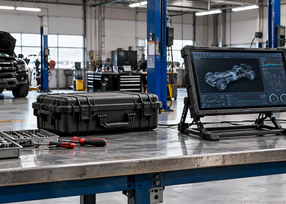
Mobile Field Work
A 14-inch portable touchscreen can extend a laptop workspace.
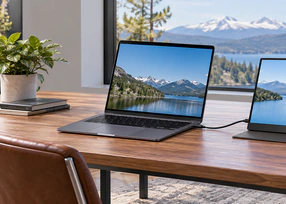
Portable Monitoring
A 15.6-inch option provides more viewing area for field tools.
Custom Lenovo Touchscreen Monitor Alternative for OEM/ODM Programs
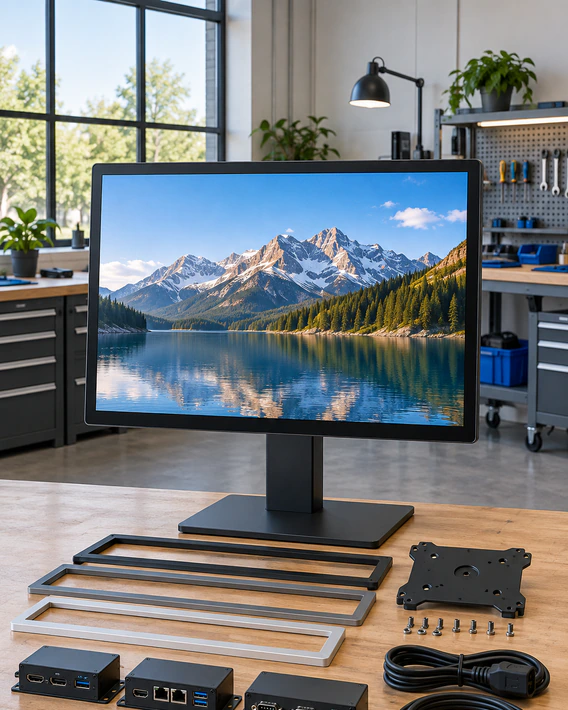
A standard monitor may not fit the enclosure, cable plan, mounting method or branding requirements of a commercial project. Lucky XFC can evaluate customization around the actual product requirement rather than forcing every buyer into one fixed configuration.
Display Direction
Screen size, resolution direction, brightness requirement and viewing conditions.
Touch System
PCAP touch direction, controller selection, cover-glass layout and OS validation.
Interface Planning
Video input, USB touch data, USB-C evaluation, power input and connector positioning.
Mechanical Design
Metal housing, color, rear cover, ventilation, VESA position, bracket and cable exit.
Brand Presentation
Approved logo, product label, packaging and documentation.
Project Validation
Drawing review, sample approval, interface testing and acceptance criteria.
Every customization item is subject to engineering review and component availability.
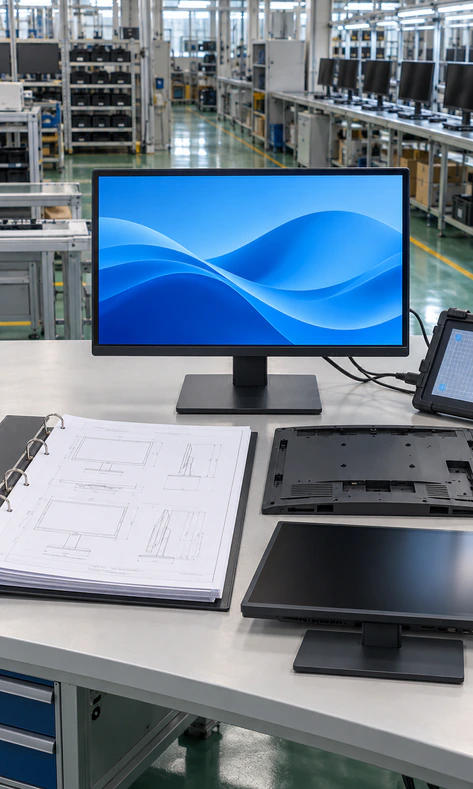
Lenovo Touchscreen Monitor OEM/ODM Workflow from Requirement to Production
Requirement Collection
Collect size, application, host, interfaces, installation, expected quantity and operating environment.
Engineering Review
Evaluate the display direction, touch controller, interface path, power and mechanical structure.
Configuration and Quotation
Provide a project configuration based on verified components and customization scope.
Drawing or Sample Preparation
Confirm dimensions, ports, mounting points, labeling and functional requirements.
Sample Validation
Test display signal, touch input, power behavior, mounting fit and application workflow.
Approval and Production
Start production only after the buyer approves the required specification and sample.
Inspection and Shipment
Apply the agreed inspection criteria, packaging plan and shipment arrangement.
Why Buyers Choose Lucky XFC Touchscreen Monitor Manufacturing

Manufacturing Experience Since 2013
Touchscreen monitor manufacturing and project support for commercial and industrial applications.

3100 m² Factory
In-house production space supporting assembly, testing and project fulfillment.

160+ Production Team
A manufacturing team supporting samples, customization and production projects.

26 Quality Control Personnel
Quality personnel involved in incoming, production and finished-product inspection.

OEM/ODM Engineering Support
Support for display, touch, interface, housing, mounting and branding requirements.

Project-Based Sampling
Configuration and sample evaluation before larger-volume deployment.
Lenovo Touchscreen Monitor Quality Control Before Shipment
Quality control should follow the approved project specification. The inspection plan must reflect the selected panel, touch controller, interface board, housing and packaging.
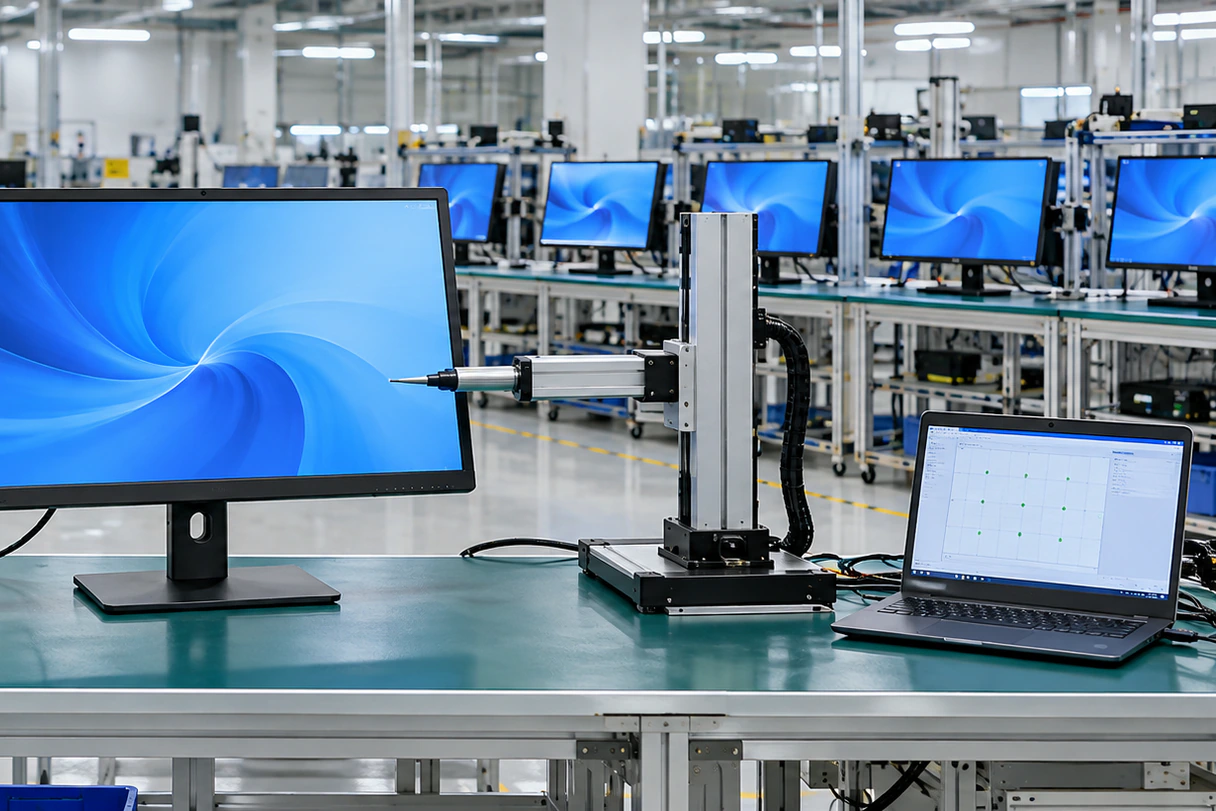
Lenovo Touchscreen Monitor Testing Process for Project Approval
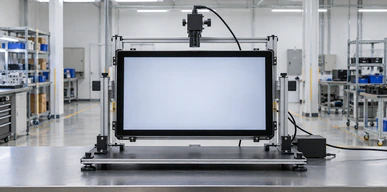
Display Check
Inspect the image and visible panel condition against the approved requirements.
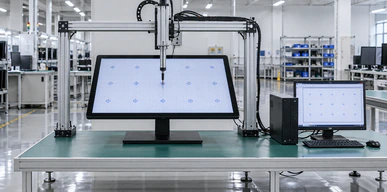
Touch Function Check
Verify touch response using the approved controller and operating environment.
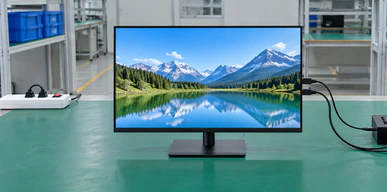
Interface Check
Confirm the selected video, USB touch-data and power connections.
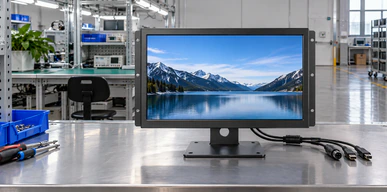
Housing Inspection
Check enclosure finish, openings, fasteners and structural details.
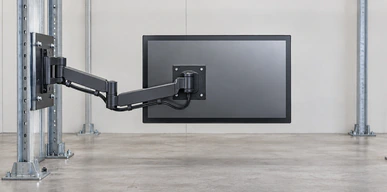
Mounting Verification
Compare VESA holes, brackets and key dimensions with approved drawings.
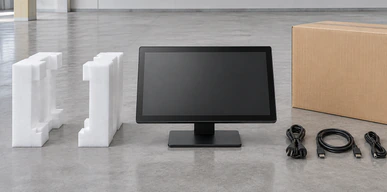
Packaging Check
Confirm accessories, labels, protection and packaging according to the order.
The following is a non-identifying representative application scenario based on common project requirements. It does not identify a customer or claim a specific completed order.
Lenovo Touchscreen Monitor Project Scenario: European Industrial Workstation
A European equipment integrator needs an external touchscreen for a desktop control workstation. The available installation space supports a 23.8-inch display, while the host provides a video output and a separate USB data connection.
The project team initially focuses only on the video cable. During requirement review, the touchscreen manufacturer also checks the USB touch-data path, power input, mounting position, cable exits and operating-system environment.
A suitable project process would include:
- ✓ Confirming the host model and available ports
- ✓ Selecting the 23.8-inch display direction
- ✓ Planning the PCAP controller and USB touch connection
- ✓ Reviewing the metal housing and VESA position
- ✓ Preparing a sample for software and touch validation
- ✓ Approving the configuration before production
The value of this process is not an assumed compatibility claim. It is the reduction of avoidable integration risk before volume deployment.
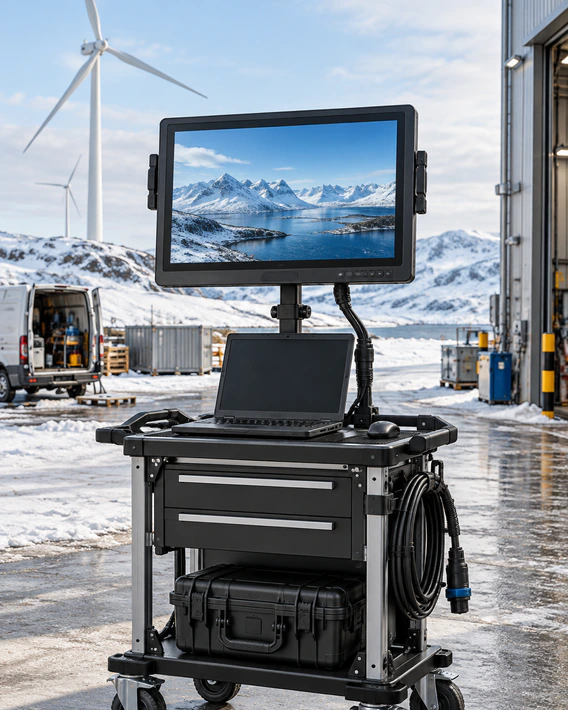
How to Select a Lenovo Touchscreen Monitor Alternative by Size and Use
Choose by application and installation first, not by keyword alone. Then verify display size, resolution, video output, USB touch-data path, power, operating system and mounting.
| Product direction | Best for | Installation | Connection planning | Evidence status |
|---|---|---|---|---|
| 23.8-inch desktop PCAP | Commercial desks, terminals, control workstations | Desktop, VESA or custom structure | Video plus USB touch; USB-C subject to review | Verified main product direction |
| 21.5-inch compact desktop PCAP | Counters and smaller equipment spaces | Desktop, VESA or custom structure | Video plus USB touch | Verified product direction |
| 14-inch portable touchscreen | Travel, laptop extension and mobile demonstrations | Portable stand or custom cover | USB-C or HDMI plus USB depending on host | Verified customization path |
| 15.6-inch portable touchscreen | Larger mobile workspace and field operation | Portable stand or custom structure | USB-C or HDMI plus USB depending on host | Verified customization path |
Lenovo Touchscreen Monitor FAQ for B2B Buyers
Does Lucky XFC sell an official Lenovo touchscreen monitor?
Can a Lucky XFC touchscreen monitor work with a Lenovo computer?
Why does the monitor display an image while touch does not work?
Does HDMI carry the touch signal?
Can USB-C provide video, touch and power through one cable?
What is the recommended desktop screen size?
Are portable touchscreen options available?
Can the housing and mounting structure be customized?
What information is needed for a quotation?
What is the MOQ?
Lucky XFC Support for Lenovo Touchscreen Monitor Projects
Requirement Review
Clarify application, host, size, interfaces and installation before quotation.
Configuration Guidance
Select an appropriate desktop or portable product direction.

Compatibility Planning
Review video, touch data, power and operating-system requirements.
Sample Validation
Evaluate the selected configuration before larger production.

OEM/ODM Coordination
Coordinate housing, mounting, labeling and packaging requirements.

Production and Inspection
Manufacture and inspect according to the approved project requirements.
Request a Lenovo Touchscreen Monitor Alternative Quote
Tell us how the touchscreen monitor will be used. The more information you provide, the more accurately our team can evaluate the display, touch, interface, power and mechanical requirements.
