
C-Curved Touch Monitor for Slot Machines
Designed for slot machine cabinets, casino gaming equipment and custom interactive enclosures, XFC’s C-Curved Touch Monitor creates a continuous concave viewing and touch surface. Standard reference sizes include 32, 43, 49 and 55 inches, with PCAP touch, a metal housing and project-specific customization for curvature, mounting, interfaces, power and system integration.
Note: XFC supplies curved display and touch solutions for OEM equipment integration—not complete slot machines or gaming software.
What Is a C-Curved Touch Monitor?
A C-Curved Touch Monitor is a display with a continuous concave profile that resembles the letter C when viewed from the side. The curved viewing surface can follow the shape of a gaming cabinet, bring the outer areas of the screen into a more unified viewing field and support touch interaction across a purpose-built curved enclosure.
Note: A C-curved monitor is a display and touch component. XFC does not present this product as a complete slot machine, wagering system or consumer gaming PC monitor.
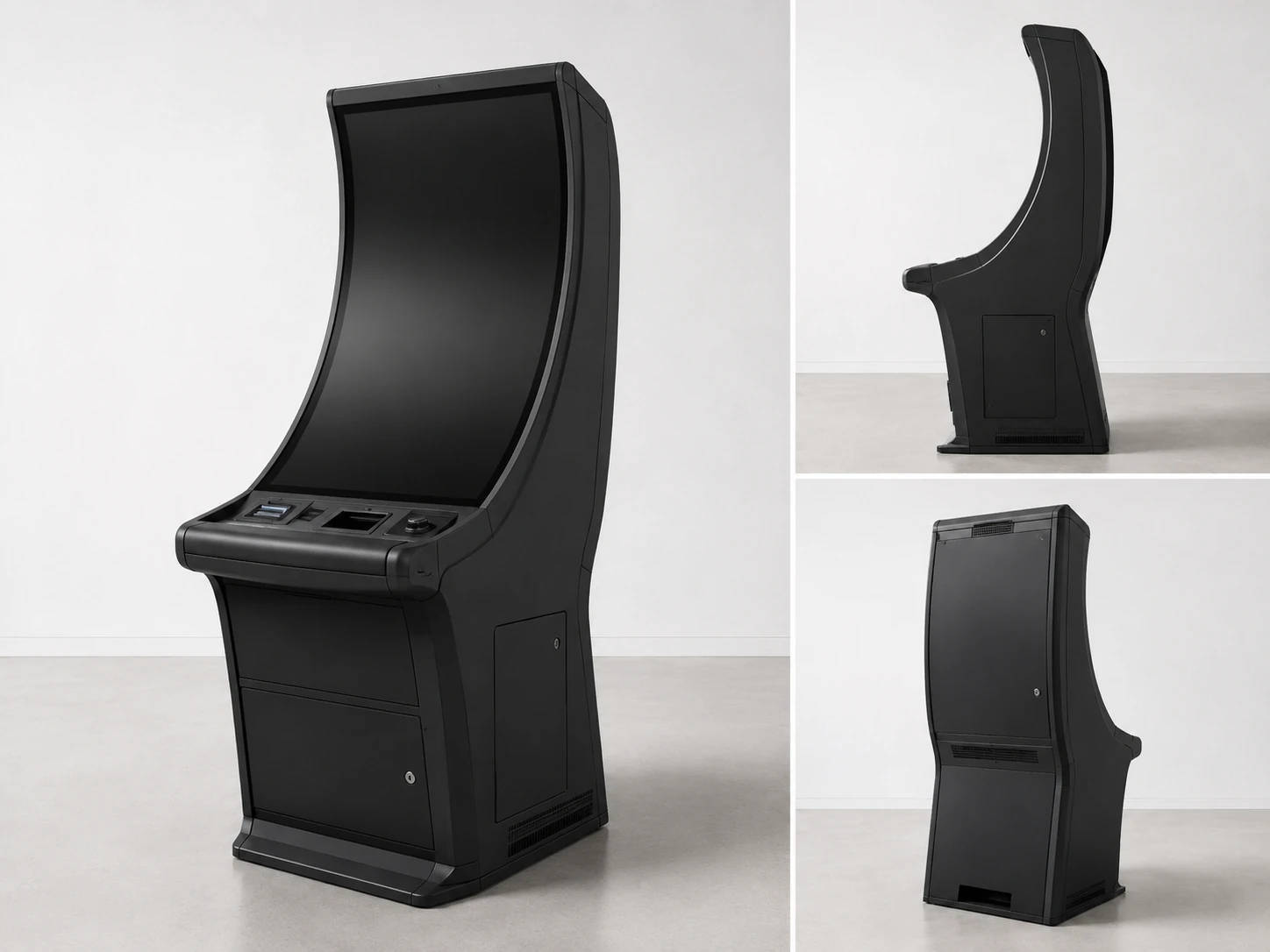
Built to Solve Curved Display Integration Challenges
A professional curved monitor must match the enclosure, maintain stable touch performance and remain consistent from sample approval to mass production.
1. Incorrect Curve or Radius
Problem: A standard curved monitor may not align with the cabinet opening, bezel, mounting points or viewing position.
XFC approach: Review the cabinet drawing, requested curve, outer dimensions, mounting space and cable clearance before confirming the structure.
2. Inconsistent Touch Across the Curve
Problem: An improperly integrated touch layer can cause inaccurate or unstable response near the edges of the curved surface.
XFC approach: Match the PCAP touch solution to the display structure and verify the complete active area during sample testing.
3. Image and Surface Inconsistency
Problem: Poor integration between the LCD panel, cover glass, touch layer and housing can affect image appearance and structural consistency.
XFC approach: Treat the curved panel, touch layer, glass and metal housing as one complete assembly.
4. Cabinet Heat and Ventilation
Problem: Gaming cabinets may operate for extended periods in enclosed spaces with limited airflow.
XFC approach: Evaluate the controller, housing, ventilation, cable layout and operating requirements as part of the cabinet integration.
5. Interface Compatibility
Problem: The monitor may need to work with an industrial computer, gaming controller, camera, card reader or other device.
XFC approach: Confirm video, touch, network, control and power requirements before sample production.
6. Sample-to-Batch Variation
Problem: An approved prototype is not useful if the curvature, mounting or appearance changes during mass production.
XFC approach: Freeze the approved drawing, configuration, appearance and inspection criteria before batch manufacturing.
Why Choose a C-Curved Touch Screen?
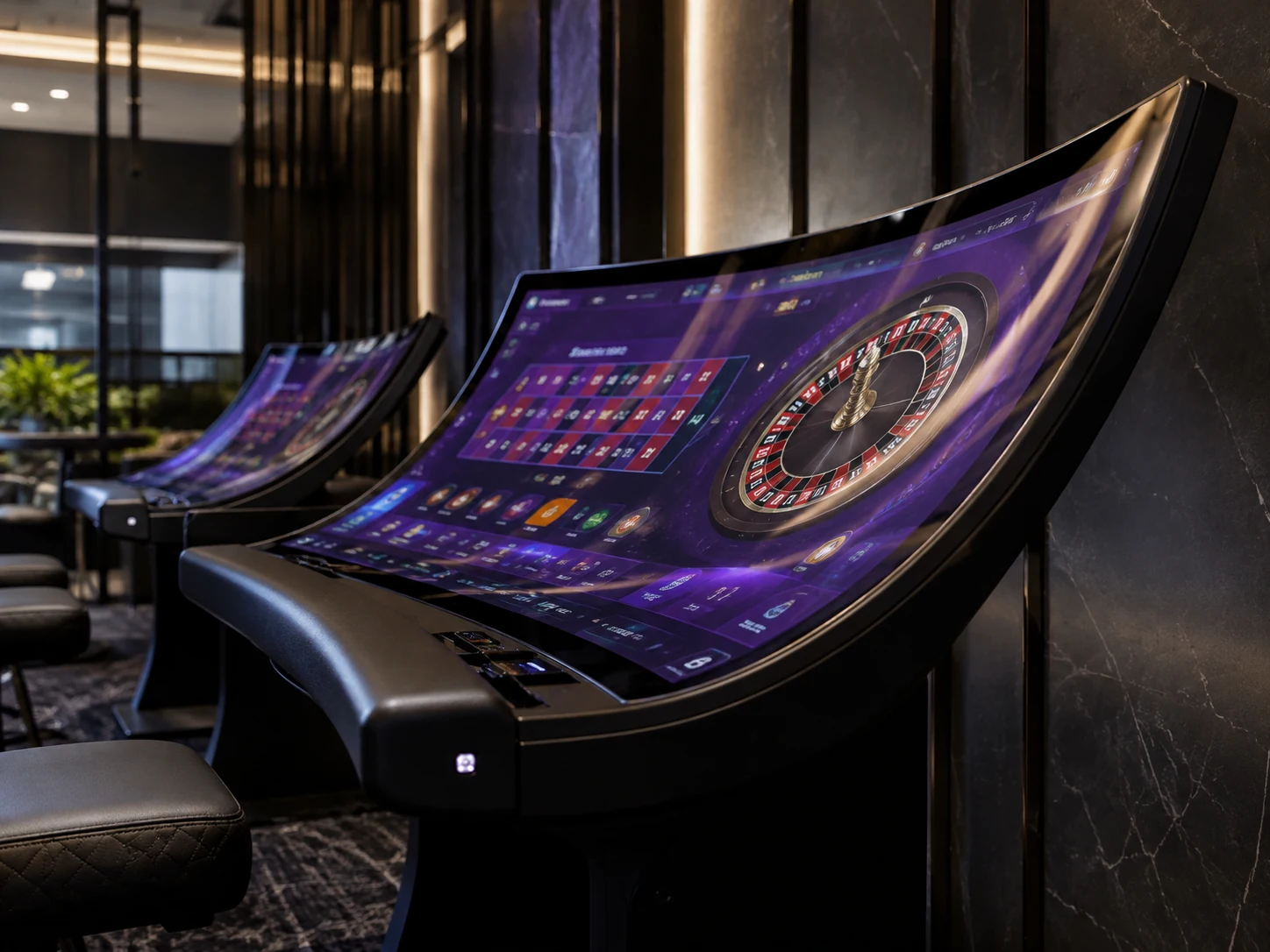
Continuous Curved Viewing Surface
The C-shaped profile creates a more continuous concave display surface than a flat monitor or a J-shaped screen with only one curved interaction section.

Cabinet-Aligned Appearance
A custom C-Curve Casino Monitor can follow the enclosure geometry and reduce the visual separation between the display and cabinet.
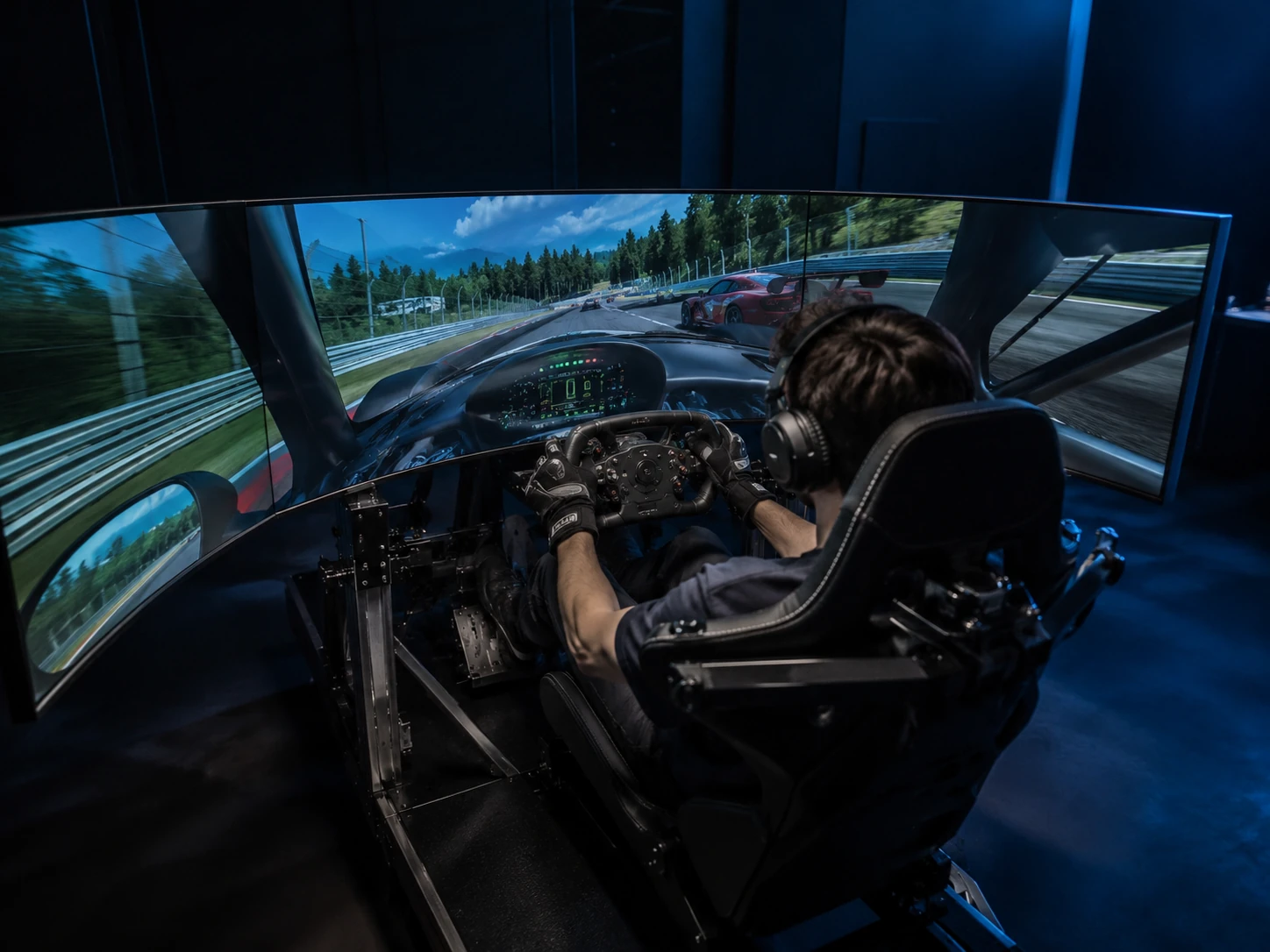
Immersive Equipment Design
The curved surface is suitable for professional gaming equipment, simulators and interactive installations that need a more enveloping visual presentation.
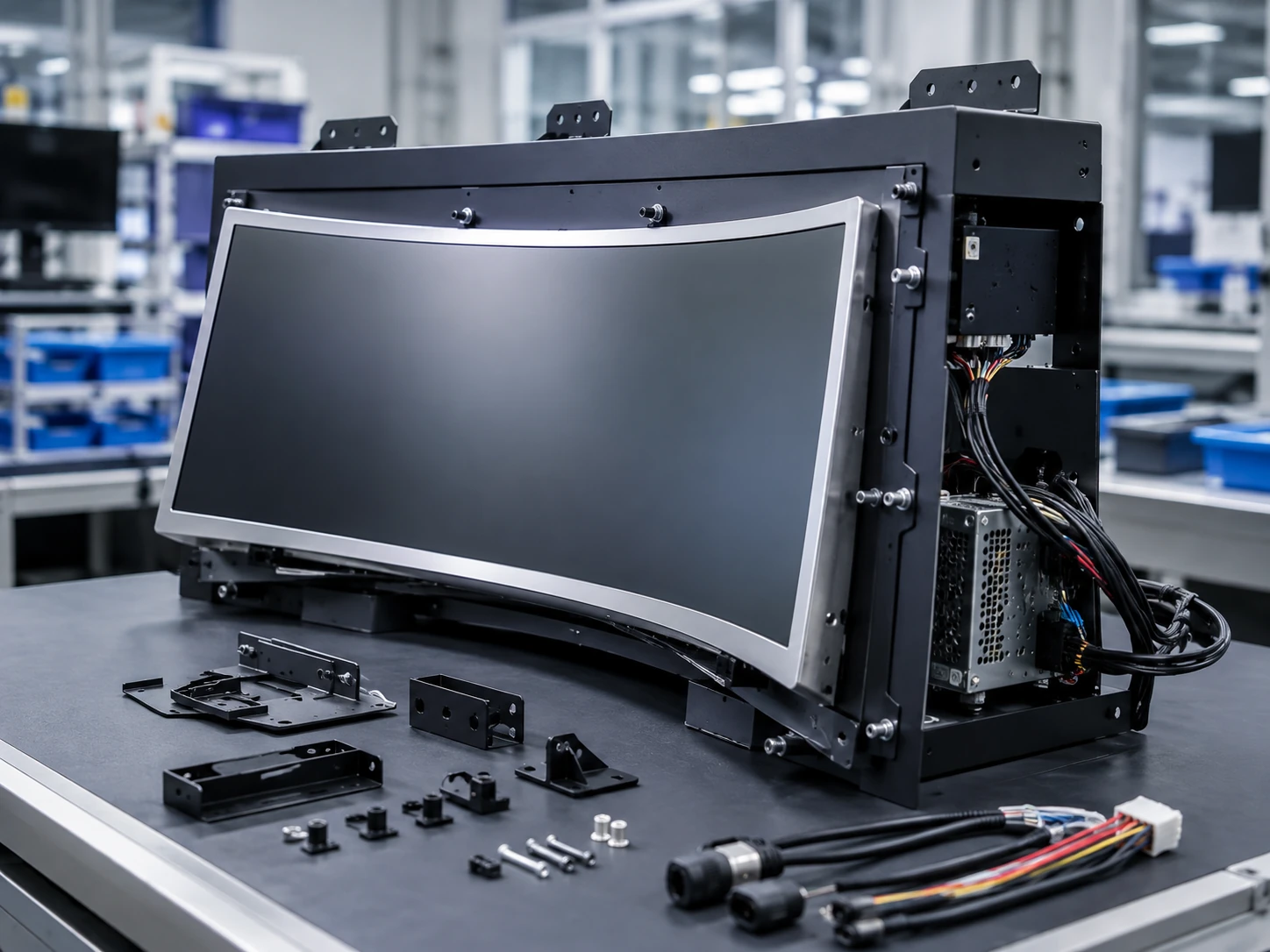
OEM Integration Flexibility
Curvature, housing, mounting, interfaces, power, touch, cover glass and system configuration can be evaluated around the equipment design.
C-Curved Touch Monitor Sizes
Select a reference size and let XFC evaluate the required curve, cabinet dimensions, touch, power and interface configuration. The following specifications are based on the supplied product catalog and must be reconfirmed in the final quotation and drawing.
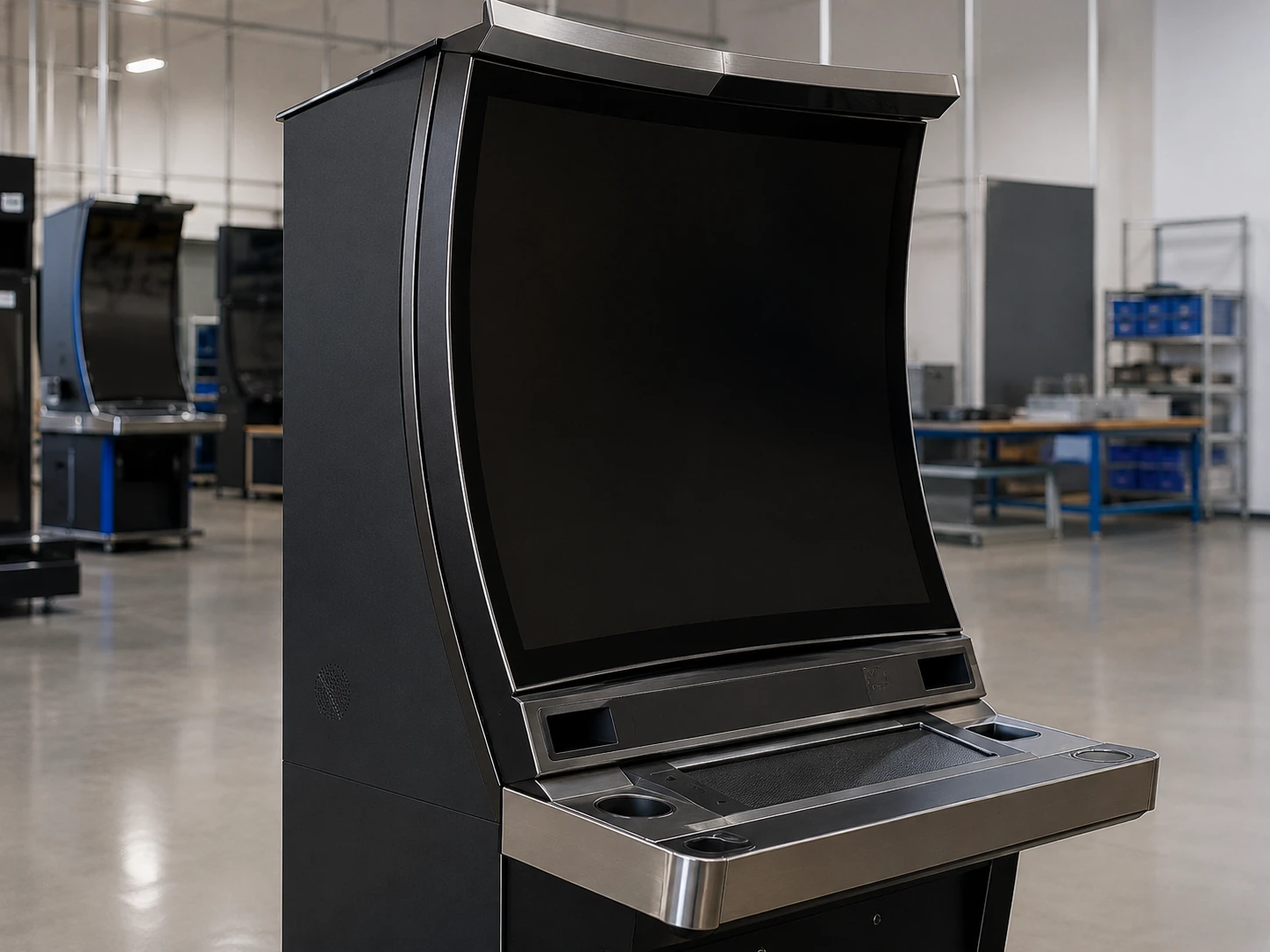
32-Inch
Ref: TP320-QM-DR-01
- Display: 16:9, 1920 × 1080
- Touch: PCAP Touch
- Housing: Metal housing
- Power: AC 220V
- Weight: 8.5 kg
- Carton: 830×240×550 mm
Best for: Compact gaming cabinets, interactive equipment and space-limited curved installations.
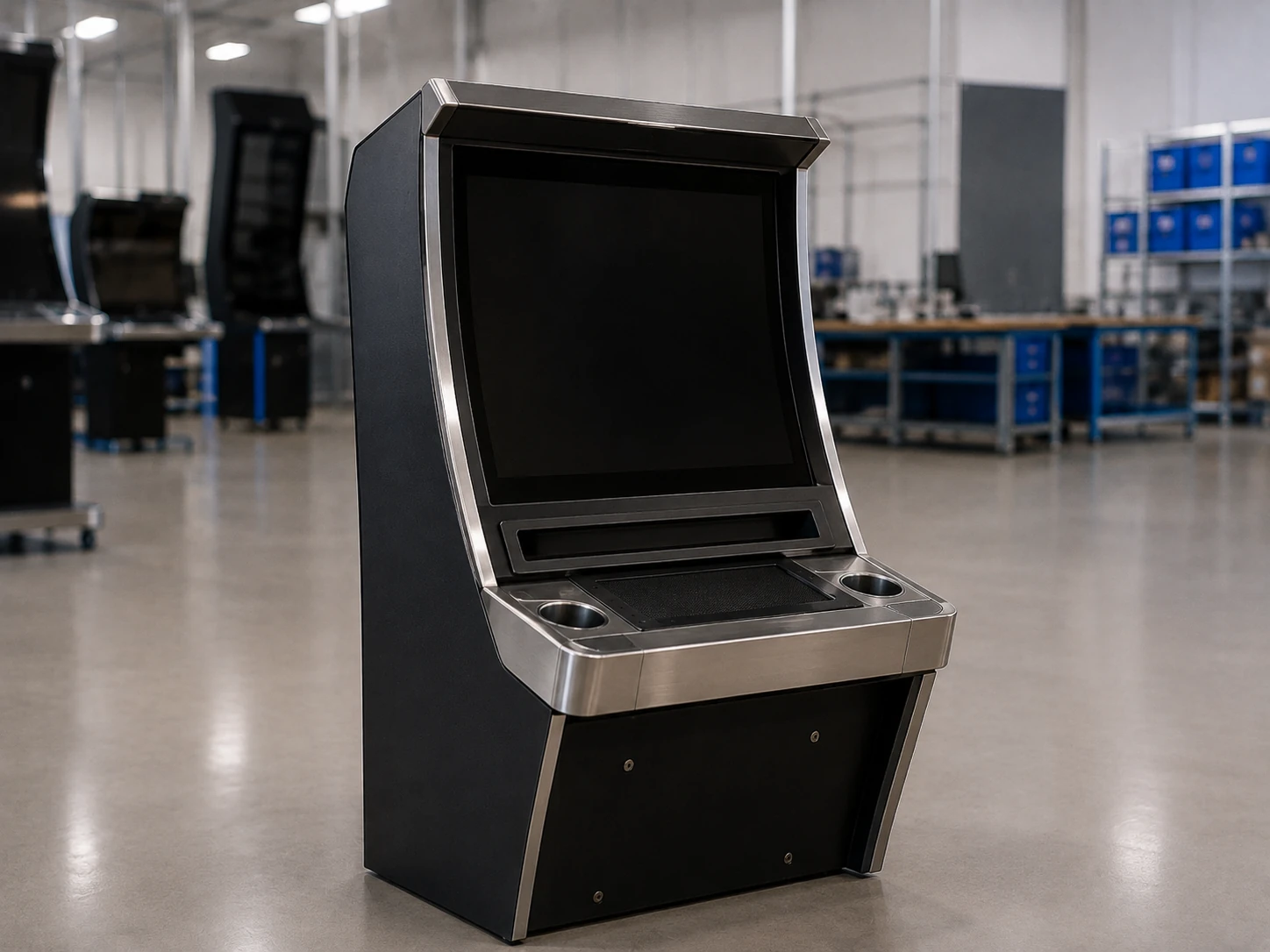
43-Inch
Ref: LD430-QM-DR-2K01
- Display: 16:9, 1920 × 1080
- Touch: PCAP Touch
- Housing: Metal housing
- Power: AC 220V
- Weight: 19.5 kg
- Carton: 1100×310×700 mm
Best for: Medium-size slot machine cabinets and professional curved gaming equipment.
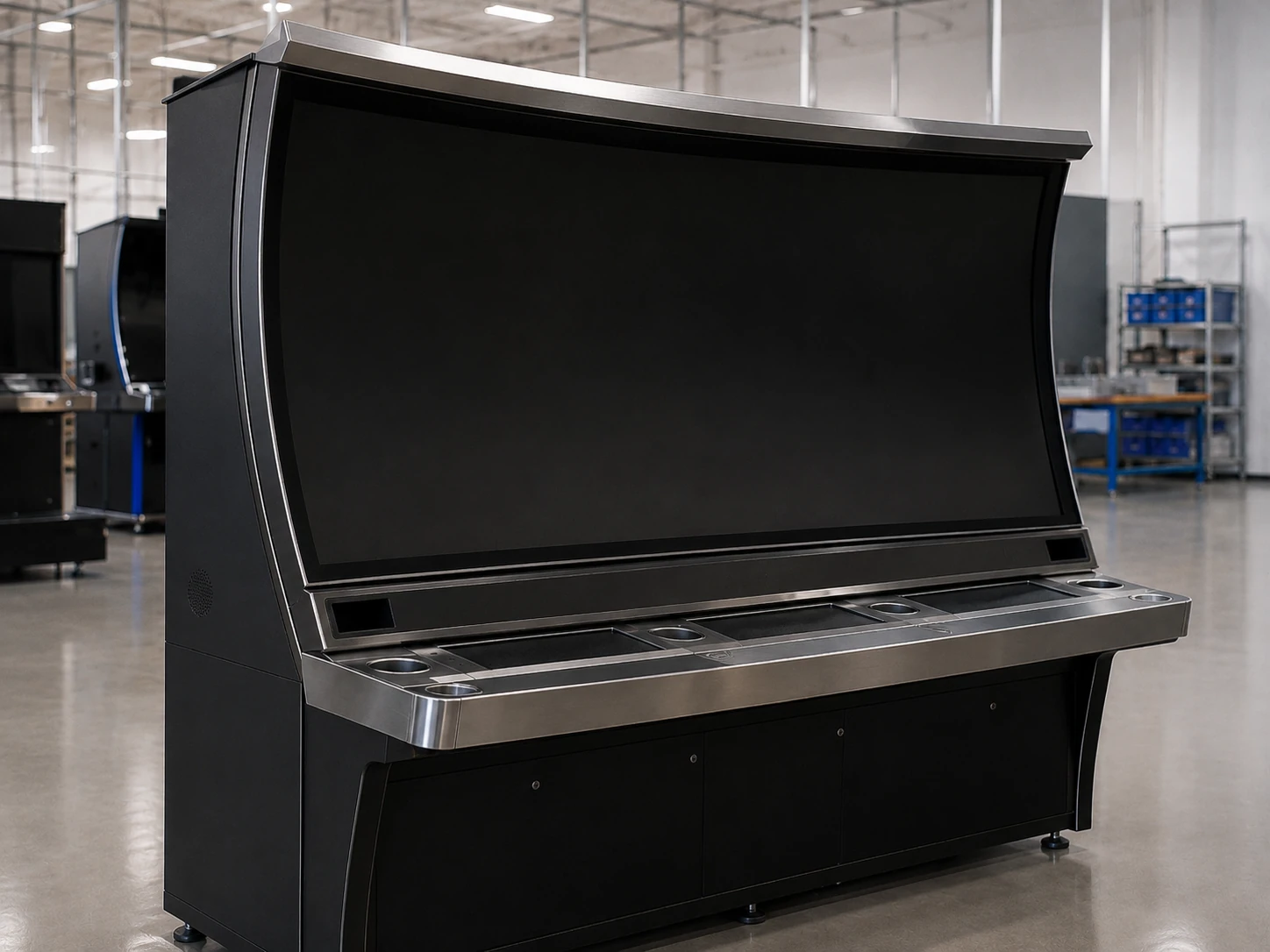
49-Inch
Ref: LD490-QM-DR-2K01
- Display: 16:9, 1920 × 1080
- Touch: PCAP Touch
- Housing: Metal housing
- Power: AC 220V
- Weight: 30 kg
- Carton: 1190×365×730 mm
Best for: Large gaming cabinets requiring a wider continuous curved viewing area.
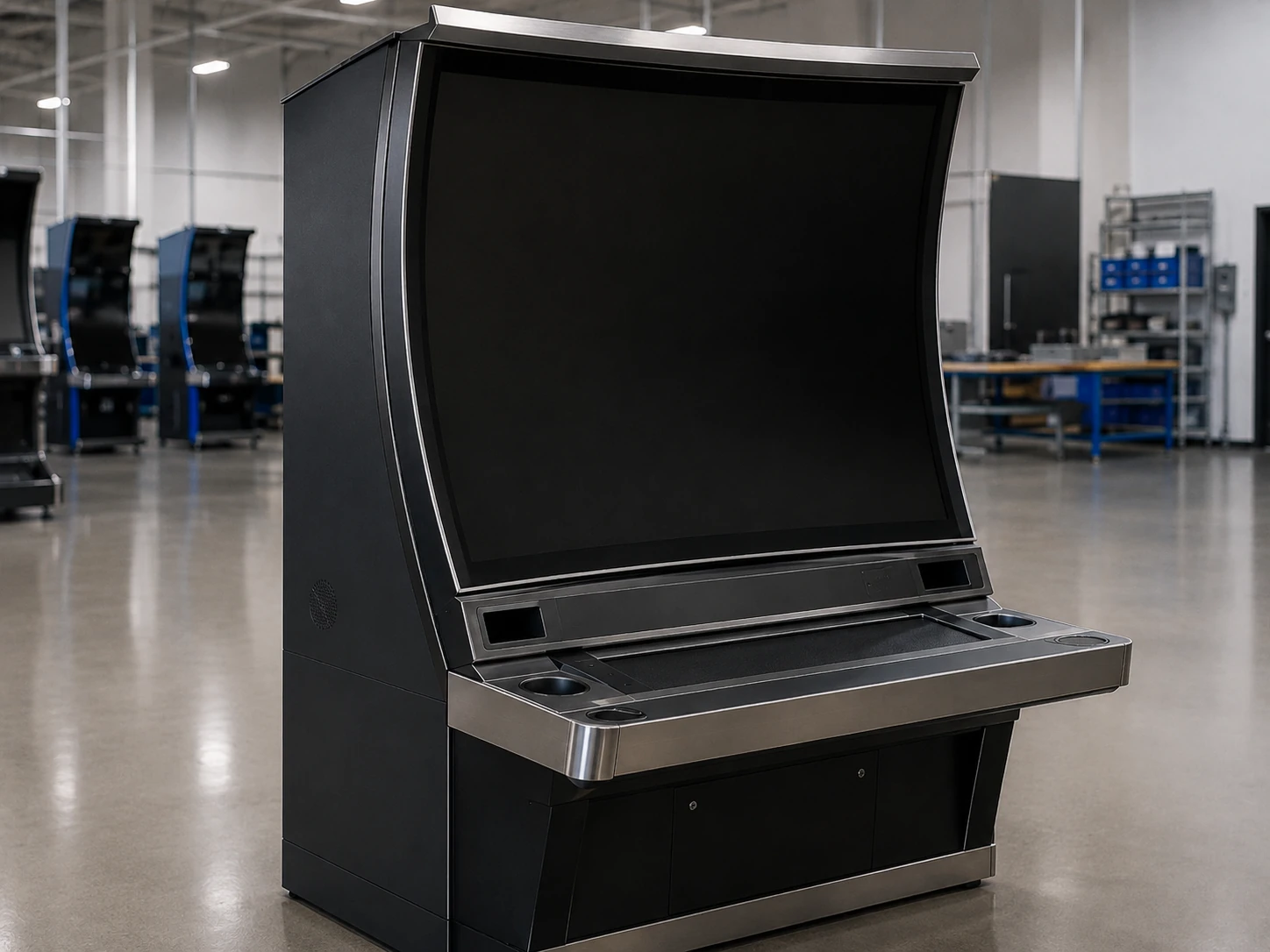
55-Inch
Ref: LD550-QM-DR-2K01
- Display: 16:9, 1920 × 1080
- Touch: PCAP Touch
- Housing: Metal housing
- Power: AC 220V
- Weight: 36 kg
- Carton: 1360×380×840 mm
Best for: Large-format casino gaming equipment and immersive interactive installations.
Need a 4K C-Curved Touch Monitor?
A 3840 × 2160 configuration may be evaluated for suitable projects. Feasibility depends on screen size, panel availability, curvature, controller, content source and cabinet design. The standard catalog models listed above use 1920 × 1080 resolution.
C-Curved Touch Monitor Specifications
| Product Type | C-shaped curved capacitive touch monitor |
|---|---|
| Reference Sizes | 32, 43, 49 and 55 inches |
| Standard Resolution | 1920 × 1080 |
| Custom Resolution | 3840 × 2160 subject to panel, size and project feasibility |
| Aspect Ratio | 16:9 reference configuration |
| Touch Technology | Projected capacitive touch |
| Housing | Metal housing |
| Curve | Continuous C-shaped concave profile |
| Installation | Integrated into a custom gaming, kiosk or interactive equipment cabinet |
| Reference Power | AC 220V; destination-market and project-specific requirements must be confirmed |
| Interface Options | HDMI, USB, RJ45 and optional project-specific interfaces such as RS232, subject to configuration |
| System Integration | Compatible monitor or all-in-one configurations can be evaluated for Windows, Android or Linux projects |
| Display Options | LED backlight, high-brightness and anti-glare options subject to configuration |
| Additional Options | Controller, speakers, cover glass, cable layout, mounting, housing, logo and interface customization |
| Operation | Continuous-operation projects can be evaluated according to the approved configuration and cabinet ventilation |
| MOQ | From 1 unit |
| Quality Control | 100% inspection with functional and aging tests based on the confirmed configuration |
Final active area, outer dimensions, curve or radius, touch points, brightness, surface treatment, interfaces, power, environmental limits, certifications and packaging must be confirmed before production.
Engineered as a Complete Curved Display Assembly
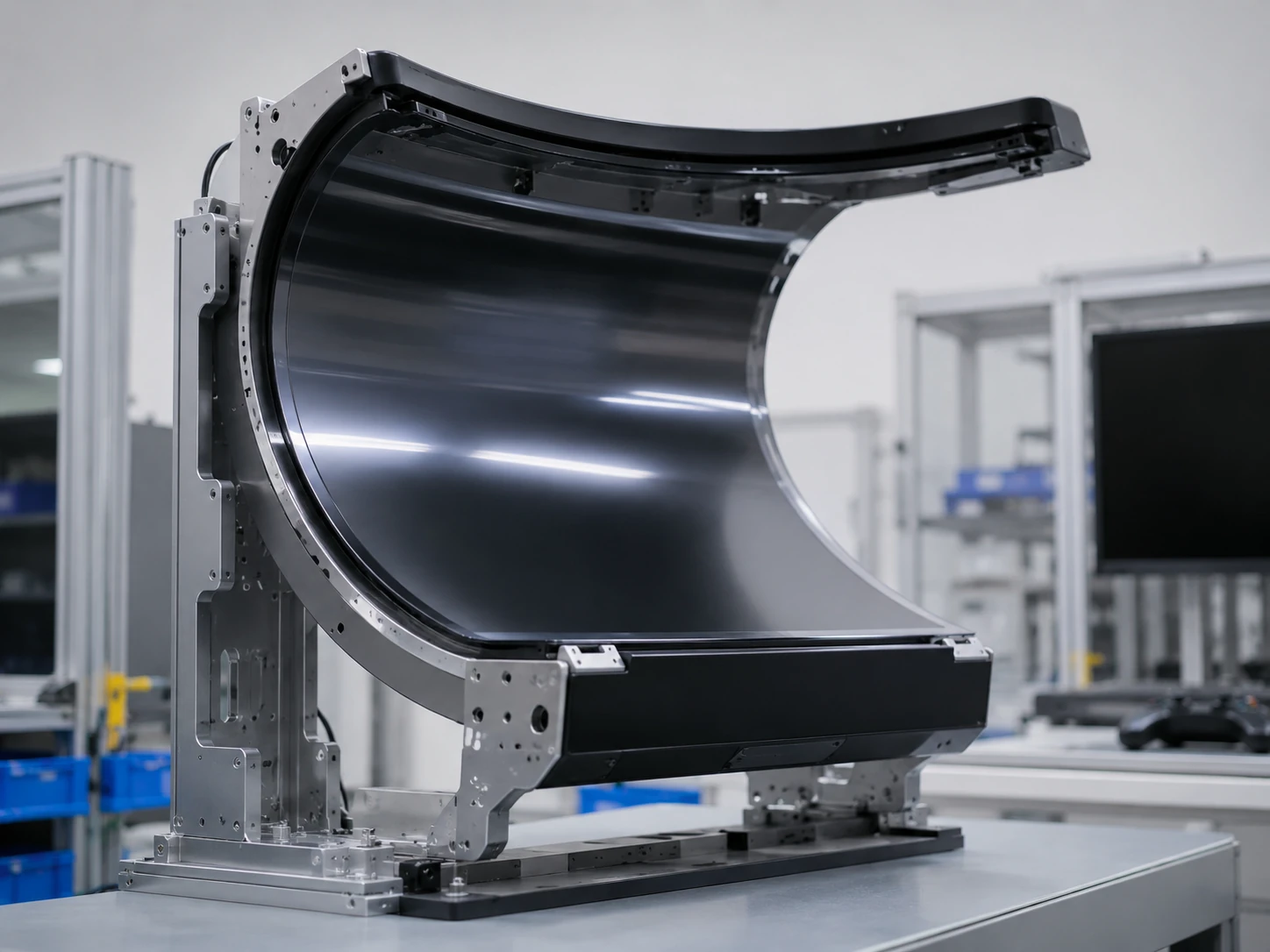
Controlled Curved Structure
The panel, cover glass, touch layer and housing are evaluated as a complete curved assembly. XFC’s published curved-display capability includes ±0.2 mm precision bending control, with final tolerances defined by the approved drawing.
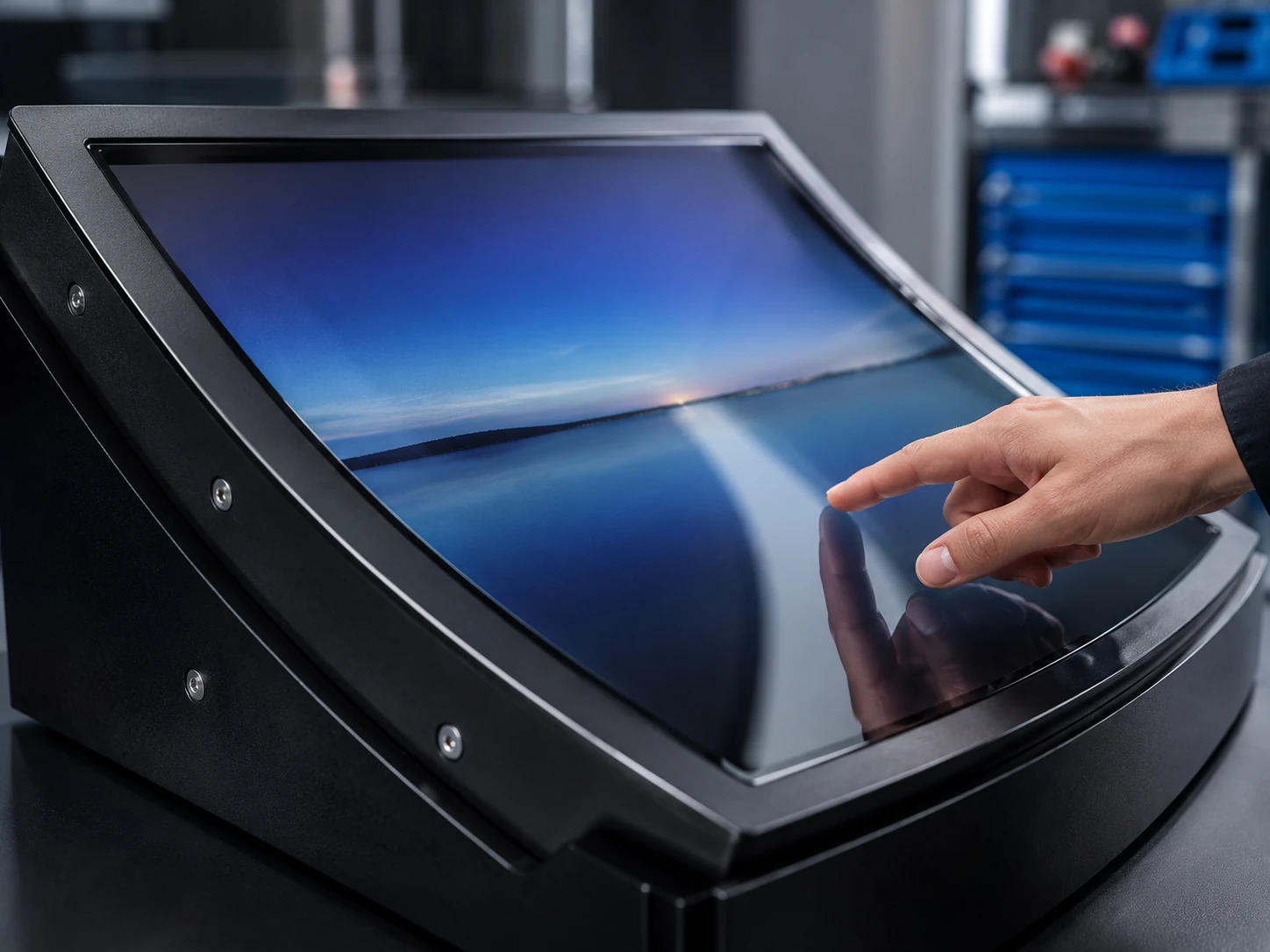
PCAP Touch Integration
Projected capacitive touch supports a clean glass surface and smooth interaction. Touch-point count, glass thickness and special touch conditions must be confirmed for each project.
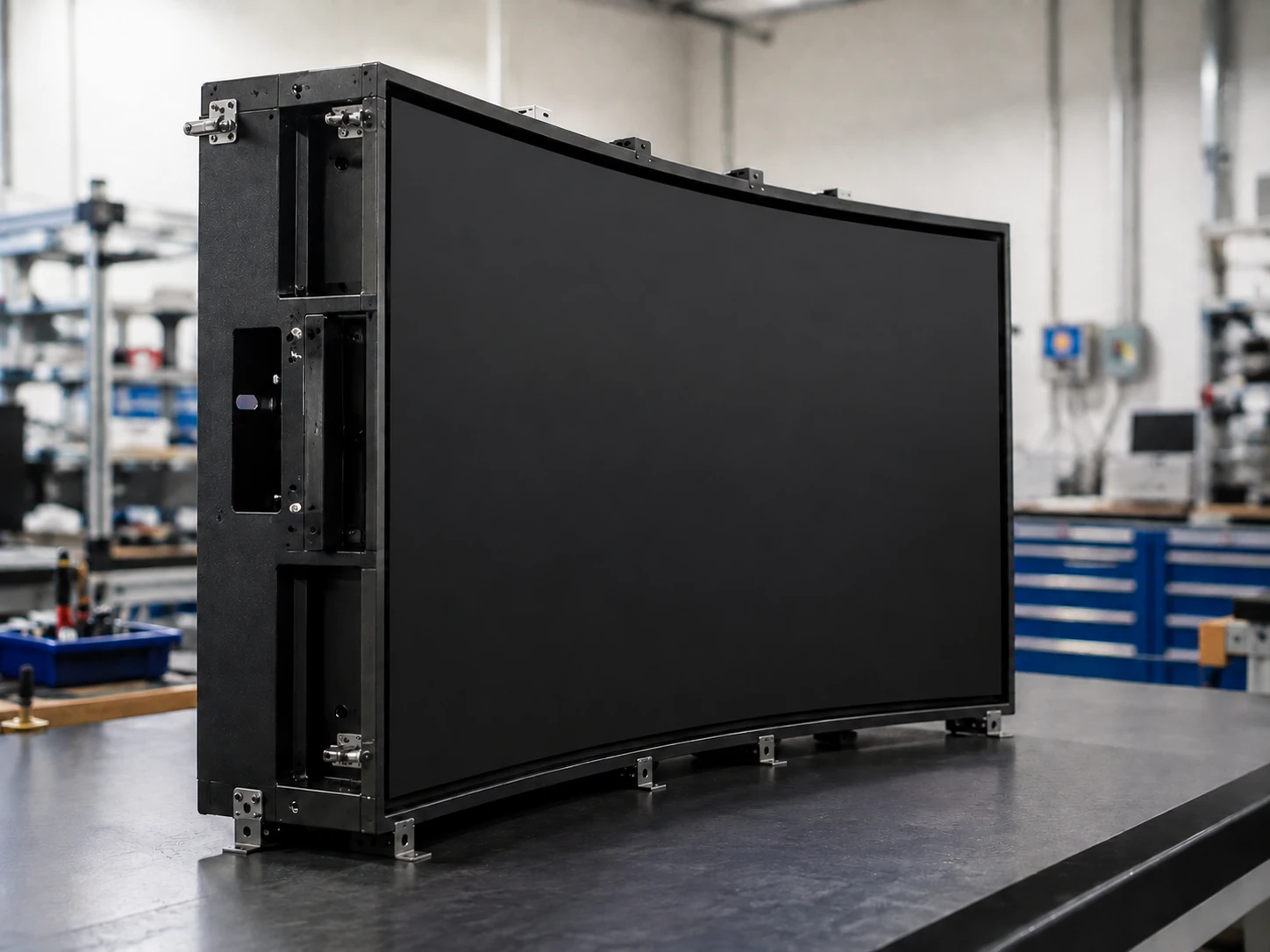
Metal Housing
The metal enclosure provides a practical structure for cabinet installation, controller placement, cable routing and project-specific mounting.
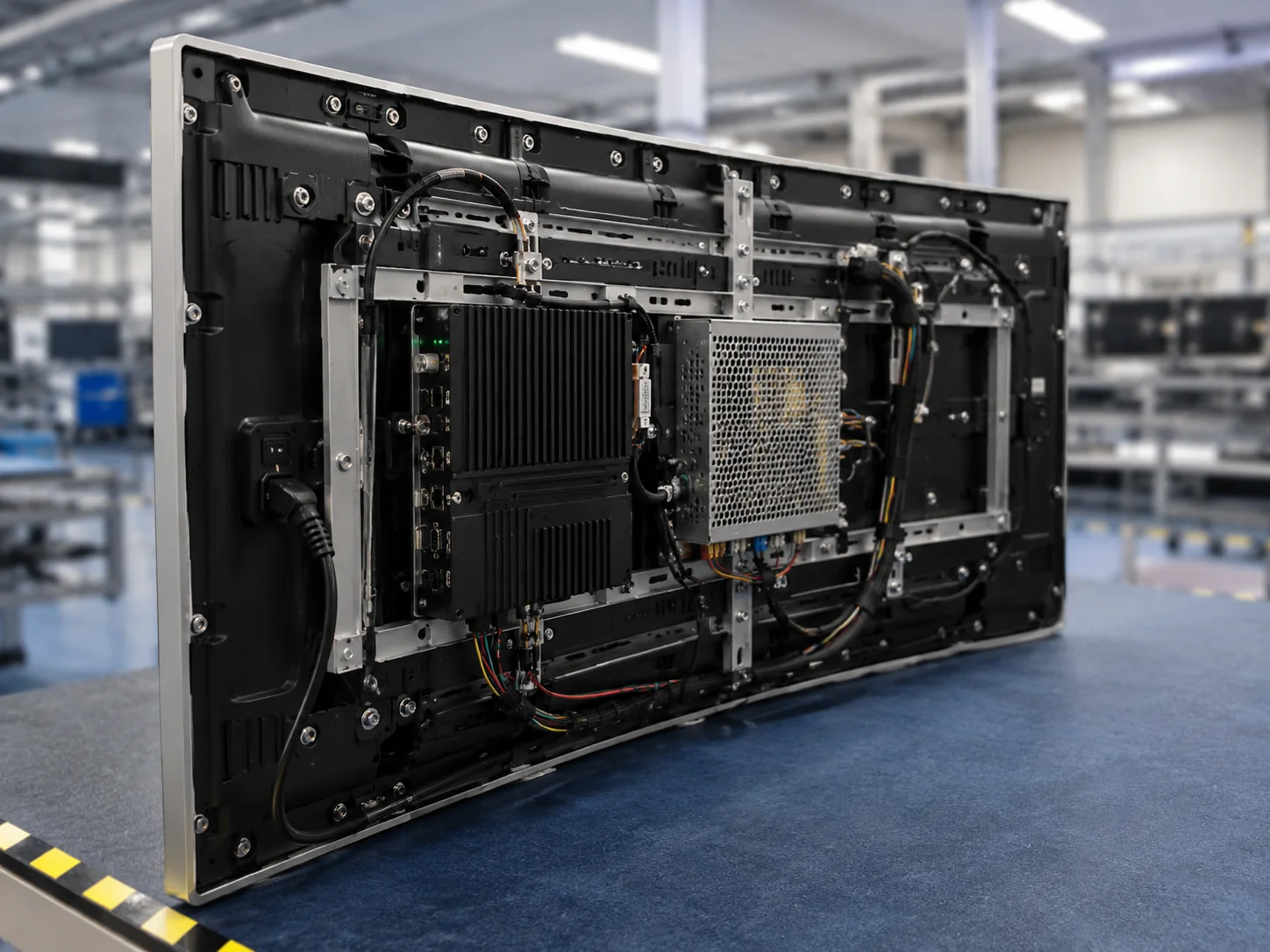
Custom Interfaces and Power
Connection type, interface position, cable direction, controller and power input can be evaluated according to the cabinet layout.
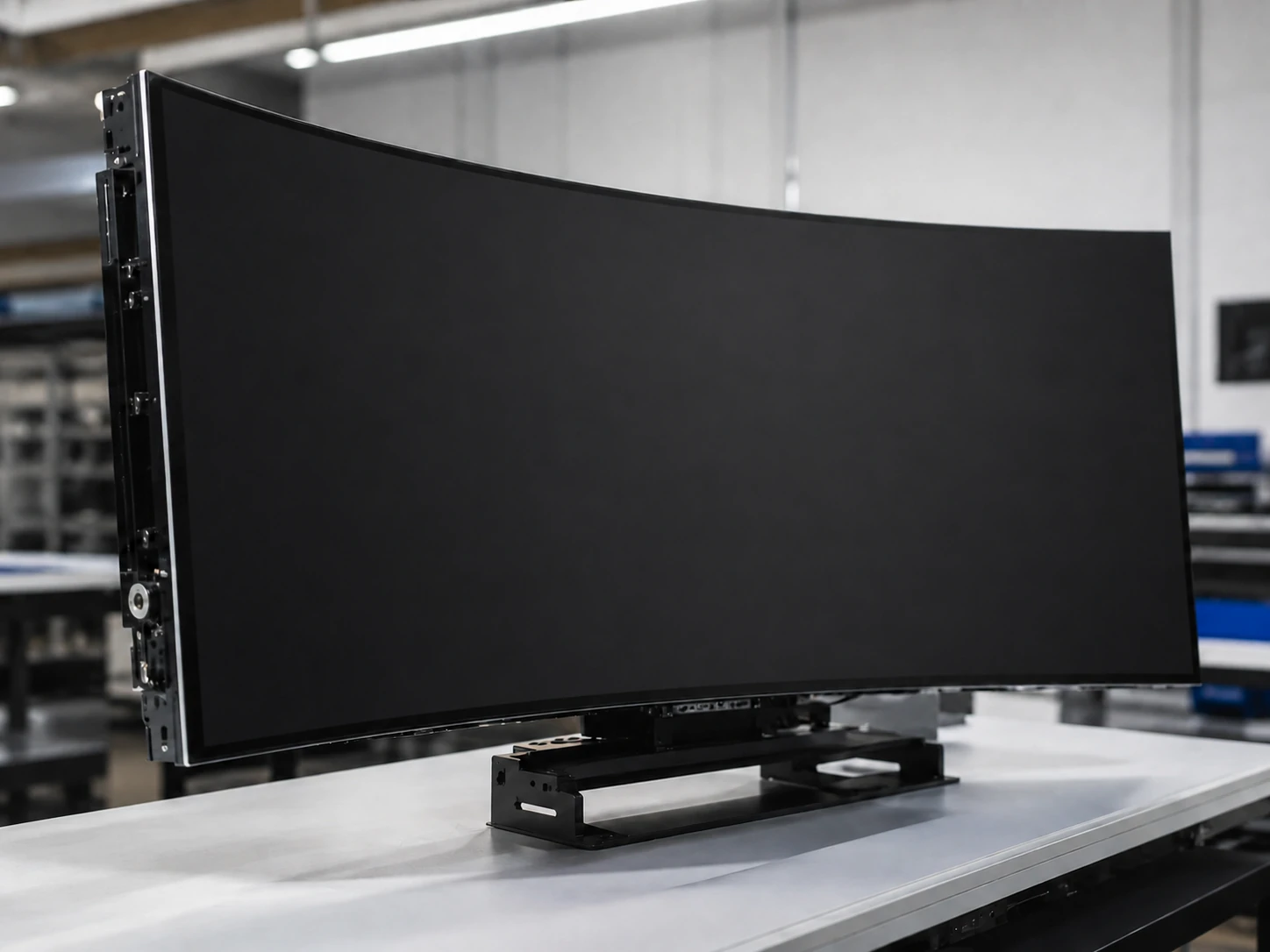
Resolution and Surface Options
Standard catalog configurations use 1920 × 1080. Higher resolution, brightness, anti-glare treatment and other display requirements can be evaluated according to the project.
C-Curved Touch Monitor Applications
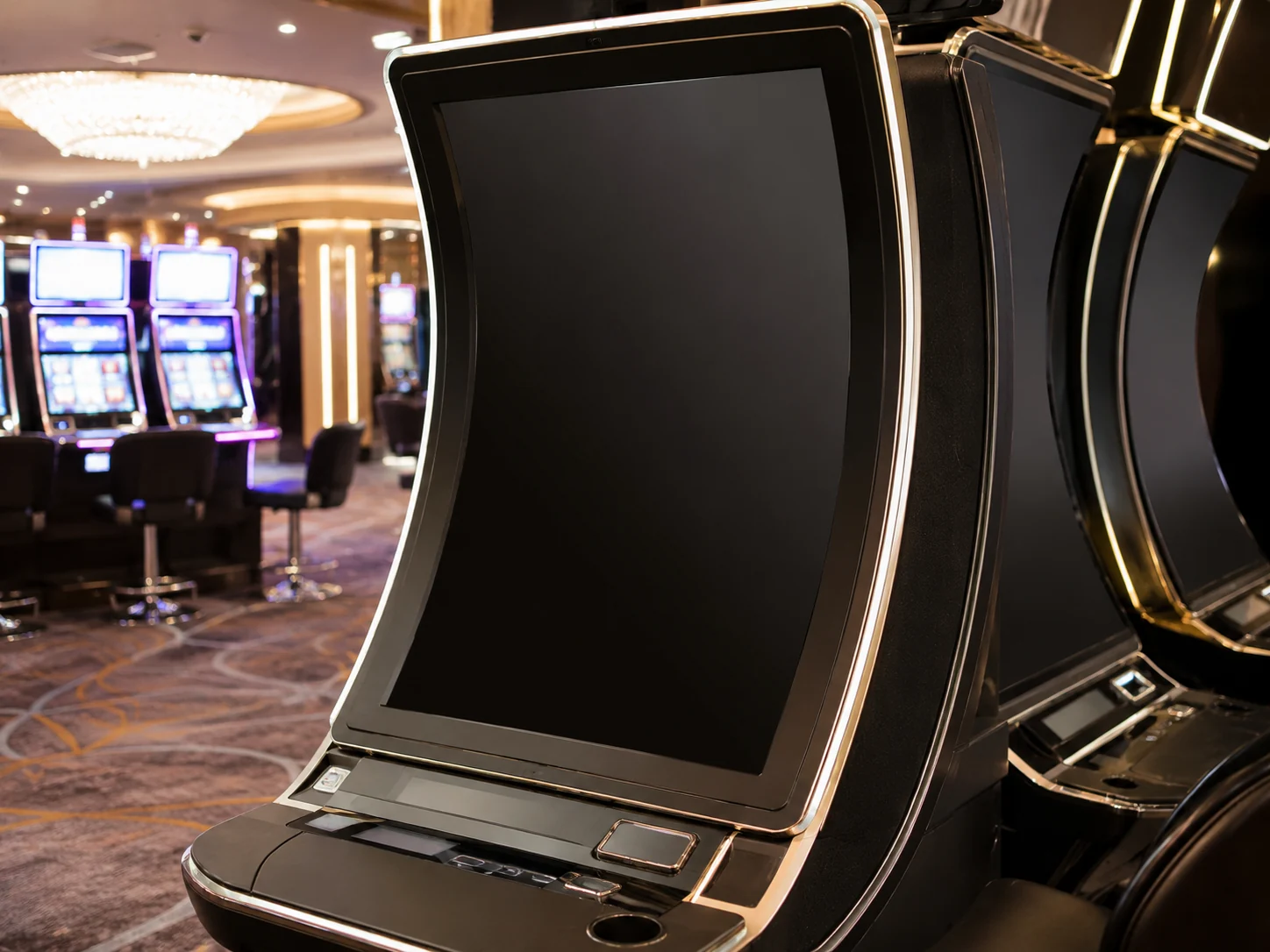
Slot Machine Display
Integrate a C-Curve Slot Machine Monitor into a gaming cabinet that requires a continuous curved viewing and touch surface. Explore custom slot machine display solutions.
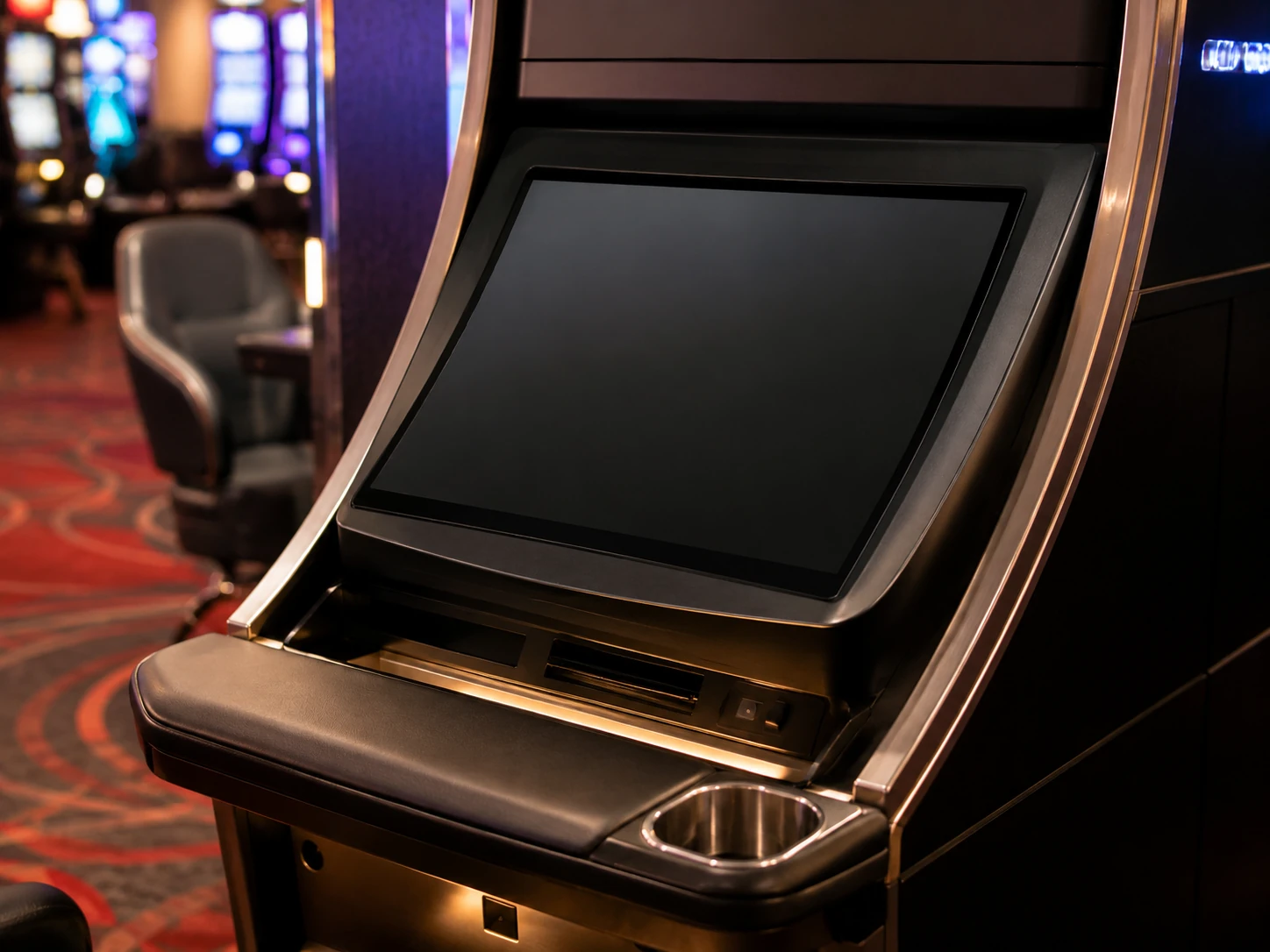
Casino Gaming Monitor
Use the display as an OEM casino gaming component where the screen, enclosure, touch area and mounting structure are developed together.
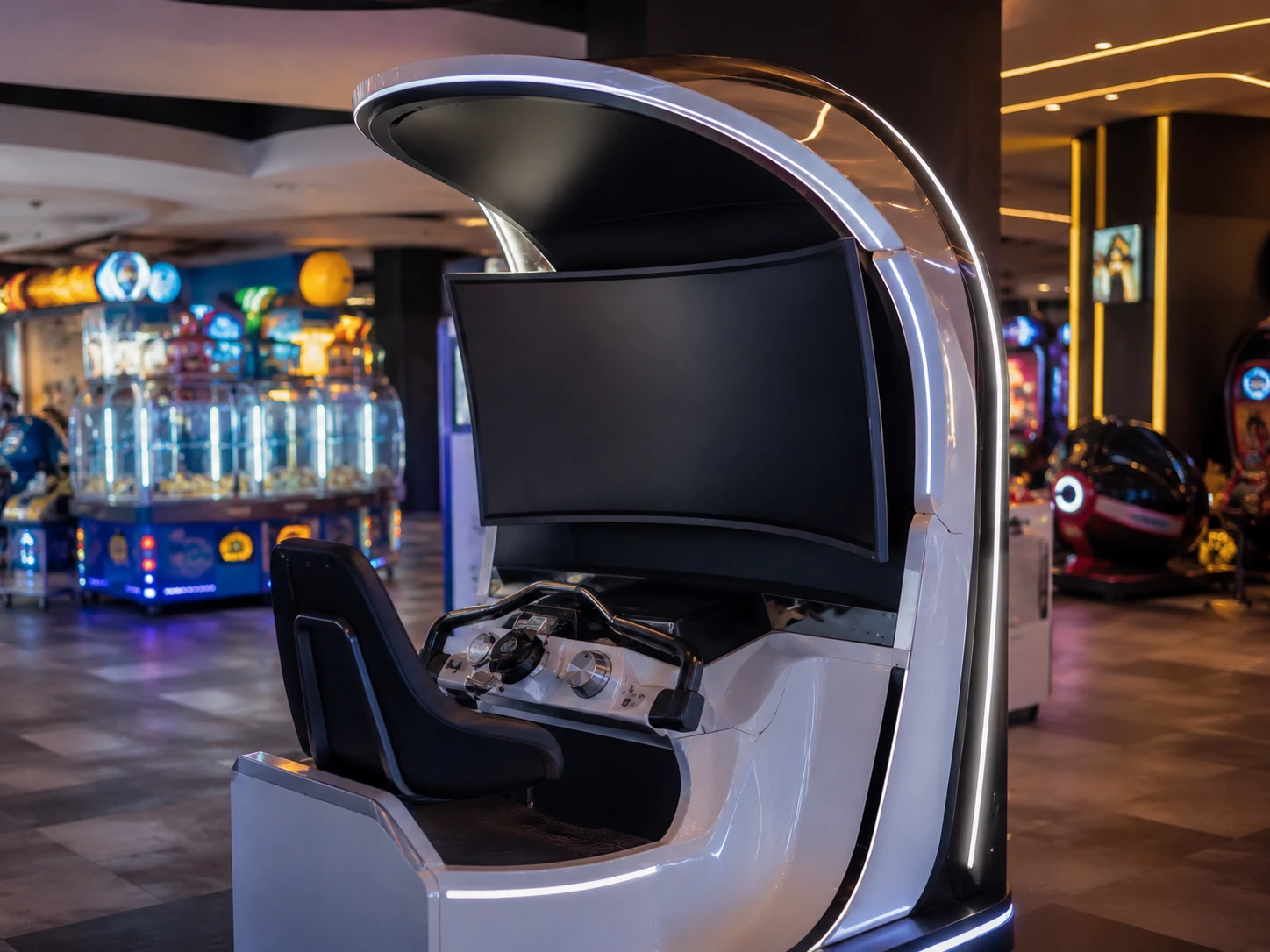
Interactive Gaming Equipment
Suitable for professional gaming devices, amusement equipment and custom interactive machines requiring a curved visual design.
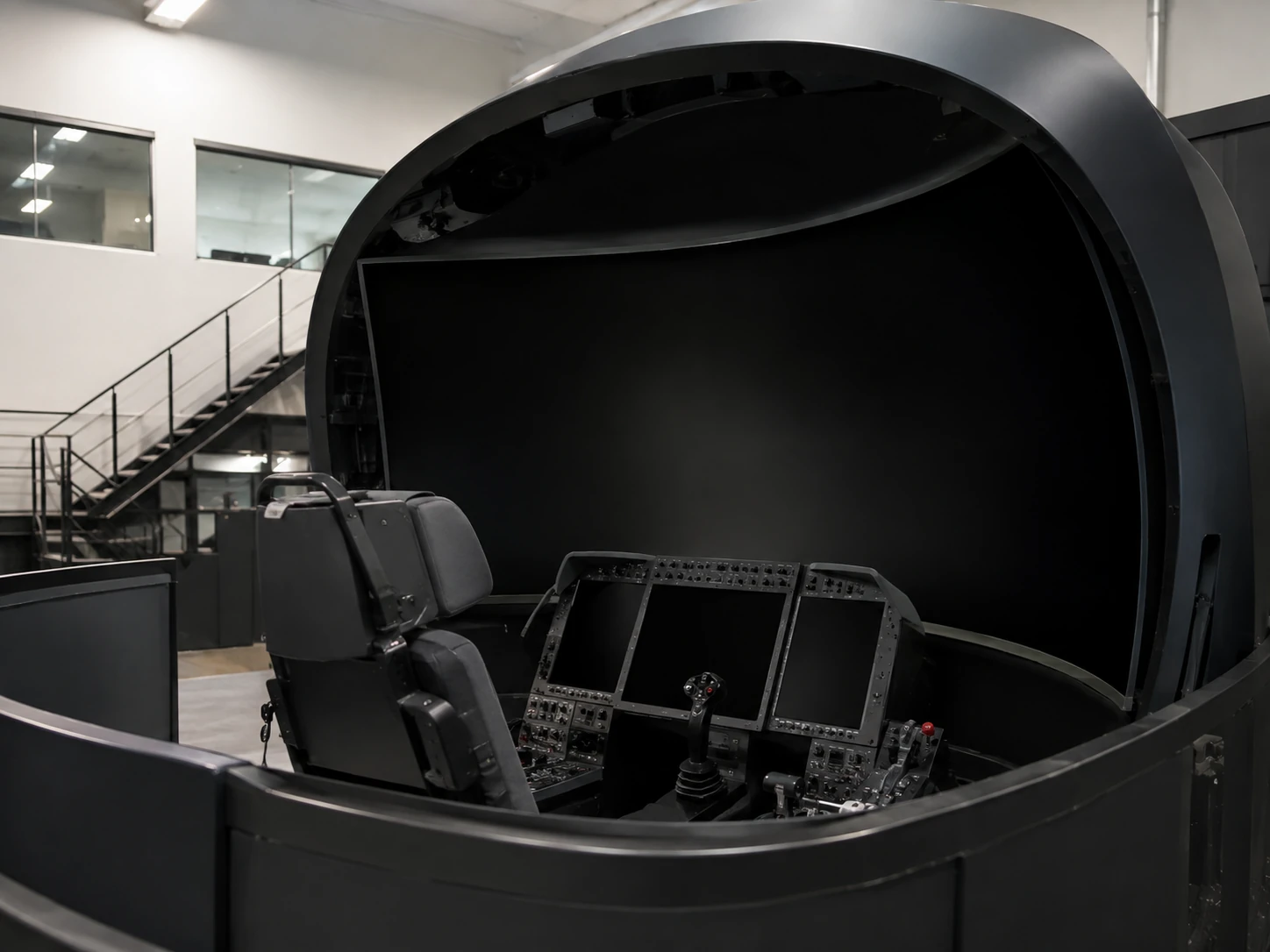
Simulator & Immersive Equipment
Evaluate the C-shaped profile for simulators and immersive installations where the curved screen needs to follow the equipment structure.
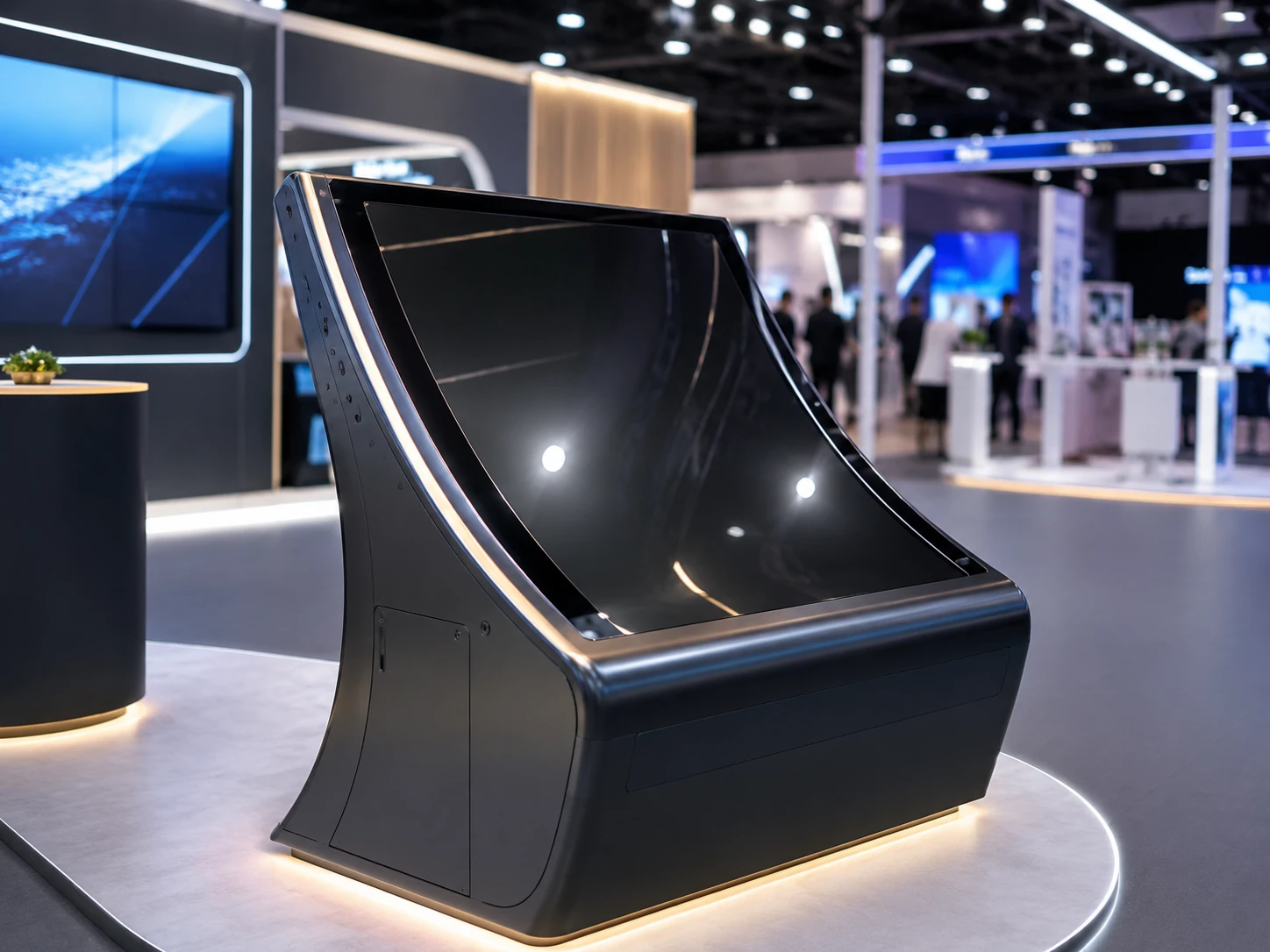
Custom Kiosk & Exhibition
The display can be considered for special kiosks and interactive exhibition systems when a continuous curved surface is required.
From Curve Definition to Mass Production
Define the Application
Confirm the equipment type, destination market, required size, quantity and project schedule.
Submit the Cabinet Drawing
Provide the cabinet opening, outer dimensions, curve direction, radius or profile, mounting points, internal space and cable direction.
Confirm the Configuration
Define resolution, touch, brightness, cover glass, interfaces, controller, power and operating system requirements.
Produce the Sample
Build the agreed configuration for physical fit, display, touch and communication testing.
Test It in the Actual Cabinet
Verify the curve, viewing area, touch response, mounting, cable routing, heat and software interaction.
Approve and Produce
Freeze the approved drawing, BOM, test criteria, appearance and packaging before mass production.
What Features Should You Look for in a C-Curved Touch Monitor?
A high-quality C-Curved Touch Monitor should have a curve that matches the cabinet, stable touch response across the active surface, clearly defined resolution and brightness, suitable cover glass, dependable interfaces, practical thermal design and consistent manufacturing after sample approval.
C-Curved vs J-Curved vs Flat Touch Monitor
| Feature | C-Curved | J-Curved | Flat |
|---|---|---|---|
| Screen Profile | A continuous concave curved display surface | A mainly upright display with a curved lower section | A conventional flat display surface |
| Typical Application | Immersive gaming cabinets and equipment requiring a continuous curve | Slot machine cabinets requiring an upright display and lower interaction zone | Standard equipment, open-frame installations and simpler enclosures |
| Viewing Design | Creates a more continuous curved viewing area | Separates the upright viewing area and curved interaction area | Provides a conventional straight viewing plane |
| Integration Requirement | Requires curve, radius, enclosure and mounting validation | Requires J-profile and cabinet opening validation | Usually requires less structural customization |
| Best Selection Question | Does the equipment need a continuous concave visual surface? | Does it need an upright display with a curved lower control area? | Is a curved structure unnecessary? |
How to Choose a C-Curved Touch Monitor
Start with the cabinet geometry. Confirm the required active area, outer dimensions, curve, radius, viewing position, mounting space and cable clearance before selecting resolution, touch, brightness, interfaces, controller and power. Test a physical sample in the actual enclosure before mass production.
Configuration Checklist
- 1. Required screen size and active area
- 2. Cabinet opening and outer dimensions
- 3. Curve direction, radius and arc length
- 4. Viewing distance and equipment orientation
- 5. Resolution and content-source compatibility
- 6. Touch points and cover-glass requirements
- 7. Brightness and anti-glare requirements
- 8. HDMI, USB, network and control interfaces
- 9. Power input and destination market
- 10. Mounting, cables and ventilation
- 11. Quantity and sample requirements
- 12. Compliance, packaging and delivery schedule
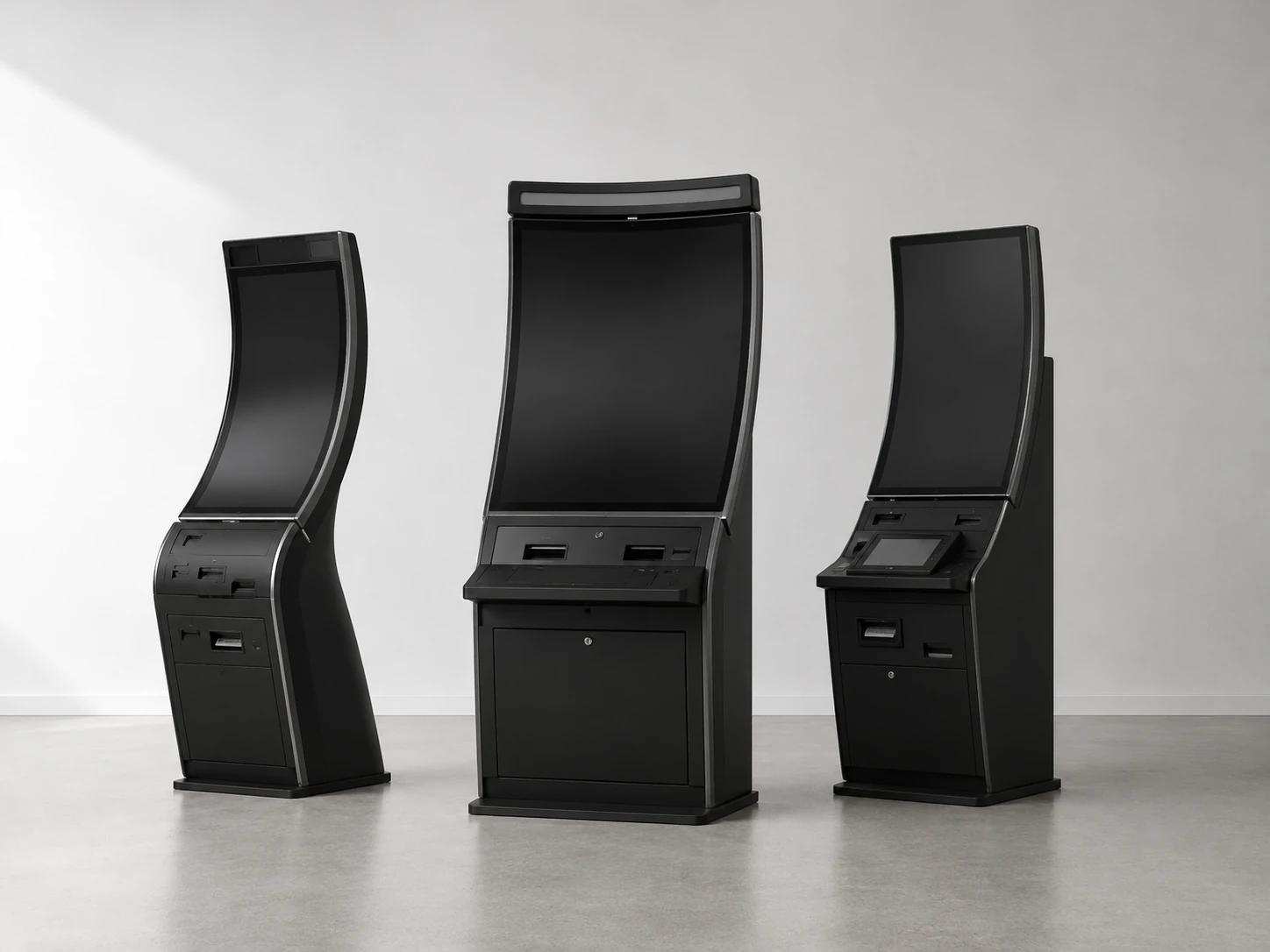
How to Set Up a C-Curved Touch Monitor with a Windows PC
A typical Windows setup uses a video connection for the display and a USB connection for touch data. The exact procedure depends on the selected controller, interfaces and Windows version. Confirm the final cable layout and compatible driver with XFC before installing the monitor inside the cabinet.
- Secure the monitor in the approved mounting structure.
- Connect the confirmed video cable, such as HDMI.
- Connect the USB touch-data cable.
- Connect the approved power input.
- Start the Windows computer and detect the display.
- Install or verify the compatible touch driver when required.
- Calibrate the touch area if the project configuration requires it.
- Test touch accuracy, orientation and application response across the entire active surface.
- Verify cables, ventilation and service access before closing the cabinet.
What Determines C-Curved Touch Monitor Cost?
C-Curved Touch Monitor pricing depends on screen size, panel availability, curve, touch technology, cover glass, resolution, brightness, housing, controller, interface layout, order quantity, testing, certifications, packaging and shipping. A meaningful B2B price requires a confirmed configuration.
Where Can You Buy a C-Curved Touch Monitor?
XFC supplies C-curved touch monitors directly for OEM, ODM and equipment-integration projects. Buyers can provide a cabinet drawing, request a sample and receive a project-specific quotation. This product is not positioned as a low-cost consumer monitor sold through generic online retailers.
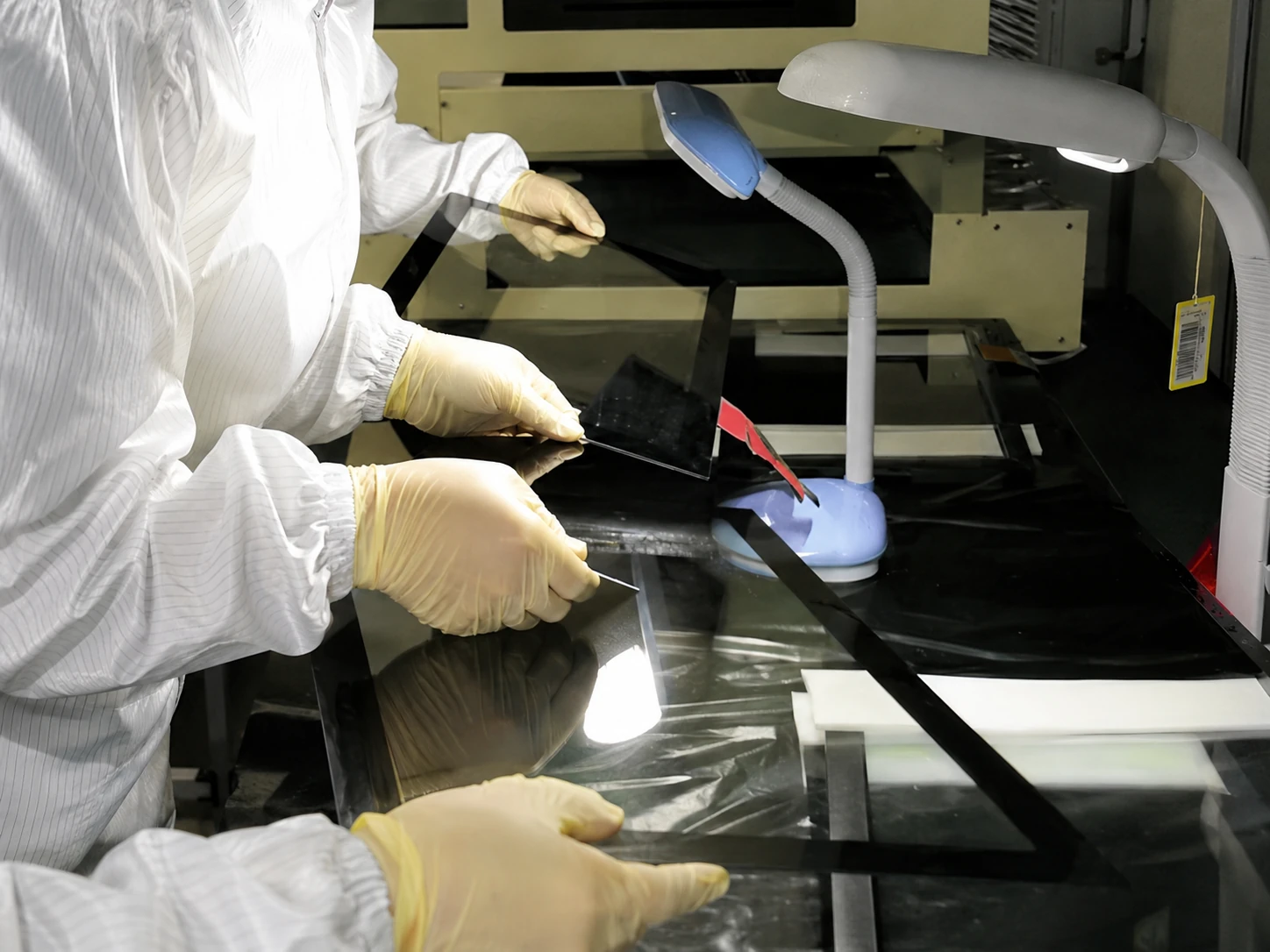
How XFC Verifies a Custom C-Curve Project
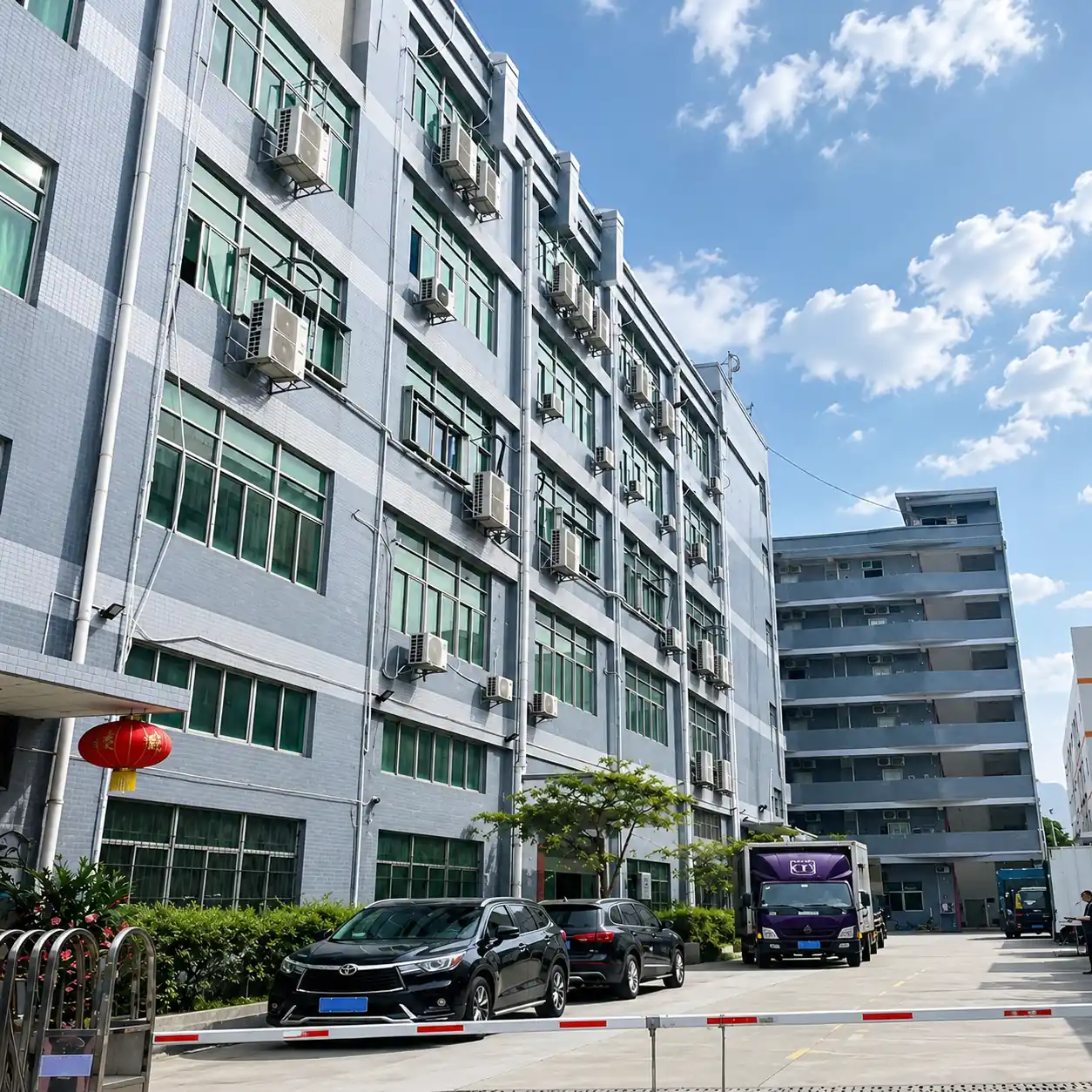
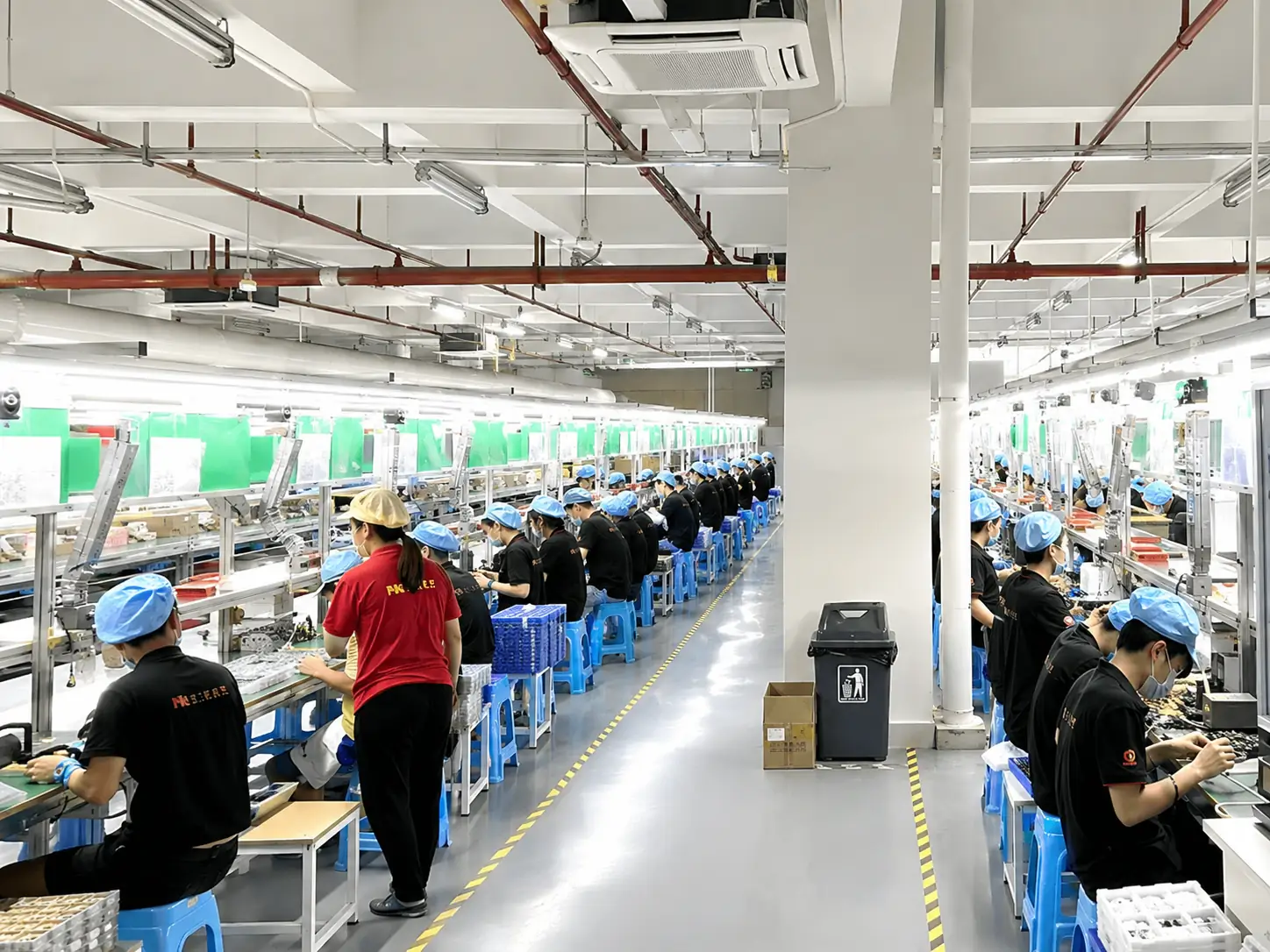
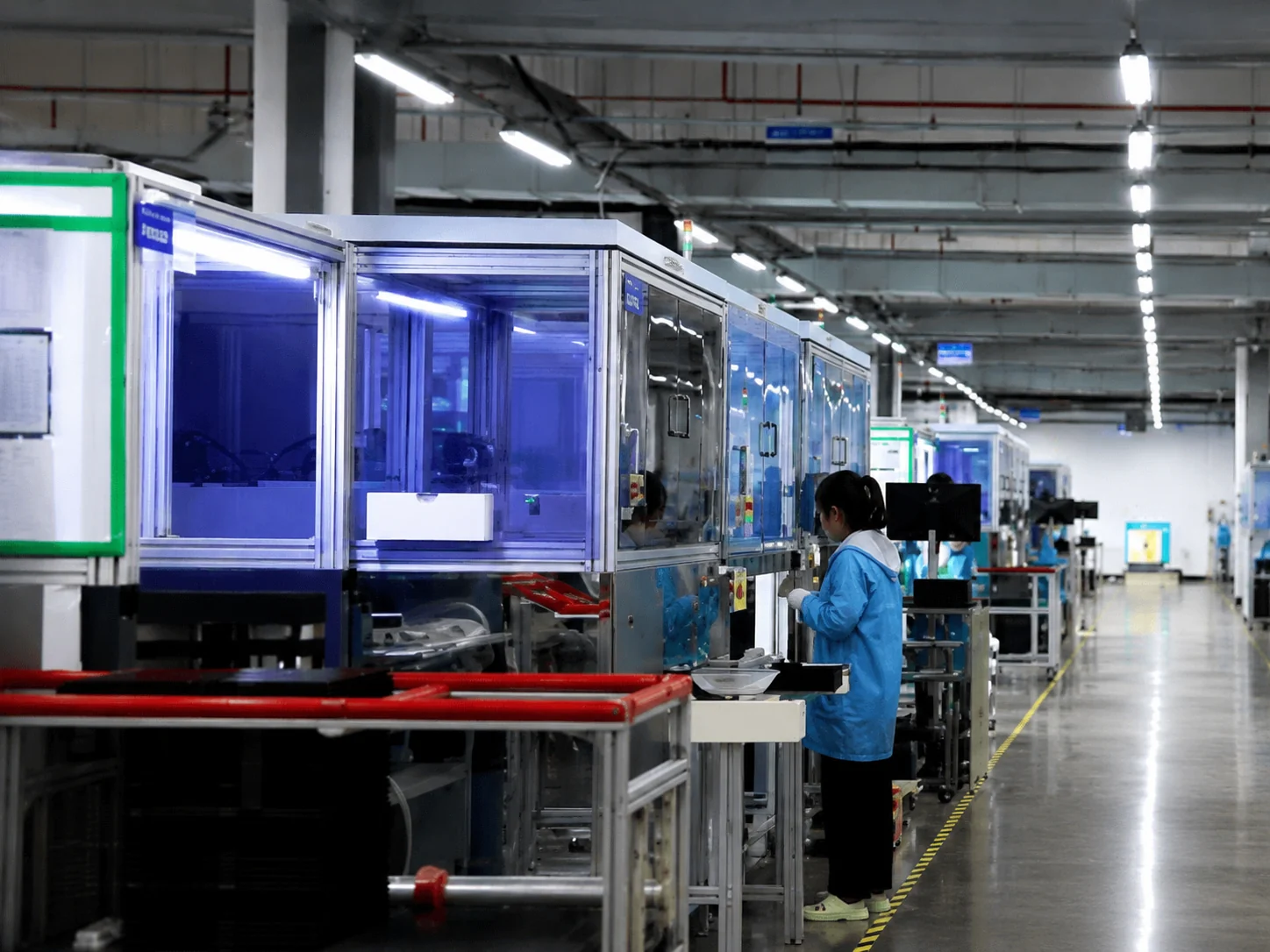
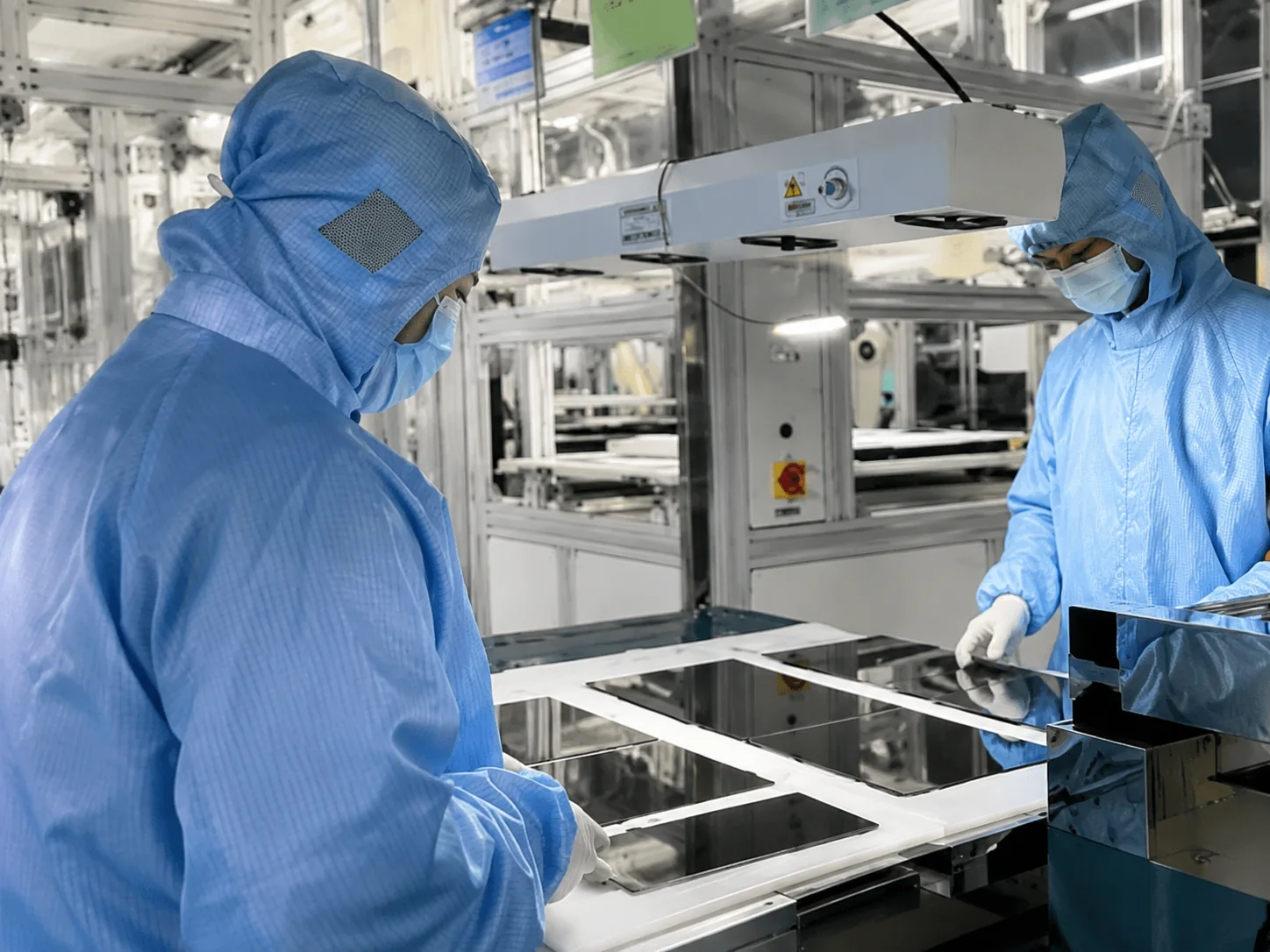
Inspection Process
- Incoming Material Inspection
- Curve and Dimension Verification
- Display Function Test
- Full-Surface Touch Test
- Interface and Power Test
- Aging and Operating Test
- Appearance Inspection
- Protective Packaging Check
- Pre-Shipment Confirmation
XFC Manufacturing Capability
- 13+ years focused on touch displays
- OEM and ODM support
- MOQ from 1 unit
- 100% inspection
- Support from design and sample to mass production
- Experience with display sizes from 2.5 to 120 inches
- Export experience across more than 80 countries
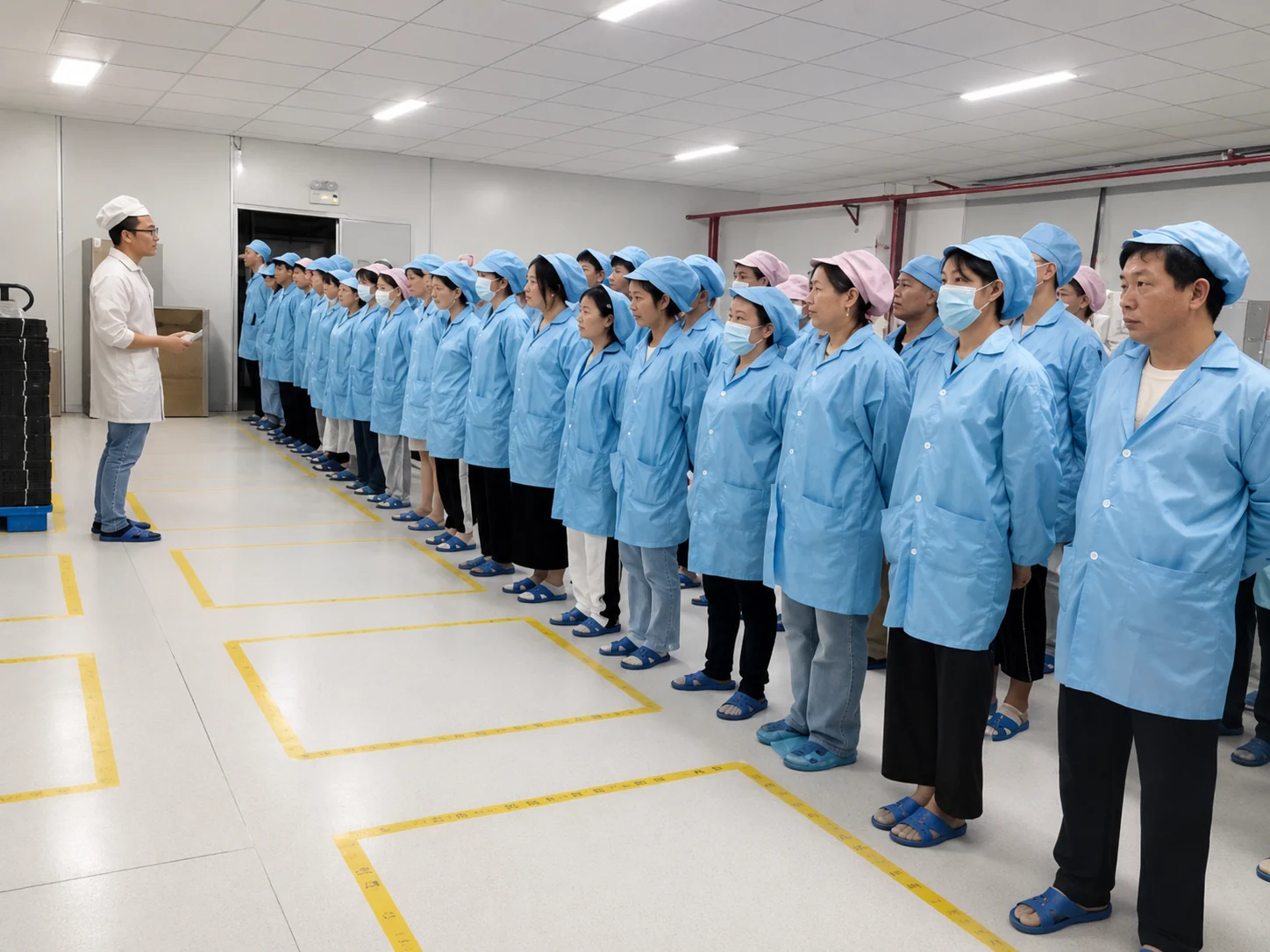
Only display certifications that apply to the actual C-Curved Touch Monitor configuration and destination market will be provided during quotation.
Inside the Factory: Production & Quality Testing
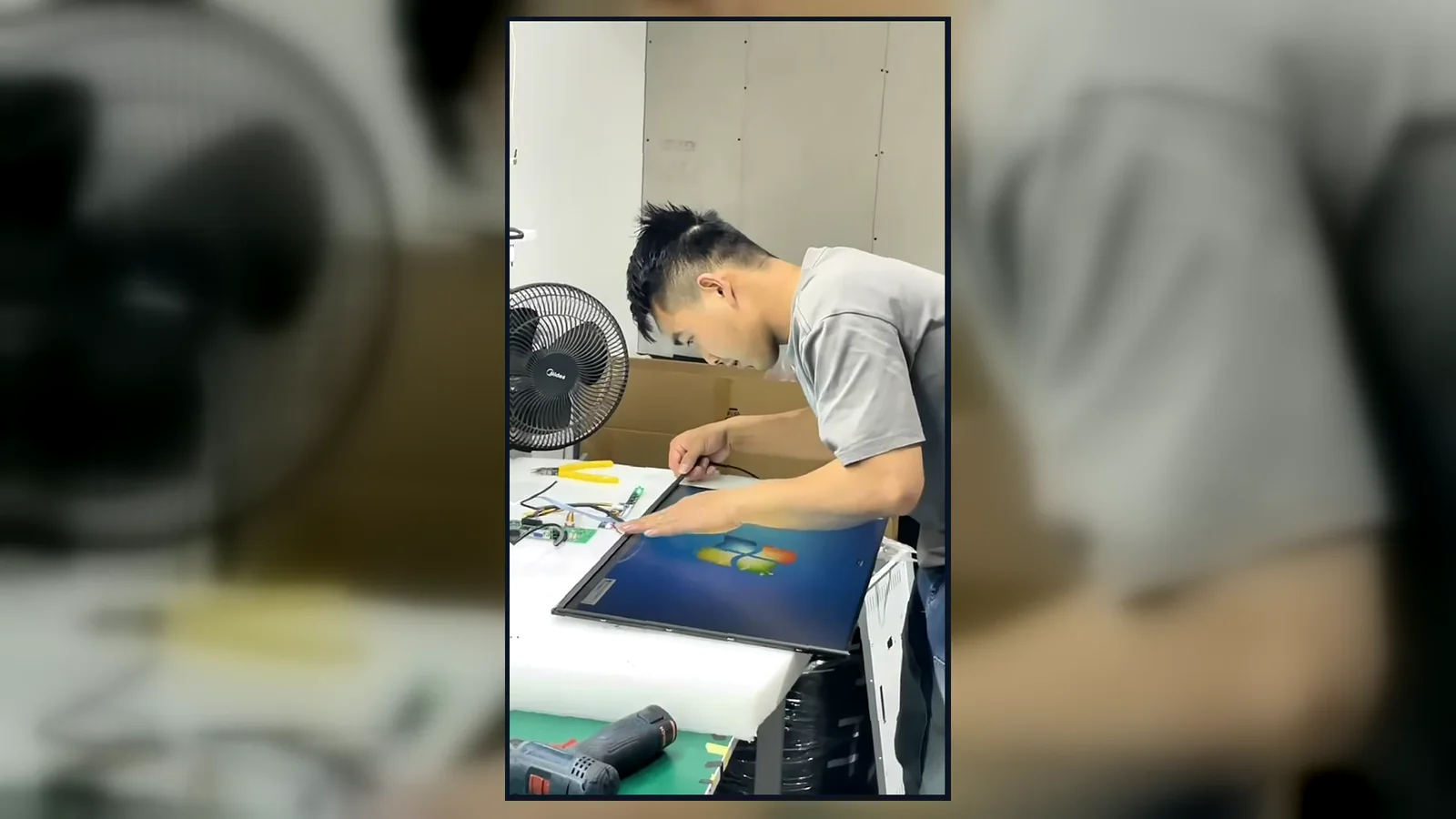
Watch our brief 45-second overview showcasing the rigorous assembly and testing procedures at our facility. See firsthand how our QC team conducts 100% inspections to verify touch response, display quality, interfaces and appearance according to the approved specifications.
Global Quality & Compliance Standards
Our products are manufactured under strict quality control systems and comply with international standards, ensuring reliability and safety for your projects.
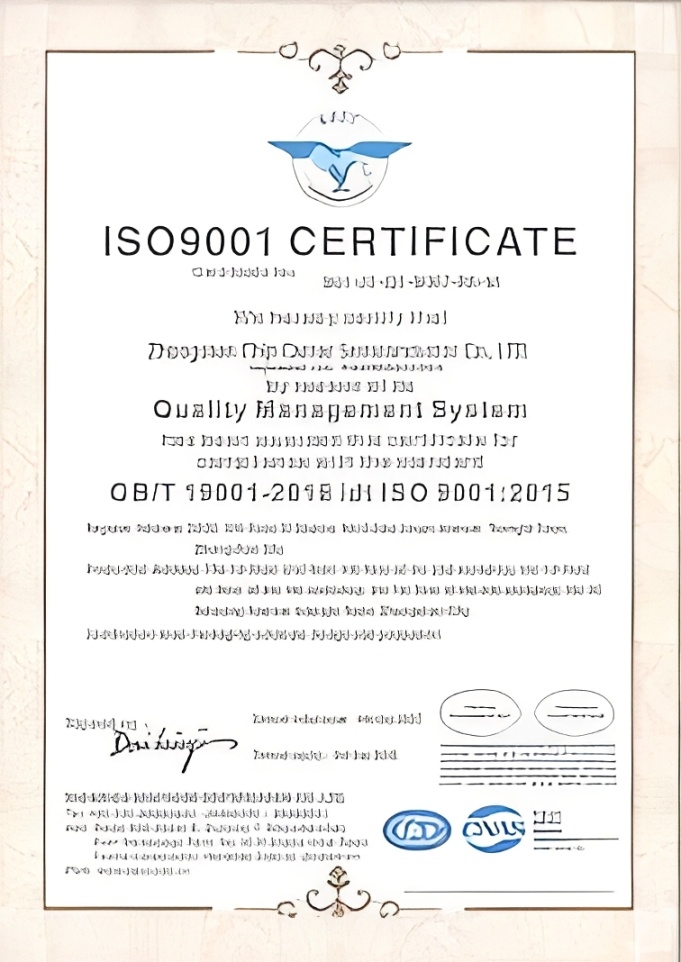
ISO 9001:2015
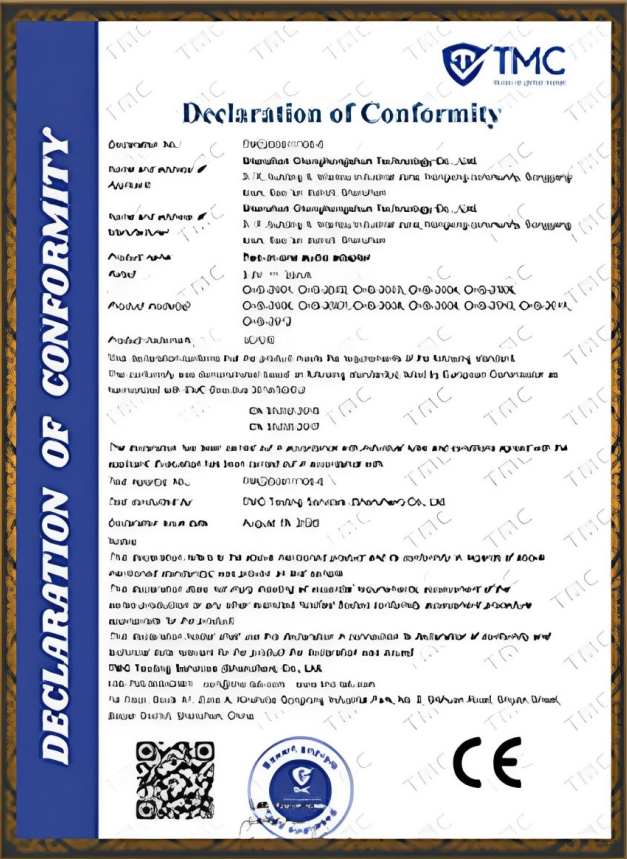
CE Certification
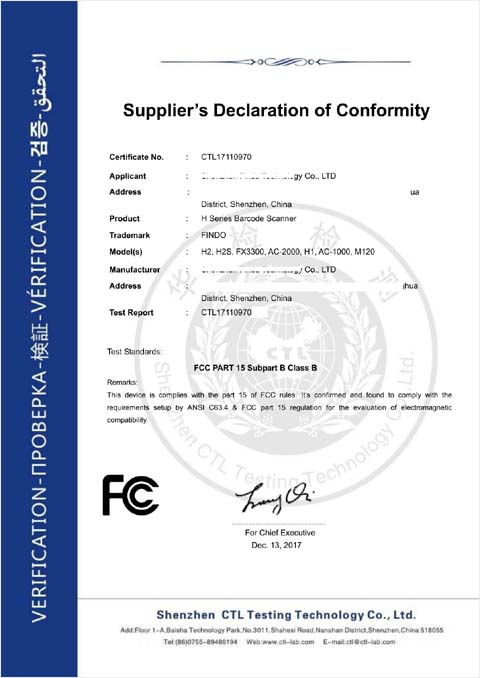
FCC Certification
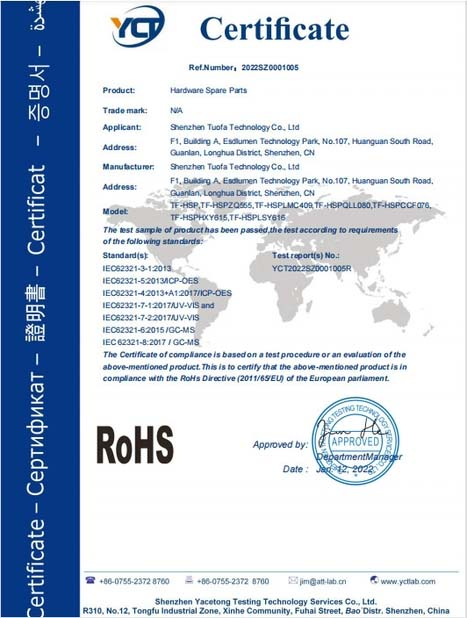
RoHS Compliance
IP56/IP65/IP67/IK10
C-Curved Touch Monitor FAQs
1. What is a C-Curved Touch Monitor used for?
2. Which sizes are available?
3. Does XFC manufacture complete slot machines?
4. Can XFC supply a 4K C-Curved Touch Monitor?
5. Can the monitor connect to a Windows PC?
6. Is this a consumer gaming monitor?
7. Is it suitable for graphic design?
8. How do I compare different C-curved monitor sizes?
9. Can I buy one sample?
10. How quickly can the monitor be shipped?
11. How do I choose a durable C-curved touchscreen supplier?
12. Does XFC provide replacement or repair support?
Related Curved and Casino Display Solutions
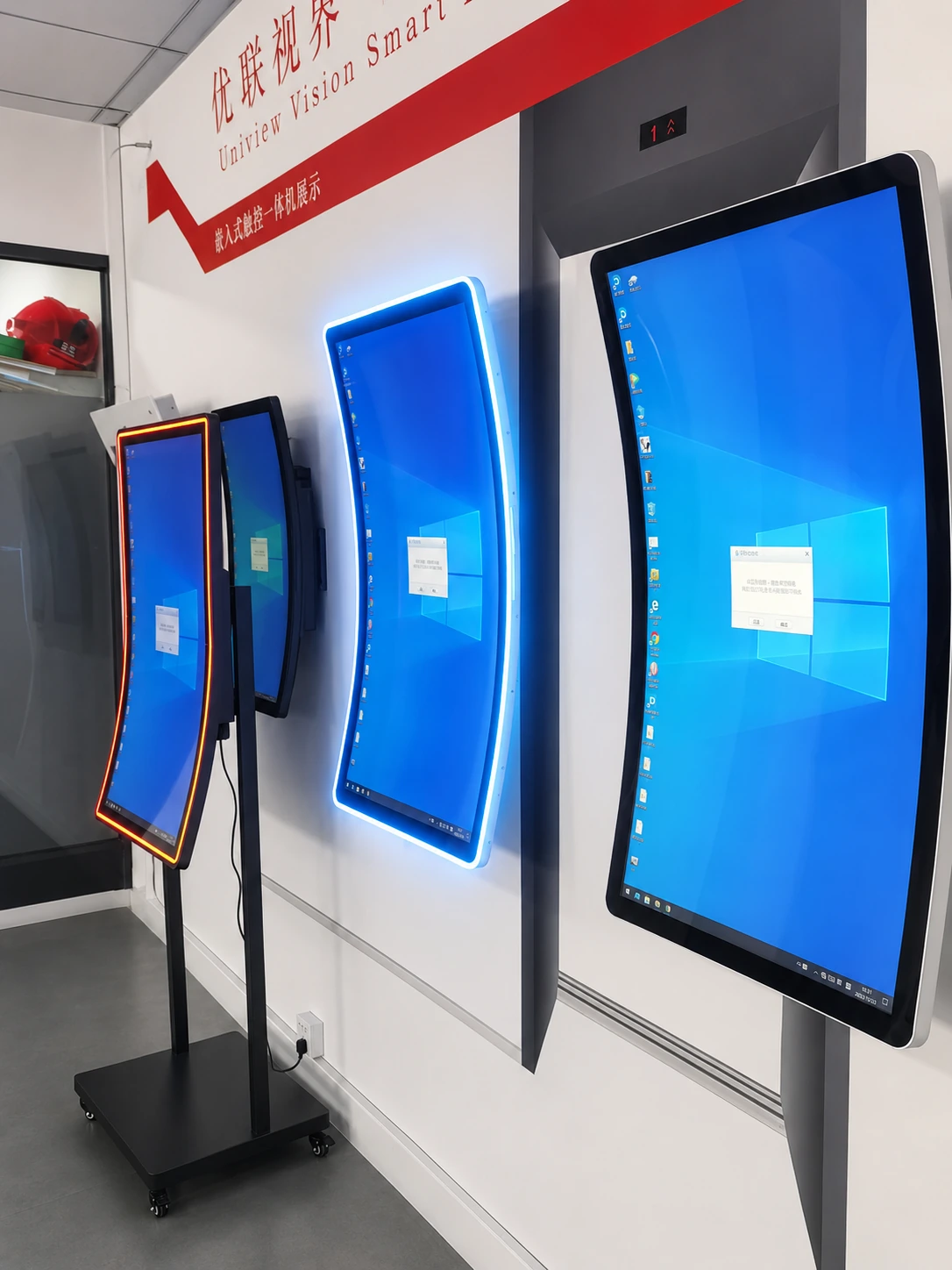
Curved Touch Monitor
Explore XFC’s broader curved touch display range.
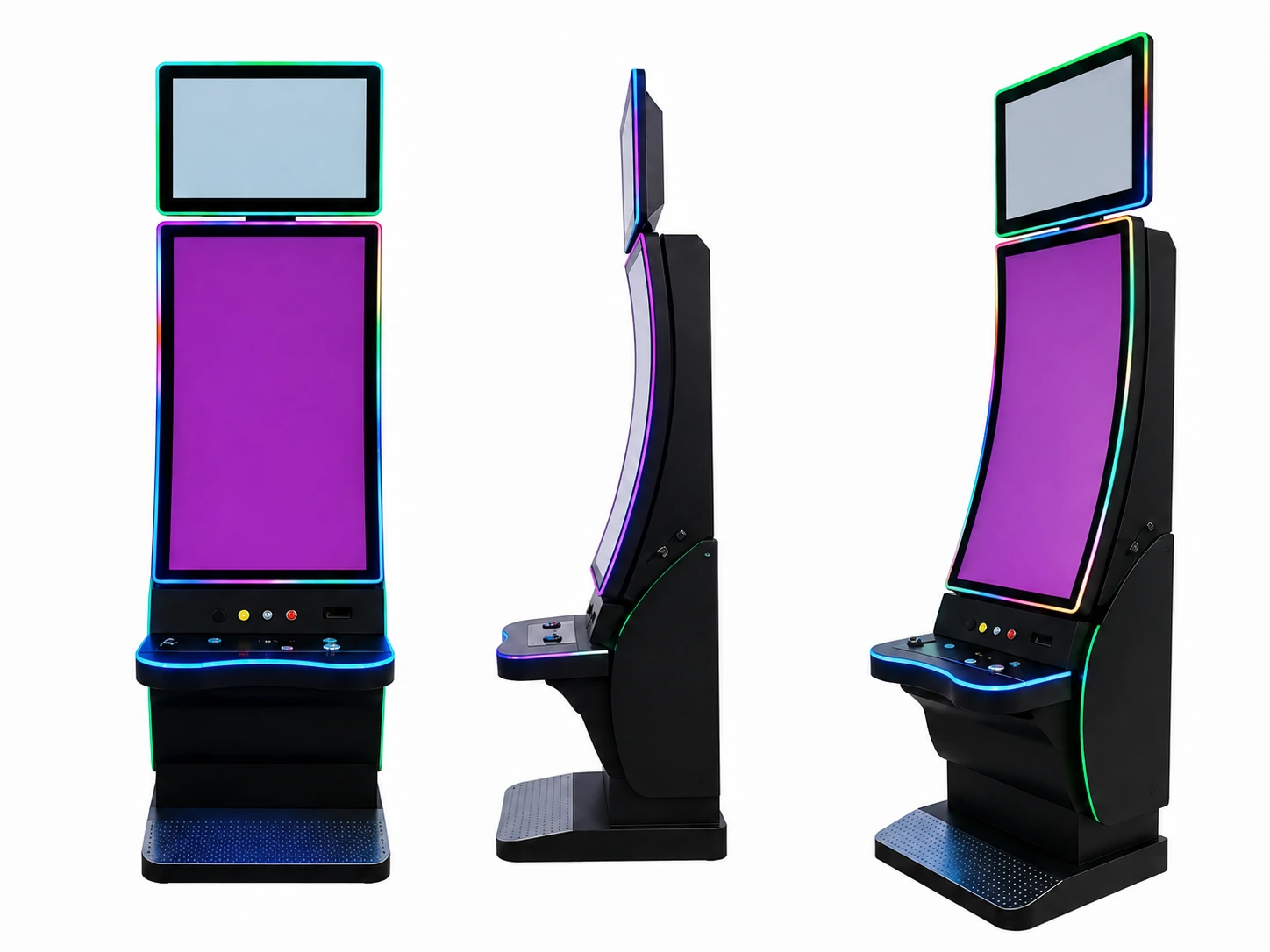
J-Curved Touch Monitor
View J-shaped displays with an upright viewing area and curved lower interaction zone.
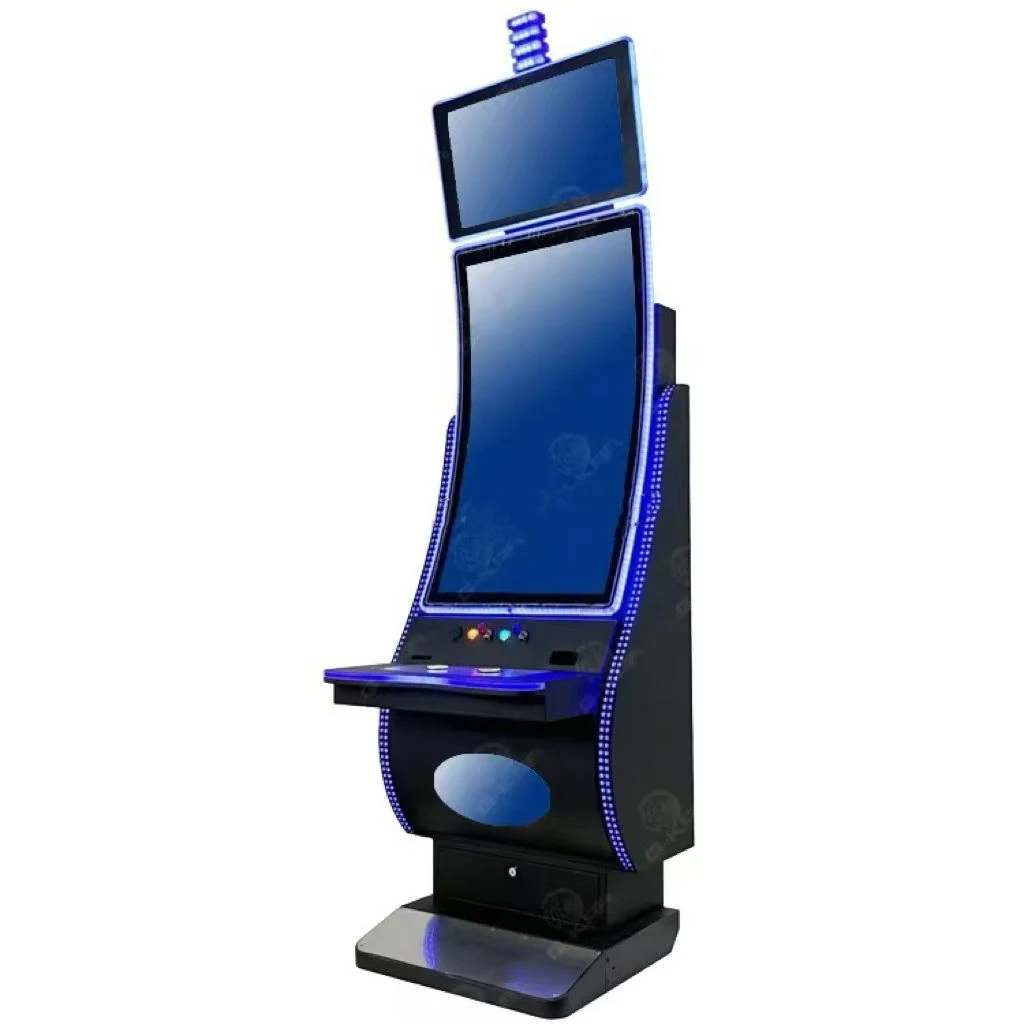
Slot Machine Display
Explore curved, vertical, touch and custom display options for gaming equipment.
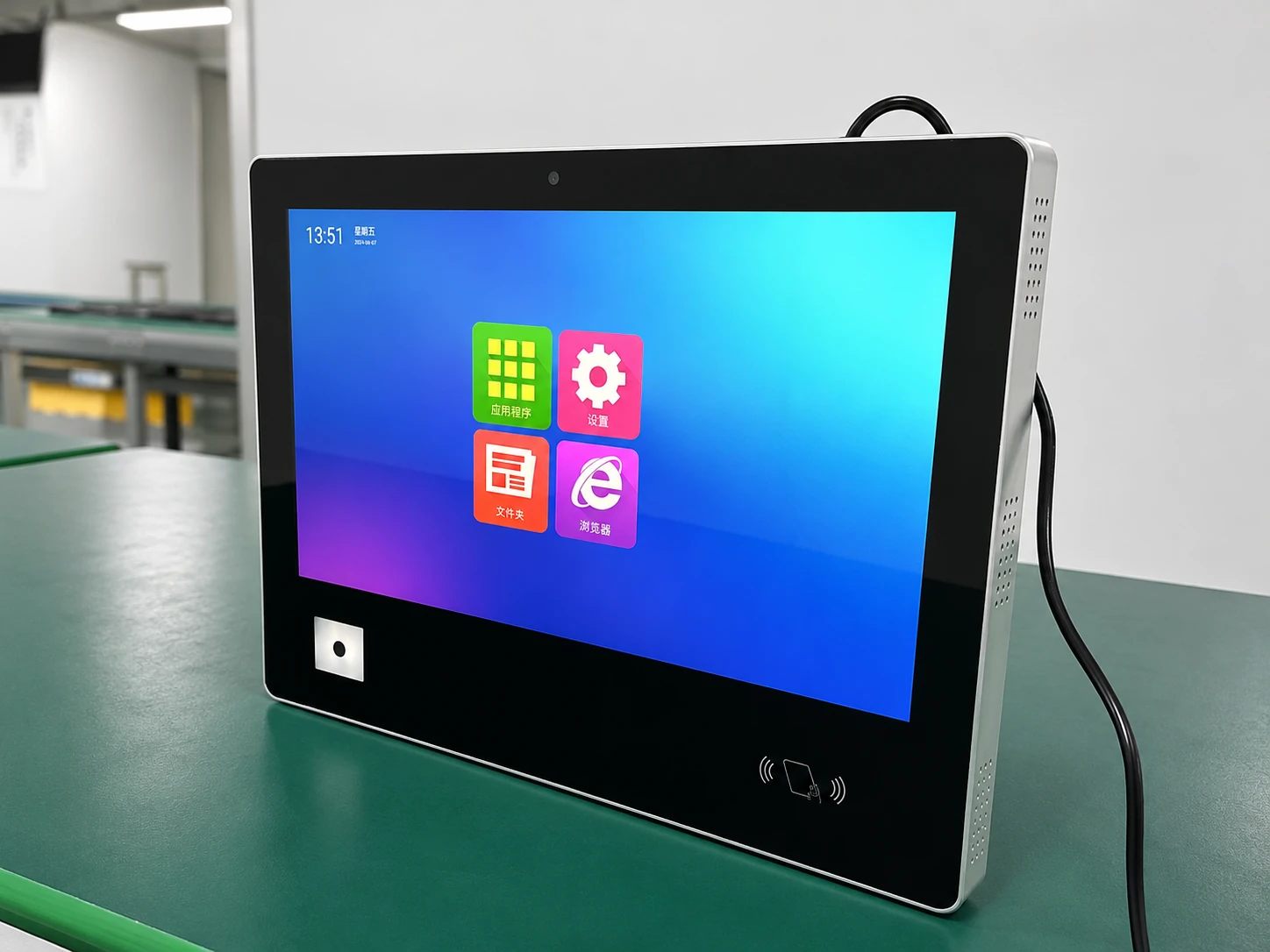
Industrial Touch Screen
Explore touch displays for industrial equipment and embedded control.
Build Your C-Curved Display Around the Cabinet
Send XFC your cabinet drawing, target screen size, curve or radius, resolution, touch requirements, interfaces, power, quantity and destination. Our team will evaluate the configuration and prepare a project-based recommendation and quotation.
Project Information Checklist
Please provide as much detail as possible to receive an accurate configuration review:
- Screen size
- Cabinet opening
- Curve or radius
- Viewing distance
- Mounting method
- Resolution
- Touch requirement
- Interface & Power
- Quantity & Destination
