
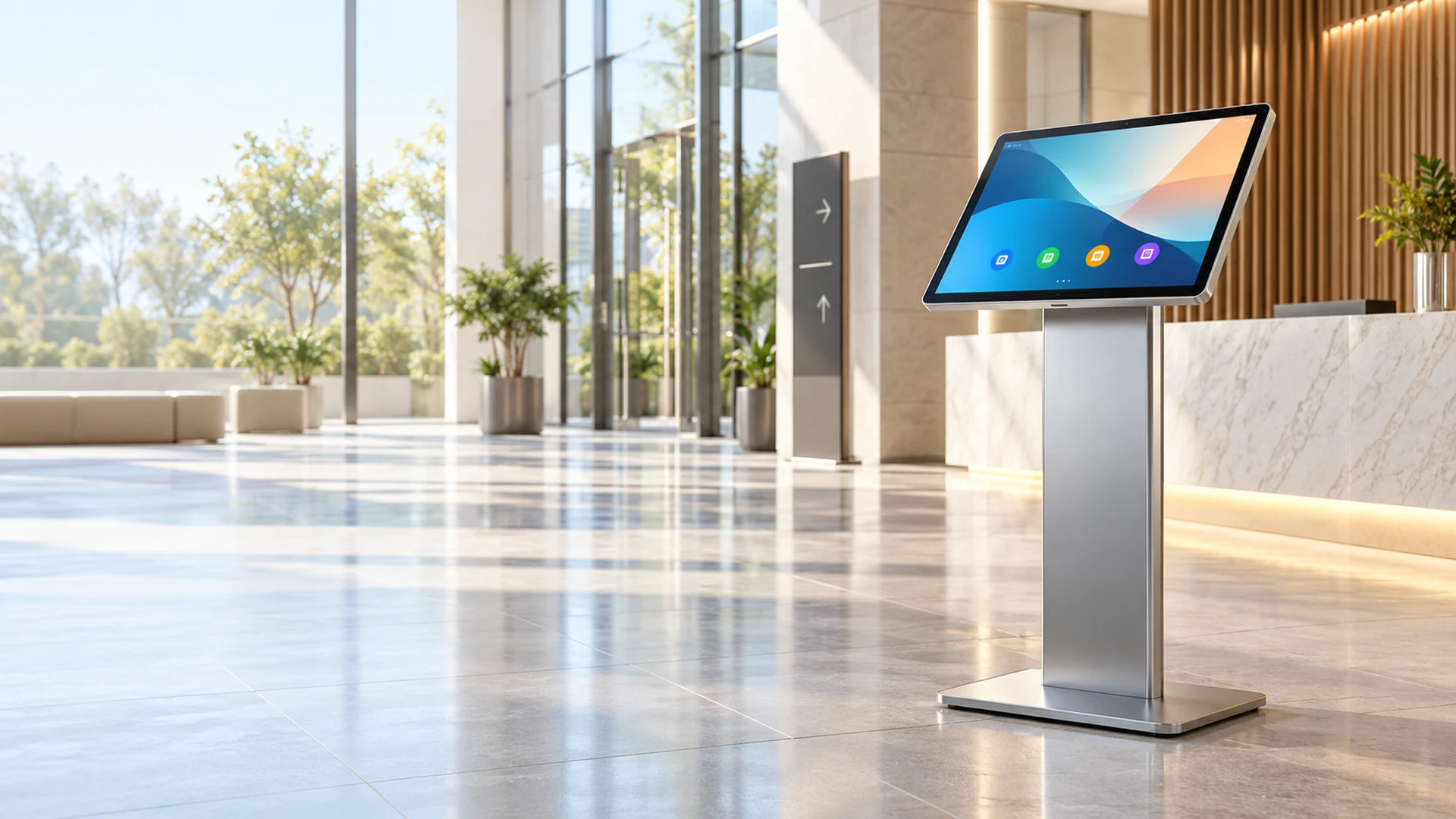
Android Touchscreen Monitor Manufacturer for Integrated Commercial Systems
Configure the touchscreen, Android computing platform, housing, mounting, network and interfaces around the application your users need to run. Lucky-XFC supports integrated Android touchscreen computers, interactive signage, kiosk displays, interactive whiteboards and monitors for external Android hosts.
Android version, processor, memory, storage, network, interfaces and software compatibility are confirmed according to the selected product and project requirements.
- Integrated Android or external-host architecture
- Flat, kiosk, signage and large-format product paths
- PCAP touch and project-specific display configuration
- OEM/ODM housing and interface review
Android Touchscreen Monitor Product Scope at a Glance
An Android touchscreen monitor combines a touch-enabled display with either an integrated Android computing platform or a defined connection to an external Android host.
An integrated configuration can run a compatible Android application directly on the device. An external-host configuration uses a separate Android box, controller or mobile device to supply the application and video signal.
5 Product Paths
All-in-one, signage, kiosk, interactive whiteboard and external-host configurations.
Android by Configuration
The operating-system version and hardware platform are confirmed by selected product.
PCAP Touch
Verified for current flat monitor and interactive-whiteboard references.
Application-Led Selection
Choose the processor, memory, storage, ports and network according to the software workload.
OEM/ODM Review
Housing, mounting, interfaces, cover glass, branding and packaging may be evaluated by project.
Android Touchscreen Monitor Product Formats
Start with where the application runs and how the device will be installed. Then confirm the display, touch, computing and connection requirements.
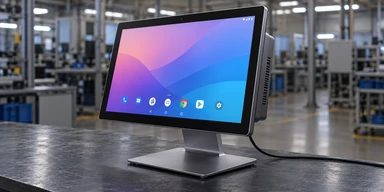
Android All-in-One Touchscreen Monitors
Combine the display, touch interface, Android computing hardware and storage in one unit. Choose this format when the application must run directly on the touchscreen without a separate computer.
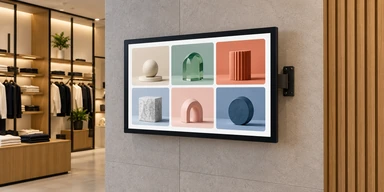
Android Interactive Digital Signage Monitors
Build interactive product browsing, information, wayfinding and compatible CMS applications around a flat, wall-mounted, embedded, floor-standing or project-based curved display.
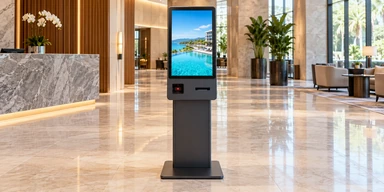
Android Kiosk Touchscreen Monitors
Coordinate the Android application, touchscreen, enclosure and required peripherals for ordering, ticketing, product lookup, information access and other self-service workflows.
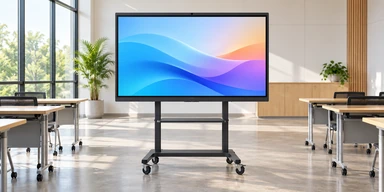
Android Interactive Whiteboard Monitors
Use a 65, 75 or 86-inch 4K PCAP display for presentation, annotation, training and collaborative content. Confirm whether Android is integrated or used alongside Windows or an external PC.
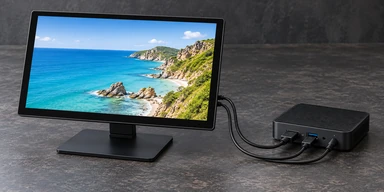
Touchscreen Monitors for External Android Hosts
Connect a display-only touchscreen monitor to an Android box, embedded controller or compatible Android device. Verify both the video connection and the touch-data path.
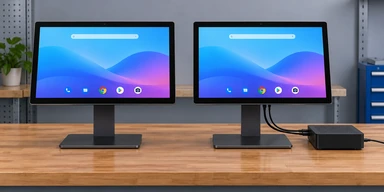
Integrated Android or External Android Host?
Choose integrated Android when the display must run the application itself. Choose an external host when the project already has an Android controller or needs the computing hardware to remain independently replaceable.
What Is an Android Touchscreen Monitor?
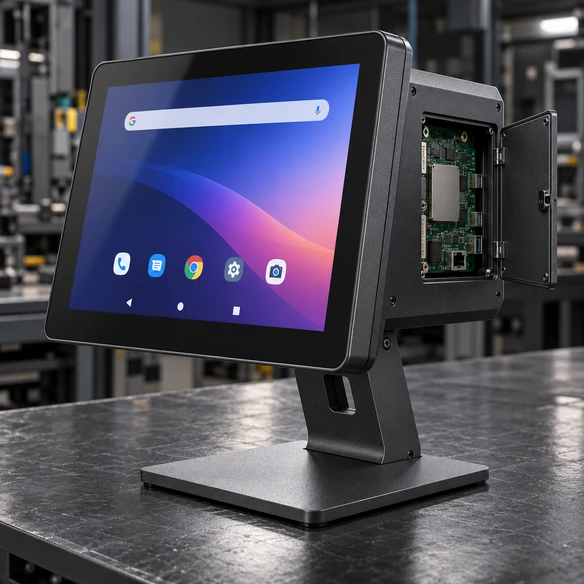
An Android touchscreen monitor is a touch-enabled display used with an Android operating environment. Depending on its architecture, the Android computing hardware may be integrated into the display or supplied by an external device.
Integrated architecture components:
- LCD panel
- Touch sensor
- Touch controller
- Android mainboard
- Processor and memory
- Storage
- Network connection
- Interfaces and power
- Housing and mounting
External-host architecture components:
- Touchscreen monitor
- Display controller
- Touch controller
- Video connection
- USB or confirmed touch-data connection
- Separate Android box or embedded controller
The word “Android” should identify the actual system architecture. It should not be used as a general label for any screen that happens to connect to an Android device.
Android Touchscreen Monitor Integration Problems to Prevent
Problem: The Android version is selected before the application is checked.
Consequence: The required application, API, browser, peripheral driver or device-management software may not support the chosen operating-system environment.
Response: Review the application package, required Android version, processor architecture, permissions and update method before approving the hardware.
Problem: A display-only monitor is mistaken for an Android all-in-one.
Consequence: The delivered screen cannot run the application without a separate Android host.
Response: Confirm whether the product includes processor, memory, storage and an operating system or provides display and touch functions only.
Problem: Video works but touch input does not.
Consequence: The Android host sends an image to the display, but the touch controller has no compatible data path back to the host.
Response: Confirm the video connection, USB touch-data connection, Android controller support and required driver behavior together.
Problem: Peripheral ports are selected without testing the workflow.
Consequence: A scanner, printer, camera or reader may connect physically but remain unavailable to the Android application.
Response: Validate the device, interface, power requirement, Android permission, driver or SDK and application workflow on the intended hardware.
Problem: The enclosure is approved from screen size alone.
Consequence: Mounting holes, active area, connector position, cooling clearance or service access may not match the final device.
Response: Use the approved drawing and selected computing configuration before releasing the enclosure.
Treat the Android touchscreen as a complete display, computing, application and mechanical system.
Android Touchscreen Monitor Verified Starting Points
Use the following Lucky-XFC product and project paths as starting points. Values must remain attached to their applicable model or family.
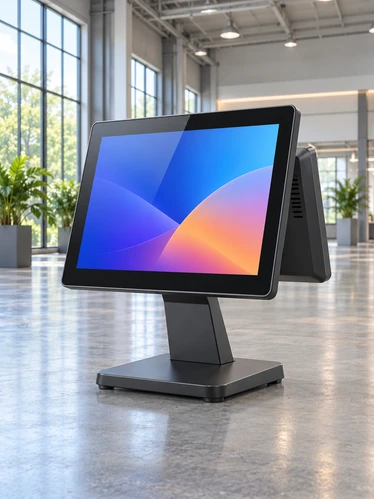
Do not present every screen size as available with every Android board, memory option, touch controller or housing.
| Product Path | Verified Reference | Display and Touch | Android Direction | Supply Status |
|---|---|---|---|---|
| Android All-in-One Touchscreen | Project-selected size | Display and touch confirmed by configuration | Android version, CPU, RAM and storage by workload | Verified customization path |
| Interactive Digital Signage | Flat, wall-mounted, embedded, floor-standing or curved project formats | Touch and display confirmed by product | Integrated Android or external system by configuration | Verified product and project path |
| Android Kiosk Touchscreen | Size and enclosure selected by workflow | Touchscreen and peripherals by project | Android computing configuration by application | Verified product and project path |
| XFC-IWB-6500 | 65 inch | 4K UHD and PCAP touch | Android, Windows or external-PC path | Verified reference model |
| XFC-IWB-7500 | 75 inch | 4K UHD and PCAP touch | Android, Windows or external-PC path | Verified reference model |
| XFC-IWB-8600 | 86 inch | 4K UHD and PCAP touch | Android, Windows or external-PC path | Verified reference model |
| MZYHY55AZ | 55 inch, 3840 × 2160 | Touch not standard in documented base specification | Android 11 reference platform | Verified Android signage reference; touch requires separate confirmation |
| Flat External-Host Monitor Series | 21.5, 23.8, 27, 31.5 and 43 inches | PCAP, 16:9, 1920 × 1080, metal housing | Connect to an applicable external Android host | Verified monitor range; compatibility requires model validation |
Android Touchscreen Monitor System Architecture
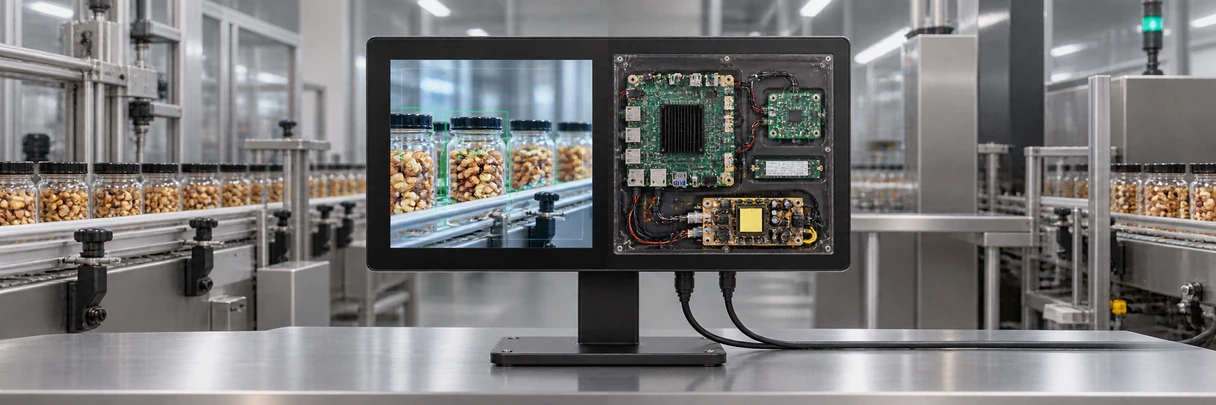
User Workflow
Browse · Search · Order · Control · Present · Annotate
Application
Android APK · Web application · Compatible CMS · Project software
Android Platform
Operating-system version · CPU · GPU · RAM · Storage
Display and Touch
Panel · Resolution · PCAP touch · Touch controller · Cover glass
Connections
USB · HDMI · RJ45 · Wi-Fi · Confirmed serial or project interfaces
Mechanical Integration
Housing · VESA · Wall mount · Kiosk enclosure · Cable routing · Service access
The right Android touchscreen monitor begins with the user workflow and application. The computing board, display, touch controller, interfaces and enclosure should be selected around those requirements rather than treated as independent components.
Android Touchscreen Monitor Architecture Comparison
| Architecture | Computing Location | Main Advantages | Important Checks | Typical Fit |
|---|---|---|---|---|
| Integrated Android All-in-One | Inside the display enclosure | Compact system and fewer separate devices | Android version, CPU, RAM, storage, thermal design and application support | Commercial terminals and dedicated applications |
| Android Digital Signage | Integrated board or approved external player | Content-focused system with network and orientation options | CMS compatibility, touch requirement, network, installation and remote updates | Retail, directories and information displays |
| Android Kiosk System | Inside the kiosk or attached as a separate controller | Coordinates screen, application and peripherals in one terminal | Peripheral drivers, service access, enclosure and transaction workflow | Ordering, ticketing and self-service |
| Android Interactive Whiteboard | Integrated system with optional Windows or external-PC path | Large-format presentation and touch interaction | Room size, application, interfaces, audio and system path | Meetings, training and education |
| External Android Host | Separate Android box or embedded controller | Independent replacement or upgrading of computing hardware | Video, USB touch, power, resolution and controller compatibility | Equipment and custom integration |
The most integrated architecture is not always the most suitable. Choose according to application ownership, maintenance responsibility, peripheral requirements and expected hardware lifecycle.
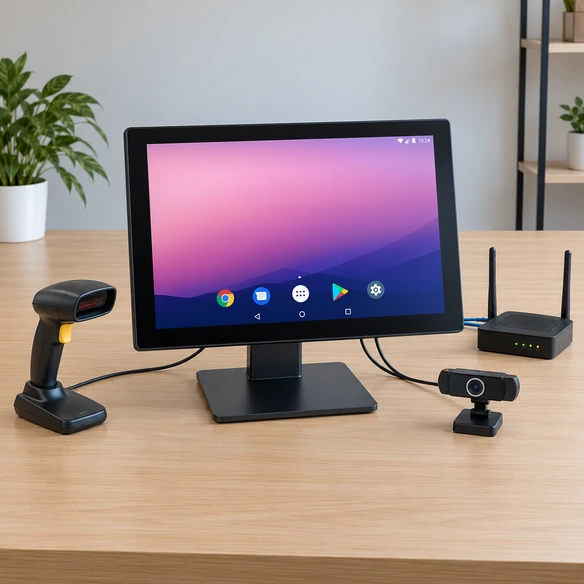
Android Touchscreen Monitor Software and Compatibility Review
Hardware selection should follow the application requirements. “Runs Android” does not establish compatibility with every APK, service or device-management environment. Review these points:
- Android version: Identify the minimum and preferred operating-system versions required by the application.
- Processor architecture: Confirm whether the software supports the selected CPU architecture and performance level.
- Memory and storage: Estimate the application, media, database, cache, update and logging requirements.
- Touch behavior: Confirm tap, drag, swipe, multi-touch, keyboard display and orientation behavior.
- Application installation: Define APK installation, web access, compatible app store, local installation or managed deployment requirements.
- Update method: Clarify how applications, media and system updates will be distributed.
- Network: Confirm Ethernet, Wi-Fi or applicable mobile-network requirements.
- Device control: Identify startup application, scheduled operation, kiosk mode, remote management and restart expectations without claiming functions that have not been verified.
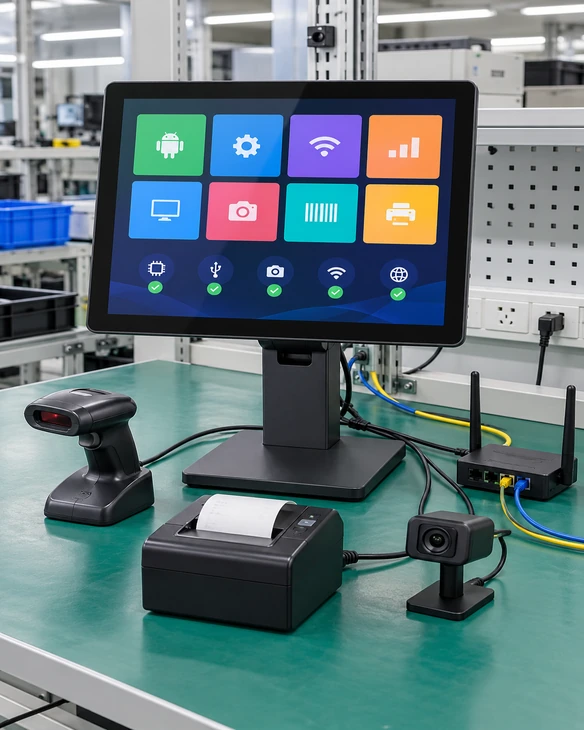
Android Touchscreen Monitor Peripheral and Network Validation
Peripheral compatibility depends on more than the presence of a physical port. The Android system, application and connected device must support the same communication path.
1. Network connection
Test Ethernet, Wi-Fi or the approved mobile-network option in the intended installation.
2. Touch controller
Confirm touch recognition, orientation, gestures and restart behavior on the selected Android platform.
3. USB peripherals
Check printers, barcode scanners, cameras, card readers or other devices with the intended port and power arrangement.
4. Driver or SDK
Confirm whether the peripheral requires a driver, Android service, manufacturer SDK or application permission.
5. Audio and media
Validate speakers, headphone output, video decoding and media playback only when required by the application.
6. Startup and recovery
Test power-on behavior, application launch, network recovery and reconnection after interruption.
7. Deployment configuration
Confirm settings, application version, user permissions and maintenance access before production approval.
Android Touchscreen Monitor Applications
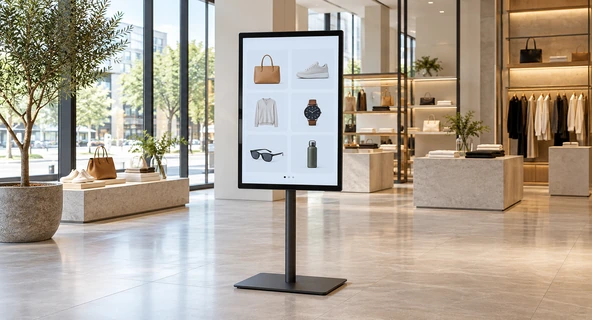
Interactive Retail and Showrooms
Let visitors browse products, compare options, view media and submit interest through a compatible Android application or web interface. Select the screen size, orientation, mounting and network around the showroom layout.
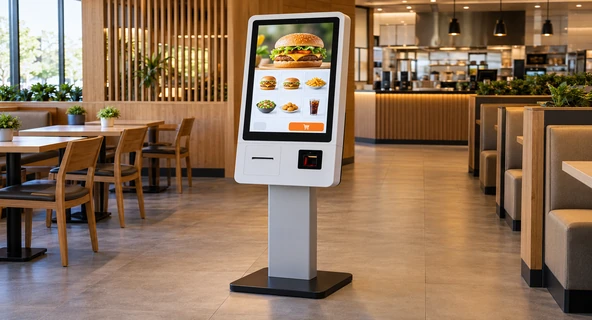
Self-Service and Ordering Terminals
Coordinate the Android application with the touchscreen, kiosk enclosure and applicable scanner, printer, reader or payment-system boundary. Peripheral functions require project-specific confirmation.
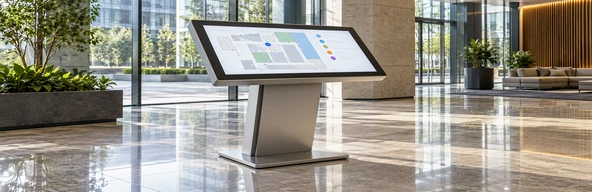
Information and Wayfinding
Present directories, maps, schedules and public information through a compatible Android application or content system.
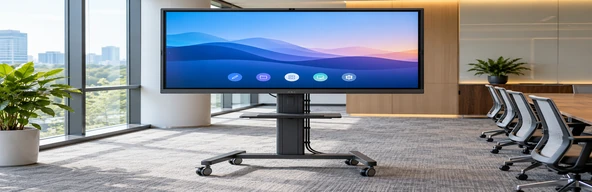
Meeting and Training Spaces
Use a large interactive display for presentation, annotation and shared content with the selected Android, Windows or external-PC path.
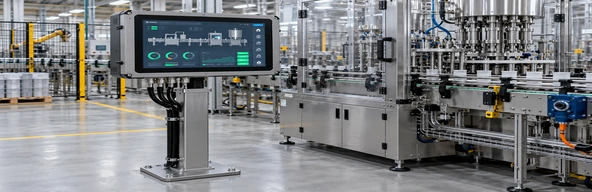
Industrial and Commercial Equipment
Integrate a touchscreen with an Android controller or all-in-one computing configuration for equipment status, operator input or application access.

Digital Signage and Product Information
Combine interactive media, network access and compatible content software in a wall-mounted, embedded or base-mounted display.
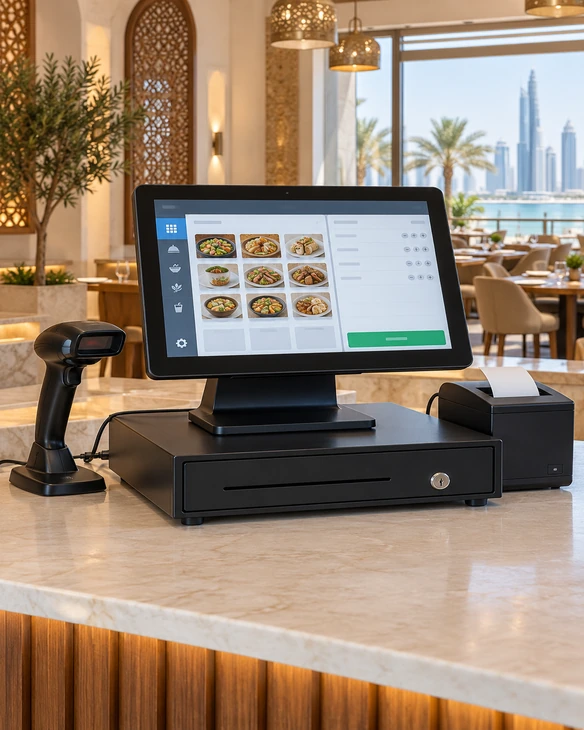
Android Touchscreen Monitor Representative Project Scenario
Showroom Product Selector in the United Arab Emirates
This anonymized representative scenario combines common project requirements to explain the selection and validation process. It does not identify a specific customer or claim a published project result.
A showroom integrator required an Android touchscreen terminal that allowed visitors to browse product collections, compare specifications and view demonstration media without relying on a separate desktop computer.
Step 1: Define the visitor workflow
The project review began with the product-browsing steps, content format, language requirements and staff maintenance process.
Step 2: Select the Android architecture
An integrated Android configuration was used as the starting direction because the application needed to run on the display without a separate visible computer.
Step 3: Review screen and installation
Screen size, landscape orientation, wall or stand mounting, user reach and cable access were considered together.
Step 4: Validate application and network behavior
The review covered application installation, media playback, touch navigation, Wi-Fi or Ethernet connection, restart behavior and content updates.
Step 5: Confirm the approved configuration
The final specification would identify the Android version, computing board, memory, storage, display, touch controller, interfaces, mounting and enclosure details.
The selection process focused on the complete showroom workflow rather than treating Android as a standalone product feature.
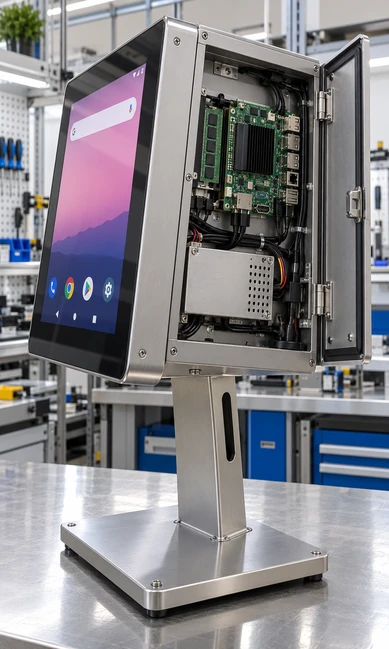
Android Touchscreen Monitor Customization Options
Begin with a suitable product path, then confirm the options supported by the selected panel, Android board and enclosure.
Display
Screen size, resolution, brightness and landscape or portrait orientation according to the selected product.
Touch
PCAP or applicable project-specific touch technology, touch points, controller and cover-glass requirements.
Android platform
Android version, processor, GPU, memory, storage and startup behavior according to application requirements.
Network
Ethernet, Wi-Fi or optional mobile-network direction where supported.
Interfaces
USB, HDMI, RJ45, audio, TF card, serial communication or other approved project interfaces.
Housing
Finished metal enclosure, wall-mounted structure, embedded design, floor-standing terminal or kiosk enclosure.
Mounting
VESA, wall mounting, base mounting, embedding, side brackets or project-specific structure.
Peripherals
Scanner, printer, camera, reader, speaker or other devices subject to compatibility review.
Branding
Logo, labels, housing appearance and packaging within the approved OEM/ODM scope.
Android Touchscreen Monitor Project Workflow

1. Application Review
Define what users must do, which software must run and how the device will be maintained.

2. Architecture Selection
Choose integrated Android, Android signage, kiosk, interactive whiteboard or external Android host.

3. Hardware Configuration
Confirm the display, touch system, CPU, memory, storage, network and interfaces.

4. Mechanical Review
Review dimensions, mounting, enclosure, connector position, cable routing and service access.

5. Sample or Prototype Validation
Test the intended application, touch actions, network and required peripherals when the project needs validation.

6. Approved Production Configuration
Release the agreed hardware, software environment, structure, inspection scope and packaging requirements.
Android Touchscreen Monitor Manufacturing and Inspection
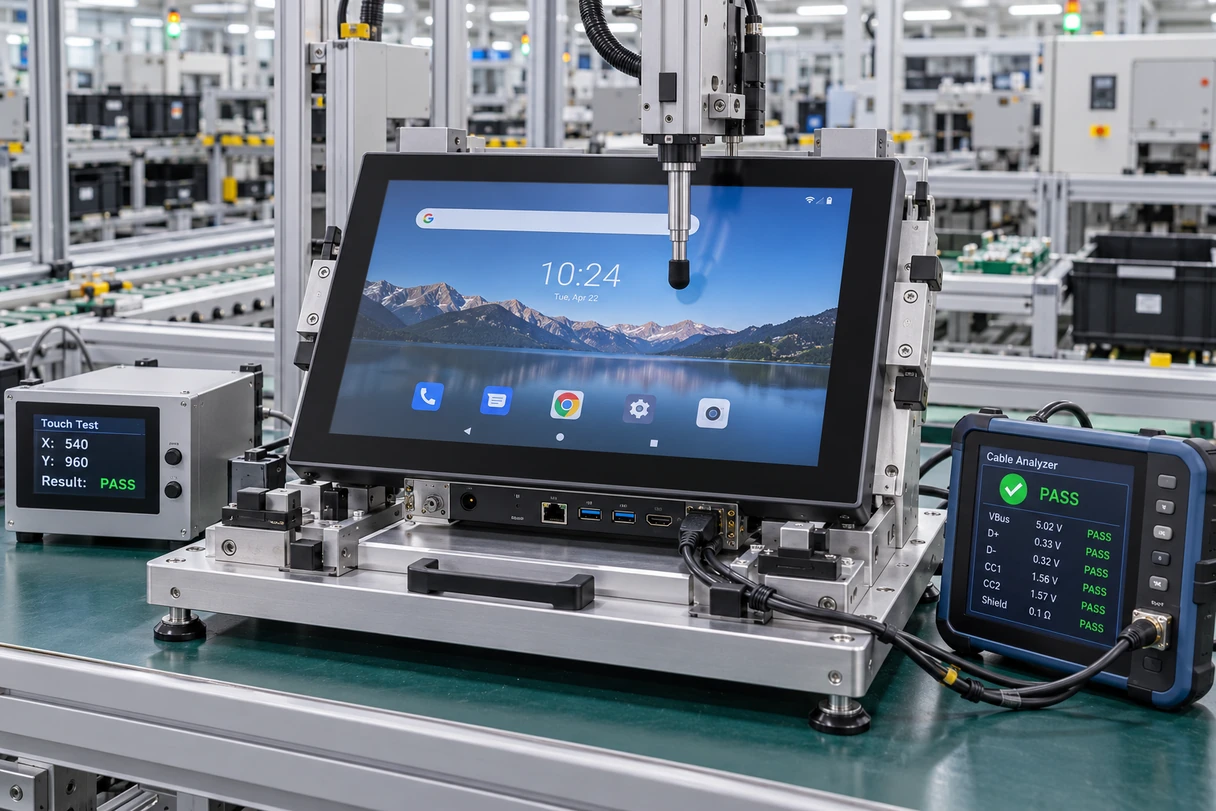
Lucky-XFC supports touchscreen display and all-in-one projects from product selection and configuration review through assembly and inspection. The applicable checks follow the approved product specification.
Applicable inspection scope may include:
- Product appearance
- Display output
- Touch response
- Android startup
- Network connection
- Confirmed interfaces
- Dimensions and mounting points
- Included cables and accessories
- Packaging requirements
Qualification: Model-specific test procedures, environmental ratings, certifications and results must be published only when the corresponding evidence is available.
Why Choose a Lucky-XFC Android Touchscreen Monitor?
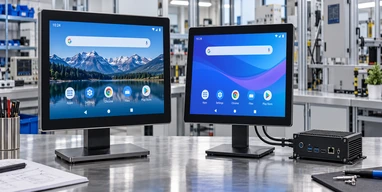
Multiple System Architectures
Compare integrated Android, external Android host, signage, kiosk and interactive-whiteboard paths according to the application.
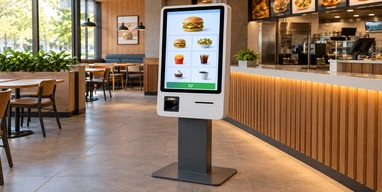
Application-Led Hardware Review
Select the Android version, processor, memory and storage around the software workload instead of relying on a generic board specification.
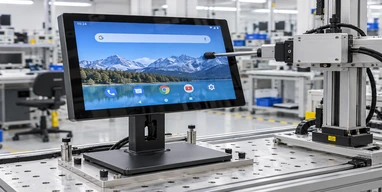
Display and Touch Coordination
Review the panel, resolution, touch controller, cover glass and user workflow as one interactive interface.
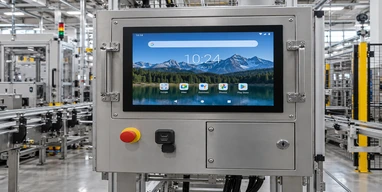
Mechanical Integration Review
Coordinate dimensions, mounting, housing, cable routing, ventilation and service access before approving the structure.
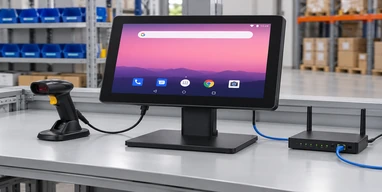
Peripheral and Network Planning
Evaluate network and external-device requirements as part of the complete system architecture.
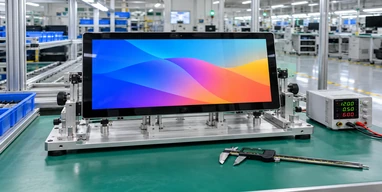
Configuration-Based Inspection
Inspect applicable display, touch, system, interface and structural items against the approved project specification.
Android Touchscreen Monitor Selection Matrix
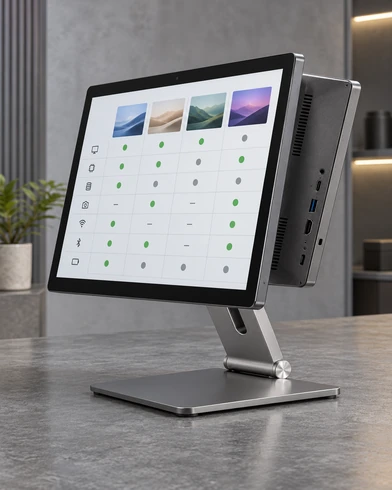
| Project Requirement | Recommended Starting Path | Key Confirmation |
|---|---|---|
| Run an Android app directly on the screen | Android all-in-one touchscreen | Android version, CPU, RAM, storage and application compatibility |
| Interactive product or information content | Android interactive digital signage | Screen size, orientation, CMS, network and touch requirement |
| Ordering, ticketing or other self-service workflow | Android kiosk touchscreen | Enclosure, application, peripherals and service access |
| Meeting, teaching or collaborative annotation | Android interactive whiteboard | 65, 75 or 86-inch size, system path, software and installation |
| Existing Android box or embedded controller | External-host touchscreen monitor | Video, USB touch, resolution, ports and controller compatibility |
| Large 55-inch Android content platform | MZYHY55AZ reference | Confirm whether touch must be added and approve the resulting configuration |
| Application or hardware still under development | Sample or prototype validation | Test the exact software, network, touch behavior and external devices |
Selection note: Choose the application and computing architecture before comparing screen sizes or processor names.
Android Touchscreen Monitor Buying Guide
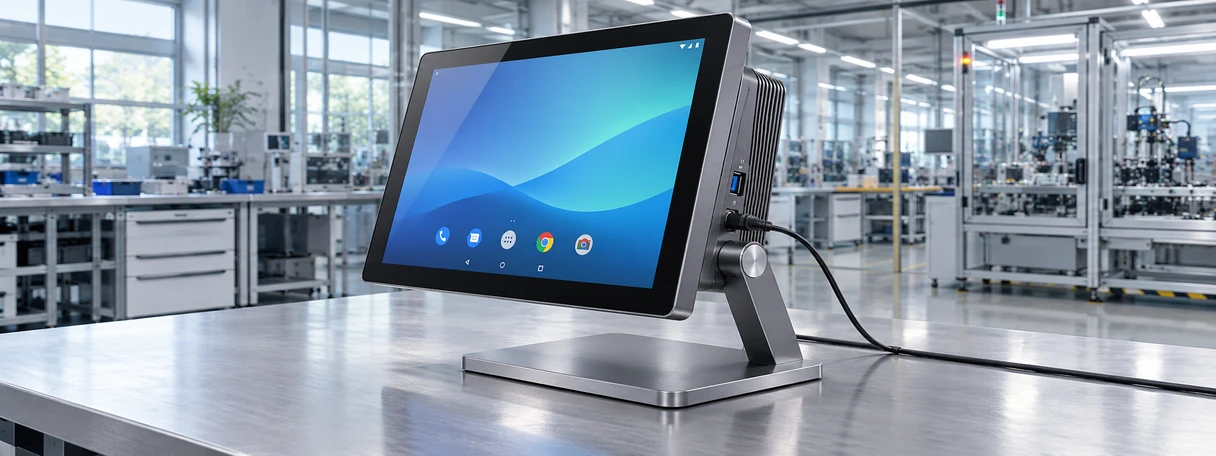
What is the difference between an Android touchscreen monitor and a touchscreen computer?
The wording is often used interchangeably, so check the hardware architecture. An integrated Android touchscreen computer includes processor, memory, storage and an operating system. A display-only touchscreen monitor requires an external Android host to run the application.
How should I choose the Android version?
Begin with the application’s minimum operating-system requirement, processor architecture, permissions, APIs, browser behavior and peripheral support. Select the Android version only after these requirements have been reviewed against an available hardware platform.
How much memory and storage does an Android touchscreen need?
The answer depends on the application, media files, database, cache, logs and update method. A simple information interface and a media-rich interactive application may require different configurations. Provide the application package or workload description before final selection.
Can an Android touchscreen connect to printers and scanners?
Potentially, but a physical USB or serial port is not enough to confirm operation. Check the peripheral model, power requirement, Android driver or SDK, permissions and application integration on the selected platform.
Should Android be integrated or supplied by an external box?
Integrated Android reduces the number of separate visible devices and can simplify a dedicated terminal. An external Android host keeps the computing hardware independently replaceable and may suit equipment that already has a controller. Maintenance and application ownership should guide the decision.
What should be validated before production?
Validate the Android application, display resolution, orientation, touch behavior, network connection, startup, restart, update method, required peripherals and physical installation on the intended configuration.
Android Touchscreen Monitor FAQ
Does every Android touchscreen monitor include a computer?
Which Android touchscreen monitor sizes does Lucky-XFC offer?
Can Lucky-XFC provide Android 11?
Is MZYHY55AZ a standard touchscreen model?
Can the monitor connect to an external Android box?
Can Android touchscreen monitors be wall mounted?
Can an Android touchscreen run our own APK?
What should we submit for a configuration review?
Related Android Touchscreen Monitor Product Paths

Touchscreen Computers
Compare integrated touchscreen computing configurations for Android, Windows or Linux applications.

Smart Touchscreen Monitors
Review integrated Android, Windows and external-host touchscreen system paths.

Interactive Digital Signage
Explore interactive display hardware for retail, wayfinding and information applications.

Interactive Whiteboards
Compare 65, 75 and 86-inch large-format PCAP display references.

Touchscreen Displays
Review flat, open-frame, industrial, kiosk and custom touchscreen formats.

Contact Lucky-XFC
Send your application, system, interface and installation requirements for review.
Request an Android Touchscreen Monitor Configuration
Share the information needed to review the display, Android platform, touch system and installation as one product configuration.
Helpful information:
- Intended application and user workflow
- Integrated Android or external Android host
- Required Android version
- Screen size and resolution
- Processor or software-workload requirements
- Memory and storage
- Ethernet, Wi-Fi or mobile-network requirements
- Interfaces and peripherals
- Landscape or portrait orientation
- Wall, VESA, embedded, kiosk or base mounting
- Quantity and destination market
