
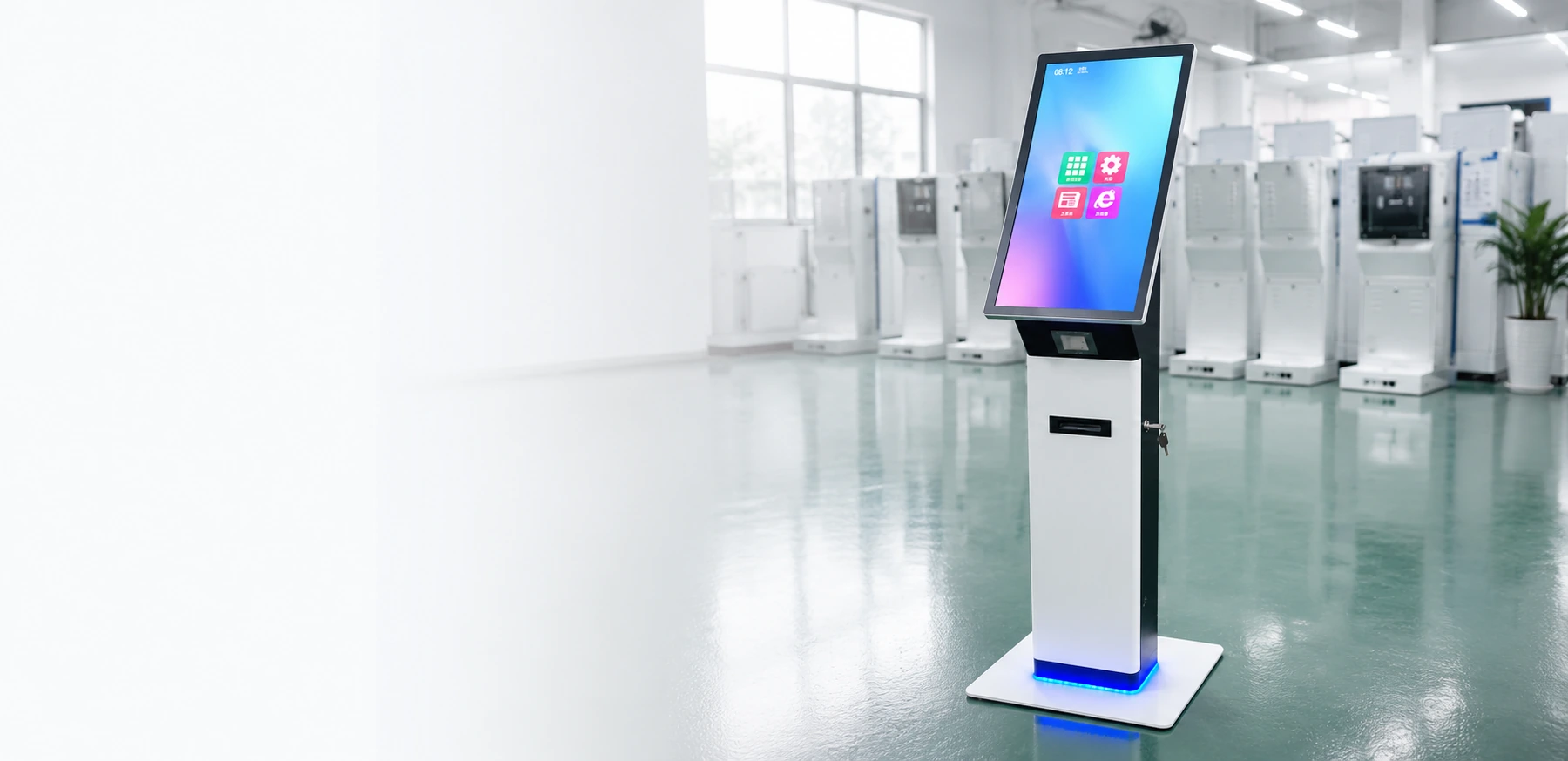
Custom Self-Service Kiosk Manufacturer for Global Projects
Design a self-service kiosk around your workflow—not the other way around. Lucky XFC manufactures floor-standing, wall-mounted, desktop, dual-screen and ordering kiosks with configurable displays, printers, scanners, card readers, cameras and POS mounting options.
- 15.6″–43″ Standard Kiosk Options
- Floor, Wall and Countertop Designs
- Modular Peripheral Integration
- OEM/ODM Enclosure Manufacturing
Tell us your application, screen size, peripherals and software environment. Our team will recommend a suitable hardware configuration.
- 13+ Years of Manufacturing Experience
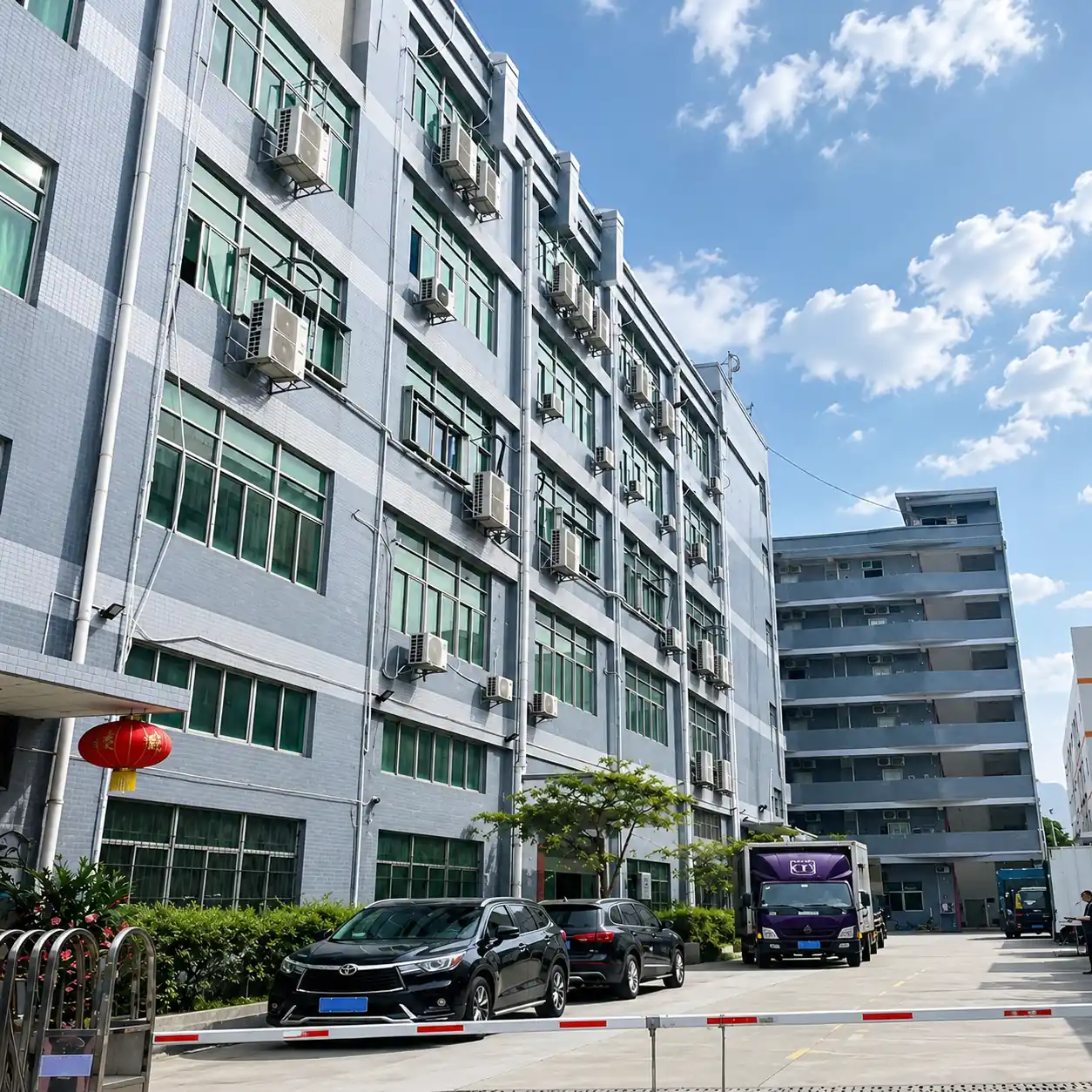
- 6,000 m² Factory
- Exported to 80+ Countries
- MOQ from 1 Unit
- OEM & ODM Support
Why Many Self-Service Kiosk Projects Become Difficult to Scale
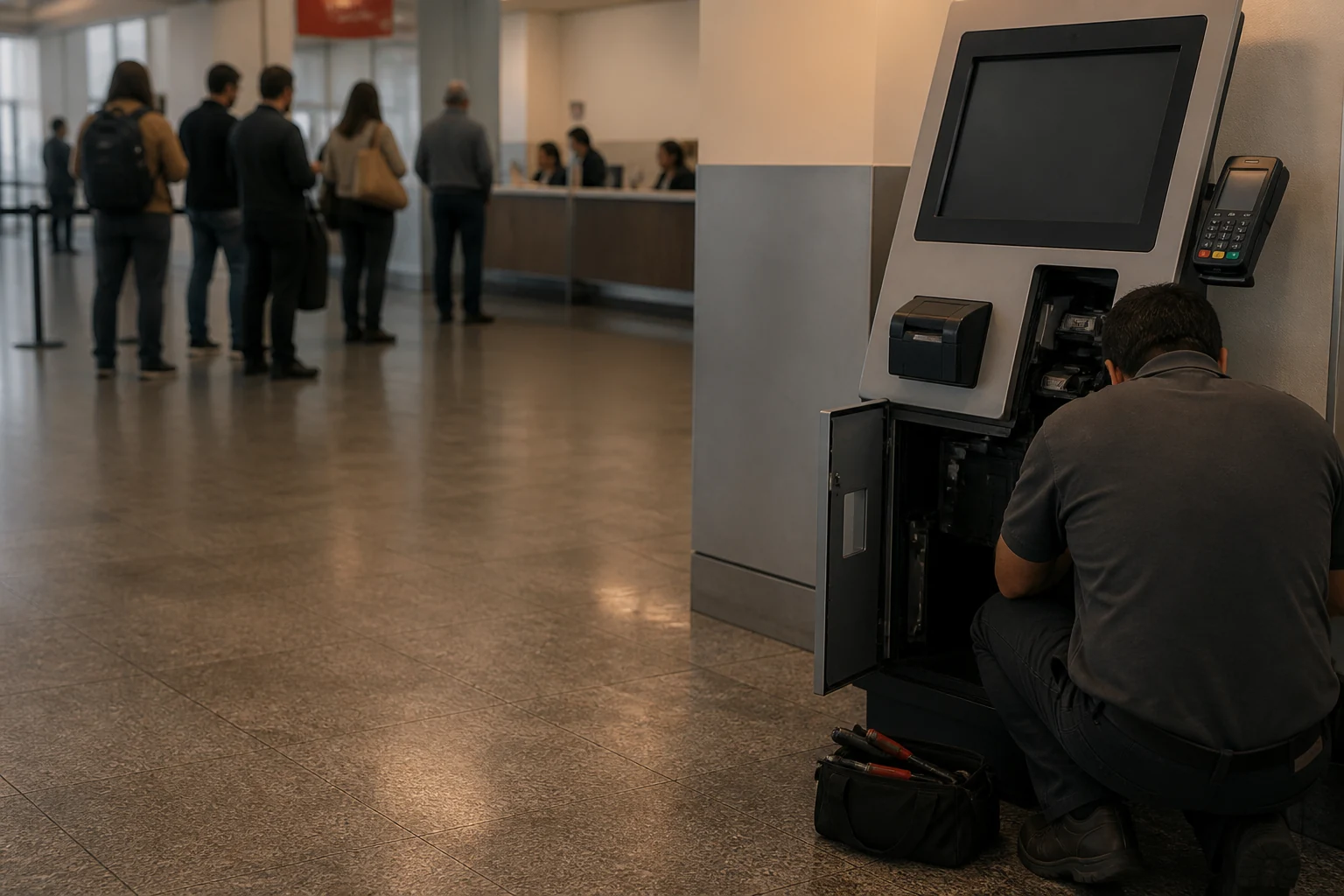
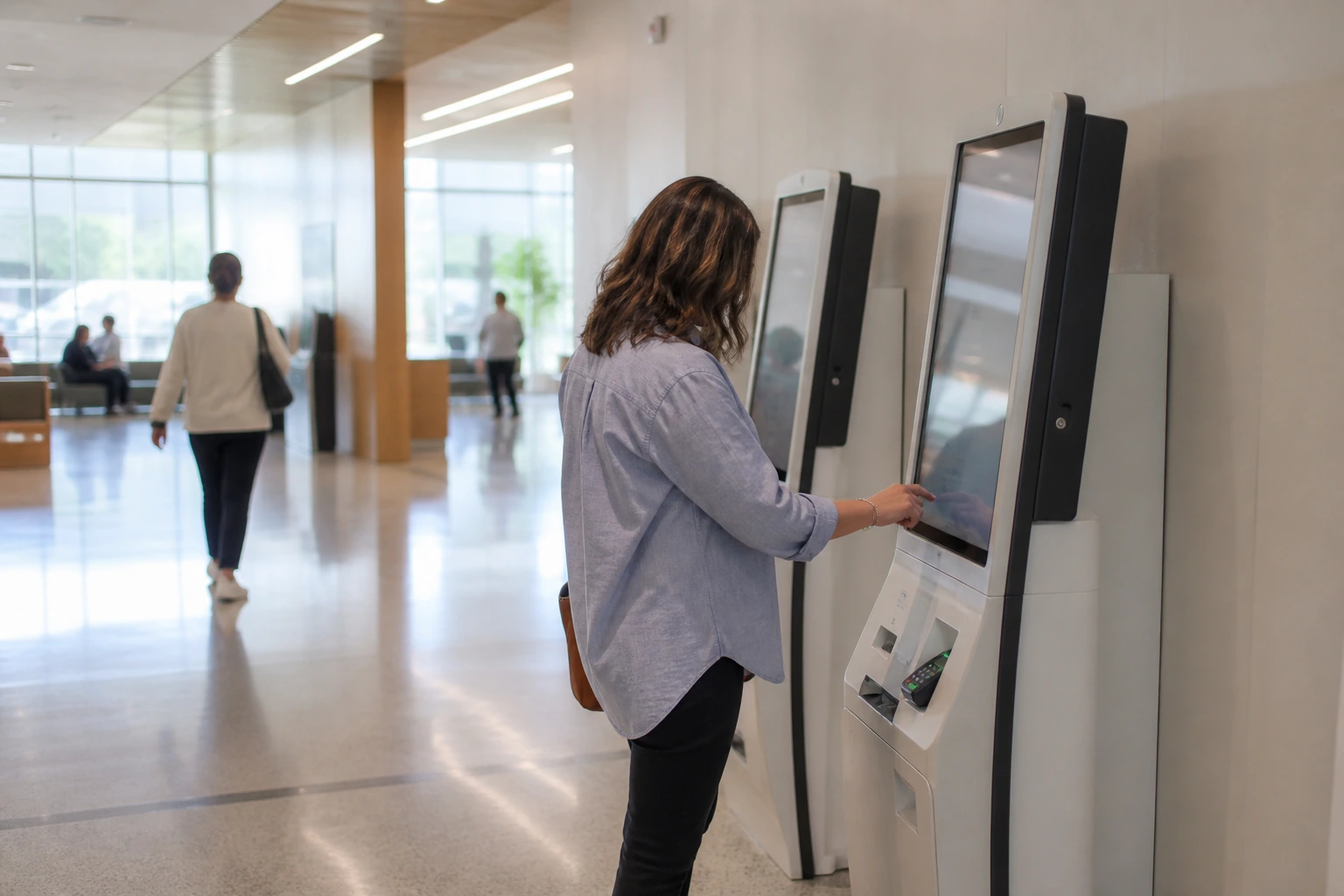
Long queues and limited staff
Customers wait for basic ordering, check-in or payment tasks.
Fragmented hardware sourcing
The touchscreen, printer, scanner, payment device and enclosure come from different suppliers.
Difficult maintenance
Poor internal layouts make printer paper changes and component replacement unnecessarily slow.
Software-hardware mismatch
The customer application may not match the selected screen, interfaces, OS or peripherals.
Inconsistent rollout
Standard enclosures often fail to match the brand, workflow, space or regional requirements.
A Configurable Self-Service Kiosk Hardware Platform
Lucky XFC self-service kiosks combine a touchscreen, metal enclosure, computing system and project-specific peripherals in one serviceable hardware platform. Each kiosk can be configured for ordering, payment, check-in, information access, ticketing or customer registration.
User Interface
Touch display, user prompts and accessibility layout.
Computing System
Android, Windows IoT or Linux options depending on configuration.
Data Capture
Camera, barcode/QR scanner, ID reader and document scanner.
Printing and Issuing
Thermal receipt printer, A4 printer or card-issuing module.
Payment and Identification
NFC, card reader, POS terminal, PIN pad or cash module where required.
Enclosure and Service Access
Sheet-metal enclosure, detachable peripheral panel and front/rear maintenance access.
* Peripheral availability and compatibility depend on the selected model, software and target market.
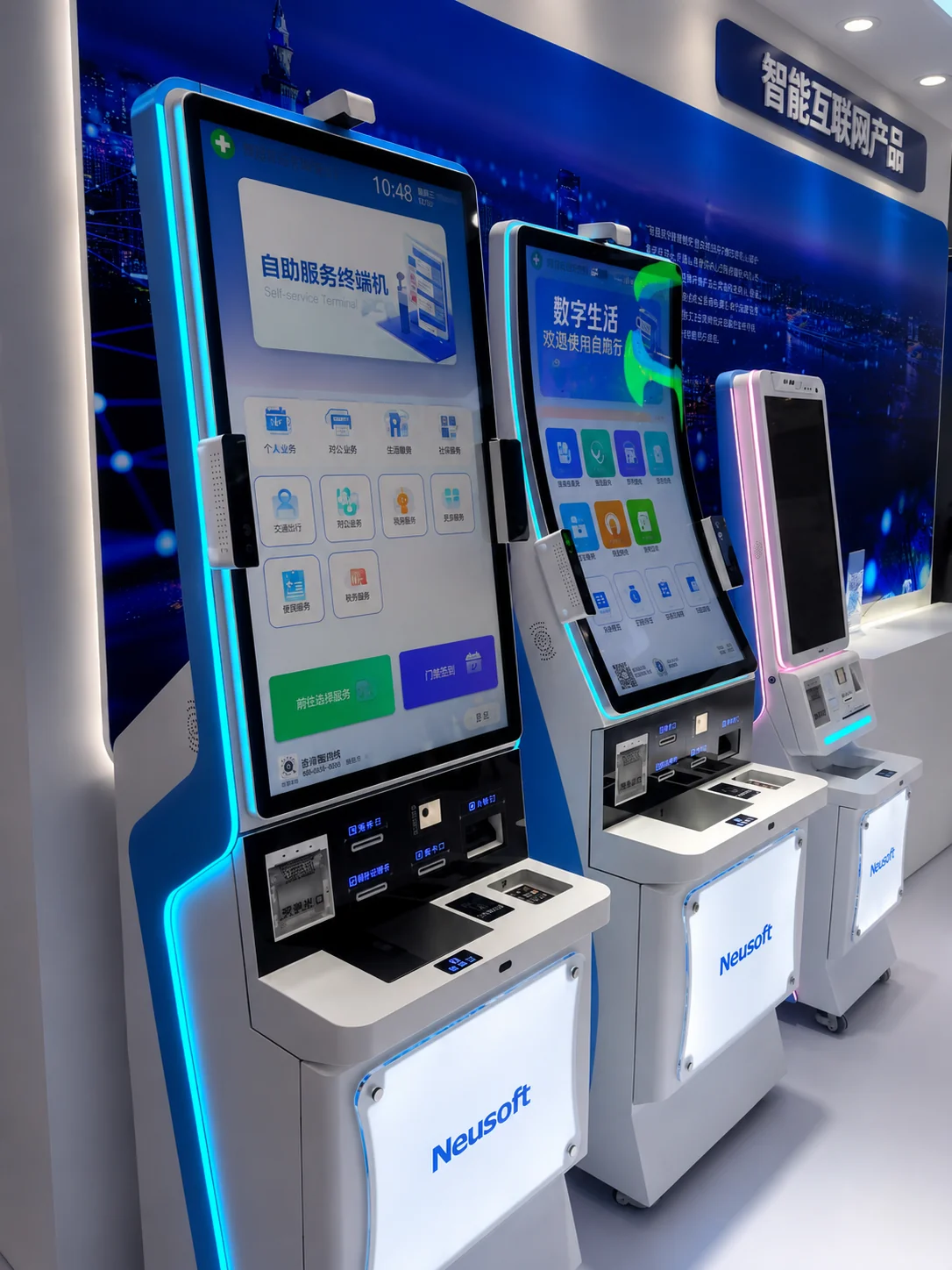
Choose the Right Self-Service Kiosk Form Factor
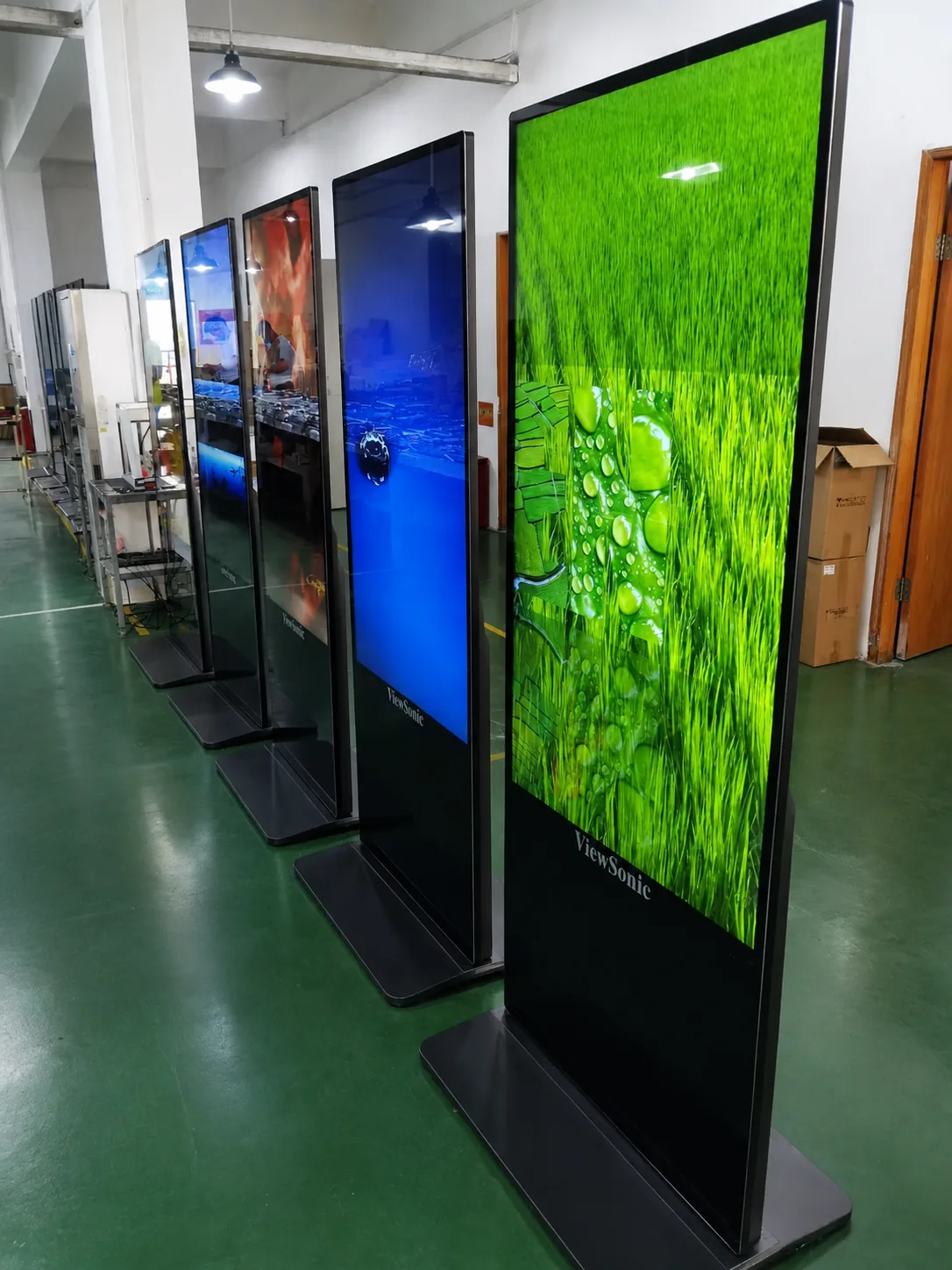
A. Floor-Standing Self-Service Kiosks
Screen Sizes
17″, 19″, 21.5″, 23.6″, 27″, 32″ and 43″ options.
Best For
Government service, healthcare, banking, ticketing, visitor registration and information access.
Key Features
- Large internal space for peripherals
- Detachable peripheral interfaces
- Embedded removable touch display on selected models
- Front, rear or top service-door options
- Custom colors and branding
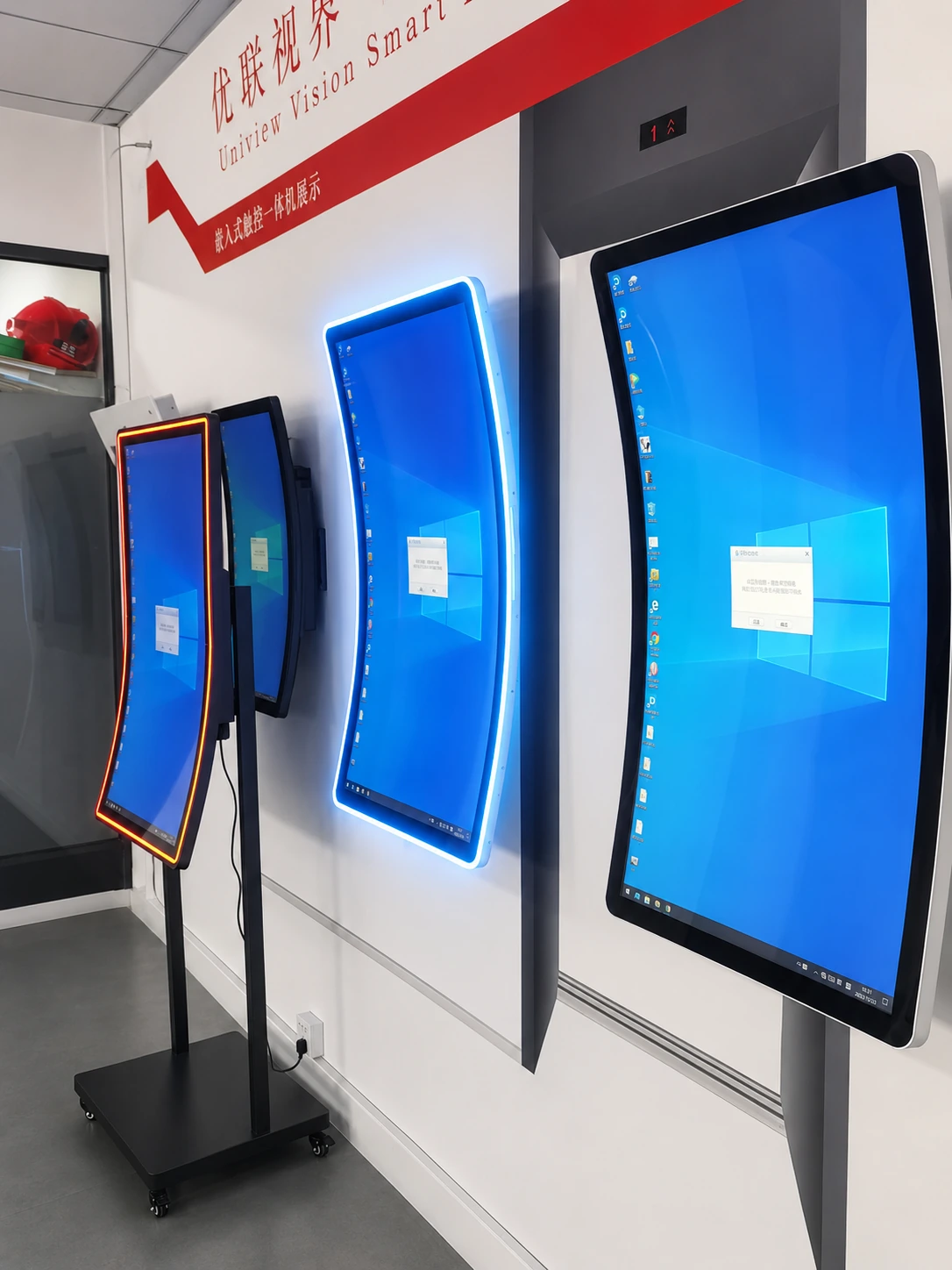
B. Wall-Mounted Self-Service Kiosks
Screen Sizes
21.5″, 23.6″, 27″ and 32″.
Best For
Compact lobbies, clinics, retail stores, corridors and check-in areas.
Key Features
- Space-saving installation
- Shallow enclosure options
- Configurable scanner, camera, printer and card-reader positions
- Suitable for locations with limited floor space
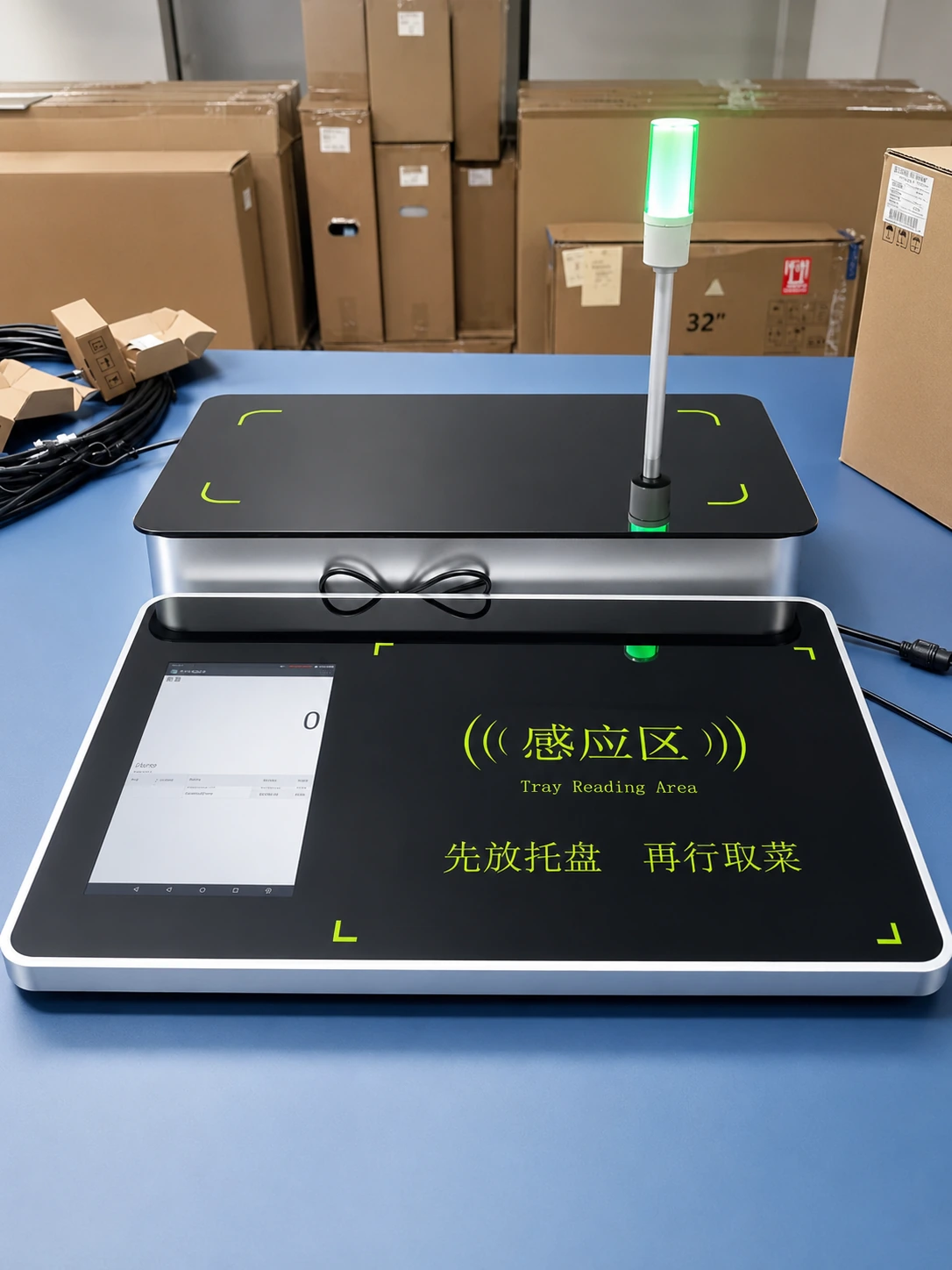
C. Desktop and Countertop Kiosks
Screen Sizes
15.6″, 21.5″, 23.6″, 27″ and 32″.
Best For
Restaurant ordering, reception desks, payment counters and assisted self-service.
Key Features
- Compact footprint
- Reserved POS terminal area on selected models
- Thermal printer, NFC, QR and card-reader options
- Easy placement on existing counters
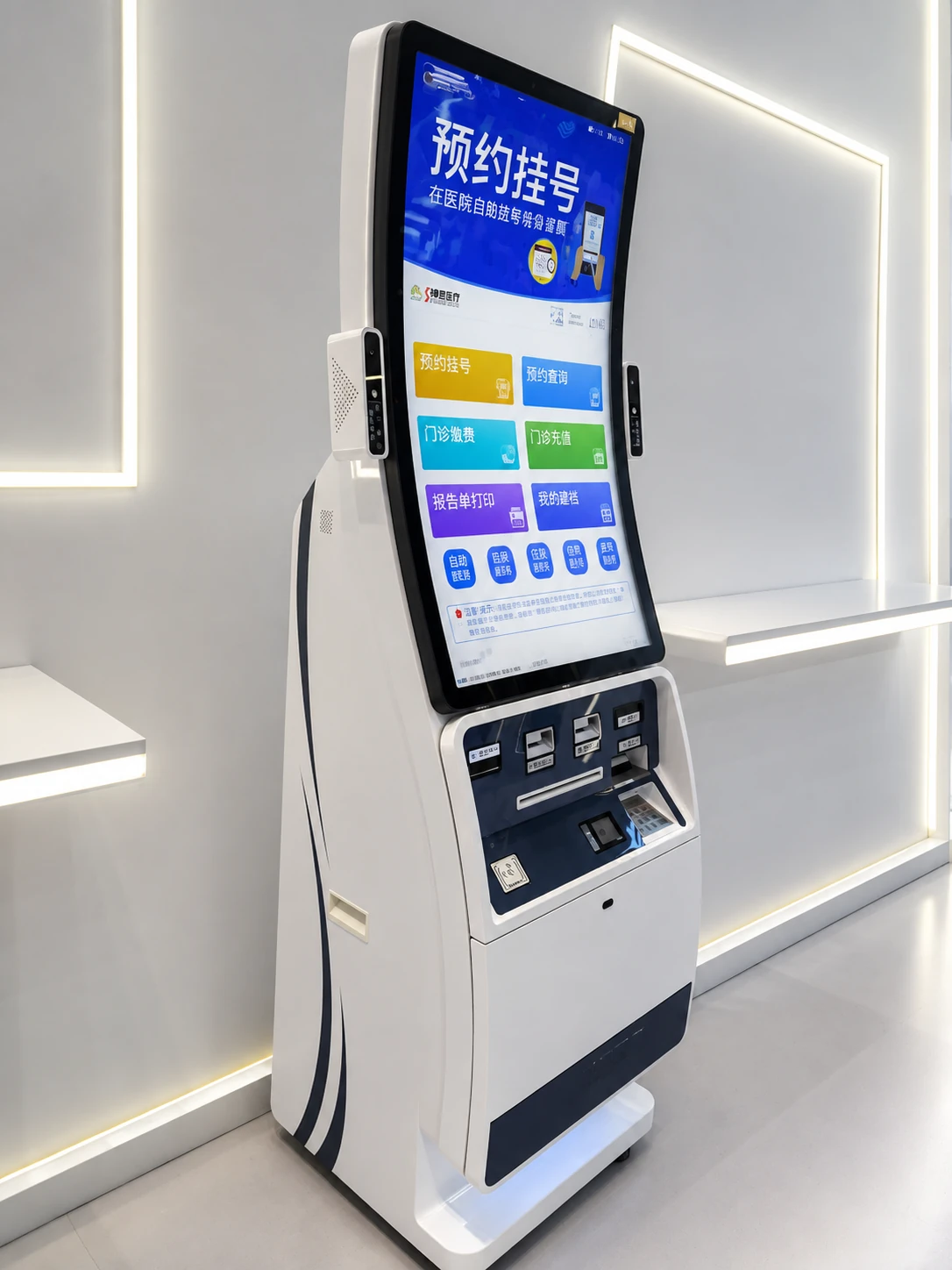
D. Dual-Screen Self-Service Kiosks
Screen Sizes
17″, 21.5″ and 23.6″ configurations.
Best For
Guided transactions, document services, banking, healthcare and multi-step workflows.
Key Features
- Separate user interaction and information display areas
- Multiple printer and scanner options
- Front/rear service access
- Optional adjustable camera or specialty printer integration
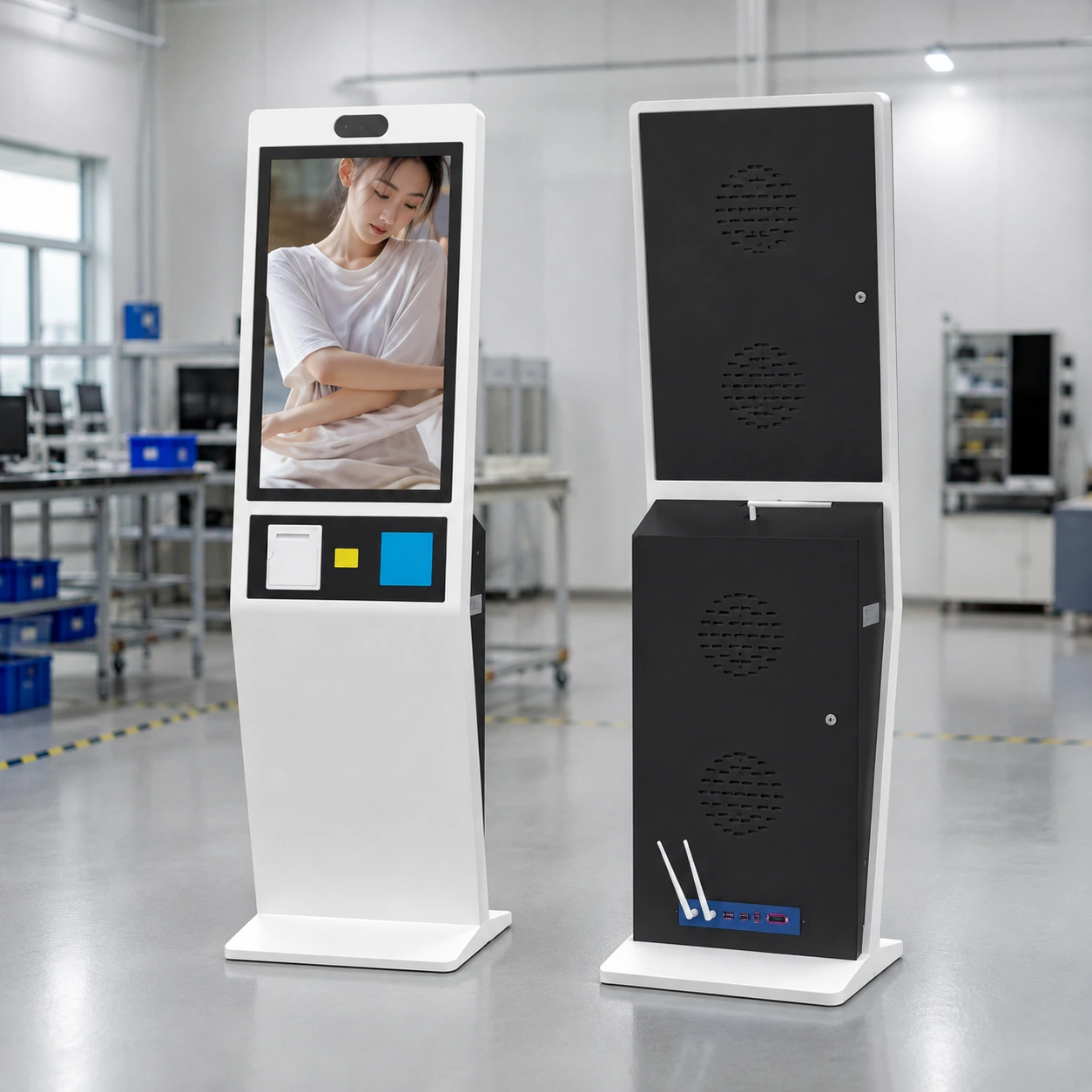
E. Restaurant Self-Ordering Kiosks
Formats & Sizes
Flat/curved, desk/wall/floor. 15.6″, 21.5″, 23.6″, 27″ and 32″.
Best For
Quick-service restaurants, cafés, food courts, canteens and franchise projects.
Key Features
- Reserved POS terminal location
- Thermal printer, QR, NFC and card-reader options
- Built-in power strip and router options
- Front-opening maintenance design
- Custom enclosure colors and branding
Not sure which model fits your project?
Ask a Kiosk EngineerSelf-Service Kiosk Specifications
Comprehensive technical parameters and dimensional configurations for our customizable interactive kiosk solutions.
General Configuration
| Specification | Available Options |
|---|---|
| Screen Size | 15.6″, 17″, 19″, 21.5″, 23.6″, 27″, 32″, 43″ |
| Form Factor | Floor-standing, wall-mounted, desktop, dual-screen, flat or curved |
| Operating System | Android, Windows IoT or Linux, configuration-dependent |
| Enclosure | Custom sheet-metal enclosure |
| Standard Colors | White, black or model-specific combinations |
| Customization | Color, logo, openings, peripheral layout, enclosure and mounting |
| Printers | Thermal receipt printer, A4 printer, specialty printer options |
| Data Capture | Camera, barcode/QR scanner, ID reader, document scanner |
| Payment | Card reader, NFC, POS terminal, PIN pad or cash module options |
| Connectivity | Configured according to computing platform and project requirements |
| Maintenance | Detachable modules and front/rear access on selected models |
| Software | Customer software compatibility evaluation available |
| MOQ | From 1 unit |
| Sample Lead Time | Typically 3–7 days, subject to configuration |
| Bulk Lead Time | Typically 7–15 days after confirmation, subject to order scope |
| Warranty | Up to 3 years under confirmed commercial terms |
Representative Models & Dimensions
Reference| Family / Model | Display | Dimensions (W × D × H) |
|---|---|---|
| A01 | 17″ | 430 × 389 × 1442 mm |
| A02 | 19″ | 436 × 430 × 1490 mm |
| A03 | 21.5″ | 490 × 370 × 1531 mm |
| A041 | 27″ | 462 × 520 × 1677 mm |
Configure the Peripherals Around Your Workflow
Camera
Facial recognition, security
OptionalBarcode/QR Scanner
Loyalty, ticketing, payment
OptionalID Reader
Registration, check-in
OptionalNFC / Smart Card
Access, membership
OptionalPOS Terminal Mount
Credit card payment
OptionalPIN Pad
Secure entry
OptionalThermal Printer
Receipts, queue tickets
OptionalA4 Document Printer
Forms, reports
OptionalCard-Issuing Module
Hotel keys, visitor badges
OptionalCash Acceptance
Banknotes, coins
OptionalDocument Scanner
A4 scanning, passports
OptionalRouter & Power
Internal distribution
OptionalSelect your required peripherals:
Self-Service Kiosk Solutions by Industry
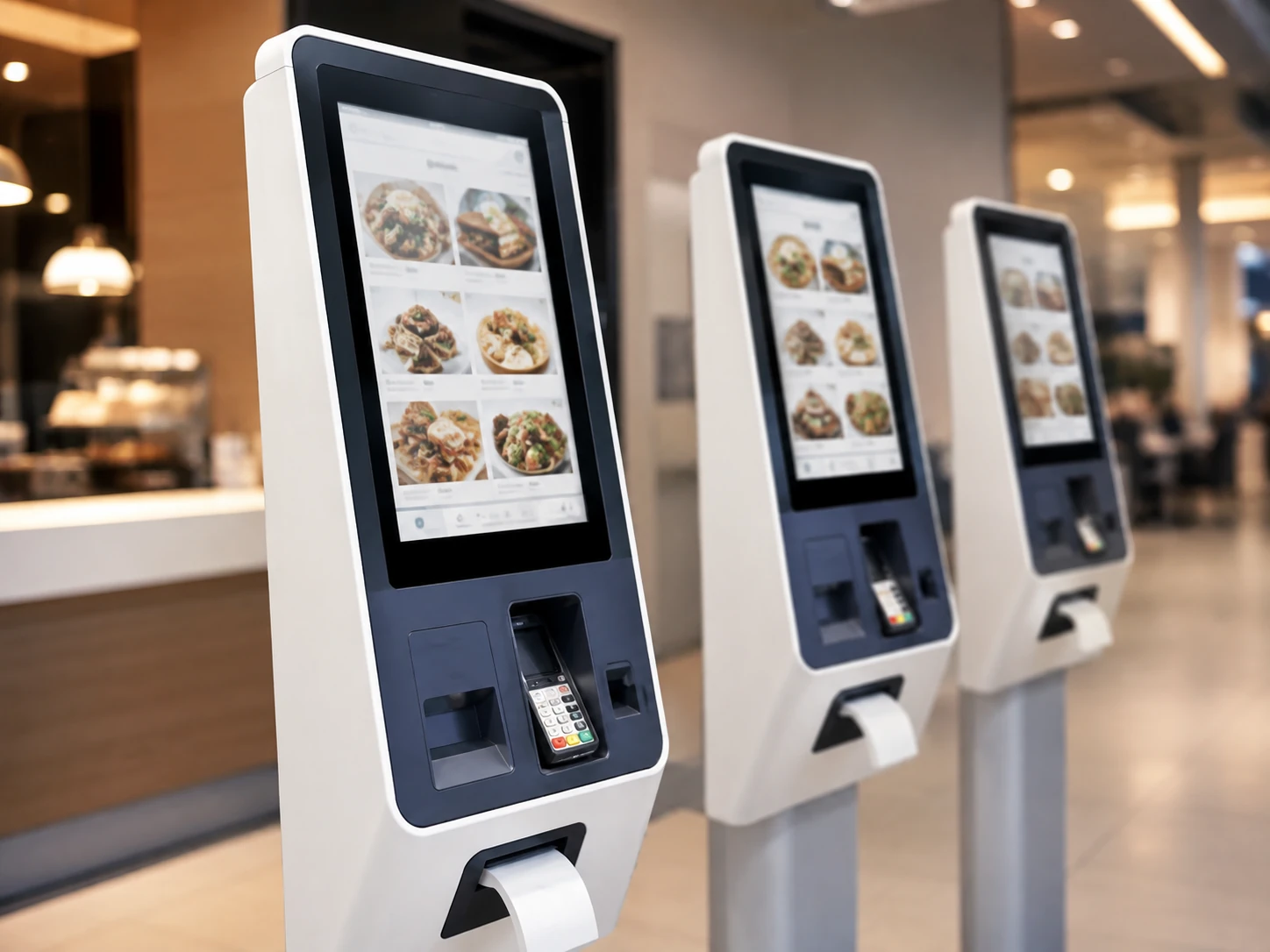
Restaurant Ordering
Browse menus, customize orders, pay and print receipts.
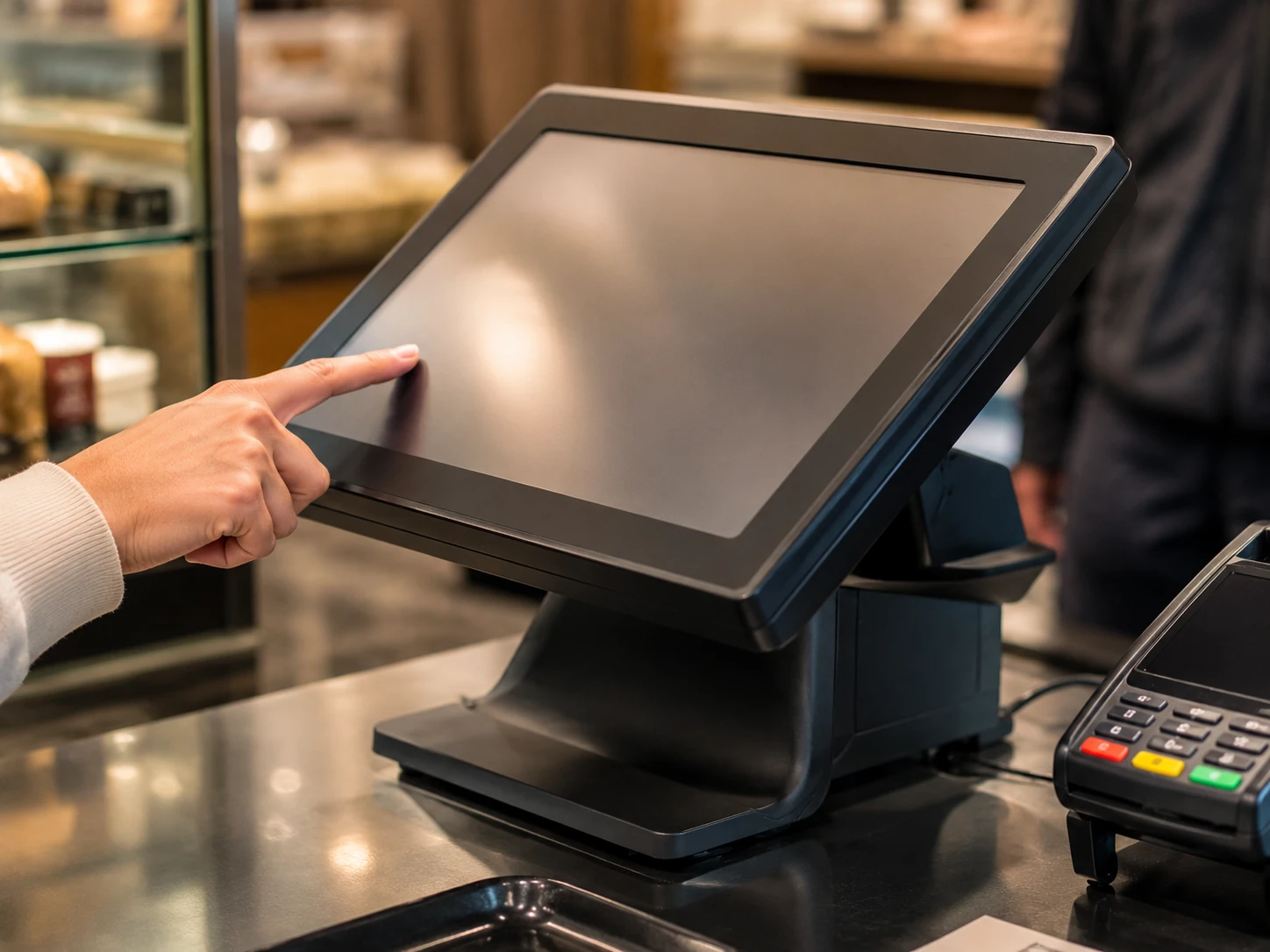
Retail Self-Checkout
Product lookup, checkout, payment and loyalty interaction. Often paired with commercial digital signage.
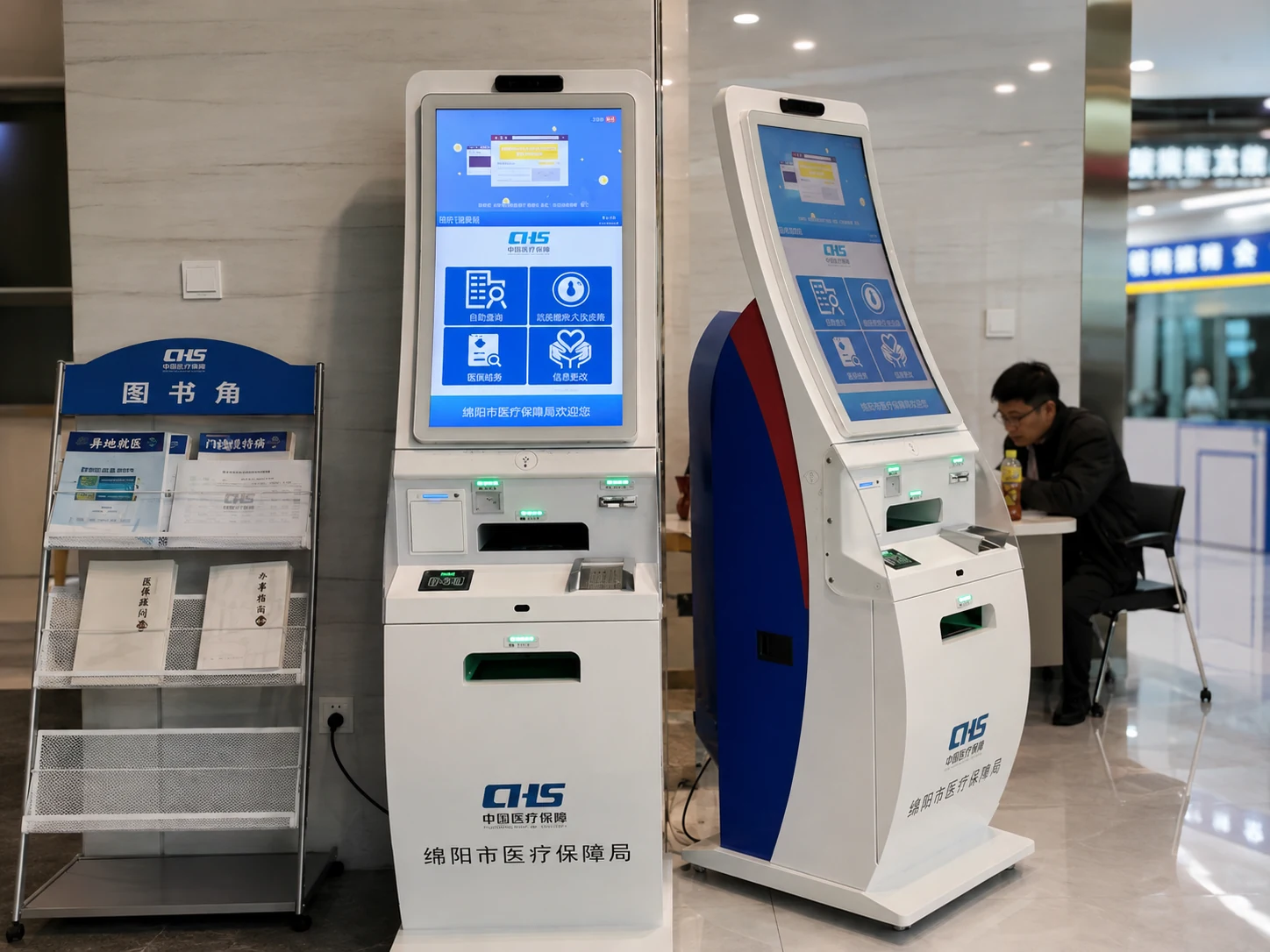
Healthcare Check-In
Patient registration, ID scanning, form completion and payment integration.
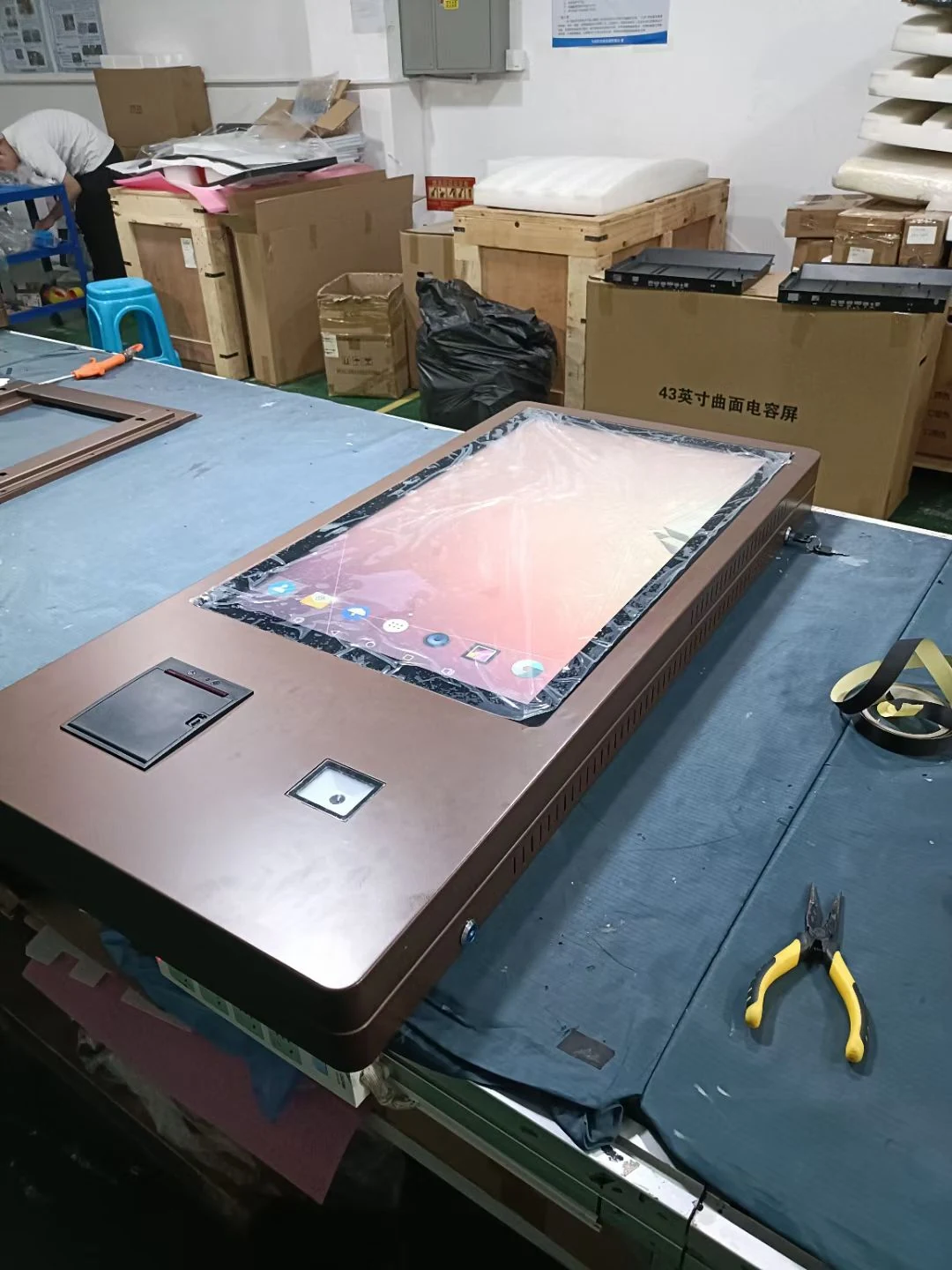
Government & Public
Registration, document printing, ticketing and information access.
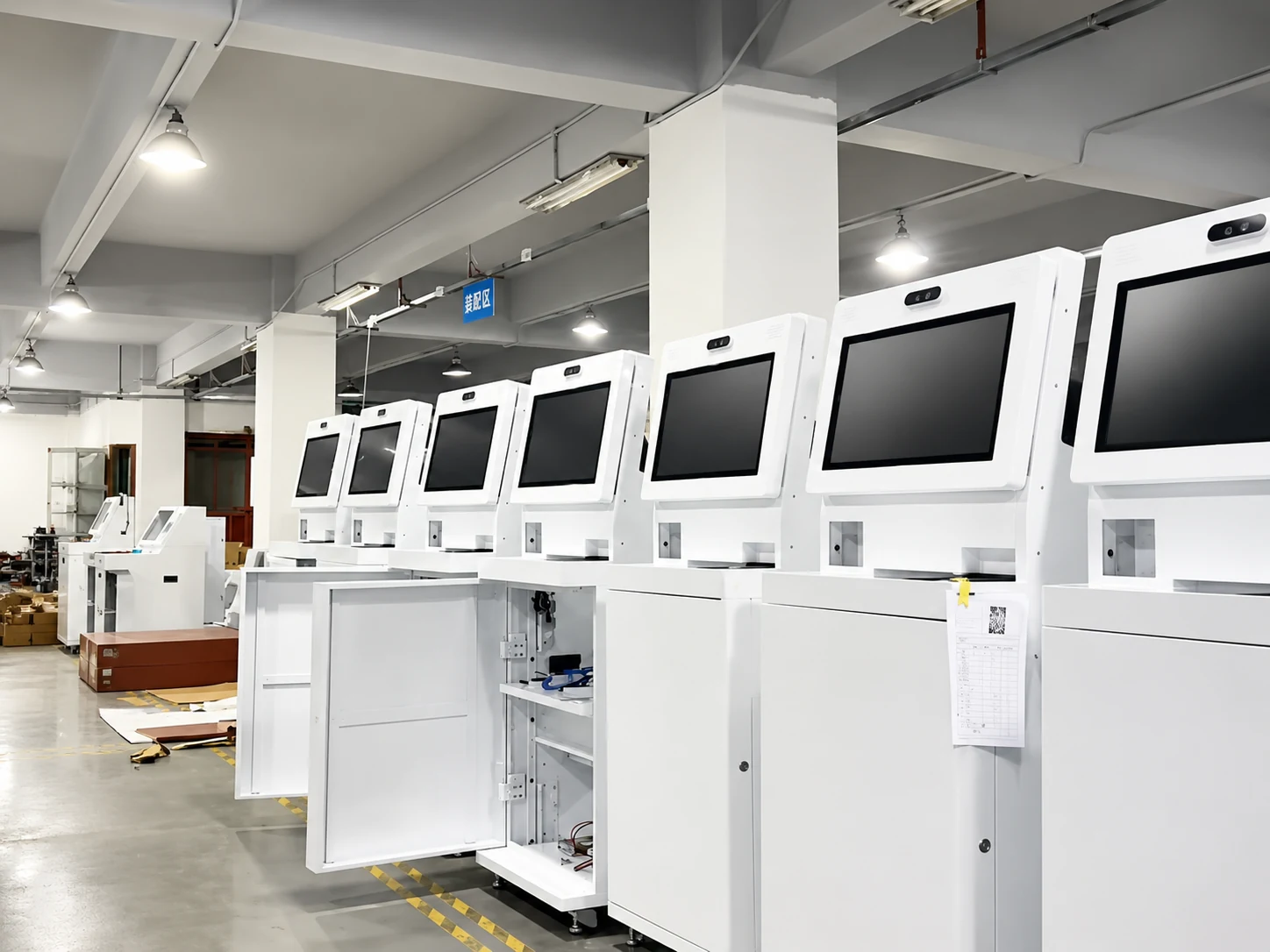
Banking & Payment
Account services, document scanning, card or cash transaction workflows.
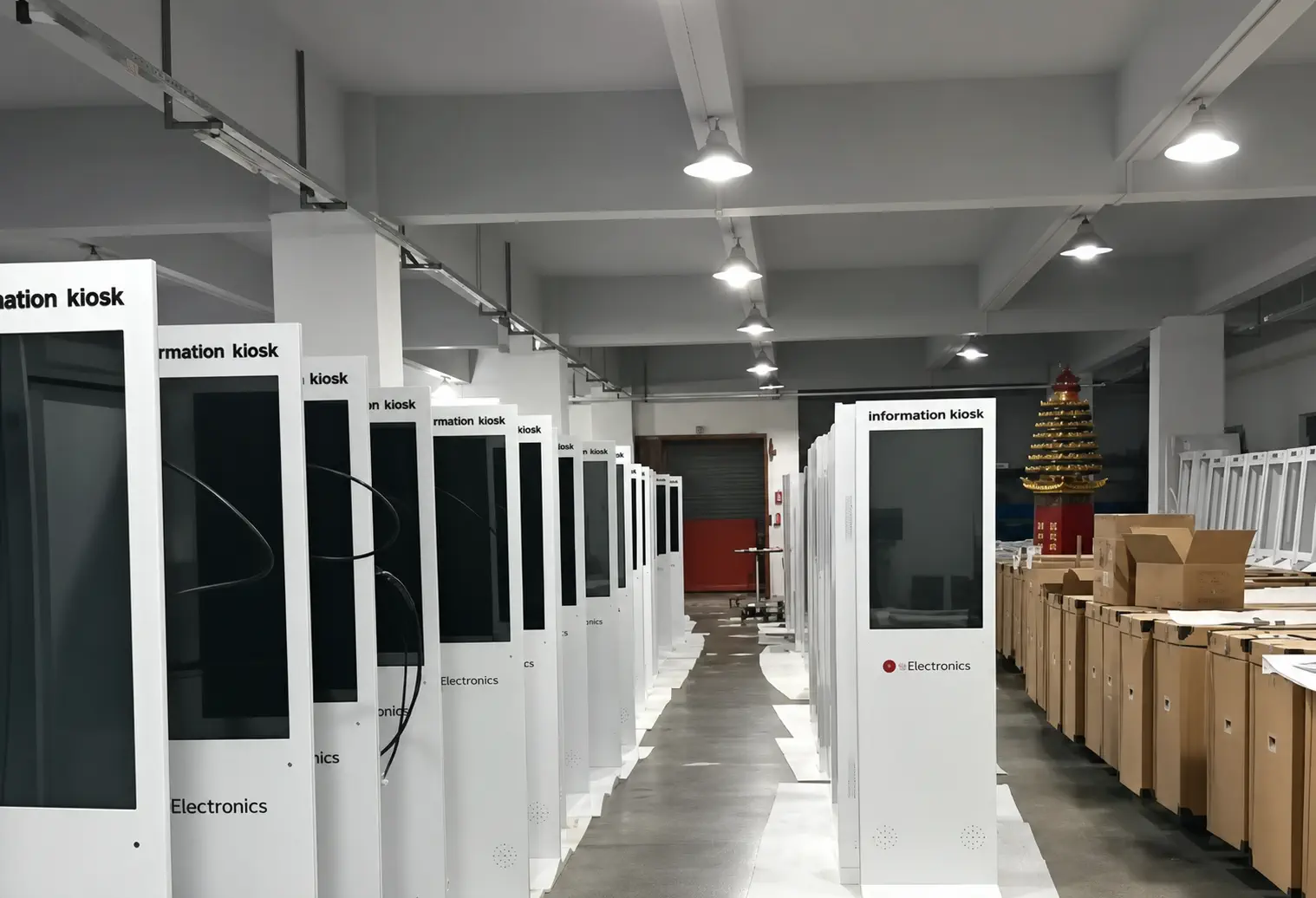
Hotel & Visitor Check-In
Guest registration, identity verification and visitor badge workflows.
Ticketing & Queue
Ticket printing, appointment verification and service routing.
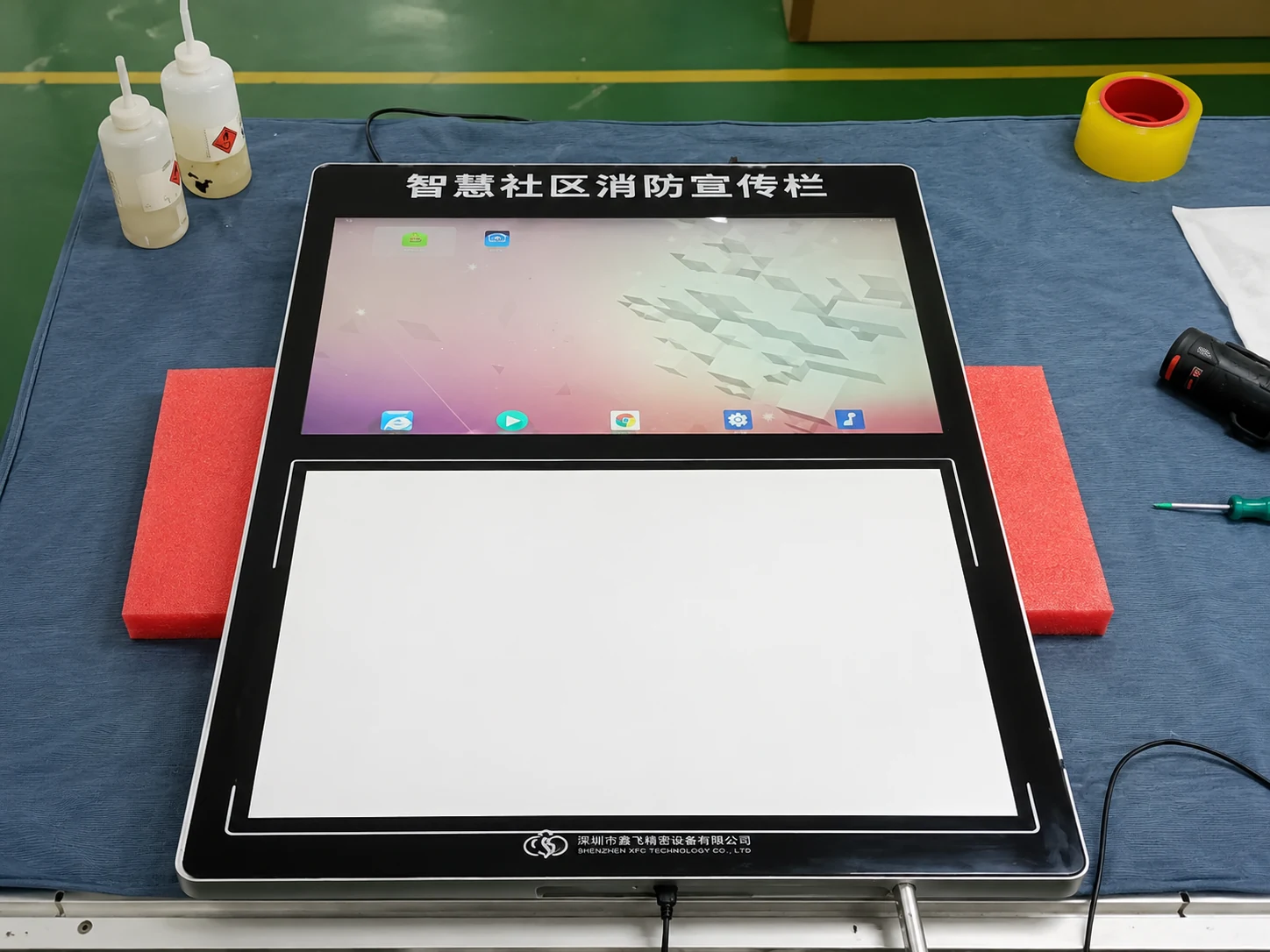
Information & Wayfinding
Directories, maps, service information and interactive navigation.
What Is a Self-Service Kiosk?
A self-service kiosk is an interactive terminal that combines a touchscreen, computing system and task-specific peripherals so users can complete ordering, payment, check-in, registration or information tasks with limited staff assistance.
How Does a Self-Service Kiosk Work?
The user starts the workflow.
The kiosk collects selections or information.
The application validates the request.
A payment, print, scan or database action is completed.
The kiosk provides confirmation, receipt or next-step instructions.
Self-Service Kiosk vs. Traditional Service Counter
| Decision Factor | Self-Service Kiosk | Traditional Counter |
|---|---|---|
| Customer Process | User follows a guided digital workflow | Staff handles each step |
| Queue Capacity | Multiple kiosks can serve users simultaneously | Limited by available staff |
| Order/Data Entry | Entered directly by the user | Re-entered or confirmed by staff |
| Availability | Can support extended service hours | Depends on staffing |
| Branding | Consistent interface and enclosure | Varies by location and employee |
| Data Collection | Structured digital input | Often manual or fragmented |
| Upfront Cost | Hardware, integration and deployment required | Lower equipment investment |
| Best Use | Repetitive, rules-based transactions | Complex or highly personal service |
"Self-service should complement—not automatically replace—staff. The best deployments automate repetitive tasks while keeping employees available for exceptions and personal assistance."
Standard vs. Custom Kiosk
- Deployment speed
- Enclosure flexibility
- Peripheral layout & Branding
- Software compatibility
Why Choose a Lucky XFC Custom Kiosk?
1. Modular Peripheral Design
Add, remove or reposition peripherals according to the workflow. This solves the problem of being locked into a rigid hardware layout when software or business needs change.
2. Service-Friendly Construction
Selected models use detachable displays, front/rear doors and pull-out printer structures. This drastically reduces machine downtime and simplifies field maintenance for staff.
3. Multiple Form Factors
Floor-standing, wall-mounted, desktop, dual-screen, flat and curved options. This ensures the hardware fits the actual installation space rather than forcing space modifications.
4. In-House Metalwork & Assembly
Sheet-metal fabrication and complete-machine assembly support customized structures. This direct control eliminates middleman delays and ensures structural integrity.
5. Software Compatibility Evaluation
Components can be evaluated with the customer’s software before prototype confirmation. This prevents the costly "hardware works, but app crashes" scenario during rollout.
6. OEM/ODM Engineering Support
Customize the enclosure, color, logo, mounting, openings, component layout and packaging. This allows brands to deploy hardware that looks native to their environment.
How to Choose the Right Self-Service Kiosk
Define the task
Ordering, payment, check-in, printing, ticketing or information access.
Map the user workflow
List every screen, scan, payment, print and confirmation step.
Choose the installation format
Floor-standing, wall-mounted or countertop.
Select the display size
Balance visibility, user distance, available space and interface complexity. (Consider industrial touch displays for harsh environments).
Confirm peripherals
Printer, scanner, camera, ID reader, payment terminal and cash handling.
Confirm the software environment
Android, Windows IoT or Linux; browser app, native app or customer software.
Plan integration
POS, KDS, ERP, CRM, queue system, database or customer backend.
Review maintenance & accessibility
Paper replacement, service-door access, screen height, reach range and user assistance.
Confirm compliance, quantity and timeline
Target country, electrical standards, certification needs, prototype quantity and rollout schedule.
How Much Does a Custom Self-Service Kiosk Cost?
The cost of a self-service kiosk depends on the display, computing system, enclosure, peripherals, payment hardware, certification requirements, software integration and order quantity. A simple information kiosk and a payment kiosk with printers, scanners and cash modules require very different engineering and component scopes.
Key Cost Factors:
From Concept to Production
Project Definition
Confirm the application, user flow, environment, quantity and target market.
Component Evaluation
Select and test displays, computing hardware and peripherals; evaluate customer software compatibility.
Industrial Design
Develop the external form, user-facing layout and internal component arrangement.
Mechanical Engineering
Prepare mechanical drawings, mounting details and product renderings.
Prototype & Testing
Assemble prototype, test component fit, touch interaction, printing, scanning and maintenance access.
Assembly & Delivery
Confirm the sample, begin production, perform inspection and prepare protective export packaging.
Built for B2B Projects and Long-Term Supply
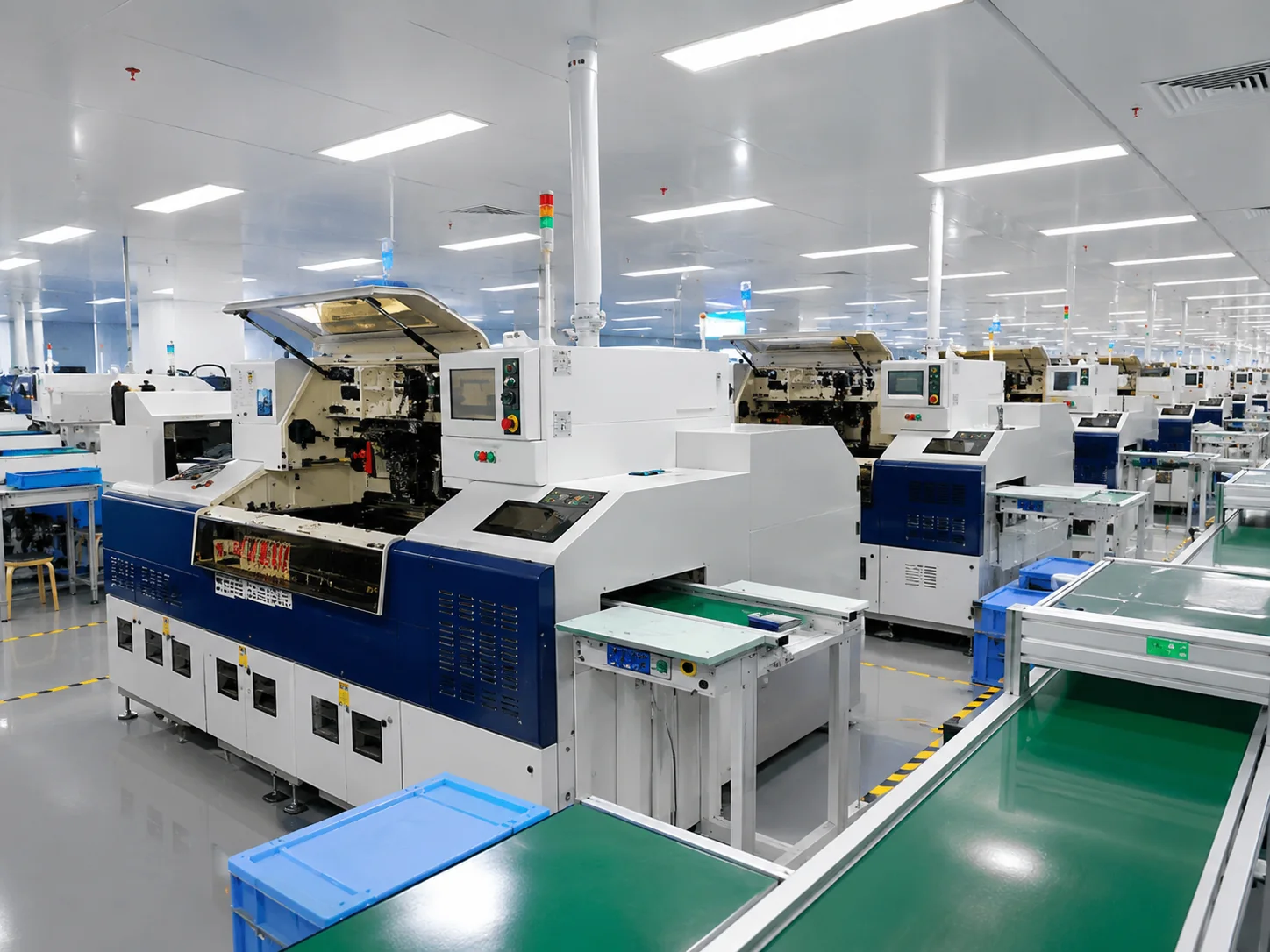
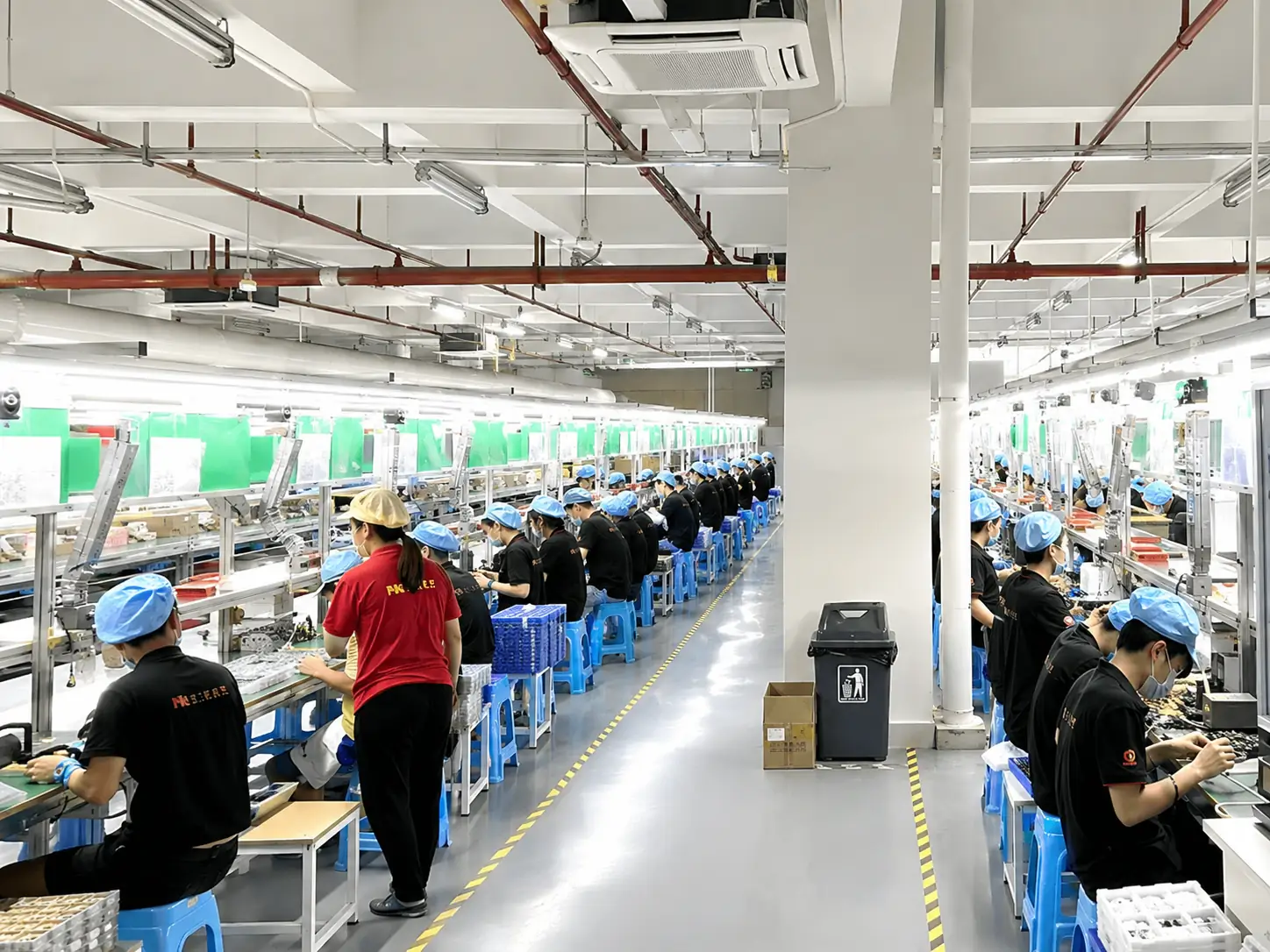
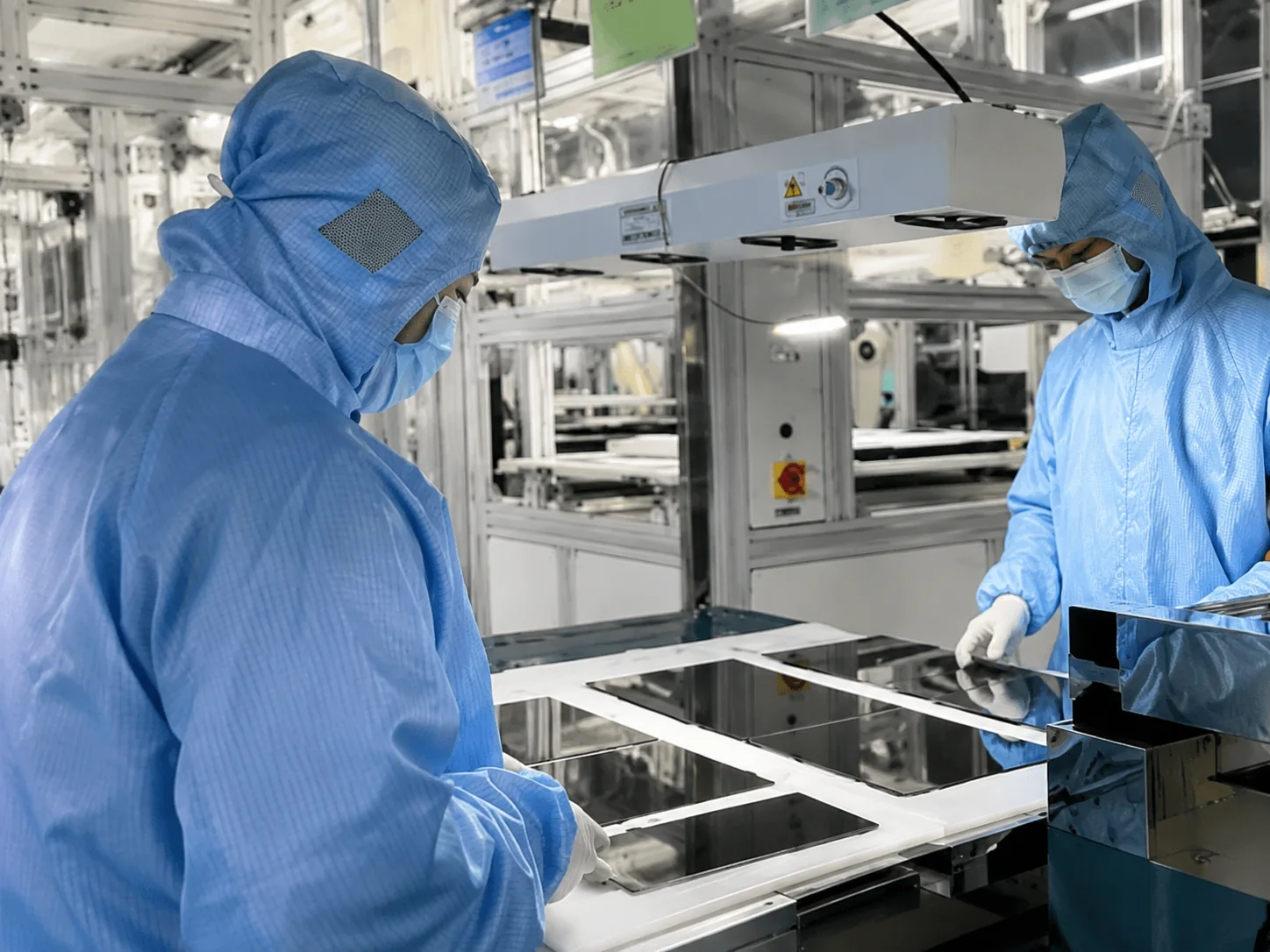
In-House Manufacturing Capabilities
- ✓ Laser cutting
- ✓ CNC punching
- ✓ CNC bending
- ✓ Welding & Grinding
- ✓ Drilling and tapping
- ✓ Sheet-metal fabrication
- ✓ Complete-machine assembly
- ✓ Prototype testing
Case Study: From Touchscreen Sample to a U.S. Kiosk Project
Self-Service Kiosk FAQs
What is a self-service kiosk?
How does a self-service kiosk work?
What types of self-service kiosks are available?
What screen sizes can I choose?
Can you customize the kiosk enclosure and color?
What peripherals can be integrated?
Can the kiosk work with our existing software?
How much does a self-service kiosk cost?

Still have questions?
Our kiosk engineering team is ready to evaluate your project requirements.
Email Support WhatsApp EngineerTell Us What Your Kiosk Needs to Do
Send us your workflow, installation space, required peripherals and software environment. We will help you define a practical hardware configuration.
Direct Contact
Phone / WhatsApp
+86 13342931453Location
No. 3, Lianfeng Road, Hongqiaotou Community, Yanluo Street, Bao'an District, Shenzhen, Guangdong Province, China
Looking for other display technologies? Explore our interactive whiteboards.
