Lucky-XFC Logo
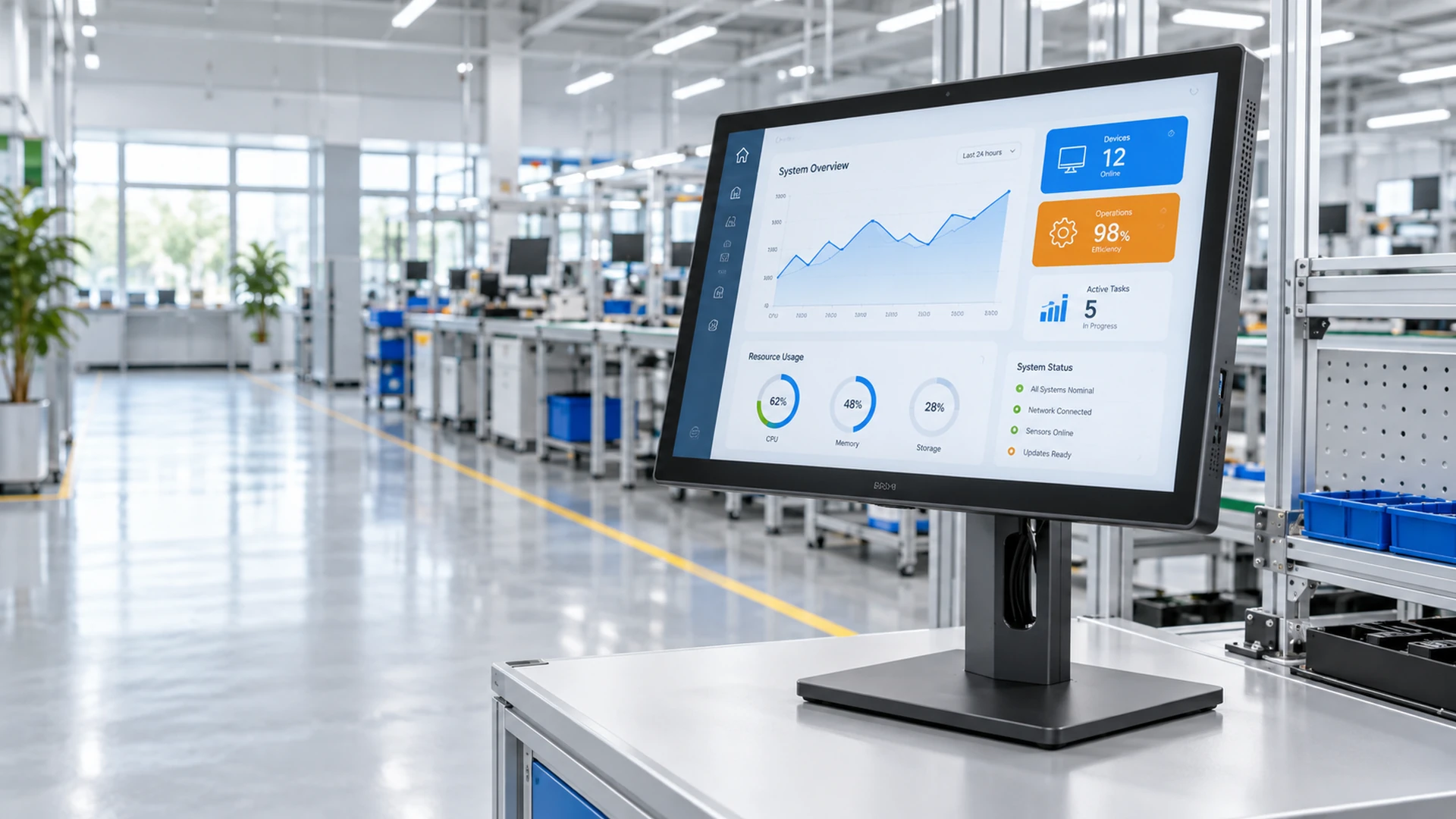
Custom smart touchscreen monitor for commercial systems
Configurable Touch Display Systems

Custom Smart
Touchscreen Monitor

Manufacturer for
Integrated Commercial Systems

Configure the display, touch interface, computing platform, enclosure and connections around the way your application actually works. Lucky-XFC supports smart touchscreen monitor projects for self-service kiosks, interactive signage, meeting spaces, commercial terminals and custom equipment integration.

Android, Windows or external-host configurations are confirmed according to the selected product and project requirements.

Smart Touch Displays Built Around the Required System

A smart touchscreen project is more than a panel specification. The operating system, application, touch connection, mounting structure, peripherals and network environment must work together. Available functions vary by product and are confirmed in the approved specification.

21.5–43 Inch Flat Touch Monitors

65 / 75 / 86 Inch Interactive Whiteboards

Android / Windows / External Host Paths

OEM / ODM Configuration Support

Choose the Right Smart Touchscreen Monitor Format

Start with the system architecture and installation format, then narrow the display, touch and computing specifications. These six paths cover integrated computers, large-format collaboration, interactive signage, self-service equipment and custom machine integration.

Smart Touchscreen All-in-One Computers

Smart Touchscreen All-in-One Computers

Combine the display, touch interface and an integrated computing platform in one unit. Choose this format when the application needs to run directly on the device rather than on a separate customer-supplied computer.

Selection Tip:

Select by operating system, processor, memory, storage, interfaces and application environment.

Applications:

POS terminals, information systems, operator stations and commercial applications.

Explore Touchscreen Computers
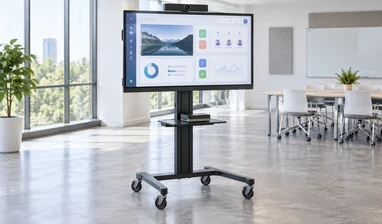
Smart Interactive Whiteboard Monitors

Smart Interactive Whiteboard Monitors

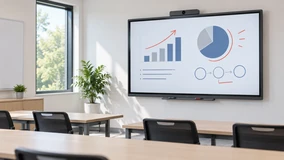
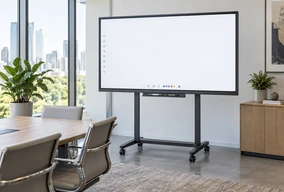
Large 4K touch displays for presentation, annotation and collaborative work. Current 65-inch, 75-inch and 86-inch reference models support project paths based on Android, Windows or an external computer.

Selection Tip:

Select by room size, system path, laptop connections, audio and camera requirements, mounting and collaboration software.

Applications:

Meeting rooms, classrooms, training spaces and remote collaboration.

Explore Interactive Whiteboards
Smart Interactive Digital Signage Displays

Smart Interactive Digital Signage Displays

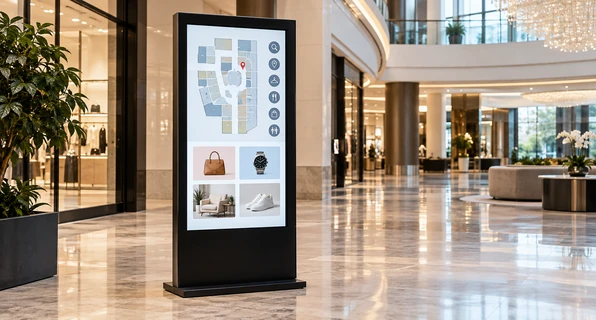
Build an interactive information or content experience around a touch display, computing platform and compatible application or CMS. Flat and curved formats, portrait or landscape installation and project-specific system options can be evaluated.

Selection Tip:

Select by orientation, touch configuration, operating system, content software, network and enclosure.

Applications:

Retail, showrooms, hospitality, wayfinding and corporate information.

Explore Interactive Digital Signage
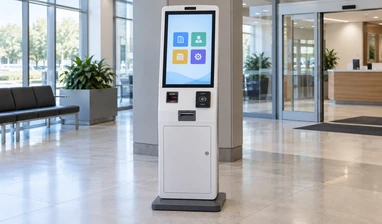
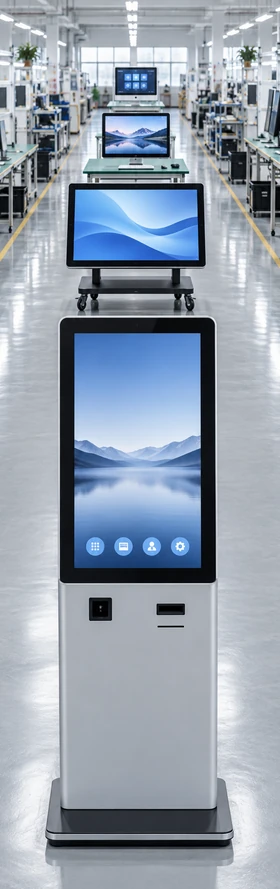
Smart Self-Service Kiosk Touchscreens

Smart Self-Service Kiosk Touchscreens

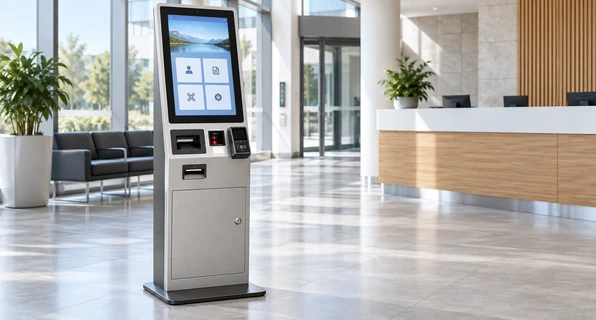
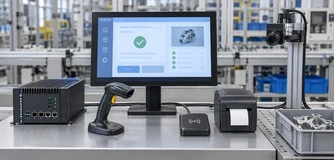
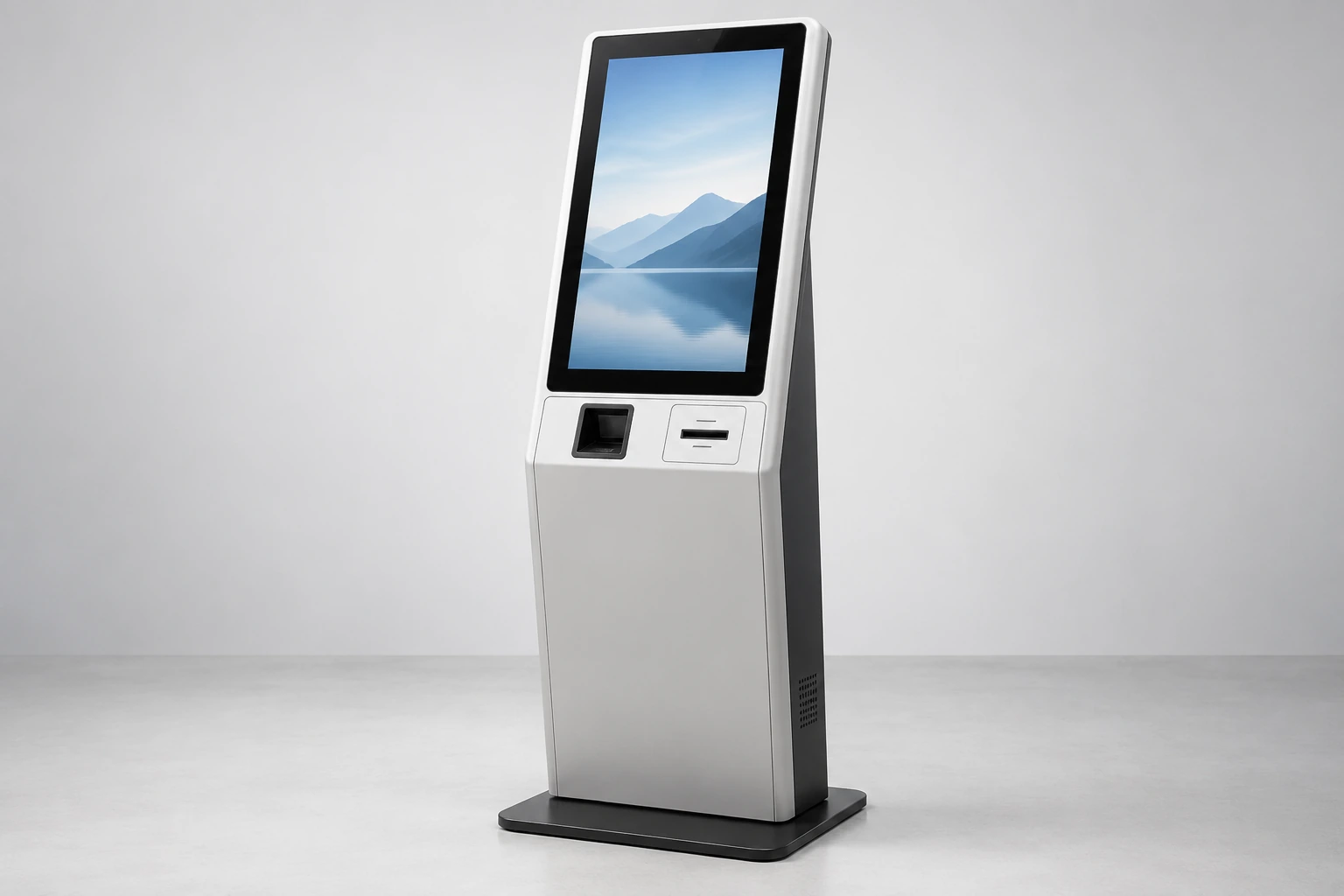
Coordinate the touchscreen with the computer, kiosk enclosure and required peripherals. The configuration can be reviewed around the actual check-in, ordering, payment, ticketing or information workflow.

Selection Tip:

Select by transaction flow, installation format, system platform, printer, scanner, reader and service access.

Applications:

Check-in, ordering, payment, ticketing, identity verification and information access.

Explore Kiosk Touchscreens
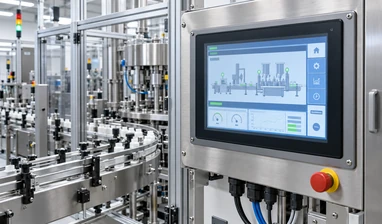
Touchscreen Monitors for Smart Equipment Integration

Touchscreen Monitors for Smart Equipment Integration

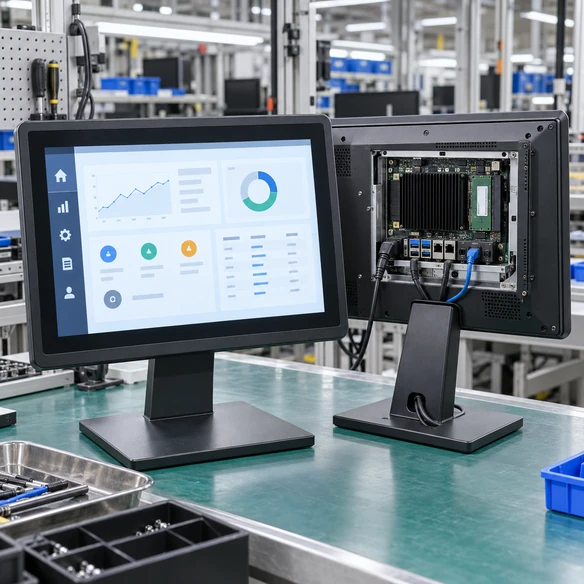
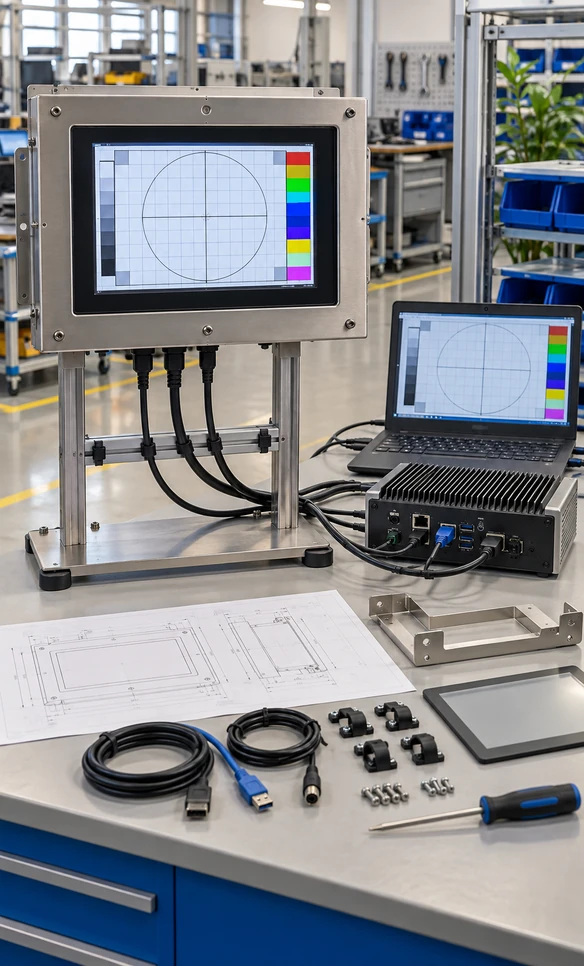
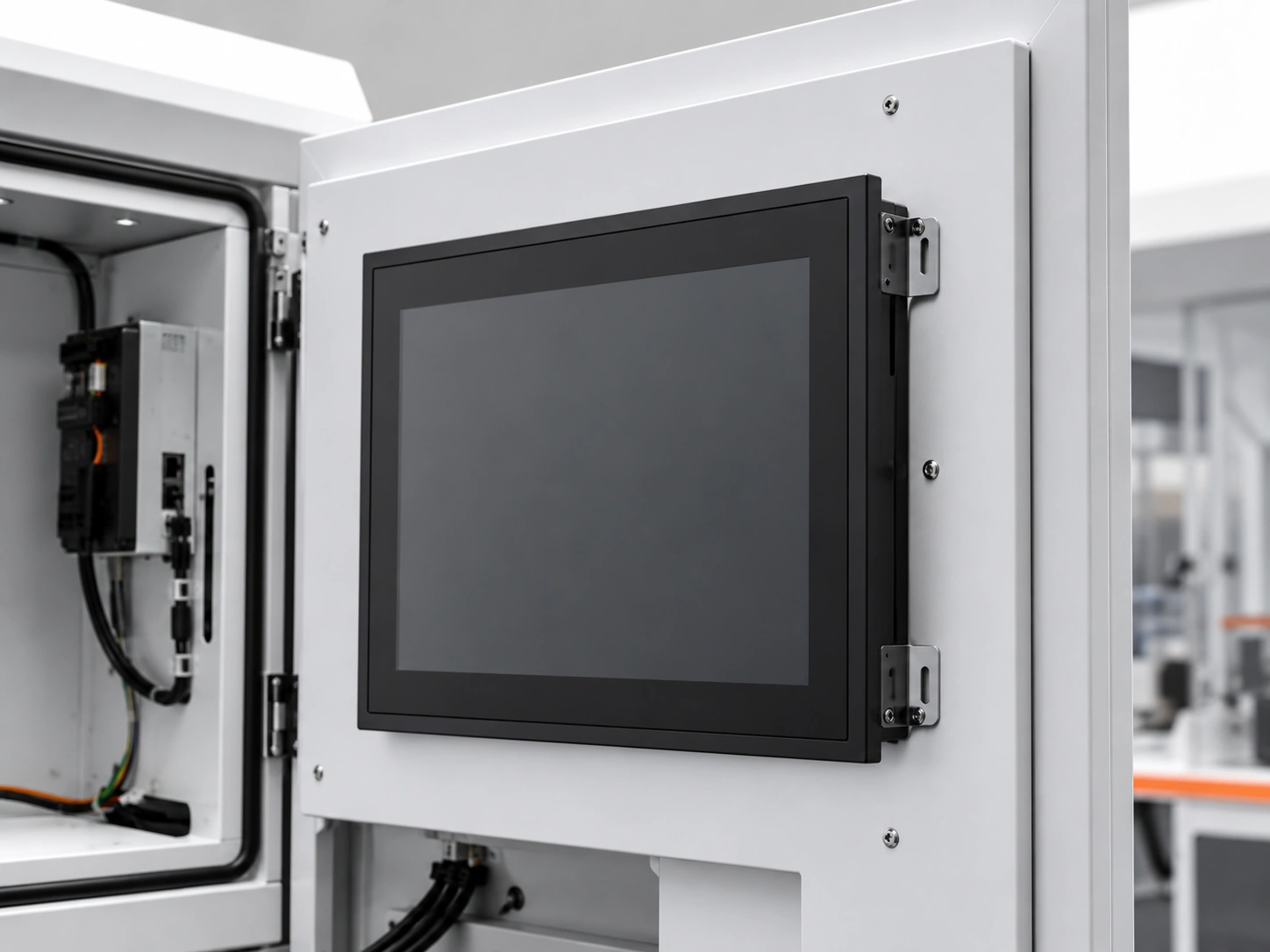
Use a finished or open-frame touch monitor with an industrial PC, Android controller or other external host. This path keeps the display and touch hardware separate from the computing platform used by the equipment.

Need a display installed inside a machine or cabinet? Review our open frame touch monitor options.

Selection Tip:

Select by finished or open-frame construction, cover glass, mounting points, video input, touch connection and host-system compatibility.

Applications:

Industrial equipment, POS devices, control terminals and custom enclosures.

Explore Touchscreen Monitors
Portable / Rolling Smart Touchscreen Displays

Portable / Rolling Smart Touchscreen Displays

Mobile stands, rolling structures and battery-equipped concepts require a project-specific feasibility review. Submit the required screen size, system, mobility, orientation and operating-time expectations before the configuration is defined.

Selection Tip:

Evaluate stand stability, power method, cable routing, system platform, screen rotation and transport conditions.

Applications:

Mobile presentations, temporary training spaces, flexible meeting areas and showroom demonstrations.

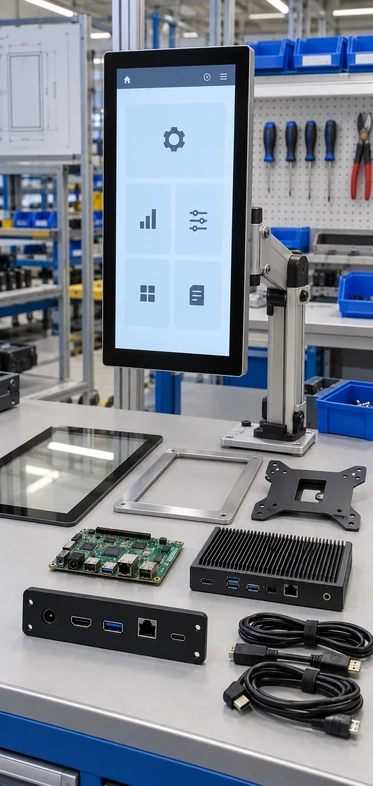
Smart touchscreen monitor system components

What Makes a Touchscreen Monitor Smart?

A smart touchscreen monitor combines interactive display hardware with a defined computing and application path. Some projects use an integrated Android or Windows system. Others connect the display and touch controller to an external computer already installed in the customer’s equipment.

The word ‘smart’ should identify how the system operates—not imply that every model automatically includes Wi-Fi, Bluetooth, a battery, speakers, a camera or streaming applications. These functions must be confirmed for the selected configuration.

  • Display: screen size, resolution, brightness and viewing format.
  • Touch: touch technology, touch points, cover glass and controller.
  • Computing: Android, Windows, Linux or an external host.
  • Application: customer software, browser, CMS, POS program or equipment interface.

Build the System from the Application Backward

The right configuration begins with the task the user must complete. Once the workflow is clear, the display, touch, computing, connections and enclosure can be defined around it.

1

User Workflow

Browse, annotate, register, order, control, scan or display information.

2

Application

Android app, Windows program, web application, CMS or customer software.

3

Computing Platform

Integrated Android, integrated Windows or external computer.

4

Display & Touch

Panel, resolution, touch technology, controller and protective glass.

5

Connections & Peripherals

Video, USB touch, network, printer, scanner, reader or camera.

6

Mechanical Integration

Housing, cutout, mounting, cable direction, service access and installation.

Defining these layers together reduces the risk of receiving a screen that displays correctly but cannot support the required touch, software, peripheral or installation workflow.

Reference Product Range for Smart Touch Projects

Use these verified product paths as a starting point. Final specifications depend on the selected model, computing platform and approved project configuration.

Lucky-XFC smart touchscreen monitor product range
Swipe to compare
Product Path Verified Size Reference Touch & Display Computing Path Typical Use
Flat Touchscreen Monitors 21.5, 23.8, 27, 31.5 and 43 inches PCAP touch, 16:9, 1920 × 1080, metal housing External computer or project host Commercial terminals, POS, equipment interfaces
Interactive Whiteboards 65, 75 and 86 inches 4K UHD, PCAP touch Android, Windows or external PC according to configuration Meetings, education and training
55-Inch Signage Reference Platform 55 inches 3840 × 2160 display; touch requires separate project confirmation Android 11 reference platform Interactive signage and information display
Floor-Standing Kiosk Formats 17, 19, 21.5, 27, 32 and 43 inches Touch and display configuration by project Android, Windows or external-system path Self-service and transaction workflows
Wall-Mounted Kiosk Formats 21.5, 23.6, 27 and 32 inches Touch and display configuration by project System and peripherals by application Space-saving self-service installations
Dual-Screen Kiosk Formats 17, 21.5 and 23.6 inches Screen roles and touch configuration by project Application-specific system Customer-facing and operator-facing workflows
Open-Frame Touch Monitors Size and resolution by selected model PCAP or resistive touch options External industrial PC, embedded computer or Android controller Machine, cabinet and enclosure integration

Values shown here describe verified reference paths, not a promise that every size supports every system, interface or optional function. Request the applicable model sheet before final selection.

Choose the Computing Path Before Finalizing the Display

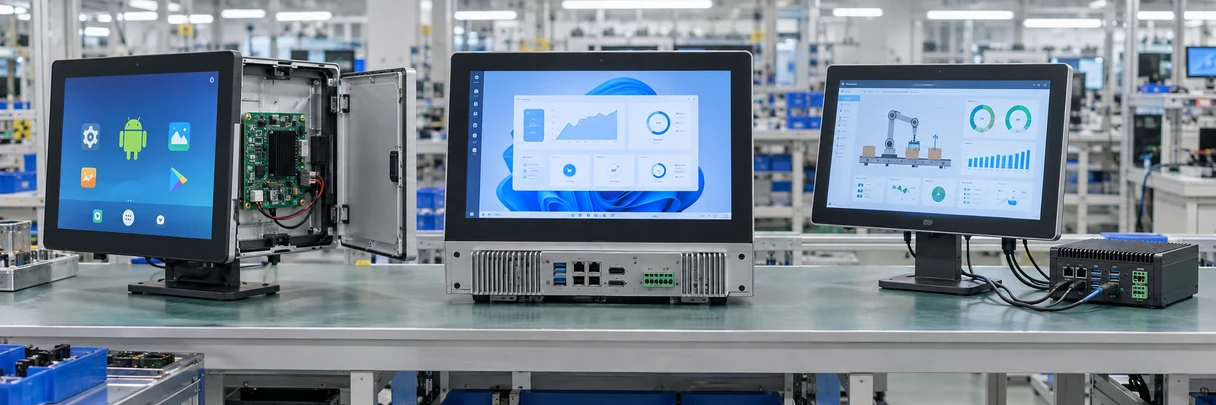
Android Windows and external host touchscreen configurations

Integrated Android

Suitable for browser-based content, signage applications, information access and compatible Android software. Confirm the Android version, processor, memory, storage, network, application package and device-management requirements.

Integrated Windows

Suitable when the project depends on Windows software, enterprise applications or peripheral drivers. Confirm the required Windows environment, processor, memory, storage, ports and driver compatibility.

External Host System

Suitable when the customer already has an industrial PC, embedded computer, media player or Android controller. The monitor supplies display and touch functions while the host runs the application.

Do not choose an operating system only by familiarity. Choose it according to the application, required peripherals, update method, network policy and long-term maintenance plan.

How to Select the Screen Size and Installation Format

21.5–27 Inches

Suitable for close-range interaction, counters, operator stations, compact kiosks and equipment interfaces where the user stands or sits near the screen.

31.5–43 Inches

Suitable for larger self-service interfaces, retail interaction, information terminals and applications that need more visible content without moving to a room-scale display.

55 Inches

A practical reference size for digital signage and larger information interfaces. Confirm whether the project requires touch, portrait or landscape orientation, wall mounting, embedding or a base-mounted structure.

65–86 Inches

Designed for meeting rooms, classrooms and training environments where multiple participants need to view and interact with shared content.

Mobile or Rolling Installation

Treat stand stability, power supply, cable routing, movement frequency, screen orientation and transport conditions as engineering inputs. Battery operation or consumer-style mobile features require separate feasibility confirmation.

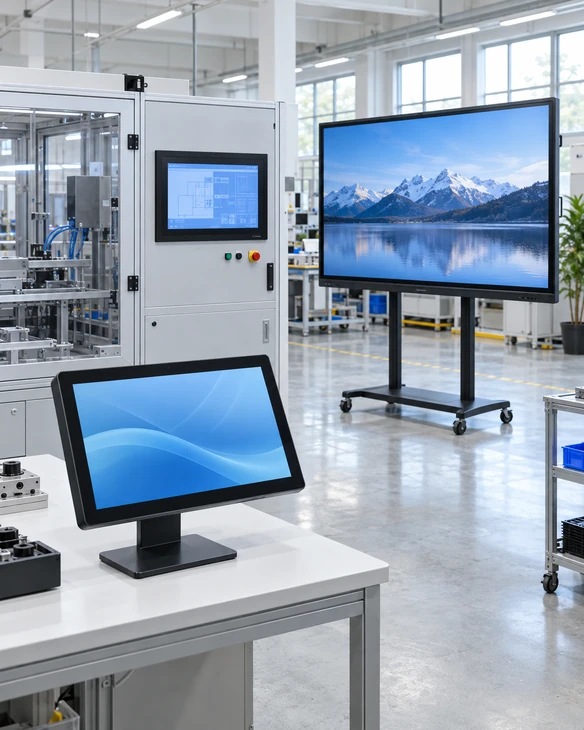
Smart touchscreen display size and installation guide

Select size by interaction distance, content density, installation space, mounting structure and the number of people who must view or use the display—not by diagonal size alone.

Touch Performance Depends on More Than the Panel

The touch experience is affected by the touch technology, controller, cover glass, operating environment and host system. Mechanical details are equally important when the monitor must fit a cabinet, kiosk or machine.

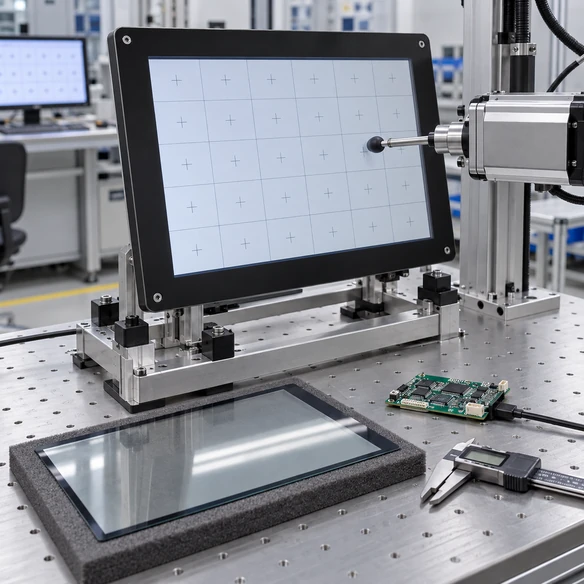
Touchscreen glass controller and enclosure integration

PCAP Touch

Provides responsive finger interaction and is used in the current flat touchscreen monitor and interactive whiteboard ranges. The number of supported touch points must be confirmed by model.

Resistive Touch

Available as a project option for selected open-frame applications where the input method or operating environment makes resistive technology more suitable.

Cover Glass

Glass dimensions, thickness, printed border, logo and available AG or AR surface treatment can be reviewed according to the selected base model and project feasibility.

Mechanical Structure

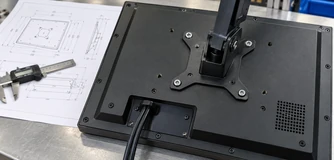
Confirm the external dimensions, active area, cutout, side brackets, VESA pattern, connector position, cable clearance and service access before approving the enclosure.

Reminder: Do not release a cabinet or bezel for production from screen diagonal alone. Use the approved mechanical drawing and physical sample when required.

Prevent Common Integration Problems Before Production

Smart touchscreen monitor integration risk review

‘Smart’ Is Not Technically Defined

A product may be described as smart without identifying where the application runs. Define whether the project uses integrated Android, integrated Windows or an external host before selecting interfaces and system hardware.

Video Works but Touch Does Not

Video and touch data may use separate connections. Confirm both the video input and the USB or selected touch-data connection, together with the required operating-system support.

The Screen Does Not Fit the Enclosure

Nominal screen size does not define external dimensions, mounting holes or connector clearance. Review the mechanical drawing, cutout and cable direction before enclosure production.

A Peripheral Connects but the Application Cannot Use It

Printers, scanners, readers and cameras depend on interfaces, drivers, power and software support. Verify the complete peripheral path in the intended operating environment.

The Sample Looks Correct but the Workflow Is Incomplete

Validate the actual application, touch actions, peripherals and maintenance tasks on a prototype or approved sample before moving into batch production.

Smart Touchscreen Monitor Applications

The same screen size can require a different system, housing, interface and test plan in each application. Select the configuration around the complete operating workflow.

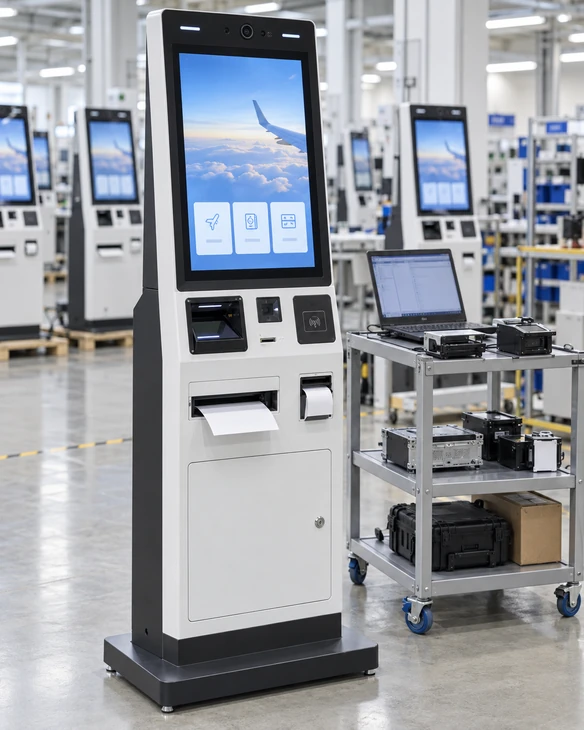
Self-Service Kiosks

Self-Service Kiosks

Configure the touch display around check-in, ordering, payment, ticketing, printing, scanning or identity-verification workflows.

Interactive Digital Signage

Interactive Digital Signage

Enable visitors to browse products, search information, navigate content or interact with a compatible application or CMS.

Meeting and Training Spaces

Meeting and Training Spaces

Use large-format interactive displays for presentation, annotation, shared content and collaboration with the selected computer and conferencing environment.

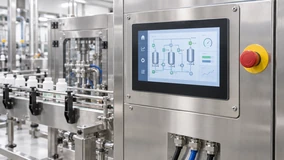
Industrial and Commercial Equipment

Industrial and Commercial Equipment

Integrate a finished or open-frame touch monitor with the machine’s industrial PC, embedded controller and custom enclosure.

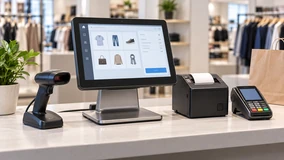
POS and Retail Terminals

POS and Retail Terminals

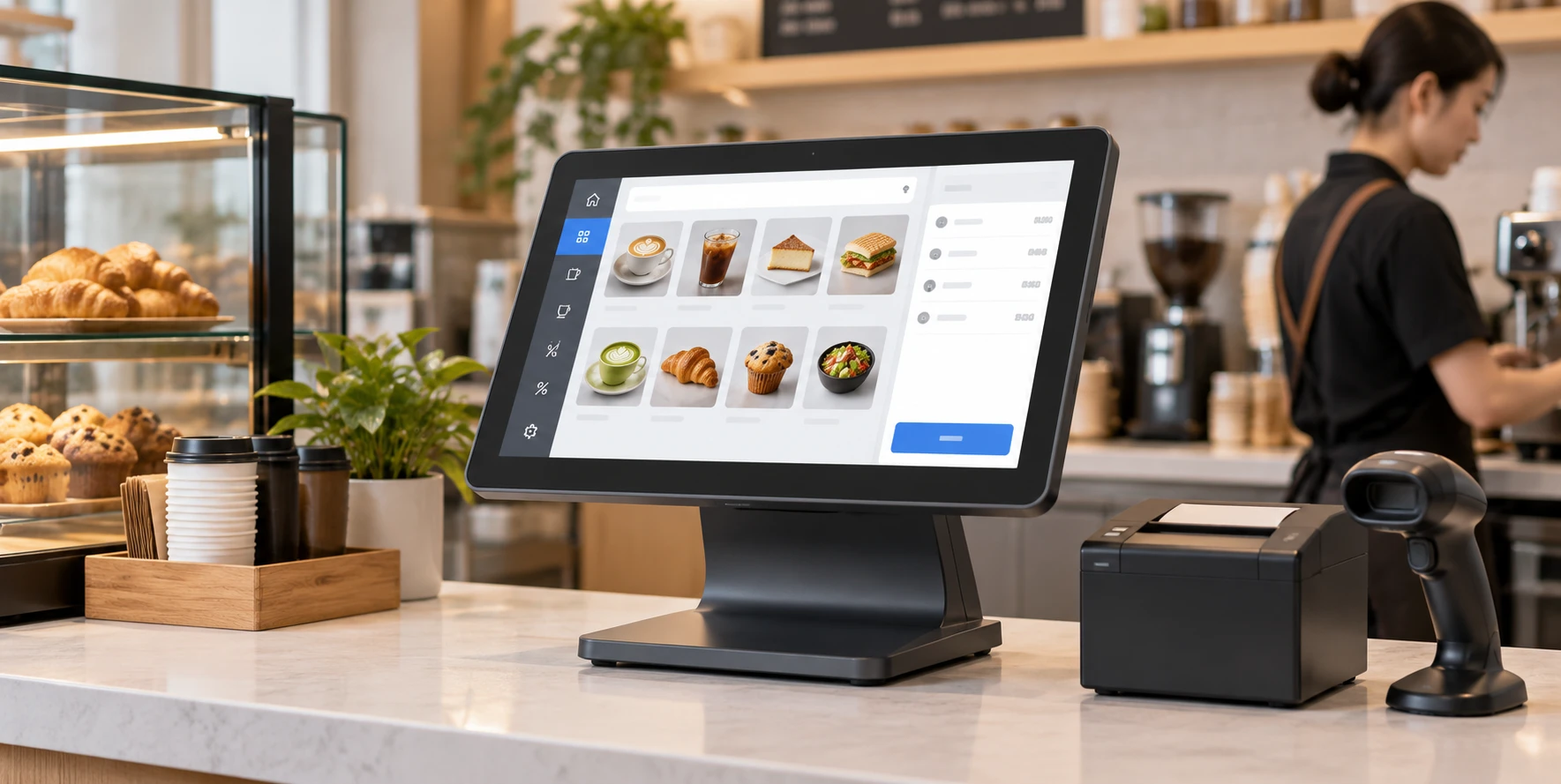
Create counter-mounted or equipment-integrated interfaces for product lookup, customer interaction and compatible transaction applications.

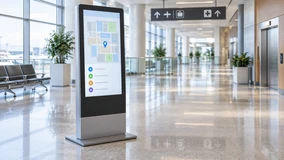
Information and Wayfinding Systems

Information and Wayfinding Systems

Combine a touch interface with an approved Android, Windows or web-based information application for public or commercial spaces.

U.S. Check-In Kiosk Integration Project

A U.S. project required a custom check-in kiosk that combined a touchscreen interface with A4 printing and ID scanning. The work focused on coordinating the display, Windows IoT environment, peripherals and enclosure service access.

1

Workflow and Peripheral Review

The kiosk configuration was reviewed around the customer’s check-in process, A4 printer and ID scanner rather than treating the touchscreen as an isolated component.

2

Driver Compatibility Testing

Printer drivers were tested in the Windows IoT environment used by the project.

3

One Prototype for Software Validation

One prototype was supplied for the customer’s software team to validate the operating workflow and peripheral communication.

4

Structural Adjustment

After the validation stage, minor structural adjustments were made to simplify paper loading and service access.

5

Phased Delivery Planning

A phased delivery schedule was arranged around the planned regional rollout.

Custom touchscreen kiosk project with printer and ID scanner

"This project shows why a smart touchscreen monitor should be evaluated as part of the complete system. Software, peripherals, enclosure access and validation can be as important as the panel specification."

Configure the Smart Touch Display Around Your Project

Display

Screen size, panel selection, resolution, brightness and orientation are confirmed according to the selected model.

Touch

PCAP or applicable resistive configuration, touch points, controller and touch-data connection.

Computing

Android, Windows, Linux or external-host paths according to model availability and application requirements.

Memory and Storage

Defined for integrated computing configurations according to the operating system and application workload.

Cover Glass

Dimensions, thickness, printed border, logo and available surface-treatment options.

Housing and Mounting

Finished housing, open-frame structure, wall mounting, VESA, side brackets, embedding or project-specific enclosure review.

Interfaces

HDMI, DisplayPort, VGA, USB touch, serial touch or USB-C functions only where confirmed by the selected hardware.

Network and Peripherals

Ethernet, Wi-Fi, mobile network modules, printers, scanners, readers, cameras and speakers are evaluated according to the project architecture.

Branding and Packaging

Logo, labels, housing appearance and packaging can be reviewed within the approved OEM/ODM scope.

Custom smart touchscreen monitor configuration options

Customization availability depends on the base model, component supply, engineering feasibility, order requirements and sample validation. Final specifications follow the approved specification sheet.

From Project Requirements to an Approved Configuration

Application Review

1. Application Review

Define what the user does, where the application runs and which devices must connect.

Product Path Selection

2. Product Path Selection

Choose the appropriate flat monitor, all-in-one computer, interactive whiteboard, signage, kiosk or open-frame format.

Specification and Drawing Confirmation

3. Specification and Drawing Confirmation

Review the display, touch, system, interfaces, dimensions, mounting and enclosure requirements.

Prototype or Sample Validation

4. Prototype or Sample Validation

Validate the intended software, touch workflow, peripherals and physical installation when the project requires it.

Configuration Adjustment

5. Configuration Adjustment

Resolve verified issues found during review or validation before the batch specification is released.

Production, Inspection and Delivery Planning

6. Production, Inspection and Delivery Planning

Produce against the approved specification, complete the applicable inspection and coordinate packaging and delivery requirements.

Manufacturing and Inspection Behind the Configuration

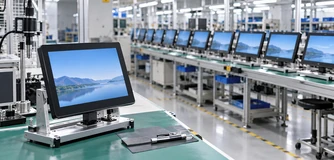
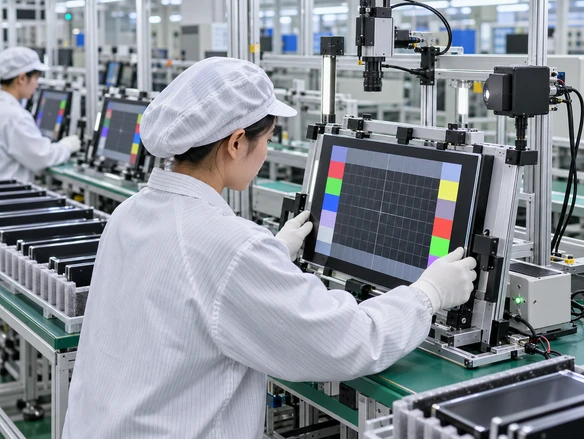
Lucky-XFC has 13 years of touchscreen monitor experience, supported by a 3,100 m² factory, a production team of more than 160 employees and 26 quality-control personnel. Products are subject to 100% inspection throughout the production process.

13 Years Touchscreen monitor experience
3,100 m² Factory area
160+ Production team
26 Quality-control personnel

Inspection Scope

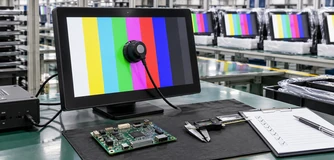
For custom touchscreen projects, the applicable inspection scope can include appearance, display output, touch response, interface connection, resolution, dimensions, mounting points and packaging. The exact inspection and documentation requirements should match the approved product specification.

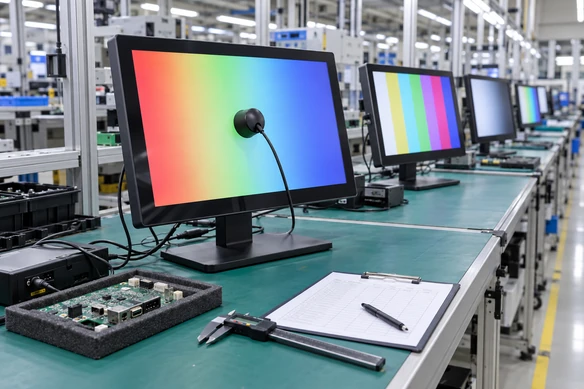
Lucky-XFC touchscreen monitor manufacturing and inspection

Why Work with Lucky-XFC on a Smart Touchscreen Project?

Multiple Product Formats

Multiple Product Formats

Evaluate standard flat monitors, touchscreen computers, interactive whiteboards, digital signage, kiosk displays and open-frame products within one project discussion.

Three Computing Paths

Three Computing Paths

Compare integrated Android, integrated Windows and external-host configurations according to the application rather than forcing one system into every project.

Mechanical Integration Review

Mechanical Integration Review

Coordinate external dimensions, cover glass, mounting, connector position and enclosure clearance before the final structure is approved.

Peripheral Coordination

Peripheral Coordination

Review printers, scanners, readers, cameras and other required devices as part of the complete system architecture.

Prototype-to-Batch Workflow

Prototype-to-Batch Workflow

Use sample or prototype validation where required to identify software, peripheral or structural issues before batch production.

Product and Process Inspection

Product and Process Inspection

Apply inspection to the display, touch, connections, dimensions, mounting and packaging according to the approved project specification.

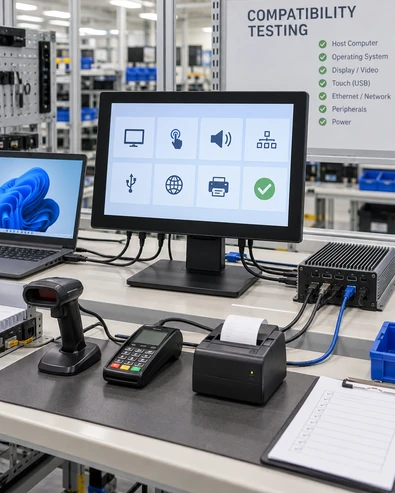
Compatibility Checks Before You Approve a Smart Touchscreen Monitor

Smart touchscreen monitor ports and host compatibility
Decision Why It Matters What to Define
Application Platform Determines the operating system and computing hardware Android app, Windows program, web app, CMS or external-host software
Video Connection Carries the display signal Required HDMI, DisplayPort, VGA or confirmed USB-C function
Touch Connection Sends touch input to the host USB touch, selected serial connection and operating-system support
Power Affects installation and enclosure design Input voltage, adapter, connector and cable routing
Mounting Prevents enclosure mismatch VESA, side brackets, cutout, bezel, rear clearance and service access
Peripheral Support Requires compatible ports, drivers and power Printer, scanner, reader, camera, speaker or other device
Network Affects content, application and device management Ethernet, Wi-Fi or approved mobile-network requirement
Environment Influences touch, glass and housing decisions Indoor use, lighting, cleaning, gloves, temperature and expected usage
Validation Reduces system-level risk Required drawings, sample, prototype, application and peripheral tests

A complete specification should identify both the screen requirements and the environment in which the complete system will operate.

Does a smart touchscreen monitor need a separate computer?

Not always. An integrated Android or Windows configuration can run a compatible application on the display itself. A display-only touchscreen monitor normally connects to an external computer for video and touch processing. Confirm the computing path before comparing ports, memory or software compatibility.

Android or Windows: which system should you choose?

Android can be practical for signage, information access and compatible lightweight applications. Windows is often selected when the project depends on Windows software, enterprise tools or specific peripheral drivers. An external host is appropriate when the equipment already includes its own industrial PC or controller. The application and maintenance plan should lead the choice.

Is a smart touchscreen monitor the same as an interactive whiteboard?

No. A smart touchscreen monitor is a broad term covering touch displays with an integrated or defined computing path. An interactive whiteboard is a large-format category designed mainly for presentation, annotation and collaboration. Lucky-XFC’s current interactive whiteboard references include 65-inch, 75-inch and 86-inch 4K PCAP models.

How does touch connect to a laptop or industrial PC?

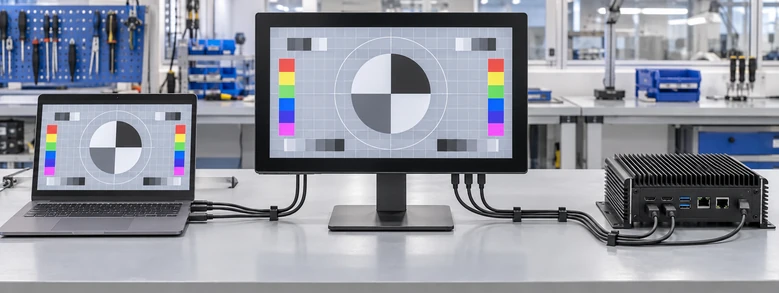
Many configurations use one connection for the video signal and another USB connection for touch data. A supported USB-C port may combine some functions, but its video, touch-data and power capabilities must be confirmed for the exact model. Check the host operating system and connection diagram before installation.

Touchscreen connection diagram

Can Wi-Fi, Bluetooth, cameras and speakers be included?

These functions depend on the selected computing platform and hardware configuration. Do not assume they are included because a product is described as smart. List the required wireless protocols, audio, camera, network and peripheral functions so they can be checked against the proposed configuration.

What should be validated before a batch order?

Confirm the approved specification, mechanical drawing, mounting, application environment, video and touch connections, operating system, peripheral drivers and enclosure access. When the project includes custom software, peripherals or a new structure, prototype or sample validation can reveal system-level issues before batch production.

Smart Touchscreen Monitor FAQs

What is a smart touchscreen monitor?
It is a touch-enabled display with a defined computing and application path. The computer may be integrated into the unit or supplied as an external host.
Which smart touchscreen monitor sizes does Lucky-XFC offer?
Verified reference ranges include 21.5-inch to 43-inch flat touchscreen monitors and 65-inch, 75-inch and 86-inch interactive whiteboards. Additional kiosk, signage and open-frame formats depend on the selected product and project configuration.
Can Lucky-XFC supply an Android touchscreen monitor?
Android configurations are available for applicable product paths. The Android version, processor, memory, storage, network and application compatibility must be confirmed for the selected hardware.
Can the touchscreen work with Windows?
Applicable touchscreen monitors and integrated computer configurations can be evaluated for Windows environments. Confirm the Windows version, touch controller, drivers, ports and required peripherals.
Can you customize the cover glass and enclosure?
Cover-glass dimensions, printed borders, logo, housing, mounting points and connector positions can be reviewed according to the selected base model and engineering feasibility.
Can the display be mounted on a rolling stand?
Mobile stands are available for applicable large-format display projects. Smaller rolling displays, battery operation and special rotation structures require a separate feasibility review.
Does every smart touchscreen monitor include Wi-Fi and Bluetooth?
No. Network and wireless functions depend on the selected computing platform and configuration. They must be listed and confirmed before order approval.
What information is useful for a quotation?
Include the application, screen size, operating system, installation method, required interfaces, peripherals, quantity and any available drawings or software requirements.

Discuss Your Smart Touchscreen Monitor Project

Share the application and system requirements you already know. We can use them to identify the appropriate product path and the specifications that still need to be confirmed.

Useful details include screen size, operating system, installation method, interfaces, peripherals, quantity and target application.

Discuss a custom smart touchscreen monitor project