
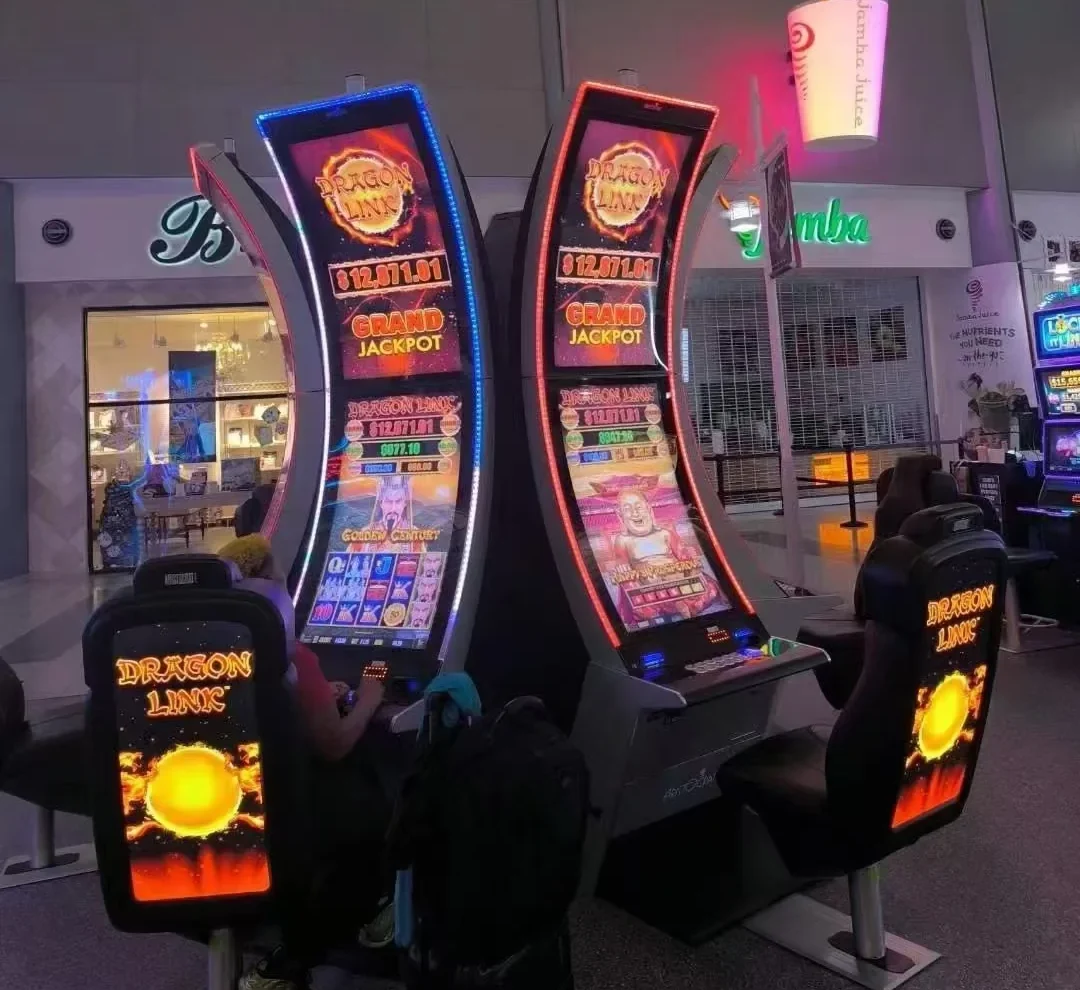
Curved Touch Monitor Manufacturer for Slot & Casino Machines
Lucky-XFC supplies J-type curved touch monitors in 43, 49 and 55 inches and C-type curved touch screen monitors in 32, 43, 49 and 55 inches. Each project is reviewed for curve type, display specification, touch integration, interfaces, operating system, mounting structure and cabinet fit before quotation or sample production.
XFC supplies curved display and touch hardware for equipment integration. We do not supply complete slot machines, wagering systems or gaming software.
J-Type and C-Type Curved Touch Monitor Range
Choose the curved display profile based on your cabinet structure, interaction area and visual design. Lucky-XFC currently lists J-type curved touch monitors in 43, 49 and 55 inches and C-type models in 32, 43, 49 and 55 inches. Final display, touch, interface and mounting specifications are confirmed by model and project.
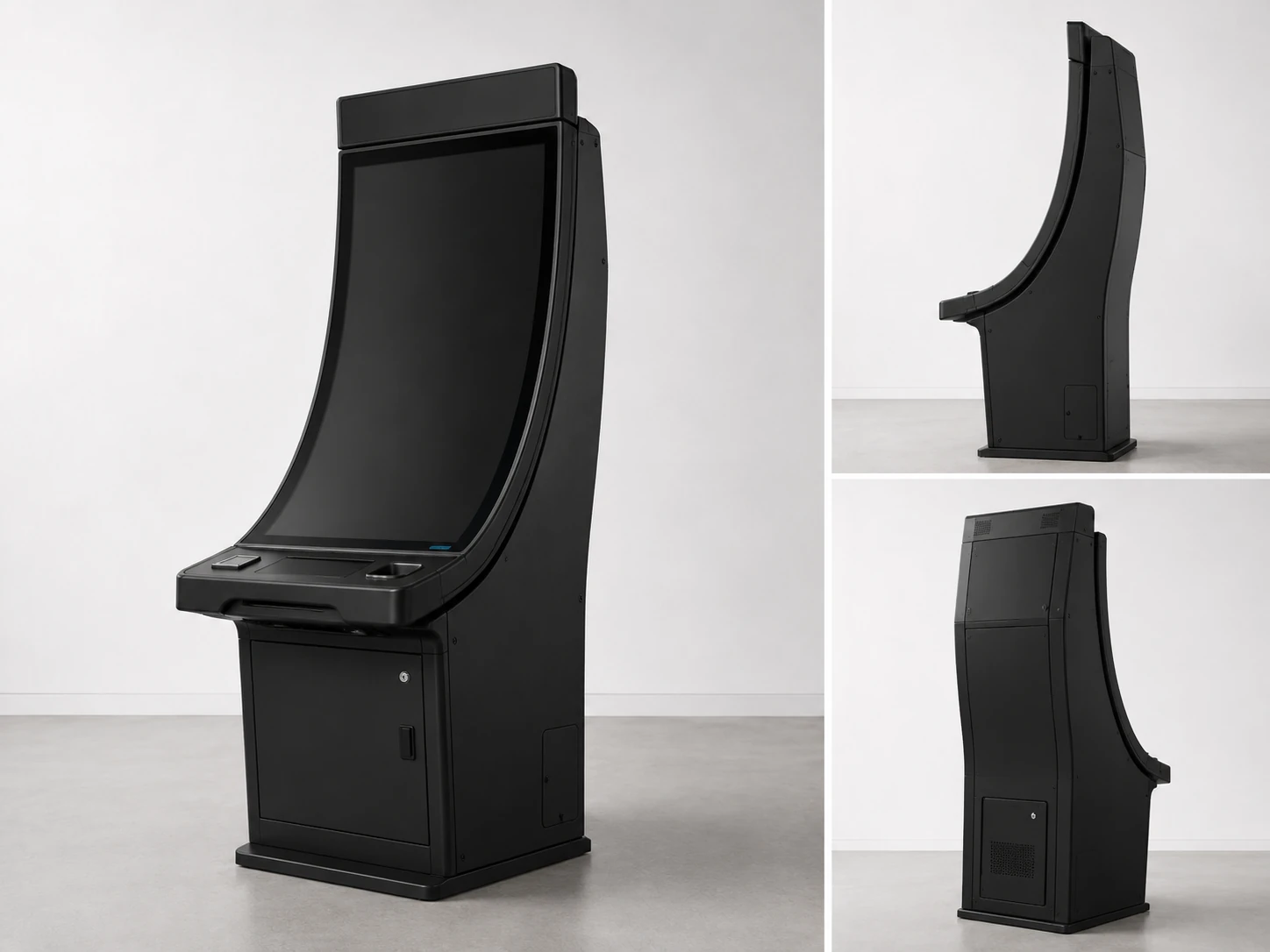
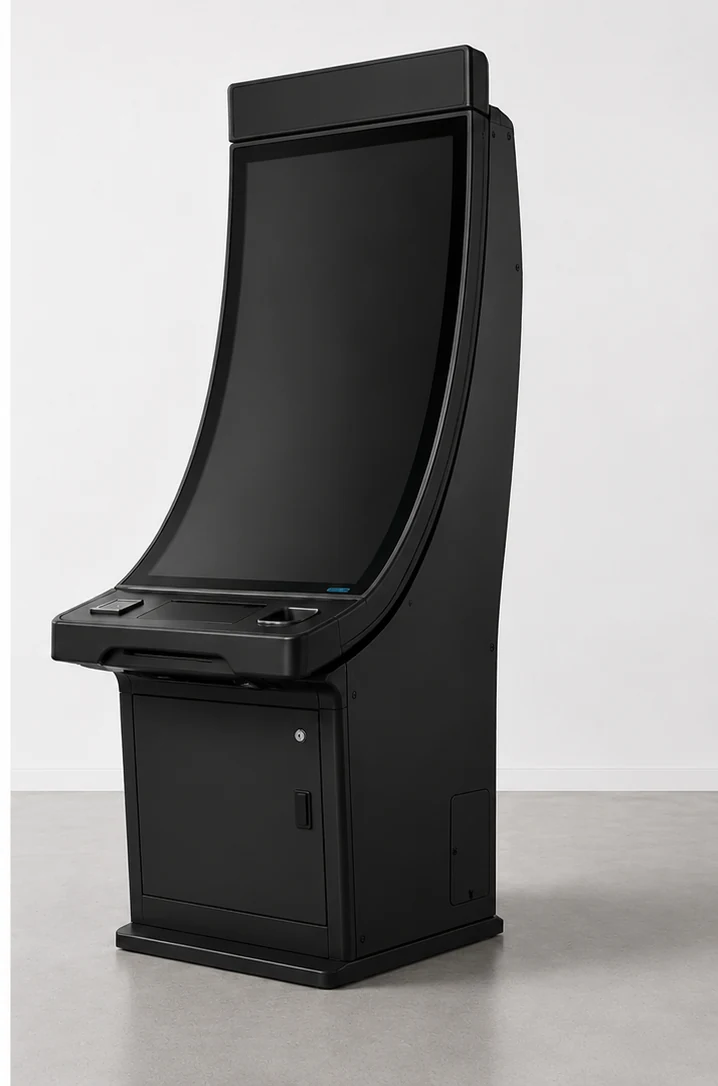
J-Type Curved Touch Monitors
J-type curved touch monitors combine a primary viewing area with a curved edge profile. They are suitable for equipment designs that need a distinctive edge interaction area, asymmetric cabinet styling or a shaped user interface.
Confirmed Sizes: 43″ / 49″ / 55″
Curve Profile: J-Type
Touch & Res: Confirmed by Model
Application: Gaming, Interactive Equipment, Custom Cabinets
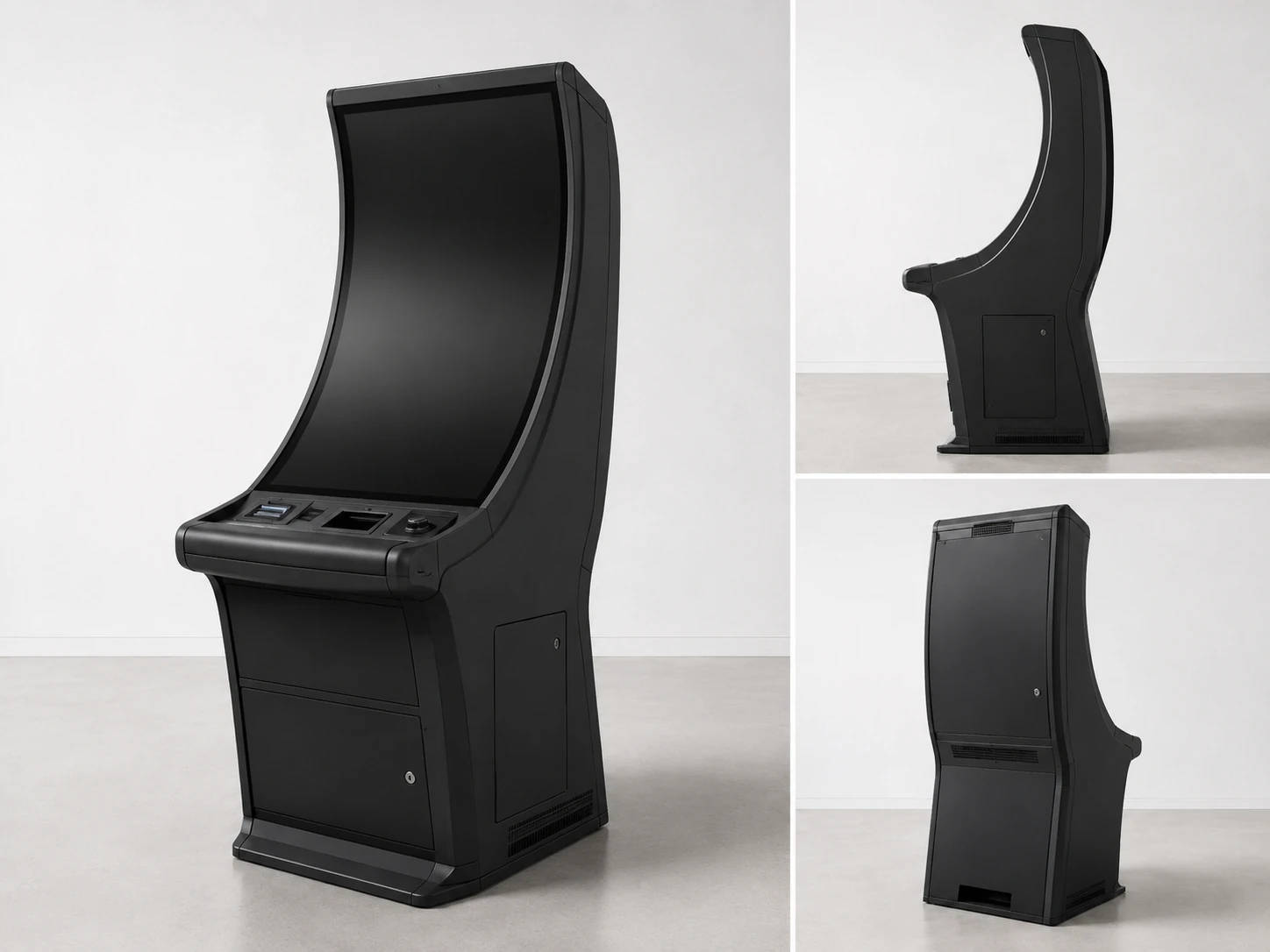
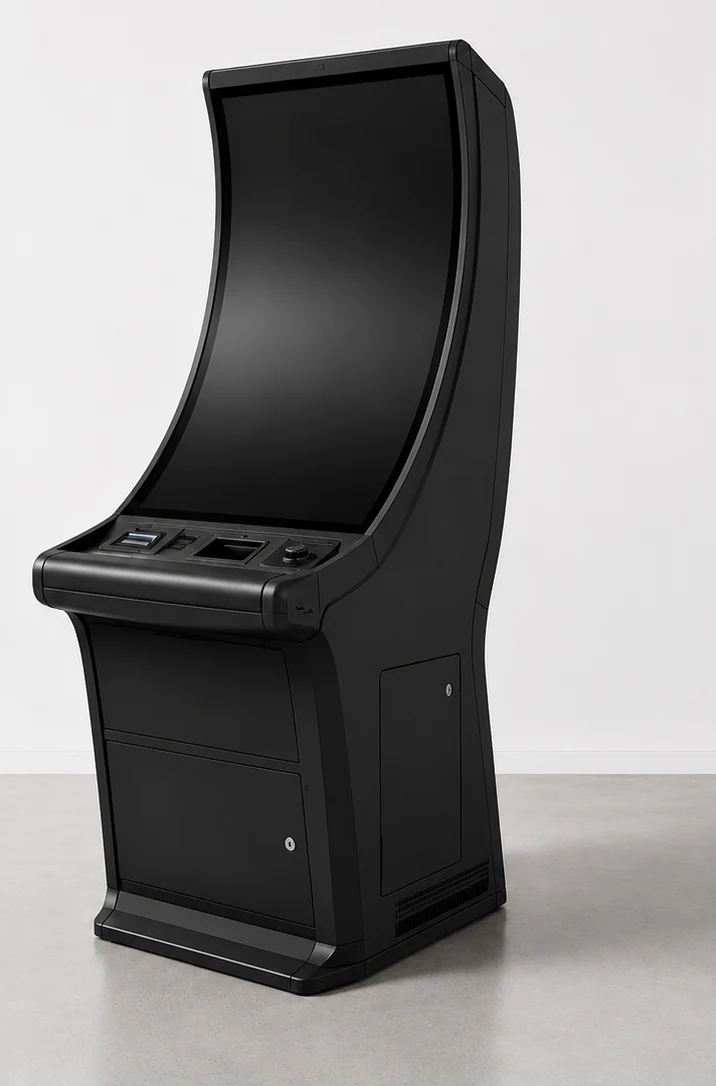
C-Type Curved Touch Monitors
C-type curved touch monitors use a continuous curved display profile designed for immersive visual presentation and cabinet integration. They are commonly evaluated for gaming equipment, casino terminals and other interactive systems with a curved front structure.
Confirmed Sizes: 32″ / 43″ / 49″ / 55″
Curve Profile: C-Type
Touch & Res: Confirmed by Model
Application: Gaming, Casino, Immersive Equipment
Reference Specifications and Custom Options
| Parameter | Reference configuration |
|---|---|
| J-Type Sizes | 43", 49", 55" |
| C-Type Sizes | 32", 43", 49", 55" |
| Standard Resolution | 1920 × 1080 |
| Optional Resolution | 3840 × 2160 subject to feasibility |
| Touch Technology | Projected Capacitive Touch |
| Housing | Metal housing |
| Video Interface | HDMI, subject to configuration |
| Touch Interface | USB, subject to controller |
| Optional Interfaces | RJ45, RS232 and project-specific options |
| System Integration | Windows, Android or Linux according to configuration |
| Installation | Custom cabinet integration |
Note: Final brightness, touch points, interfaces, power and mechanical dimensions are subject to the specific model and confirmed drawings.
What Is a Curved Touch Monitor?
"A curved touch monitor is a display system in which the visible screen and interactive touch surface follow a curved form factor. Unlike a typical consumer curved monitor, it includes touch sensing, a touch controller and system integration for direct user input. The display curve, touch mapping, cabinet opening, interfaces and software environment must be validated together."
Curved touchscreen monitors are generally selected for equipment where the display is part of the product structure rather than a standalone desktop accessory. The curve can support an immersive interface, match a shaped cabinet or create a larger continuous interaction area.
J-Type vs C-Type Curved Touch Monitors
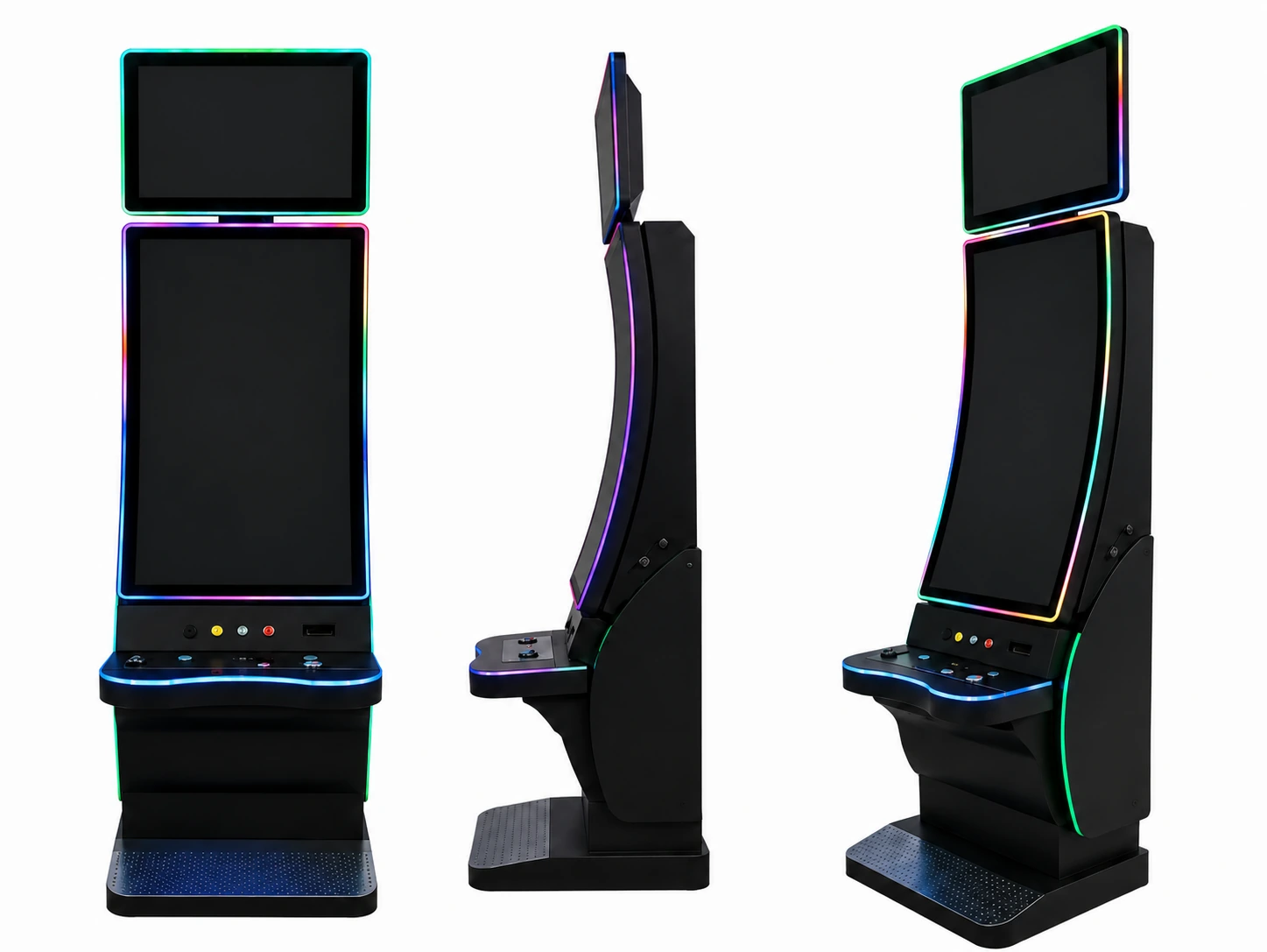
J-Type Profile
Main viewing area with a distinct curved edge for specialized UI.
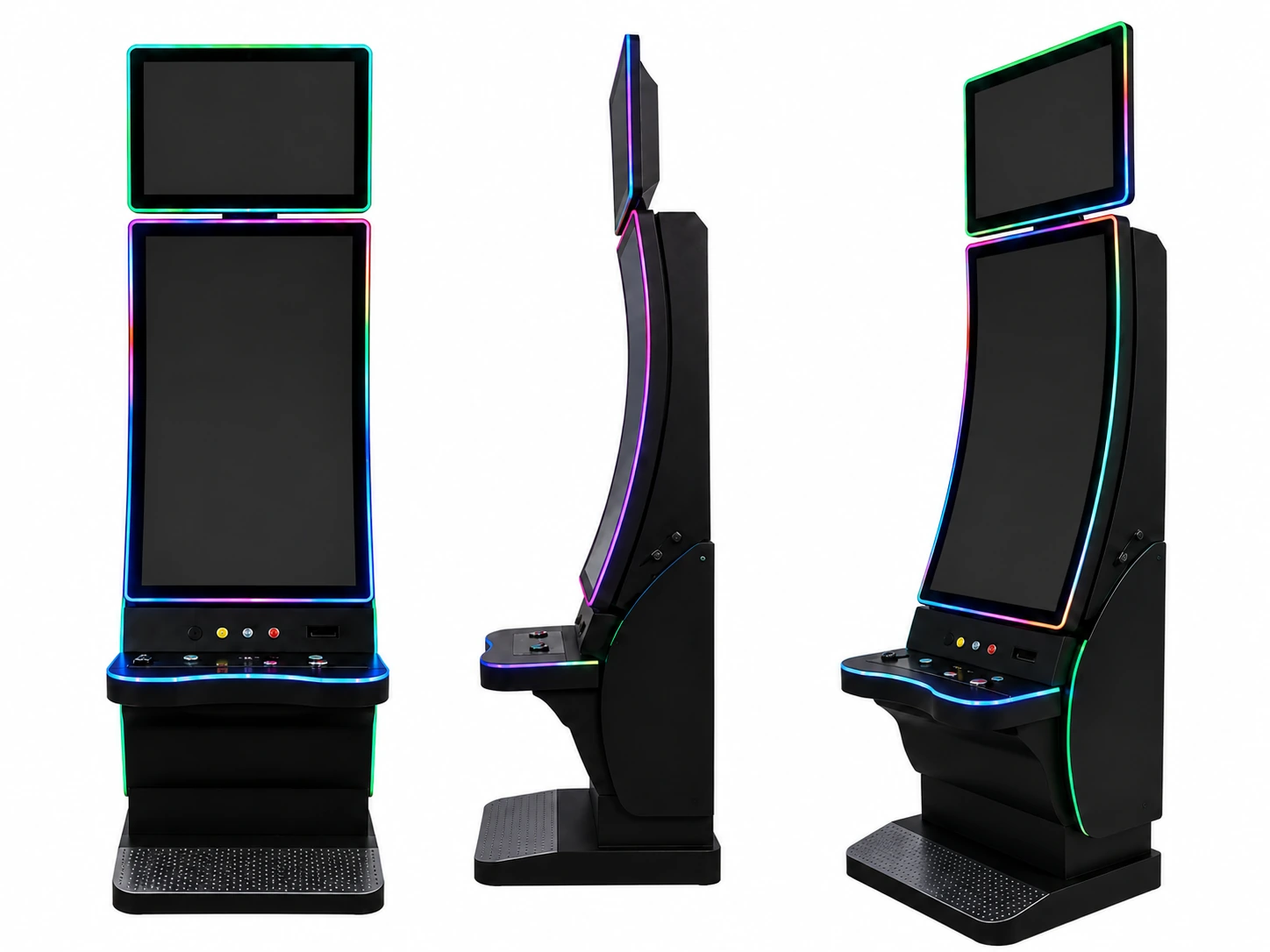
C-Type Profile
Continuous curved surface for immersive visual presentation.
| Comparison | J-Type | C-Type |
|---|---|---|
| Profile | Main viewing area with a curved edge profile | Continuous curved surface |
| Confirmed XFC Sizes | 43″, 49″, 55″ | 32″, 43″, 49″, 55″ |
| Interface Design | Suitable for edge-oriented or asymmetric UI layouts | Suitable for continuous immersive UI layouts |
| Cabinet Consideration | Edge curve, bezel transition and lower/side structure | Continuous radius, opening dimensions and mounting depth |
| Common Project Direction | Gaming, interactive terminals and custom enclosures | Casino, gaming and immersive custom systems |
| Engineering Review | Edge touch area, cabinet profile and cable exit | Radius, active area, mounting and service clearance |
Neither curve type is universally "better." The right option depends on cabinet geometry, viewing position, interface design, touch area and maintenance requirements.
Curved Touch Monitor Applications
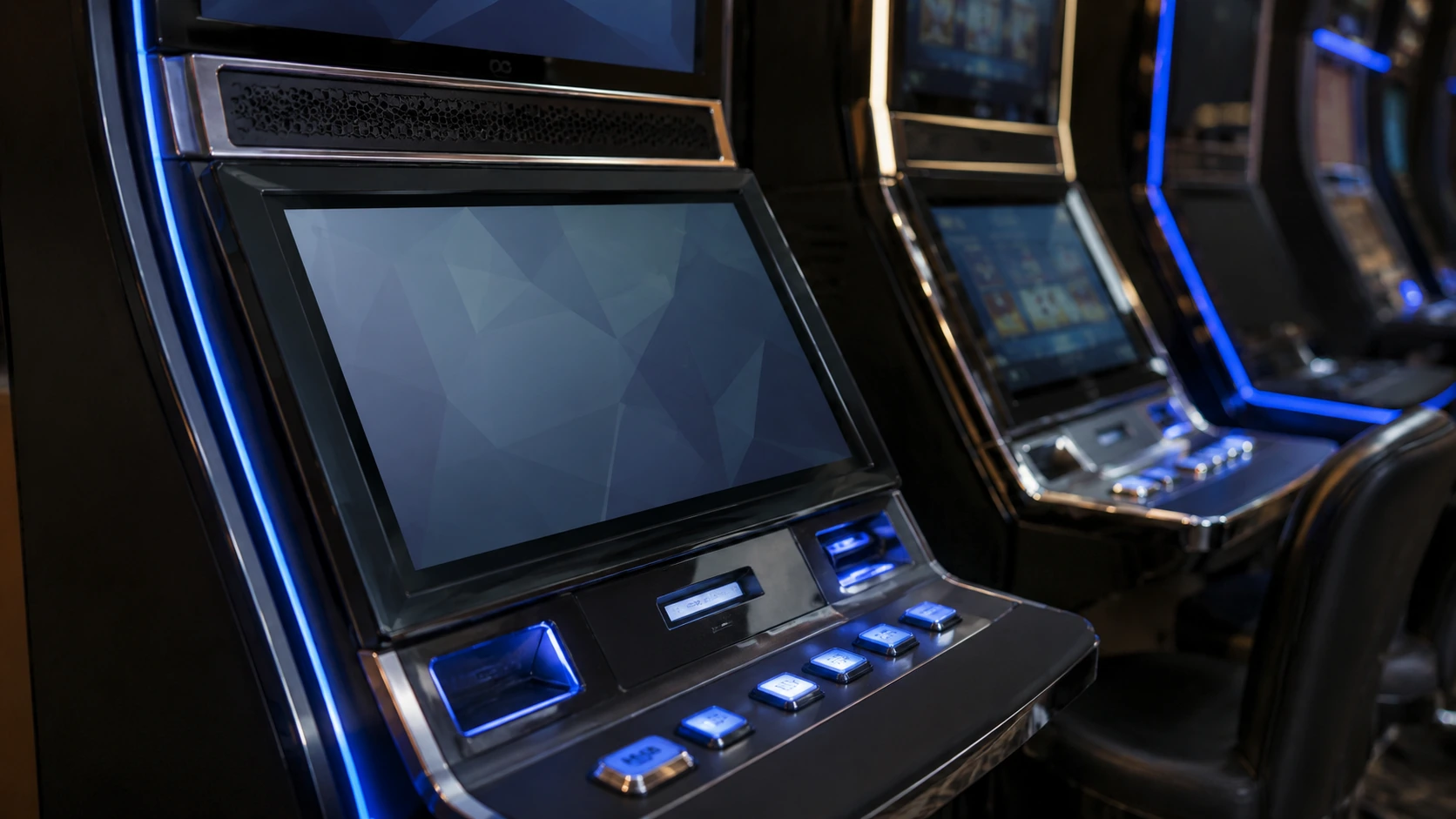
Slot Machine Displays
Curved touch displays can be integrated into shaped gaming cabinets where visual continuity and direct interaction must be considered together.
View Slot Machine Display Solutions →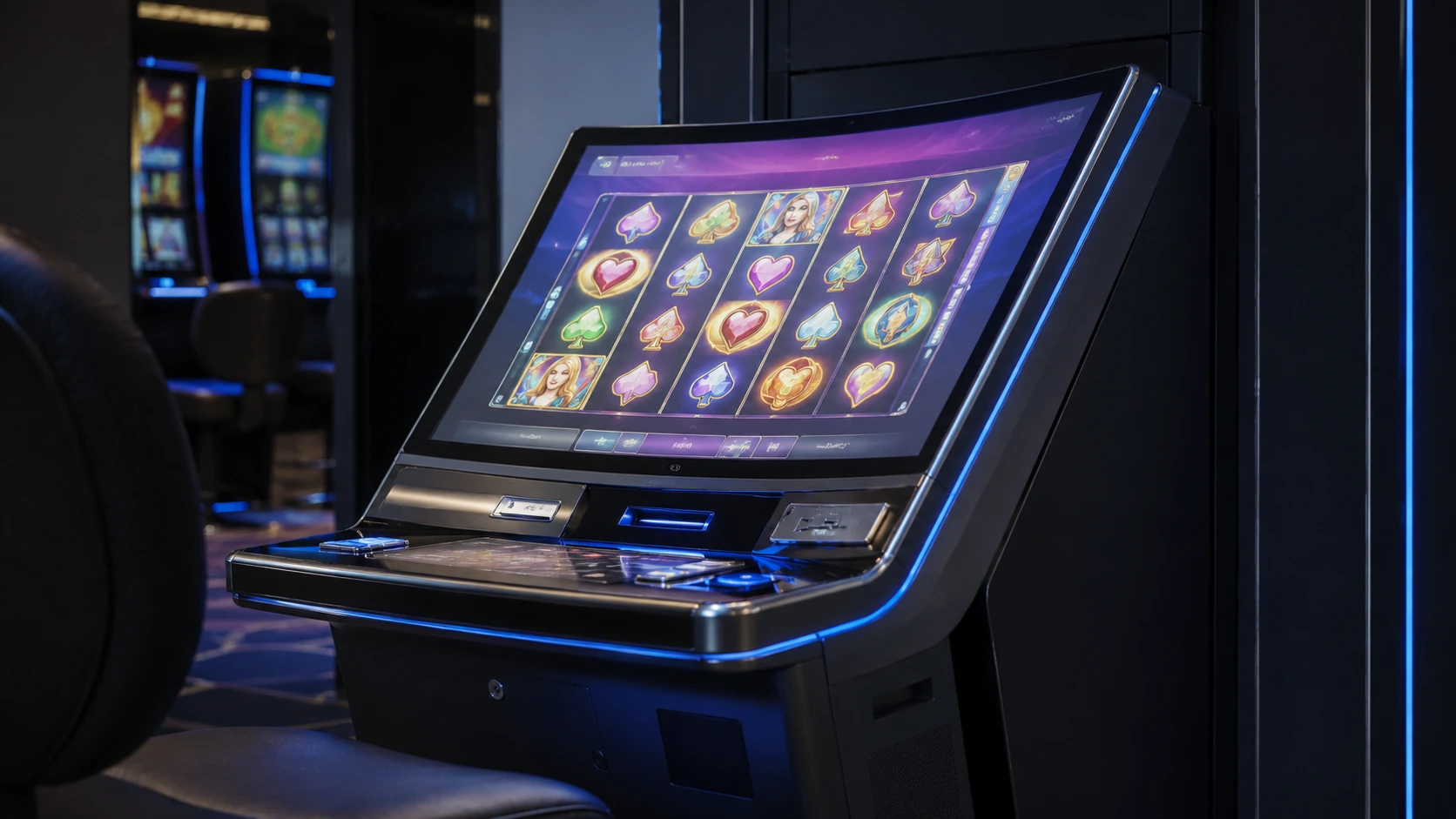
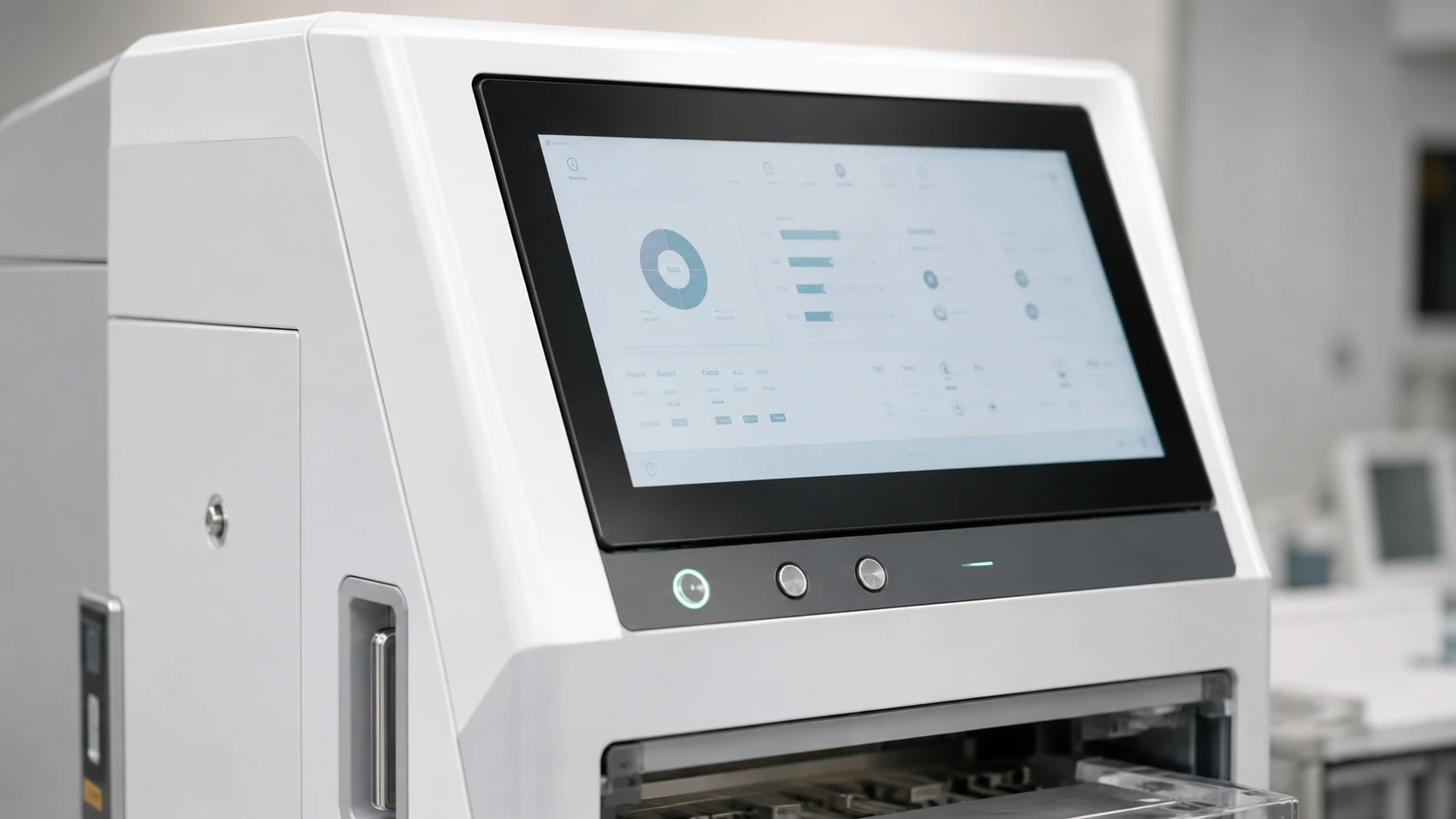
Casino Gaming Cabinets
J-type and C-type monitors can be evaluated for casino terminals based on the required screen profile, touch area, mounting and service access.
Custom Gaming & Interactive Equipment
For OEM and ODM projects, the display, touch controller, mechanical opening, cable route and enclosure should be reviewed before sample production.
Not sure whether a curved or flat display is more suitable?
Touch Accuracy, Responsiveness and System Integration
Touch Accuracy Across Curved Areas
A curved touchscreen should be evaluated across the center, corners and curved edge areas. Validation should include single-touch accuracy, continuous path drawing, and operation inside the final application interface.
Critical Integration Factors
- Touch controller matching
- Grounding and electrical noise
- Operating system and driver compatibility
- Cabinet heat dissipation
- Maintenance space
- Application UI integration
From Requirement Review to Curved Monitor Production
Requirement Review
Application, curve type, size, quantity, drawing, OS, interfaces, touch & environment.
Product Selection
Match J-Type or C-Type product base and confirm specific specifications.
Engineering Review
Validate dimensions, cabinet opening, mounting points, cables and service access.
Sample Production
Produce a sample or project prototype for equipment integration testing.
Application Validation
Validate the selected sample in the final cabinet and software environment before batch production.
Production & Inspection
Manufacture confirmed version with display, touch, appearance and interface checks.
Packaging & Shipment
Secure packaging based on product structure and transport requirements.
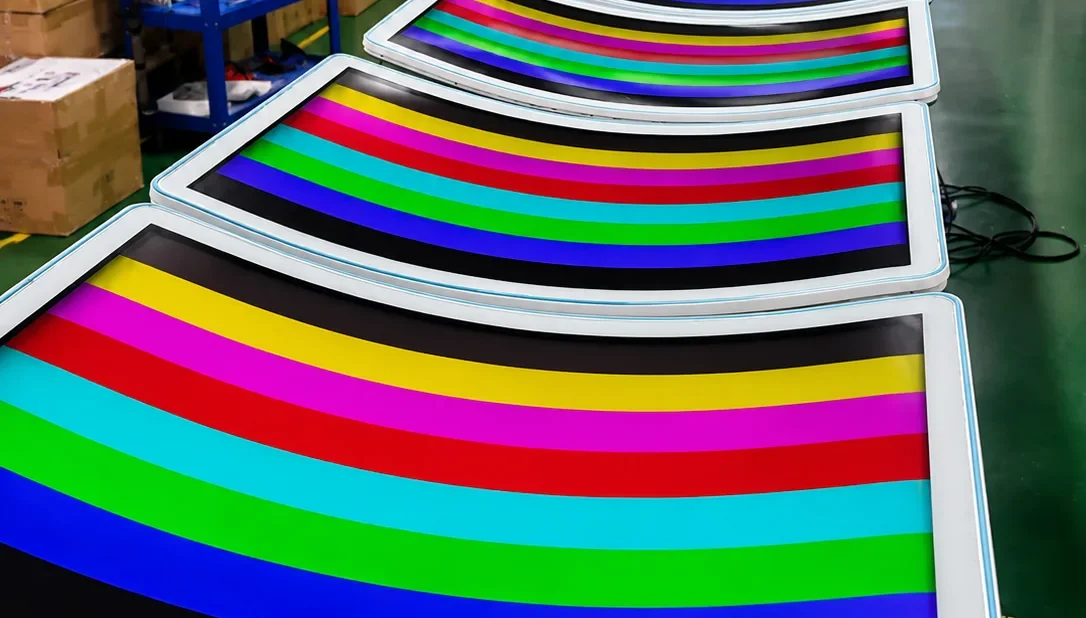
Quality Control for Curved Touch Monitor Projects
Each unit is inspected before shipment according to the confirmed product configuration.
Certification requirements, applicable standards and related costs are confirmed according to the product configuration, destination market and order quantity.
- Incoming component inspection
- Display-function inspection
- Touch-point & edge-path testing
- Interface and signal testing
- Appearance inspection
- Sample fit verification
- Aging test where applicable
- Packaging inspection
How to Select a Curved Touch Monitor
Cabinet profile
First confirm the cabinet structure, user position, viewing distance and interaction method before selecting a screen.
Curve type
Select J-Type or C-Type based on the front panel shape and UI interaction area requirements.
Mechanical drawing
Verify external dimensions, opening, depth and mounting holes for seamless integration.
Display, touch and interface requirements
Confirm resolution, touch technology, interfaces, and operating system compatibility.
Curved Touch Monitor FAQs
What is the difference between a J-Type and C-Type curved touch monitor?
What sizes are available for curved touch monitors?
Can curved touch monitors support 4K resolution?
Can you customize high brightness and interfaces?
Which operating systems are supported?
Do you provide complete slot machines and gaming software?
Can I order a sample before mass production?
What information is needed for a quotation?
What is the difference between a curved monitor and a curved touch monitor?
Request a Curved Touch Monitor Quote
Tell us how the display will be used. Our team will review the screen profile, touch requirements, interfaces and cabinet structure before recommending a model or sample configuration.
Email Us
sales13@lucky-xfc.com
Call Us
+86 13342931453
Factory Address
No. 3, Lianfeng Road, Hongqiaotou Community, Yanluo Street, Bao'an District, Shenzhen, Guangdong Province, China
Need a faster feasibility check?
Send the application, curve type, screen size, quantity and cabinet drawing by WhatsApp.
Send Requirements on WhatsApp