
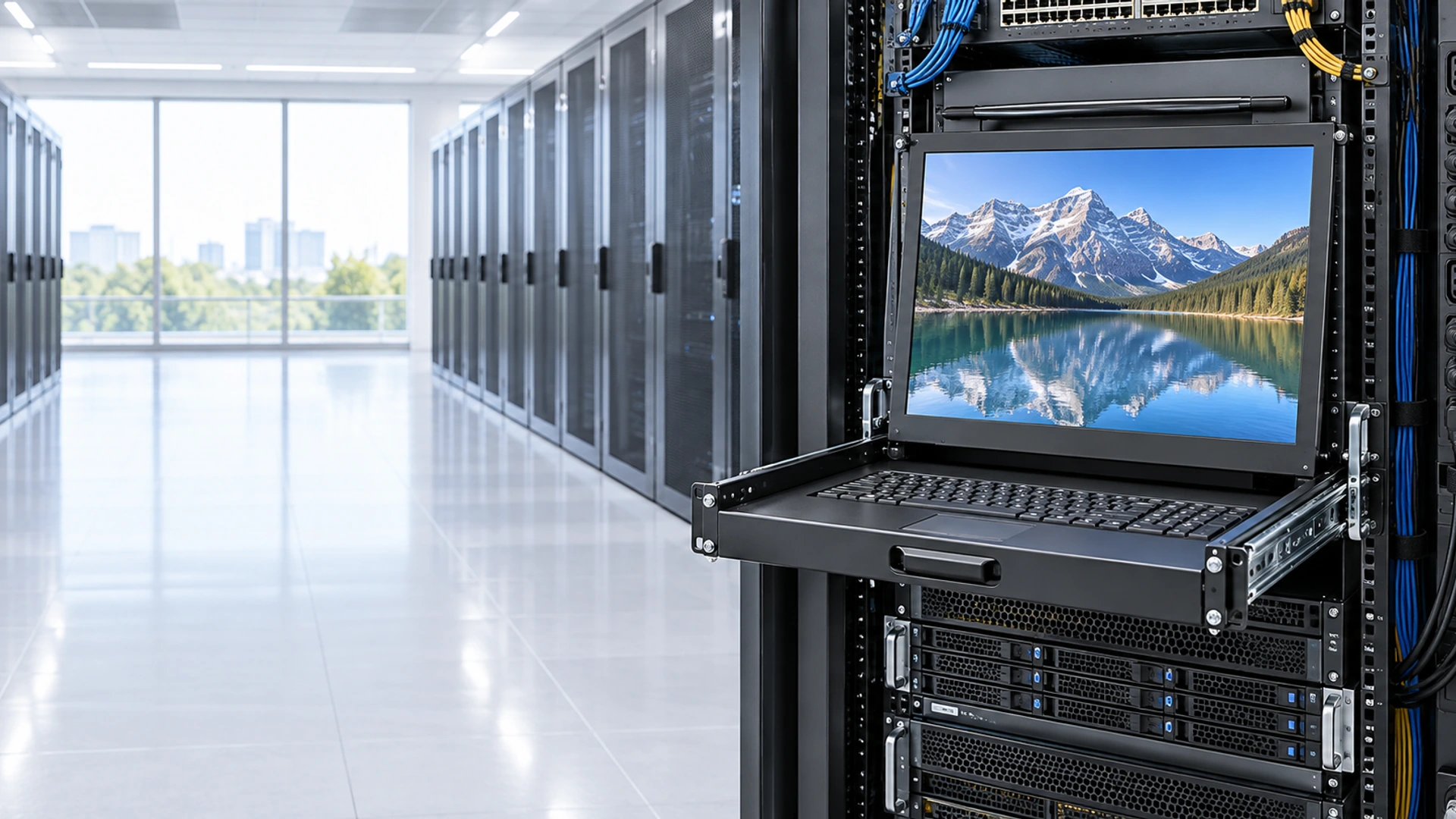
Rack Mount Touchscreen Monitor Manufacturer for Custom Control Panels
Integrate a touch display into a 19-inch equipment rack, control cabinet or custom console with a project-specific front panel, mounting structure and host connection. Lucky XFC reviews compact industrial and open-frame display platforms for fixed rack-panel applications.
Rack width, U height, display size, mounting depth and connector clearance must be confirmed from the approved drawing.
Rack Mount Touchscreen Monitor Project Scope at a Glance
Use these project fields to determine whether a fixed rack-panel touchscreen can be developed around an existing Lucky XFC display platform.
19-Inch Rack Integration Review
Confirm the rack standard, usable front-panel width, rail position and installation environment.
Project-Specific U Height
Calculate the required vertical space from the display, controls, panel margins and mounting structure.
Compact Display Starting Platforms
Documented 10.1 and 15.6-inch industrial displays provide practical starting directions.
PCAP or Resistive Touch
Select touch technology according to the operator, gloves, gestures and working environment.
Multi-Input Configuration Review
VGA, HDMI, DVI or DisplayPort availability depends on the selected display platform.
OEM/ODM Mechanical Coordination
Review the front panel, rack ears, mounting brackets, cable exits, labels and enclosure requirements as one project.
Rack Mount Touchscreen Monitor Product Paths
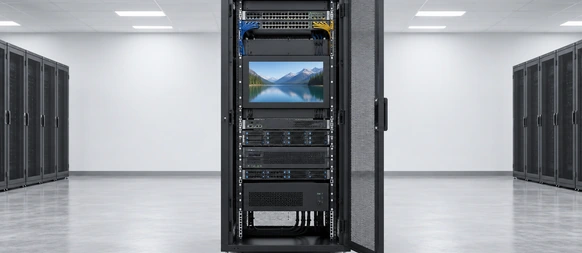
Fixed-Panel Rack Mount Touchscreen Monitor
A touch display integrated into a project-specific front panel for fixed installation in an equipment rack. This is the primary product direction for control, monitoring and test systems that do not require a sliding keyboard drawer.
- Rack standard and usable opening.
- Required U height.
- 10.1 or 15.6-inch starting display.
- Mounting depth.
- Touch technology.
- Video, touch-data and power connections.
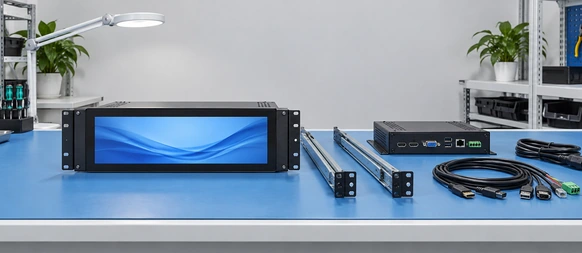
Open-Frame Rack Integration Touchscreen Monitor
An open-frame monitor installed behind a customer-designed rack panel or console bezel. The customer enclosure completes the final external structure.
- Display active area.
- Front-panel cutout.
- Bezel overlap.
- Side brackets.
- Connector direction.
- Service clearance.
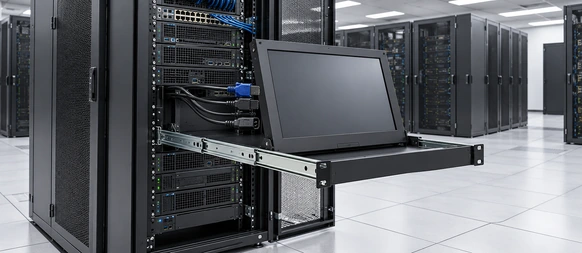
Multi-Input Rack Mount Touchscreen Monitor
A rack integration direction that combines the required video inputs around the selected display controller. This can support legacy and newer host systems without assuming every interface is available on every size.
- HDMI, VGA, DVI or DisplayPort.
- Input switching.
- Host resolutions.
- USB touch.
- Power connection.
- Cable routing.
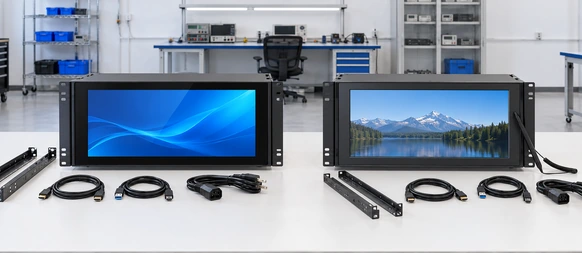
PCAP or Resistive Rack Mount Touchscreen Monitor
Choose the touch technology according to the real operator workflow. PCAP supports a glass-front interaction direction, while resistive touch can be reviewed for pressure-based input, defined gloves or simple single-touch operation.
- Finger, glove or stylus.
- Gesture requirements.
- Cleaning method.
- Cover-glass design.
- Operating environment.
Rack Panel Dimension Review
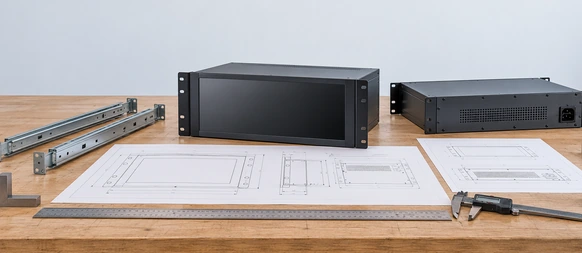
Coordinate the display area, rack opening, U height, mounting points and rear depth.
Display, Touch and Host Connections
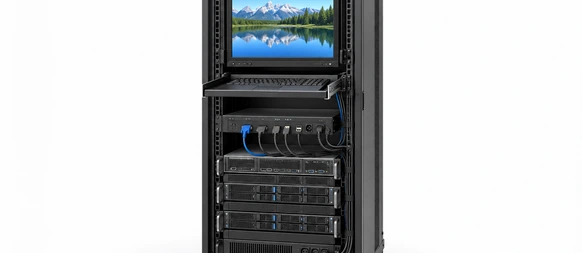
Document video, touch data and power as separate system paths.
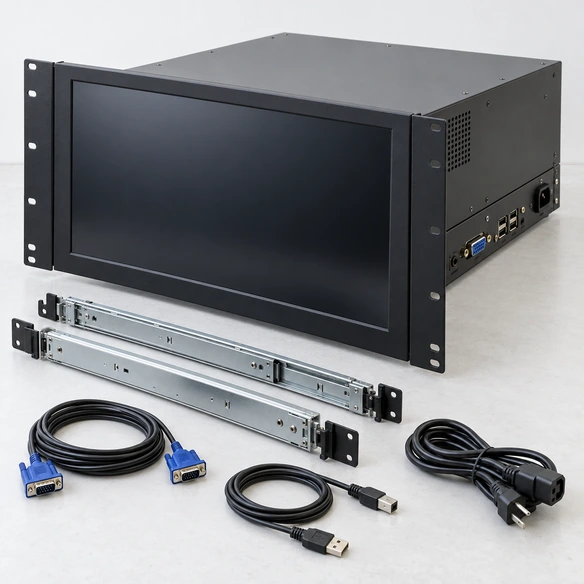
What Is a Rack Mount Touchscreen Monitor?
A rack mount touchscreen monitor is a touch-enabled display designed to become part of an equipment rack or rack-based control console. The monitor is secured through a rack-compatible front panel, mounting ears, brackets or an approved internal support structure.
A fixed rack mount touchscreen monitor is not the same as:
- A desktop monitor placed on a rack shelf.
- A VESA monitor attached near a rack.
- A standard panel-mount display without rack-compatible hardware.
- A slide-out rack console with a keyboard and KVM switch.
- A monitor whose diagonal size happens to be 19 inches.
“19-inch rack” describes the rack system’s nominal mounting format, not the required display diagonal. The usable display size depends on front-panel width, U height, bezel margins, mounting hardware and connector clearance.
The touchscreen monitor normally connects to an external computer or industrial controller. Video, touch data and power must be defined separately.
Rack Mount Touchscreen Monitor Integration Problems to Prevent
The display diagonal fits, but the front panel does not.
Diagonal size does not define the display width, bezel, mounting ears or required panel margins. Review the complete mechanical drawing.
The proposed U height is too small.
The active display, bezel, controls, panel strength and mounting clearances determine the vertical requirement. Do not calculate U height from the LCD diagonal alone.
The monitor fits the front opening but is too deep.
Rear electronics, connectors, cable bends, brackets and airflow require additional depth.
A panel-mount monitor is described as rack-ready.
Panel mounting and rack mounting are different mechanical requirements. A rack project requires a rack-compatible front structure and approved hole positions.
Touch works during testing but not in the deployed rack.
Grounding, nearby power equipment, cable routing, operating-system mapping and the final cover structure can influence touch behavior.
Maintenance requires dismantling the complete rack.
Plan front or rear service access, connector access and replacement clearance before the rack panel is released.
Rack Mount Touchscreen Monitor System Architecture
A fixed rack touchscreen project combines several coordinated elements:
-
1
Rack Front Panel — establishes rack width, U height, panel opening and external appearance.
-
2
Display Module — provides the required LCD size and resolution.
-
3
Touch Sensor and Controller — provides PCAP or resistive input according to the approved configuration.
-
4
Mounting Structure — secures the monitor to the panel or internal rack support.
-
5
Display Controller — receives HDMI, VGA, DVI or DisplayPort according to the selected platform.
-
6
Touch-Data Connection — commonly connects the touch controller to the host independently from video.
-
7
Power Connection — must match the approved monitor configuration and rack system.
-
8
External Host — runs the operating system and application unless an integrated computer is separately specified.
-
9
Cable and Thermal Space — protects connector access, cable bends, ventilation and serviceability.
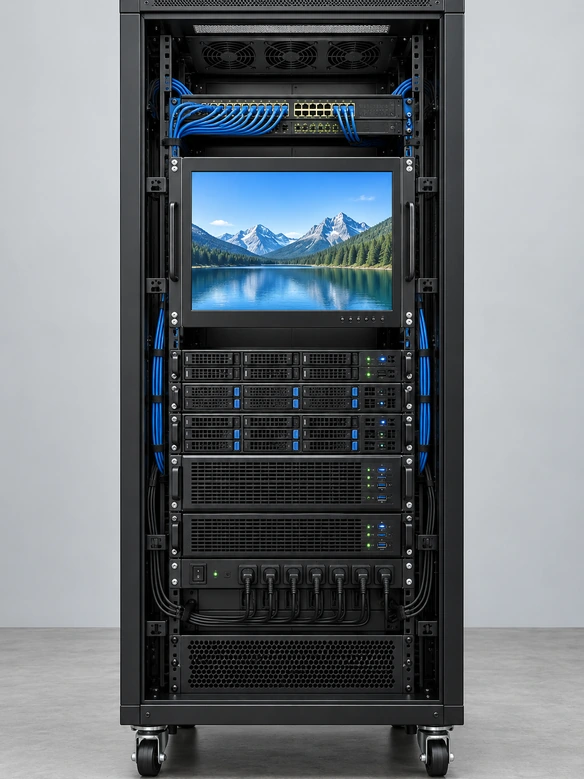
Rack Mount Touchscreen Monitor Verified Display Starting Platforms
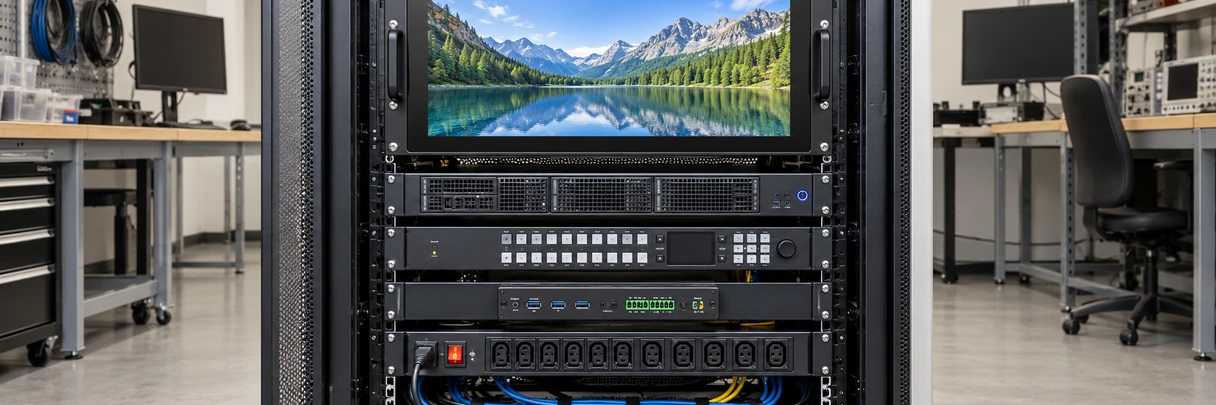
The products below are documented Lucky XFC display platforms that may be evaluated for custom rack integration. They are not presented as standard rack-ready SKUs.
| Configuration Base | Size | Resolution | Touch | Existing Mounting Direction | Video Inputs | Rack Status |
|---|---|---|---|---|---|---|
| XFC-IM-101P | 10.1 inch | 1280 × 800 | PCAP | Panel / VESA | HDMI, VGA | Rack front panel requires custom review |
| XFC-IM-156P | 15.6 inch | 1920 × 1080 | PCAP / Resistive | Panel / VESA | HDMI, VGA, DVI | Rack front panel requires custom review |
| XFC-IM-215O | 21.5 inch | 1920 × 1080 | PCAP | Open Frame | HDMI, DP, VGA | Not confirmed to fit a standard 19-inch rack |
| XFC-OF215-PCAP | 21.5 inch | 1920 × 1080 | 10-Point PCAP | Side Brackets / VESA | HDMI, VGA | Intended for custom enclosure review, not assumed rack fit |
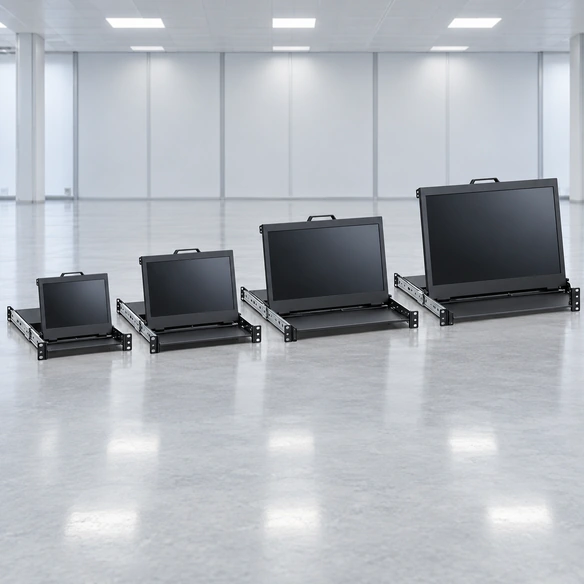
For a standard 19-inch rack project, compact 10.1 and 15.6-inch platforms provide the most practical documented starting directions. A 21.5-inch display may require a wider custom console, external mounting or a different equipment structure and must not be described as standard 19-inch rack compatible without an approved drawing.
Final panel size, U height, rack ears, mounting holes, depth, touch interface, power input and environmental limits require project confirmation.
Rack Mount Touchscreen Monitor Rack and U-Height Planning
A nominal 19-inch equipment rack uses a front mounting format approximately 482.6 mm wide. This does not provide 482.6 mm of usable display opening because the front panel, rack ears, fasteners and structural margins occupy part of that width.
One rack unit, or 1U, is commonly 44.45 mm high. The final U height should be calculated from:
- LCD active area.
- Touchscreen and cover-glass outline.
- Front-panel borders.
- Control buttons or indicators.
- Rack-ear geometry.
- Mounting-hole position.
- Panel strength.
- Connector and cable position.
- Rear mounting structure.
- Ventilation and service access.
Project documents should state:
- Applicable rack standard.
- Required rack width.
- Available U height.
- Front and rear rail positions.
- Maximum installation depth.
- Allowed front-panel projection.
- Landscape or portrait orientation.
- Environmental and grounding conditions.
Rack Mount Touchscreen Monitor PCAP or Resistive Touch Selection
| Selection Factor | PCAP Direction | Resistive Direction |
|---|---|---|
| Input method | Finger and compatible capacitive input | Pressure-based finger, glove or stylus input |
| Gesture direction | Multi-touch may be supported by the selected configuration | Commonly selected for simpler touch actions |
| Front surface | Glass-front design direction | Resistive touch-layer direction |
| Glove requirement | Must be tested with the actual glove | Can be reviewed for pressure-based glove input |
| Host connection | Controller and operating system dependent | Controller, calibration and operating system dependent |
| Documented starting platform | XFC-IM-101P, XFC-IM-156P | XFC-IM-156P configuration direction |
Selection guidance:
Choose PCAP for a modern glass-front interface and supported multi-touch workflow. Review resistive touch when the operator must use a defined glove, stylus or pressure-based input.
Touch technology does not determine rack compatibility. The front panel, mounting, controller, cover structure and host system must still be validated together.
Rack Mount Touchscreen Monitor Mechanical Integration
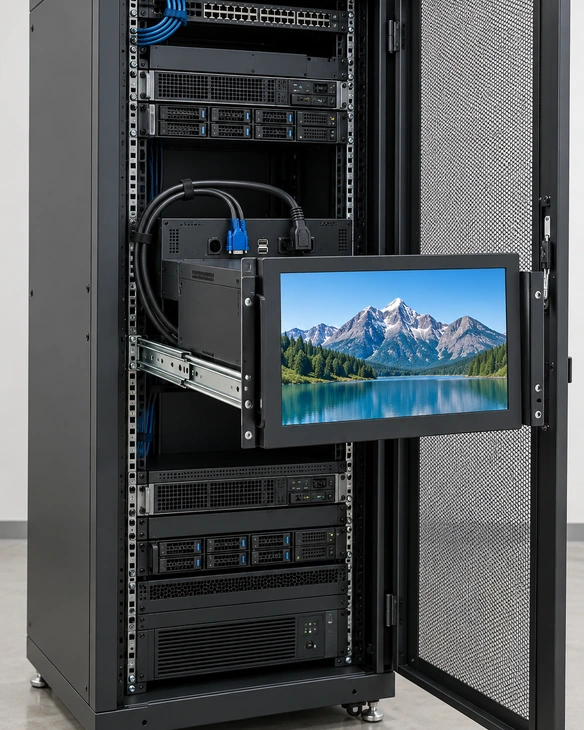
Before the front panel or rack enclosure is manufactured, confirm:
Rack Mount Touchscreen Monitor Applications
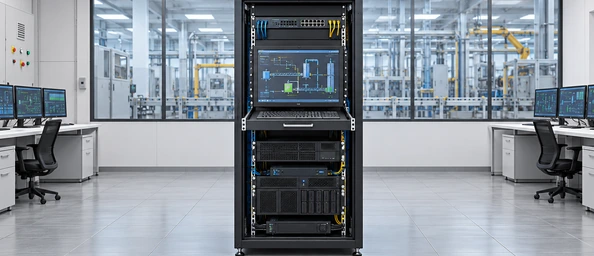
Industrial Control Racks
Provide a fixed operator interface for rack-based control computers, machine systems and process equipment.
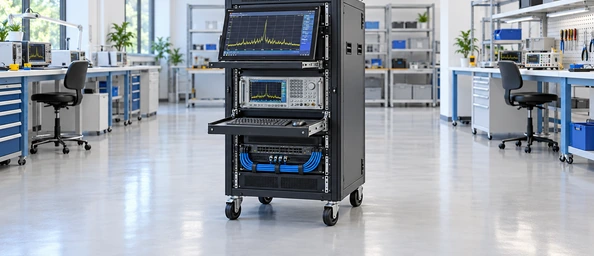
Test and Measurement Systems
Integrate the display with instruments, data-acquisition equipment and test computers while preserving access to controls and cables.
Broadcast and AV Control
Use a compact touch interface for rack-based source control, monitoring and system management, subject to interface and software validation.
Network and Server Management
Provide a fixed local display for rack administration where a full slide-out keyboard console is not required.
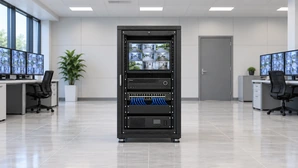
Security Monitoring Systems
Support rack-based control and monitoring applications with a project-selected display size, touch technology and host connection.
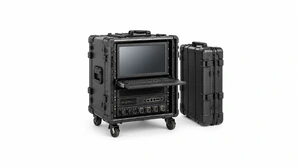
Mobile Equipment Cases
Review fixed panel integration for transportable cases or field systems after confirming shock, power, rack and environmental requirements.
Rack Mount Touchscreen Monitor Integration Scenario
Representative Test-System Control Rack Planning Example
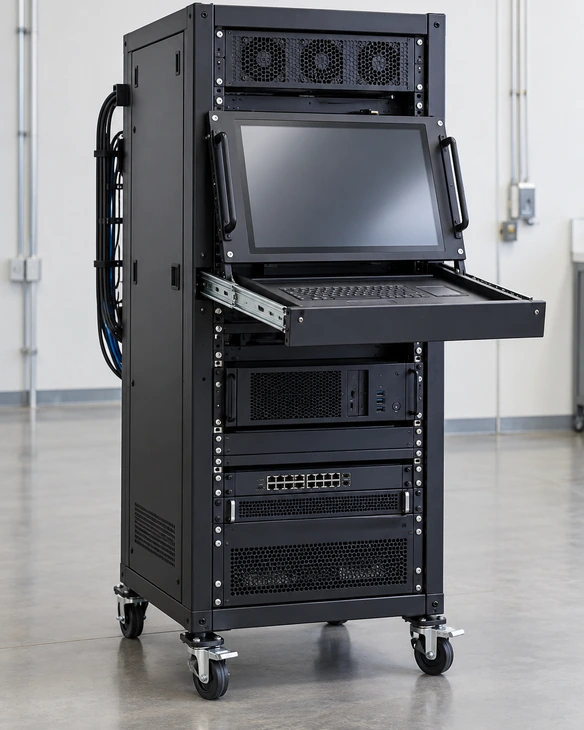
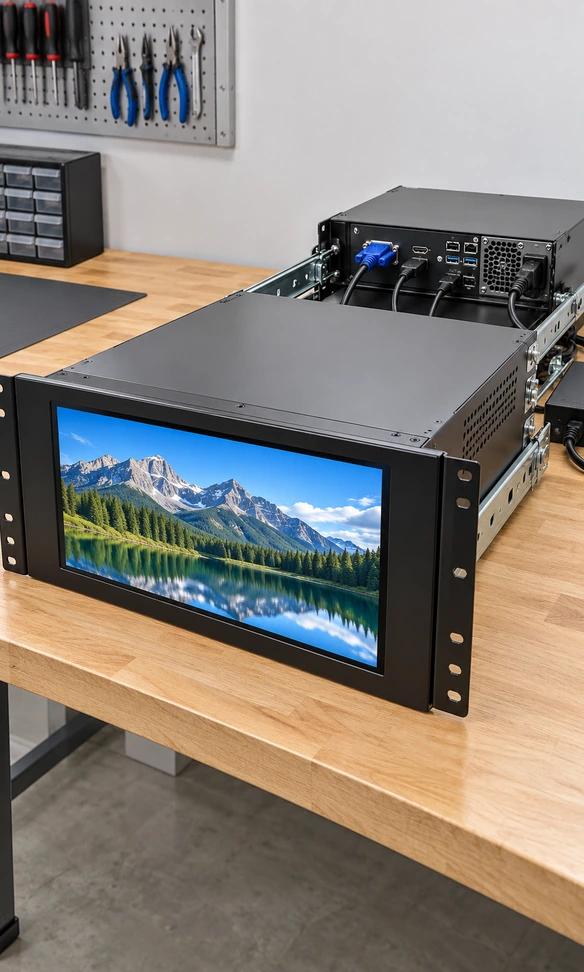
A system integrator needs a fixed touchscreen interface for a 19-inch equipment rack. The application runs on an external industrial computer, and the rack has limited front-panel height and rear depth.
A practical review process would:
- Record the rack standard, available U height and rail depth.
- Compare the 10.1 and 15.6-inch industrial display platforms.
- Select PCAP or resistive touch according to the operator workflow.
- Define the video, touch-data and power connections.
- Design the front panel and internal support structure.
- Check connector direction, cable bends, airflow and service access.
- Test the display with the deployment host and software.
- Approve the panel drawing and sample before production.
This is a representative engineering scenario, not a named customer testimonial or a claim of measured customer results.
Custom Rack Mount Touchscreen Monitor Options
Lucky XFC can review the following options for a defined fixed rack-panel project:
- ▪ Display: size, resolution, aspect ratio and panel selection.
- ▪ Touch: PCAP or resistive technology according to the selected platform.
- ▪ Front Panel: outline, viewing opening, rack ears, mounting holes and surface treatment.
- ▪ U Height: calculated from the display, panel margins and structural requirements.
- ▪ Mounting: internal brackets, panel integration or open-frame support.
- ▪ Video Inputs: HDMI, VGA, DVI or DisplayPort according to the selected controller.
- ▪ Touch Interface: USB or another controller-specific connection.
- ▪ Power: project-defined input and connector arrangement.
- ▪ Cover Glass: outline, thickness, border printing and edge treatment.
- ▪ Controls: approved OSD buttons, power button or status indicator arrangement.
- ▪ Cables: length, connector orientation and service access.
- ▪ Branding: logo, label and packaging requirements.
- ▪ System Review: host, operating system, software resolution and input workflow.
Customization is evaluated at project level. It does not mean every option is available on every display platform.
Rack Mount Touchscreen Monitor Project Workflow
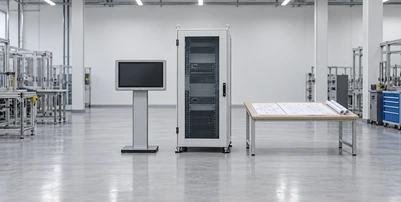
1. Application Review
Define the equipment, user workflow, rack environment, project quantity and development stage.
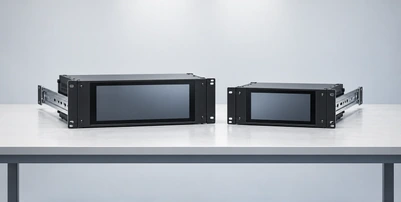
2. Rack and Display Selection
Confirm rack standard, available U height and the suitable display starting platform.
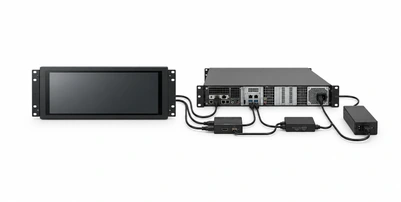
3. Connection Definition
Document video, touch data, power, host system and cable requirements.
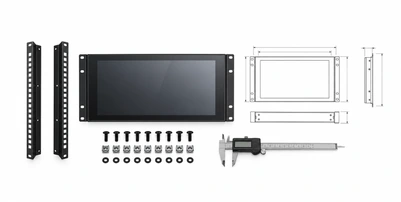
4. Mechanical Drawing Review
Coordinate the front panel, rack ears, opening, brackets, depth and service access.
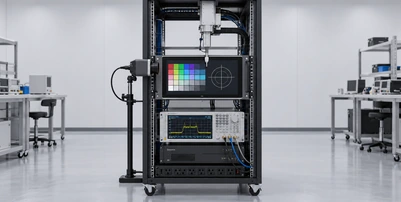
5. Sample Validation
Test mechanical fit, image output, touch response, software mapping, power and thermal conditions.

6. Approved Production Configuration
Freeze the approved drawings, display platform, controller, cables, labels, accessories and inspection plan.
Rack Mount Touchscreen Monitor Manufacturing and Inspection
A custom rack display should be inspected as a complete mechanical, display and touch assembly.
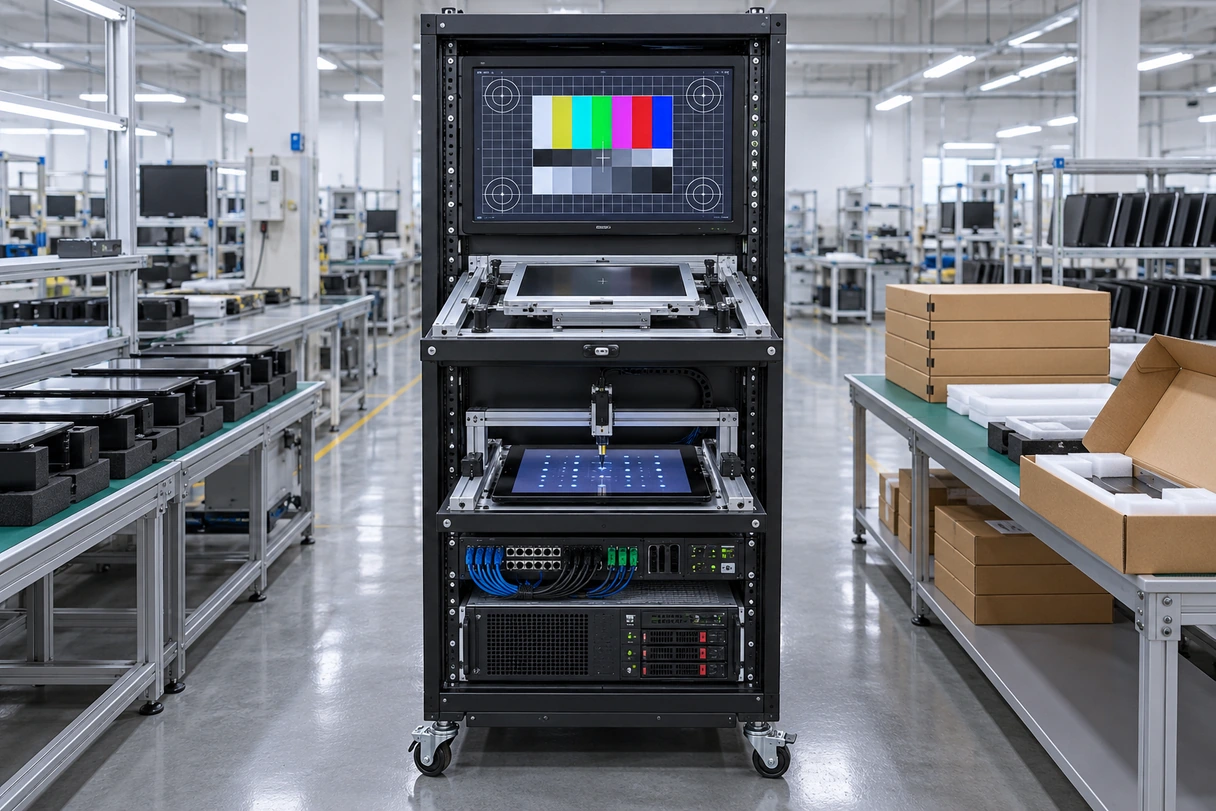
Applicable inspection items may include:
- Incoming LCD and touch-component inspection.
- Front-panel material and appearance inspection.
- Rack-ear and mounting-hole dimensional checks.
- Display alignment with the viewing opening.
- Image, resolution and interface checks.
- Touch response and coordinate verification.
- Touch-data connection and host detection.
- Button, indicator and connector checks where applicable.
- Cable length and connector-orientation checks.
- Assembly depth and bracket inspection.
- Power-on and restart checks.
- Approved operational or aging requirements.
- Packaging, labels and supplied-accessory confirmation.
Inspection requirements must follow the approved project specification. Do not publish a fixed test duration, IP rating, impact rating, defect rate or environmental range without project-specific documentation.
Why Choose Lucky XFC for a Rack Mount Touchscreen Monitor Project?
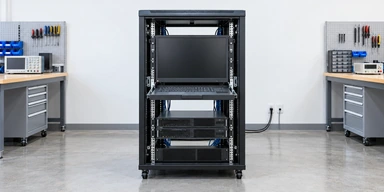
Documented Industrial Display Platforms
Begin with identified 10.1 and 15.6-inch industrial monitor configurations instead of an undefined display concept.
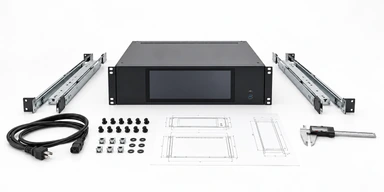
Open-Frame Integration Experience
Review the display, front opening, brackets, connectors and customer enclosure together.
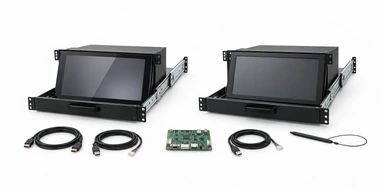
PCAP and Resistive Touch Paths
Select the touch technology according to the actual operator workflow.

Multi-Input Controller Review
Coordinate HDMI, VGA, DVI or DisplayPort requirements with the selected platform.
Drawing-Based Mechanical Development
Use the rack and panel drawings to define U height, rack ears, depth and service access.
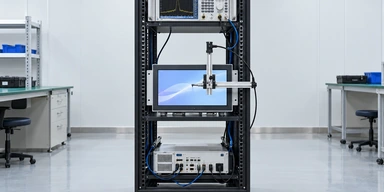
Specification-Based Inspection
Align manufacturing and inspection with the approved display, panel, cables and accessories.
Rack Mount Touchscreen Monitor Selection Matrix
| Product Path | Product Status | Suitable Starting Use | Main Selection Fields | CTA |
|---|---|---|---|---|
| Fixed-Panel Rack Mount Touchscreen Monitor | Custom integration path | Fixed operator interface in a 19-inch equipment rack | Rack standard, U height, display size, depth and panel drawing | Request a Rack Panel Review |
| Open-Frame Rack Integration Monitor | Verified display line plus custom rack structure | Customer-designed console, cabinet or rack panel | Opening, active area, brackets, bezel overlap and connectors | Explore Open-Frame Platforms |
| Multi-Input Rack Mount Touchscreen Monitor | Custom configuration path | Legacy and newer host systems | Video inputs, source resolution, touch connection and switching | Review Input Requirements |
| PCAP or Resistive Rack Touch Monitor | Verified touch-technology path plus custom rack structure | Finger, glove, stylus or defined single-touch workflows | Input tool, gestures, cover surface and operating environment | Compare Touch Options |
Select the rack and mechanical structure before finalizing the monitor electronics. The display diagonal alone does not determine rack compatibility, and a standard industrial monitor does not become rack-ready until the front panel and mounting structure are approved.
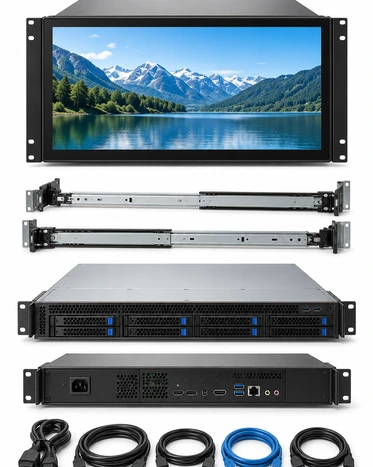
Rack Mount Touchscreen Monitor Buying Guide
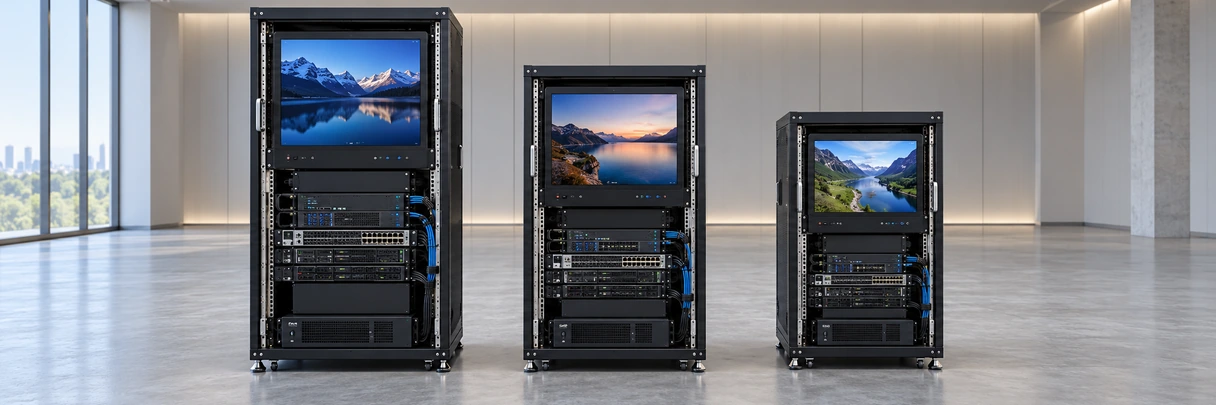
1. Is a rack mount monitor the same as a panel-mount monitor?
No. A panel-mount monitor fits into a prepared equipment opening. A rack mount project also requires compatibility with the rack format, front-panel width, U height and mounting-hole positions.
2. Does a 19-inch rack require a 19-inch screen?
No. The rack dimension refers to the mounting format. The display must fit within the usable front-panel width and selected U height.
3. How is the required U height determined?
Calculate it from the display height, bezel, panel margins, controls, mounting structure and structural requirements. Do not select U height from diagonal size alone.
4. Should PCAP or resistive touch be selected?
Choose according to the actual finger, glove or stylus workflow, gestures, front surface and environment.
5. Which video interfaces are available?
Existing Lucky XFC platforms document combinations of HDMI, VGA, DVI and DisplayPort. Confirm the required inputs against the selected controller.
6. What should be tested with the host?
Test the operating system, resolution, scaling, touch-controller recognition, touch mapping, restart behavior and actual application.
7. What must be approved before production?
Approve the rack standard, U height, front-panel drawing, display platform, touch technology, interfaces, cables, mounting depth, sample result, labels and packaging.
Rack Mount Touchscreen Monitor FAQ
Does Lucky XFC have a standard stock rack mount touchscreen monitor?
What is the recommended starting display size?
Can a 21.5-inch touchscreen fit a standard 19-inch rack?
What is the difference between rack mount and VESA mount?
Can the rack monitor include PCAP touch?
Can resistive touch be selected?
Can the monitor support VGA and HDMI?
Does the rack monitor include a computer or KVM?
What information is needed to calculate U height?
What should I send for a quotation?
Related Rack Mount Touchscreen Monitor Product Paths
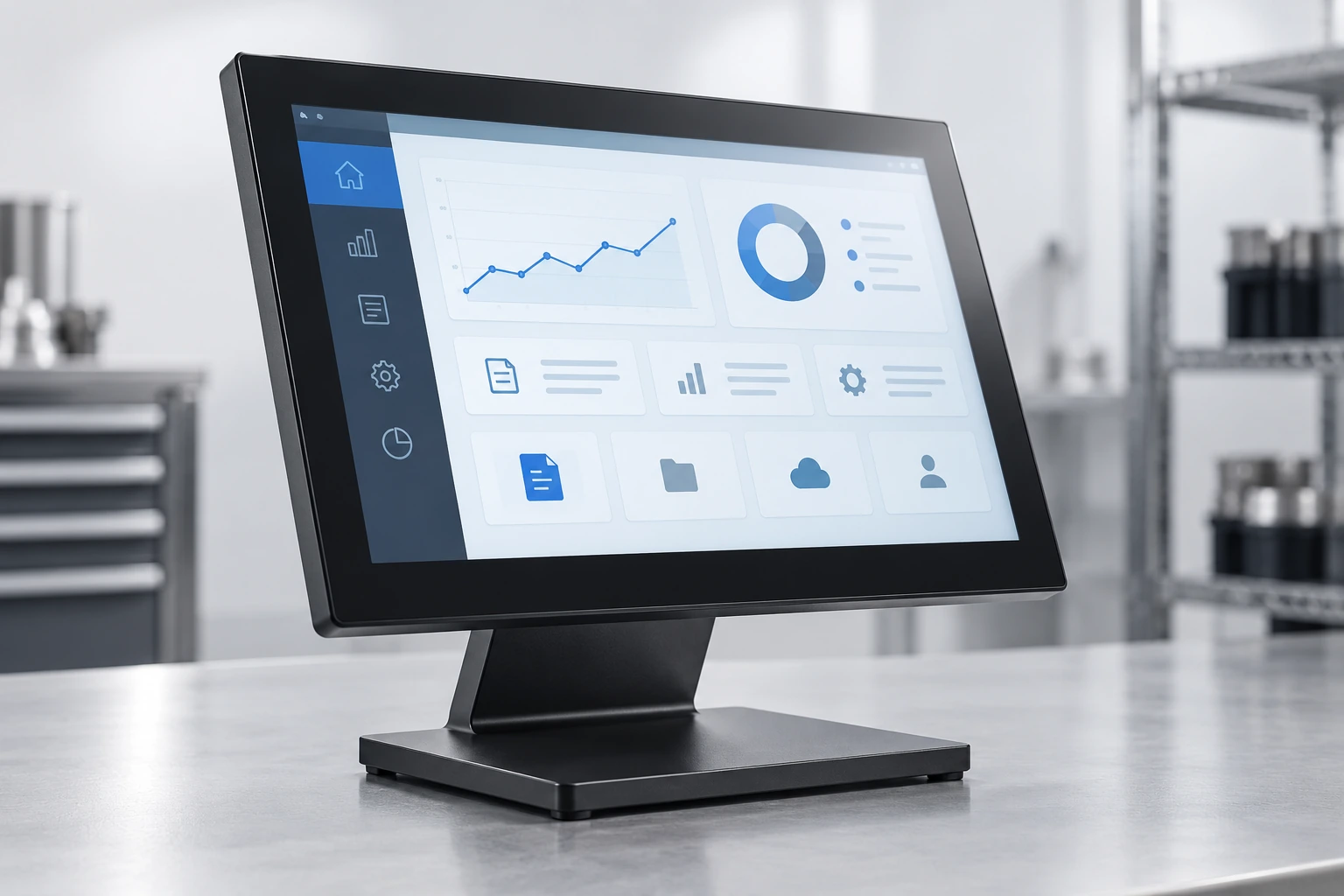
Industrial Monitors
Review compact panel- and VESA-oriented display platforms.

Open-Frame Touch Monitors
Explore display structures for custom equipment enclosures.
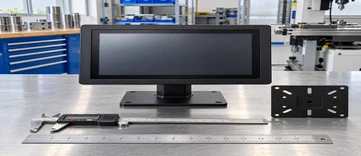
10 Inch Touchscreen Monitors
Review the XFC-IM-101P compact industrial starting configuration.
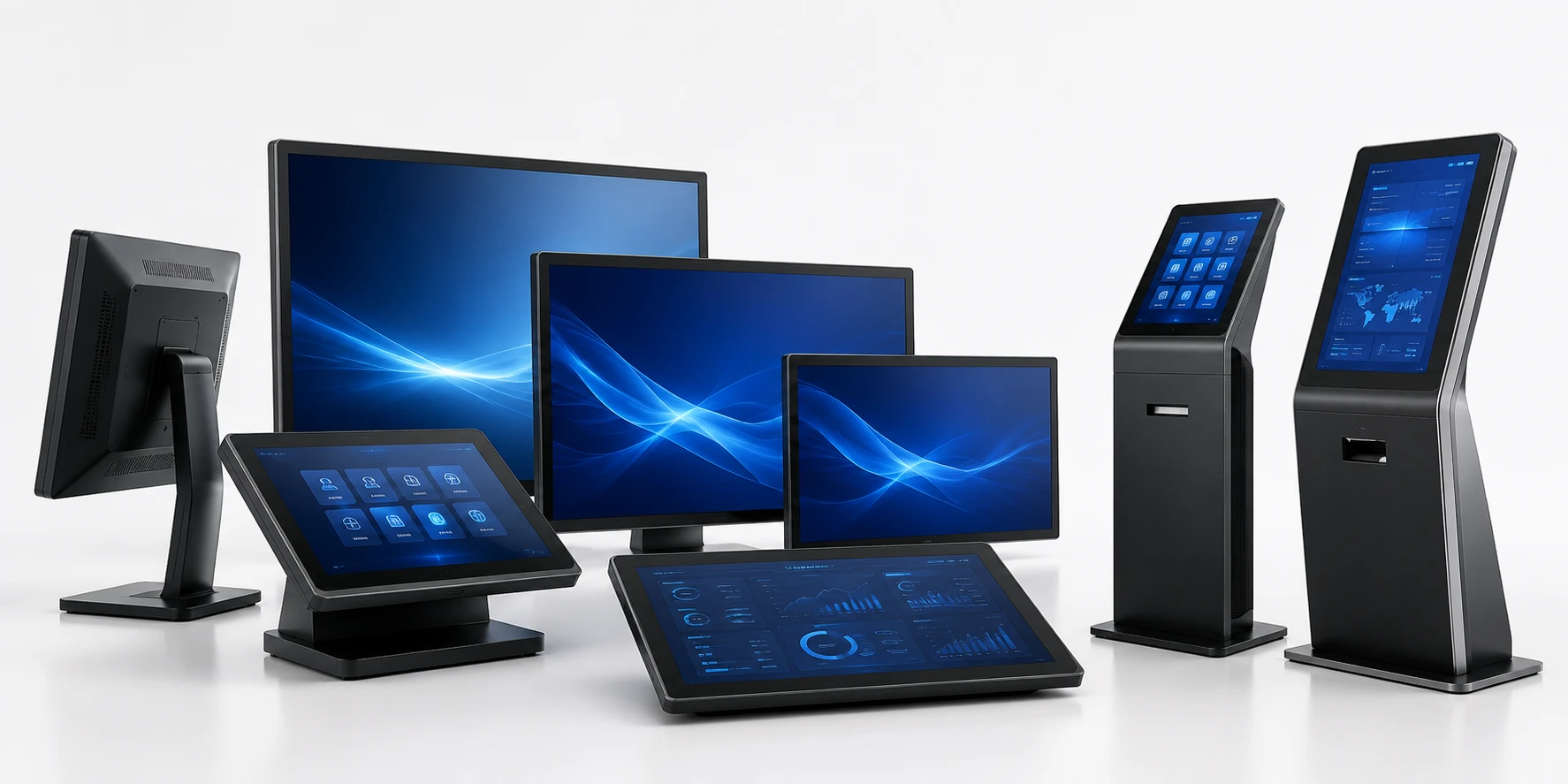
Touchscreen Displays
Compare additional display structures and customization paths.

Kiosk Touch Screen Monitors
Review mechanical-integration considerations for customer enclosures.
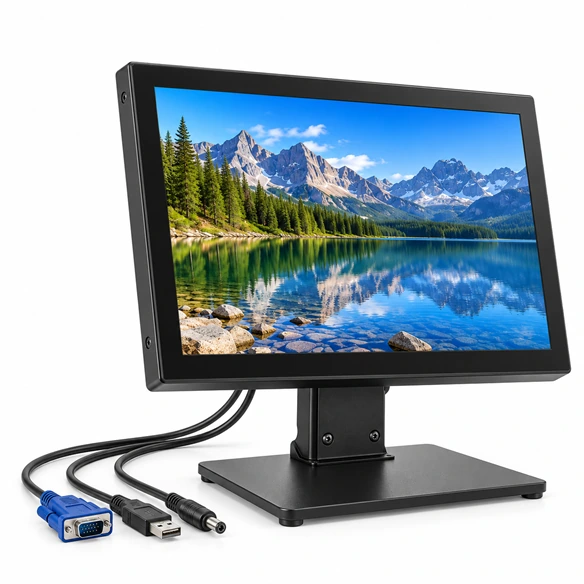
VGA Touchscreen Monitors
Review legacy-host video and independent touch-data connection planning.
Request a Rack Mount Touchscreen Monitor Configuration
Send your rack dimensions, host information and operator requirements. Lucky XFC can review a suitable display platform, touch technology, front-panel direction and connection path.
Helpful Information to Include
- Applicable rack standard.
- Available rack width.
- Required or maximum U height.
- Maximum installation depth.
- Preferred display size and resolution.
- Estimated quantity.
- PCAP or resistive-touch preference.
- Host computer and operating system.
- Required video inputs.
- Touch-data and power connections.
- Front or rear service access.
- Operating environment.
- Existing rack, panel or enclosure drawing.
- Sample or production schedule.
