
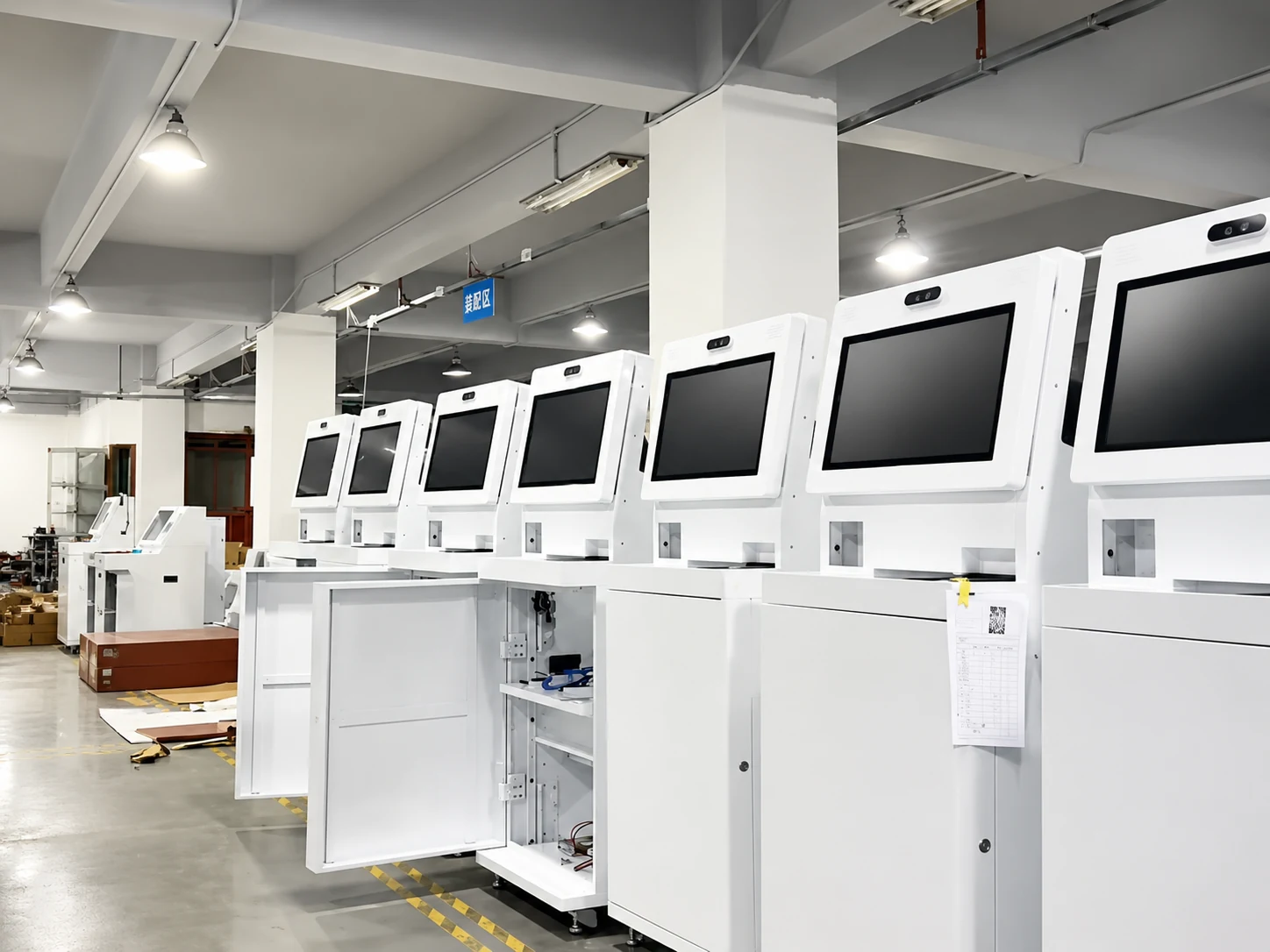
Custom Information Kiosk Manufacturer for Indoor & Outdoor Projects
XFC manufactures custom touch screen information kiosks for wayfinding, directories, public information and interactive applications, with flexible display sizes, enclosures, computing platforms and peripheral integration.
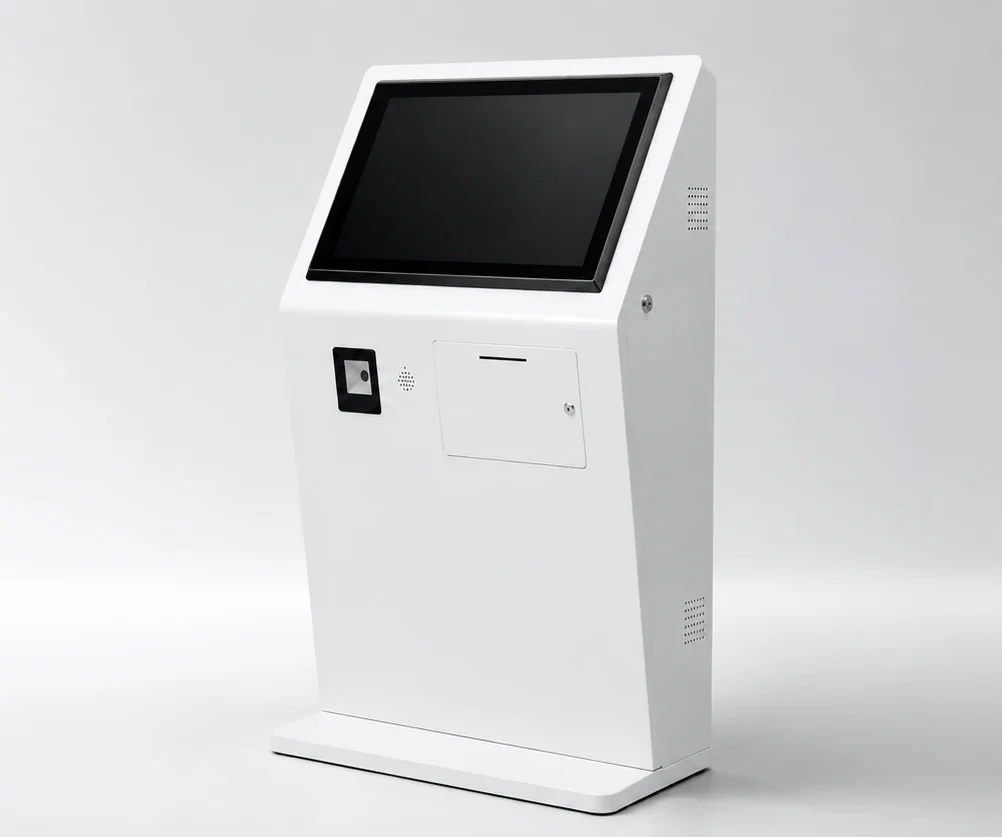
What Is an Information Kiosk?
An information kiosk (or digital information kiosk) is a specialized interactive terminal designed for public and commercial spaces. Operating as a touch screen information kiosk, it provides users with on-demand access to wayfinding, directories, announcements, and interactive services, improving visitor experience and reducing staff workload in high-traffic environments.
Wayfinding
Maps, directions and destination search.
Digital Directory
Stores, departments, rooms, tenants or facilities.
Public Information
Announcements, schedules, events and visitor information.
Interactive Services
Customer software, forms, registration or other project-specific applications.
Functions depend on software and project configuration.
Solve Common Visitor & Service Challenges
Addressing operational bottlenecks with customized interactive hardware solutions.
Visitors cannot quickly find destinations.
Interactive wayfinding and directory touchscreens.
Staff repeatedly answer basic questions.
Provide on-demand access to information and directions.
Static signs are difficult to update.
Use digital content controlled by customer software or compatible third-party systems.
Standard kiosk dimensions do not fit the site.
Custom enclosure, screen size and mounting structure.
Outdoor environments create additional reliability requirements.
Project-specific outdoor enclosure, brightness, waterproof/dustproof and thermal design options.
Different projects require different peripherals.
Custom openings and integration for scanners, cameras, printers, readers and other devices.
Information Kiosk Solutions for Different Environments
Select the hardware platform designed for your specific deployment scenario.
Indoor Information Kiosk
Designed for controlled environments, providing sleek interactive touch points for visitors.
- Suitable for: Shopping malls, Hotels, Hospitals, Offices, Museums, Public buildings.
- Configuration: Floor-standing or wall-mounted configuration according to project.
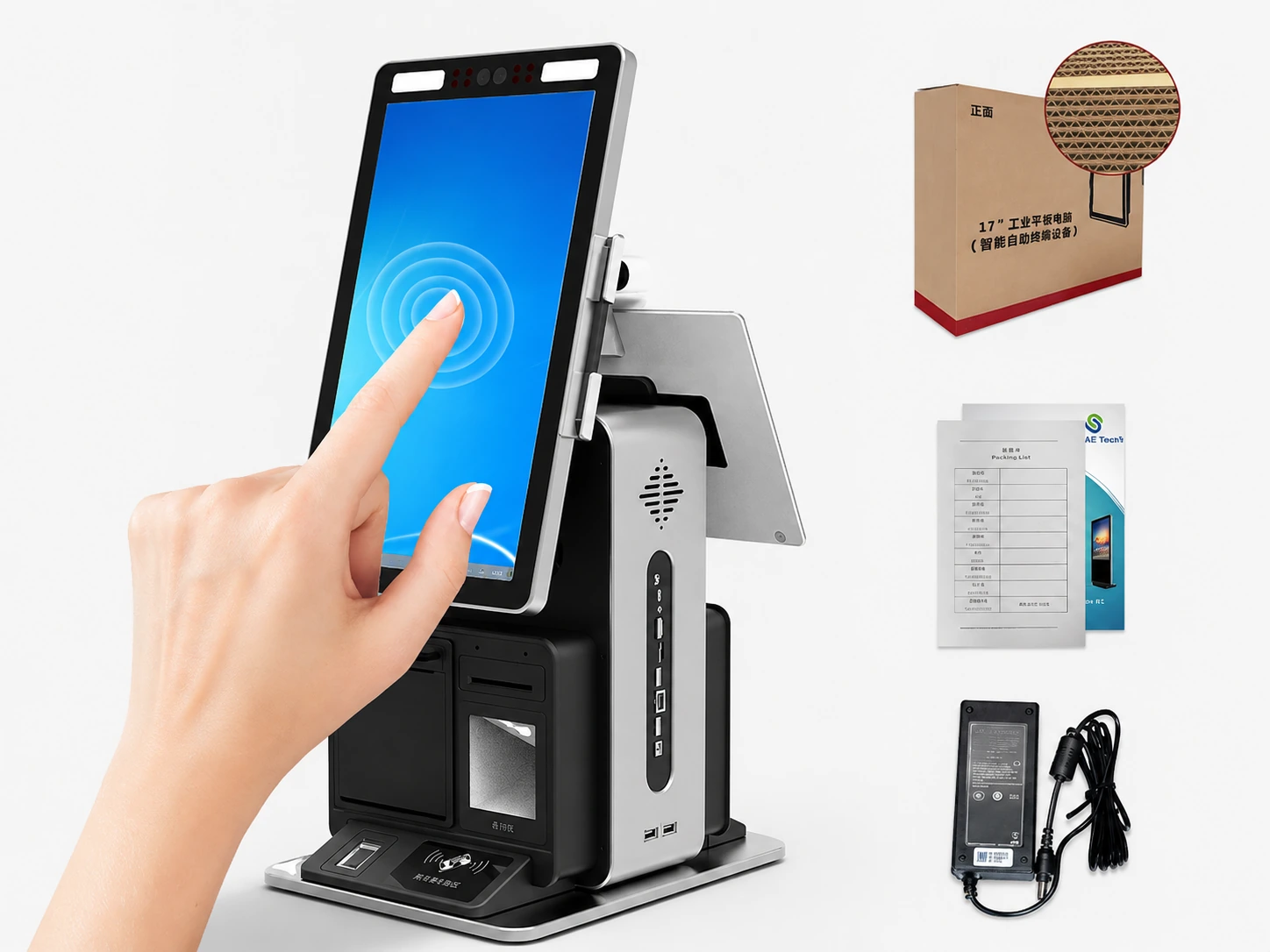
Outdoor Information Kiosk
Rugged outdoor interactive kiosk systems engineered to withstand weather and sunlight.
- Outdoor enclosure options
- High-brightness display options
- Waterproof / dustproof configuration
- Thermal management
- Anti-glare / protective glass options
- Structure designed around installation environment
*All specifications are options / project-dependent.
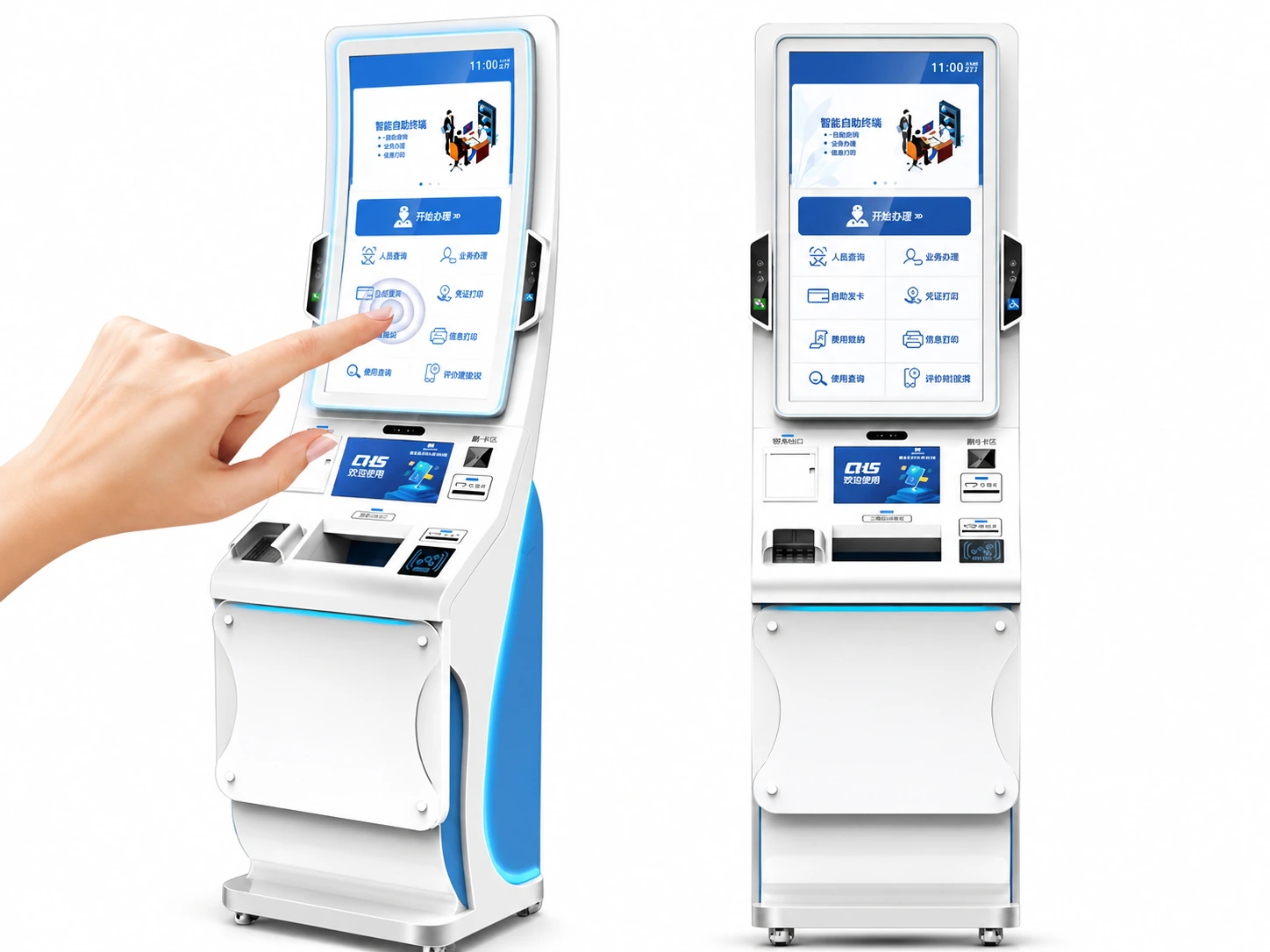
Wayfinding Kiosk
Hardware platforms optimized for digital navigation and mapping applications.
- Suitable for: Malls, Campuses, Hospitals, Airports, Parks, Public facilities.
- Hardware Supports: Maps, Directions, POI Search, Facility Information.
Software functions depend on customer system.
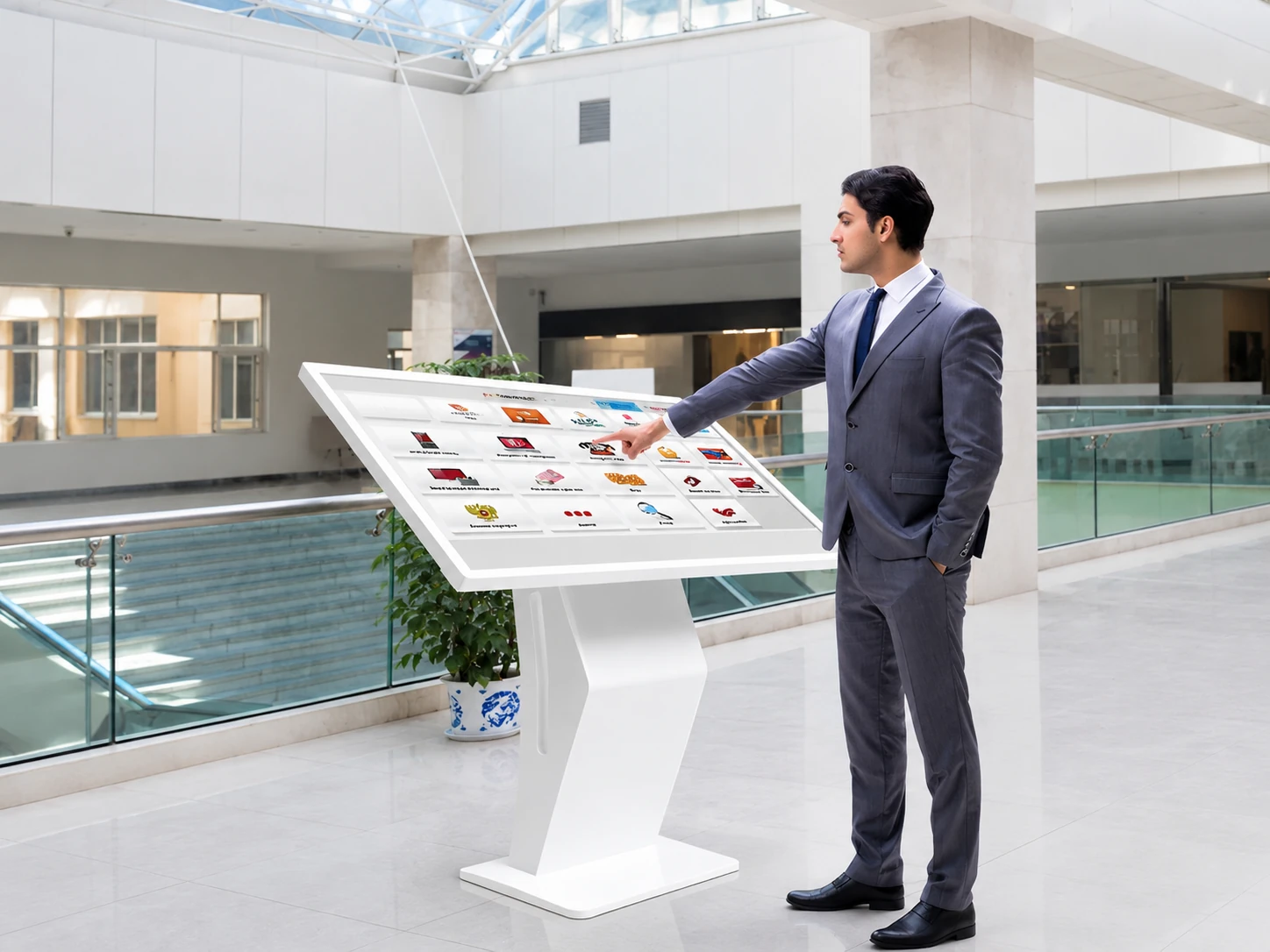
Touch Screen Directory Kiosk
Modernize building lobbies and retail centers with a digital directory + interactive touchscreen.
- Suitable for: Shopping centers, Office buildings, Hospitals, Hotels, Campuses.
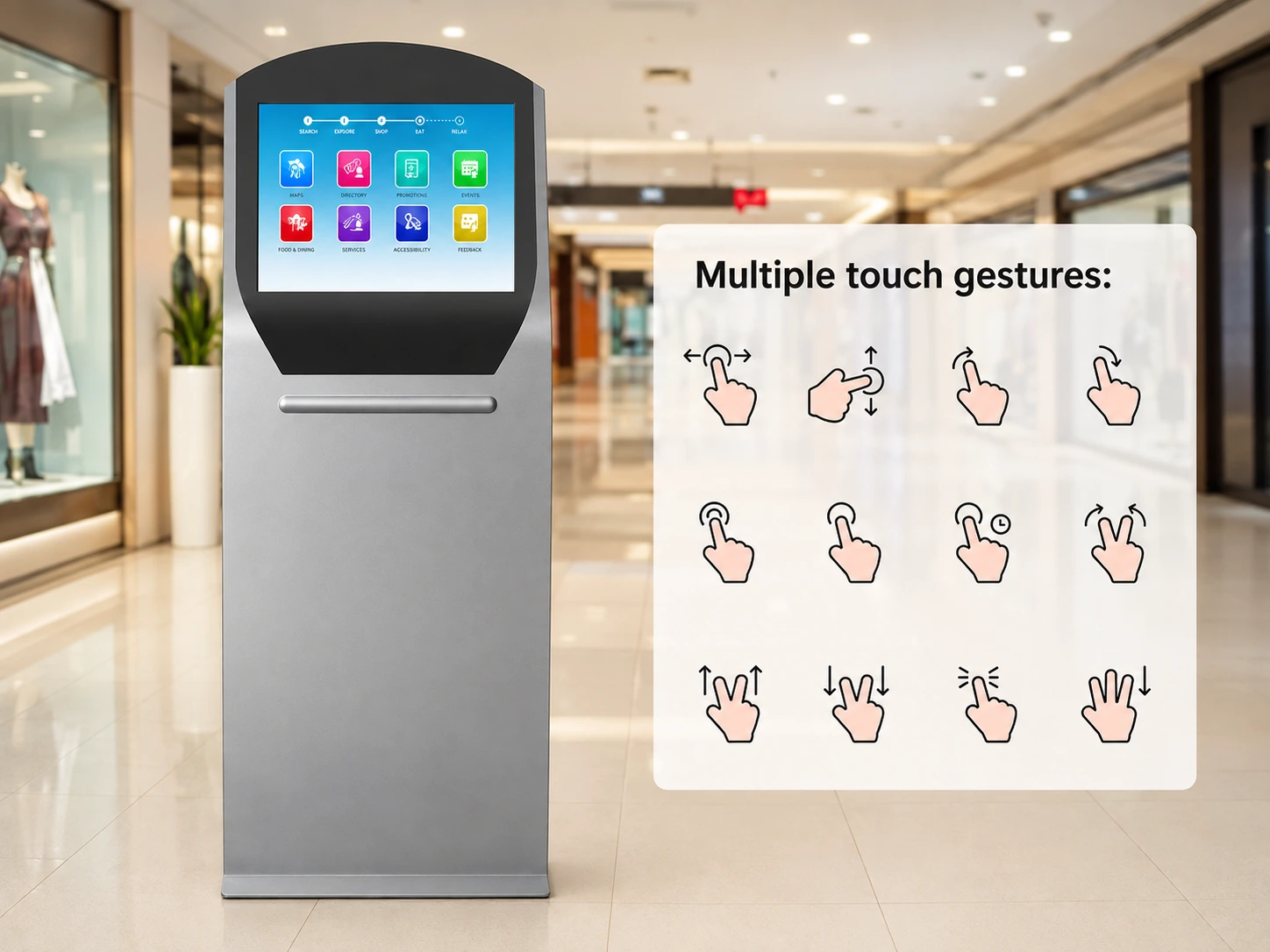
Custom Information Kiosk
Leverage XFC's OEM/ODM capabilities to build a kiosk exactly to your specifications.
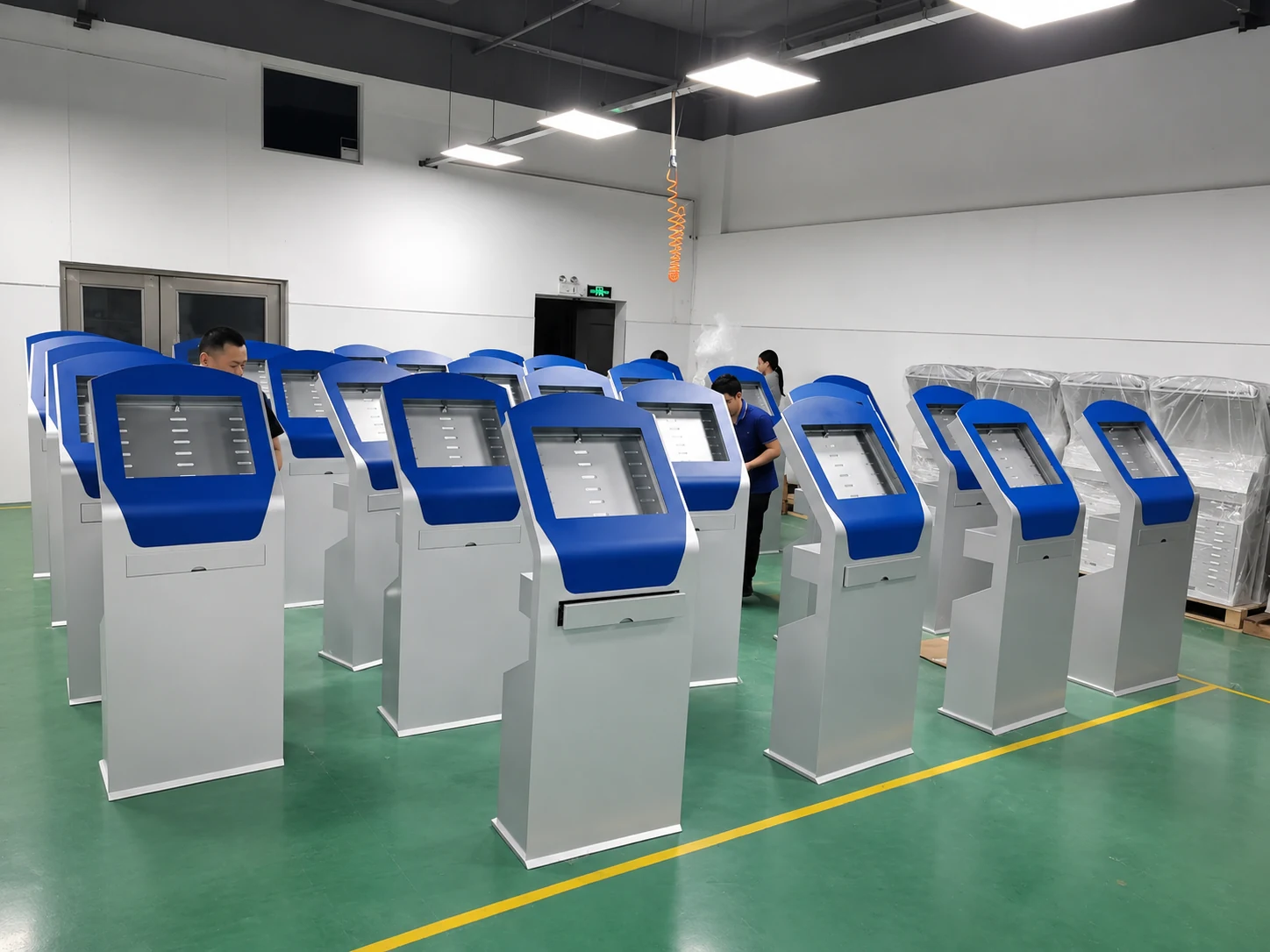
Need a different kiosk configuration?
Where Are Information Kiosks Used?
Versatile hardware platforms deployed across multiple industries.
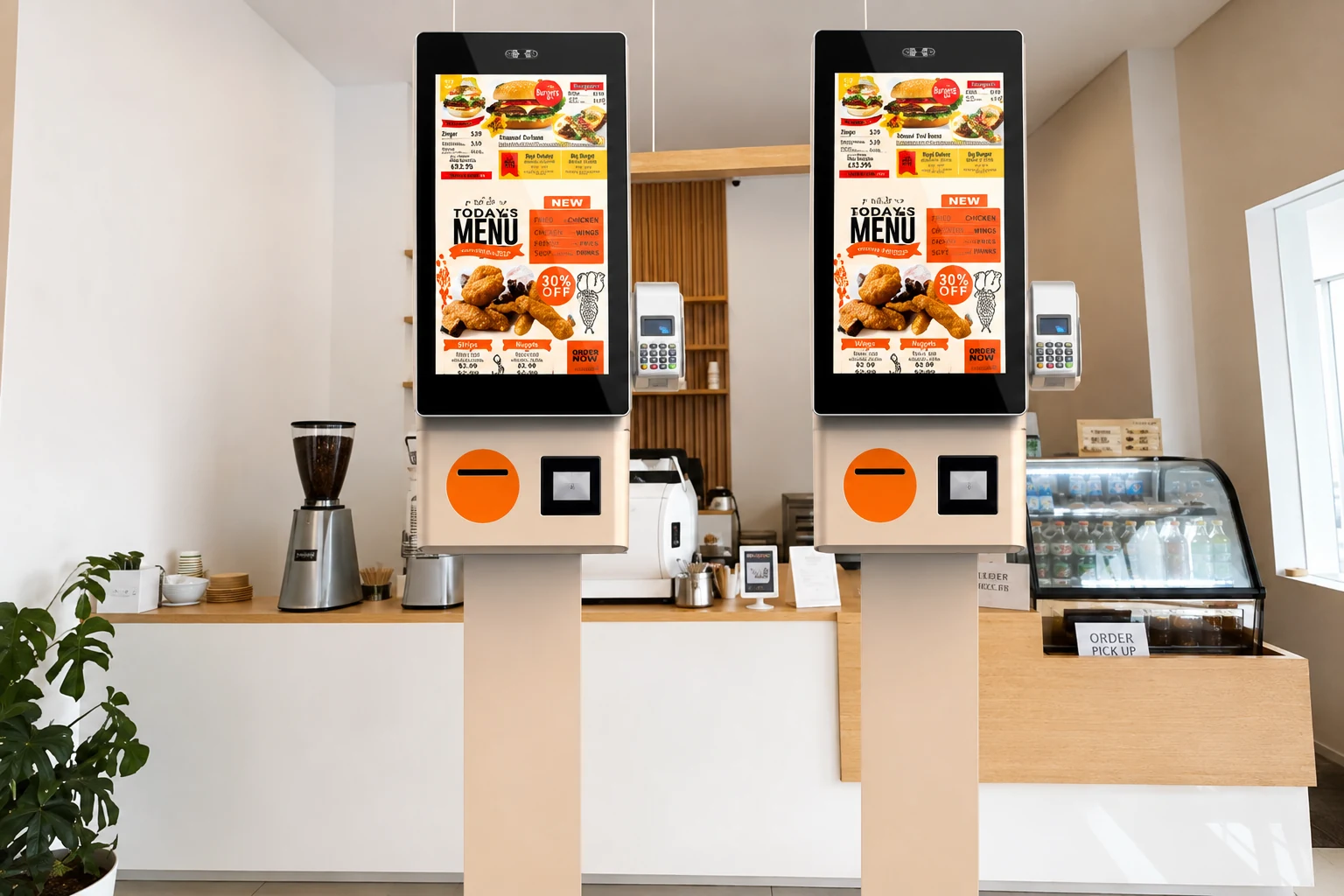
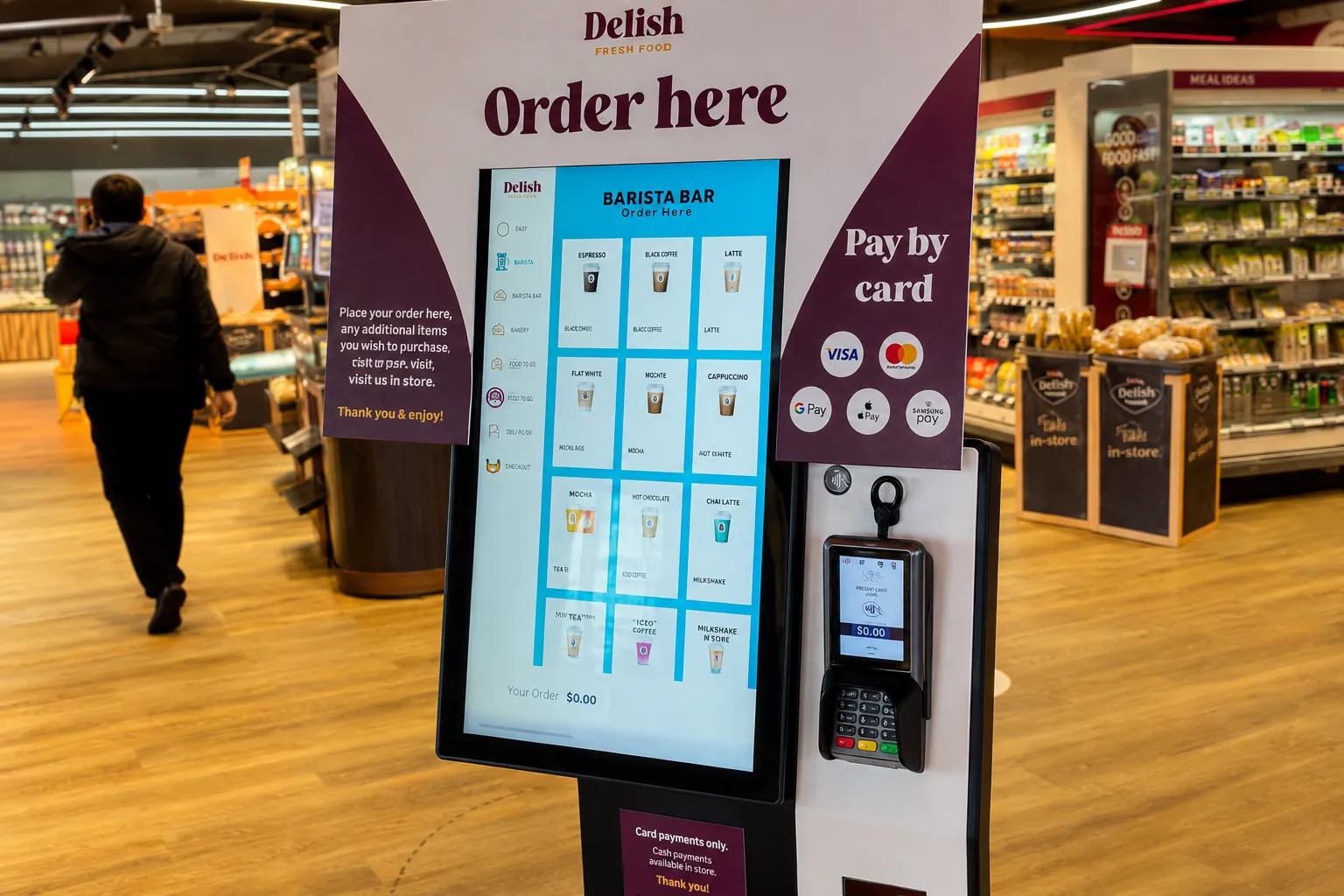
Restaurants & Food Courts
Menu information, store locations, promotions, service guidance and pickup information.
Retail & Product Information
Product lookup, specifications, pricing, availability and in-store guidance.
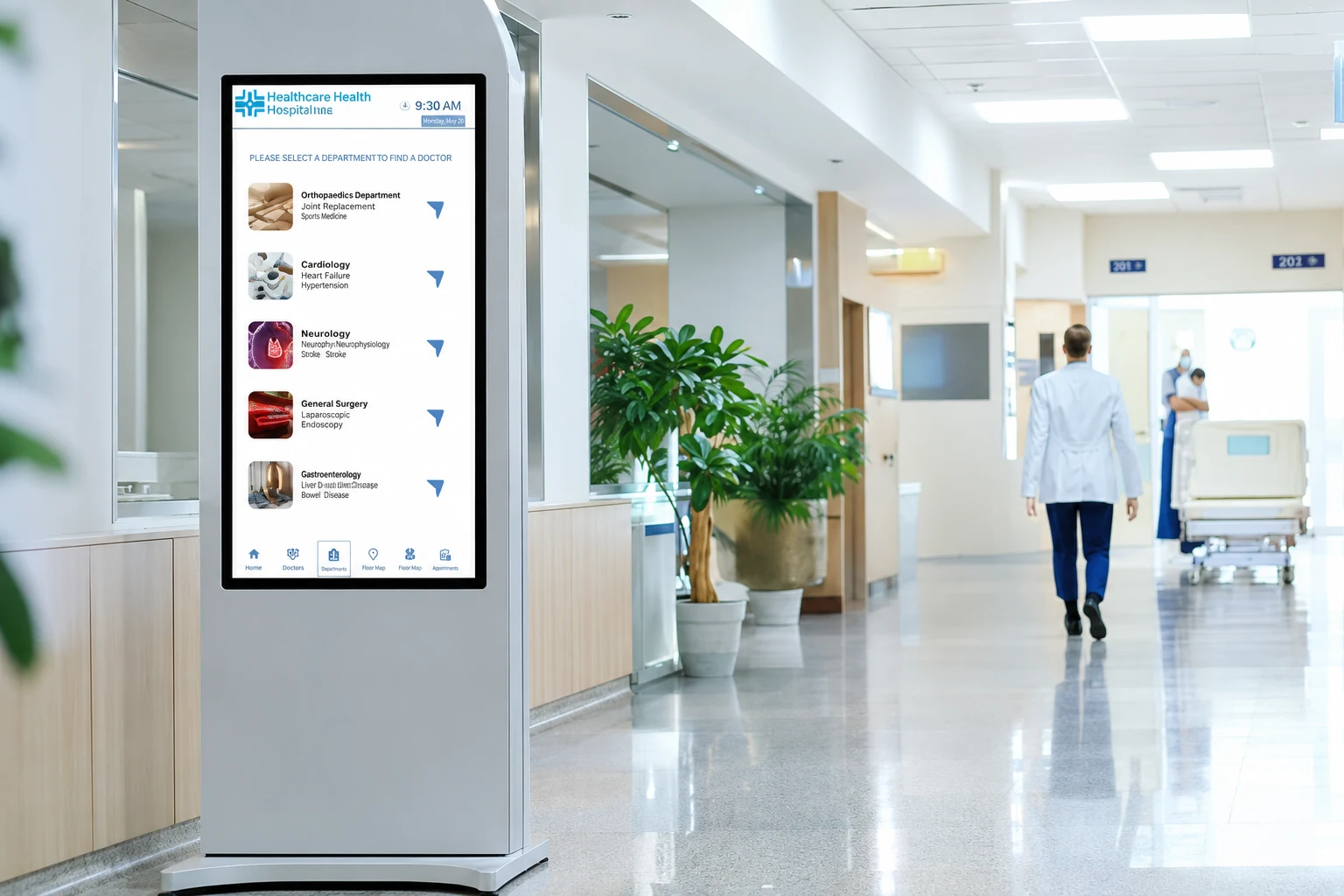
Hospitals & Healthcare
Department directories, doctor information, facility navigation and patient guidance.
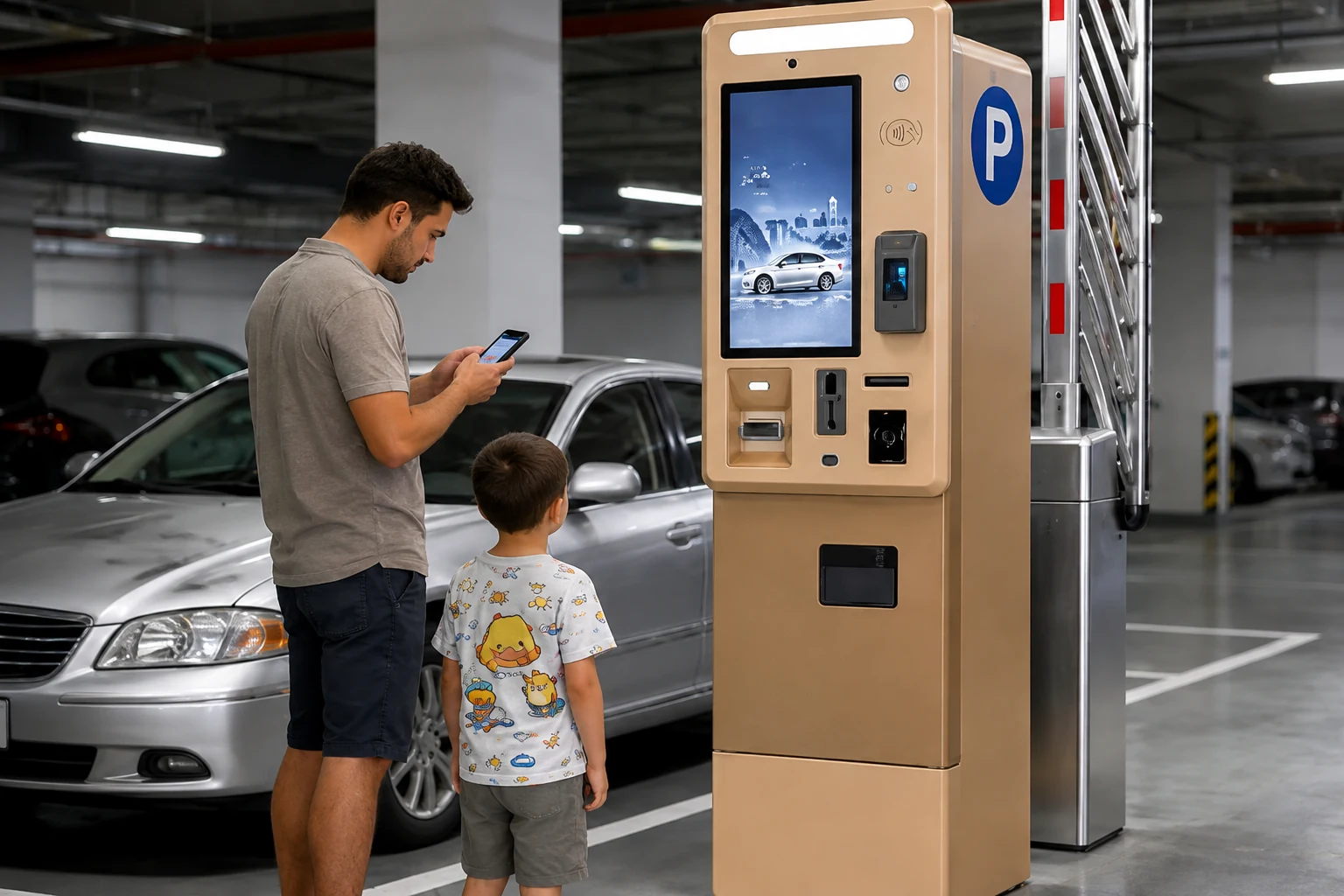
Parking & Public Facilities
Parking information, facility rules, maps, directions and service instructions.
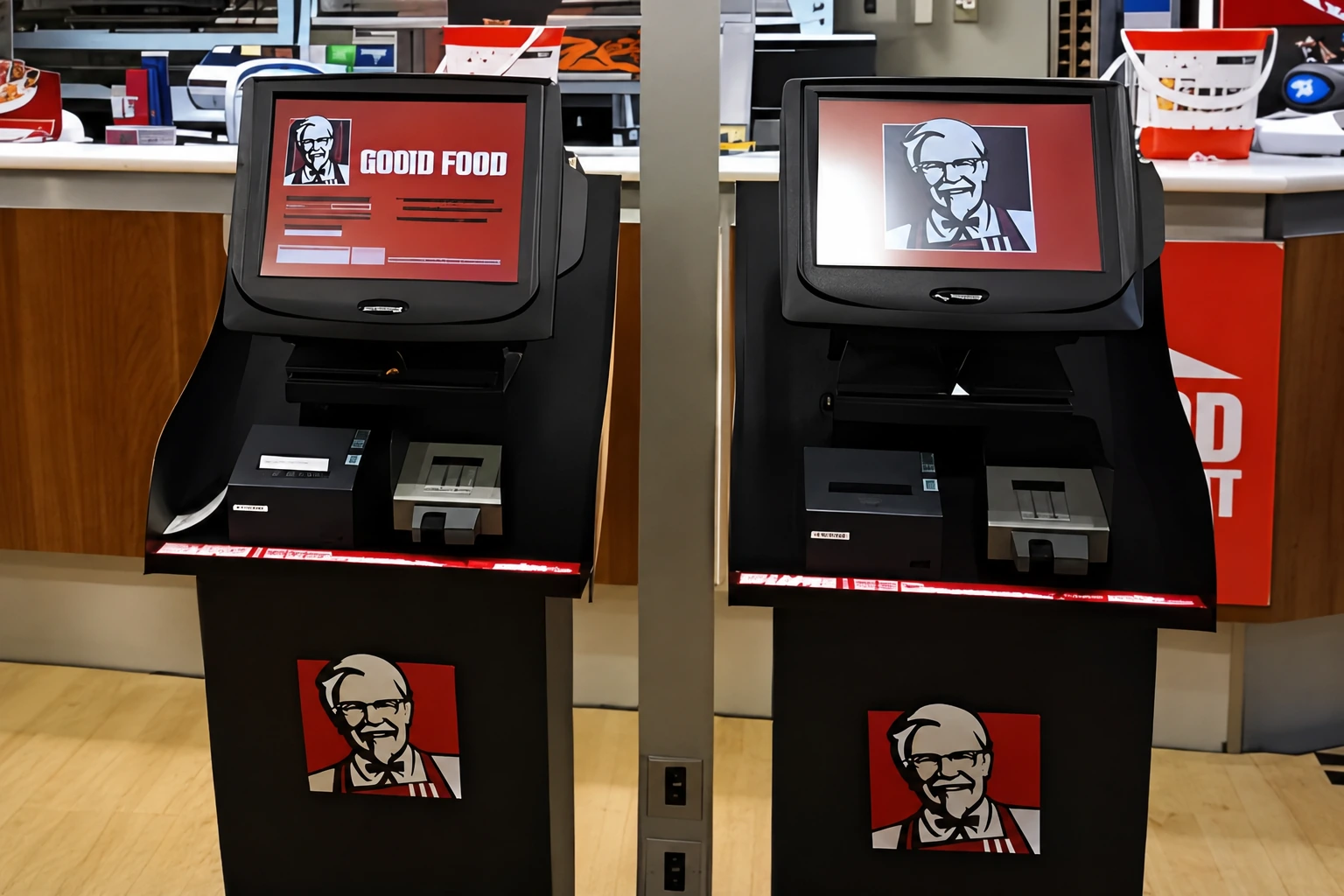
Quick-Service Restaurants
Menu browsing, promotion information, store services and customer guidance.
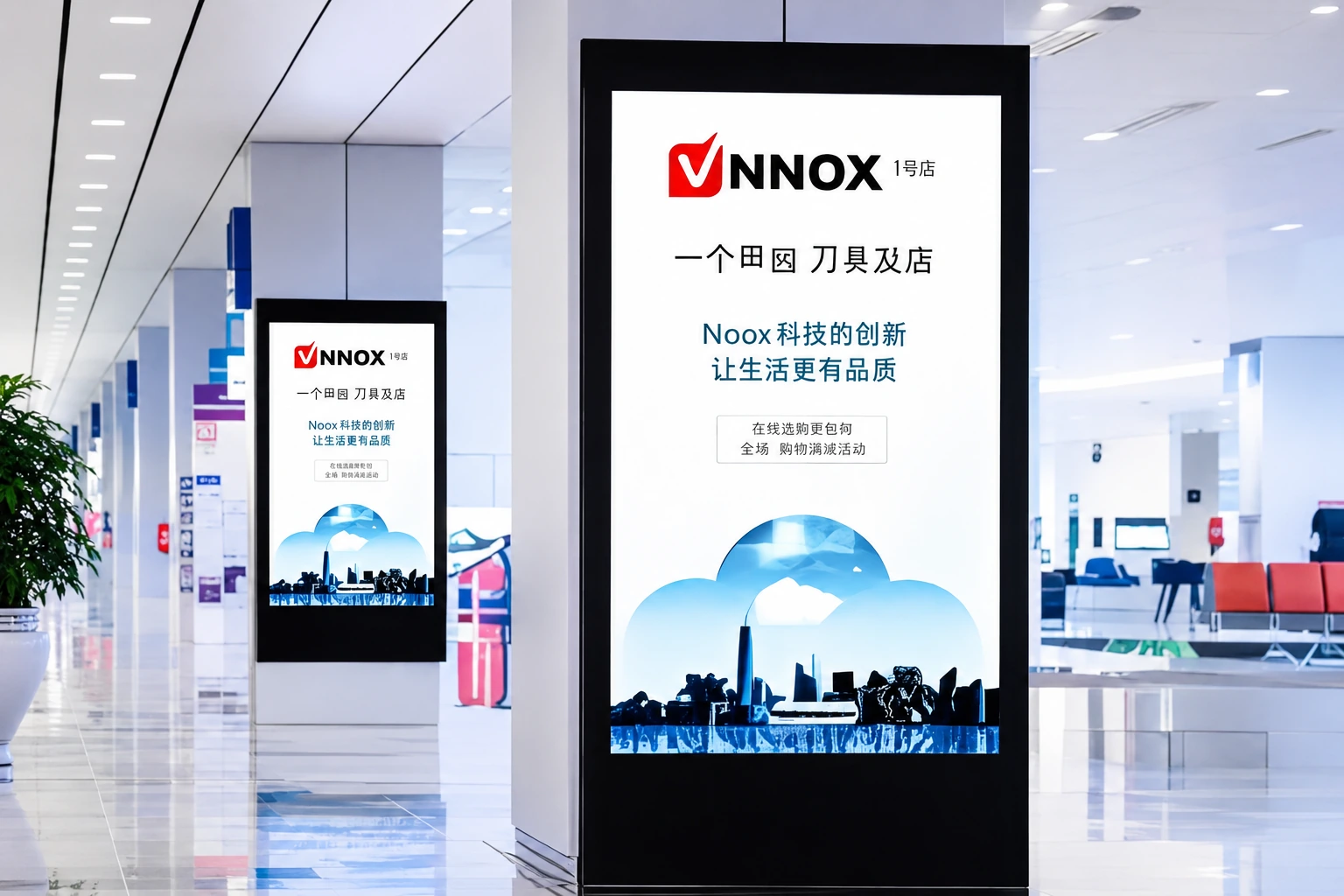
Digital Information Displays
Announcements, public information, schedules, promotions and multimedia content.
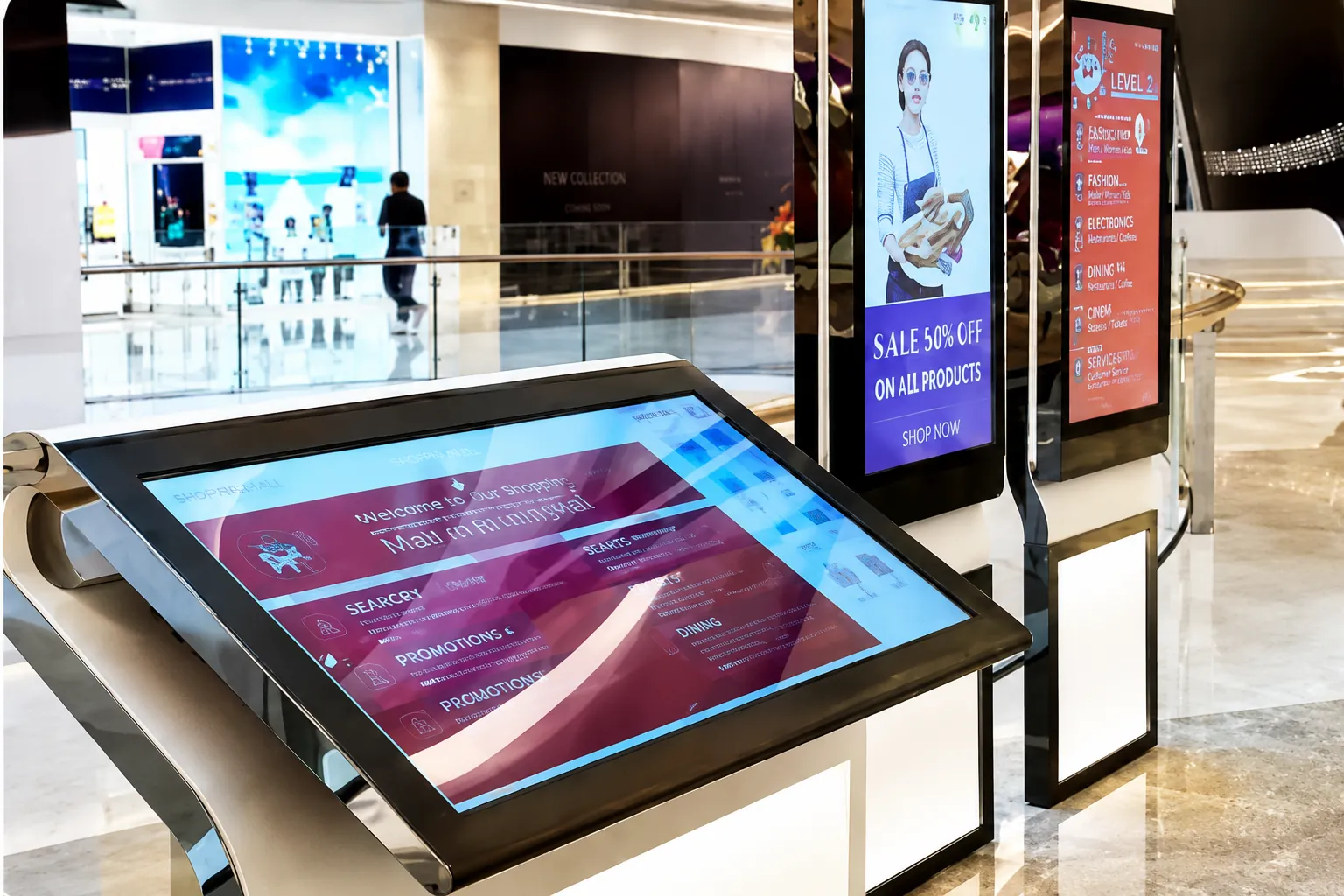
Shopping Malls & Retail Centers
Store directories, floor maps, wayfinding, promotions and visitor information.
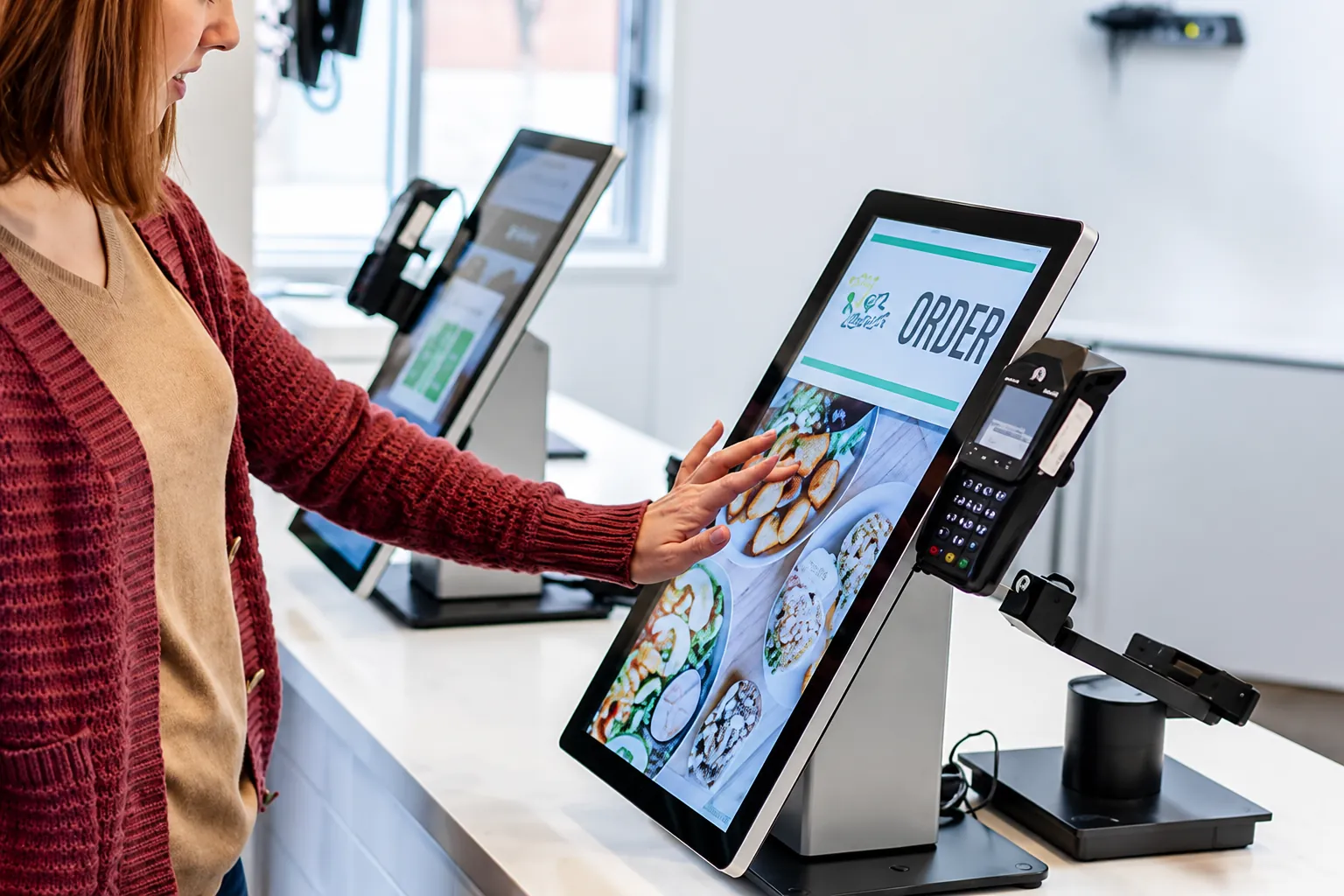
Supermarkets & Commercial Spaces
Product information, store navigation, promotions and customer service guidance.
Custom Information Kiosk Hardware Built Around Your Project
We integrate the exact display, computing, and peripheral modules your software demands.
Display & Touch
- Screen size, Resolution, Brightness
- 4K options, Landscape / Portrait
- Capacitive touch, High-sensitivity touch
- Touch configuration depending on project
Computing Platform
- Android
- Windows IoT
- Linux
- Select based on software
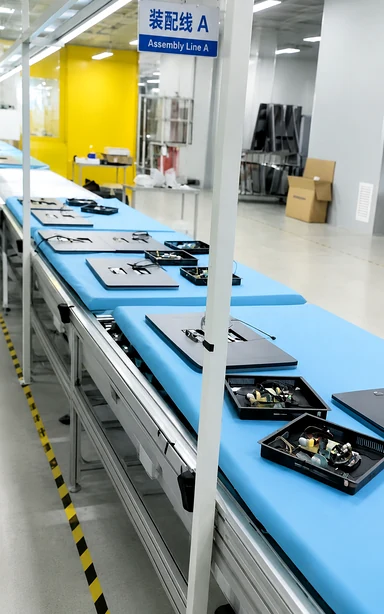
Enclosure & Connectivity
- Sheet-metal structure, Color, Openings
- Indoor / outdoor housing, Access panels
- USB, HDMI, RJ45
- Wi-Fi, 4G / 5G options
- Configured to project needs
Optional Peripherals
Integrated based on project:
- Camera
- Barcode/QR scanner
- ID reader
- Document scanner
- Thermal printer
- A4 printer
- NFC / Card reader
- POS / PIN pad
Information Kiosk Specifications
Reference parameters for our OEM/ODM manufacturing capabilities.
| Specification | Available Options |
|---|---|
| Screen Size | Typical kiosk sizes: 15.6", 17", 19", 21.5", 23.6", 27", 32", 43"; custom display projects available based on requirements |
| Company Display Capability | 2.5"–120" |
| Form Factor | Floor-standing, wall-mounted, desktop or custom structure |
| Orientation | Portrait or landscape |
| Operating System | Android, Windows IoT or Linux, configuration-dependent |
| Enclosure | Custom sheet-metal enclosure |
| Touch & Glass | Capacitive touch options; Tempered glass options |
| Resolution & Brightness | Model-dependent, including 4K options; Indoor or high-brightness options depending on application |
| Standard Colors | White, black or model-specific combinations |
| Customization | Color, logo, openings, dimensions, enclosure and mounting |
| Printers & Data Capture | Receipt, A4 or specialty printer options; Camera, barcode/QR scanner, ID reader, document scanner |
| Payment Modules | Card reader, NFC, POS terminal, PIN pad or other project-specific modules |
| Connectivity & Network | Configured according to computing platform and project; Wi-Fi / 4G / 5G options depending on platform |
| Maintenance | Front or rear service access depending on enclosure |
| Software Integration | Customer software / third-party platform integration |
| Outdoor Protection | Configured according to environment and model |
| Certifications | Project and model dependent |
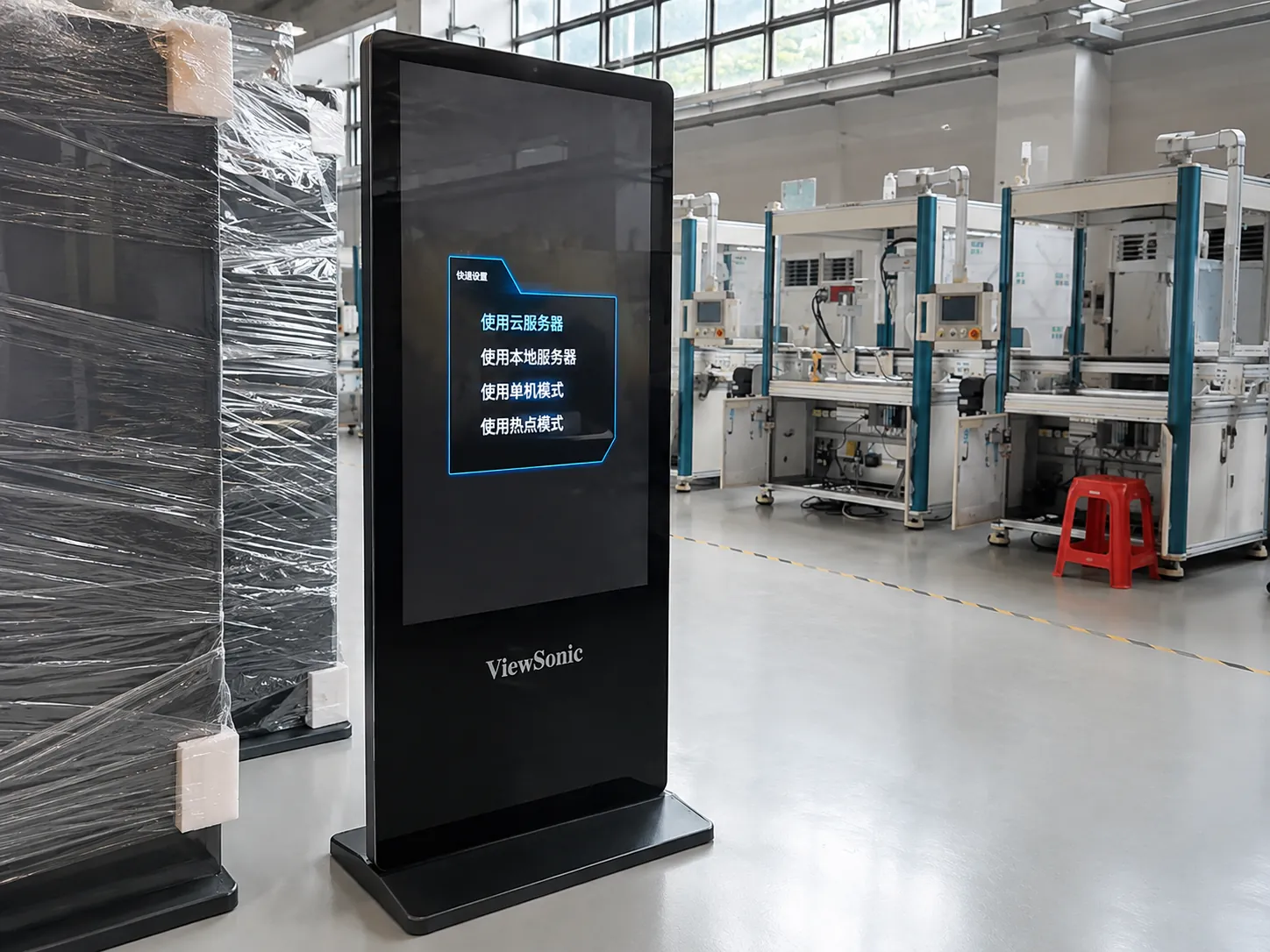
Outdoor Information Kiosks for Public & Commercial Spaces
Deploying an outdoor digital kiosk or outdoor wayfinding kiosk requires more than just a waterproof shell. We evaluate five critical factors for every outdoor touchscreen kiosk project:
Visibility
Outdoor brightness requirements depend on sunlight and installation direction.
Environmental Protection
Waterproof and dustproof structures can be configured according to project requirements.
Temperature Management
Thermal design depends on installation climate and internal hardware.
Structural Durability
Consider enclosure construction, protective glass and installation method.
Maintenance
Service access should be planned before the enclosure design is finalized.
Wayfinding & Touch Screen Directory Kiosks
Information kiosks can serve as the hardware interface for digital directories and wayfinding applications in malls, campuses, hospitals, museums, hotels and public facilities.
Search
Allow users to locate destinations through customer wayfinding software.
Directory
Display stores, departments, rooms, facilities or services.
Navigation
Provide maps and route information according to the deployed software system.
Note: XFC supplies customizable kiosk hardware and supports integration with customer or third-party software. Software functions depend on the selected platform.
How to Choose the Right Information Kiosk
A structured approach to defining your hardware requirements.
Step 1 — Define the User Task
Ask: Will users view information, search directories, navigate, register or perform another task?
Step 2 — Choose Indoor or Outdoor
Consider: Weather, Sunlight, Temperature, Installation location.
Step 3 — Select Screen Size
Based on: Viewing distance, Available space, User interaction, Content layout.
Step 4 — Choose Computing Platform
Determined by software: Android, Windows IoT, Linux.
Step 5 — Confirm Peripherals
Examples: Scanner, Camera, Printer, NFC, ID reader.
Step 6 — Plan Installation & Maintenance
Confirm: Floor / wall mounting, Power, Network, Cable routing, Service access.
Not sure which configuration fits your project? Send us the installation environment, required functions, screen size or product drawing. XFC can evaluate the hardware configuration before quotation.
Ask an XFC EngineerInformation Kiosk vs Digital Signage vs Self-Service Kiosk
Understanding the hardware differences for your application.
| Feature | Information Kiosk | Digital Signage | Self-Service Kiosk |
|---|---|---|---|
| Main Purpose | Interactive information access | Content display & advertising | Complete a service or transaction |
| Touchscreen | Common | Optional | Common |
| Wayfinding | Common use | Limited | Possible |
| Directory | Common use | Possible | Possible |
| User Input | Interactive | Usually limited | High |
| Printers / Scanners | Optional | Less common | Common depending on workflow |
| Payment | Project-specific | Rare | Common in payment applications |
| Typical Locations | Malls, campuses, hospitals, museums, public spaces | Retail, hotels, elevators, advertising spaces | Restaurants, hospitals, government, retail |
| Software | Customer / third-party software | CMS / signage software | Workflow-specific software |
Choose an Information Kiosk when users primarily need interactive access to directions, directories, public information or digital content. Choose a transactional self-service kiosk when the project requires workflows such as ordering, payment, ticketing or registration.
How Much Does an Information Kiosk Cost?
Information kiosk cost varies according to display size, enclosure, indoor or outdoor design, computing platform, touch technology, peripherals, customization, certification requirements and order quantity.
For an accurate quotation, send XFC your required size, installation environment, functions, peripherals and estimated quantity.
Get an Information Kiosk QuoteFrom Your Idea to a Custom Information Kiosk
Our structured OEM/ODM manufacturing process ensures accurate execution.
Requirements
Product photo, Drawing, Screen size, Application, Functions, Environment.
Engineering
Structure, Display, Touch, Platform, Interfaces, Layout evaluation.
Recommendation
Matching product option, Specification recommendation, Catalog.
Quotation
Based on configuration, quantity and project requirements.
Sample
Typical: 3–7 days
Fastest shipment in 3 days
Mass Production
Reference: 7–15 days (based on configuration).
Inspection & Ship
100% inspection
More than 3 checks.
Why Source Information Kiosks from XFC?
Direct manufacturer capabilities designed to support B2B procurement and complex project integration.

13+ Years of Manufacturing
Touch display manufacturing experience since 2013.
Flexible Customization
Display, touch, enclosure, interface, mounting and peripheral layout can be configured around the project.
MOQ 1
Supports prototype, sample and low-volume project validation.
Fast Project Response
Samples and small orders typically 3–7 days; selected sample projects can ship as fast as 3 days.
100% Inspection
Each unit is inspected more than three times before shipment.
Factory-Direct Cost Control
Integrated manufacturing and customization can reduce sourcing complexity, with selected projects saving up to approximately 31% in total procurement cost.
Lucky-XFC
Lucky-XFC supports custom touchscreen and display projects from product selection and engineering confirmation through sample production, 100% inspection and shipment.
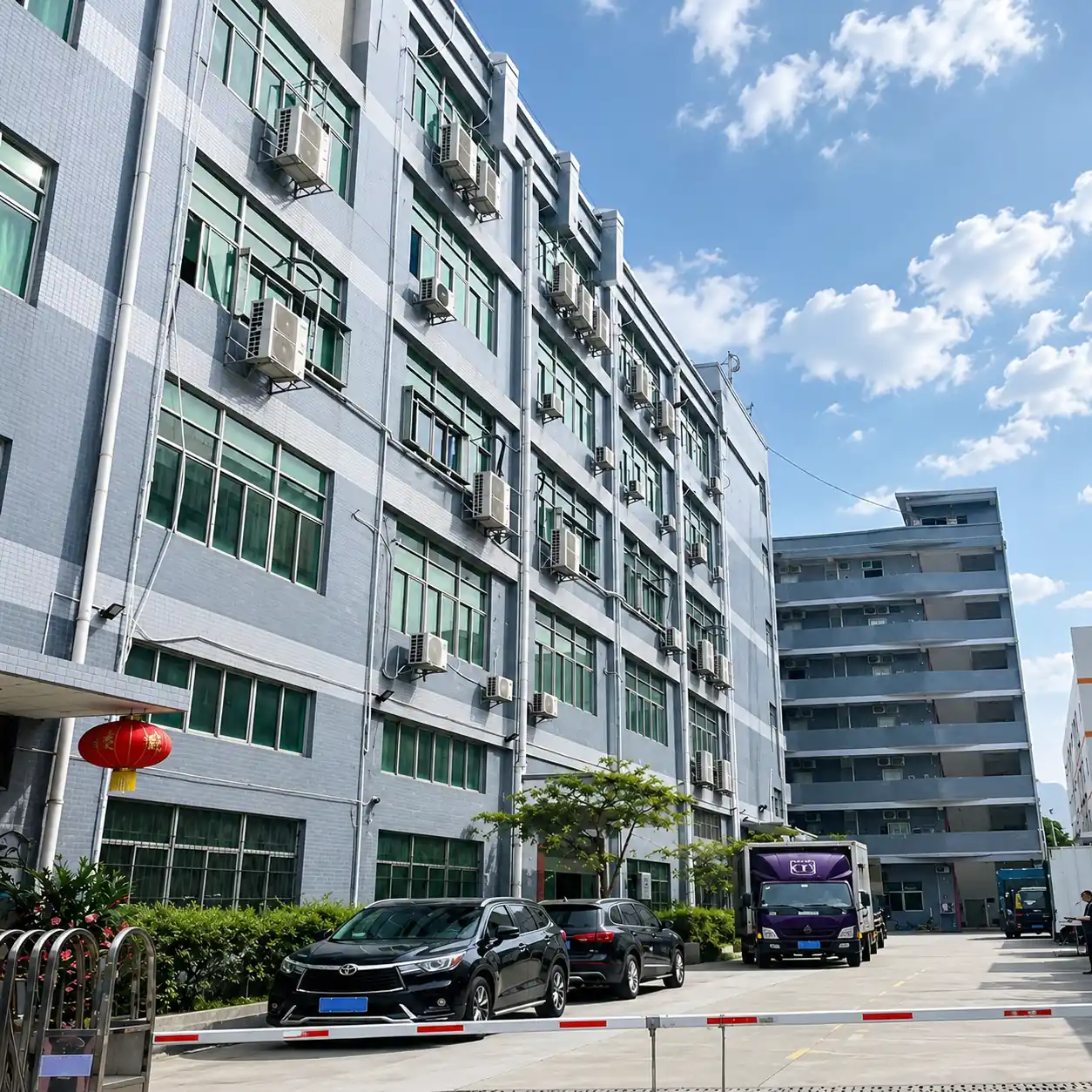
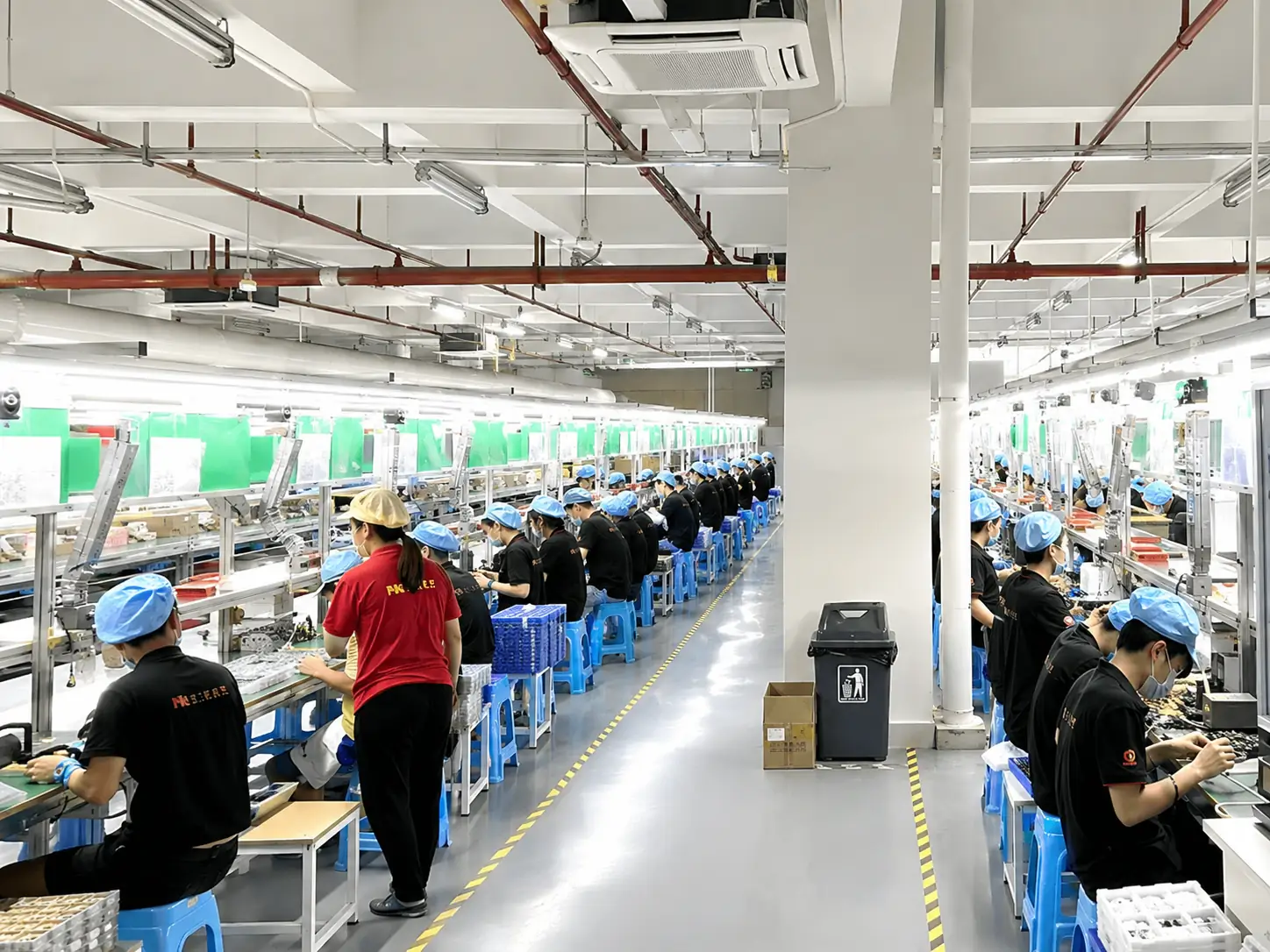
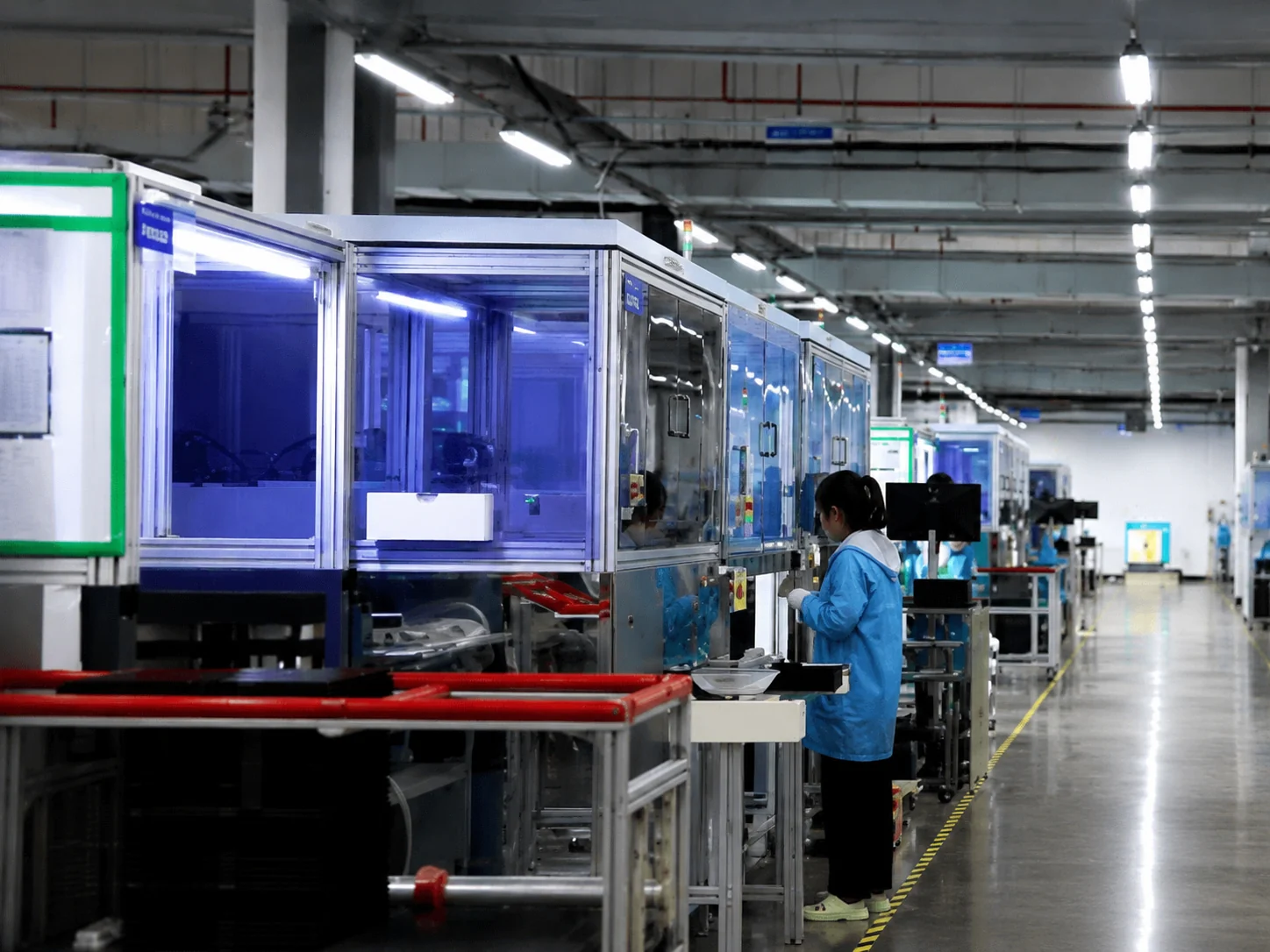
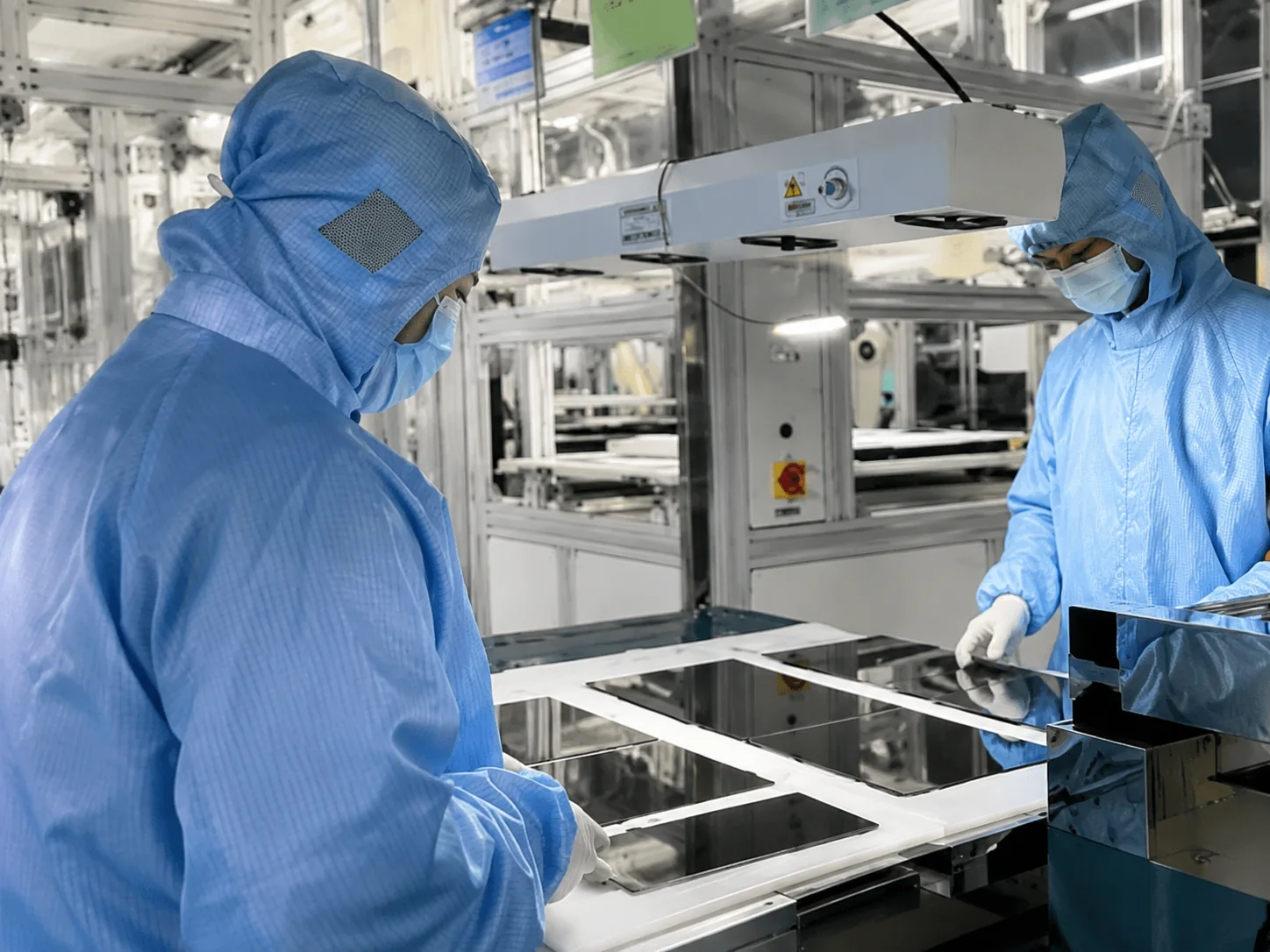
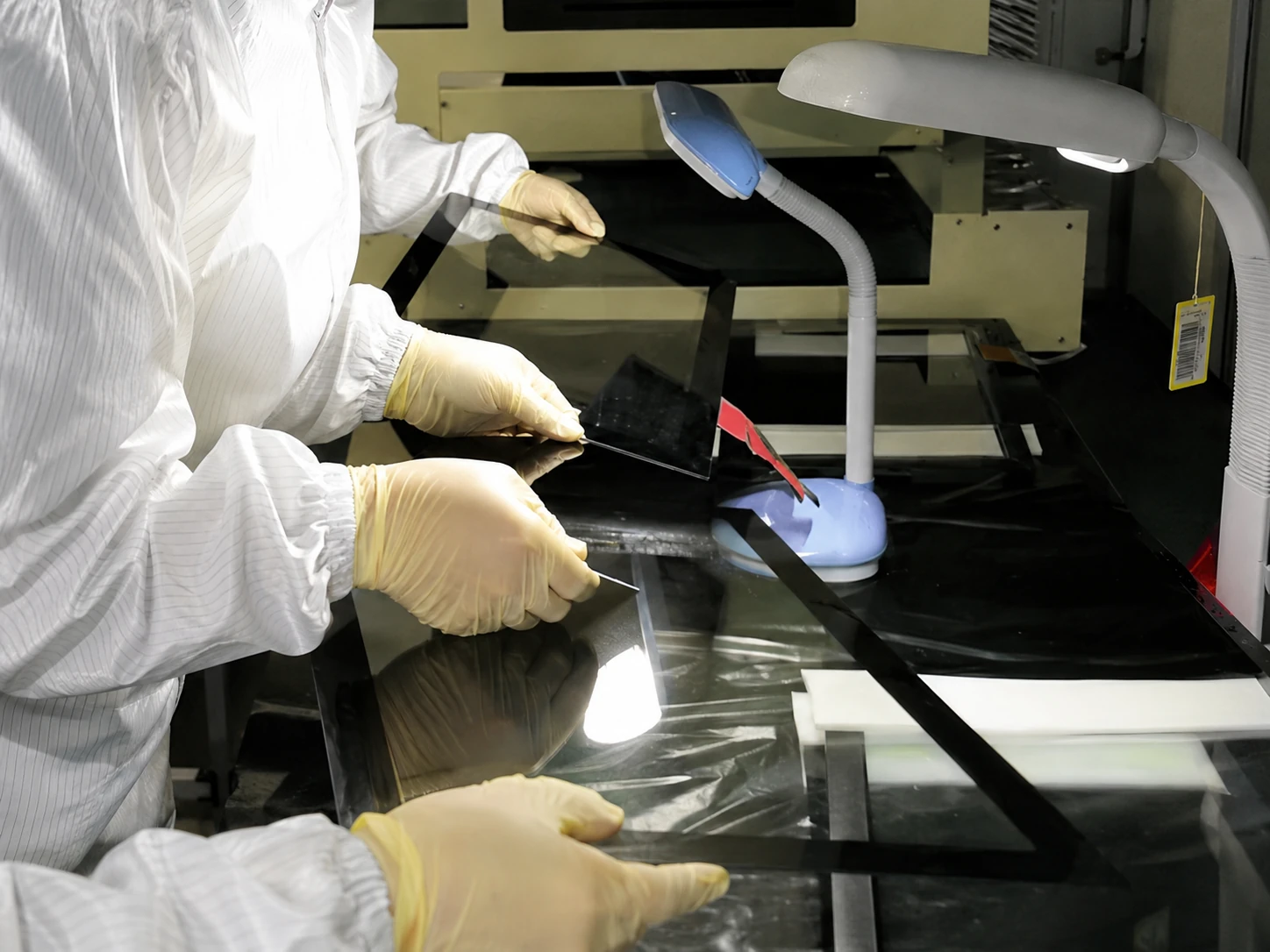
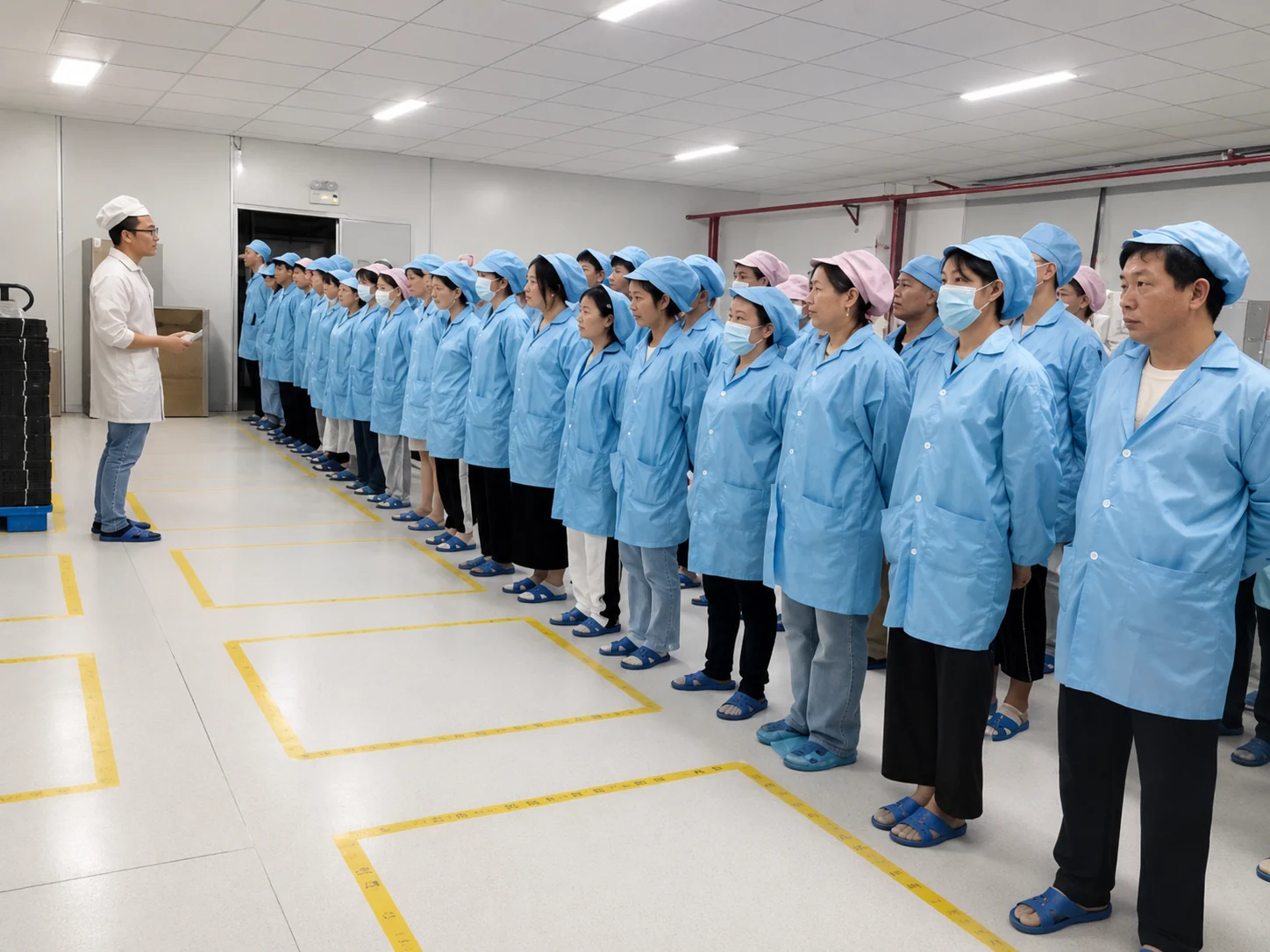
Inside the Factory: Production & Quality Testing
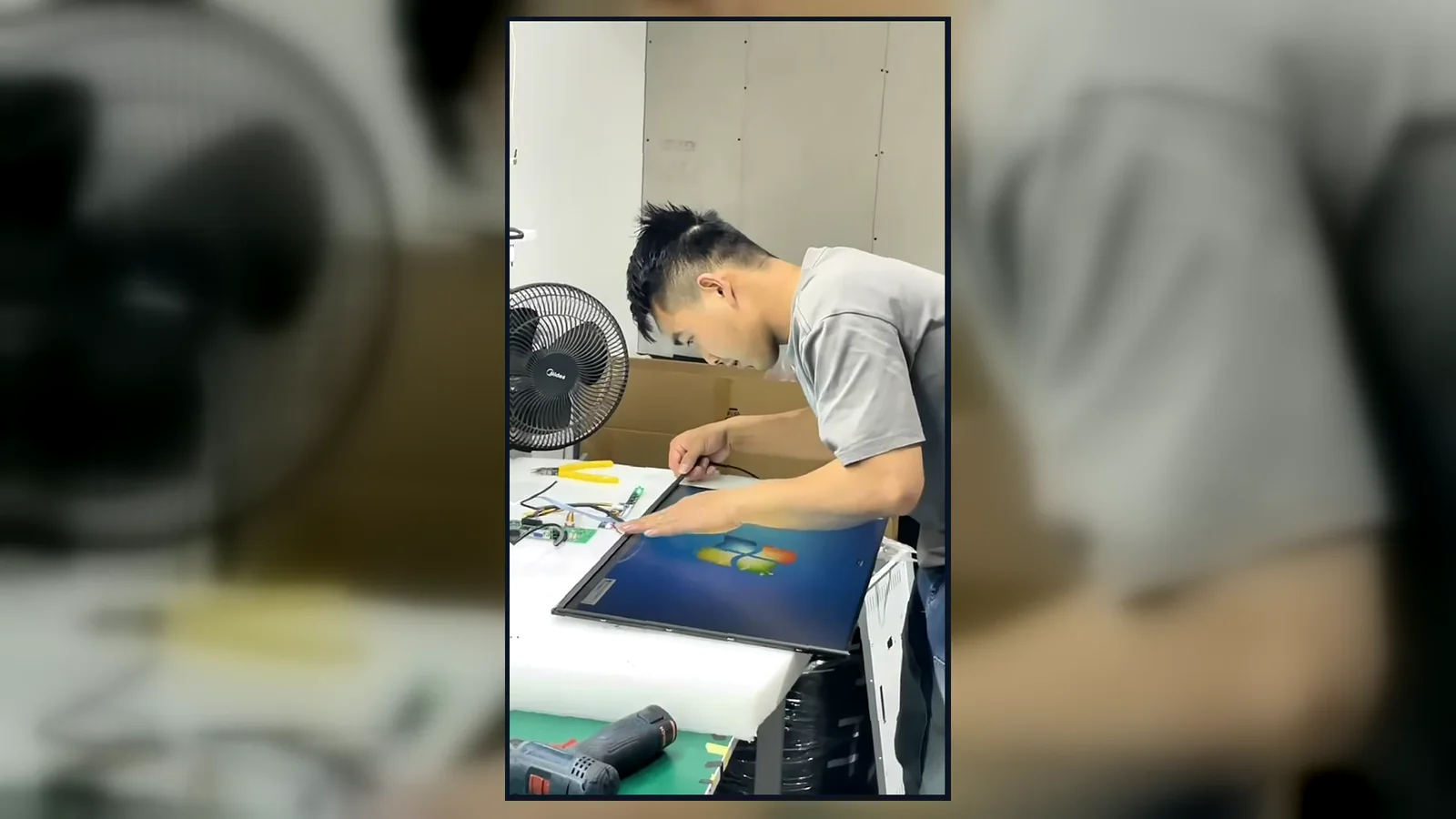
Watch our brief 45-second overview showcasing the rigorous assembly and testing procedures at our facility. See firsthand how our QC team conducts 100% inspections to verify touch response, display quality, interfaces and appearance according to the approved specifications.
Global Quality & Compliance Standards
Our products are manufactured under strict quality control systems and comply with international standards, ensuring reliability and safety for your projects.

ISO 9001:2015
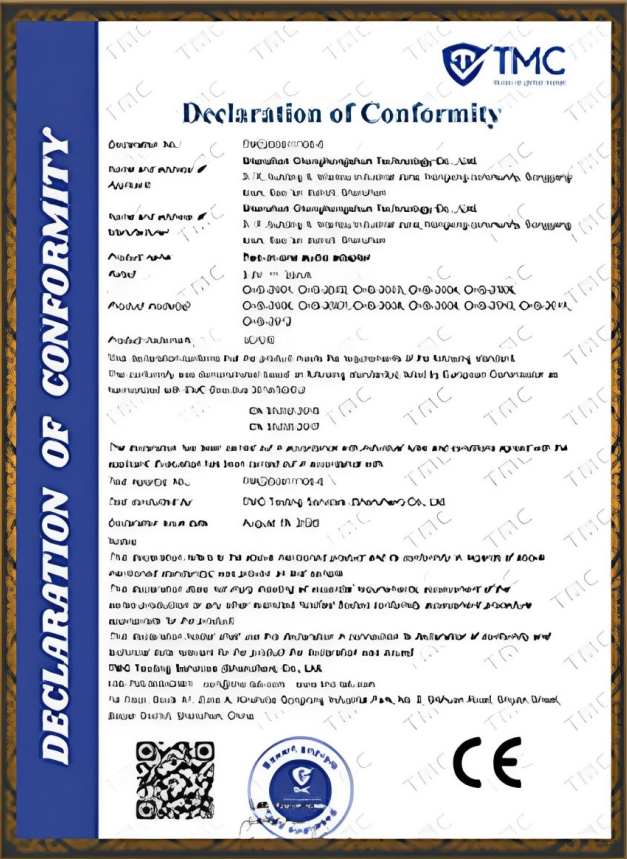
CE Certification

FCC Certification

RoHS Compliance

IP56/IP65/IP67/IK10
Quality Control Before Every Shipment
Display Inspection
Screen performance
Touch Inspection
Touch response and function
Interface & Peripheral Check
Configured I/O and modules
Appearance Inspection
Enclosure and assembly
Final Test
System functions & shipment verification
Explore More XFC Display Solutions
Custom Touch Screen Kiosk Solutions →
Suitable for self-service and customized interactive terminal projects.
Industrial Touch Displays →
Suitable for industrial equipment and embedded control applications.
Commercial Digital Signage Displays →
Suitable for advertising, information display and indoor/outdoor commercial display applications.
Information Kiosk FAQs
What is an information kiosk?
What is a touch screen information kiosk used for?
How much does an information kiosk cost?
Can an information kiosk be used outdoors?
Can XFC customize an information kiosk?
Can I use my own software?
What information should I send for a custom kiosk quote?
What is the difference between an information kiosk and digital signage?
What is the difference between an information kiosk and a self-service kiosk?
How long does a custom information kiosk order take?
Tell Us What Information Kiosk You Need
Whether you have a product photo, drawing, required screen size or only an application idea, send your requirements to XFC. Our team can evaluate the display, enclosure, computing platform, interfaces and peripheral layout for your project.
OEM/ODM Project Checklist
To help our engineers evaluate your hardware configuration accurately, please prepare:
- Application & Installation environment
- Screen size & Quantity
- Required functions & Software / OS requirement
- Peripheral requirements
- Drawing or reference photo
