
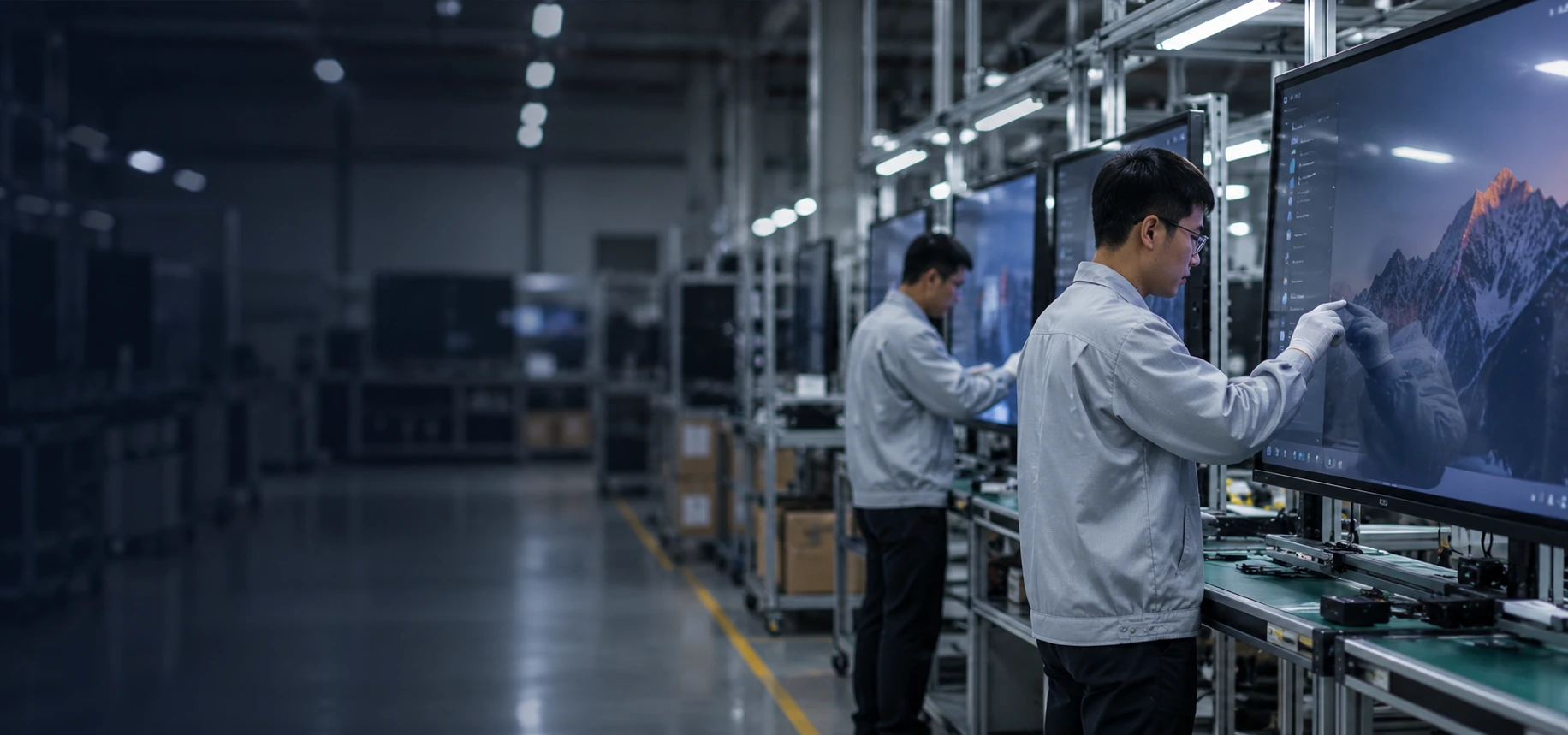
Custom Touchscreen TV Monitor Manufacturer for Commercial Display Integration
Source touchscreen display solutions for interactive equipment, commercial displays, gaming systems, kiosks and custom installations. Choose from flat capacitive monitors, C-shaped and J-shaped curved displays, integrated all-in-one systems or embedded configurations, with the size, resolution, operating system and interfaces reviewed around your equipment.
- Custom touch solutions from 2.5 to 120 inches
- Documented flat and curved capacitive-touch configurations
- Windows, Android and Linux system support
- OEM and ODM support from design and sampling to production
Choose the Touchscreen TV Monitor Structure That Fits Your Equipment
The right configuration depends on more than diagonal size. Start with the physical display structure, then confirm the touch method, host system, installation space and interface requirements.
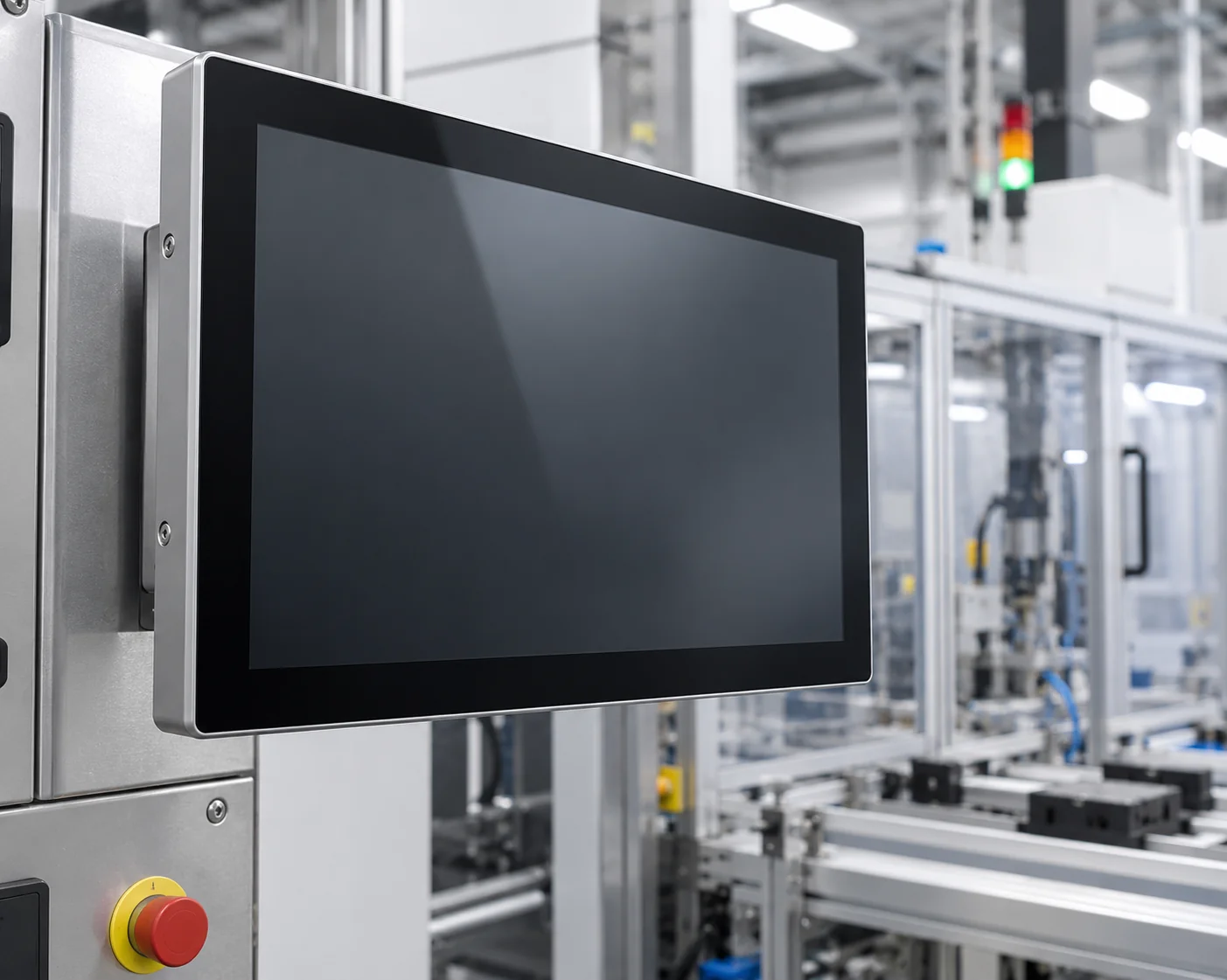
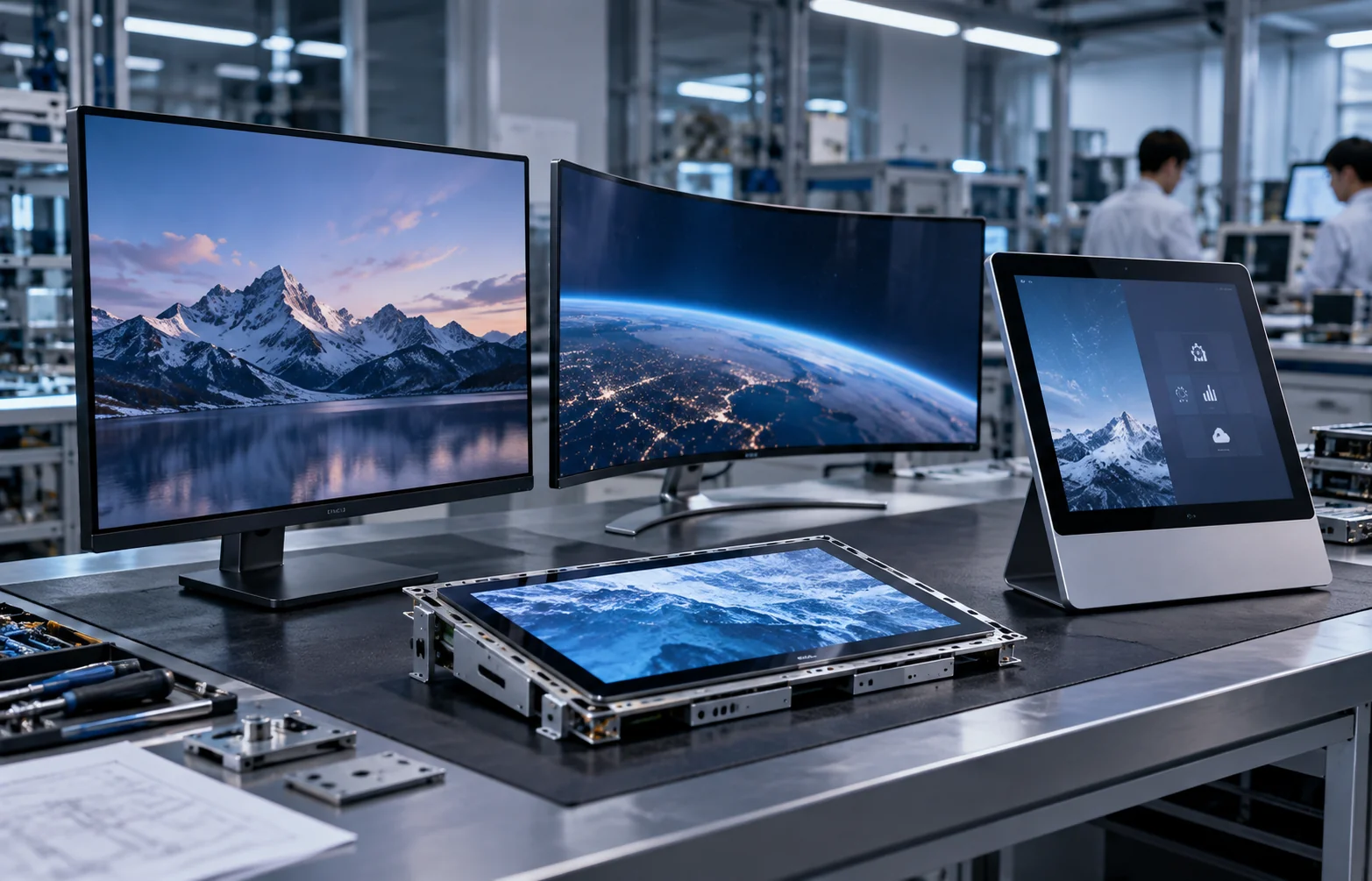
Flat Capacitive Touchscreen Monitors
A flat 16:9 touch display is the practical starting point for control interfaces, commercial information displays, POS equipment and interactive terminals. Documented configurations use capacitive touch, a metal housing and 1920 × 1080 resolution. Size, mounting and system architecture are confirmed for each project.
Choose this configuration when a conventional flat viewing surface and straightforward equipment integration are priorities.
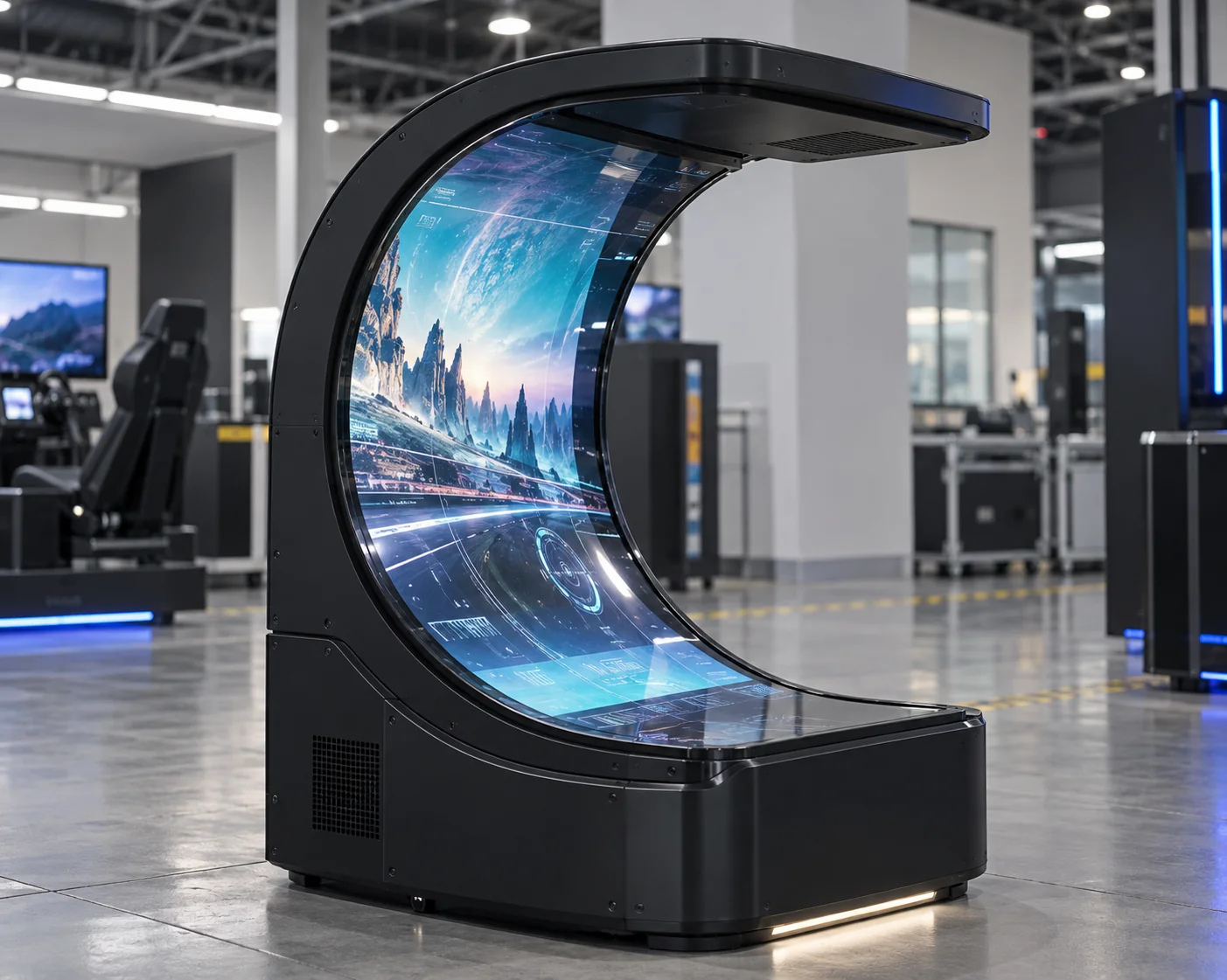
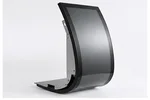
C-Shaped Curved Touchscreen Monitors
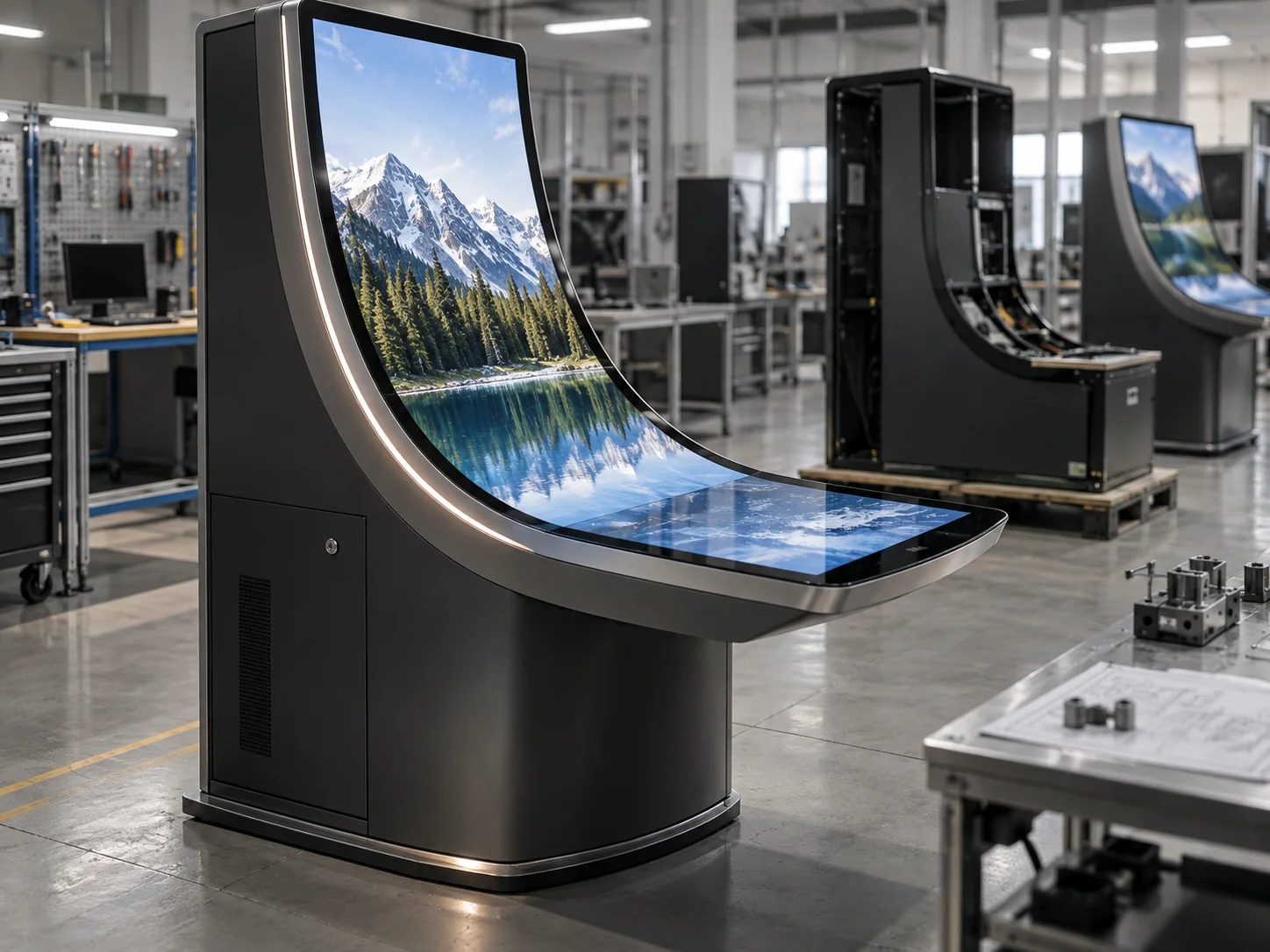
C-shaped capacitive touch displays are available in documented 32-, 43-, 49- and 55-inch configurations. Their continuous curved form is suited to immersive gaming equipment, entertainment displays and experience spaces where the screen becomes part of the enclosure.
Choose the C-shaped structure when immersion and a continuous curved viewing surface are central to the equipment design.
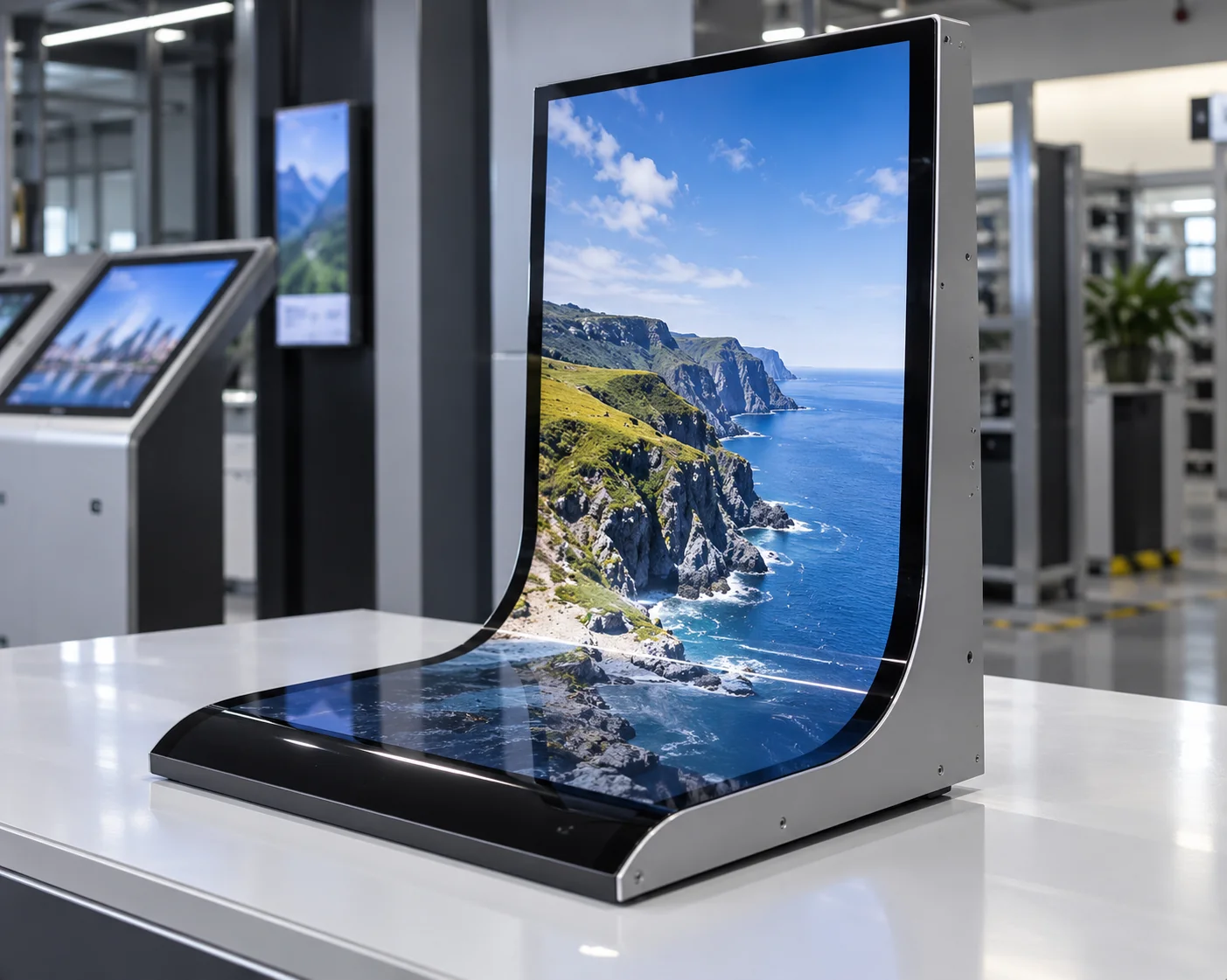
J-Shaped Curved Touchscreen Monitors
J-shaped capacitive touch displays are available in documented 43-, 49- and 55-inch configurations. The curved side can support edge interaction and distinctive integration in display cabinets, workstations and custom commercial equipment.
Choose the J-shaped structure when the display must wrap toward one side of the user or equipment.
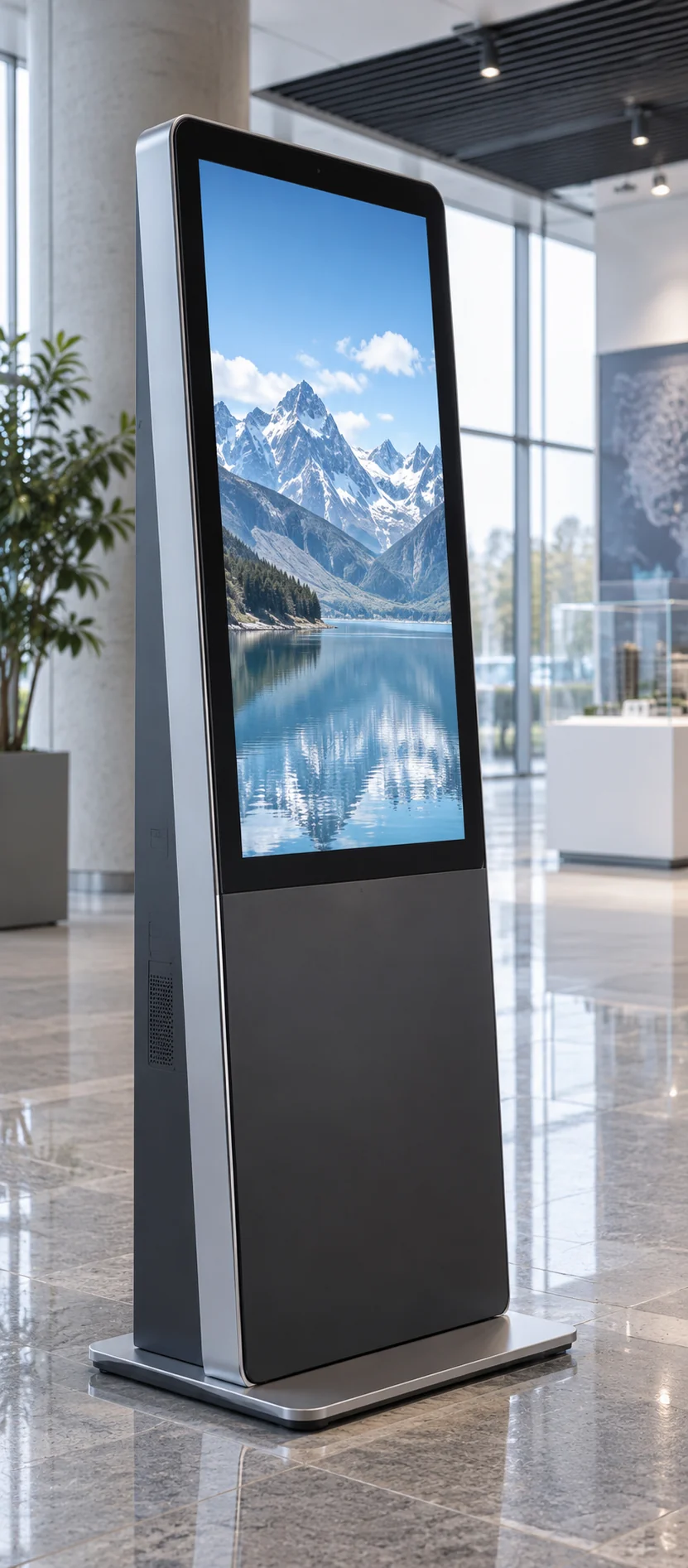
Integrated Touchscreen All-in-One Systems
An all-in-one configuration combines the touch display with an Android or computer-based system, reducing dependence on a separate external host. It is suitable for standalone information, presentation, inquiry and interactive terminal applications.
Choose an integrated system when the equipment needs local computing, software installation or independent operation.
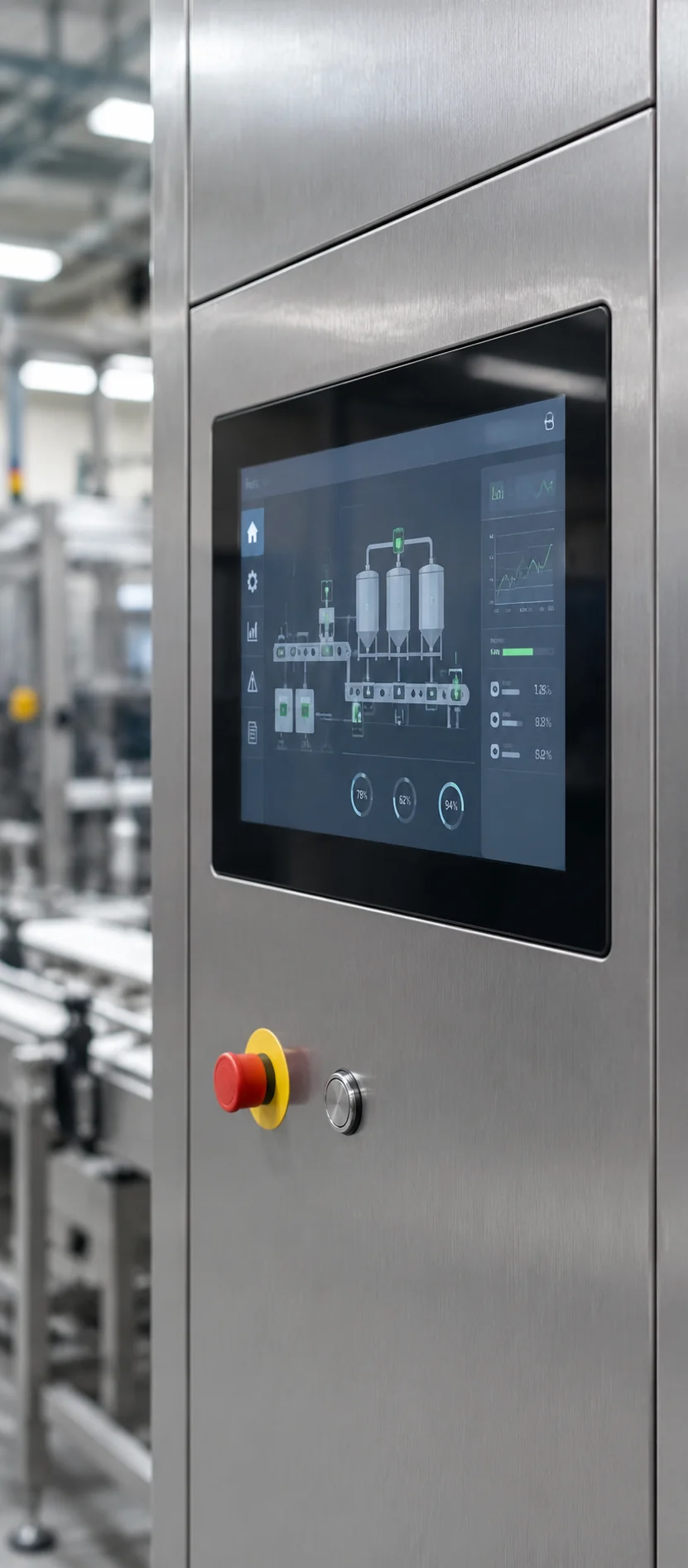
Embedded Touchscreen Displays
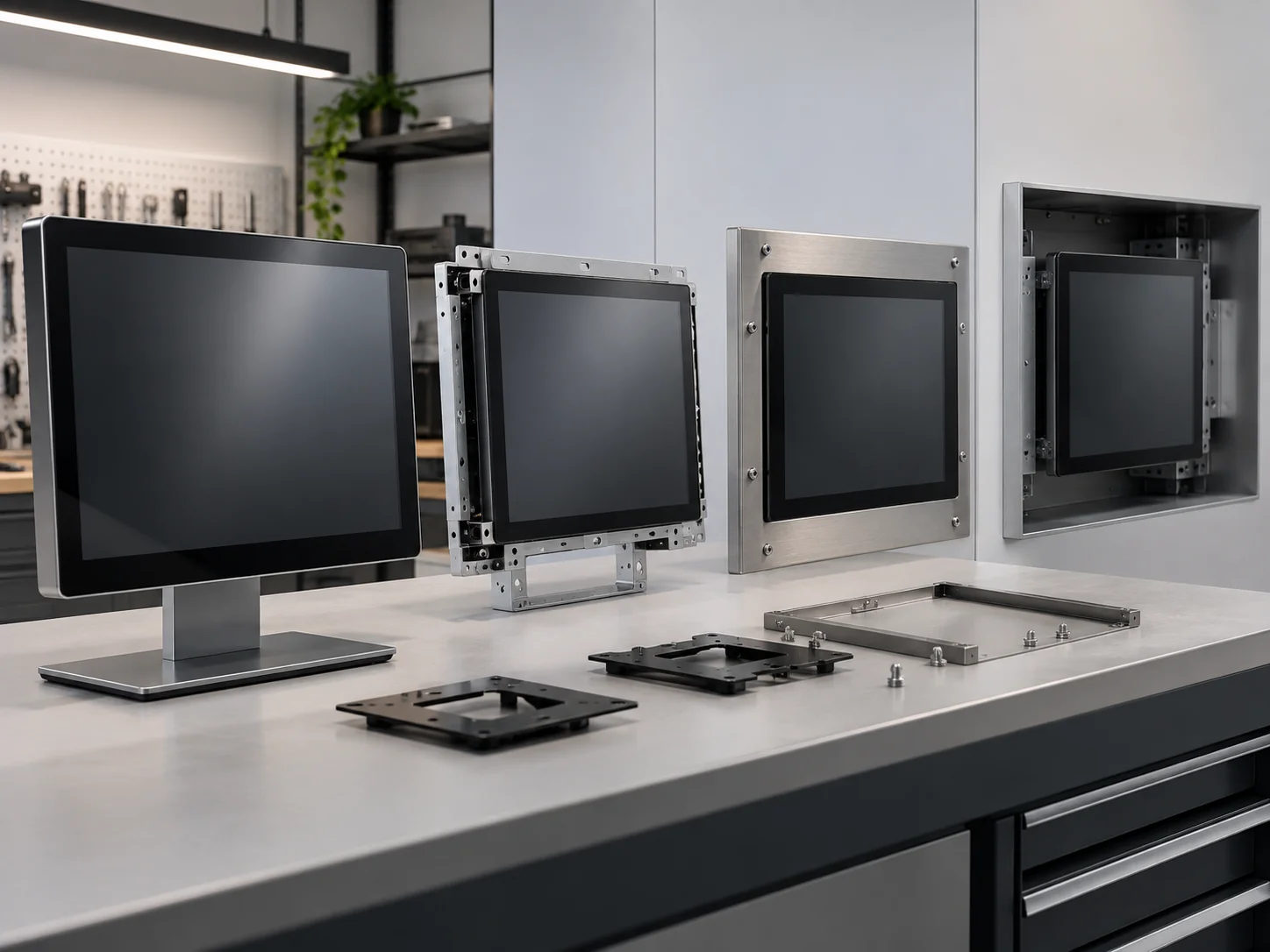
Embedded configurations are developed for cabinets, walls, counters, exhibition equipment and self-service terminals. The project can be reviewed around display size, opening dimensions, appearance, motherboard, resolution, interfaces and maintenance access.
Choose an embedded configuration when the touch display must become part of a larger enclosure or machine.
Compare the Five Touchscreen Display Paths
Use the product structure to narrow the choice before comparing detailed panel, system and interface specifications.
 Flat
Flat
 C-Shaped
 J-Shaped
Swipe left to view full table →
| Configuration | Verified starting point | Main selection dimension | Suitable project direction |
|---|---|---|---|
| Flat capacitive monitor | Capacitive touch, 16:9 format, metal housing and documented 1920 × 1080 configuration | Screen size, mounting, resolution and external host connection | Control panels, POS, information displays and interactive equipment |
| C-shaped curved monitor | 32, 43, 49 and 55 inches; capacitive touch; 16:9; documented 1920 × 1080 models | Curve geometry, user position and enclosure space | Gaming systems, immersive displays and experience installations |
| J-shaped curved monitor | 43, 49 and 55 inches; capacitive touch; 16:9; documented 1920 × 1080 models | Curved-side direction, reach area and equipment profile | Display cabinets, edge interaction and custom workstations |
| Integrated all-in-one system | Touch display combined with an Android or computer-based system | Operating system, motherboard, storage, software and peripheral requirements | Standalone interactive displays and inquiry terminals |
| Embedded touch display | Project-configured display and mechanical integration | Opening size, housing, mounting, interfaces and service access | Kiosks, cabinets, walls, counters and custom machines |
Custom touchscreen solutions can be reviewed from 2.5 to 120 inches. The exact panel, touch structure, resolution, electrical configuration and operating conditions must be confirmed for the selected model or custom project.
Avoid the Common Mismatches in Touchscreen Display Projects
A Touch Monitor and an All-in-One Are Different Products
A touch monitor depends on an external computer or media source, while an all-in-one includes a local operating system and computing hardware. Selecting the wrong architecture can create unnecessary enclosure, cabling and software changes. Confirm the host arrangement before the mechanical design is finalized.
Diagonal Size Does Not Define Installation Fit
Two displays with the same diagonal size can require different openings, depths, curved profiles and maintenance space. Flat, C-shaped, J-shaped and embedded products should be selected with the equipment drawing and user interaction position in view.
Video, Touch and System Compatibility Must Be Planned Together
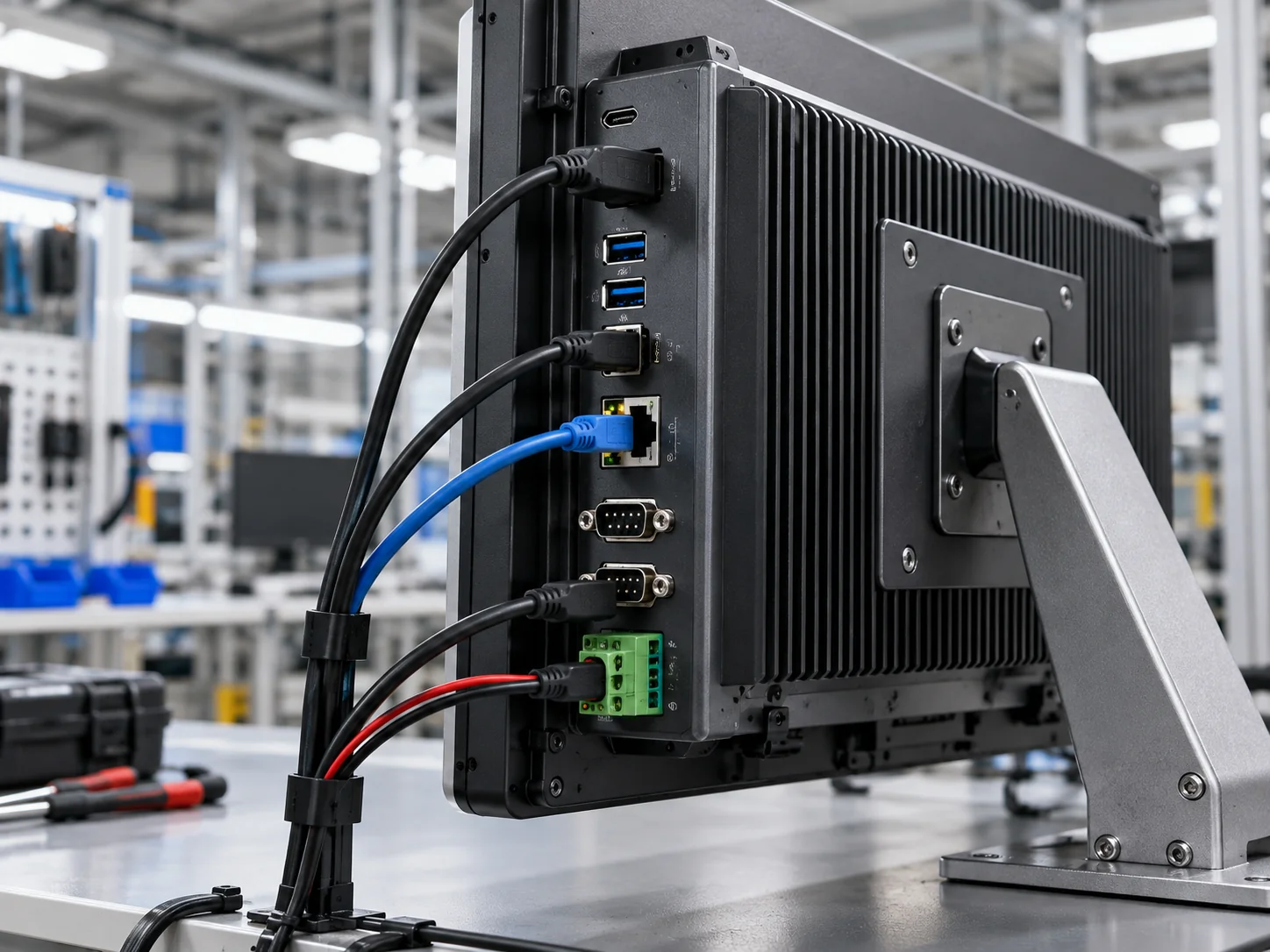
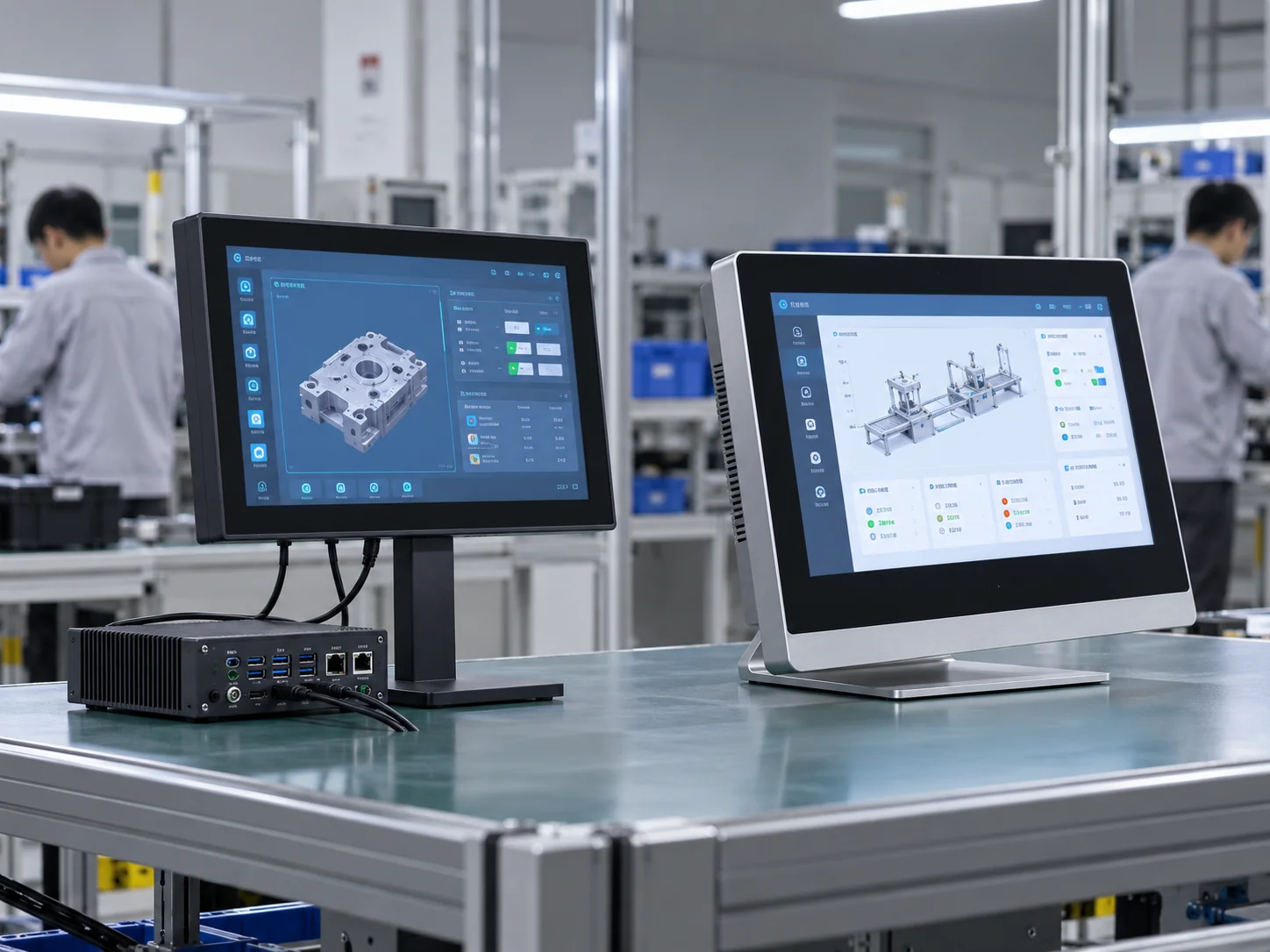
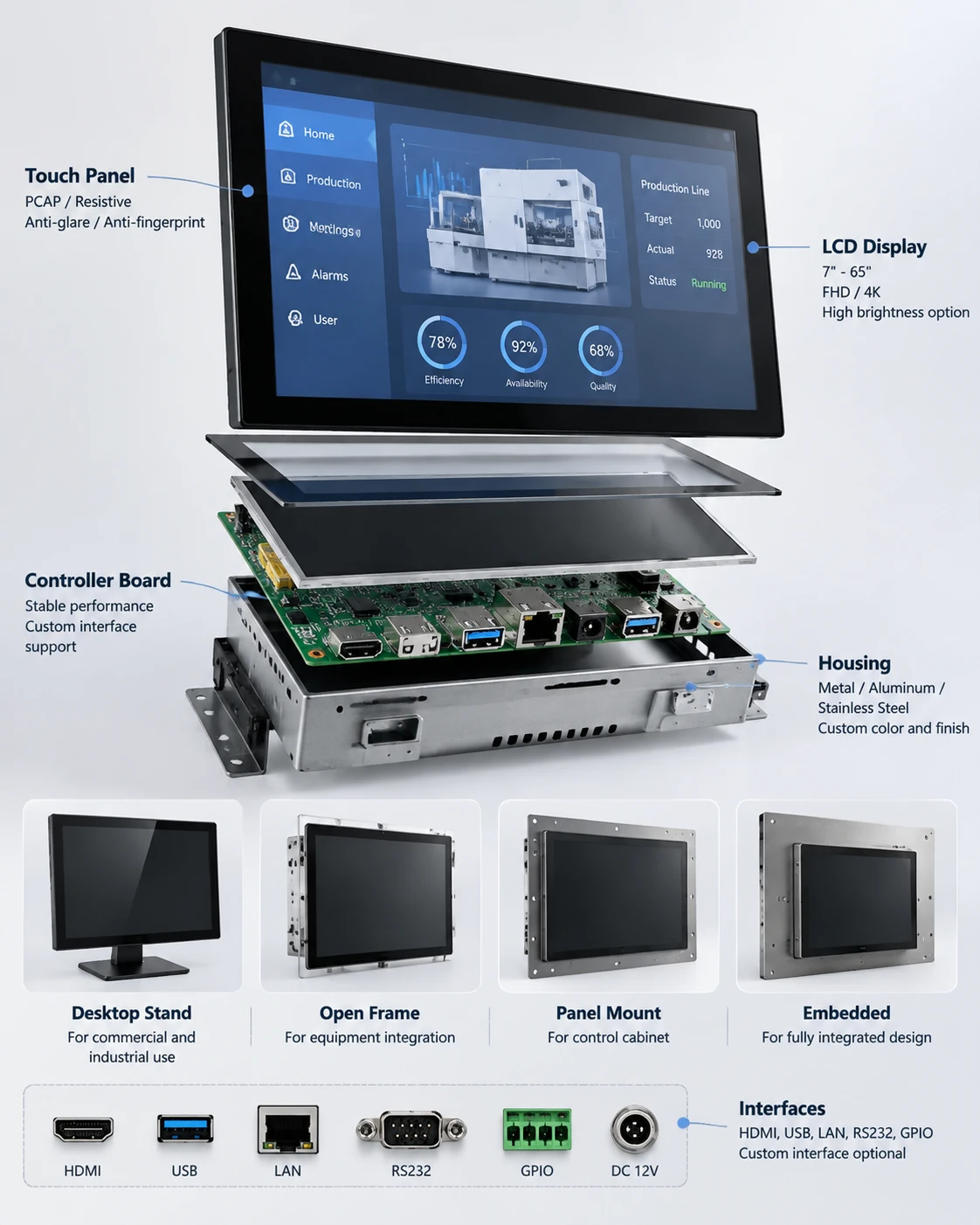
The display signal, touch-data connection, operating system and peripheral interfaces are separate parts of the integration. HDMI, USB and RJ45 are available across documented configurations, while RS232 and 4G appear on selected models. Confirm the exact interface set rather than assuming every model uses the same ports.
Curved Geometry Changes the Entire Enclosure
A curved screen affects the cabinet profile, viewing direction, touch reach and installation method. Selecting between C-shaped and J-shaped construction early gives the industrial and mechanical design teams a defined geometry to work around.
Configure the Display Before the Equipment Design Is Locked
A useful touchscreen specification defines the product structure, image quality, touch behavior, host system, connections and installation conditions as one system.
Decision: Product structure
Flat, C-shaped curved, J-shaped curved, integrated all-in-one or embedded
Equipment profile, viewing direction and user reach
Decision: Touch technology
Capacitive touch is documented for the flat and curved display lines
Touch-point requirement, glove or stylus use and cover-glass conditions
Decision: Resolution
1920 × 1080 is documented for flat and curved products; 3840 × 2160 can be reviewed as a custom requirement
Screen size, content density, viewing distance and host graphics output
Decision: Operating system
Windows, Android and Linux support is documented across the touchscreen solution range
Board configuration, software, touch driver and peripheral compatibility
Decision: Interfaces
HDMI, USB and RJ45 are documented; selected products can include RS232 or 4G
Exact connector count, location and communication protocol
Decision: Installation
Wall, embedded, enclosure-integrated and base-supported structures can be evaluated
Opening, bracket, ventilation, cable route and maintenance access
Decision: Appearance
Size, external form and logo customization are supported
Housing drawing, finish, branding position and acceptance criteria
Decision: Project transition
Design, component evaluation, industrial design, mechanical design, prototype construction, assembly and shipment
Approved specification and sample-review requirements
For C-shaped curved products, the documented operating-temperature range is −10°C to 60°C. Do not apply this value to other product families without confirming the exact model and configuration.
A Product Range Built Around Real Integration Choices
Flat and Curved Structures From One Touchscreen Product Scope
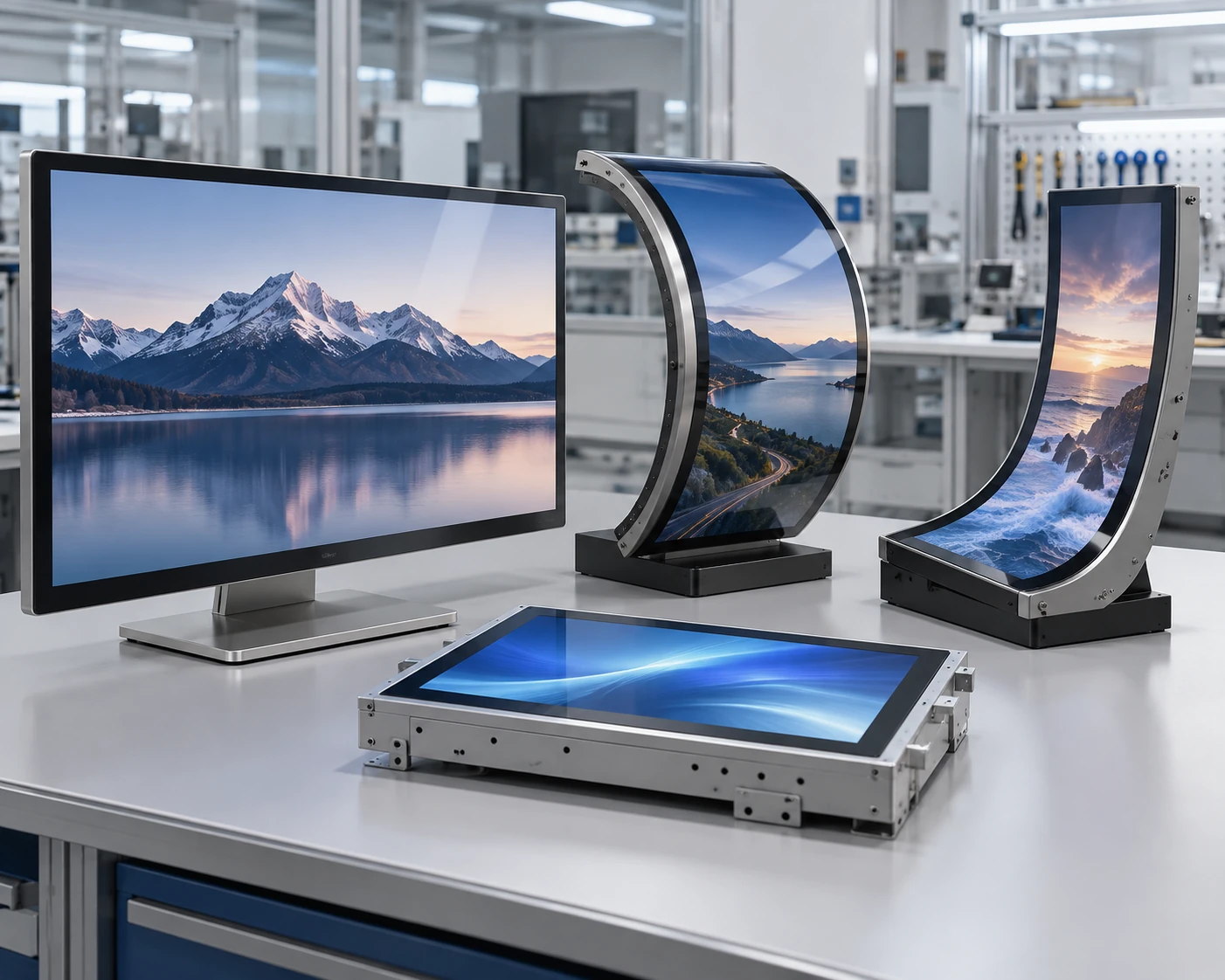
The available range covers conventional flat displays, two distinct curved constructions, integrated systems and embedded development. Buyers can evaluate the physical form before narrowing the panel, system and interface specification.
Defined C-Shaped and J-Shaped Size Families
Documented curved products cover C-shaped displays in 32, 43, 49 and 55 inches and J-shaped displays in 43, 49 and 55 inches. These starting points make it easier to compare geometry and enclosure requirements without treating every curved project as the same structure.
Display, System and Interface Coordination
Windows, Android and Linux support, together with HDMI, USB, RJ45 and selected communication options, allows the display specification to be reviewed alongside the host system and external equipment.
OEM and ODM Development Beyond a Standard Monitor
Custom work can cover size, appearance, motherboard configuration, resolution and logo requirements. The workflow connects the initial concept with component evaluation, industrial and mechanical design, prototype construction, assembly and production preparation.
Where Touchscreen TV Monitors Become Part of the Equipment
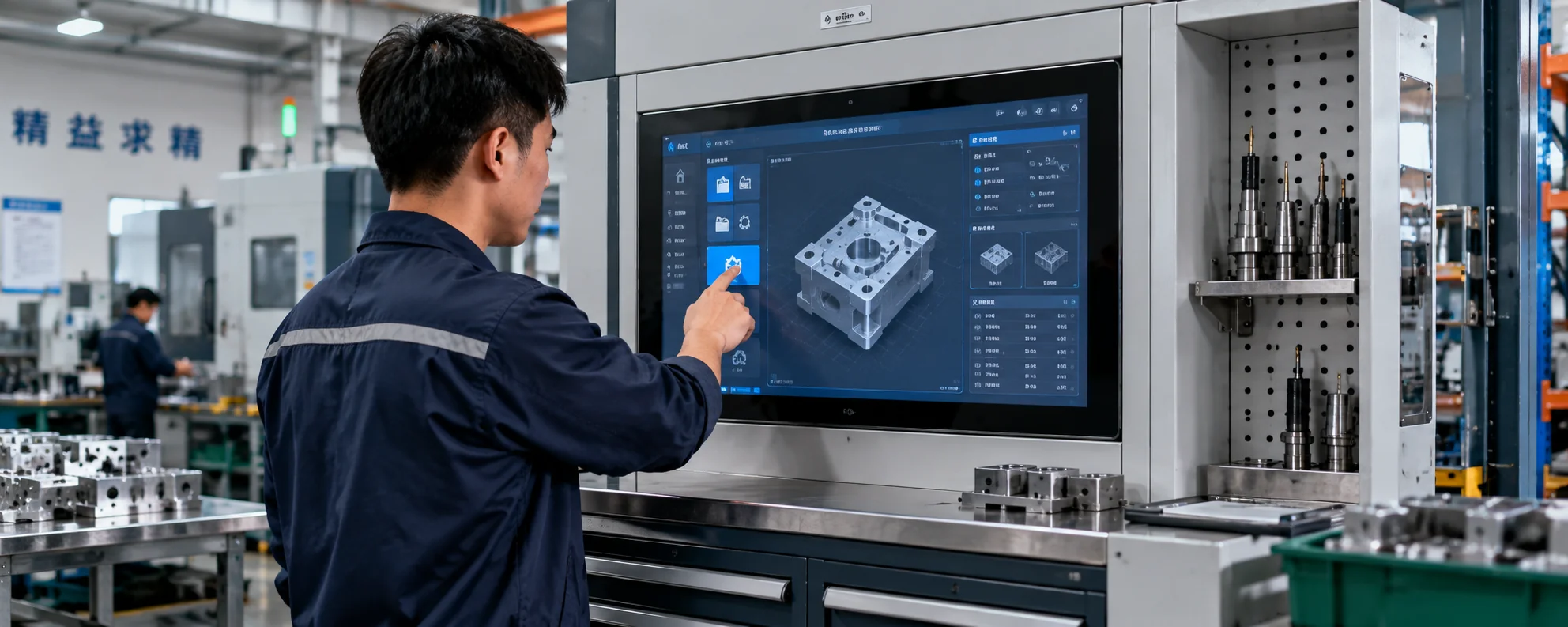
Commercial Display and Interactive Retail
Flat or integrated touch displays can present product information, directories and interactive content in shops, showrooms and exhibition environments.
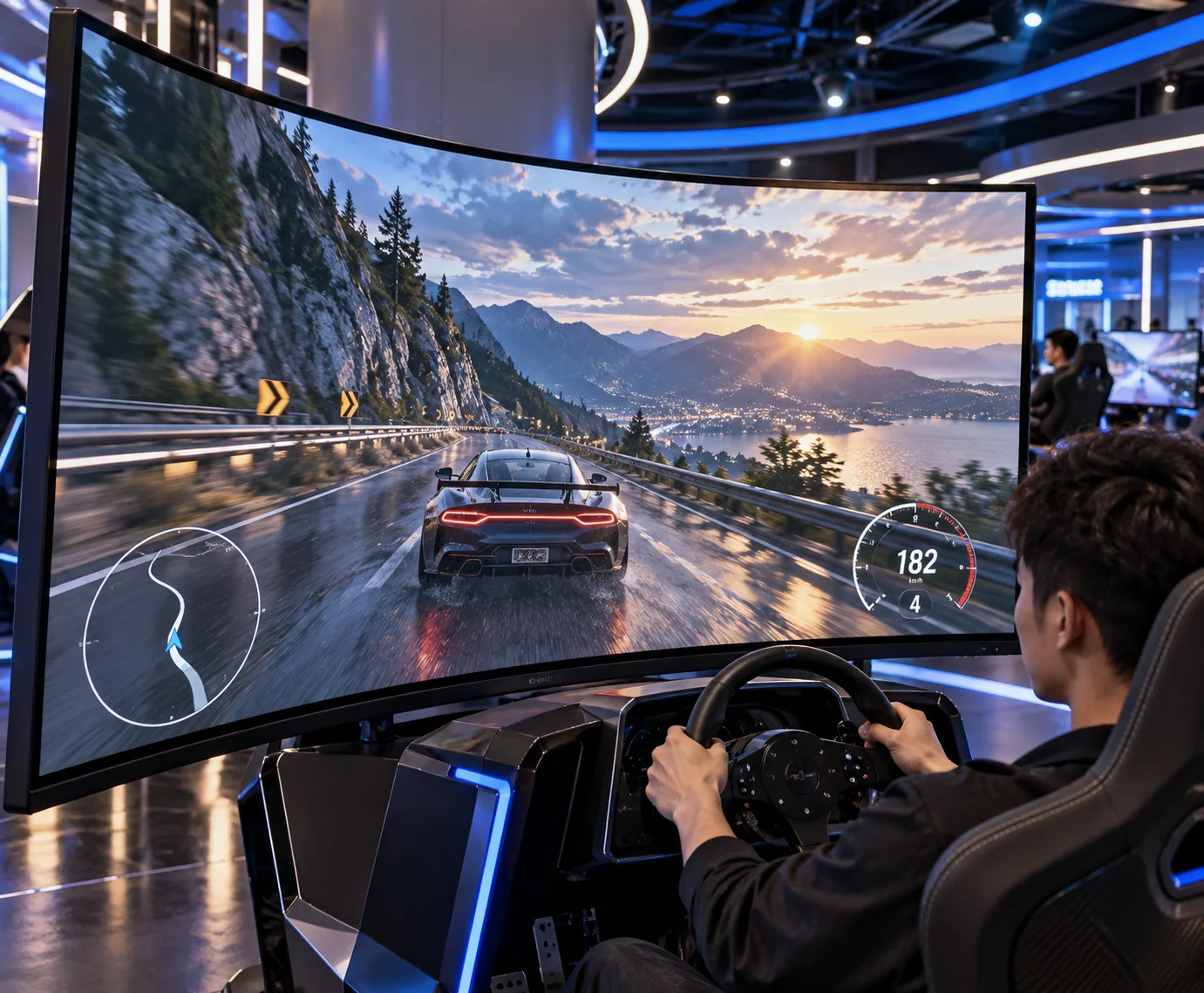
Gaming and Immersive Systems
C-shaped and J-shaped screens give equipment designers additional control over the viewing profile and interaction surface for gaming machines and immersive installations.
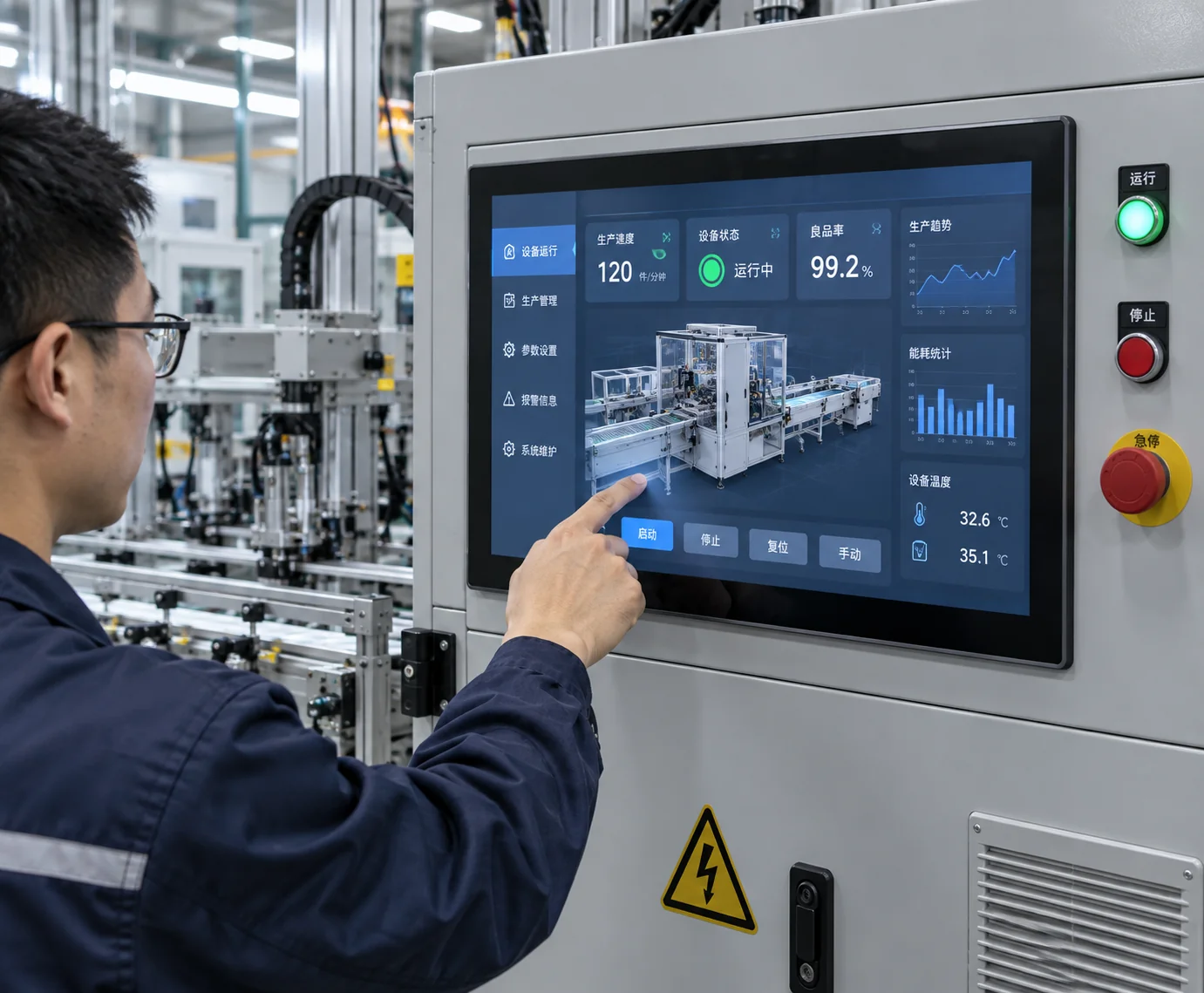
Industrial and Equipment Interfaces
Flat and embedded touch displays can provide a dedicated control surface for industrial equipment, control cabinets and application-specific machines.
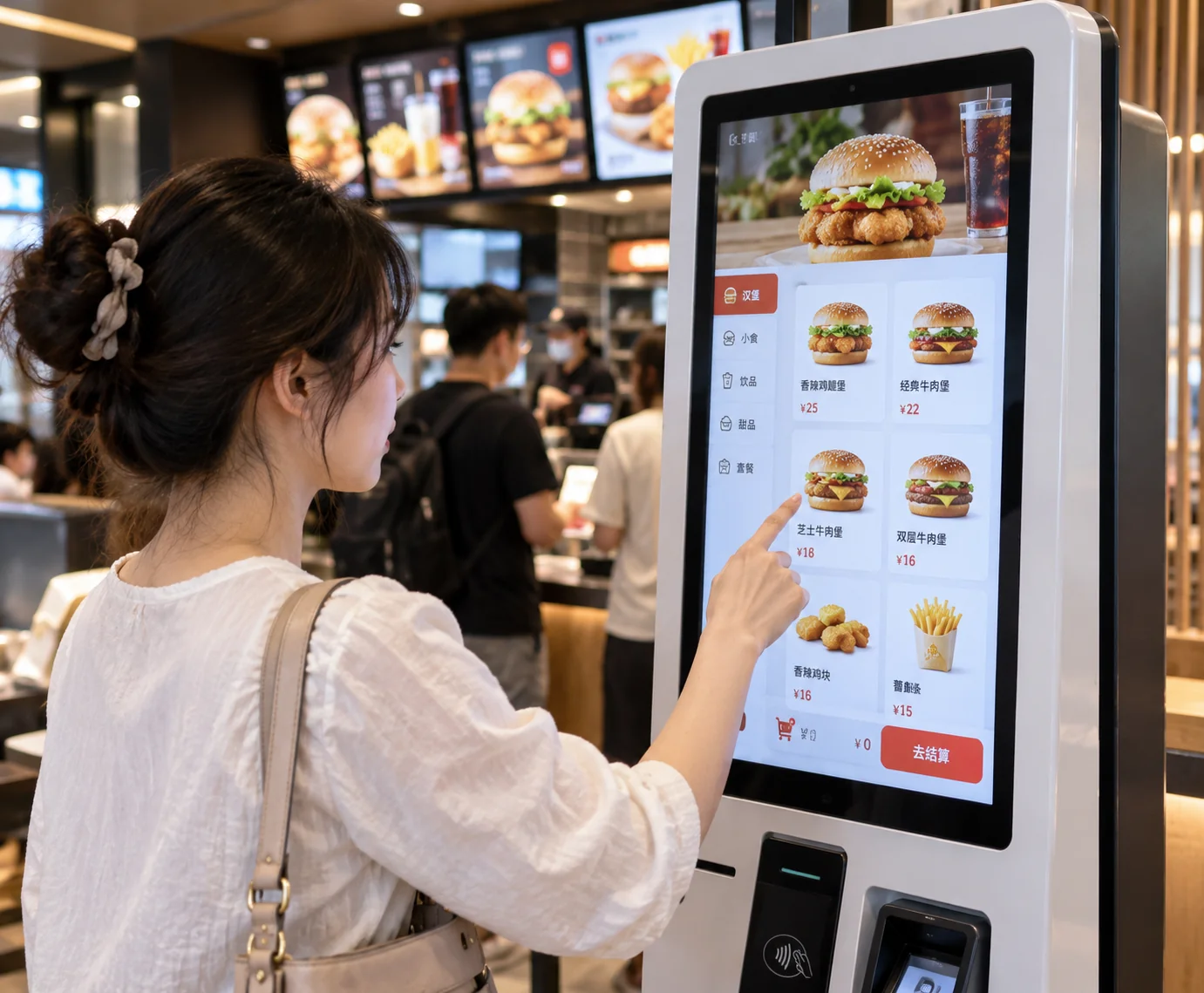
POS, Inquiry and Self-Service Equipment
Embedded displays and integrated systems can be developed as the user interface for ordering, information lookup, queue management and other self-service workflows.
Workstations and Custom Display Furniture
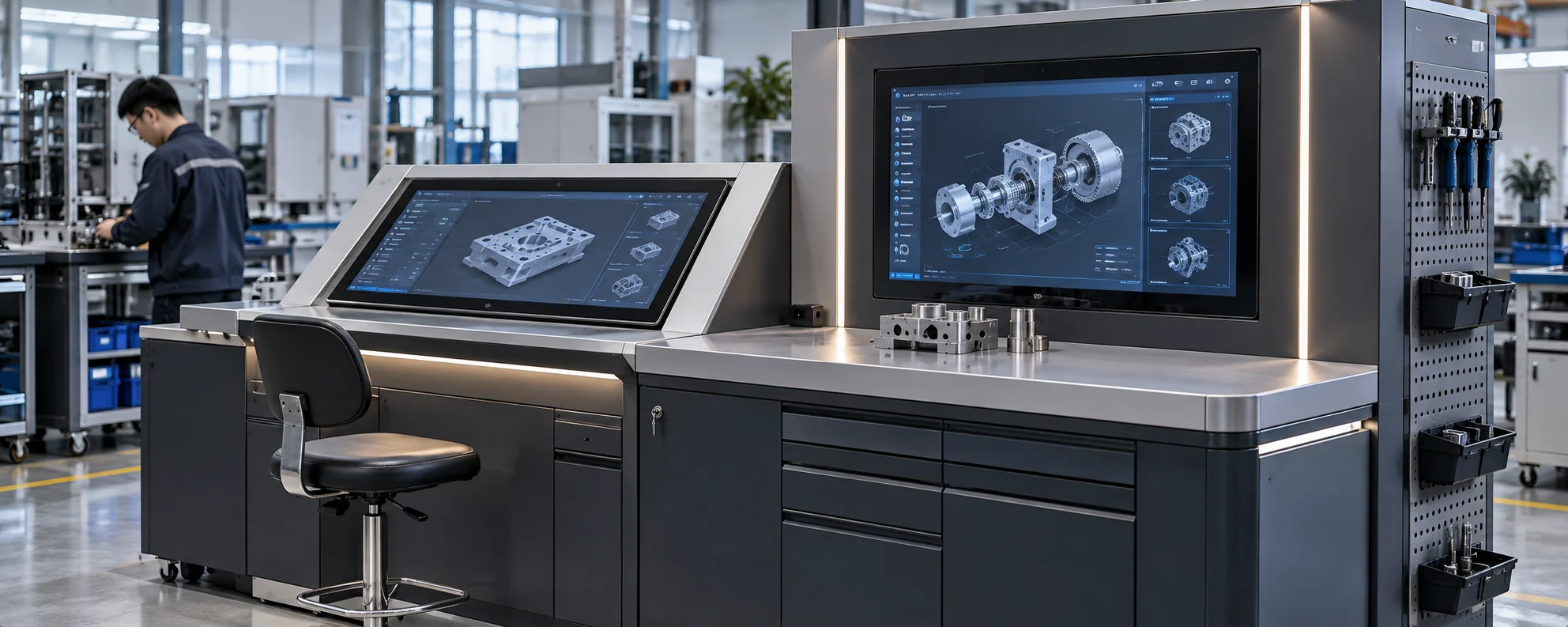
J-shaped and embedded configurations can be evaluated for workstations, display cabinets, counters and other equipment where the screen must follow a defined physical form.

Touchscreen Manufacturing Support for Custom Display Projects
Lucky XFC specializes in custom touchscreen display solutions for industrial, commercial and interactive applications. We support OEM and ODM projects from prototype development to stable mass production, helping customers complete display integration with reliable manufacturing support.
Our engineering and production teams support the complete development process, including product evaluation, structural optimization, prototype validation, assembly and production preparation. Each project is reviewed according to application requirements, display specifications and integration conditions.
From Product Definition to Production Preparation
- 1 Define the application and display structure.
- 2 Evaluate the display, touch, system and component requirements.
- 3 Complete industrial and mechanical design.
- 4 Build and review the prototype configuration.
- 5 Prepare assembly, inspection and shipment requirements.
Touchscreen TV Monitor Selection Guide
Use these questions to separate the display choice from the system and mechanical decisions that follow it.
- What Is a Touchscreen TV Monitor?
- Does a Touchscreen Monitor Need an External Computer?
- How Do PCAP and Infrared Touch Differ?
- Should I Choose a Flat, C-Shaped or J-Shaped Screen?
- Is 1080p or 4K Better for a Touchscreen TV Monitor?
- How Are Video and Touch Connected?
- Can the Display Work With Windows, Android or Linux?
- What Should Be Defined Before Requesting a Custom Quotation?
What Is a Touchscreen TV Monitor?
A touchscreen TV monitor combines a large-format display with a touch-sensing surface so users can control visible content directly. Depending on the configuration, it may operate as a monitor connected to an external computer or as an all-in-one system with computing hardware and an operating system inside the enclosure.
For commercial equipment, the term describes several possible products rather than one universal television. The important distinctions are the touch technology, screen structure, host system, interfaces, mounting and intended operating environment.
Does a Touchscreen Monitor Need an External Computer?
A monitor configuration requires an external computer, media player or controller to supply the content and application. An integrated all-in-one configuration includes an Android or computer-based system and can run suitable software locally.
Choose an external-host monitor when computing hardware is already part of the equipment. Choose an all-in-one when independent operation and a consolidated enclosure are more useful.
How Do PCAP and Infrared Touch Differ?
Projected capacitive touch detects changes in an electrical field and is commonly selected for smooth multi-touch interaction and finished glass-front displays. Infrared touch uses emitters and sensors around the screen perimeter and is often considered for large-format overlays or applications with different input conditions.
The confirmed flat and curved products on this page use capacitive touch. If a project specifically requires infrared touch, treat it as a separate feasibility requirement rather than assuming it is part of the standard range.
Should I Choose a Flat, C-Shaped or J-Shaped Screen?
Choose a flat screen for conventional equipment faces, walls, counters and control surfaces. Choose a C-shaped screen when the display should create a continuous curved viewing area around the user. Choose a J-shaped screen when one curved side needs to follow the edge of a workstation, cabinet or custom device.
The decision should be based on the user position, touch reach, viewing direction and enclosure drawing—not appearance alone.
Is 1080p or 4K Better for a Touchscreen TV Monitor?
1920 × 1080 is a documented starting point for the flat and curved product lines. It can be suitable for control interfaces, signage and general interactive content when the viewing distance and content density are appropriate.
A 3840 × 2160 configuration can be reviewed when detailed graphics, dense information or close viewing justify the additional resolution. Confirm that the selected panel, motherboard, video source and connection can support the required output before choosing resolution in isolation.
How Are Video and Touch Connected?
Video and touch data are normally treated as separate signal paths. A video connection such as HDMI carries the image, while USB commonly carries touch input back to the host. Network and equipment communication may use RJ45, RS232 or another interface according to the selected configuration.
Documented products cover HDMI, USB and RJ45, with RS232 and 4G available on selected models. The quotation specification should identify the exact connector type, quantity, location and host equipment.
Can the Display Work With Windows, Android or Linux?
Windows, Android and Linux support is documented across the touchscreen solution range. Compatibility still depends on the selected board, touch controller, driver, software and interface configuration.
For an external-host monitor, confirm the host operating system and touch-driver requirements. For an all-in-one, confirm the internal system, software package, storage and peripheral connections as part of the same configuration.
What Should Be Defined Before Requesting a Custom Quotation?
Prepare the required screen size, quantity and application first. Then identify whether the project needs a flat, C-shaped, J-shaped, all-in-one or embedded configuration.
Useful technical inputs include:
- Display resolution and content type
- Touch method and expected user input
- External host or integrated operating system
- Required video, USB, network and communication ports
- Installation opening, bracket or enclosure drawing
- Orientation, viewing position and maintenance access
- Appearance and logo requirements
- Operating environment and expected usage pattern
These inputs allow the display, touch, system and mechanical scope to be reviewed together.
Continue Planning Your Interactive Display System
Send Your Touchscreen Monitor Requirements
Share the product structure, screen size, application and system requirements you already know. We can use them to review the display, touch, interface and mechanical configuration for your project.
Direct Contact
sales13@lucky-xfc.com
13530368341
No. 15, Lianfeng Road, Hongqiaotou, Yanluo Street, Songgang Town, Bao'an District, Shenzhen City, Guangdong Province
