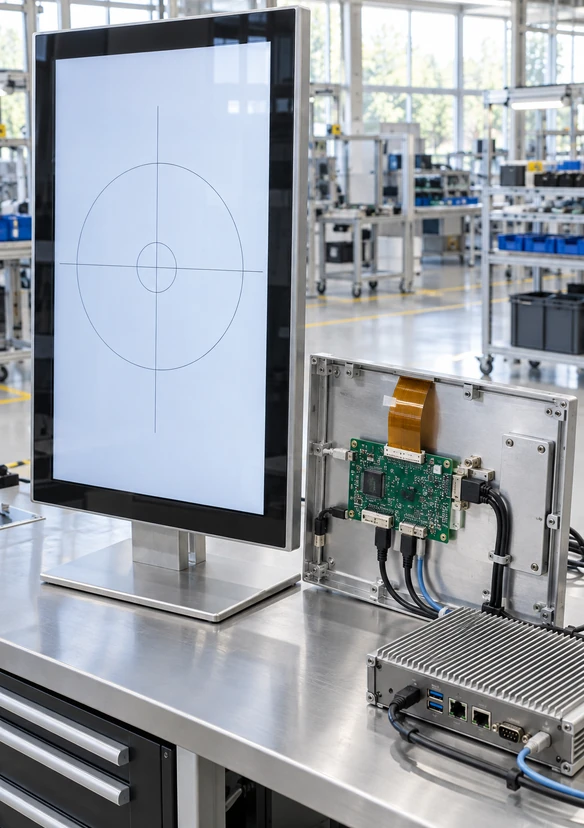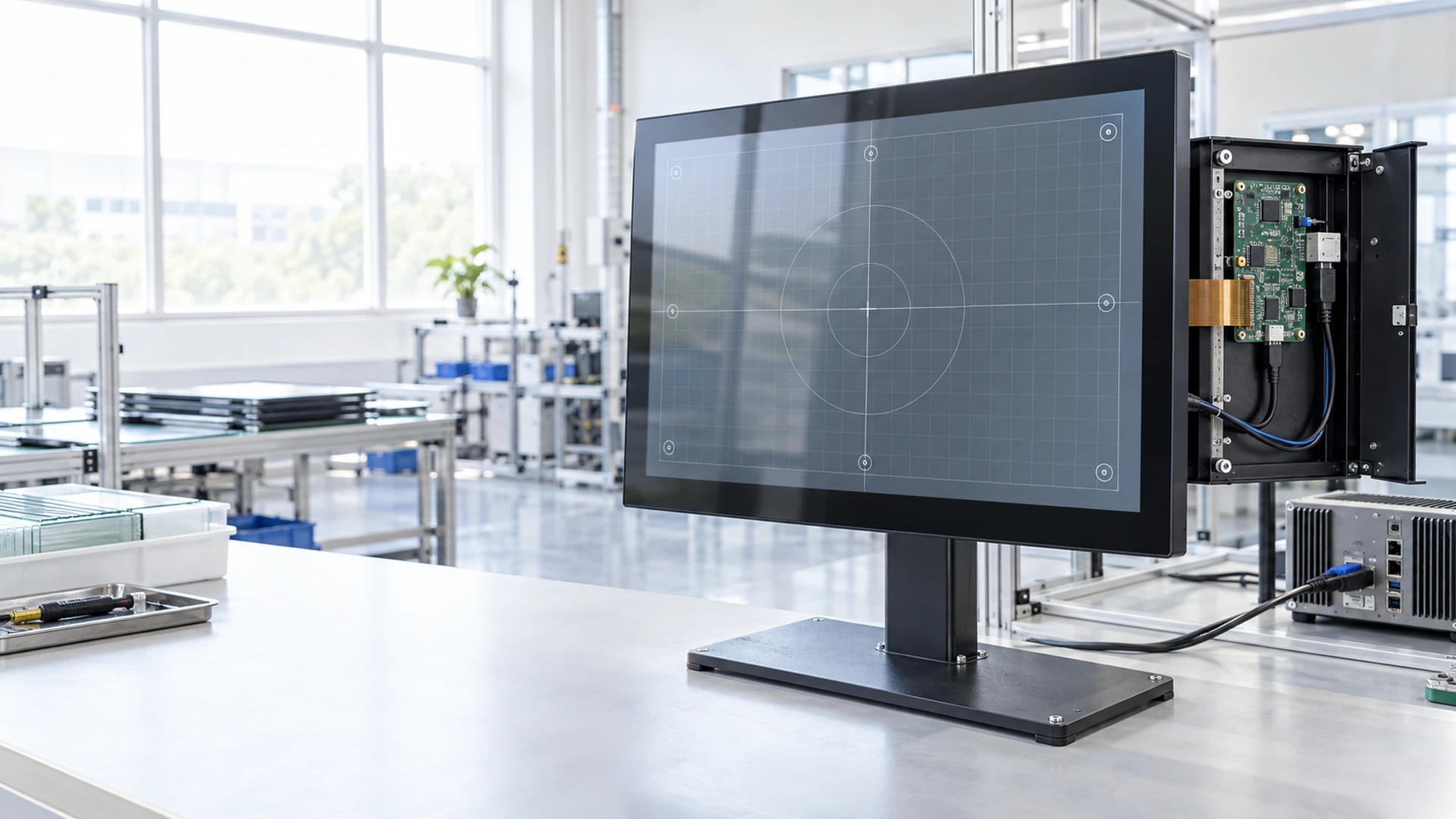
Touch Screen Controller Integration by a Custom Touch Display Manufacturer
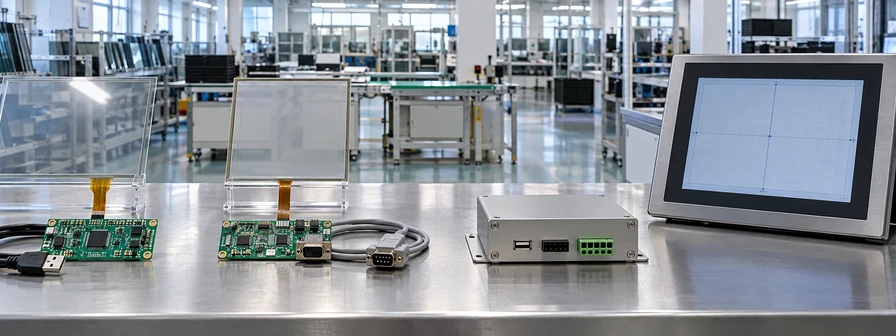
Match the touch sensor, controller, host interface and display structure around the way your equipment must operate. Lucky-XFC supports PCAP and applicable resistive touch controller integration for custom monitors, kiosks, commercial terminals and embedded equipment.
USB, selected serial and controller-matched assembly paths are confirmed according to the touch technology, host system and approved product configuration.
Touch Controller Integration Built Around the Complete System
A touch screen controller converts input from the touch sensor into coordinate data that the host system can use. Reliable operation depends on the sensor, controller, interface, operating system, cover glass, display electronics and installation environment working together.
Choose the Right Touch Screen Controller Path
Begin with the touch technology and host connection, then confirm the controller, firmware, mechanical structure and validation requirements. Lucky-XFC’s scope focuses on controller integration within complete touch display projects rather than bare semiconductor IC manufacturing.
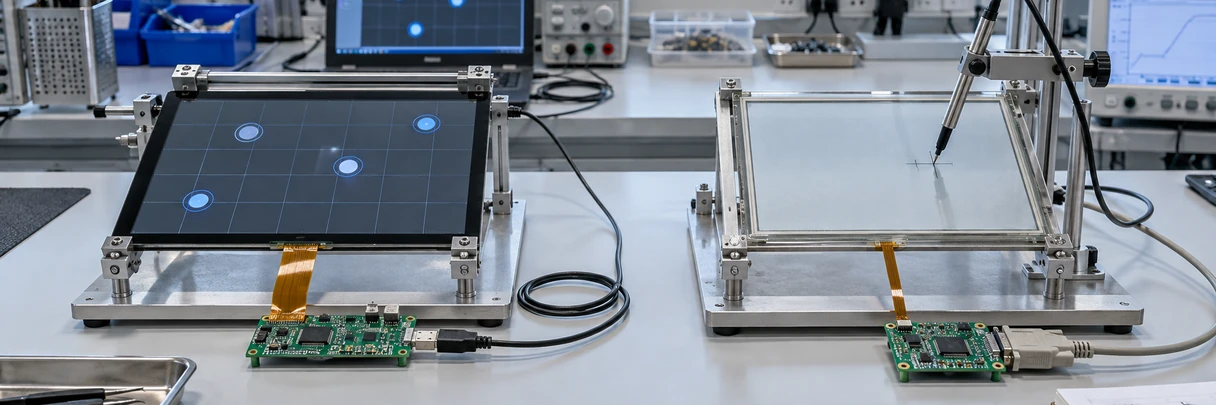
PCAP Touch Screen Controller Integration
Match a projected capacitive touch sensor with an appropriate controller, cover glass, display and host system. This path is used for responsive touch interfaces in finished and open-frame display projects.
Select by screen size, touch points, cover-glass structure, host system, interface and operating environment.
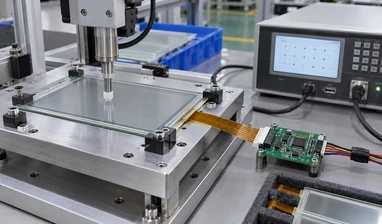
Resistive Touch Screen Controller Integration
Use an applicable resistive touch configuration when the input method or operating environment makes resistive technology more suitable than PCAP. The sensor, controller and host connection must be selected together.
Select by touch-sensor construction, input method, host interface, operating system and installation space.
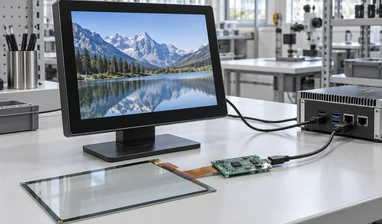
USB Touch Controller Configuration
Transfer touch-coordinate data from the controller to an external computer through a confirmed USB touch connection. Video and touch normally follow separate signal paths unless a selected model confirms another arrangement.
Confirm the host operating system, USB connection, controller support, cable direction and available power.
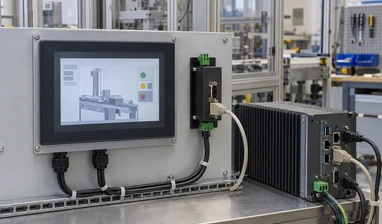
Serial Touch Controller Configuration
Evaluate a selected serial touch connection for industrial computers, embedded equipment or legacy systems that cannot use the intended USB touch path.
Confirm the communication interface, protocol, host driver, connector, power and cable requirements.
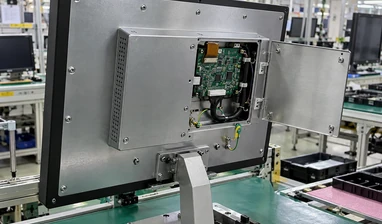
Integrated Touch Controller Assemblies
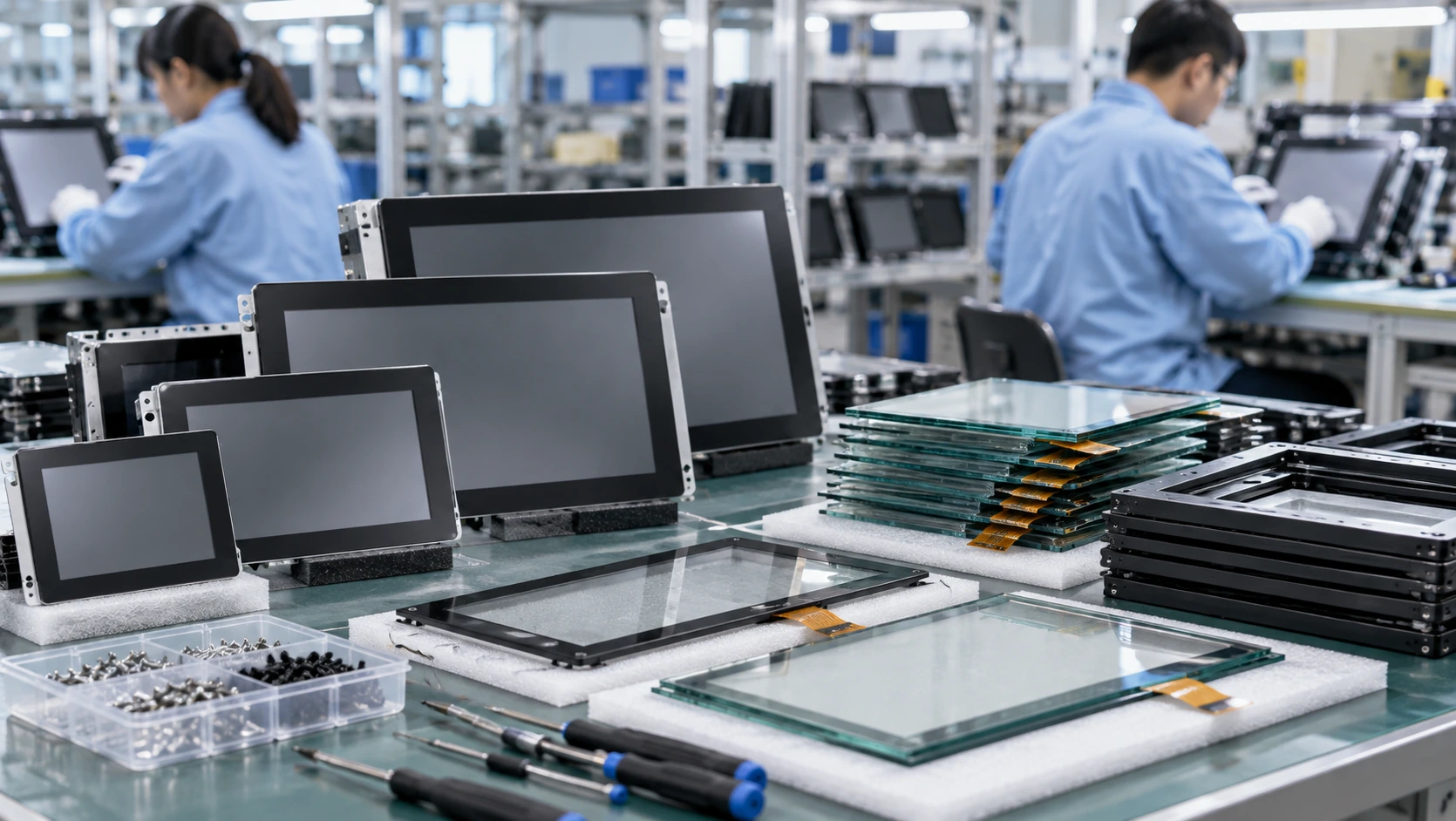
Combine the LCD, touch sensor, touch controller, display electronics and open metal chassis as one equipment-ready touch display unit. The customer’s host system provides the application and processes the touch input.
Select by display specification, touch technology, controller path, video input, touch connection and mounting structure.
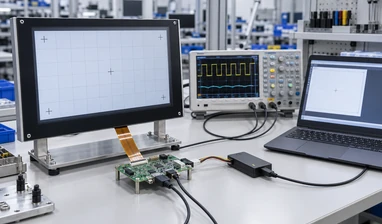
Custom Controller Matching & Firmware Tuning
Review controller matching and applicable firmware tuning around the selected sensor, cover glass, display noise, touch orientation and host environment. Final availability depends on the base hardware and engineering feasibility.
Evaluate edge response, touch direction, false input, controller compatibility and sample-validation requirements.
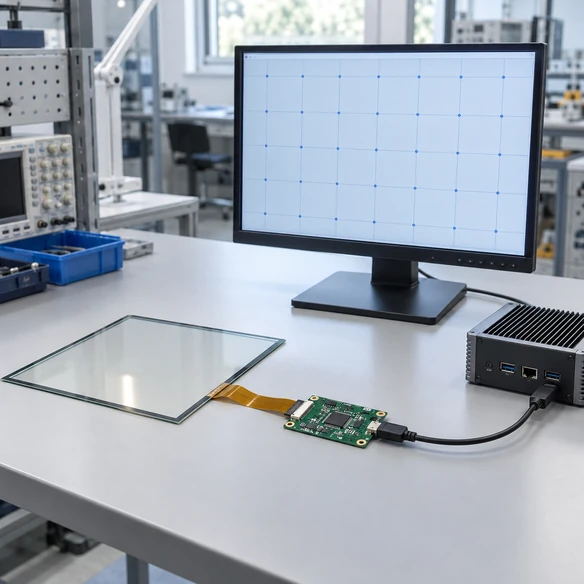
What Does a Touch Screen Controller Do?
A touch screen controller sits between the touch sensor and the host device. It scans or reads the sensor, interprets the detected contact and sends coordinate information to the computer or embedded system.
The controller does not normally create the display image. Video output is handled through the display electronics and video connection, while touch information follows the controller’s data interface. A system can therefore show an image correctly even when touch communication is missing or incorrectly configured.
Lucky-XFC integrates touch controllers as part of complete touch monitor and open-frame display projects. This page does not represent a catalog of bare semiconductor controller ICs.
-
Sensor Input — Receives changes from the PCAP or resistive touch sensor.
-
Signal Processing — Converts the sensor response into usable touch coordinates.
-
Host Communication — Sends touch data through the confirmed USB or selected serial path.
-
System Response — The host operating system and application process the touch action.
Follow the Touch Signal from the Panel to the Application
Every layer in the touch path must be compatible. A mismatch at one point can create missed input, incorrect coordinates or a display that works without touch.
User Input
A finger, stylus or approved input method contacts the touch surface.
Touch Sensor
The PCAP or resistive sensor detects a change at the contact position.
Touch Controller
The controller interprets the sensor signal and calculates coordinates.
Data Interface
USB or a selected serial connection transfers touch data to the host.
Host System
Windows, Android, Linux or another approved system receives the input.
Application Response
The kiosk, control, POS or information application performs the requested action.
Controller selection should be reviewed as part of this complete signal chain, not as an isolated board purchase.
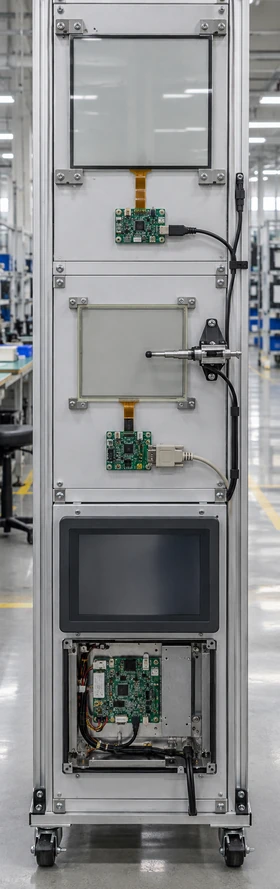
Compare Touch Controller Integration Paths
The correct controller path depends on both the touch sensor and the equipment that receives the touch data.
Swipe to view full table
| Integration Path | Touch Technology | Host Connection | Main Selection Focus | Suitable Project |
|---|---|---|---|---|
| PCAP Controller Integration | Projected capacitive touch | USB or model-specific confirmed interface | Sensor matching, touch points, cover glass and operating environment | Commercial terminals, kiosks and interactive equipment |
| Resistive Controller Integration | Applicable resistive touch sensor | USB or selected serial path | Sensor construction, input method, host support and cable arrangement | Embedded and open-frame equipment |
| USB Touch Configuration | PCAP or applicable resistive configuration | USB touch data | Host operating system, controller support, cable direction and power | Windows, Android, Linux or industrial-computer projects |
| Serial Touch Configuration | Selected compatible touch system | Confirmed serial communication | Protocol, connector, driver, power and legacy-system requirements | Industrial and embedded host systems |
| Integrated Controller Assembly | PCAP or resistive according to approved model | Touch interface plus separate video input | Complete display, touch, controller and mechanical integration | Machines, cabinets, kiosks and custom enclosures |
| Controller Matching & Tuning | Based on selected sensor and controller | Based on approved hardware | Sensor matching, touch orientation, edge behavior and sample validation | Custom or changed cover-glass and enclosure projects |
These paths describe integration directions, not universal controller specifications. Exact controller models, interfaces, touch points and operating-system support must be confirmed for the selected product.
PCAP or Resistive: Start with the Touch Technology
1 PCAP Controller Path
Projected capacitive touch is used in Lucky-XFC’s current flat touchscreen monitor range and interactive display products. It is suitable for responsive finger interaction and applicable multi-touch projects. Touch-point count and advanced functions remain model-specific.
2 Resistive Controller Path
Resistive touch can be evaluated for selected open-frame projects where the intended input method or operating environment makes it a better fit. The sensor construction and controller must be matched as one system.
- PCAP selection emphasizes sensor-controller matching, cover glass, touch points and environmental interference.
- Resistive selection emphasizes sensor construction, input method, controller compatibility and host connection.
- Neither technology should be selected from the controller board alone. Validate the actual screen, controller, host and enclosure together.
Choose the Controller Interface for the Host System
USB Touch Connection
USB is commonly used to send touch data from a monitor or controller to an external computer. Confirm the operating system, controller support, cable length, connector direction and whether the project requires a specific driver.
Selected Serial Touch Connection
A serial touch path can be evaluated for compatible industrial computers, embedded hosts or legacy systems. Confirm the communication interface, protocol, connector, power and driver environment before selection.
Video Is a Separate Decision
HDMI, DisplayPort, VGA or another selected video input carries the display image. The touch controller connection carries touch data. Both paths must be present and correctly assigned.
USB-C Requires Function Confirmation
A USB-C connector does not automatically mean it carries video, touch data and power together. Confirm the supported functions of the exact product before designing the cable layout.
Conclusion: Select the interface from the host architecture and maintenance environment, not only from connector appearance.
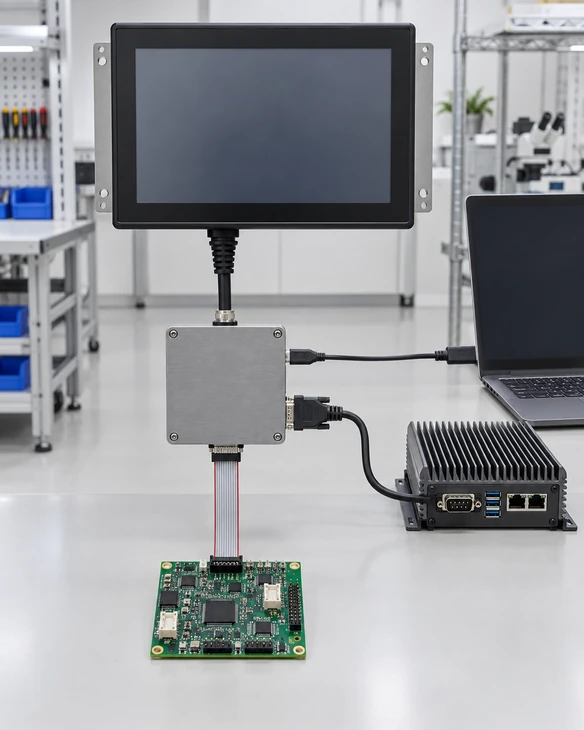
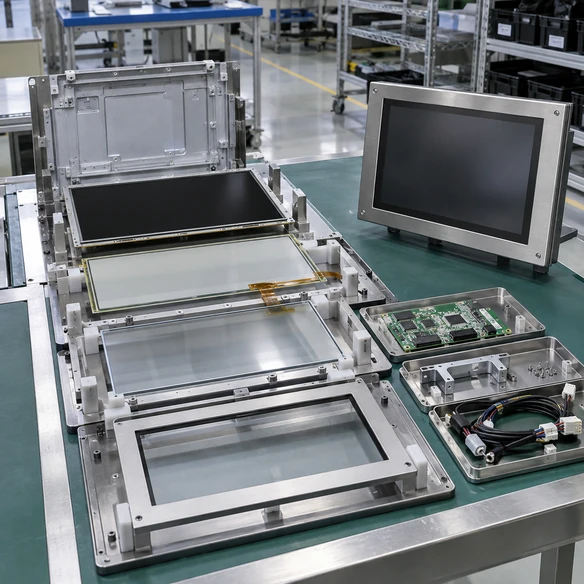
The Controller Must Match the Complete Touch Stack
Controller behavior can change when the touch sensor, cover glass, display, grounding or enclosure changes. A controller that works on one panel should not be assumed to work identically on another construction.
Touch Sensor
Confirm the sensor technology, active area, channel requirements, tail position and connector.
Cover Glass
Glass dimensions, thickness, printed border and available surface treatment can influence the approved touch configuration.
Display and Electronics
The display, power system and surrounding electronics can affect the integration environment. Evaluate the controller with the intended display assembly.
Mechanical Enclosure
Metal structures, mounting pressure, cable routing, grounding and nearby electronics should be considered during sample validation.
Do not approve the controller independently when the final project changes the glass, display, housing or host system.
Prevent Common Touch Controller Integration Problems
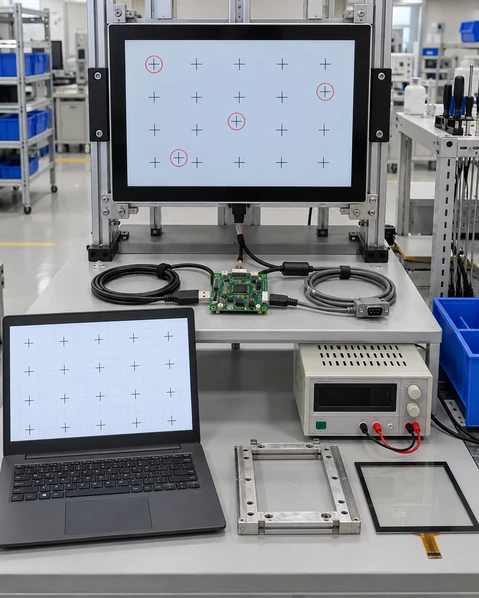
The Display Works but Touch Does Not
The video connection can operate while the USB or serial touch-data connection is missing, assigned incorrectly or unsupported by the host. Check the complete touch path separately from the image path.
Touch Coordinates Are Reversed or Rotated
Screen orientation, sensor orientation, controller configuration and host settings must agree. Validate portrait and landscape operation in the intended installation.
Touch Response Changes Near the Edges
Sensor design, cover glass, printed borders, enclosure pressure and controller tuning can affect edge behavior. Test the final mechanical construction rather than an uncovered sensor alone.
False or Unstable Input Appears After Assembly
Power, grounding, display noise, cable routing and nearby electronics can influence controller behavior. Reproduce the issue in the intended enclosure before changing components.
The Host Cannot Use the Controller
The controller interface, operating system, driver and application environment may not match. Verify the host-system requirements before releasing the controller and cable specification.
Touch Screen Controller Applications
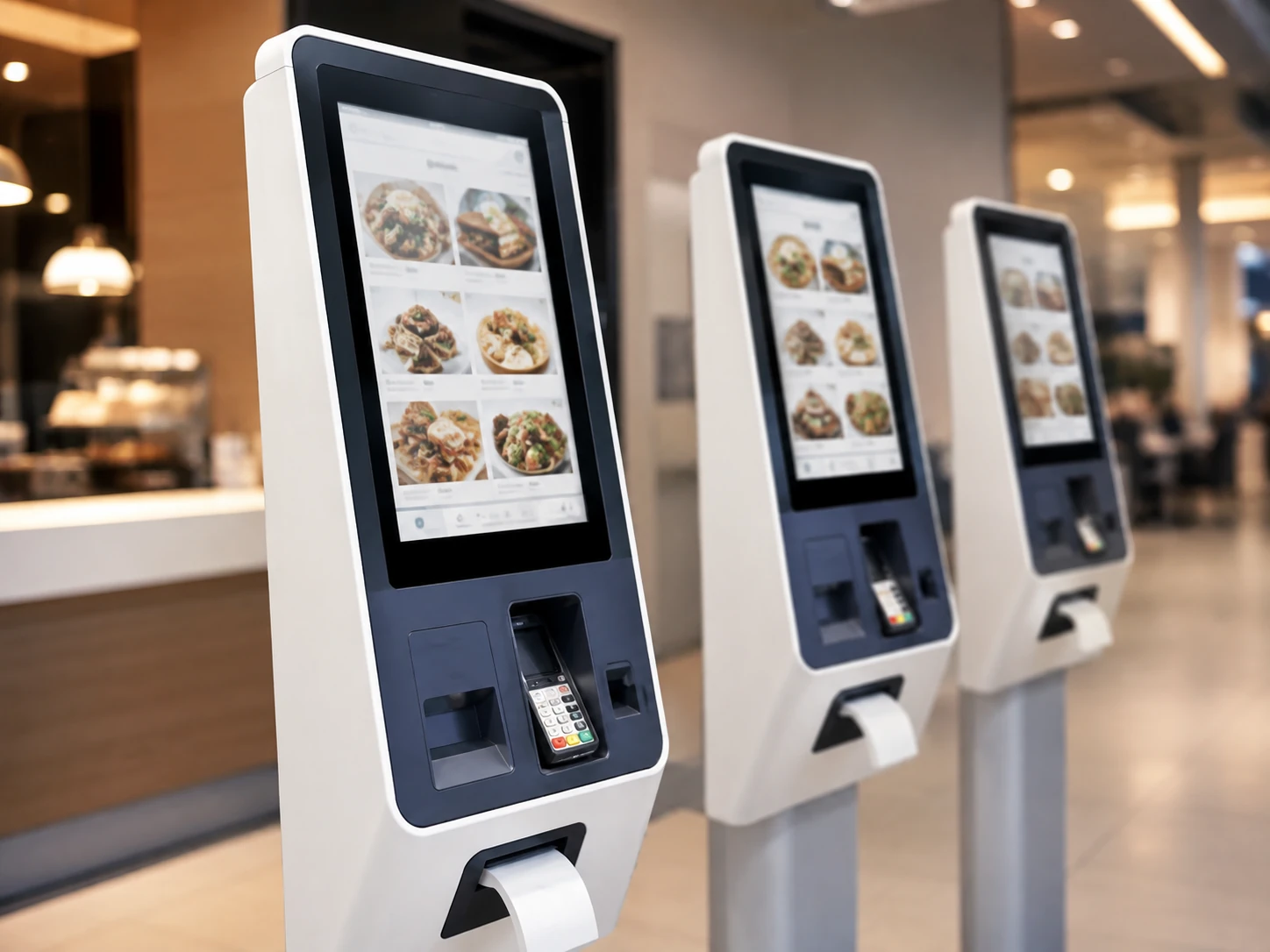
Self-Service Kiosks
Coordinate the controller with the touchscreen, computer, application and peripherals used for registration, ordering, payment, ticketing or information access.
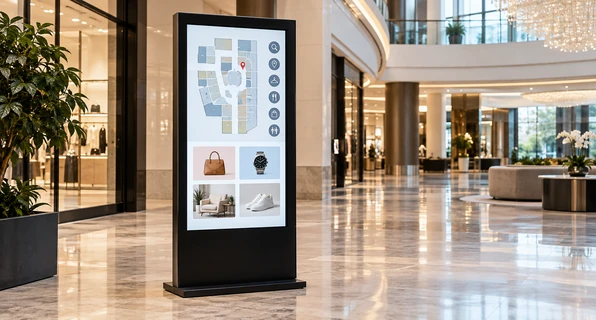
Interactive Digital Signage
Match the touch sensor and controller to the display size, orientation, content application and host system used for browsing, wayfinding or product information.
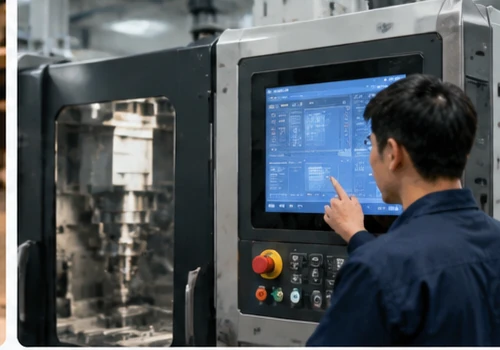
Industrial Equipment Interfaces
Integrate the controller with an industrial computer, embedded host and open-frame display installed inside a machine or control enclosure.
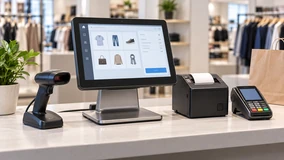
POS and Retail Terminals
Build a stable touch-data path for counter equipment, product lookup systems and compatible transaction interfaces.
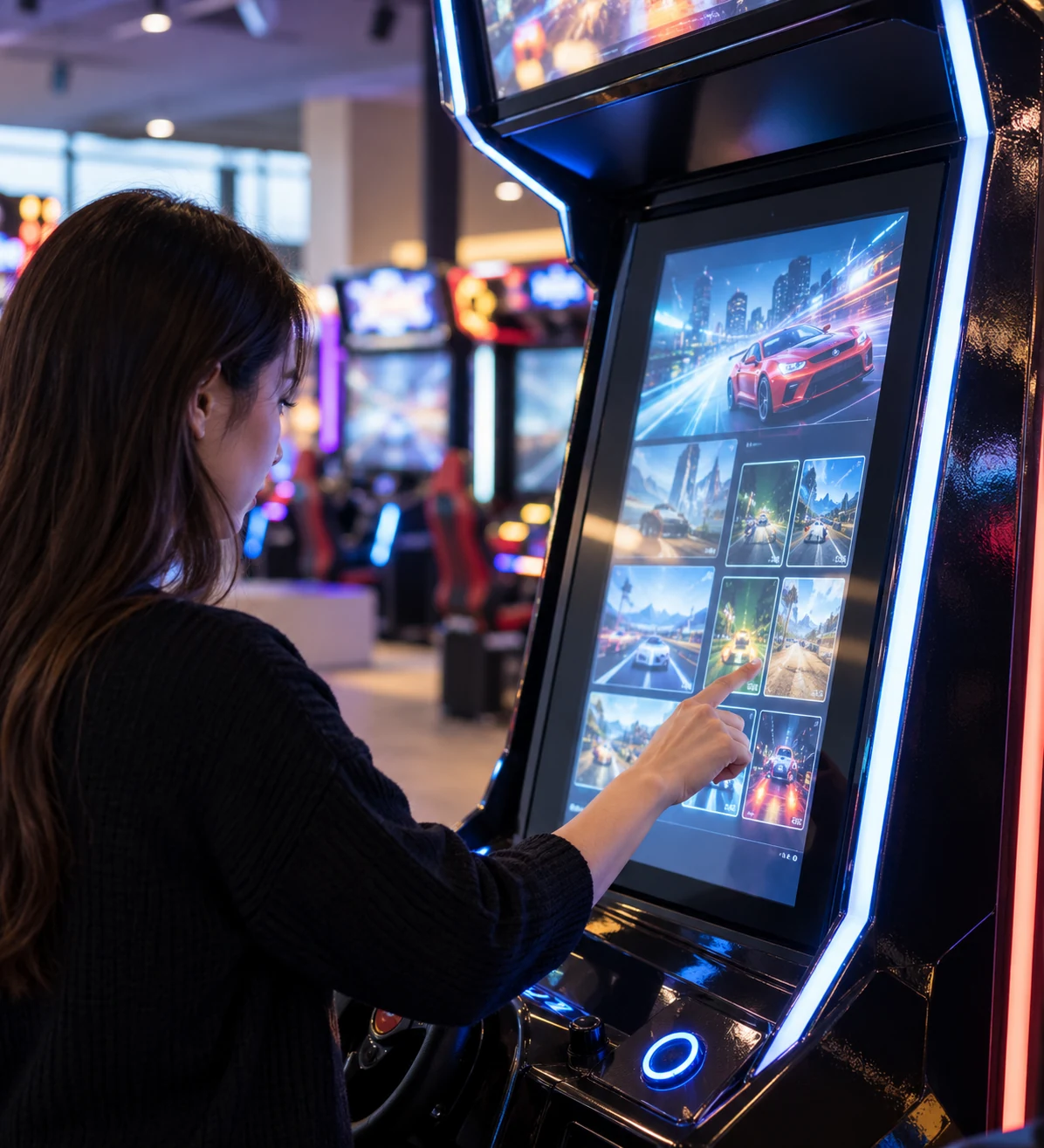
Gaming and Entertainment Equipment
Coordinate the touchscreen controller with the host system, cabinet structure and intended interactive application.
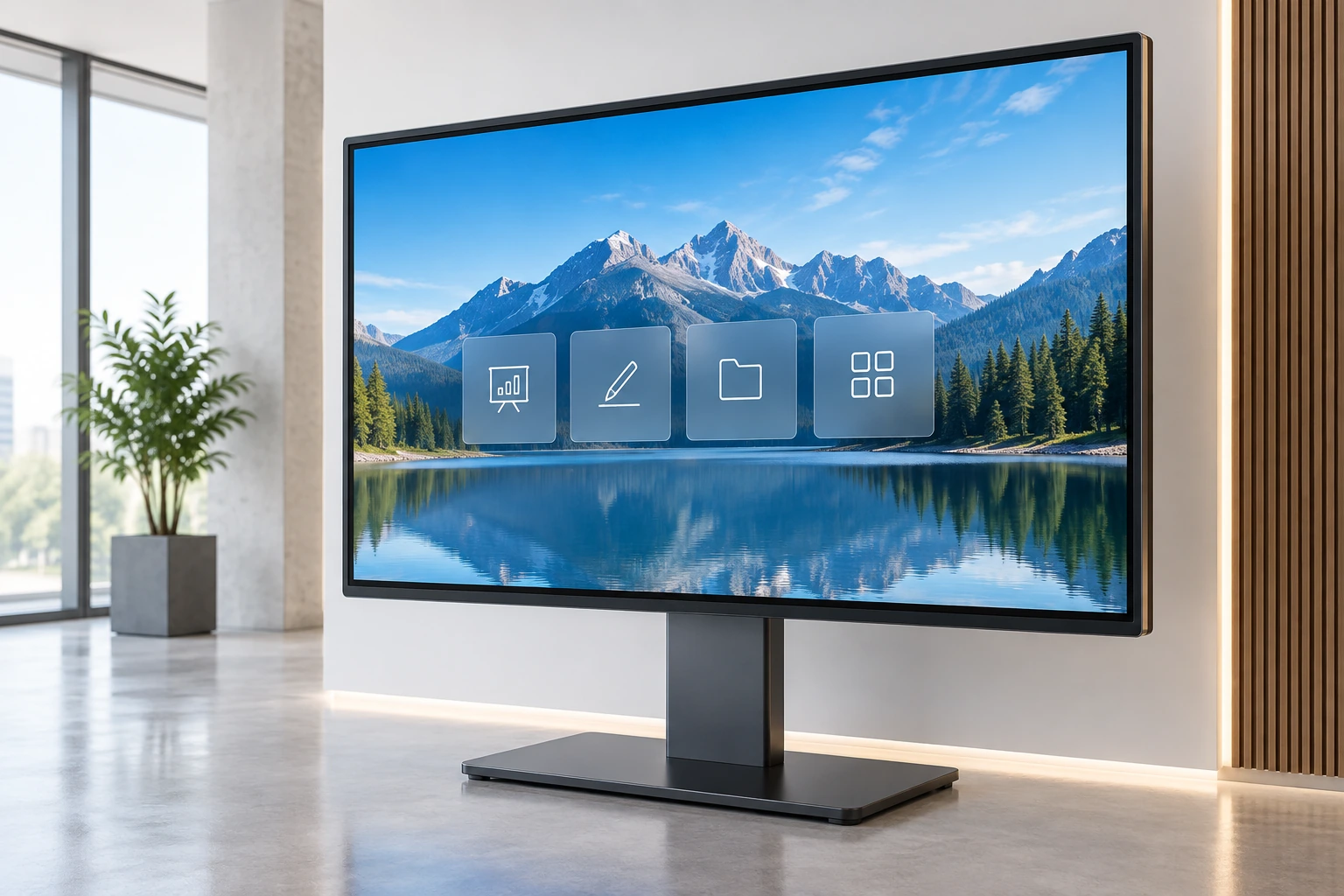
Commercial Information Terminals
Use a controller-matched touch display for information access, reception, navigation and other commercial terminal applications.
Each application can require a different controller, interface, cable, enclosure and validation plan even when the display size is similar.
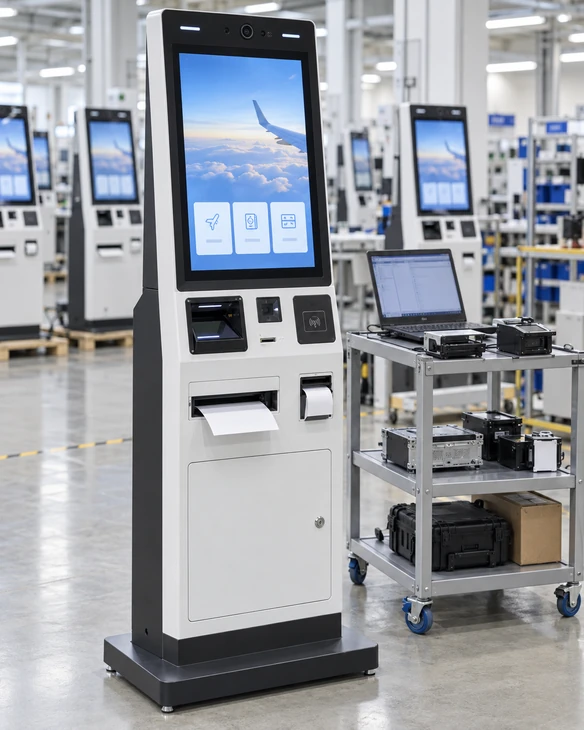
U.S. Check-In Kiosk System Integration Project
A U.S. project required a custom touchscreen check-in kiosk with A4 printing and ID scanning. The display and touch system had to operate within the same Windows IoT environment as the customer’s application and peripherals.
System Architecture Review
The touchscreen, computer, printer, scanner and enclosure were reviewed as one operating system rather than separate purchased components.
Windows IoT Peripheral Testing
Printer drivers were tested in the Windows IoT environment used by the project. This helped validate the peripheral path alongside the touchscreen workflow.
One Prototype for Software Validation
One prototype was supplied for the customer’s software team to validate the user workflow, touch interaction and peripheral communication.
Service-Access Adjustment
After validation, minor structural adjustments were made to simplify paper loading and maintenance access.
Phased Delivery Planning
A phased delivery schedule was arranged around the planned regional rollout.
The project demonstrates why the touch controller, host system, application and peripherals should be validated together. A working panel alone does not confirm that the complete terminal workflow is ready.
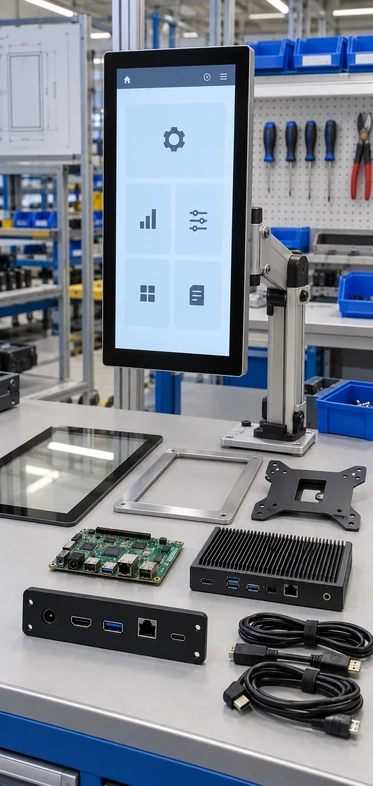
Configure the Controller Around the Touch Display Project
Touch Technology
PCAP or applicable resistive touch configuration according to the selected product and operating environment.
Controller Matching
Controller selection based on the sensor, display assembly, cover glass, host interface and project feasibility.
Host Interface
USB or selected serial-touch configurations according to the host system and approved hardware.
Touch Points
Confirmed by the selected sensor and controller rather than assumed across the complete range.
Cover Glass
Dimensions, thickness, printed border, logo and available AG or AR treatment according to the base product and engineering review.
Cable and Connector
Connector type, orientation, cable length and available internal clearance.
Mechanical Integration
Open-frame structure, side brackets, VESA, mounting points, cutout and rear clearance.
Firmware Tuning
Applicable controller tuning can be evaluated when supported by the selected controller and project scope.
Host-System Compatibility
Exact Windows, Android, Linux or other operating environment, together with any required driver.
Final availability depends on the selected base model, component supply, controller compatibility, engineering feasibility and sample validation. The approved specification sheet controls production.
From Touch Requirements to an Approved Controller Configuration
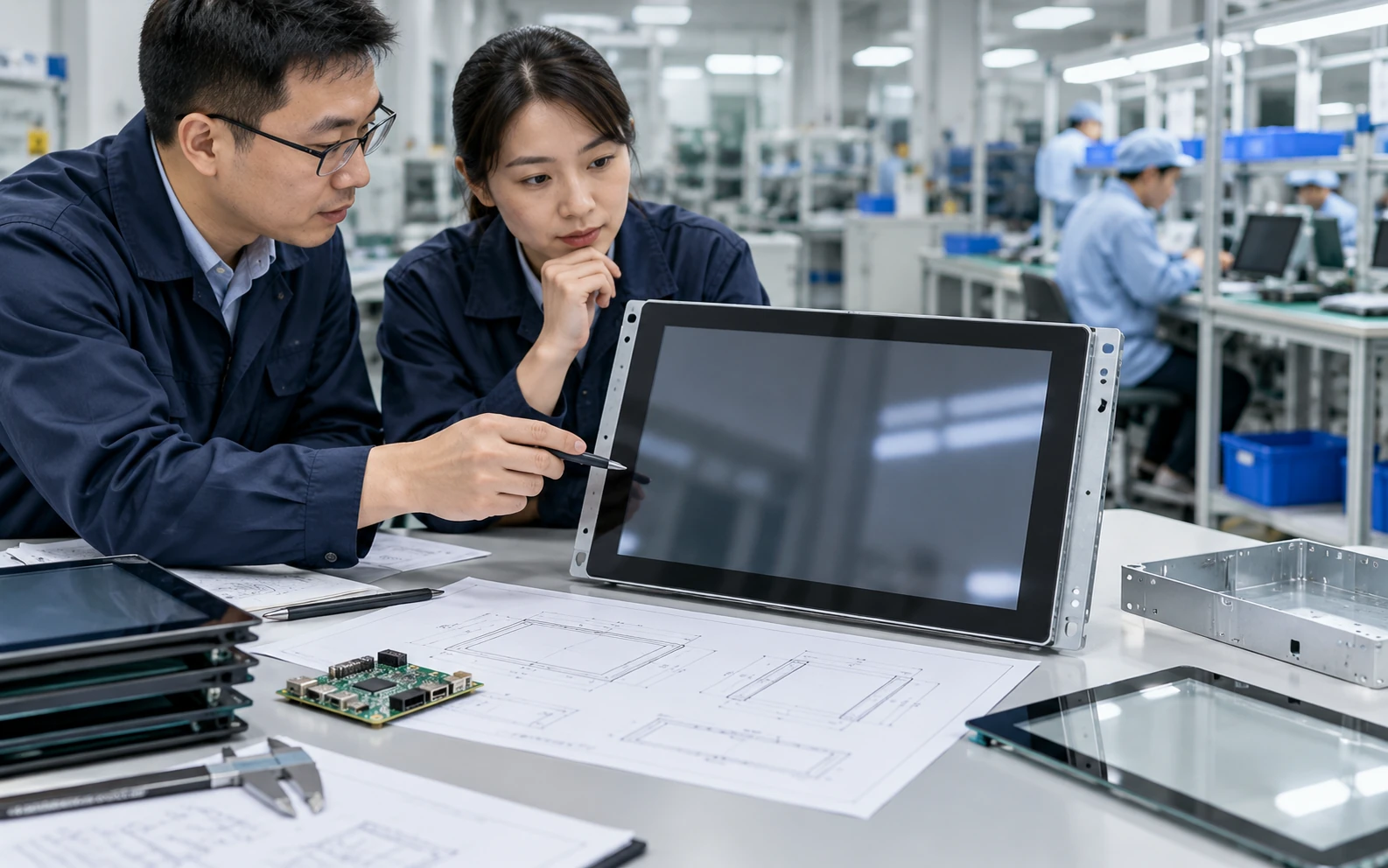
1. Application Review
Define the user input, application, operating system, installation and expected touch behavior.
2. Touch Technology Selection
Choose PCAP or an applicable resistive configuration according to the input method and environment.

3. Controller and Interface Matching
Match the sensor, controller, USB or selected serial path, connector and host system.

4. Drawing and Assembly Review
Confirm the cover glass, active area, cable direction, mounting, enclosure and display electronics.

5. Sample Validation and Tuning
Test touch response, orientation, host communication and applicable controller settings in the intended assembly.
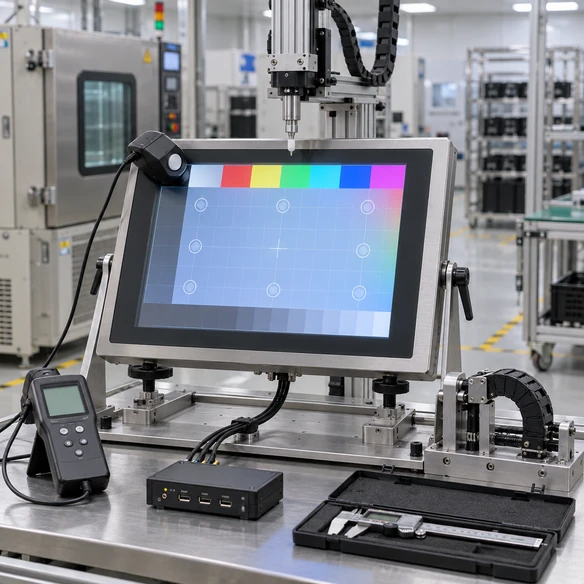
6. Production and Inspection
Produce against the approved specification and complete the applicable display, touch, connection, dimensional and packaging checks.
Manufacturing and Inspection for Integrated Touch Displays
Lucky-XFC has 13 years of touchscreen monitor experience, supported by a 3,100 m² factory, a production team of more than 160 employees and 26 quality-control personnel. Products are subject to 100% inspection throughout the production process.
Inspection Scope
For controller-integrated touch display projects, the applicable inspection can include display output, touch response, touch orientation, interface connection, resolution, dimensions, mounting points, cable arrangement, appearance and packaging.
The inspection scope follows the approved product configuration. Do not display unverified claims about controller-chip testing, environmental certification or universal operating-system compatibility.
Why Work with Lucky-XFC on Touch Controller Integration?
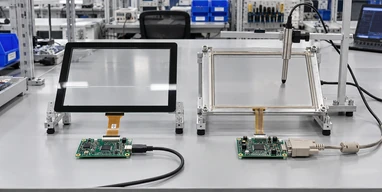
PCAP and Resistive Paths
Evaluate the controller as part of either a PCAP or applicable resistive touch display configuration.
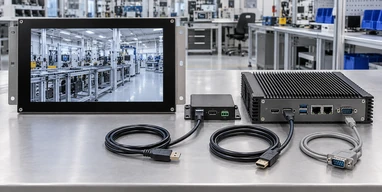
Host Interface Coordination
Review the touch-data connection, video input, host operating system, connector and cable arrangement together.
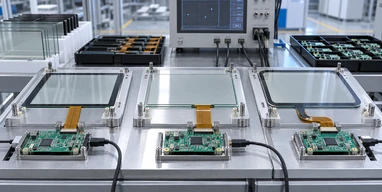
Sensor-to-Controller Matching
Coordinate the sensor, controller, cover glass and display assembly instead of sourcing each component without a compatibility plan.
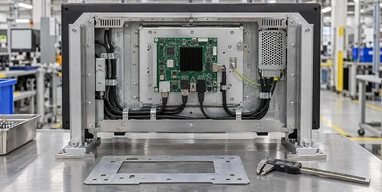
Mechanical Integration Review
Confirm mounting points, cutout, connector position, cable clearance and enclosure conditions before structure approval.
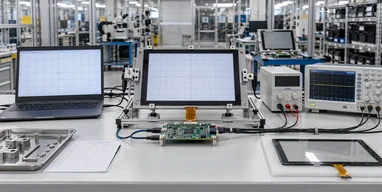
Sample Validation Path
Validate touch response, orientation, host communication and application workflow on the intended assembly when the project requires it.
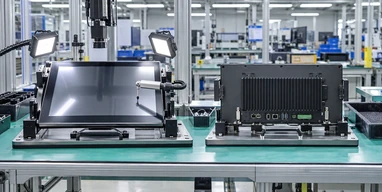
Integrated Product Inspection
Inspect the completed display-and-touch assembly against the approved interface, dimensional and functional requirements.
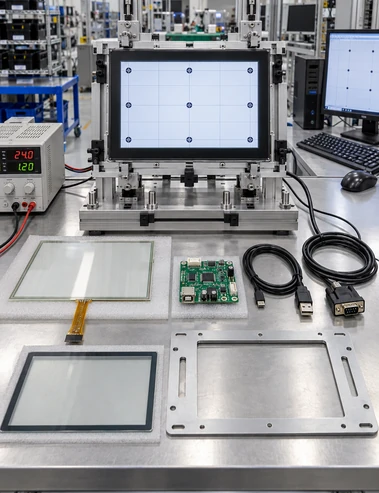
Compatibility Checks Before Approving a Touch Screen Controller
| Decision | Why It Matters | What to Confirm |
|---|---|---|
| Touch Sensor | The controller must match the sensor technology and construction | PCAP or resistive, active area, tail and connector |
| Controller Hardware | Determines touch processing and available interfaces | Exact controller or approved controller family |
| Touch Points | Depends on both sensor and controller | Required simultaneous touch count and application |
| Host Interface | Transfers touch data to the computer | USB or selected serial connection |
| Operating System | Determines driver and input support | Exact Windows, Android, Linux or other host environment |
| Video Input | Carries the image separately from touch | HDMI, DisplayPort, VGA or confirmed USB-C function |
| Power | Affects controller and assembly operation | Voltage, connector and USB-power conditions |
| Cover Glass | Can affect controller behavior | Thickness, printed border, treatment and bonding structure |
| Orientation | Affects coordinate mapping | Landscape, portrait, rotation and sensor direction |
| Mechanical Structure | Can affect fit, grounding and cable routing | Cutout, mounting, metal frame and clearance |
| Operating Environment | Can influence touch performance | Lighting, cleaning, gloves, moisture, grounding and nearby electronics |
| Validation | Confirms the complete touch path | Drawing, sample, host, application and enclosure test |
A controller datasheet alone cannot confirm system compatibility. Approve the complete sensor, controller, interface, host and mechanical combination.
Touch Screen Controller Selection Guide
In this guide
- What is the difference between a touch controller and an LCD controller?
- Does every touchscreen need a controller?
- How do I choose between USB and serial touch?
- Can one controller work with any touch panel?
- Why can a controller work before assembly but fail inside the enclosure?
- What should be tested before a batch order?
Contents
- What is the difference between a touch controller and an LCD controller?
- Does every touchscreen need a controller?
- How do I choose between USB and serial touch?
- Can one controller work with any touch panel?
- Why can a controller work before assembly but fail inside the enclosure?
- What should be tested before a batch order?
What is the difference between a touch controller and an LCD controller?
A touch controller reads the touch sensor and sends coordinate data to the host. An LCD controller or display electronics handles the image signal sent to the panel. A complete touch monitor normally needs both display electronics and a touch-control path.
Does every touchscreen need a controller?
A touch sensor requires electronics that interpret its signal and communicate with the host. The controller may be a separate board, integrated into the touch assembly or incorporated into another module. Its physical form depends on the display design.
How do I choose between USB and serial touch?
USB is commonly used with modern computers and commercial terminals. A selected serial connection may be appropriate for compatible industrial or legacy hosts. Choose according to the host hardware, operating system, driver environment, available connectors and maintenance requirements.
Can one controller work with any touch panel?
No. The controller must match the sensor technology, electrical characteristics, channel design, connector and intended touch functions. Changes to the sensor, glass or display assembly may require another controller configuration or validation.
Why can a controller work before assembly but fail inside the enclosure?
The final cover glass, metal structure, grounding, cable routing, power system and nearby display electronics can change the integration environment. Test the controller in the intended mechanical assembly rather than relying only on an open-bench test.
What should be tested before a batch order?
Validate display output, touch response, coordinate orientation, edge behavior, interface connection, operating-system recognition, application input and the final enclosure. Projects with new glass, peripherals or host hardware may require prototype or sample validation.
Touch Screen Controller FAQs
What is a touch screen controller?
Does Lucky-XFC manufacture touch controller ICs?
Can Lucky-XFC provide a PCAP touch controller solution?
Can you integrate a resistive touch controller?
Does the controller connect through USB?
Can you support a serial touch controller?
Does the touch controller carry the video signal?
Can the controller be tuned after the cover glass changes?
What information is useful for controller matching?
Continue Your Touch Display Selection

Touchscreen Monitors
Review current flat PCAP touchscreen monitor sizes for commercial terminals and equipment integration.

Open Frame Touch Monitors
Explore display-and-touch assemblies designed for installation inside machines, cabinets and custom enclosures.

Touchscreen Computers
Compare integrated display, touch and computing paths for applications that run directly on the device.

Smart Touchscreen Monitors
Review Android, Windows and external-host touchscreen configurations for commercial systems.

Kiosk Touch Screen Monitors
Explore touch display formats for check-in, ordering, payment and information terminals.

Interactive Digital Signage
Review touch display, system and installation paths for interactive commercial content.
Discuss Your Touch Screen Controller Integration
Share the touch sensor, host system and interface requirements you already know. We can use them to identify the appropriate display and controller-integration path and the specifications that still require confirmation.
Useful details include touch technology, display size, cover glass, operating system, host interface, installation method, quantity and any existing drawings or controller information.