
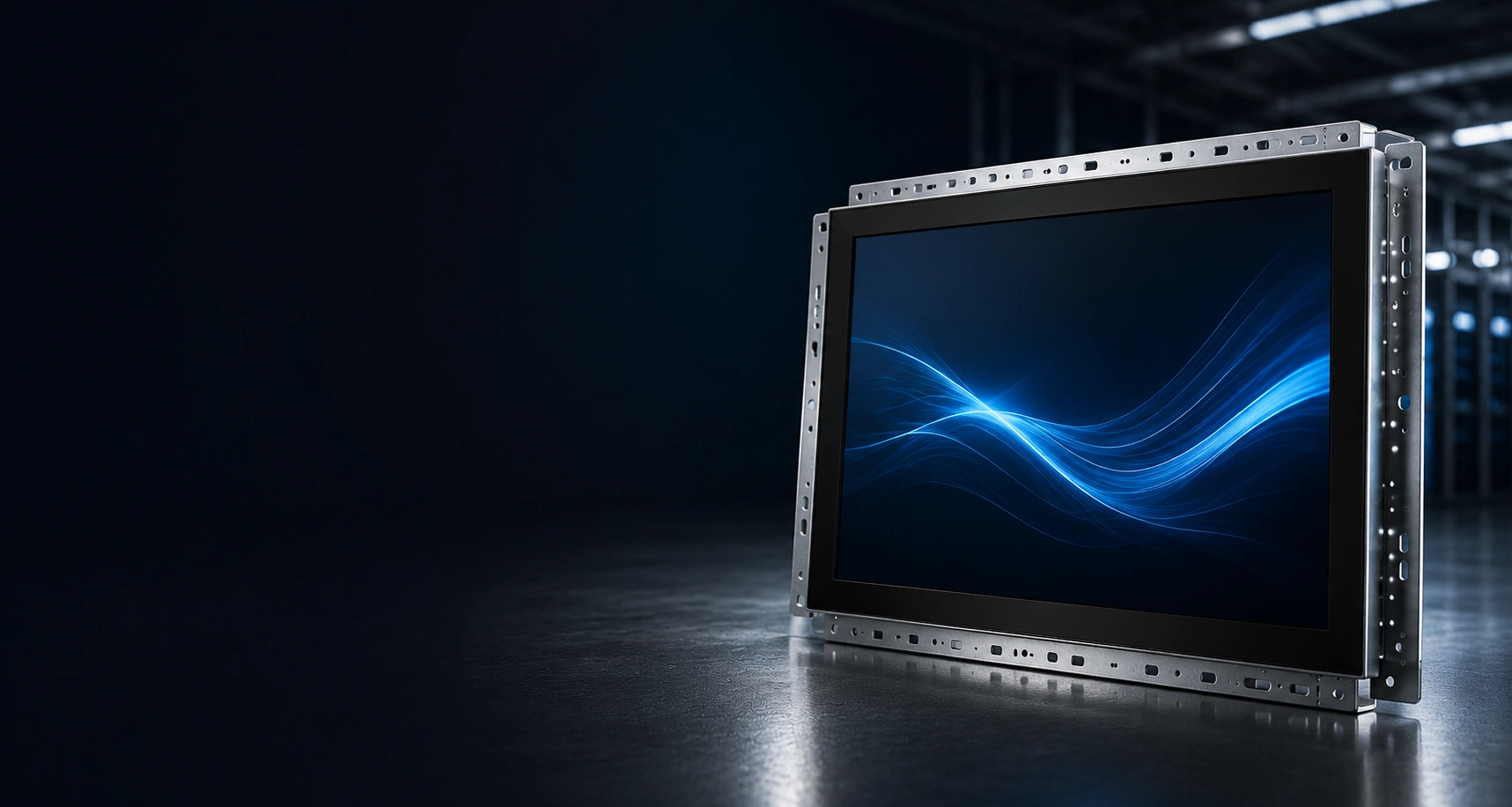
Open Frame Touch Monitor Manufacturer
XFC manufactures customizable open frame touch monitors for industrial equipment, control cabinets, vending machines, gaming cabinets and OEM enclosures. Configure the screen size, touch technology, cover glass, mounting structure, video interfaces and cable direction according to your equipment design.
- PCAP or Resistive Touch Options
- Side Bracket and VESA Mounting
- Custom Cover Glass and Printed Border
- HDMI, DP, VGA and USB Touch Options
- OEM/ODM Support from 1 Piece
What Is an Open Frame Touch Monitor?
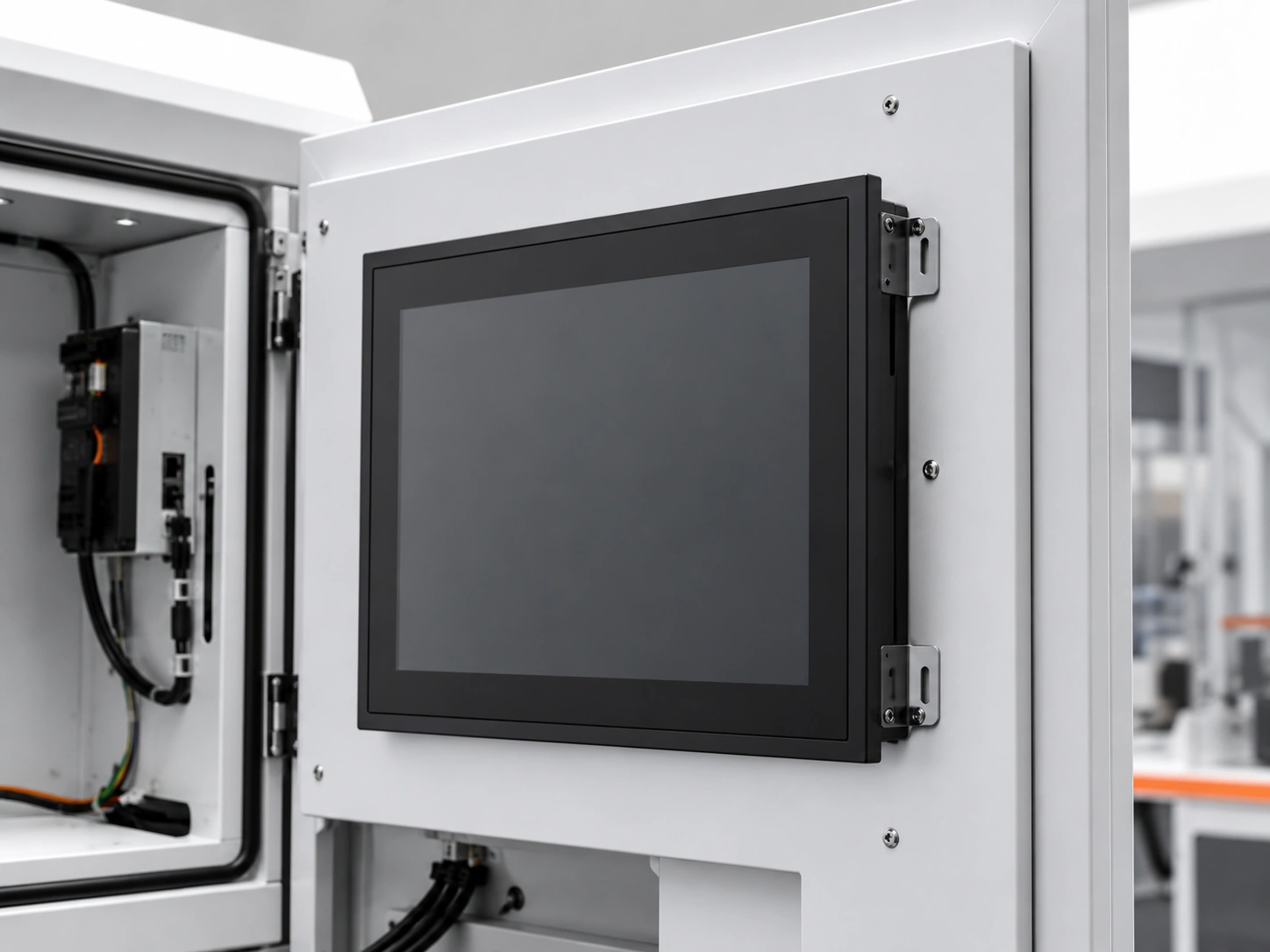
An open frame touch monitor combines an LCD panel, touch sensor, controller board and display electronics inside an open metal chassis. It is designed to be installed behind the front panel of a machine, cabinet or custom enclosure rather than used as a finished desktop monitor.
The equipment manufacturer supplies the external cabinet and host computer. The open frame monitor provides the display and touch-input functions through separate video, touch-data and power connections unless a specific combined interface has been confirmed.
| Product Type | Structure | Computer Included | Typical Installation |
|---|---|---|---|
| Open Frame Touch Monitor | Open metal chassis with integration brackets | No | Machines, cabinets and OEM enclosures |
| Standard Touchscreen Monitor | Finished external housing | No | Desktop, VESA arm or wall mounting |
| Touchscreen All-in-One | Finished or integrated housing | Yes, depending on configuration | Standalone interactive equipment |
Open Frame Touch Monitor Models
Select a base configuration according to the required screen size, resolution, touch technology, interface and mounting structure. Final dimensions and specifications must be confirmed using the approved model drawing.
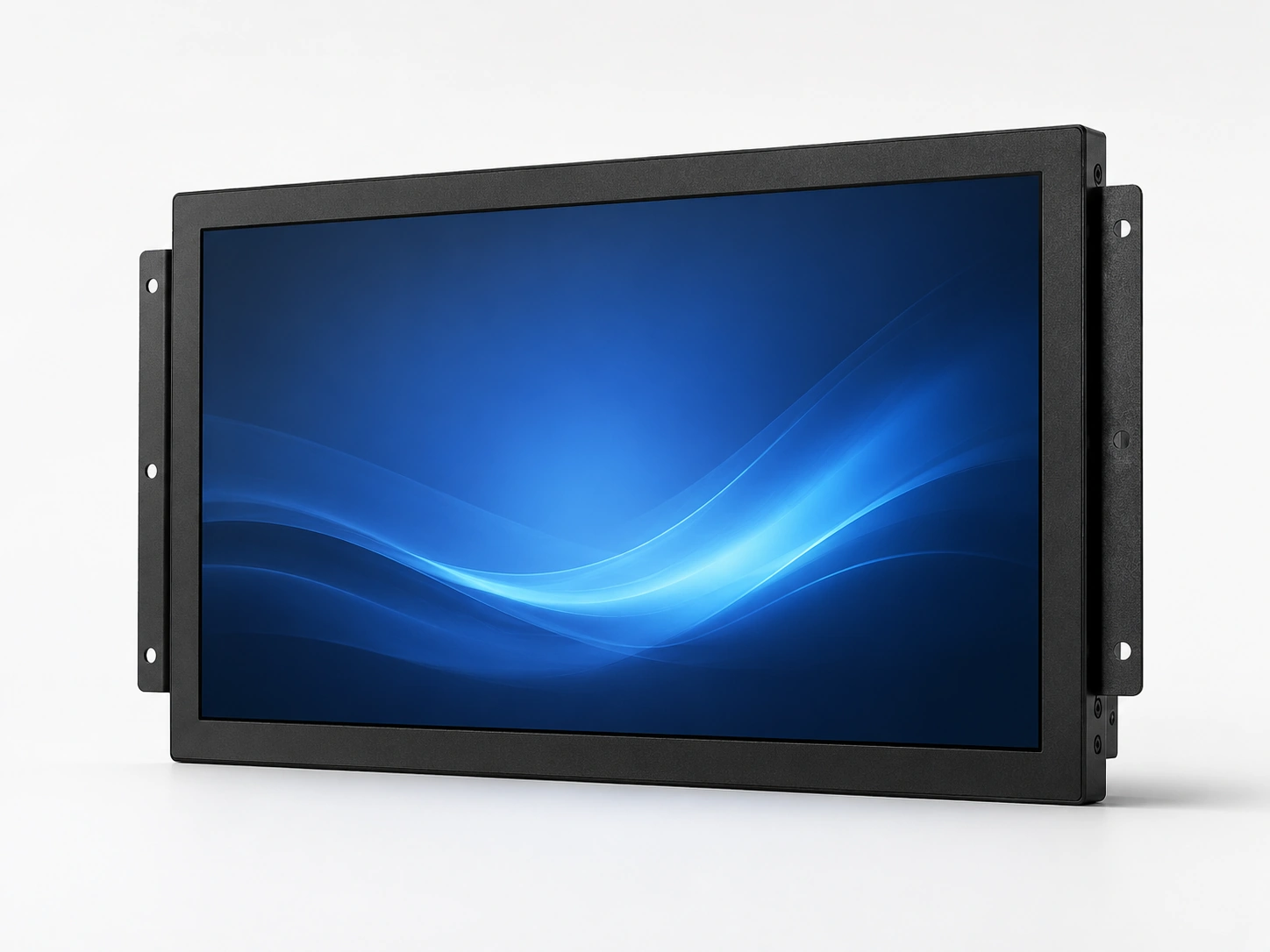 21.5" Series
XFC-OF215-PCAP
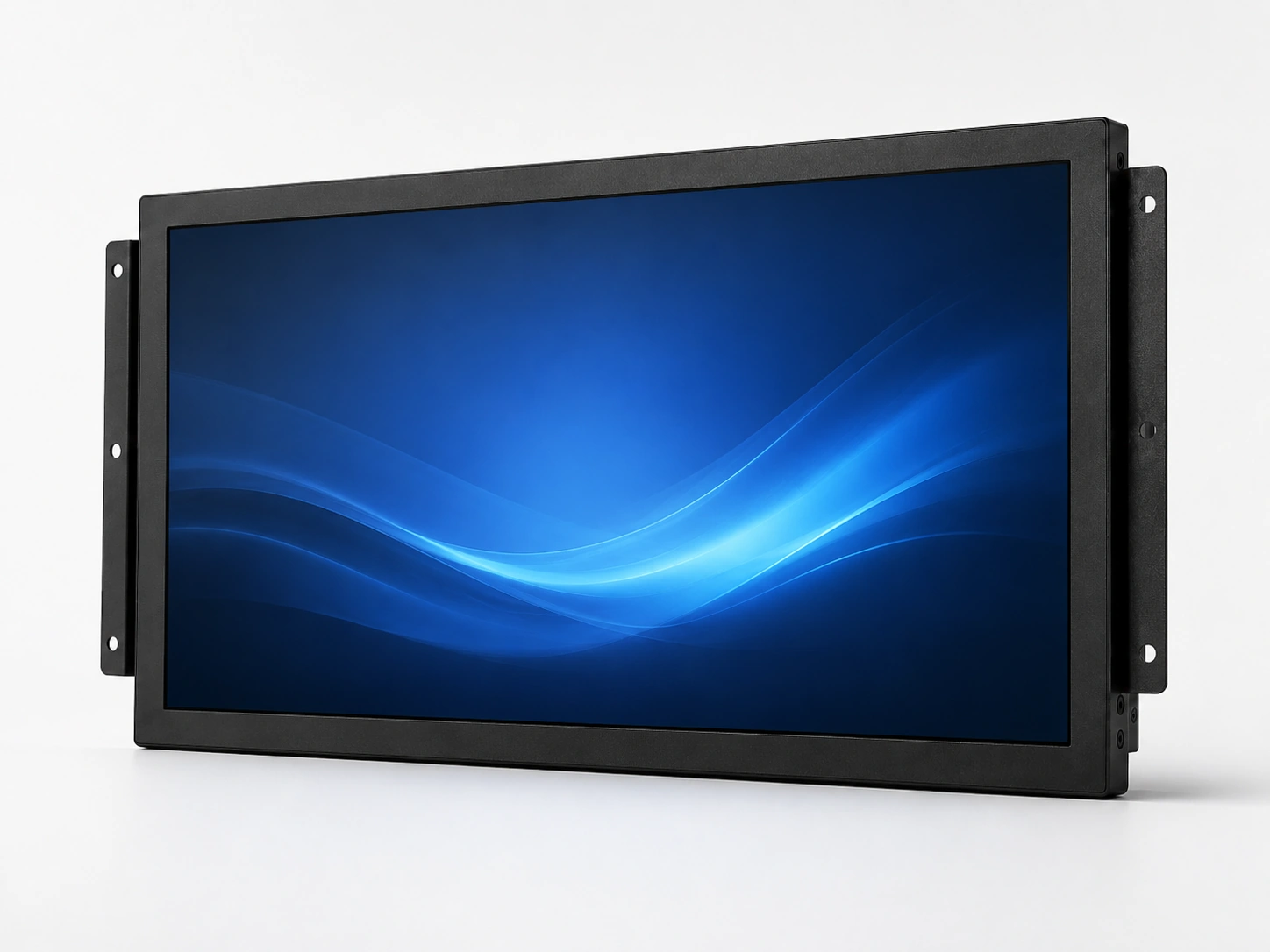 27.0" Series
XFC-OF270-PCAP
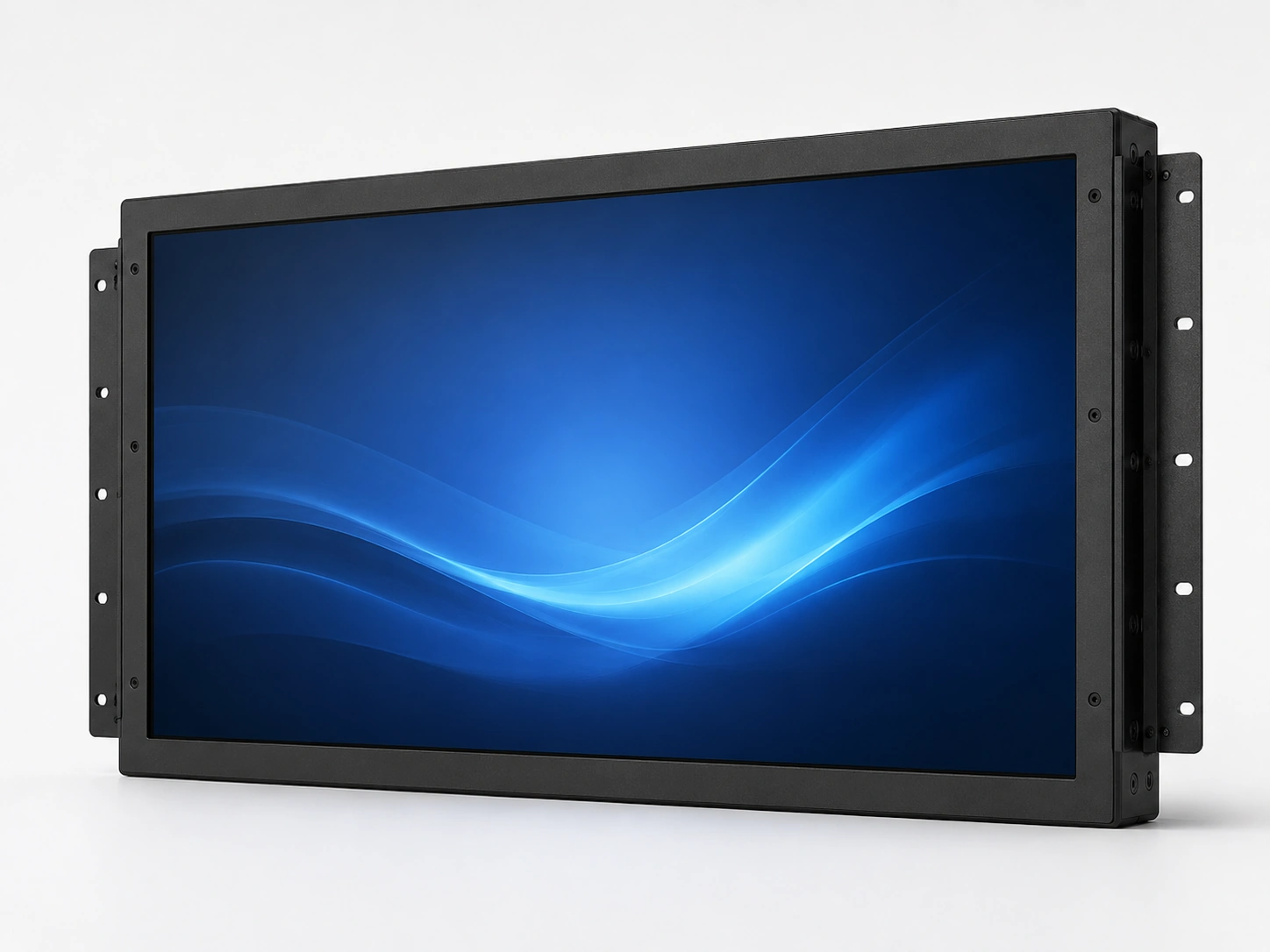 43.0" Series
XFC-OF430-PCAP
Note: 23.8-inch and 31.5-inch configurations may also be available. Panel availability, mechanical dimensions, brightness, interfaces and touch points must be confirmed before quotation.
Effective inquiry information should include:
- Overall dimensions
- Active display area
- Recommended cutout size
- Rear installation depth
- Mounting-hole positions
- Input voltage
- Touch interface
- Cable direction
- Operating temperature
- Landscape or portrait support
Common Open Frame Monitor Integration Problems
Our engineering review process can help reduce avoidable integration mismatches.
The Monitor Does Not Fit the Existing Cabinet
The nominal screen size does not define the chassis dimensions, mounting points or required cutout. XFC reviews the enclosure opening, active display area, rear depth, fixing points and cable clearance before confirming the base model and mounting structure.
The Display Works but Touch Input Does Not
Video and touch data normally use separate connections. The host device must provide a compatible video output and USB or confirmed serial touch connection. The touch controller, driver requirements and operating-system version should be checked before sample approval.
The Selected Touch Technology Does Not Match the Environment
PCAP is commonly selected for clear glass surfaces and multi-touch operation. Resistive touch responds to pressure and may be more suitable for particular glove or stylus applications. Water rejection, thick-glass operation and glove support require configuration-specific validation.
Open Frame Monitor Mechanical Integration Guide
Mechanical integration should be based on an approved drawing rather than the diagonal screen size alone. Two monitors with the same nominal size may have different active areas, chassis dimensions, mounting patterns and connector positions.
Integration Checklist:
- Front-panel cutout width and height
- Available internal width and height
- Maximum rear installation depth
- Front-glass overlap area
- Enclosure-panel thickness
- Side-bracket or VESA fixing points
- Permitted screw depth
- Cable exit and connector clearance
- Ventilation and heat-dissipation space
- Landscape or portrait orientation
- Maintenance and replacement access
Tip: Provide a dimensioned PDF, DWG, DXF or STEP file when possible. Product photos and clearly marked reference drawings can also be used for an initial configuration review.
PCAP vs Resistive Open Frame Touch Monitors
| Selection Factor | PCAP Touch | Resistive Touch |
|---|---|---|
| Input Method | Finger or compatible conductive input | Pressure from finger, glove or stylus |
| Multi-Touch | Commonly supported | Usually single-point |
| Surface | Cover glass | Flexible resistive surface |
| Optical Clarity | Generally higher | Generally lower because of the resistive layers |
| Water Behaviour | Requires suitable controller tuning and structural protection | Less likely to respond to water alone because input is pressure-based |
| Typical Fit | Kiosks, modern interfaces and public interaction | Specific industrial, glove or stylus applications |
Touch performance depends on the complete configuration. Glove operation, water rejection, palm rejection, stylus input and touch-through-glass capability must be validated using the selected controller, firmware and cover-glass structure.
Open Frame Touch Monitor Applications
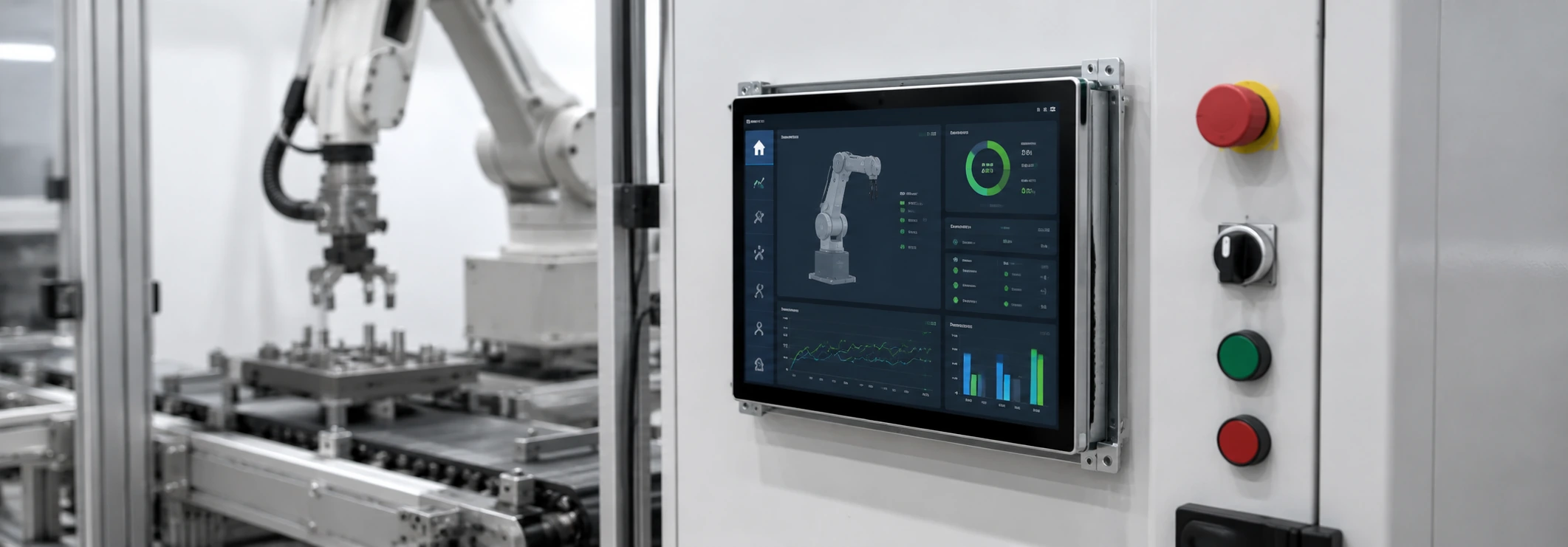
Industrial Equipment and Control Cabinets
Integrated display and touch input for machine controls, production equipment and operator interfaces. Confirm front sealing, operating hours, interfaces and environmental conditions.
Gaming and Casino Machine Cabinets
Open frame monitors can be installed behind customized gaming-machine glass and cabinet structures. Confirm screen format, curvature requirements, touch function, mounting depth, brightness and interface layout.
View Slot Machine Displays →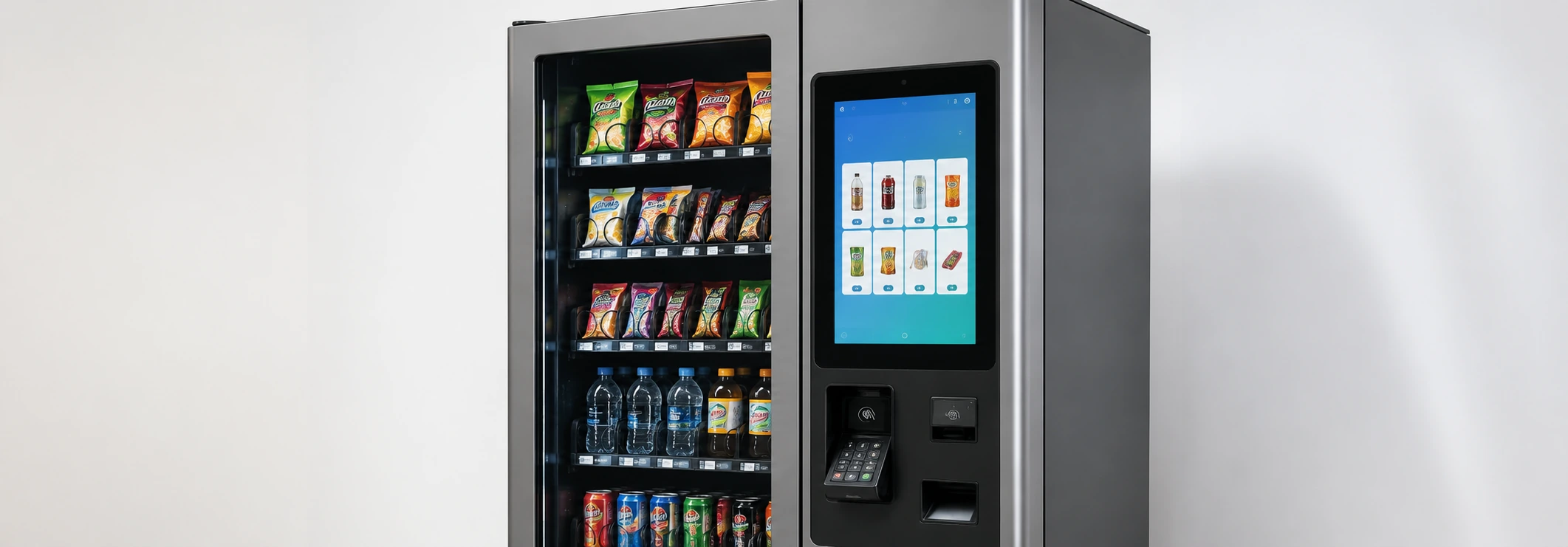
Vending Machines
Suitable for product selection, advertising and machine interaction. Confirm screen visibility, vandal resistance, temperature range, host-system compatibility and cabinet access.
Kiosk Integration
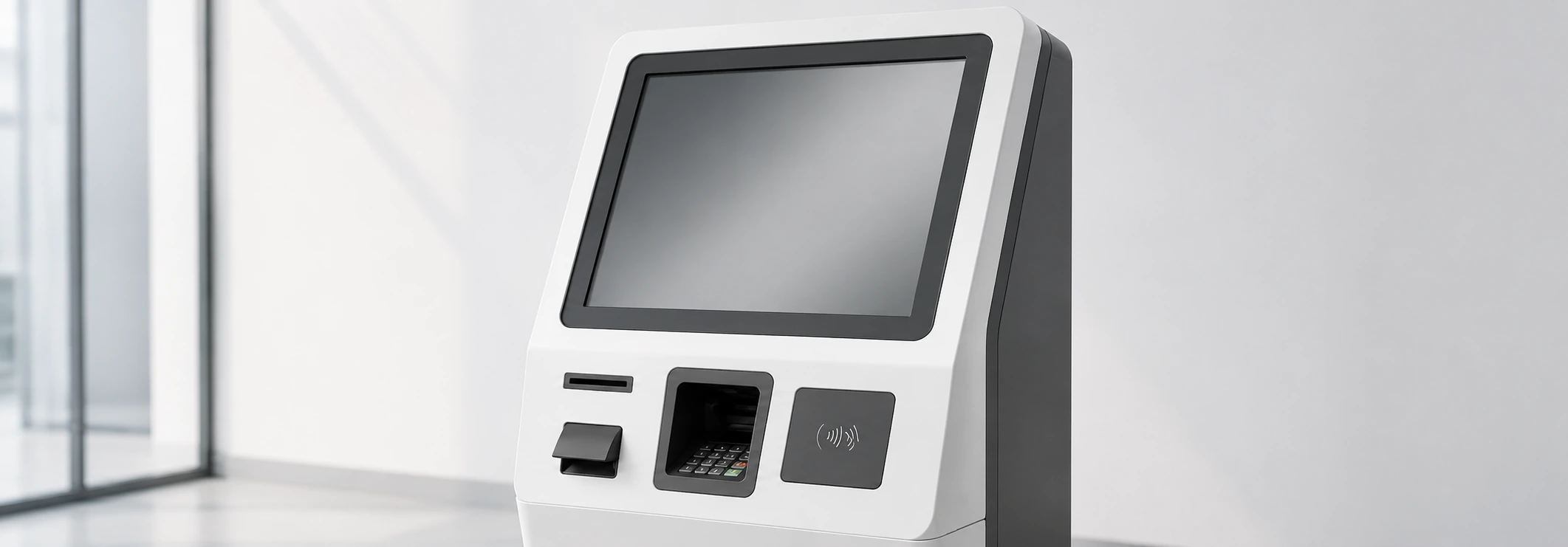
Open frame monitors are one possible display structure for self-service kiosks. The screen, mounting brackets and interfaces must match the kiosk enclosure and host system.
Explore Kiosk Touch Screen Monitors →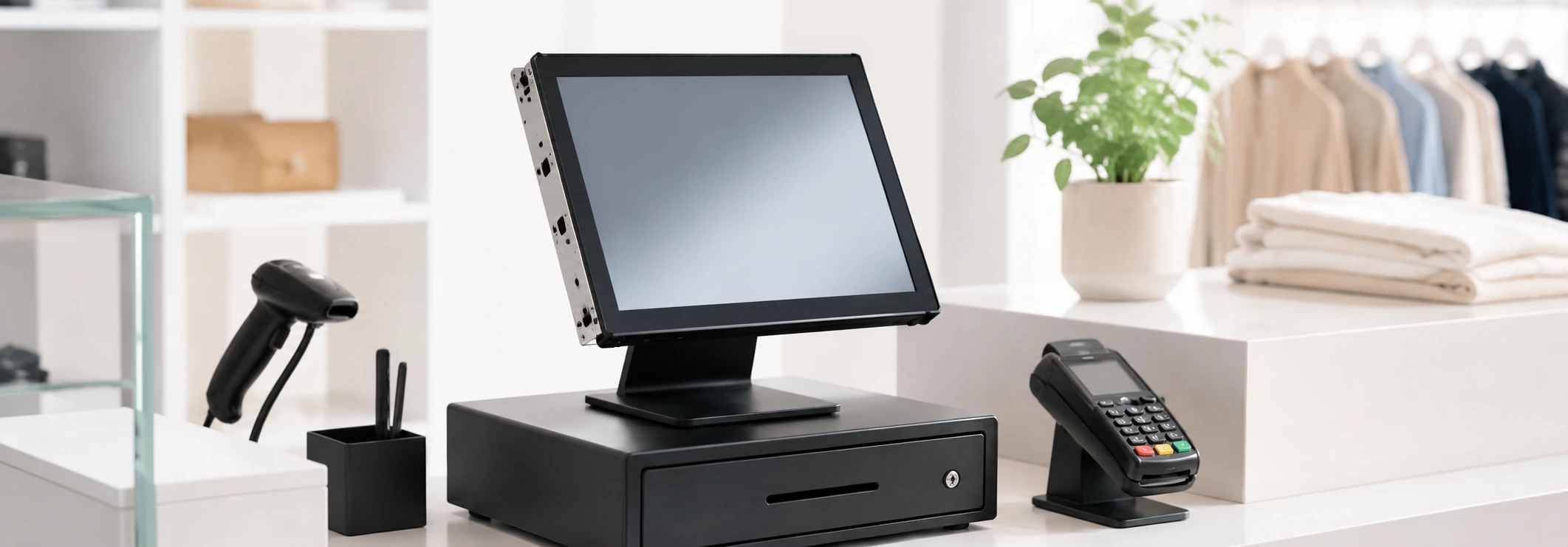
POS and Retail Equipment
Suitable for checkout equipment, interactive counters and embedded retail terminals where the display must be installed inside a custom structure.
Custom OEM Enclosures
For equipment projects requiring specific cover glass, mounting points, connector positions, printed borders or external dimensions.
Custom Open Frame Touch Monitor Options
Customization availability depends on the selected base model, panel supply, engineering feasibility, order requirements and sample validation.
Video, Touch and Host-System Compatibility
A display-only open frame monitor does not run Windows, Android or Linux by itself. The operating system and application run on the connected host device.
| Item | What Must Be Confirmed |
|---|---|
| Video Input | HDMI, DisplayPort, VGA or model-specific DVI requirements |
| Touch Data | USB or selected serial-touch configuration |
| Power | Input voltage, connector type and external adapter requirements |
| Host System | Industrial PC, embedded computer, Android controller or other external host |
| Operating System | Exact Windows, Android or Linux version |
| USB-C | Whether it carries video, touch data, power or a confirmed combination |
| Cable Routing | Connector direction, cable length and available rear clearance |
Inspection and Documentation for Equipment Integration
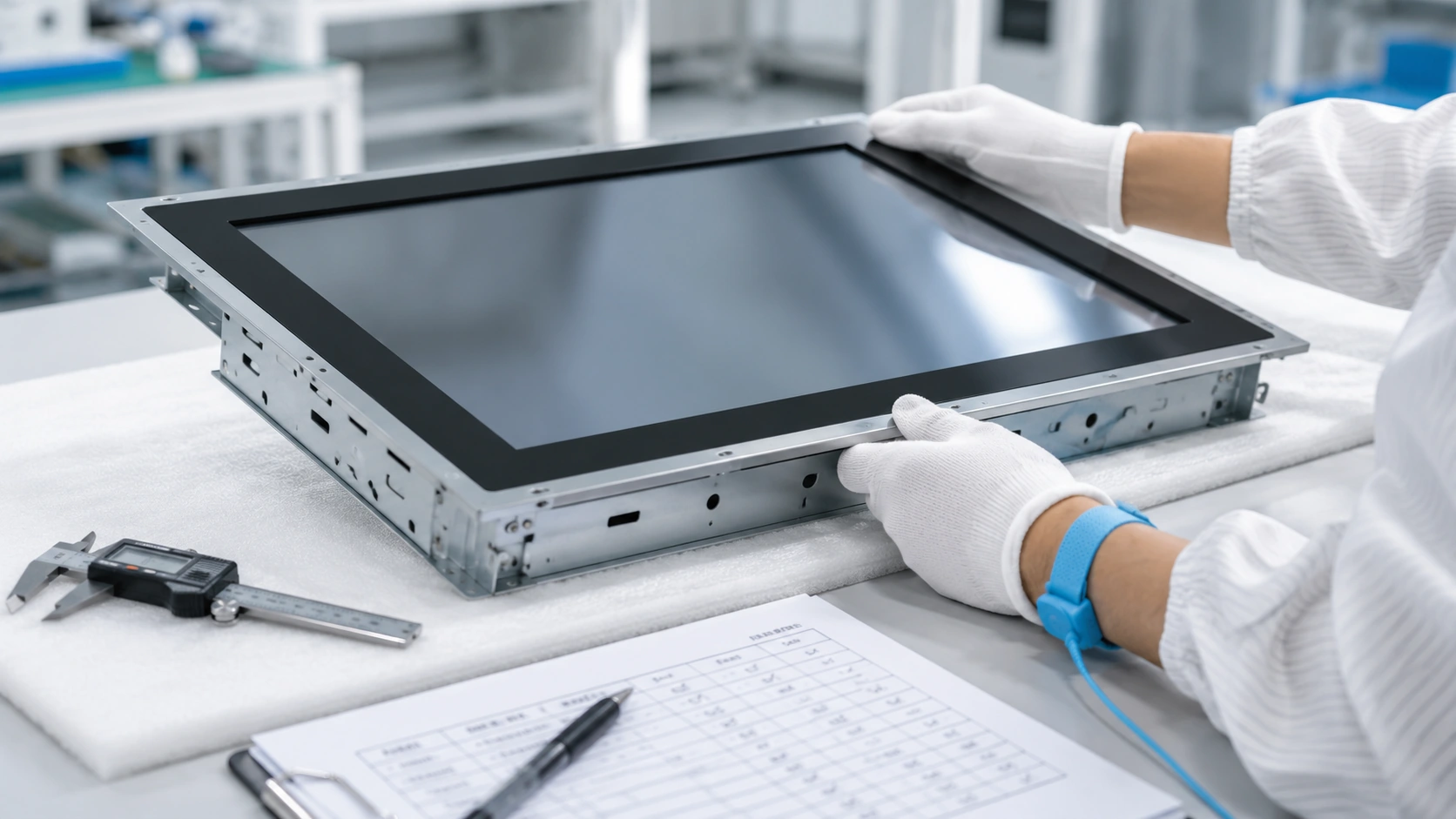
Each product is subject to 100% inspection with more than three checks before shipment. The inspection scope includes appearance, display output, touch response, interface connection, resolution, dimensions, mounting points and packaging.
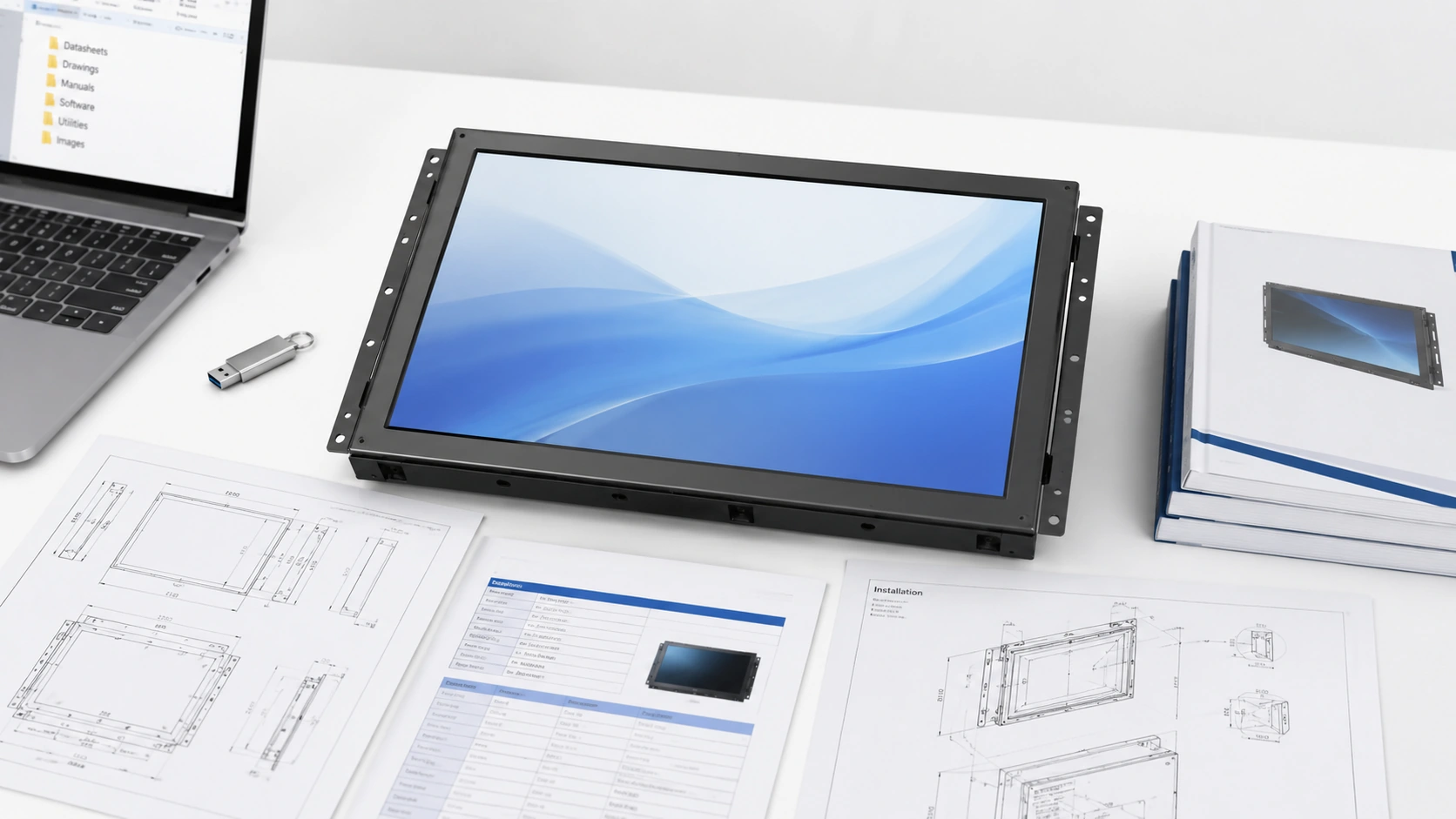
Available project documents may include a product datasheet, 2D dimensional drawing, recommended cutout drawing and applicable touch drivers. STEP or IGES files may be supplied for confirmed projects under the applicable document-sharing arrangement.
Why Choose XFC for Open Frame Monitor Integration?
Drawing-Based Model Selection
Model selection is based on the enclosure opening, available depth, mounting points, interfaces and operating environment rather than the screen size alone.
Standard Starting Models with Custom Options
Existing 21.5-inch, 27-inch and 43-inch configurations provide starting points for OEM projects, while selected mechanical, touch and interface parameters can be reviewed for customization.
Display and Touch Configuration
PCAP and resistive touch options can be evaluated according to the input method, interface and operating environment.
Sample and Integration Review
A sample can be used to verify display quality, touch response, software compatibility, dimensions and fit before batch production.
Manufacturing and Export Experience
XFC has manufactured touch-display products since 2013, supported by an approximately 6,000㎡ factory, more than 300 employees and exports to over 80 countries and regions.
What Affects Open Frame Touch Monitor Pricing?
Pricing depends on the selected screen size, LCD panel, resolution, brightness, touch technology, cover glass, optical structure, interfaces, mounting design, customization scope and order quantity. A configuration-based quotation is more reliable than a price based only on the diagonal screen size.
Open Frame Touch Monitor FAQs
What is an open frame touch monitor?
Does an open frame touch monitor include a computer?
What enclosure dimensions should I provide?
Which mounting methods are available?
What is the difference between PCAP and resistive touch?
Can an open frame monitor be waterproof?
Can the cover glass and mounting structure be customized?
Can it be installed in portrait orientation?
What information is required for a quotation?
Related Touch Display Solutions
Send Your Open Frame Touch Monitor Requirements
Provide the equipment application, required screen size, enclosure dimensions, touch technology, interfaces, operating environment and estimated quantity. XFC will use the information to review suitable base models and customization requirements.
Email Us
sales13@lucky-xfc.com
Call Us
+86 13342931453
Headquarters
No. 3, Lianfeng Road, Hongqiaotou Community, Yanluo Street, Bao'an District, Shenzhen, Guangdong Province, China
