
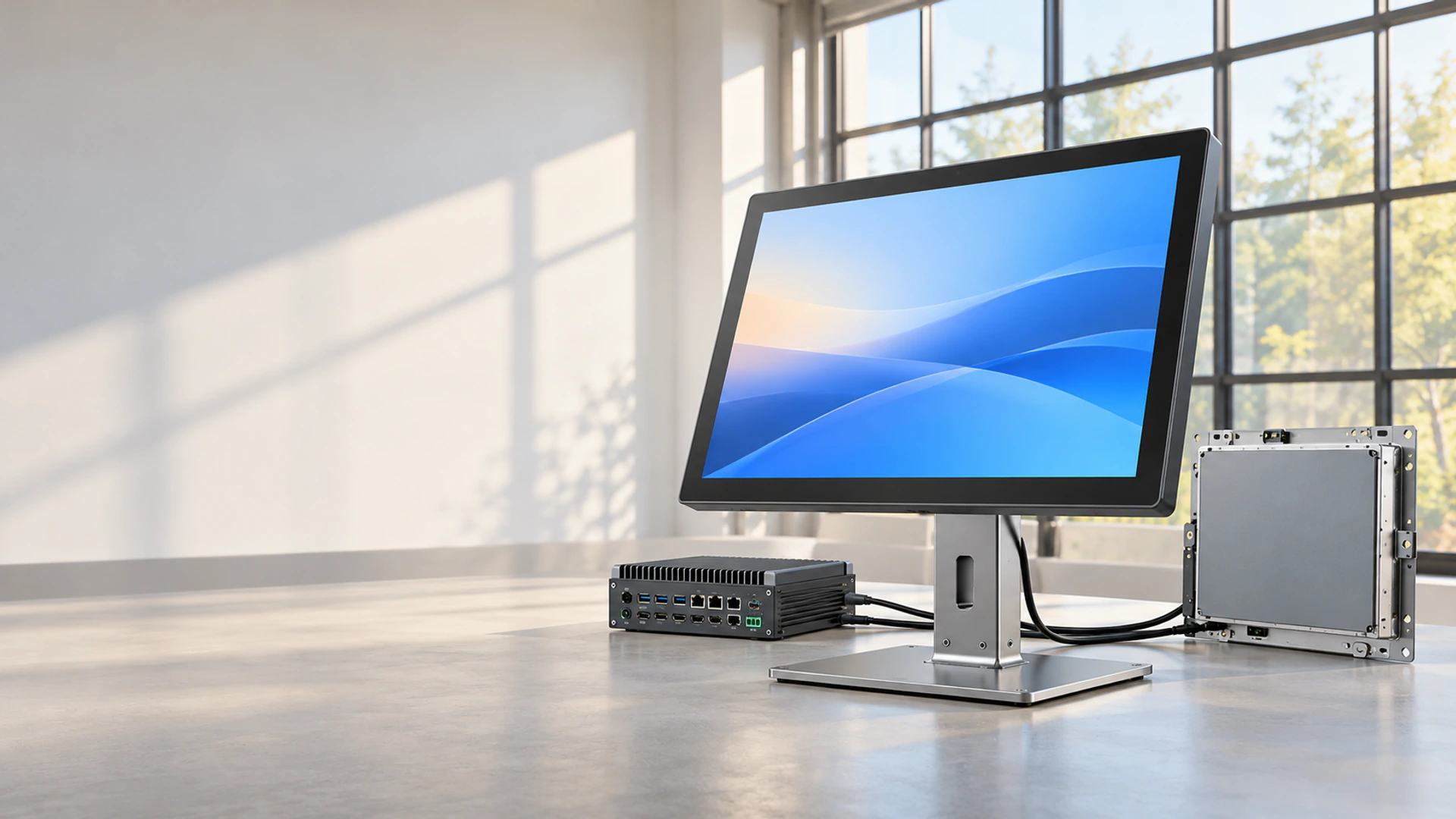
24 Inch Touchscreen Monitor Manufacturer for Custom Display Projects
Lucky-XFC supplies a 24 inch touchscreen monitor starting from the TP238-JX-DR-02 flat display platform. Its actual 23.8-inch screen combines 1920 × 1080 resolution, a 16:9 format, capacitive touch and a metal housing for desktop equipment, commercial terminals, operator interfaces and interactive counters.
- 23.8-inch actual display size
- 1920 × 1080 Full HD resolution
- PCAP capacitive touch
- Metal housing with configurable project integration
Brightness, touch points, interfaces, mounting details and overall dimensions are confirmed from the selected model specification.
What Does 24 Inch Touchscreen Monitor Size Mean?
In monitor product naming, “24 inch” commonly describes a size class rather than an exact 24.0-inch visible diagonal. The Lucky-XFC reference product in this class uses a 23.8-inch display panel.
The diagonal size does not define the overall monitor width, height, depth, active display area, mounting holes or required installation clearance. Use the approved TP238-JX-DR-02 mechanical drawing when designing a bracket, equipment opening or enclosure.
- Market size class: 24 inch
- Actual panel diagonal: 23.8 inch
- Active display area: Confirm from the approved drawing
- Overall monitor dimensions: Confirm from the approved drawing
- Mounting positions: Confirm from the approved drawing
Specify “24-inch class, 23.8-inch actual display” in procurement documents to prevent size and enclosure misunderstandings.
24 Inch Touchscreen Monitor Configuration Paths
TP238-JX-DR-02 is the documented flat 23.8-inch starting model. Select the installation and integration route according to where the monitor will be used.
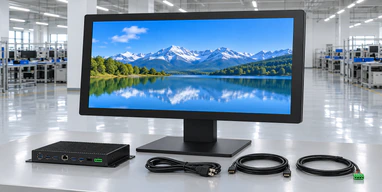
Standard Metal-Housed Monitor
A finished external monitor with a metal housing, 23.8-inch PCAP display, 16:9 format and Full HD resolution.
Complete external housing · External host required
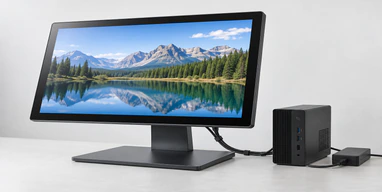
Desktop Equipment Display
A touch monitor configuration for counters, operator desks and equipment workstations. Confirm the stand or support structure, viewing angle and cable route.
Operator reach · Viewing position
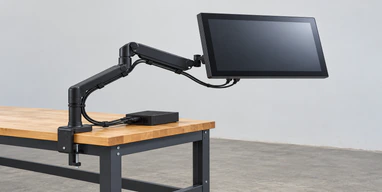
VESA or Arm-Mounted Display
A mounting route for equipment arms, wall brackets or workstation supports. The final VESA pattern and permitted screw depth require model-level confirmation.
Mounting pattern · Support load
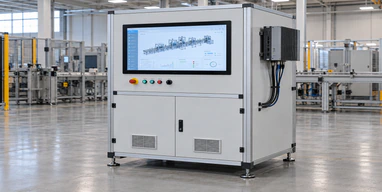
OEM Equipment Integration
A 23.8-inch touch display reviewed with the equipment housing, bracket positions, rear clearance and connector access.
Enclosure fit · Service clearance
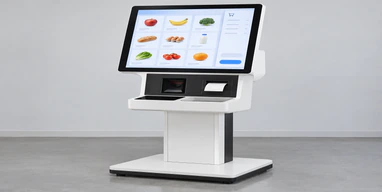
Kiosk and Interactive Counter Display
A Full HD PCAP monitor for product selection, information lookup or customer interaction. Confirm the host, application, orientation and installation structure.
Touch workflow · Counter or cabinet mounting
View Kiosk Touch Monitors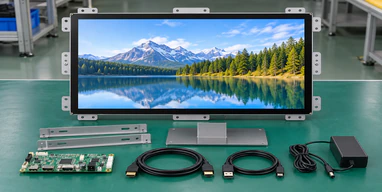
Open-Frame Custom Review
A project route for customers who need the display installed behind a custom fascia. The 23.8-inch open-frame structure is subject to engineering and panel-availability review.
Front opening · Rear installation depth
Review Open-Frame Options
24 Inch Touchscreen Monitor Integration Problems to Resolve
The product is called 24 inch, but the panel is 23.8 inch
Using only the market size in a drawing can create an incorrect enclosure opening. Lucky-XFC identifies the actual panel size and requires the approved mechanical drawing for integration.
The monitor displays an image, but touch does not work
Video and touch data normally use separate signal paths. The host must provide a compatible video output and the required USB or other confirmed touch-data connection.
The housing fits, but connectors cannot be reached
Rear clearance must include connector length, cable-bending space and service access. Review the connector direction before the equipment enclosure is released.
Expected touch behavior was never specified
Touch-point count, glove input, stylus use, wet-touch behavior and operation through additional glass are not universal PCAP specifications. Define and validate the required behavior at configuration level.
The monitor, mounting structure, host connection and touch workflow should be approved as one integrated system.
24 Inch Touchscreen Monitor Core Specification
| Specification | Verified Starting Point |
|---|---|
| Reference model | TP238-JX-DR-02 |
| Market size class | 24 inch |
| Actual display size | 23.8 inch |
| Resolution | 1920 × 1080 |
| Aspect ratio | 16:9 |
| Touch technology | PCAP capacitive touch |
| Housing | Metal housing |
| Computer included | No, external host required |
| Brightness | Confirm from selected model specification |
| Touch points | Confirm from selected model specification |
| Video inputs | Confirm from selected model specification |
| Touch-data interface | Confirm from selected model specification |
| Overall dimensions and mounting | Confirm from mechanical drawing |
This table identifies the documented product starting point. It does not replace the final datasheet, approved drawing or project-specific configuration.
Is a 24 Inch Touchscreen Monitor a Computer?
The TP238-JX-DR-02 is a touchscreen monitor. It provides display and touch-input functions but does not include a CPU, memory, storage, operating system or application software.
- Video connection carries the image from the host
- Touch-data connection returns touch coordinates to the host
- The approved power connection supplies the monitor
- The external computer runs the operating system and application
Choose a touchscreen monitor when the project already has a PC, industrial computer or embedded controller.
Choose a touchscreen all-in-one route only when computing hardware must be integrated into the display assembly. The processor, memory, storage, operating system and interface requirements then need a separate configuration review.
Compare Touchscreen Computers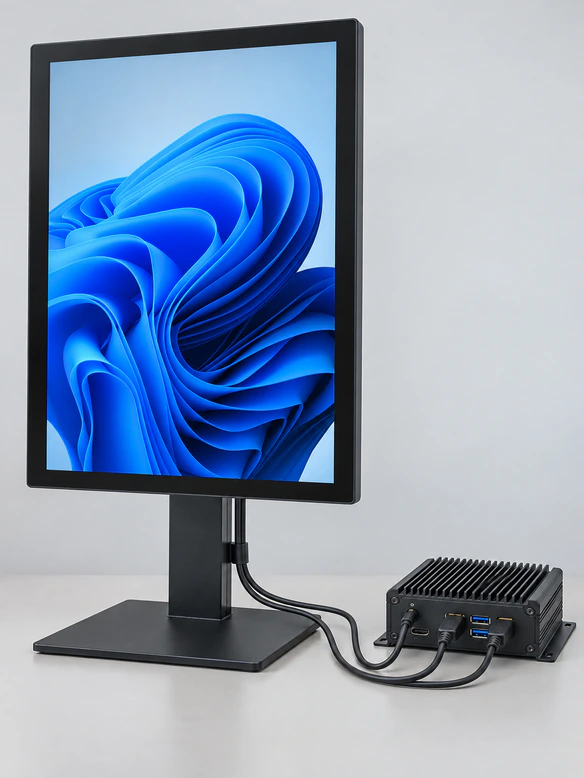
24 Inch Touchscreen Monitor Connection Planning
A touch monitor connection normally contains three functions: video, touch data and power. They may use separate cables unless a specific combined interface is confirmed for both the monitor and host.
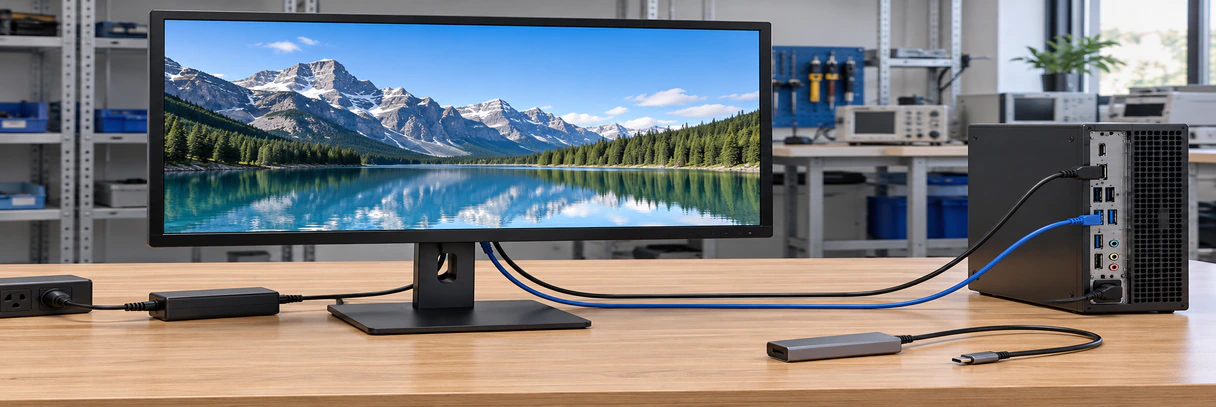
| Connection Function | Common Project Path | What to Confirm |
|---|---|---|
| Video | HDMI, DisplayPort or VGA depending on configuration | Host output, monitor input and supported resolution |
| Touch data | USB or another confirmed controller interface | Host port, operating system and driver requirement |
| Power | Approved monitor power input | Voltage, adapter and installation location |
| USB-C combined functions | Available only on a confirmed configuration | DisplayPort Alt Mode, touch data, cable capability and power roles |
An HDMI connection can display the image without enabling touch. Do not describe a model as a USB-C single-cable monitor unless that exact configuration has been verified.
24 Inch Touchscreen Monitor PCAP Operation
Projected capacitive touch detects changes in the electric field through the touch surface. It is commonly selected for smooth glass interfaces, light finger input and gesture-based applications.
Verified Starting Point
- ✔ The documented TP238-JX-DR-02 uses capacitive touch
- ✔ The display format is 16:9
- ✔ The display resolution is 1920 × 1080
- ✔ The product uses a metal housing
PCAP identifies the touch technology, but it does not automatically define every touch feature.
Requires Project-Level Confirmation
- Number of simultaneous touch points
- Supported operating systems and drivers
- Passive stylus behavior
- Glove input
- Wet-hand performance
- Touch through additional cover glass
- Palm rejection or active-pen functions
- Controller tuning requirements
24 Inch Touchscreen Monitor Mechanical Integration
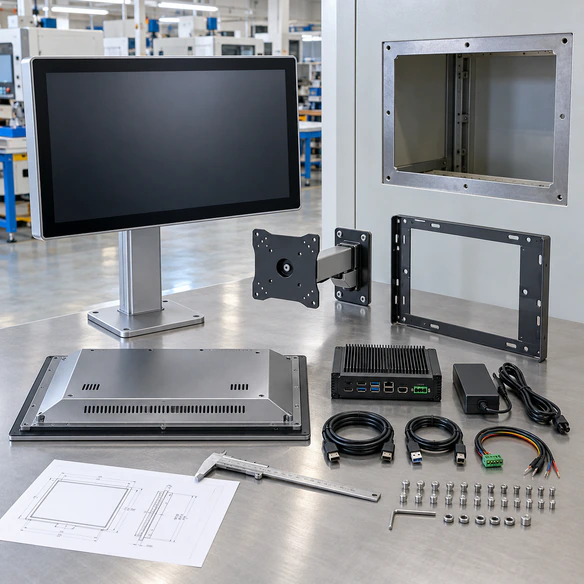
Design the equipment around the approved mechanical drawing rather than the diagonal screen size. Two monitors in the same market size class can have different housings, mounting points and connector positions.
Provide a dimensioned PDF, DWG, DXF or STEP drawing when the 24 inch touchscreen monitor must fit an existing machine or enclosure.
24 Inch Touchscreen Monitor Configuration Review
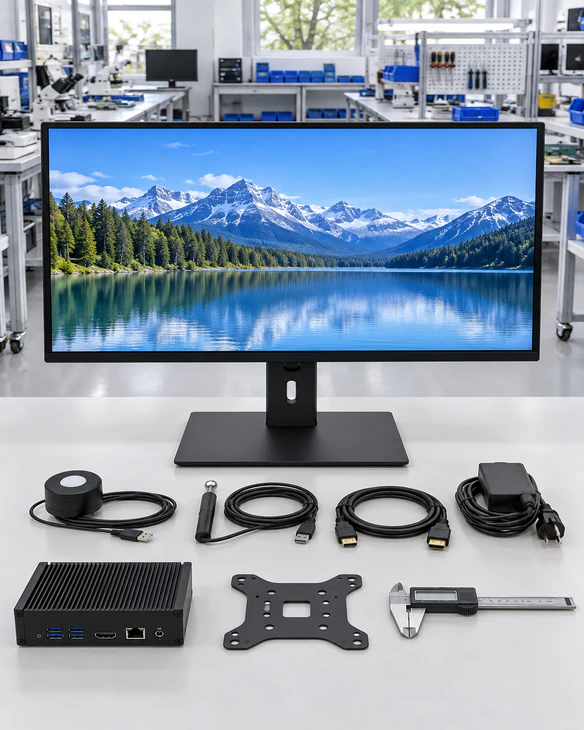
A useful monitor specification connects the display, touch layer, controller, housing, mounting and host system. Confirm these parts together before requesting a production quotation.
Display Parameters
- 23.8-inch actual display size
- 1920 × 1080 resolution
- 16:9 aspect ratio
- Required brightness and viewing conditions
- Landscape or portrait use
Touch Parameters
- Required touch points
- Finger, glove or stylus input
- Cover-glass structure
- Touch controller and interface
- Operating-system requirements
Mechanical Parameters
- Metal-housing format
- Desktop, VESA, wall, panel or enclosure installation
- Overall dimensions and mounting points
- Connector and cable direction
24 Inch Touchscreen Monitor Product Advantages
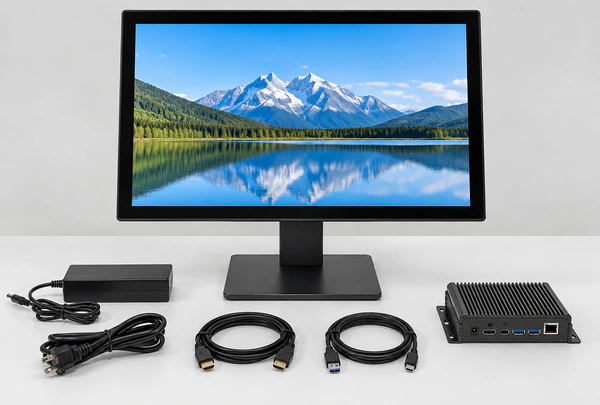
Documented 23.8-inch product starting point
TP238-JX-DR-02 provides a defined starting model instead of treating “24 inch” as an unspecified custom size.
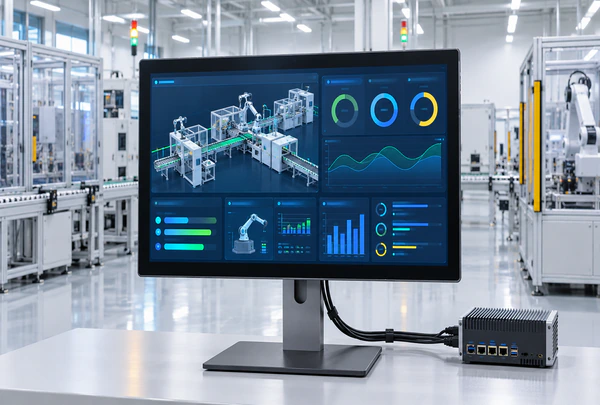
Full HD 16:9 display format
The verified 1920 × 1080 resolution supports common widescreen software layouts for equipment, terminals and interactive counters.
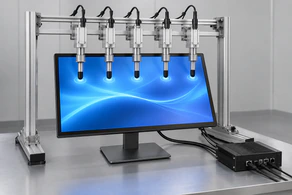
PCAP capacitive touch
The documented touch technology supports a modern glass-interface direction while allowing the exact touch behavior to be confirmed for the project.
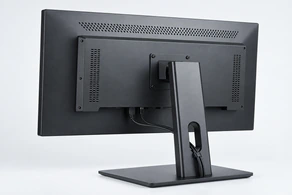
Metal housing
The finished metal construction provides an external monitor format for desktop, VESA, wall or equipment-bracket projects, subject to mounting confirmation.
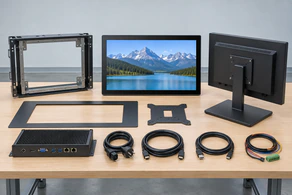
Configurable integration review
Lucky-XFC can review mounting, cover glass, interfaces, cable direction, printed borders and housing requirements according to engineering feasibility.
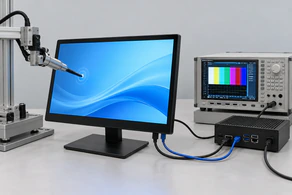
Display and touch checked
Reviewing video and touch connections separately helps prevent integration failures that are hidden when a project specifies only the screen size.
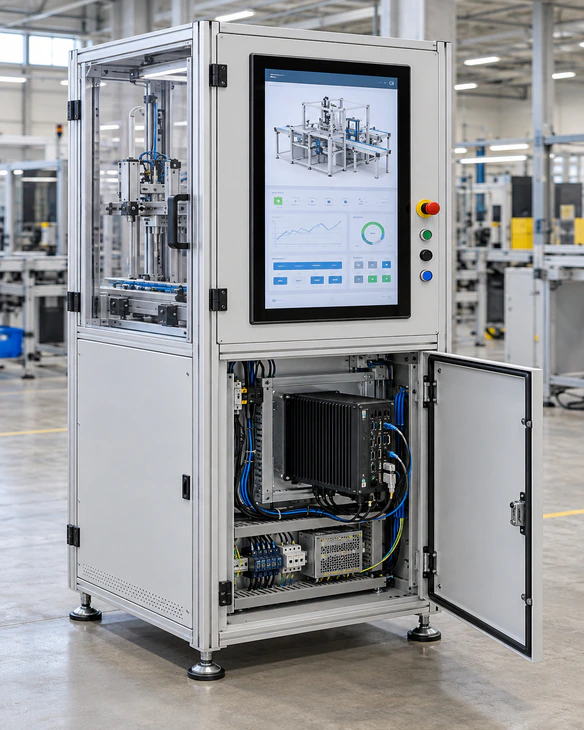
24 Inch Touchscreen Monitor for Equipment Integration
The 23.8-inch display size provides more interface space than a compact 21.5-inch model while remaining easier to integrate than a 27-inch monitor in many workstations and commercial terminals.
Suitability Conditions:
- The software interface benefits from Full HD widescreen space
- The operator can comfortably reach the active touch area
- The equipment can support the monitor dimensions and weight
- The host provides compatible video and touch connections
- The rear space allows cable and service access
- The selected touch behavior has been tested with the real application
A 24-inch class display is not automatically suitable for every enclosure. Viewing distance, touch reach, software scaling, mounting strength and interface layout remain part of the selection.
24 Inch Touchscreen Monitor Mounting Options
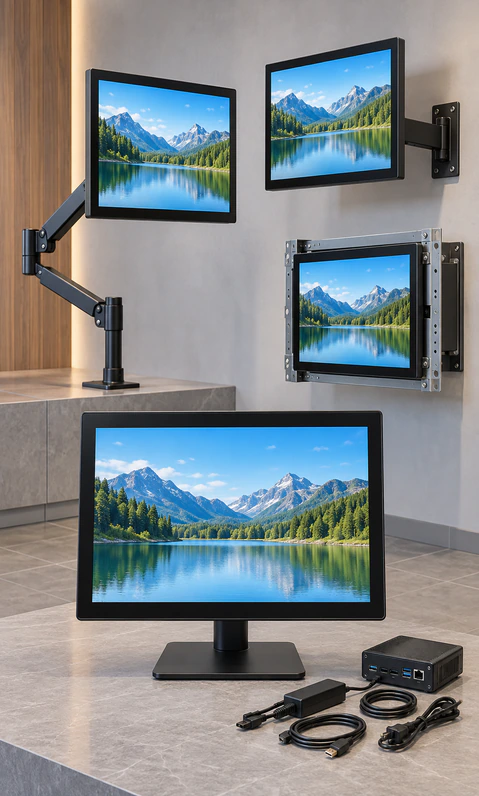
Desktop or Counter Installation
Use a stable support that keeps the touch surface within the operator’s comfortable reach. Confirm stand availability and tilt range for the selected configuration.
VESA or Monitor-Arm Installation
Match the confirmed mounting pattern, screw depth, monitor weight and arm load rating. Plan cable movement when the arm is adjusted.
Wall or Fixed-Bracket Installation
Review viewing height, user reach, bracket clearance and access to the rear connectors.
OEM Equipment Bracket
Use the approved drawing to coordinate the housing, fixing points, cable direction, ventilation and maintenance access.
The availability and dimensions of each mounting option must be confirmed for the final TP238-JX-DR-02 configuration.
24 Inch Touchscreen Monitor Project Checklist

Display
Confirm 23.8-inch actual size, Full HD resolution, brightness and viewing conditions.
Touch
Confirm touch points, input method, controller, glass structure and required gestures.

Host
Record the computer type, operating system, application and graphics output.

Interfaces
Separate video, touch-data and power requirements unless a combined interface is verified.

Mounting
Confirm VESA, desktop, wall or equipment-bracket requirements using the approved drawing.

Environment
Define operating hours, cleaning, moisture, temperature, vibration and certification requirements at model level.
24 Inch Touchscreen Monitor Size Comparison
Compare the 23.8-inch TP238 starting point with the nearest documented Lucky-XFC flat monitor sizes.
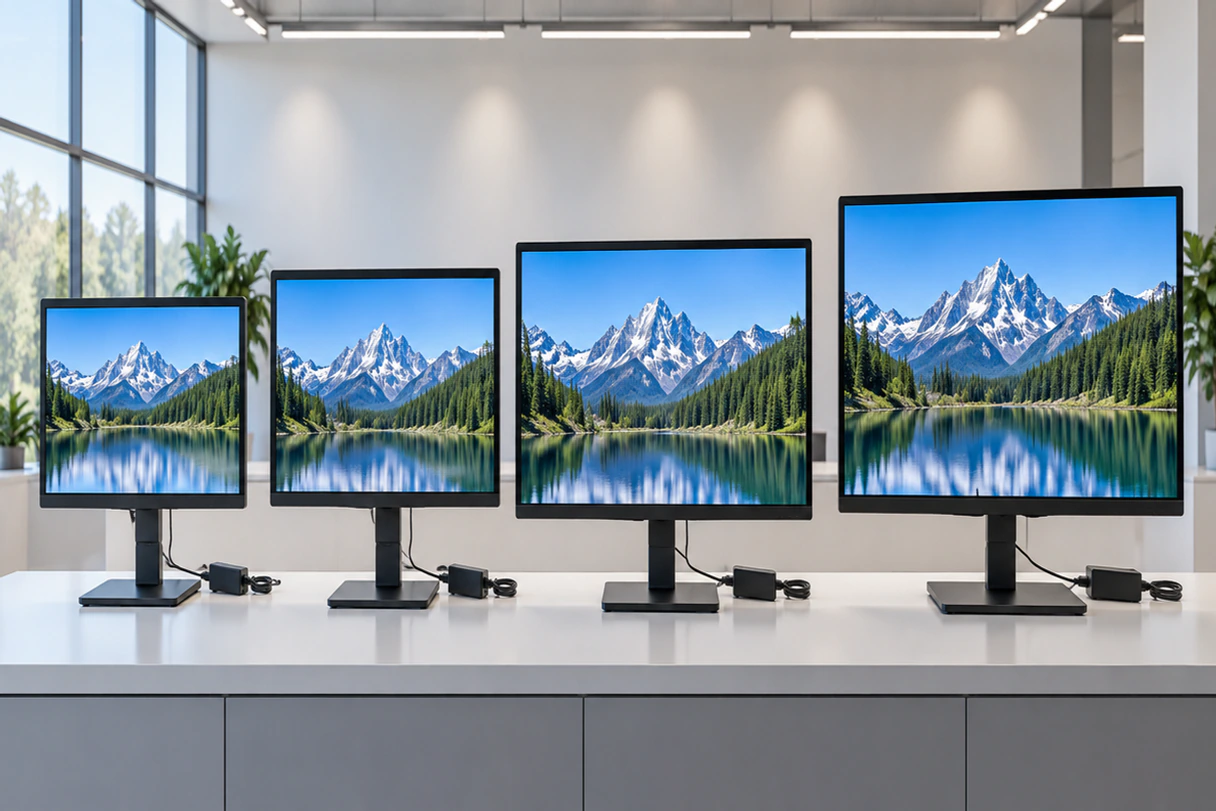
| Market Direction | Reference Model | Actual Size | Resolution | Touch | Housing | Typical Selection Reason |
|---|---|---|---|---|---|---|
| Compact touch monitor | TP215-JX-DR-02 | 21.5 inch | 1920 × 1080 | Capacitive | Metal | Less installation space or shorter user reach |
| 24-inch class touch monitor | TP238-JX-DR-02 | 23.8 inch | 1920 × 1080 | Capacitive | Metal | Balanced interface area for desktop equipment and interactive counters |
| Larger workstation monitor | TP270-JX-DR-02 | 27 inch | 1920 × 1080 | Capacitive | Metal | More physical display area where enclosure space and reach permit |
Choose by equipment space, active interface area, viewing distance, operator reach and software layout. Do not assume that a larger diagonal automatically provides a higher resolution, because the documented models in this comparison share the same Full HD resolution.
Compare LCD Touchscreen Monitor Sizes24 Inch Touchscreen Monitor Applications
Desktop Equipment
Touch control for testing, configuration or equipment software where a finished external monitor is required.
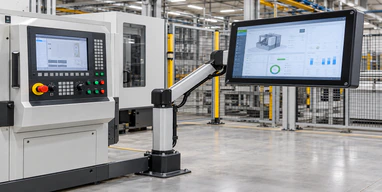
Industrial Operator Workstations
Display and touch input for production information, machine status and operator interaction through an external industrial computer.
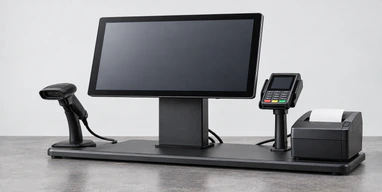
Interactive Retail Counters
Product browsing, option selection and information lookup on a counter or supported display arm.
Kiosk and Information Terminals
A 23.8-inch Full HD interface for cabinet-based information, ordering or directory projects after enclosure review.
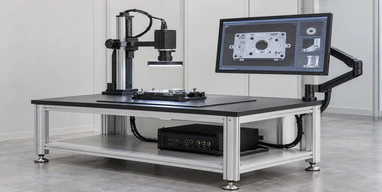
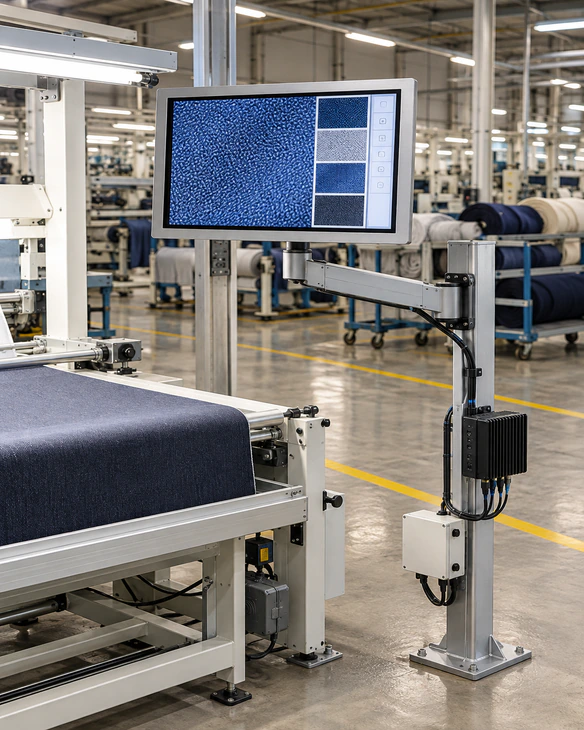
Inspection Stations
Touch-based navigation, image review and confirmation at quality or laboratory workstations using customer-supplied software.
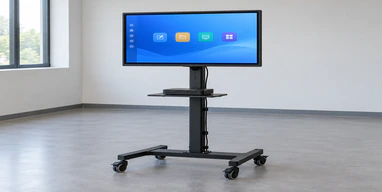
Training and Presentation Controls
A touch interface for controlling presentation, simulation or training content when the software and host support the intended gestures.
24 Inch Touchscreen Monitor Project Scenario in Portugal
Representative showroom integration scenario
A Portuguese showroom-system integrator needed a touch display for a furniture configuration station. Customers had to review materials, colors and product options while standing at a counter. The original concept used a larger display, but its active area extended beyond comfortable touch reach and required a heavier support structure.
The project direction moved to the 23.8-inch TP238-JX-DR-02 starting platform. Its Full HD 16:9 format matched the customer’s software layout, while the metal-housed monitor format was more suitable for an external counter installation. The integrator reviewed the support structure, screen angle, rear cable route and separate video and touch-data connections before approving the physical design.
Project Focus Areas:
- 23.8-inch actual screen selected for comfortable counter reach
- 1920 × 1080 software layout retained
- Metal housing used as the external monitor format
- Support structure and cable clearance reviewed together
- Video and touch-data paths checked separately
- Final touch behavior left subject to sample validation
The revised direction gave the integrator a clearer match between screen size, user reach and installation space without treating the market term “24 inch” as a complete mechanical specification.
This anonymized representative scenario illustrates a typical integration approach and does not identify a specific customer or disclose confidential project data.
24 Inch Touchscreen Monitor Quality and Inspection
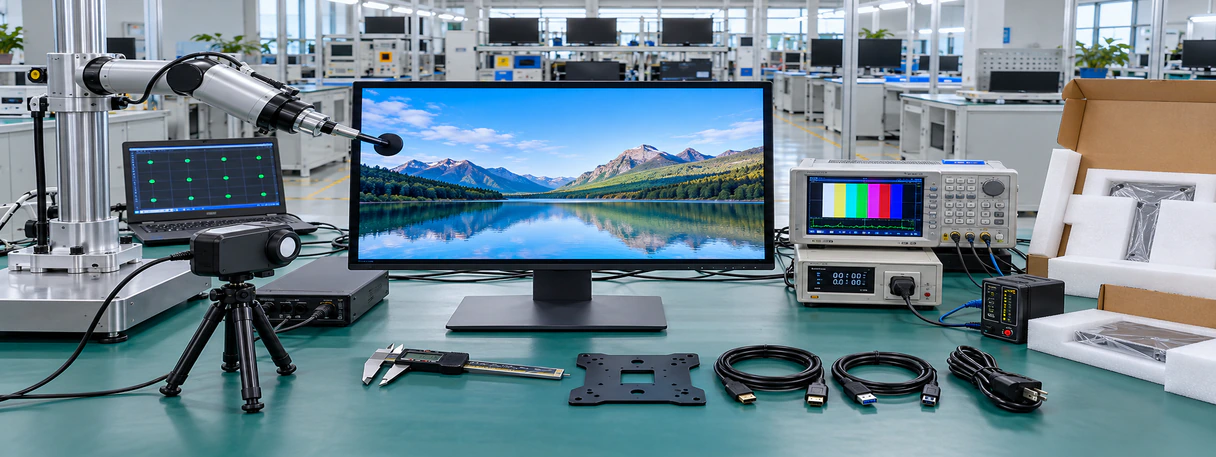
The selected product configuration should be checked as a complete display, touch and mechanical assembly before shipment.
Inspection Scope:
- Display appearance and image output
- Touch response for the approved configuration
- Video and touch-data interfaces
- Housing and mounting details
- Configuration and order quantity
- Packaging and product identification
Manufacturer Profile:
Lucky-XFC has manufactured touch display products since 2013. The company operates a 3100㎡ factory with more than 160 employees and a 26-person quality-control team. Applicable projects can start from one piece, support OEM/ODM requirements and receive pre-shipment inspection.
Certification documents, environmental ratings and destination-market requirements are reviewed according to the selected product and project scope.
24 Inch Touchscreen Monitor Buyer Guide
- Confirm what “24 inch” means
- Match the screen to the software
- Separate video and touch connections
- Choose the installation structure
- Review operating-system requirements
- Approve the mechanical drawing
- Validate the final sample
Confirm what “24 inch” means
Use the 24-inch term for search and market classification, but record the actual 23.8-inch panel size in the product specification. Do not use the nominal class as the enclosure dimension.
Match the screen to the software
The documented TP238 model uses 1920 × 1080 resolution and a 16:9 format. Confirm that the application scales correctly at Full HD and that buttons, tables and controls remain comfortable to use at the intended viewing distance.
Separate video and touch connections
A video cable carries the image. A USB or other approved touch connection returns the input to the host. Power remains a separate requirement unless the selected monitor and host explicitly support a combined connection.
Choose the installation structure
A finished metal-housed monitor can suit desktop equipment, VESA supports, wall brackets and external equipment mounting. Use an open-frame route when the customer’s cabinet must provide the finished exterior.
Review operating-system requirements
Confirm the host operating system, touch controller, driver requirement, gestures and multi-monitor mapping. Operating-system support should be stated only for the approved controller and configuration.
Approve the mechanical drawing
Check the active area, overall dimensions, mounting holes, connector position, cable space and service clearance before the equipment housing or bracket is manufactured.
Validate the final sample
Test the monitor with the intended host, cables, software, operator workflow, mounting position and environmental conditions. A general touch demonstration does not replace application-level validation.
24 Inch Touchscreen Monitor FAQ
Is a 24 inch touchscreen monitor exactly 24.0 inches?
What is the resolution of the Lucky-XFC 24 inch touchscreen monitor?
Does the 24 inch touchscreen monitor include a computer?
How does touch data reach the computer?
Does the 24 inch touchscreen monitor support ten touch points?
Can the 24 inch touchscreen monitor be installed inside equipment?
Request a 24 Inch Touchscreen Monitor Configuration
Send the information needed to review the TP238-JX-DR-02 or a related 23.8-inch configuration. Lucky-XFC will use the submitted details to discuss the display, touch, mounting and connection requirements that still need confirmation.
Submission Checklist:
- Application and operating environment
- Required screen size and resolution
- Touch-point and input requirements
- Host device and operating system
- Video and touch-data interfaces
- Desktop, VESA, wall or equipment mounting
- Overall dimensions or enclosure drawing
- Quantity and destination market
