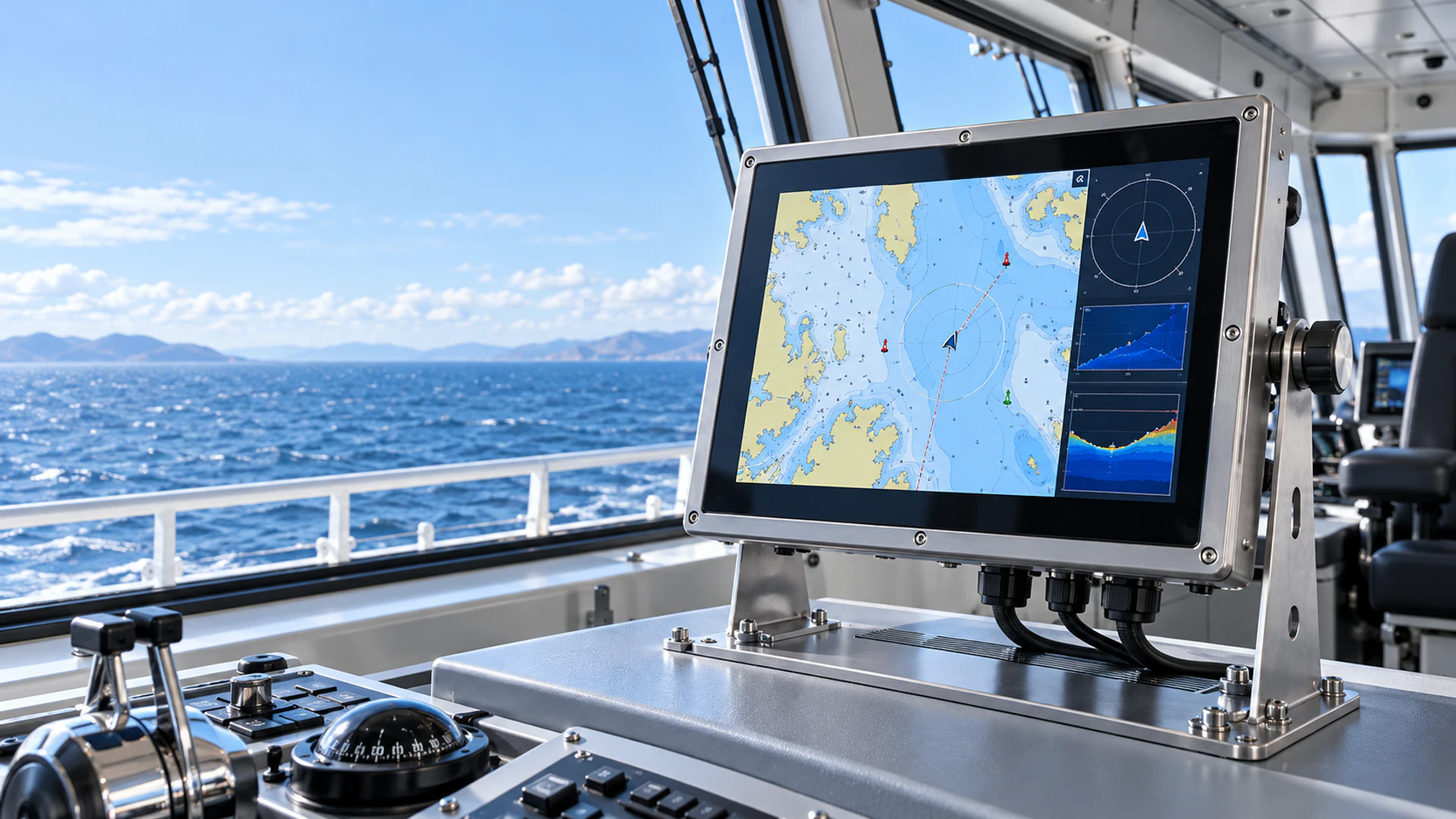
Marine Touchscreen Monitor Manufacturer for Custom Vessel Display Integration
Lucky XFC evaluates custom touchscreen display projects for bridge consoles, helm stations, deck equipment and below-deck control environments. Start with the required exposure, readability, touch method, power input, host connection and mounting structure before selecting the final display configuration.
- Bridge and helm display project direction
- Front-sealed and fully sealed structure review
- High-ambient-light and night-viewing planning
- Panel, flush, VESA and custom integration
Marine suitability is configuration-specific. Ingress protection, brightness, touch behavior, power, corrosion resistance, vibration performance and required approvals must be confirmed for the selected product and installation.
Marine Touchscreen Monitor Project Scope at a Glance
1. Four Product Paths
Bridge and helm, fully sealed, panel-mounted and below-deck display directions.
2. External-Host Architecture
The monitor displays the connected host interface and returns touch input. It does not automatically include navigation software or a computer.
3. Exposure-Based Selection
Define whether water, humidity, salt air and cleaning reach the front only or the complete enclosure.
4. Day and Night Viewing
Review ambient light, reflections, viewing angle and required dimming behavior as one optical system.
5. Project-Specific Power
Record the vessel supply, voltage range, transients and grounding requirements before selecting the power configuration.
6. Model-Level Verification
Protection, temperature, touch and compliance claims belong to the approved model and test scope.
Marine Touchscreen Monitor Configuration Paths
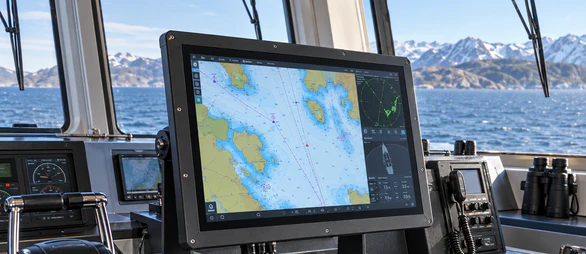
Bridge & Helm Marine Touchscreen Monitor
The primary project direction combines a finished touchscreen monitor with front-surface protection and display planning for bright bridge or helm environments. Viewing angle, day and night brightness, reflection control, wet-touch behavior and power input must be evaluated together.
Status: Outdoor and high-brightness customization direction verified. Marine performance requires project confirmation.
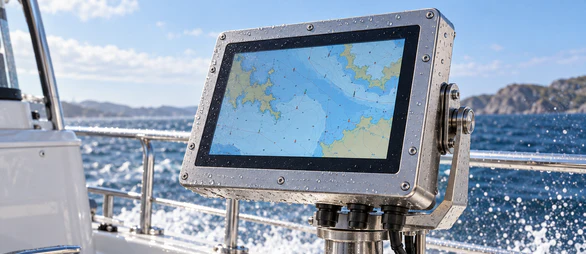
Fully Sealed Waterproof Marine Touchscreen Monitor
This direction covers projects where exposure may reach the sides, rear housing, seams, connectors or cable entries—not only the front glass. The complete enclosure, connection path, thermal design and service access must form one protection system.
Status: Fully sealed customization direction verified. Exact IP scope and marine environmental performance remain unverified.

Panel & Flush-Mount Marine Touchscreen Monitor
This format installs into a bridge console, equipment panel or custom enclosure. The front bezel, gasket, panel opening, mounting depth, fixing method and connector clearance must match the final equipment drawing.
Status: Panel and open-frame integration capability verified. Marine suitability requires confirmation.
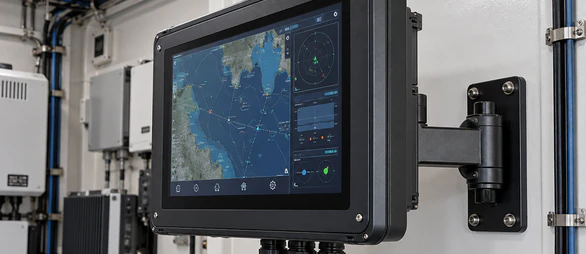
Below-Deck Marine Touchscreen Monitor
A below-deck display may not require the same exposure protection as an open-deck monitor, but humidity, condensation, vibration, power quality, night viewing and host compatibility still require review.
Status: Candidate product direction requiring configuration confirmation.


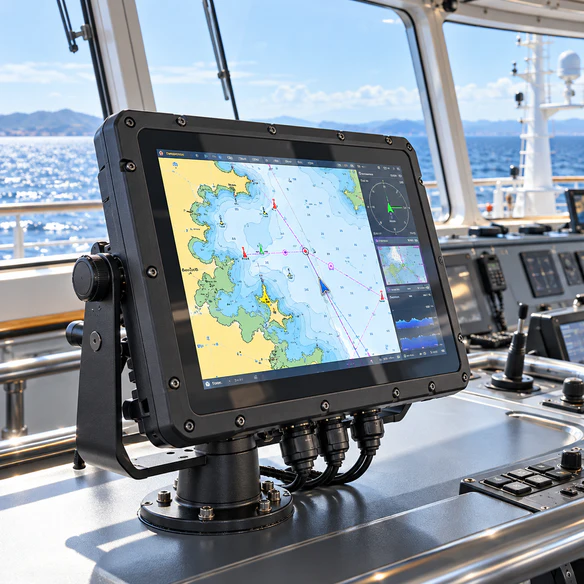
What Is a Marine Touch Screen Monitor?
A marine touch screen monitor is a display-and-touch terminal configured for a defined vessel environment. It receives video from an external computer or control system and returns touch coordinates through a compatible touch-data connection.
The term “marine” should describe a verified combination of display, touch system, cover glass, enclosure, mounting, connectors, power and environmental performance. A waterproof front glass or metal housing alone does not establish suitability for every vessel location.
A complete project may need to coordinate:
- LCD panel and optical characteristics
- PCAP or resistive touch system
- Cover glass and front seal
- Housing, gasket and cable entries
- Video, touch-data and power connections
- Mounting and service access
- Host computer and operating system
- Required environmental tests and approvals
A monitor does not automatically decode NMEA, AIS, radar or navigation data. The connected host or marine electronics system generates the displayed interface.
Marine Touchscreen Monitor Integration Risks to Prevent
Front Protection Is Mistaken for Complete-Enclosure Protection
A protected front surface does not establish the performance of the rear housing, seams, connectors or cable entries. Define every exposed surface before selecting the enclosure.
High Brightness Is Treated as Guaranteed Sunlight Readability
Brightness, glass reflection, viewing angle, content contrast, air gaps and optical construction all influence visibility.
A Fixed DC Input Is Connected Directly to an Unverified Vessel Supply
Vessel power may include voltage variation, switching events and grounding conditions. Confirm the approved input range and required protection before installation.
PCAP Touch Is Assumed to Work Through Rain or Heavy Gloves
Wet-touch and glove behavior depend on the sensor, controller tuning, cover glass and actual exposure. Validate the intended interaction condition.
Industrial Specifications Are Presented as Marine Certification
A rugged metal enclosure or waterproof option does not establish DNV, IEC 60945 or another maritime approval. Use only model-specific reports and certificates.
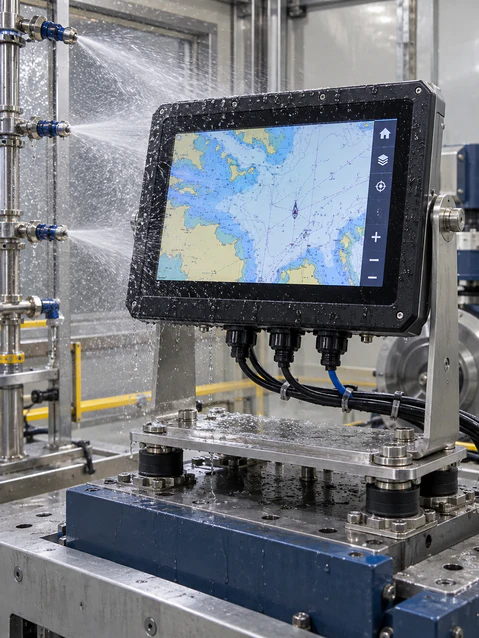
Bridge & Helm Marine Touchscreen Monitor Starting Direction
The main configuration is a finished external-host touchscreen monitor evaluated around the actual bridge or helm position. The final product must be defined by an approved model specification rather than by transferring outdoor or industrial claims from another display.
| Configuration field | Project direction |
|---|---|
| Product type | External-host touchscreen monitor |
| Intended location | Bridge, helm or protected vessel control position |
| Display size | Selected by viewing distance, console opening and operator reach |
| Resolution | Confirm from selected panel and host output |
| Touch technology | PCAP or resistive direction, subject to project validation |
| Protection scope | Front-sealed or complete-enclosure review |
| Brightness | Select from measured ambient-light and night-viewing requirements |
| Dimming | Project requirement; exact range and control method must be confirmed |
| Video input | Confirm against the host system and selected controller |
| Touch-data input | Confirm independently from the video path |
| Power input | Confirm vessel supply, operating range and protection requirements |
| Mounting | Panel, flush, VESA or project-specific structure |
| Environmental performance | Model-specific and test-specific |
| Marine certification | Not verified as a standard Lucky XFC product claim |
Do not publish a fixed model number or performance value until the panel, controller, touch system, enclosure, power design and applicable test documents have been approved.
Marine Touchscreen Monitor Environmental Layer Map
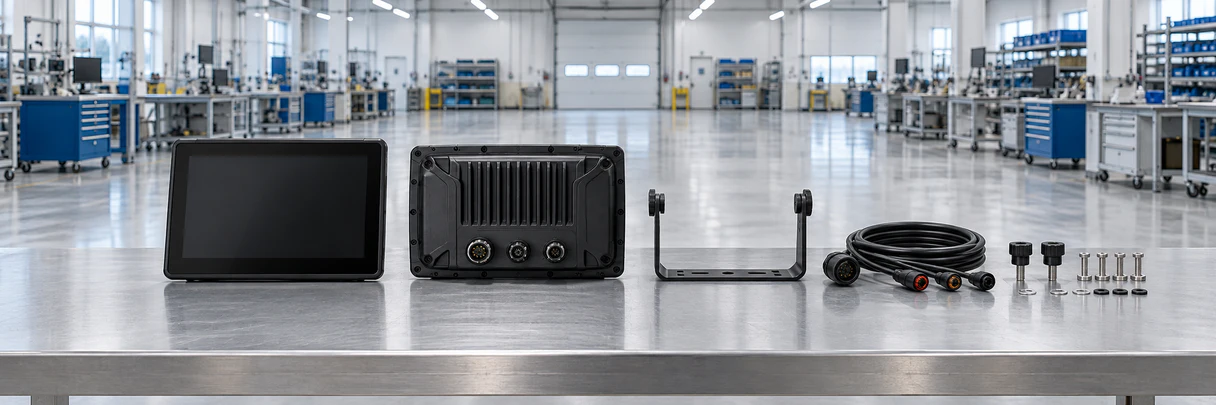
Environmental requirements interact. A fully sealed enclosure may affect heat dissipation. Higher brightness can increase power and thermal load. Thicker cover glass may affect touch tuning. Review the complete system rather than approving each feature in isolation.
Marine Touchscreen Monitor Protection Comparison
| Product path | Exposure direction | Protection responsibility | Main selection fields |
|---|---|---|---|
| Bridge & helm monitor | Front surface and bright viewing environment | Monitor front plus surrounding console | Brightness, reflection, dimming, touch and panel seal |
| Fully sealed monitor | Front, sides, rear and connection areas | Complete monitor enclosure | Housing seams, connectors, cable entries, thermal design and test scope |
| Panel or flush-mount monitor | Front exposed; rear typically inside console | Monitor front plus customer enclosure | Opening, gasket, panel thickness, mounting pressure and rear protection |
| Below-deck monitor | Sheltered interior with humidity and vibration conditions | Monitor plus interior installation | Condensation, power, dimming, host connection and mounting |
Supporting note: “IP65 front” and “full IP65 enclosure” describe different protection scopes. Never use one phrase as a substitute for the other.
Marine Touchscreen Monitor Power and Host Compatibility
Define the power, video and touch-data paths separately. A working image does not confirm touch operation, and a connector that fits does not confirm electrical compatibility.
- Record the vessel’s nominal supply and actual operating range.
- Identify voltage dips, switching events, generator changes or other project-specific power conditions.
- Confirm polarity, grounding, connector and fuse requirements.
- Use a verified converter or power input when the monitor cannot accept the vessel supply directly.
- Record the host computer or marine electronics source.
- Confirm the required resolution and refresh rate.
- Define HDMI, DisplayPort, VGA or another verified video input.
- Confirm USB or the approved touch-controller connection separately.
- Test startup, restart, sleep recovery and reconnection behavior.
- For multiple displays, verify touch mapping to the correct monitor.
Do not claim 12V, 24V or 9–36V operation unless the selected model specification confirms it.

Marine Touchscreen Display Readability and Touch Validation
Daylight Readability
Select brightness only after reviewing ambient light, direct-sun duration, installation angle, reflection and content contrast. A higher nit value alone does not guarantee readability.
Night Viewing
Bridge and helm applications may require a low night-time brightness level and predictable dimming control. Exact dimming range, steps and control method must be verified for the selected configuration.
Wet-Touch Behavior
Water droplets, continuous films and wet fingers create different touch conditions. Test the intended exposure with the actual cover glass and touch controller.
Glove Operation
Record glove material and thickness. PCAP and resistive touch provide different interaction paths, but neither should be promised without testing the required glove.
Optical Construction
AG, AR, AF treatment or optical bonding may be considered where supported. Confirm reflection, touch behavior, thermal implications and production feasibility before including an option.
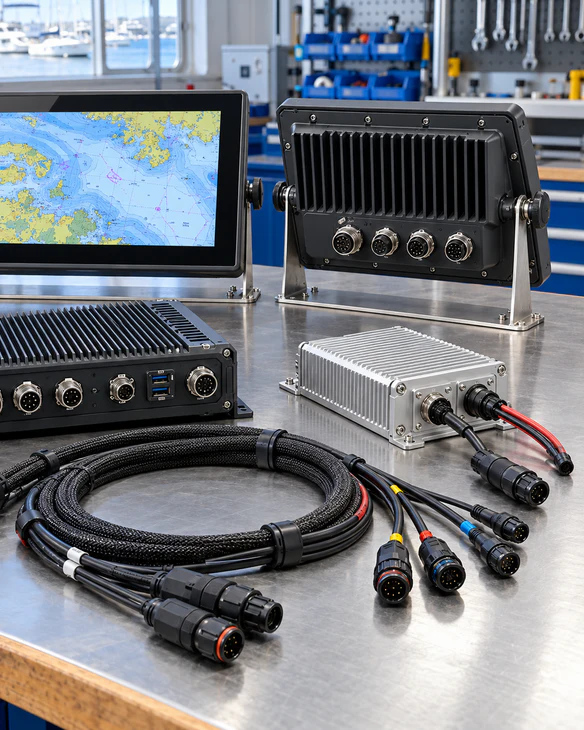
Marine Touchscreen Monitor Applications

Bridge and Helm Control Interfaces
Display navigation, vessel status or control software generated by a connected, approved host system. Safety and regulatory requirements remain the responsibility of the complete system design.

Exposed Deck Equipment
Evaluate full-enclosure protection when spray, cleaning or weather can reach the monitor housing, connectors and cable entries.

Machinery Information Terminals
Review humidity, temperature, vibration, cleaning and host connections for machinery monitoring interfaces.

Onboard Camera Monitoring
Match the display inputs, resolution, viewing conditions and touch workflow to the connected camera or video-management host.
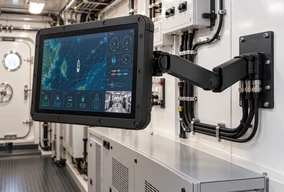
Below-Deck Control Rooms
Use a sheltered configuration while still reviewing condensation, power quality, dimming and mounting.

Diagnostics and Maintenance
Provide direct interaction with maintenance or diagnostic software running on an external industrial computer.
These are application directions, not claims of completed Lucky XFC customer projects or approval for safety-critical navigation.

Marine Touchscreen Monitor Evaluation Scenario
Commercial Vessel Bridge Console Upgrade
A system integrator is replacing a bridge-console display connected to an external computer. The new interface must remain readable during bright daytime operation, dim sufficiently for night use and fit an existing panel opening.
The equipment review begins with the console drawing, viewing distance, host video output, touch-data connection and vessel power conditions. The front surface and gasket are reviewed separately from the protected rear electronics. Wet-touch, glove operation, dimming and restart behavior are included in the sample validation plan only when required.
If the project requires maritime type approval, salt-mist testing, shock, vibration or EMC documentation, the exact standard and product configuration must be defined before quotation. An ordinary industrial certificate cannot replace a required marine approval.
Disclosure: This is an illustrative engineering scenario. It is not a published customer case, order record or performance claim.
Custom Marine Touchscreen Monitor Options
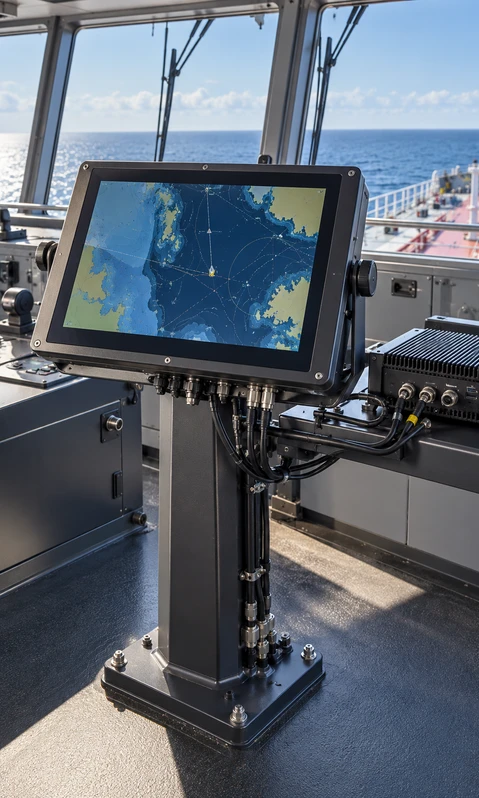
Display
Review screen size, resolution, brightness, viewing characteristics and dimming requirements.
Touch
Compare PCAP and resistive directions according to gestures, wet fingers, gloves, stylus and cover-glass conditions.
Cover Glass
Evaluate outline, thickness, printed border and supported optical surface treatments.
Protection Structure
Define front-sealed or complete-enclosure protection, gasket position, joints, connectors and cable entries.
Housing
Review metal or stainless project structures only after material grade, finish and corrosion requirements are defined.
Mounting
Coordinate panel, flush, open-frame, VESA or equipment-specific mounting with the approved drawing.
Power and Interfaces
Confirm video input, touch-data connection, vessel supply, converter requirements and cable routing.
Appearance and Documentation
Logo, labels, packaging, drawing and specification requirements may be reviewed within the approved project scope.
Customization does not mean that every protection rating, certification or feature is available for every screen size.
Marine Touchscreen Monitor Project Workflow

1. Installation Environment Review
Define location, sunlight, water, humidity, salt exposure, temperature, vibration and cleaning.

2. Product Path Selection
Choose bridge and helm, fully sealed, panel-mounted or below-deck direction.

3. Display and Touch Definition
Confirm size, resolution, brightness, dimming, glass and touch interaction.

4. Power, Interface and Drawing Review
Coordinate vessel power, host outputs, touch data, mounting and cable clearance.

5. Sample Configuration Validation
Test display, touch, dimming, host behavior and project-defined environmental requirements.

6. Approved Production Configuration
Freeze the product specification, drawing, connection plan, labels and inspection scope.

Marine Touchscreen Monitor Manufacturing and Inspection
Inspection must follow the approved model, protection scope and project requirements. Standard display testing alone does not establish marine environmental compliance.
Applicable inspection or validation may include:
- • LCD, touch sensor and cover-glass identification
- • Display image and interface checks
- • Brightness and dimming verification against the approved specification
- • Touch coordinates and required input behavior
- • Housing, gasket and connector inspection
- • Cable-entry and cable-clearance checks
- • Dimensions and mounting verification against the drawing
- • Power-on, restart and reconnection checks
- • Wet-touch, glove or water-film testing when specifically defined
- • Environmental testing only when the method, sample and acceptance criteria are approved
- • Packaging, labels and accessories
Do not describe visual inspection, a water spray or an ordinary vibration check as formal IP, salt-mist, IEC or DNV certification.
Why Choose Lucky XFC for a Marine Touchscreen Monitor Project?

1. Multiple Environmental Product Paths
Compare front-sealed, fully sealed, panel-integrated and protected below-deck directions before fixing the structure.
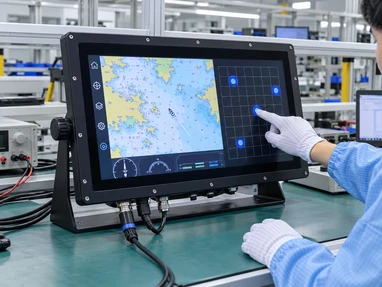
2. Display and Touch Coordination
The LCD, cover glass, touch controller and operating conditions can be reviewed as one interaction system.

3. Mechanical Integration Review
Panel openings, mounting depth, fixing positions, bezel overlap and cable clearance can be organized around the equipment drawing.

4. Separate Power and Signal Planning
Video, touch data and power are documented separately to reduce connection ambiguity.

5. OEM and ODM Configuration Support
Display, structure, interfaces, mounting, appearance and project documentation can be coordinated within one approved configuration.

6. Specification-Based Inspection
Inspection can be aligned with the selected product, drawing and project-defined test scope.
Marine Touchscreen Monitor Selection Matrix
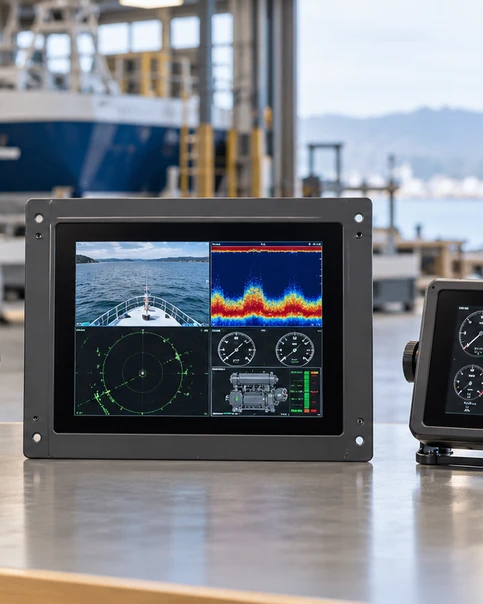
| Project condition | Recommended starting path | Critical confirmation |
|---|---|---|
| Bright bridge or helm position with protected rear electronics | Bridge & helm monitor | Brightness, reflection, night dimming, front seal and viewing angle |
| Exposure reaches rear housing or connectors | Fully sealed monitor | Complete IP scope, connectors, cable entries, thermal design and service |
| Display fits inside a console opening | Panel or flush-mount monitor | Cutout, gasket, panel thickness, depth and mounting pressure |
| Sheltered cabin or internal control space | Below-deck monitor | Humidity, condensation, dimming, power, vibration and interfaces |
| Frequent wet-finger operation | Project-reviewed PCAP path | Water condition, glass and controller tuning |
| Heavy or defined gloves | Resistive or validated PCAP path | Glove material, thickness, gestures and sample test |
| High ambient light | High-brightness optical review | Measured light, reflection, content contrast, power and heat |
| Required maritime approval | Certification-led product review | Exact standard, model, laboratory report and scope |
| Unstable or variable vessel power | Verified power-conversion path | Input range, transient requirements, grounding and connector |
| Navigation or safety-critical interface | Complete system compliance review | Host, software, monitor, redundancy and applicable regulations |
Choose the environmental and installation path before selecting detailed display specifications. A high-brightness panel and a fully sealed enclosure solve different requirements.
Marine Touchscreen Monitor Buying Guide
Is an IP65 front panel enough for a marine installation?
It may be appropriate when the rear electronics, connectors and cables are protected inside a correctly designed console. It is not equivalent to a completely sealed monitor.
How bright should a bridge touchscreen monitor be?
There is no universal value. Record ambient light, direct-sun exposure, viewing direction, display content and night-time use. Review brightness together with reflection, power and heat.
Does high brightness guarantee sunlight readability?
No. Cover-glass reflections, air gaps, optical construction, viewing angle and content contrast also affect visibility.
Which touch technology is better for wet or gloved use?
PCAP supports modern glass-front interaction and multi-touch where the selected controller is suitable. Resistive touch responds to pressure and may suit defined gloves or simple single-touch workflows. Test the actual water and glove conditions.
Can a marine touchscreen monitor connect directly to NMEA equipment?
A standard touchscreen monitor normally receives video from a host and returns touch coordinates. It does not automatically interpret NMEA 0183, NMEA 2000, AIS or radar data. The external host or approved interface system handles those protocols.
Can the monitor connect directly to 12V or 24V vessel power?
Only when the selected model or approved power converter supports the actual supply range and project conditions. Nominal voltage alone does not describe dips, surges, switching events or grounding.
What is required for DNV or IEC 60945 compliance?
The exact product configuration, standard edition, test scope and valid documentation must match the project. A certificate for another model, component or facility cannot be transferred to the proposed monitor.
What should be approved before production?
- Product model and display specification
- Protection scope and installation orientation
- Mechanical drawing and mounting method
- Brightness, dimming and optical requirements
- Touch behavior and controller
- Video, touch-data and power connections
- Host and operating-system compatibility
- Required environmental tests and certifications
- Sample-validation plan
- Production and inspection specification
Marine Touchscreen Monitor FAQ
Does Lucky XFC have a standard DNV-approved marine touchscreen monitor?
Can Lucky XFC evaluate a waterproof marine touchscreen?
What screen sizes are available?
Does the monitor include a marine computer?
Can the screen work in direct sunlight?
Can PCAP touch work with rain or wet fingers?
Can the display operate from 12V or 24V DC?
Is a stainless-steel housing automatically saltwater resistant?
What information is needed for a marine display quotation?
Related Marine Touchscreen Monitor Product Paths

Outdoor Touchscreen Monitors
Review exposure, sunlight readability, thermal planning and front-versus-complete protection.
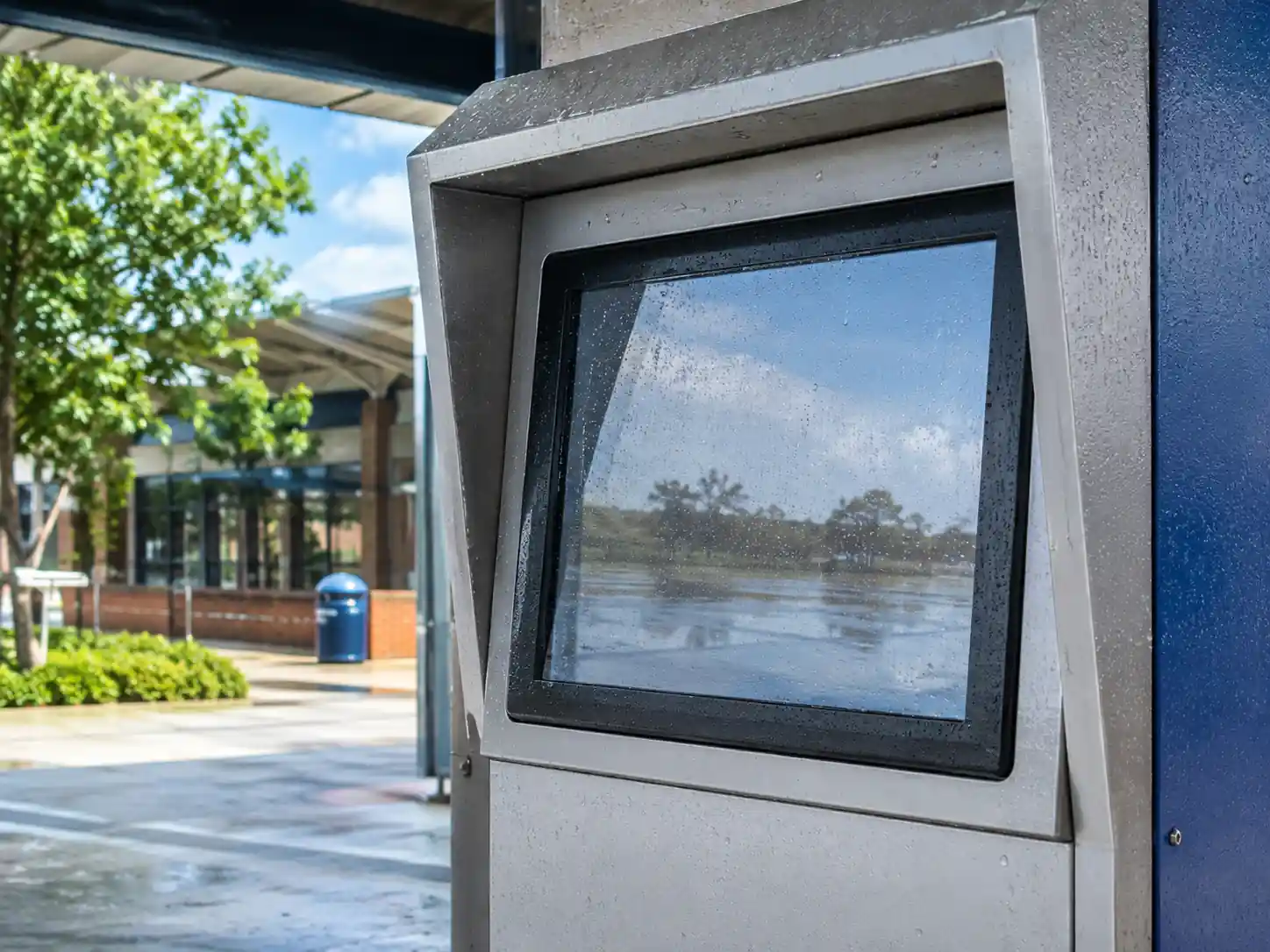
Waterproof Touch Screens
Compare front-sealed and fully sealed waterproof project structures.

Panel-Mount Touchscreen Monitors
Review cutout, front bezel, mounting depth and equipment-panel integration.
Rugged Touchscreen Monitors
Review environmental exposure, mechanical integration and model-specific validation.
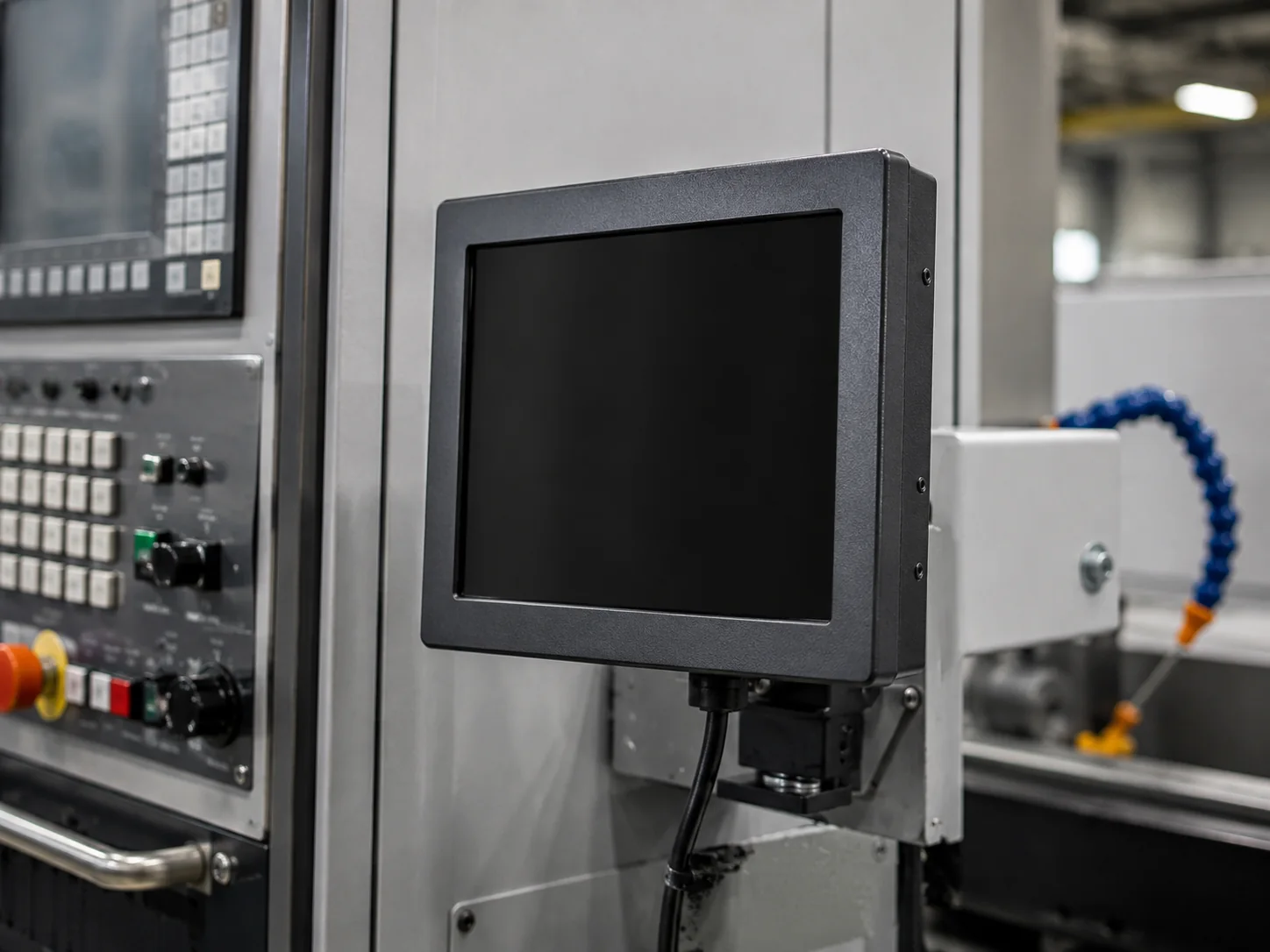
Industrial Monitors
Compare documented industrial display starting points and external-host architectures.
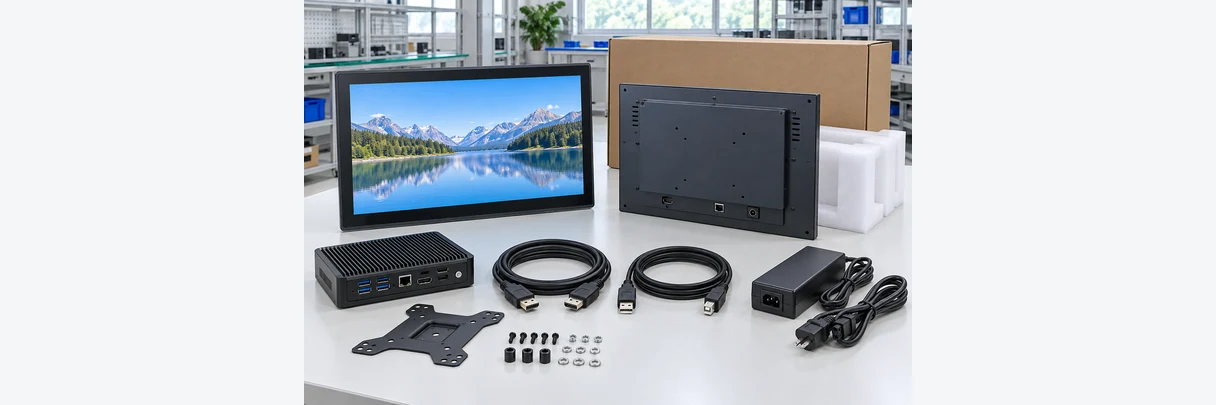
DisplayPort Touchscreen Monitors
Review video, touch-data and power paths when the host uses DisplayPort.
Request a Marine Touchscreen Monitor Project Review
A useful quotation begins with the installation environment, protection scope and host system. Share the console drawing, viewing conditions, touch requirements, vessel power and required approvals so the display, enclosure, connections and validation plan can be reviewed together.
Helpful information:
- Bridge, helm, deck, engine room or below-deck location
- Screen size and console opening
- Front-only or complete-enclosure exposure
- Ambient light and night-dimming requirement
- Wet-finger, glove or stylus operation
- Host computer and video output
- Touch-data connection
- Vessel power conditions
- Mounting drawing and cable clearance
- Temperature, humidity, salt, shock and vibration requirements
- Required maritime standard or certification
- Estimated quantity and project stage