
Interactive Digital Signage Manufacturer
Custom Interactive Digital Signage Displays
Turn passive screens into intuitive customer and visitor experiences with configurable interactive digital signage hardware from Lucky XFC. Select flat or curved touch displays, wall-mounted terminals, embedded screens and kiosk-ready configurations for retail, wayfinding, self-service, corporate and public-space projects.
Available configurations can be evaluated for capacitive touch, Android or computer systems, landscape or portrait installation, custom interfaces, enclosures and OEM branding.
Tip: Send your application, screen size, installation method, quantity, operating system and required peripherals for a faster recommendation.
Why Interactive Digital Signage Projects Fail After the Screen Is Ordered
A touchscreen alone does not make a deployable interactive signage system. The display, touch layer, operating system, software, enclosure, peripherals and installation structure must work together.
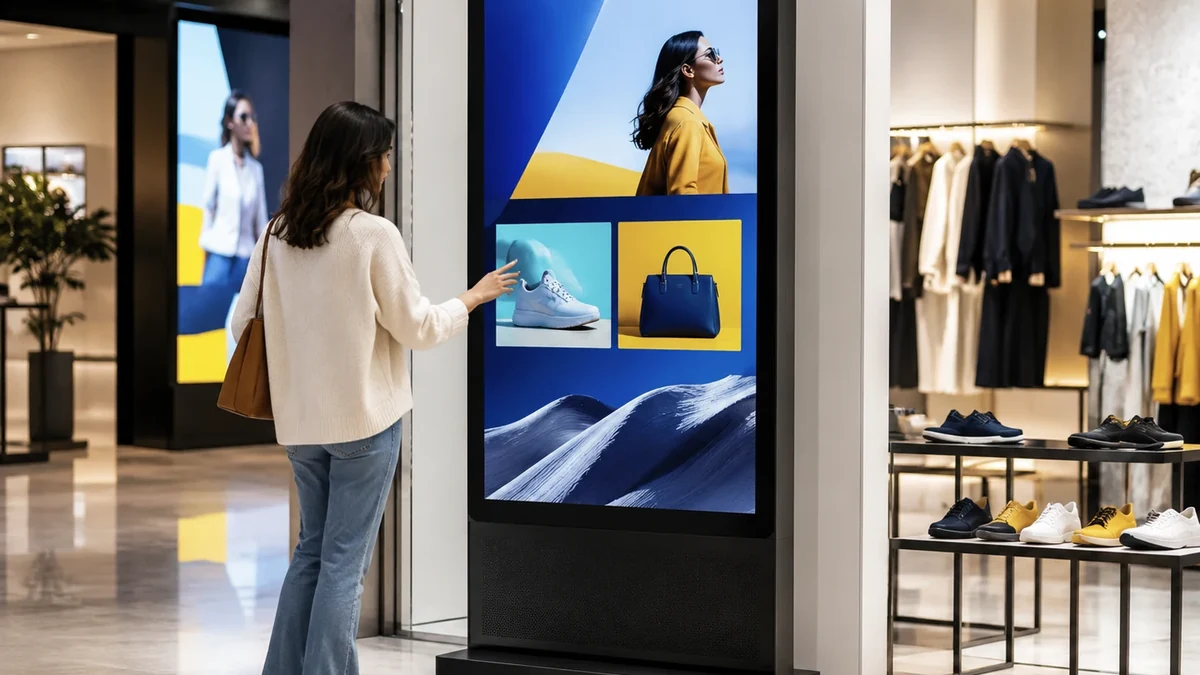
Touch and Application Mismatch
A touch panel may respond correctly while the customer application, gesture requirements or operating system remains incompatible.
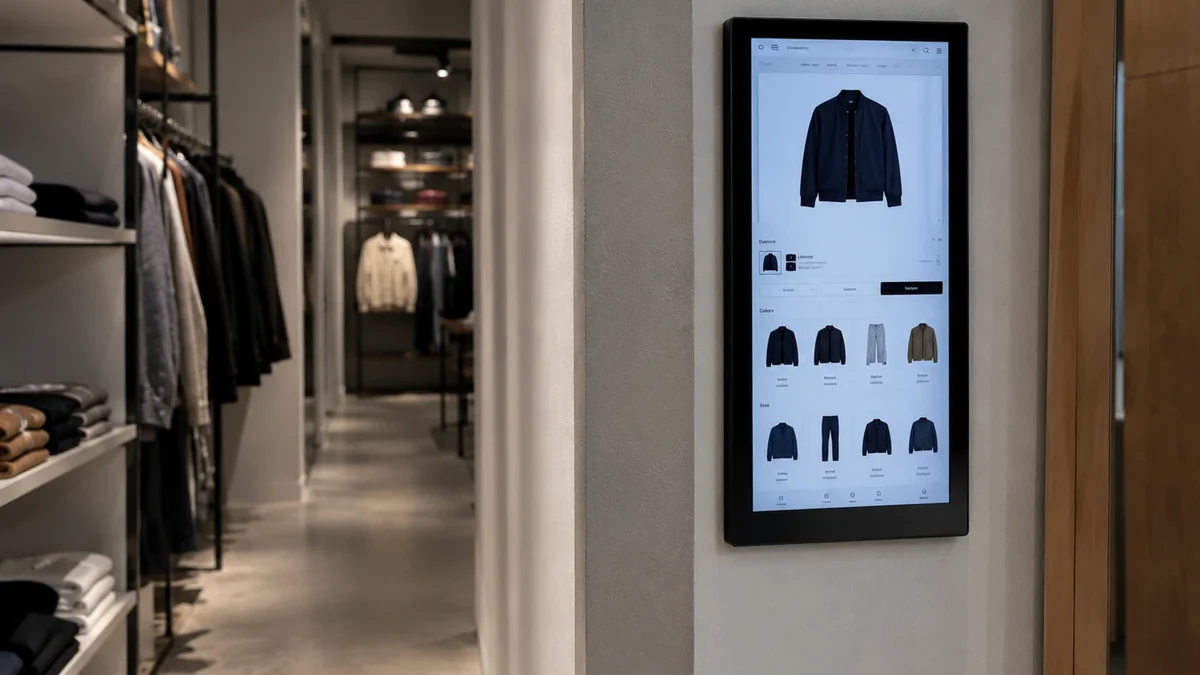
The Display Does Not Fit the Space
Incorrect dimensions, orientation, mounting depth or user height can make an otherwise suitable display difficult to install or use.
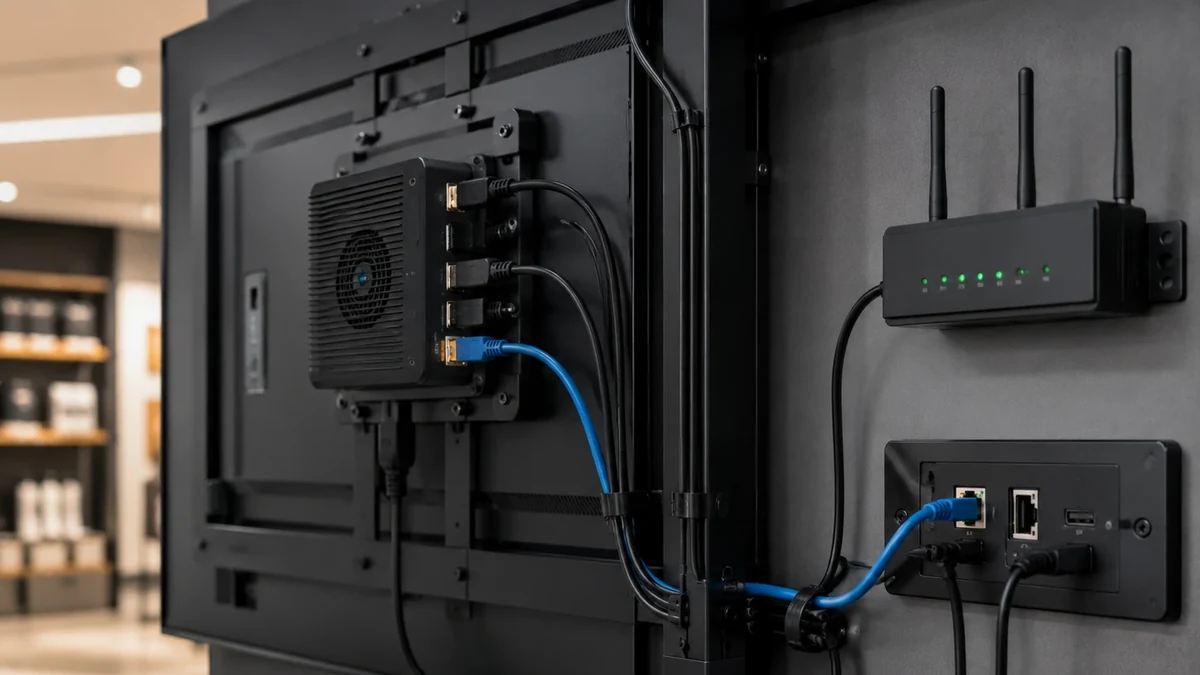
Interfaces Are Confirmed Too Late
Barcode scanners, cameras, printers, card readers, NFC devices and industrial controls may require interfaces that were not included in the original configuration.
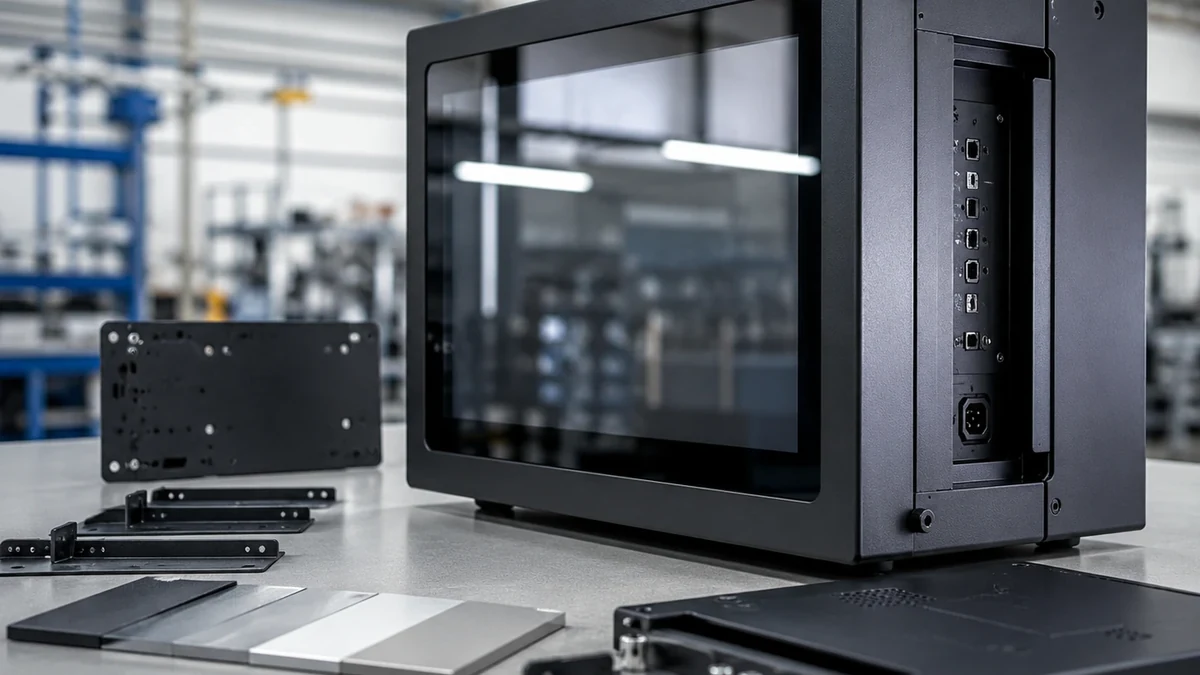
Hardware and CMS Are Purchased Separately
Selecting the screen, player and software independently increases compatibility testing and deployment work.
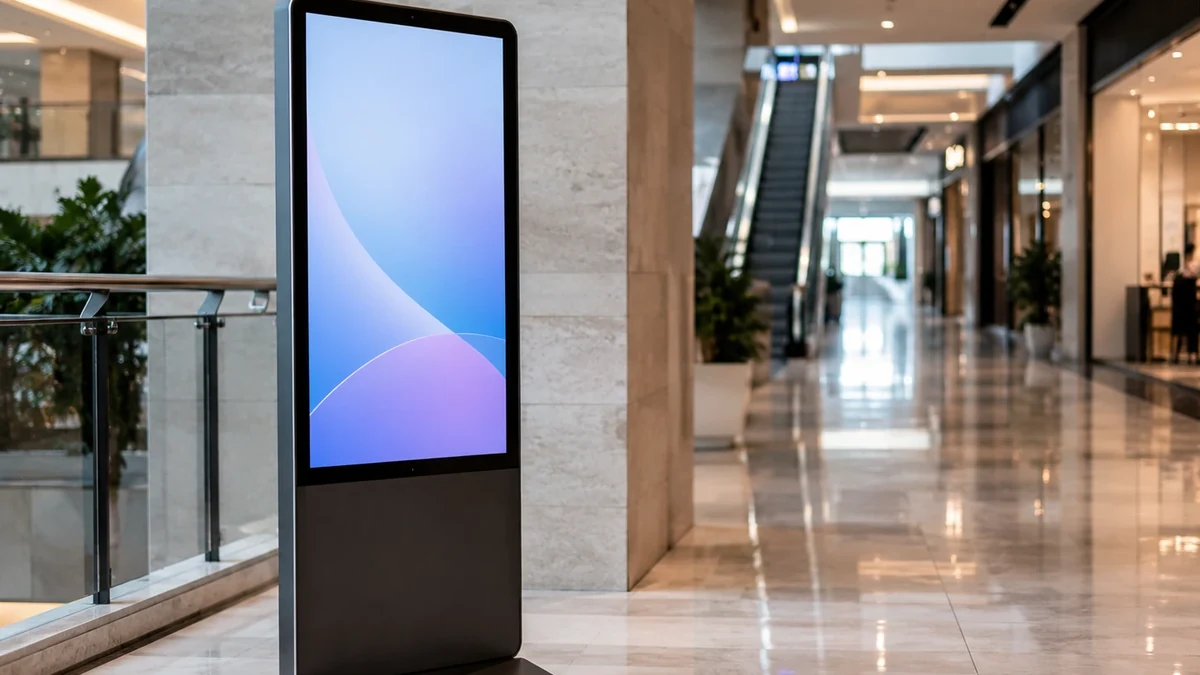
Consumer Screens Are Used in Public Environments
Home-use displays may not provide the structure, mounting, service access or project customization required for commercial deployment.
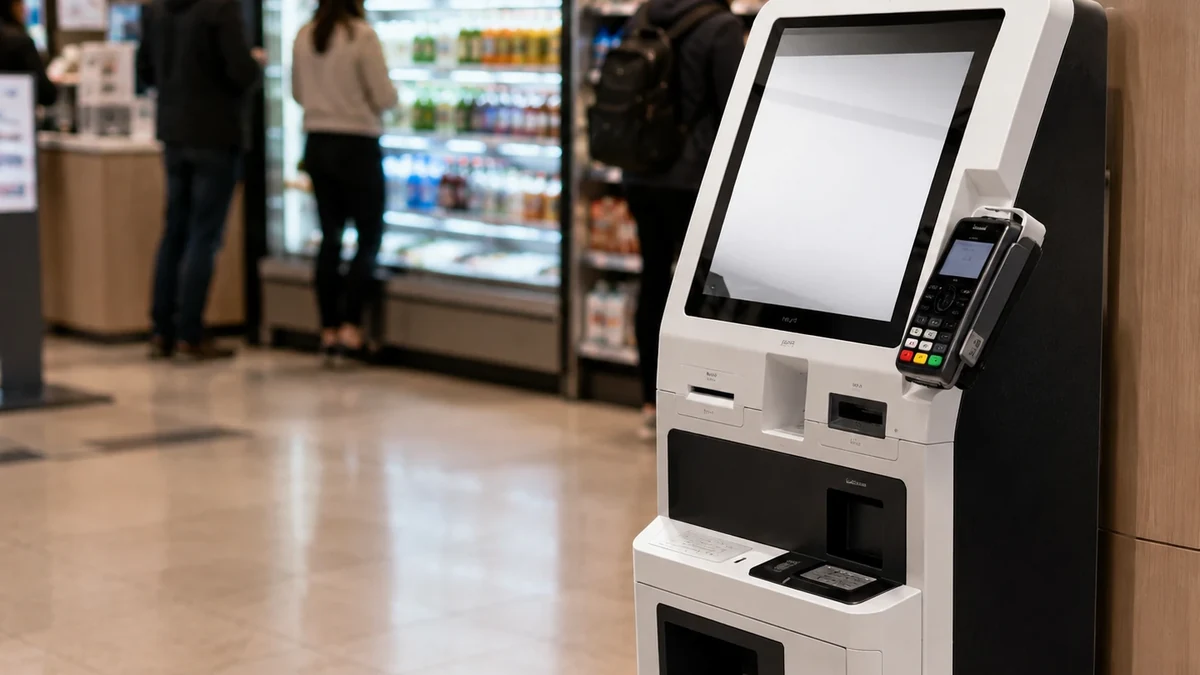
The Quote Covers Only the Screen
Touch, system hardware, enclosure, peripherals, software, integration, packaging and logistics all affect the actual project cost.
What Is Interactive Digital Signage?
Interactive digital signage is a commercial display system that allows users to influence on-screen content through touch, QR codes, sensors, connected devices or software inputs. Unlike passive digital signage, it lets visitors search, browse, navigate, check in, place requests or access information based on their own actions.

Commercial Display
The LCD panel, protective structure and mounting format used to present content.
Touch or Input Layer
Capacitive touch, QR interaction, sensors or project-specific input hardware.
Android System or Computer
The computing platform that runs the application and processes user input.
Interactive Application or CMS
The software used to present, update and manage interactive content.
Network and Data Connection
Ethernet, Wi-Fi or another approved connection for content and system communication.
Enclosure and Peripherals
Wall mount, embedded housing, kiosk structure, camera, scanner, printer or other project hardware.
Lucky XFC focuses on the display terminal, touch hardware, computing configuration, enclosure and OEM/ODM integration. Third-party CMS, POS software and customer applications must be evaluated against the final hardware configuration.
Interactive Digital Signage Solutions by Form Factor
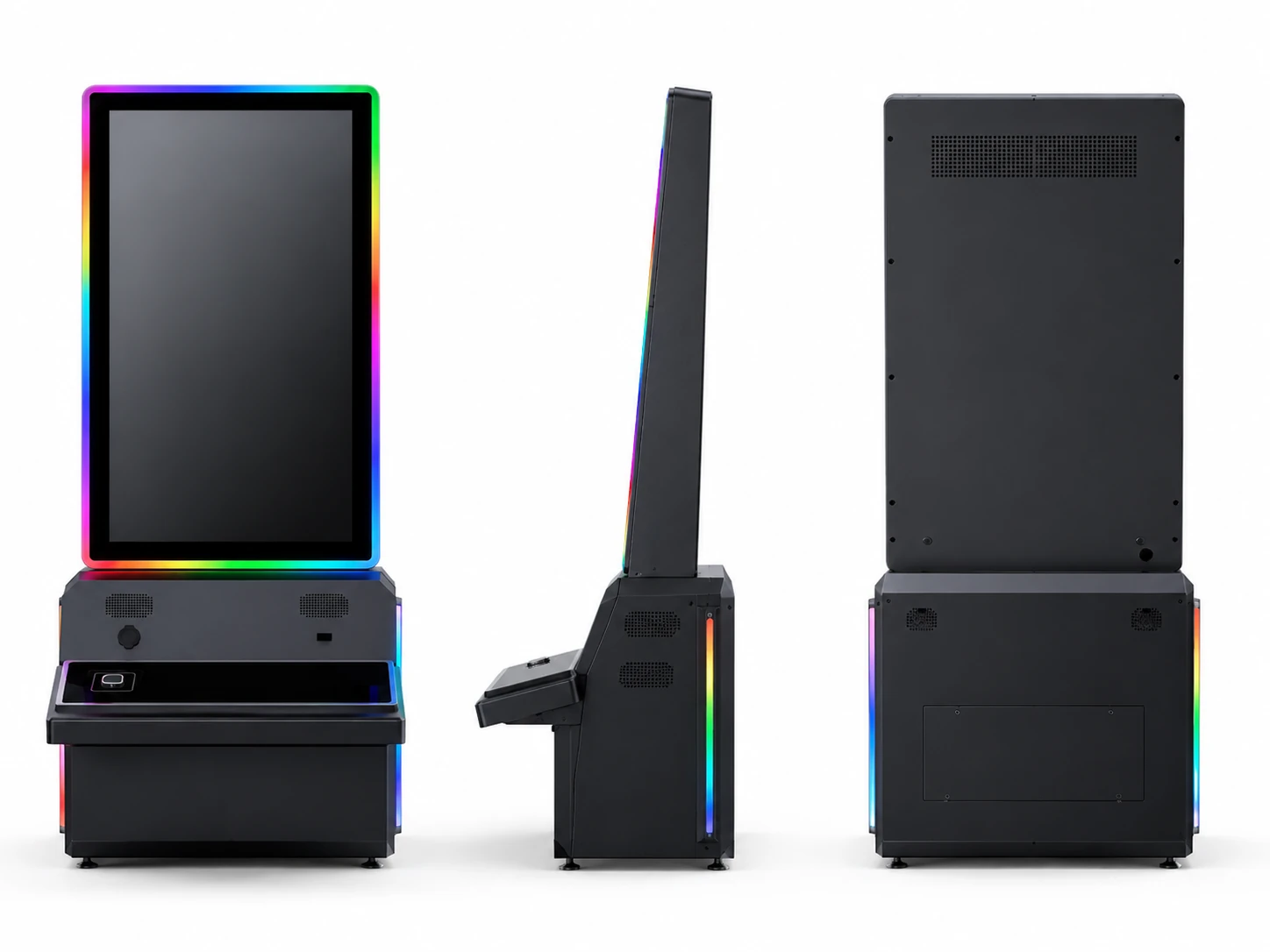
1. Flat Capacitive Touch Displays
Flat touch displays provide a familiar interface for product browsing, information lookup, control panels and embedded interactive applications. Reference flat models are available in 21.5, 23.8, 27, 31.5 and 43-inch sizes with capacitive touch, 16:9 format, 1920 × 1080 resolution and metal housing.
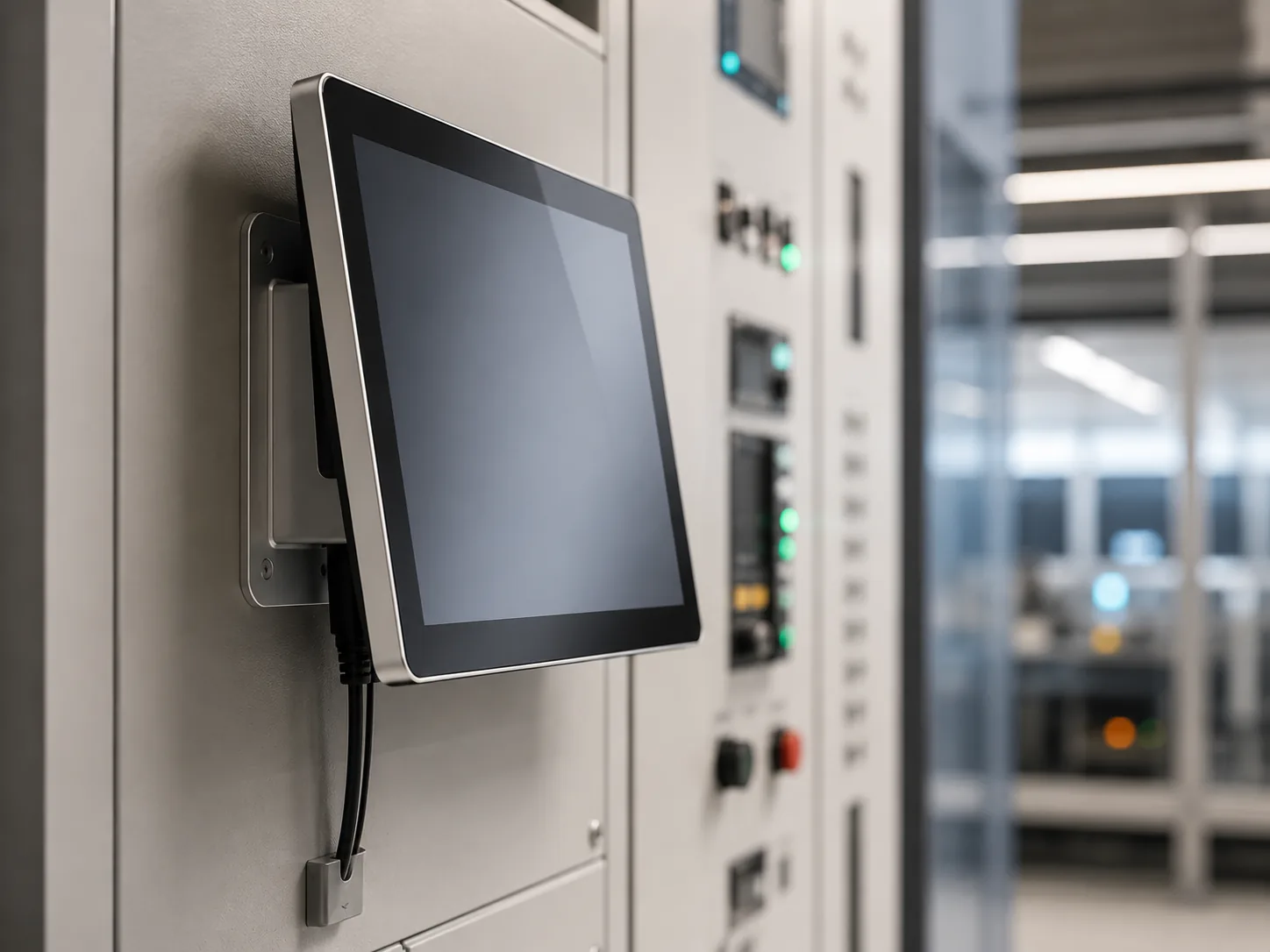
2. Wall-Mounted Interactive Digital Signage
A space-efficient format for directories, product catalogs, visitor information and interactive content in stores, offices, lobbies and public facilities. Confirm touch technology, mounting structure, orientation, cable routing and application compatibility before production.
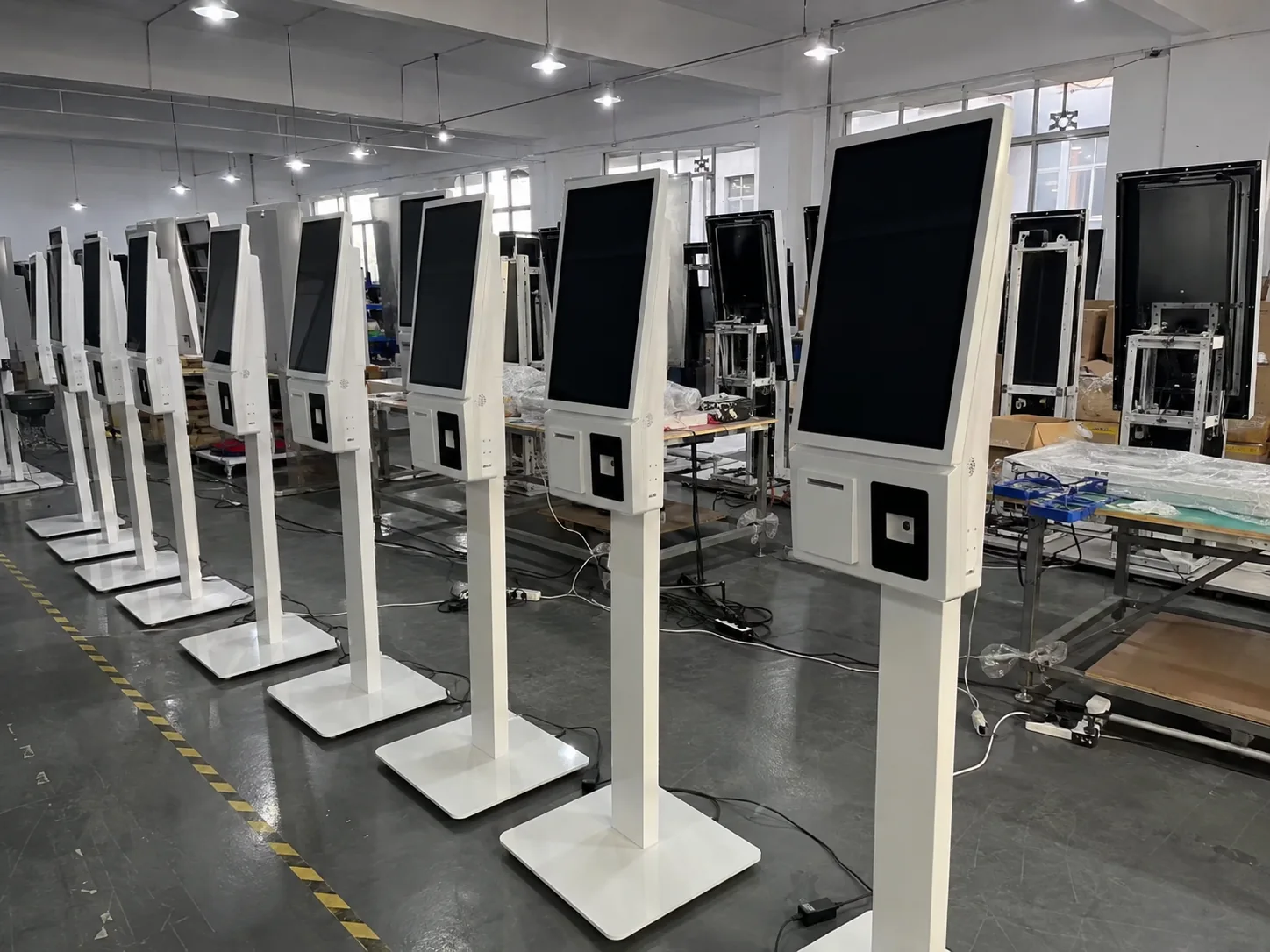
3. Floor-Standing Interactive Kiosks
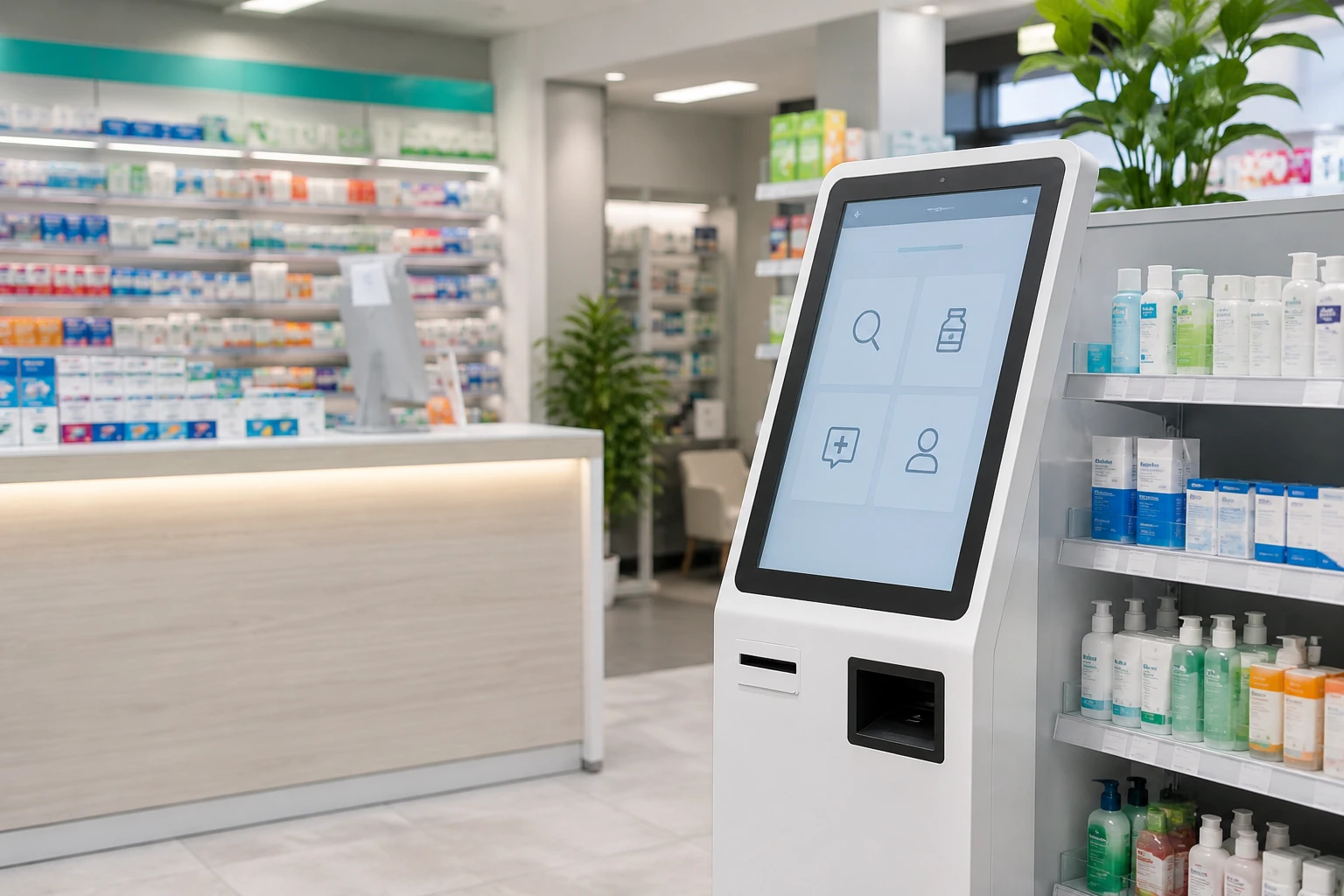
Floor-standing kiosks combine the display, touch interface, system hardware and customized enclosure in a visible self-service format. Space can be evaluated for cameras, scanners, printers and other project-specific peripherals.
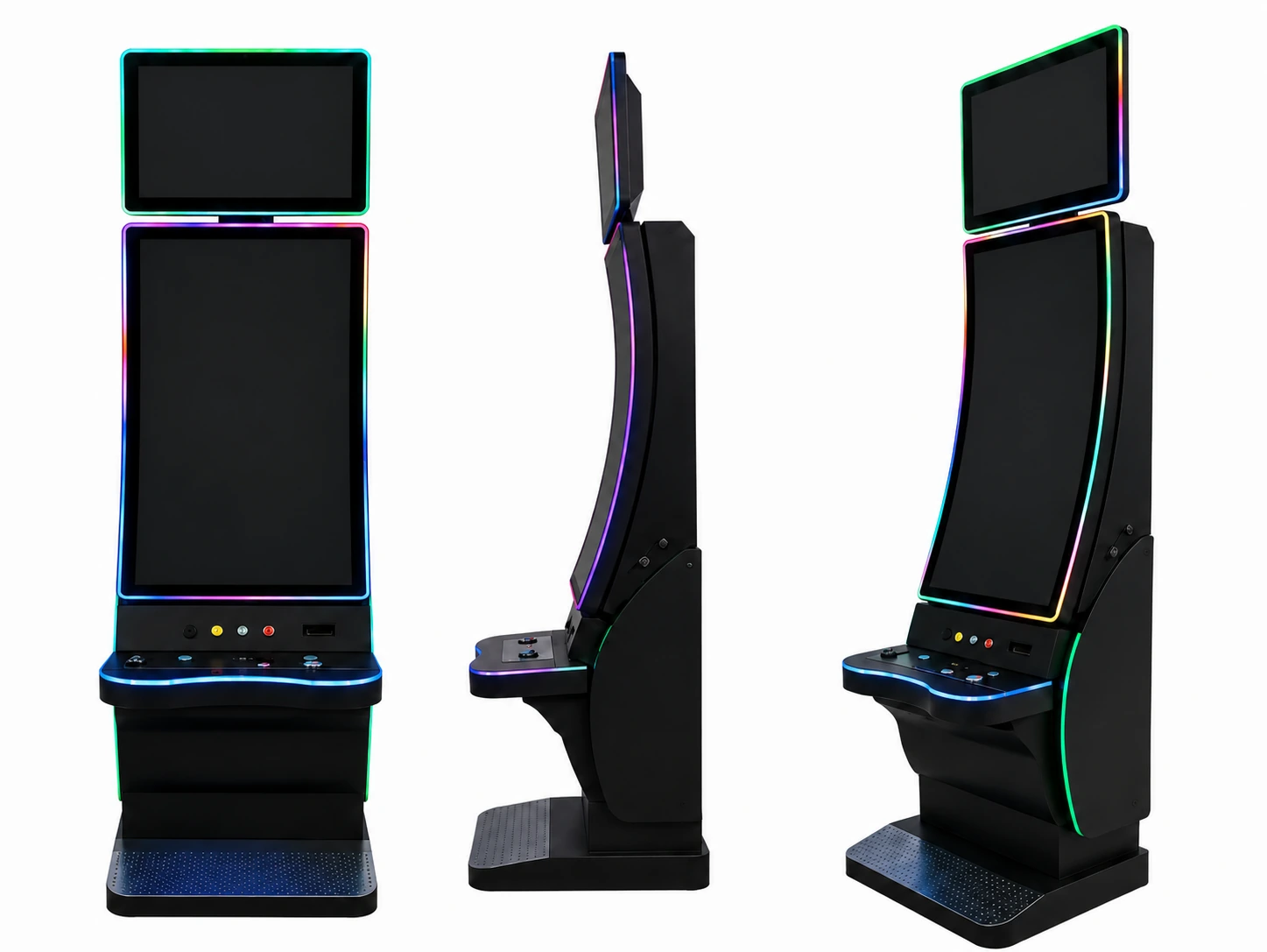
4. J-Type Curved Touch Displays
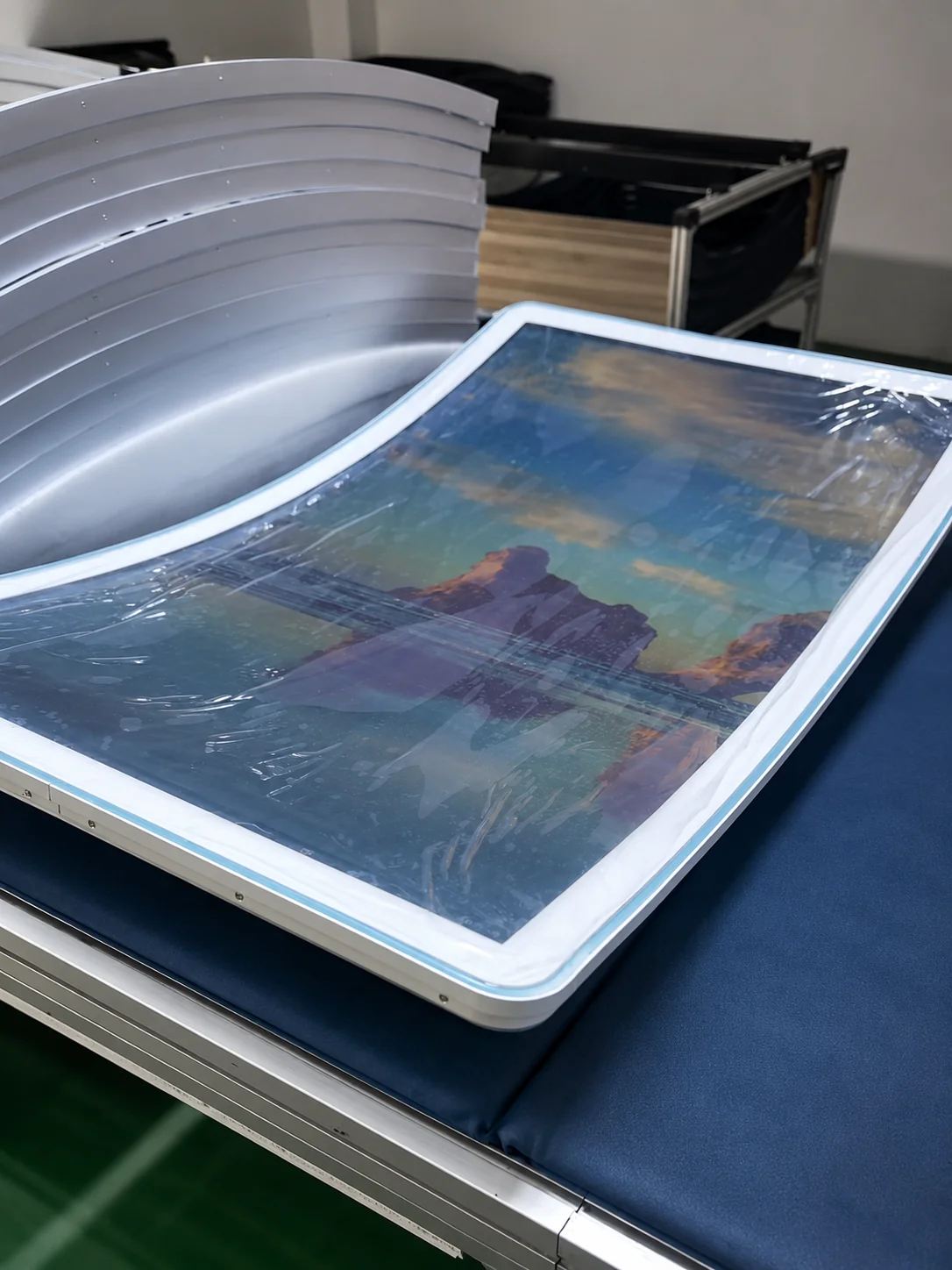
J-type curved touch displays are available in reference sizes of 43, 49 and 55 inches. Their curved edge creates a distinctive interface for customized kiosks, entertainment equipment and branded interactive installations.
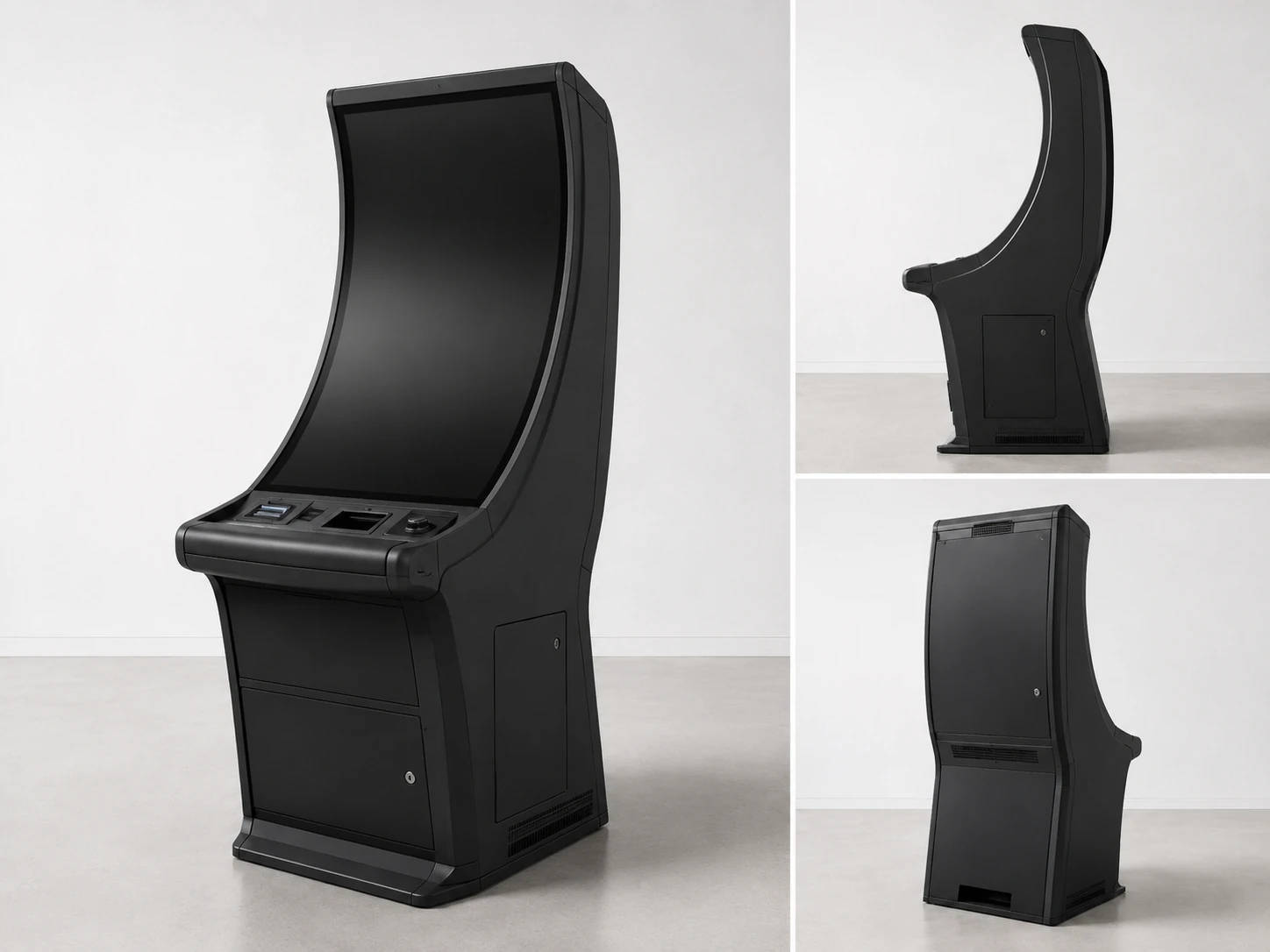
5. C-Type Curved Touch Displays
C-type curved capacitive touch displays are available in reference sizes of 32, 43, 49 and 55 inches. Selected configurations can support Android, Windows or Linux environments and interfaces such as HDMI, USB and RJ45.
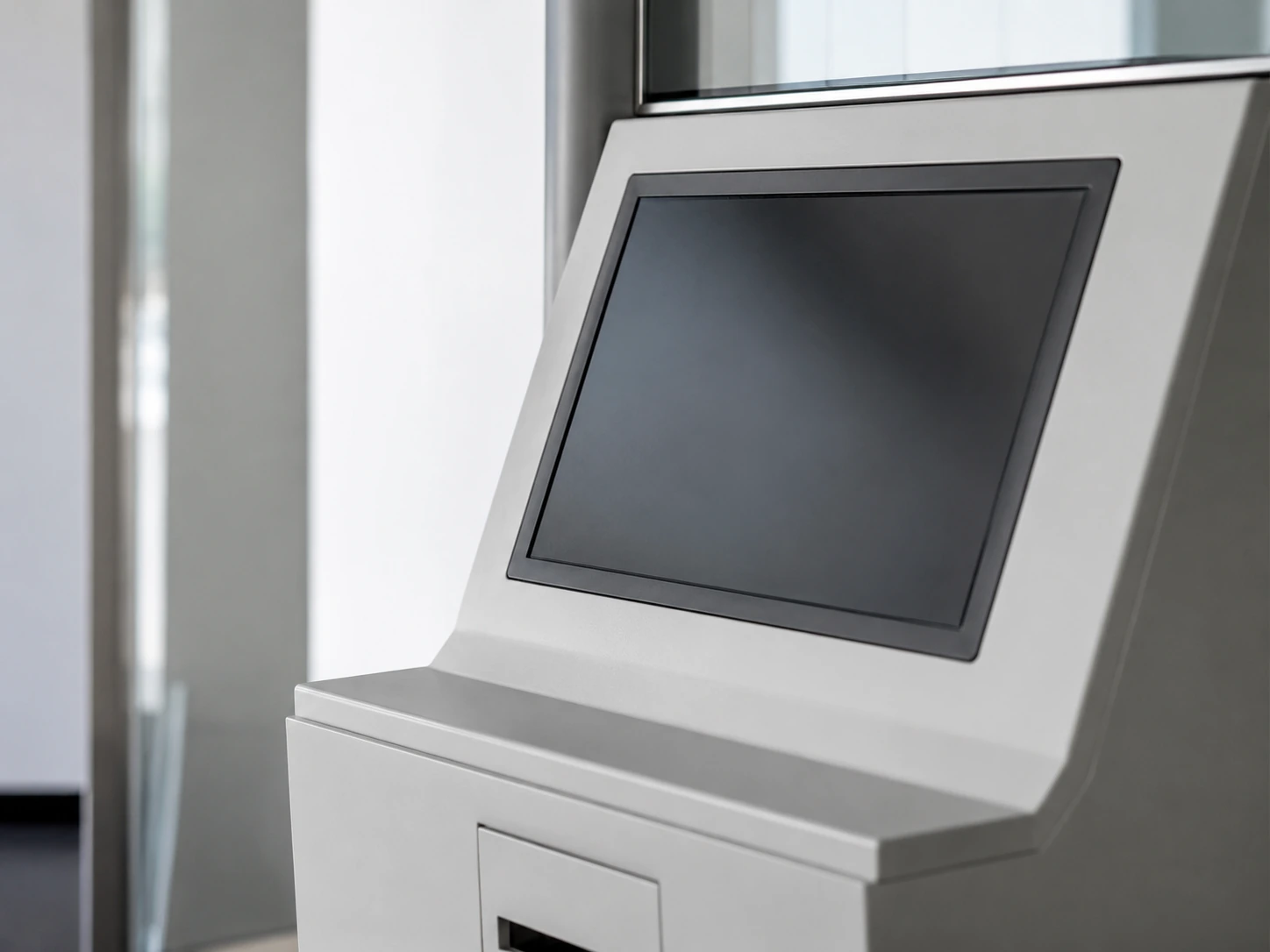
6. Embedded OEM Touch Displays
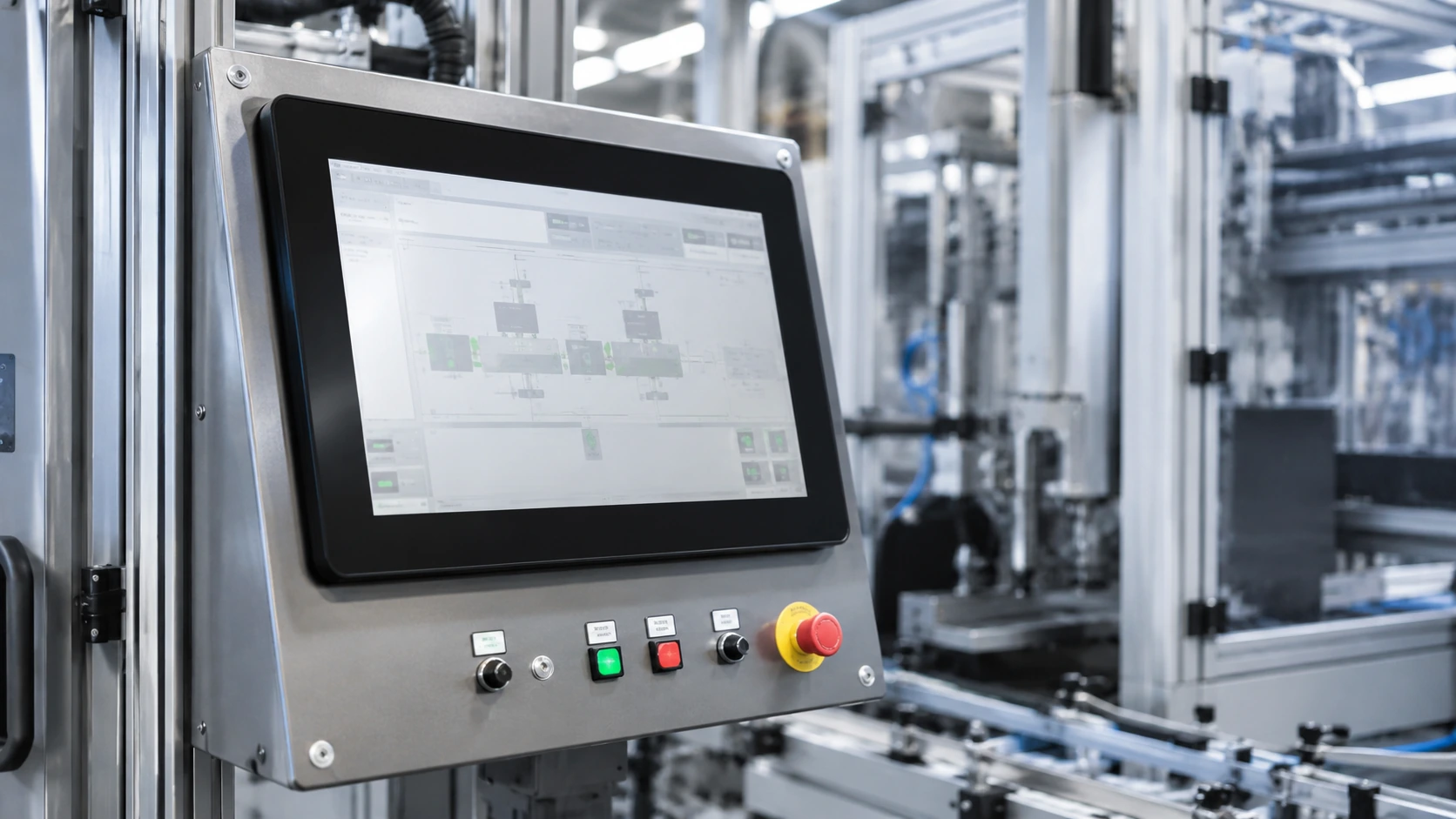
Embedded touch displays are designed for integration into retail fixtures, machinery, control consoles and custom enclosures. Active area, outline dimensions, mounting points, ventilation, interfaces and service access must be coordinated with the surrounding structure.
Interactive Digital Signage for Commercial and Public Environments
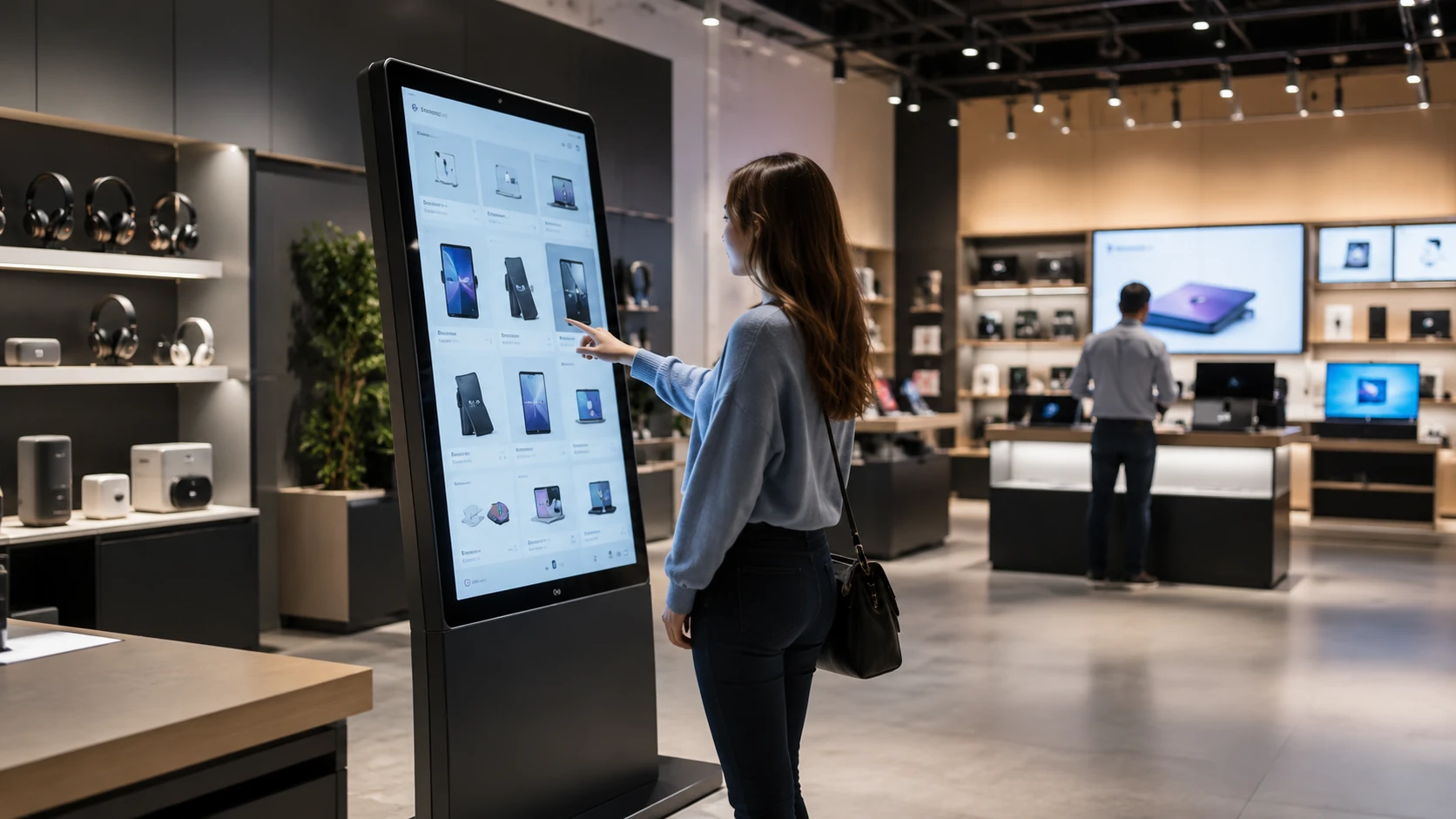
Retail Product Discovery
Let shoppers browse products, compare options, review specifications and access additional information without waiting for staff assistance.
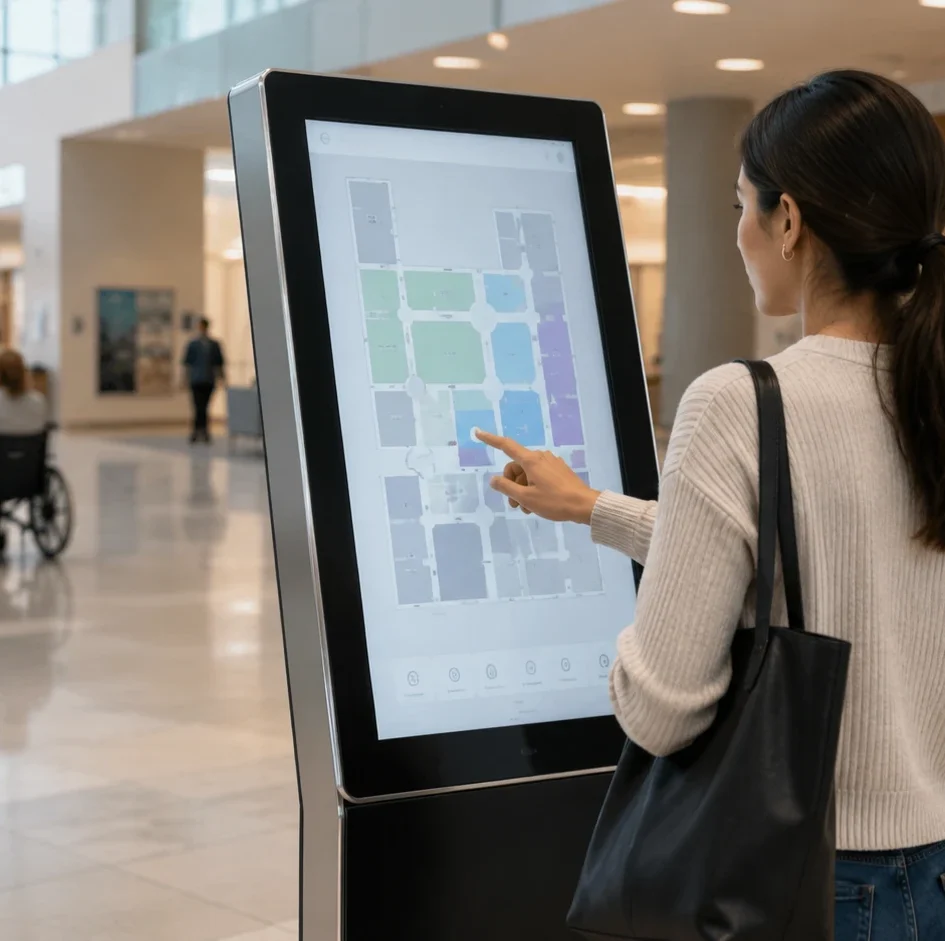
Interactive Wayfinding
Help visitors search departments, rooms, services or destinations through a touch-enabled directory.
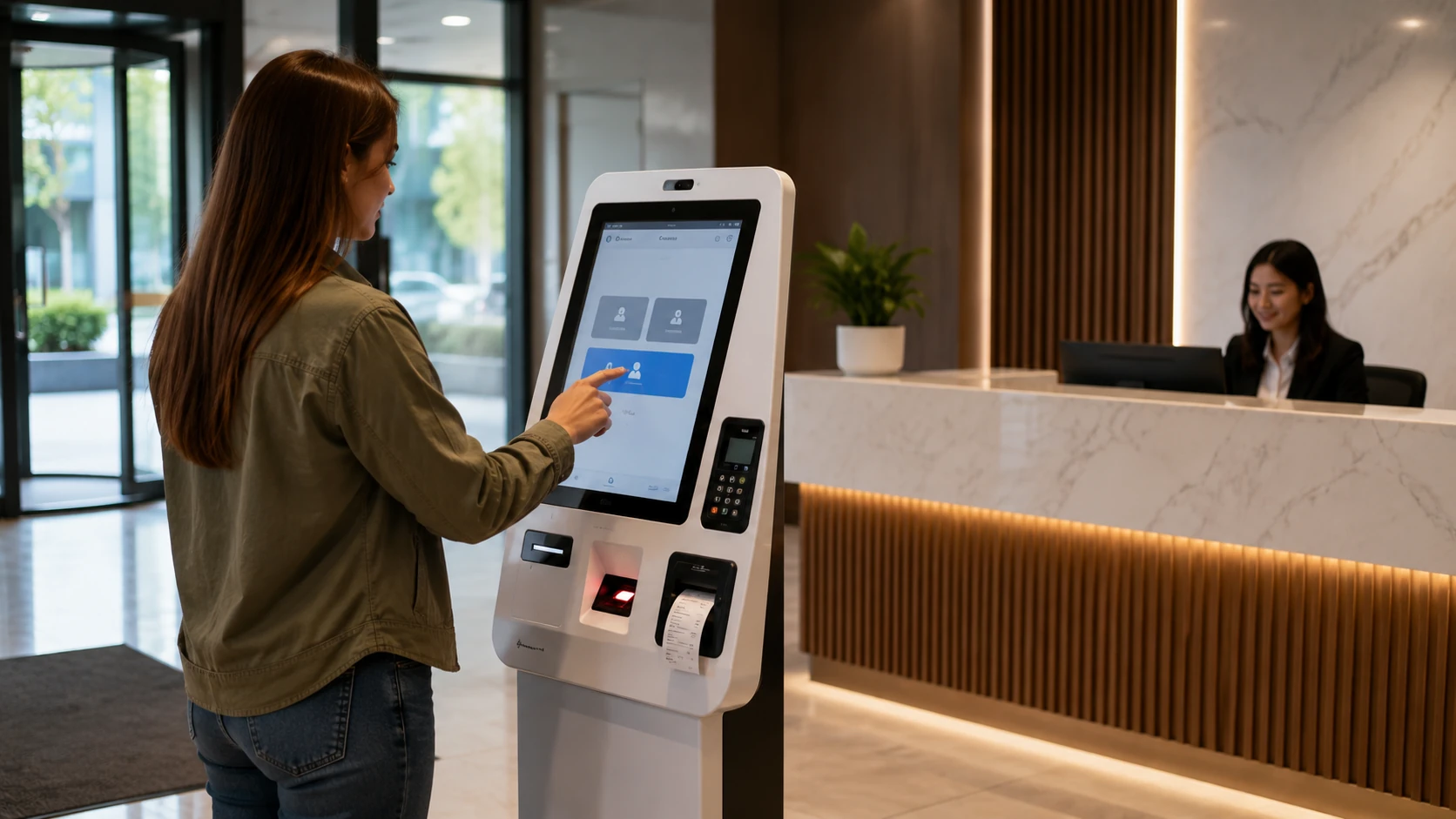
Self-Service and Check-In
Provide a hardware platform for registration, queueing, visitor check-in or service selection applications.
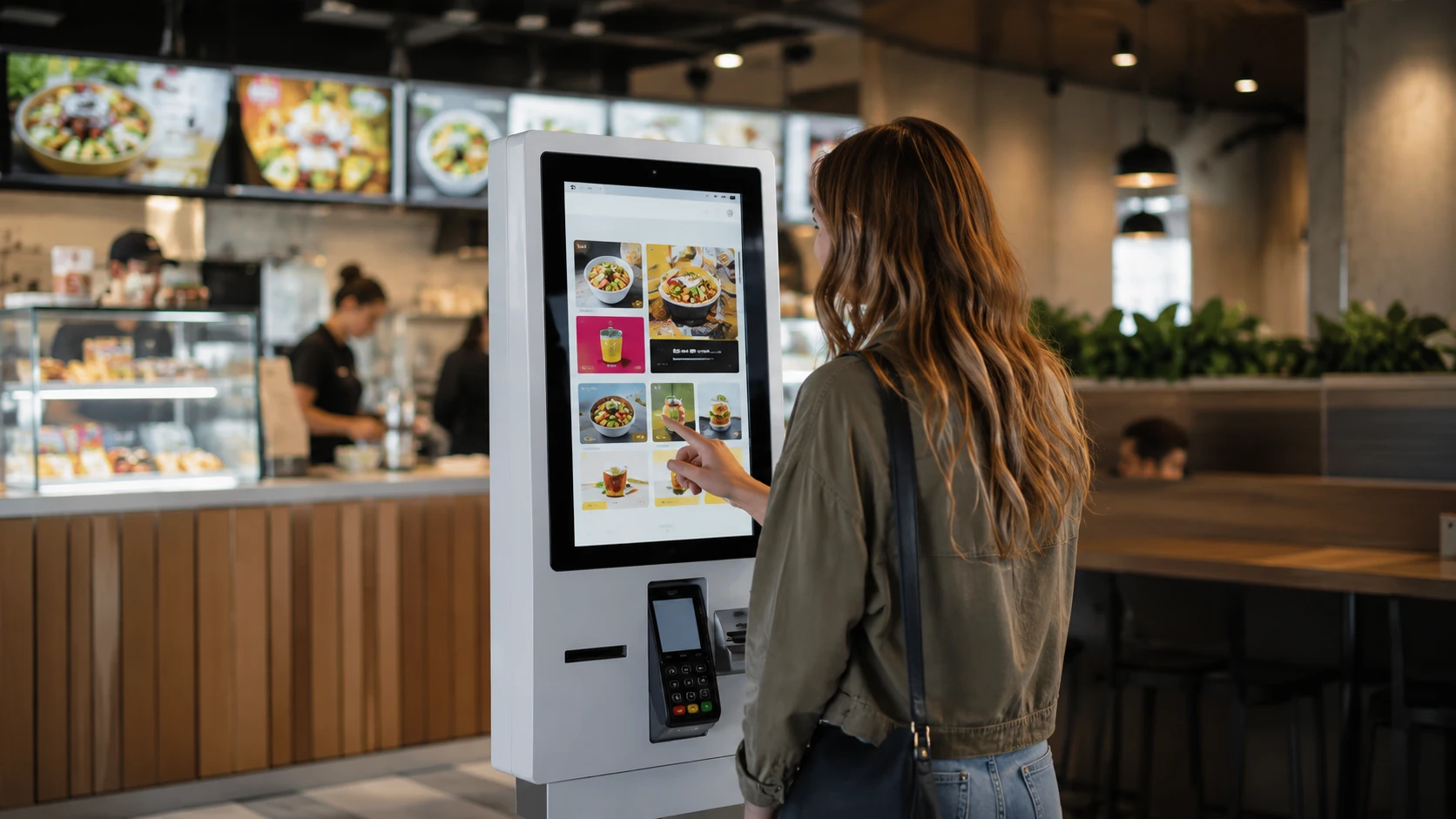
Restaurants and Ordering
Support interactive menus, product selection and ordering workflows when the application, printer, scanner and payment requirements are confirmed.
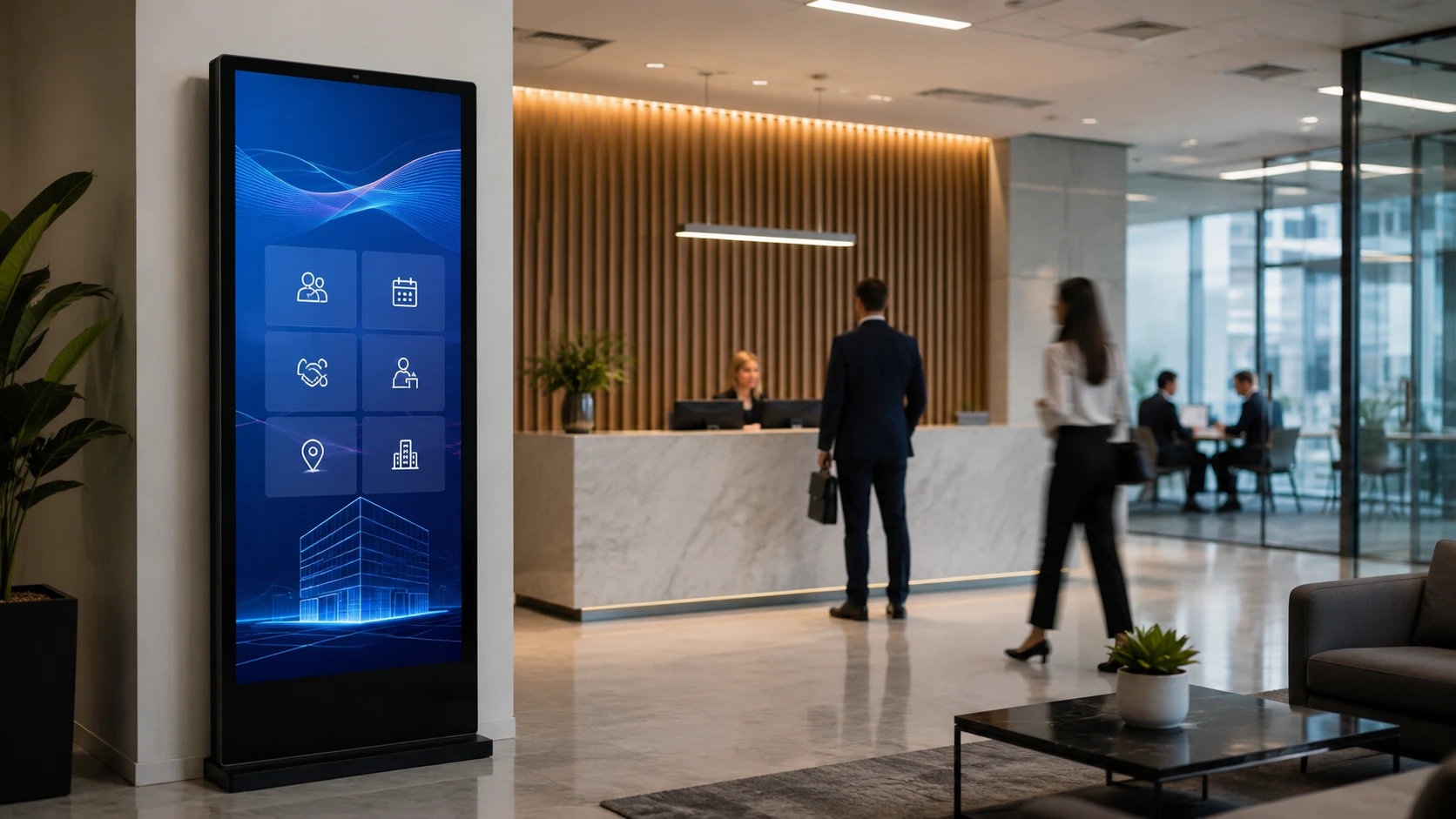
Corporate Offices and Lobbies
Present company information, visitor services, directories, meeting information and interactive welcome content.
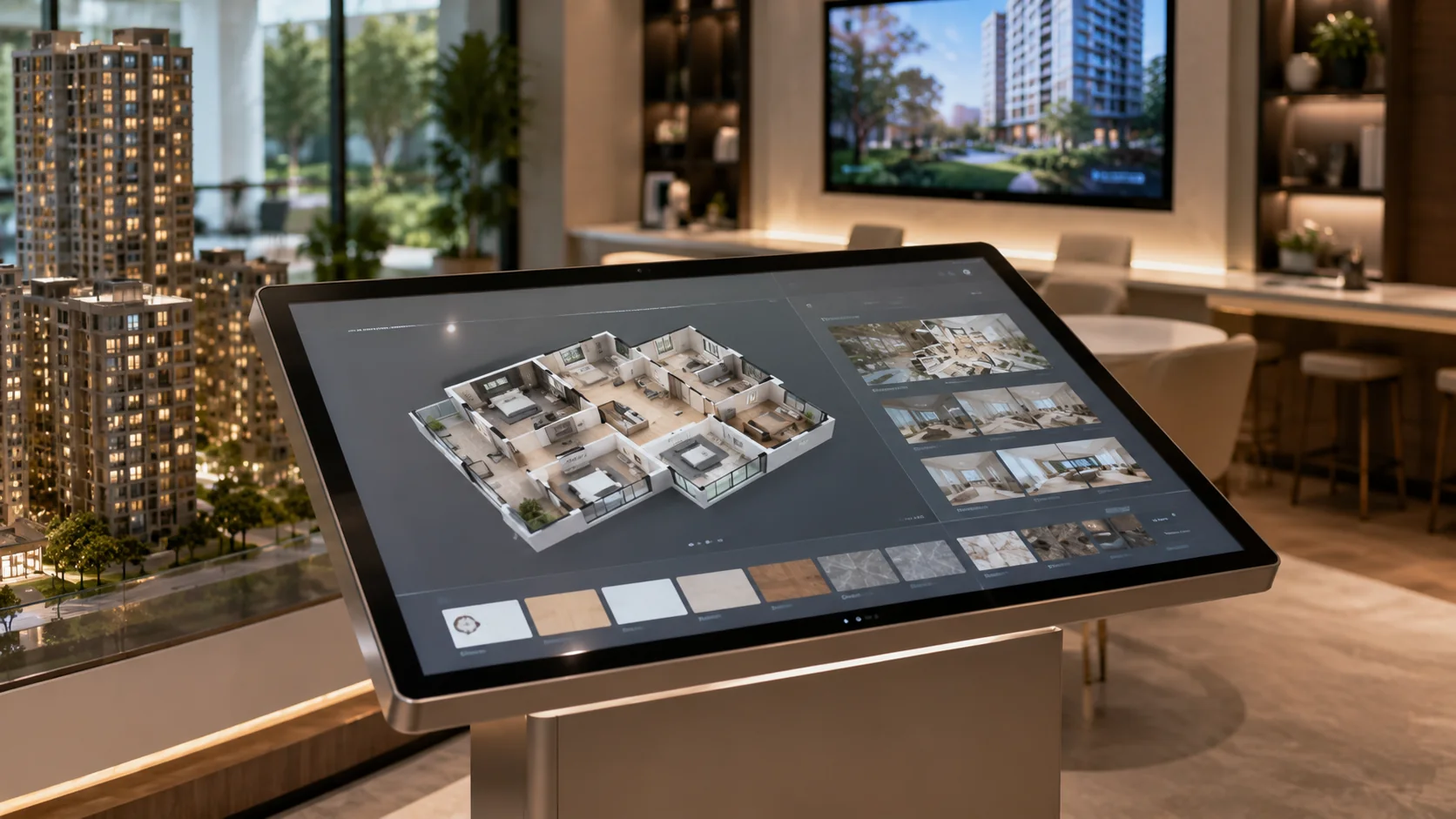
Showrooms and Real Estate
Allow visitors to explore product options, floor plans, specifications and project information on demand.
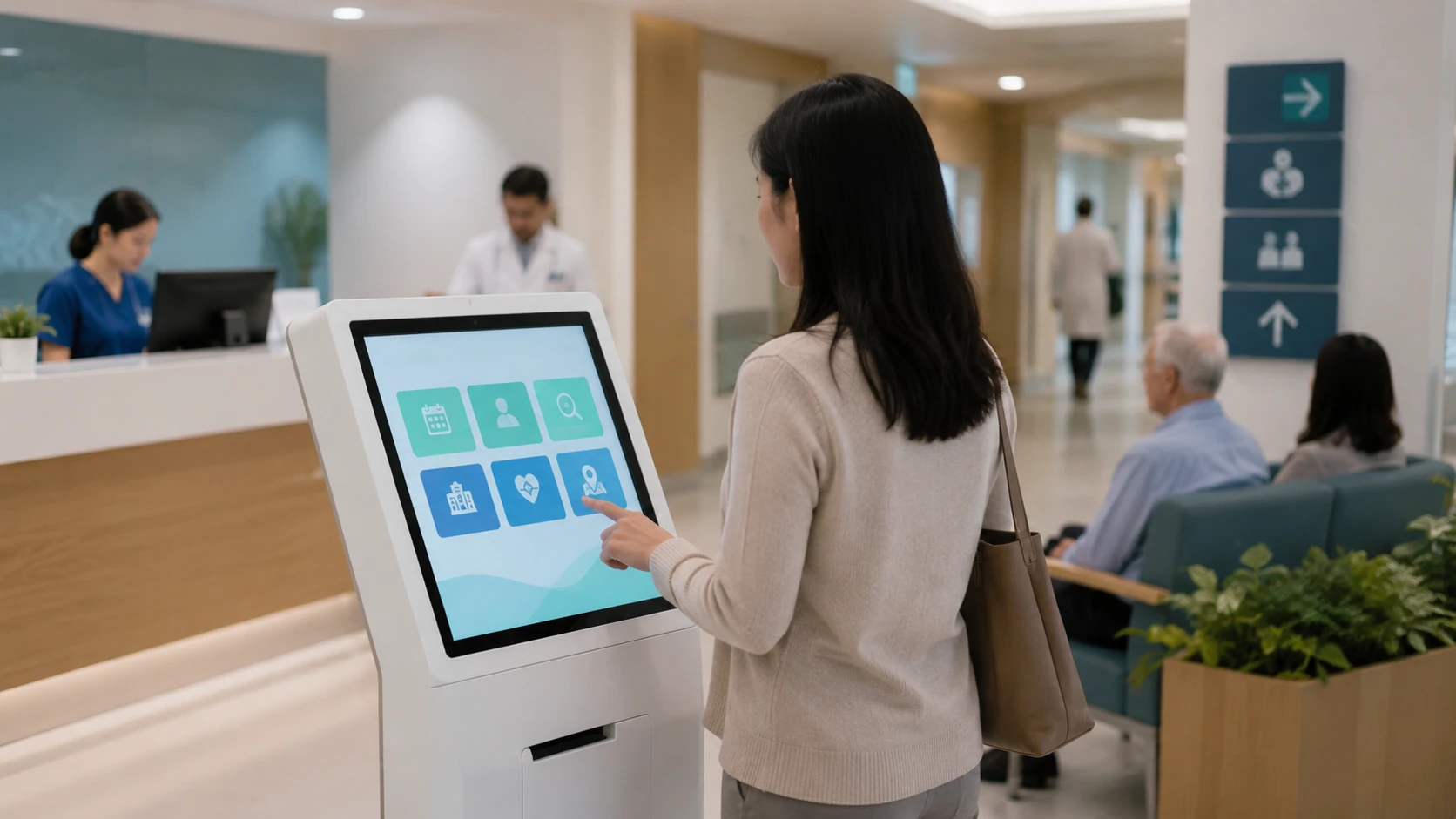
Healthcare & Public Services
Support information lookup, department navigation and check-in applications with clear accessibility and privacy requirements.
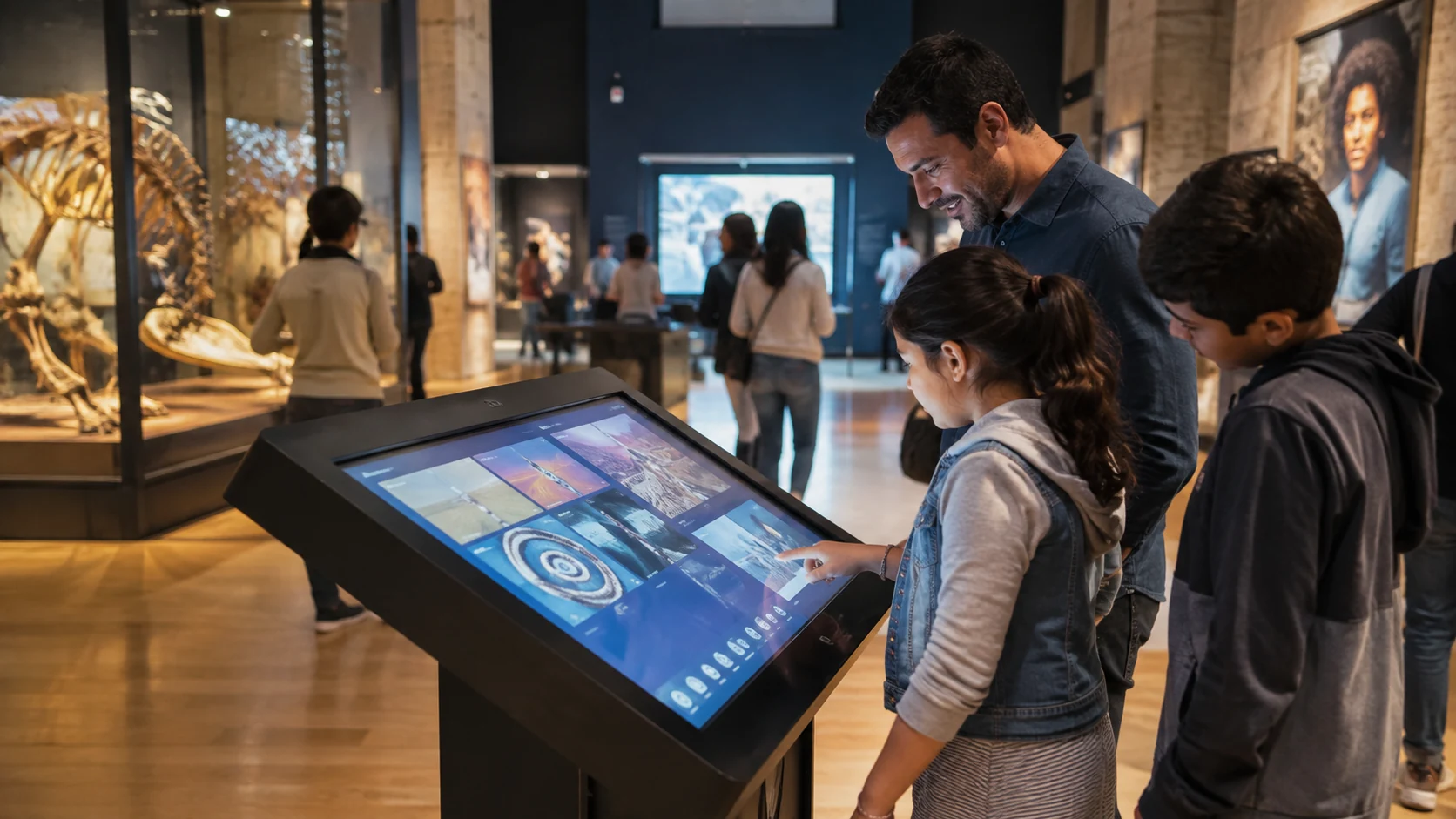
Museums, Education & Events
Present searchable exhibits, interactive learning content, schedules, surveys and visitor information.
Interactive Display Hardware Designed Around the Complete Project
Responsive Capacitive Touch Options
Use a familiar touch interface for browsing, navigation and information access on supported configurations.
Flat and Curved Product Formats
Choose conventional flat displays or distinctive J-type and C-type curved touch structures.
Configurable Computing Platform
Evaluate Android, Windows or Linux environments according to the selected model and application.
Flexible Interface Expansion
Selected configurations can be evaluated for HDMI, USB, RJ45, RS232, Wi-Fi, mobile connectivity and project-specific peripherals.
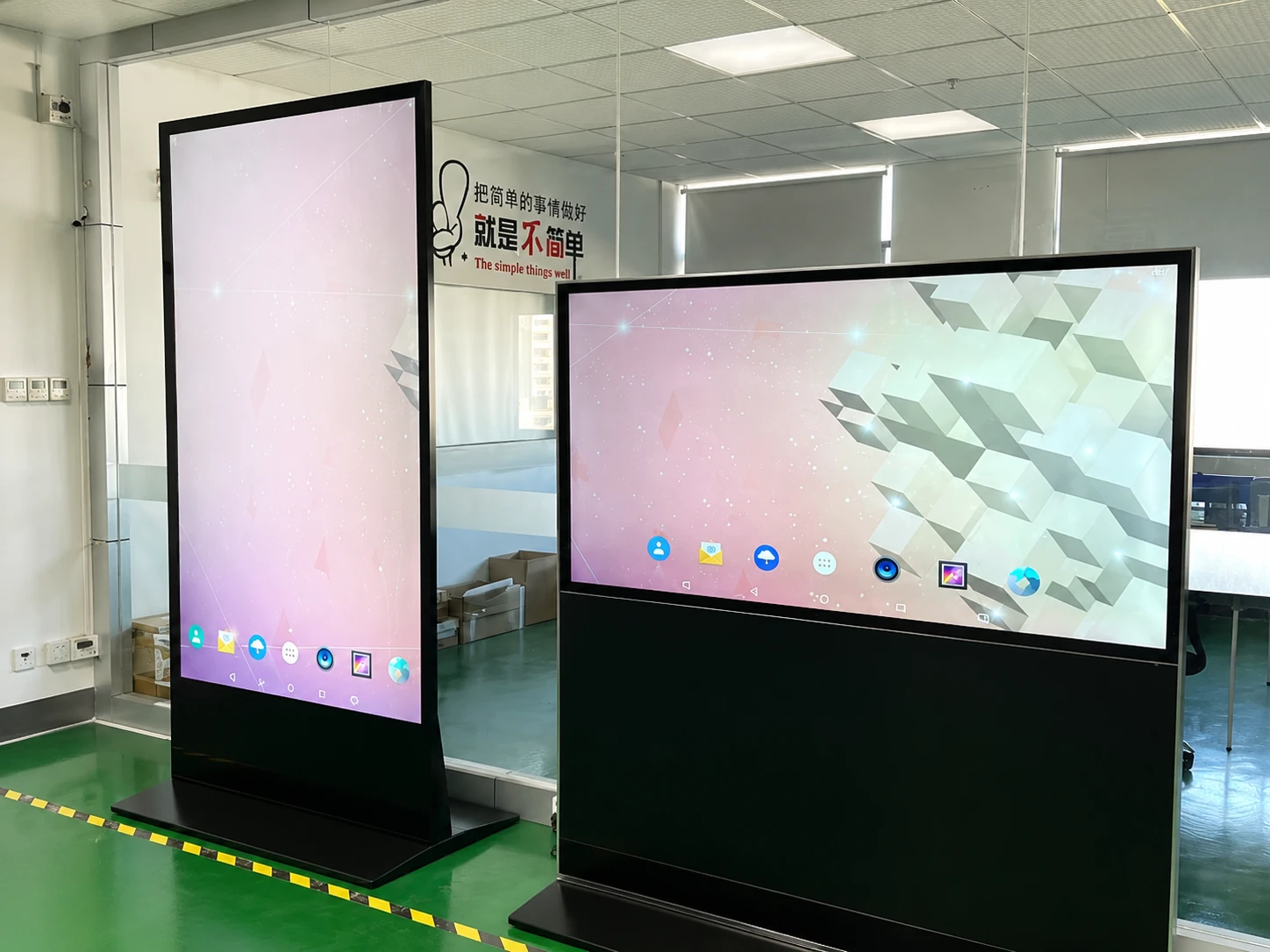
Landscape and Portrait Installation
Coordinate the screen orientation with the content ratio, mounting method and user journey.
Metal Housing and Custom Enclosures
Match the display structure, service access, ventilation, cable routing, color and branding to the installation.
OEM/ODM Engineering Support
Move from requirement review and mechanical confirmation to prototype testing and batch production.
Hardware & Software Compatibility
Provide the application package, CMS requirements or POS architecture before production so the hardware configuration can be evaluated.
Interactive Digital Signage Reference Configurations
Flat Touch Displays
Reference flat capacitive touch display models available in multiple screen sizes with 16:9 aspect ratio, Full HD resolution and metal housing.
| Reference Model | Screen Size | Touch | Aspect Ratio | Resolution | Housing |
|---|---|---|---|---|---|
| TP215-JX-DR-02 | 21.5 inch | Capacitive | 16:9 | 1920 × 1080 | Metal |
| TP238-JX-DR-02 | 23.8 inch | Capacitive | 16:9 | 1920 × 1080 | Metal |
| TP270-JX-DR-02 | 27 inch | Capacitive | 16:9 | 1920 × 1080 | Metal |
| TP315-JX-DR-02 | 31.5 inch | Capacitive | 16:9 | 1920 × 1080 | Metal |
| TP430-JX-DR-02 | 43 inch | Capacitive | 16:9 | 1920 × 1080 | Metal |
C-Type Curved Touch Displays
Reference C-Type curved capacitive touch display configurations covering 32-inch through 55-inch screen sizes.
| Reference Model | Screen Size | Touch | Aspect Ratio | Resolution | Housing |
|---|---|---|---|---|---|
| TP320-QM-DR-01 | 32 inch | Capacitive | 16:9 | 1920 × 1080 | Metal |
| LD430-QM-DR-2K01 | 43 inch | Capacitive | 16:9 | 1920 × 1080 | Metal |
| LD490-QM-DR-2K01 | 49 inch | Capacitive | 16:9 | 1920 × 1080 | Metal |
| LD550-QM-DR-2K01 | 55 inch | Capacitive | 16:9 | 1920 × 1080 | Metal |
J-Type Curved Touch Displays
Reference J-Type curved capacitive touch display models in 43-inch, 49-inch and 55-inch configurations.
| Reference Model | Screen Size | Touch | Aspect Ratio | Resolution | Housing |
|---|---|---|---|---|---|
| LD430-QM-DR-2K01 | 43 inch | Capacitive | 16:9 | 1920 × 1080 | Metal |
| LD490-QM-DR-2K01 | 49 inch | Capacitive | 16:9 | 1920 × 1080 | Metal |
| LD550-QM-DR-2K01 | 55 inch | Capacitive | 16:9 | 1920 × 1080 | Metal |
55-Inch Android Signage Reference Platform
Reference digital signage configuration based on model MZYHY55AZ.
Note: Specifications vary by panel, touch technology, computing system, enclosure and customization scope. Final values are subject to the approved specification sheet and physical product.
How Does Interactive Digital Signage Work?
Define the User Action
Decide whether visitors need to browse, search, navigate, register, order, scan or access information.
Run the Interactive Application
Use a compatible Android application, Windows program, web application, external player or CMS.
Capture User Input
The touch layer, QR code, scanner, camera or approved peripheral sends the user action to the application.
Display the Response
The system changes pages, searches data, plays media or triggers the configured workflow.
Update and Maintain
Content and applications are updated locally or through the selected network and software environment.
The final architecture depends on the application, number of displays, security requirements, network environment and required peripherals.
Interactive Digital Signage Software and CMS Compatibility
Interactive digital signage software manages content and user interactions, while the display hardware presents the interface and captures input. A successful deployment requires the CMS or application to support the selected operating system, resolution, orientation, touch method, peripherals and network architecture.
Operating System Compatibility
Confirm the required Android version, Windows environment or Linux support.
Touch and Gesture Requirements
Define the number of touch points, gesture behavior and driver requirements.
Remote Content Management
Determine whether content is updated locally, by USB or through a cloud-based CMS.
API and Data Integration
Confirm required connections to product databases, room schedules, POS software or enterprise systems.
Offline and Network Behavior
Define what the application should do when the internet connection is interrupted.
Device Management and Analytics
Confirm whether monitoring, user permissions, interaction data or remote diagnostics are required.
Lucky XFC supplies configurable display hardware and can evaluate software compatibility when the customer provides the application package or technical requirements. CMS licensing, content creation and custom software development are not automatically included unless stated in the quotation.
Interactive Digital Signage vs Passive Digital Signage vs Consumer TV
| Decision Factor | Interactive Digital Signage | Passive Digital Signage | Consumer TV |
|---|---|---|---|
| User Control | Users actively browse, search or complete actions | Content plays according to a schedule | Primarily controlled by remote or consumer apps |
| Touch/Input | Touch or project-specific input | Usually no direct user input | Not normally designed for public touch interaction |
| Primary Use | Wayfinding, self-service, catalogs, check-in | Advertising, menus, announcements | Home entertainment or simple local playback |
| Software | Interactive application or compatible CMS | Playback software or CMS | Consumer applications |
| Installation | Wall, embedded, kiosk or custom enclosure | Wall, floor stand or enclosure | Standard wall or desktop installation |
| Peripheral Integration | Can be evaluated for scanners, cameras, printers and other devices | Usually limited | Limited project customization |
| Customization | Display, system, interfaces and enclosure can be configured | Moderate project configuration | Limited |
| Best Choice | When users need to make a selection or complete a task | When viewers only need to receive information | Small, simple and low-duty playback |
Choose interactive digital signage when the user must search, select, navigate, register or complete another action.
Choose passive digital signage when the screen only needs to present advertising, menus, announcements or scheduled information.
How to Choose Interactive Digital Signage
Define the Business Objective
Identify the exact user action and the result the system should produce.
Select the Form Factor
Choose wall-mounted, embedded, floor-standing, tabletop, flat or curved hardware.
Measure the Installation Space
Confirm width, height, depth, viewing distance, user height and maintenance access.
Choose the Touch Configuration
Define touch technology, touch points, gestures, protective glass and expected usage environment.
Select the Operating System
Confirm Android, Windows, Linux or an external computing device according to the application.
Confirm Software and CMS Requirements
Provide the application package, browser requirements, CMS information, APIs and device-management needs.
Confirm Interfaces and Peripherals
List every camera, scanner, printer, NFC reader, payment device, speaker and network connection.
Confirm Production Requirements
Provide quantity, destination country, branding, enclosure color, packaging and target schedule.
Information Required for a Faster Quote
- Application
- Installation location
- Preferred screen size
- Flat or curved format
- Wall-mounted, embedded or floor-standing
- Touch requirements
- Operating system
- CMS or application
- Required interfaces and peripherals
- Quantity
- Destination country
- Customization requirements
- Target delivery schedule
Can Interactive Digital Signage Integrate with an Existing POS System?
Yes, when the display hardware, operating system, POS application, APIs, network and peripherals are confirmed together. The touchscreen display provides the user interface, but the display alone does not create a complete POS or payment system.
POS Software and Operating System
Barcode Scanner, Printer and NFC Requirements
Payment Terminal and Compliance Responsibilities
Network, API and Data Security
Mechanical Mounting and Cable Routing
Project Tip: Provide your POS software name, operating system, peripheral list, interface requirements and integration diagram before the hardware configuration is finalized.
How Much Does Interactive Digital Signage Cost?
There is no single price for an interactive digital signage system. Cost depends on the display size, touch technology, computing platform, enclosure, software, peripherals, customization, quantity, testing and delivery requirements.
Display + Touch + Computing System + Enclosure + Software + Peripherals + Integration + Logistics
Display Panel and Size
Touch Technology
Android or Computer Hardware
Mounting and Enclosure
CMS, Application and Integration
Peripherals and Interfaces
Quantity, Packaging and Logistics
A configuration-based quotation is more accurate than comparing screen prices alone.
From Interactive Display Requirement to Production
Requirement Review
Confirm application, size, touch, system, software, interfaces, quantity and destination.
Compatibility Evaluation
Review the display panel, touch layer, computing hardware, application and peripherals.
Mechanical Design
Plan the enclosure, mounting, component layout, ventilation, cable routing and service access.
Drawing and Specification Approval
Confirm appearance, dimensions and the final technical configuration.
Prototype Assembly and Testing
Evaluate display quality, touch response, interfaces, application compatibility and structure.
Production, Inspection and Shipping
Proceed with batch production after approval and inspect against the confirmed specification.
Customizable Elements:
- • Screen size
- • Flat or curved display
- • Touch or non-touch
- • Android or computer system
- • Memory and storage
- • Interfaces and network
- • Enclosure and mounting
- • Color and logo
- • Peripheral installation
- • Packaging
A Practical Touch Display Manufacturer for OEM/ODM Projects
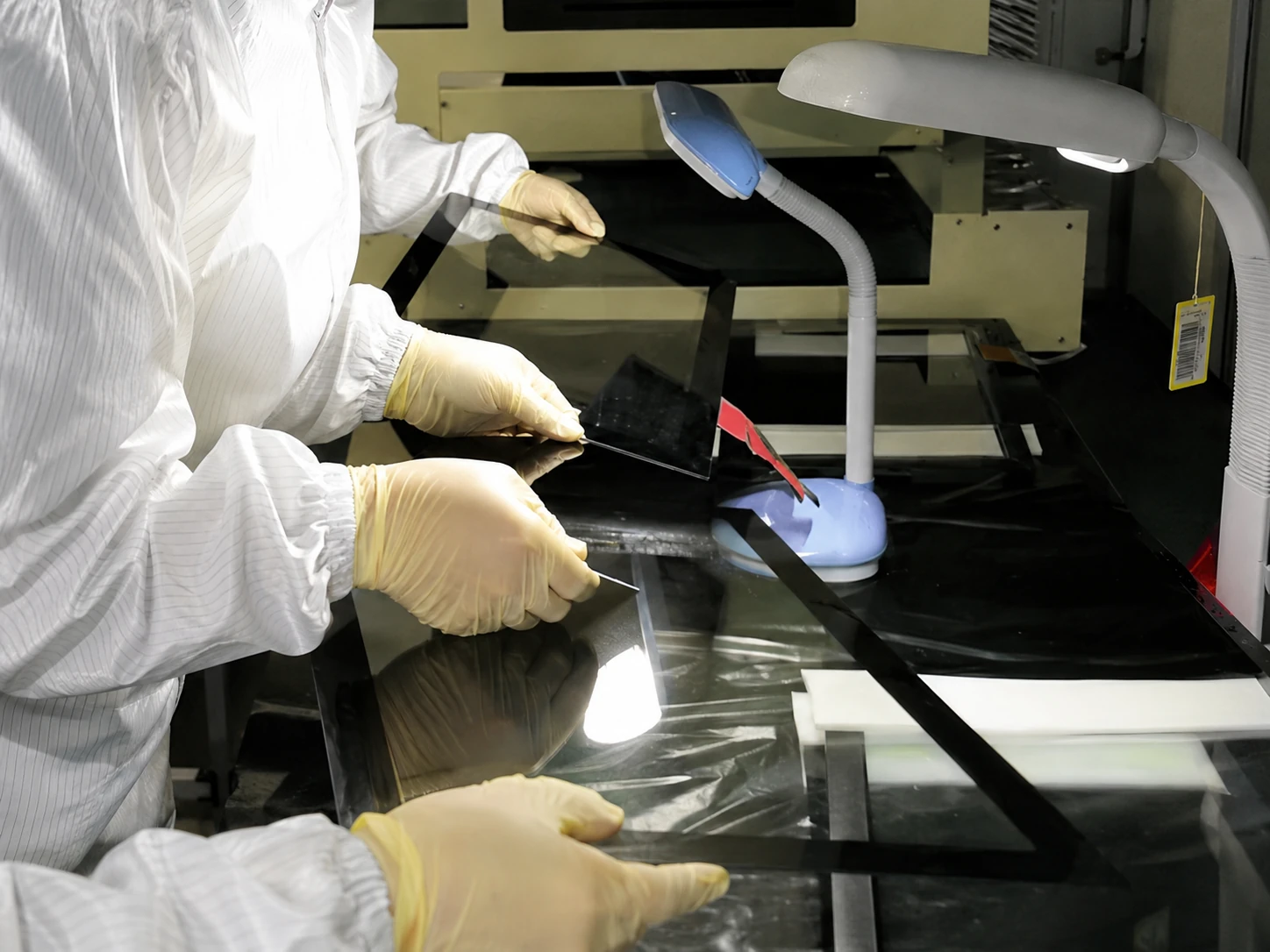
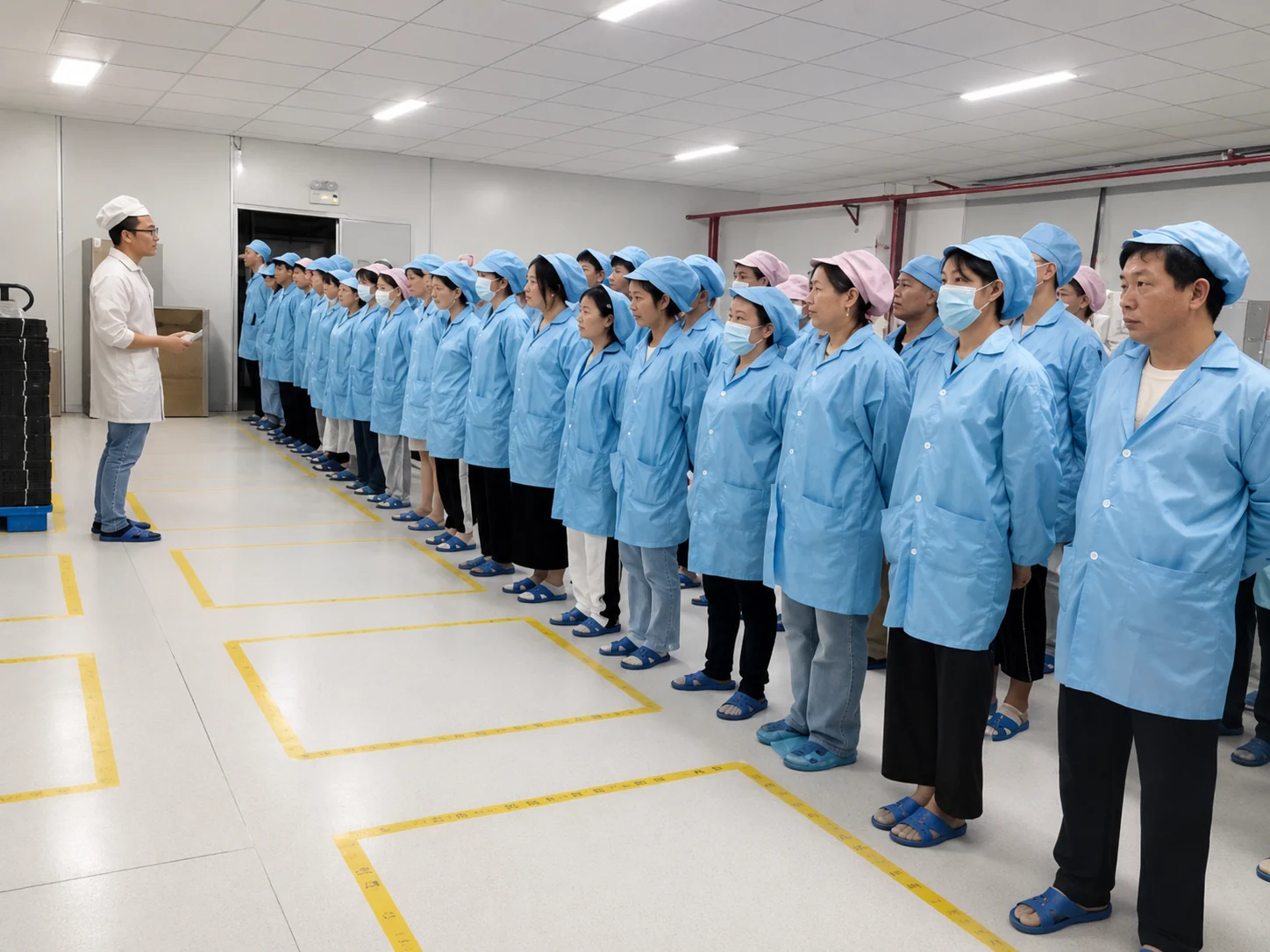
Interactive digital signage requires coordination between the LCD panel, touch layer, computing hardware, enclosure, interfaces, application and installation. Lucky XFC supports B2B buyers through requirement review, configuration, mechanical design, prototyping, inspection and production preparation.
Applicable Certifications and Compliance Documents
Certification and compliance documents vary by product, configuration and destination market. Display only real certificate materials that apply to the relevant product or order, and invite buyers to request the applicable documents.
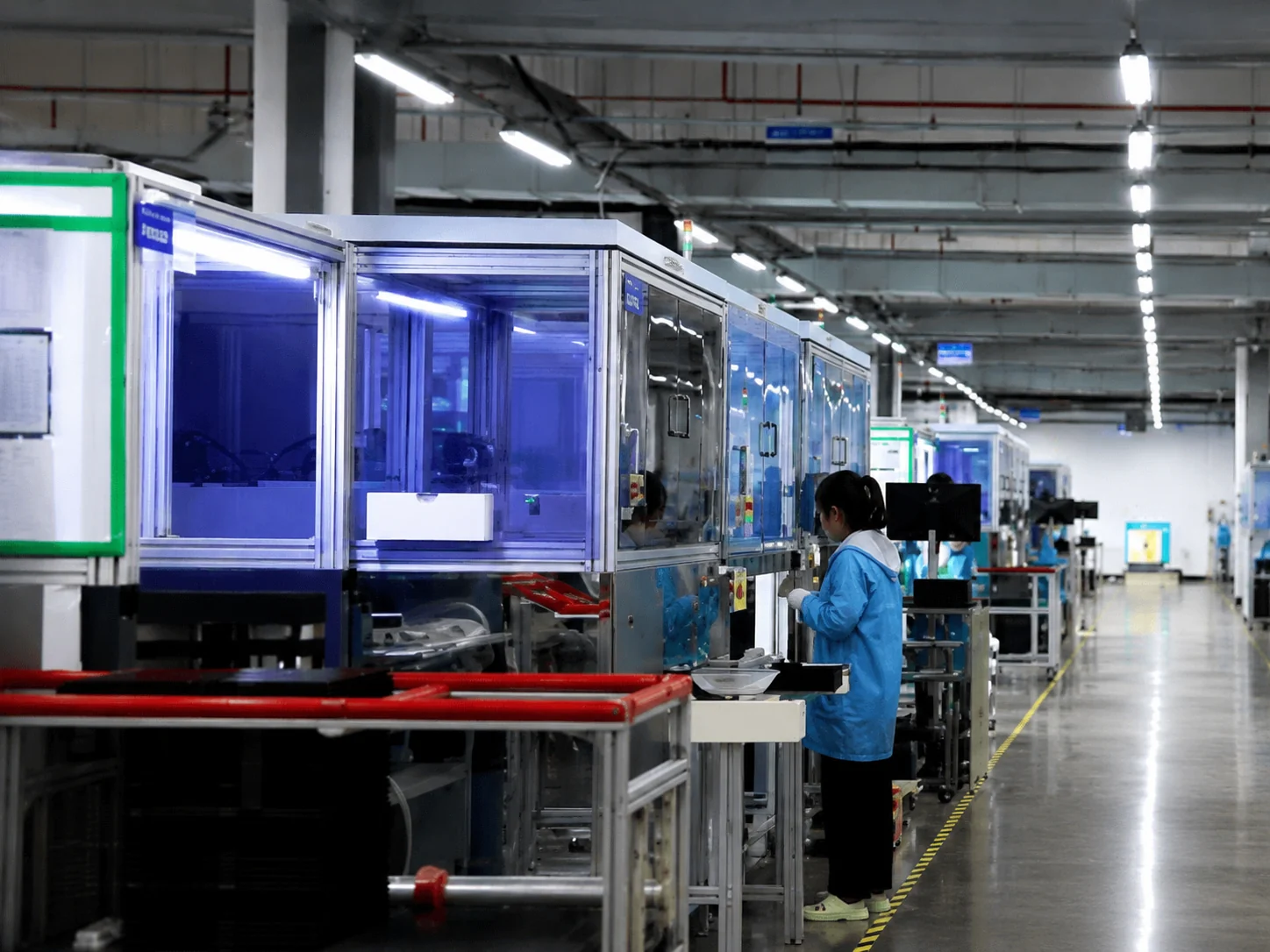
Inside the Factory: Production & Quality Testing
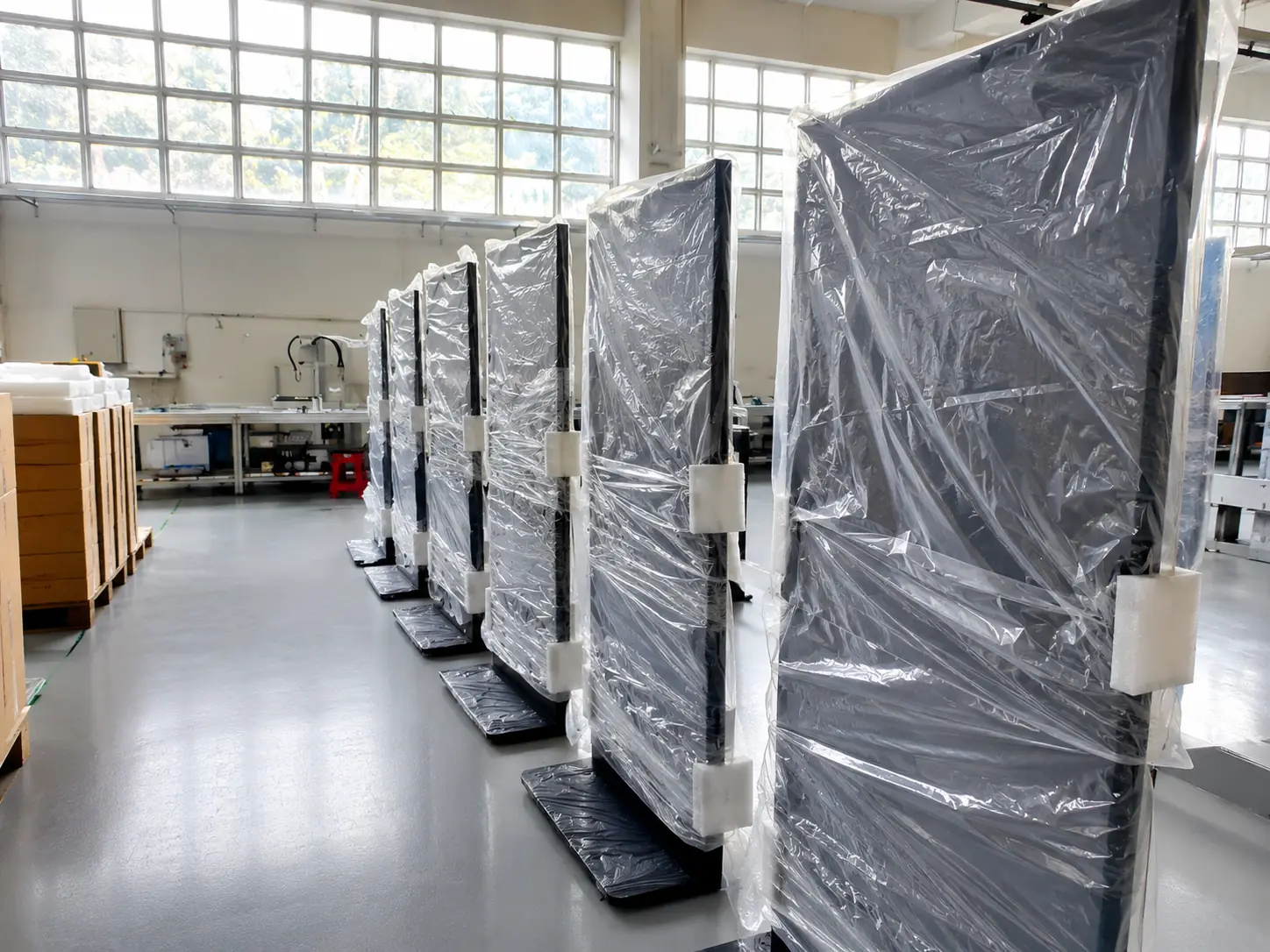
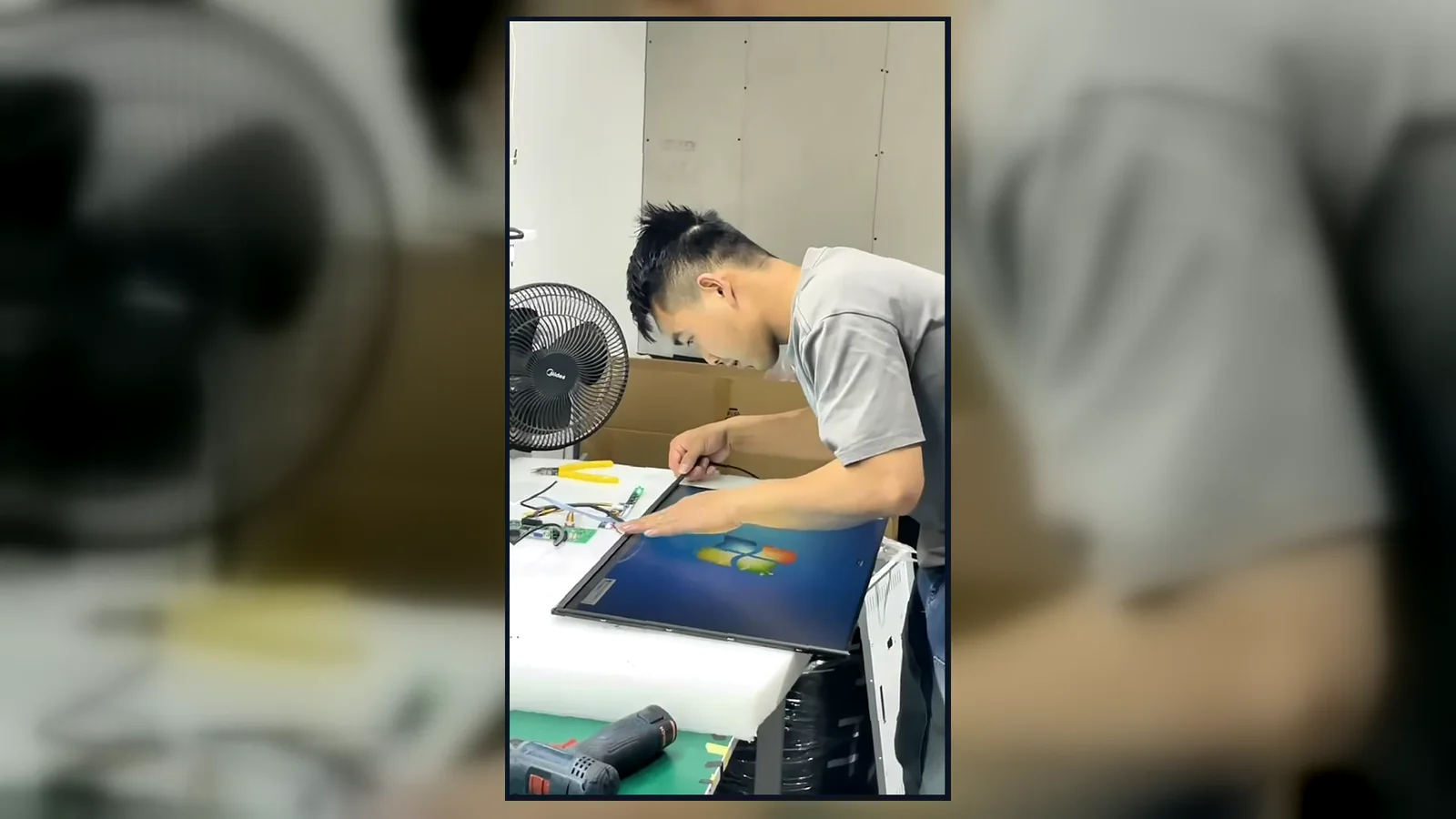
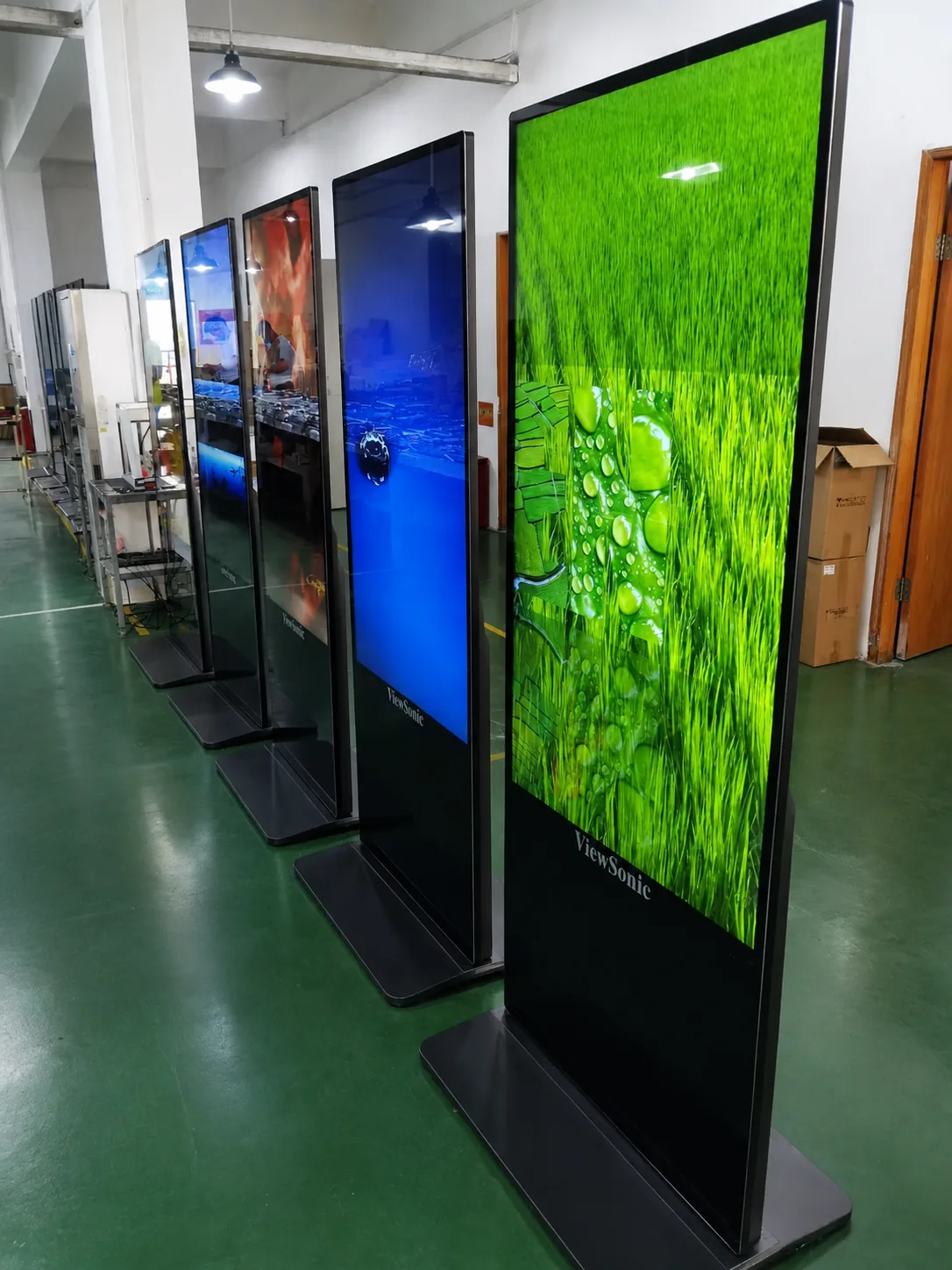
Watch our brief 45-second overview showcasing the rigorous assembly and testing procedures at our facility. See firsthand how our QC team conducts 100% inspections to verify touch response, display quality, interfaces and appearance according to the approved specifications.
Global Quality & Compliance Standards
Our products are manufactured under strict quality control systems and comply with international standards, ensuring reliability and safety for your projects.

ISO 9001:2015
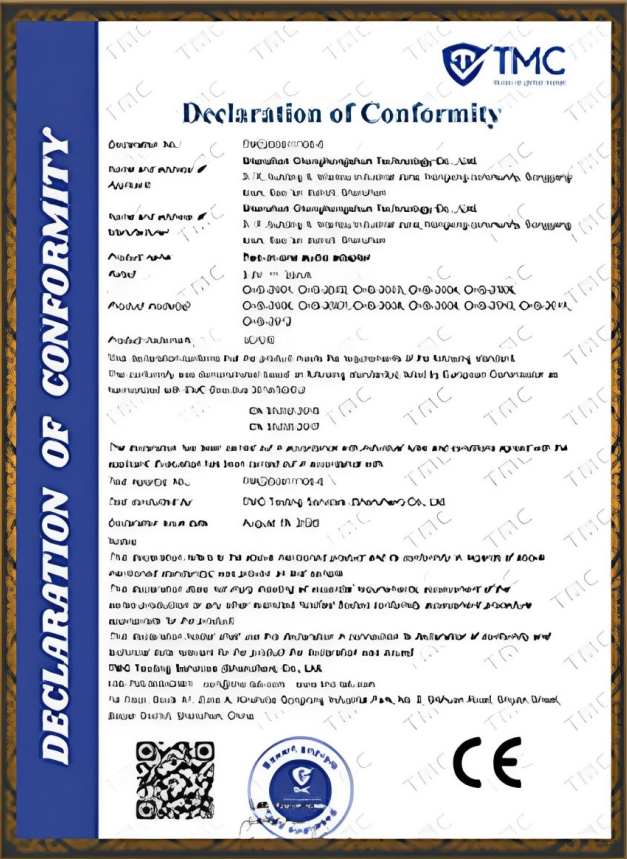
CE Certification
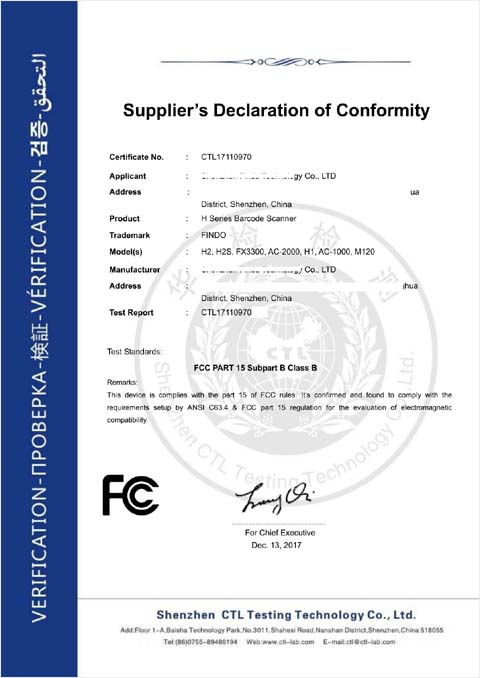
FCC Certification

RoHS Compliance
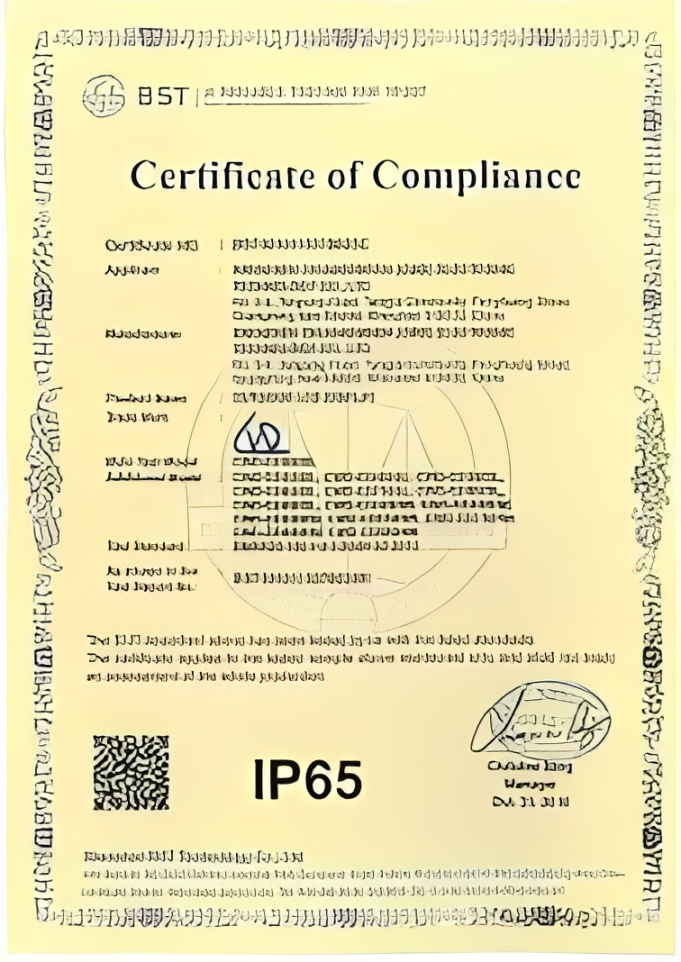
IP56/IP65/IP67/IK10
Explore Related Lucky XFC Display Solutions
Interactive Digital Signage FAQs
What is interactive digital signage?
Is digital signage interactive?
What are the core components of an interactive digital signage system?
Do I need special hardware for interactive digital signage?
How does interactive digital signage work?
Can interactive digital signage integrate with a POS system?
Can I use my own digital signage software or CMS?
What is the best interactive digital signage software?
What sizes are available?
How do I choose between flat and curved interactive displays?
How much does interactive digital signage cost?
Can the enclosure, color and interfaces be customized?
Does Lucky XFC provide the CMS software?
What information is needed for a quotation?
Still Have a Technical Question?
Talk to an EngineerGet the Right Interactive Digital Signage Configuration
Share your application, screen size, installation method, software environment, required peripherals and quantity. Lucky XFC will review the project and recommend a suitable hardware configuration for quotation.
Contact Information
Phone / WhatsApp
+86 13342931453Address
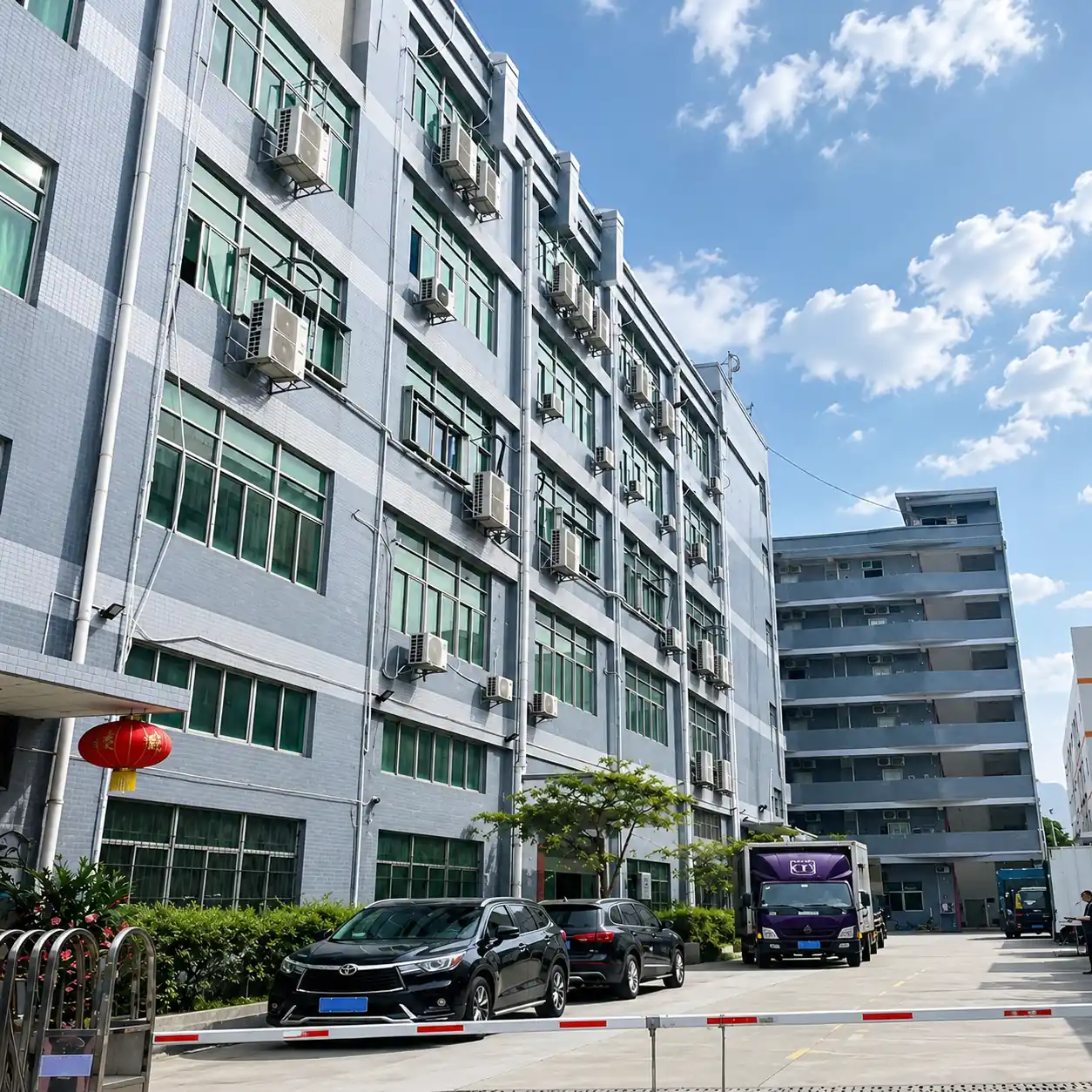
No. 3, Lianfeng Road, Hongqiaotou Community, Yanluo Street, Bao'an District, Shenzhen, Guangdong Province, China
Technical content reviewed by the Lucky XFC product team.
Last updated: August 27, 2026.
