

Rugged Touch Screen Monitors for Equipment Integration
Display-only touch monitors designed to connect to an external PC, industrial controller or embedded host. Start with a metal-housed reference model, then define touch requirements, mounting, interfaces, brightness and project-specific protection for technical review.
“Rugged” is treated as a project specification, not a family-wide rating. Final requirements must be verified for the selected model.
Display-Only Touch Monitors
Products on this page are touch screen monitors designed to connect to an external PC, industrial controller or embedded host. They do not include a processor, memory, storage or built-in operating system. Lucky XFC does not offer Panel PCs on this page.
Define Rugged by the Installation, Not the Product Label
A rugged touch screen monitor is defined by how well it matches the challenging conditions of its operating environment. Buyers should verify dimensions such as metal housing, mounting stability, display brightness, touch method, exposed surfaces, operating temperature, and power input against their specific project needs.
Metal Housing Validation
A rigid enclosure supports equipment integration and long operating cycles. Confirm the required mounting and mechanical dimensions for the project.
Touch Method by Workflow
Define whether the operator uses bare hands, thick gloves, or pressure-based input. The touch interface must be reviewed against the actual workflow to ensure reliable operation.
Display Brightness
Standard indoor brightness and sunlight-readable configurations serve different environments. Define the measured ambient light and target brightness for engineering review.
Protection for Exposed Surfaces
Front-panel and full-enclosure ratings are not interchangeable. Define exposure to dust, oil, splashes or weather before choosing a configuration to ensure the correct sealing method is applied.
Operating Temperature Requirements
Industrial projects often require specific thermal management. Final temperature ranges must be confirmed by the selected model and the heat load of the installation environment.
Power Input Coordination
For equipment exposed to unstable power supplies, share the nominal and peak voltage. The input power configuration must be matched to the specific host equipment.
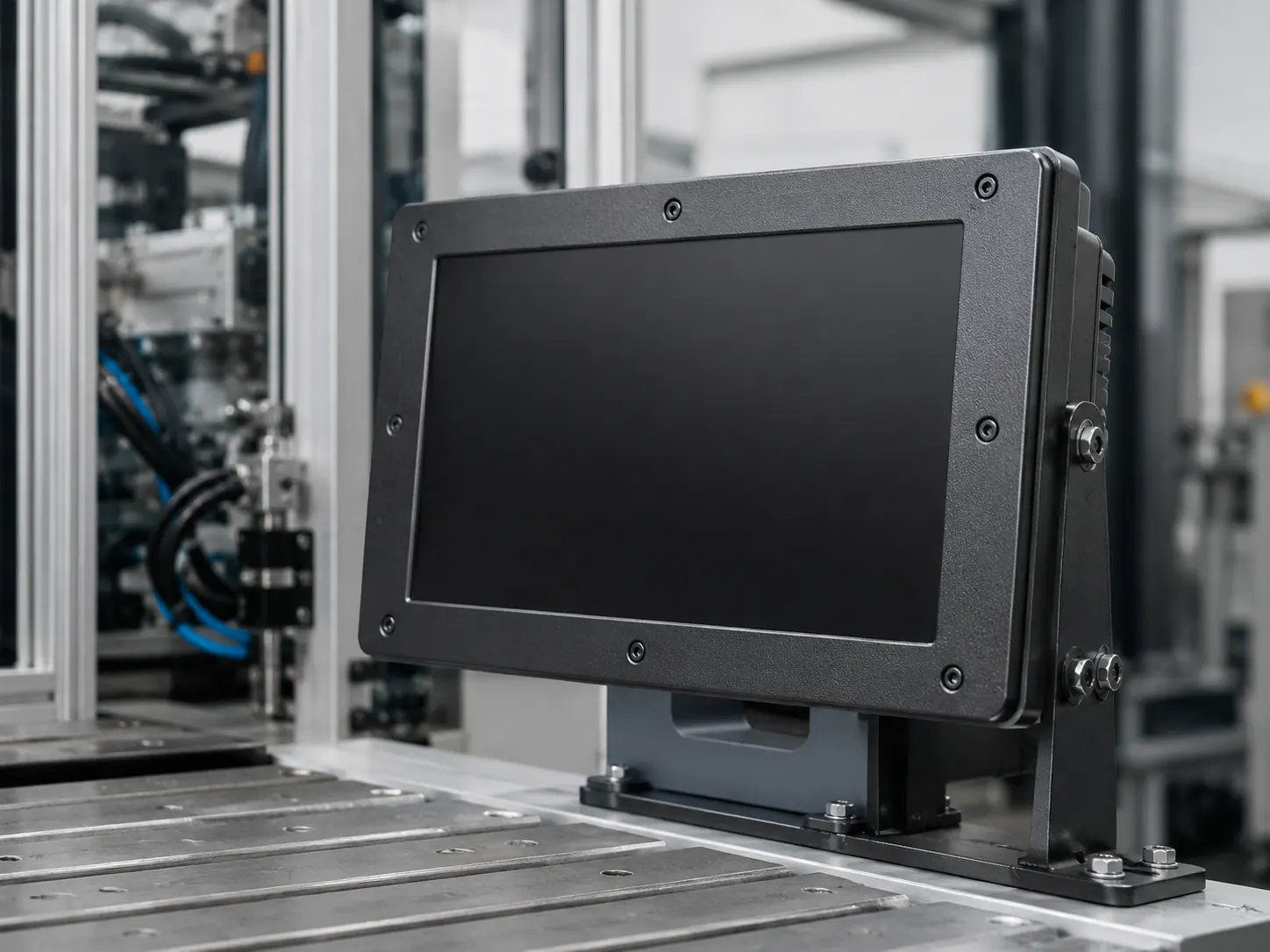
Start With a Reference Model, Then Define the Integration Requirements
Final performance, environmental ratings, interfaces and certification scope are confirmed against the selected model and approved project specification. Define the following dimensions to configure your touch display correctly.
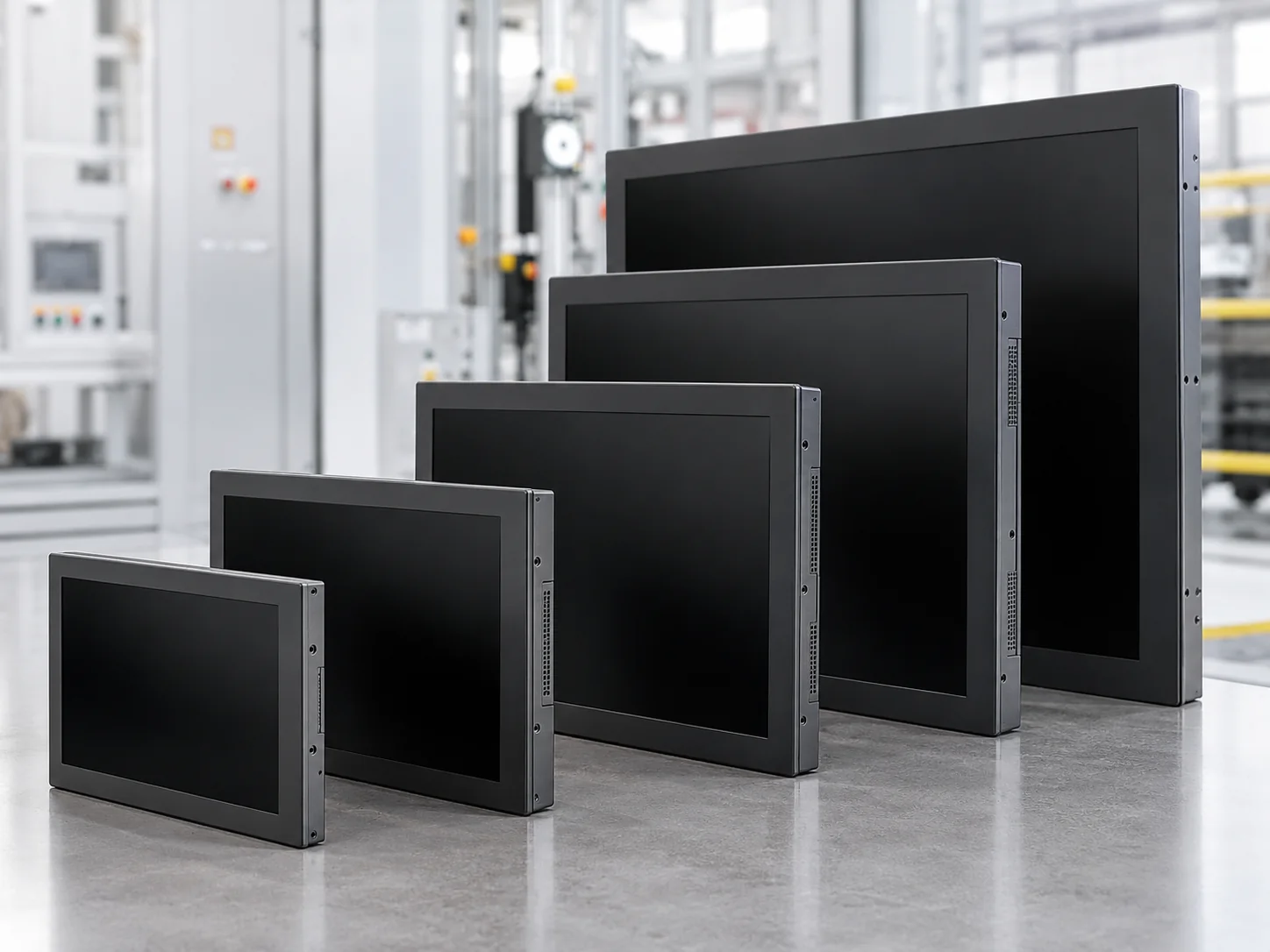
Screen Size and Resolution
Select the active display area and resolution based on the viewing distance, interface density, and the physical constraints of the equipment enclosure.
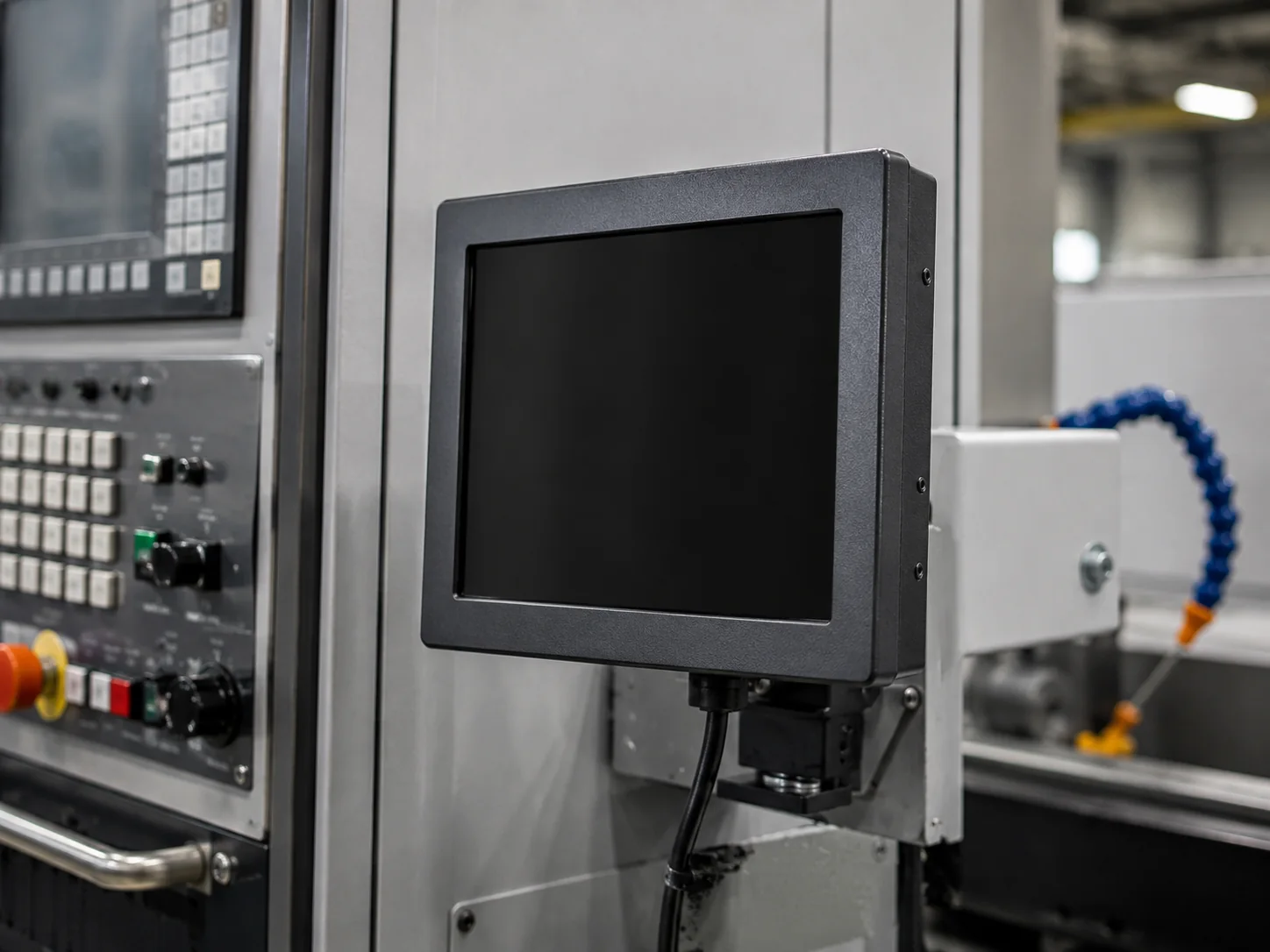
Touch Input Requirements
Define whether the operator will use bare fingers, thick gloves, or styluses. The touch technology must be reviewed and matched to your specific workflow and software interface.
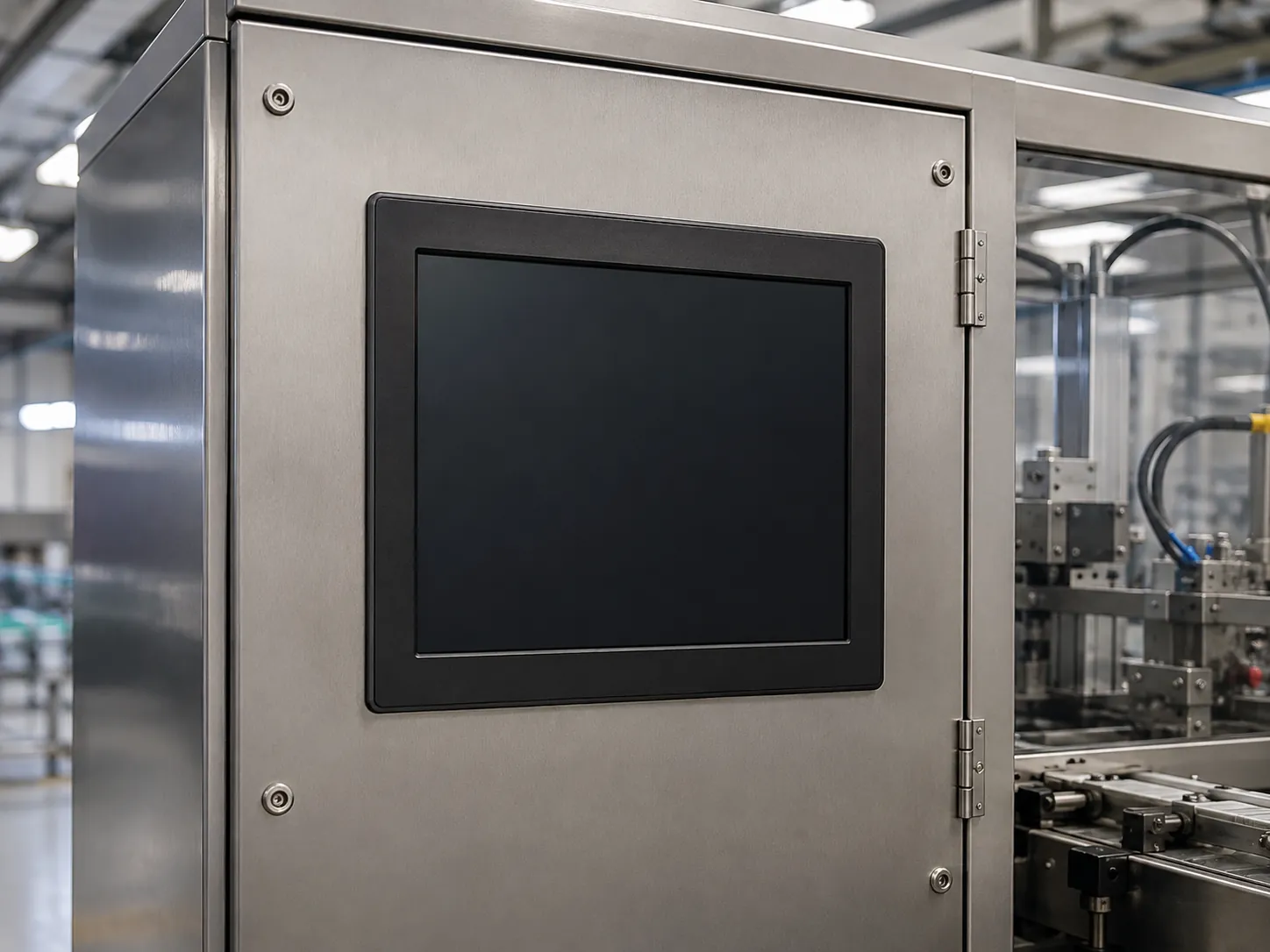
Metal Housing and Structure
Verify the mechanical dimensions, bezel design, and structural rigidity required to securely integrate the display into your machine panel or control cabinet.
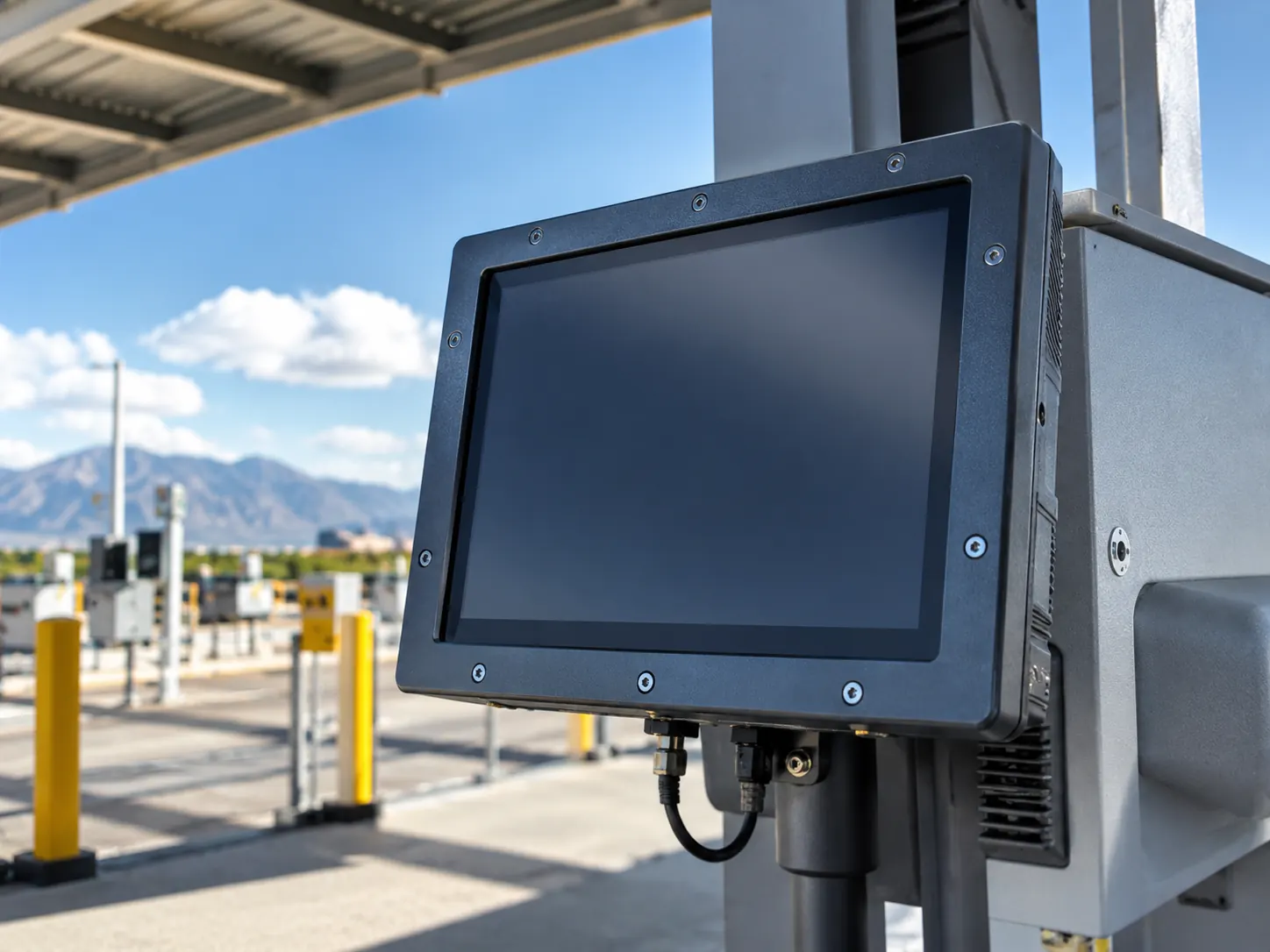
Panel, Bracket or VESA Mounting
Share the cutout details, rear-clearance limits, and mounting bracket requirements to ensure the monitor fits flawlessly during final equipment assembly.
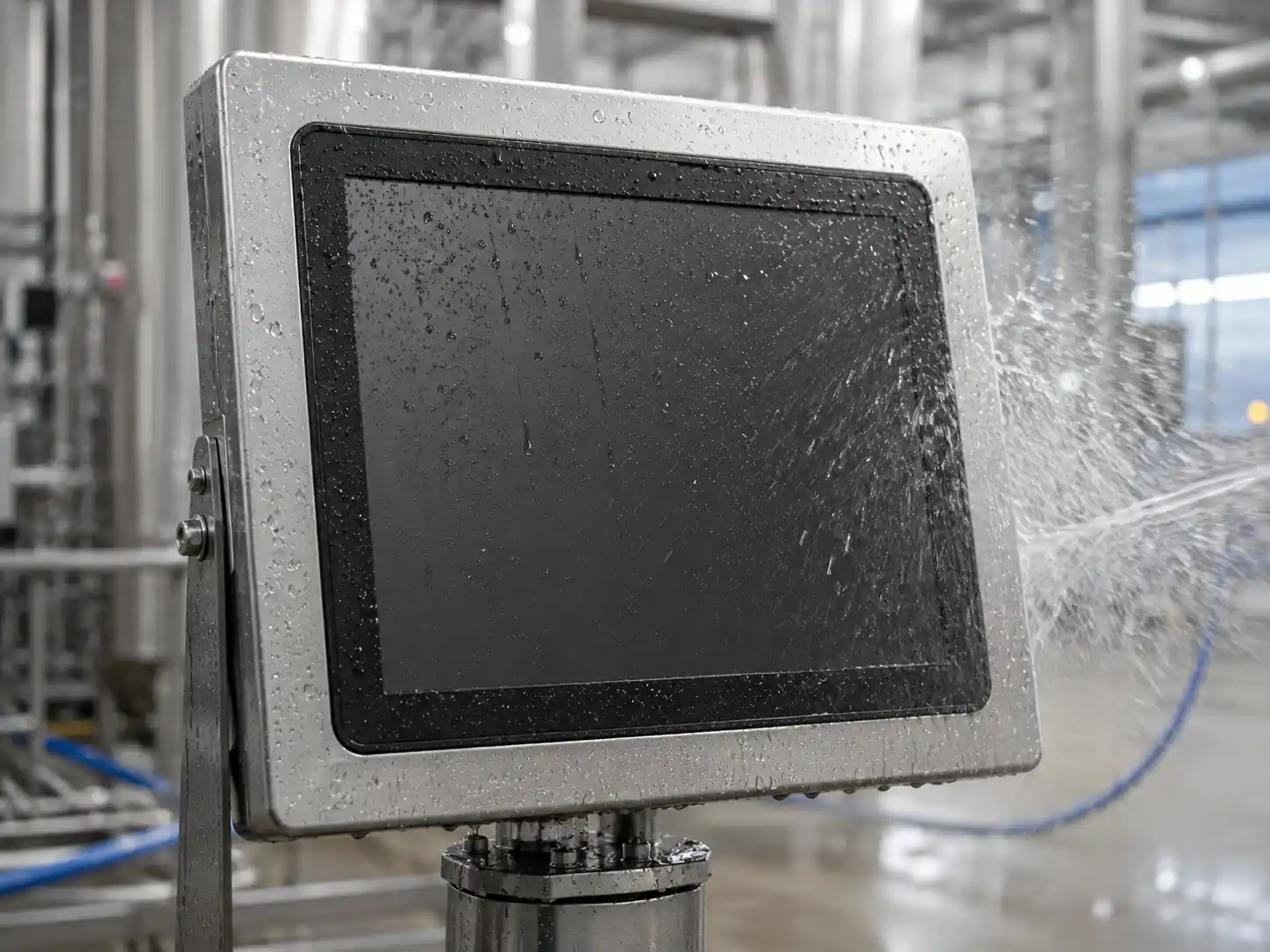
Video and Touch Interfaces
Coordinate the required signal inputs, connector locations, and cable directions to ensure seamless communication with the external host computer or controller.
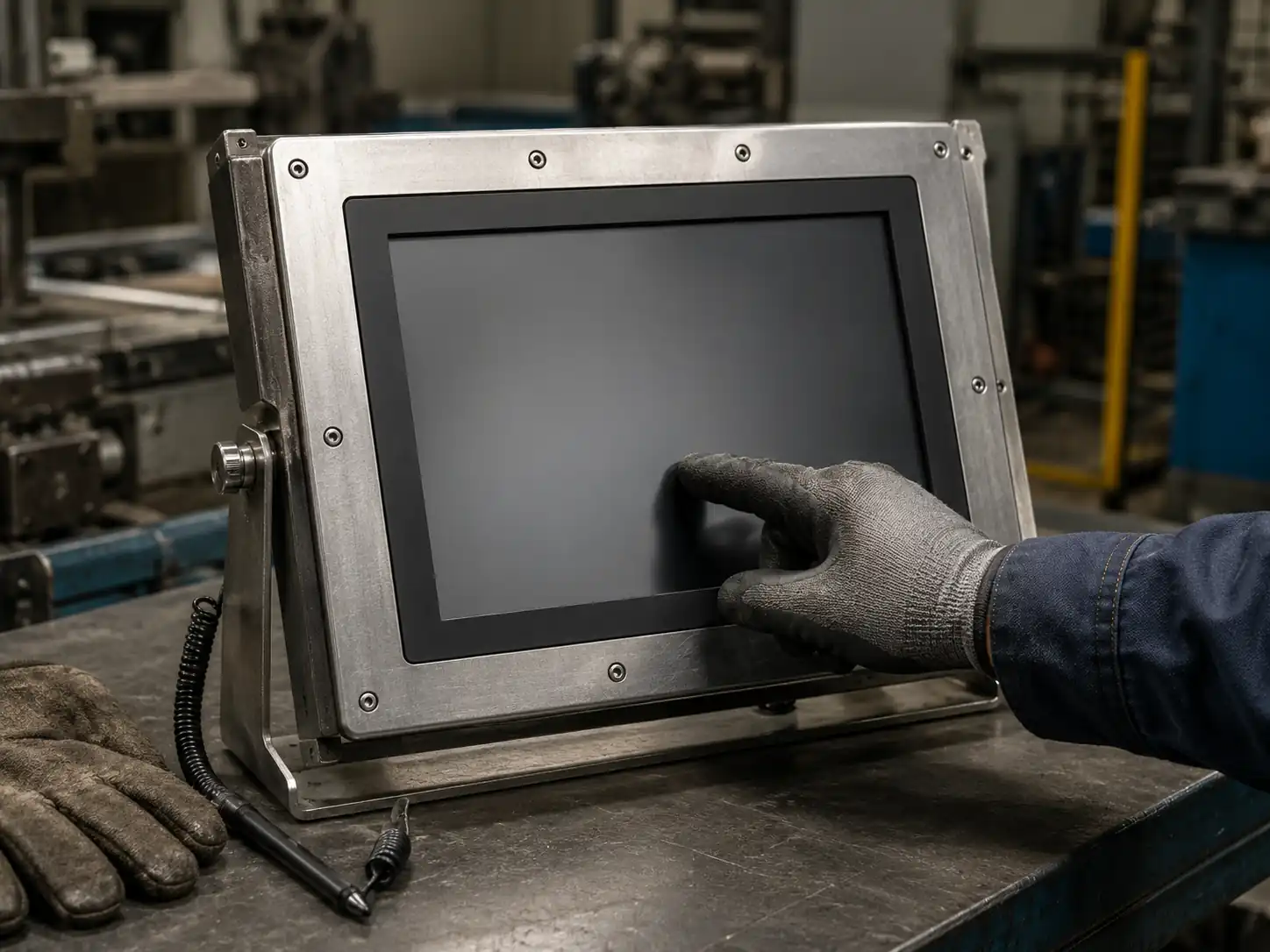
Brightness Target & Protection Scope
Define the measured ambient light for readability, and state the required protection level based on the exact surfaces exposed to dust, fluid, or weather.
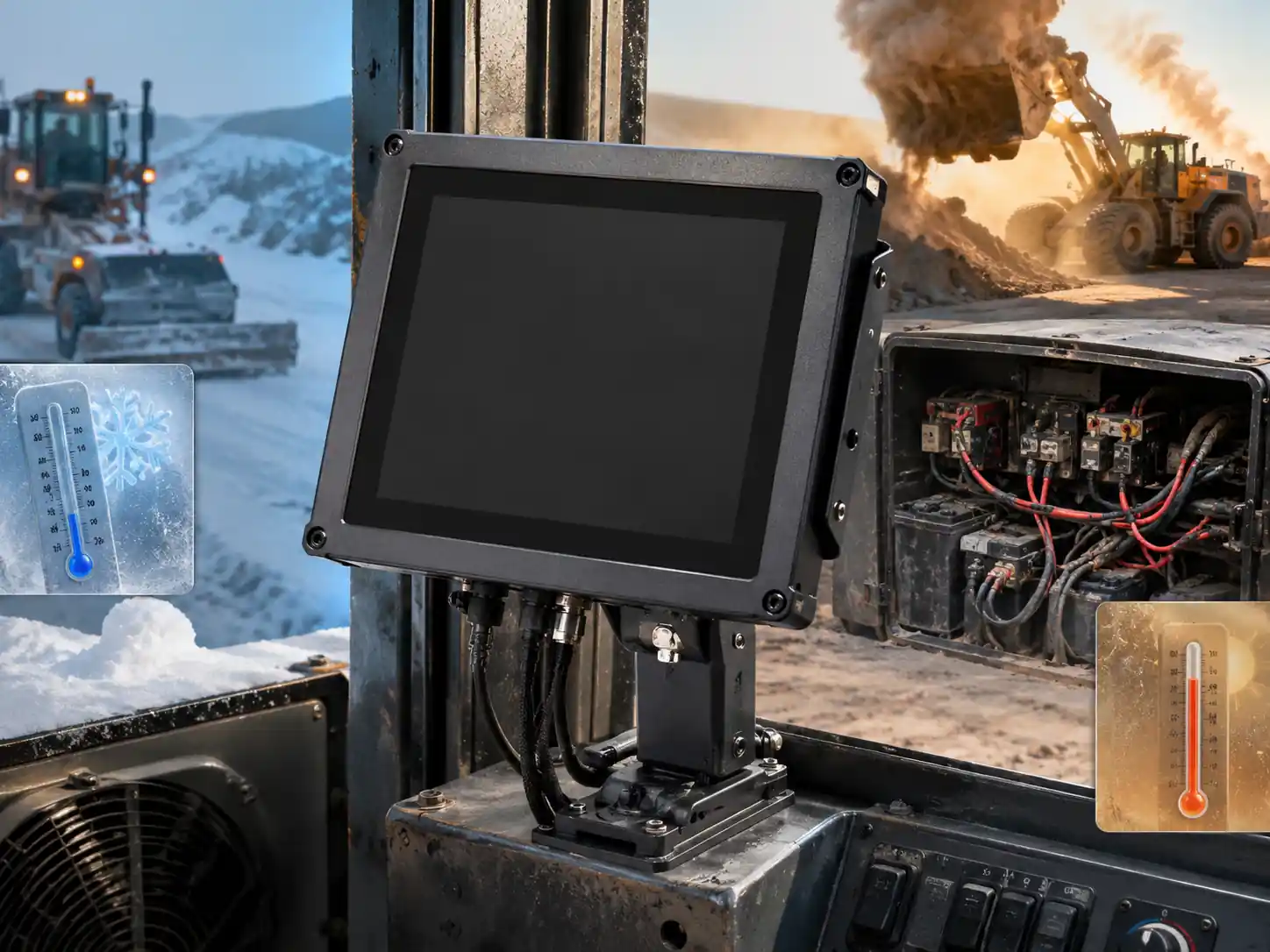
Operating Temperature & Power Input
State the actual operating temperature range and power supply conditions. These requirements will be evaluated to confirm compatibility with the selected monitor model.
Metal-Housed Touch Display Reference Models
These models are reference starting points for equipment-integration projects. The available catalog information confirms screen size, resolution, aspect ratio, projected capacitive touch and metal housing. Rugged, IP protection, extended-temperature and other environmental ratings must be verified through a model-specific specification before ordering.
| Size | Reference model | Resolution | Aspect ratio | Touch | Housing |
|---|---|---|---|---|---|
| 21.5" | TP215-JX-DR-02 | 1920 × 1080 | 16:9 | PCAP | Metal |
| 23.8" | TP238-JX-DR-02 | 1920 × 1080 | 16:9 | PCAP | Metal |
| 27" | TP270-JX-DR-02 | 1920 × 1080 | 16:9 | PCAP | Metal |
| 31.5" | TP315-JX-DR-02 | 1920 × 1080 | 16:9 | PCAP | Metal |
| 43" | TP430-JX-DR-02 | 1920 × 1080 | 16:9 | PCAP | Metal |
Final performance, environmental ratings, interfaces and certification scope are confirmed against the selected model and approved project specification.
Rugged Touch Monitor vs. Standard Office Monitor
| Selection factor | Equipment integration focus | Standard office monitor |
|---|---|---|
| Installation | External-host equipment integration | Usually desktop-oriented |
| Housing | Metal housing reference | Commonly optimized for office weight and appearance |
| Mounting | Mounting customization (Panel, VESA, Bracket) | Typically standard desktop stands |
| Environment | Model-specific environmental verification | Intended for controlled indoor conditions |
| Connectivity | Interface coordination for host equipment | Standard retail connections |
| Engineering inputs | Drawing approval and project review required | Usually selected from retail specifications |
Specify the Risk Before You Specify the Screen
The screen is hard to read near windows or outdoors.
Define the measured ambient light and target brightness for engineering review.
Dust, oil or splashes reach the front of the machine.
State the required protection level and explicitly define which surfaces are exposed.
The monitor must fit an existing machine cutout.
Upload the mechanical drawing and check the cutout dimensions, rear clearance, and cable direction before prototyping.
Operators wear gloves or use the terminal in difficult conditions.
Verify whether operators use bare fingers, gloves, or require single-point vs. multi-touch interaction.
The external host does not match standard connections.
Confirm the required video interfaces, touch interfaces, and resolution compatibility with the external controller.
How to Choose a Touch Screen Monitor
The best monitor is the one whose verified specification matches the operating environment—not the one with the longest feature list. Use the following checklist before requesting a quote.
- Confirm the architecture. This page provides display-only monitors for external controllers.
- Choose the active display size and resolution. Start with viewing distance, available opening and UI density rather than diagonal size alone.
- Describe the operator. Specify bare finger, glove, stylus, single-touch or multi-touch requirements.
- Describe the environment. Provide indoor/outdoor use, ambient light, dust, oil, water exposure, cleaning method and temperature range.
- Define the protection scope. State whether the front panel, connectors or full enclosure needs a verified protection rating.
- Define mounting and space. Provide panel cutout, VESA or bracket requirements, rear clearance and cable direction.
- List signal and power inputs. Provide the host device, video/touch interfaces, DC input and any interface-expansion need.
- State compliance requirements. Name the exact market, certification or test standard; do not assume one certificate covers every configuration.
- Share quantity and timeline. Include prototype quantity, forecast volume, delivery destination and target production date.
Where Industrial Touch Displays Are Commonly Used
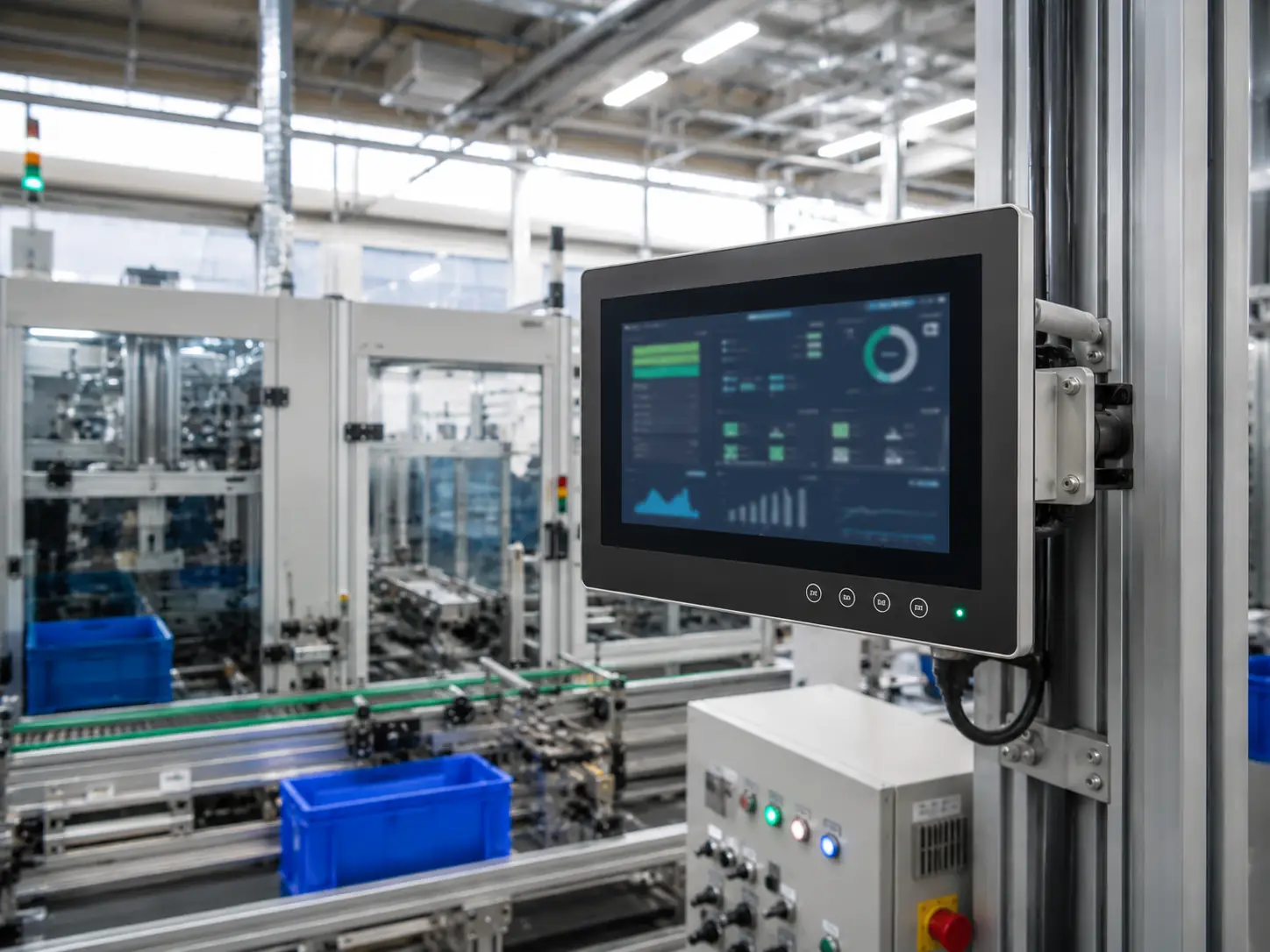
Factory Automation
Machine status, production data, operator input and PLC/SCADA visualization through an external controller.
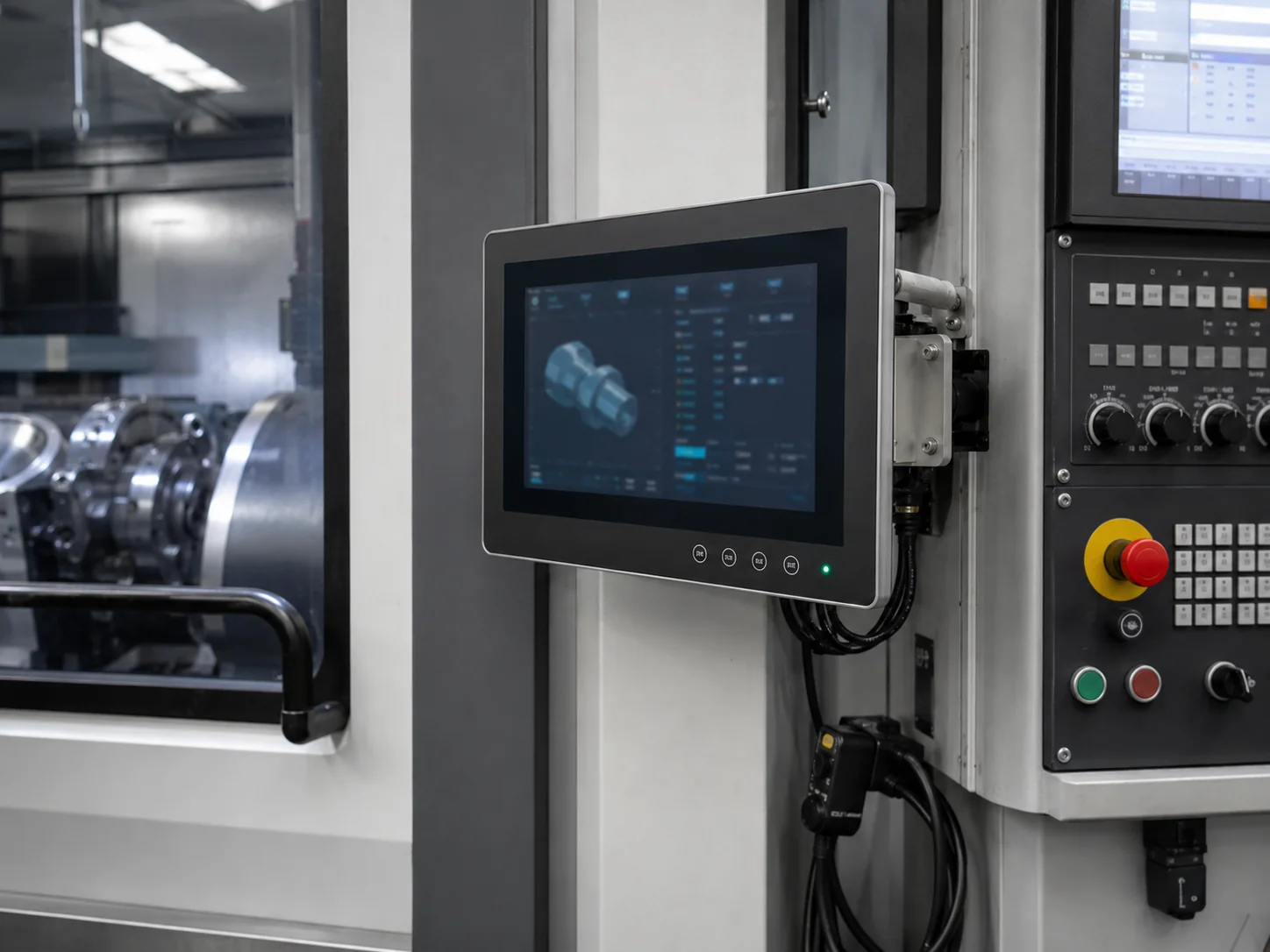
CNC & Industrial Control
Compact touch interfaces fitted around machine enclosures and control panels.
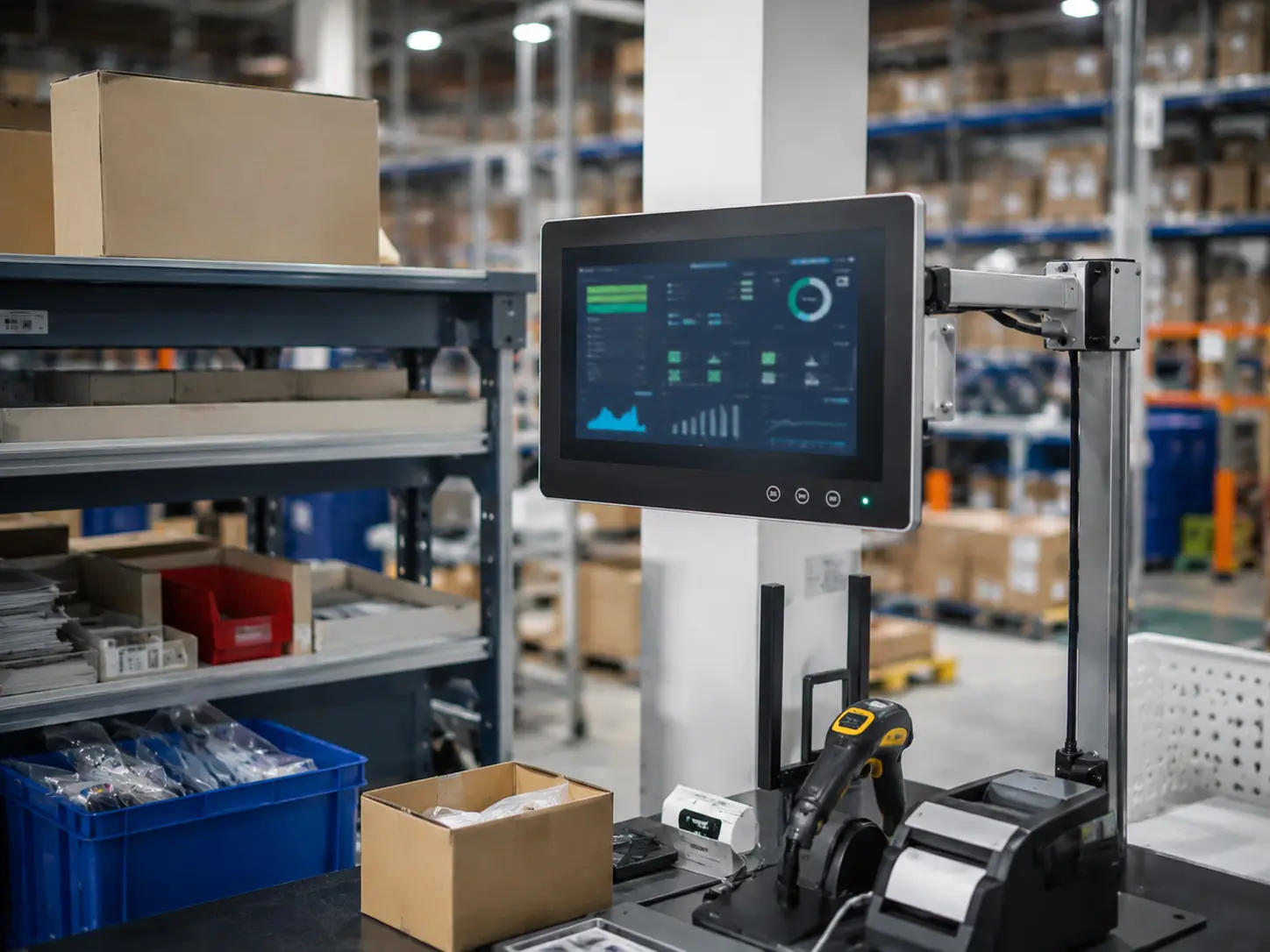
Warehouse Terminals
Inventory, picking, dispatch and workstation interfaces that must remain readable and securely mounted.
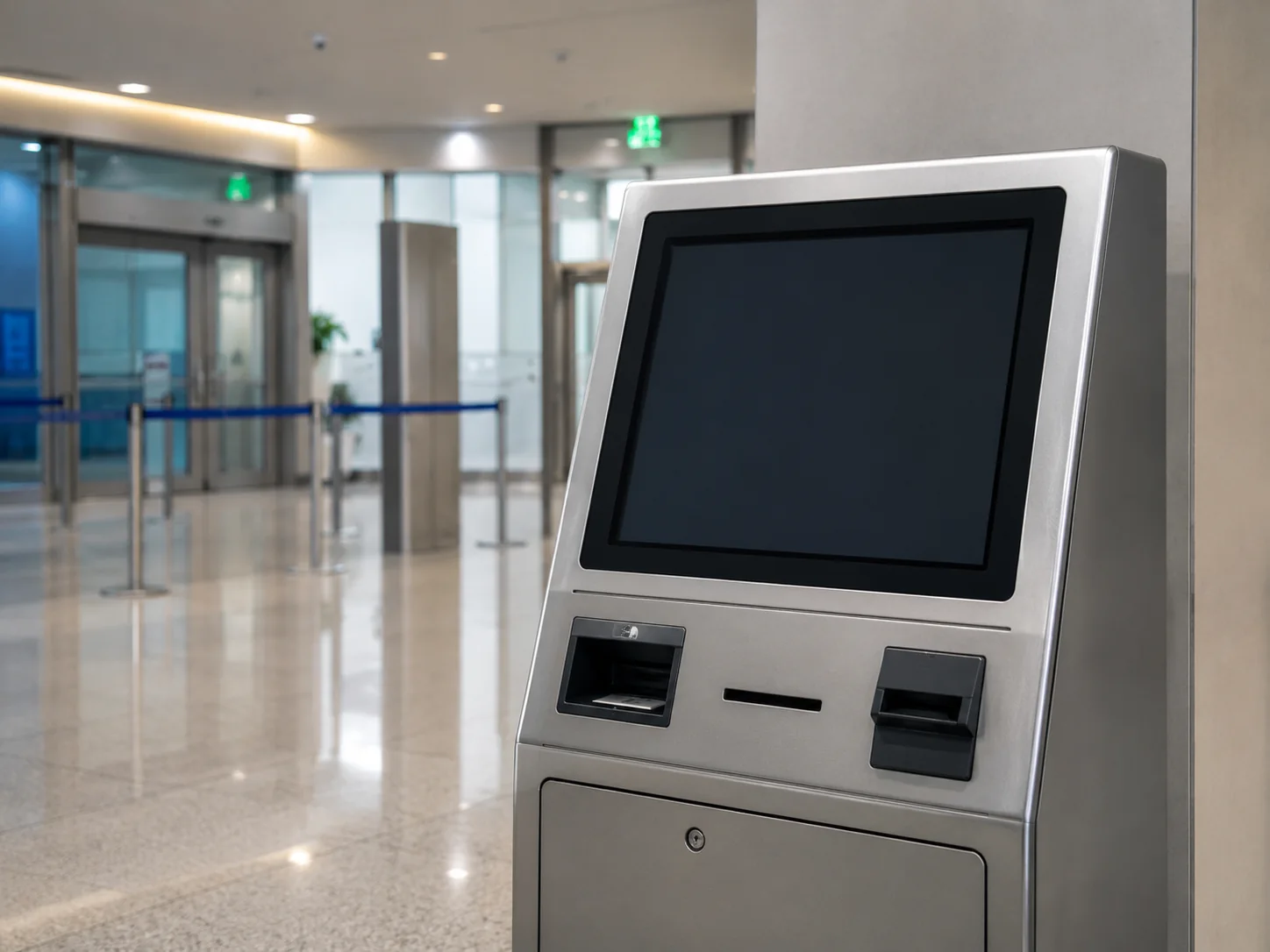
Self-Service & Kiosk Equipment
Embedded touch displays for check-in, information, ordering, ticketing and other purpose-built terminals.
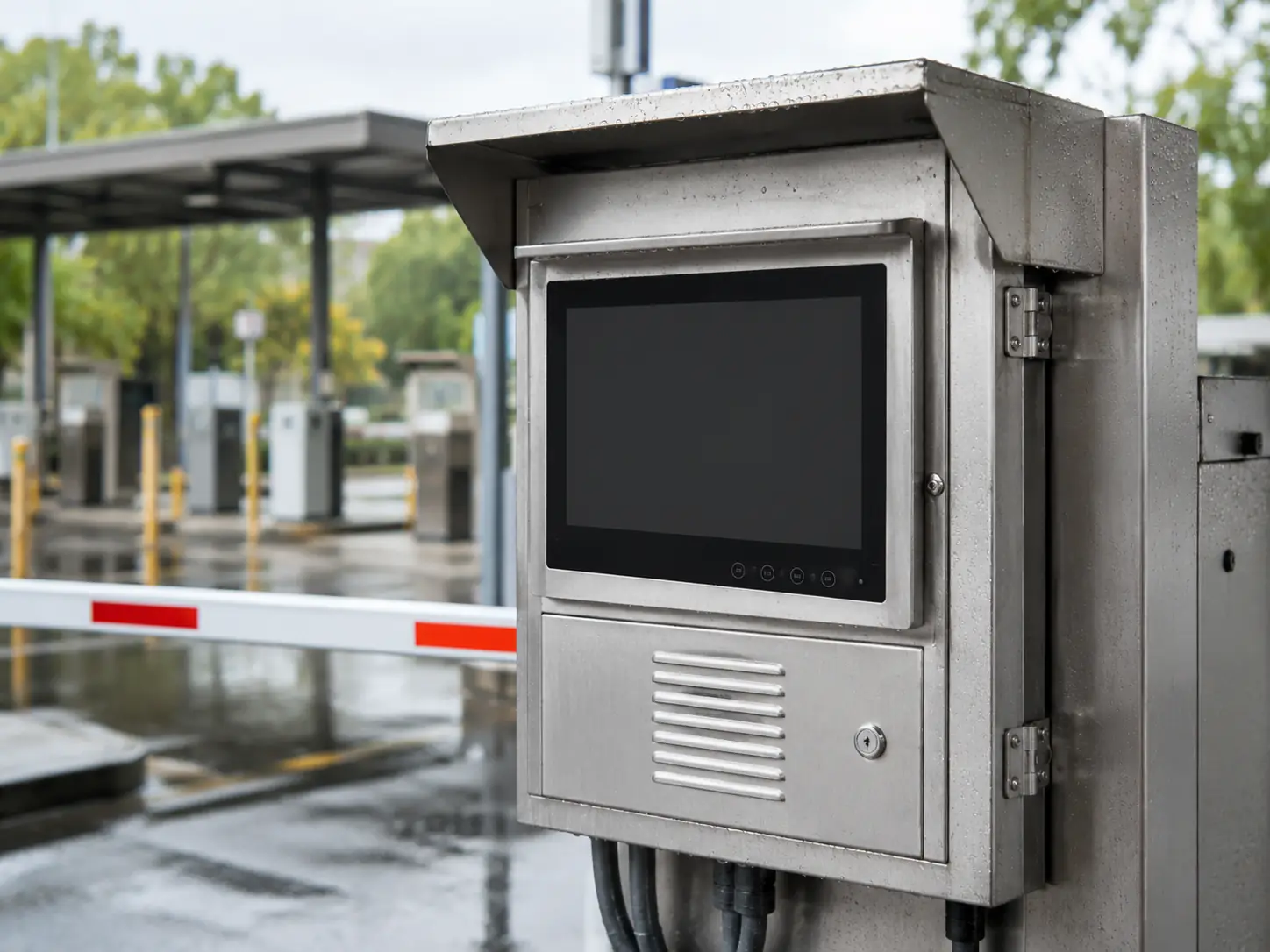
Equipment Requiring Environmental Review
Installations where brightness, heat and protection scope must be engineered together before specification approval.
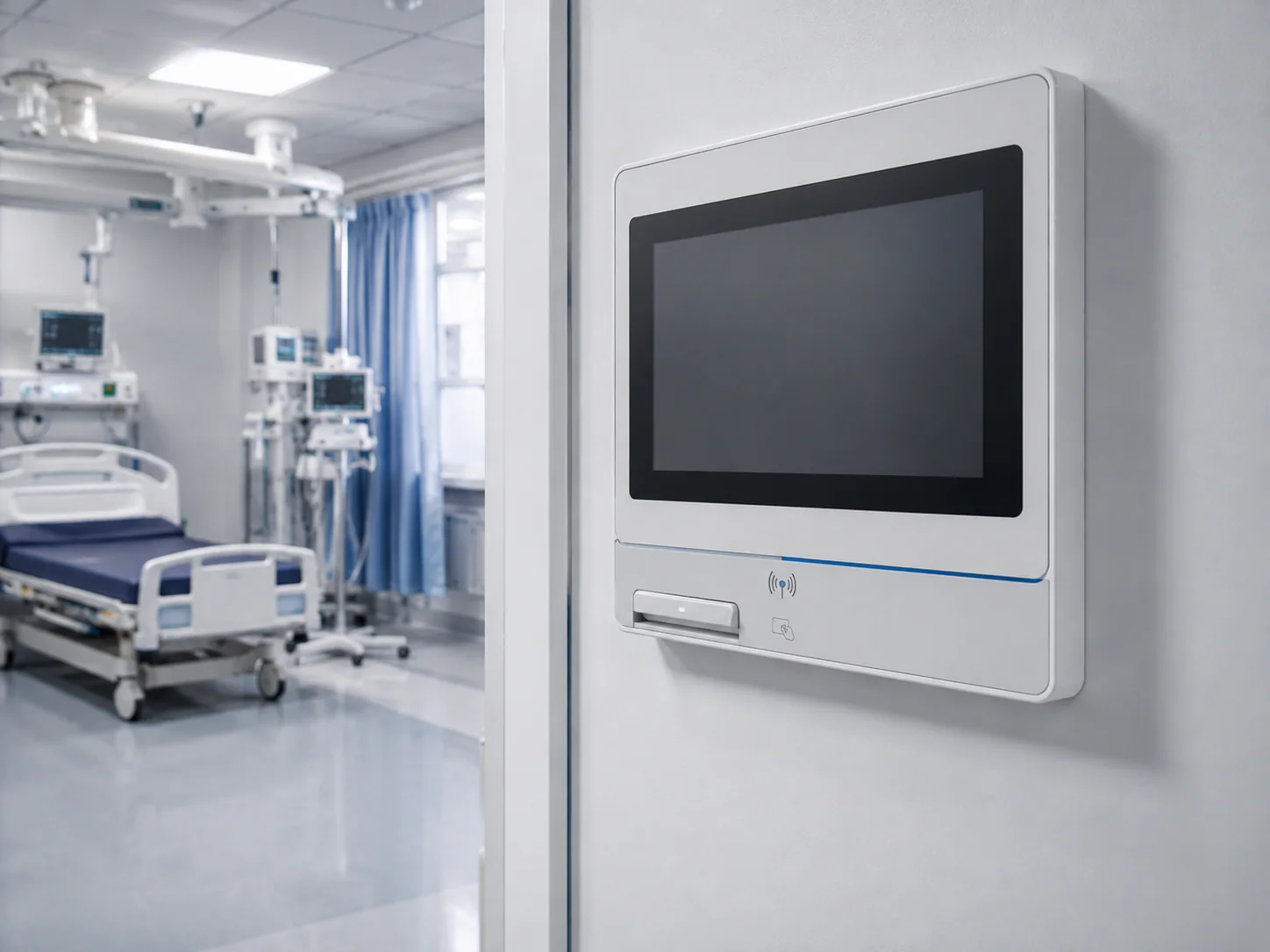
Medical Equipment Integration Projects
Integrated display interfaces where size, structure and connectivity require early confirmation. Product-level compliance must be confirmed for the intended market and application.
How to Define Protection Requirements for a Touch Monitor
There is no single IP rating for every outdoor monitor. The correct choice depends on exposure direction, installation sealing, connector protection, rain or spray intensity, dust and cleaning method. An IP-rated front panel does not mean the rear enclosure and connectors have the same protection.
Front-panel exposure:
Suitable when the monitor is sealed into another enclosure and only the front surface is exposed. Confirm the panel rating and gasketed installation.
Full-enclosure exposure:
Requires verification of the rear housing, seams, connectors and cable entries—not just the display face.
Outdoor readability and temperature:
IP protection alone does not solve glare, solar heat or cold startup. Specify brightness and temperature separately.
A requested IP level is a project requirement until it is confirmed by a model-specific design, installation method and applicable test documentation.
Build the Monitor Around Your Equipment
Lucky XFC supports OEM/ODM projects for equipment manufacturers and system integrators. Begin with a documented monitor platform or submit a drawing for a project-based configuration. Engineering review can cover the following items:
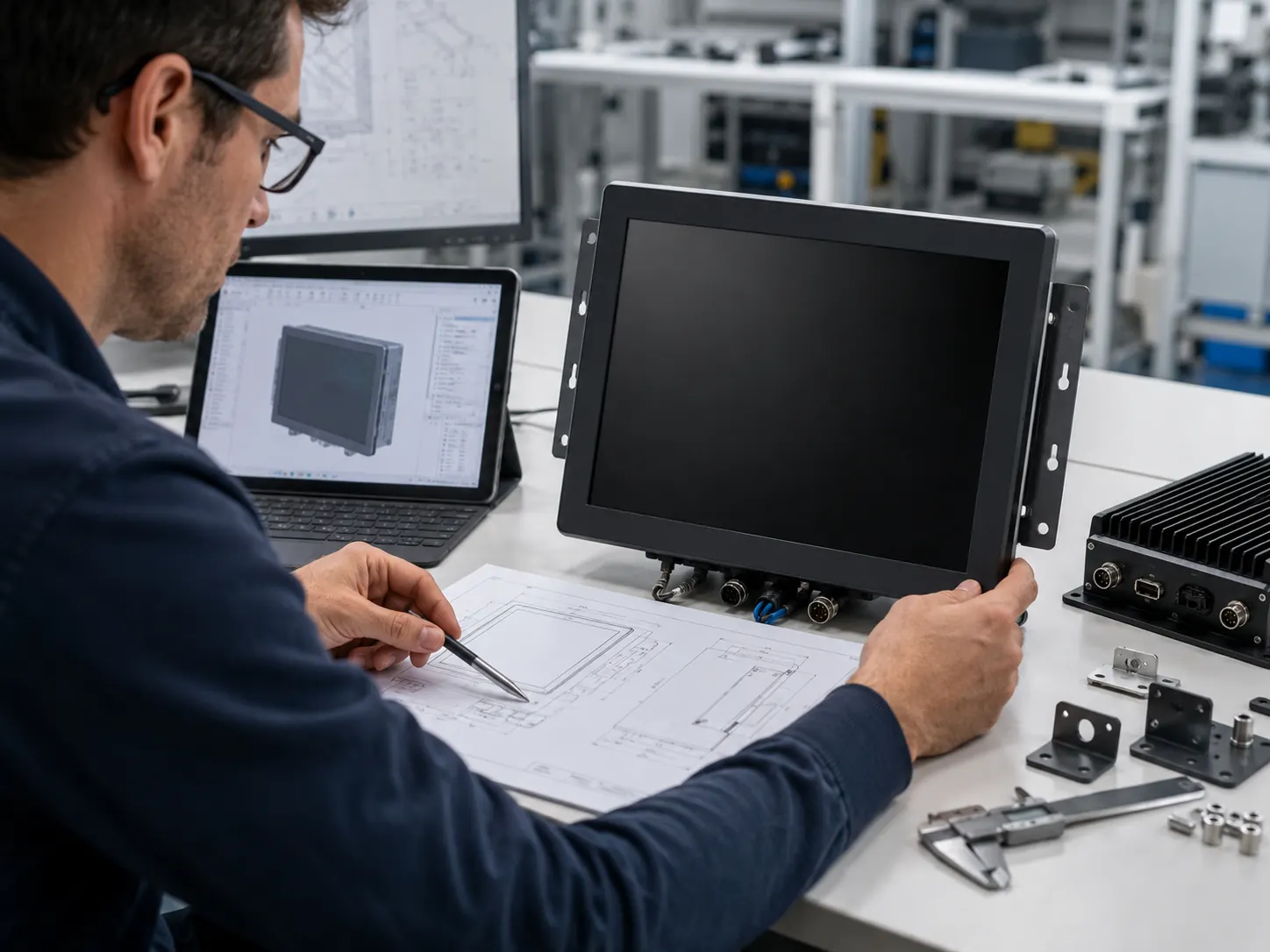
A Display Manufacturing Partner for Prototype and Production
Manufacturing since 2013
13+ years of experience across touch displays and integrated display equipment.
3,100 m² Factory
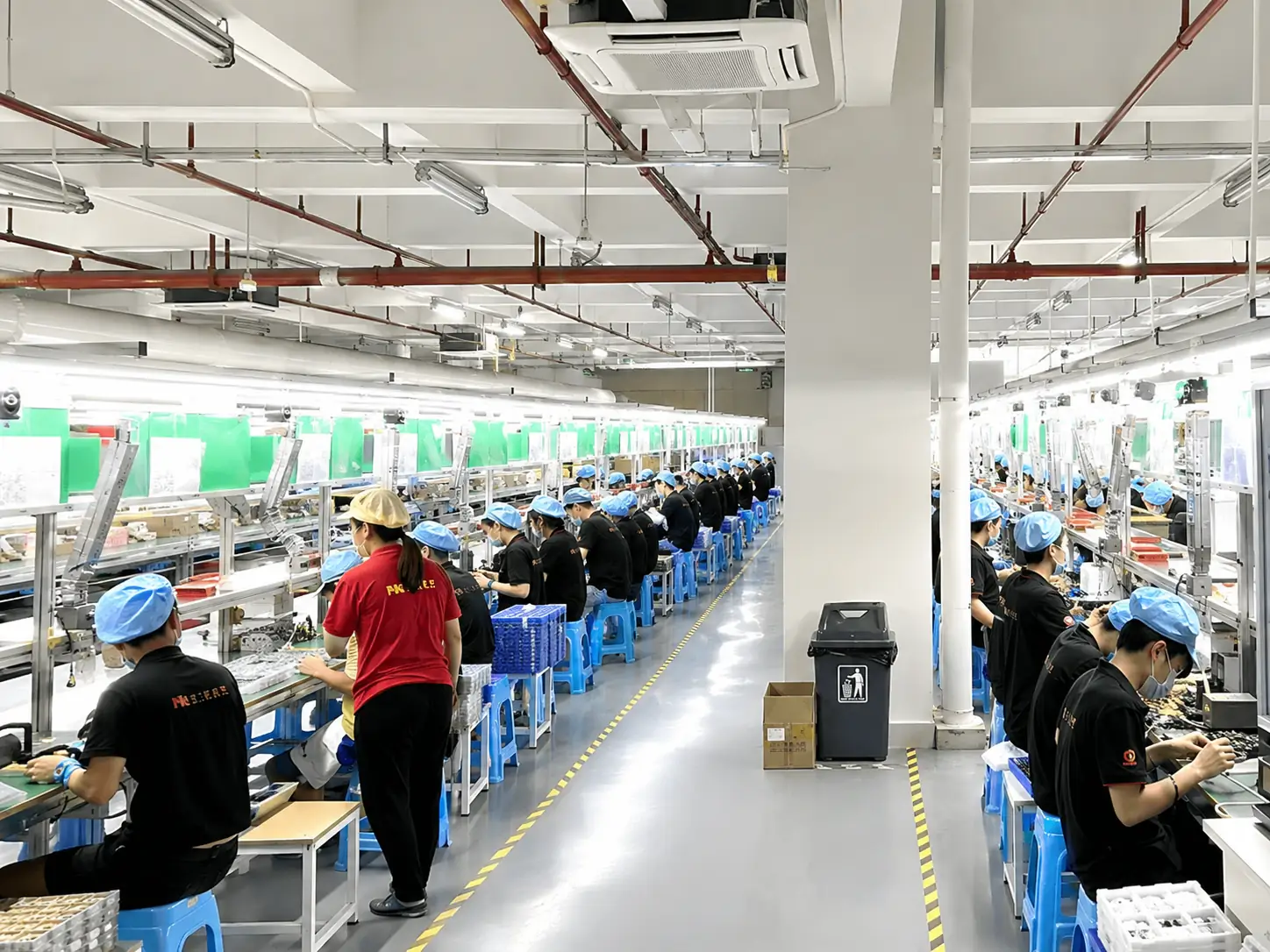
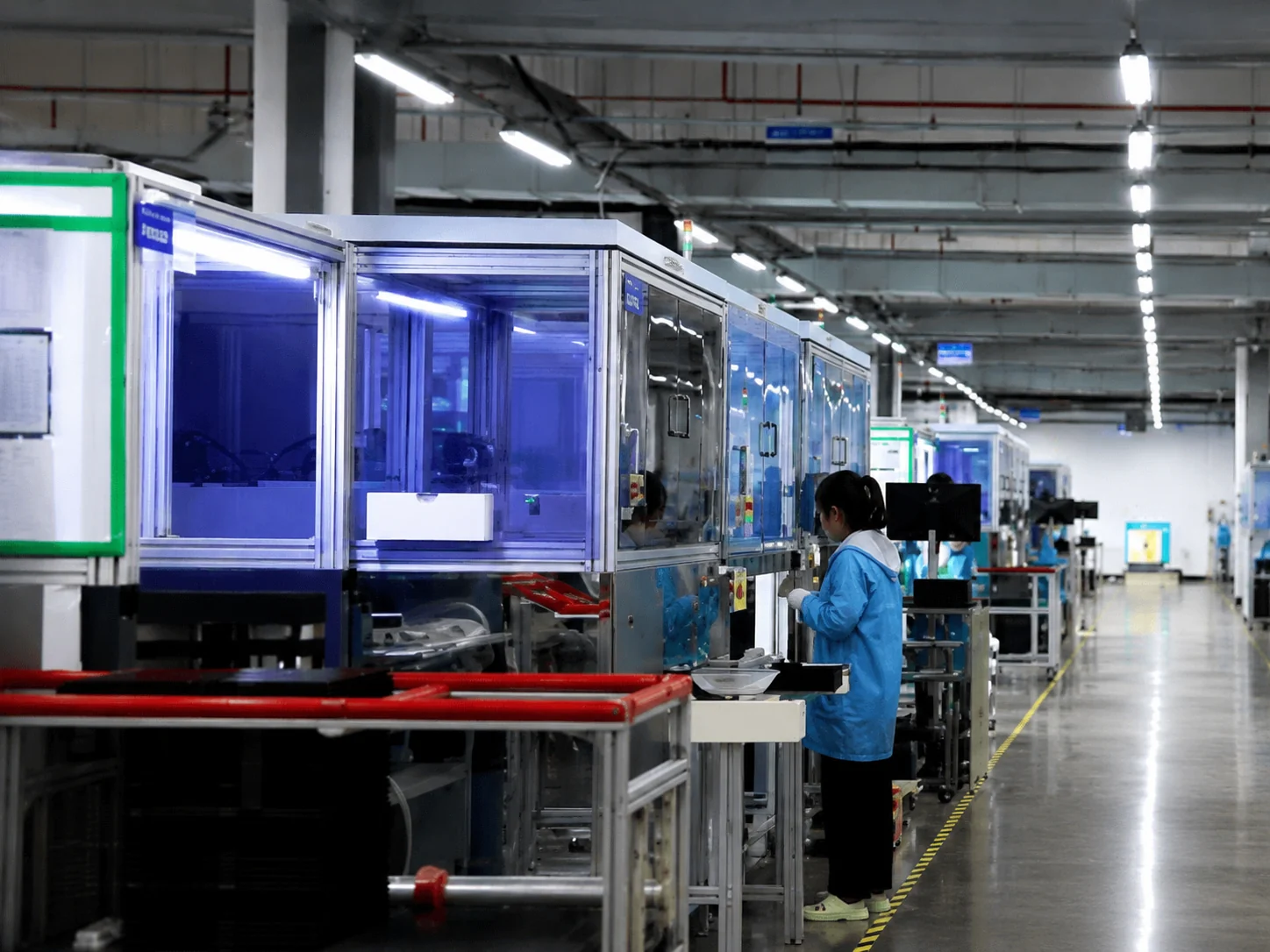
Product development, structure work, assembly and inspection coordinated through one manufacturing facility.
160+ Employees
Dedicated engineering, production and support staff handling project validation and volume needs.
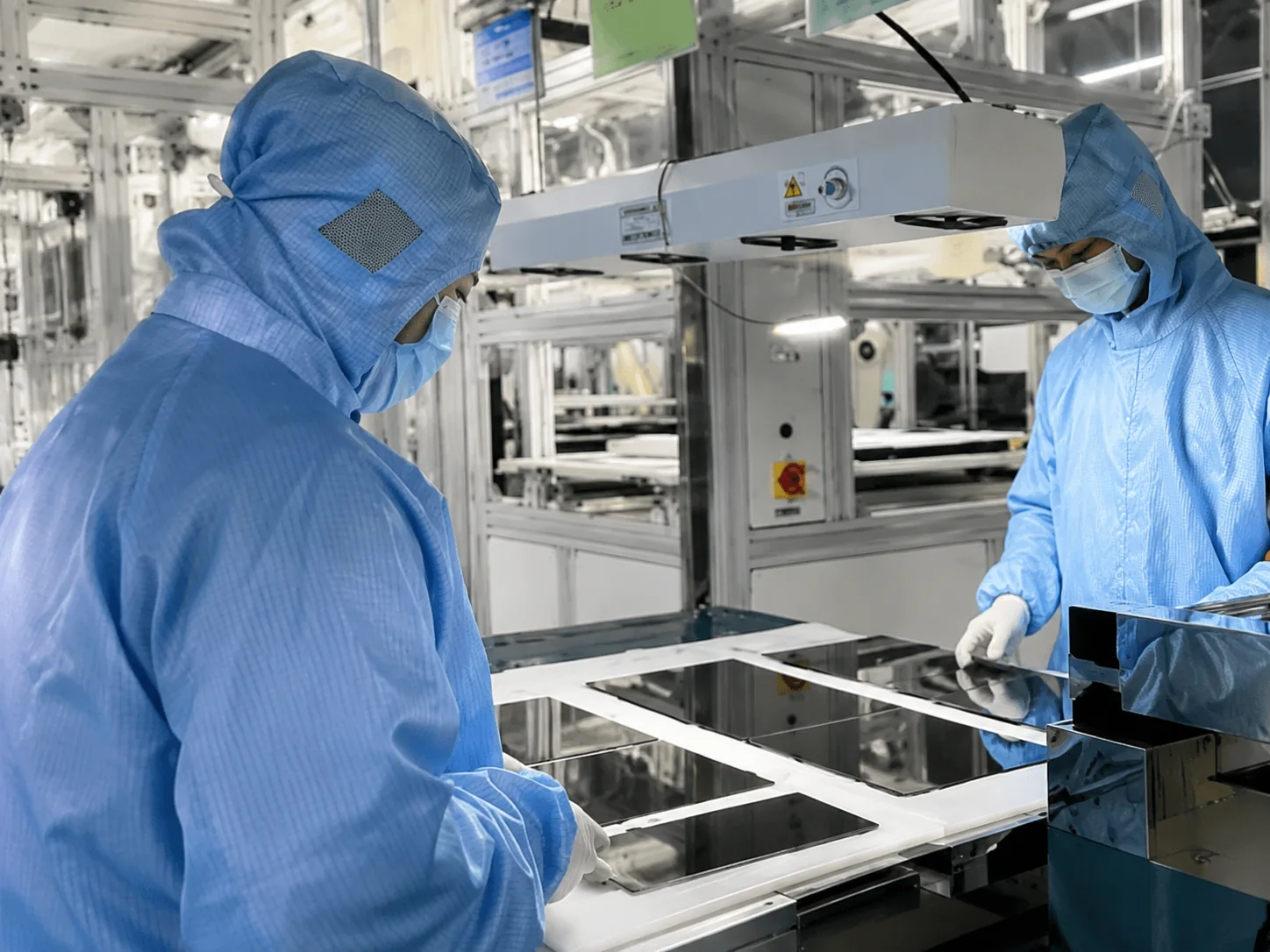
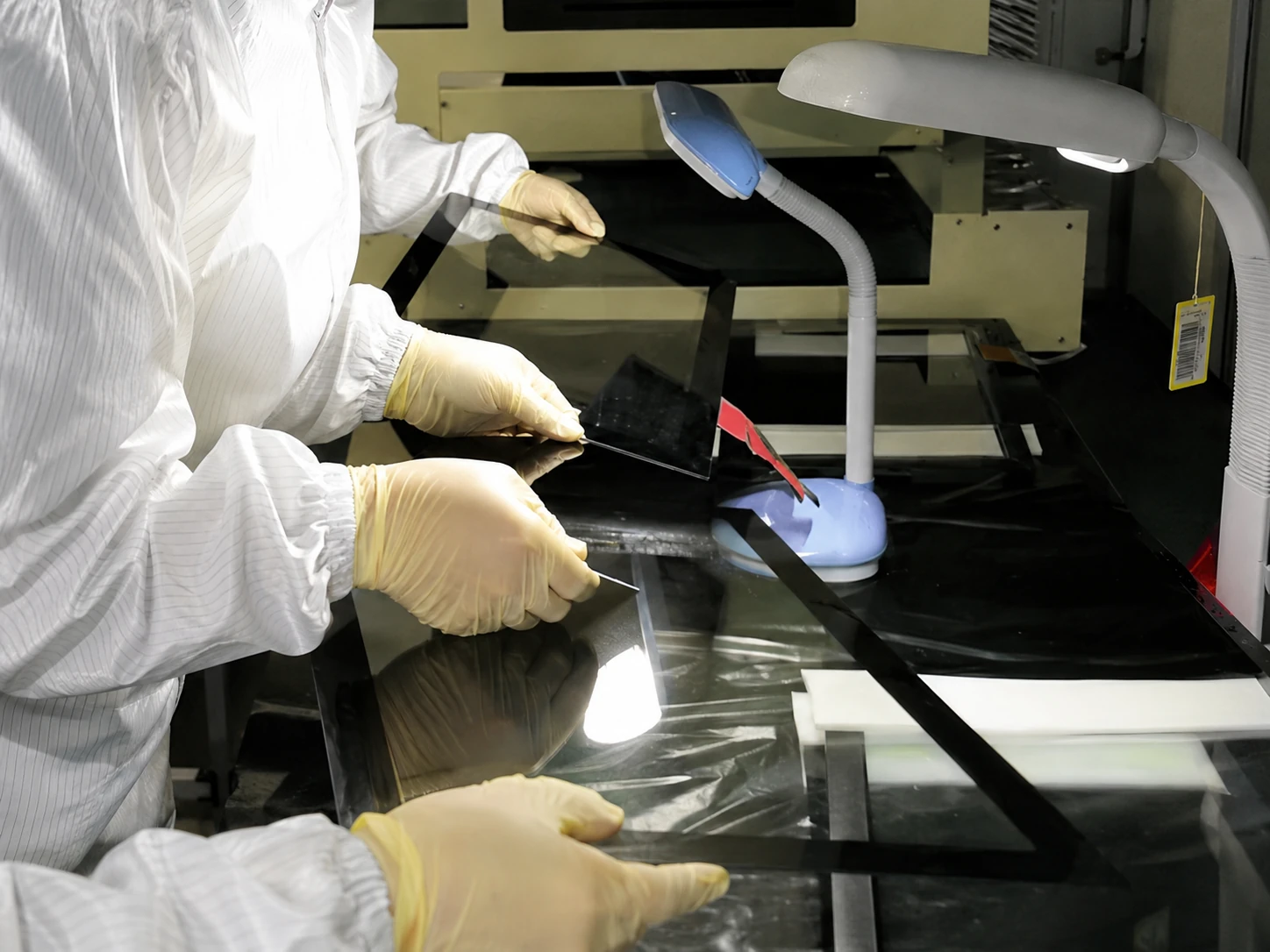
26 Quality-Control Staff
The company’s process states that every product is inspected at least three times before shipment.
Global B2B supply
Products have been supplied to customers in more than 80 countries.
From Operating Conditions to a Production-Ready Specification
Requirement Review
Environment, architecture, size, touch, mounting, interfaces and quantity.
Configuration Proposal
Documented platform or custom path with open items identified.
Specification Confirmation
Mechanical, electrical and performance details approved before build.
Sample Build
Typical sample lead time is 3–7 days, subject to configuration and material availability.
Sample Test & Approval
Buyer tests the display with the real host, software, operator and environment.
Bulk Production
Typical bulk lead time is 7–15 days after approval, subject to final quantity and configuration.
About Lucky-XFC
Lucky XFC operates a 3,100 m² manufacturing facility with more than 160 employees, including a 26-member quality-control team. We support custom touchscreen and display projects from product selection and engineering confirmation through sample production, 100% inspection and shipment.
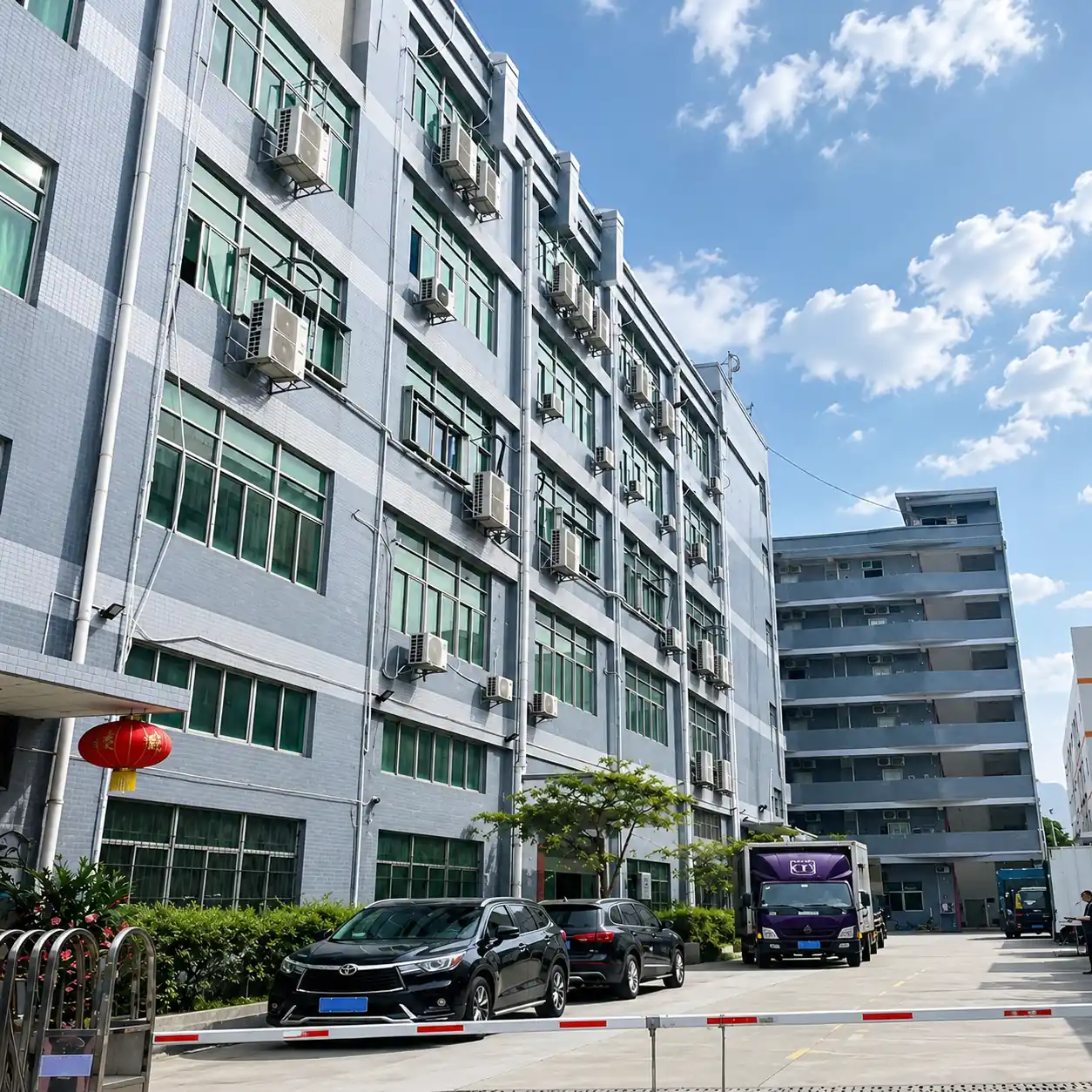
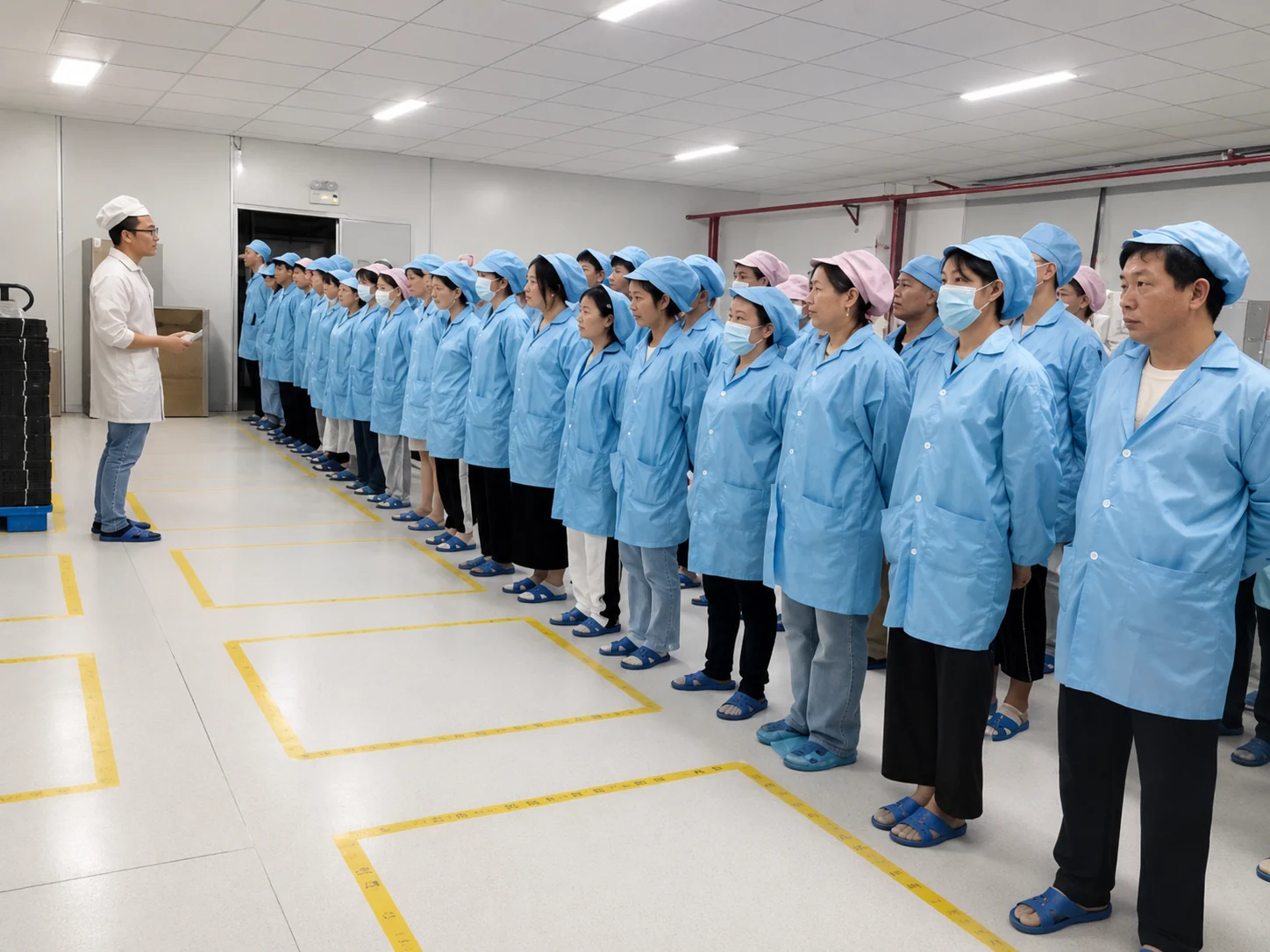
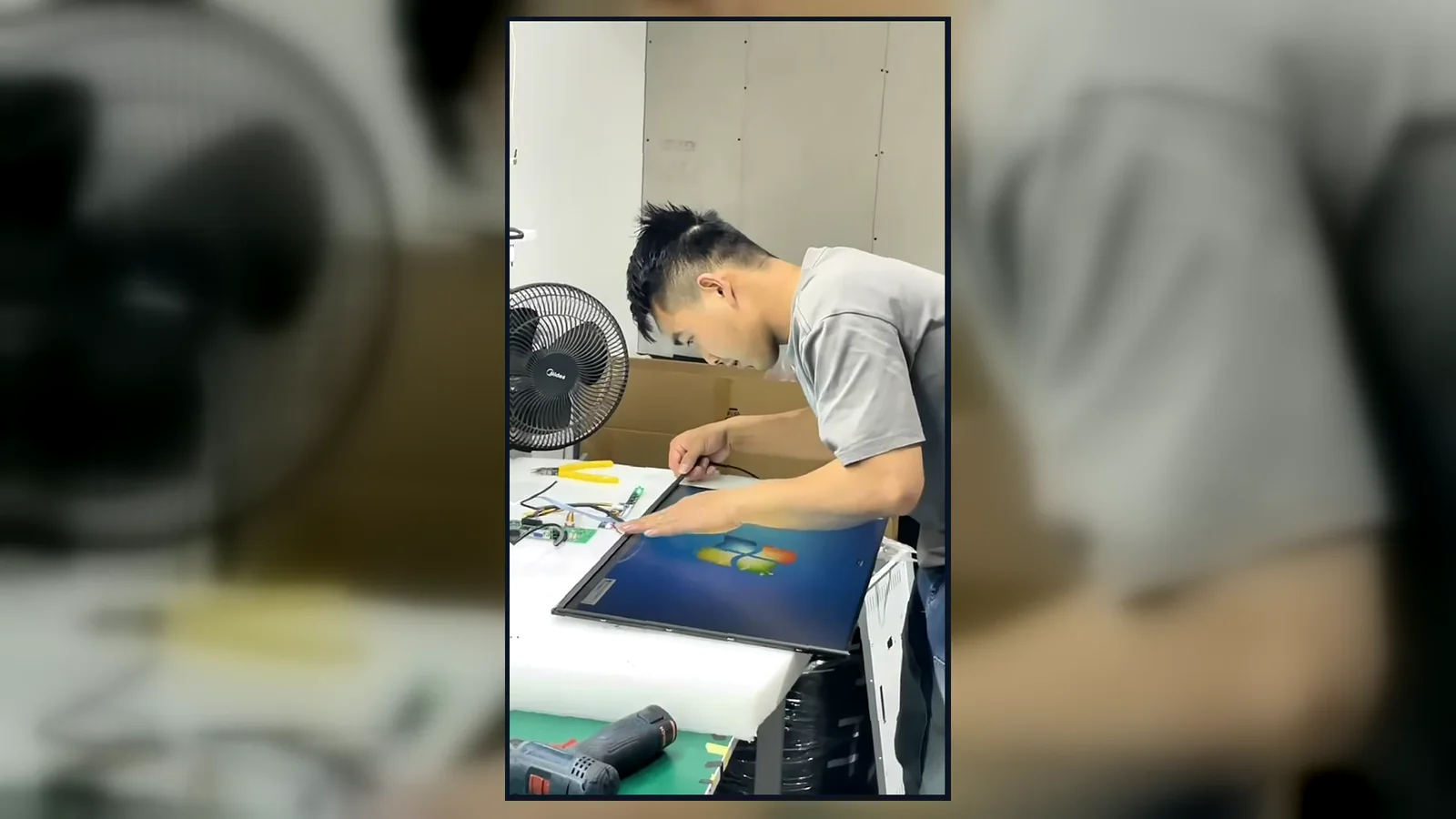
Inside the Factory: Production & Quality Testing
Watch our brief 45-second overview showcasing the rigorous assembly and testing procedures at our facility. See firsthand how our QC team conducts 100% inspections to verify touch response, display quality, interfaces and appearance according to the approved specifications.
Certifications & Project-Specific Ratings
Available certificates must be reviewed according to the selected product, market and project scope. A company-level management certificate does not automatically establish product-level compliance. Certification and protection ratings depend on the selected model and project.
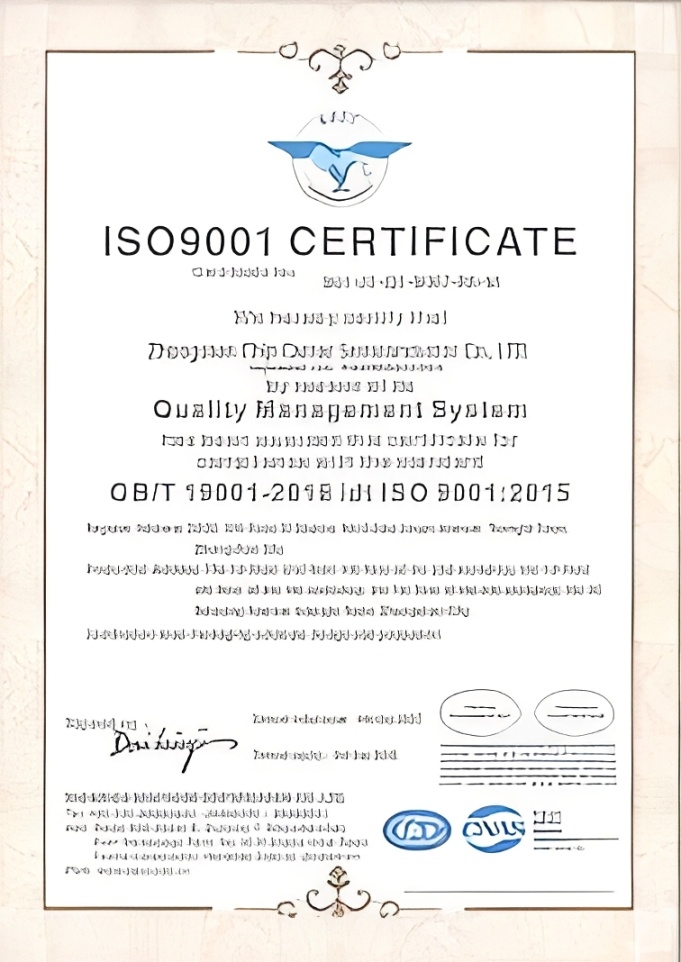
ISO 9001:2015
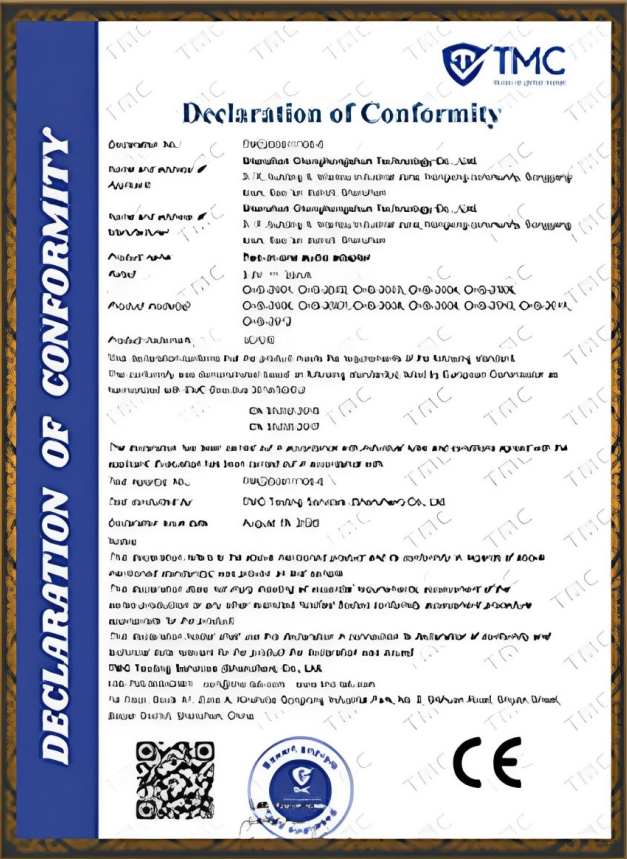
CE Certification
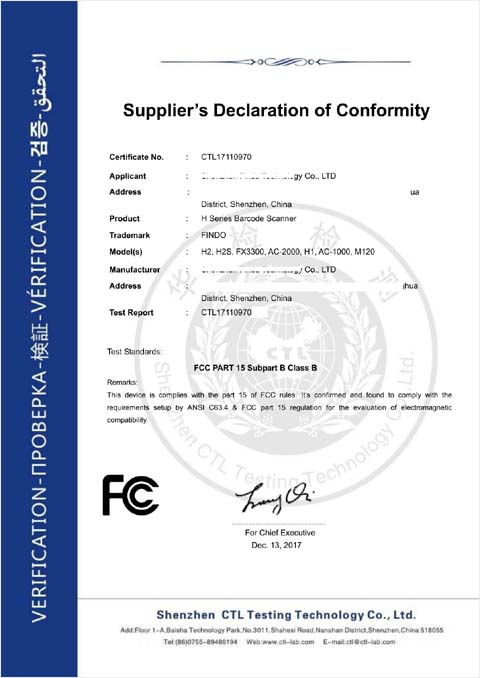
FCC Certification
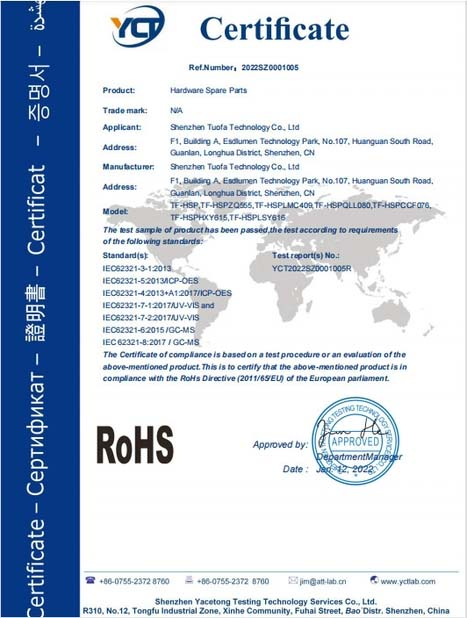
RoHS Compliance
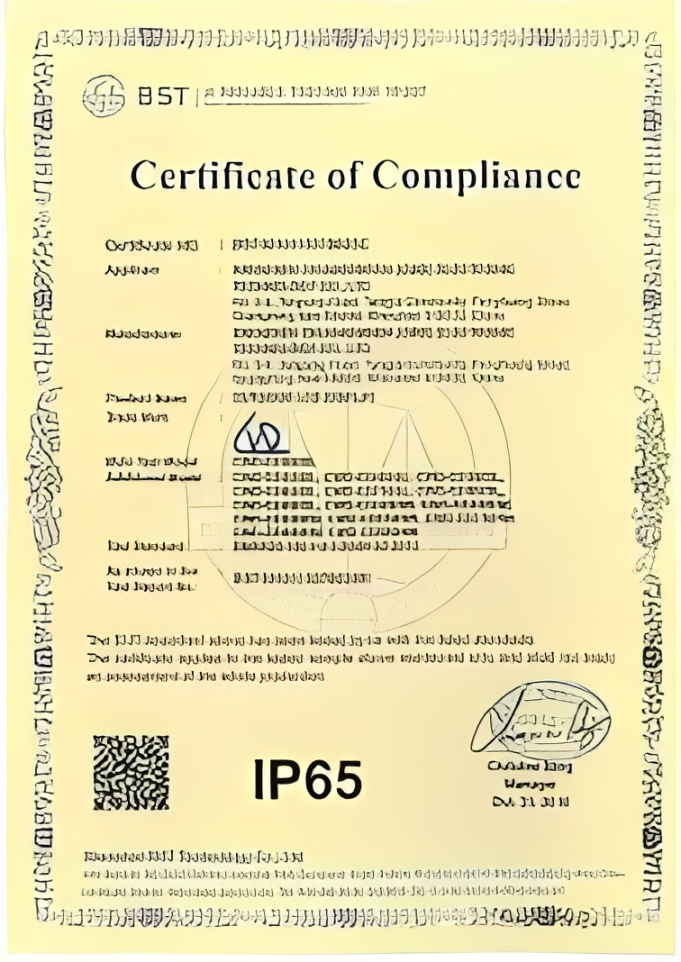
IP Rating
What Determines Touch Screen Monitor Pricing?
Monitor prices cannot be compared accurately by screen size alone. Cost changes with panel size and resolution, target brightness, touch technology, protection scope, metalwork, mounting, interfaces, DC input, certification requirements, sample quantity and production volume. A lower-priced unit can create higher total cost if it does not fit the cutout, remains unreadable in the installation or changes during the equipment lifecycle.
For an accurate quote, send: reference model or drawing, application, indoor/outdoor conditions, brightness target, touch method, required protection scope, temperature, mounting, ports, power input, quantity, destination and required date.
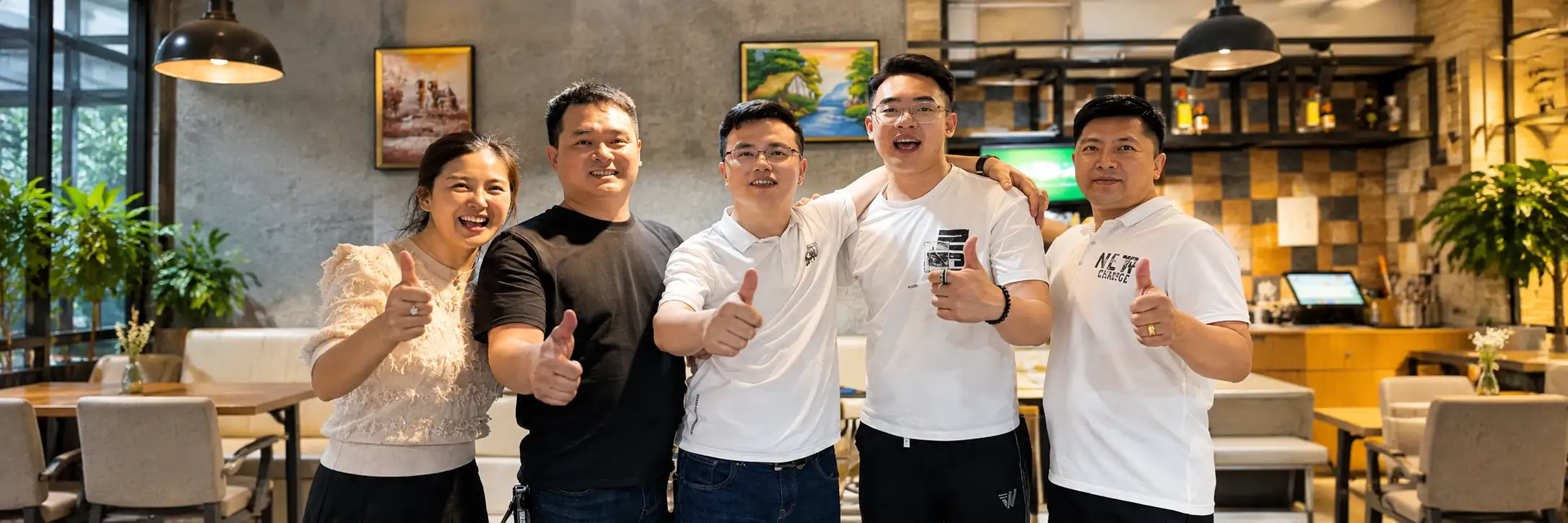
Tell Us Where the Monitor Has to Work
Share the equipment drawing and operating conditions. Lucky XFC will help separate standard features from project-specific requirements and recommend a practical starting configuration.
Touch Screen Monitor FAQ
Are these monitors Panel PCs?
Which reference models are currently listed?
Does a metal housing make a monitor rugged?
Can brightness and protection be customized?
What information is required for equipment integration?
How should suppliers be compared?
Hidden FAQ 7
Hidden FAQ 8
Hidden FAQ 9
Hidden FAQ 10
Hidden FAQ 11
Ready to Configure a Display-Only Touch Monitor?
Factory Location
No. 3, Lianfeng Road, Hongqiaotou Community, Yanluo Street, Bao'an District, Shenzhen, Guangdong Province, China
Direct Line
+86 13342931453
Email Us
sales13@lucky-xfc.com
Request a Quote
Fill out the form below and our engineering team will get back to you to confirm your project details.
