
HMI Touch Display Hardware for Industrial Equipment
XFC supplies customizable display and touch hardware for machine operator panels, control cabinets and industrial equipment. The display receives video from your external host and returns touch input through a compatible touch connection.
XFC does not supply industrial computers, PLC programming, HMI runtime software, machine control logic or application software.
- Display and Touch Hardware Only
- External Host Required
- PCAP or Resistive Touch
- Custom Mechanical Integration
How XFC HMI Display Hardware Fits Your Control System
or Compatible Controller
The customer’s external host runs the operating system, HMI application and machine logic. XFC supplies the physical display, touch sensor, touch controller, enclosure and configured hardware connections.
| Project Scope | XFC Supplies | Customer or System Integrator Supplies |
|---|---|---|
| Display Hardware | LCD, touch sensor, touch controller and confirmed display electronics | — |
| Mechanical Integration | Cover glass, bezel, enclosure and mounting configuration | Equipment cabinet, final installation and system validation |
| Signal Connection | Confirmed video input and touch output hardware | Compatible host outputs, drivers and system configuration |
| Computing | Not included | Industrial computer, embedded controller or other host |
| Software | Not included | Operating system, HMI runtime, PLC program, SCADA and application software |
Note: A PLC without a compatible display output cannot normally drive the monitor directly. Confirm whether your control architecture uses an industrial computer, embedded controller, remote HMI controller or another host with a supported video output.
Choose the Touch Technology for the Operator Interface
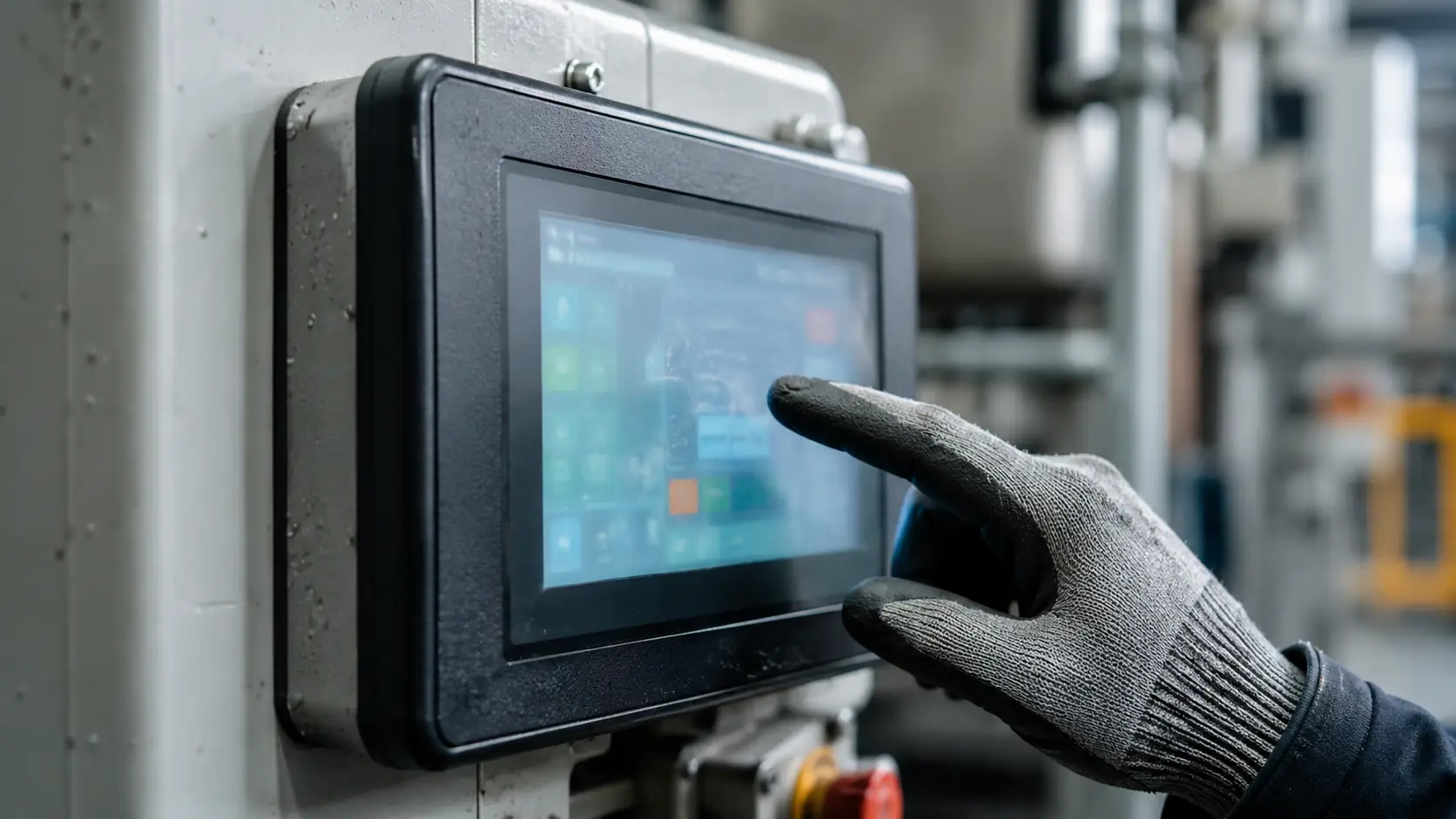
PCAP HMI Touch Display Hardware
PCAP provides light-touch operation and can support multi-touch on compatible configurations. It is suited to modern operator interfaces where optical clarity and gesture-based interaction are important.
- • Required touch points
- • Glove material
- • Moisture exposure
- • Cover glass
- • Controller and driver compatibility
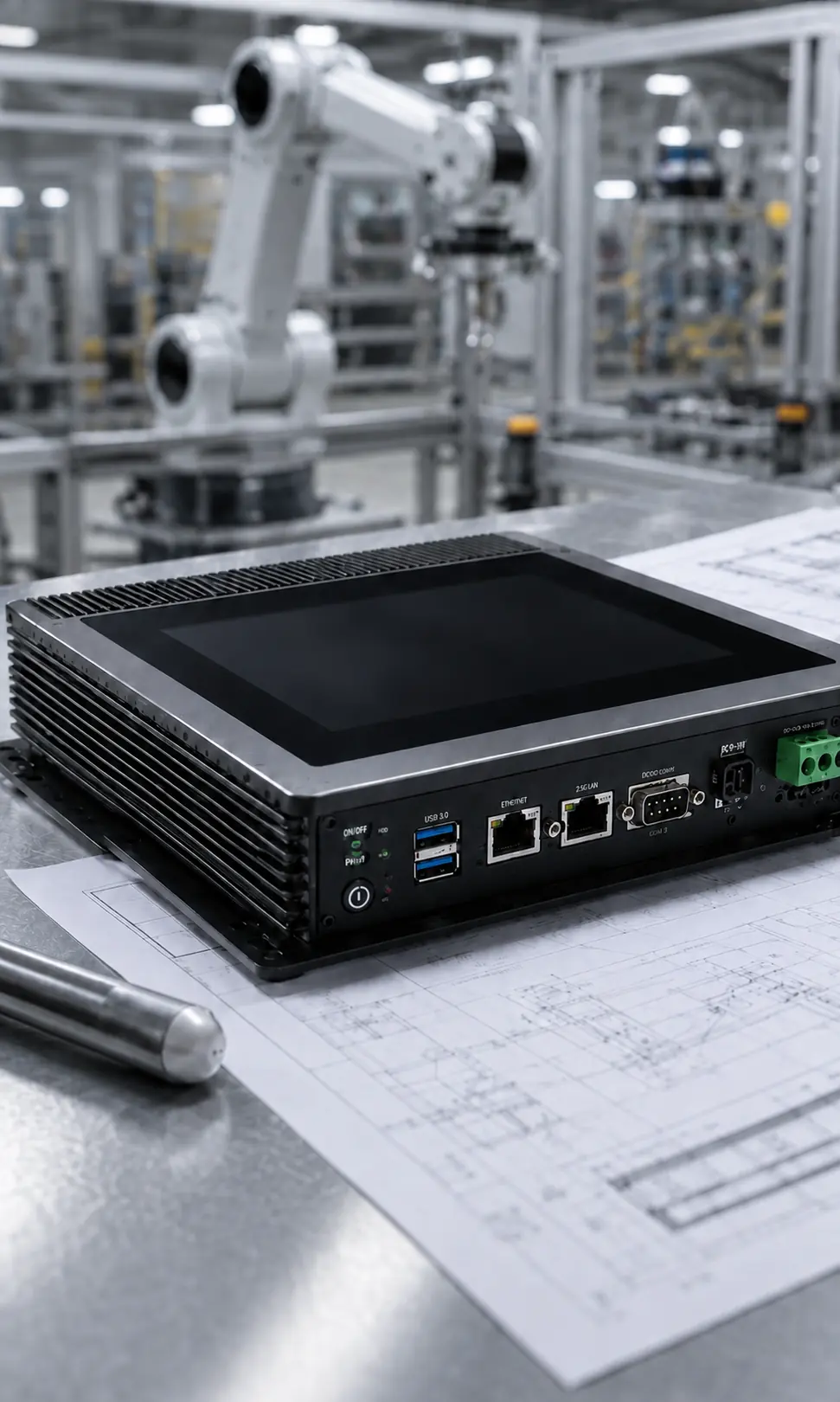
Resistive HMI Touch Display Hardware
Resistive touch responds to physical pressure and is often considered for stylus operation, common industrial gloves or simple single-point controls. Available configurations must be reviewed by project.
- • Stylus or glove operation
- • Required input precision
- • Surface wear conditions
- • Cleaning method
- • Single-point interface requirements
Select the Installation Structure
| Structure | Best Fit | Main Information to Confirm |
|---|---|---|
| Panel Mount | Control cabinets, machine panels and operator consoles | Panel cutout, bezel, rear fixing and service clearance |
| Open Frame | OEM equipment with an existing external enclosure | Internal brackets, display position, mounting depth and cable routing |
| Enclosed / VESA | Equipment arms, workstations and externally mounted operator displays | VESA pattern, enclosure dimensions, viewing position and cable exit |
Reference Hardware Starting Points
Current flat PCAP touch display references include 21.5, 23.8, 27, 31.5 and 43-inch models with 1920 × 1080 resolution and metal housings. Other sizes, touch technologies and installation structures can be evaluated as custom configurations.
These products provide display and touch functions only. Final brightness, power input, video interface, touch connection, dimensions, mounting and environmental requirements must be confirmed for the selected configuration.
| Selection Area | Project Options |
|---|---|
| Touch Technology | PCAP or project-evaluated resistive touch |
| Installation | Panel mount, open frame, enclosed or VESA |
| Video Input | Confirmed according to the external host output |
| Touch Output | Confirmed according to the host and touch controller |
| Cover Glass | Thickness and surface requirements reviewed by project |
| Enclosure | Metal housing, bezel and mounting structure reviewed by project |
| Environmental Requirement | Brightness, temperature and front protection confirmed at model level |
| Computing and Software | Not included |
Avoid Common HMI Display Integration Mistakes
Assuming the Display Includes the HMI Computer
A touch display does not run the operator application by itself. Confirm the external host, operating system, application and display output before selecting the monitor.
Selecting Touch Technology Without Testing the Operator Method
Gloves, styluses, moisture and cleaning procedures can change touch behavior. Validate the sample under the actual operating conditions.
Finalizing the Cabinet Before the Display Drawing
A small difference in cutout, bezel, mounting depth or connector position can require cabinet rework. Review the mechanical drawing before releasing the enclosure.
Confirming Video but Forgetting the Touch Connection
The host requires both a compatible video output and a compatible touch input. Confirm the two signal paths separately.
Treating Environmental Targets as Universal Specifications
IP protection, brightness and operating temperature depend on the complete model and installation. Confirm these items in the approved specification rather than assuming they apply to the entire product family.
Where HMI Touch Display Hardware Is Used
Typical Applications
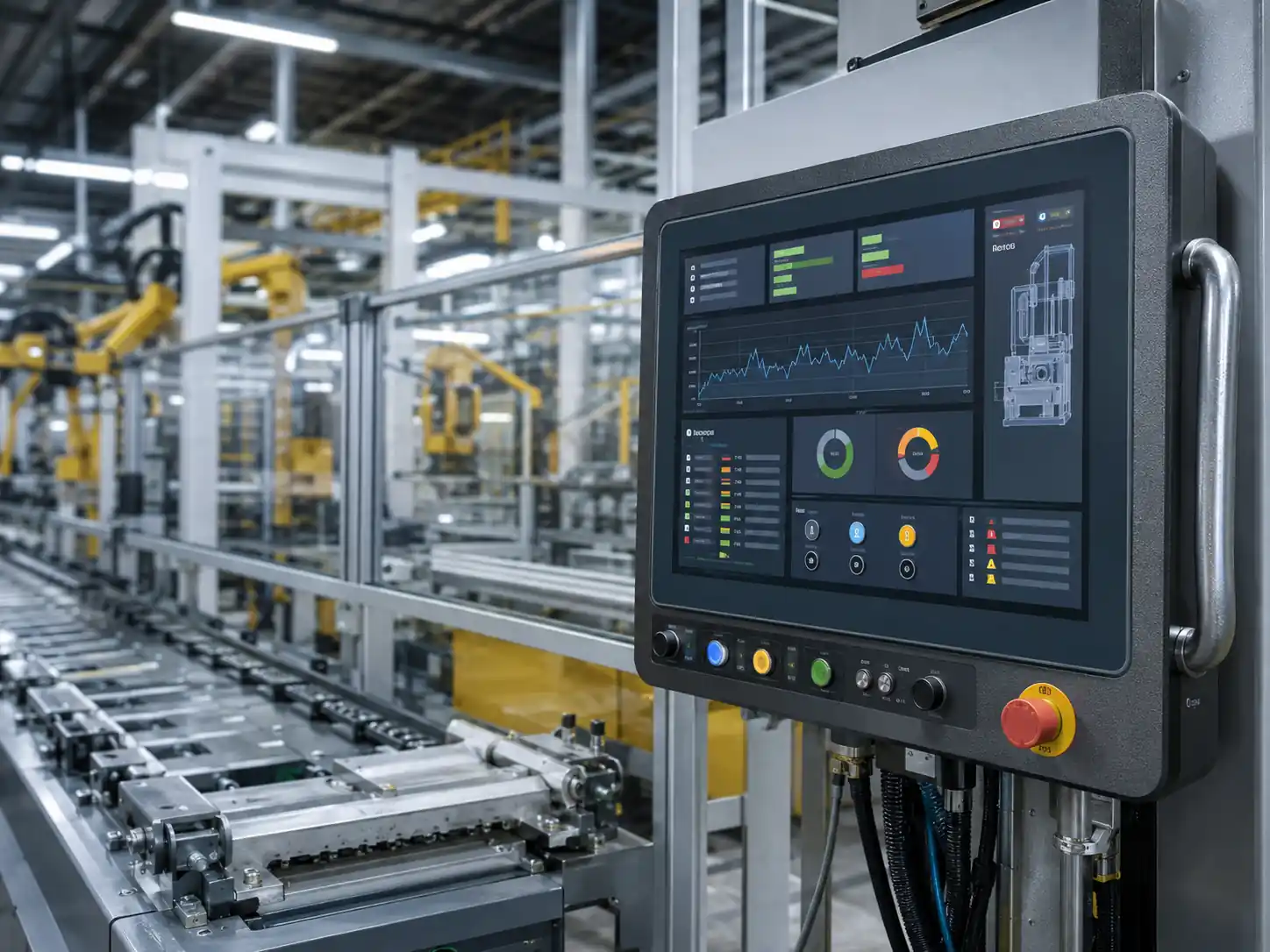
Machine Operator Panels
Display and touch input hardware for machine settings, status information and operator workflows. The customer’s host runs the HMI application.
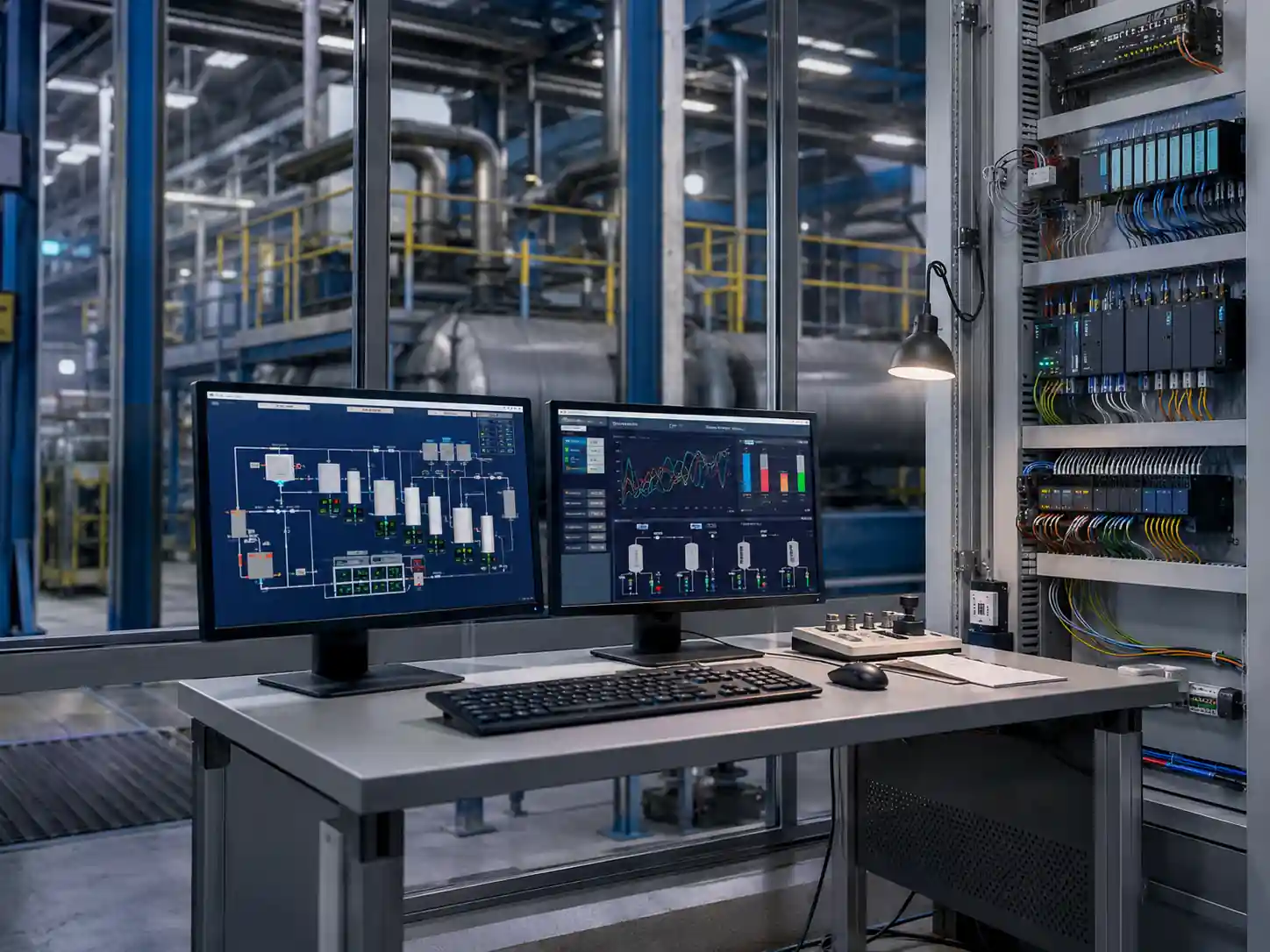
Industrial Control Cabinets
Panel-mounted displays connected to an external industrial computer or compatible controller.
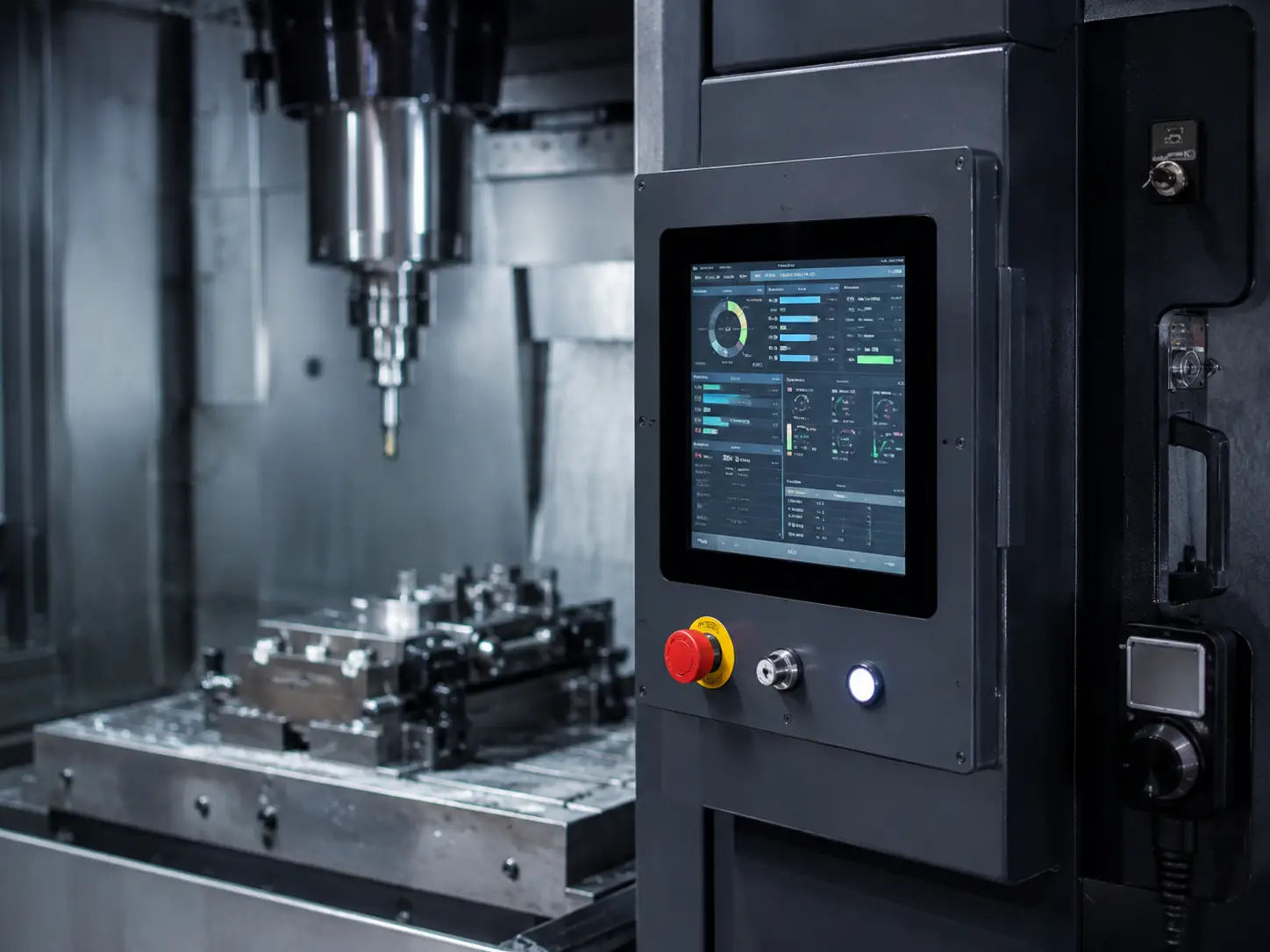
CNC & Production Equipment
Touch display hardware for parameter entry, status viewing and maintenance interfaces.
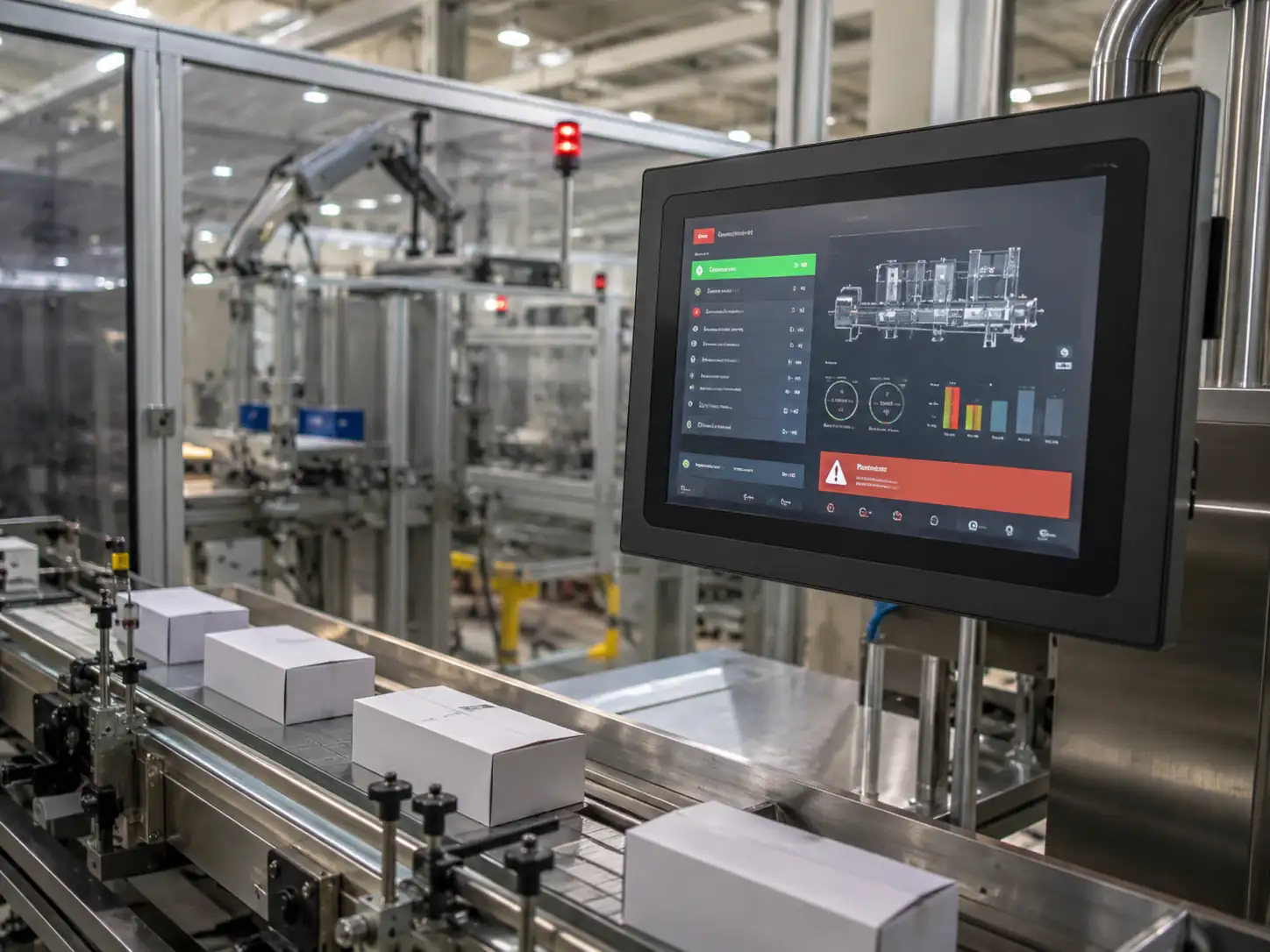
Packaging & Assembly
Operator-side displays selected around available panel space, cleaning conditions and touch method.
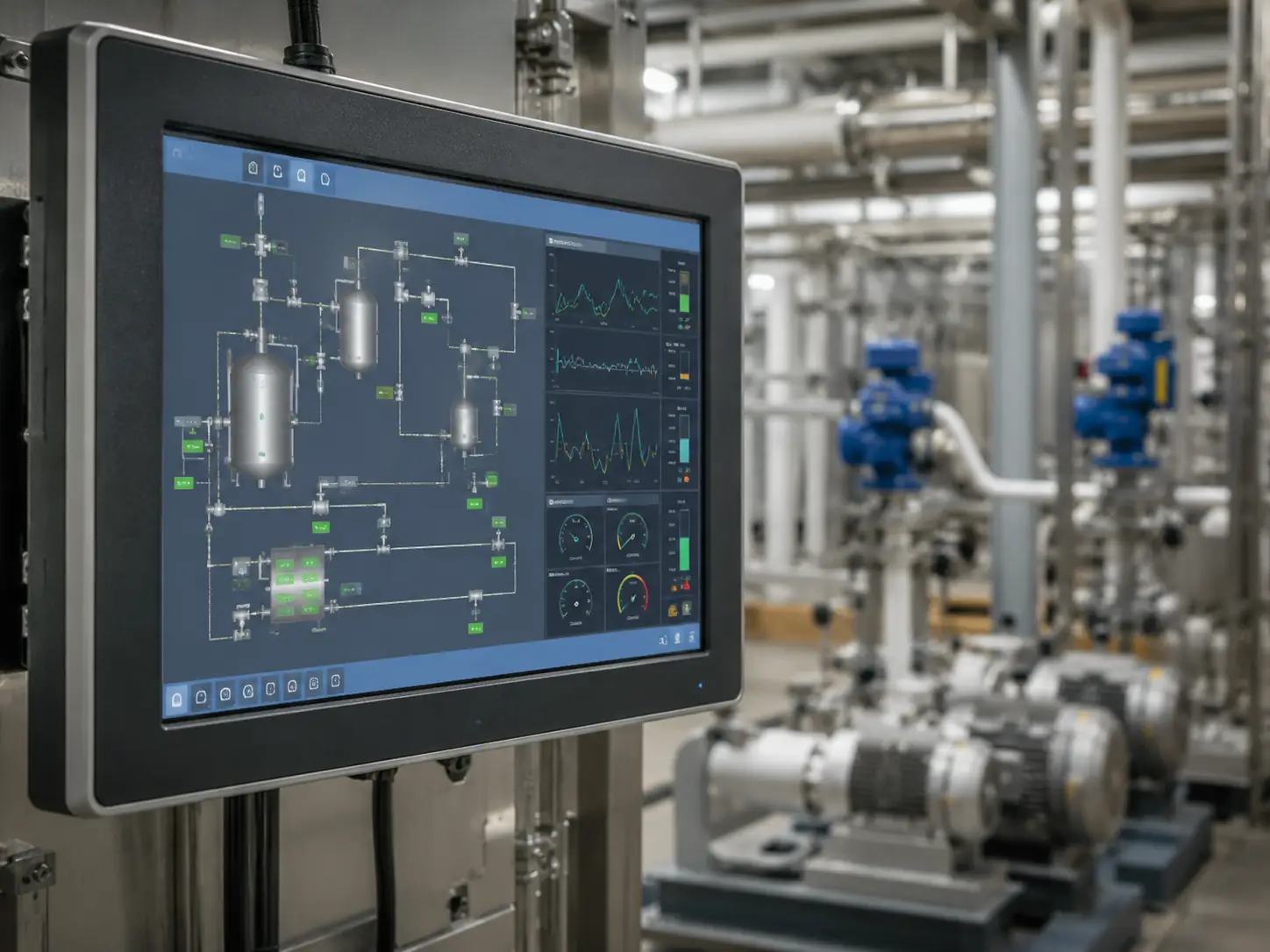
Process & Utility Equipment
Visualization hardware connected to the customer’s control architecture. Control logic and process software are not included.
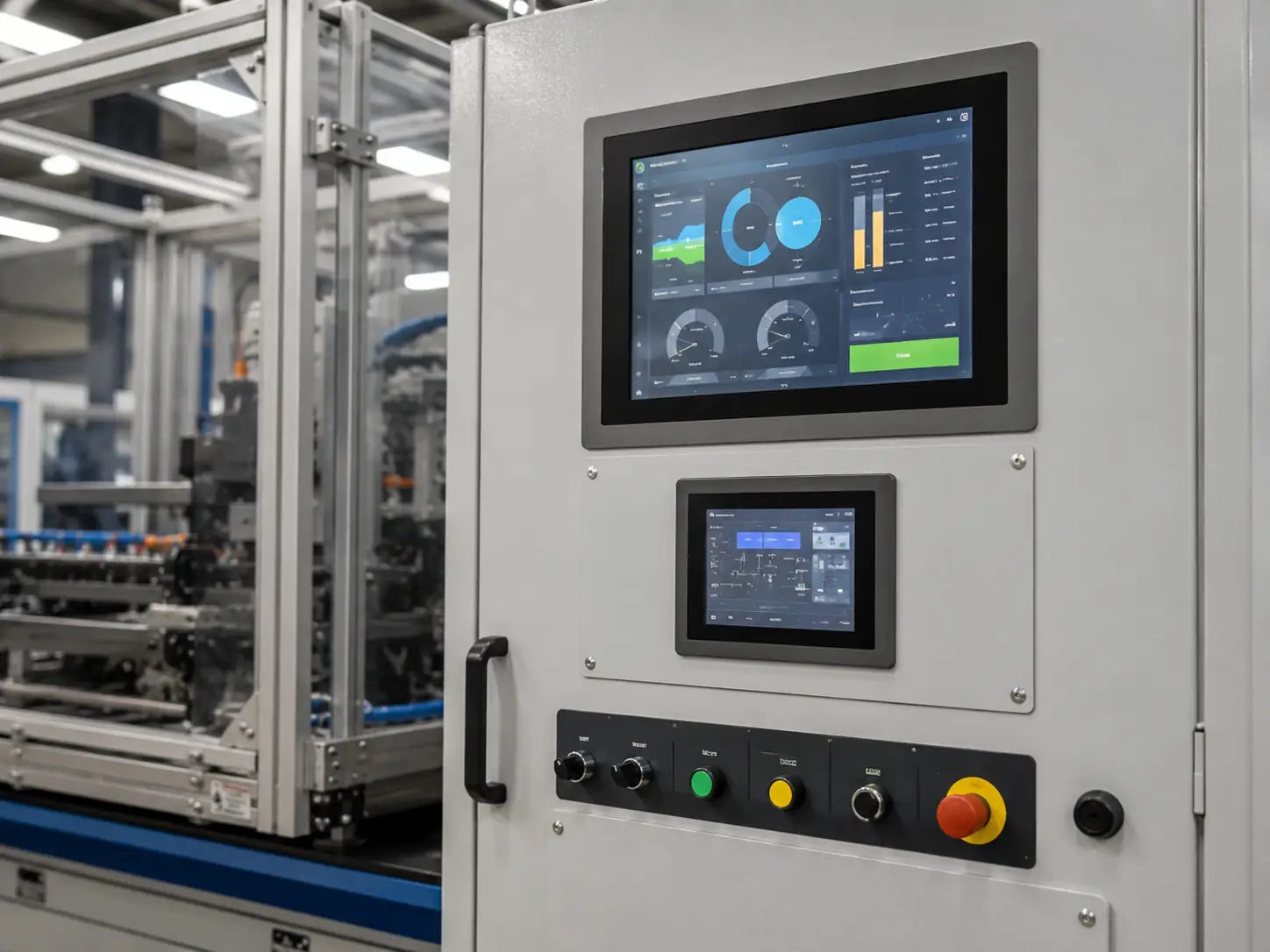
Inspection & Lab Equipment
Custom display hardware selected according to the required resolution, cleaning method, enclosure and operator input.
How to Specify HMI Display Hardware
Confirm the Host Architecture
Identify the industrial computer, embedded controller or compatible host that will generate the video signal and run the HMI application.
Confirm the Two Signal Paths
Record the host’s available video output and the required touch-data input.
Select PCAP or Resistive Touch
Base the choice on gloves, stylus use, moisture, gestures and the required number of touch points.
Select the Mechanical Structure
Confirm panel mount, open frame or enclosed/VESA installation before the cabinet drawing is finalized.
Define the Display Requirement
Confirm active display size, resolution, viewing distance, interface density and ambient light.
Define the Operating Conditions
Record temperature, dust, moisture, cleaning, vibration and any required front protection.
Define Documentation and Compliance
Provide the customer-specified certification or testing standard. Applicable documents, testing scope and cost responsibility are confirmed according to the project and order conditions.
Custom HMI Display Hardware Development
XFC reviews the touch display as a hardware integration project. The configuration is developed around the customer’s equipment, host connections and mechanical requirements.
Touch Display Manufacturing and Hardware Inspection
XFC has manufactured touch display products since 2013. For custom HMI display hardware, production follows the approved configuration and drawing.
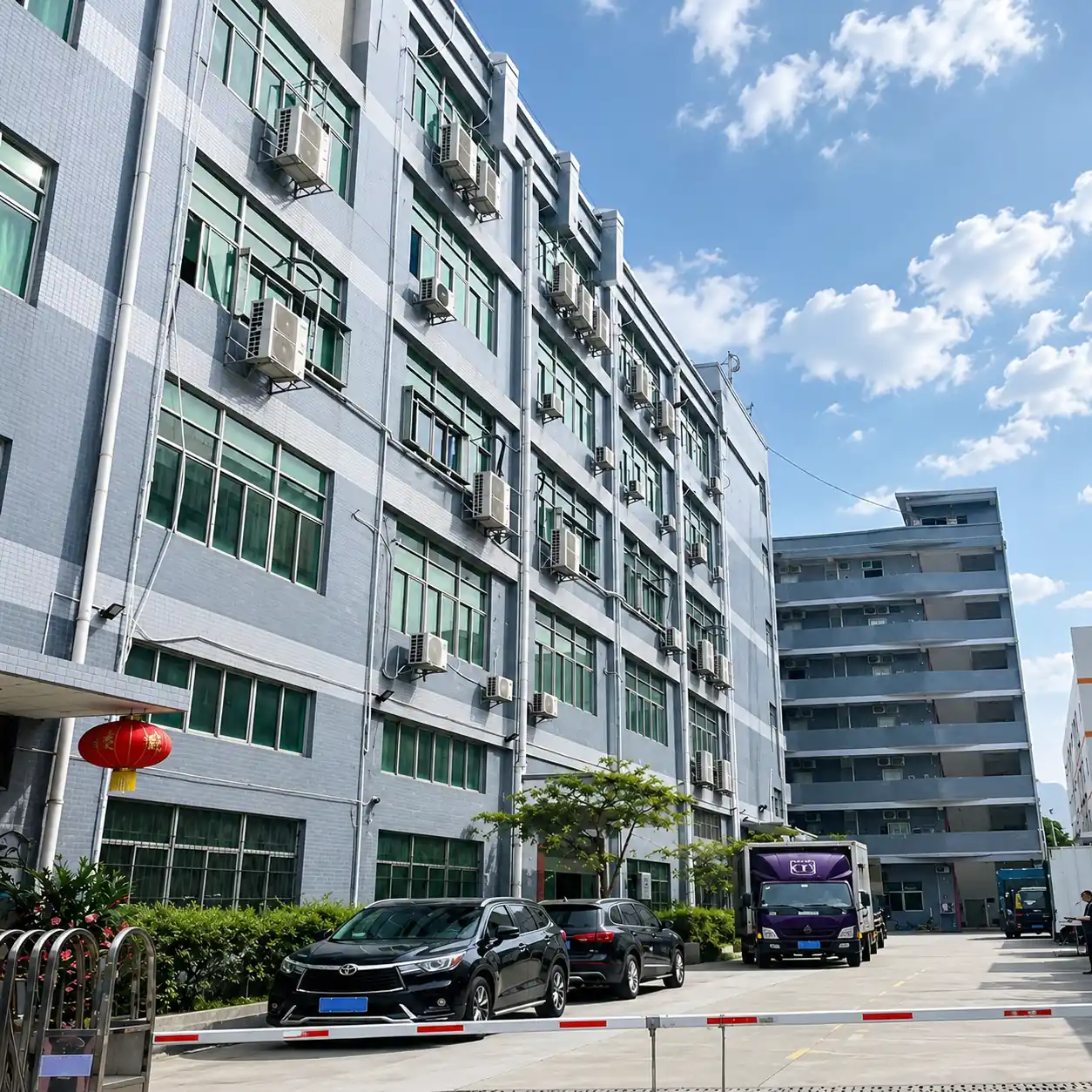
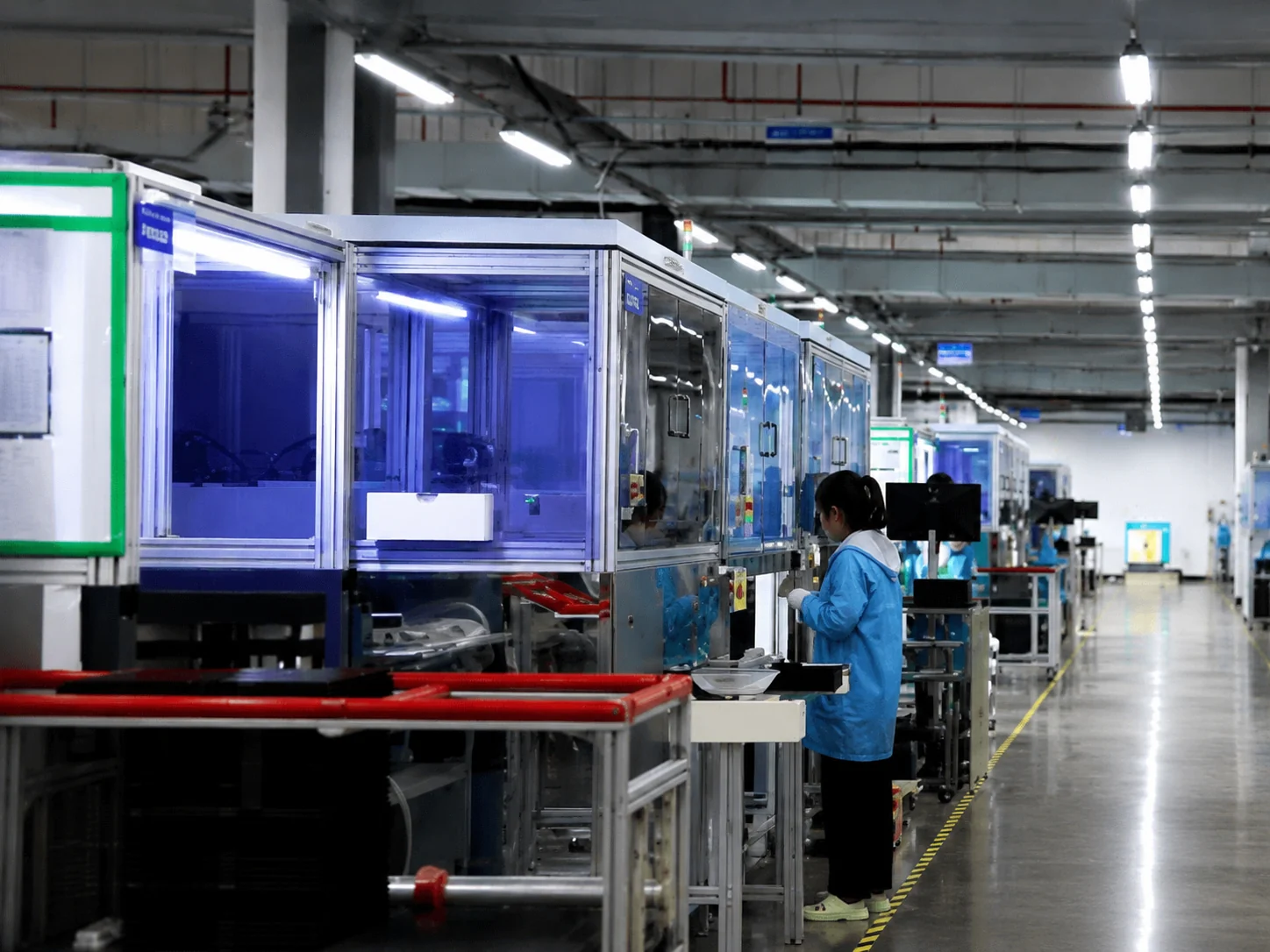
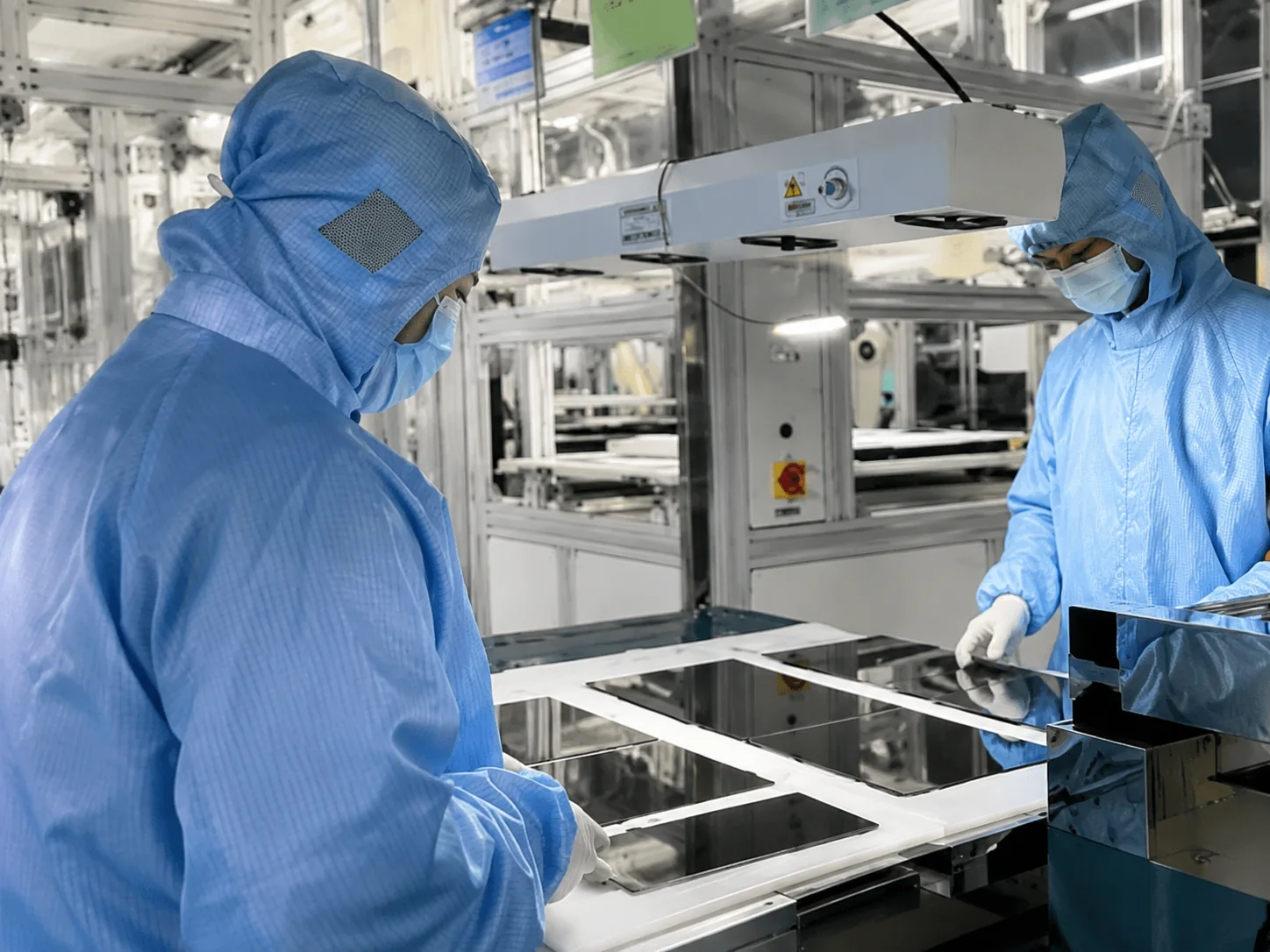
Inspection can include:
- Display image and appearance
- Touch response
- Video and touch connections
- Enclosure and mounting structure
- Configuration and quantity verification
HMI Touch Display Hardware FAQ
Does the HMI display include a computer or operating system?
Does XFC provide PLC programming or HMI software?
Can the display connect directly to a PLC?
What is the difference between an HMI touch display and a Panel PC?
What is the difference between this page and the Industrial Touch Screen page?
Should I choose PCAP or resistive touch?
Are IP protection and certification included?
What should I provide for an HMI display quotation?
Related Industrial Display Solutions
Discuss Your HMI Display Hardware
Send the display requirement, host connection information and equipment drawing. XFC will review the touch technology, mounting structure, hardware interfaces and customization scope.
Your drawings and project information will only be used to evaluate your inquiry.
Discuss Your Project on WhatsApp
+86 13342931453
