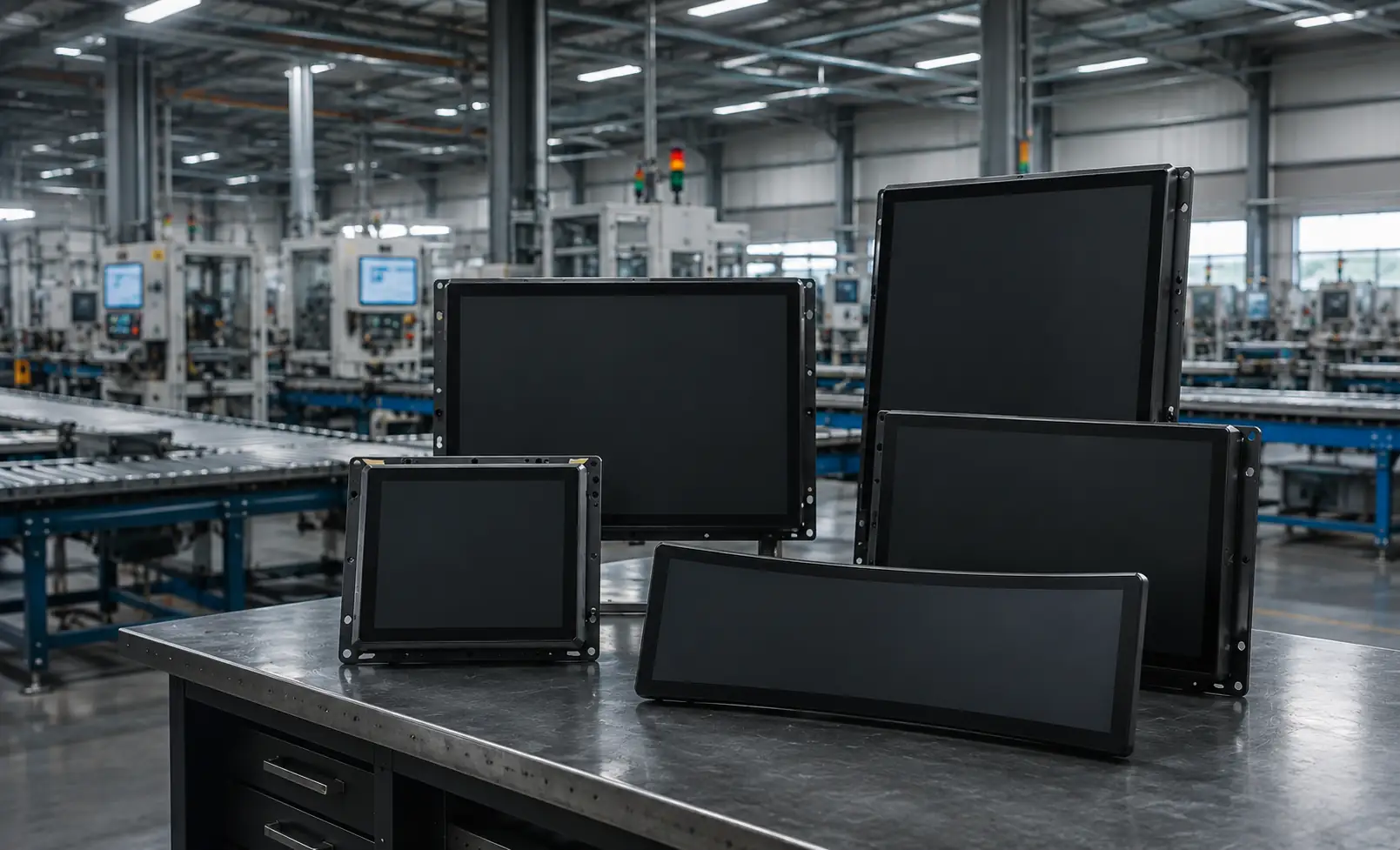
Custom 4K Touch Screen Monitors for Equipment Integration
Develop a project-specific 3840 × 2160 touch display around your equipment opening, mounting structure, touch requirements, video inputs and host system. Final specifications are confirmed through panel selection and engineering review.
- Standard 4K touch monitor models are not published until verified against datasheets.
- Display, touch, interface and mechanical specifications must be verified.
- Panel selection and engineering confirmation required.
Custom 4K Configuration Routes
Start with the product architecture that matches your equipment. The four routes below separate display-only monitors, embedded integration, built-in computing and curved structures before individual specifications are reviewed.
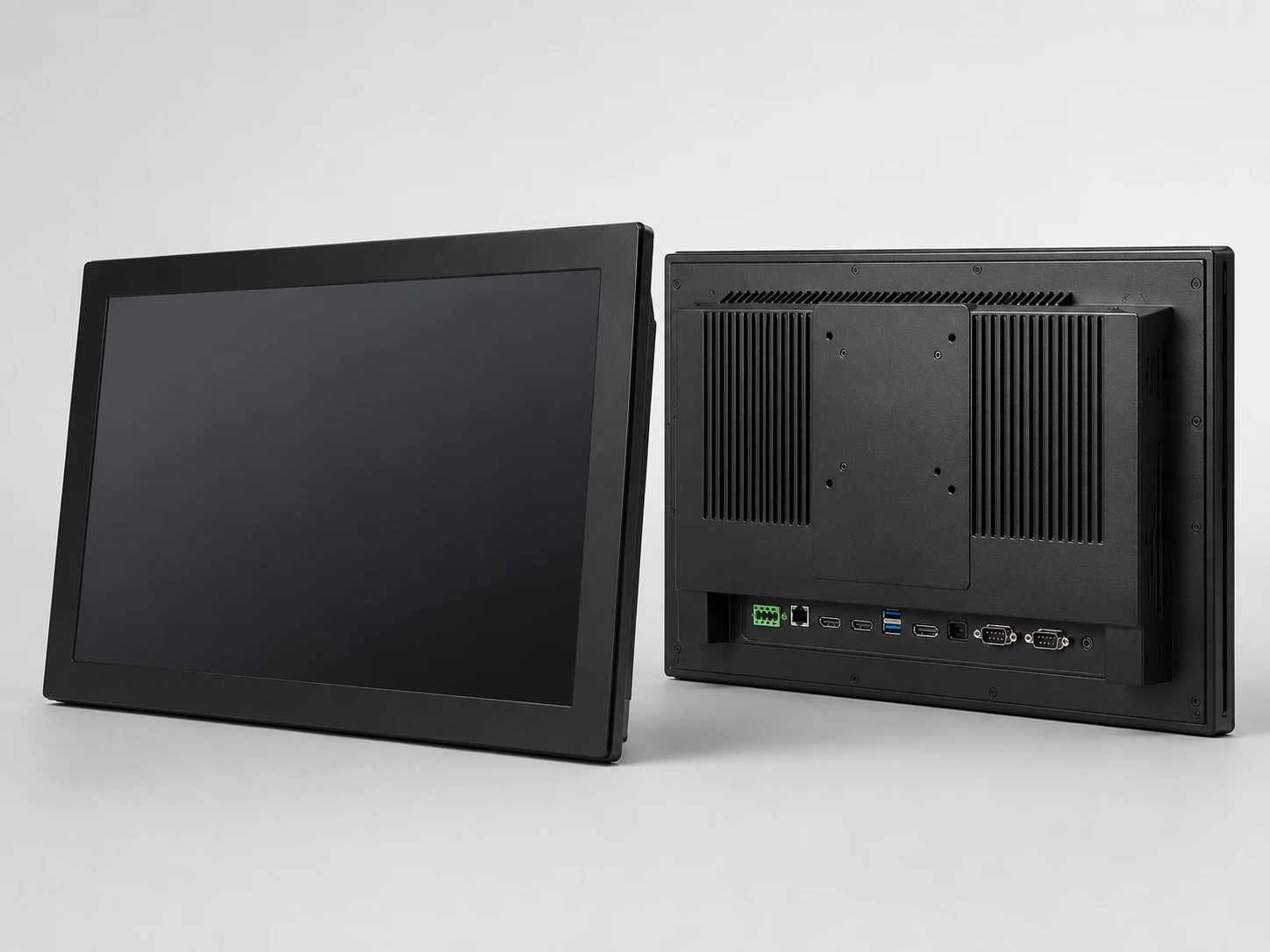
Enclosed VESA-Mount Configuration
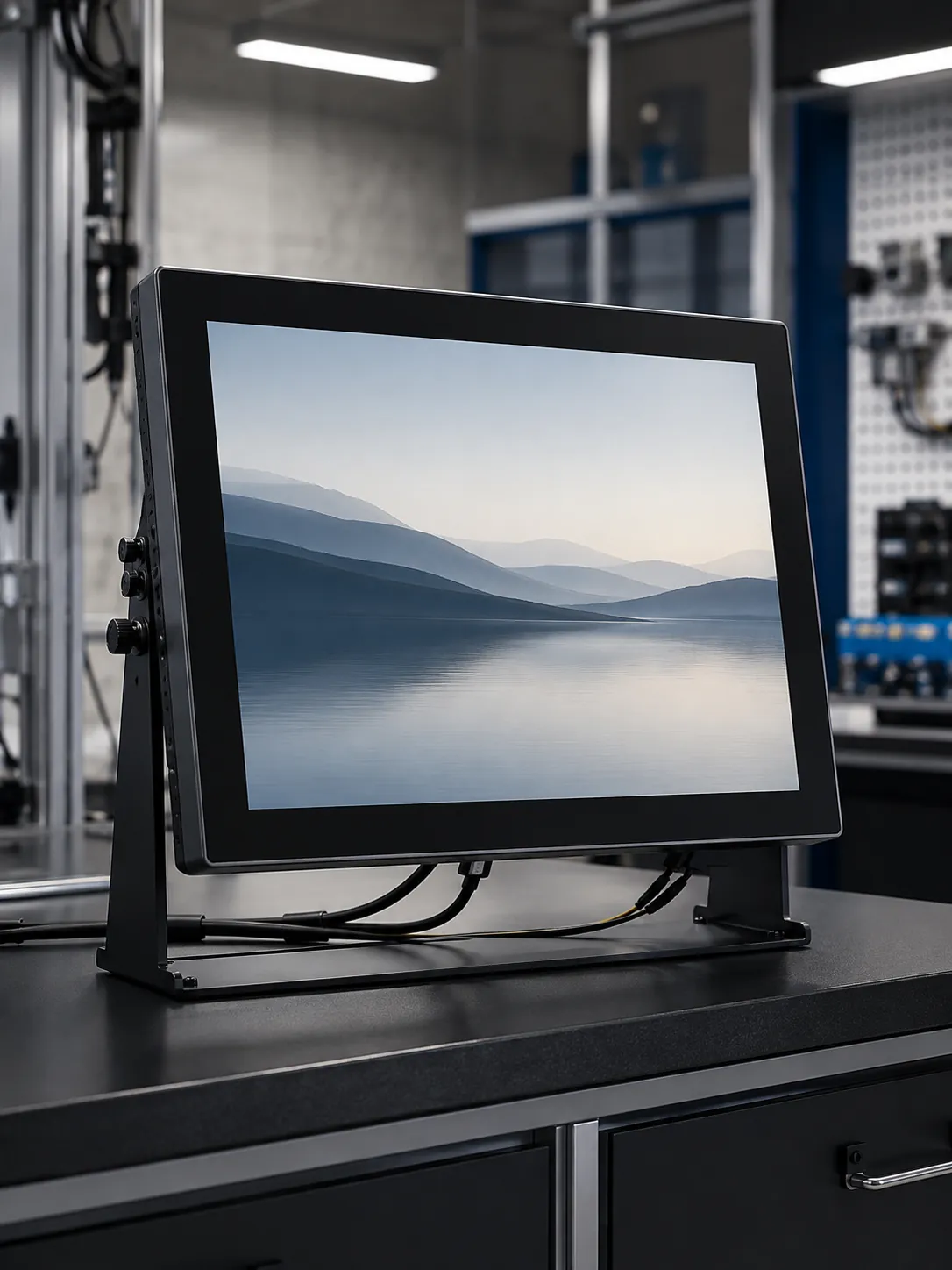
Choose this route when the display will connect to an external computer, media player or industrial controller. A 3840 × 2160 configuration is reviewed by screen size, panel, interface and installation requirement. Availability and final specifications are subject to panel selection and engineering confirmation.
Best for: desktop equipment, wall-mounted interfaces and external-host systems
Confirm: size, video input, touch-data connection, mounting and host OS
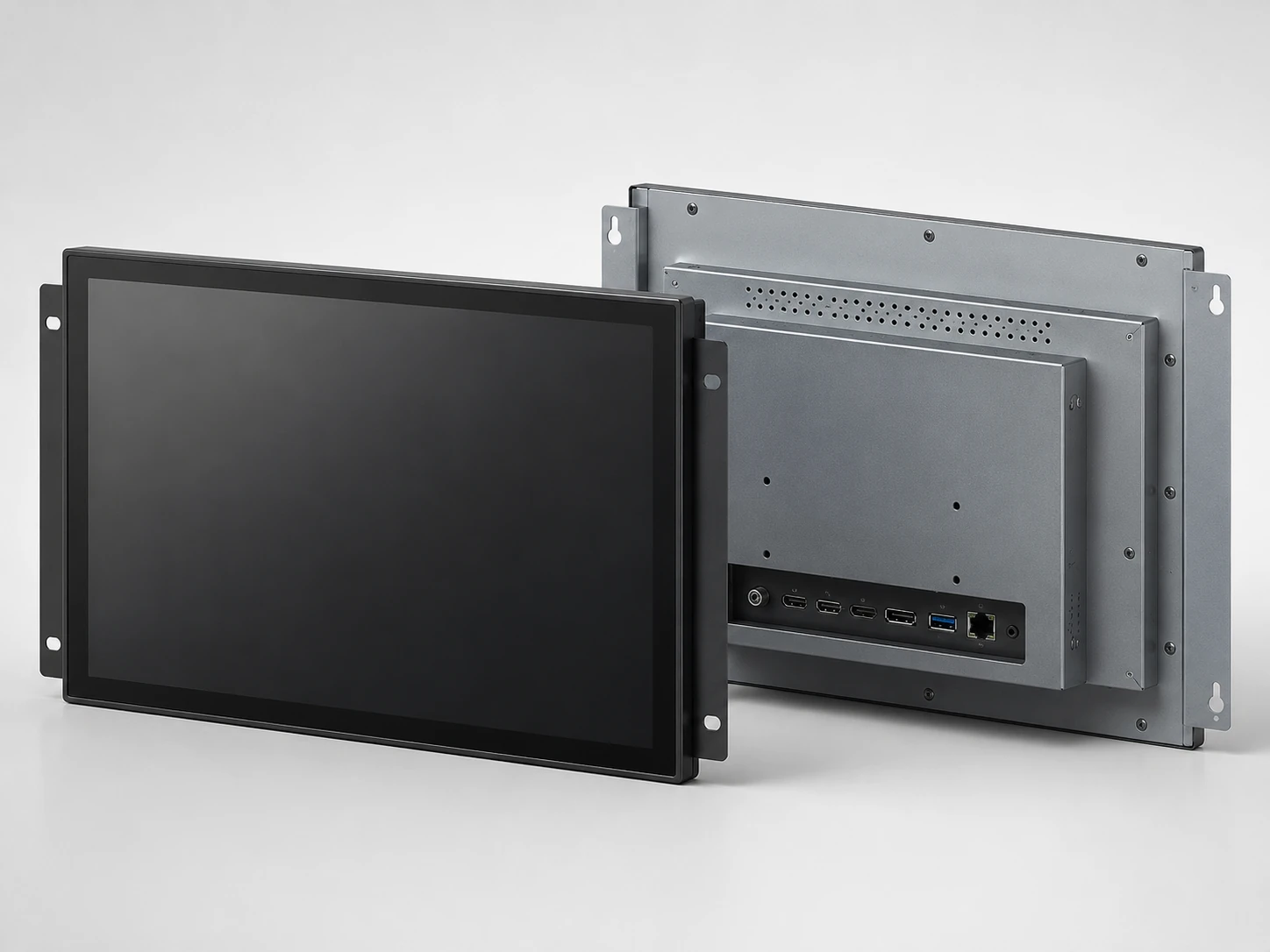
Open-Frame Configuration
Use this route for kiosks and equipment enclosures. The cutout, bezel, rear clearance, cooling, service access, touch interface and video input must be reviewed before the configuration is confirmed. Availability and final specifications are subject to panel selection and engineering confirmation.
Best for: kiosks and equipment enclosures
Confirm: cutout drawing, mounting points, rear space and maintenance access
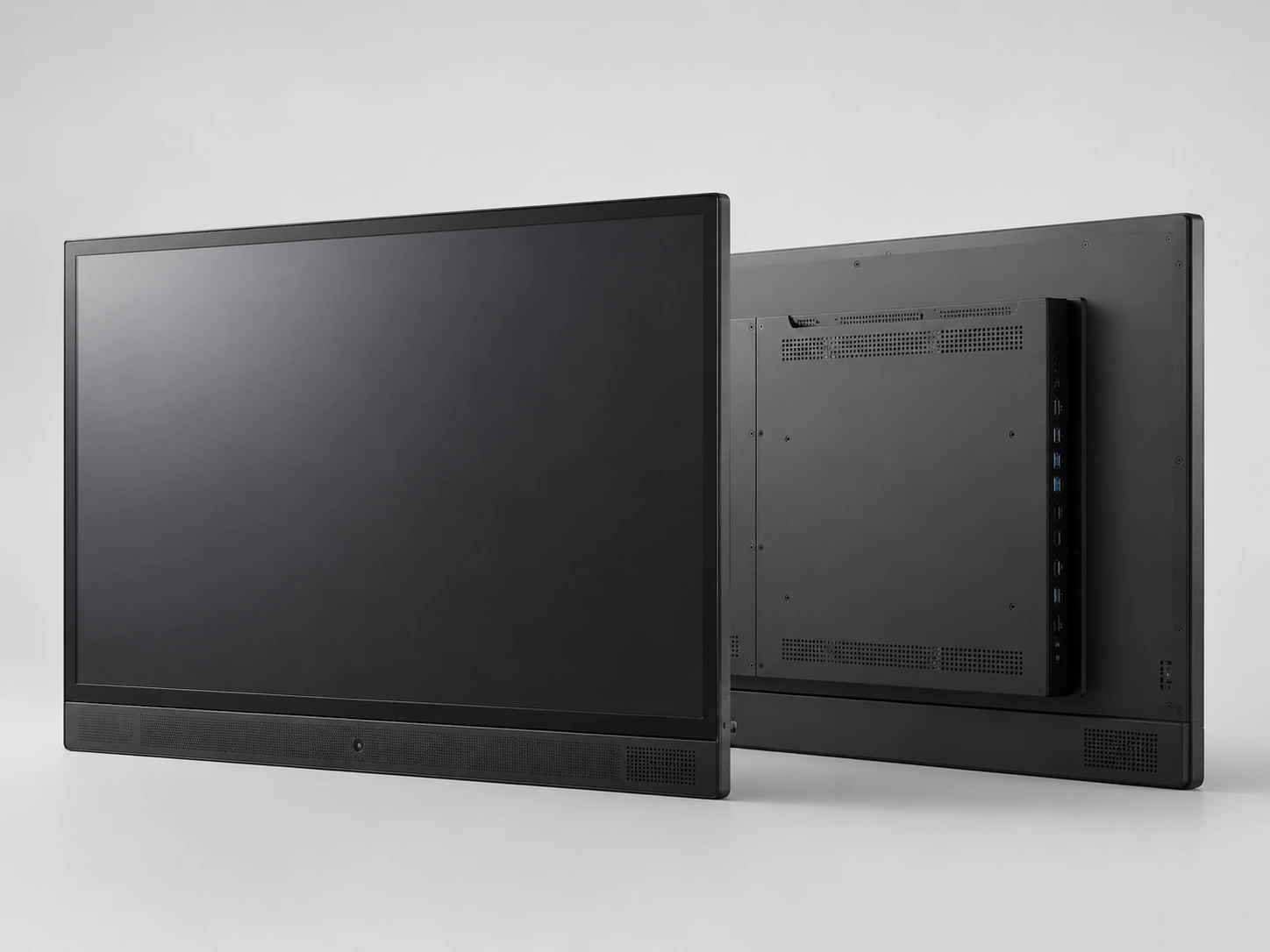
Touch All-in-One Configuration
Choose an integrated display when you need touch, screen and computing in one device. Android and Windows configurations can be evaluated. Availability and final specifications are subject to panel selection and engineering confirmation.
Best for: meetings, education, presentations and shared interactive spaces
Confirm: operating system, memory, storage, camera, speakers and required ports
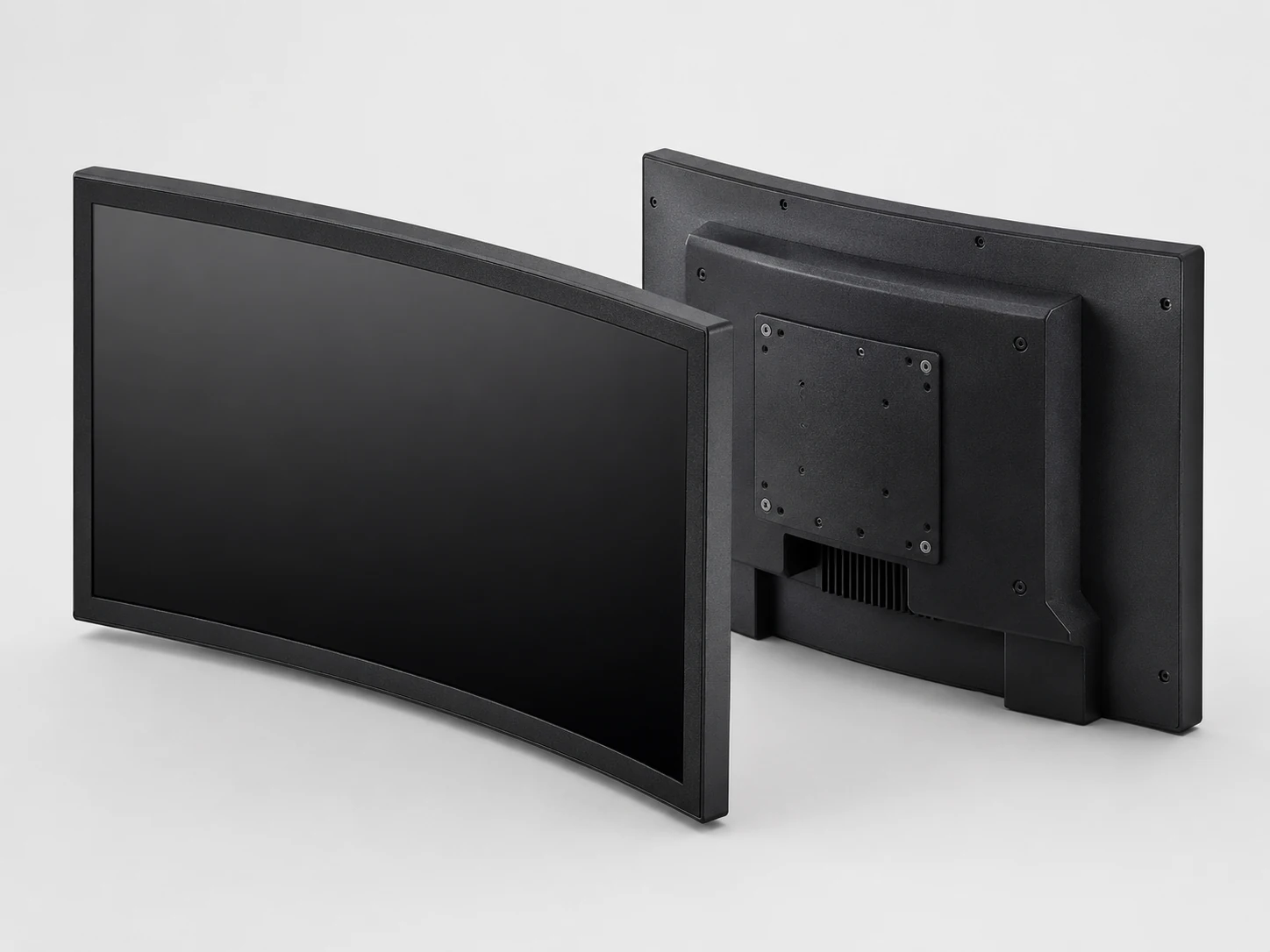
Panel-Mount or Embedded Configuration
A 4K project configuration requires a review covering size, touch lamination, housing, controller and interface compatibility. Availability and final specifications are subject to panel selection and engineering confirmation.
Best for: industrial equipment, control consoles and custom equipment cabinets
Confirm: equipment geometry, orientation and interface requirements
4K Project Specification Review
Review the following items to confirm your project parameters. Do not assume standard specifications until the display, touch, interface and mechanical specifications have been verified against the corresponding datasheet.
| Review item | Project confirmation | Engineering status | Documentation | Application |
|---|---|---|---|---|
| Resolution & Size | 3840 × 2160 target | Confirm according to equipment requirements | Verified during panel selection | Datasheet required |
| Refresh rate & Brightness | Confirm from the selected panel | Select according to the operating environment | Verified during engineering review | Datasheet required |
| Touch technology & points | PCAP, resistive, IR or custom | Confirm according to application | Verified controller matching | Drawing required |
| Mounting & Integration | Open frame, panel mount, VESA | Display-only, Android or Windows | Custom structure review | Equipment opening required |
Why 4K Requires Model-Level Confirmation
4K only represents resolution
4K does not automatically confirm touch technology, brightness, color gamut, or refresh rate. Request model-level values for the panel selected for your project.
Panel and controller combinations vary
The same screen size may have different panel and controller combinations. Touch glass, controller, video interface and host system must be matched.
Mechanical dimensions depend on final configuration
Outer dimensions, cutout and mounting structure must be confirmed based on the final configuration. The enclosure cannot be finalized from screen size alone.
Specifications rely on datasheets and drawings
All critical parameters should be based on the corresponding model datasheet and confirmed drawings, not on general 4K assumptions.
Start With Your Integration Requirements
Use the following fields to turn your 4K touch screen monitor concept into a configuration that can be evaluated against real equipment and operating conditions.
| Project requirement | What to define | What to confirm |
|---|---|---|
| Required screen size | Equipment opening and available space | Target diagonal size |
| Resolution requirement | 3840 × 2160 requirement | Source-device capability |
| Brightness | Select according to operating environment | Indoor or outdoor environment |
| Integrated computing system | Display-only or all-in-one | Android or Windows route |
| Touch technology | PCAP, resistive, IR | Glove use, wet-hand use |
| Required touch points | Confirm according to application | Controller matching |
| Video inputs | Confirm based on host equipment | HDMI, DisplayPort or other |
| Touch-data interfaces | Confirm during controller matching | USB or other data connection |
| Mounting structure | Open-frame, panel-mount, VESA | Custom structure review |
| Host operating system | Confirm driver compatibility | Windows, Android, Linux |
| Estimated order quantity | Supports configuration and production review | Expected order volume |
| Mechanical dimensions | Confirm using drawing and equipment opening | Bezel overlap, rear clearance |
Application Scenarios for Custom 4K Configurations
| Application | Recommended starting route | Key checks |
|---|---|---|
| Self-service kiosks | Open-frame configuration | Cabinet cutout, service access |
| Industrial equipment interfaces | Panel-mount or embedded | Mounting, voltage, operating conditions |
| Control consoles and visualization | Display-only or integrated | Viewing distance, content source |
| Medical and laboratory equipment | Enclosed VESA-mount | Certification requirements, touch behavior |
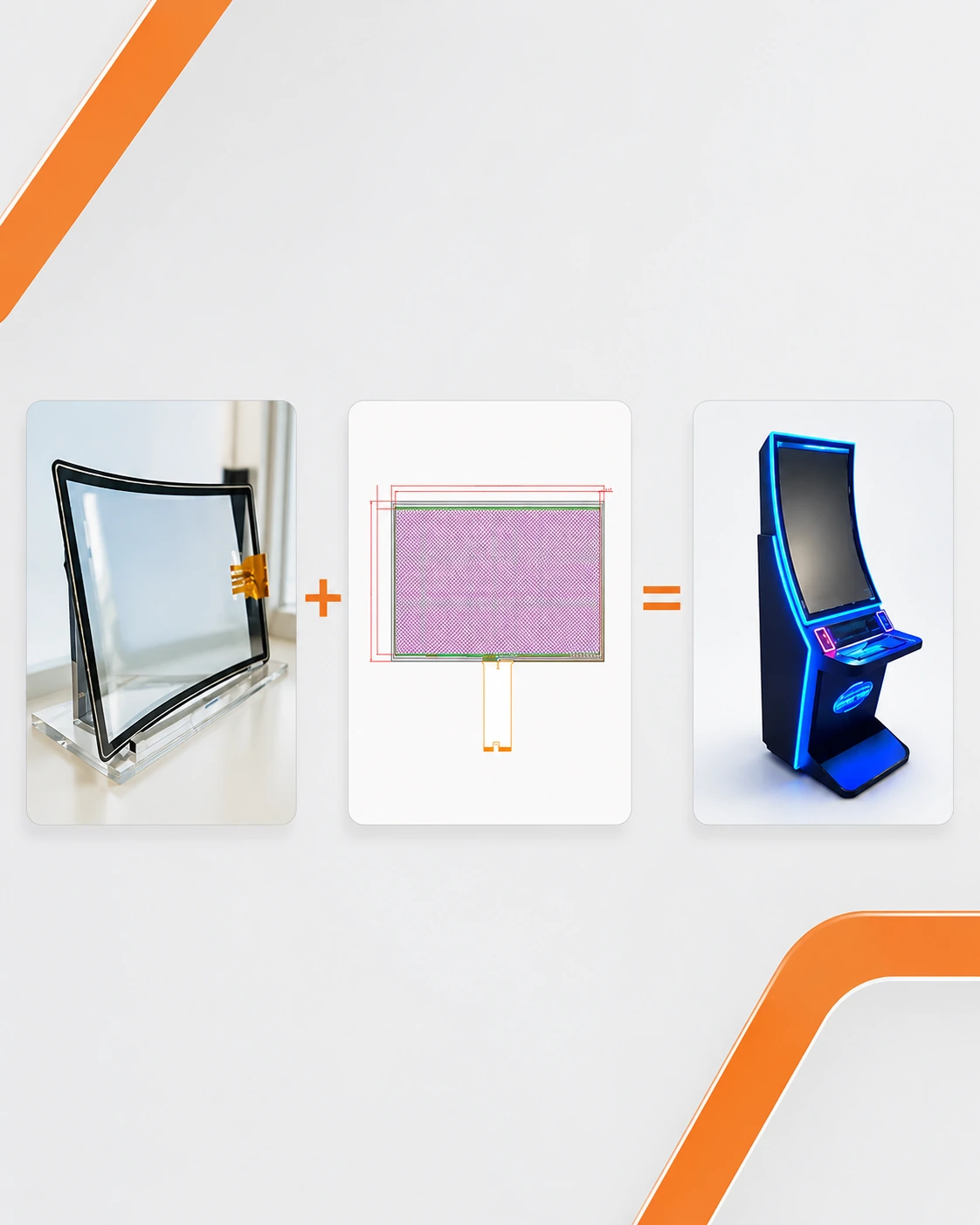
| Premium commercial terminals | Interactive information systems | Equipment geometry, touch traffic |
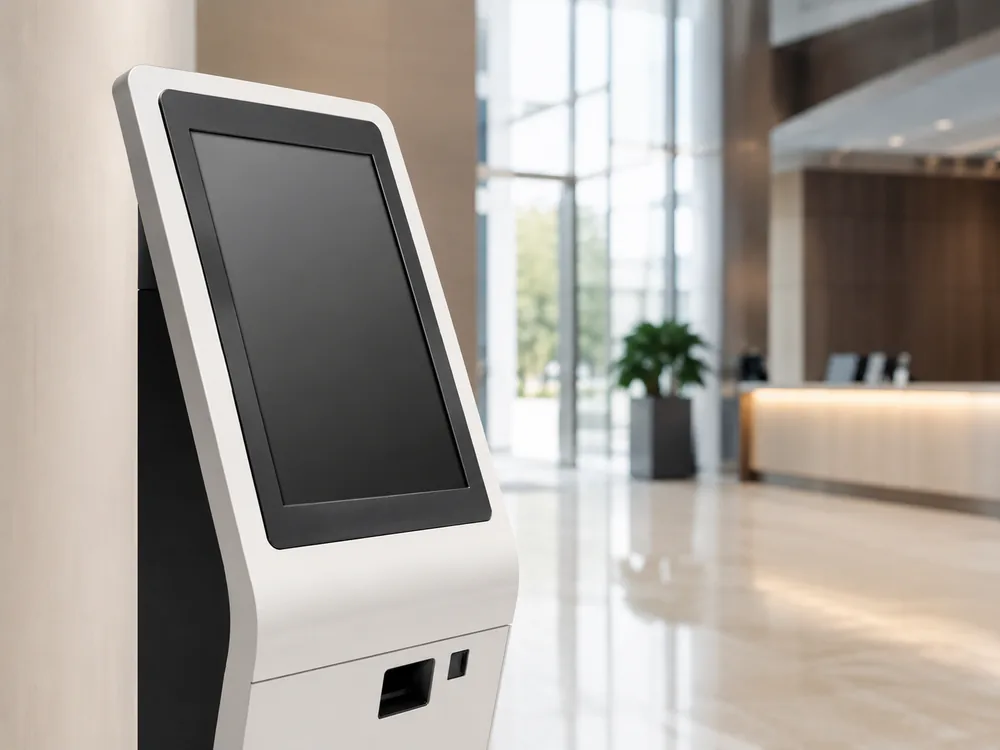

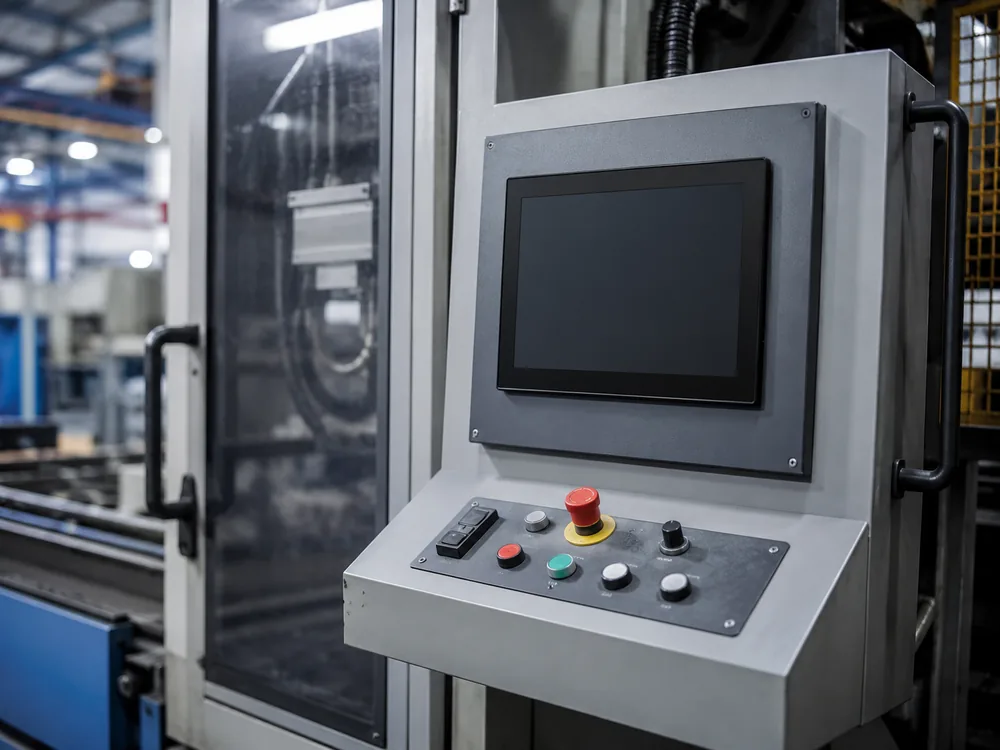
Custom configurations can be evaluated for the following applications. Equipment drawings and operating environments should be reviewed together so the selected display can be evaluated as part of the complete system.
Engineering Process for Custom 4K Configurations
A 4K touch project combines the LCD panel, touch controller, cover glass, housing, interfaces, mounting and host system. We review these elements as one configuration.
Submit application requirements and drawings.
Review size, resolution, mounting, touch and interface requirements.
Select and verify the display, touch and controller combination.
Align the panel, touch system, housing, mounting and connection plan.
Confirm specifications and mechanical drawings.
Review the agreed configuration and relevant product behavior before production.
Approve the configuration before batch production.
Produce and test the sample to keep the approved product definition connected to assembly.
4K Touch Monitor Selection FAQ
Use these questions to understand our project-based engineering approach for 4K touch displays.
Do you currently offer standard 4K touch monitor models?
Lucky XFC evaluates 4K touch monitor requirements on a project-specific basis. A standard model is published only after its display, touch, interface and mechanical specifications have been verified against the corresponding datasheet.
Is every touchscreen size available in 4K?
No. Resolution availability depends on screen size, panel supply, touch integration and the selected controller solution.
Can you customize the mounting structure?
Open-frame, panel-mount, VESA and project-specific structures can be reviewed according to the equipment drawing and installation space.
Can the monitor include Android or Windows?
Both display-only and integrated-system routes can be evaluated. The final system configuration must be confirmed separately from the display specification.
What information is required for evaluation?
Please provide the required size, application, equipment opening, mounting method, brightness, touch points, video inputs, host system and estimated quantity.
Why are there no prices listed?
Price depends on the selected panel size, touch controller, cover glass, housing, built-in computing, mechanical customization, and order quantity. Final specifications are confirmed through panel selection and engineering review.
How do I connect a 4K touch monitor?
The computer needs one compatible video path for the 4K image and a separate touch-data path. Confirm the monitor’s input, the computer’s output, and the touch controller’s operating-system support.
Supplier Evidence and Production Quality
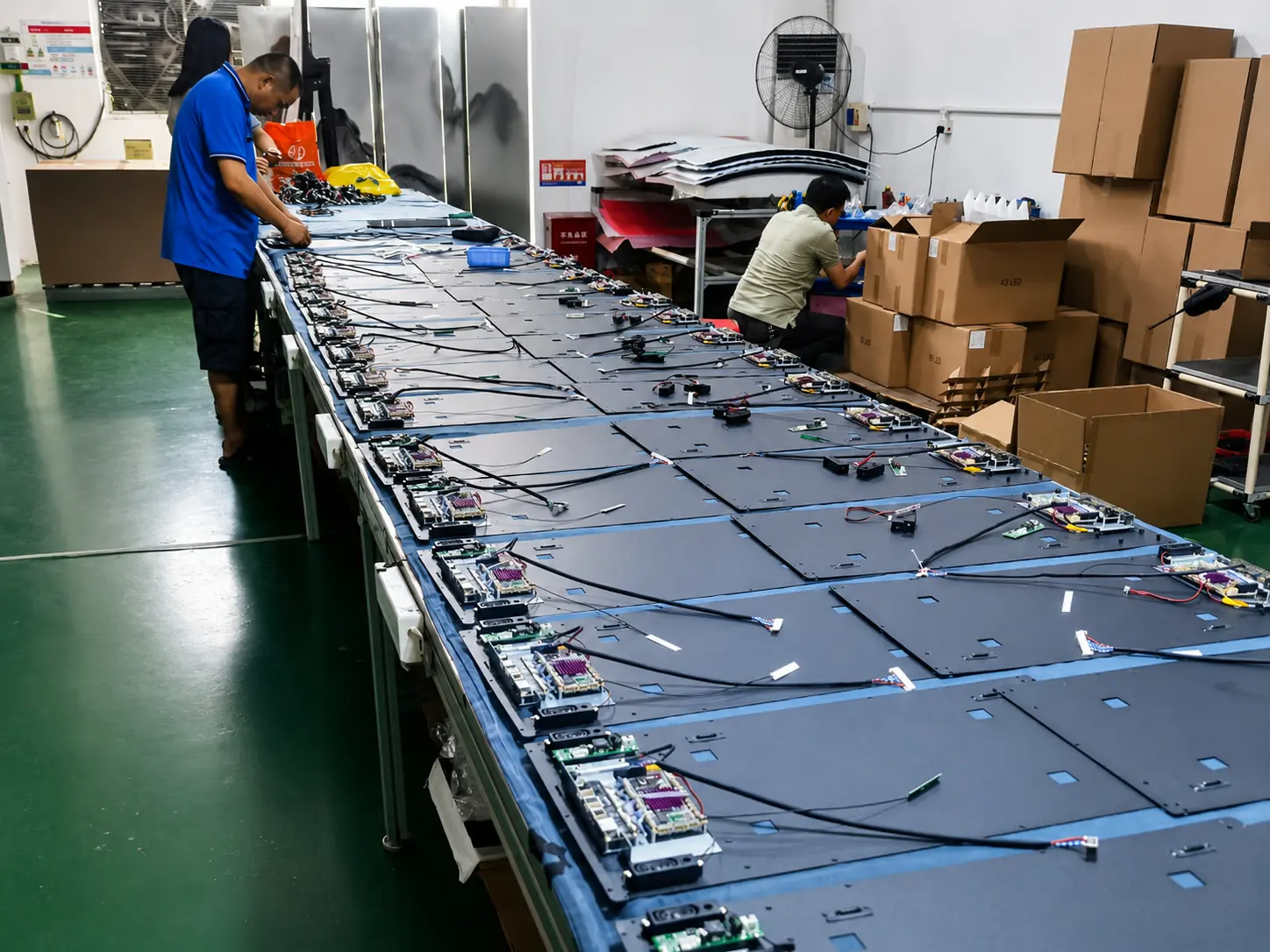
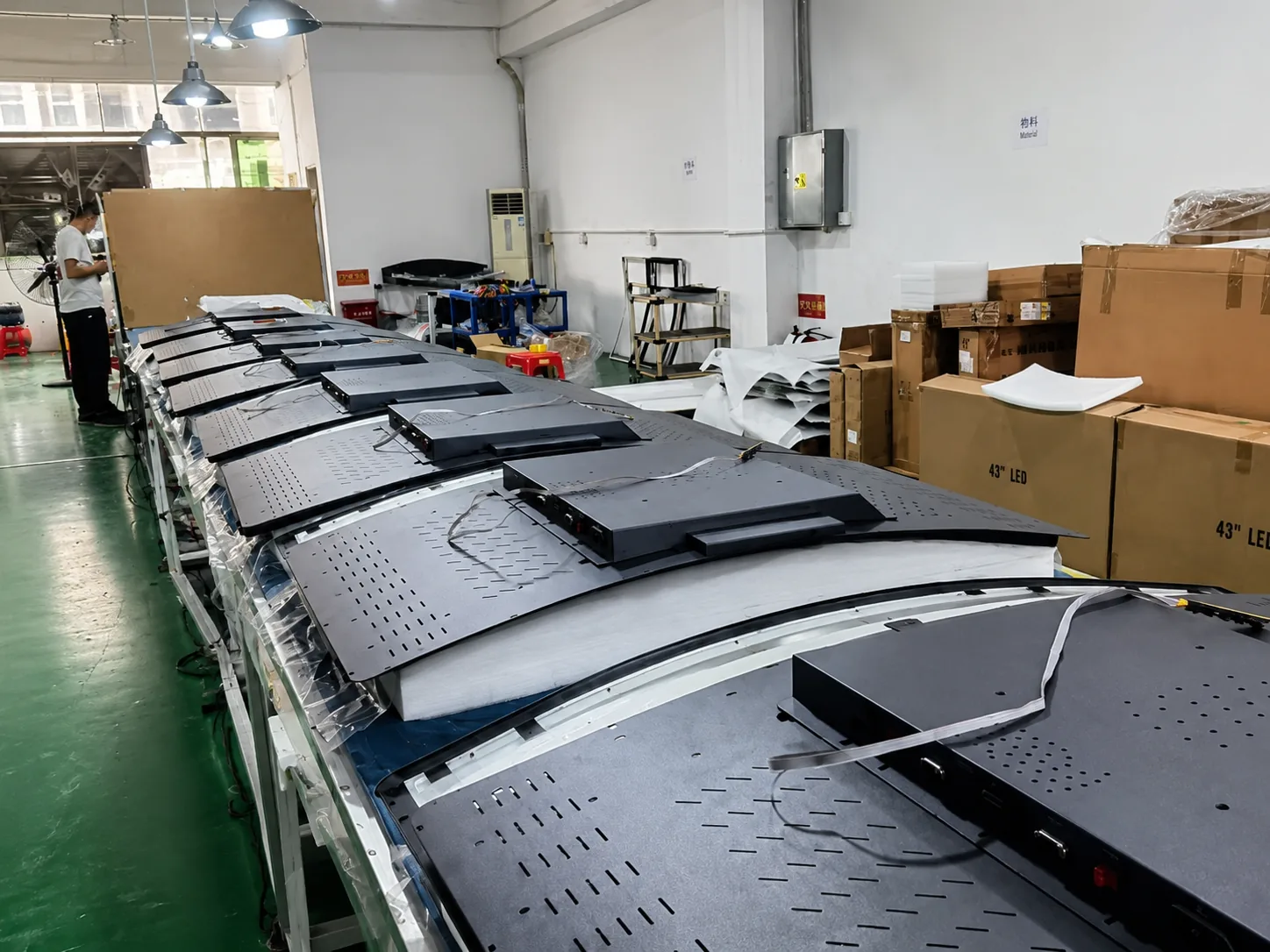
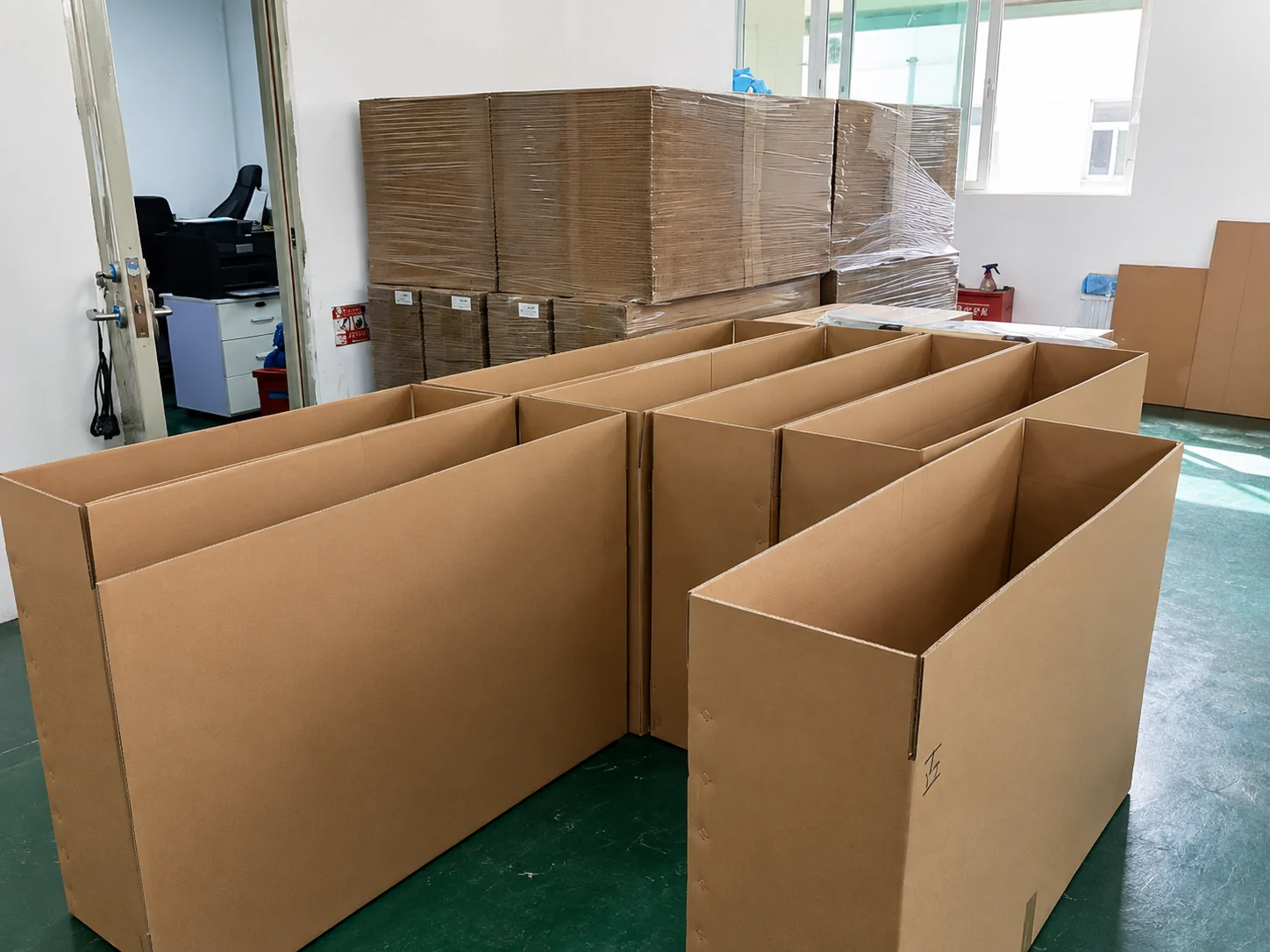
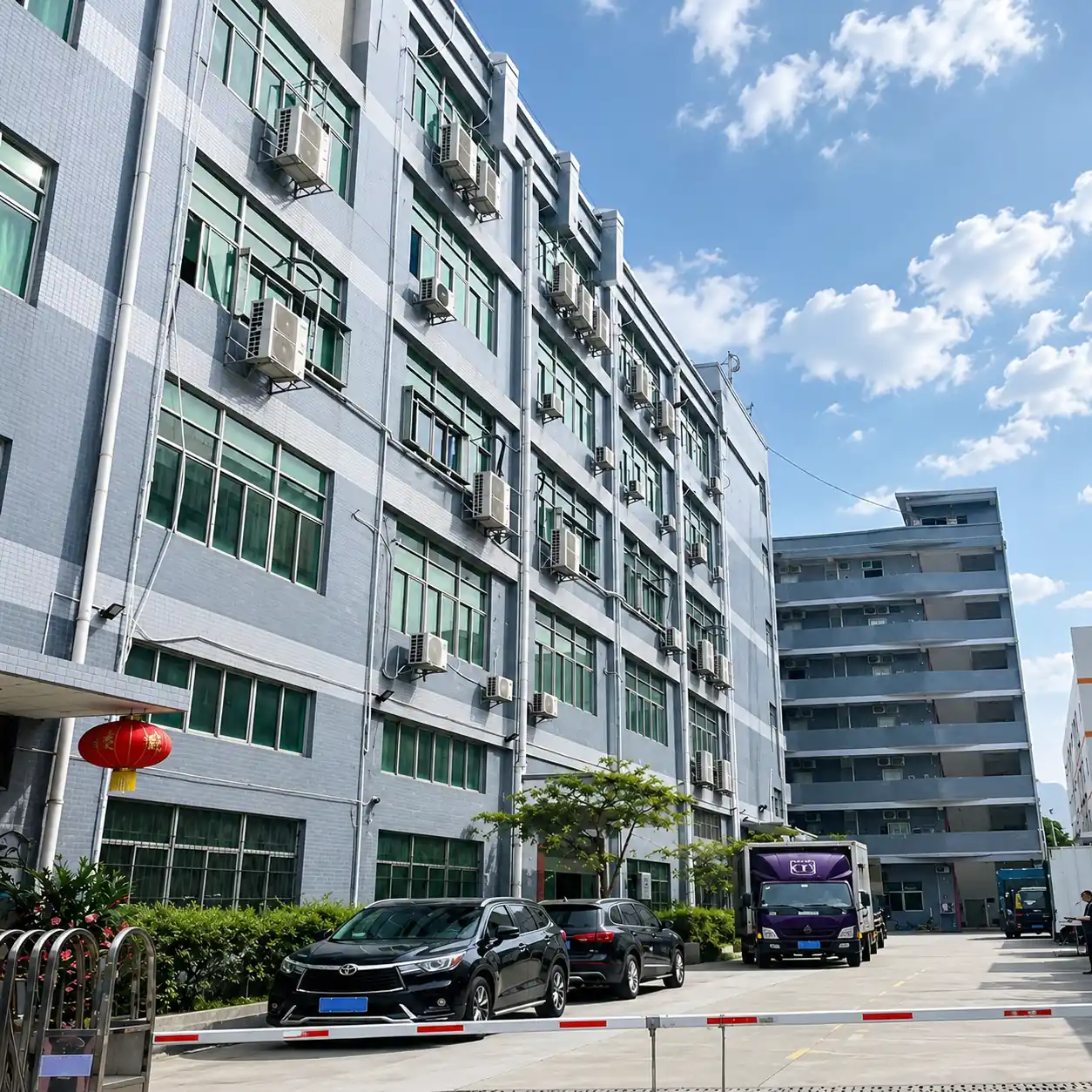
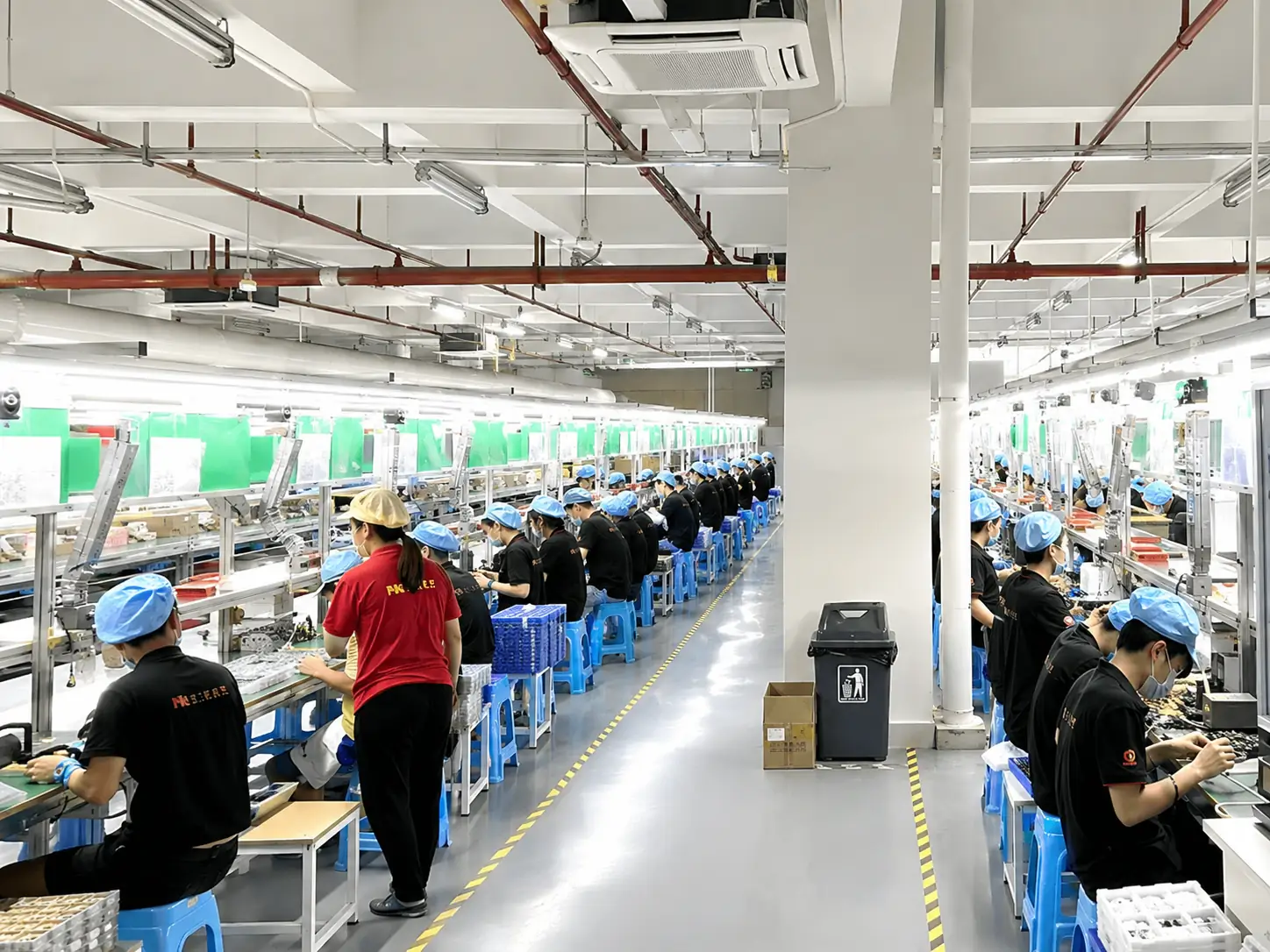
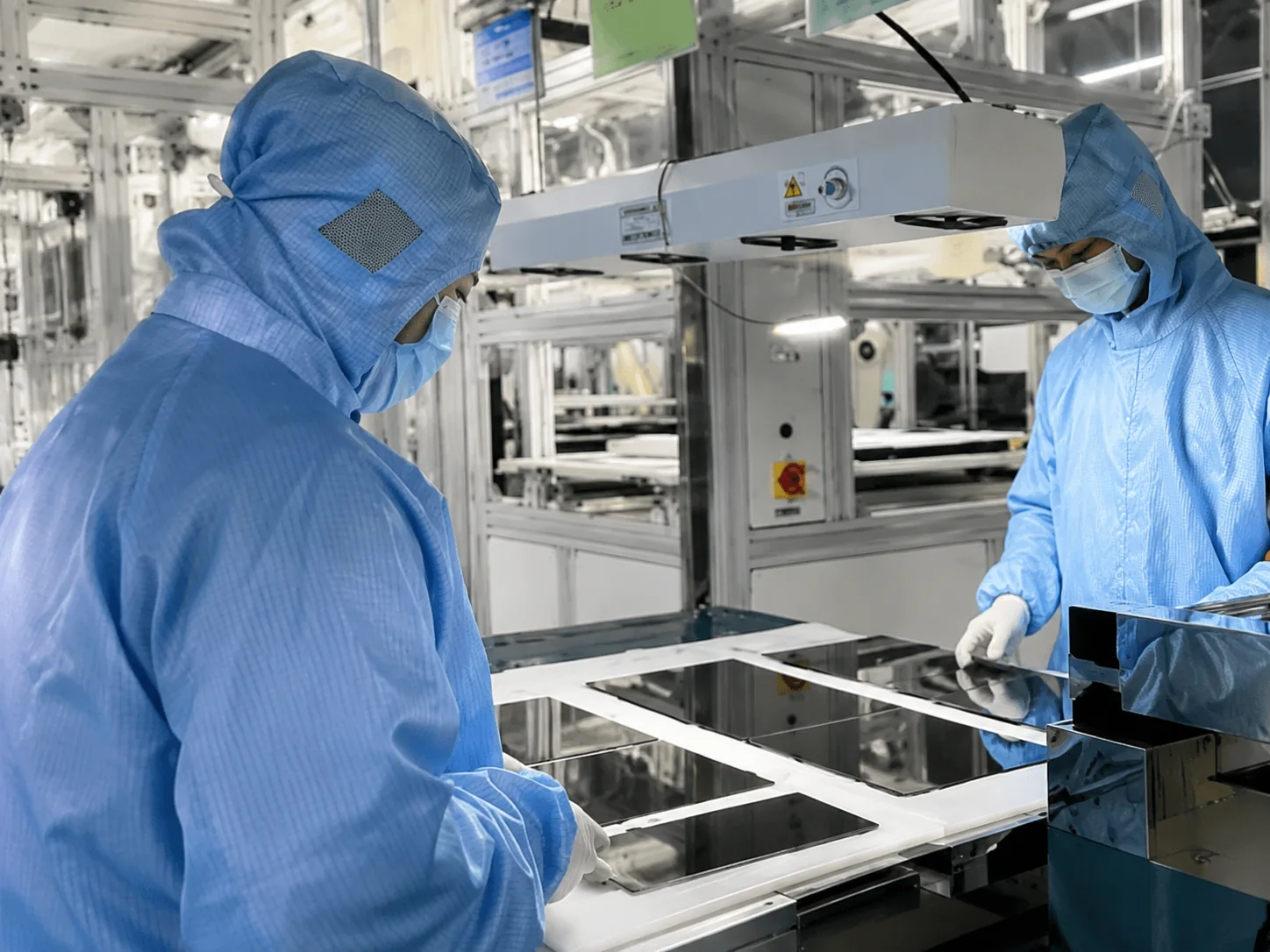
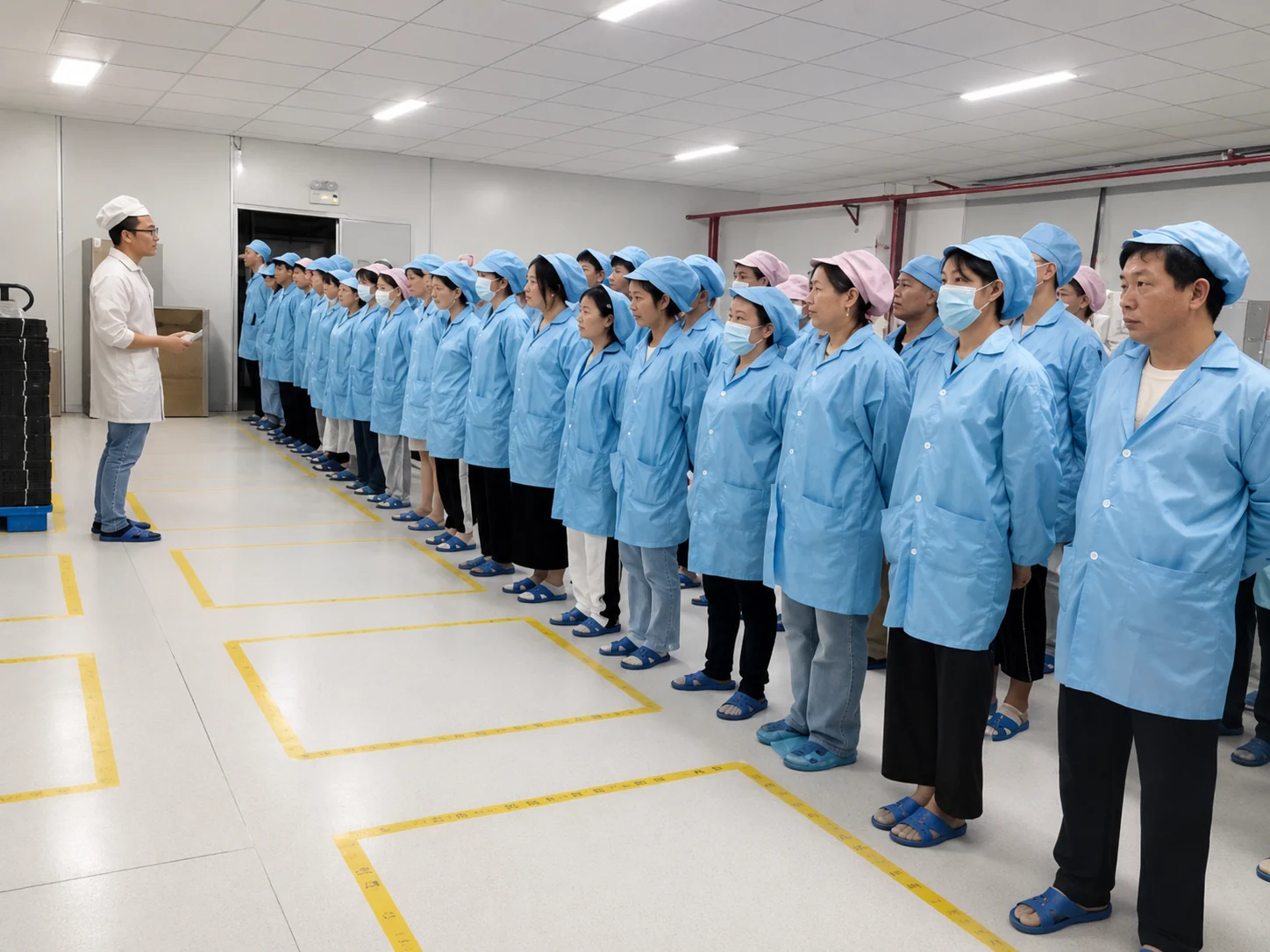
Lucky XFC coordinates project engineering, sample evaluation, production and pre-shipment inspection from its Shenzhen manufacturing base.
Submit application requirements
Review size, resolution, mounting, touch and interface requirements with drawings.
Select and verify components
Select and verify the display, touch and controller combination.
Confirm specifications & drawings
Confirm specifications and mechanical drawings, then produce and test the sample.
Approve before batch production
Approve the configuration before batch production and order execution.
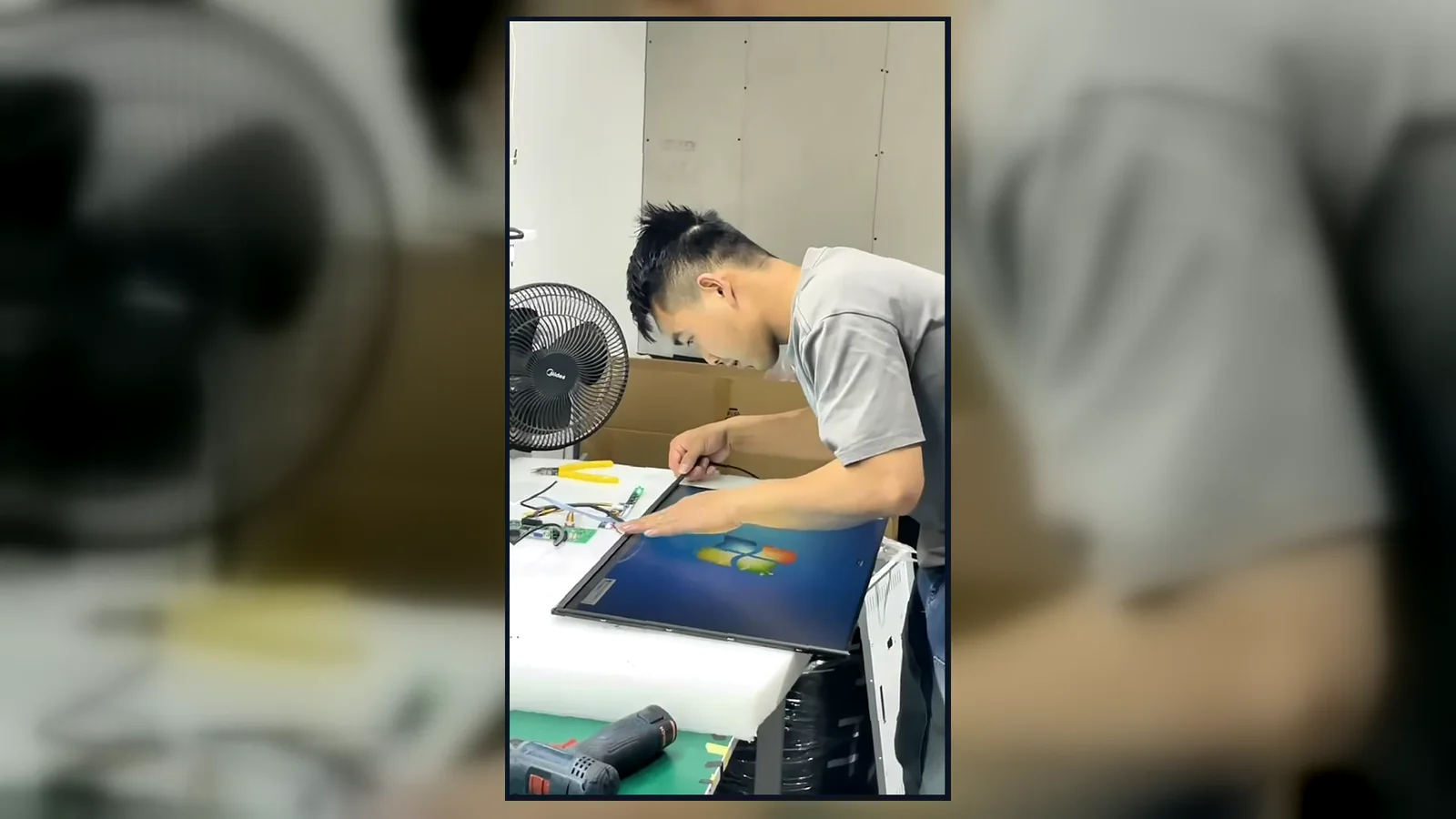
Inside the Factory: Production & Quality Testing
Watch our brief 45-second overview showcasing the rigorous assembly and testing procedures at our facility. See firsthand how our QC team conducts 100% inspections to verify touch response, display quality, interfaces and appearance according to the approved specifications.
Certifications and Project-Specific Requirements
Available certificates, protection ratings and compliance documents depend on the selected display, touch configuration and destination market. Confirm the applicable documents before quotation and production.

ISO 9001:2015
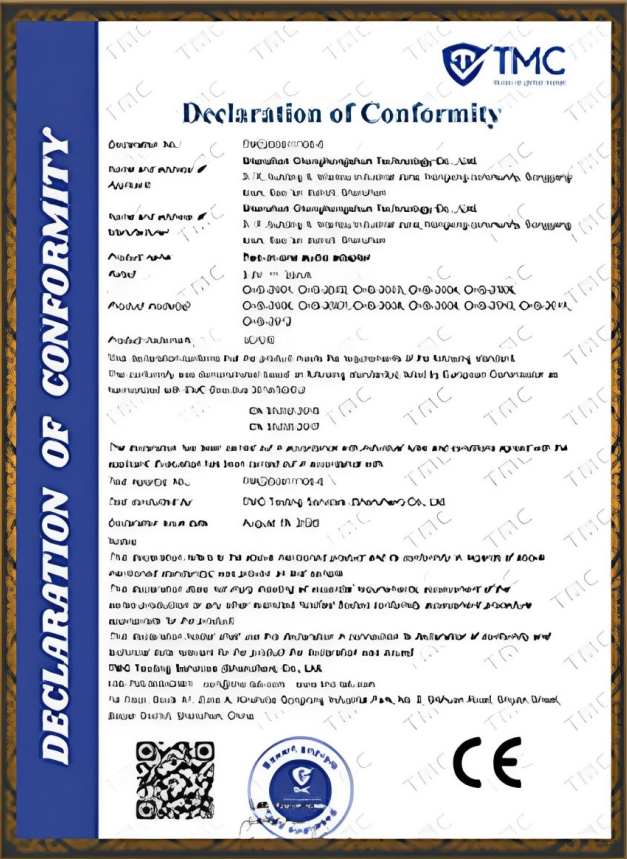
CE Certification
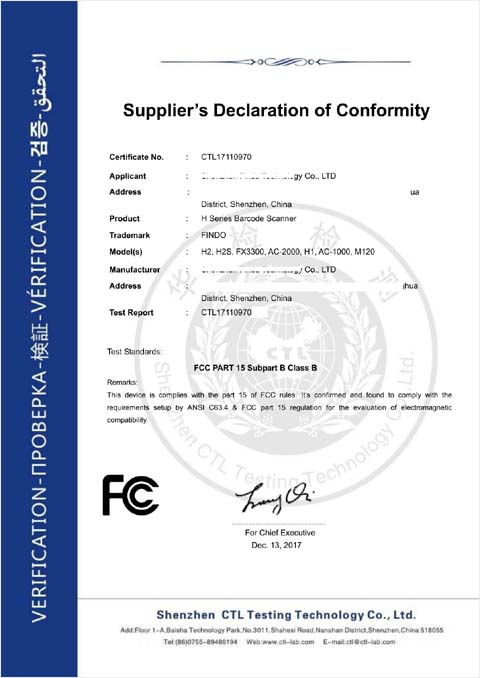
FCC Certification

RoHS Compliance

IP56/IP65/IP67/IK10
Continue with the Product Route That Matches Your System
Explore Industrial Touch Displays
Review industrial display structures, mounting and operating-environment options.
Explore Interactive Whiteboards
Compare touch displays with built-in Android or Windows systems for meeting and education applications.
Explore Commercial Digital Displays
Compare non-touch or system-integrated display routes for commercial content delivery.
Submit Your 4K Project Requirements
Please provide the required size, application, equipment opening, mounting method, brightness, touch points, video inputs, host system and estimated quantity.