
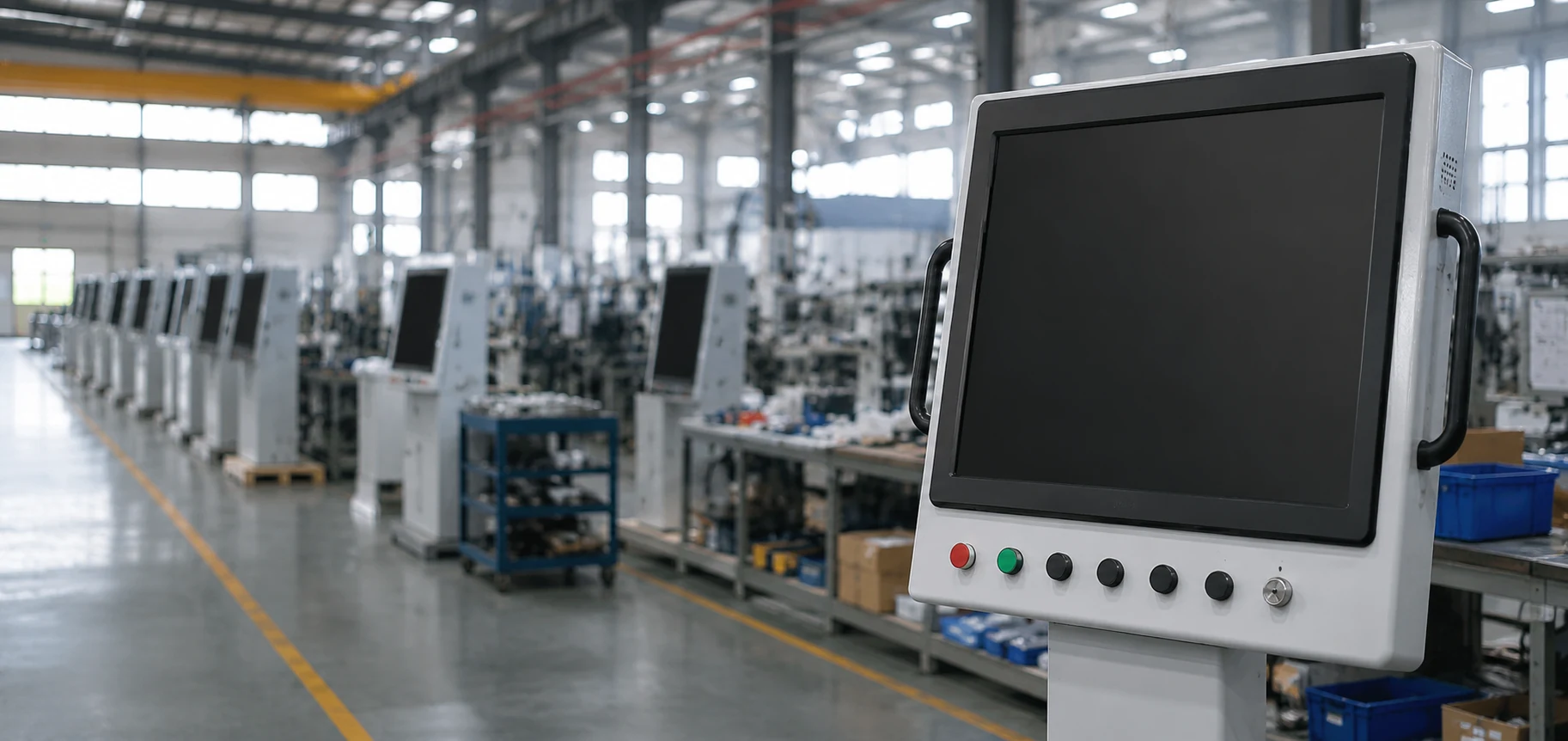
Industrial Touch Screen Monitors for Equipment Integration
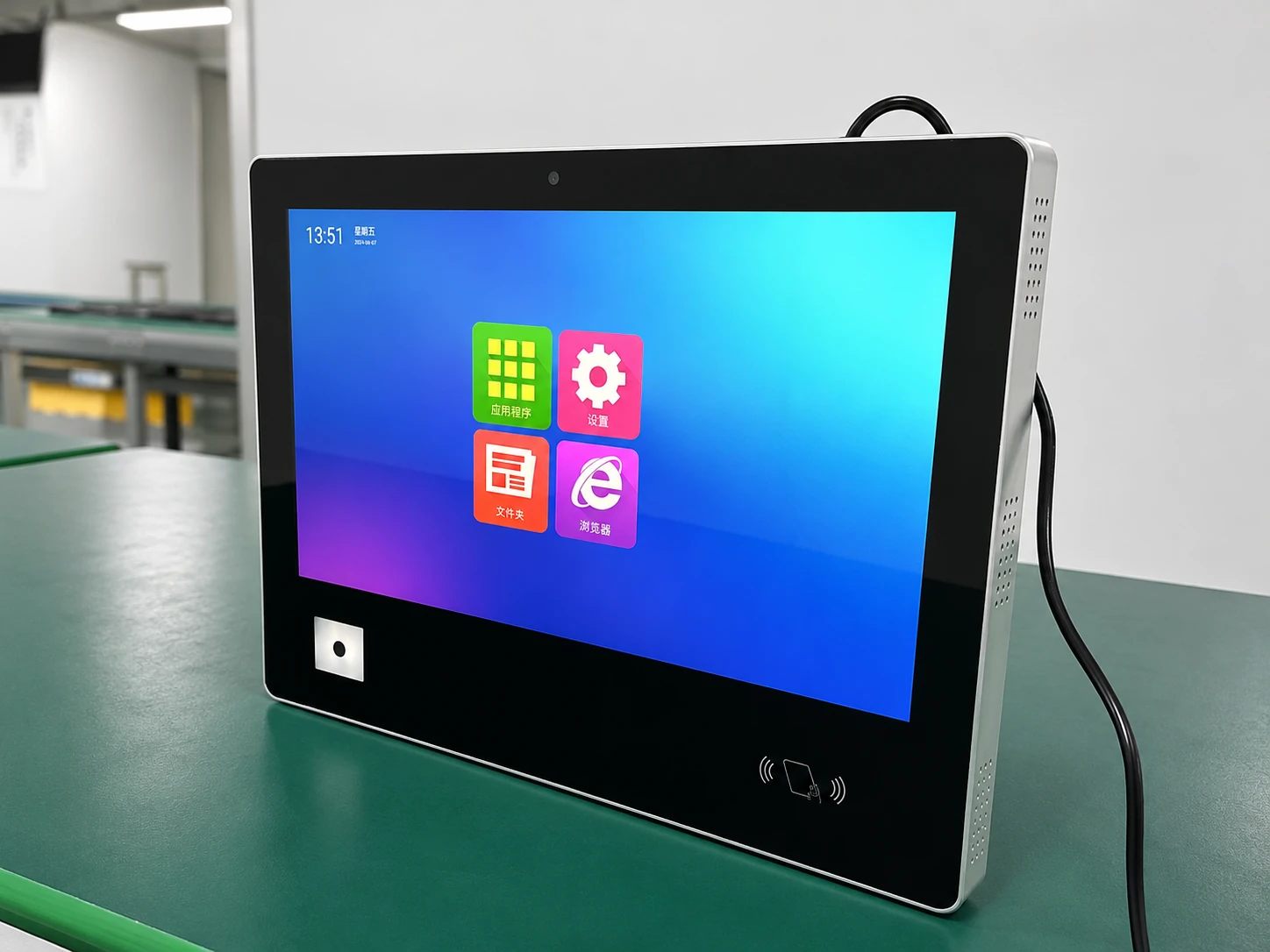
XFC supplies display and touch hardware for factory equipment, control panels and custom enclosures. Choose panel-mount, open-frame or enclosed structures, then configure the touch technology, interfaces and mechanical design around your equipment.
The monitor connects to your external industrial computer, embedded controller or host system. Computing hardware, operating systems and industrial application software are not included.
Choose an Industrial Touch Monitor by Mounting Structure
The mounting structure determines how the display fits the equipment, how the front surface is finished and how technicians access the unit for installation or service.
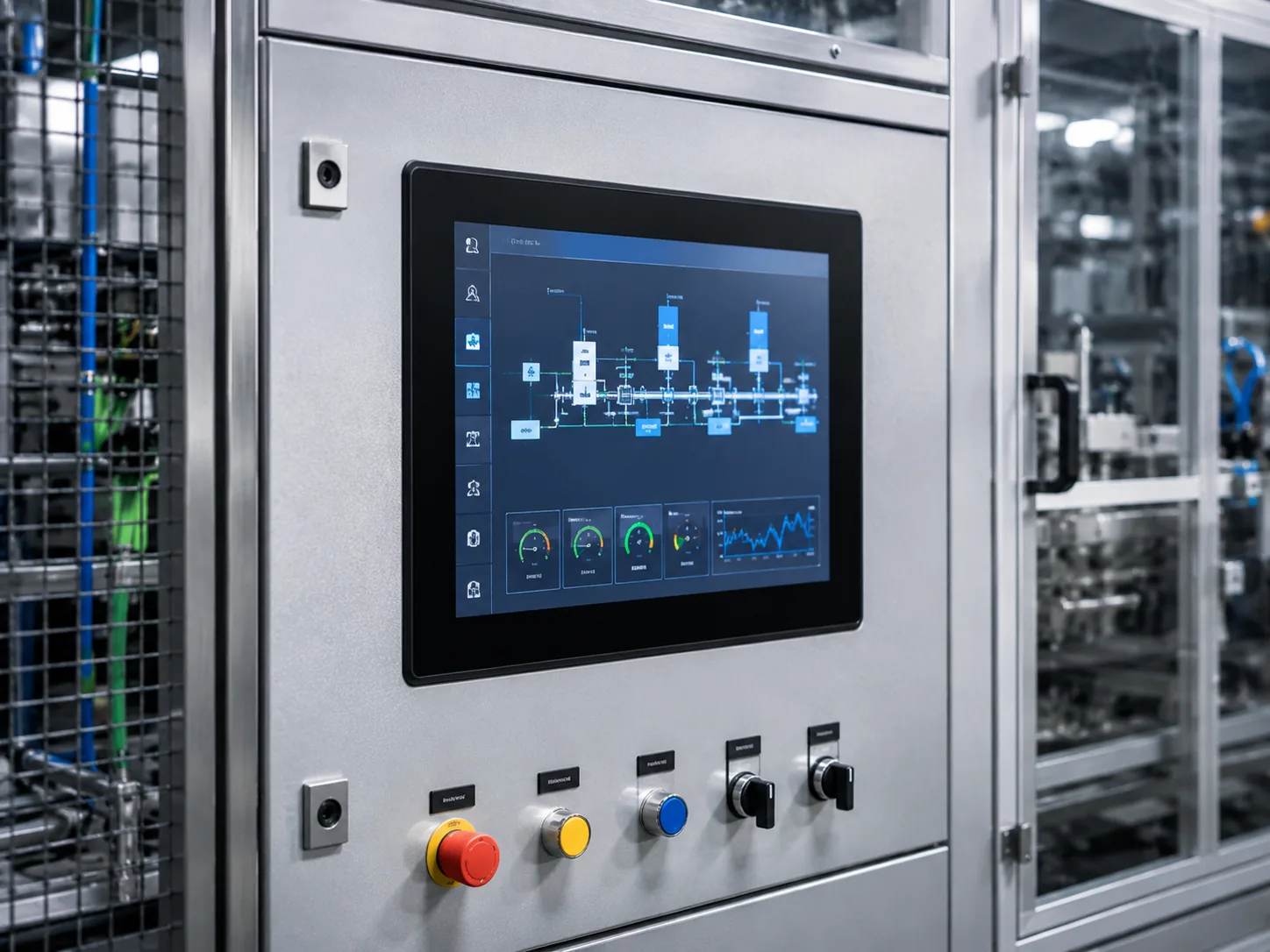
Panel Mount Industrial Touch Monitor
Installed through a prepared opening in a machine panel or control cabinet. The front bezel remains visible while the monitor is secured from the rear. Select this structure when front appearance, panel sealing and service access must be considered together.
Selection points:
- Panel cutout and front bezel dimensions
- Rear clearance and fixing position
- Touch technology and front glass
- Cable direction and service access
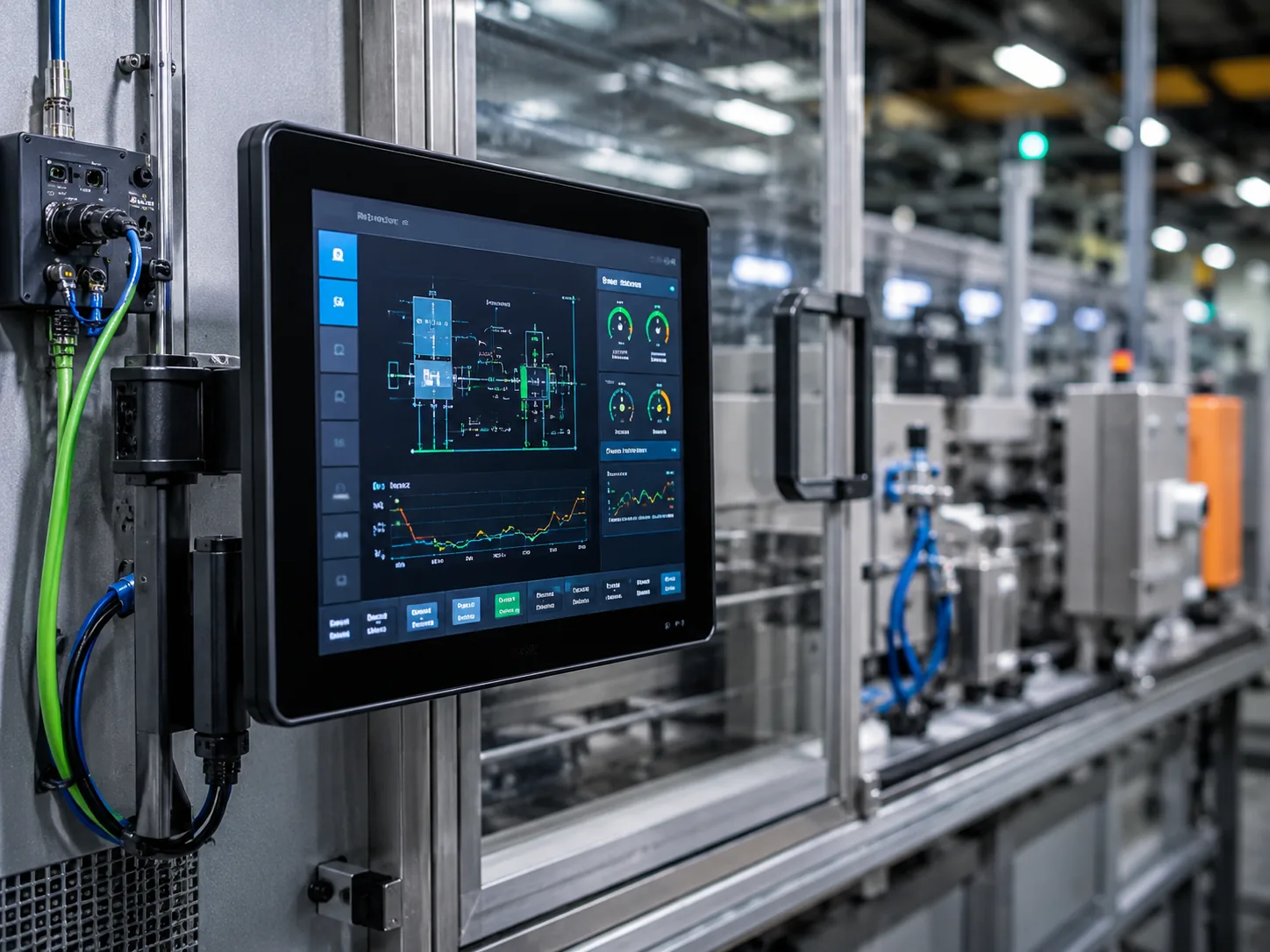
Open Frame Industrial Touch Monitor
Mounted from inside the customer’s enclosure, with the active display positioned behind the equipment opening. This structure is suited to OEM machinery, kiosks and housings that already provide the external product appearance.
Selection points:
- Internal mounting brackets
- Display position behind the enclosure
- Available installation depth
- Interface and cable routing
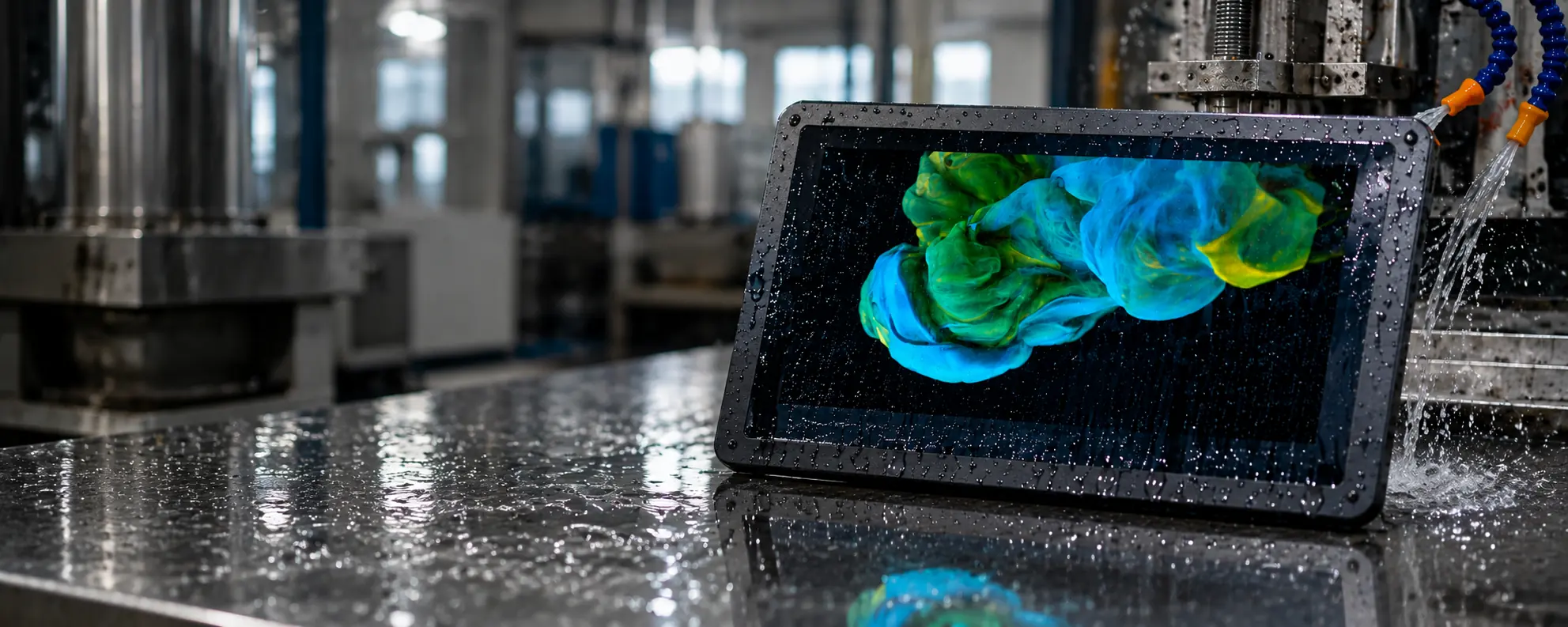
Enclosed / VESA Industrial Touch Monitor
A complete metal-housing monitor for equipment arms, workstations, wall brackets or other installations that do not require the display to be fully embedded in a cabinet.
Selection points:
- VESA pattern and support structure
- Overall enclosure dimensions
- External cable routing
- Viewing angle and operator position
Reference Flat Touch Display Configurations
The following flat PCAP touch displays provide reference starting points for project evaluation. Final brightness, interfaces, mounting details, overall dimensions and environmental requirements must be confirmed in the selected datasheet and engineering drawing.
| Model | Display Size | Resolution | Touch | Aspect Ratio | Housing |
|---|---|---|---|---|---|
| TP215-JX-DR-02 | 21.5 inch | 1920 × 1080 | Capacitive Touch | 16:9 | Metal Housing |
| TP238-JX-DR-02 | 23.8 inch | 1920 × 1080 | Capacitive Touch | 16:9 | Metal Housing |
| TP270-JX-DR-02 | 27 inch | 1920 × 1080 | Capacitive Touch | 16:9 | Metal Housing |
| TP315-JX-DR-02 | 31.5 inch | 1920 × 1080 | Capacitive Touch | 16:9 | Metal Housing |
| TP430-JX-DR-02 | 43 inch | 1920 × 1080 | Capacitive Touch | 16:9 | Metal Housing |
Other display sizes, touch technologies and mechanical structures can be evaluated as custom configurations. Availability is confirmed after reviewing the required size, quantity, installation method and operating conditions.
Resolve Integration Risks Before Sampling
Cutout and Mounting Mismatch
A monitor can meet the display requirement and still fail to fit the equipment. Review the panel opening, rear clearance, mounting points and cable direction before the enclosure is finalized.
Touch Technology Mismatch
Gloves, styluses, moisture and multi-touch requirements affect the touch selection. PCAP and resistive touch should be compared against the actual operating method rather than selected by appearance alone.
Host Interface Mismatch
The external host must provide a compatible video output, while the touch controller must return touch data through a supported connection. Confirm both signal paths before sampling.
Unsupported Environmental Assumptions
Brightness, operating temperature and front protection vary by panel, enclosure and installation. These requirements must be confirmed at model level instead of being treated as universal product specifications.
PCAP or Resistive Touch: Which Fits the Equipment?
| Selection Factor | PCAP Touch | Resistive Touch |
|---|---|---|
| Input Method | Light finger touch | Physical pressure |
| Multi-Touch | Available on compatible configurations | Normally single-point |
| Glove Use | Requires compatible glove and controller evaluation | Works with many common gloves and styluses |
| Wet Conditions | Requires application-specific tuning and testing | Often selected for controlled pressure input |
| Surface | Cover-glass construction | Flexible resistive surface |
| Typical Fit | Modern operator interfaces and gesture-based controls | Stylus, glove or simple single-point operation |
Actual touch behavior depends on the selected sensor, controller, cover glass, glove material and moisture conditions. Test the sample with the same gloves and operating conditions used on the equipment.
Industrial Touch Display Applications
Factory Equipment
Display and touch input hardware for machine status, production information and operator interaction. The customer’s host system runs the application and control software.
CNC and Machine Tools
Touch displays integrated into machine panels for settings, status viewing and operator input.
Industrial Control Cabinets
Panel-mounted or enclosed displays connected to external industrial computers or controllers.
Inspection and Laboratory Equipment
Custom display hardware selected around resolution, cleaning, operator input and enclosure requirements. Any medical, safety or compliance requirement must be confirmed according to the selected configuration and customer-specified standard.
Warehouse and Logistics Equipment
Touch interfaces for equipment consoles and fixed operator stations, subject to mounting, power and environmental review.
OEM Machinery
Open-frame, panel-mount or enclosed displays customized around the customer’s equipment housing and interface requirements.
Configure the Display Around Your Equipment
Customization begins with a defined hardware requirement. XFC reviews the display, touch sensor, cover glass, controller board, enclosure and mounting structure as one integration package.
Configurable Elements:
- Display size and resolution
- PCAP or resistive touch
- Cover glass and surface treatment
- Front bezel and metal enclosure
- Panel cutout and mounting points
- Video and touch interfaces
- Power input
- Cable exit direction
- Logo and exterior finish
- Packaging for the confirmed product
Project Flow:
Final availability depends on engineering evaluation, component availability and the approved product specification.
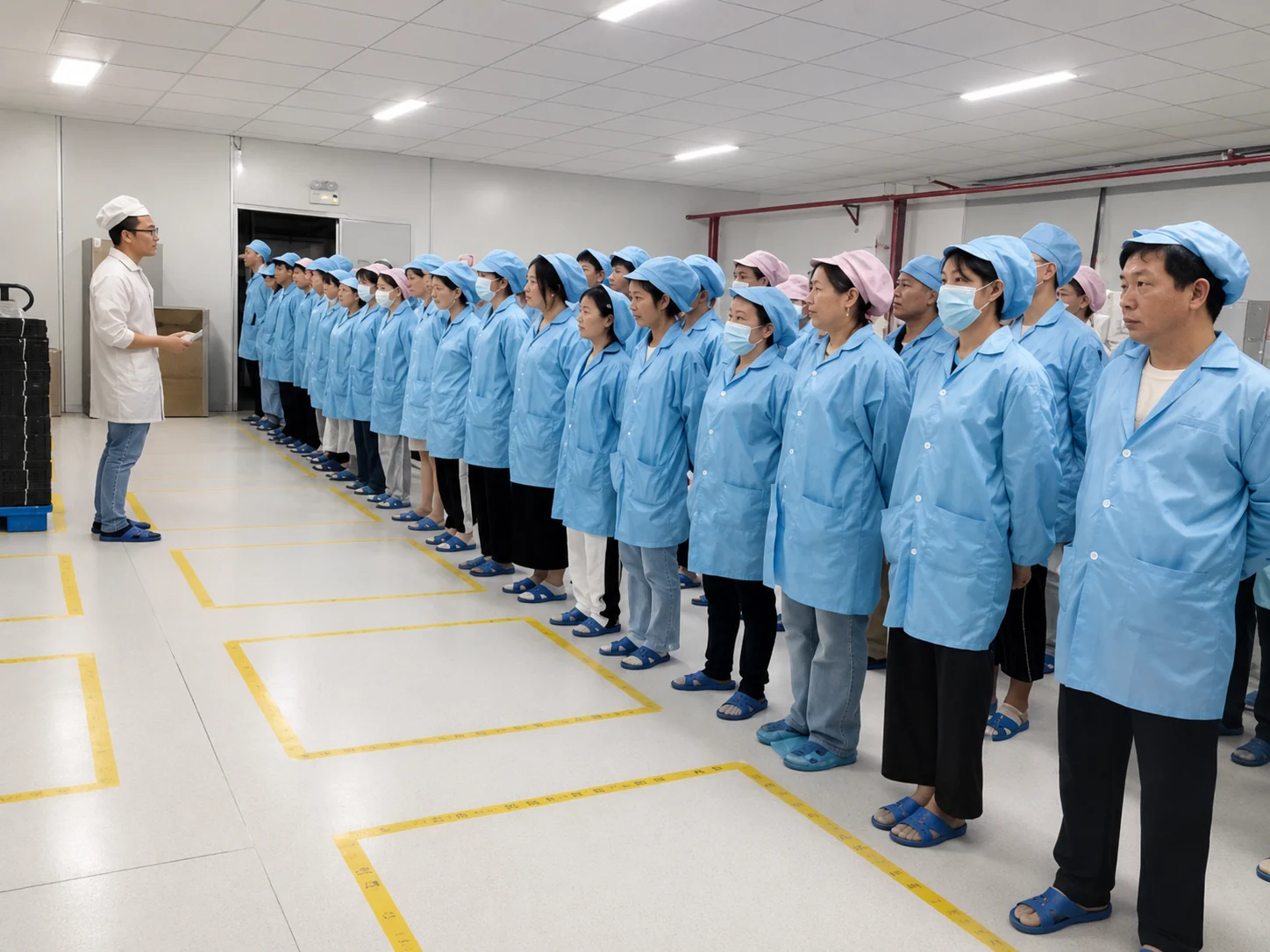
Manufacturing and Inspection for Custom Display Hardware
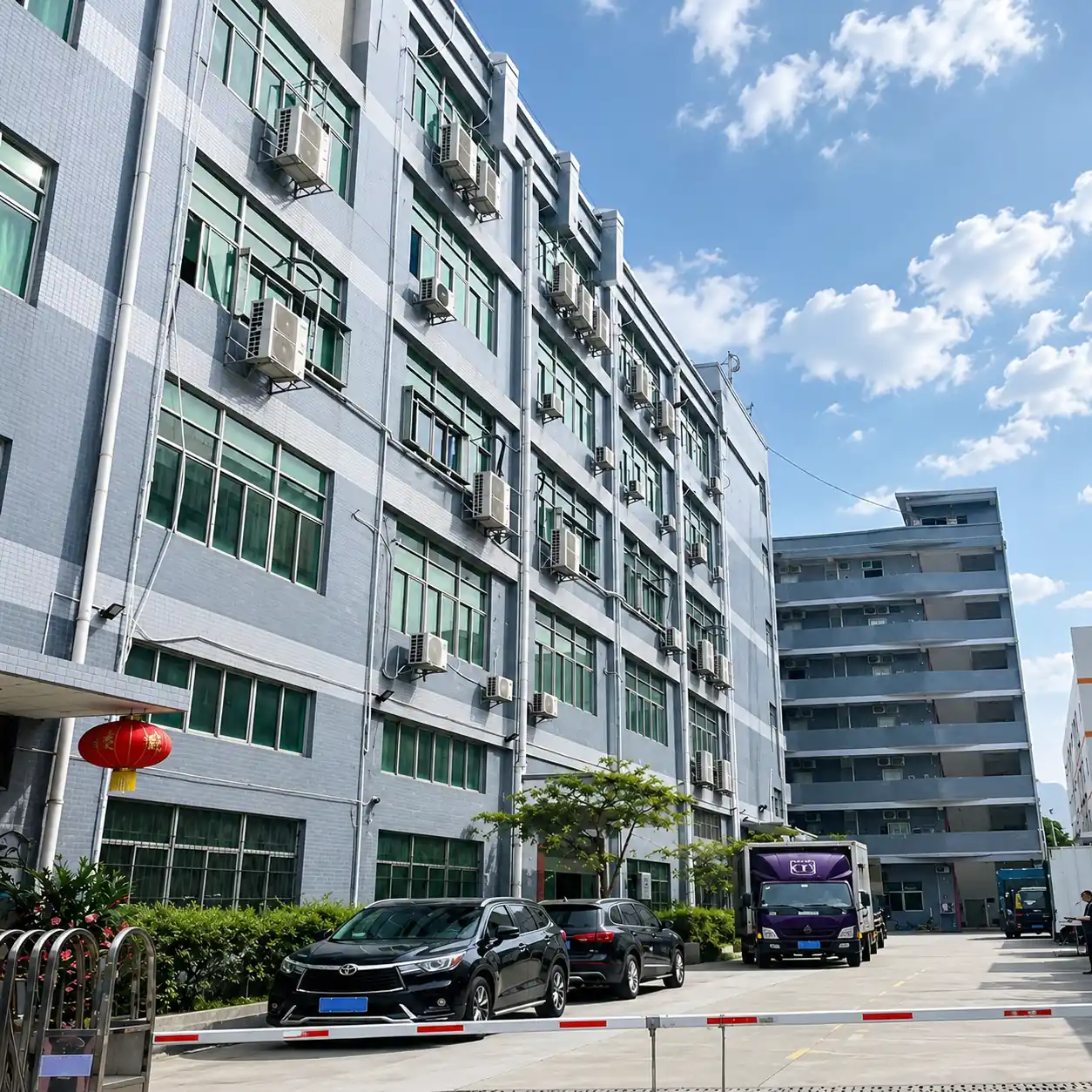
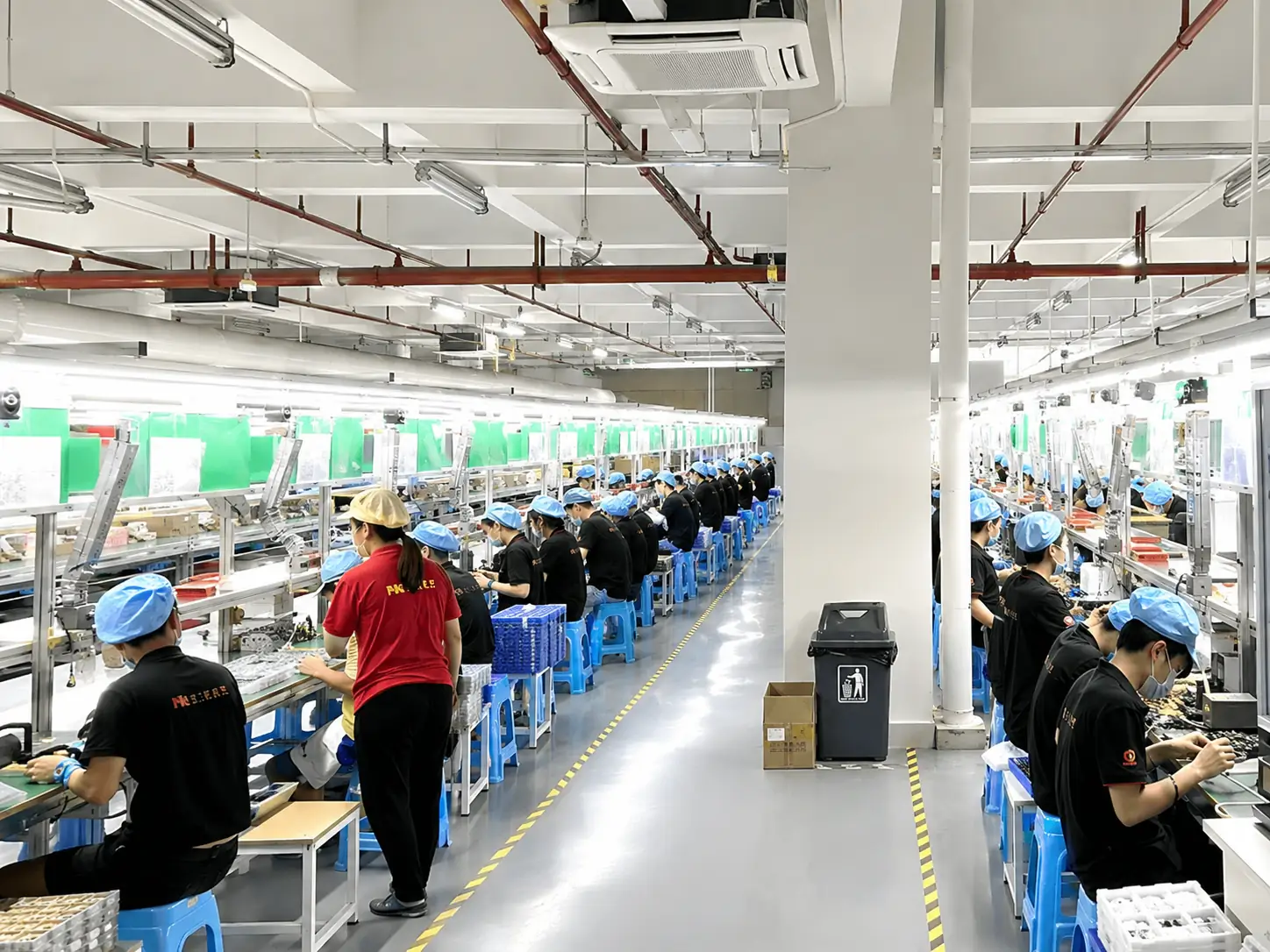
XFC has manufactured touch display products since 2013. Production and inspection are carried out against the approved configuration, drawing and order requirements.
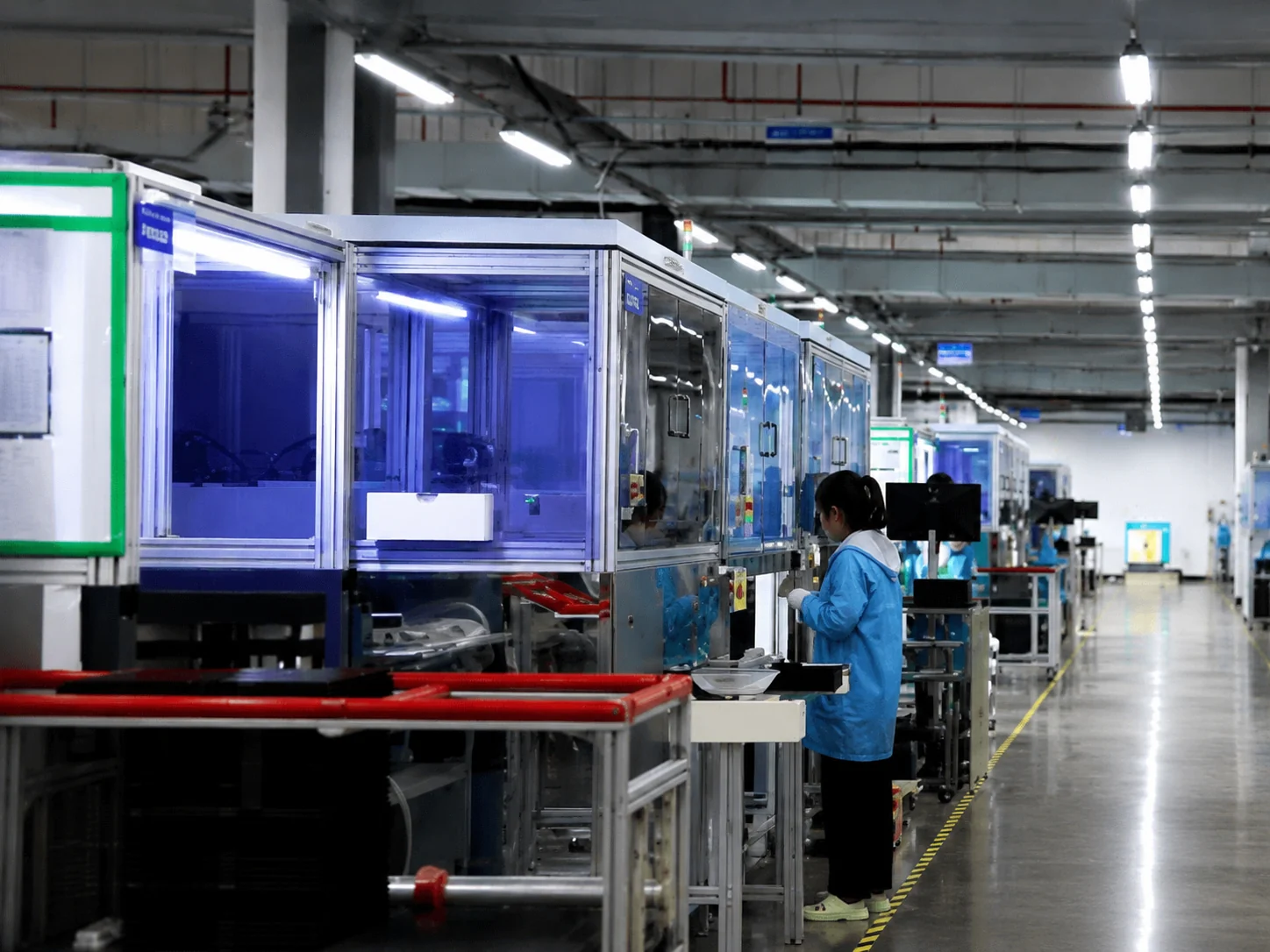
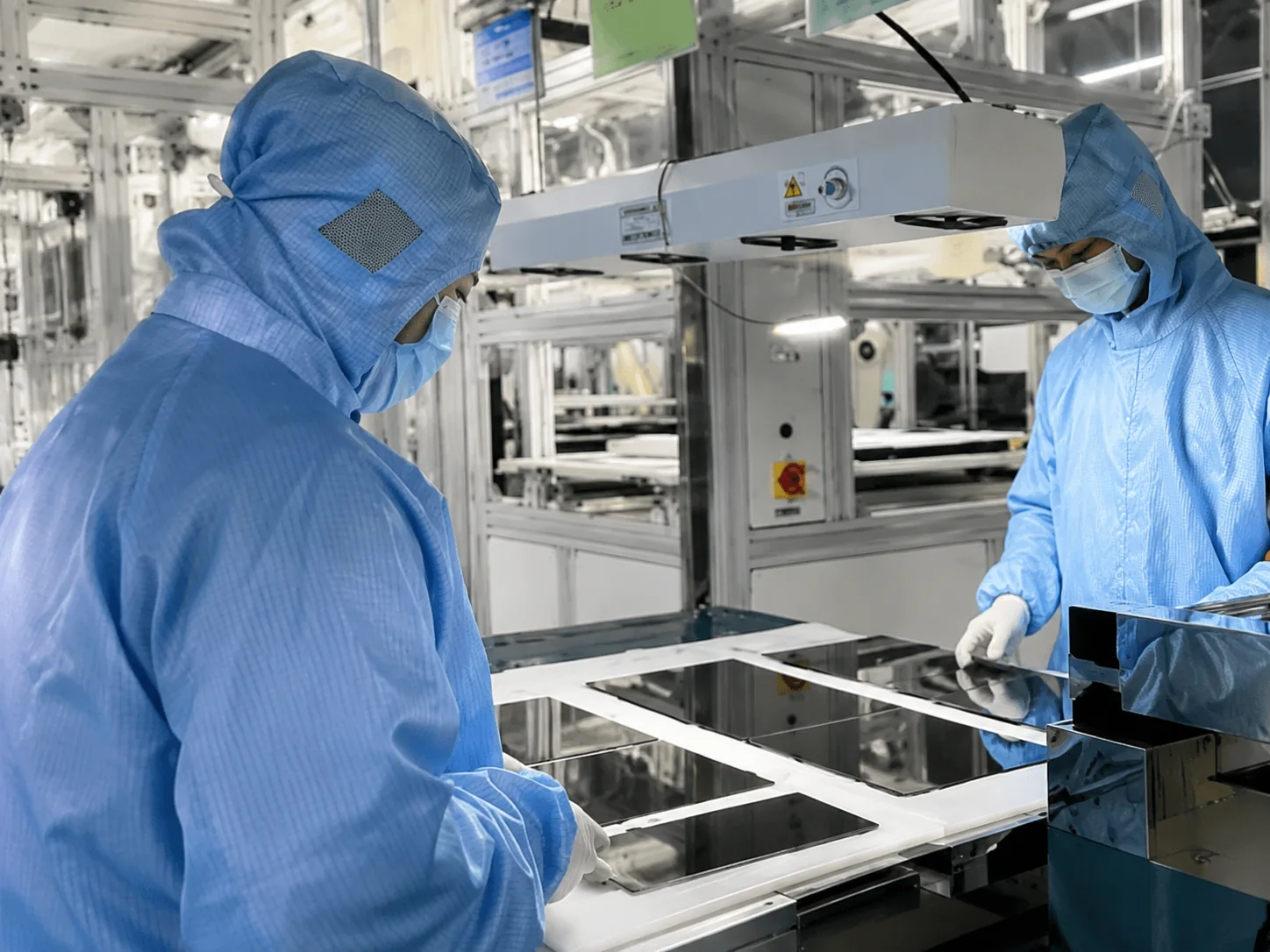
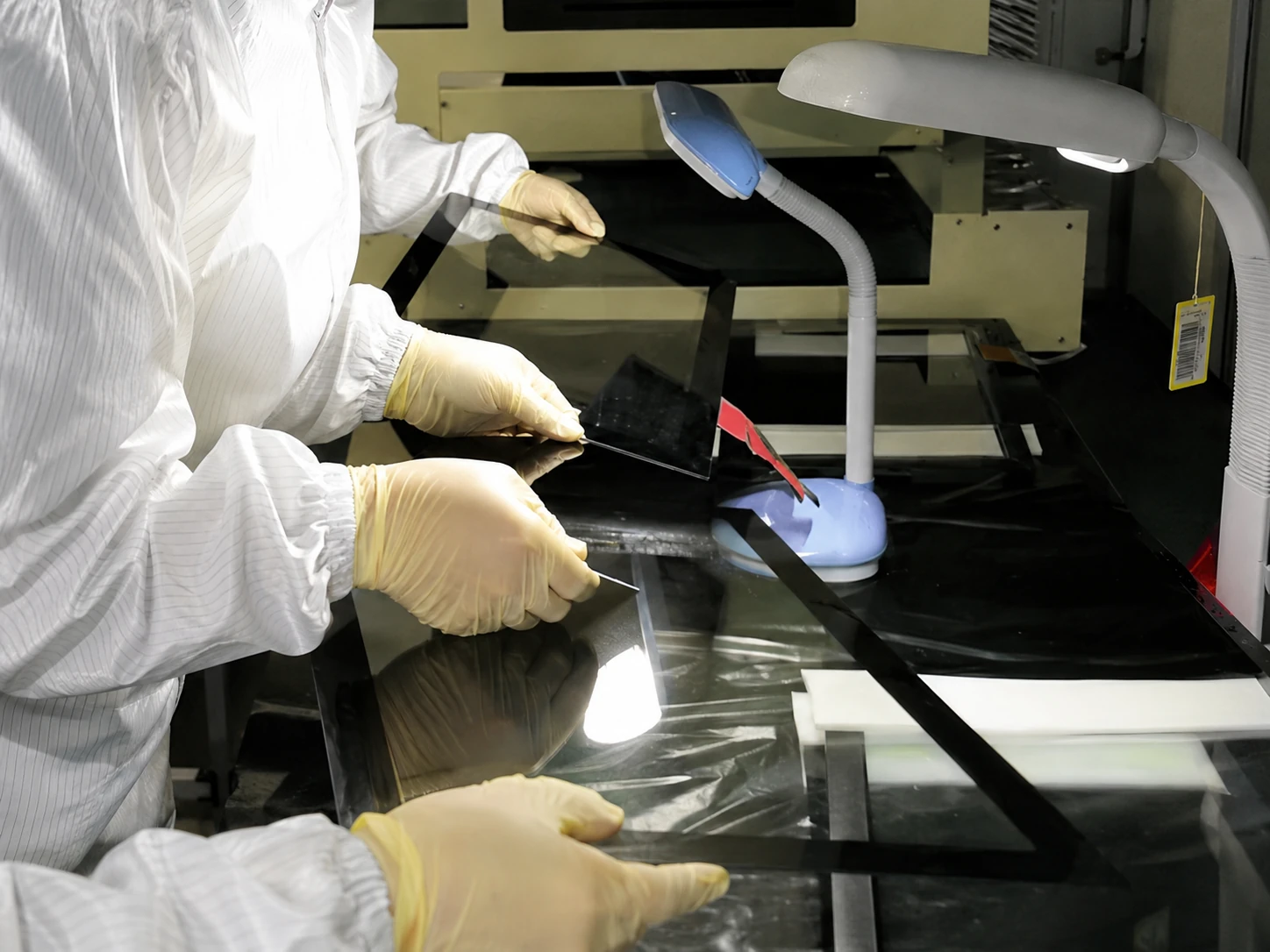
Inspection Scope (Before Shipment):
- Display appearance and image check
- Touch response check
- Interface and connection check
- Enclosure and mounting check
- Configuration and quantity verification
Compliance & Standards:
Certification and environmental requirements are reviewed according to the selected product, destination market and customer-specified standard. Applicable documents, testing scope and certification costs are confirmed separately for each project.
Information Needed to Select an Industrial Touch Monitor
Display and Touch
- Required display size
- Resolution
- PCAP or resistive touch
- Glove or stylus use
- Ambient light conditions
Mechanical Integration
- Panel mount, open frame or VESA
- Equipment opening and rear clearance
- Drawing or equipment photo
- Cable direction
- Front glass or enclosure requirements
Electrical Connection
- External host type
- Available video output
- Required touch connection
- Power input
- Cable and connector requirements
Operating Conditions
- Temperature range
- Dust, moisture or cleaning exposure
- Vibration or impact conditions
- Required certification standard
- Destination market
Industrial Touch Screen Monitor FAQ
Does an industrial touch screen monitor include a computer?
What is the difference between panel mount and open frame?
Should I choose PCAP or resistive touch?
Are the monitors waterproof?
Can the size and enclosure be customized?
Can XFC provide industrial software or PLC programming?
What documents should I send for evaluation?
Can I order a sample before batch production?
Request an Industrial Touch Monitor Configuration
Send your display requirement, equipment drawing or product photo. XFC will review the touch technology, installation structure, interfaces and customization scope before recommending a configuration.
Direct Contact
sales13@lucky-xfc.com
Phone
+86 13342931453
Address
No. 3, Lianfeng Road, Hongqiaotou Community, Yanluo Street, Bao'an District, Shenzhen, Guangdong Province, China
