
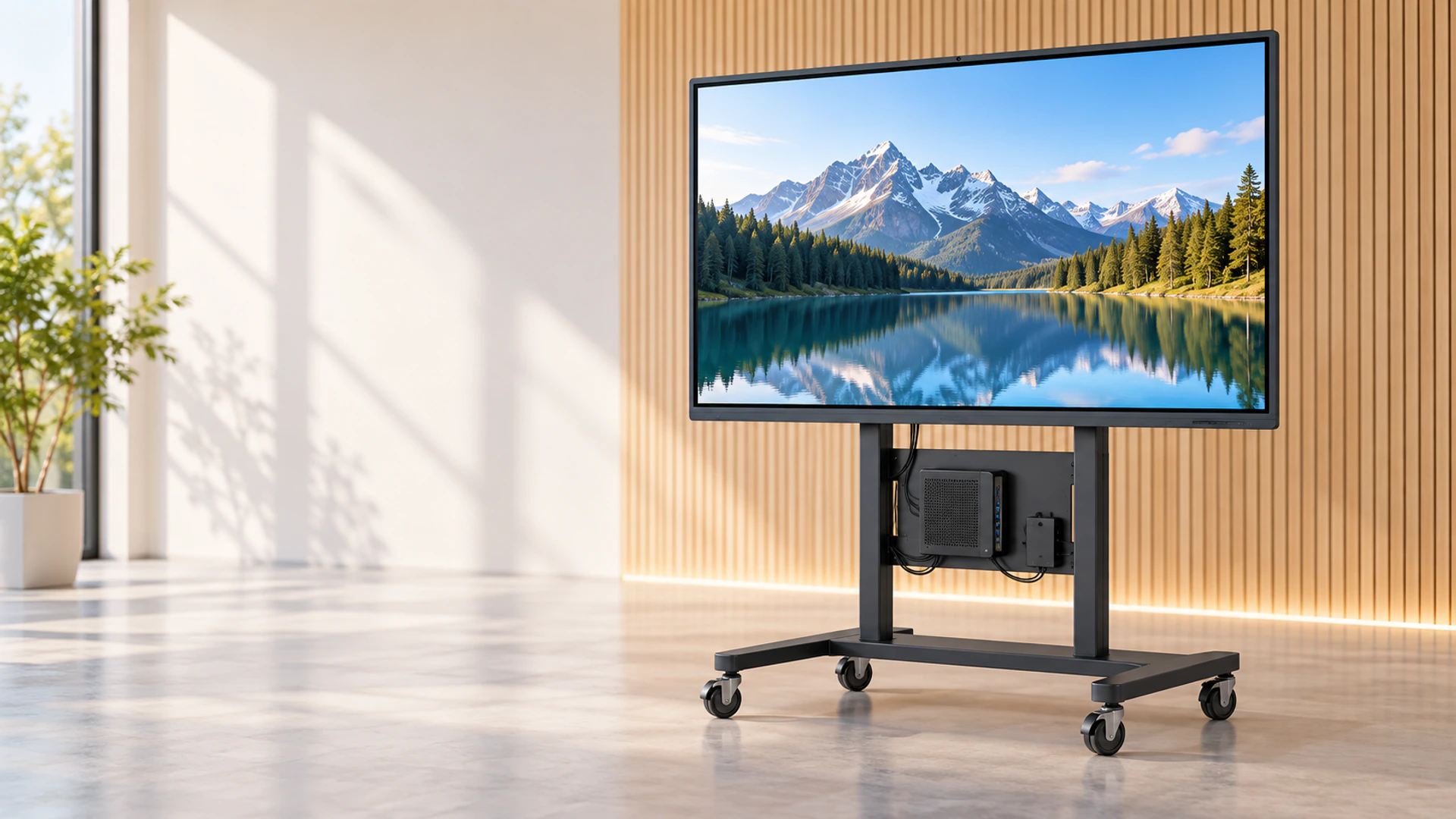
65 Inch Touchscreen Monitor Manufacturer for Custom Interactive Display Projects
Source a 65 Inch Touchscreen Monitor built around your host computer, software workflow and installation plan. Lucky XFC’s XFC-IWB-6500 combines a 65-inch 4K UHD display with PCAP touch for presentations, training, product exploration and shared interactive applications.
The standard project direction connects to an external computer. Android and Windows integrated configurations can also be evaluated when the application must operate without a separate host.
Send your host operating system, video output, touch-data interface, mounting method and target quantity for a model-level review.
What Is the Lucky XFC 65 Inch Touchscreen Monitor?
The Lucky XFC 65 Inch Touchscreen Monitor is a large-format interactive display designed to show 4K content and return touch input to the selected host system. In the external-PC configuration, the computer runs the application, sends the video signal to the display and receives touch data from the monitor.
This architecture gives project teams control over the computer, operating-system image, security policy, application software and upgrade cycle. It also prevents a common purchasing mistake: assuming that every large touchscreen automatically includes a computer.
External-PC Monitor
The display and PCAP touch system work with a separately selected laptop, desktop computer, media host or project controller.
Android Configuration
An integrated Android direction can be evaluated for compatible standalone applications. Hardware and Android version must be confirmed before quotation.
Windows Configuration
An integrated Windows direction can be evaluated when software must run locally. CPU, memory, storage, cooling and licensing depend on the workload.
Installation Configuration
Review wall mounting, mobile-stand use or a project-specific supporting structure against the approved weight, mounting pattern and cable plan.
Note: A touchscreen monitor is not automatically a touchscreen computer. Confirm the required system level before comparing quotations.
Choose a 65 Inch Touchscreen Monitor Configuration for Your Workflow
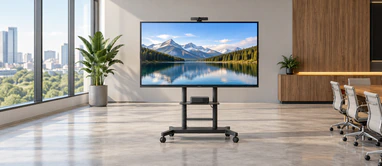
External-PC Collaboration Monitor
Connect the display to a customer-controlled computer for presentations, annotation, technical review and shared content. Confirm the video connection and touch-data connection separately.
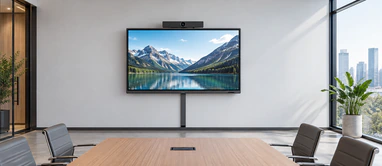
Wall-Mounted Meeting Display
Create a fixed presentation and collaboration point while planning structural support, mounting height, user reach, ventilation and cable access.
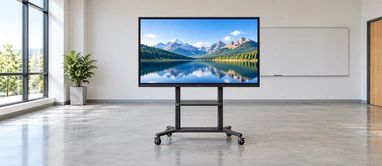
Mobile-Stand Training Display
Move the screen between compatible spaces using an approved stand. Confirm load rating, stability, wheel clearance and cable management.

Interactive Product Presentation
Let visitors explore product options, drawings, catalogs or project content through a purpose-built interactive interface.
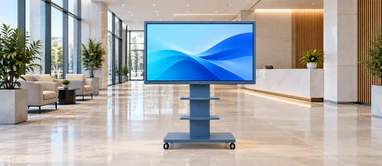
Custom-Branded Commercial Display
Coordinate housing finish, printed logo, cover-glass treatment and visible details around the approved product platform.
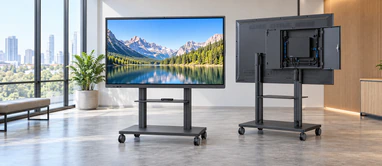
Integrated-System Project Direction
Evaluate Android or Windows computing when the application should run inside the display. Final hardware depends on application and device-management requirements.
Not sure which route fits your project? Send the application, software environment, installation drawing and expected daily workflow for an engineering review.
Verified XFC-IWB-6500 65 Inch Touchscreen Monitor Starting Configuration
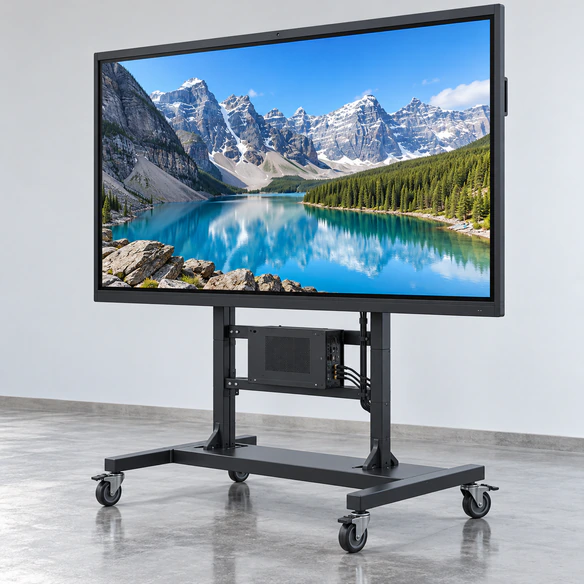
Use XFC-IWB-6500 as the verified starting platform for this page. The table separates confirmed product information from project-specific values that must be approved before ordering.
- Model: XFC-IWB-6500
- Display size: 65 inch
- Native resolution: 4K UHD
- Touch technology: PCAP capacitive touch
- Primary system direction: External computer
- Optional system directions: Android or Windows configuration, subject to project review
- Typical installation directions: Wall mount, compatible mobile stand or custom supporting structure
- Customization: OEM/ODM evaluation available
- Minimum order quantity: From 1 piece
- Brightness: Confirm against approved datasheet
- Touch-point configuration: Confirm against approved datasheet and host operating system
- Video interfaces: Confirm by selected configuration
- Touch-data interface: Confirm by selected configuration
- Mounting pattern: Confirm against approved mechanical drawing
- Overall dimensions and weight: Confirm against approved model datasheet
Warning: Do not release a wall bracket, cabinet, cable plan or installation drawing from the nominal 65-inch diagonal alone. Approve the exact datasheet and mechanical drawing first.
How the 65 Inch Touchscreen Monitor Addresses Common Project Risks
Problem: The quotation covers the wrong system level
Consequence: A display-only monitor may be ordered when the project requires local computing, or unnecessary integrated hardware may be included.
Lucky XFC response: Define external PC, Android or Windows architecture before confirming the bill of materials.
Problem: The image works but touch does not
Consequence: The host receives video but does not receive touch input.
Lucky XFC response: Check the model-specific touch-data cable, host operating system, controller detection, touch mapping and driver requirements separately from video.
Problem: The screen does not fit the installation
Consequence: Mounting holes, outer dimensions, connector positions or cable bends may conflict with the wall or supporting structure.
Lucky XFC response: Review the approved model drawing, mounting pattern, connector direction and maintenance access before installation release.
Problem: Users cannot comfortably reach the screen
Consequence: Content may be visible but important controls may be placed outside the practical touch zone.
Lucky XFC response: Review mounting height, user profile, application layout and frequently used controls together.
Problem: Software and hardware are tested separately
Consequence: The monitor may power on successfully while touch gestures, annotation, sleep/wake behavior or application controls remain unverified.
Lucky XFC response: Validate the selected host, operating system, application, cables and monitor on the project sample.
Problem: Unverified features enter the purchasing specification
Consequence: A camera, microphone, USB-C function or interface may be assumed from a competing product but not included in the selected unit.
Lucky XFC response: Record every required function in the approved configuration and quotation rather than relying on category terminology.
How to Connect the 65 Inch Touchscreen Monitor to an External Computer
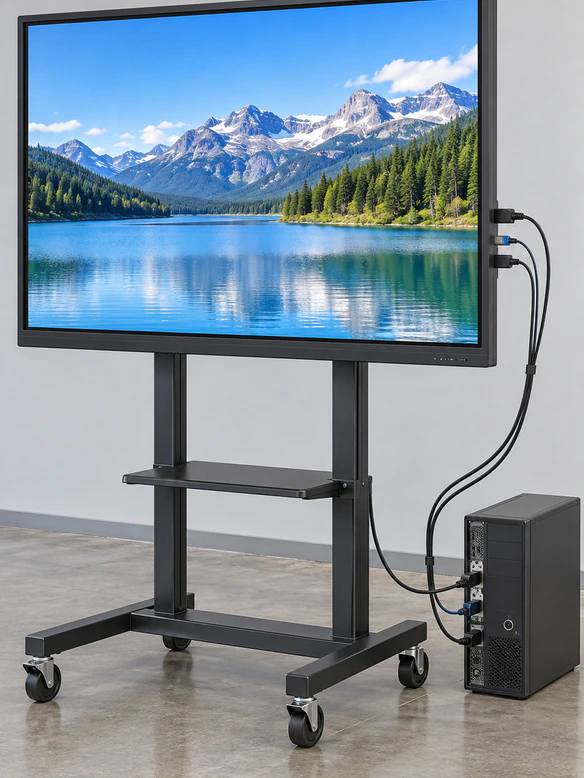
A large touchscreen normally requires three functional paths: image, touch data and power. Seeing an image does not confirm that the touch-data path is active.
- 1 Connect the approved video source from the computer to the selected display input.
- 2 Connect the required USB or model-specific touch-data cable.
- 3 Connect power according to the approved model.
- 4 Select the correct video input on the display.
- 5 Confirm that the operating system detects the touch controller.
- 6 Test touch position, multi-touch behavior, orientation and edge accuracy.
- 7 Test sleep, wake, restart and application recovery.
- 8 Record the validated host, cable and display configuration.
Buyer Note: HDMI normally carries the image, not touch data. Do not assume that touch will work because the desktop is visible.
Note: A USB-C connector does not automatically guarantee video, touch data and power through one cable. Confirm the monitor and host capabilities together.
Use the 65 Inch Touchscreen Monitor as a Clear 4K Interactive Workspace

The verified XFC-IWB-6500 platform uses a 4K UHD display, giving teams more room for detailed drawings, dashboards, product views and side-by-side information than a lower-resolution large-format screen.
4K benefits:
- Present detailed diagrams and technical content on a large canvas.
- Keep labels, menus and interface elements readable at appropriate viewing distances.
- Display multiple information zones without forcing constant page changes.
- Support professional presentation and visual-review workflows.
- Create an engaging interactive surface for commercial content.
Planning guidance:
4K resolution alone does not determine readability. Text size, viewing distance, software scaling, source resolution and content layout must be planned together. The host computer must also provide a compatible output at the required resolution.
Why the 65 Inch Touchscreen Monitor Uses PCAP Touch
Projected capacitive touch supports responsive finger interaction and a clean glass-front appearance. The verified XFC-IWB-6500 starting platform uses PCAP touch, making it suitable for direct navigation, presentation controls, object manipulation and compatible annotation workflows.
Input method
Will users operate with a bare finger, compatible stylus or another input method?
Touch points
How many simultaneous inputs does the software and operating system actually support?
Cover glass
Are special glass thickness, printed borders, anti-glare treatment or appearance requirements needed?
Public operation
Will the screen be used continuously by visitors, staff or trained operators?
Software behavior
Does the application support gestures, object rotation, zoom and multi-user interaction?
Environment
Will gloves, moisture, dust, strong ambient light or unusual electrical conditions affect operation?
Comparison Note: Infrared touch appears frequently in the large-display market, but it must not be presented as standard for XFC-IWB-6500. If a project specifically requires IR touch, submit the requirement for a separate feasibility review.
External PC vs Integrated 65 Inch Touchscreen Monitor Systems
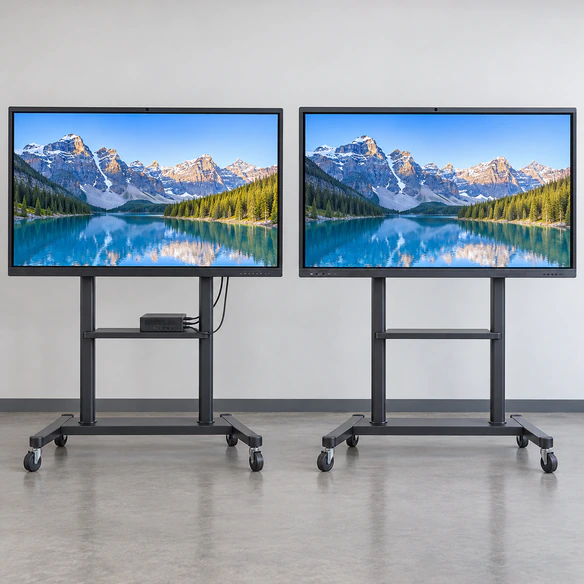
External PC
- Computing hardware remains outside the display.
- Suitable when the buyer controls the computer and software image.
- Easier to replace or upgrade the host independently.
- Video and touch-data paths must be planned.
- Primary direction for this landing page.
Android configuration
- Compatible applications may run locally.
- Suitable for selected standalone presentation, information or signage workflows.
- Android version, processor, memory, storage and application compatibility require confirmation.
- Do not describe Google services or EDLA certification unless formally verified.
Windows configuration
- Windows software may run locally inside the selected system.
- Suitable when the application requires a familiar desktop environment.
- CPU, memory, storage, cooling, interfaces and licensing must match the workload.
- Final computing module is project-specific.
Closing note: Choose the system architecture from the software and maintenance plan, not from appearance. Two displays that look similar may require completely different procurement, deployment and support processes.
Plan the 65 Inch Touchscreen Monitor Installation Before Ordering
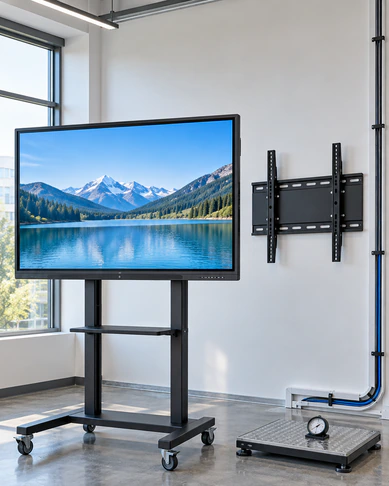
Wall-mount planning
Confirm wall construction, bracket load rating, mounting pattern, display weight, ventilation, user reach and access to connectors.
Mobile-stand planning
Confirm stand compatibility, center of gravity, wheel locks, movement path, doorway clearance and cable management.
Custom structure planning
Provide the complete supporting-frame or enclosure drawing. Check outer dimensions, active display area, mounting-hole positions, rear depth, connector orientation and service access.
Installation checklist:
Warning: Do not select a bracket or fabricate a structure from a product photograph. Use the approved XFC-IWB-6500 drawing for the final configuration.
65 Inch Touchscreen Monitor Applications for Shared and Public Interaction
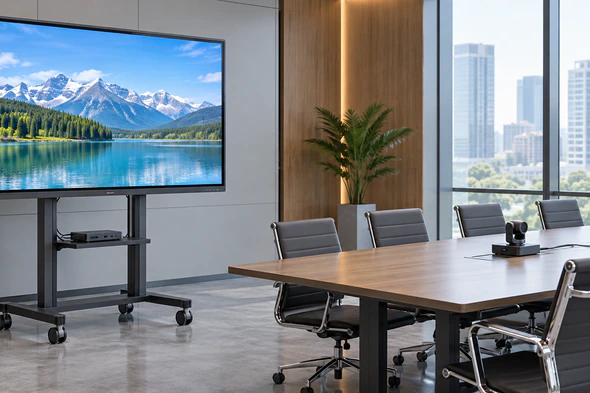
Meeting and Collaboration Rooms
Connect a customer-controlled computer for presentations, visual review and direct interaction with compatible software. Confirm conferencing cameras, microphones and audio equipment separately.
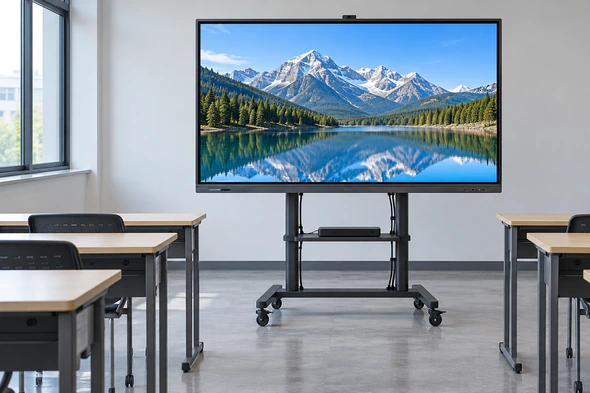
Professional Training Spaces
Present procedures, diagrams and instructional content on a large interactive surface. Plan mounting height and content controls around the trainer’s reach.
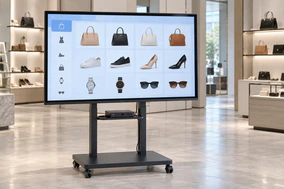
Retail Product Exploration
Allow visitors to browse product ranges, options and specifications through a custom application. Review public-use conditions and content-management requirements.
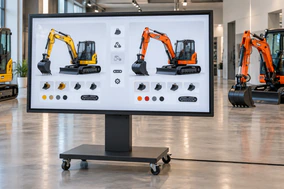
Showroom Configuration
Use interactive visual content to compare finishes, configurations or layouts. Confirm graphics performance and source resolution with the selected host.
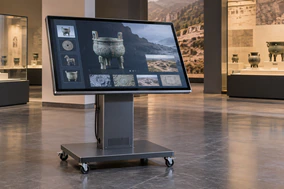
Museum and Visitor Information
Support interactive maps, educational content and exhibit navigation while planning accessibility, operating hours and maintenance.
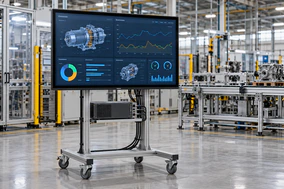
Operations and Technical Review
Display dashboards, plans and project information for group review. Confirm software scaling, data security and host-computer requirements.
These examples describe application directions, not fixed packages. Software, content, cameras, microphones, PCs, stands and supporting structures must be defined in the project scope.
Customize the 65 Inch Touchscreen Monitor Around Your Project
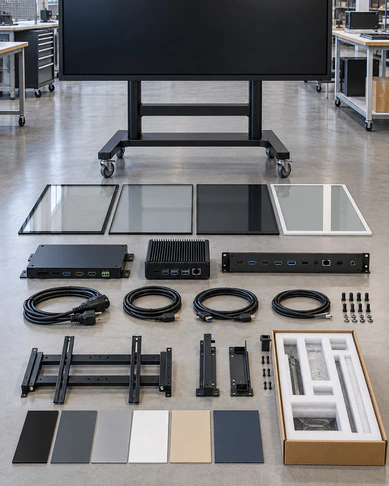
Display configuration:
Confirm resolution, brightness requirement, viewing conditions and expected operating schedule against the selected panel.
Touch configuration:
Review touch-point requirements, input method, cover glass and controller compatibility.
System architecture:
Choose an external host or evaluate Android and Windows integrated directions.
Interfaces:
Specify required video, touch-data, network, serial, peripheral and power connections.
Housing and appearance:
Discuss enclosure finish, frame color, printed border, logo and visible product details.
Mounting:
Review wall mount, mobile stand or project-specific supporting structure.
Packaging:
Confirm destination, handling method, accessory packing and project labeling requirements.
Documentation:
Request the approved datasheet, mechanical drawing, configuration record and available compliance documentation for the selected model.
Validate the 65 Inch Touchscreen Monitor Sample Before Production
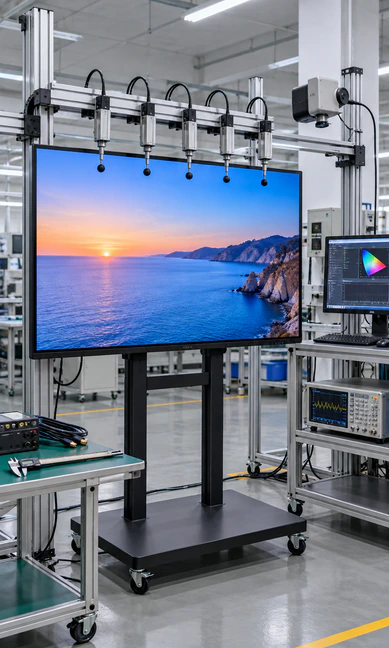
A successful power-on test is only the beginning. Validate the monitor inside the intended system before confirming production.
Display validation:
- Native resolution and image stability
- Content readability at the intended distance
- Software scaling
- Color and visual consistency
- Landscape behavior
- Sleep, wake and restart response
Touch validation:
- Touch response across the active area
- Point accuracy for the intended workflow
- Gesture and multi-touch behavior
- Operating-system recognition
- Touch mapping
- Finger or compatible stylus operation
System validation:
- Host computer
- Operating system
- Customer application
- Video cable
- Touch-data cable
- Network and peripheral requirements
Mechanical validation:
- Overall dimensions
- Mounting-hole positions
- Connector locations
- Cable clearance
- Ventilation
- Installation access
- User reach
Approval note: Approve the exact sample, configuration record, datasheet and mechanical drawing before production. Recheck compatibility if the computer, operating system, application, cable or installation structure changes later.
Why Source a 65 Inch Touchscreen Monitor From Lucky XFC?

13 Years of Manufacturing Experience
Long-term experience coordinating touch-display products for commercial and equipment-based applications.

3,100 m² Factory
A dedicated manufacturing environment supporting assembly, inspection and project coordination.

160+ Production Team
A production organization prepared to support samples, repeat orders and customized programs.

26 QC Personnel
Quality-control personnel support inspection throughout the manufacturing and pre-shipment process.

MOQ From 1 Piece
Start with a project sample before deciding whether the configuration is ready for larger-volume production.

OEM/ODM Support
Review touch, system, appearance, interfaces, mounting and documentation around the selected product platform.
Representative Denmark 65 Inch Touchscreen Monitor Collaboration Project
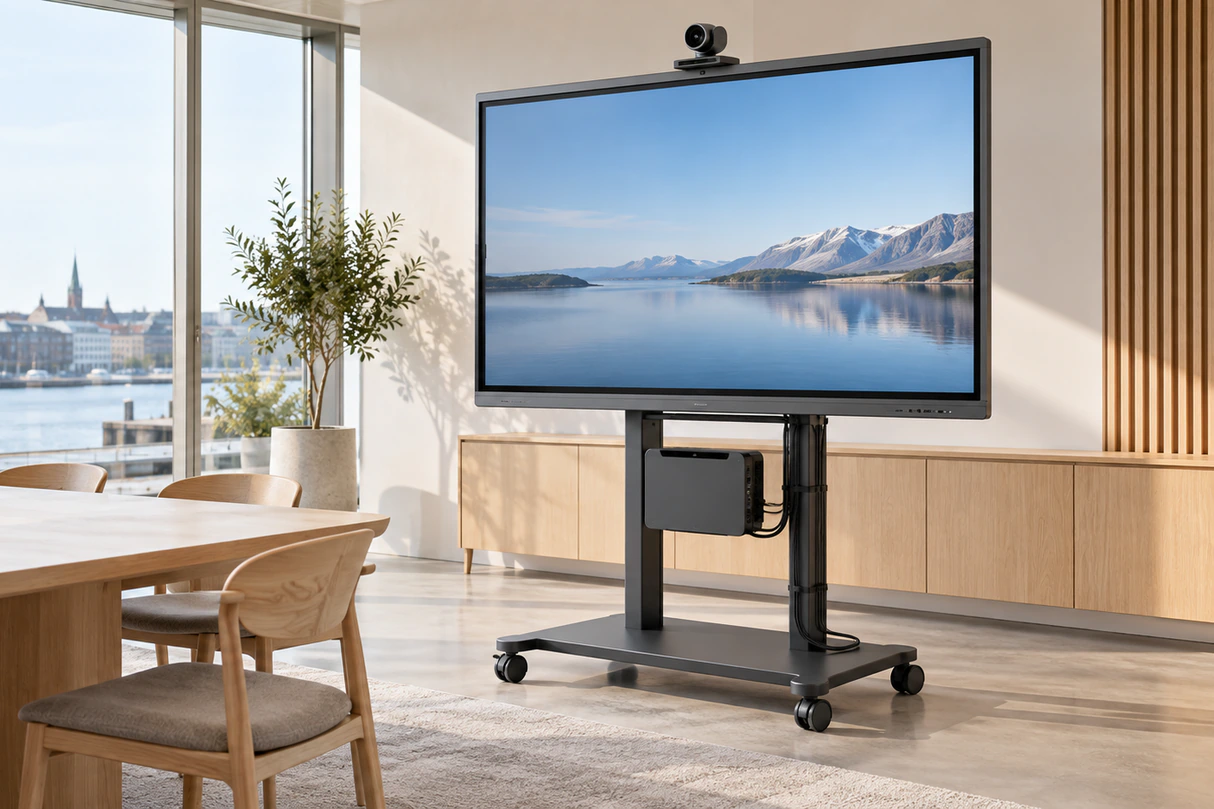
A Danish architectural collaboration team needed a large interactive surface for reviewing building plans, material presentations and room-layout concepts. The team already managed its own Windows workstations and specialist software, so an integrated computer inside the display would have duplicated hardware and complicated software administration.
Project requirement:
The display needed to present detailed 4K content, return touch input to the team’s existing computer and support installation in a shared project-review room.
Lucky XFC response:
The project direction used the XFC-IWB-6500 external-PC architecture. The review separated the video connection from the touch-data connection and included the host operating system, software scaling, wall structure and user reach.
Sample validation:
The sample workflow covered 4K image output, touch mapping, plan navigation, annotation behavior, cable access and sleep/wake recovery with the intended workstation.
Problem addressed:
By confirming the system architecture before purchasing, the project avoided paying for unnecessary integrated computing hardware and reduced the risk of incompatibility with its controlled software environment.
Outcome:
The approved direction provided a clear basis for the display configuration, computer connection and room-installation plan. Final specifications remained tied to the approved sample and documentation.
Disclaimer: This anonymized representative scenario illustrates a suitable project workflow without identifying a customer or presenting unverifiable performance statistics.
65 Inch Touchscreen Monitor Project Process From Requirement to Shipment
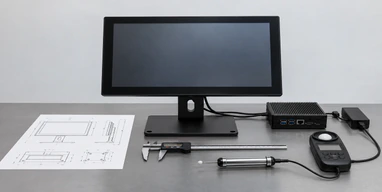
Requirement Review
Define the application, user workflow, quantity, target market, host system, software and installation environment.
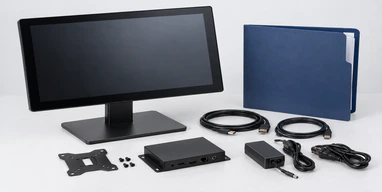
Configuration Selection
Confirm external PC, Android or Windows direction together with touch, interfaces, mounting and appearance requirements.
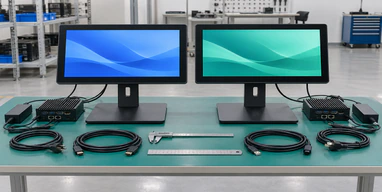
Technical Review
Review the datasheet, mechanical drawing, connection plan and supporting structure.
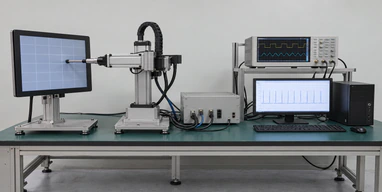
Sample Production
Prepare the approved starting configuration for customer-side software and installation validation.
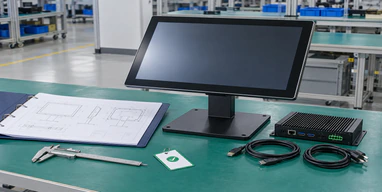
Sample Approval
Record image, touch, system and mechanical results. Resolve required changes before production approval.
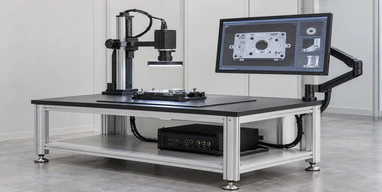
Production and Inspection
Manufacture against the approved configuration, complete inspection and coordinate packaging and shipment requirements.
Closing note: Project timing depends on configuration, sample changes, quantity and destination. Confirm the schedule in the formal quotation.
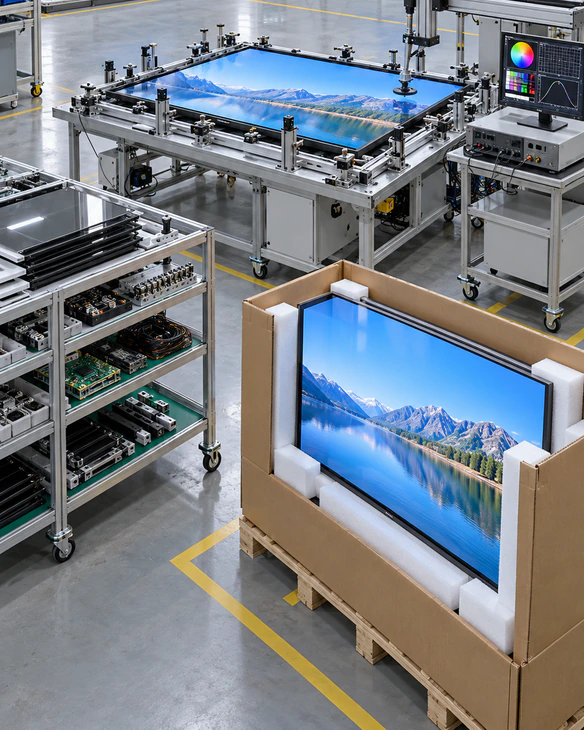
How Lucky XFC Controls 65 Inch Touchscreen Monitor Production Quality
Quality control begins with a clearly defined configuration. Model, display direction, touch system, computing architecture, appearance and accessories must be recorded before production.
Incoming material review:
Check the selected display, touch components, controller, housing parts and relevant accessories against the project record.
Assembly control:
Follow the approved work instructions and prevent unapproved substitutions.
Functional inspection:
Review display output, touch operation, controls, selected interfaces and configuration-specific functions.
Appearance inspection:
Check visible glass, frame, finish, logo placement and assembly condition.
Pre-shipment confirmation:
Verify the approved quantity, configuration, accessories, documentation, packaging and shipping marks.
Procurement note: Request the applicable inspection scope and available compliance documents for the exact selected configuration. Do not assume that documentation from another model automatically applies.
Information Needed for an Accurate 65 Inch Touchscreen Monitor Quote
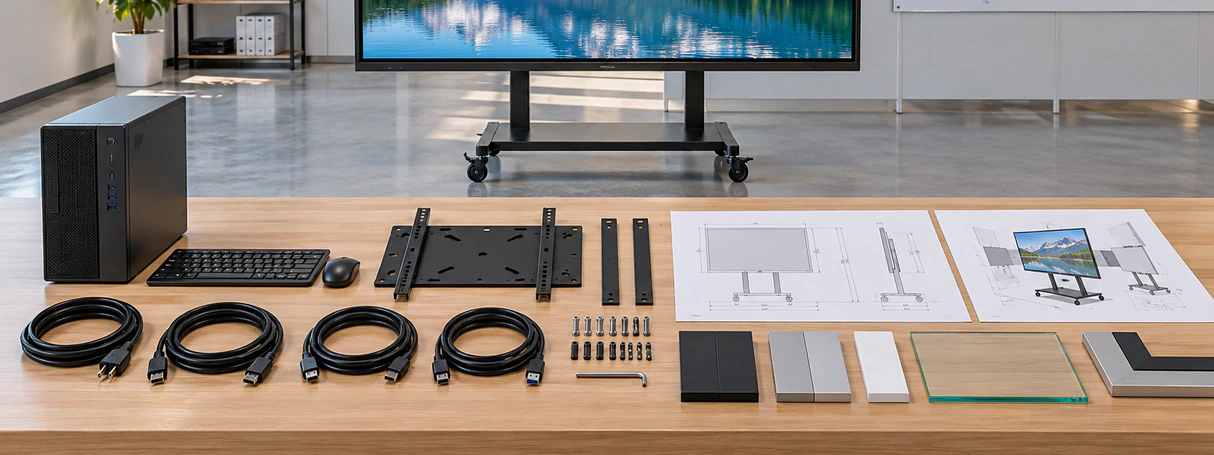
Send the following information to receive a more useful technical response and quotation:
65 Inch Touchscreen Monitor Frequently Asked Questions
Does the 65 Inch Touchscreen Monitor include a computer?
Is the XFC-IWB-6500 a 4K touchscreen?
How does the touchscreen connect to a computer?
Why can I see the image when touch is not working?
Can the monitor run Android applications?
Can the monitor run Windows software without an external PC?
Can the 65-inch monitor be wall mounted?
Can it be installed on a mobile stand?
Does the monitor include a camera and microphone?
How many touch points does it support?
Can Lucky XFC customize the housing and logo?
Can I order one sample?
What documents should be approved before ordering?
How do I receive a quotation?
Explore Related 65 Inch Touchscreen Monitor Solutions and Resources
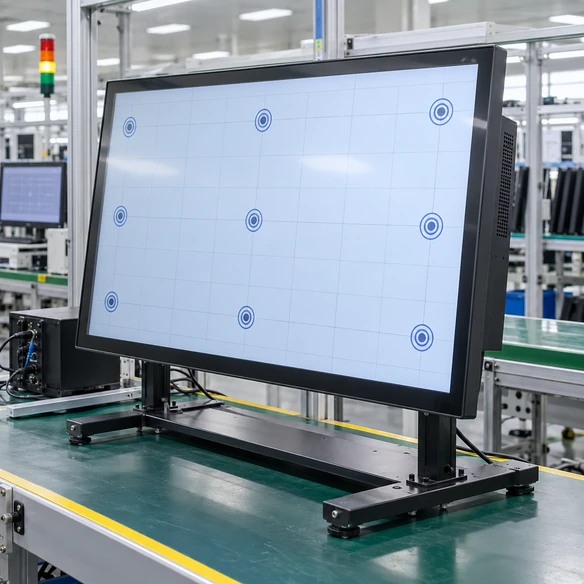
Interactive Touchscreen Monitors
Compare interactive displays by application, system architecture and installation format.

Large Touch Screen Monitors
Explore large-format touch displays for commercial and shared-use projects.
4K Touch Screen Monitors
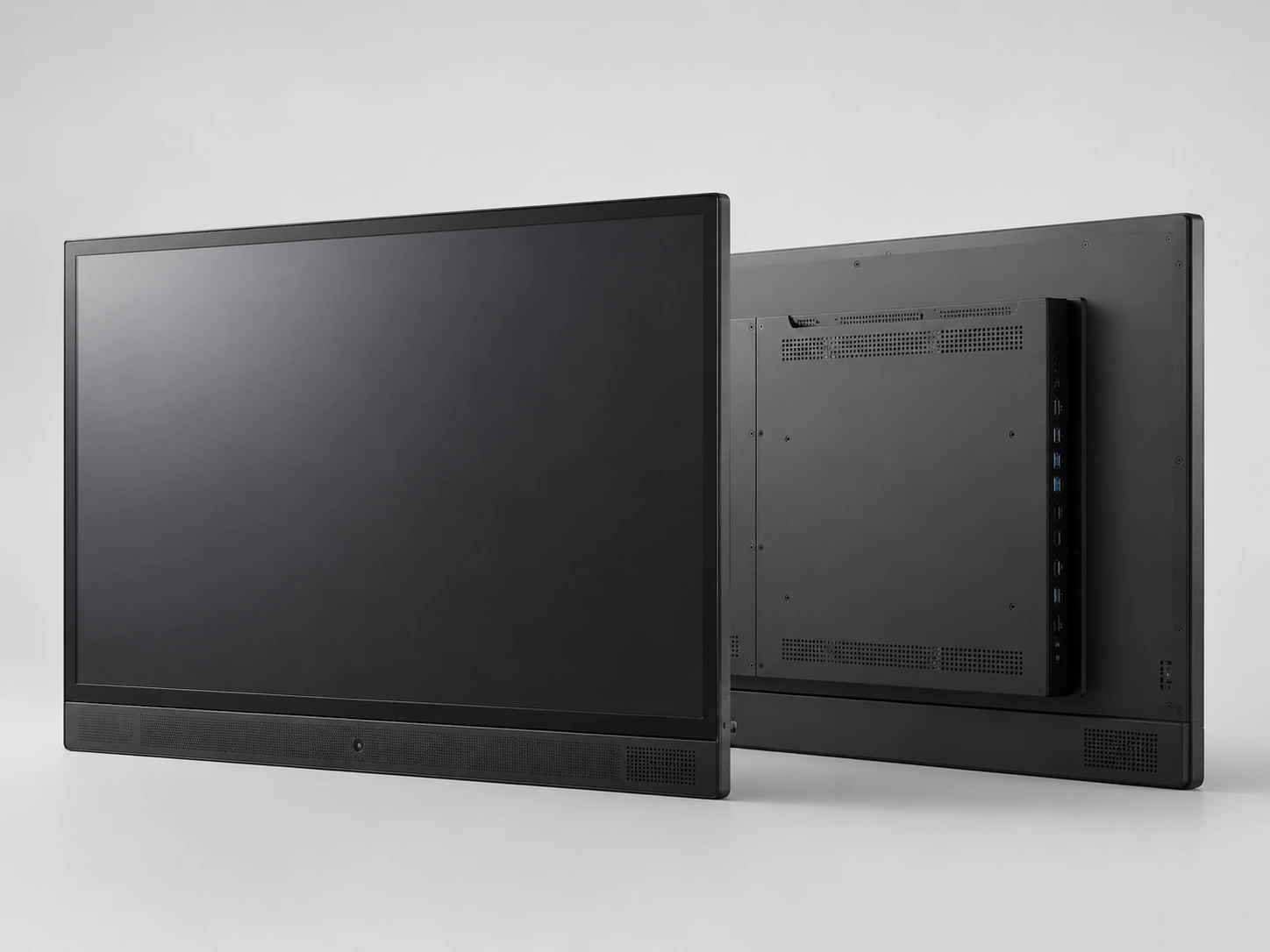
Review 4K touchscreen directions for detailed visual and interactive applications.
Touchscreen Displays
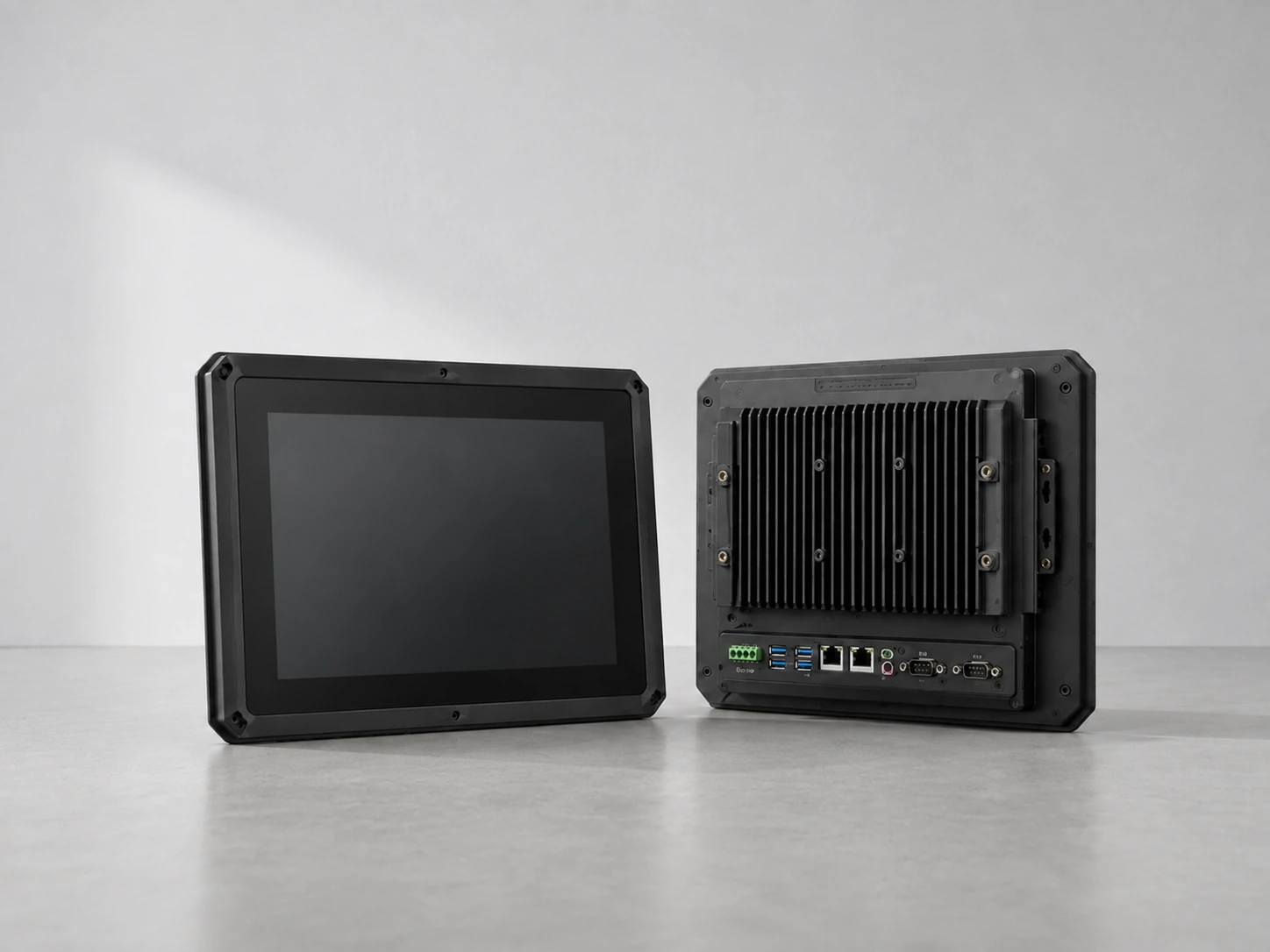
Understand display, touch, controller and integration choices.

Touchscreen Computers
Compare integrated computing with external-host touchscreen architecture.
Interactive Whiteboards
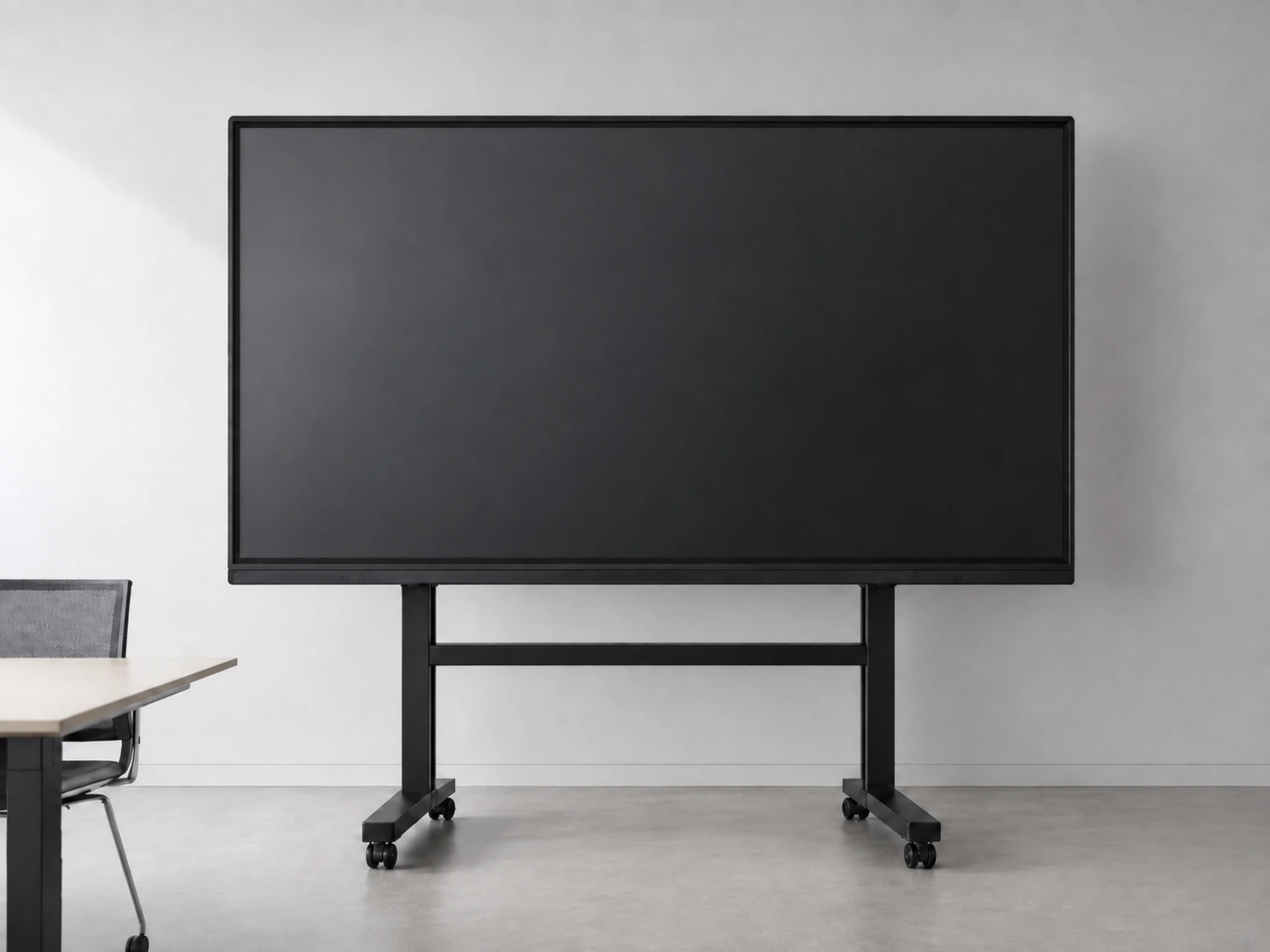
Explore large interactive display directions for presentation and collaboration.
Request Your Custom 65 Inch Touchscreen Monitor Quote
Tell Lucky XFC how the display will be used, what computer or operating system it must work with and how it will be installed. The team will review the product level, touch configuration, connection plan and customization scope before preparing a quotation.
For a faster review, include your application, quantity, destination, host system, software environment, required interfaces and installation drawing.
