
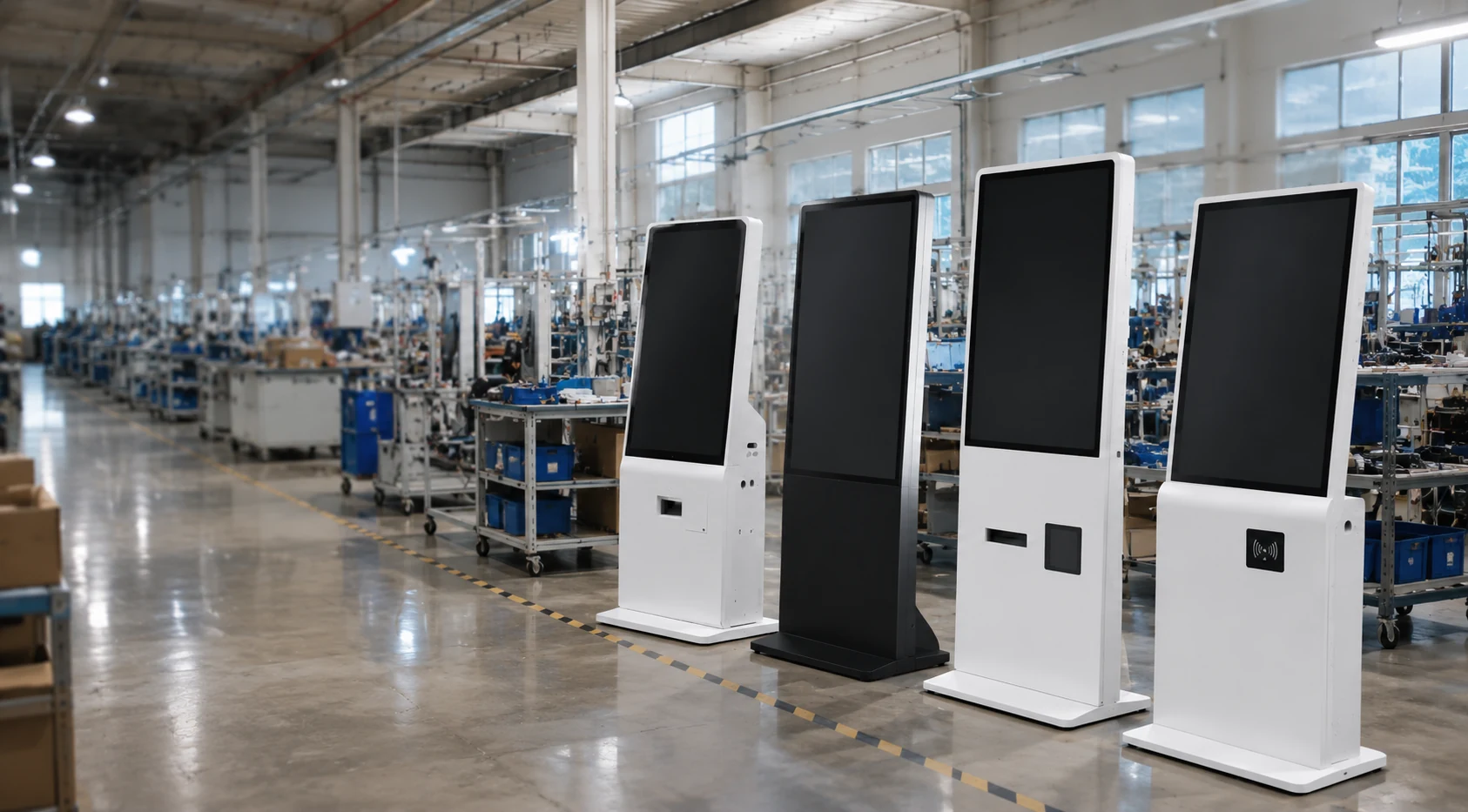
B2B DISPLAY MANUFACTURER • OEM/ODM • MOQ 1 PIECE
Floor Standing Digital Signage for Retail, Wayfinding & Commercial Spaces
Lucky XFC provides configurable floor standing digital signage for advertising, information display, visitor navigation and interactive commercial applications. Choose touch or non-touch operation, an Android-based configuration or external media player workflow, and a structure adapted to your location and branding requirements.
A Floor-Standing Display Configured Around Your Project
Application
Advertising, wayfinding, directories, product browsing and commercial information.
Installation
Freestanding or engineered base-mounted structure.
Interaction
Non-touch or optional touchscreen configuration.
Playback
Local media, Android application, external player or compatible CMS.
Connectivity
USB, Ethernet, Wi-Fi and project-specific network options.
Customization & MOQ
Screen, enclosure, color, logo, interfaces. Starting from 1 piece.
Floor Standing Digital Signage Configurations
Select a base configuration to adapt to your application, interaction needs, and deployment environment.
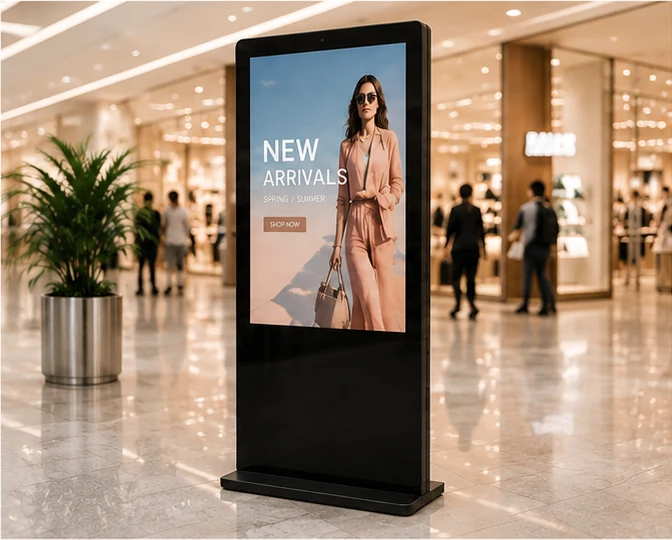
Standard Floor-Standing Digital Poster
Ideal for advertising, promotions, menus, and brand content loop playback. Features a strong vertical visual presence with simple non-touch operation.
- Non-touch configuration
- Local USB or network CMS playback
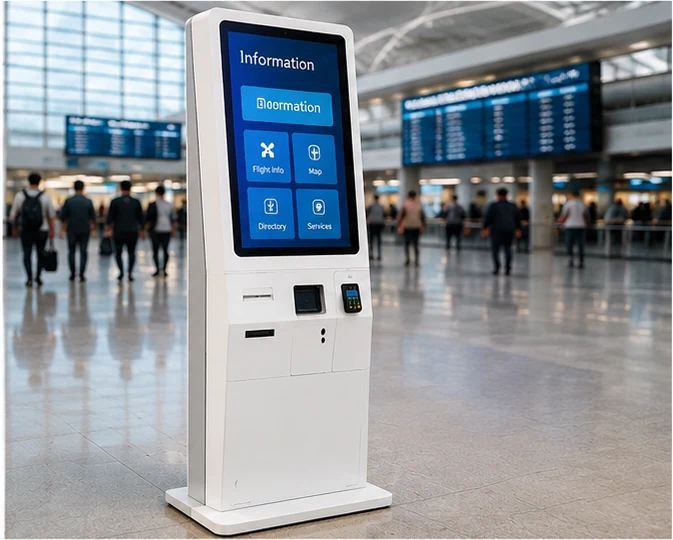
Interactive Touchscreen Kiosk
Designed for directories, wayfinding, product browsing, and interactive visitor journeys. Touch technology and OS configured to your software.
- Multi-point touch technology
- Android or Windows integration
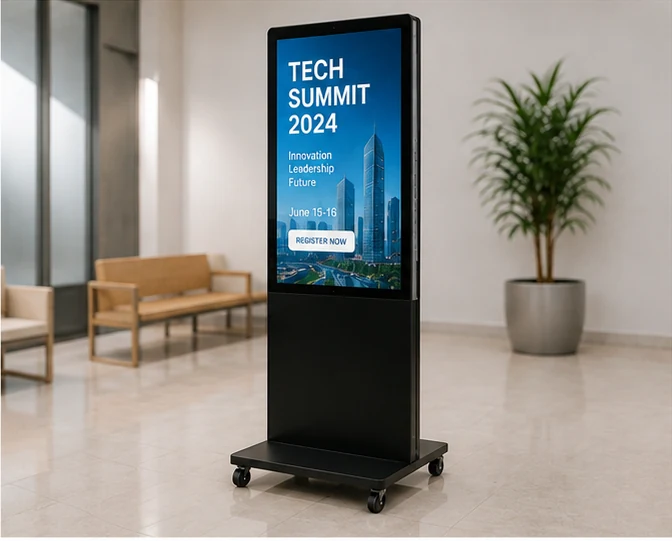
Mobile Floor-Standing Display
Engineered with lockable casters or a movable base structure for temporary events, exhibitions, or flexible store layouts.
- Integrated mobility base
- Secure cable management
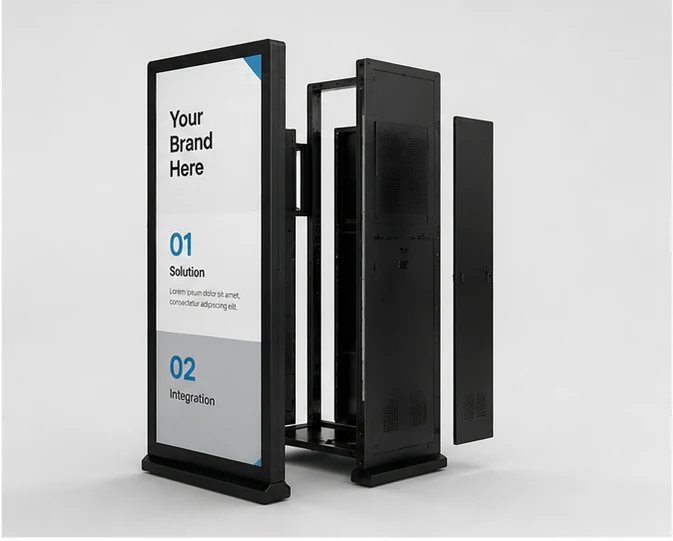
Custom OEM/ODM Solution
Project-specific customization of enclosure structure, color, branding, interfaces, and internal computing hardware.
- Custom shape and color
- Peripheral device integration
Not sure which configuration fits your location? Share the application, screen size, quantity and installation environment for a project-based recommendation.
Replace Static Signage with a More Flexible Display Workflow
Overcome common commercial display deployment challenges with a purpose-built freestanding solution.
Wall installation is unavailable
Wall mounting may be restricted in rented spaces, glass facades, or frequently changing retail layouts.
Provide stable, freestanding enclosures that require only floor space and power access.
Consumer TVs lack durability
Standard TVs are not designed for portrait installation, custom enclosures, or continuous commercial operation.
Integrate commercial-grade panels with appropriate cooling and structural support for vertical use.
Unclear hardware compatibility
Mismatches between the display, Android hardware, media player, and CMS can delay deployment.
Review software requirements beforehand to recommend the correct internal computing configuration.
Unnecessary touch functionality costs
Touch screens add cost and complexity when the audience only needs passive information playback.
Offer dedicated non-touch advertising displays to reduce project costs where interactivity is not required.
Why Choose Floor-Standing Digital Signage?
Understand the practical procurement and deployment benefits of a freestanding commercial display.
Flexible Placement
A freestanding structure can be positioned in lobbies, aisles, or entrances without relying on a permanent wall installation, though assembly and power access are still required.
Eye-Level Visibility
Vertical screens naturally align with the viewer's line of sight, presenting promotions, directions, and branded content effectively in high-traffic areas.
Touch or Non-Touch Options
Touch is useful for product browsing, directories, and interactive journeys, while non-touch is simpler and more cost-effective for continuous advertising playback.
Multiple Playback Workflows
Supports USB loop playback, Android applications, external media players, and compatible CMS workflows (compatibility must be verified per project).
OEM/ODM Integration
Customization extends beyond the screen to include enclosure design, brand colors, logos, interfaces, and specific computing hardware integration.
Clear Project Documentation
We provide specification approval, applicable mechanical drawings, and configuration confirmation before production begins to ensure accuracy.
Floor Standing Digital Signage Applications
Adaptable display solutions for diverse commercial environments.
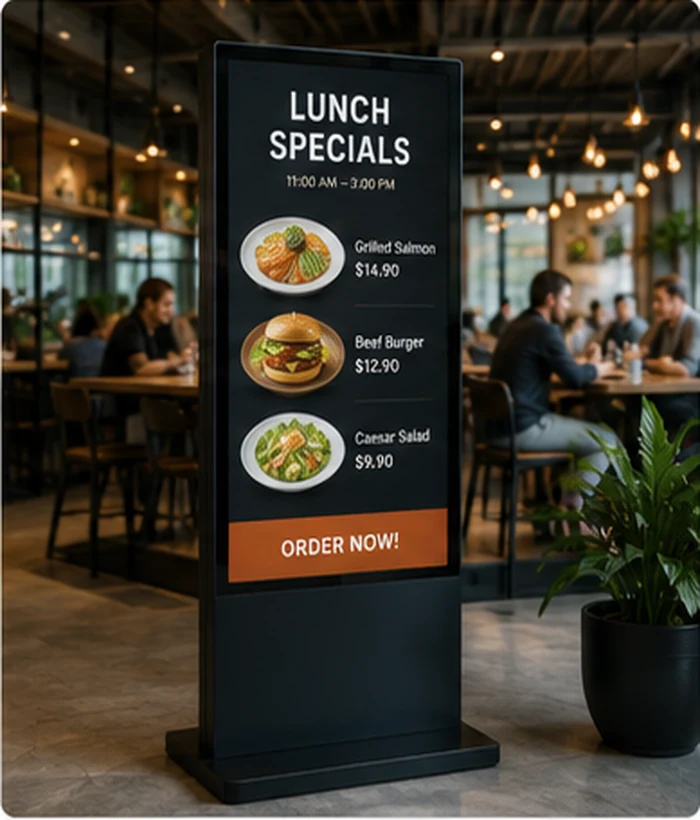
Retail & Malls
Promotions, product launches, campaign content, in-store navigation, and interactive catalogs.
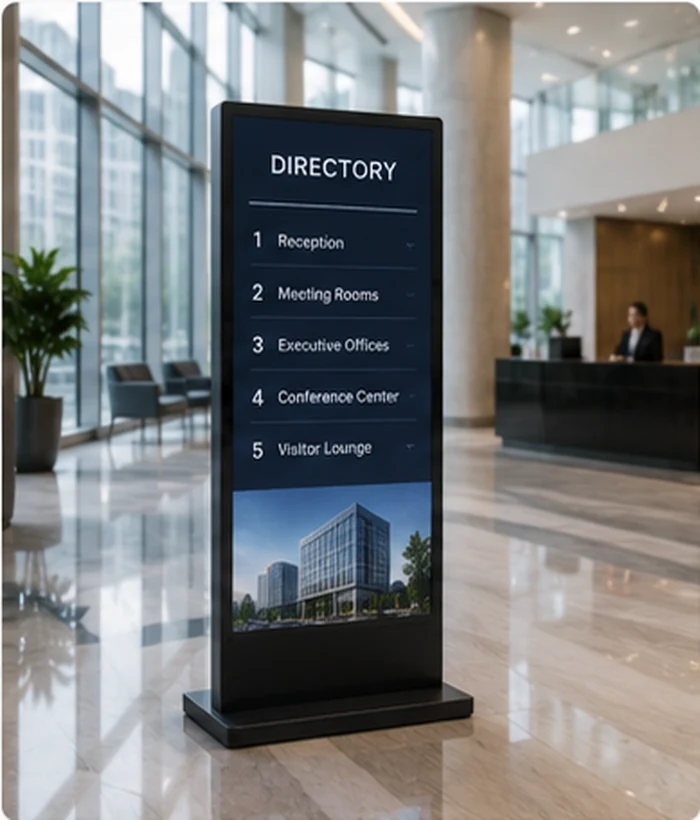
Corporate Lobbies
Visitor information, digital directories, company news, reception guidance, and branded communication.
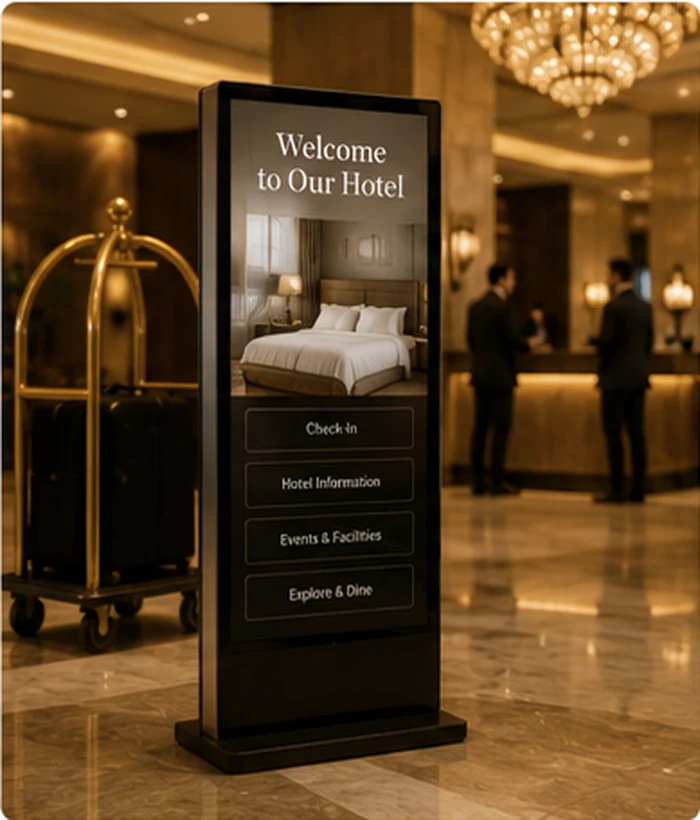
Hotels & Hospitality
Welcome information, event schedules, property directories, and hotel service promotion.
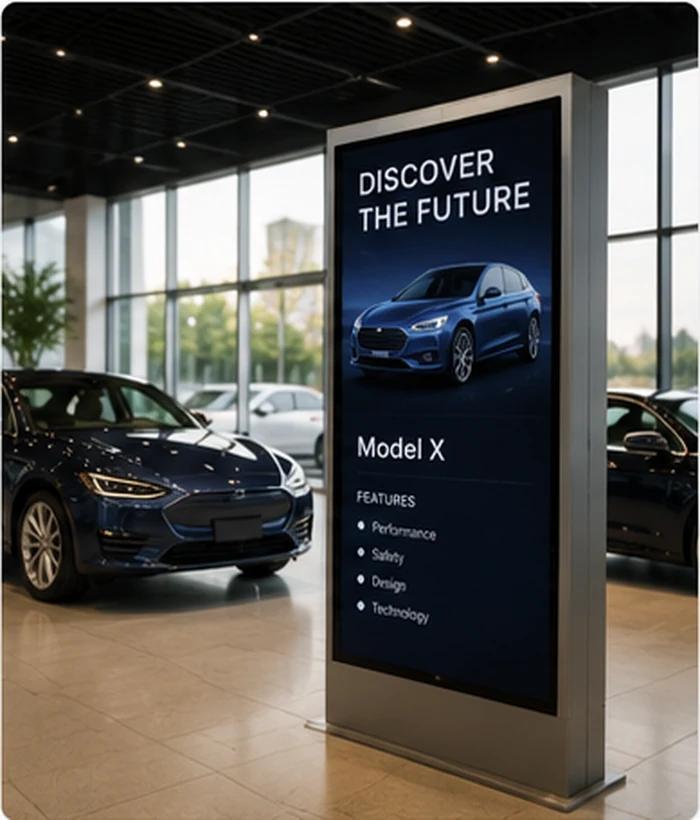
Showrooms & Dealerships
Product videos, specifications, comparisons, lead capture, and branded presentations.
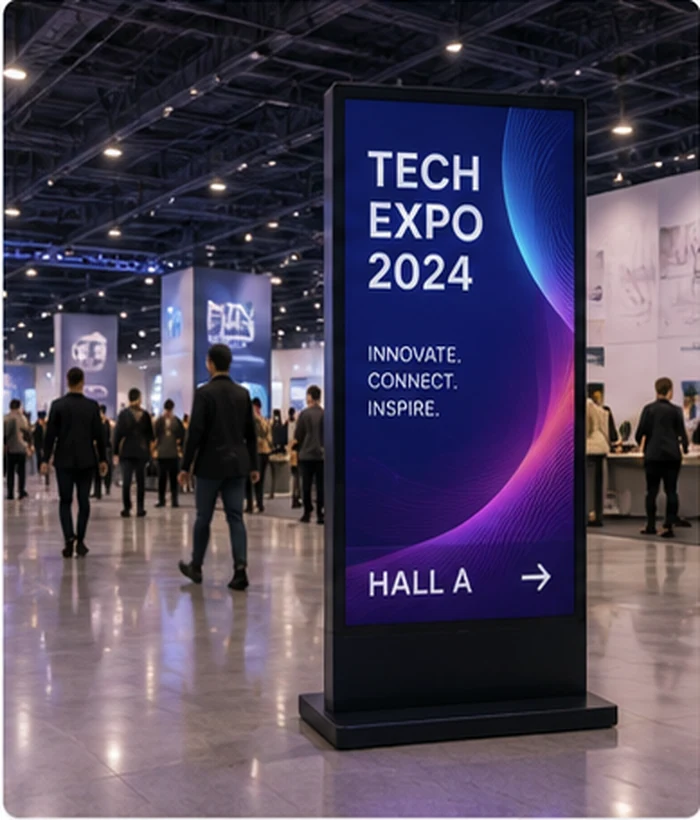
Exhibitions & Events
Temporary campaigns, booth information, event agendas, sponsor content, and visitor guidance.
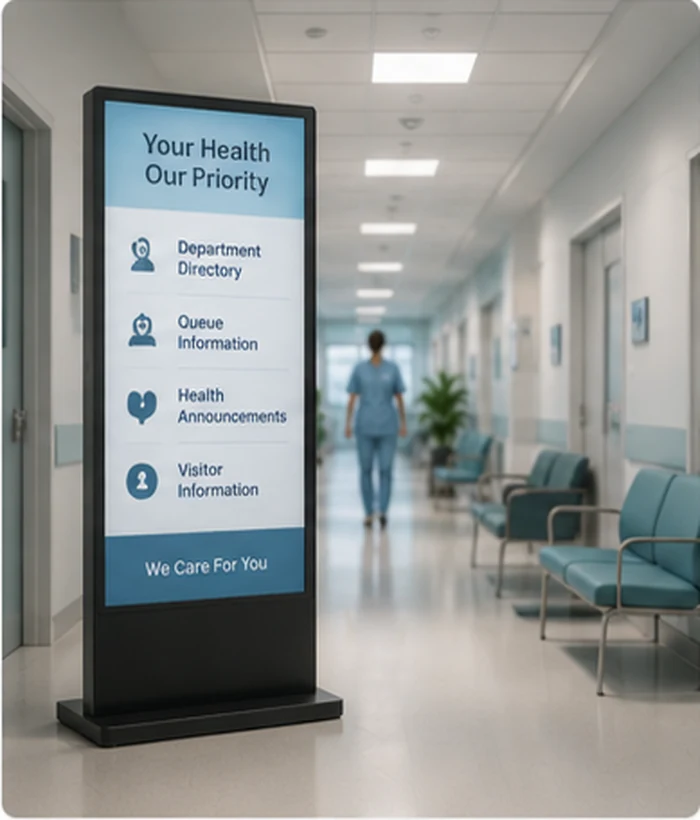
Healthcare & Public
Department directories, queue information, public announcements, and visitor navigation.
Restaurants & Food
Digital menus, daily promotions, ordering guidance, and dynamic campaign content.
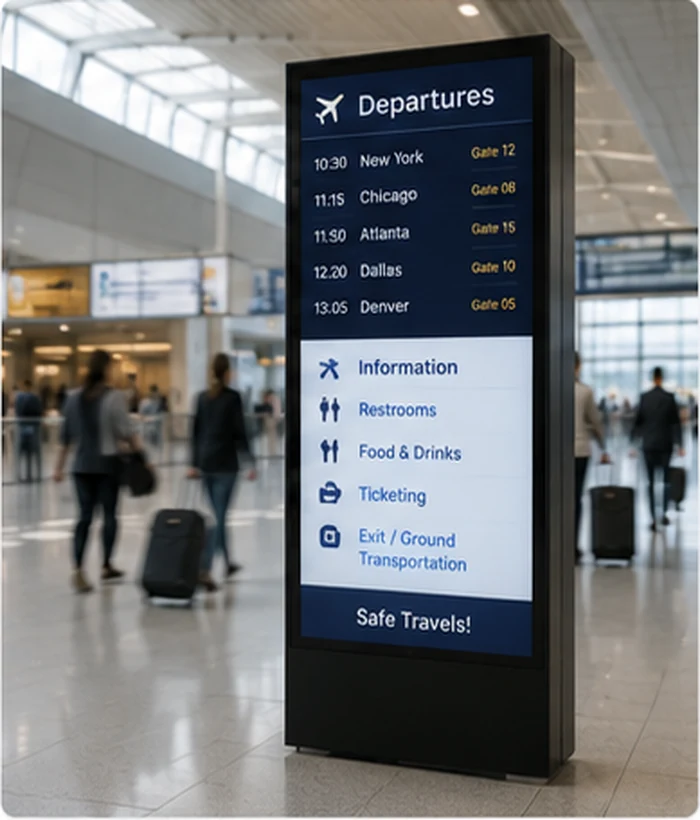
Transportation
Indoor wayfinding, transit schedules, public information, and commercial advertising.
Floor Standing Digital Signage Specifications
Review the available parameters. Final specifications depend on the chosen model and approved project configuration.
Display Options
- Screen Size:
- 32" to 86" (Project specific)
- Panel Technology:
- Commercial TFT-LCD / IPS
- Resolution:
- 1920×1080 (FHD) / 3840×2160 (4K)
- Brightness:
- 300 to 700 nits (Indoor models)
- Orientation:
- Portrait (Standard) / Landscape
- Touch Option:
- IR or PCAP (Optional)
- Protective Glass:
- Tempered glass standard
System & Playback
- Operating System:
- Android / Windows / Standalone
- CPU/Memory:
- Configurable based on OS
- Local Playback:
- USB loop playback supported
- Split-Screen:
- Supported (Software dependent)
- Power Control:
- Scheduled auto on/off
Connectivity & Structure
- Network:
- RJ45 Ethernet, Wi-Fi, Optional 4G
- Interfaces:
- USB, HDMI, Audio (Model specific)
- Enclosure:
- Metal housing, custom colors
- Mobility:
- Fixed base or optional casters
- Service Access:
- Rear or side maintenance doors
55-Inch Display Engine Reference
This is a display and system reference configuration (MZYHY55AZ), not a universal specification for every floor-standing enclosure. Final panel, structure, dimensions, weight, interfaces and optional functions must be confirmed in the approved model specification.
Floor-Standing Digital Signage vs Other Display Options
Compare display formats to select the right hardware for your commercial space.
| Feature | Floor-Standing Digital Signage | Wall-Mounted Signage | Consumer TV | Interactive Kiosk |
|---|---|---|---|---|
| Primary purpose | Eye-level commercial display & advertising | Space-saving commercial display | Home entertainment | Self-service & transaction tasks |
| Floor space requirement | Requires dedicated floor space | None | Varies (stand or wall) | Requires dedicated floor space |
| Wall installation | Not required | Required (structural support needed) | Optional | Usually not required |
| Portrait presentation | Standard / Optimized | Supported by design | Not recommended (cooling issues) | Supported |
| Touch capability | Optional | Optional | Rare | Standard / Essential |
| Custom enclosure | Highly customizable | Limited to bezel/frame | None | Highly customizable |
| Best-fit applications | Lobbies, retail aisles, temporary events needing strong visual presence. | Menu boards, narrow corridors, fixed informational screens. | Meeting rooms, low-intensity single screen use. | Ticketing, ordering, registration, complex directory searches. |
How Does Floor Standing Digital Signage Work?
Floor standing digital signage is a self-contained commercial display installed in a freestanding enclosure or base structure. Content can be played locally or delivered through an Android application, external media player or compatible content management system. The display presents scheduled advertising, information, wayfinding or interactive content without requiring a permanent wall-mounted screen.
Define the Content
Prepare advertising, product information, directories, menus, announcements or interactive applications in the correct screen ratio.
Select Playback
Choose USB playback, an Android application, an external media player or a compatible CMS.
Connect Display
Use the available Ethernet, Wi-Fi, USB or optional mobile network configuration.
Configure Schedule
Set playlists, screen layouts, orientation and power schedules according to the hardware and software.
Publish & Maintain
Update content through the chosen workflow and maintain physical access, ventilation and cable security.
Touch vs Non-Touch Floor Standing Digital Signage
Determine the level of interactivity required by your audience.
Non-Touch (Display Only)
- Advertising & Promotional videos
- Digital Menus
- Public Announcements
- Queue information
- Passive wayfinding
- Brand content loops
Touchscreen Kiosk
- Product browsing & Catalogs
- Interactive directories
- Detailed wayfinding
- Visitor information access
- Lead capture forms
- Check-in or customer applications
Rule of Thumb: Choose touch only when the visitor needs to select, search, navigate or complete an action. For passive advertising and information playback, a non-touch configuration is usually simpler and more cost-effective.
Discuss a Touchscreen OptionIndoor vs Outdoor Floor Standing Digital Signage
While enclosures may look similar, indoor and outdoor models have fundamentally different engineering requirements.
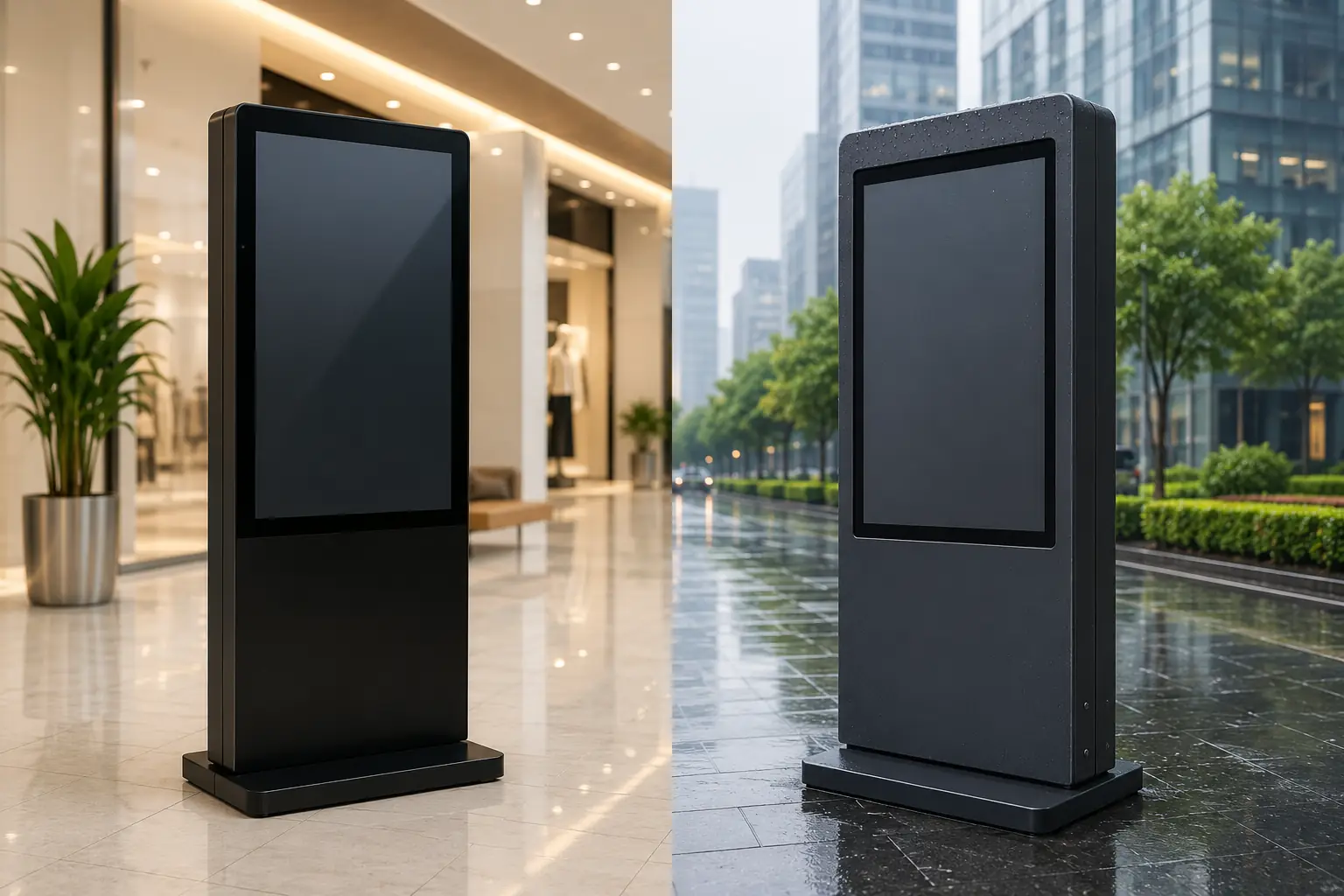
| Factor | Indoor Models | Outdoor Models |
|---|---|---|
| Brightness | 300 – 700 nits | 1500 – 3000+ nits (Sunlight readable) |
| Weather Protection | Basic dust protection (IP4X typical) | Fully sealed (IP55/IP65) against rain/dust |
| Temperature Control | Standard passive or basic fans | Advanced HVAC or smart fan cooling/heating |
| Glass Protection | Standard tempered glass | Anti-reflective, UV-blocking, vandal-resistant (IK10) |
| Cost | Standard commercial pricing | Significantly higher due to engineering |
Critical Warning: A standard indoor floor-standing digital signage display must not be placed outdoors or directly behind a sun-exposed window unless its brightness, thermal design and environmental protection are suitable for that location.
Outdoor and high-brightness projects should be evaluated through the appropriate digital advertising display solution.
How to Choose Floor Standing Digital Signage
Follow these 7 steps to define your project requirements before requesting a quote.
Define the Business Objective
Determine if the primary goal is advertising, brand display, wayfinding, product cataloging, interactive browsing, registration, or self-service tasks.
Measure Space and Viewing Distance
Confirm the exact location, available floor width, overall height limits, base footprint, normal viewing distance, and traffic flow direction.
Evaluate Ambient Light
Consider nearby windows, reflections, lighting, and viewing angles. Do not default to the highest brightness if standard indoor brightness is sufficient.
Choose Screen Size and Orientation
Select dimensions based on reading distance, content density, and installation space. Most floor-standing models are optimized for portrait content.
Choose Touch or Non-Touch
Select touch only if users must actively complete operations. Avoid adding touch solely for a "premium" feel if the content is passive.
Confirm System and Content Workflow
Confirm if you need an integrated Android board, Windows PC, support for an external media player, simple USB loop, or specific CMS network requirements.
Confirm Structure and Project Requirements
Finalize base stability, optional casters, fixing methods, cable routing, ventilation, color, logos, order quantity, destination, and timeline.
What Determines Floor Standing Digital Signage Cost?
Pricing is determined by the specific hardware, structure, and software configuration required for your project.
Complete project cost = display hardware + computing or media player + enclosure and base + software or CMS + customization + packaging and logistics + installation and support.
Display & Touch
Screen size, panel quality, resolution, brightness, and touch technology.
Computing Hardware
Android or Windows specifications, memory, storage, and media player requirements.
Enclosure & Structure
Material, base structure, mobility (casters), custom color, and branding.
Project Scope
Order quantity, peripheral integration, prototype engineering, and international packaging.
Custom Floor Standing Digital Signage OEM/ODM
Adapt the structure, hardware, and branding to match your project specifications.
Customization Scope
- Screen size & panel spec
- Touch or non-touch
- Android/Windows config
- Memory & storage
- Interfaces & connectivity
- External player integration
- Enclosure shape & structure
- Base, casters or fixing
- Color & surface finish
- Logo & branding
- Peripheral integration
- Cable routing & access
- Packaging & labeling
All custom items require engineering feasibility evaluation and final specification confirmation.
Project Workflow
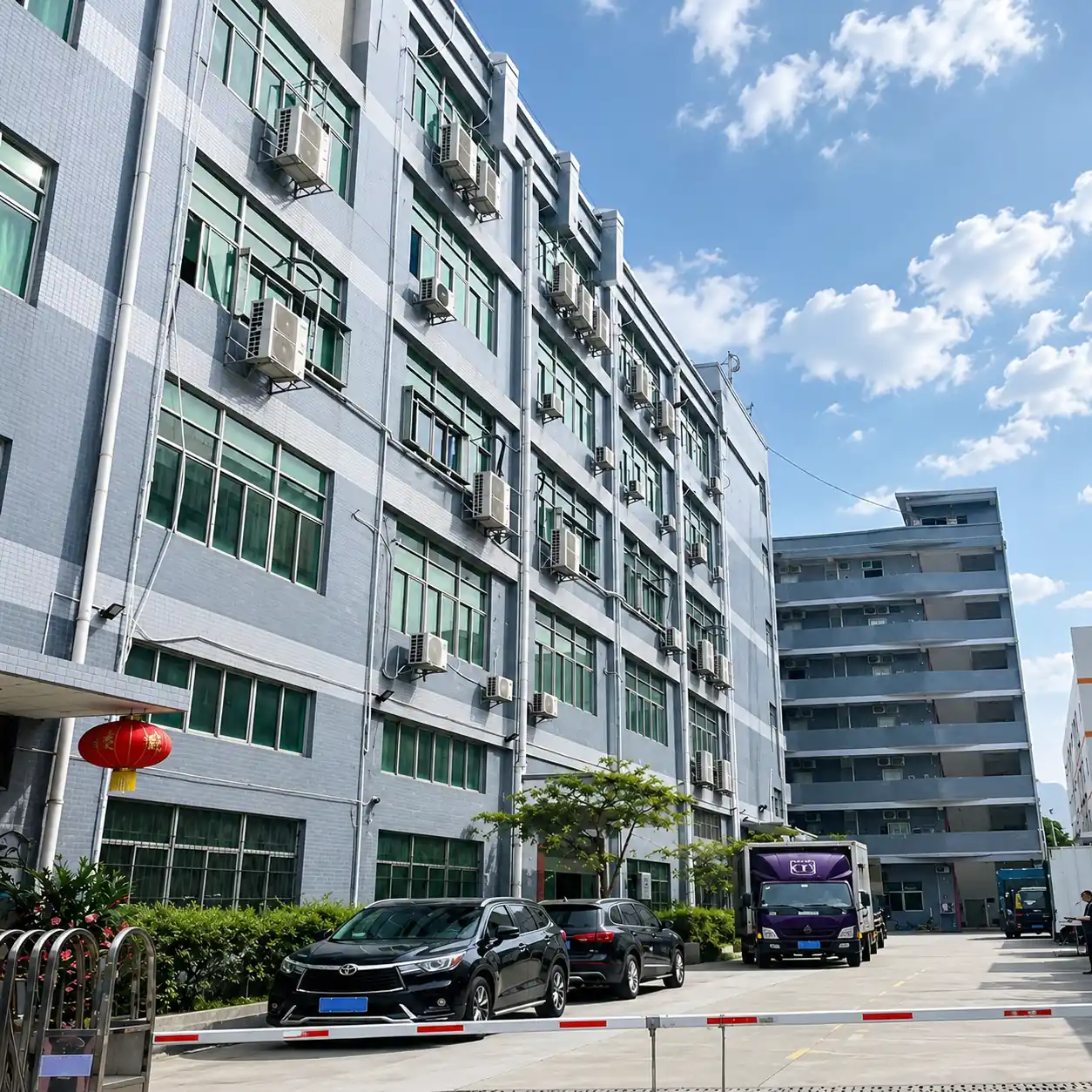
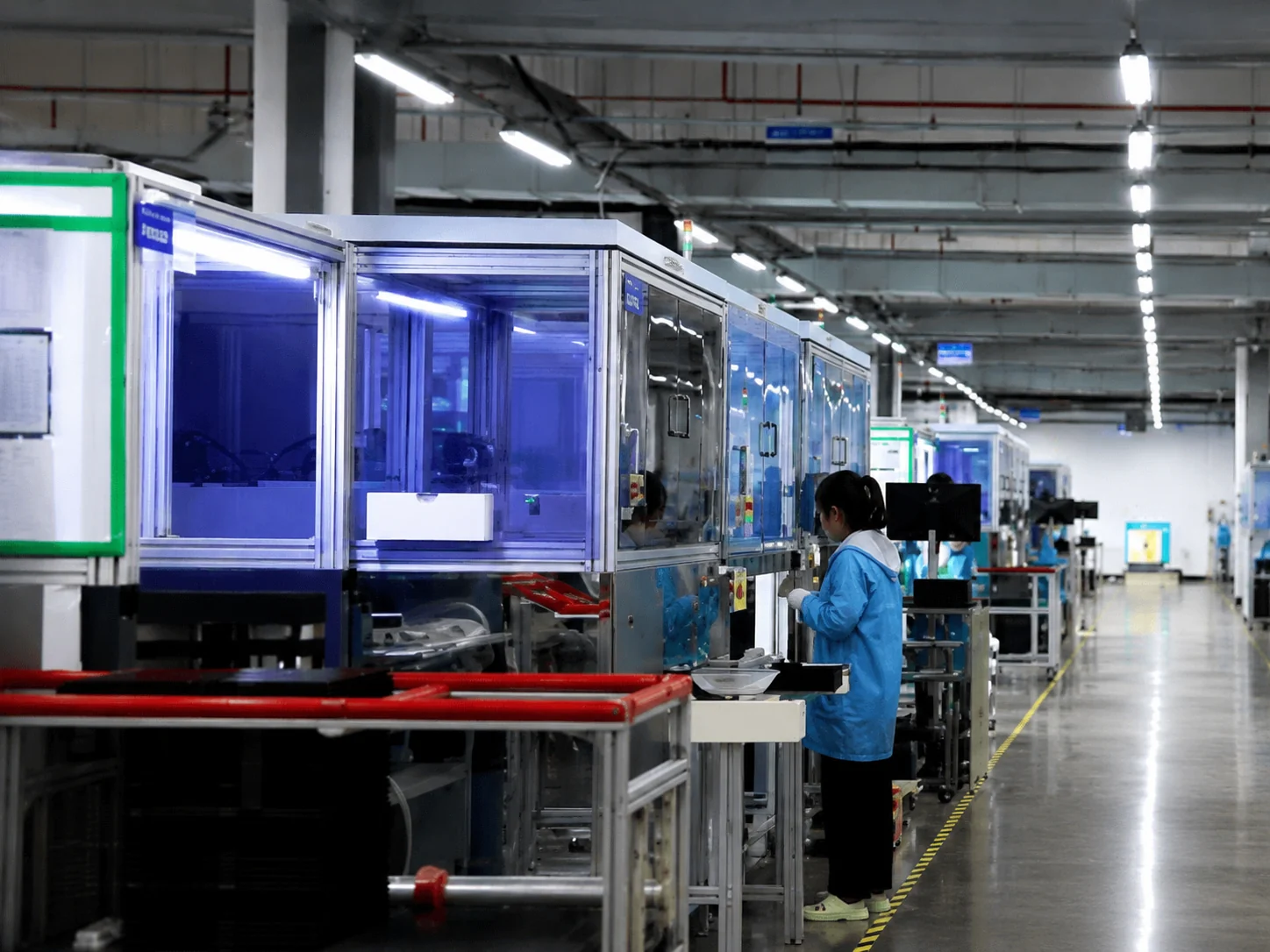
A Commercial Display Manufacturing Partner Since 2013
Lucky XFC ensures display, computing hardware, and enclosure coordination before production to deliver reliable commercial hardware.
Project Support Process:
- Requirement review before production
- Mechanical structure and interface confirmation
- Prototype and application evaluation
- Inspection against the approved specification
- Export packaging preparation
Certification availability depends on the selected product and destination market.
Get a Complete Project QuoteInside the Factory: Production & Quality Testing
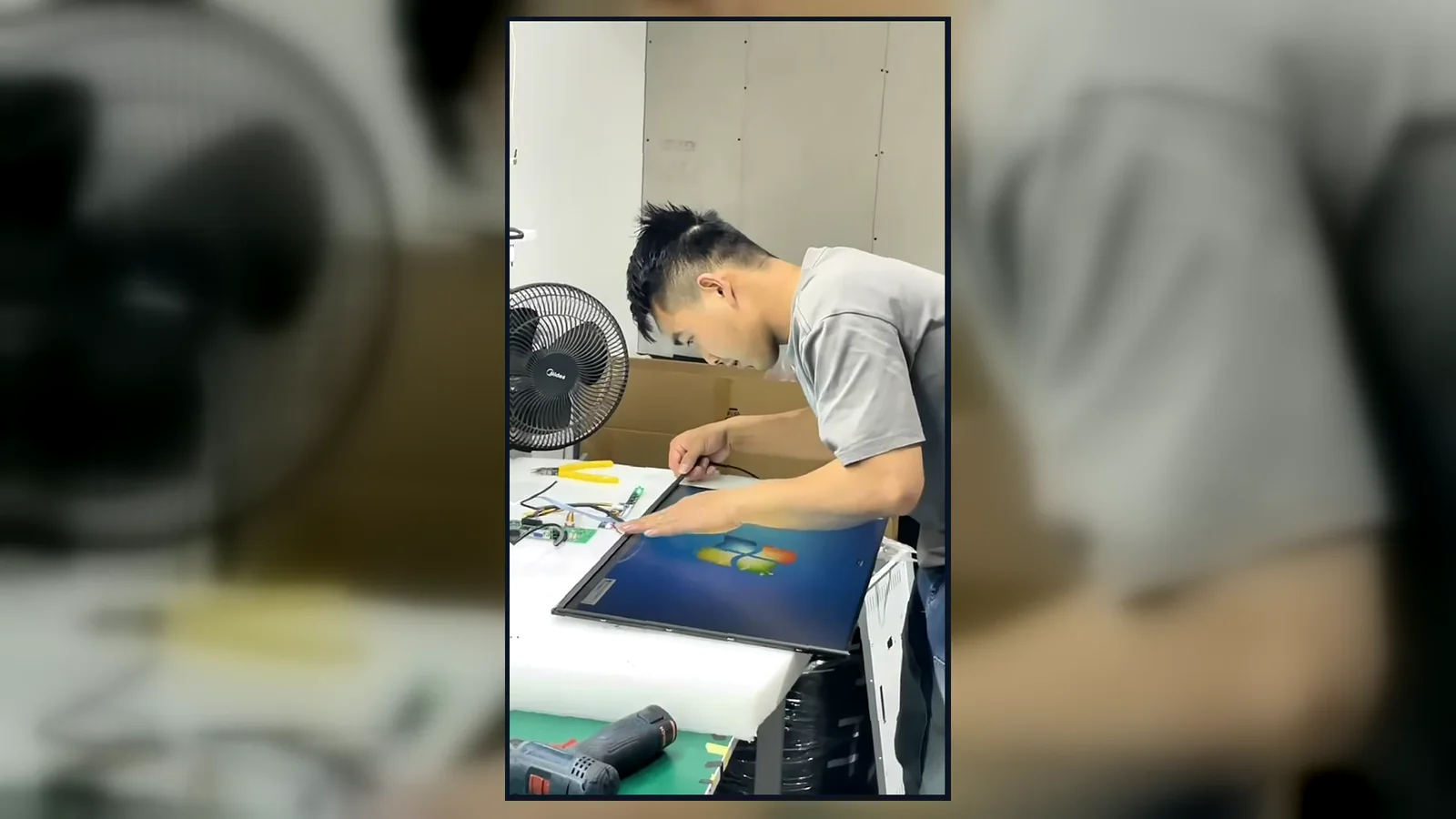
Watch our brief 45-second overview showcasing the rigorous assembly and testing procedures at our facility. See firsthand how our QC team conducts 100% inspections to verify touch response, display quality, interfaces and appearance according to the approved specifications.
Global Quality & Compliance Standards
Our products are manufactured under strict quality control systems and comply with international standards, ensuring reliability and safety for your projects.

ISO 9001:2015
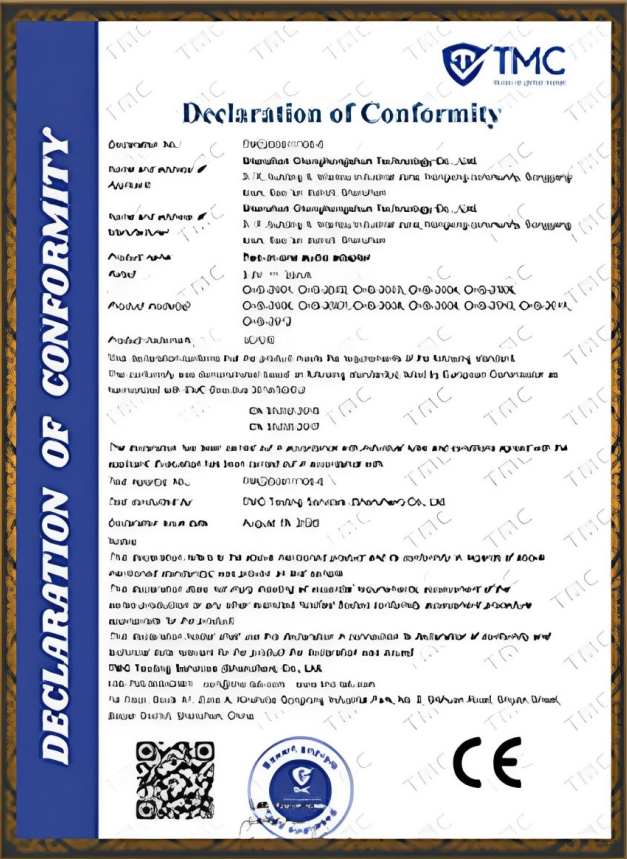
CE Certification

FCC Certification

RoHS Compliance

IP56/IP65/IP67/IK10
Explore Related Lucky XFC Display Solutions
Floor Standing Digital Signage FAQs
Common technical and procurement questions.
1. What is floor standing digital signage?
2. How does floor standing digital signage work?
3. What are the advantages of floor standing digital signage?
4. Where is floor standing digital signage commonly used?
7. Should I choose touch or non-touch digital signage?
9. Can I use my own digital signage software or CMS?
11. Can floor standing digital signage be installed vertically?
13. What is the difference between indoor and outdoor digital totems?
15. Can the enclosure, color, Logo and interfaces be customized?
16. What information is required for a quotation?
Get the Right Floor Standing Digital Signage Configuration
Share your application, preferred screen size, installation environment, touch requirement, system, quantity and destination. Lucky XFC will review the project and recommend a suitable configuration for quotation.
