
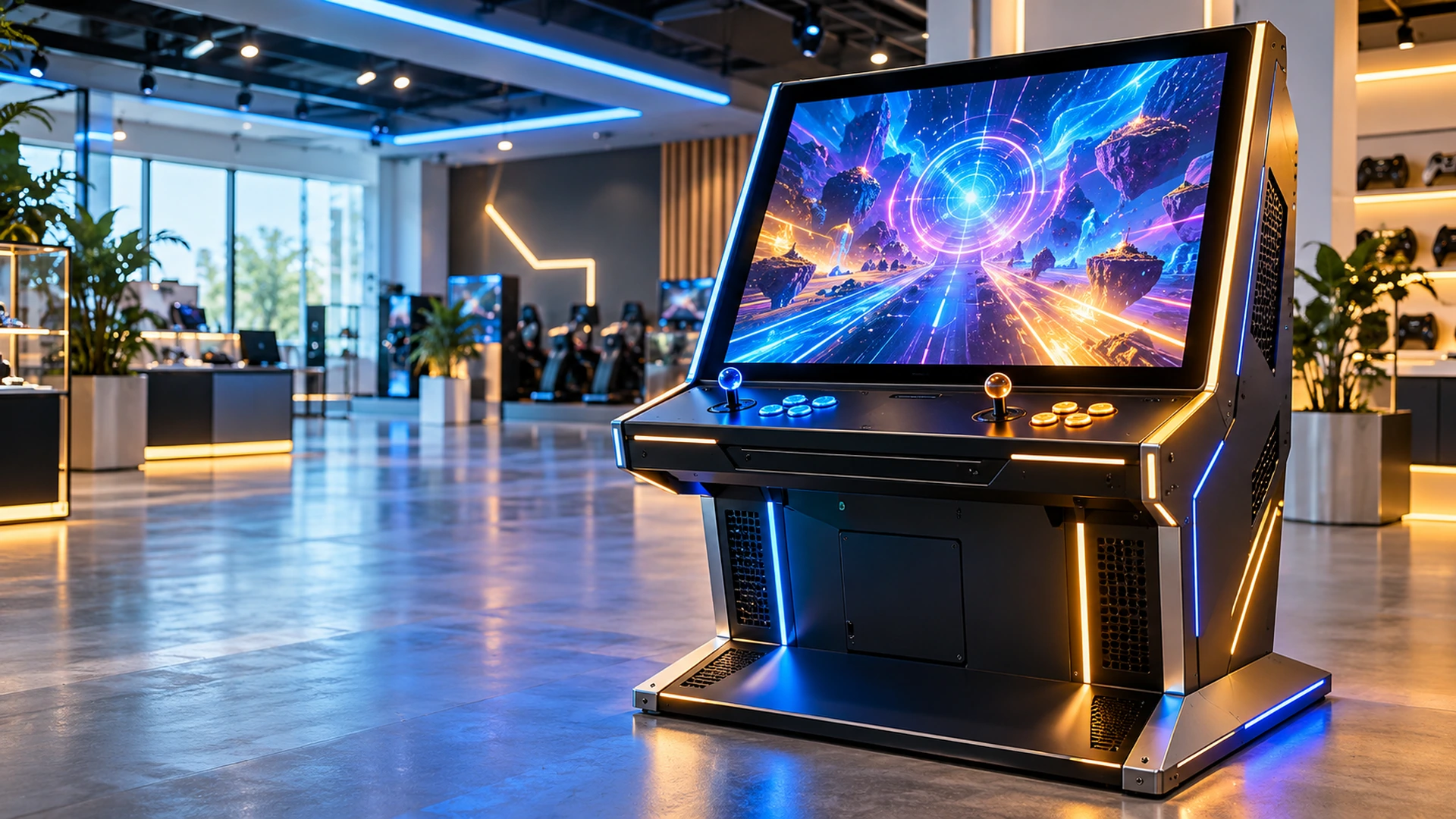
Gaming Touchscreen Monitor Manufacturer for Custom Cabinets
Configure the display shape, screen size, touch system, resolution, interfaces, power and mounting around your gaming cabinet. Lucky-XFC supplies flat, open-frame, C-type curved, J-type curved and custom multi-screen display hardware for equipment integration.
Boundary: Lucky-XFC supplies display and touch components for custom equipment. Complete gaming machines and game software are outside this product scope.
- 21.5–43 inch flat touchscreen starting range
- 32–55 inch documented curved families
- PCAP touch and metal-housing references
- Drawing-based OEM/ODM cabinet integration
Gaming Touchscreen Monitor Project Scope at a Glance
A gaming touchscreen monitor is a display and touch component designed to work with a gaming computer, cabinet, power system and mechanical structure. The right monitor must match more than the diagonal size. Screen shape, active display area, touch layer, video output, power input, mounting points, cable direction and user interaction must work together.
5 Product Paths
C-type, J-type, flat, open-frame and custom multi-screen
21.5–55 Inch
Documented starting range across current flat, open-frame and curved products
PCAP Touch
Verified across current flat, open-frame and curved references
External Gaming Host
The monitor normally receives content from a separate gaming computer or controller
OEM/ODM Review
Display structure, touch, housing, mounting, interfaces and branding may be evaluated
Note: Product availability and final specifications are confirmed using the selected model sheet, cabinet drawing and approved project configuration.
Gaming Touchscreen Monitor Product Formats
Choose the display shape according to the cabinet profile, interaction zone and available installation space.
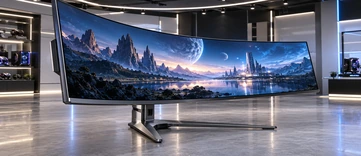
C-Type Curved Gaming Touchscreen Monitors
Use a continuous concave display surface when the main screen must follow a C-shaped cabinet profile. Verified reference sizes cover 32, 43, 49 and 55 inches.
Selection cues:
Curve profile · Cabinet width · Interaction area · Mounting
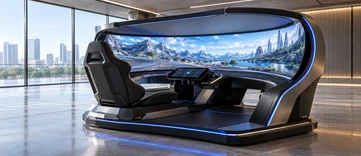
J-Type Curved Gaming Touchscreen Monitors
Use a J-shaped display when the cabinet needs a large upright viewing area and a curved lower or side interaction zone. Verified sizes cover 43, 49 and 55 inches.
Selection cues:
Side profile · Lower interaction zone · Cabinet geometry
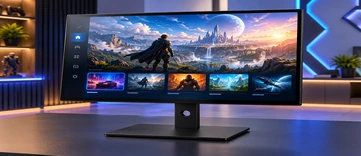
Flat Gaming Touchscreen Monitors
Use a finished metal-housed flat monitor for conventional cabinet openings, external mounting, control areas or secondary interactive screens. Current references cover 21.5 to 43 inches.
Selection cues:
Screen size · VESA · Housing · Host connection
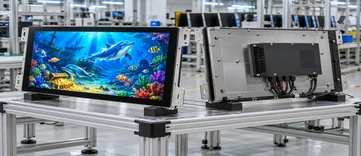
Open-Frame Gaming Touchscreen Monitors
Install an open-frame monitor behind the cabinet fascia or inside a custom enclosure. Confirm the active area, front opening, rear depth, brackets, connectors and cable space.
Selection cues:
Cutout · Installation depth · Brackets · Cable direction
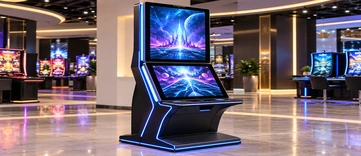
Custom Vertical and Multi-Screen Gaming Displays
Coordinate portrait main screens, upper information screens, touch-control displays and other screen roles around a custom cabinet. Each screen is specified independently.
Selection cues:
Screen role · Orientation · Resolution · Touch requirement
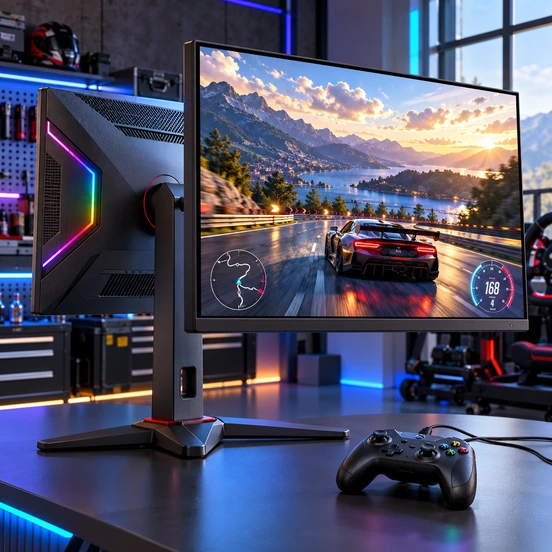
Select Shape Before Performance Options
Confirm the cabinet geometry and available panel format before finalizing resolution, refresh rate, brightness or interface options. Not every screen shape supports every performance target.
Selection cues:
Cabinet first · Panel availability · Model confirmation
What Is a Gaming Touchscreen Monitor?
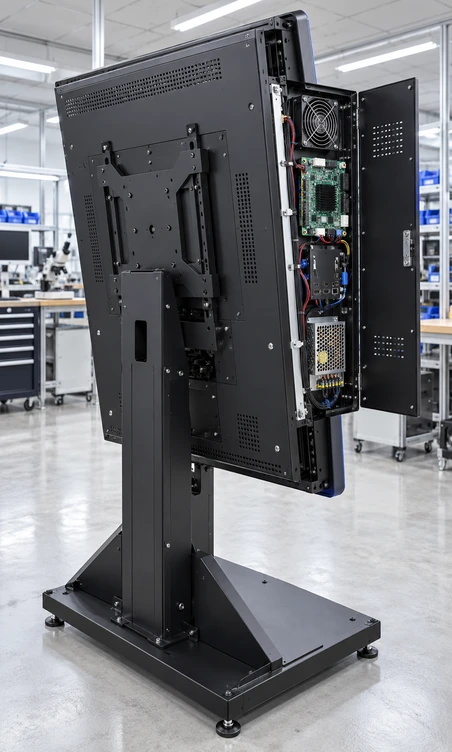
A gaming touchscreen monitor combines an LCD panel, touch sensor, touch controller, display electronics and an integration-ready structure. It connects to a separate gaming computer or equipment controller that runs the application.
Display panel
Presents the game interface, information or control content.
Touch sensor
Detects finger input across the defined interaction area.
Touch controller
Processes touch coordinates and sends them to the host.
Display controller
Receives the video signal from the gaming computer or equipment controller.
Housing and mounting
Connect the display to the cabinet, fascia, brackets or internal frame.
Power and interfaces
Must match the selected product and cabinet electrical architecture.
External host
Runs the game or interactive application.
Clarification: A gaming touchscreen monitor is not a complete gaming machine. It does not automatically include game software, wagering functions, payment systems or regulatory approval.
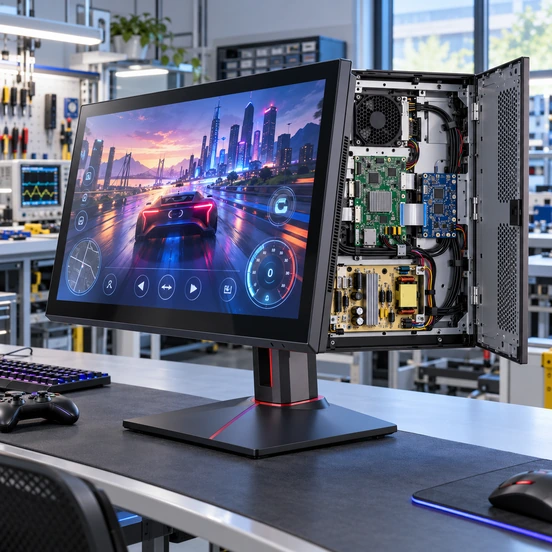
Gaming Touchscreen Monitor Integration Problems to Prevent
Problem 1
The cabinet is designed from screen diagonal alone.
Consequence: The active area, outer dimensions, curve, mounting points or rear depth may not fit the opening.
Response: Use the approved mechanical drawing and confirm the active display area, overall dimensions, cutout, brackets and cable clearance.
Problem 2
A consumer gaming specification is assumed to be standard.
Consequence: The selected curved or open-frame panel may not support the requested refresh rate, resolution or interface.
Response: Confirm performance targets against an available model before releasing the cabinet or software configuration.
Problem 3
Video works but touch does not.
Consequence: The gaming host supplies the image, but the touch controller lacks a compatible USB or project-specific data connection.
Response: Confirm the video input, touch-data interface, operating system and controller behavior together.
Problem 4
The curved shape does not match the cabinet profile.
Consequence: The display cannot sit correctly behind the fascia or align with the intended interaction zone.
Response: Provide the cabinet side profile, curve requirements and installation drawing for review.
Problem 5
A multi-screen cabinet treats every display as identical.
Consequence: The main game screen, control screen and upper information screen may receive the wrong resolution, orientation, touch function or signal.
Response: Define the role and technical requirements of each display separately.
Approve the monitor, gaming host and cabinet as one integrated hardware system.
Gaming Touchscreen Monitor Verified Starting Models
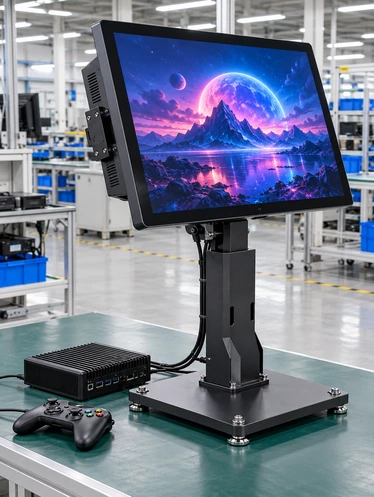
Use these Lucky-XFC references as starting points. Keep every specification attached to its applicable model or family.
| Product Path | Size / Model | Display | Touch | Structure | Confirmation Required |
|---|---|---|---|---|---|
| C-Type Curved | 32 inch / TP320-QM-DR-01 | 1920 × 1080, 16:9 | PCAP | Metal housing | Curve, brightness, interfaces, power, dimensions and mounting |
| C-Type Curved | 43 / 49 / 55 inch LD430 / LD490 / LD550 |
1920 × 1080, 16:9 | PCAP | Metal housing | Panel configuration, curve, interfaces, power and drawing |
| J-Type Curved | 43 / 49 / 55 inch LD430 / LD490 / LD550 |
1920 × 1080, 16:9 | PCAP | J-shaped metal housing | Curved profile, power, interfaces, dimensions and mounting |
| Flat Enclosed Series | 21.5 / 23.8 / 27 / 31.5 / 43 inch TP family |
1920 × 1080, 16:9 | PCAP | Metal housing | Brightness, touch points, inputs, power and mounting |
| Open Frame | 21.5 inch / XFC-OF215-PCAP | 1920 × 1080 | 10-point PCAP | Side brackets and VESA | Overall dimensions, cutout and cable direction |
| Open Frame | 27 inch / XFC-OF270-PCAP | 1920 × 1080 | 10-point PCAP | Side brackets and VESA | Overall dimensions, cutout and cabinet clearance |
| Open Frame | 43 inch / XFC-OF430-PCAP | Full HD or 4K by config | 10-point PCAP | Heavy-duty brackets and VESA | Final resolution, dimensions, mounting and host inputs |
| Custom Multi-Screen | Defined by cabinet project | Confirmed separately | Touch where required | Vertical, upper, secondary | Screen roles, signal routing, mounting and service access |
Note: Do not merge the values of different models into one universal gaming monitor specification.
Gaming Touchscreen Monitor Cabinet Integration
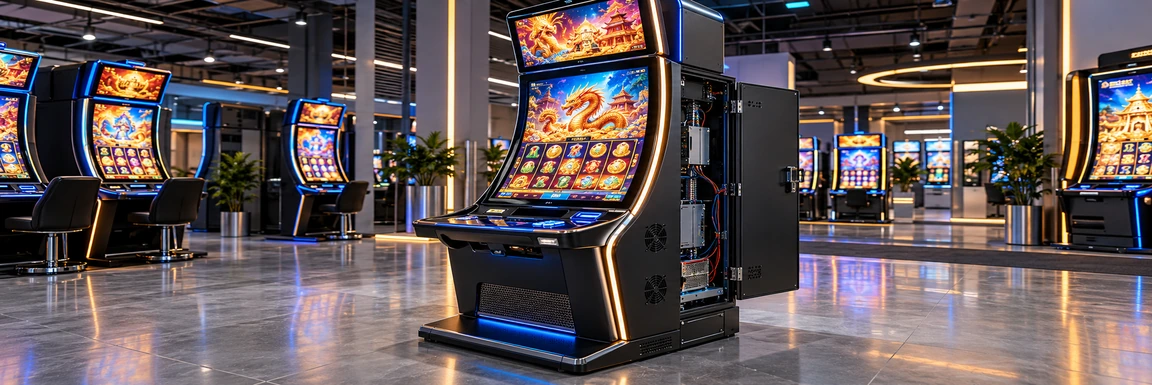
The nominal screen size does not define the cabinet opening. Use the approved drawing to confirm the active area, monitor outline, curve, mounting points, connectors and rear service space.
Cabinet Fascia
Front opening · Glass overlap · Visible area · User reach
Gaming Touchscreen Monitor
Flat, C-type, J-type or open-frame structure
Mounting System
Side brackets · VESA · Internal frame · Project-specific supports
Signal Path
Gaming computer → video input
Touch controller → USB or confirmed data interface
Power Path
Approved input voltage · Connector position · Grounding and cable routing
Service Access
Rear clearance · Cable bending space · Ventilation · Component replacement
Gaming Touchscreen Monitor Shape Comparison
| Monitor Format | Visual Structure | Touch Area | Installation Complexity | Verified Sizes | Best Starting Fit |
|---|---|---|---|---|---|
| C-Type Curved | Continuous concave display | Touch follows the configured curved surface | Requires curve and cabinet-profile confirmation | 32 / 43 / 49 / 55 inch | Continuous curved main display area |
| J-Type Curved | Large vertical surface with curved lower or side zone | Supports a cabinet-aligned interaction area | Requires detailed side-profile and mounting review | 43 / 49 / 55 inch | Vertical cabinet with an extended interaction zone |
| Flat Enclosed | Conventional flat front with finished housing | PCAP on current flat references | Lower mechanical complexity than a custom curved structure | 21.5 to 43 inch | Standard openings and externally mounted displays |
| Open Frame | Flat panel inside an open integration chassis | 10-point PCAP on documented starting models | Requires accurate cutout, depth and mounting data | 21.5 / 27 / 43 inch starts | Display installed behind a cabinet fascia |
| Custom Multi-Screen | Two or more independently defined displays | Touch assigned only to the screens that require it | Requires signal, power and service planning for each screen | Project dependent | Main screen, control screen and upper information display |
Conclusion: Select the format according to the cabinet and interaction design. Do not choose a curved display only for appearance without confirming the mechanical profile and available panel configuration.
Gaming Touchscreen Monitor Performance Selection
Gaming applications may request high resolution, fast visual response or higher refresh rates, but these values must be confirmed for the exact display and controller.
Resolution
Current flat and curved catalog references use 1920 × 1080. Selected 43-inch open-frame configurations may be evaluated for Full HD or 4K. Do not generalize 4K availability.
Refresh rate
Confirm the required rate against the exact panel and control board. Do not advertise a family-wide high-refresh specification.
Response behavior
Confirm the panel response specification and intended visual content without promising zero delay.
Touch response
Evaluate the touch sensor, controller, cover glass, host system and application together. Touch performance is not defined by the LCD refresh rate alone.
Brightness
Select according to cabinet lighting, cover glass and viewing environment. Use only model-confirmed values.
Viewing geometry
Consider user position, curved profile, screen height and viewing distance.
Host output
Confirm the gaming computer’s resolution, refresh rate and available output interface.
Gaming Touchscreen Monitor Host and Touch Validation
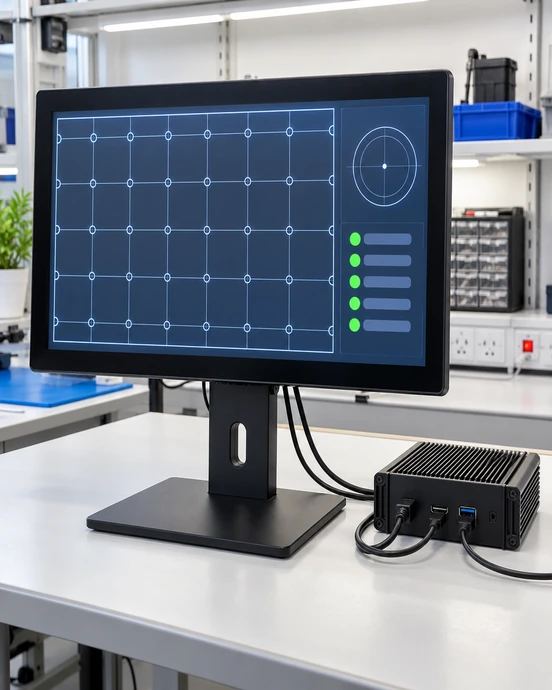
A monitor can display correctly while the touch workflow, signal routing or restart behavior remains incomplete. Validate the complete host connection before production.
Confirm video output
Match the gaming computer’s HDMI, DisplayPort or other approved output to the selected monitor input.
Confirm resolution and orientation
Check the intended landscape, portrait or shaped-content layout.
Confirm touch data
Verify the USB or approved touch-controller connection and operating-system recognition.
Map touch to the correct screen
For multi-screen cabinets, assign touch input to the intended display.
Test required actions
Validate tap, drag, swipe, multi-touch or other supported interactions used by the application.
Test startup and recovery
Check power-on, restart, sleep, signal recovery and cable reconnection behavior.
Test inside the cabinet
Verify cable direction, connector retention, heat clearance and service access in the actual structure.
Qualification: Compatibility with Windows, Android, Linux or a proprietary gaming system must be confirmed for the selected controller and software environment.
Gaming Touchscreen Monitor Applications
Curved Gaming Cabinets
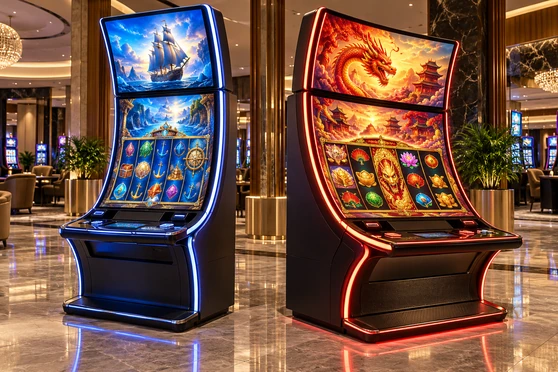
Use C-type or J-type displays when the screen must follow a purpose-built cabinet and create a continuous visual and interactive surface. Confirm the curved profile, viewing area and mounting before cabinet production.
Dual-Screen Gaming Equipment
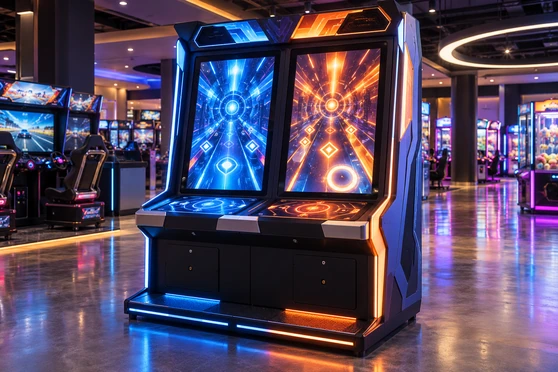
Coordinate the main display, touch-control screen and any upper information display as separate technical roles. Define resolution, touch, signals, power and mounting for each screen.
Arcade-Style Entertainment Terminals
Use a flat or open-frame PCAP display for interactive controls, game selection and cabinet-integrated content.

Casino Gaming Equipment
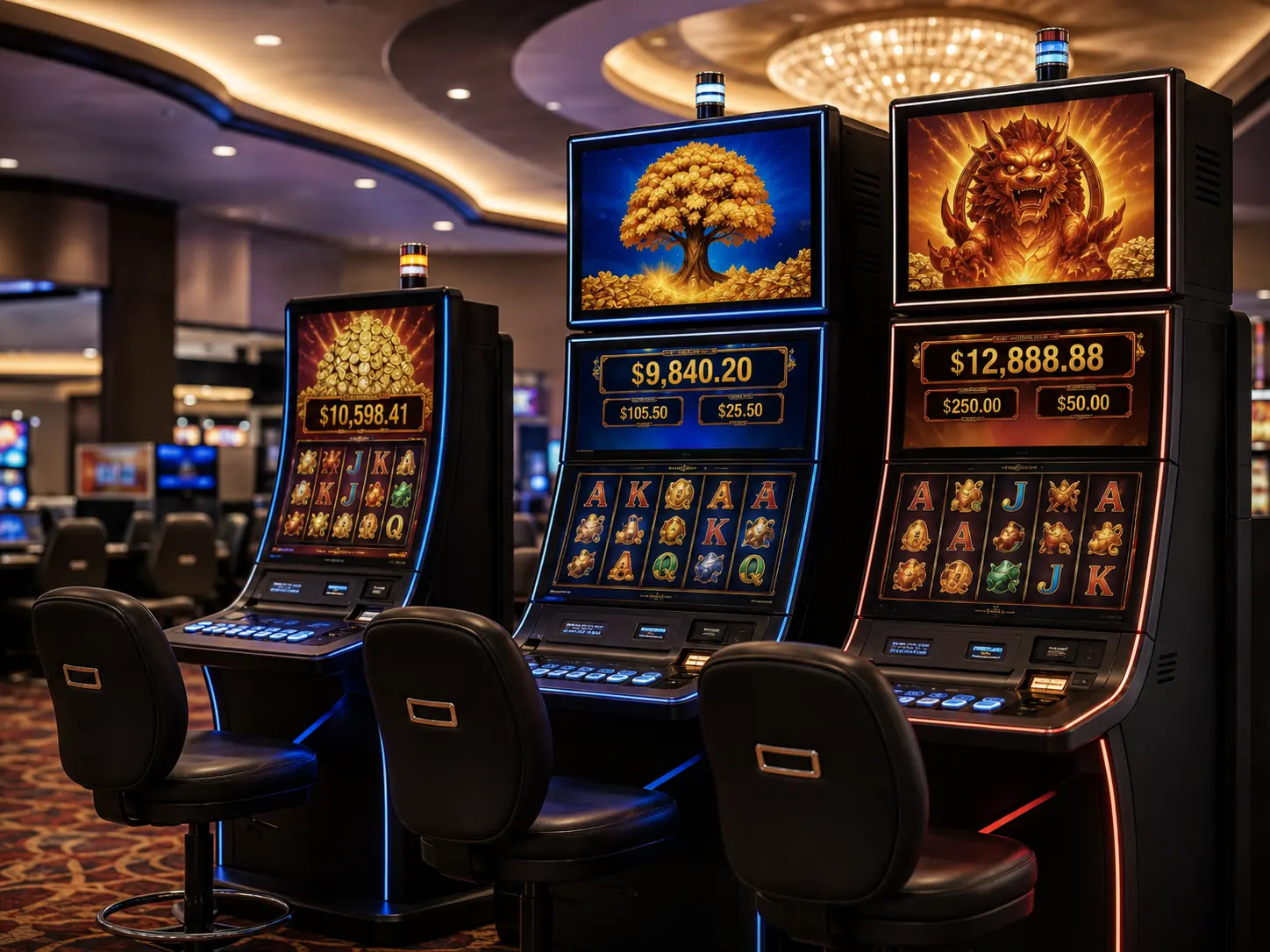
Integrate flat or curved touch hardware into approved casino-equipment projects while keeping gaming software, wagering functions and regulatory systems outside the monitor scope.
Game Selection and Control Panels
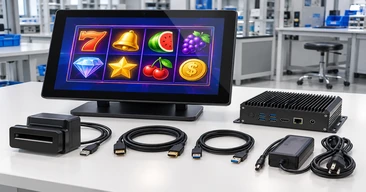
Use a compact flat or open-frame touchscreen as a dedicated control surface below or beside the main visual display.
Custom Interactive Entertainment Equipment
Review vertical, portrait, curved or project-specific screen arrangements around the enclosure, host system and user workflow.
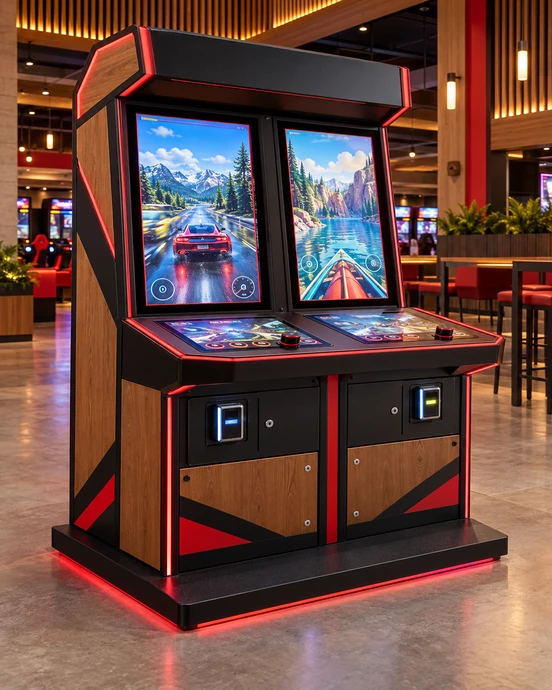
Dual-Screen Arcade Cabinet Integration in Canada
This anonymized representative scenario combines common project requirements to explain the selection and validation process. It does not identify a specific customer or claim a published project result.
An amusement-equipment developer required a cabinet with one main visual display and a smaller touch-control screen. The project needed the two displays to work with the same gaming host while remaining serviceable inside a compact enclosure.
Define each screen role
The main display presented the primary game content. The lower touchscreen handled game selection and interactive controls.
Review the cabinet drawing
The active areas, front openings, monitor outlines, mounting points, rear depth and connector positions were reviewed separately for both screens.
Coordinate signal routing
The host’s available video outputs were matched to each display, while the touch-control screen required a dedicated USB touch-data path.
Validate touch mapping
Touch input was assigned to the lower control display and tested with the intended multi-screen software arrangement.
Review installation and servicing
Cable direction, connector access, ventilation and replacement access were checked before the cabinet specification was approved.
The project illustrates why each display in a gaming cabinet needs a defined role, signal path and mechanical specification.
Gaming Touchscreen Monitor Customization Options
Begin with a verified flat, open-frame or curved product, then review the options supported by the selected panel and cabinet design.
Display
Screen size, resolution, orientation, confirmed refresh rate and brightness.
Shape
Flat, C-type curved, J-type curved, portrait or project-specific structure.
Touch
PCAP touch, touch points, controller and cover-glass requirements according to the selected model.
Cover glass
Dimensions, printed border, logo and applicable surface treatment subject to feasibility.
Interfaces
HDMI, DisplayPort, VGA, USB touch or project-specific connections supported by the selected electronics.
Power
Input voltage, connector position, cable direction and cabinet power architecture.
Housing
Finished metal enclosure, open-frame chassis, curved structure or custom integration frame.
Mounting
VESA, side brackets, heavy-duty brackets, internal frame or project-specific supports.
Multi-screen
Main display, control touchscreen, upper screen and other screen roles defined individually.
Branding & packaging
Logo, labels, housing appearance and packaging within the approved OEM/ODM scope.
Boundary: Customization depends on panel availability, electronics, tooling, mechanical feasibility and the approved project specification.
Gaming Touchscreen Monitor Project Workflow

Cabinet and Application Review
Define the cabinet type, user workflow, host system and role of each screen.

Display Format Selection
Choose C-type, J-type, flat, open-frame or custom multi-screen construction.

Specification Review
Confirm size, resolution, touch, interfaces, power and performance requirements.
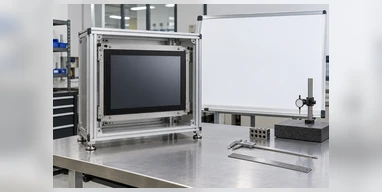
Drawing Confirmation
Review active area, cutout, dimensions, curve, mounting, connectors and service clearance.
Sample and Cabinet Validation
Test the display, touch, host connection and physical fit when the project requires it.
Approved Production Configuration
Release the agreed display, structure, electronics, inspection scope and packaging requirements.
Gaming Touchscreen Monitor Manufacturing and Inspection
Lucky-XFC supports flat and curved touchscreen projects from configuration review through assembly and inspection. Applicable checks follow the approved model and cabinet-integration specification.
13 Years
Touchscreen display experience
3,100 m²
Factory area
160+
Production team
26
Quality-control personnel
100%
Inspection process
Applicable inspection scope may include:
Qualification: Do not claim gaming certification, regulatory approval, protection rating or a specific performance result unless verified for the selected product.
Why Choose a Lucky-XFC Gaming Touchscreen Monitor?
Flat and Curved Product Paths
Compare flat, open-frame, C-type and J-type monitor structures within one project discussion.

Documented Starting Models
Begin with verified size and model references instead of defining the cabinet around an unsupported concept.
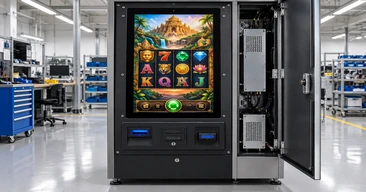
Cabinet Drawing Review
Coordinate active area, curve, cutout, brackets, connectors and service clearance before structure approval.

Display and Touch Coordination
Review the panel, touch sensor, controller, host system and application interaction together.
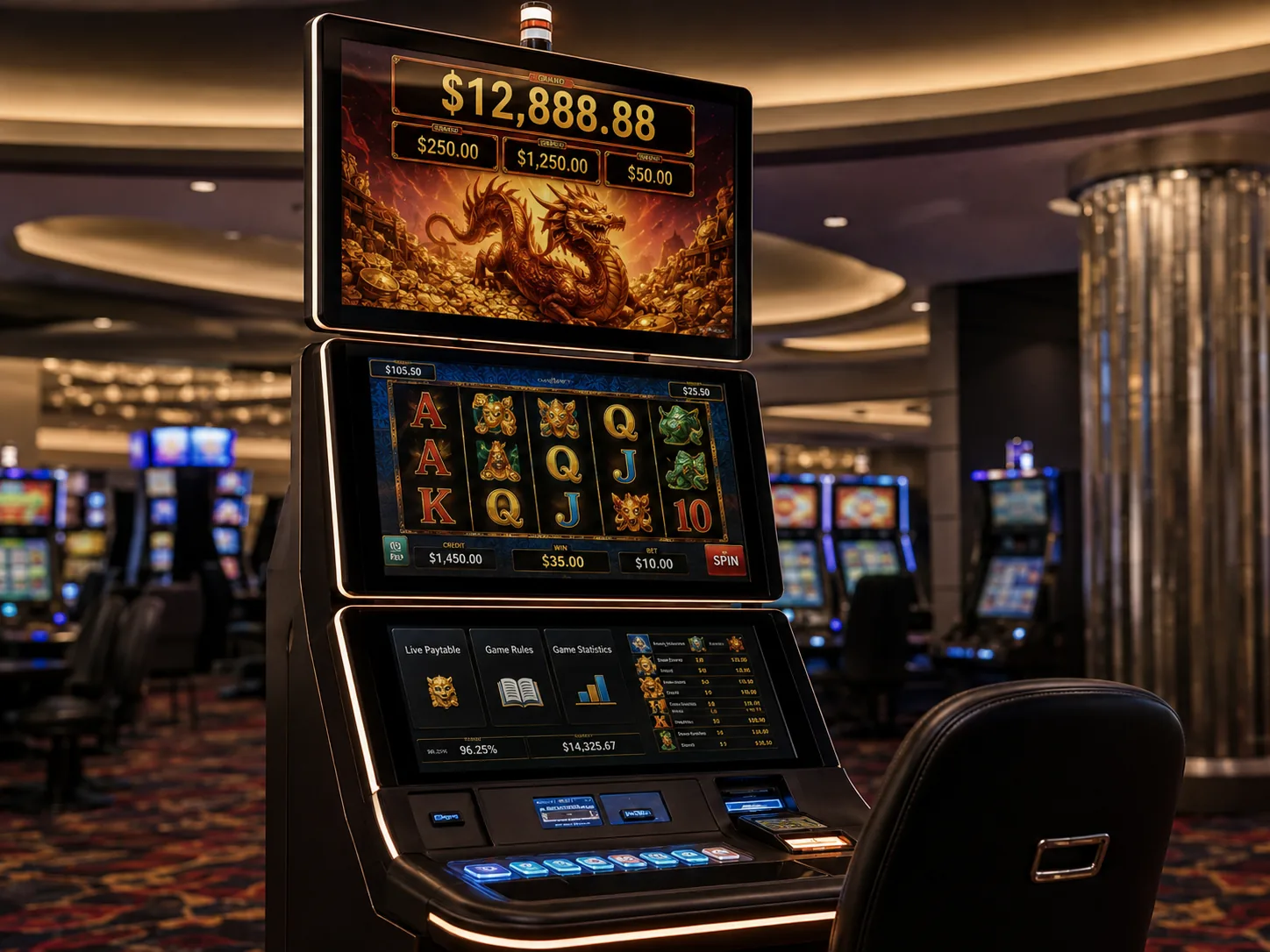
Multi-Screen Integration
Define the signal, touch, power and mounting role of each display in a dual-screen or multi-screen cabinet.
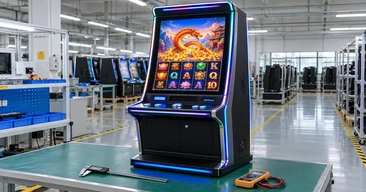
Configuration-Based Inspection
Inspect applicable display, touch, interface and structural items against the approved project specification.
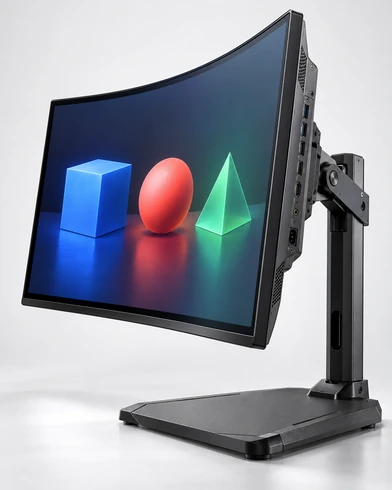
Gaming Touchscreen Monitor Selection Matrix
| Project Requirement | Recommended Starting Path | Key Confirmation |
|---|---|---|
| Continuous curved main screen | C-type curved monitor | Cabinet curve, size, active area, mounting and host output |
| Vertical display with curved interaction zone | J-type curved monitor | Side profile, lower interaction area, power and connectors |
| Conventional cabinet opening | Flat enclosed monitor | Size, VESA, inputs, housing and touch interface |
| Monitor installed behind cabinet fascia | Open-frame monitor | Cutout, installation depth, brackets and cable clearance |
| Main screen plus touch-control screen | Custom multi-screen path | Screen roles, signal outputs, touch mapping and service access |
| Portrait or upper information display | Custom vertical display path | Orientation, resolution, viewing distance and touch requirement |
| Requested 4K or high refresh rate | Model feasibility review | Exact panel, control board, input bandwidth and host capability |
| Existing cabinet replacement | Cross-reference review | Physical dimensions, active area, mounting, power and interfaces |
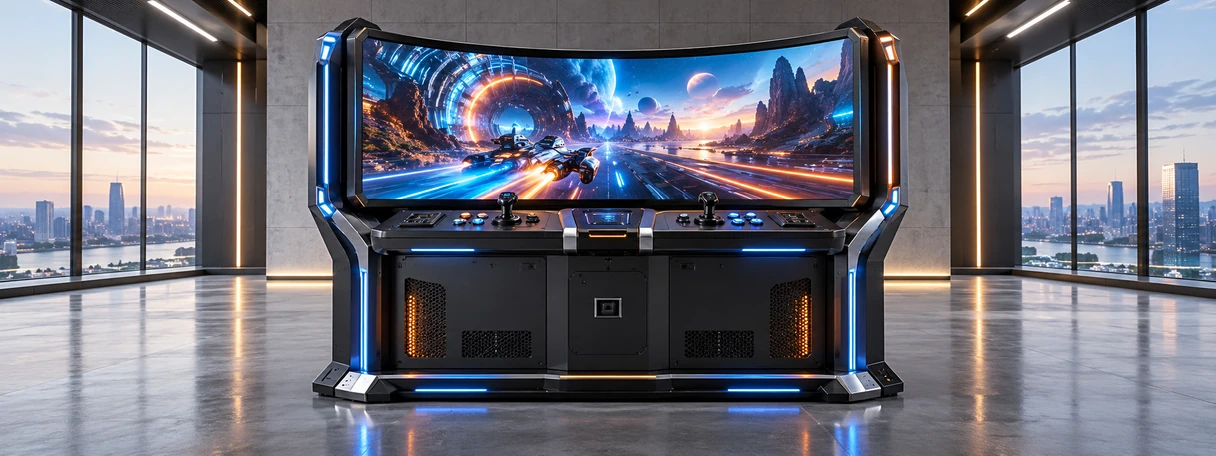
Gaming Touchscreen Monitor Buying Guide
Guide Contents
Should I choose a flat, C-type or J-type gaming touchscreen monitor?
Choose a flat monitor for conventional cabinet openings and control screens. Choose a C-type display for a continuous concave main viewing area. Choose a J-type display when the cabinet needs a large upright screen with a curved lower or side interaction zone. The cabinet profile and available installation space should lead the decision.
Can every gaming touchscreen monitor support 4K or a high refresh rate?
No. Resolution and refresh capability depend on the exact panel, display controller and input interface. Current Lucky-XFC flat and curved catalog references use Full HD as the documented starting point, while selected configurations may be evaluated separately. Confirm the target before cabinet and host approval.
How does touch connect to the gaming computer?
The video signal and touch data are normally separate functions. HDMI or DisplayPort may carry the image, while USB or another confirmed interface returns touch coordinates to the host. Both paths must be checked with the intended operating system.
What dimensions are required for cabinet integration?
Use the overall monitor dimensions, active display area, recommended front opening, rear depth, mounting-hole positions, curved profile, connector positions, cable-bending space and service clearance. Screen diagonal alone is insufficient.
How should a dual-screen gaming cabinet be specified?
Define the role of each display first. Record the resolution, orientation, touch requirement, video input, power, mounting and software mapping for the main display, control touchscreen and any upper information screen.
What should be validated before production?
Validate physical fit, video output, resolution, touch recognition, multi-screen mapping, startup, power behavior, cables, connector access and application workflow on the intended host and cabinet.
Gaming Touchscreen Monitor FAQ
Does Lucky-XFC manufacture complete gaming machines?
Which curved gaming touchscreen sizes are available?
Which flat gaming touchscreen sizes are documented?
Can Lucky-XFC supply an open-frame gaming monitor?
Can the screen support 144Hz?
Can one cabinet use several monitors?
Can the curved display be used as a replacement monitor?
What should be submitted for a quotation?
Related Gaming Touchscreen Monitor Product Paths
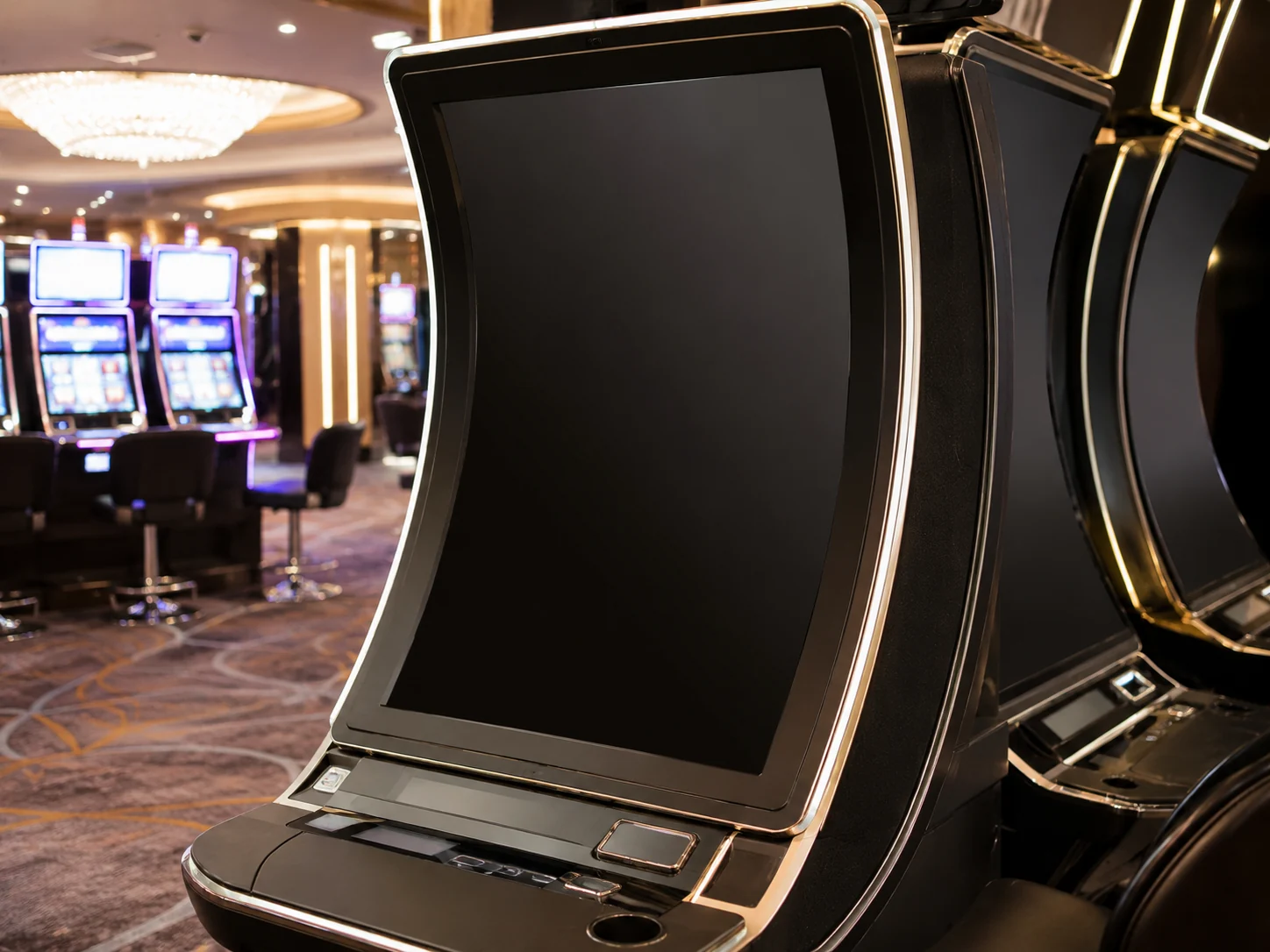
Slot Machine Displays
Review flat, curved and custom display hardware for gaming-cabinet integration.
C-Type Curved Touch Monitors
Compare 32, 43, 49 and 55-inch C-type curved references.
J-Type Curved Touch Monitors
Review 43, 49 and 55-inch J-type display paths.

Curved Touch Monitors
Compare the complete Lucky-XFC J-type and C-type curved display families.

Open-Frame Touch Monitors
Review integration-ready monitors for custom cabinet openings.

Contact Lucky-XFC
Send cabinet drawings and monitor requirements for configuration review.
Request a Gaming Touchscreen Monitor Configuration
Send the cabinet and system information needed to review the screen shape, touch hardware, connections and installation as one configuration.
Helpful information:
- Flat, open-frame, C-type or J-type display
- Required screen size
- Main, control, upper or secondary screen role
- Cabinet drawing and available opening
- Landscape or portrait orientation
- Resolution and refresh-rate target
- Touch requirement and number of touch points
- Gaming-host operating system
- Available HDMI, DisplayPort, VGA or other outputs
- Required touch-data interface
- Power input
- Mounting and cable direction
- Quantity and destination market
Do not promise compatibility, price, samples, response time, MOQ, inventory or delivery time before review.
