
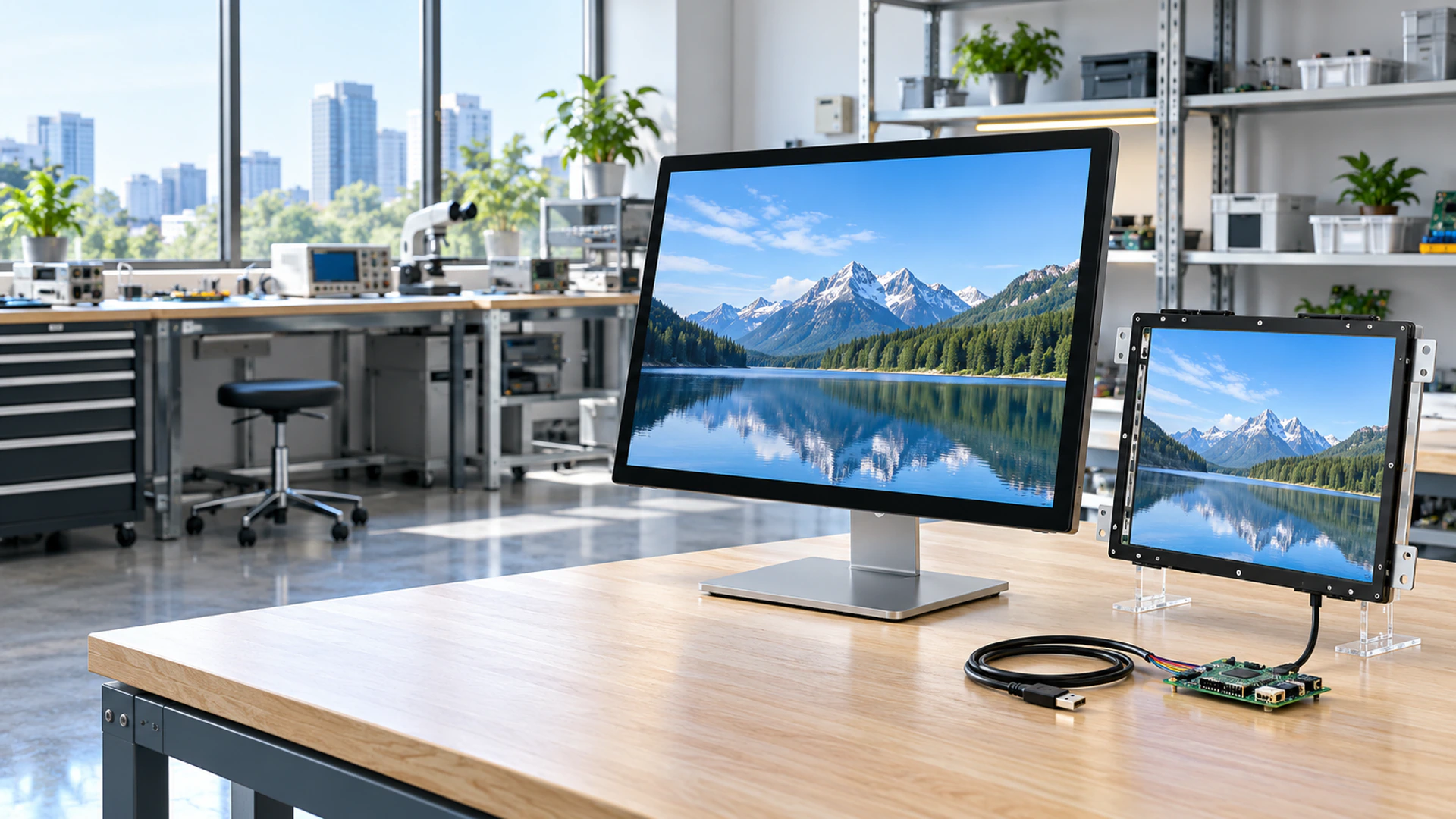
Capacitive Touchscreen Monitor Manufacturer for Custom Display Integration
Choose a projected capacitive touch monitor for commercial terminals, industrial equipment, information systems and custom display projects. Lucky XFC supplies metal-housed, open-frame and industrial PCAP monitor configurations, with project-based review of size, mounting, cover glass, interfaces and host compatibility.
Capacitive Touchscreen Monitor Project Scope at a Glance
Use the project scope below to identify a practical starting point before drawings, samples or production specifications are finalized.
21.5–43 Inch Metal-Housed Range
Documented starting sizes for complete flat capacitive monitors.
Open-Frame Integration
PCAP monitor options for installation behind a kiosk, machine or terminal bezel.
Industrial Mounting Paths
Panel-mount, VESA-mount and open-frame starting configurations are available by model.
Projected Capacitive Touch
Touch behavior, cover glass and required operating conditions must be reviewed together.
External-Host Architecture
The monitor normally receives video from a separate computer and returns touch data to that host.
OEM/ODM Review
Housing, mounting, interface, glass, cable and branding requirements can be evaluated for a defined project.
Capacitive Touchscreen Monitor Product Paths
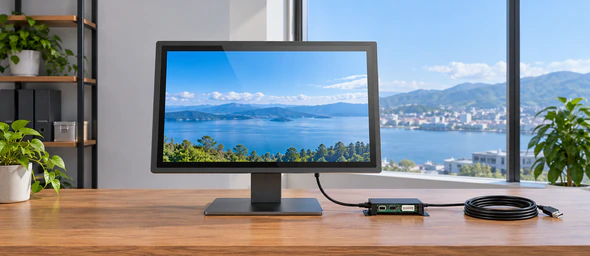
Standard Metal-Housed Capacitive Touchscreen Monitor
A complete external monitor with a finished metal enclosure for desktop equipment, VESA mounting, wall mounting or commercial terminal use. This is the primary product path for projects that need a ready-to-install display rather than a bare touch component.
Selection cues: screen size, resolution, mounting position and required video inputs.
View Metal-Housed Touch Monitors →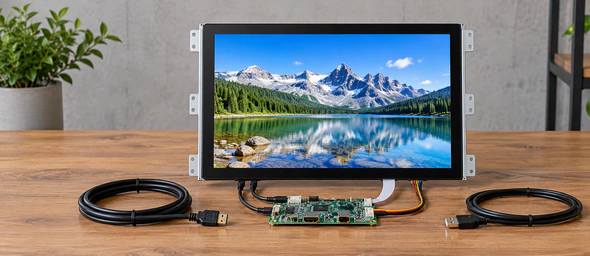
Open-Frame PCAP Touchscreen Monitor
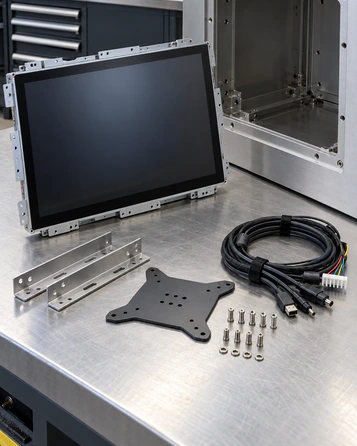
Designed for installation inside a kiosk, cabinet or machine enclosure. Mechanical drawings, bracket position, active display area, bezel overlap and service clearance should be reviewed before the enclosure is released.
Selection cues: cutout, bracket location, VESA pattern and front-bezel relationship.
Explore Open-Frame Touch Monitors →
Industrial PCAP Touchscreen Monitor
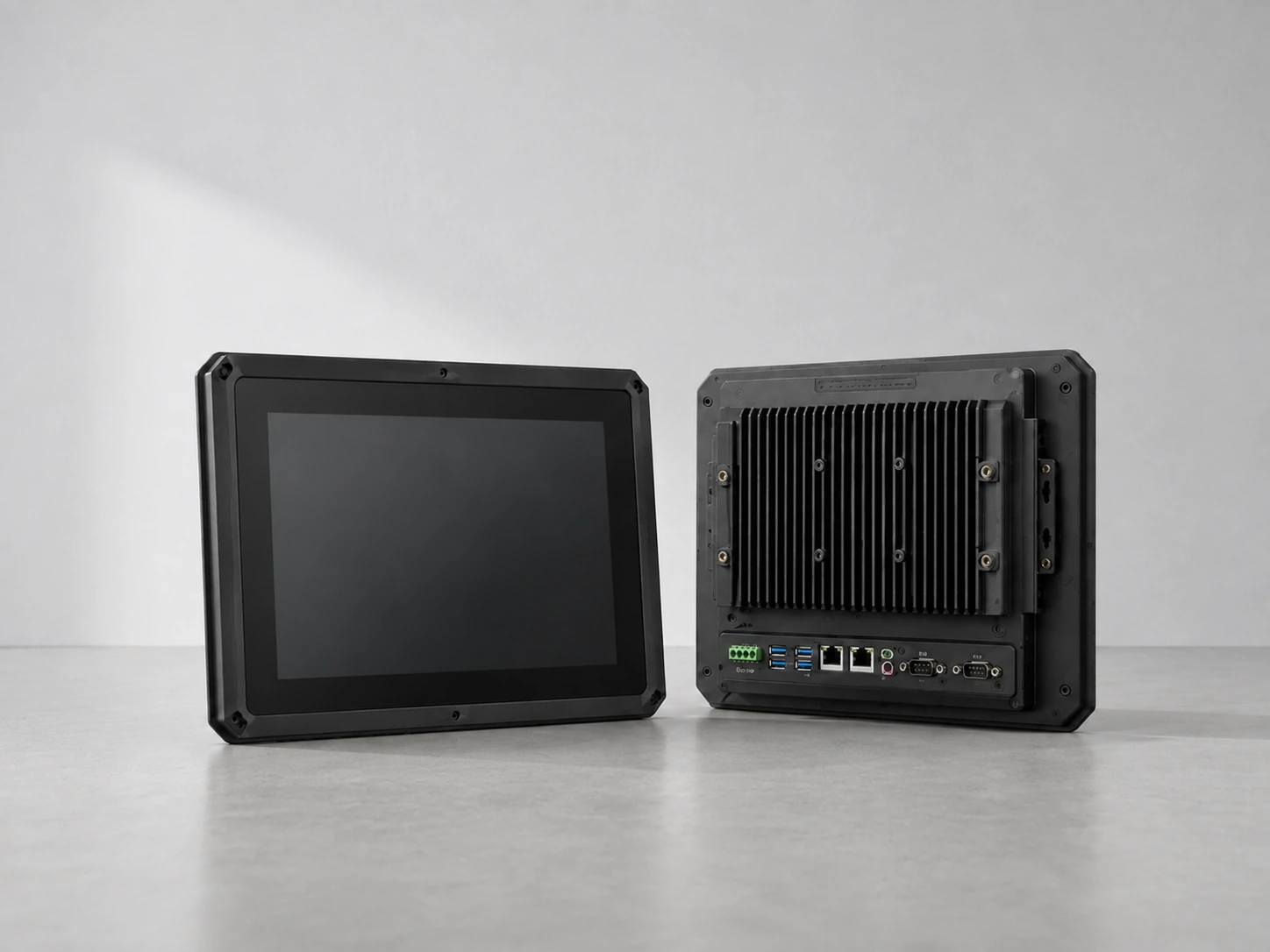
A project path for machine control, operator stations and industrial equipment. Select the touch technology, mounting structure, video input and host connection according to the equipment environment.
Selection cues: panel or VESA mounting, PCAP or resistive touch, interface and operating conditions.
View Industrial Monitor Options →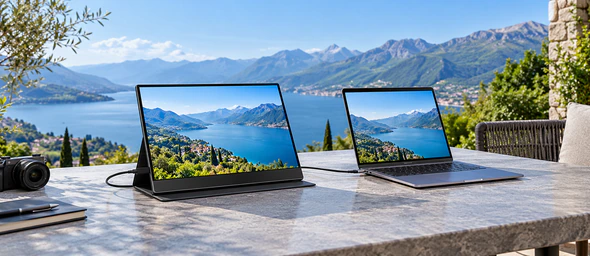
Custom Portable PCAP Touchscreen Monitor
A customization path for mobile diagnostics, field service and compact external display projects. USB-C capability, HDMI fallback, external power, touch-data routing and the exact host must be validated together.
Selection cues: host model, USB-C video support, power demand and stand structure.
Review Portable Monitor Options →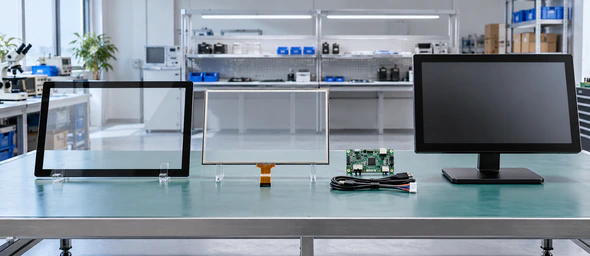
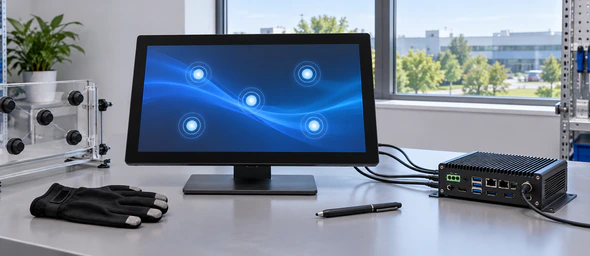
PCAP Touch Surface Detail
Cover glass, sensor construction and controller tuning influence how the finished touch surface responds.
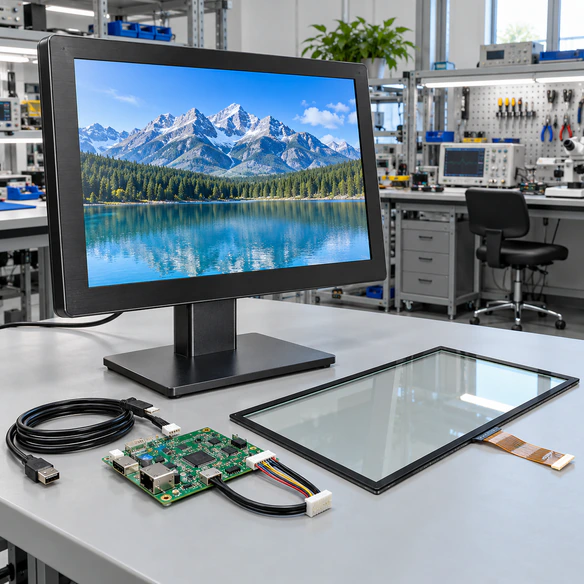
Custom Integration Review
The monitor, enclosure, cables and host system should be reviewed as one connected system.
What Is a Projected Capacitive Touchscreen Monitor?
A projected capacitive touchscreen monitor combines an LCD display, a PCAP touch sensor, cover glass, a touch controller and the mechanical structure required to install and protect the assembly. When a finger or compatible input changes the electrical field at the touch surface, the controller translates that change into touch coordinates for the connected host system.
A complete capacitive touchscreen monitor is different from a touch panel alone. The complete monitor manages display input, touch-data output, power, mounting and enclosure requirements. A touch panel or sensor is only one part of that system.
PCAP is commonly selected when a project needs a smooth glass surface, responsive touch interaction and multi-touch capability. Actual touch-point count, glove behavior, stylus response, wet-operation behavior and performance through thicker cover glass depend on the selected sensor, controller, tuning and operating environment. These conditions must be confirmed for the final configuration.
Capacitive Touchscreen Monitor Integration Problems to Prevent
Avoid common mechanical, electrical and compatibility issues during PCAP integration.
The screen size fits, but the housing does not.
Nominal screen size does not define the external dimensions, mounting holes, active area or bezel overlap. Review the mechanical drawing before equipment tooling or enclosure production.
The display works, but touch does not.
Video and touch normally use different data paths. A working HDMI or DisplayPort image does not confirm that the USB touch connection or operating-system mapping is correct.
Touch becomes unstable after cover glass is changed.
Additional glass thickness, printing, bonding method and air gaps can affect touch performance. Treat the cover lens and controller tuning as part of the same configuration.
The sample works on one computer but not the deployment host.
Validate the actual operating system, ports, adapters, drivers and multi-display mapping before approving production.
Touch behavior changes near motors or power equipment.
Grounding, cable routing, power quality and electromagnetic conditions can influence touch performance. The final equipment environment must be included in testing.
An open-frame unit is ordered without installation clearance.
Connector direction, bracket access, ventilation and service space can conflict with the enclosure even when the front dimensions appear correct.
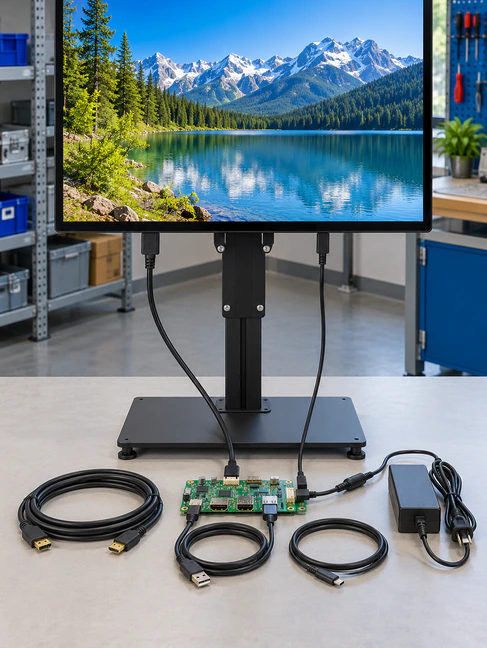
Capacitive Touchscreen Monitor Structure and Signal Layers
A reliable PCAP monitor project requires coordination across the complete assembly:
-
1
Cover Glass — protects the touch surface and can be reviewed for thickness, edge treatment, printing and appearance.
-
2
Projected Capacitive Sensor — detects changes in the touch field.
-
3
Touch Controller — converts sensor input into coordinates for the host.
-
4
LCD Display — provides the required resolution, brightness and viewing area.
-
5
Display Controller — receives the selected video signal.
-
6
Housing and Mounting Structure — determines external dimensions, bracket position and installation method.
-
7
Touch-Data Connection — commonly connects the touch controller to the external host.
-
8
External Host — runs the operating system and application unless an integrated computer is specifically selected.
The display image, touch data and power path should be documented separately. Do not assume that one connector automatically carries all three functions.
Capacitive Touchscreen Monitor Verified Starting Models
The models below are documented product starting points. Final dimensions, brightness, connectors, cable exits, touch behavior and availability must be confirmed in the quotation and approved specification.
Standard Metal-Housed PCAP Monitor Starting Points
| Model | Display Size | Resolution | Touch | Construction |
|---|---|---|---|---|
| TP215-JX-DR-02 | 21.5 inch | 1920 × 1080 | Capacitive | Metal-housed monitor |
| TP238-JX-DR-02 | 23.8 inch | 1920 × 1080 | Capacitive | Metal-housed monitor |
| TP270-JX-DR-02 | 27 inch | 1920 × 1080 | Capacitive | Metal-housed monitor |
| TP315-JX-DR-02 | 31.5 inch | 1920 × 1080 | Capacitive | Metal-housed monitor |
| TP430-JX-DR-02 | 43 inch | 1920 × 1080 | Capacitive | Metal-housed monitor |
Open-Frame PCAP Starting Points
| Model | Display Size | Resolution | Documented Touch | Documented Starting Interfaces | Mounting |
|---|---|---|---|---|---|
| XFC-OF215-PCAP | 21.5 inch | 1920 × 1080 | 10-point PCAP | HDMI, VGA | Side brackets, VESA |
| XFC-OF270-PCAP | 27 inch | 1920 × 1080 | 10-point PCAP | HDMI, DP, VGA | Side brackets, VESA |
| XFC-OF430-PCAP | 43 inch | Full HD or 4K path | 10-point PCAP | HDMI, DP | Heavy-duty brackets, VESA |
Documented starting specifications do not replace the project quotation, approved drawing or production specification.
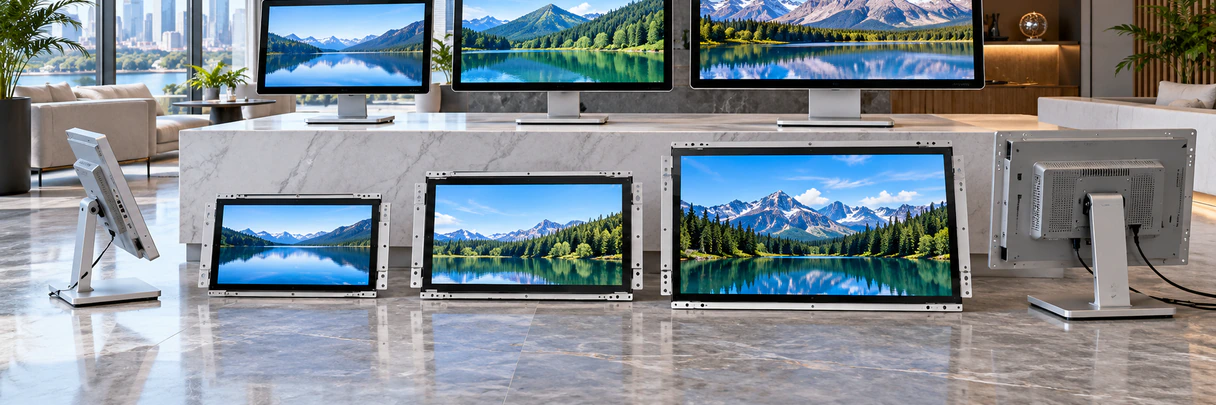
Capacitive Touchscreen Monitor Interfaces and Host Compatibility
A touchscreen monitor normally requires three coordinated paths:
Video Input
HDMI, DisplayPort, VGA, DVI or another approved input carries the display image. Available interfaces vary by model.
Touch Data
The touch controller must communicate with the host, commonly through USB on a complete monitor. The final interface must be confirmed.
Power
Power may come from a dedicated adapter, equipment power supply or an approved integrated power design. Connector appearance alone does not confirm sufficient power.
Before approval, verify:
- ✓ Host computer model and operating system.
- ✓ Available video output and resolution.
- ✓ Touch-data port and driver requirements.
- ✓ Adapter, dock or converter use.
- ✓ Multi-display touch mapping.
- ✓ Cable length and cable exit direction.
- ✓ Power source and grounding.
- ✓ Startup, restart and reconnection behavior.
How to Choose a Capacitive Touchscreen Monitor
Choose the product structure first.
Use a metal-housed monitor when a finished external unit is required. Use open-frame construction when the monitor will sit behind an equipment bezel. Use an industrial configuration when mounting, continuous operation or the installation environment requires additional review.
Choose the physical size from the user task.
Consider viewing distance, interface density, touch-target size and available enclosure space—not only the diagonal measurement.
Define the input method.
Confirm whether operators will use bare fingers, a compatible stylus or gloves. Do not assume that every PCAP configuration responds identically.
Define the environment.
Identify moisture exposure, cleaning method, dust, vibration, nearby electrical equipment and expected operating conditions.
Define the host system.
Record the operating system, video output, touch-data connection and any adapter or docking station.
Approve drawings and samples before production.
A sample should be evaluated in the real enclosure and with the intended host, cables and application workflow.
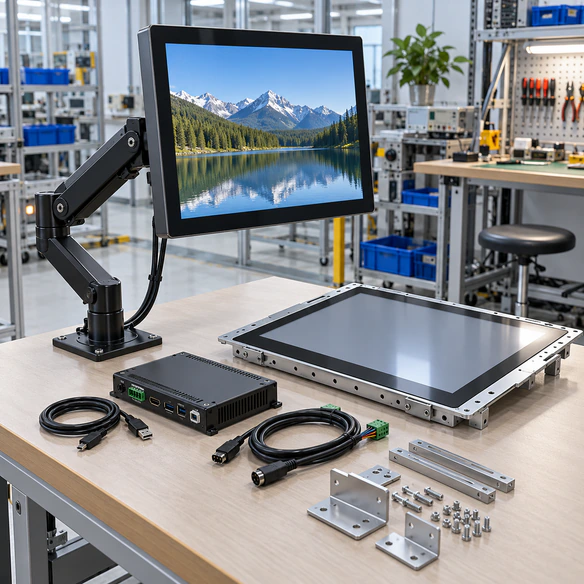
Capacitive Touchscreen Monitor Mechanical Integration
A nominal screen size is not an installation drawing. Before releasing a kiosk, machine or panel enclosure, review:
- • Overall monitor dimensions.
- • Active display area.
- • Viewing-area alignment.
- • Front-bezel overlap.
- • Panel cutout.
- • Mounting-hole and VESA positions.
- • Bracket access.
- • Connector direction.
- • Cable-bend radius.
- • Ventilation and heat clearance.
- • Service and replacement access.
- • Cover-glass edge and sealing relationship.
For open-frame projects, verify that the equipment bezel does not press incorrectly on the active touch area. For VESA-mounted products, confirm the mount capacity and cable clearance. For panel-mounted projects, review the clamping or bracket method before fabrication.
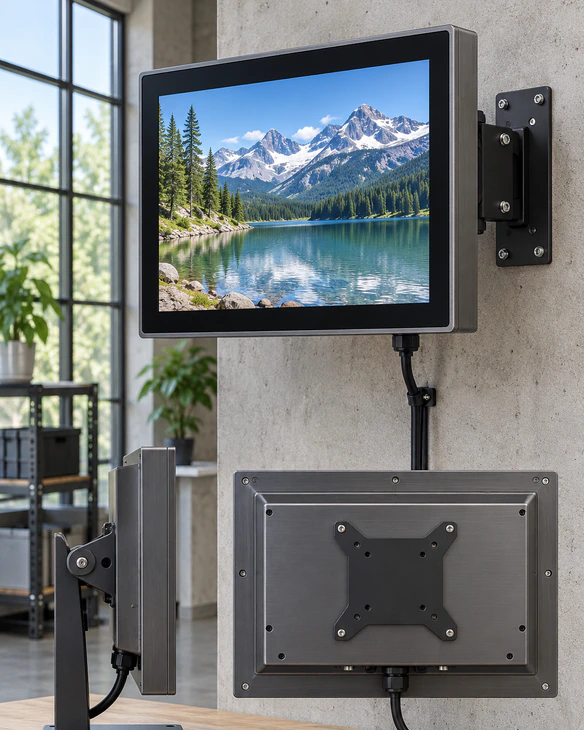
Capacitive Touchscreen Monitor Applications
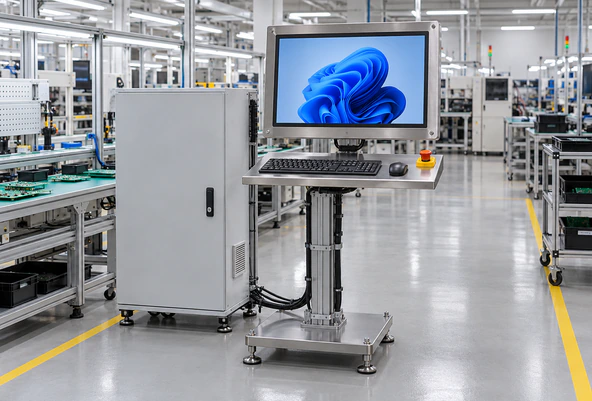
Industrial Operator Stations
Use a PCAP monitor as the visual and touch interface for an external industrial computer or control system. Confirm mounting, grounding, interface and environmental conditions.
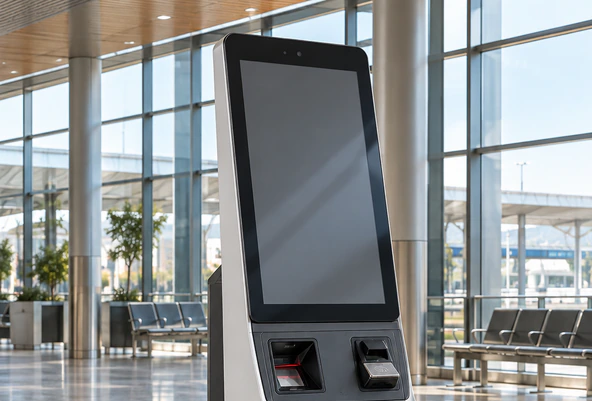
Self-Service Kiosks
Open-frame or enclosed monitors can support information, ordering and service terminals. Review the bezel, user reach, service access and touch mapping.
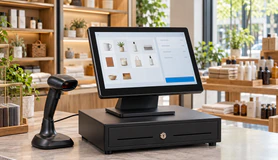
Retail and POS Terminals
A finished metal-housed display can provide a clean interactive surface for product selection or transaction-related interfaces.
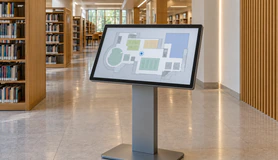
Information & Wayfinding
Select the display size according to viewing distance, content density and installation height.
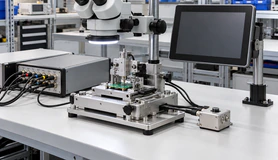
Inspection & Test
Coordinate the monitor with the workstation computer, fixtures and operator workflow. Confirm that touch targets remain usable.

Equipment Diagnostics
Portable or compact PCAP configurations can be considered for field or maintenance work, subject to validation.
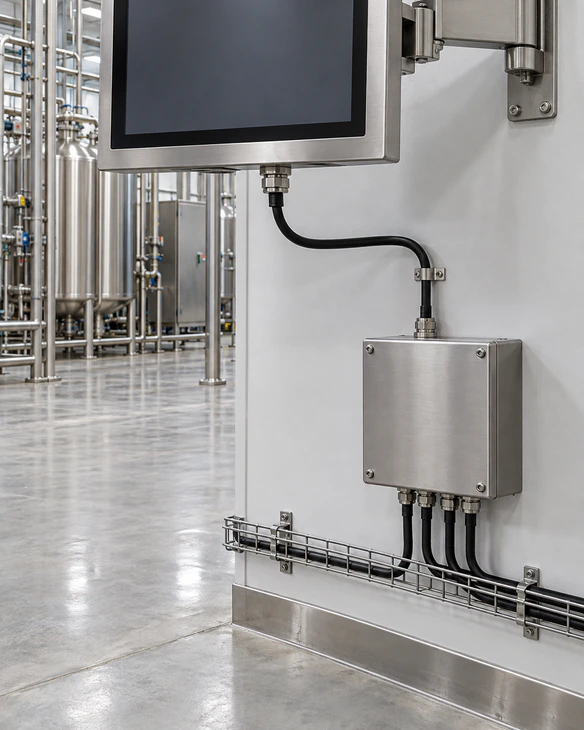
Capacitive Touchscreen Monitor Integration Scenario
Representative Industrial Control-Panel Planning Example
An equipment builder needs a touch display for a control cabinet connected to an external computer. The buyer initially specifies only the screen size and resolution, but the installation also depends on the panel cutout, connector direction, touch-data connection, cover-glass relationship and electrical environment.
A practical review process would:
- Compare the available space with an industrial or open-frame starting model.
- Confirm the active display area and mounting drawing.
- Document video, touch-data and power paths separately.
- Test the monitor with the deployment computer and operating system.
- Evaluate touch behavior inside the actual cabinet.
- Freeze the approved drawing, cables and configuration before production.
This is a representative planning scenario, not a named customer testimonial or a claim of measured project results.
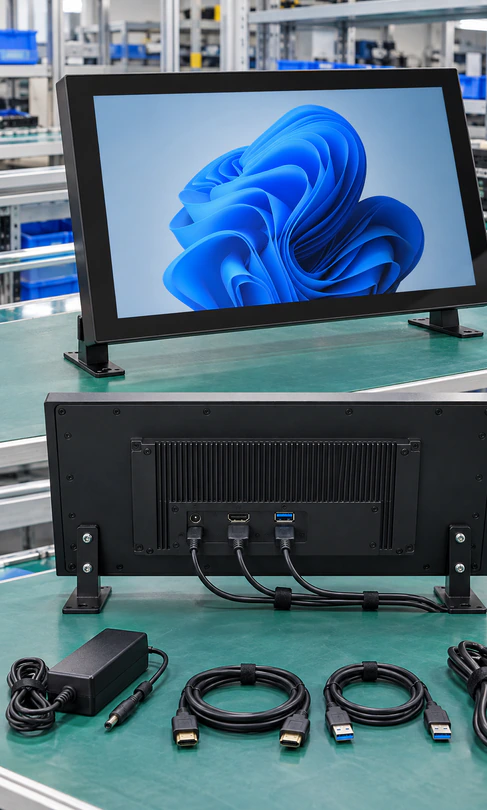
Custom Capacitive Touchscreen Monitor Options
Lucky XFC can review the following options for a defined monitor project:
-
Display: size, resolution and panel selection.
-
Touch: PCAP configuration, controller coordination and required input conditions.
-
Cover Glass: thickness, outline, edge treatment and printed border.
-
Housing: metal enclosure or project-specific mechanical structure.
-
Mounting: desktop, VESA, side bracket, panel or open-frame installation.
-
Interfaces: video, touch-data and power connections according to the model and host.
-
Cable Arrangement: length, exit direction and connector access.
-
Appearance: housing finish and customer branding subject to project review.
-
Packaging: project-specific labeling and packing requirements.
-
System Validation: host, operating system, adapters and application workflow.
Customization begins with the required function and installation constraints. It does not mean that every option is available on every size or model.
Capacitive Touchscreen Monitor Project Workflow
A clear process from initial evaluation to production approval.

1. Application Review
Define the user task, installation environment, target quantity and project stage.

2. Product Path Selection
Choose metal-housed, open-frame, industrial or portable customization.

3. Interface Definition
Document video, touch-data and power connections.

4. Specification Review
Confirm size, resolution, mounting, connector location and required customization.

5. Sample Validation
Test the approved configuration with the actual host, cables, enclosure and operating system.

6. Production Configuration
Freeze the approved specification, drawing, accessories, labels and inspection requirements.
Capacitive Touchscreen Monitor Manufacturing and Inspection
A touchscreen monitor should be inspected as a connected display-and-input system rather than as an LCD alone.
The project inspection plan may include:
- ✓ Incoming display and touch checks.
- ✓ Appearance and enclosure inspection.
- ✓ Display-image and resolution verification.
- ✓ Touch response and coordinate checks.
- ✓ Video and touch-data connection checks.
- ✓ Button, connector and cable inspection.
- ✓ Mounting and dimensional checks.
- ✓ Power-on and operational checks.
- ✓ Packaging and labeling confirmation.
- ✓ Project-specific reliability requirements.
Inspection content must follow the confirmed product specification. Do not publish a fixed test duration, defect rate, waterproof rating or environmental standard unless supported by the selected product documents.
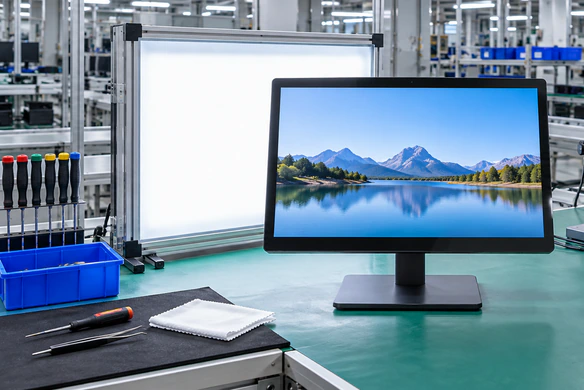
Why Choose Lucky XFC as Your Capacitive Touchscreen Monitor Supplier?
Documented Product Starting Points
Begin with identified metal-housed, open-frame and industrial monitor models instead of an undefined concept.
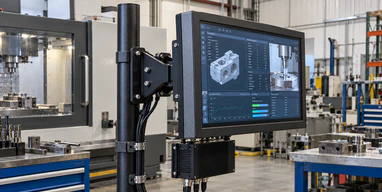
Multiple Mechanical Structures
Select a finished enclosure, open-frame assembly, panel-oriented configuration or VESA-mounted product according to the equipment.
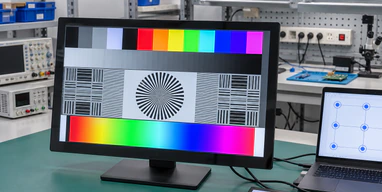
Display and Touch Coordination
Review the LCD, touch sensor, controller, cover glass and host connection as one system.
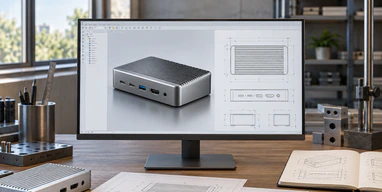
OEM/ODM Review
Evaluate housing, glass, mounting, interface, cable, branding and packaging requirements for a defined project.
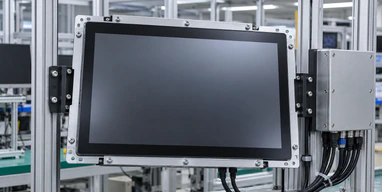
Drawing-Based Integration
Use drawings and installation requirements to reduce conflicts involving cutouts, brackets, connectors and service space.
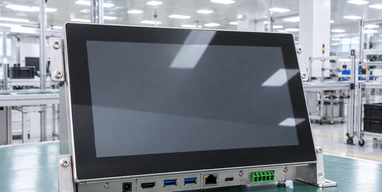
Specification-Based Inspection
Align production and inspection with the approved model, drawing, accessories and project requirements.
Capacitive Touchscreen Monitor Selection Matrix
| Product Path | Best Starting Use | Structure | Documented Size Direction | Main Review Points |
|---|---|---|---|---|
| Standard Metal-Housed PCAP Monitor | Finished external display, desktop equipment, wall or VESA installation | Complete metal enclosure | 21.5–43 inch documented range | Size, mounting, video input, touch connection |
| Open-Frame PCAP Monitor | Kiosk, cabinet and machine integration | Open-frame chassis | 21.5, 27 and 43 inch documented starting points | Cutout, brackets, bezel overlap, connector clearance |
| Industrial PCAP Monitor | Operator panel and equipment control | Panel, VESA or open-frame by model | 10.1, 15.6 and 21.5 inch documented starting points | Environment, mounting, PCAP/resistive choice, host interface |
| Custom Portable PCAP Monitor | Diagnostics, field service and compact external use | Portable project structure | 12.3–16 inch project direction | Host compatibility, USB-C capability, HDMI, power, stand |
Choose the product structure before finalizing detailed specifications. A standard model may reduce development work, while a custom configuration may be more suitable when enclosure, glass, interface or branding requirements cannot be met by an existing starting point.
Capacitive Touchscreen Monitor Buying Guide
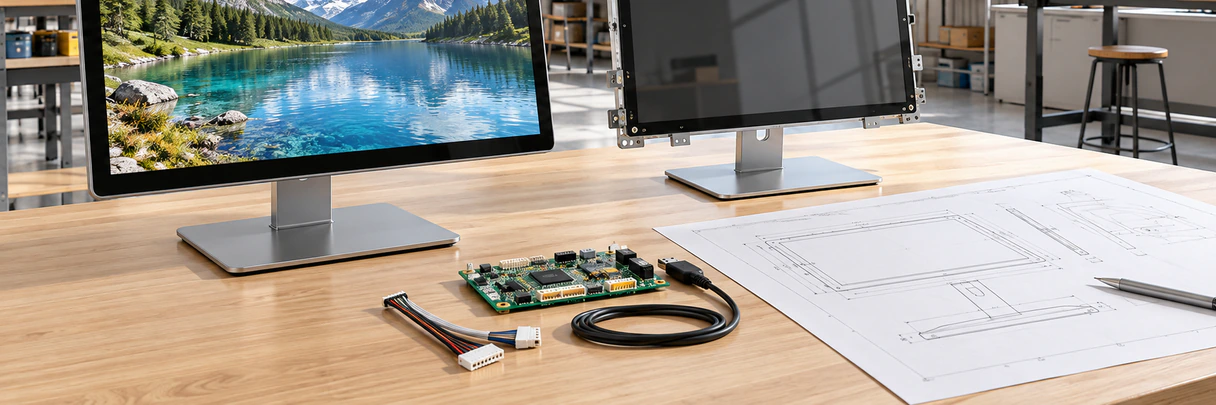
1. Is PCAP the right touch technology?
PCAP is a strong starting point for responsive glass-front interaction and multi-touch applications. If the operator must use heavy gloves, a specific stylus or unusual environmental conditions, compare the requirement with PCAP and resistive options before selection.
2. Do you need a complete monitor or a touch component?
Choose a complete monitor when the project requires an LCD, controller, housing, mounting and external-host connection. A touch panel alone does not replace these functions.
3. Which structure fits the equipment?
Choose metal-housed for a finished external display, open-frame for internal enclosure integration and industrial configurations for equipment-specific mounting and operating requirements.
4. What should be tested with the host?
Test resolution, video output, touch-data connection, operating system, touch mapping, adapters, restart behavior and the actual application.
5. Can PCAP operate through cover glass?
It can be configured for a cover-lens structure, but glass thickness, printing, bonding and controller tuning affect the result. Confirm the final stack rather than approving the glass separately.
6. What environmental information is required?
Provide the operating location, cleaning method, moisture exposure, temperature requirement, vibration, grounding and nearby electrical equipment. Do not assume an IP or environmental rating without a documented configuration.
7. What should be approved before production?
Approve the product specification, mechanical drawing, touch behavior, interfaces, cables, accessories, labels, packaging and sample test result.
Capacitive Touchscreen Monitor FAQ
What is the difference between capacitive and projected capacitive touch?
Is a capacitive touchscreen monitor the same as an all-in-one computer?
Can every PCAP monitor support ten touch points?
Can operators use gloves?
Can I use a stylus?
Will the monitor work with Windows, Linux or Android?
What is the difference between open-frame and metal-housed models?
What information should I send for a quotation?
Related Capacitive Touchscreen Monitor Product Paths

Touchscreen Monitors
Explore complete external touch display options.

Open-Frame Touch Monitors
Review monitor structures for kiosk and equipment integration.
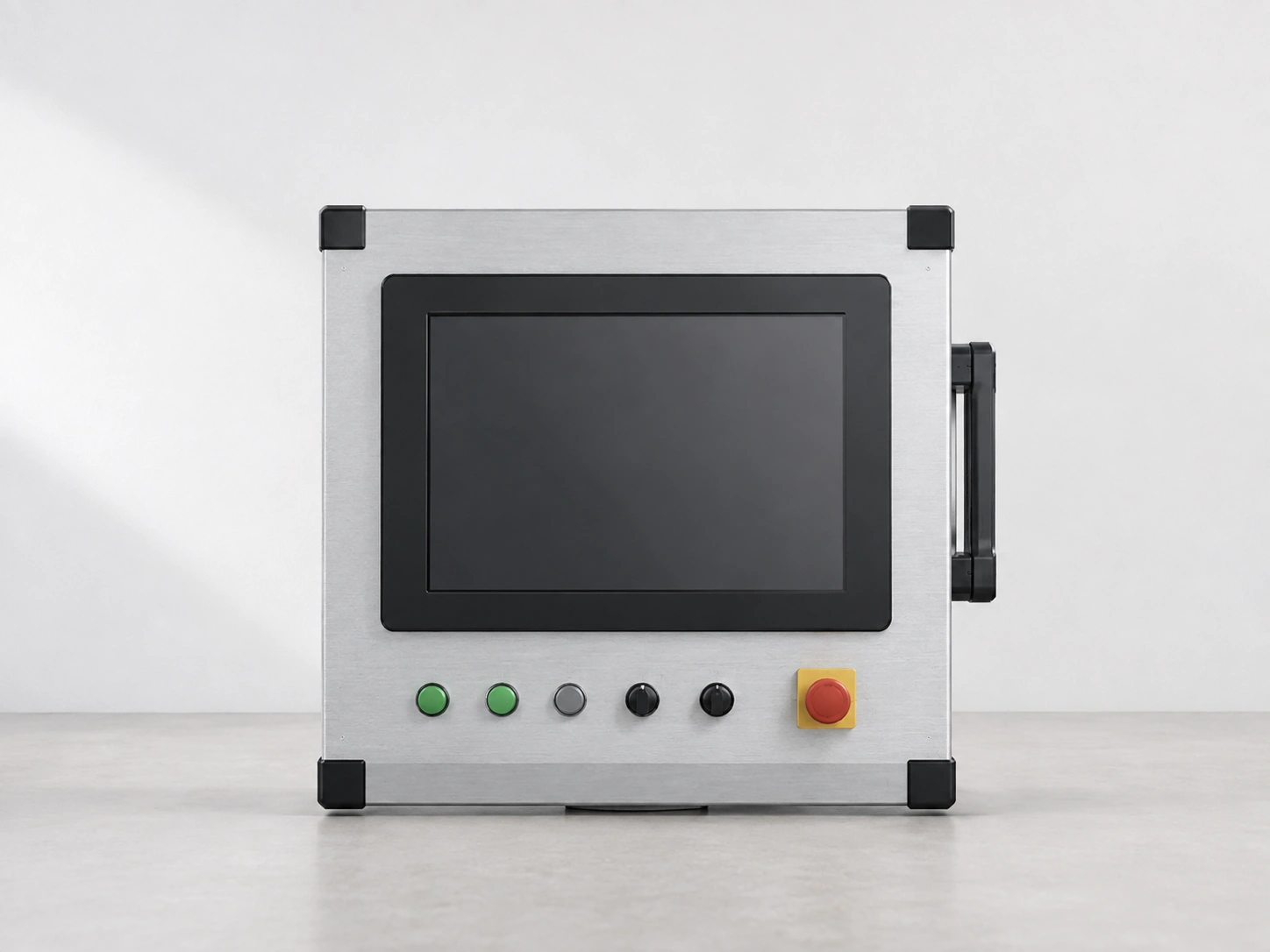
Industrial Monitors
Compare documented industrial size, touch and mounting starting points.

Kiosk Touch Screen Monitors
Review enclosed and open-frame options for self-service equipment.

Portable Touchscreen Monitors
Review compact display and host-connection options.
Touchscreen Displays
Explore additional display structures and customization paths.
Request a Capacitive Touchscreen Monitor Configuration
Tell us how the monitor will be installed and connected. Lucky XFC can review a suitable starting model, product structure and customization path for your application.
Helpful information to include:
- • Required display size and resolution.
- • Estimated quantity.
- • Application and installation environment.
- • Metal-housed, open-frame, panel or VESA preference.
- • Host computer and operating system.
- • Video output and touch-data connection.
- • Power arrangement.
- • Cover glass or appearance requirements.
- • Drawings, cutout dimensions or connector restrictions.
- • Sample or production schedule.
Prefer direct messaging?
Chat on WhatsApp →