
Custom IPS Touchscreen Monitor Manufacturer for Industrial Integration
Build an IPS touchscreen monitor around the display, touch, connection and mounting requirements of your equipment. Lucky-XFC supports industrial, open-frame, large-format and portable touch-display projects through model-based specification review and OEM/ODM configuration.
IPS panel type, brightness, resolution, touch technology, interfaces, dimensions and operating conditions are confirmed for the selected configuration before approval.
- Industrial and commercial touch-display integration
- PCAP or project-specific touch selection
- Open-frame, panel, VESA and custom mounting paths
- External-host and integrated-system review
- Drawing, host and application information accepted
IPS Touch Display Project Scope at a Glance
Primary Product Direction
Custom industrial touchscreen monitor
Display Technology
IPS panel selection confirmed by model
Touch Layer
PCAP, resistive or project-specific input after review
Host Architecture
External computer unless an integrated system is specified
An IPS touchscreen monitor combines two separate functions: an IPS-family LCD panel presents the image, while a touch sensor and controller return user input to the host. The panel type does not define the touch technology, and the touch layer does not confirm the panel type.
Use the approved product specification and mechanical drawing—not the search keyword alone—to release an enclosure, cable set or purchase order.
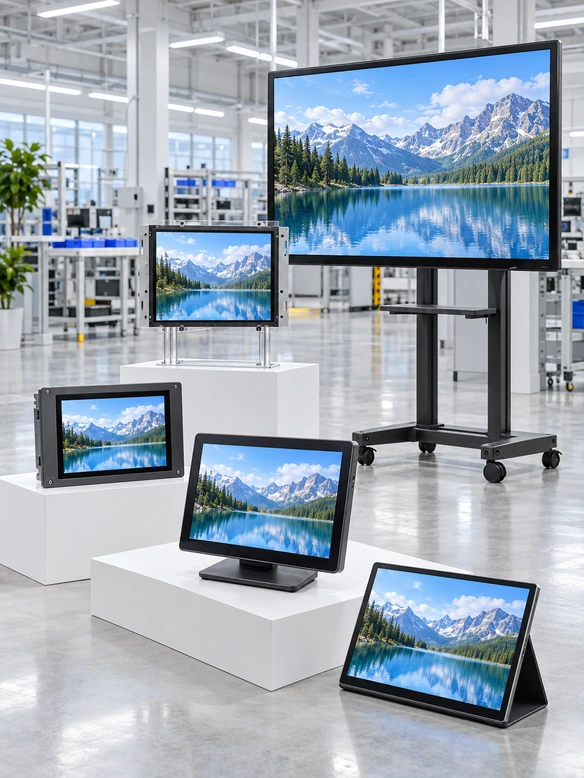
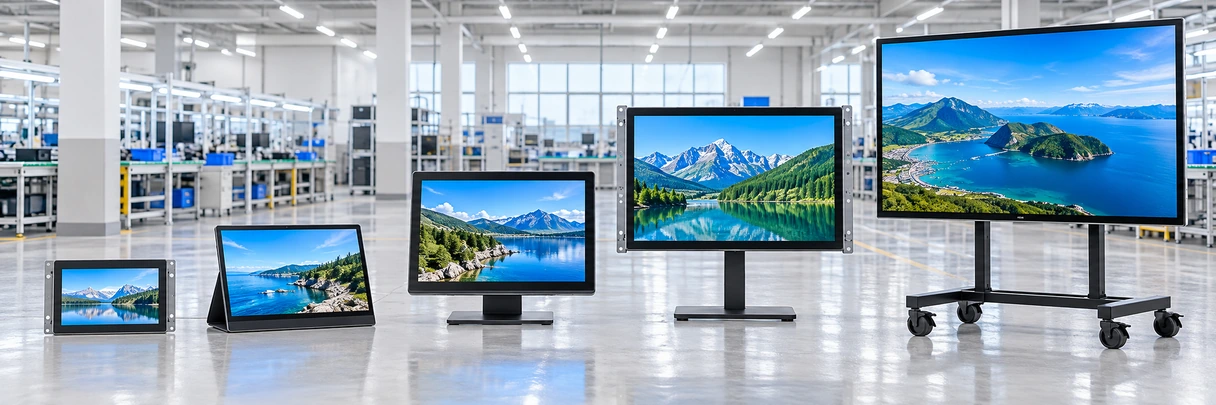
IPS Touchscreen Monitor Product Paths
Choose the installation and system path first. Final IPS panel availability and performance values are confirmed within the selected product configuration.

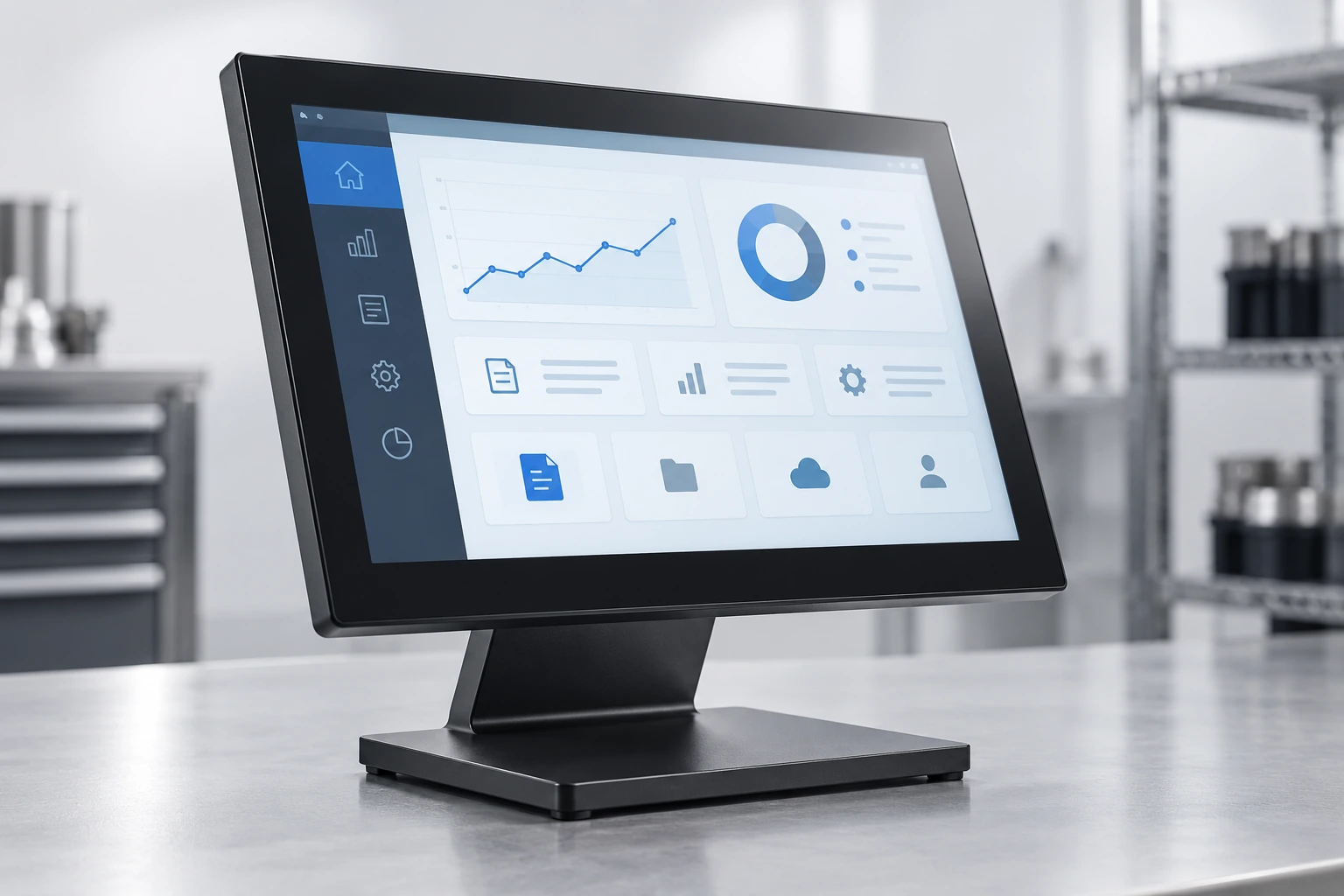
Custom Industrial IPS Touchscreen Monitor
The primary path for machine controls, test systems, operator stations and commercial equipment. Define the required screen size, resolution, touch method, video inputs, touch-data connection and mounting structure.
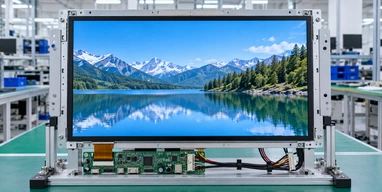
Open-Frame IPS Touchscreen Monitor
A display and touch assembly designed for installation behind an equipment fascia, kiosk panel or custom enclosure. Cutout, bezel overlap, depth, brackets and service clearance require drawing-based review.

55-Inch 4K S-IPS Touch Display
A large-format path based on the documented MZYHY55AZ S-IPS display platform. The base display specification is verified, while touch operation must be configured and approved separately.
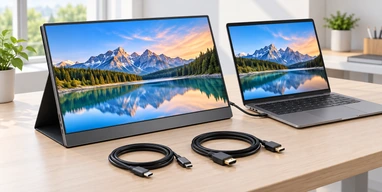
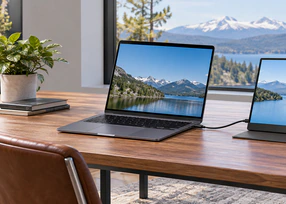
Portable IPS Touchscreen Monitor
A project-review path for compact workstations, mobile diagnostics and laptop-based setups. Panel type, weight, stand, power, USB-C behavior and host compatibility remain configuration-specific.
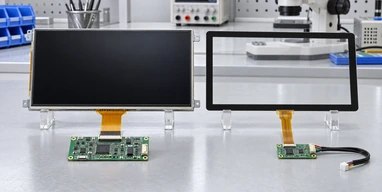
IPS Panel and Touch Layer
IPS describes the LCD panel technology. Touch requires a separate sensor, controller, data connection and compatible host environment.
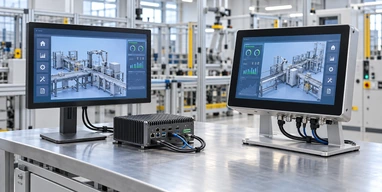
External Host or Integrated System
A touchscreen monitor normally relies on an external PC. Select an integrated computer only when processor, memory, storage and an operating system are required inside the display assembly.
What Is an IPS Touchscreen Monitor?
An IPS touchscreen monitor combines an IPS-family LCD display with a separate touch-input system. The LCD panel produces the image. The touch sensor detects user input. A touch controller converts that input into data, and the connected computer or integrated system runs the application.
IPS is commonly selected when a project benefits from consistent viewing across wider angles and stable image presentation. It does not automatically confirm color gamut, color accuracy, brightness, refresh rate, response time or outdoor readability. Those values must come from the approved panel specification.
Four-Layer Structure
- 1. LCD Panel Image, resolution, brightness and viewing performance
- 2. Touch Sensor PCAP, resistive or another approved input layer
- 3. Touch Controller Converts touch activity into host-readable data
- 4. Host System Runs the operating system and application
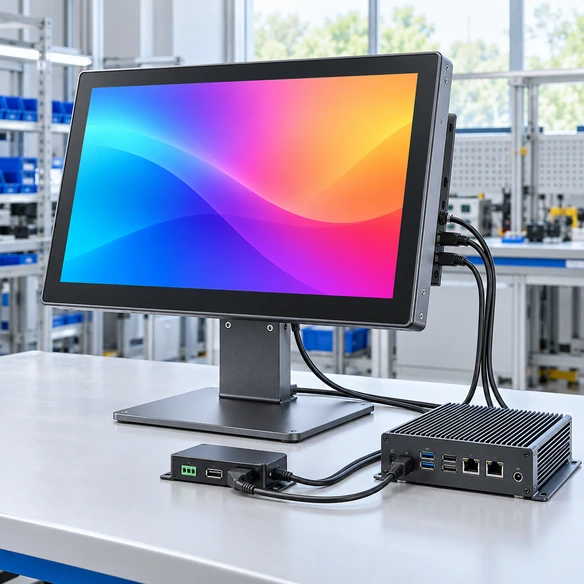
IPS Touchscreen Monitor Integration Problems to Prevent
IPS Is Assumed from the Viewing Angle
A wide-view product description does not replace confirmation of the actual panel type. Record the panel technology on the approved specification.
Video Works but Touch Does Not
HDMI or DisplayPort may deliver the image while touch still requires a USB or controller-specific data connection.
The Screen Fits but the Housing Does Not
The diagonal size does not define the overall dimensions, mounting holes, rear depth or cable clearance.
A USB-C Port Is Treated as Full-Featured
USB-C may support different combinations of video, data and power. The monitor, host port, cable and power profile must be checked together.
Touch Behavior Is Approved Without the Application
Touch-point count, gestures, orientation, mapping, glove behavior and stylus requirements depend on the controller, operating system and application.
Consumer Display Specifications Are Applied to Equipment
Equipment integration also requires mounting stability, service access, connector direction, cable retention and drawing control.
IPS Touchscreen Monitor Verified Starting Points
The following products provide documented display or touch-monitor starting points. Only the 55-inch MZYHY55AZ reference currently identifies S-IPS in the published specification. IPS availability for the other configurations must be confirmed before they are presented as IPS products.
Swipe horizontally to view all specifications
| Configuration | Verified Display or Touch Data | Installation Direction | IPS Status |
|---|---|---|---|
| MZYHY55AZ | 55-inch, 3840 × 2160 at 60Hz, S-IPS, 300 cd/m² typical, 178° H/V | Wall, embedded or base-mounted | S-IPS verified; touch requires separate configuration |
| XFC-IM-101P | 10.1-inch, 1280 × 800, PCAP, HDMI/VGA | Panel or VESA | Panel type must be confirmed |
| XFC-IM-156P | 15.6-inch, 1920 × 1080, PCAP or resistive, HDMI/VGA/DVI | Panel or VESA | Panel type must be confirmed |
| XFC-IM-215O | 21.5-inch, 1920 × 1080, PCAP, HDMI/DP/VGA | Open frame | Panel type must be confirmed |
| TP215–TP430 Flat Series | 21.5–43-inch, 1920 × 1080, PCAP, metal housing | Enclosed equipment display | Panel type must be confirmed |
Brightness, touch points, touch-data interface, dimensions, mounting, environmental ratings and certification scope remain model-specific unless listed in the approved configuration.
IPS Touchscreen Monitor Display and Touch Architecture
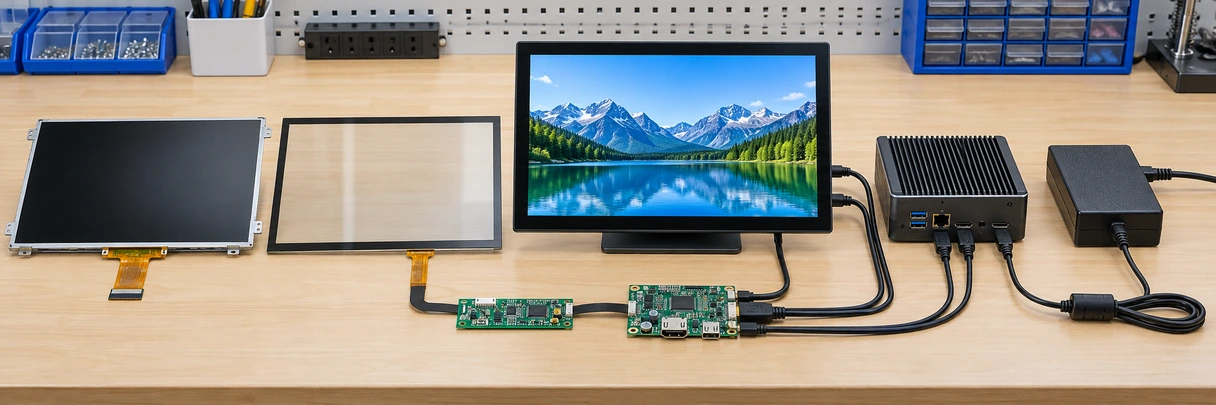
Signal Flow
Host Graphics Output → Video Interface → LCD Controller → IPS Panel
User Input → Touch Sensor → Touch Controller → USB or Approved Data Interface → Host Application
The image path and touch-data path are separate unless a verified combined interface carries both functions. Power is a third requirement and must be checked independently.
Connection Definitions
-
HDMI / DisplayPort / VGA
Video path
-
USB upstream or controller-specific connection
Touch-data path
-
DC input or approved USB-C power profile
Power path
-
USB-C
Combined operation only after compatibility confirmation
IPS Touchscreen Monitor Panel and Touch Comparison
Swipe horizontally to view all specifications
| Display Factor | IPS | VA | TN |
|---|---|---|---|
| Viewing direction | Commonly selected where wider-angle consistency matters | Often selected where contrast is a priority | Often selected for fast, cost-sensitive display designs |
| Color behavior | Panel specification still determines gamut and accuracy | Model-specific | Model-specific |
| Touch capability | Not defined by panel technology | Not defined by panel technology | Not defined by panel technology |
| Required confirmation | Panel source, resolution, brightness, gamut, response and operating conditions | Same | Same |
| Touch Factor | PCAP | Resistive |
|---|---|---|
| Input | Finger or compatible conductive input | Pressure-based input |
| Gestures | Multi-touch may be supported | Commonly selected for simpler point input |
| Surface | Cover-glass-based construction | Flexible resistive layers |
| Selection direction | Modern interactive interfaces | Selected glove, stylus or pressure-input workflows |
| Validation | Controller, grounding, touch points, OS and application | Actuation, surface durability, controller and application |
These comparisons are selection guidance, not a statement that every technology is available on every Lucky-XFC model.
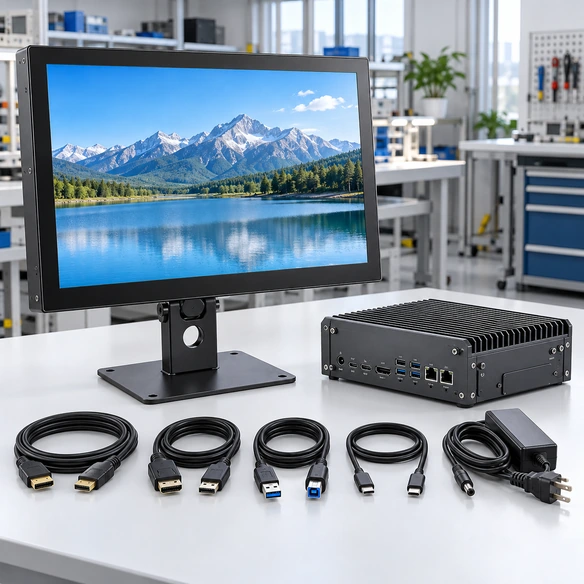
IPS Touchscreen Monitor Host and Interface Compatibility
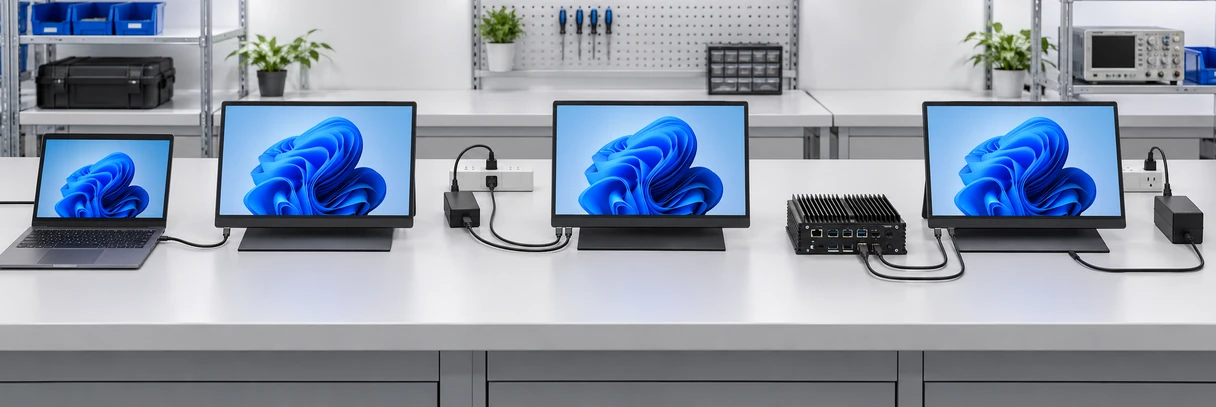
A compatible video connector is only the first step. Confirm the graphics output, resolution, orientation, touch-data connection, operating system, driver behavior, cable specification and power source as one system.
Compatibility Checklist
- Host type and graphics output
- Required resolution and refresh rate
- HDMI, DisplayPort, VGA or USB-C video
- USB touch-data path
- Cable length and connector direction
- Windows, Linux, Android or project-specific environment
- Touch mapping for one or multiple displays
- Application gestures and orientation
- Power input and grounding
IPS Touchscreen Monitor Mechanical Integration
Do not manufacture an enclosure from the nominal screen size. Approve the product drawing first and coordinate the monitor, fascia, brackets, connectors and service space around the same revision.
Coordination Checklist
- Overall width, height and depth
- Active display area
- Panel opening and bezel overlap
- VESA or bracket positions
- Rear connector direction
- Cable bend radius and retention
- Ventilation and heat sources
- Touch surface height and operator reach
- Landscape or portrait orientation
- Removal and maintenance access
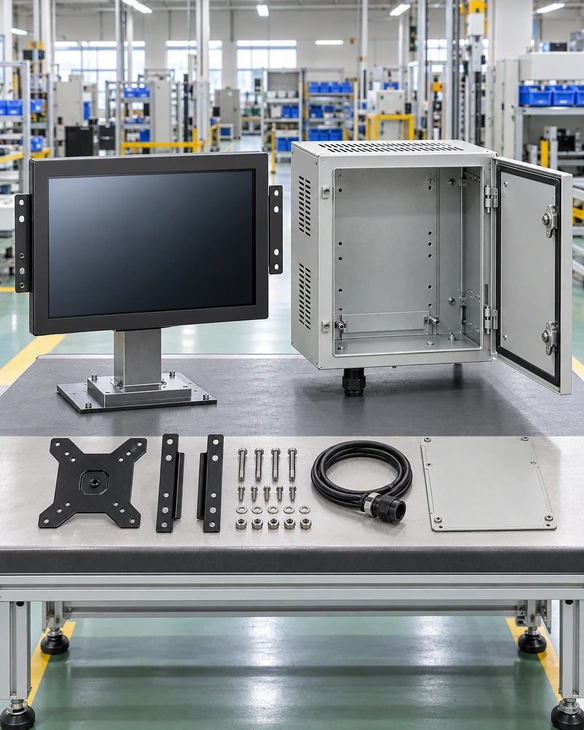
IPS Touchscreen Monitor Applications

Industrial Operator Stations
Present machine status, alarms and control functions through a touch interface connected to an industrial computer or controller.

Test and Measurement Equipment
Add a direct-input display to inspection benches, laboratory instruments and diagnostic equipment where interface and mounting space are controlled.

Self-Service and POS Equipment
Support product selection, information access or transaction workflows after software, peripherals and host compatibility are confirmed.
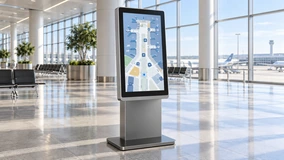
Information and Wayfinding Terminals
Provide an interactive visual interface for directories, service information and visitor navigation.
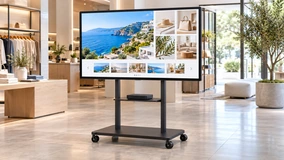
Interactive Digital Signage
Combine large-format display hardware with a separately approved touch layer, computing platform and application.
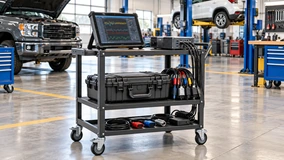
Portable Diagnostic Workstations
Use a compact external touch display where stand design, cable arrangement, host support and power behavior have been validated.
IPS Touchscreen Monitor Representative Project Scenario
Operator Console Display Review
A machine-builder is planning a new operator console around an external industrial computer. The requested display must remain readable from different standing positions and support direct touch control, but the initial requirement states only “IPS touchscreen monitor.”
That description is not sufficient for production approval. The project is organized into five review steps:
-
1
Define the display — Confirm size, resolution, panel type, brightness and viewing conditions.
-
2
Define touch input — Confirm PCAP or resistive operation, touch points, gestures and operating method.
-
3
Match the host — Check graphics output, USB touch data, operating system and application.
-
4
Approve mechanics — Review the cutout, VESA or brackets, connector position and cable clearance.
-
5
Validate the configuration — Test the approved sample with the intended host and application before production release.
This representative scenario explains the review method. It does not identify a customer, order, deployment country or published project result.

IPS Touchscreen Monitor Customization Options
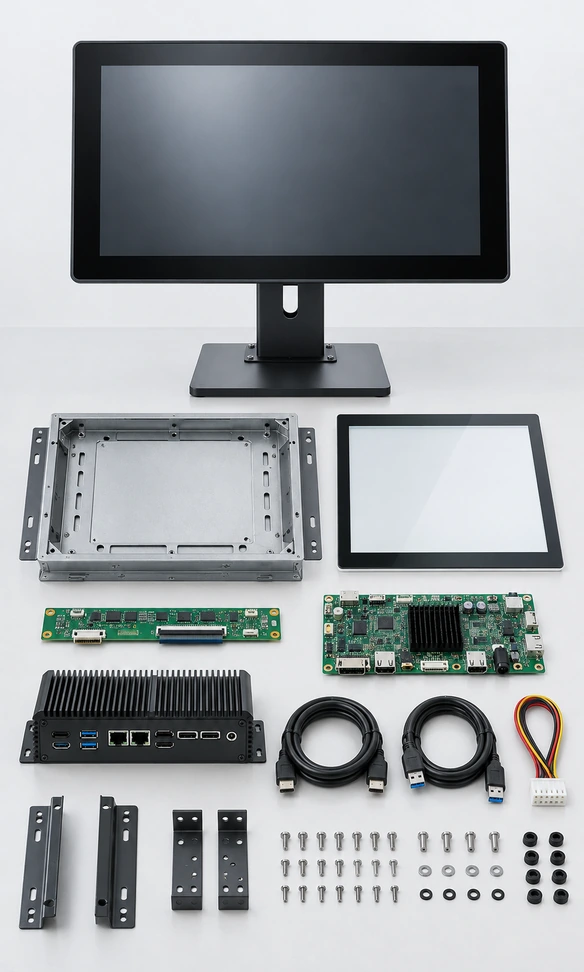
Display
- • Screen size and aspect ratio
- • IPS panel availability by configuration
- • Resolution and brightness
- • Landscape or portrait use
Touch
- • PCAP or resistive selection
- • Touch-point requirement
- • Cover-glass and surface treatment review
- • Glove or stylus validation
Mechanical
- • Open-frame, panel, VESA or custom housing
- • Cutout and mounting-depth coordination
- • Connector direction and cable access
- • Color, label and logo direction
Electronics
- • HDMI, DisplayPort, VGA or approved USB-C path
- • Touch-data interface
- • Power-input review
- • External host or integrated computing
Documentation
- • Product specification
- • Mechanical drawing
- • Interface definition
- • Approved configuration record
Customization remains subject to panel availability, controller matching, electronics, mechanical feasibility, validation and the approved specification.
IPS Touchscreen Monitor Project Workflow

1. Application Review
Define the equipment, user, environment and operating workflow.

2. Product Path Selection
Choose industrial, open-frame, 55-inch S-IPS or portable review direction.

3. Display and Touch Definition
Confirm the panel, resolution, brightness, touch method and input behavior.

4. Host and Drawing Review
Match video, touch data, power, dimensions and mounting.

5. Sample Validation
Evaluate the approved configuration with the intended host and application.

6. Approved Production Configuration
Release production against the confirmed specification and drawing revision.
IPS Touchscreen Monitor Manufacturing and Inspection
Inspection should follow the approved configuration rather than a generic IPS touchscreen monitor label. The display, touch response, interfaces, appearance and mechanical details must be checked against the product specification and drawing used for the project.
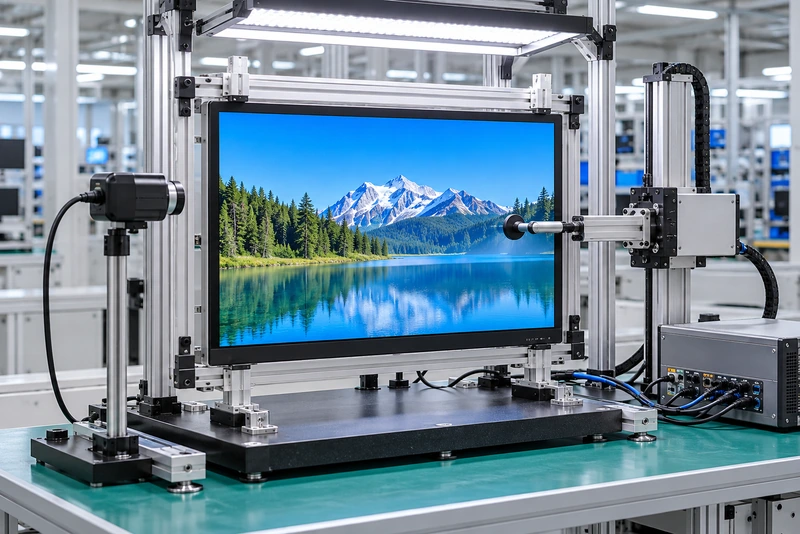
Inspection Directions
- Panel and resolution identification
- Image display and visible defect inspection
- Touch response and point verification
- Video and touch-data interface check
- Power and control-function check
- Housing, glass and appearance inspection
- Dimensions and mounting-point review
- Label, cable and accessory confirmation
- Packaging configuration check
Testing scope, acceptance criteria, reports and certification documents depend on the selected model and order requirements.
Why Choose Lucky-XFC for an IPS Touchscreen Monitor Project?
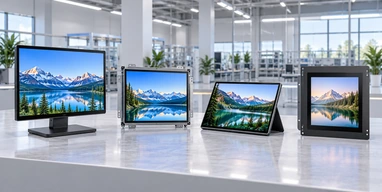
Multiple Product Structures
Review enclosed, open-frame, panel-mounted, VESA-mounted, large-format and portable project directions.
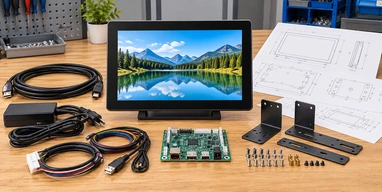
Documented Starting Configurations
Begin with published industrial, flat-touch or S-IPS display references instead of an undefined product request.
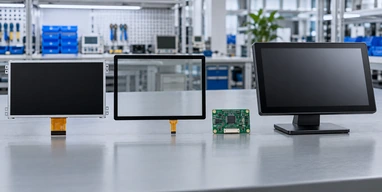
Display and Touch Coordination
Treat the panel, touch sensor, controller and host as connected but separately verified parts of the system.
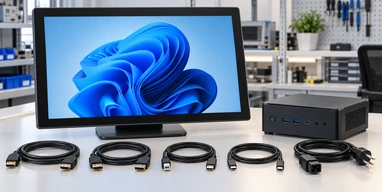
Interface Planning
Review video, touch data and power before approving the cable set or enclosure.

Drawing-Based Integration
Coordinate the physical product with the equipment opening, mounting structure and service space.
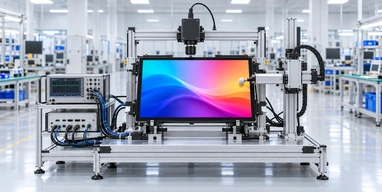
Specification-Based Inspection
Inspect the approved configuration against its defined display, touch, interface and mechanical requirements.
IPS Touchscreen Monitor Selection Matrix
Swipe horizontally to view full matrix
| Project Requirement | Recommended Review Path | Confirm Before Approval |
|---|---|---|
| Industrial equipment with external PC | Custom industrial IPS touchscreen monitor | Panel type, touch, video, USB touch, mounting and environment |
| Display embedded into a fascia or cabinet | Open-frame IPS touchscreen monitor | Cutout, depth, brackets, cooling and service access |
| Large 4K commercial interface | 55-inch MZYHY55AZ-based S-IPS touch project | Touch configuration, application, computing platform and installation |
| Mobile or compact secondary display | Portable IPS touchscreen monitor | Panel source, stand, weight, USB-C/HDMI, power and host support |
| Pressure input or selected glove workflow | Resistive-touch evaluation | Panel compatibility, actuation and application behavior |
| Multi-touch gesture interface | PCAP evaluation | Touch points, controller, OS, grounding and application |
| One-cable connection request | USB-C compatibility review | DP Alt Mode, USB data, power profile and cable capability |
The selection matrix identifies a review direction. It does not replace the approved model specification, drawing or application validation.

IPS Touchscreen Monitor Buying Guide
Is every IPS display a touchscreen?
No. IPS describes the LCD panel technology. Touch operation requires a touch sensor, controller, data connection and compatible host.
Does an IPS panel guarantee accurate color?
No. Confirm the panel specification for color gamut, color accuracy, brightness, contrast, response time and calibration requirements. IPS alone does not define those values.
Does HDMI carry touchscreen input?
HDMI normally carries the display image and audio. Touch input normally requires USB or another approved controller connection.
Can USB-C carry video, touch data and power?
It can only when the monitor, host port, cable and required power profile support the same functions. A USB-C connector alone does not prove one-cable operation.
How should an open-frame IPS touchscreen be selected?
Start with the equipment opening, active area, product outline, mounting depth, connector direction and service clearance. Confirm the panel and touch configuration after the mechanical path is defined.
What should be tested before a production order?
Test the intended host, resolution, operating system, application, touch mapping, gestures, cables, power source and mounting arrangement with the approved product configuration.
IPS Touchscreen Monitor FAQ
What does IPS mean in an IPS touchscreen monitor?
Does Lucky-XFC offer a standard IPS touchscreen monitor range?
Which touch technologies can be evaluated?
Can the monitor connect to an industrial computer?
Can the monitor be installed in a machine panel?
Can I request a portable IPS touchscreen monitor?
Does the monitor include Windows or Android?
What information is useful for a quotation?


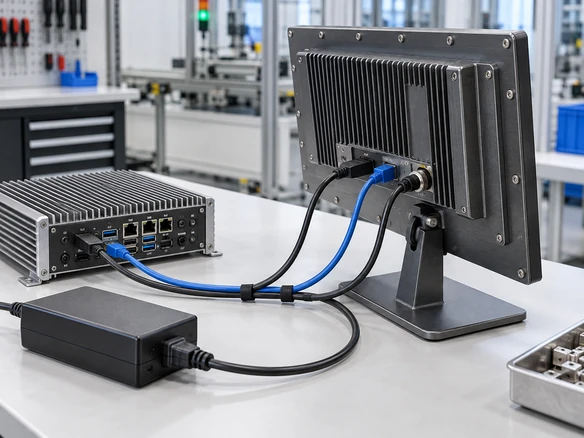
Request an IPS Touchscreen Monitor Configuration
Send the application, required screen size, host device, video output, touch method, mounting direction and expected quantity. Lucky-XFC can use this information to identify a suitable product path and the specifications that still require confirmation.
Direct Contact
- sales13@lucky-xfc.com
- +86 13530368341
- No. 15, Lianfeng Road, Hongqiaotou, Yanluo Street, Songgang Town, Bao'an District, Shenzhen City, Guangdong Province