
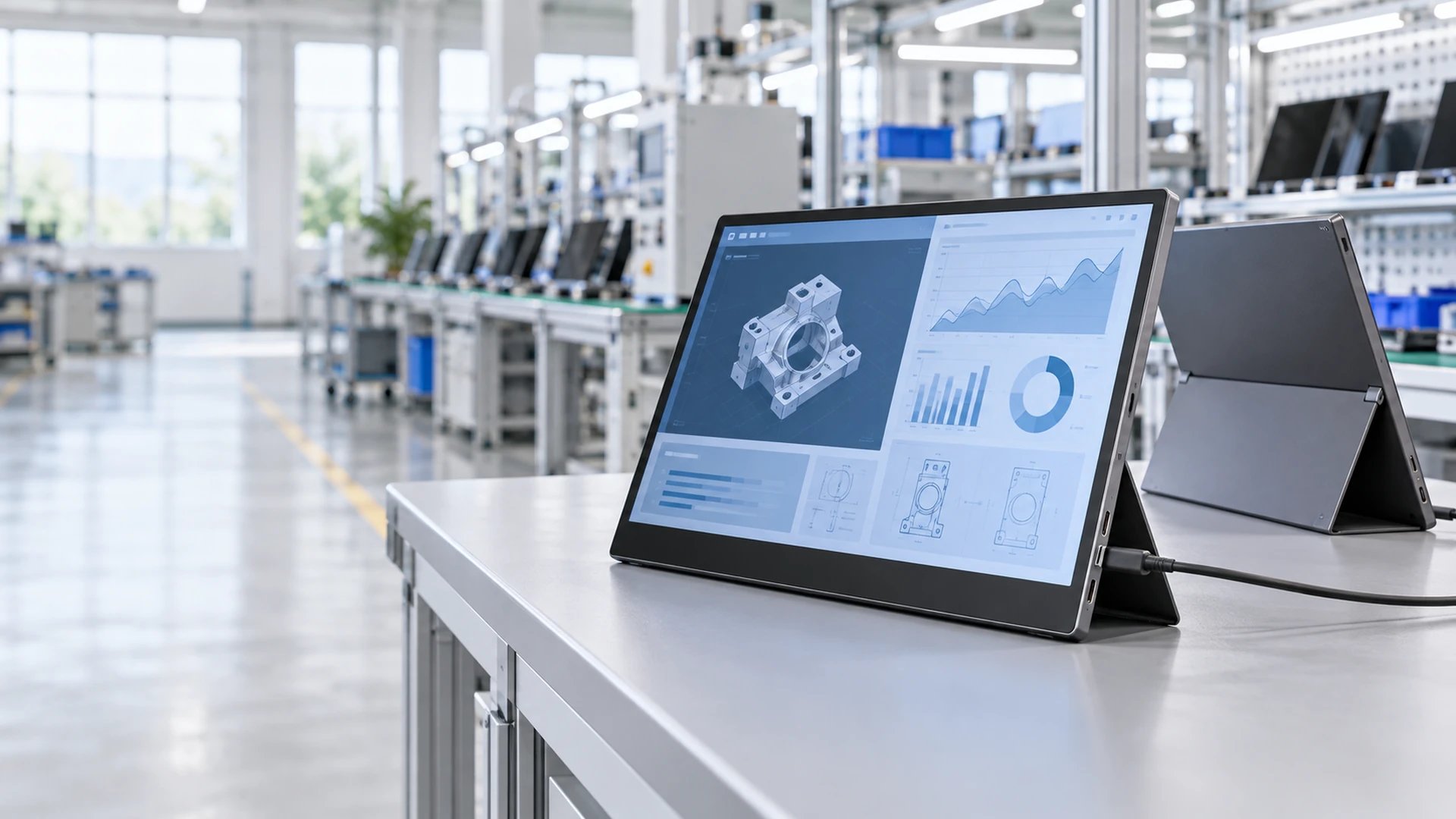
Portable Touchscreen Monitor Manufacturer
Configure a portable touch display around your host device, interface requirements and mechanical design. Lucky XFC supports 12.3 to 16 inch portable display projects for mobile workstations, industrial equipment, device commissioning, medical equipment integration and commercial interactive terminals. We bring the LCD panel, touch sensor, controller, video interface and enclosure requirements into one project-specific configuration.
- 12.3", 13.3", 14", 15.6" and 16" project options
- PCAP touch, controller matching and cover glass integration
- USB-C and HDMI interface planning
- Custom housing, kickstand and mounting structure
- Prototype review, engineering modification and production support
Tell us your host device, required screen size and intended application.
Start With the System, Not Just the Screen
A portable monitor is only useful when the display signal, touch data, power path and mechanical structure work together. Two products with the same screen size can require very different controllers, cables and enclosure designs. Lucky XFC uses the application requirements as the starting point. Before a configuration is recommended, the host output, operating system, installation method, touch behavior and expected working conditions should be reviewed.
Host and Video Output
Identify whether the source provides USB-C video, HDMI output or another display signal. A USB-C connector does not automatically mean that the host supports video output.
Power and Cable Layout
Define whether power will come from the host, an external adapter or the equipment power system. One-cable operation is possible only when the selected display and host support the required video, data and power functions.
Touch Interaction
Confirm the operating system, required gestures, touch-point requirement and whether the application uses bare fingers, a stylus or gloves.
Mechanical Integration
Select a portable kickstand, protective housing or equipment-specific mounting structure. Port direction and cable clearance should be considered before enclosure approval.
Portable Touchscreen Monitor Product Range
Choose a starting format based on usable screen area, portability and the available installation space. Final display, touch and interface specifications are confirmed during engineering review.
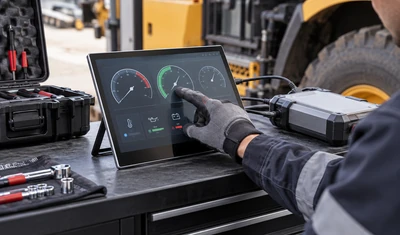
12.3–13.3 Inch Compact
A compact format for small workspaces, mobile diagnostic equipment, vehicle auxiliary displays and space-limited control applications. This range prioritizes integration flexibility and reduced physical footprint.
- Compact enclosure planning
- Host and power compatibility
- Portable or equipment-mounted structure
- Touch controller matching
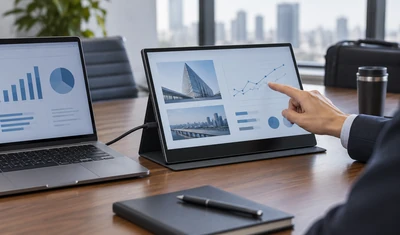
14 Inch Business
A balanced option for portable business workstations, presentations and laptop screen expansion where buyers need more usable area without moving directly to a full 15.6 inch format.
- Portable stand design
- USB-C or HDMI signal planning
- Display resolution selection
- Touch and operating-system verification
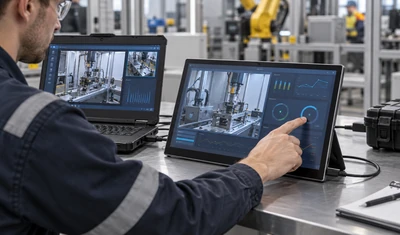
15.6 Inch Mainstream
A mainstream portable format for mobile workstations, industrial auxiliary displays, equipment setup and interactive control. The larger viewing area supports dashboards, documents and touch-operated application interfaces.
- FHD or project-specific display selection
- PCAP touch integration
- Interface and cable arrangement
- Housing and support structure
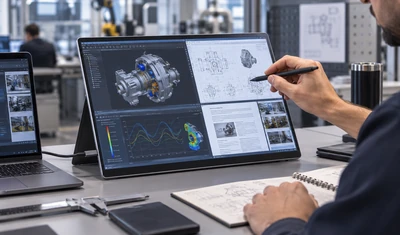
16 Inch Productivity
A larger portable format for applications that require more workspace, higher information density or a wider touch surface. It can be evaluated for engineering software, control interfaces and multi-window workflows.
- Resolution and interface bandwidth
- Mechanical stability
- Power requirements
- Host graphics compatibility
OEM/ODM Portable Touch Display
A project-oriented option for equipment manufacturers that need a portable or detachable touch display built around a defined host, enclosure or application. The development scope can include the LCD, touch sensor, controller, cover glass, interface board, housing and support structure.
- Industrial equipment
- Medical equipment integration
- Commercial terminals
- Custom interactive devices
Which Portable Monitor Size Fits Your Application?
Screen size affects usable workspace, enclosure dimensions, portability and the mechanical support required. Use this table as an initial selection aid rather than a final specification.
| Size | Typical Application | Selection Priority | Engineering Note |
|---|---|---|---|
|
Size
12.3 inch
|
Typical Application
Vehicle auxiliary display, compact diagnostic equipment, small control system
|
Selection Priority
Minimum footprint
|
Engineering Note
Confirm active area, enclosure space and host resolution.
|
|
Size
13.3 inch
|
Typical Application
Mobile work, field tools, portable equipment display
|
Selection Priority
Compact portability with practical viewing space
|
Engineering Note
Review stand angle, cable exit and touch target size.
|
|
Size
14 inch
|
Typical Application
Business travel, laptop extension, presentation equipment
|
Selection Priority
Balance between portability and workspace
|
Engineering Note
Panel and resolution availability must be confirmed.
|
|
Size
15.6 inch
|
Typical Application
Mainstream secondary display, industrial service tool, control interface
|
Selection Priority
Larger workspace and broad application coverage
|
Engineering Note
Confirm resolution, power path and enclosure structure.
|
|
Size
16 inch
|
Typical Application
Multi-window workflows, engineering interfaces, high-information dashboards
|
Selection Priority
Maximum workspace within the planned portable range
|
Engineering Note
Review interface bandwidth, power requirement and support stability.
|
Not sure which size to select? Send us the available installation space, viewing distance and host model. Our team can help narrow the configuration before quotation.
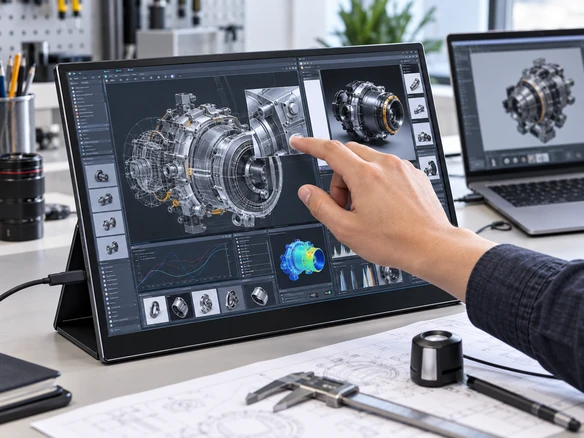
Select Resolution Around Content and Host Capability
Resolution should be selected together with screen size, interface bandwidth, software scaling and viewing distance. A higher pixel count is not automatically the best option if the host, application or power design cannot support it efficiently. Lucky XFC can evaluate IPS LCD solutions and multiple resolution paths. Final availability depends on the selected size, panel supply and approved project specification.
FHD 1920×1080
A practical starting point for office applications, industrial auxiliary displays, equipment setup interfaces and general-purpose content.
Best considered when:
- Software is designed around standard FHD layouts
- Broad host compatibility is important
- The application does not require very high pixel density
2560×1600
A higher-resolution option for productivity interfaces, detailed dashboards and applications that benefit from additional vertical workspace.
Best considered when:
- The host supports the required output
- Software scaling has been reviewed
- Fine interface elements remain touch-friendly
4K UHD
A project option for image review, design content and applications requiring high visual detail.
Best considered when:
- Panel availability has been confirmed
- Interface bandwidth and host graphics capability are sufficient
- Power and thermal requirements have been evaluated
Engineering Note: Resolution availability varies by screen size. Do not place a resolution in a purchase specification until the panel, controller and interface combination has been approved.
Touch Integration Built Around the Input Method
The touch experience depends on more than the sensor. Cover glass, touch controller, operating system, grounding, enclosure design and application software can all affect the final interaction. Lucky XFC supports PCAP touch integration, controller matching and cover glass planning for portable display projects.
Projected Capacitive Touch (PCAP)
PCAP is the preferred starting point for finger-operated portable interfaces, gesture-based applications and modern commercial or industrial controls.
- Required touch-point count
- Operating-system behavior
- Cover glass thickness
- Edge design and bonding structure
- Controller and driver compatibility
- Grounding and interference conditions
Pressure or Glove-Based Input
If the application requires pressure input, heavy gloves or a special stylus, describe the exact operating method during the inquiry. Alternative touch technology must be evaluated as a project-specific option and is not included by default.
Engineering note: Do not state a fixed number of touch points unless it has been confirmed for the selected controller.
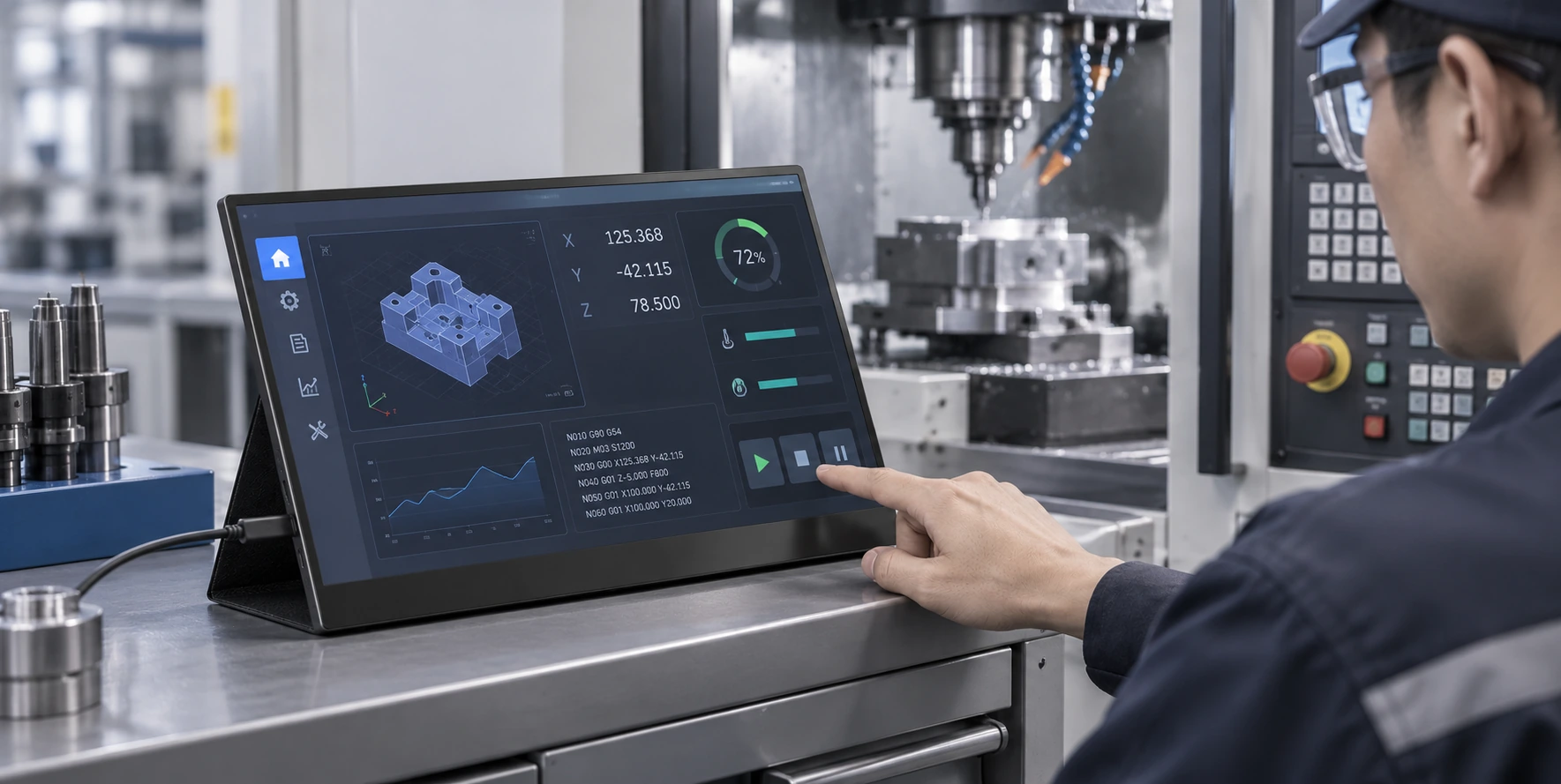
Plan Video, Touch Data and Power as Separate Requirements
Connector shape alone does not confirm system compatibility. A reliable portable touch display project must define how video, touch data and power move between the host and the monitor.
USB-C One-Cable Configuration
A one-cable setup may carry video, touch data and power when both the host and selected monitor configuration support the necessary USB-C video and power functions.
Required checks:- ✓ Host USB-C supports video output
- ✓ Available power is sufficient
- ✓ Touch data path is supported
- ✓ Cable capability is verified
HDMI + USB Configuration
HDMI can carry the video signal, while touch data and power use a separately configured USB connection. This is often the clearer path when the host has HDMI but does not provide USB-C video.
Required checks:- ✓ HDMI connector type
- ✓ Separate touch-data connection
- ✓ Power source
- ✓ Cable routing
Equipment-Level Integration
For industrial PCs, controllers and embedded systems, the interface board and port direction should be selected around the equipment architecture and enclosure.
Required checks:- ✓ Source signal & Controller-board input
- ✓ Power specification
- ✓ Internal or external cabling
- ✓ Connector retention requirements
Warning
USB-C is not automatically a video port. Always verify DisplayPort Alt Mode or the relevant host video-output capability before specifying one-cable operation.
Compatibility Is a System Question
A portable touch display must be matched to the host hardware, operating system, graphics output and touch-input behavior. Lucky XFC should not present an operating system as universally supported until the complete configuration has been tested.
Laptop or Workstation
- Available USB-C or HDMI video output
- Operating-system touch support
- Driver or utility requirements
- Power supplied by host or adapter
Industrial PC or Embedded Controller
- Video-output format
- Touch-controller compatibility
- Cable retention and port location
- Continuous operating requirements
Android Device or Mobile Host
- Whether the device outputs video
- USB-C function support
- Touch-return behavior
- External power requirements
Medical or Commercial Equipment Controller
- Approved hardware interface
- Software input behavior
- Cleaning and surface requirements
- Mechanical and cable integration
Windows, macOS, Linux and Android devices can behave differently even when they use the same connector. Provide the exact host model and operating-system version for project evaluation.
Portable Housing or Equipment-Specific Structure
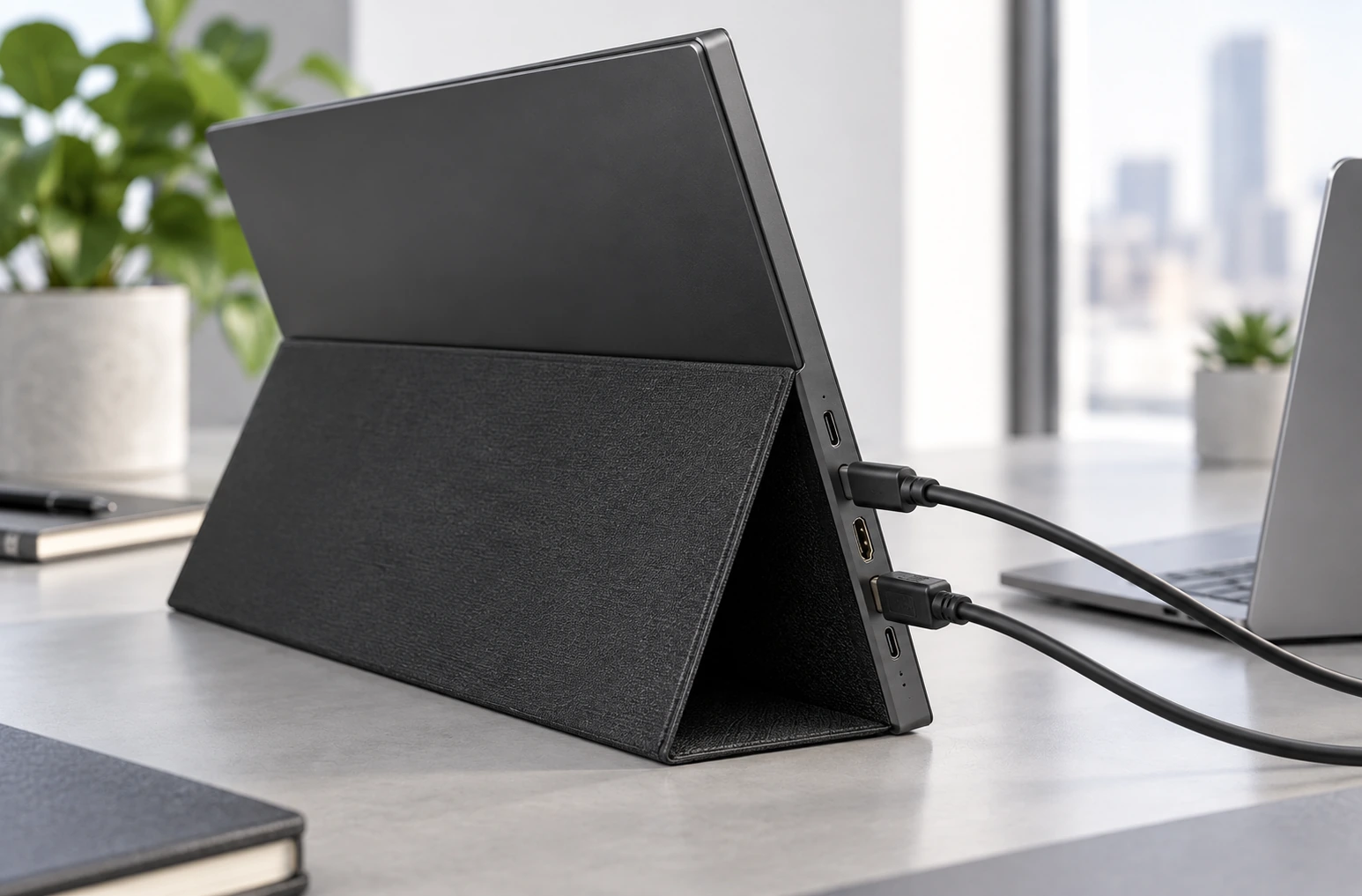
Mechanical design determines how the display is carried, supported, connected and protected. A portable office monitor may prioritize a fold-out stand, while an industrial service display may require metal construction, defined cable clearance or an equipment-specific mounting arrangement.
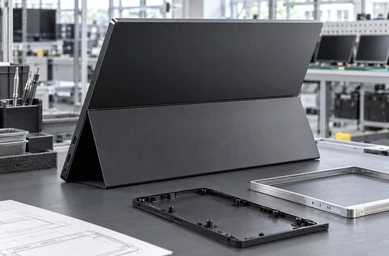
Housing Material
Evaluate metal or plastic construction based on weight target, rigidity, appearance, impact risk and production requirements.
Kickstand and Viewing Angle
Define how the monitor will be supported in landscape or portrait use. Stand geometry should be reviewed together with touch force and cable location.
Port Placement
USB-C and HDMI ports should remain accessible without interfering with the stand, enclosure or surrounding equipment.
Cover Glass and Front Surface
Review visible area, border design, edge treatment and cleaning requirements before finalizing the front structure.
Note: Final dimensions, thickness and weight must come from the approved mechanical drawing. Do not display generic market numbers as Lucky XFC specifications.
Portable Touch Displays for Different Working Environments
The following are typical application scenarios for configuration guidance. They are not customer case studies and do not represent a named customer, completed order or guaranteed project result.
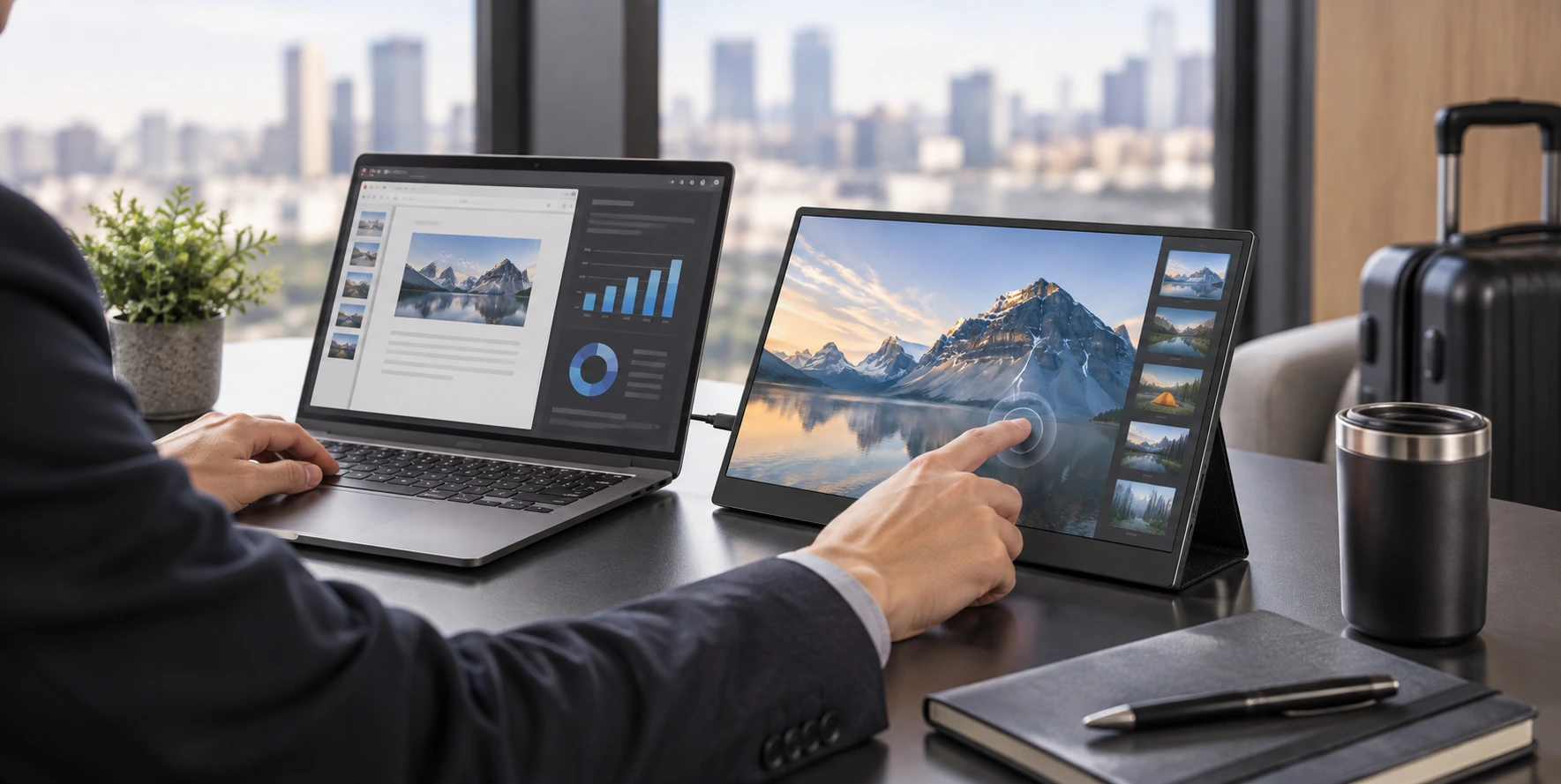
Mobile Workstation and Laptop Extension
Add an interactive secondary display for documents, dashboards, presentations or software controls. Important decisions include portability, stand stability, host video output and whether one-cable operation is technically possible.
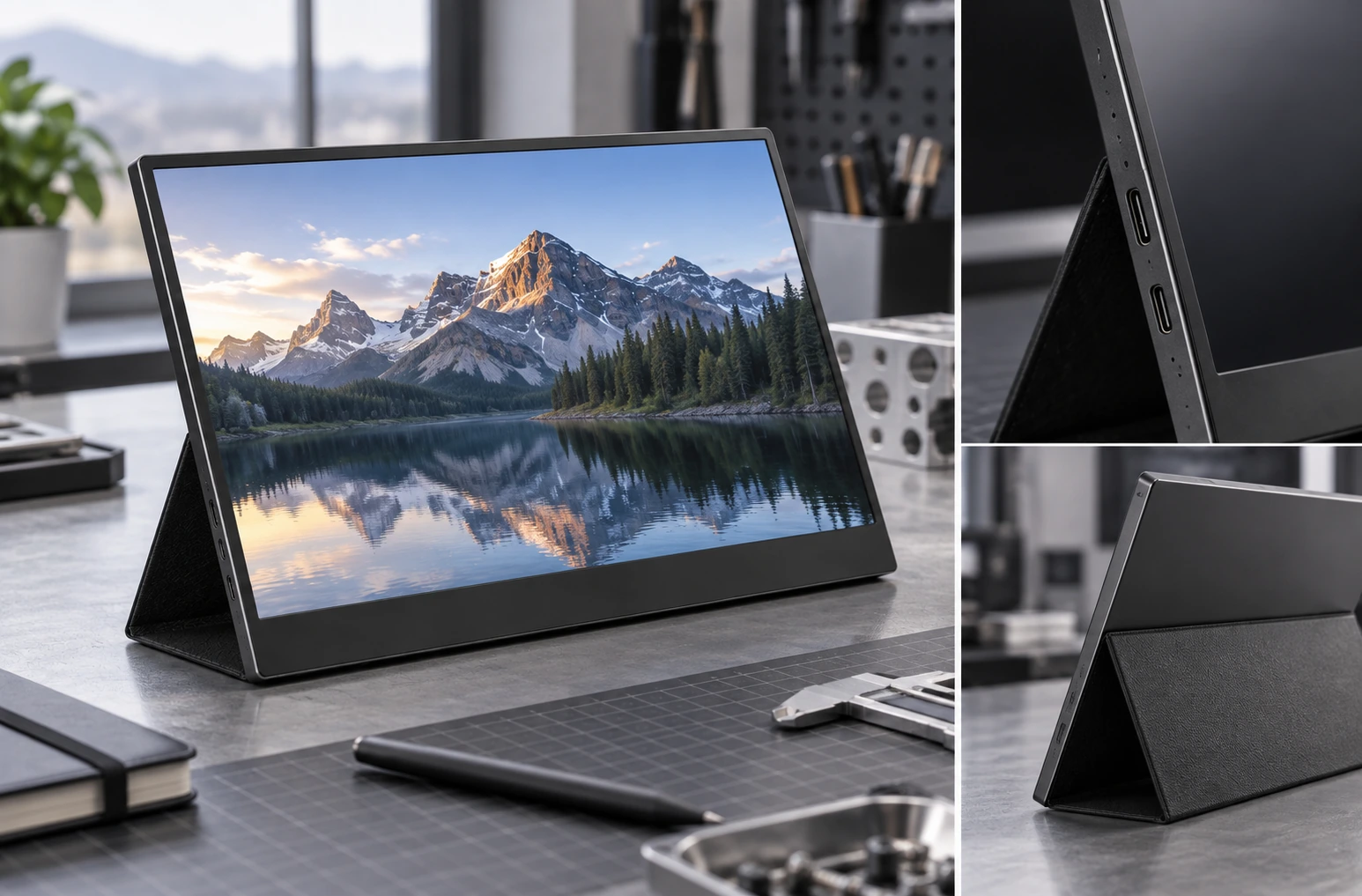
Industrial Equipment Auxiliary Display
Use a detachable or portable screen to view machine data, assist with setup or provide an operator interface near the equipment.
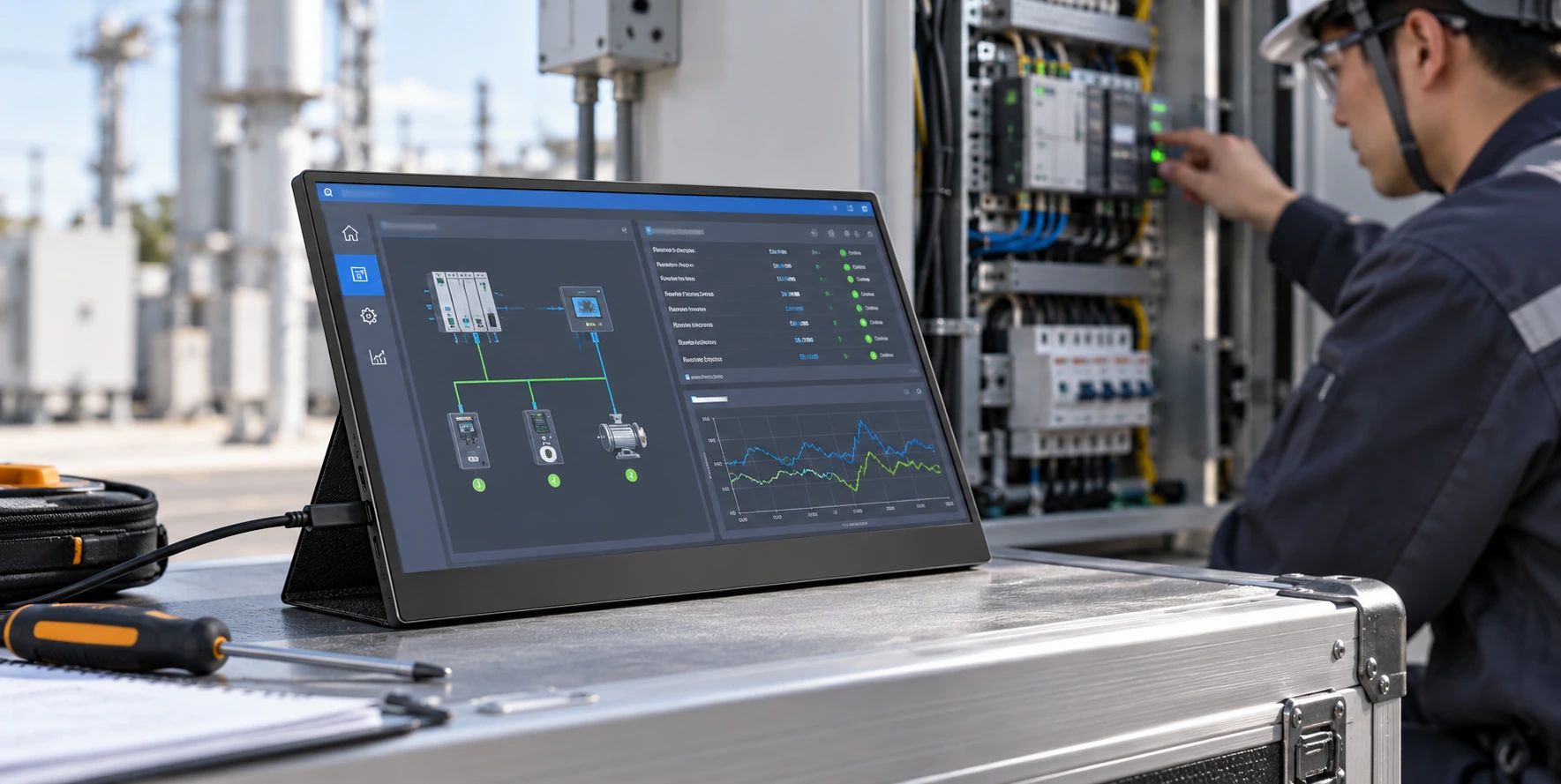
Field Commissioning and Device Diagnostics
Provide technicians with a portable display and touch-input surface during equipment installation, maintenance or system commissioning.
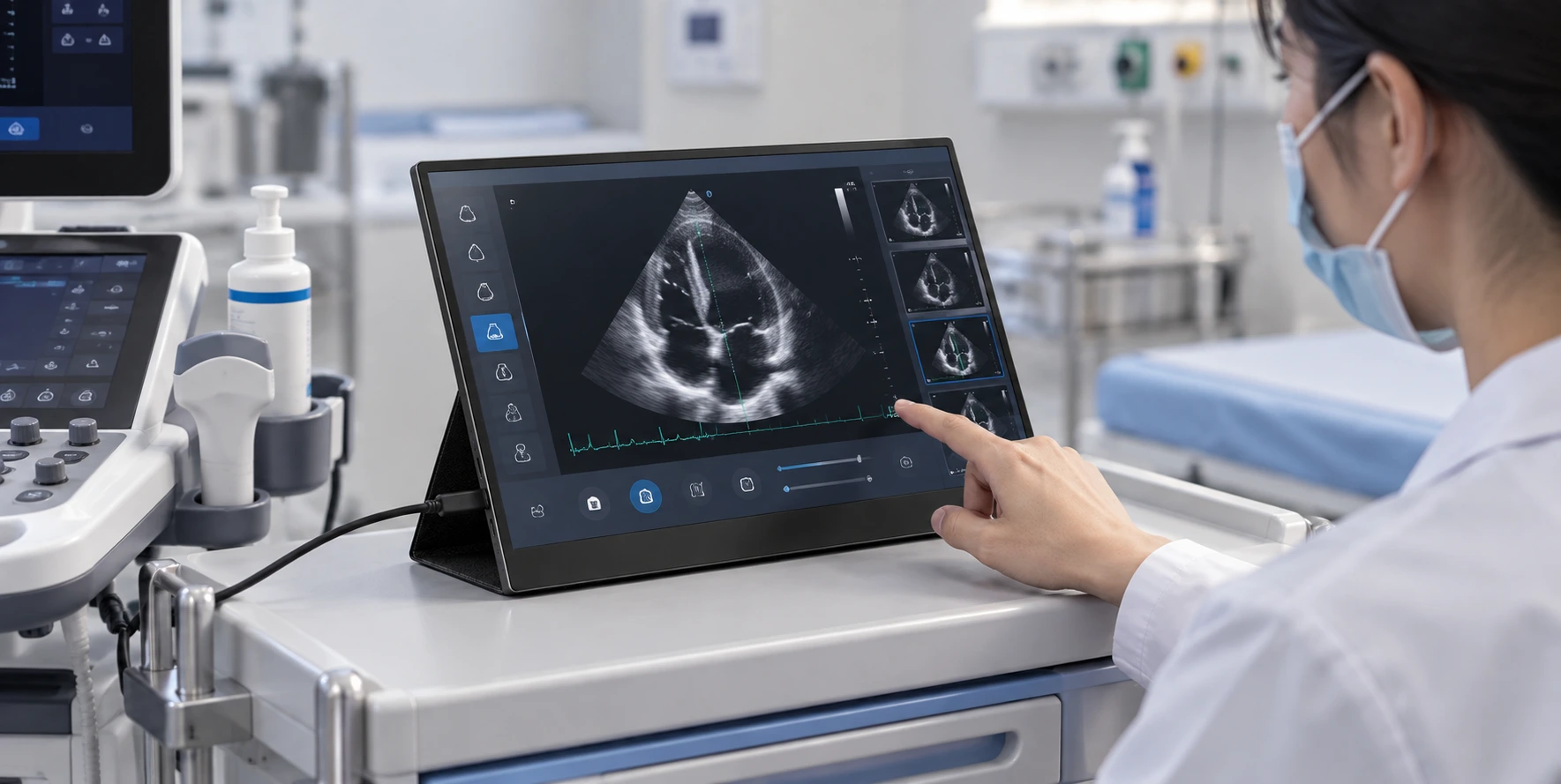
Medical Equipment External Interface
Integrate an external display for equipment operation or data viewing where a portable or detachable touch surface is required.
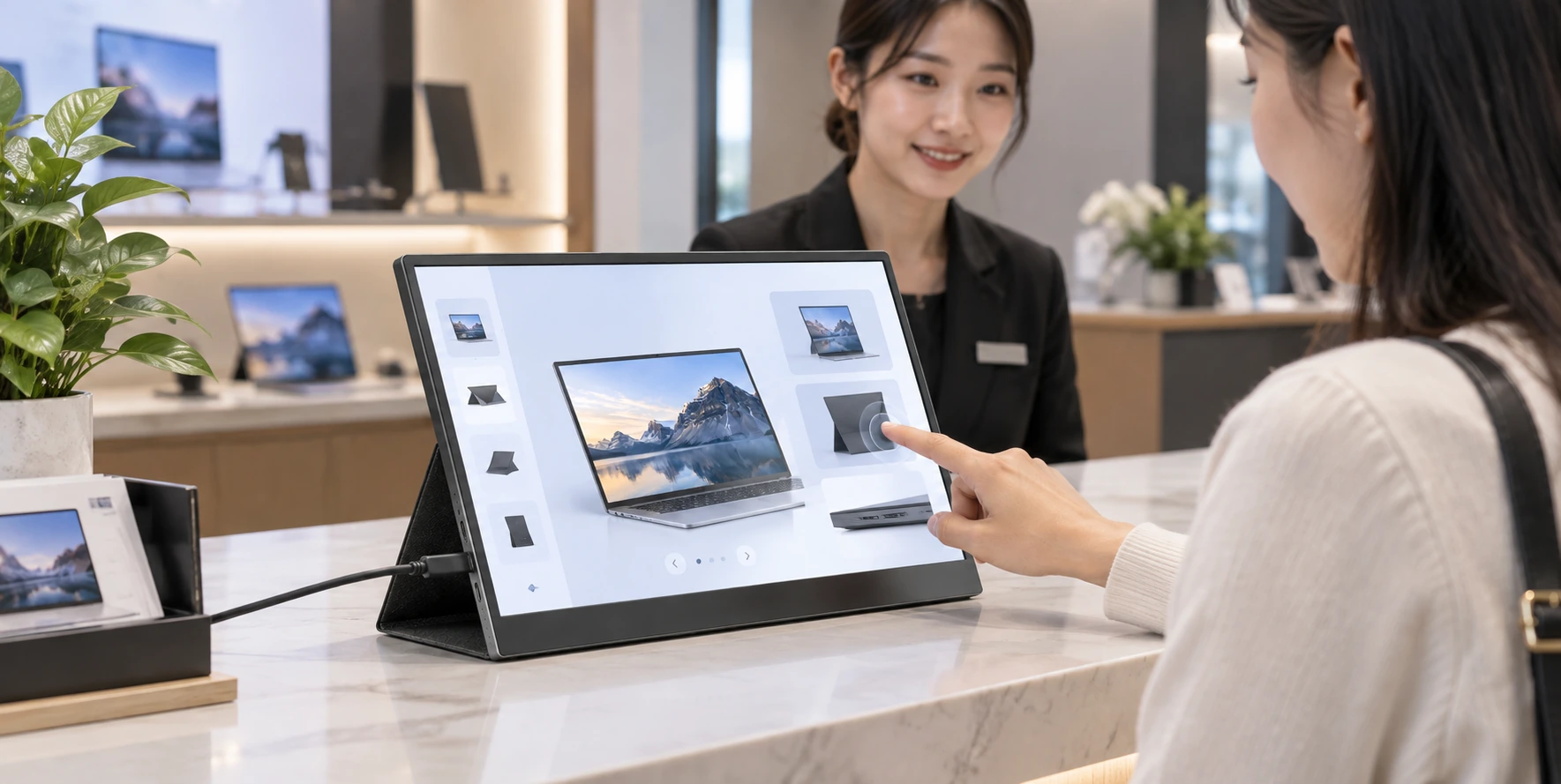
Commercial Interactive Terminal
Use a portable or equipment-connected touch display for POS extensions, information lookup, demonstrations or interactive service terminals.
One Product Category, Different Engineering Priorities
Mobile and Business Use
A mobile workstation usually prioritizes a practical screen size, a stable stand, simple cabling and compatibility with the user’s laptop. The final choice should consider the actual host port rather than assuming that every USB-C connection supports video.
- Portable screen size
- Stand and viewing angle
- Cable simplicity
- Software scaling
- Touch behavior
- Transport protection
Industrial and Equipment Use
An equipment-oriented display places more emphasis on controller matching, power design, enclosure rigidity, connector access and repeatable integration. The project may use a portable stand, a detachable structure or a dedicated mounting solution.
- Defined signal architecture
- Touch-controller compatibility
- Stable power path
- Housing and cable clearance
- Mechanical drawings
- Project validation
The correct configuration depends on the complete system. Lucky XFC should guide the buyer toward the right questions instead of presenting one universal model as suitable for every application.
Portable Touchscreen Monitor Customization Options
Use the following matrix to show what can be configured and what requires engineering confirmation.
| Parameter | Options | Engineering Status |
|---|---|---|
| Display Size | Options: 12.3", 13.3", 14", 15.6", 16" | Engineering Status: Supported project range; final panel availability must be confirmed. |
| Resolution | Options: 1920×1080, 2560×1600, 4K UHD planning paths | Engineering Status: Depends on size, panel supply and interface design. |
| Panel | Options: IPS LCD project selection | Engineering Status: Confirm brightness, viewing angle, color and operating requirements in the specification. |
| Touch | Options: PCAP touch, controller matching, cover glass integration | Engineering Status: Touch-point count and operating-system behavior require confirmation. |
| Interface | Options: USB-C, Mini HDMI, Micro HDMI and project-specific connection planning | Engineering Status: Confirm signal, power and touch-data paths. |
| Housing | Options: Metal or plastic structure | Engineering Status: Final material and finish depend on mechanical requirements. |
| Support Structure | Options: Kickstand or project-specific mounting structure | Engineering Status: Viewing angle, orientation and touch stability require review. |
| OEM/ODM Scope | Options: Prototype review, engineering modification and production planning | Engineering Status: Scope is determined after requirement review. |
From Requirement Review to Production
A custom portable touch display should move through defined technical checkpoints. Do not promise a universal lead time; project timing depends on the selected panel, controller, structure and validation scope.
Application Definition
Provide the application, host model, OS, screen size, resolution, touch method and installation concept.
Architecture Review
Review the LCD, touch sensor, controller board, video interface, power path and enclosure as one system.
Configuration Proposal
Lucky XFC prepares a recommended configuration and identifies items requiring testing or confirmation.
Prototype Review
The prototype is checked against requirements: display output, touch behavior, layout and mechanical fit.
Engineering Modification
Required adjustments are documented and reviewed before the design is released for the next stage.
Production Planning
After the configuration and acceptance criteria are approved, the project can move toward production.
Define Acceptance Criteria Before Production
A clear validation checklist reduces uncertainty between sample review and production. The required tests should be agreed according to the intended application and project specification.
Display
- Correct resolution and image orientation
- Image stability at the intended input
- Software scaling and interface readability
- Approved panel characteristics
Touch
- Touch accuracy and response
- Required touch-point behavior
- Edge interaction
- Driver and operating-system behavior
Connectivity
- Video signal
- Touch-data connection
- Power input
- Cable and connector compatibility
Mechanical
- Enclosure fit
- Stand stability
- Port accessibility
- Cable clearance
- Front-surface and cover-glass alignment
Application
- Host model and operating system
- Intended software
- Landscape or portrait use
- Actual installation environment
Documentation
- Approved specification
- Mechanical drawing
- Interface definition
- Sample acceptance record
Application-specific environmental, safety or regulatory testing must be defined separately. Do not display certifications that have not been supplied and verified.
Portable Touchscreen Monitor vs. Touchscreen Computer
Buyers often use these terms interchangeably, but they describe different system architectures.
Built-in CPU, Memory, Storage
Portable Touchscreen Monitor
Normally no; uses an external host.
Touchscreen Computer
Yes; operates as an integrated computer.
Fixed Touch Monitor
Normally no; connects to an external host.
Primary Purpose
Portable Touchscreen Monitor
Portable or detachable interactive display.
Touchscreen Computer
Complete computing terminal.
Fixed Touch Monitor
Permanent equipment or workstation display.
Installation
Portable Touchscreen Monitor
Kickstand, portable housing or detachable mounting.
Touchscreen Computer
Desktop, panel or equipment installation.
Fixed Touch Monitor
Open-frame, panel-mount, desktop or embedded structure.
Main Selection Questions
Portable Touchscreen Monitor
Host output, power, touch data, size and portability.
Touchscreen Computer
Processor, memory, storage, OS and thermal design.
Fixed Touch Monitor
Mounting, enclosure, interface and continuous operation.
| Feature | Portable Touchscreen Monitor | Touchscreen Computer | Fixed Touch Monitor |
|---|---|---|---|
| Built-in CPU, Memory, Storage | Normally no; uses an external host. | Yes; operates as an integrated computer. | Normally no; connects to an external host. |
| Primary Purpose | Portable or detachable interactive display. | Complete computing terminal. | Permanent equipment or workstation display. |
| Installation | Kickstand, portable housing or detachable mounting. | Desktop, panel or equipment installation. | Open-frame, panel-mount, desktop or embedded structure. |
| Main Selection Questions | Host output, power, touch data, size and portability. | Processor, memory, storage, OS and thermal design. | Mounting, enclosure, interface and continuous operation. |
Choose a portable touchscreen monitor when the computing system already exists and the project needs an external interactive display. Choose a touchscreen computer when the display must also run the application independently.
Explore standard touchscreen monitors →Integrated Around Your Application
The value of an OEM display supplier is not limited to supplying an LCD panel. A usable project requires the display, touch layer, controller, interface and mechanical structure to work together.
LCD and Touch Integration
Bring the LCD panel, touch sensor, touch controller and cover glass requirements into a coordinated configuration.
Controller and Interface Matching
Plan the display controller, USB-C or HDMI signal path, touch communication and power arrangement around the selected host.
Mechanical Structure Planning
Develop the housing, port location, kickstand or mounting structure according to the intended application.
OEM/ODM Development Path
Support requirement review, prototype evaluation, engineering modification and production planning.
Every published specification must be tied to an approved configuration. If a parameter has not been confirmed, invite the buyer to discuss it rather than filling the gap with a generic market value.
Information Needed to Recommend a Portable Touch Display
Answering these questions helps convert a broad product inquiry into an actionable configuration.
What will the display be used for?
Mobile work, equipment control, field diagnostics, medical equipment or commercial interaction.
Which screen size fits the available space?
Request the preferred diagonal size and any maximum enclosure dimensions.
What content will be displayed?
Software layout, viewing distance, target resolution and portrait or landscape use.
What is the exact host device?
The laptop, industrial PC, embedded controller or mobile-device model.
Which video output is available?
Confirm USB-C video capability, HDMI or another signal.
How should touch data return to the host?
Confirm the required controller, operating system and touch behavior.
Where will the display receive power?
Determine whether power comes from the host, an adapter or the equipment system.
How will the product be supported or installed?
Choose a portable kickstand, detachable structure or project-specific mounting.
Are there enclosure or surface requirements?
Metal or plastic housing, cover glass, cleaning and appearance.
Is the project a prototype or production program?
Request the current stage and estimated quantity without publishing a fixed MOQ.
Explore Related Touch Display Solutions
Touchscreen Monitors
Explore broader touch monitor solutions for desktop, equipment and interactive applications.
Touch Panel Monitor
Review touch panel options for integrated and equipment-oriented display projects.
Custom Touch Display Project
Return to the Lucky XFC homepage to discuss a display requirement that does not fit a standard category.
Portable Touchscreen Monitor FAQ
What is a portable touchscreen monitor?
Can a portable touchscreen monitor work with one USB-C cable?
Does HDMI carry the touchscreen signal?
Which portable touchscreen monitor size should I choose?
Is a 15.6 inch portable touchscreen monitor suitable for industrial use?
Can Lucky XFC customize the housing and stand?
Which resolutions are available?
Does the monitor support multi-touch?
Will it work with Windows, macOS, Linux or Android?
Can the screen be used with gloves?
Can Lucky XFC develop a custom portable touchscreen monitor?
What information is needed for a quotation?
Does a portable touchscreen monitor contain a computer?
Can the display be integrated into medical or commercial equipment?

Build the Right Portable Touch Display Around Your System
Share your host device, screen-size target, interface and application requirements. Lucky XFC will review the display, touch, controller, connection and mechanical requirements before recommending a project configuration.
You do not need a finished specification to start. A host model, application description, reference drawing or existing product photo can help begin the review.
Email Us Directly
sales13@lucky-xfc.comCall Us
13530368341
Factory Address
No. 15, Lianfeng Road, Hongqiaotou, Yanluo Street, Songgang Town, Bao'an District, Shenzhen City, Guangdong Province
Lucky XFC develops portable touch display configurations for mobile workstations, industrial equipment, device diagnostics, medical equipment integration and commercial interactive terminals. Available project options include 12.3 to 16 inch display formats, PCAP touch integration, controller matching, USB-C or HDMI interface planning, custom housing and OEM/ODM development support. Contact us to confirm the panel, touch, interface and mechanical configuration for your application.
