
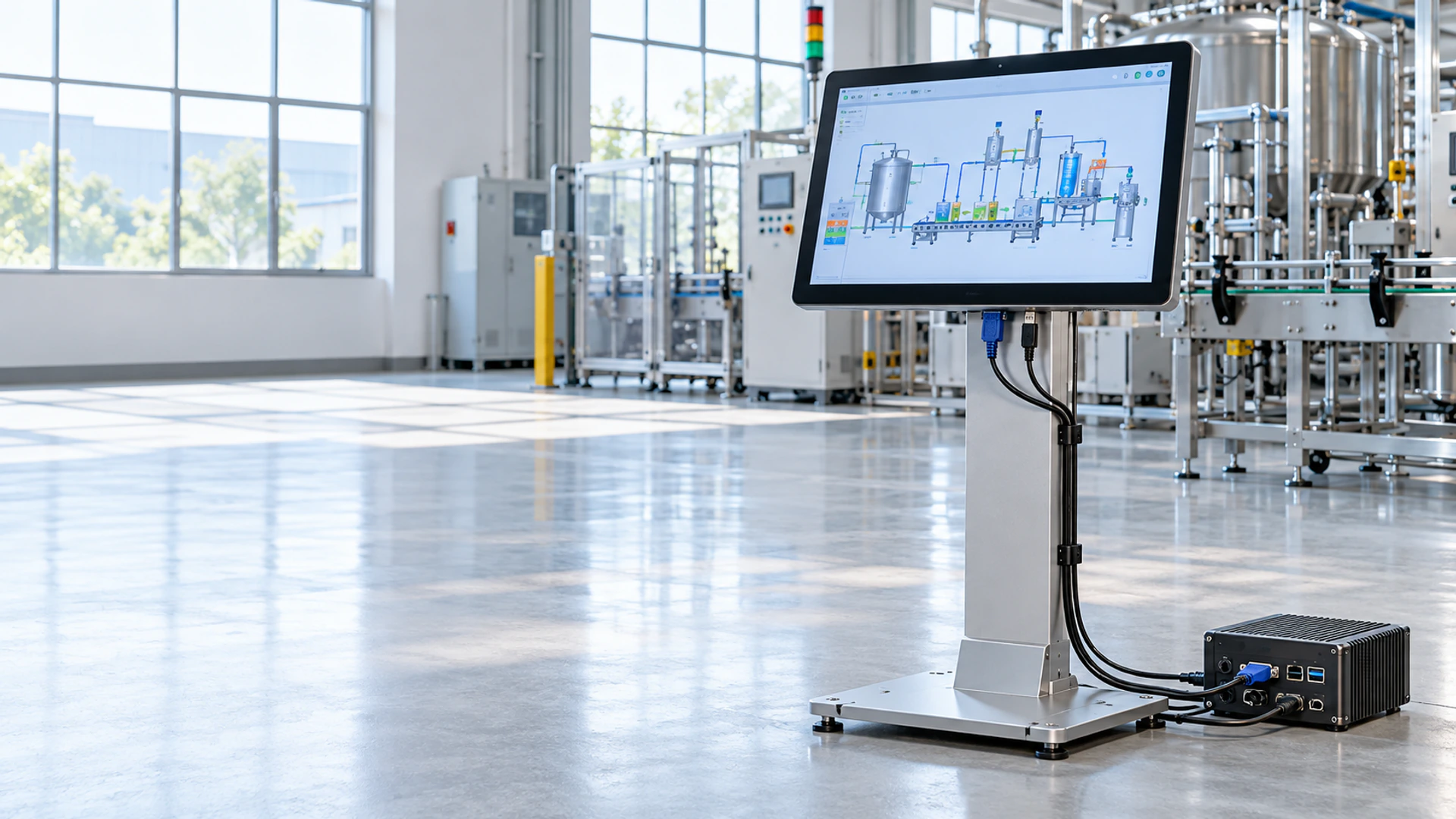
VGA Touchscreen Monitor Manufacturer for Industrial Integration
Connect legacy computers, industrial controllers and equipment hosts to a purpose-selected touch display. Lucky XFC supplies compact industrial, open-frame and multi-input VGA touchscreen monitor configurations with project-based review of resolution, touch technology, mounting, cables and host compatibility.
VGA carries the video signal. Touch data requires a separate approved connection to the host.
VGA Touchscreen Monitor Project Scope at a Glance
Use the project scope below to identify a suitable configuration before drawings, samples or production specifications are approved.
10.1 and 15.6 Inch Industrial Starting Points
Documented panel- and VESA-mount configurations for compact equipment.
21.5 and 27 Inch Open-Frame VGA Paths
Documented starting models for integration into kiosks, cabinets and machines.
PCAP or Resistive Touch Options
Touch technology depends on the selected model and operator workflow.
VGA Plus Digital Inputs
Selected configurations combine VGA with HDMI, DVI or DisplayPort.
Separate Touch-Data Connection
VGA supplies the image. Touch input normally returns to the host through USB or another approved controller interface.
OEM/ODM Project Review
Mounting, housing, touch, cover glass, interface, cable and branding requirements can be reviewed for a defined project.
VGA Touchscreen Monitor Product Paths
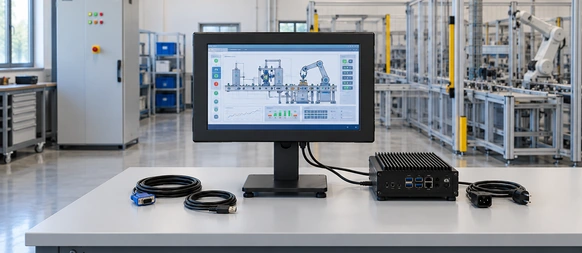
Compact Industrial VGA Touchscreen Monitor
Start with the XFC-IM-101P or XFC-IM-156P when the project needs a compact external-host display for a machine, control panel or industrial workstation.
Selection cues:
- 10.1 or 15.6 inch.
- 1280 × 800 or 1920 × 1080.
- Panel or VESA mounting.
- PCAP or resistive touch by model.
- VGA with available digital-input alternatives.
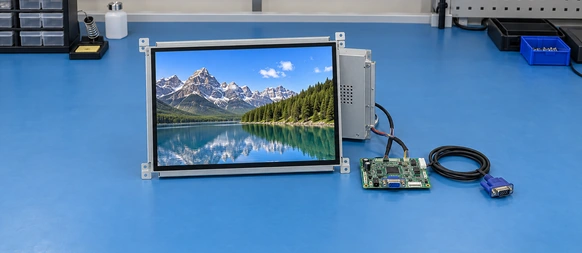
Open-Frame VGA Touchscreen Monitor
Choose an open-frame model when the display will be installed behind the bezel of a kiosk, cabinet or custom equipment enclosure.
Selection cues:
- 21.5 or 27 inch documented VGA starting points.
- Side-bracket or VESA installation.
- Full HD resolution.
- PCAP touch.
- Cutout, bezel overlap and connector clearance.
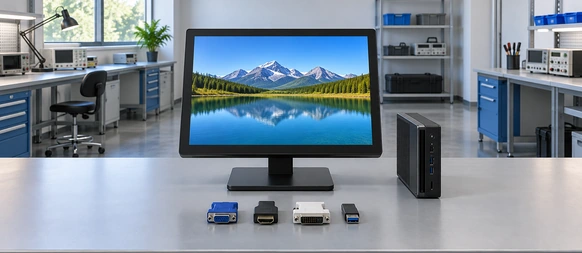
Multi-Input VGA Touchscreen Monitor
Keep VGA for an existing host while adding an approved digital video input for future computers or service equipment. Available interface combinations depend on the selected model.
Selection cues:
- VGA plus HDMI.
- VGA plus HDMI and DVI.
- VGA plus HDMI and DisplayPort.
- Separate touch-data and power connections.

Resistive VGA Touchscreen Monitor
Consider a resistive configuration when the operator workflow requires pressure-based input, defined gloves or a simple single-touch interface. XFC-IM-156P provides a documented resistive-touch project direction.
Selection cues:
- Actual glove or input tool.
- Gesture requirements.
- Cleaning method.
- Surface durability expectations.
- Operating environment.
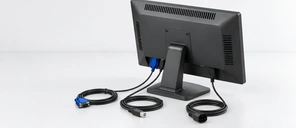
VGA Video and USB Touch
Treat the display signal and touch-data connection as separate paths.
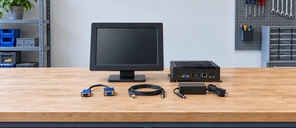
Legacy Host Integration Review
Confirm the output resolution, adapter path, cable length and operating system with the actual deployment host.
What Is a VGA Touchscreen Monitor?
A VGA touchscreen monitor is a touch-enabled display that accepts an analog VGA video signal from a computer, industrial PC or controller. The VGA connection supplies the image only. It does not normally carry touch coordinates.
A complete operating connection commonly requires:
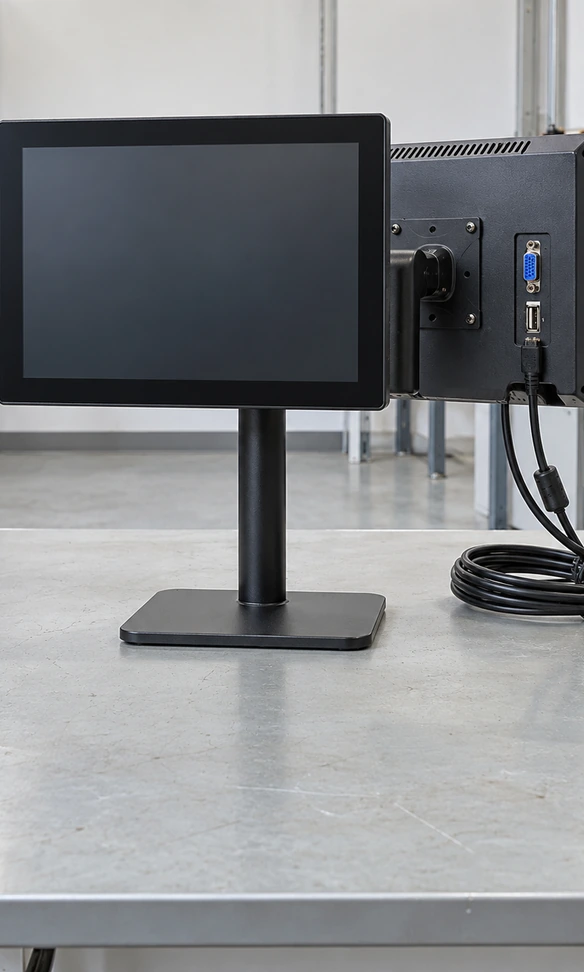
- VGA from the host to the monitor for video.
- USB or another approved controller connection for touch data.
- A separate power connection for the monitor.
- A compatible operating system and touch controller.
- A supported output resolution and refresh rate.
This is different from an ordinary VGA monitor because the touchscreen assembly includes a touch sensor and controller. It is also different from an all-in-one computer because the application and operating system normally run on an external host.
VGA remains useful when industrial computers, control systems or installed equipment still provide an analog output. For new equipment, it can also be combined with an approved digital input so the same monitor has a more flexible migration path.
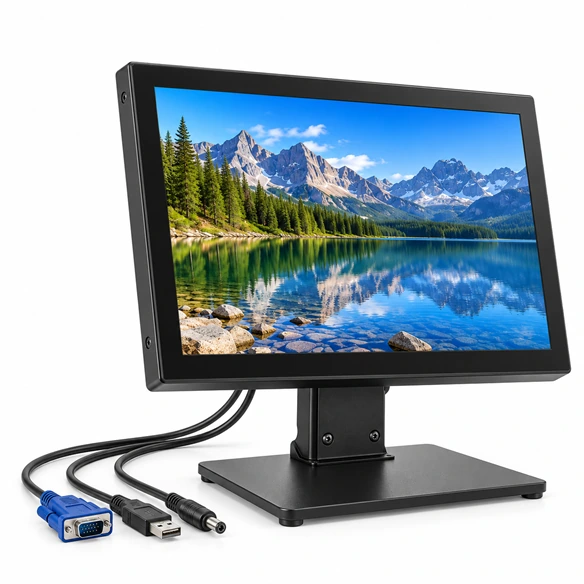
VGA Touchscreen Monitor Integration Problems to Prevent
The VGA image works, but touch does not respond.
VGA carries video, not touch data. Connect the approved touch-data cable and confirm that the host detects the touch controller.
The image is stretched or positioned incorrectly.
The host output, monitor controller, native panel resolution and aspect ratio may not match. Test the required resolution before sample approval.
The image shows noise, ghosting or unstable colors.
Analog VGA quality can be affected by cable quality, excessive length, grounding, connectors and adapters. Test the actual installation cable path.
A digital-to-VGA adapter produces inconsistent results.
Adapters add an active conversion stage. Confirm the source output, adapter direction, supported resolution and startup behavior.
Touch controls the wrong screen.
Multi-display systems may require touch mapping or calibration in the operating system.
The monitor fits the front opening but cables cannot be connected.
Connector direction, cable-bend radius, bracket access and rear service space must be reviewed using the mechanical drawing.
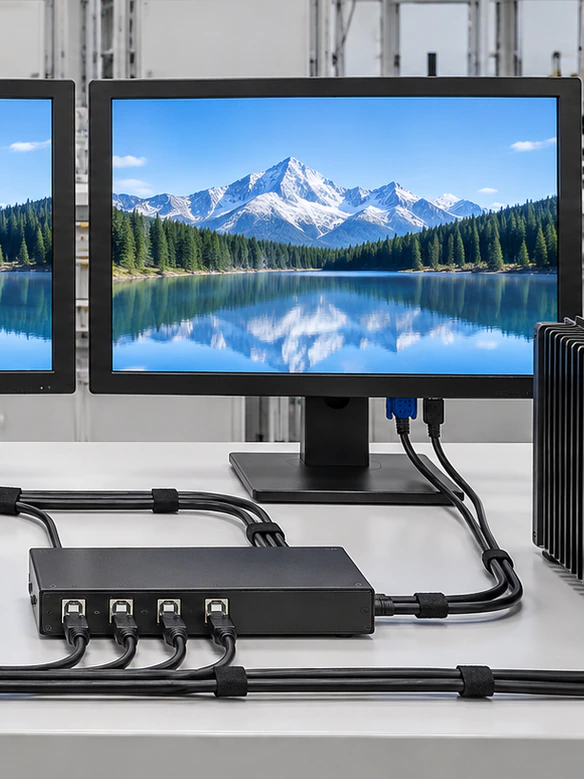
VGA Touchscreen Monitor Signal Architecture
A complete VGA touchscreen system uses three coordinated paths.
Video Path
Host VGA Output → VGA Cable → Monitor Display Controller → LCD Panel
The video path determines the received resolution, aspect ratio and analog image quality.
Touch Path
Touch Sensor → Touch Controller → USB or Approved Touch Interface → Host Operating System
Touch data travels independently from VGA. The operating system must recognize and map the touch controller.
Power Path
Approved Power Source → Monitor Power Input → Display and Touch Electronics
Power requirements depend on the selected monitor configuration.
Before approval, document:
- • Host model.
- • Graphics output.
- • Required resolution.
- • VGA cable length.
- • Adapter or switch use.
- • Touch-data interface.
- • Operating system.
- • Power source.
- • Grounding arrangement.
- • Startup and reconnection behavior.
VGA Touchscreen Monitor Verified Starting Models
The configurations below are documented Lucky XFC product starting points. Final dimensions, active area, touch connection, power input, cable direction, accessories and environmental limits must be confirmed in the selected datasheet and approved drawing.
| Model | Size | Resolution | Touch | Mounting | Documented Video Inputs |
|---|---|---|---|---|---|
| XFC-IM-101P | 10.1 inch | 1280 × 800 | PCAP | Panel / VESA | HDMI, VGA |
| XFC-IM-156P | 15.6 inch | 1920 × 1080 | PCAP / Resistive | Panel / VESA | HDMI, VGA, DVI |
| XFC-IM-215O | 21.5 inch | 1920 × 1080 | PCAP | Open Frame | HDMI, DP, VGA |
| XFC-OF215-PCAP | 21.5 inch | 1920 × 1080 | 10-Point PCAP | Side Brackets / VESA | HDMI, VGA |
| XFC-OF270-PCAP | 27 inch | 1920 × 1080 | 10-Point PCAP | Side Brackets / VESA | HDMI, DP, VGA |
- XFC-IM-101P is the primary compact VGA product starting point.
- XFC-IM-156P provides the documented PCAP or resistive selection path.
- XFC-IM-215O, XFC-OF215-PCAP and XFC-OF270-PCAP provide open-frame VGA directions.
- A listed interface does not establish compatibility with every host, converter or resolution.
- Use the approved project specification rather than this overview table for purchasing.
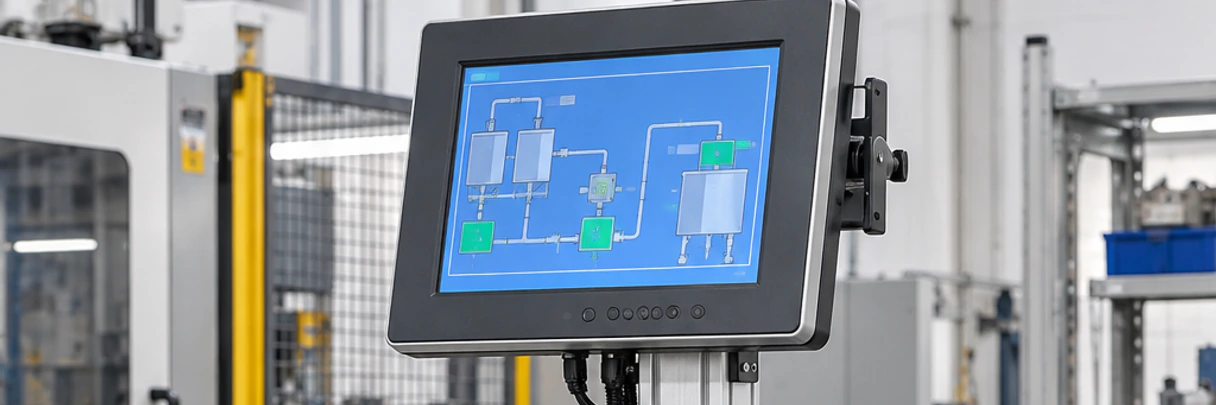
VGA Touchscreen Monitor Host Compatibility
Confirm the complete host connection instead of checking only whether both devices have a VGA connector.
Host Output
Record the computer, industrial PC or controller model and its supported VGA resolutions.
Monitor Input
Confirm the selected monitor’s VGA input, native resolution and accepted timing.
Cable
Use an appropriate cable length and routing method. Inspect connector condition and screw retention.
Adapter
When converting HDMI, DisplayPort or USB-C to VGA, confirm conversion direction, resolution support, power needs and startup behavior.
Touch Connection
Connect the approved USB or controller-specific touch-data cable separately.
Operating System
Confirm controller recognition, required drivers, calibration and multi-display mapping on the deployed operating-system image.
Application
Test button size, scaling, orientation and the complete touch workflow at the selected resolution.
VGA Touchscreen Monitor PCAP or Resistive Touch Selection
VGA describes the video input. It does not determine the touch technology.
| Selection Factor | PCAP Touch | Resistive Touch |
|---|---|---|
| Input method | Finger and compatible capacitive input | Pressure-based finger, glove or stylus input |
| Gesture direction | Multi-touch may be supported by the selected configuration | Commonly selected for simpler touch actions |
| Surface | Smooth cover-glass direction | Resistive touch-layer direction |
| Glove use | Must be tested with the actual glove | Often considered when pressure-based glove input is required |
| Controller behavior | Depends on sensor, controller and OS | Depends on touch panel, controller and calibration |
| Documented Lucky XFC path | XFC-IM-101P, XFC-IM-156P and open-frame PCAP models | XFC-IM-156P configuration path |
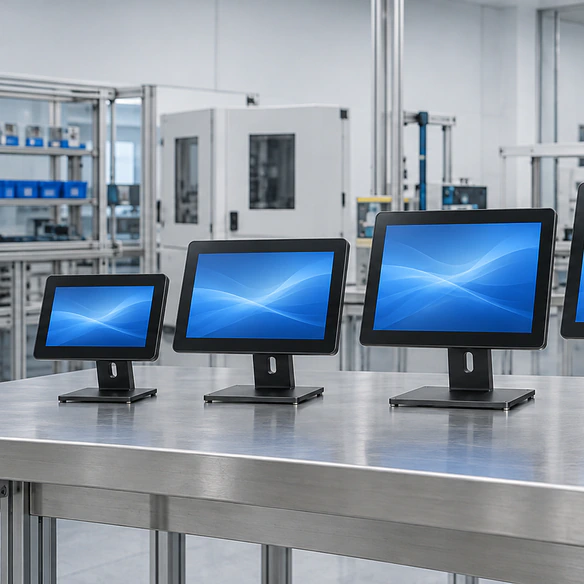
Selection guidance:
Choose PCAP when the project requires a modern glass-front interface and supported multi-touch behavior. Review resistive touch when the operator must use a defined glove, stylus or pressure-based workflow.
Neither technology should be approved from a generic description alone. Test the actual input method, software and environment.
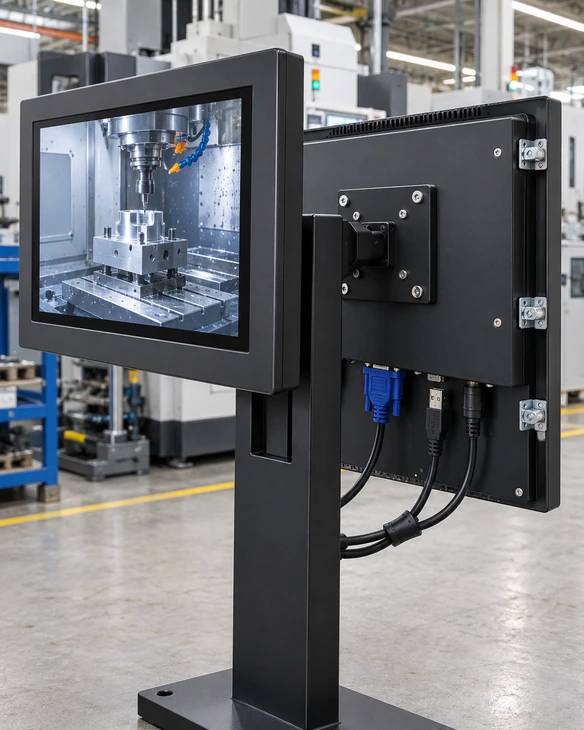
VGA Touchscreen Monitor Mechanical Integration
Nominal screen size does not define equipment fit. Review the approved mechanical drawing before producing a panel, cabinet or bracket.
Confirm:
- Overall width, height and depth.
- Active display area.
- Viewing opening.
- Panel cutout.
- Mounting-hole positions.
- VESA pattern.
- Side-bracket location.
- Front-bezel overlap.
- Rear installation depth.
- VGA connector direction.
- USB touch connector position.
- Power connector position.
- Cable-bend radius.
- Ventilation clearance.
- Maintenance access.
- Landscape or portrait installation.
For panel installations, confirm panel thickness and the mounting method. For open-frame projects, prevent the customer bezel from pressing on the active touch area. For VESA installations, verify bracket capacity and cable clearance.
VGA Touchscreen Monitor Applications
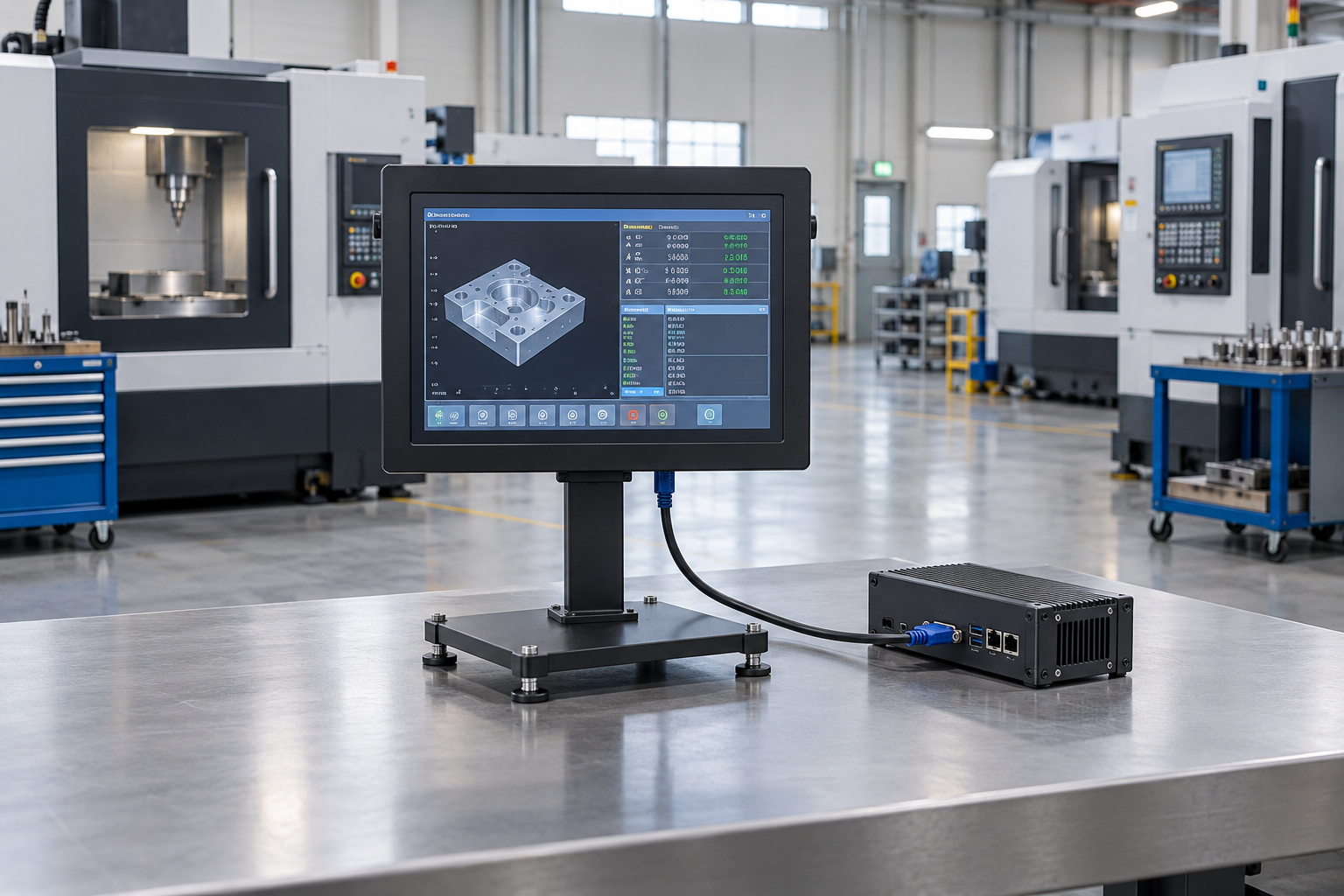
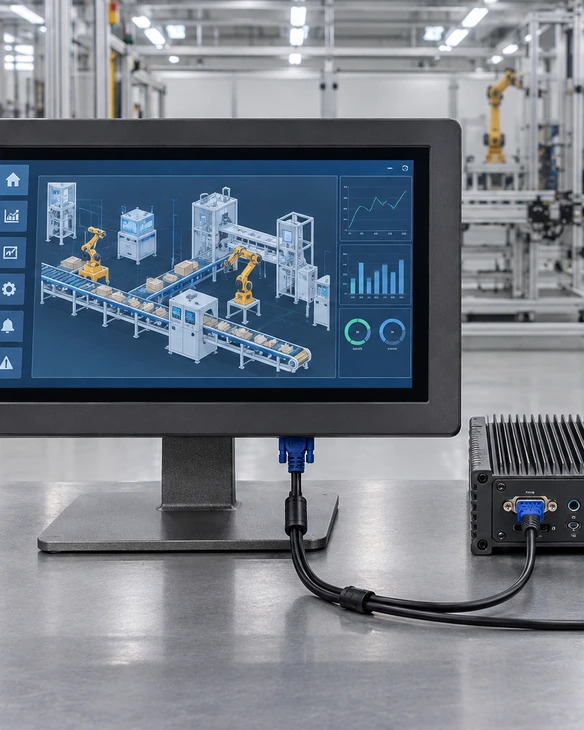
Legacy Industrial Control Stations
Connect an existing industrial computer with VGA output to a replacement or upgraded touch display. Validate the native resolution and touch-data connection.
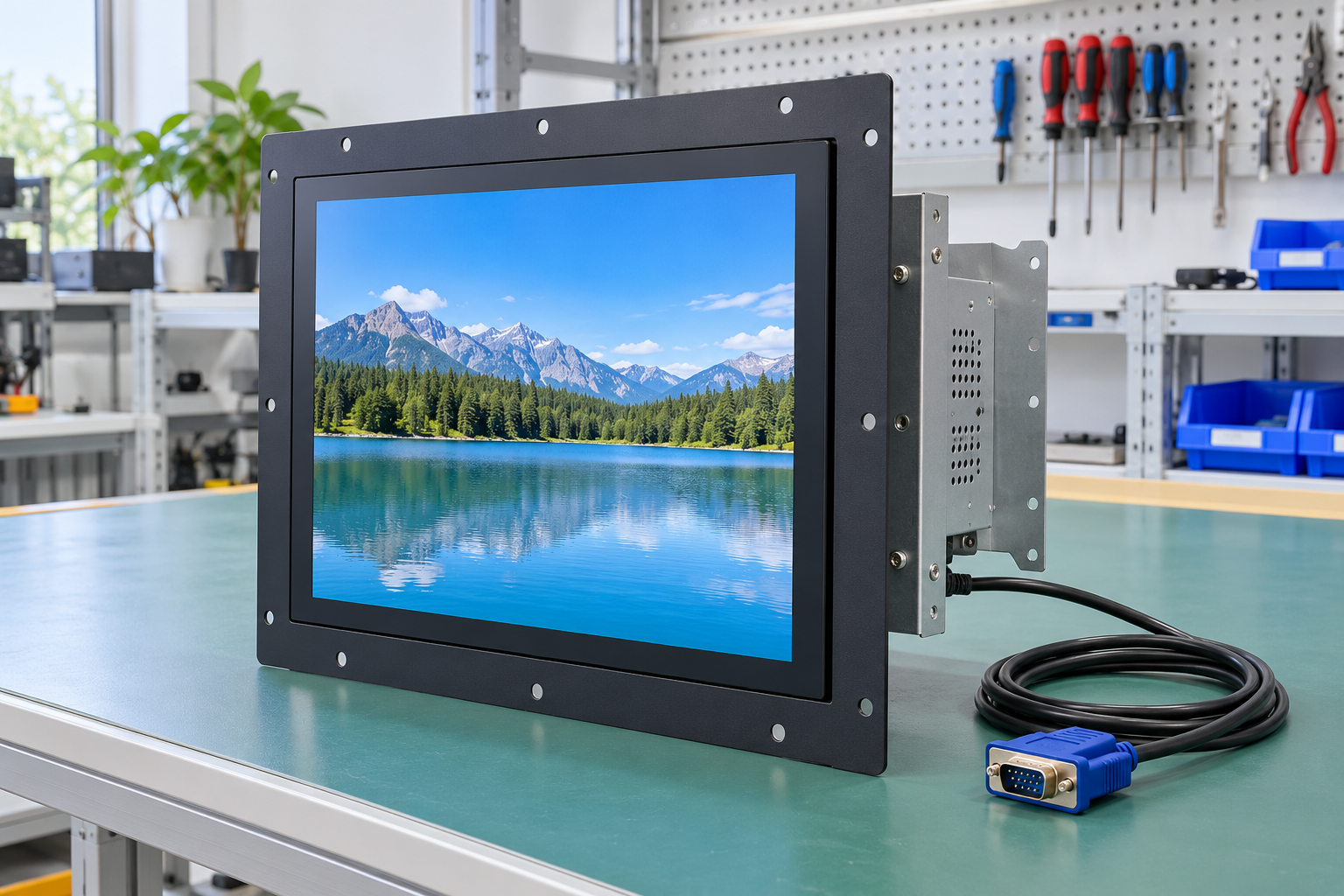
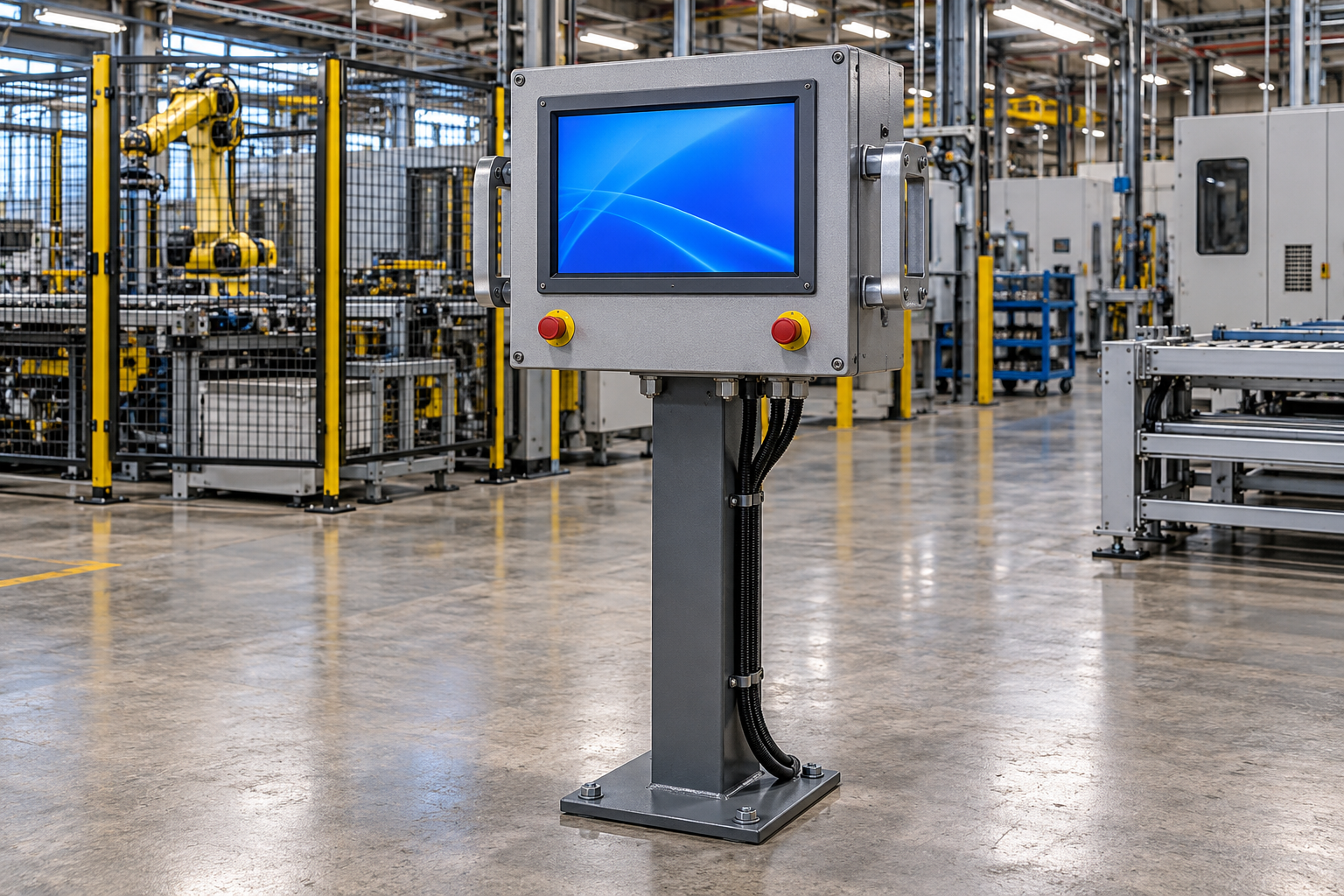
Machine Operator Panels
Use a panel- or VESA-mounted monitor as the interface for an external control computer.
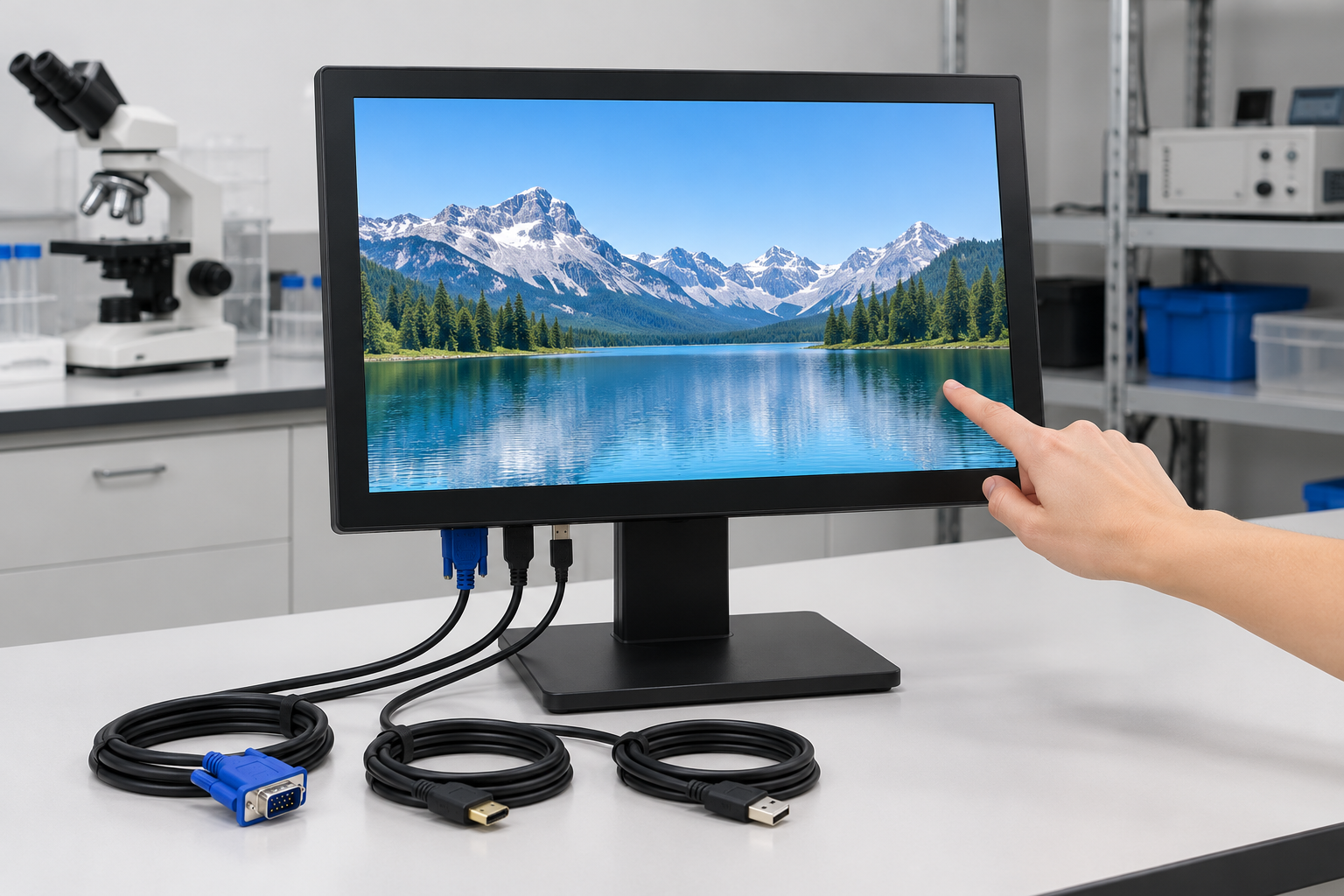
Test and Measurement Equipment
Retain VGA connectivity for instruments or test computers while adding a direct touch workflow.
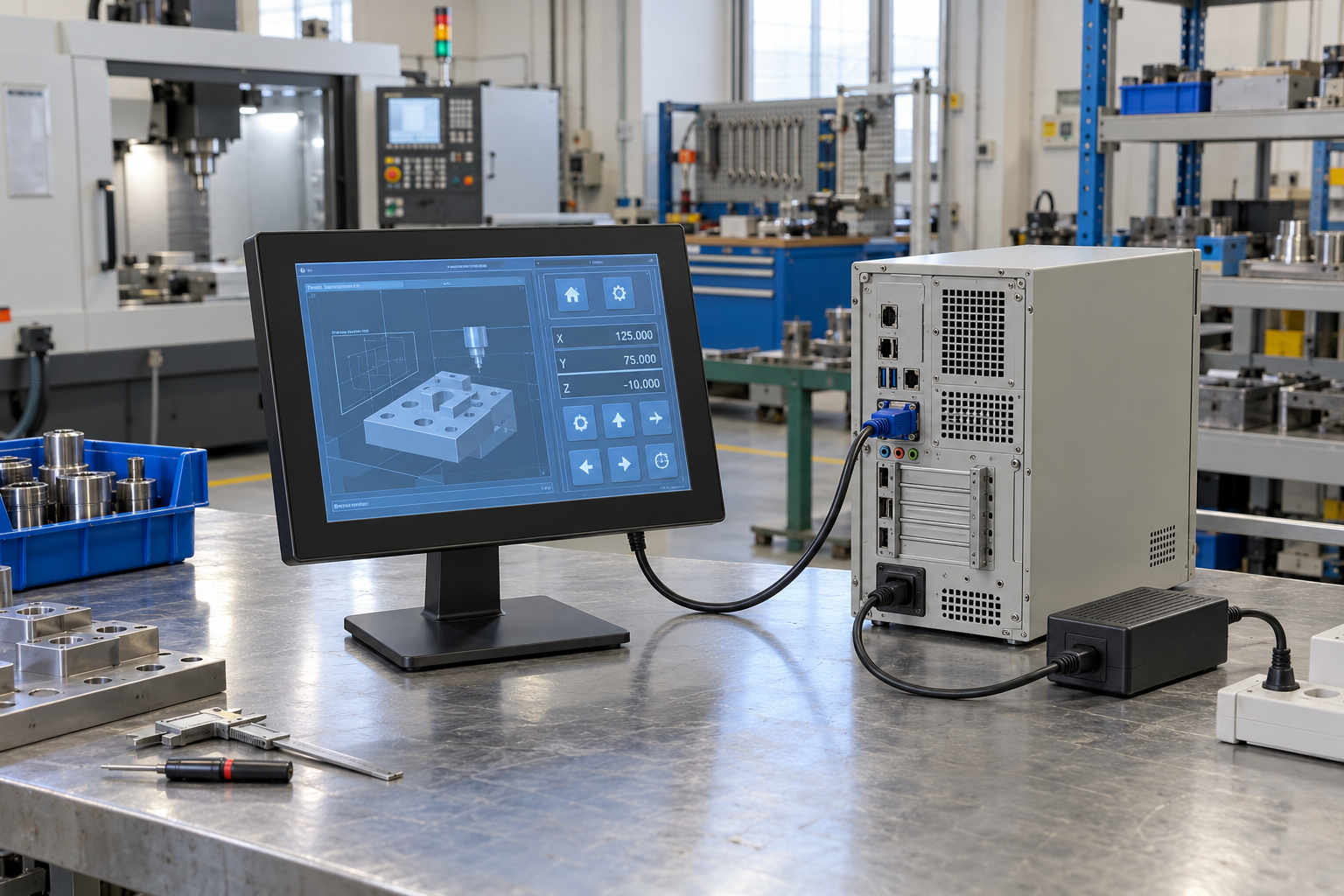
Self-Service Equipment
Use an open-frame VGA monitor inside a kiosk or service terminal when the host platform still supplies analog video.
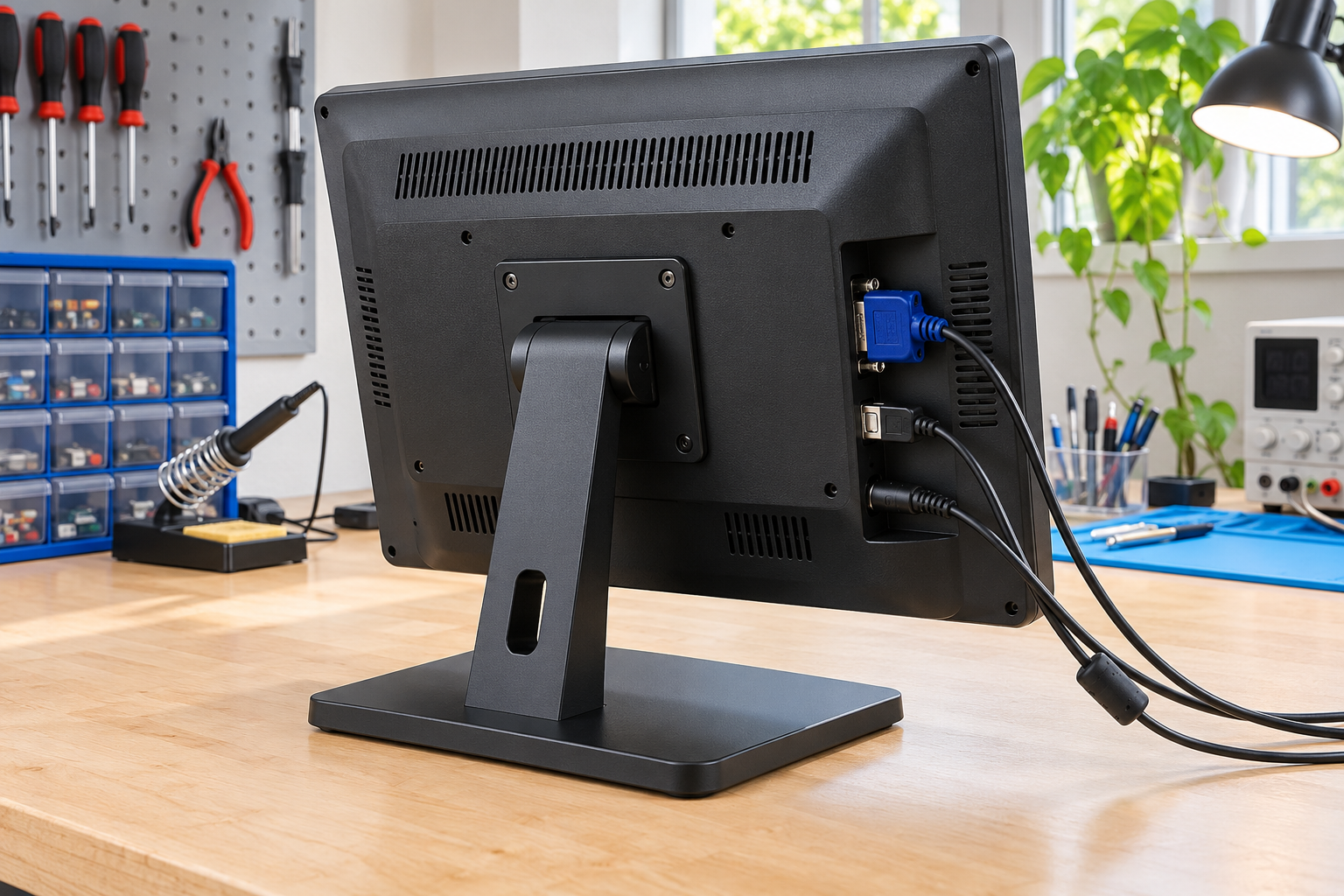
Security and Monitoring Workstations
Connect compatible monitoring computers while keeping touch input on a separate approved connection.
Equipment Service and Migration Stations
Use a multi-input monitor to support an existing VGA host and a newer digital service computer, subject to model confirmation.
VGA Touchscreen Monitor Legacy-System Integration Scenario
Representative Control-Station Upgrade Planning Example
An equipment operator needs to replace an aging display connected to an industrial computer that still provides VGA output. The original request specifies only the screen size, but a reliable replacement also depends on resolution, aspect ratio, mounting, touch-data connection and available installation space.
A practical review process would:
- Record the industrial computer model and available outputs.
- Confirm the current software resolution and aspect ratio.
- Compare panel, VESA and open-frame product structures.
- Identify the independent touch-data connection.
- Review the mounting drawing and connector clearance.
- Test the selected monitor with the deployed operating-system image.
- Check image quality using the intended VGA cable and any adapter.
- Freeze the approved monitor, cables and drawing before production.
This is a representative engineering scenario, not a named customer testimonial or a claim of measured customer results.
Custom VGA Touchscreen Monitor Options
Lucky XFC can review the following options for a defined VGA monitor project:
- Display: size, resolution, aspect ratio and panel selection.
- Touch: PCAP or resistive technology according to the selected model.
- Video Inputs: VGA with approved HDMI, DVI or DisplayPort combinations.
- Touch Interface: USB or another controller-specific connection.
- Housing: industrial enclosure or project-specific metal structure.
- Mounting: panel, VESA, side bracket or open-frame installation.
- Cover Glass: outline, thickness, printed border and edge treatment.
- Cable Arrangement: VGA cable, touch cable, power cable, length and exit direction.
- Controls: project-specific button or OSD arrangement where supported.
- Branding: logo, label and packaging requirements.
- System Review: host output, operating system, adapters and deployment workflow.
Customization is evaluated by model and project. It does not mean that every option is available on every display size.
VGA Touchscreen Monitor Project Workflow

1. Application Review
Define the equipment, user workflow, operating environment, target quantity and project stage.

2. Product Path Selection
Choose compact industrial, open-frame, multi-input or resistive-touch direction.

3. Host and Signal Definition
Record VGA output, resolution, adapters, touch interface, operating system and power arrangement.

4. Specification and Drawing Review
Confirm dimensions, active area, mounting, connectors and required customization.

5. Sample Validation
Test VGA image quality, touch mapping, startup behavior, software scaling and mechanical fit.

6. Approved Production Configuration
Freeze the approved specification, drawing, cables, accessories, labels and inspection requirements.
VGA Touchscreen Monitor Manufacturing and Inspection
A VGA touchscreen monitor should be tested as a complete display, touch and connection system.
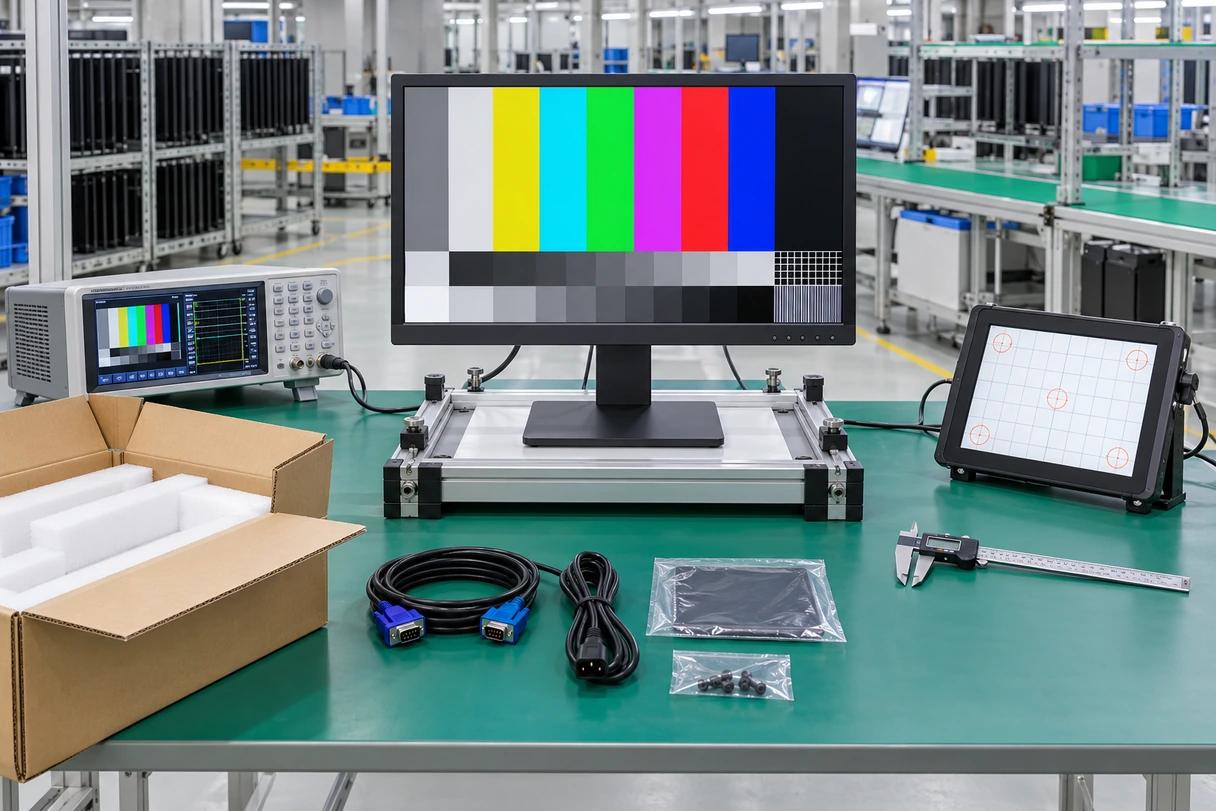
The applicable inspection plan may include:
- Incoming LCD and touch-component inspection.
- Enclosure and appearance inspection.
- VGA image input verification.
- Native-resolution and aspect-ratio checks.
- Analog image alignment, color and stability checks.
- Touch response and coordinate verification.
- USB or approved touch-interface detection.
- Multi-display touch mapping where required.
- HDMI, DVI or DisplayPort checks on multi-input models.
- Button, connector and cable inspection.
- Mounting and dimensional checks.
- Power-on and restart checks.
- Approved aging or reliability requirements.
- Packaging and label confirmation.
Inspection items must follow the approved model and project specification. Do not publish a fixed aging duration, defect rate, IP rating or environmental standard without model-specific evidence.
Why Choose Lucky XFC as Your VGA Touchscreen Monitor Supplier?
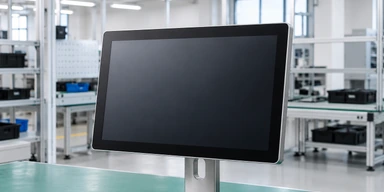
Documented VGA Starting Models
Begin with identified 10.1, 15.6, 21.5 and 27-inch configurations instead of an undefined product concept.
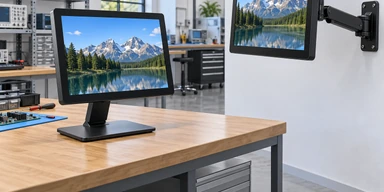
Multiple Mounting Structures
Select panel, VESA or open-frame construction according to the equipment.
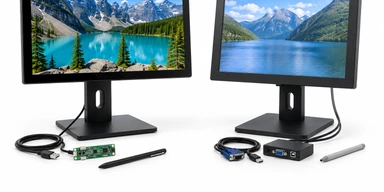
PCAP and Resistive Selection
Review the required touch behavior instead of assuming one touch technology fits every workflow.
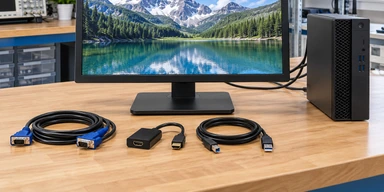
Multi-Input Planning
Retain VGA while evaluating HDMI, DVI or DisplayPort options on selected models.
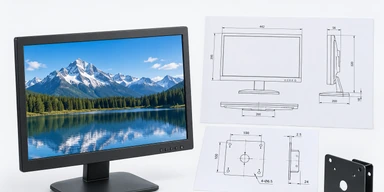
Drawing-Based Integration
Coordinate cutouts, mounting points, connectors, cable direction and service access before production.
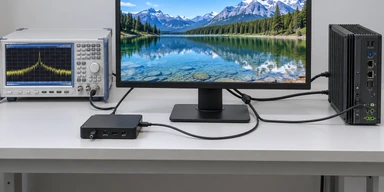
System-Level Validation
Review the host, VGA timing, touch controller, operating system, cables and monitor as one connected system.
VGA Touchscreen Monitor Selection Matrix
| Product Path | Documented Starting Point | Best Starting Use | Touch Direction | Video Direction | Main Review Points |
|---|---|---|---|---|---|
| Compact Industrial VGA Monitor | XFC-IM-101P / XFC-IM-156P | Machine panels and industrial workstations | PCAP; resistive available on XFC-IM-156P | VGA with HDMI; DVI on XFC-IM-156P | Size, resolution, mounting, host and touch interface |
| Open-Frame VGA Monitor | XFC-IM-215O / XFC-OF215-PCAP / XFC-OF270-PCAP | Kiosk, cabinet and equipment integration | PCAP | VGA with HDMI or DP by model | Cutout, bezel overlap, brackets and cable clearance |
| Multi-Input VGA Monitor | Selected documented models | VGA host migration and service access | Model dependent | VGA plus approved digital inputs | Source switching, resolution, adapter and cable path |
| Resistive VGA Monitor | XFC-IM-156P configuration path | Pressure-based or defined glove input | Resistive | VGA, HDMI, DVI starting direction | Input tool, calibration, gestures and environment |
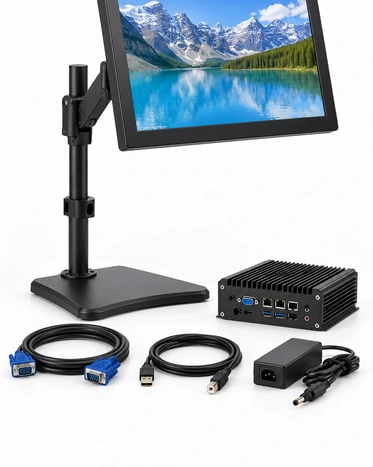
Choose the mechanical structure first, then confirm the video inputs, touch technology and host connection. A VGA connector establishes only the analog video path; it does not confirm touch compatibility or mechanical fit.
VGA Touchscreen Monitor Buying Guide
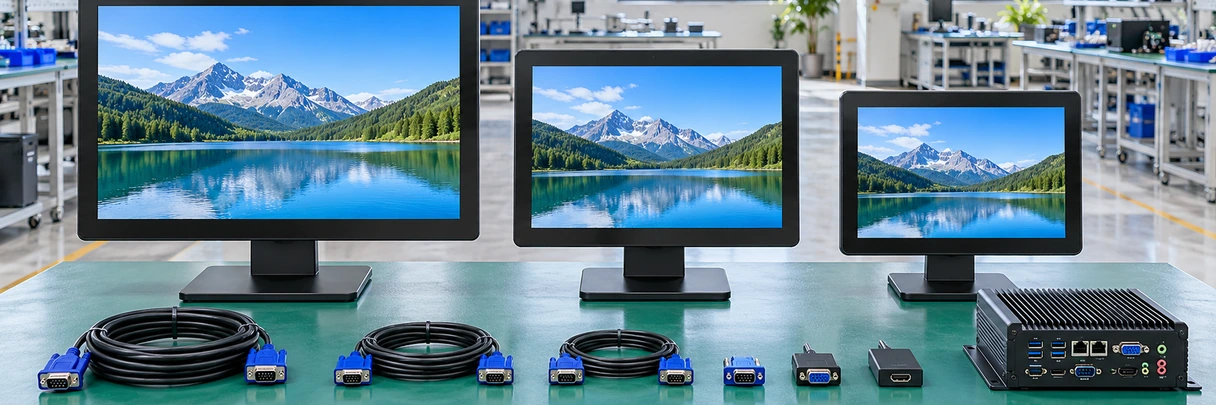
1. Does VGA carry touch data?
No. VGA carries the analog video signal. Touch data normally requires a separate USB or controller-specific connection.
2. Which resolution should be selected?
Start with the monitor’s native resolution and confirm that the host can output a supported timing. Test older software because some applications are designed around a fixed resolution or aspect ratio.
3. Should the monitor also have HDMI, DVI or DisplayPort?
A digital input can provide a useful migration or service path. Choose only an interface combination documented for the selected model.
4. Is PCAP or resistive touch more suitable?
Choose according to the actual finger, glove or stylus workflow, required gestures, cleaning method and environment—not according to VGA connectivity.
5. Can an HDMI-to-VGA adapter be used?
An active adapter may work when its direction, resolution and power requirements match the system. Validate it with the actual host and startup sequence.
6. What should be checked on an existing enclosure?
Confirm overall dimensions, active area, opening, mounting positions, rear depth, connector access and cable-bend space.
7. What should be approved before production?
Approve the model specification, mechanical drawing, VGA image result, touch behavior, host compatibility, cables, accessories, labels, packaging and sample test result.
VGA Touchscreen Monitor FAQ
Does a VGA cable make the touchscreen work? +
Can a VGA touchscreen monitor also support HDMI? +
Which Lucky XFC VGA monitor is the main compact starting point? +
Is a 15.6-inch VGA touchscreen monitor available? +
Are open-frame VGA touchscreen monitors available? +
Can I use a VGA touchscreen monitor with an old industrial computer? +
Can I convert DisplayPort or HDMI to VGA? +
Does VGA support Full HD? +
Can the monitor support gloves? +
What information is needed for a quotation? +
Related VGA Touchscreen Monitor Product Paths
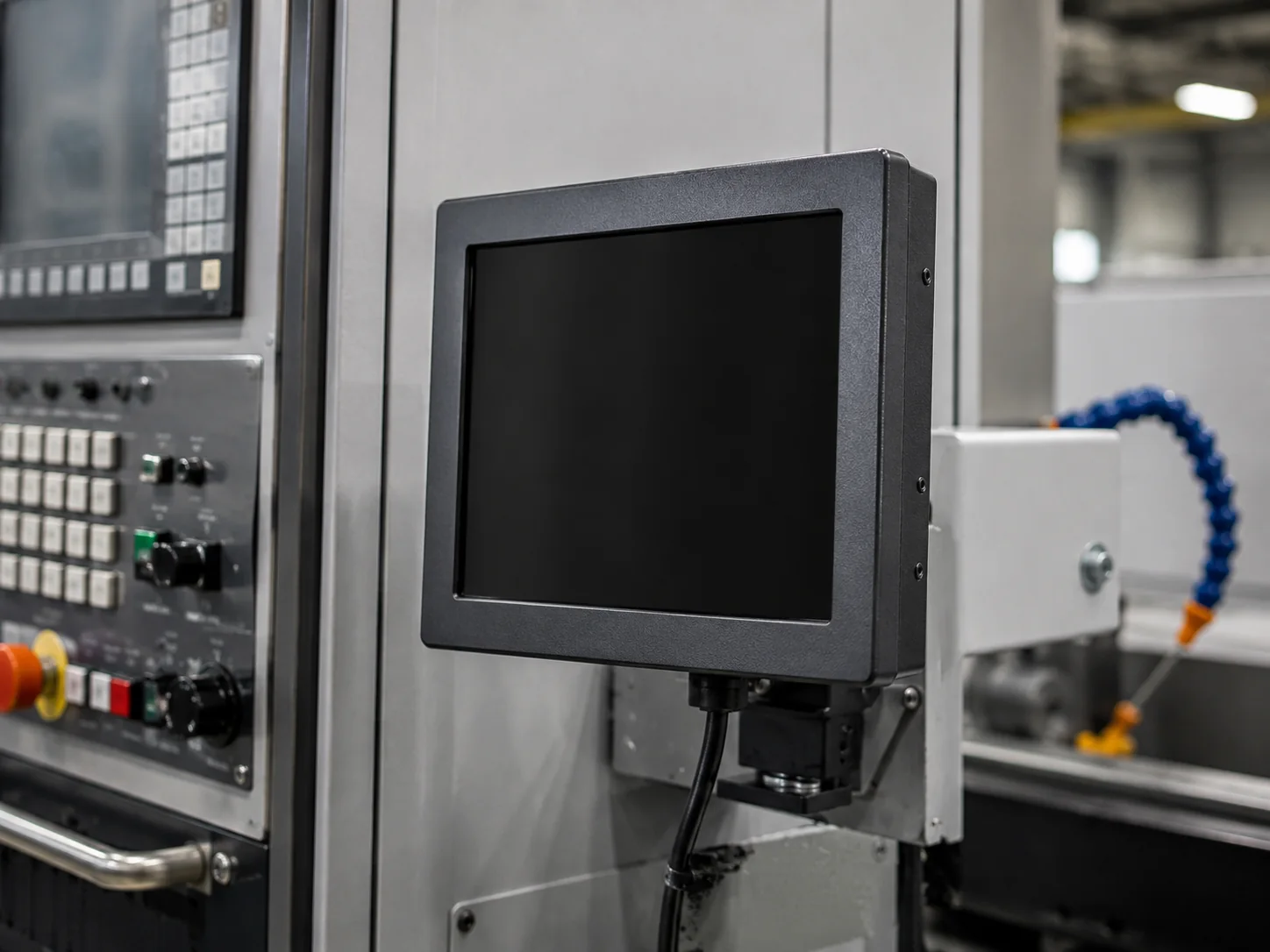
Industrial Monitors
Compare compact panel-, VESA- and open-frame monitor configurations.

10 Inch Touchscreen Monitors
Review the documented XFC-IM-101P compact starting configuration.

Open-Frame Touch Monitors
Explore monitor structures for kiosks and equipment enclosures.
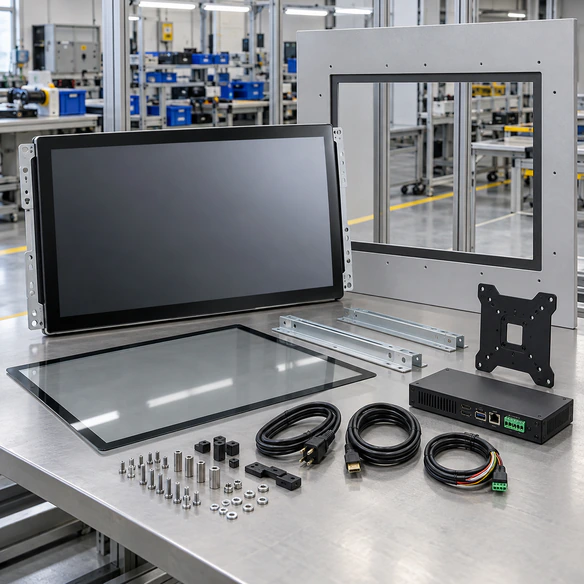
27 Inch Touchscreen Monitors
Compare documented standard and open-frame 27-inch options.

Kiosk Touch Screen Monitors
Review touch displays for self-service equipment integration.
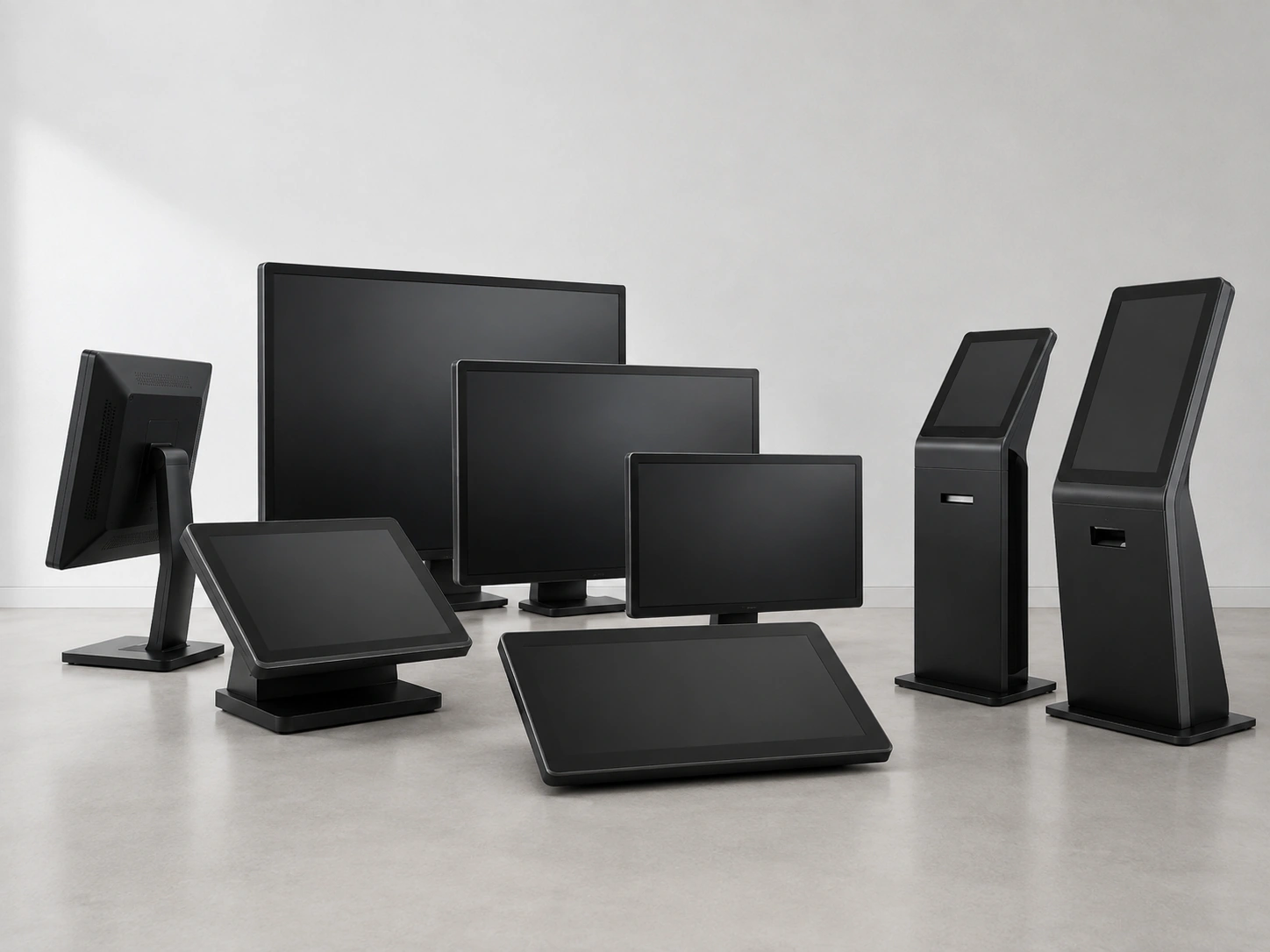
Touchscreen Displays
Explore additional product formats and customization paths.
Request a VGA Touchscreen Monitor Configuration
Tell us how the monitor will connect to your equipment. Lucky XFC can review a suitable model, mounting structure, touch technology and interface path.
Helpful Information to Include
- Required display size and resolution.
- Estimated quantity.
- Application and installation environment.
- Host computer or controller model.
- Current VGA output resolution.
- PCAP or resistive-touch preference.
- Panel, VESA or open-frame installation.
- Required HDMI, DVI or DisplayPort alternatives.
- Touch-data and power connections.
- Cable length and connector direction.
- Enclosure drawing or available installation space.
- Sample or production schedule.
