Digital Menu Boards for Restaurants, Cafés and Food Service
Build clear, update-ready menu displays around your counter, entrance or outdoor service point. Lucky XFC supplies wall-mounted, floor-standing, touch-enabled, outdoor and multi-screen display hardware, with Android and installation configurations reviewed for the selected content system.
- Landscape or portrait display layouts
- Android or external media-player configurations
- Wall, floor, embedded and mobile structures
- Touch options for menu browsing
What a Complete Digital Menu Board System Includes
A digital menu board is more than a screen. A working system combines commercial display hardware with a playback device, content software, network access, mounting and readable menu content.
Commercial Display Hardware
The display, protective structure, mounting format and optional touch interface determine how customers see and use the menu.
Player or Operating System
Content can run through a built-in Android configuration or a compatible external media player, depending on the selected software and deployment method.
Content Management Software
The CMS controls menu design, publishing, scheduling, screen groups and user permissions. Software licensing and functions depend on the platform selected by the buyer.
Network and Installation
Power access, wired or wireless networking, cable routing, mounting height, ventilation and service clearance should be planned before the hardware configuration is finalized.
Important Note: Lucky XFC supplies and configures display hardware. Cloud CMS subscriptions, menu design, POS integration and local installation are not included unless confirmed in the quotation. The selected software, player and network environment should be tested with the final hardware configuration.
Choose the Right Digital Menu Board Format
Wall-Mounted Digital Menu Boards
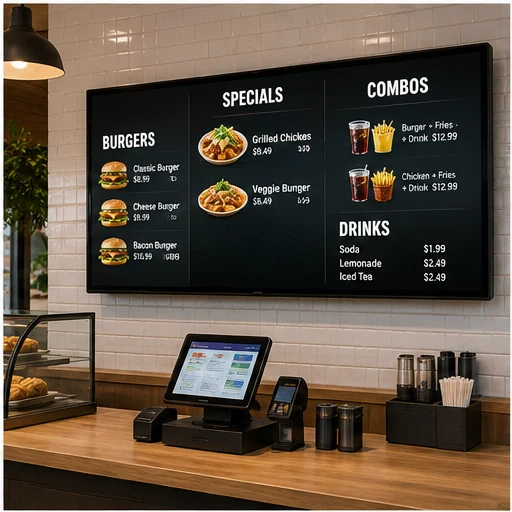
Install menu displays above counters, behind registers or on restaurant menu walls without occupying floor space. Landscape and portrait layouts can be planned around menu length, viewing distance and available wall area.
Best for: quick-service counters, cafés, bakeries, bars and pickup areas.
Choose by: screen size, viewing distance, orientation, mounting height, VESA pattern, cable access and service clearance.
Floor-Standing Digital Menu Boards
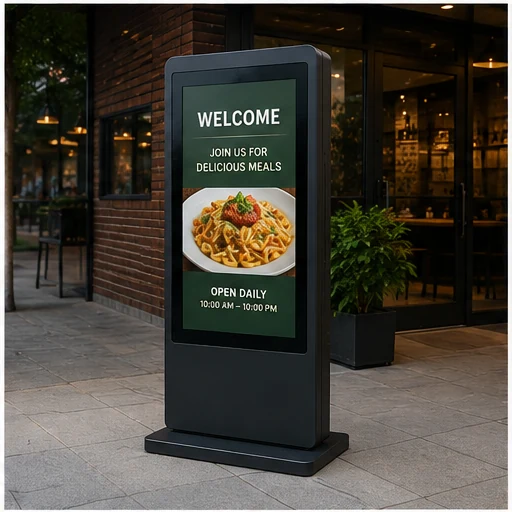
Use a freestanding display where wall installation is unavailable or where the menu needs to meet customers before they reach the counter. Floor-standing formats can support menu previews, seasonal offers, ordering guidance and pickup information.
Best for: restaurant entrances, queue areas, food courts, hotel dining areas and temporary promotions.
Choose by: available floor space, stability, screen orientation, movement requirements, service access and touch or non-touch use.
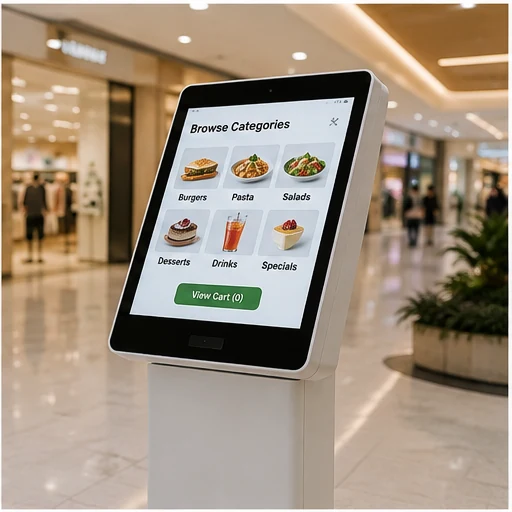
Interactive Digital Menu Boards
Add touch when customers need to browse menu categories, compare options, change language or view detailed product information. A touch menu display supports content exploration; ordering, payment and receipt printing require a separate self-service kiosk configuration.
Best for: menu exploration, product discovery, multilingual information and pickup-area guidance.
Choose by: touch size, user height, application interface, Android or Windows environment, mounting format and network requirements.
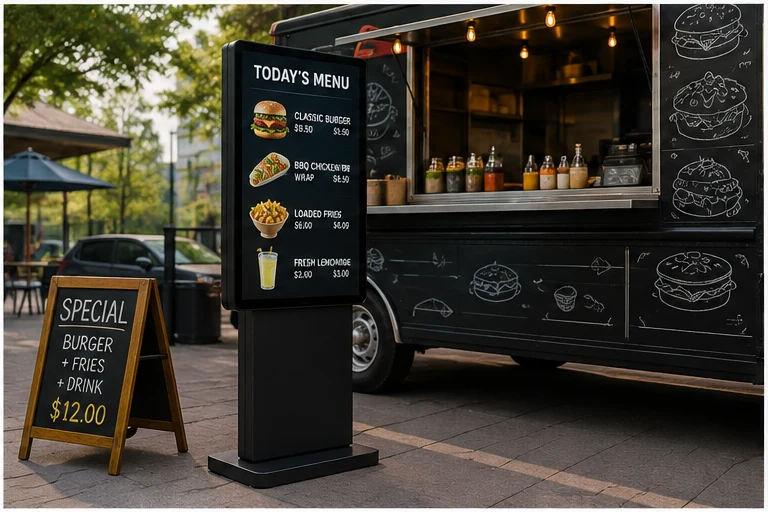
Outdoor & Food Truck Digital Menu Boards
Move menu content closer to outdoor customers with a display configuration planned around ambient light, power access, mobility and environmental exposure. Outdoor and mobile projects require different brightness, protection and thermal decisions from an indoor menu screen.
Best for: food trucks, storefront entrances, outdoor service points, bars and mobile promotions.
Choose by: ambient brightness, power or battery requirements, operating temperature, mobility, enclosure protection and installation position.
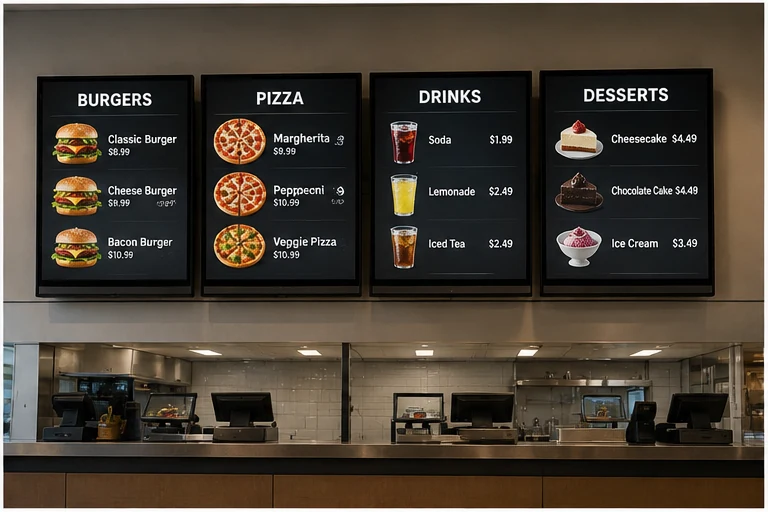
Multi-Screen Counter Menu Board Systems
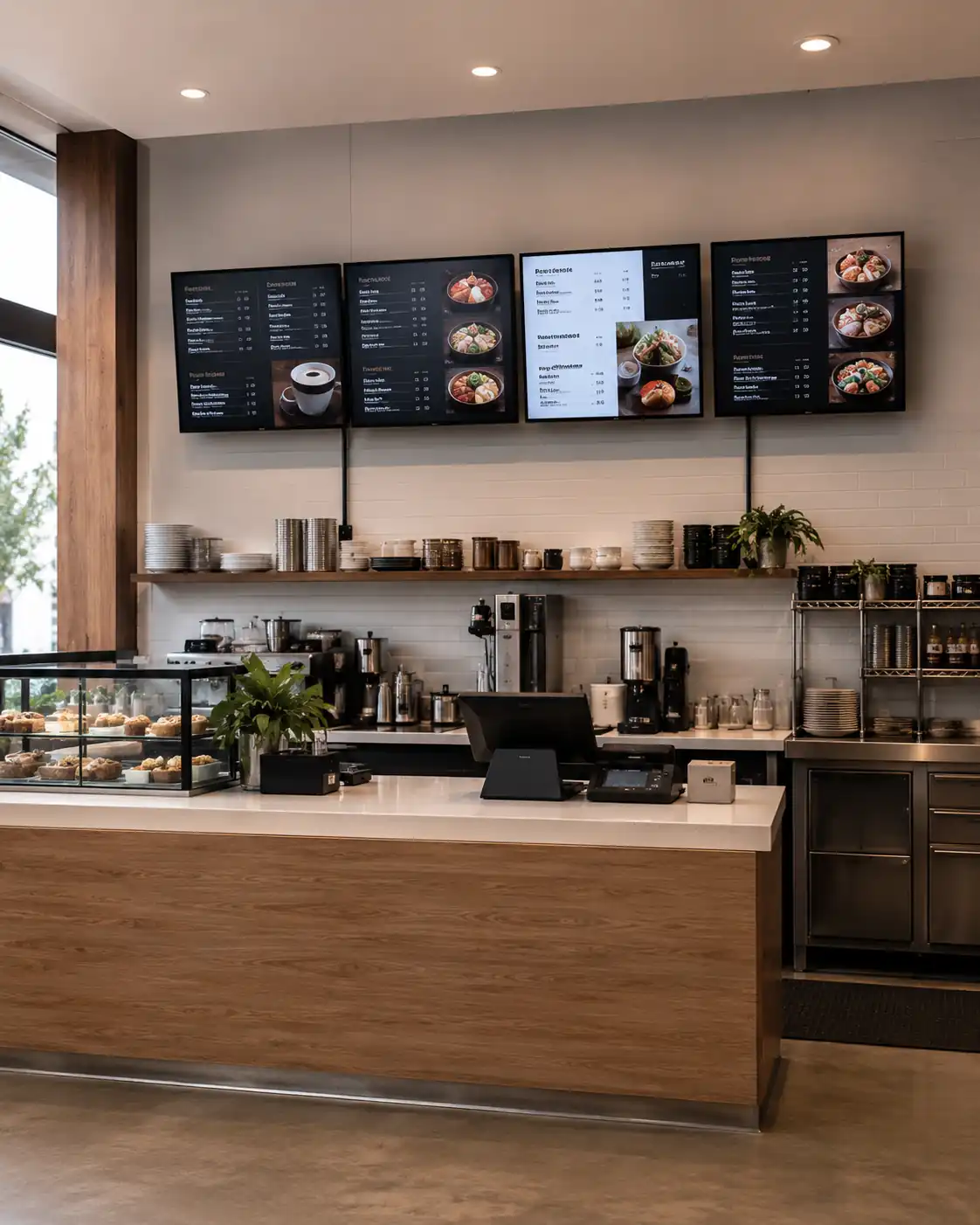
Arrange multiple wall-mounted commercial displays as one coordinated counter layout when a single screen cannot present the menu clearly. Screen quantity, spacing, orientation, mounting and the player architecture should be reviewed as one project.
Best for: larger quick-service counters, food courts and menus divided into clear product categories.
Choose by: number of displays, menu structure, viewing distance, screen spacing, mounting alignment, power and network access.
Compare Digital Menu Board Formats
Swipe horizontally to view the full table.
| Format | Typical Location | Customer Interaction | Primary Hardware Decision | Software Consideration |
|---|---|---|---|---|
| Wall-mounted | Above counters, menu walls and pickup areas | View-only or optional touch | Size, orientation, VESA, height and service access | Confirm player and CMS compatibility |
| Floor-standing | Entrances, queues and open floor areas | View-only or optional touch | Footprint, stability, orientation and mobility | Confirm local or networked playback |
| Interactive | Browsing and information points | Touch browsing | Touch technology, user height and application environment | Test the final application on the selected system |
| Outdoor and mobile | Food trucks, storefronts and outdoor service points | Mainly view-only | Brightness, protection, temperature, power and mobility | Confirm connectivity and offline playback behavior |
| Multi-screen counter layout | Large counters and divided menus | Mainly view-only | Screen count, spacing, alignment, power and service access | Synchronization depends on the selected CMS and players |
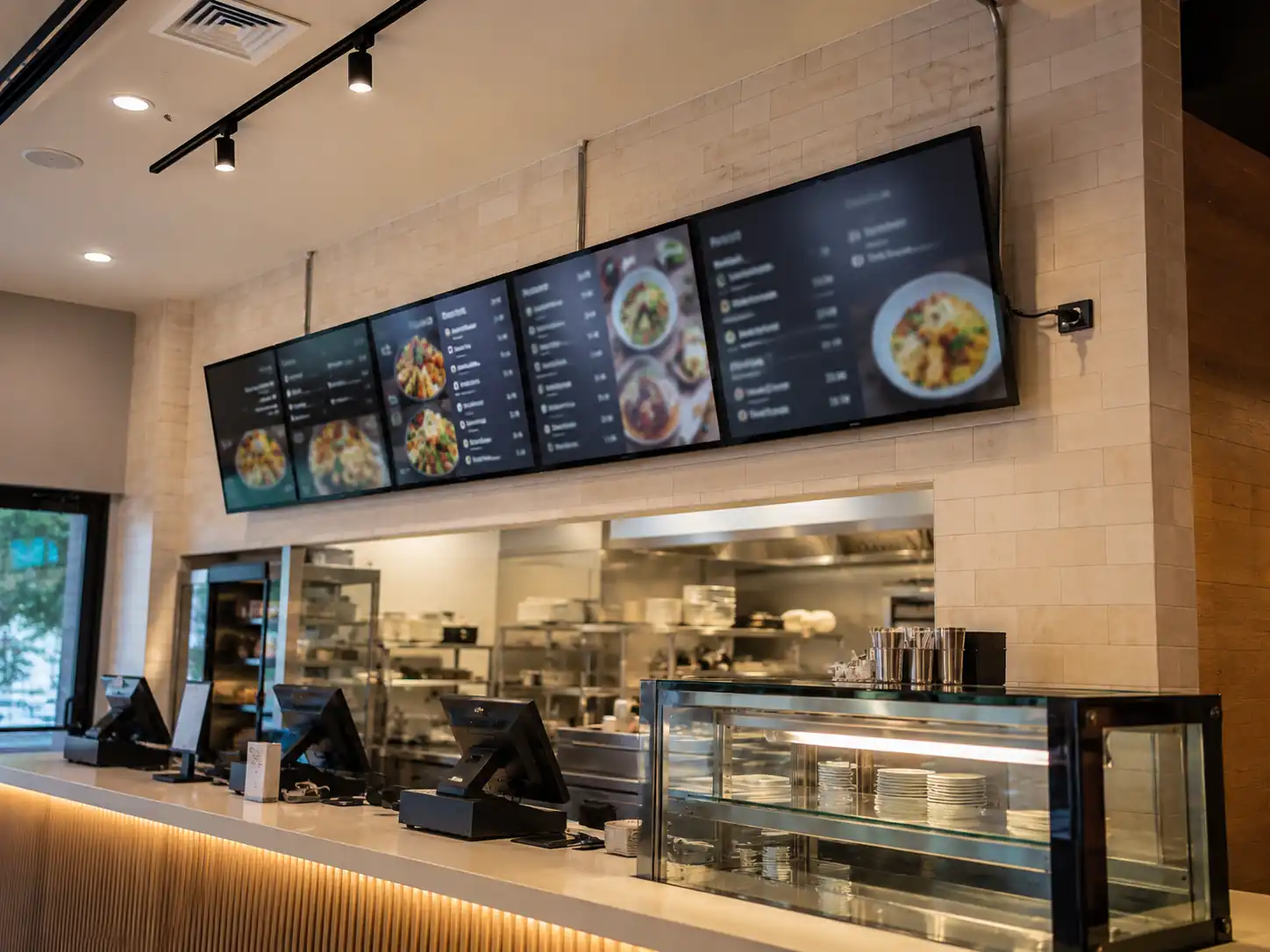
Avoid the Mismatch Between Screen, Space and Content
The Menu Is Difficult to Read
Too much content on one screen, an unsuitable viewing distance or the wrong orientation can make prices and item names difficult to scan. Start with the menu structure and viewing area, then determine screen size, quantity and orientation.
Hardware and Software Are Chosen Separately
A screen may meet the required size but still be unsuitable for the selected CMS or player. Confirm the operating system, interfaces, resolution, orientation and application requirements before finalizing the display.
Installation Is Planned Too Late
Mounting height, wall structure, power outlets, cable routing, ventilation and rear service access affect both appearance and maintenance. Review these conditions before the enclosure and bracket are confirmed.
An Indoor Display Is Used in an Outdoor Location
Indoor and outdoor menu boards require different brightness, protection, thermal and power decisions. Use a dedicated outdoor or mobile configuration when the display will face sunlight, temperature changes or weather exposure.
Touch Is Added Without a Clear Task
Touch improves the experience when customers need to browse, filter or select information. It adds little value to a menu that is only meant to be viewed from a distance.
55-Inch Wall-Mounted Reference Configuration
The MZYHY55AZ is a documented indoor wall-mounted digital signage configuration that can be used for restaurant menu content. It supports landscape or portrait playback, Android operation, wired and wireless connectivity, scheduled functions and multiple installation methods.
These specifications apply only to the referenced 55-inch model. Other menu board formats, outdoor products and custom configurations require separate confirmation.
Swipe horizontally to view full specifications.
| Item | MZYHY55AZ |
|---|---|
| Display size | 55 inches |
| Panel | TFT-LCD, S-IPS |
| Resolution | 3840 × 2160 at 60Hz |
| Typical brightness | 300 cd/m² |
| Typical contrast ratio | 1200:1 |
| Viewing angle | 178° horizontal / 178° vertical |
| Gray-to-gray response time | 8ms |
| Aspect ratio | 16:9 |
| Backlight | LED |
| Display area | 1209.6 × 680.4mm |
| Item | MZYHY55AZ |
|---|---|
| Operating system | Android 11 |
| Processor | Quad-core Cortex-A55 at 1.8GHz |
| Graphics | Mali-G52 2EE |
| Memory | 2GB DDR4; 4GB optional |
| Storage | 16GB; 8GB, 32GB or 64GB optional |
| Network | Ethernet and Wi-Fi; 3G/4G optional |
| Interfaces | 2 × USB 2.0, 1 × RJ45, 1 × TF card slot, 1 × headphone port |
| Speakers | Built-in, 2 × 8Ω / 5W |
| Playback functions | Landscape or portrait playback, loop playback, split-screen functions and scheduled power control |
| Item | MZYHY55AZ |
|---|---|
| Dimensions with bracket | 1258.2 × 728.7 × 65.6mm |
| Dimensions w/o bracket | 1258.2 × 728.7 × 53.6mm |
| VESA pattern | 400 × 400mm |
| Protective surface | Tempered glass |
| Installation | Wall-mounted, embedded or base-mounted |
| Power input | AC 100–240V |
| Typical power consumption | 150W |
| Standby power | ≤1W |
| Operating temperature | -5°C to 40°C |
| Operating humidity | 10%RH to 90%RH |
Plan the Screen, Player and CMS as One Working System
Define the Display Layout
Decide where customers will look, how many menu categories must remain visible and whether the content will use landscape, portrait or multiple screens.
Select the Playback Method
A menu can run from local USB media, a compatible Android application or an external media player. The appropriate method depends on update frequency, screen quantity and the selected software.
Confirm CMS Compatibility
Before choosing hardware, check whether the CMS supports the required operating system, resolution, orientation, media formats and number of screens.
Review Network and Offline Behavior
Confirm whether each location will use Ethernet or Wi-Fi, how content is cached and what remains visible if the network connection is interrupted.
Validate POS and Data Connections
If prices, stock status or menu items must update from a POS system, confirm the required API, software connector and player environment with the POS and CMS providers. POS integration is not created by the display alone.
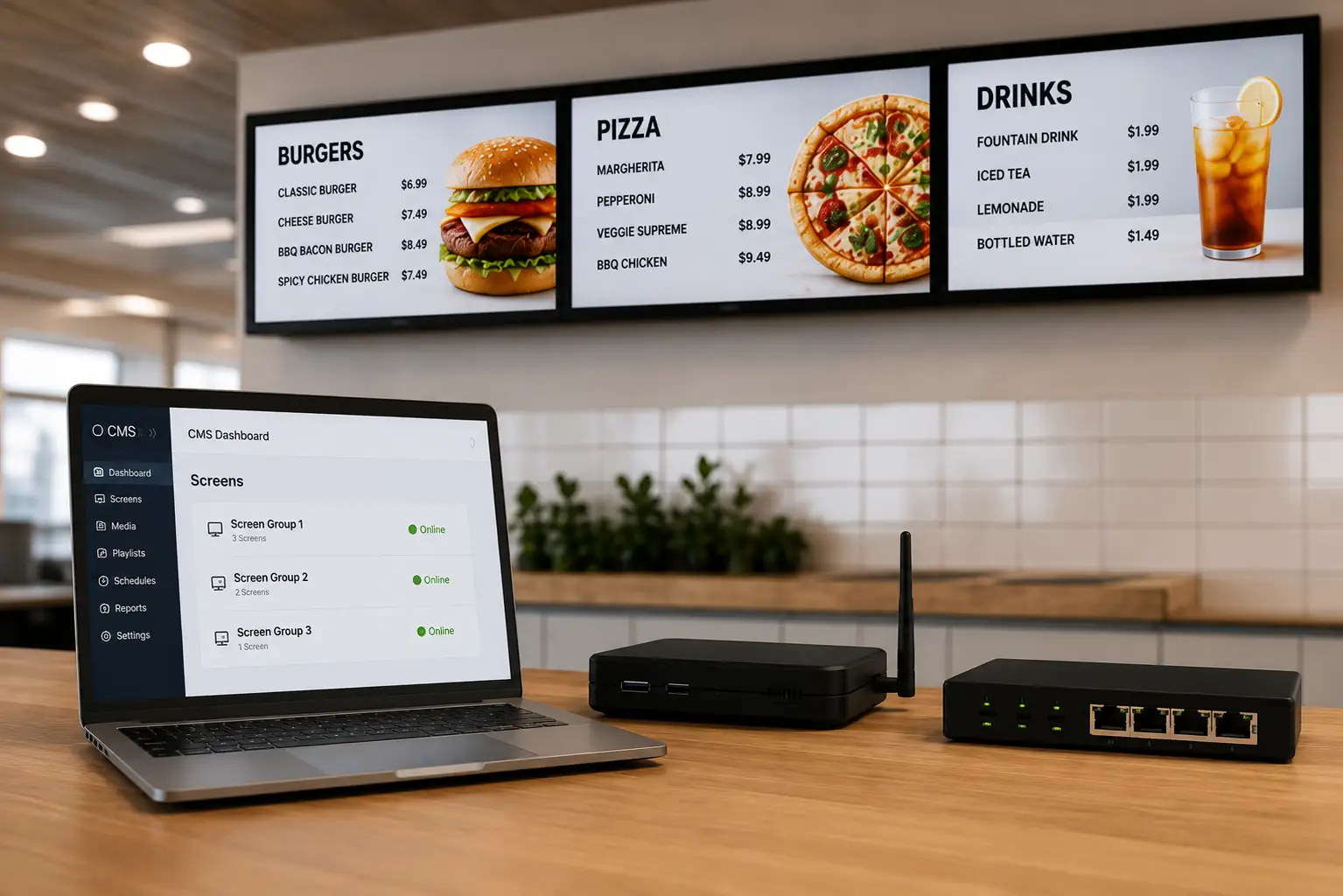
Essential CMS Selection Criteria
- ✓ Remote content publishing
- ✓ Scheduling (time of day)
- ✓ Screen grouping
- ✓ User roles & permissions
- ✓ Supported media formats
- ✓ Orientation support
- ✓ Offline playback behavior
- ✓ Device status visibility
- ✓ OS compatibility
- ✓ POS/API capabilities
Digital Menu Boards for Different Food Service Environments
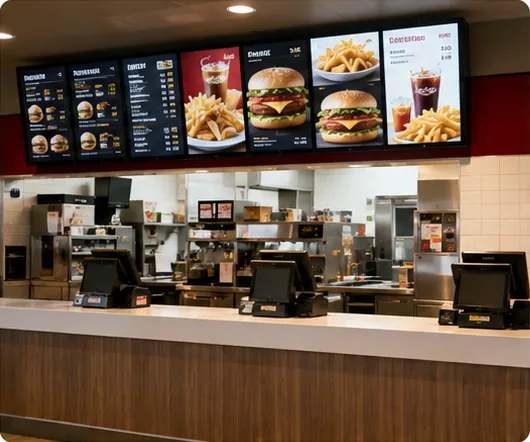
Quick-Service Restaurant Counters
Divide menu categories across one or more wall-mounted screens while keeping prices, combinations and ordering information readable from the queue.
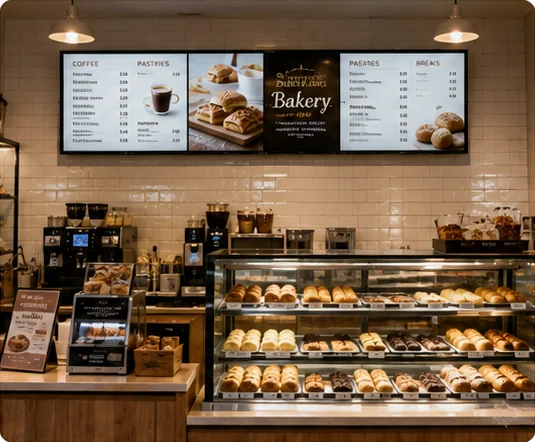
Cafés and Bakeries
Use wall-mounted displays for the main menu and a floor-standing display near the entrance for seasonal drinks, bakery items or ordering guidance.
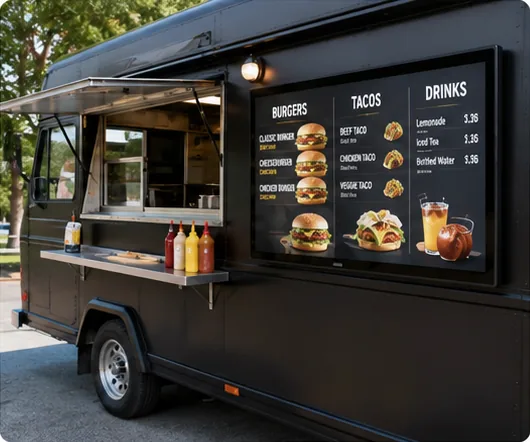
Food Trucks & Outdoor
Select an outdoor or mobile configuration based on sunlight, available power, operating temperature, movement and exposure conditions.
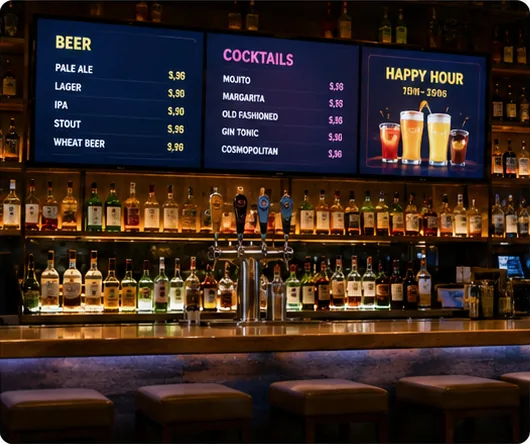
Bars and Casual Dining
Present drinks, food menus, happy-hour information and rotating promotions in a format that fits the bar wall or service counter.
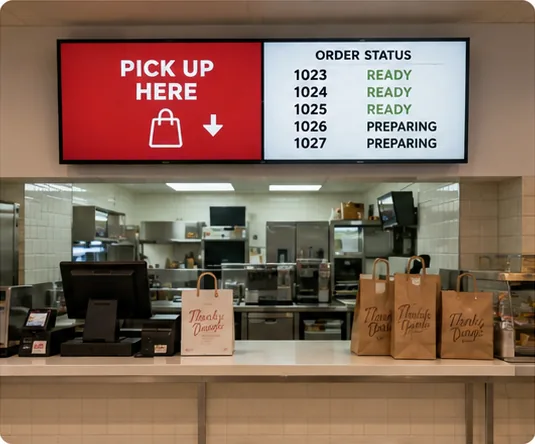
Pickup and Order-Status Areas
Separate the primary menu from pickup instructions or order-status information when both types of content must remain visible.
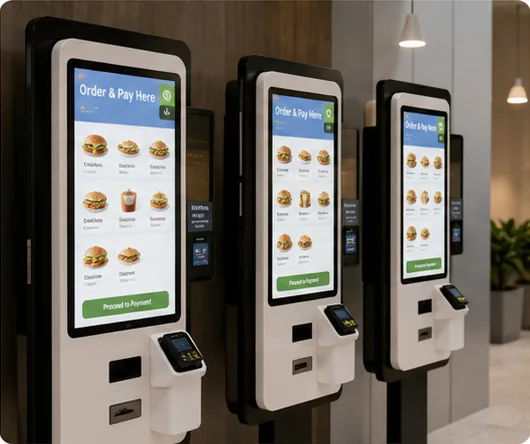
Menu Browsing and Self-Service
Use an interactive menu board for browsing. When customers must order or pay, continue to the dedicated self-service kiosk solution.
How to Install a Digital Menu Board in a Café or Restaurant
Measure the Viewing Area
Record the counter width, wall dimensions, expected viewing distance and the points where customers enter, queue and order.
Organize the Menu Before Choosing Screens
Estimate how much information must remain visible at one time. A short menu may fit one display; larger menus may need several clearly divided screens.
Confirm Power, Network and Cable Routes
Plan power outlets, Ethernet or Wi-Fi coverage, player location and concealed cable routes before fixing the mounting position.
Review the Mounting Structure
Confirm the wall material, VESA pattern, bracket, display weight, ventilation and access needed for future service.
Configure the Player and CMS
Test the selected software, orientation, media resolution, scheduling and network behavior on the final Android configuration or external player.
Test Readability in the Actual Space
Review menu text, prices, images and contrast from the customer’s normal viewing position before deployment.
What Determines the Cost of a Complete Digital Menu Board System?
There is no single price for every digital menu board project. Compare quotations using the same system boundary and the same installation requirements.
Display Hardware
Screen size, panel specification, brightness, orientation and screen quantity affect the hardware configuration.
Structure and Mounting
Wall brackets, floor stands, embedded structures, mobile frames and outdoor enclosures have different material and installation requirements.
Player and Operating System
The project may use a built-in Android configuration or a separate media player.
Touch and Additional Functions
Touch capability, external devices and custom interfaces add hardware and application requirements.
CMS and Software Licensing
Cloud software, templates, user accounts, screen licenses and POS connectors are normally priced separately by the selected software provider.
Installation & Site Prep
Power work, network access, mounting labor, cable routing and local permits depend on the installation location.
Logistics and Project Scope
Packaging, shipment destination, screen quantity and customization affect the final quotation.
For an accurate comparison, define the display format, screen quantity, installation location, player or CMS environment, touch requirement and destination before requesting a quote.
Hardware Options Built Around Practical Menu Display Decisions
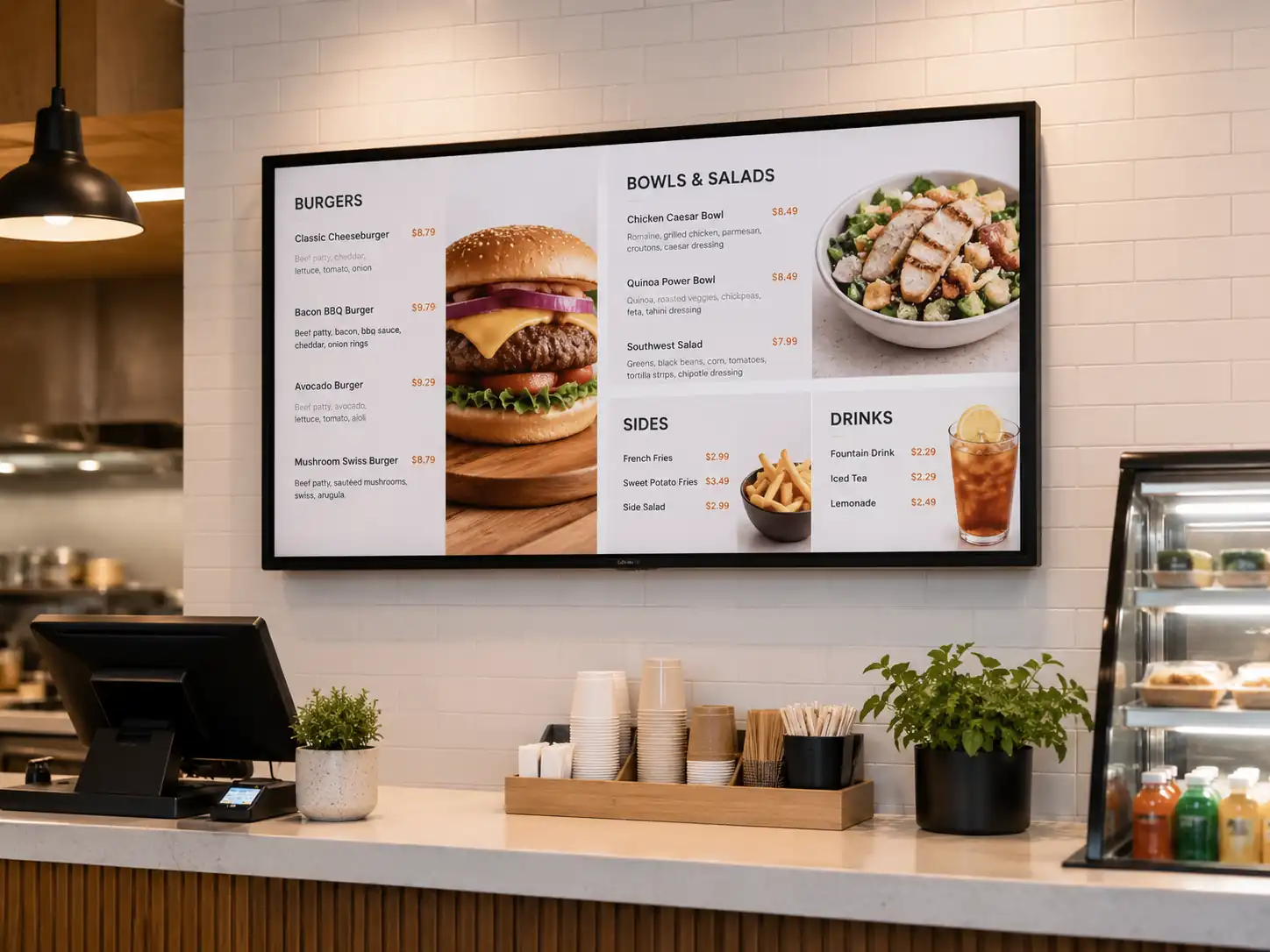
A Documented 55-Inch Starting Point
The MZYHY55AZ provides a model-level reference for 4K indoor menu display projects, including panel, system, interface, mounting and dimensional information.
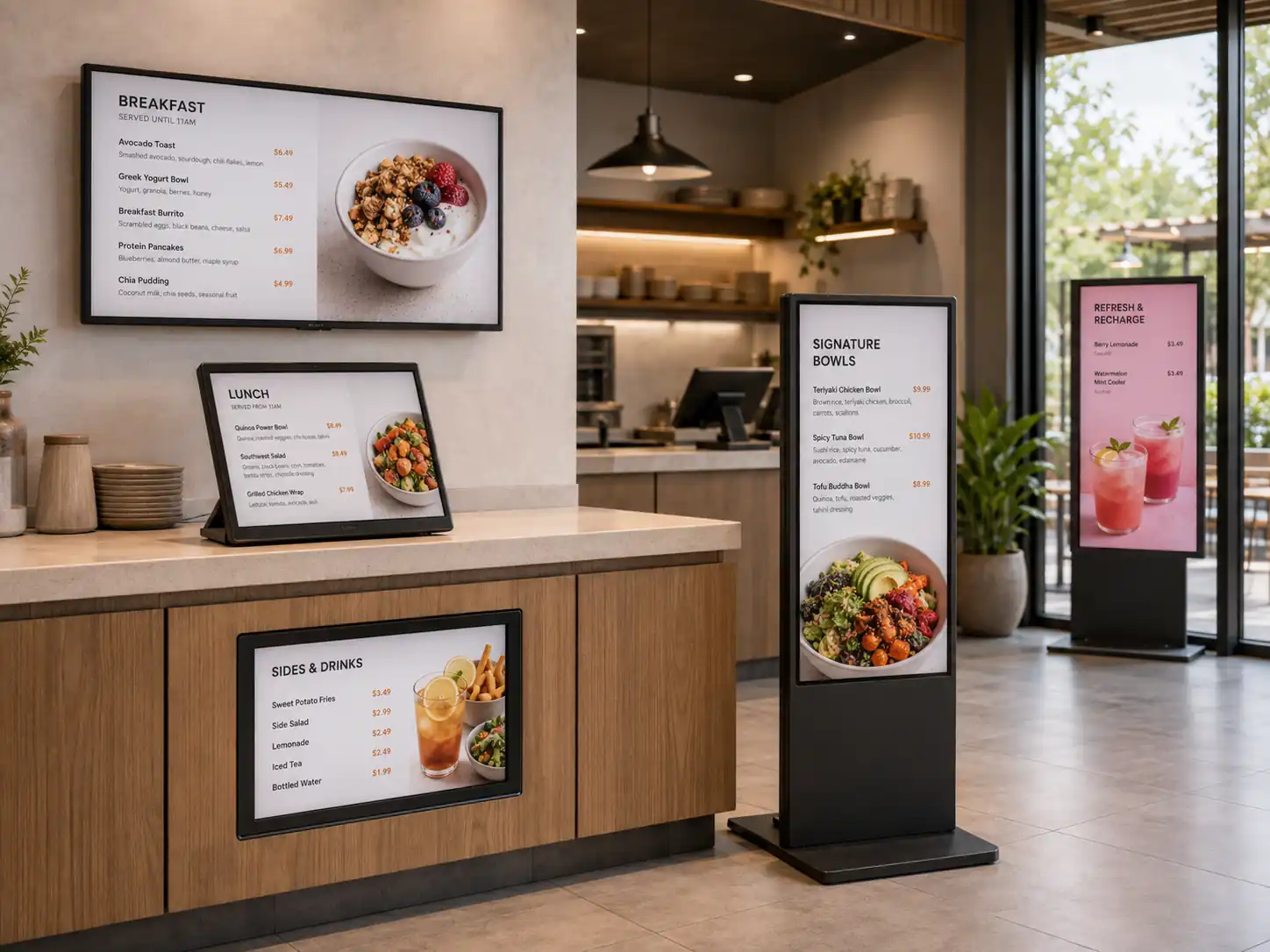
Multiple Installation Formats
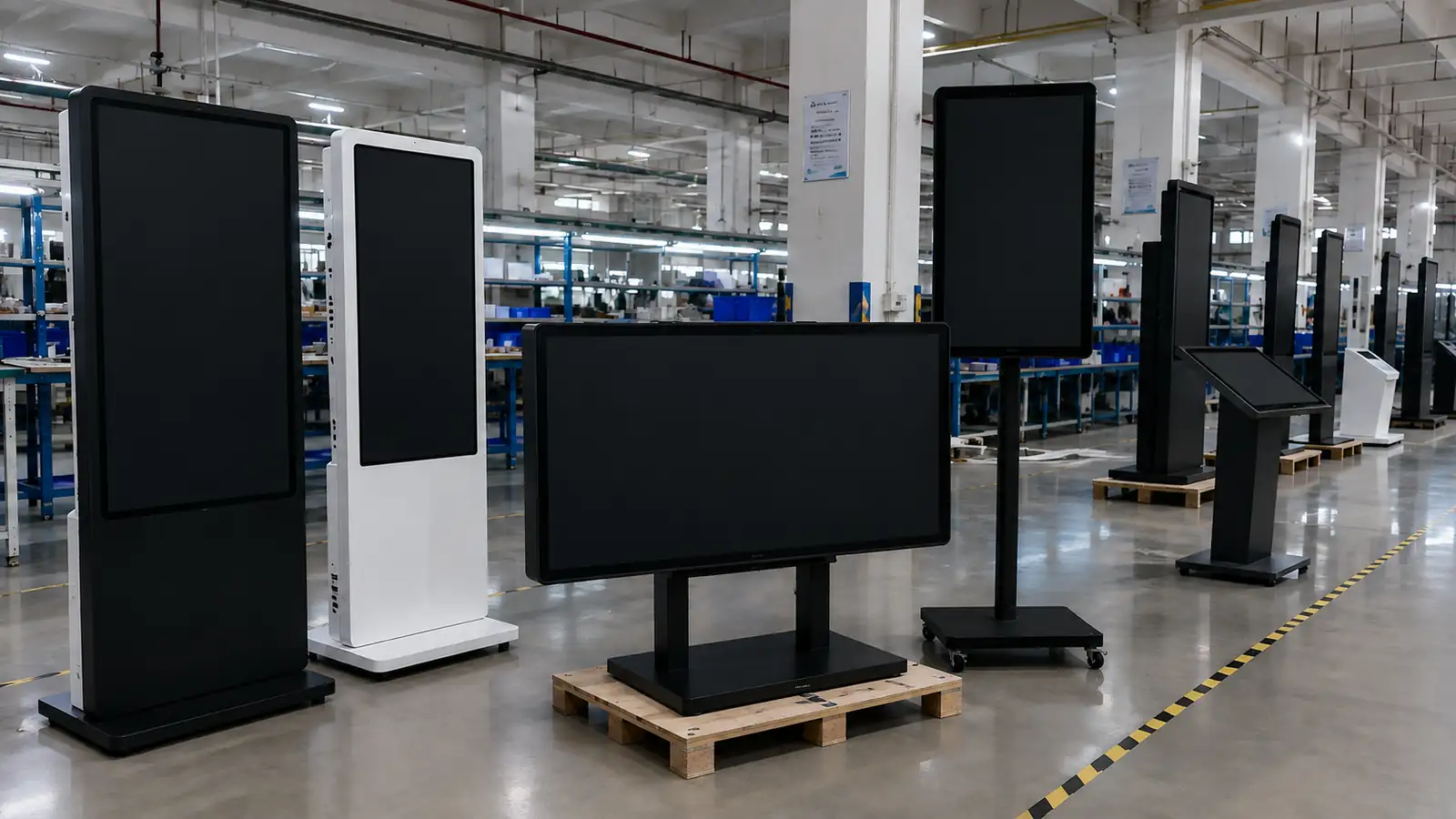
Wall-mounted, embedded, base-mounted, floor-standing, interactive and outdoor structures allow the display format to follow the actual service environment.
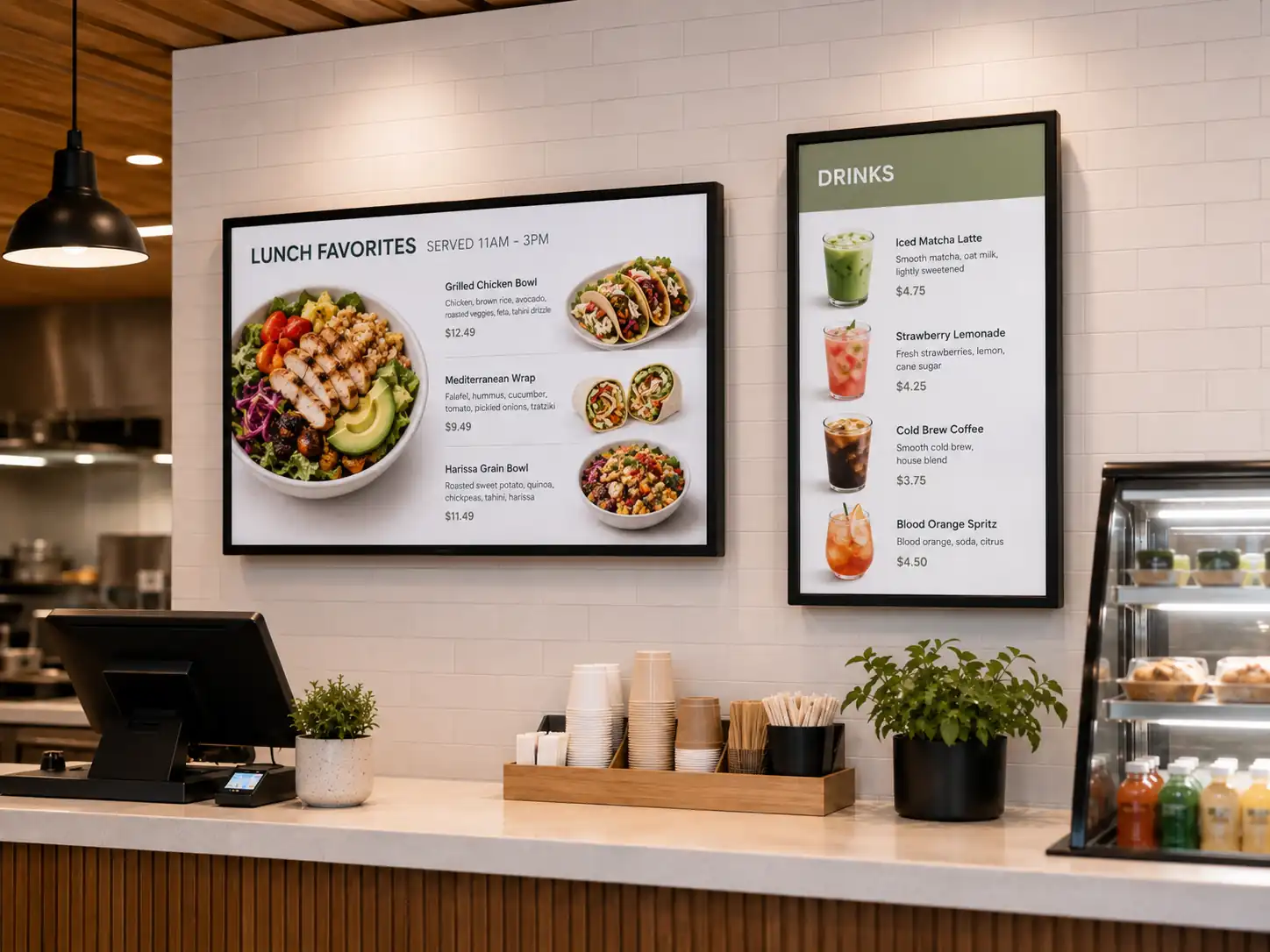
Landscape and Portrait Playback
Orientation can be planned around counter width, menu length, poster-style content or entrance displays.
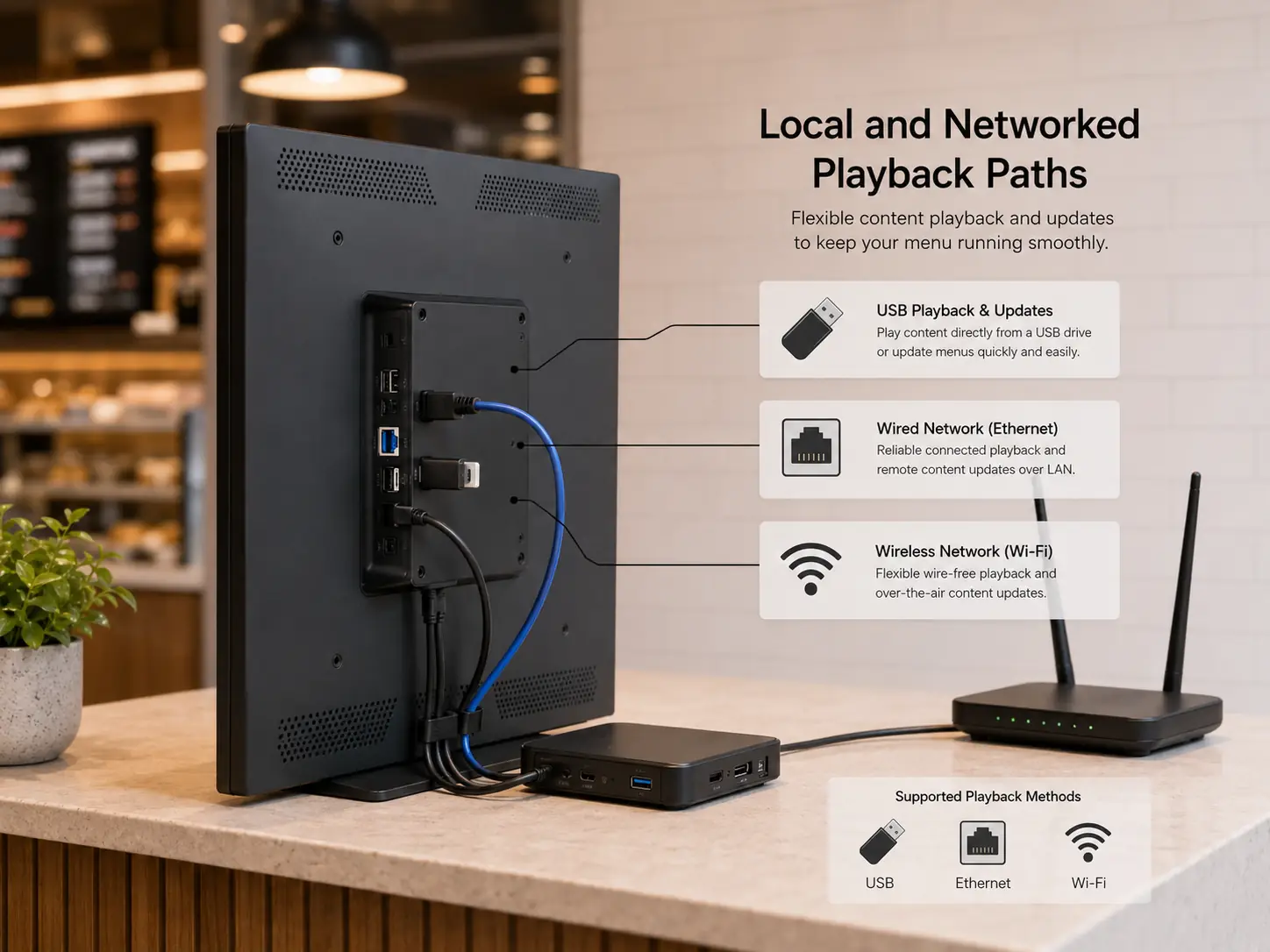
Local and Networked Playback Paths
USB, Ethernet and Wi-Fi options support different playback and update methods. Final application compatibility depends on the selected system.
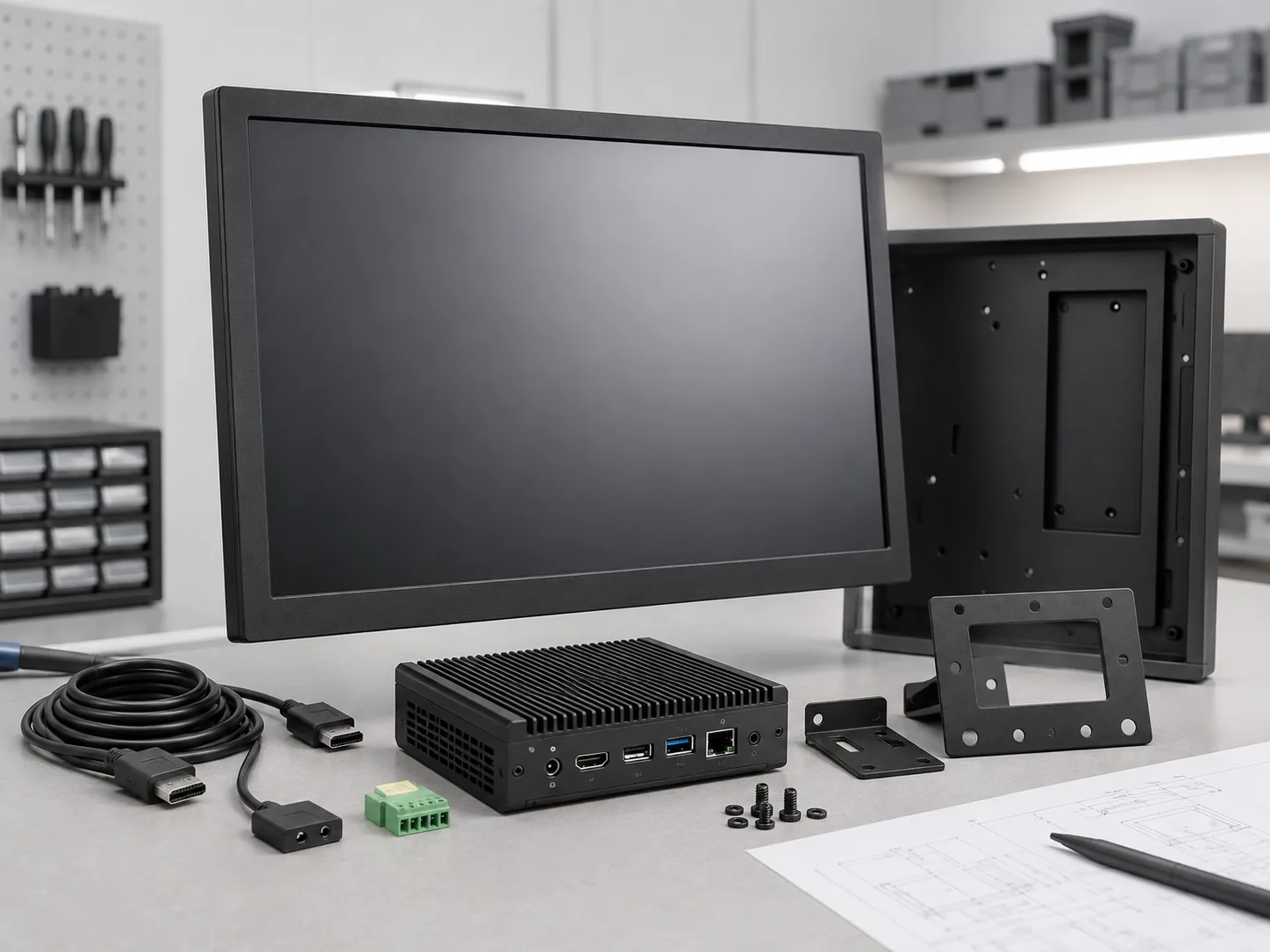
Display, System and Enclosure Coordination
Screen specifications, Android or player requirements, mounting, interfaces and enclosure details can be reviewed together instead of being sourced as unrelated components.
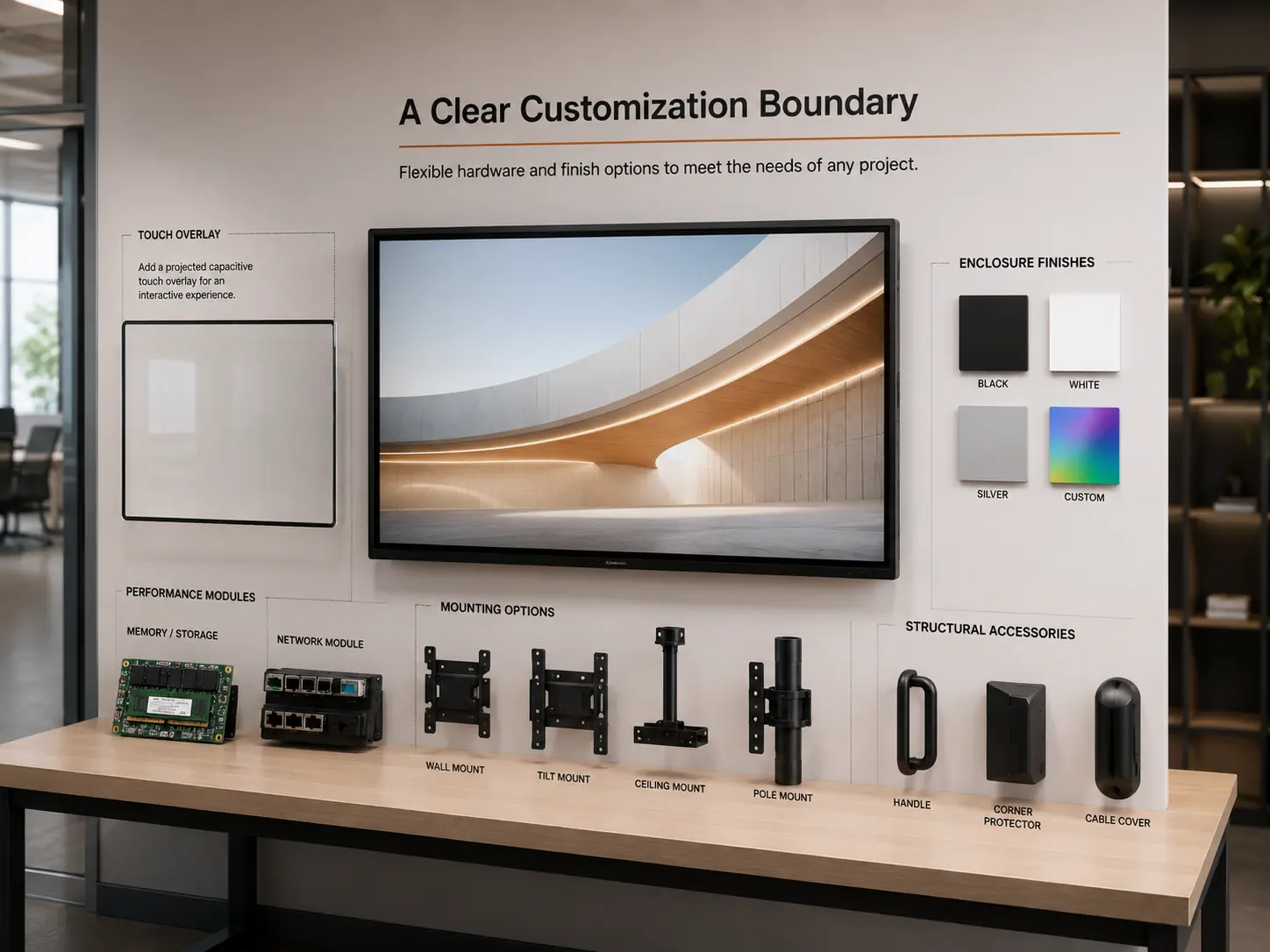
A Clear Customization Boundary
Touch, memory, storage, network modules, structure and installation format can be discussed as project options. The final quotation and specification sheet define what is included.
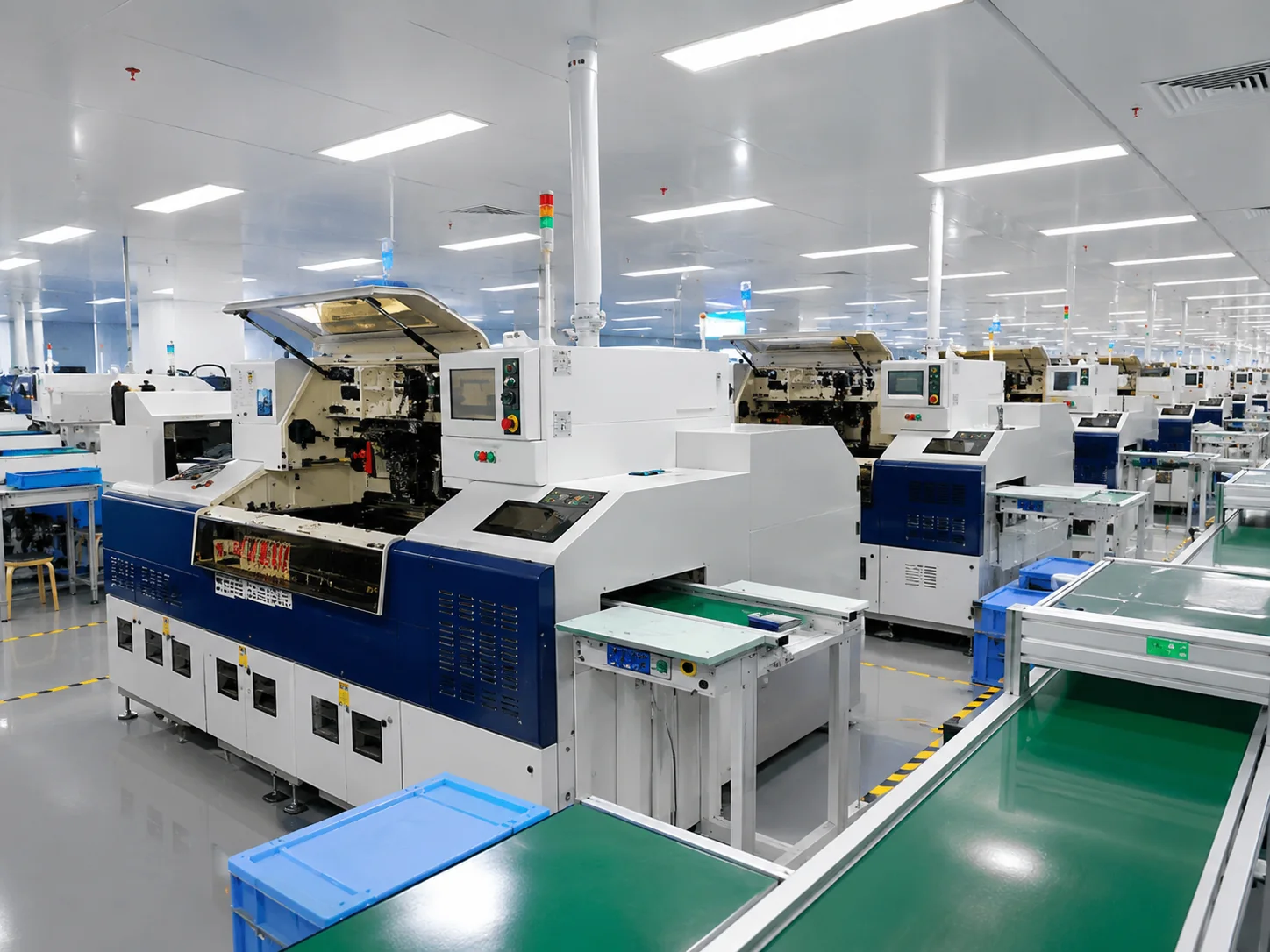
Display Hardware Production in Shenzhen
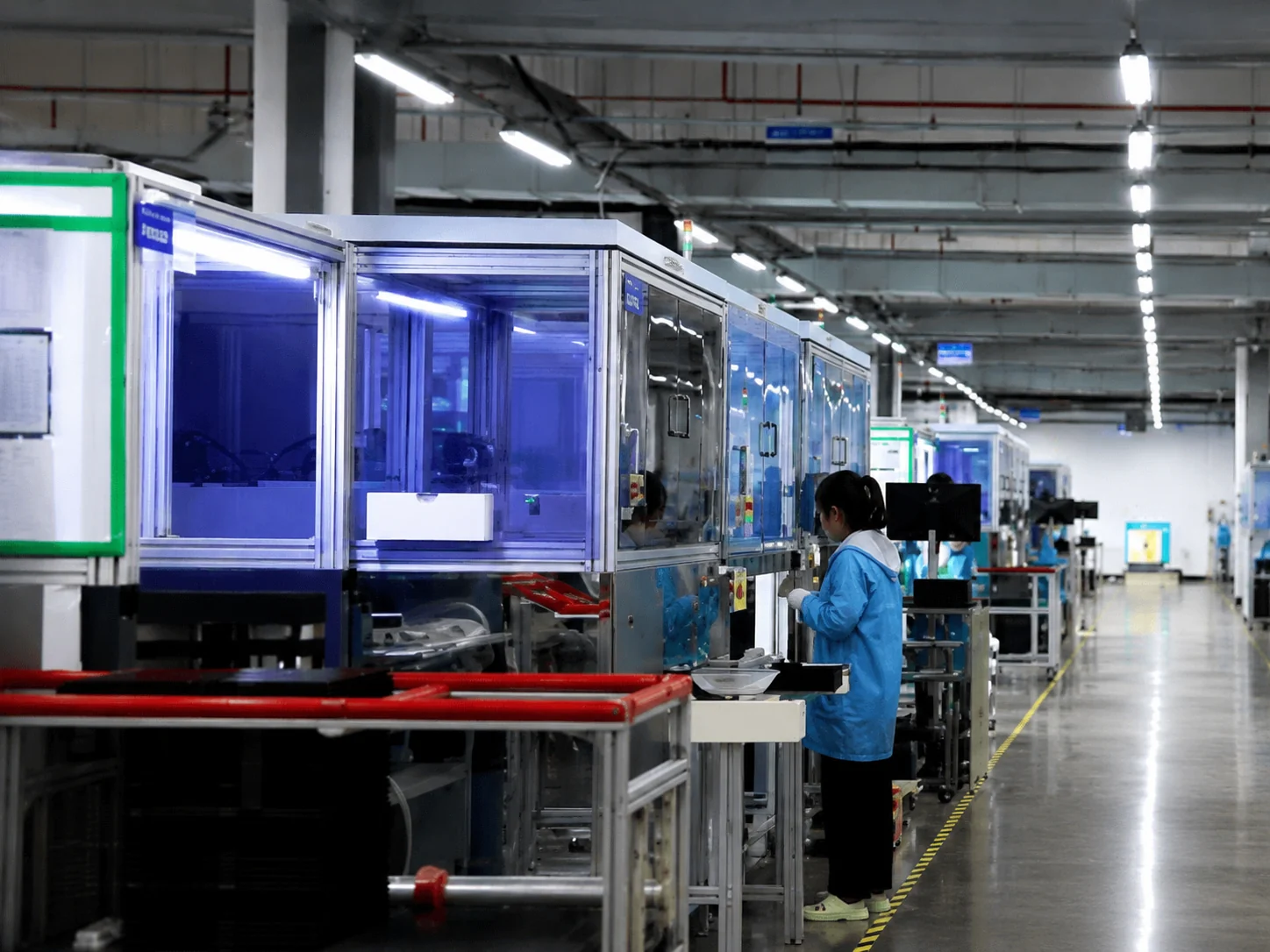
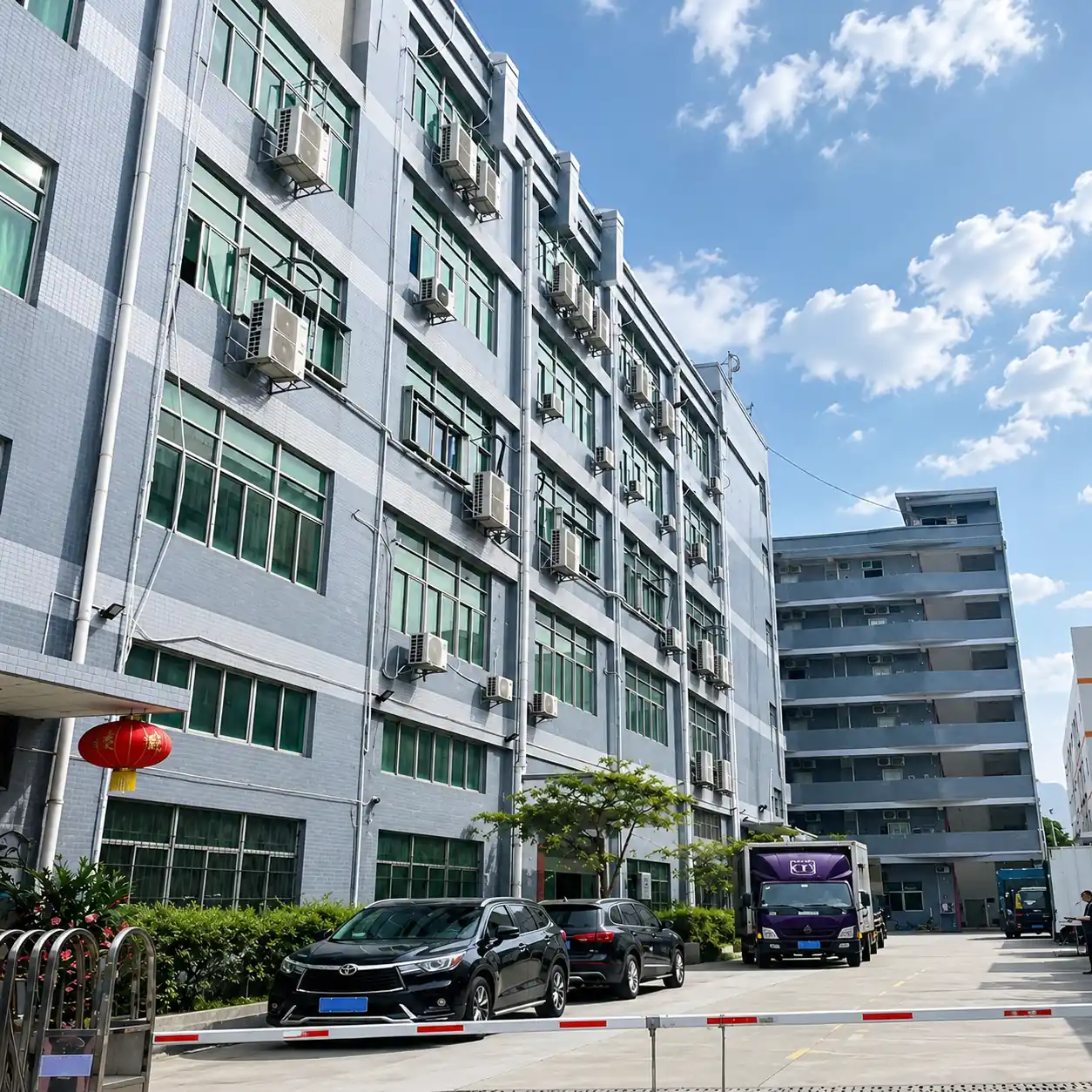
Shenzhen Xinfeichi Technology Co., Ltd. develops and supplies touch displays, commercial signage and integrated terminals. For a digital menu board project, the hardware review focuses on the display, system configuration, enclosure, mounting, interfaces, touch requirement and the buyer’s selected content environment.
Model-level specifications and drawings help keep the quotation, installation plan and final hardware configuration aligned. Product appearance, panel options and optional functions should be confirmed in the final specification before ordering.
What to Confirm Before Production
- • Final screen size and orientation
- • Model-level display and system specifications
- • Mounting or enclosure drawings
- • Player and CMS compatibility
- • Touch and interface requirements
- • Power, network and installation conditions
- • Packaging and shipment destination
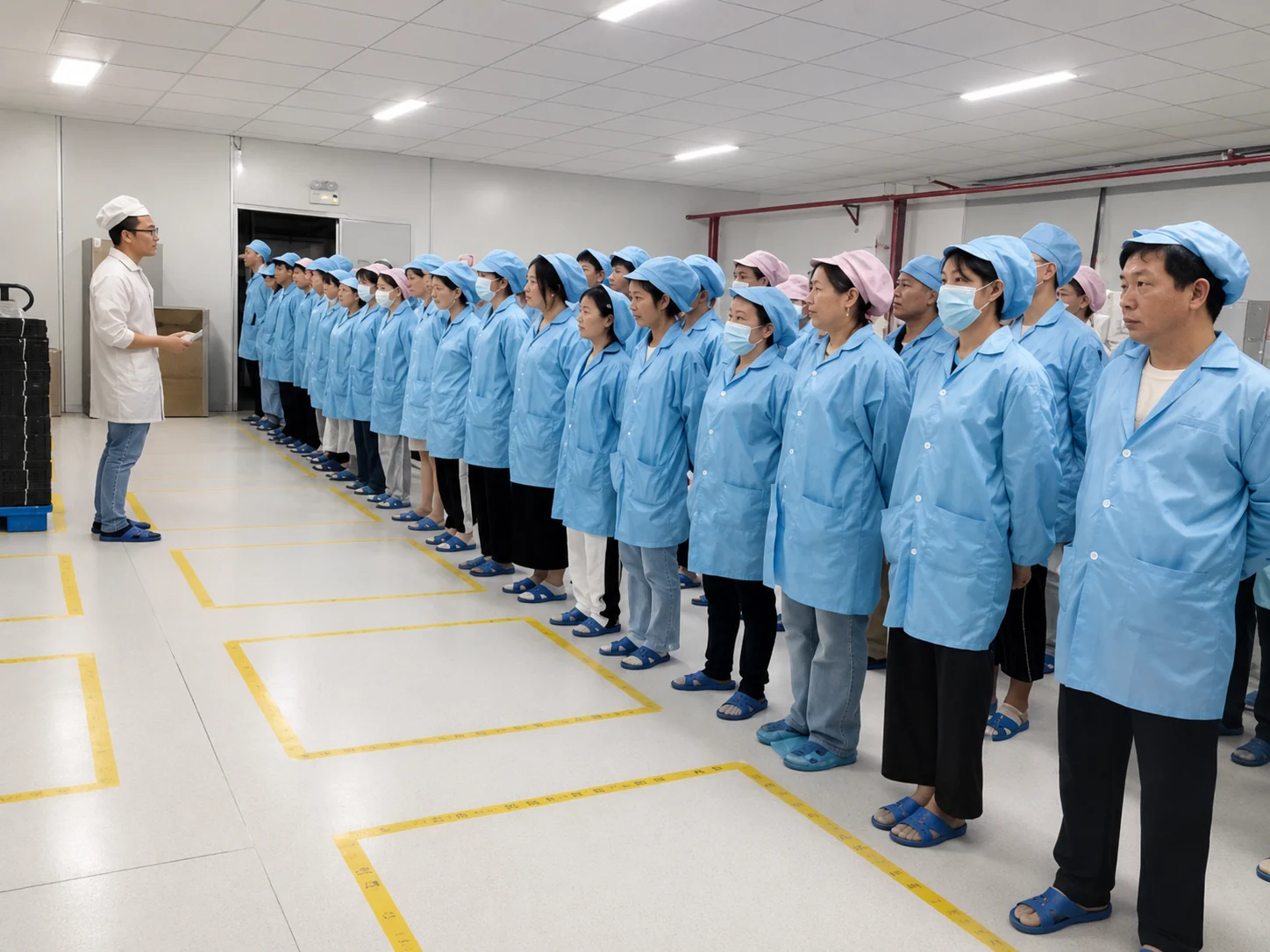
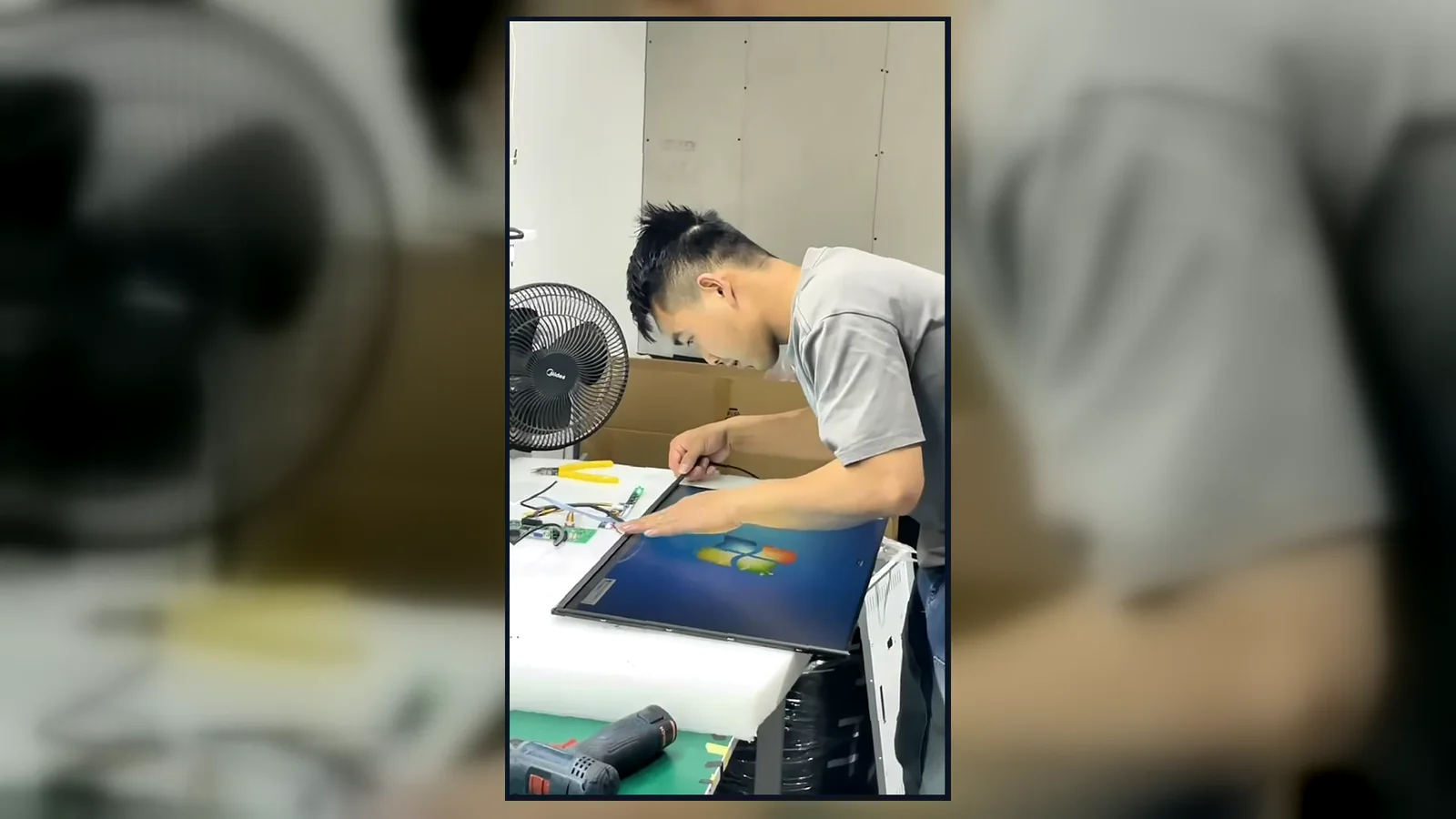
Inside the Factory: Production & Quality Testing
Watch our brief 45-second overview showcasing the rigorous assembly and testing procedures at our facility. See firsthand how our QC team conducts 100% inspections to verify touch response, display quality, interfaces and appearance according to the approved specifications.
Global Quality & Compliance Standards
Our products are manufactured under strict quality control systems and comply with international standards, ensuring reliability and safety for your projects.

ISO 9001:2015
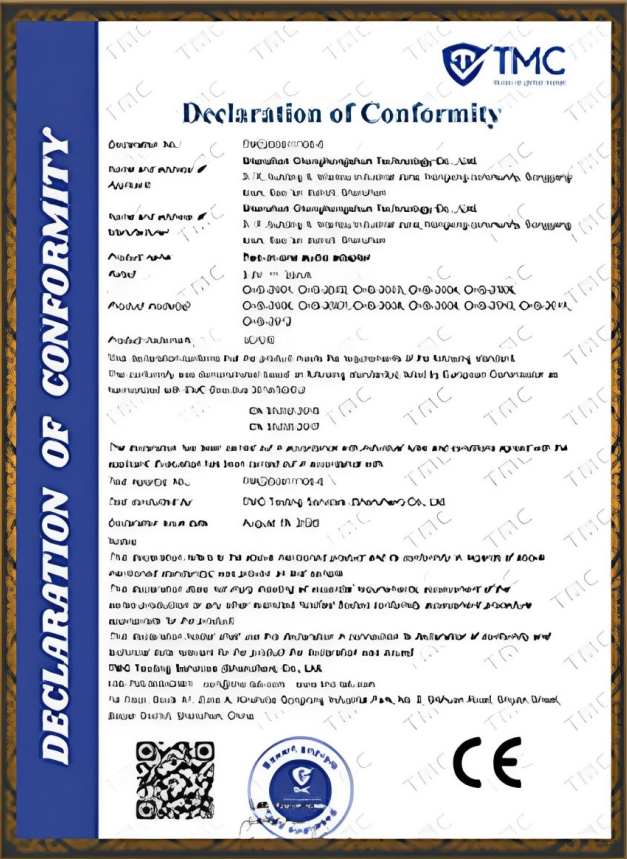
CE Certification
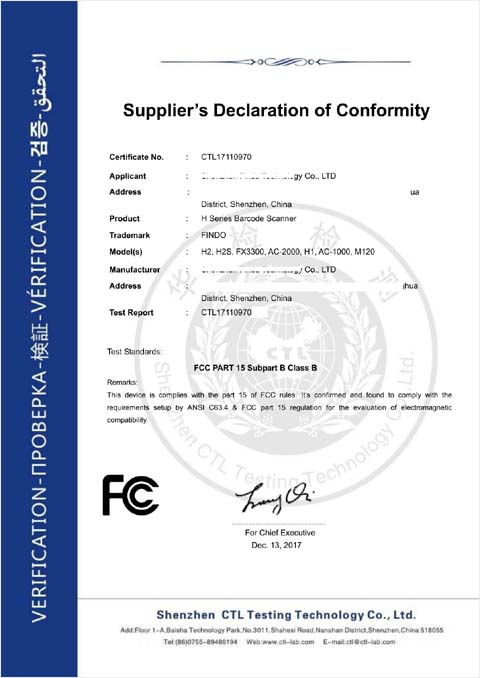
FCC Certification

RoHS Compliance
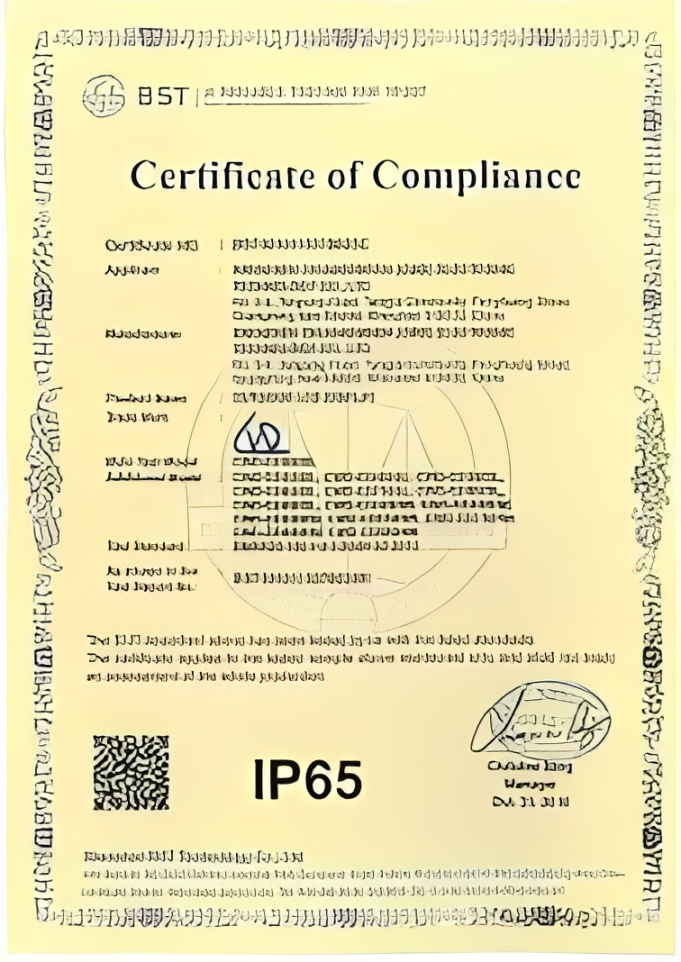
IP56/IP65/IP67/IK10
Digital Menu Board Buyer Guide
Are digital menu boards better than printed menus?
Digital menu boards are easier to update when prices, products or promotions change frequently. They can also schedule different content for different periods when the selected player and CMS support that function. Printed menus may remain practical when content rarely changes or when power and network access are limited.
The decision should be based on update frequency, viewing conditions, content volume, installation cost and the team responsible for publishing changes.
Can a regular TV be used as a digital menu board?
A compatible TV can display menu content when connected to a media player, but it should be evaluated against the project’s actual requirements. Commercial displays may provide more suitable mounting, portrait orientation, system configuration, enclosure, service access and documentation for planned installations.
- Operating orientation (Portrait support)
- Mounting methods and VESA strength
- Expected daily operating hours (e.g., 16/7 vs 24/7)
- Enclosure durability for public spaces
Before using a TV, confirm its operating orientation, mounting method, input connections, schedule, player compatibility and expected daily use.
Which format is suitable for a small restaurant?
Start with the customer’s viewing area and the amount of menu information that must remain visible. A compact menu may use one wall-mounted display. Several menu categories may be clearer across multiple counter screens. A floor-standing display can introduce the menu or promotion before customers reach the counter.
Do not add more screens until the content hierarchy and viewing distance have been reviewed.
Can digital menu boards change automatically for breakfast, lunch and dinner?
Automatic daypart changes are controlled by the selected CMS or player. The display must be compatible with that playback environment, but the scheduling logic does not come from the LCD panel itself.
The MZYHY55AZ reference configuration supports scheduled power control, loop playback and split-screen functions. Menu publishing and daypart rules still depend on the installed application or external content system.
What should a restaurant look for in digital menu board software?
Check operating-system compatibility, remote publishing, scheduling, screen grouping, user permissions, offline playback, supported media formats, device visibility and licensing terms. If menu data must come from a POS system, confirm that the software provider supports the required connector or API.
Select the CMS before finalizing the player and Android configuration whenever possible.
How should digital menu board hardware manufacturers be compared?
Compare model-level information rather than broad promotional claims. Request the display specification, brightness conditions, dimensions, VESA pattern, operating system, memory, storage, interfaces, environmental limits, mounting options, drawings, warranty terms and customization boundary.
What is the difference between an interactive menu board and a self-ordering kiosk?
An interactive menu board allows customers to browse categories, languages or detailed product information through touch. A self-ordering kiosk adds transaction functions such as ordering, payment, scanning or receipt printing.
Use the interactive display format for content exploration. Use a dedicated self-service kiosk when the customer must complete an order or transaction.
Explore Related Display Solutions
Plan Your Digital Menu Board Project
Share the intended location, display format, screen quantity, size preference, touch requirement, software or player environment and installation conditions. These details help define a suitable hardware configuration and quotation.
Useful Project Details
- • Restaurant, café, food truck or other location
- • Indoor or outdoor installation
- • Wall-mounted, floor-standing, interactive or multi-screen format
- • Preferred screen size, orientation and quantity
- • Viewing distance and available installation space
- • Touch or non-touch requirement
- • Android application, external player or CMS information
- • Power, network and mounting conditions
- • Delivery country or region