
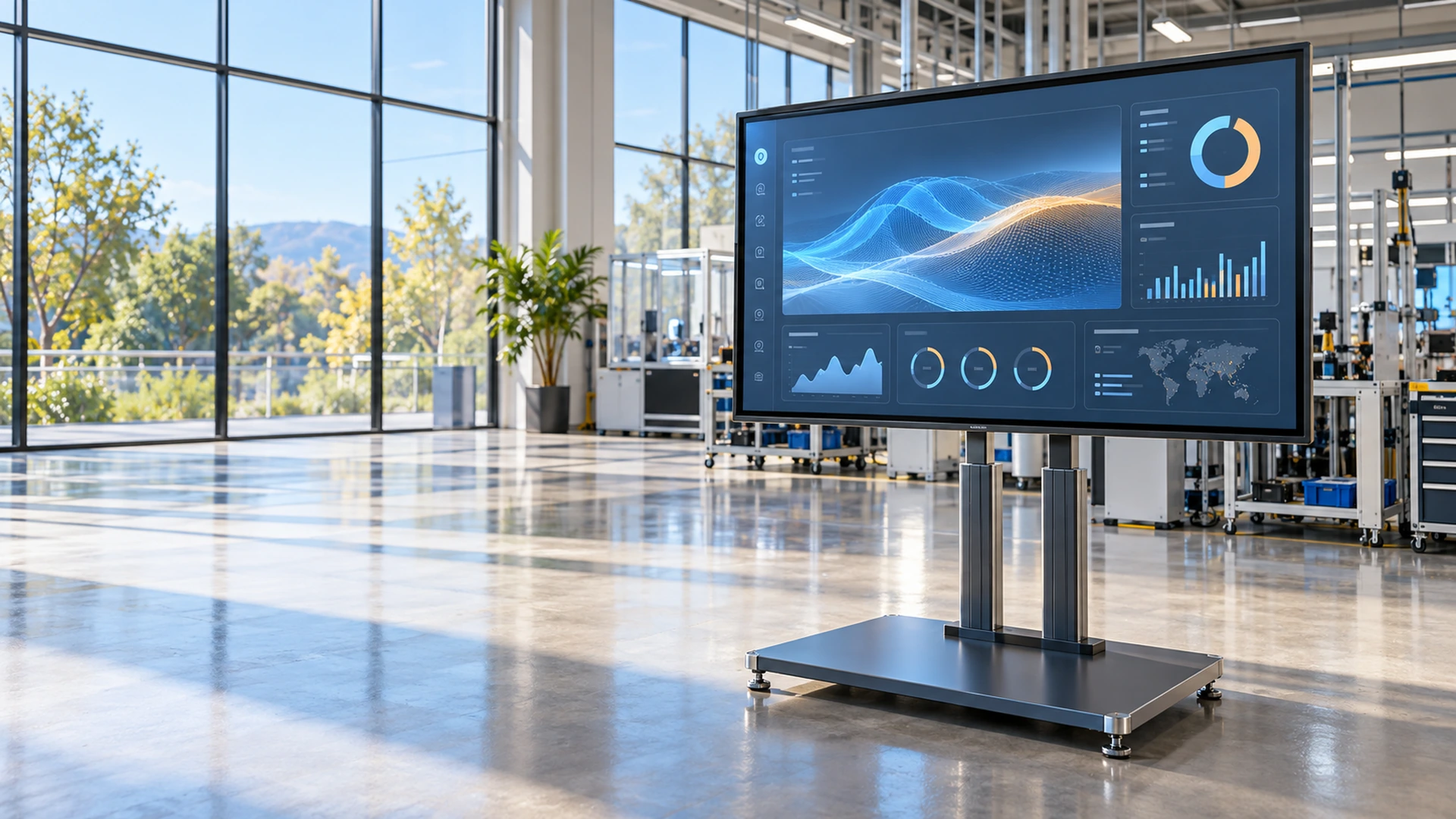
Independent Manufacturer for Planar Touchscreen Monitor Alternative Projects
Looking beyond a fixed Planar touchscreen monitor model? Lucky-XFC supplies independent flat, open-frame, industrial and large-format touch displays for equipment integration and custom commercial projects. Compare specifications, mounting and host requirements before selecting an alternative.
Identity Clarification: Lucky-XFC does not sell Planar-branded products. Alternative selection is based on the complete application and approved Lucky-XFC specifications, not brand-name substitution. Planar and its product names are trademarks of their respective owner. No affiliation or endorsement is claimed.
- 21.5–43 inch flat PCAP starting range
- Documented open-frame integration models
- 65–86 inch interactive display references
- Drawing-based OEM/ODM review
Planar Touchscreen Monitor Alternative Sourcing at a Glance
A useful alternative is not selected by brand name or screen diagonal alone. The existing monitor’s dimensions, active area, resolution, touch technology, video inputs, touch-data path, mounting and host environment must be compared with an approved Lucky-XFC configuration.
Lucky-XFC products are not Planar-branded monitors
Flat, open-frame, industrial, large-format and cross-reference review
Documented Lucky-XFC flat PCAP starting range
Documented interactive display references
No direct-replacement claim without complete technical verification
Planar Touchscreen Monitor Alternative Product Paths
Start with the product structure and installation requirement, then compare the detailed specification.
Flat Touchscreen Monitor Alternatives
Finished metal-housed PCAP monitors for desktops, VESA arms, POS terminals and externally mounted equipment interfaces. Current Lucky-XFC references cover 21.5, 23.8, 27, 31.5 and 43 inches.
Screen size · Resolution · VESA · Interfaces
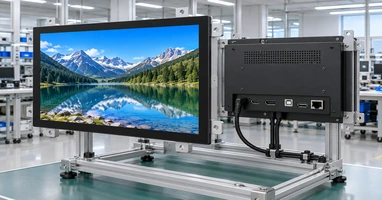
Open-Frame Touchscreen Monitor Alternatives
Integration-ready displays for kiosks, cabinets and equipment panels. Start with documented 21.5, 27 or 43-inch models, then confirm the opening, installation depth, mounting and cable space.
Cutout · Active area · Depth · Brackets
Industrial Touchscreen Monitor Alternatives
Panel-mounted, VESA-mounted and equipment-integrated displays selected around the host computer, touch method, power and operating requirements.
Host · Mounting · Touch · Environment
Large-Format Interactive Touch Alternatives
65, 75 and 86-inch 4K PCAP references for meeting, training and public-interaction projects. Confirm the system path, interfaces, mounting and collaborative functions.
Room size · System · Mounting · Application
Model Cross-Reference and Migration Review
Compare an existing or discontinued monitor against Lucky-XFC products using the original model sheet, physical measurements, host connections and installation drawing.
Original model · Datasheet · Dimensions · Host
Independent Product Identity
Lucky-XFC products are independently manufactured and specified. A similarity in screen size or touch technology does not establish brand equivalence or automatic compatibility.
No affiliation · No direct-replacement assumption
What a Planar Touchscreen Monitor Alternative Must Match
A touchscreen monitor replacement must satisfy three layers: display, touch and mechanical integration. If any layer differs materially, the project may require changes to the host, cables, stand or enclosure.
Display Layer
- Screen size
- Aspect ratio
- Resolution
- Brightness
- Viewing direction
- Video input
Touch Layer
- Touch technology
- Number of touch points
- USB or other touch-data interface
- Operating-system recognition
- Required gestures
- Cover-glass behavior
Mechanical Layer
- Overall dimensions
- Active display area
- VESA or mounting pattern
- Stand or bracket
- Connector position
- Cable-bending clearance
- Power input
- Service access
Conclusion: A same-size monitor is not automatically a mechanical or electrical replacement.
Planar Touchscreen Monitor Replacement Risks to Prevent
Problem: Selection is based only on diagonal size.
Consequence: The active area, outer dimensions, bezel or mounting pattern may not fit the equipment.
Response:
Compare the complete mechanical drawing and physical installation space.
Problem: Video compatibility is assumed from the connector name.
Consequence: The host and monitor may not support the same resolution, signal or adapter path.
Response:
Confirm the host output, monitor input, resolution and required cable or converter.
Problem: The screen shows an image but touch does not work.
Consequence: The video path is correct, but the USB touch-data path, touch controller or operating system is incompatible.
Response:
Validate the touch controller, cable, operating system and required driver behavior.
Problem: A discontinued model is treated as a simple model-number substitution.
Consequence: Mounting, connectors, power, touch behavior or accessories may have changed.
Response:
Use a specification cross-reference and physical sample when necessary.
Problem: A large-format collaboration display is compared with a desktop monitor.
Consequence: The products have different installation, system and interaction requirements.
Response:
Separate desktop, open-frame, industrial and large-format sourcing paths before comparing specifications.
Compatibility is established through specification review and validation, not through brand-term replacement.
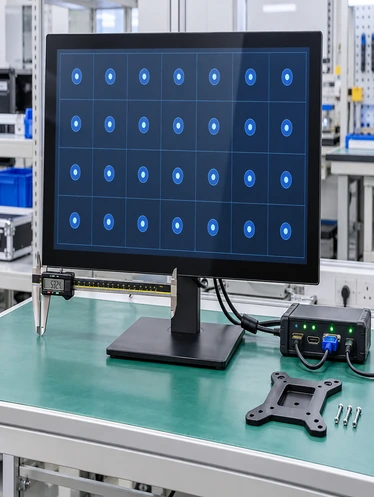
Planar Touchscreen Monitor Alternative Starting Models
Use these Lucky-XFC references as starting points. They are independent products and are not presented as direct equivalents to specific third-party models. Do not combine specifications from different models into a universal range.
| Lucky-XFC Product | Size | Resolution | Touch | Structure | Must Be Confirmed |
|---|---|---|---|---|---|
| TP215-JX-DR-02 | 21.5 inch | 1920 × 1080 | PCAP | Metal housing | Brightness, interfaces, touch points, dimensions and VESA |
| TP238-JX-DR-02 | 23.8 inch | 1920 × 1080 | PCAP | Metal housing | Brightness, interfaces, touch points, dimensions and VESA |
| TP270-JX-DR-02 | 27 inch | 1920 × 1080 | PCAP | Metal housing | Brightness, interfaces, touch points, dimensions and VESA |
| TP315-JX-DR-02 | 31.5 inch | 1920 × 1080 | PCAP | Metal housing | Brightness, interfaces, touch points, dimensions and VESA |
| TP430-JX-DR-02 | 43 inch | 1920 × 1080 | PCAP | Metal housing | Brightness, interfaces, touch points, dimensions and VESA |
| XFC-OF215-PCAP | 21.5 inch | 1920 × 1080 | 10-point PCAP | Open frame; side brackets and VESA | Cutout, overall dimensions and cable direction |
| XFC-OF270-PCAP | 27 inch | 1920 × 1080 | 10-point PCAP | Open frame; side brackets and VESA | Cutout, overall dimensions and cable direction |
| XFC-OF430-PCAP | 43 inch | Full HD or 4K | 10-point PCAP | Open frame; heavy-duty brackets and VESA | Final resolution, dimensions and host input |
| Large-Format References | 65 / 75 / 86 inch | 4K UHD | PCAP | Interactive display | System, touch points, interfaces, mounting and accessories |
Planar Touchscreen Monitor Cross-Reference Framework
A cross-reference should reveal differences rather than hide them. If the Lucky-XFC candidate requires a bracket, cable, enclosure or software change, state that change before approval.
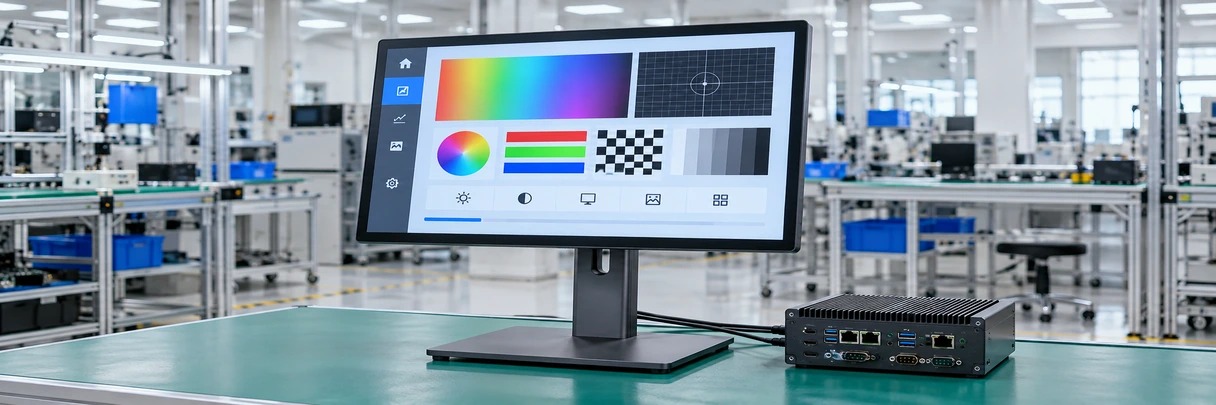
1. Existing Product Identity
Manufacturer · Exact model · Current or discontinued status
2. Display Specification
Size · Aspect ratio · Resolution · Brightness · Orientation
3. Touch Specification
Technology · Touch points · Data interface · Driver behavior
4. Mechanical Specification
Outer dimensions · Active area · VESA · Brackets · Stand · Cutout
5. Electrical & Connection
Video input · USB touch · Power · Cable direction
6. Host and Application
Operating system · Software · Multi-display mapping · Required gestures
7. Lucky-XFC Candidate Review
Available model · Required customization · Remaining gaps · Validation plan
Planar Touchscreen Monitor Alternative Format Comparison
Do not replace a display-only monitor with an integrated computer unless the system architecture is intentionally changing.
| Product Format | Computer Included | Installation | Verified Lucky-XFC Direction | Best Starting Fit |
|---|---|---|---|---|
| Flat Enclosed Monitor | No | Desktop, VESA, wall or equipment-mounted | 21.5–43 inch PCAP flat range | Externally mounted terminals and workstations |
| Open-Frame Monitor | No | Behind a kiosk, cabinet or machine fascia | 21.5, 27 and 43-inch documented models | Custom enclosures and embedded integration |
| Industrial Monitor | No | Panel, VESA or project-specific equipment mounting | Model and environment selected by project | Control stations and fixed equipment |
| Large-Format Interactive Display | Android, Windows or external-PC path by configuration | Wall or large-display mounting | 65, 75 and 86-inch 4K PCAP references | Meetings, training and public interaction |
| Touchscreen Computer | Yes, depending on configuration | Standalone or equipment-integrated | Android, Windows or Linux project path | Applications that must run on the display itself |
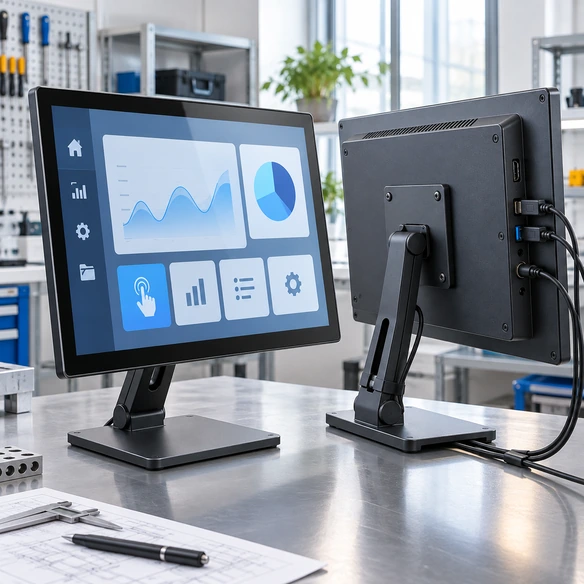
Planar Touchscreen Monitor Mechanical Matching
Mechanical fit is often the main constraint in an existing installation. Use the approved Lucky-XFC drawing before releasing an enclosure, bracket or adapter.
Overall width and height
Determine whether the new monitor fits the available enclosure or workstation.
Active display area
Confirm the visible image aligns with the existing opening.
Bezel and glass overlap
Check whether the cabinet covers the display or interferes with touch operation.
Mounting pattern & Depth
Compare VESA, side brackets, mounting holes and required adapters. Include the rear housing, connectors and cable-bending space.
Connectors, Power & Stand
Confirm cables can be attached and serviced without contacting the enclosure. Verify load, tilt, orientation, connector type and cable routing.
Planar Touchscreen Monitor Host and Driver Validation
A physical fit does not establish system compatibility. Test video, touch and operating-system behavior using the intended host. Do not distribute or promise Planar drivers for Lucky-XFC products. Use the controller and driver information applicable to the selected Lucky-XFC configuration.
- 1. Confirm the host video output Check HDMI, DisplayPort, VGA or the approved adapter path.
- 2. Confirm resolution Verify the host supports the selected monitor’s native resolution and orientation.
- 3. Connect the touch-data path Confirm the required USB or project-specific touch connection.
- 4. Check operating-system recognition Verify that the selected controller is recognized in the intended Windows, Android or Linux environment.
- 5. Map touch to the correct screen For multi-monitor systems, assign touch input to the intended display.
- 6. Test required gestures Validate tap, drag, swipe, multi-touch or applicable stylus behavior.
- 7. Test restart and reconnection Check startup, sleep, wake, cable reconnection and application relaunch.
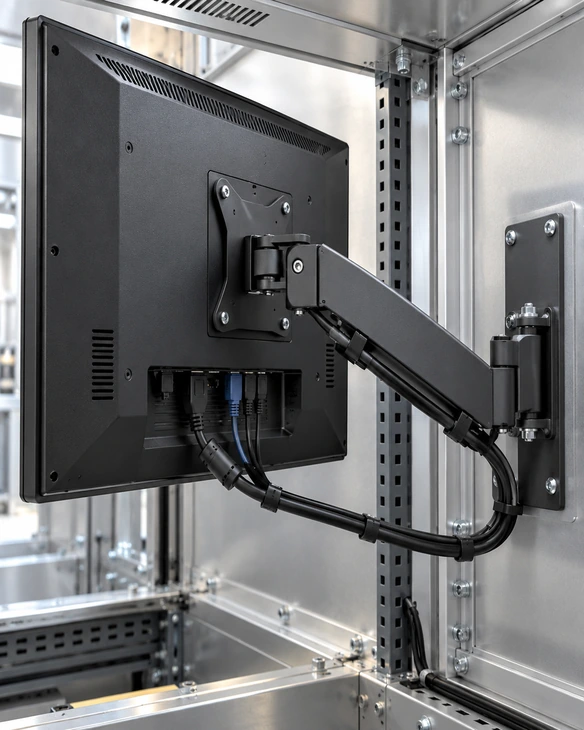
Planar Touchscreen Monitor Alternative Applications
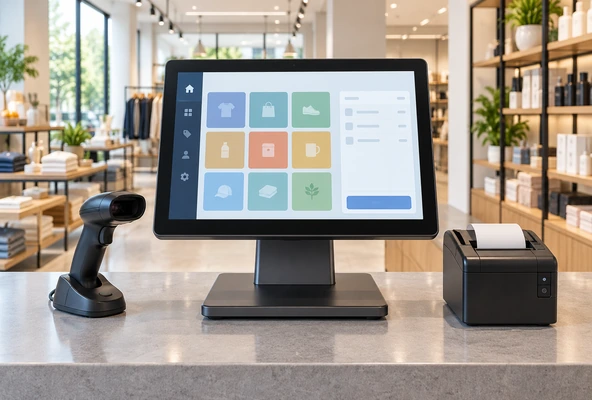
POS and Counter Terminals
Use a compact flat PCAP monitor with the required stand, VESA arrangement, host connections and touch-data path. Confirm peripheral responsibilities separately.
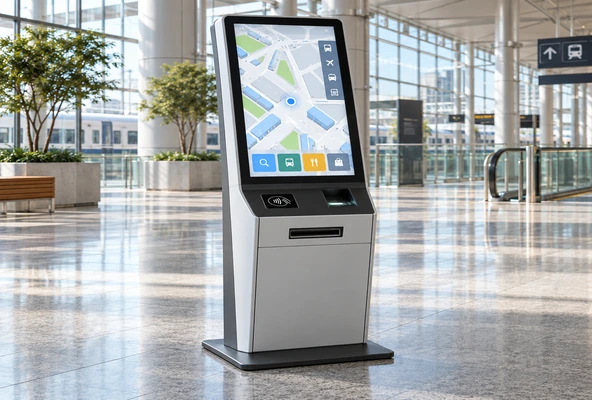
Kiosk and Public Information Equipment
Use an open-frame or enclosed touchscreen according to the kiosk fascia, service access, mounting and user workflow.
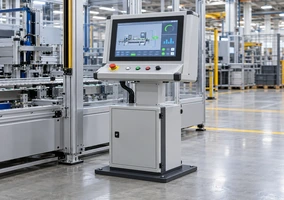
Industrial Workstations
Select the mounting, touch method, host connection and environmental specification around the equipment rather than relying on a general industrial label.
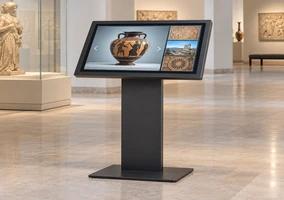
Museum and Exhibit Interfaces
Coordinate the touchscreen with the exhibit software, enclosure, viewing angle, user reach and maintenance access.
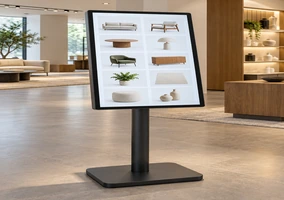
Retail Product Browsing
Use a flat or embedded touch display for product lookup, comparison and compatible interactive content.
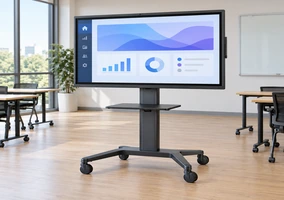
Meeting and Training Displays
Use a 65, 75 or 86-inch interactive display when the project requires large-format presentation, annotation and collaboration.
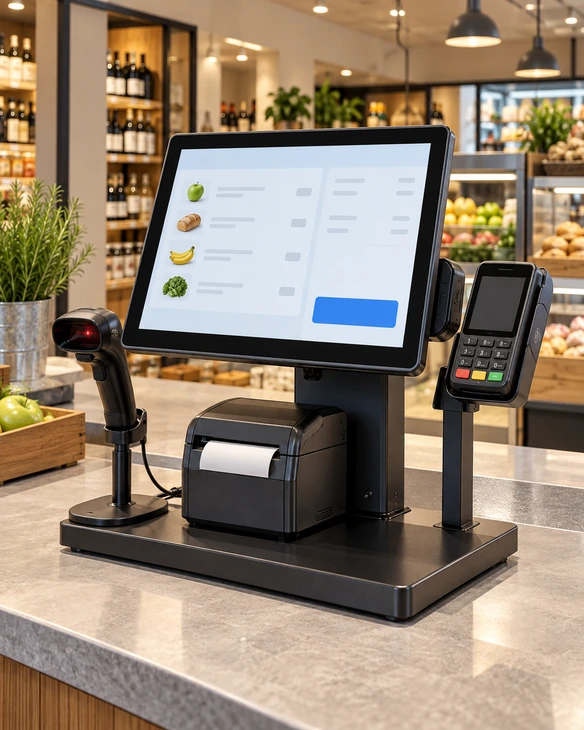
Planar Touchscreen Monitor Representative Migration Scenario
Museum Exhibit Touch Terminal Retrofit in the United Kingdom
This anonymized representative scenario combines common retrofit requirements to explain the review process. It does not identify a specific museum, customer or third-party monitor model and does not claim a published project result.
Scenario: An exhibit integrator needed to replace an unavailable touchscreen monitor without rebuilding the complete exhibit enclosure or rewriting the interaction software.
Record the existing installation
The review captured the original screen size, active area, outer dimensions, opening, mounting, connectors and host operating system.
Identify the nearest product structure
An open-frame PCAP monitor was selected as the starting path because the display mounted behind the exhibit fascia.
Document mechanical differences
The candidate’s dimensions, installation depth, brackets and connector locations were compared with the existing enclosure.
Validate video and touch
The display resolution, video input, USB touch recognition and touch-to-screen mapping were tested with the exhibit computer.
Approve the adaptation
Any required bracket, cable or enclosure adjustment would be documented before the final product configuration was released.
A controlled retrofit focuses on documented differences instead of assuming a same-size screen is a direct replacement.
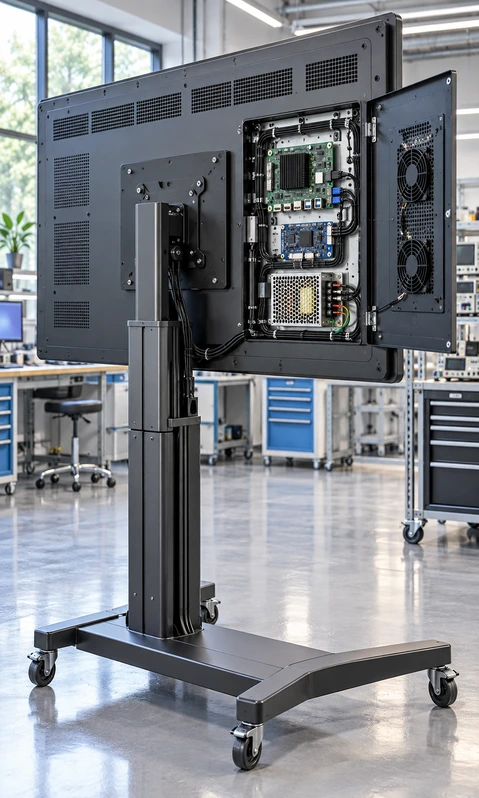
Planar Touchscreen Monitor Alternative Customization
Start from a documented Lucky-XFC product, then evaluate the adjustments supported by the selected model. Customization cannot be used to claim third-party brand equivalence. Final specifications follow the approved Lucky-XFC drawing and configuration.
Display
Screen size, resolution, brightness and orientation according to panel availability.
Touch
PCAP or applicable project-specific technology, touch points, controller and cover-glass requirements.
Interfaces
HDMI, DisplayPort, VGA, USB touch or supported project-specific connections.
Housing
Finished metal housing, open-frame chassis, panel integration or custom equipment structure.
Mounting
VESA, side brackets, heavy-duty brackets, panel opening or custom adapter.
Cover Glass
Dimensions, printed border, logo and available surface-treatment options subject to feasibility.
Computing, Cables & Packaging
Display-only external-host architecture or integrated Android/Windows paths. Video, touch-data and power cable configurations. Branding and packaging within the approved OEM/ODM scope.
Planar Touchscreen Monitor Alternative Review Workflow
1. Existing Product Identification
Provide the exact model, data sheet, labels, photos and current application.
2. Requirement Classification
Determine whether the project needs a flat, open-frame, industrial, large-format or integrated product.
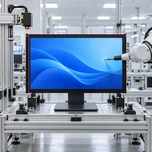
3. Specification Cross-Reference
Compare display, touch, interfaces, power, dimensions and mounting.
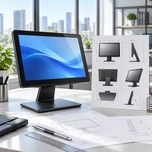
4. Drawing and Host Review
Confirm the enclosure, bracket, connector clearance, operating system and software environment.
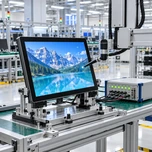
5. Sample Validation
Test physical fit, image output, touch behavior and application workflow when required.
6. Approved Lucky-XFC Configuration
Release the agreed product, adaptations, inspection scope and packaging requirements.
Planar Touchscreen Monitor Alternative Manufacturing and Inspection
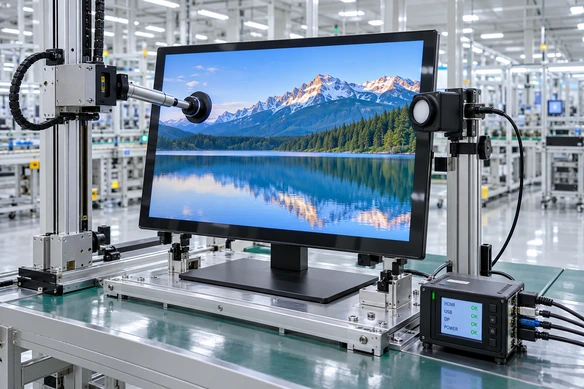
Lucky-XFC supports independent touchscreen products from configuration review through assembly and inspection. Applicable checks follow the approved Lucky-XFC specification, not a third-party warranty or quality program. Do not claim third-party certification, warranty, driver support or replacement approval.
Applicable inspection scope may include:
- Product appearance
- Display output
- Touch response
- Interface connection
- Native resolution
- Dimensions and active area
- Mounting points
- Cable and accessory matching
- Packaging requirements
Why Consider Lucky-XFC for a Planar Touchscreen Monitor Alternative?
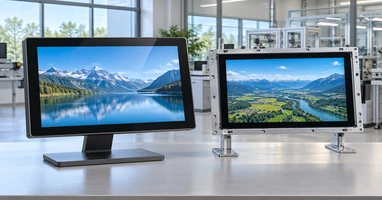
Multiple Product Structures
Compare flat, open-frame, industrial and large-format display paths according to the installation.
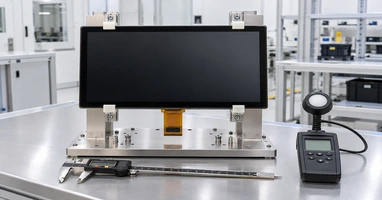
Documented Starting Models
Begin with verified Lucky-XFC size and model references rather than creating an unsupported replacement number.
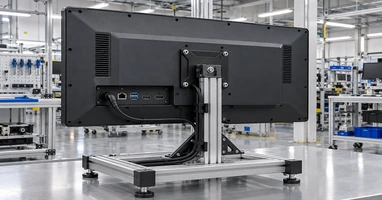
Drawing-Based Mechanical Review
Compare outer dimensions, active area, mounting, connector position and service clearance.
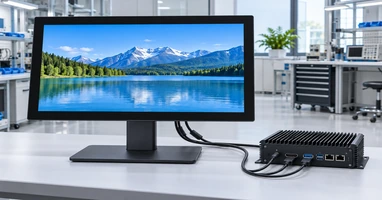
Host and Touch Validation
Review video, USB touch, operating system and application behavior as one system.
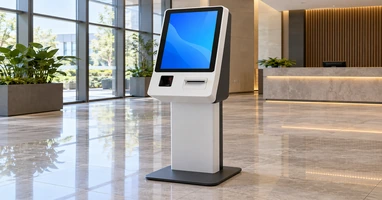
Project-Specific Adaptation
Evaluate supported housing, glass, interface, bracket and cable changes around the selected base product.
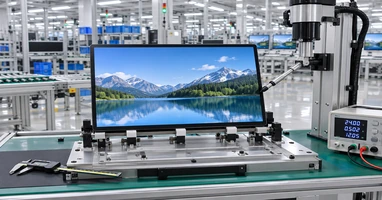
Configuration-Based Inspection
Inspect applicable product and integration details against the approved Lucky-XFC specification.
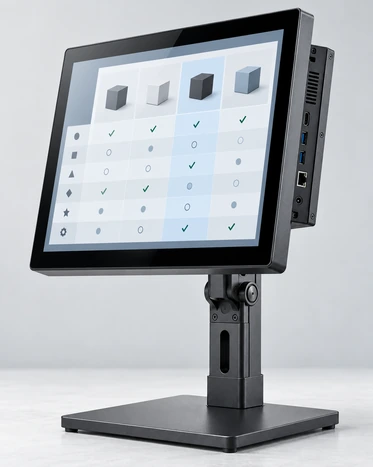
Planar Touchscreen Monitor Alternative Selection Matrix
Select the closest product structure first. Then document every difference that affects installation or operation.
| Existing Requirement | Lucky-XFC Starting Path | Essential Confirmation |
|---|---|---|
| Desktop or VESA touch monitor | Flat PCAP monitor | Size, resolution, stand or VESA, inputs and USB touch |
| Kiosk or cabinet installation | Open-frame monitor | Active area, cutout, depth, brackets and cable direction |
| Equipment or control workstation | Industrial monitor | Host, mounting, power, touch method and environmental specification |
| Large meeting or training display | Interactive whiteboard | 65, 75 or 86-inch size, system path, mounting and collaboration requirements |
| Discontinued model | Cross-reference review | Original data sheet, physical measurements, connectors and host behavior |
| Existing enclosure must remain | Mechanical matching review | Outer dimensions, active area, mounting and required adaptation |
| Existing software must remain | Host and touch validation | Resolution, operating system, controller, driver and touch mapping |
| No original data sheet | Physical measurement and sample review | Labels, photos, measurements, host ports and installation drawing |

Planar Touchscreen Monitor Alternative Buying Guide
Navigate the core questions when reviewing an independent alternative for a specification-matching project.
Does Lucky-XFC sell Planar touchscreen monitors?
No. Lucky-XFC manufactures independent touchscreen displays. This page helps buyers compare project requirements with Lucky-XFC’s own flat, open-frame, industrial and large-format products.
Can a same-size Lucky-XFC monitor directly replace an existing model?
Not automatically. The active area, overall dimensions, mounting, connectors, power, touch controller and host compatibility may differ even when the nominal screen size is similar.
What information is needed for a cross-reference?
Provide the original manufacturer and model, data sheet, label photos, dimensions, active area, mounting, video input, touch connection, power, operating system and application.
How should a discontinued touchscreen monitor be replaced?
Document the existing installation first. Select the closest product structure, compare specifications, identify required adaptations and validate the candidate with the intended host and enclosure.
Do touchscreen monitors require a separate USB connection?
Many configurations use one connection for video and another USB connection for touch data. Confirm the selected Lucky-XFC model and the host’s available ports before installation.
When is an open-frame monitor more suitable?
Use an open-frame monitor when the display must sit behind a kiosk, exhibit, machine panel or custom fascia. The opening, active area, depth, brackets and cable space must be reviewed together.
Planar Touchscreen Monitor Alternative FAQ
Is Lucky-XFC affiliated with Planar?
Does Lucky-XFC sell original Planar products?
Can Lucky-XFC provide a direct replacement model?
Which flat sizes are documented?
Which open-frame models are documented?
Can Lucky-XFC replace a discontinued touch monitor?
Can Lucky-XFC provide drivers for the original monitor?
Can the product be customized?
Related Planar Touchscreen Monitor Alternative Paths

Touchscreen Monitors
Review Lucky-XFC flat and custom touchscreen monitor directions.

Open-Frame Touch Monitors
Compare documented integration-ready monitor models.
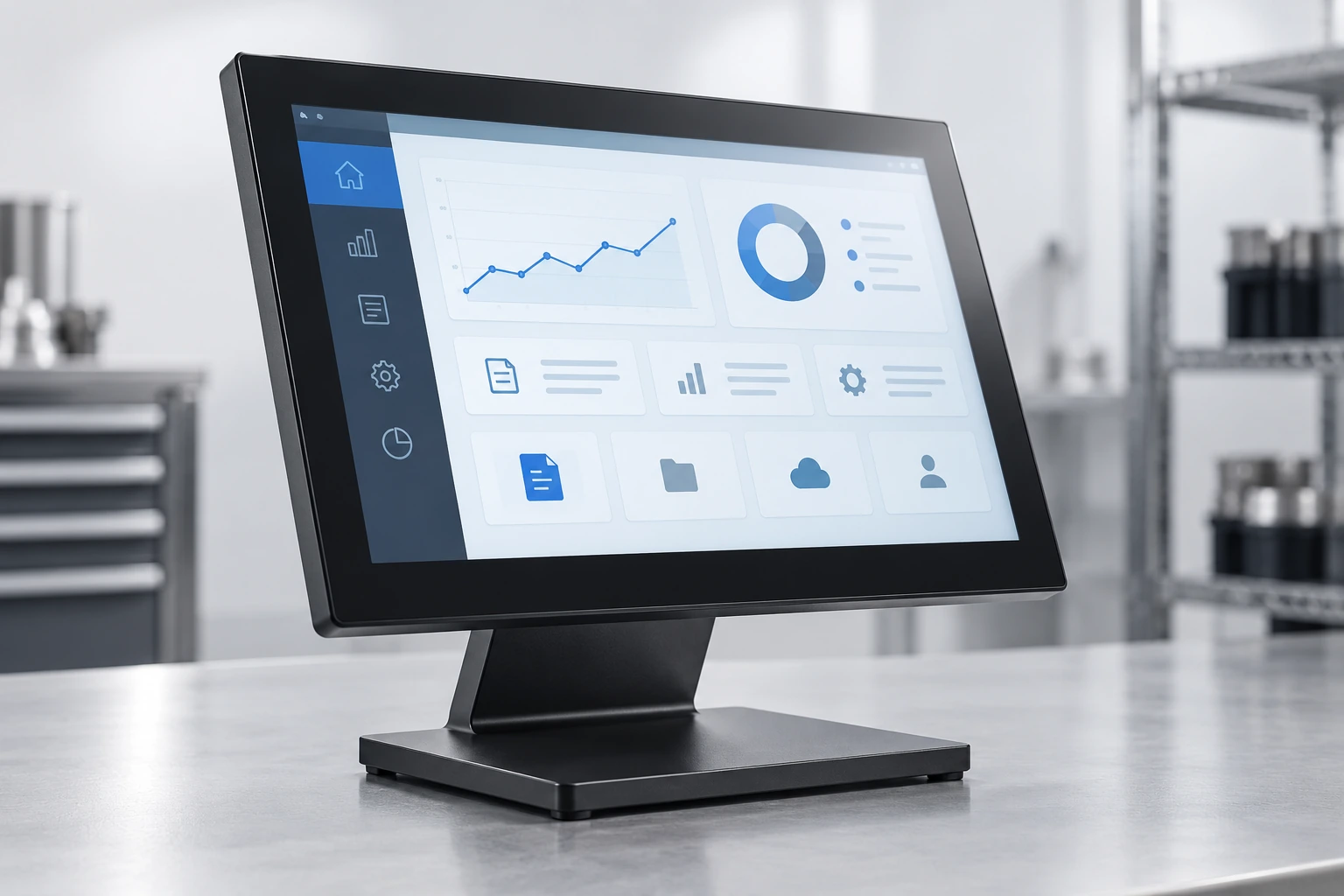
Industrial Monitors
Review panel, VESA and equipment-mounted monitor paths.

Interactive Whiteboards
Compare 65, 75 and 86-inch large-format interactive display references.
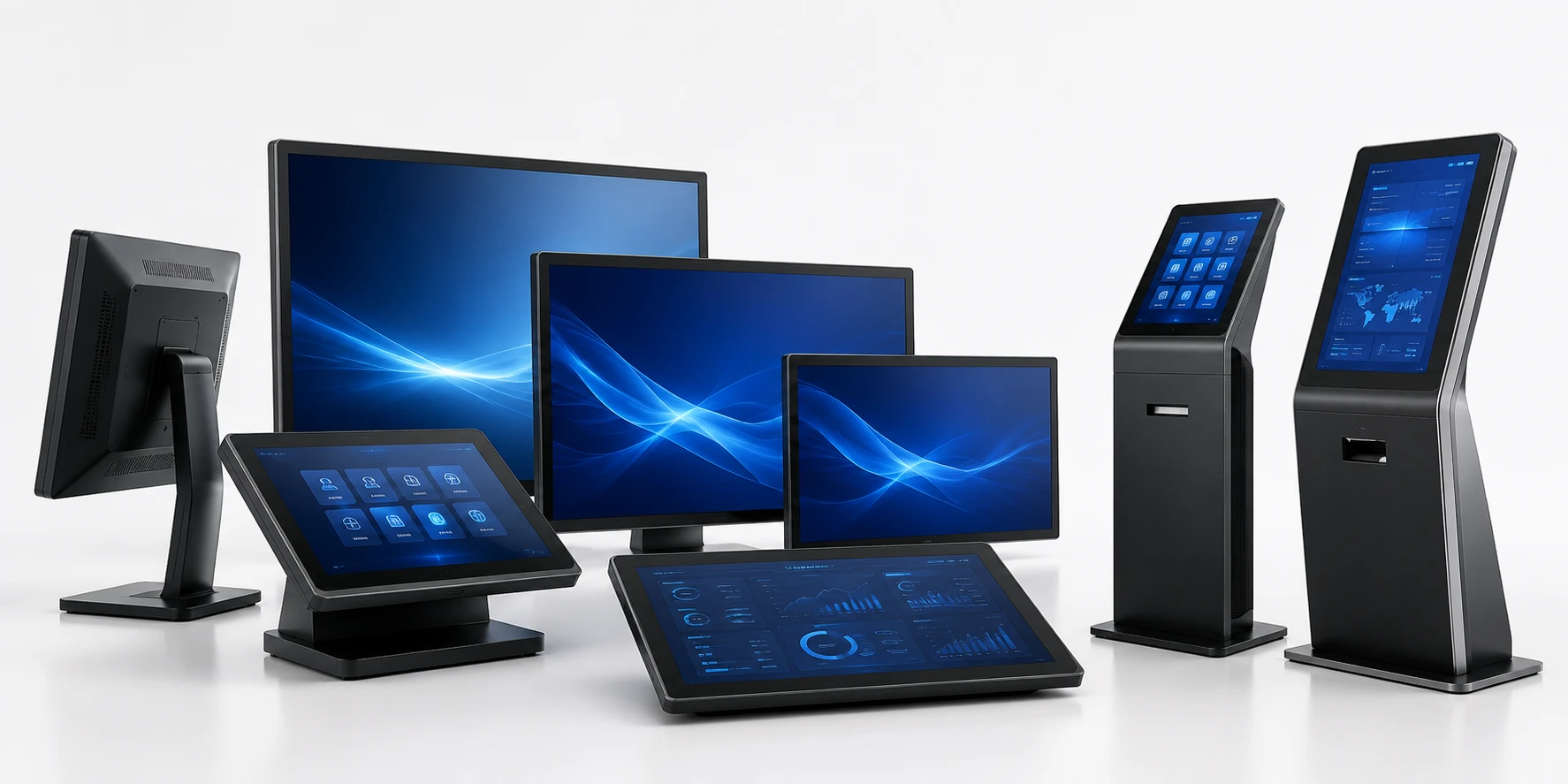
Touchscreen Displays
Explore flat, open-frame, industrial and custom touchscreen formats.
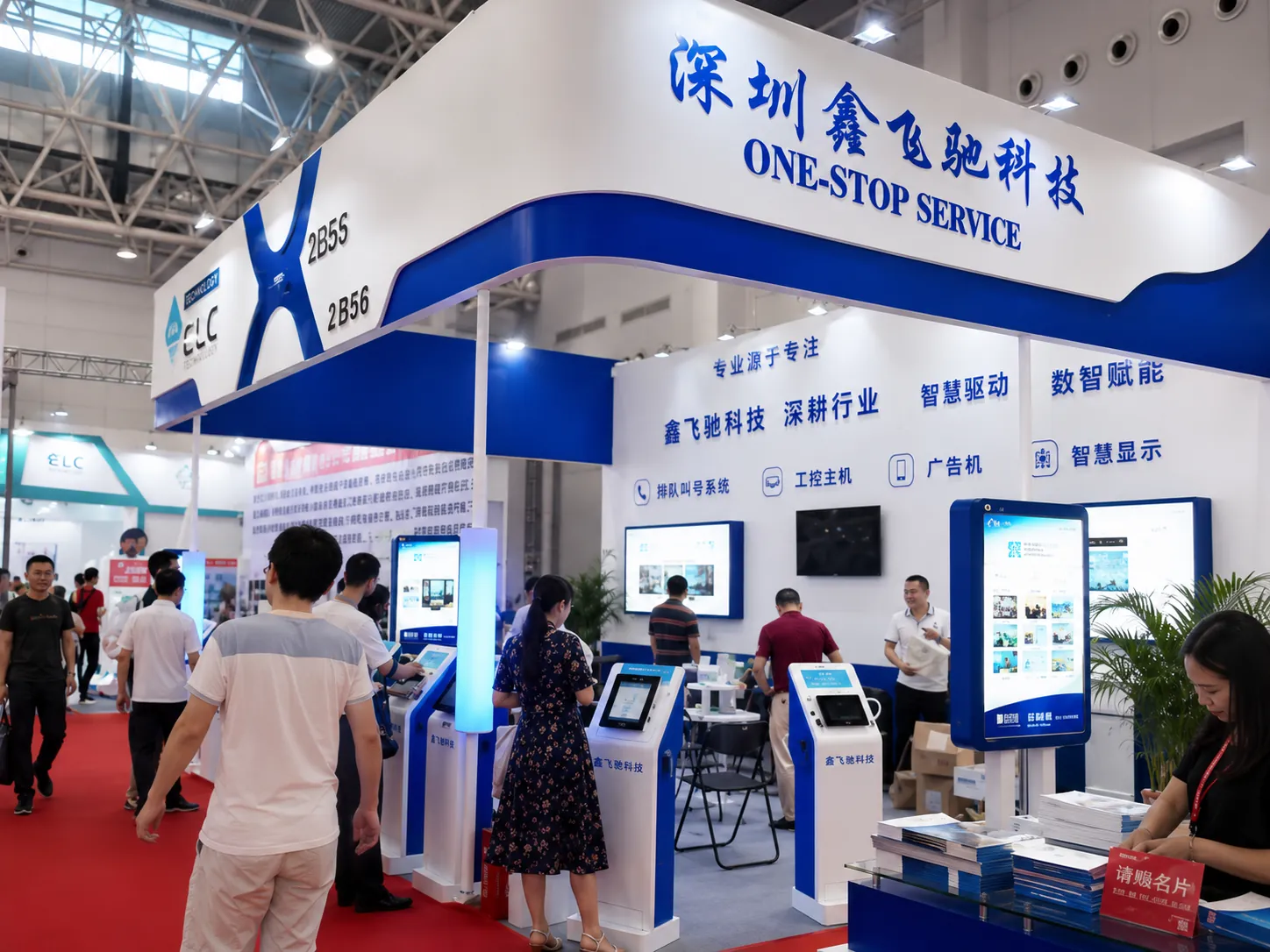
Contact Lucky-XFC
Send an existing model sheet, photos or installation drawing for review.
Request a Planar Touchscreen Monitor Alternative Review
Send the existing monitor information and project requirements needed to compare a Lucky-XFC configuration. The review can identify the nearest product structure, material specification differences and any required installation changes.
Helpful information to include:
- Existing manufacturer and exact model
- Original data sheet
- Screen size and resolution
- Overall dimensions
- Active display area
- Touch technology and touch points
- Video inputs
- USB or other touch-data connection
- Power input
- VESA or mounting holes
- Stand, bracket or enclosure drawing
- Host operating system
- Application and required gestures
- Quantity and destination market
Do not promise a direct replacement, compatibility, price, availability, response time, sample, MOQ or delivery date before review.
Send an Existing Monitor Specification