
INDEPENDENT CUSTOM TOUCH DISPLAY MANUFACTURER
Custom Touchscreen Monitor Manufacturer for Dell Alternative Projects
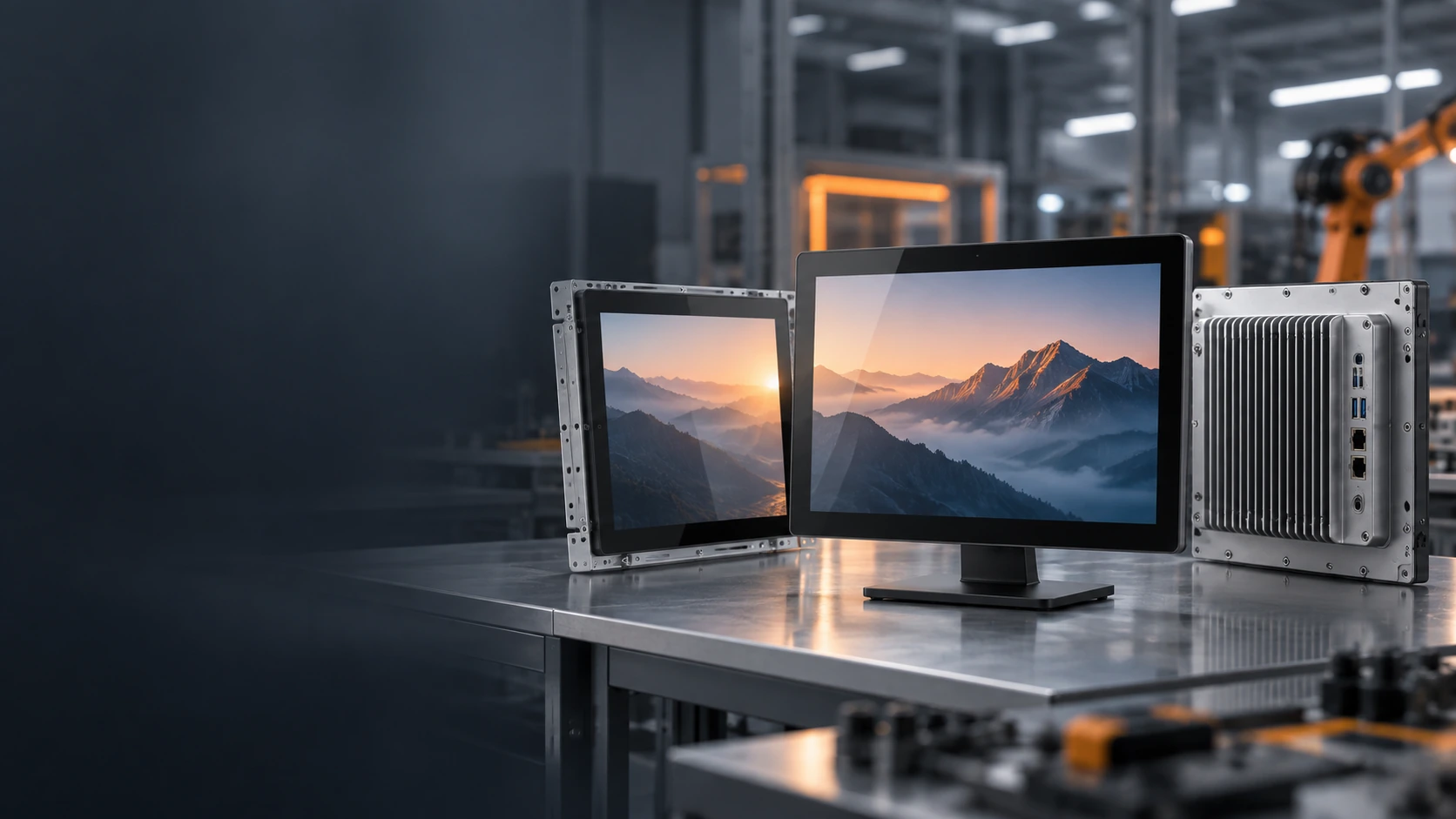
Searching beyond an off-the-shelf Dell touchscreen monitor? Lucky-XFC manufactures custom flat, open-frame, industrial, large-format and curved touch displays for equipment integration and commercial projects.
Products are selected according to screen size, resolution, touch technology, mounting, interfaces, host system and operating environment. This page describes independent Lucky-XFC products, not Dell products or drop-in replacements for a specific Dell model.
- Flat and Open-Frame Formats
- Capacitive Touch
- Equipment Integration
- Full HD and Selected 4K Options
- OEM / ODM Support
13 Years
Touch Display Experience
3,100 m²
Manufacturing Facility
160+
Production Team
26
QC Personnel
100%
Inspection Throughout Production
OEM / ODM
Design to Production Support
Company figures describe Lucky-XFC’s documented manufacturing profile. Product specifications and commercial terms remain configuration-specific.
PRODUCT IDENTITY
Choose Between a Branded Retail Product and a Custom Display Project
A branded retail monitor and a custom equipment display solve different purchasing problems. Confirm which path matches your project before comparing specifications.
You Need a Genuine Dell Product
Use Dell or an authorized sales channel when the project requires a specific Dell model, Dell warranty, Dell support, Dell firmware, Dell accessories or an exact replacement for an installed Dell product.
You Need an Independent Custom Touch Display
Continue with Lucky-XFC when the project requires a touch monitor selected or customized around an equipment enclosure, mounting structure, interface, operating environment or application.
Trademark notice: Dell is a trademark of Dell Inc. or its subsidiaries. Lucky-XFC is an independent touchscreen manufacturer and is not affiliated with, authorized by, sponsored by or endorsed by Dell.
PROJECT FIT
When Does a Custom Touchscreen Alternative Make Sense?
A custom alternative is most relevant when the monitor must become part of the equipment rather than remain a standard desktop accessory.
The Monitor Must Fit an Existing Enclosure
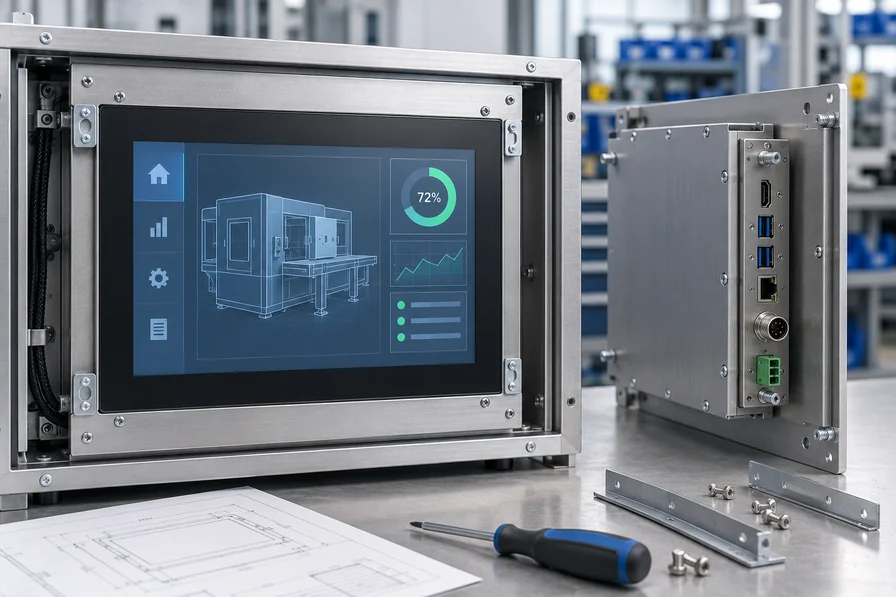
Overall dimensions, active display area, rear depth, mounting holes and connector positions must match the machine structure.
The Project Needs a Different Mounting Format
The display may require open-frame, embedded, VESA, wall, arm or project-specific cabinet installation.
The Host System Has Defined Interfaces
Video, touch data, power and operating-system requirements must be reviewed together.
The Product Needs an OEM Appearance
Housing, logo, cable exit, orientation and other supported structural details may need to follow the equipment design.
A custom product should not be selected by visual similarity alone. Start with the equipment drawing and required electrical configuration.
PRODUCT OPTIONS
Lucky-XFC Touchscreen Monitor Options
Choose the product format according to how the display will be installed, operated and connected. Final specifications are confirmed against the selected model or project design.
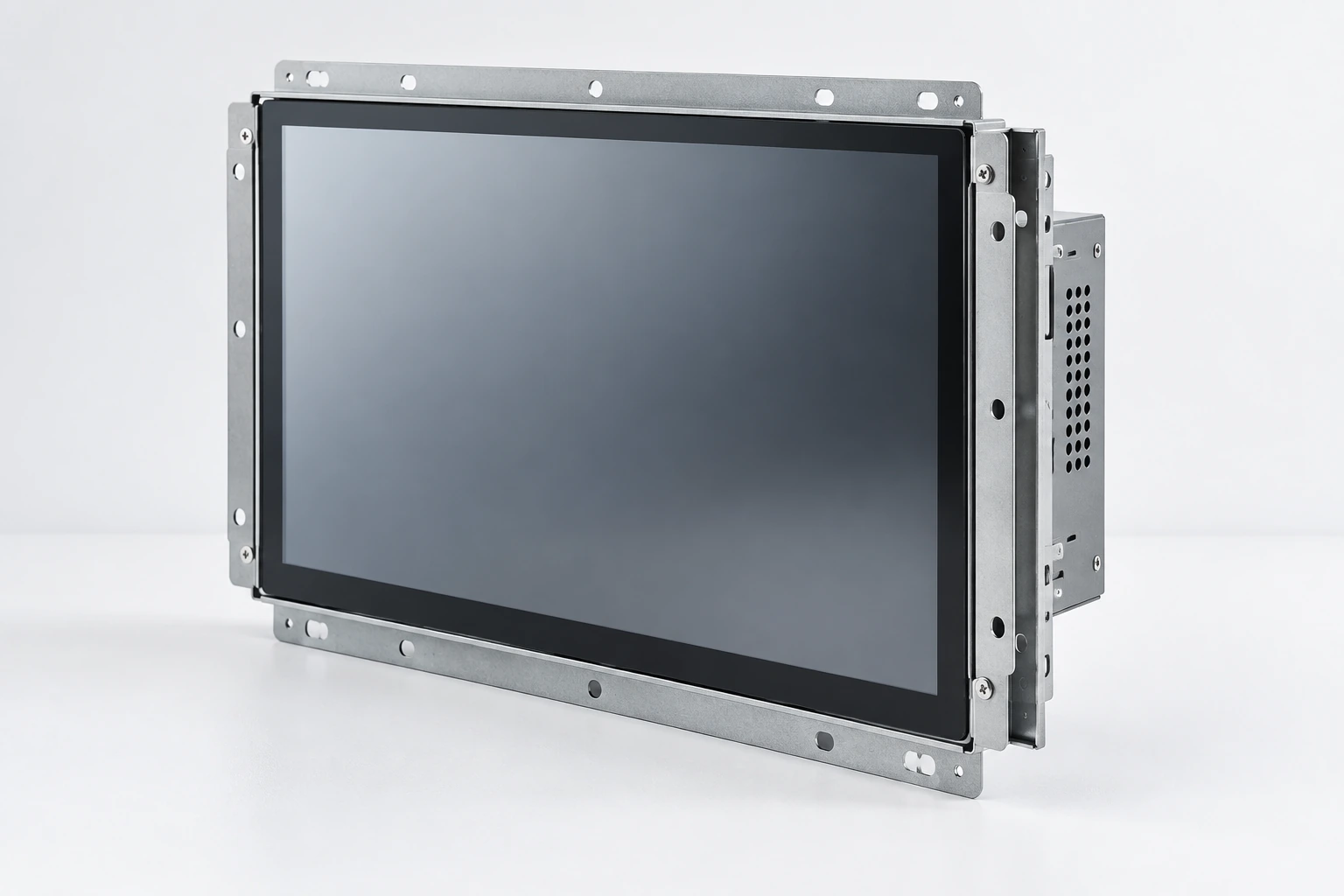
Standard Flat Touchscreen Monitors
Complete metal-housed capacitive touch monitors for desktop, VESA, wall and conventional equipment installations.
Selection cue:
Choose this format when the project needs a finished external monitor rather than an exposed integration chassis.
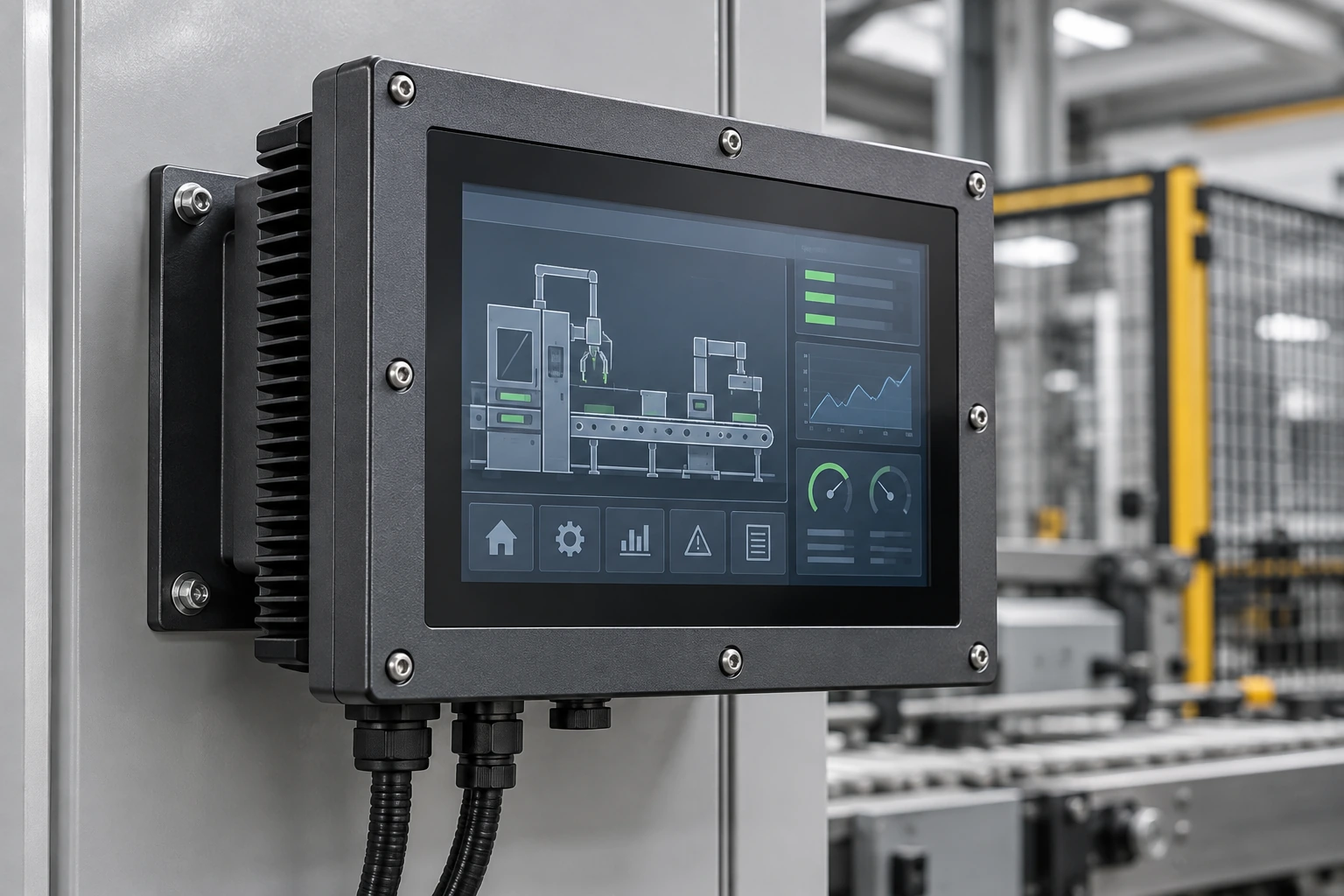
Open Frame Touch Monitors
Display and touch assemblies designed for installation behind a bezel or inside a custom equipment enclosure.
Selection cue:
Choose this format when the customer’s cabinet provides the finished exterior structure.
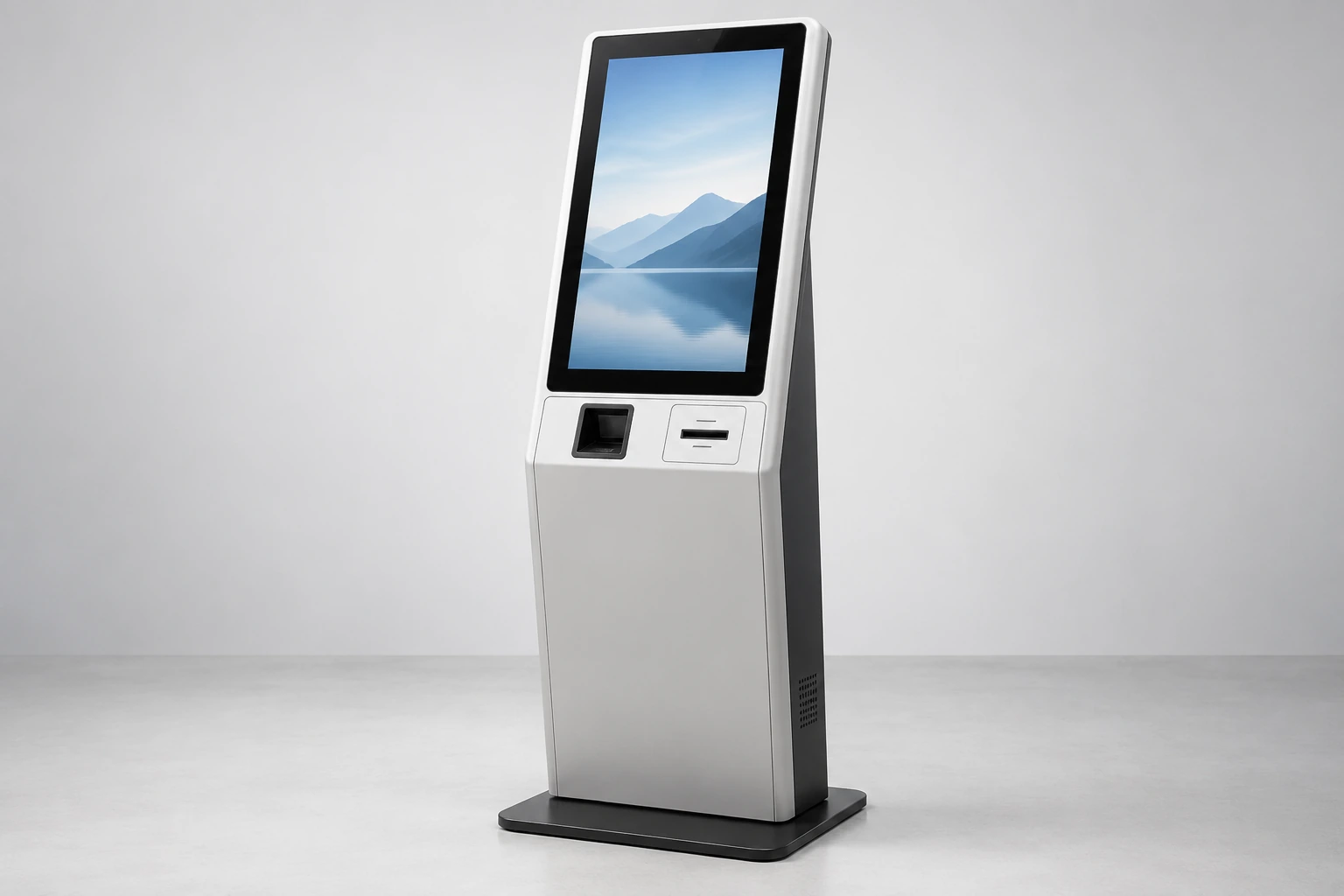
Kiosk Touch Monitors
Touch displays for ordering, information, check-in, payment and other self-service equipment.
Selection cue:
Choose this path when the screen must integrate with peripherals, service doors and a complete kiosk structure.
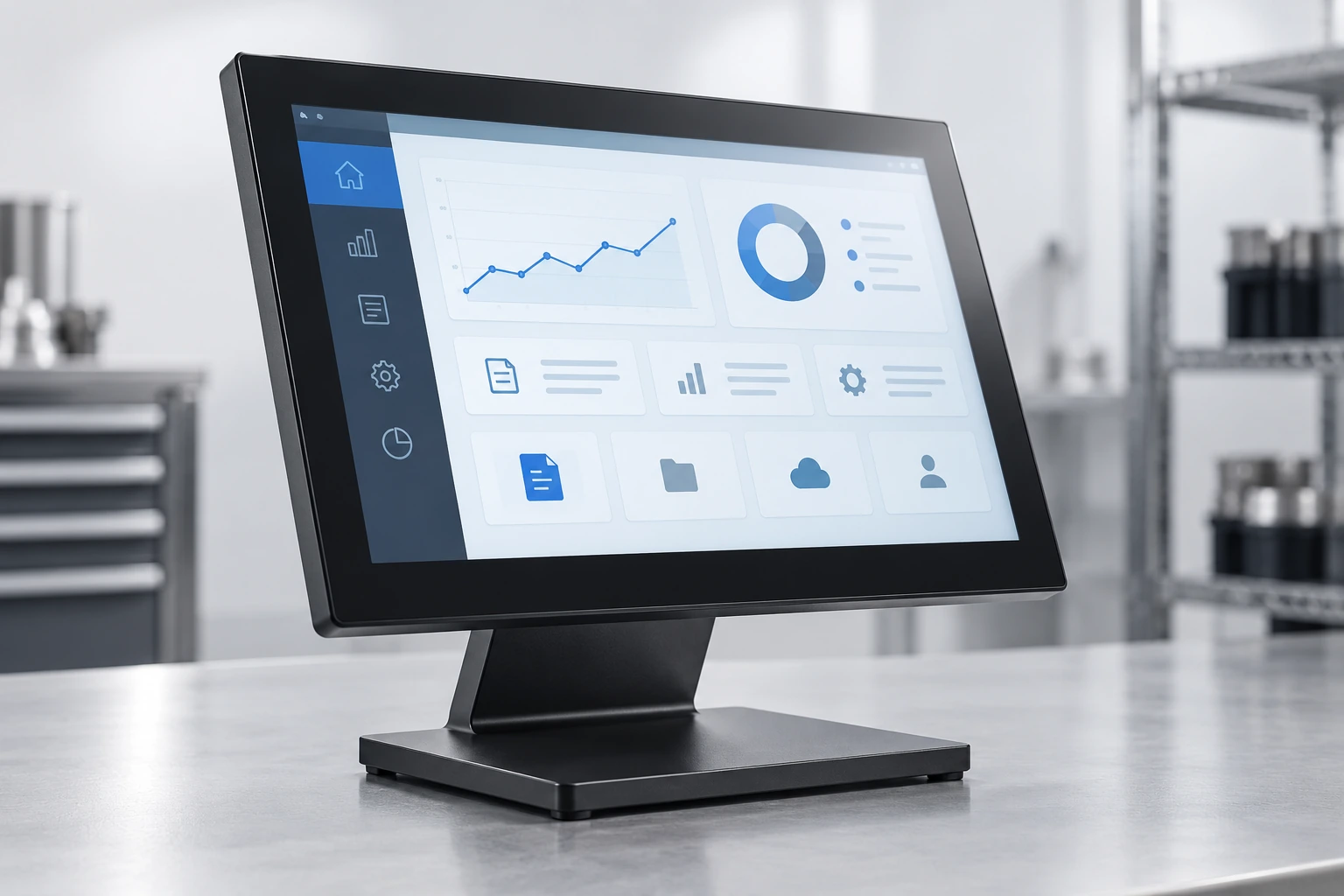
Industrial and Rugged Touch Monitors
Configurations for machinery, HMI systems and equipment environments where mounting, electrical and environmental requirements need additional review.
Selection cue:
Choose an industrial route when operating conditions matter more than consumer-style features.
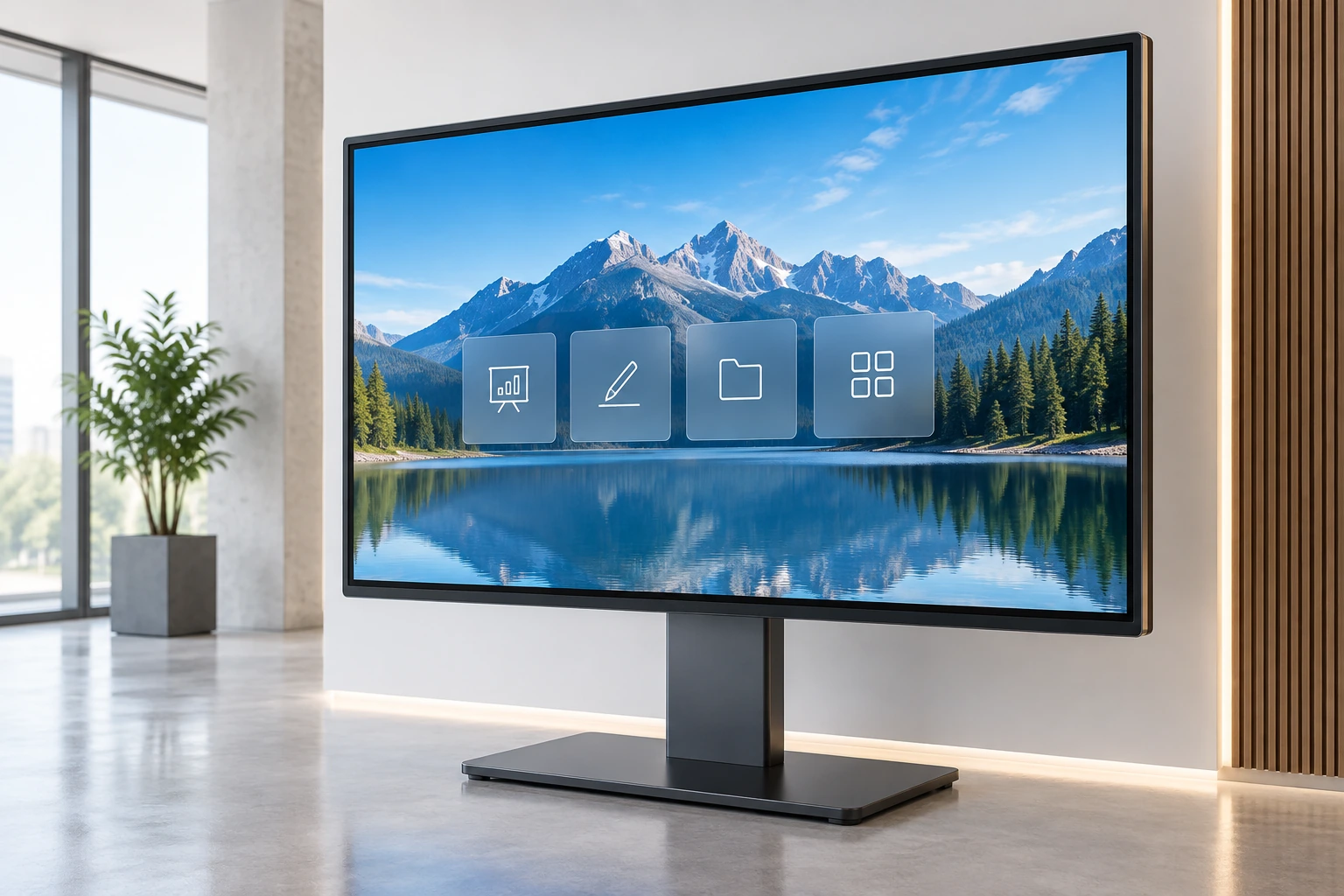
Large-Format and 4K Touch Displays
Large interactive displays for commercial information, collaborative interfaces and projects requiring a wider viewing or interaction area.
Selection cue:
Resolution, touch points, brightness and large-format mounting must be confirmed by model.
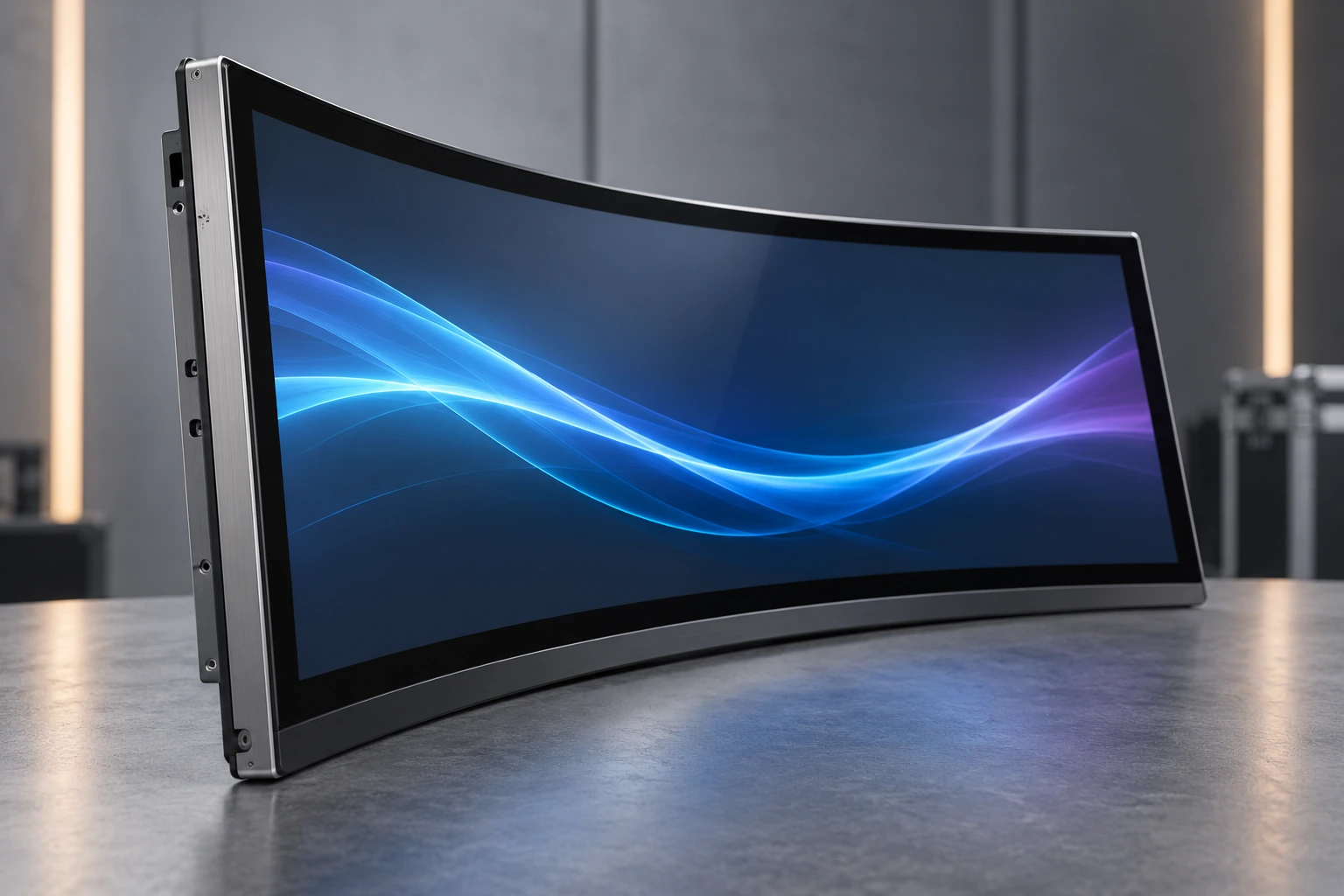
Curved Touch Monitors
J-Type and C-Type curved capacitive touch monitors for gaming machines, casino cabinets and project-specific equipment structures.
Selection cue:
Choose a curved format when the screen profile must follow the cabinet design.
FLAT MONITOR STARTING RANGE
Documented Flat Capacitive Touchscreen Monitor Models
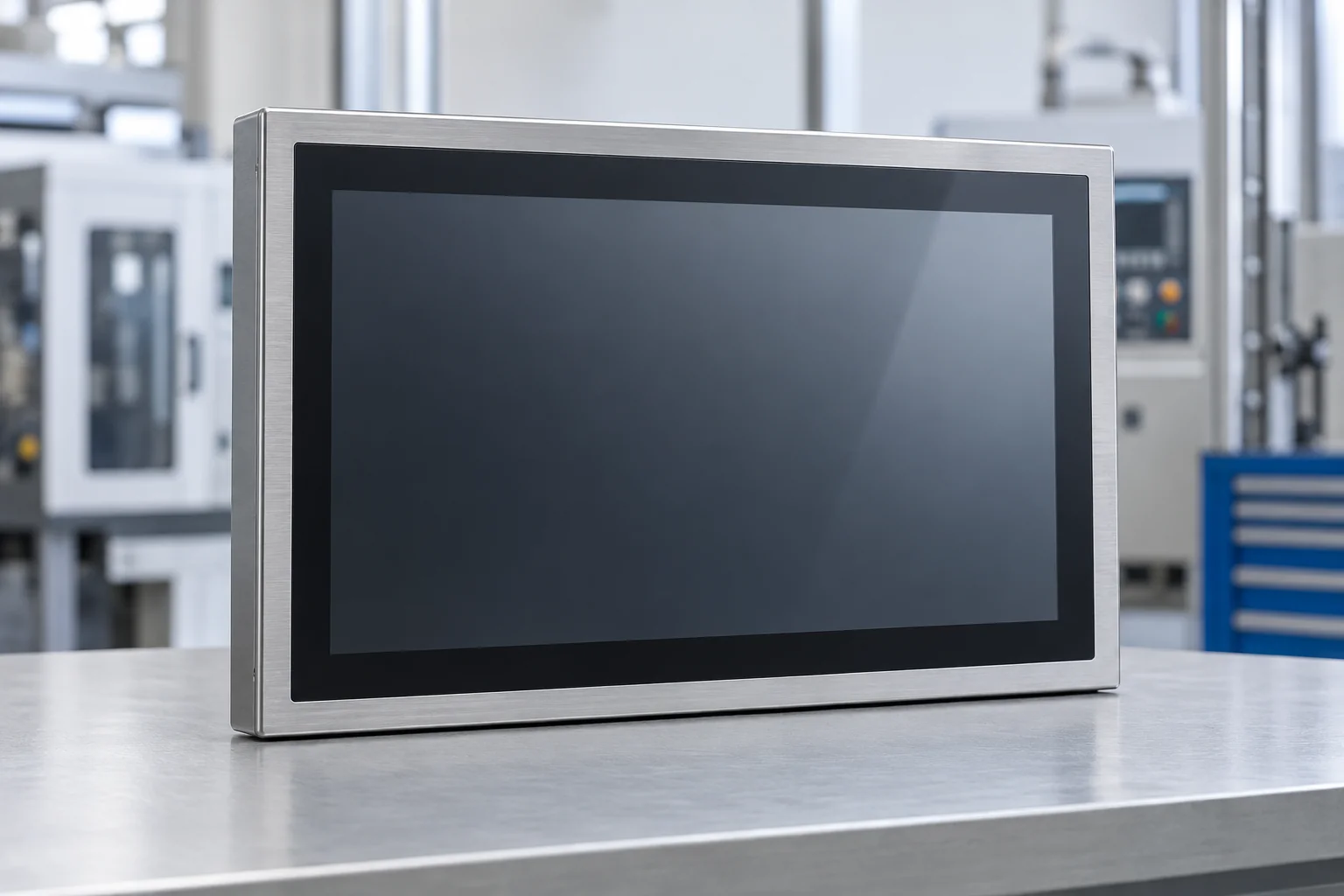
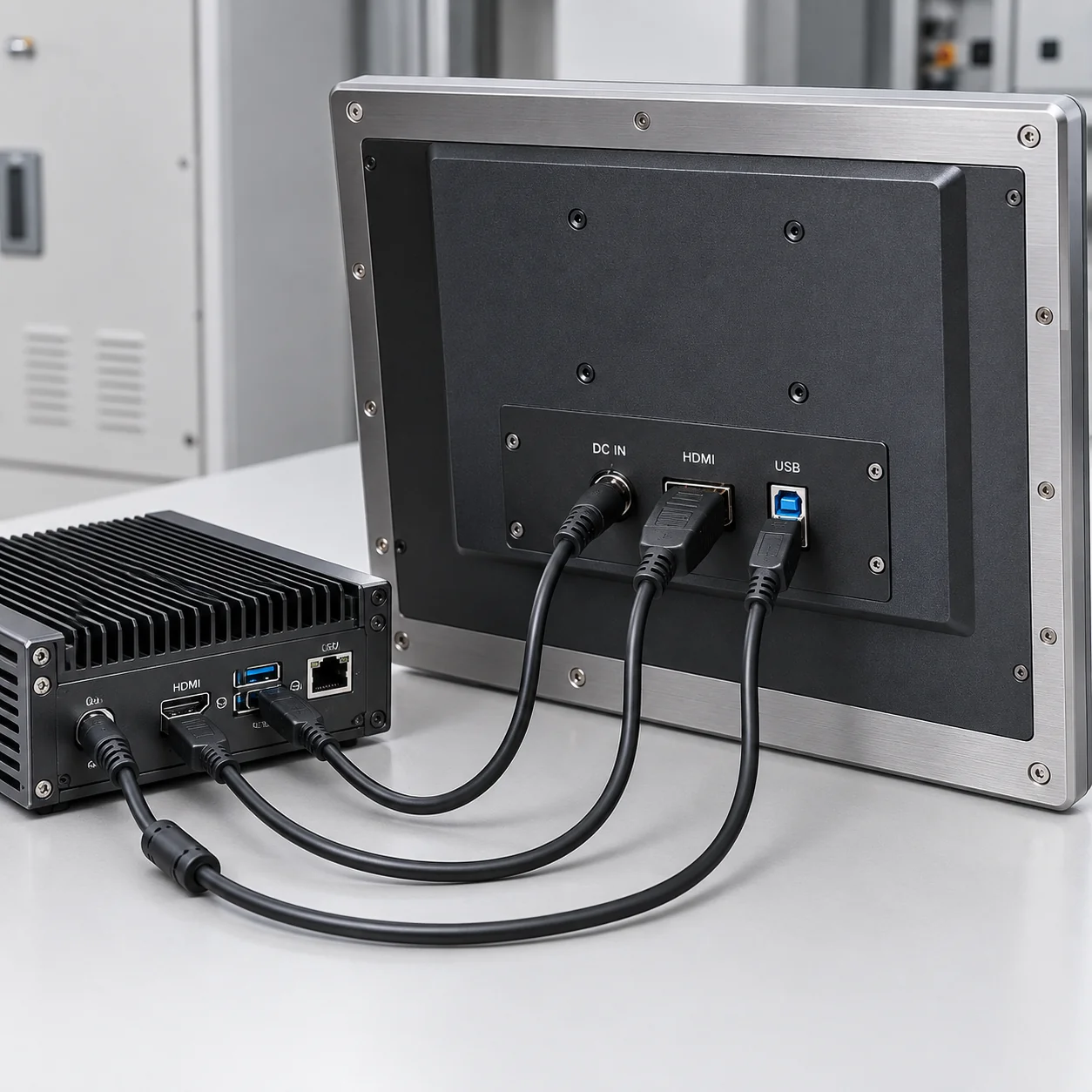
The current flat monitor range provides five starting sizes for equipment and commercial projects. These models share capacitive touch, a 16:9 format, Full HD resolution and metal housings.

| Screen Size | Model | Touch | Aspect Ratio | Resolution | Housing | Project Confirmation |
|---|---|---|---|---|---|---|
| 21.5 Inch | TP215-JX-DR-02 | Capacitive Touch | 16:9 | 1920 × 1080 | Metal Housing | Brightness, interfaces, touch points and dimensions |
| 23.8 Inch | TP238-JX-DR-02 | Capacitive Touch | 16:9 | 1920 × 1080 | Metal Housing | Brightness, interfaces, touch points and dimensions |
| 27 Inch | TP270-JX-DR-02 | Capacitive Touch | 16:9 | 1920 × 1080 | Metal Housing | Brightness, interfaces, touch points and dimensions |
| 31.5 Inch | TP315-JX-DR-02 | Capacitive Touch | 16:9 | 1920 × 1080 | Metal Housing | Brightness, interfaces, touch points and dimensions |
| 43 Inch | TP430-JX-DR-02 | Capacitive Touch | 16:9 | 1920 × 1080 | Metal Housing | Brightness, interfaces, touch points and dimensions |
These are Lucky-XFC product starting points, not replacements for a specific third-party model. Compare the approved Lucky-XFC datasheet and mechanical drawing with the complete project requirement.
SOURCING COMPARISON
Off-the-Shelf Monitor or Custom OEM Touch Display?
The right sourcing path depends on whether the project needs a fixed branded product or a display configured around equipment integration.
| Criteria | Branded Off-the-Shelf Monitor | Lucky-XFC Custom Project Route |
|---|---|---|
| Purchase objective | Buy a finished product with a fixed commercial specification. | Select or configure a monitor around an equipment requirement. |
| Product identity | Brand, series and model number determine the product. | Screen size, structure, touch, electronics and application determine the product. |
| Mechanical design | Housing, stand and port positions are normally fixed. | Supported housing, mounting, orientation and cable-exit options can be reviewed. |
| Product selection | Choose from published retail models. | Start from documented models or a verified customization path. |
| Support objective | Brand warranty, accessories and model-specific support. | Drawing review, configuration discussion, sample review and production coordination where applicable. |
| Best fit | Office, collaboration or replacement projects requiring the exact branded product. | Kiosks, machinery, gaming equipment, commercial terminals and custom enclosures. |
Important note: A custom display is not automatically a technical equivalent or drop-in replacement for a branded monitor. The complete specification must be compared before selection.
LARGE-FORMAT SELECTION
Selecting a Large Touch Display for an Alternative Project
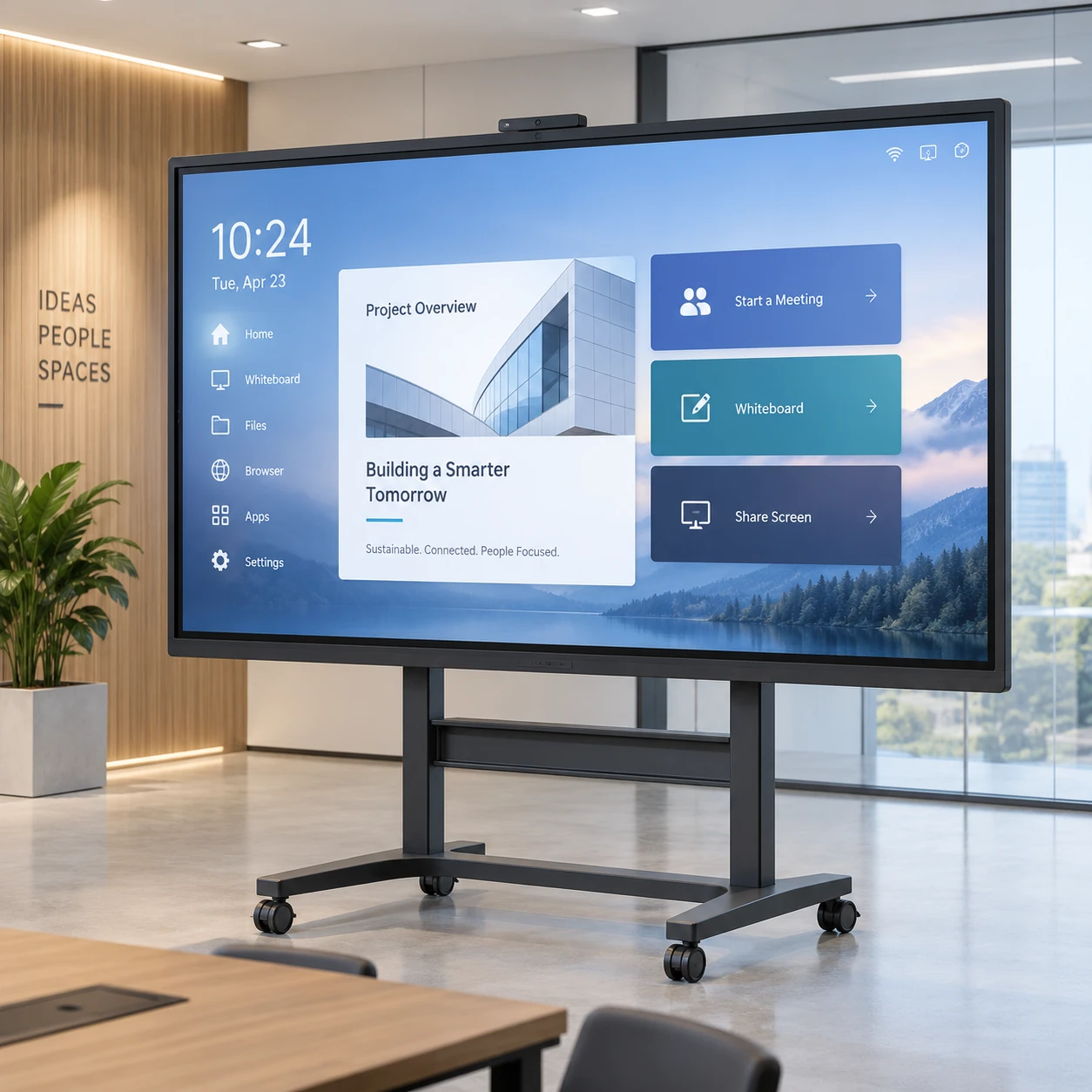
Large-format selection begins with viewing distance, interaction area, resolution, wall or stand loading, access for maintenance and the number of users expected to touch the screen.
Selection Checklist:
- Intended viewing distance
- Number of simultaneous users
- Required interaction area
- Full HD or 4K content
- Wall, stand or equipment mounting
- Maximum permitted weight and depth
- Service and replacement access
- Host system and source resolution
- Touch-data connection
- Operating hours and environment
Current Flat Monitor Range
The documented flat capacitive monitor range covers 21.5, 23.8, 27, 31.5 and 43-inch starting models with Full HD resolution and metal housings.
Best fit: Equipment fronts, control stations, kiosks and commercial terminals.
Confirmed Curved Monitor Range
C-Type curved models are documented in 32, 43, 49 and 55 inches. J-Type curved models are documented in 43, 49 and 55 inches.
Best fit: Gaming cabinets and equipment requiring a curved display profile.
Large-Format and 4K Project Evaluation
The company’s broader touch display capability includes selected 4K and large-format configurations. Availability, resolution, touch technology, brightness and mounting must be confirmed for the requested size.
Best fit: Commercial information, interactive presentation and large equipment projects that do not require an exact third-party model.
Warning: Do not infer standard availability from the company-wide 2.5 to 120-inch touch solution range. Each large-format monitor configuration requires model and panel confirmation.
TOUCH TECHNOLOGY
PCAP, Resistive or Infrared Touch?
Select touch technology according to the operator, input method, cover structure, environment, software and required number of touch points.
Projected Capacitive Touch Standard
Input:
Finger or compatible conductive input
Typical behavior:
Responsive multi-touch through a glass surface
Common fit:
Commercial interfaces, kiosks, POS systems and modern equipment controls
Important check:
Glove operation, water rejection and thick-cover-glass performance require configuration testing
Resistive Touch
Input:
Pressure from a finger, glove or stylus
Typical behavior:
Pressure-based operation, commonly single-point
Common fit:
Selected industrial or stylus-operated controls
Important check:
Surface wear, optical clarity and gesture requirements
Infrared Touch
Input:
Finger, glove or stylus interrupting an infrared grid
Typical behavior:
Touch detection without applying pressure to the display surface
Common fit:
Selected large interactive formats
Important check:
Bezel design, contamination, ambient conditions and product-specific accuracy
Lucky-XFC note: PCAP is the documented standard for the current flat monitor range. Resistive and infrared configurations must be confirmed through project evaluation.
Selection Process
Define the input
Bare finger, glove, stylus or multiple users.
Define the environment
Moisture, dust, cleaning, ambient light and temperature.
Validate the complete configuration
Touch controller, cover glass, host system and sample behavior.
HOST COMPATIBILITY
How to Check Computer and Touchscreen Compatibility
A touchscreen monitor normally receives video from a host computer and sends touch input back through a separate touch-data connection. Compatibility depends on the selected monitor, video output, touch controller, operating system, driver and power configuration.
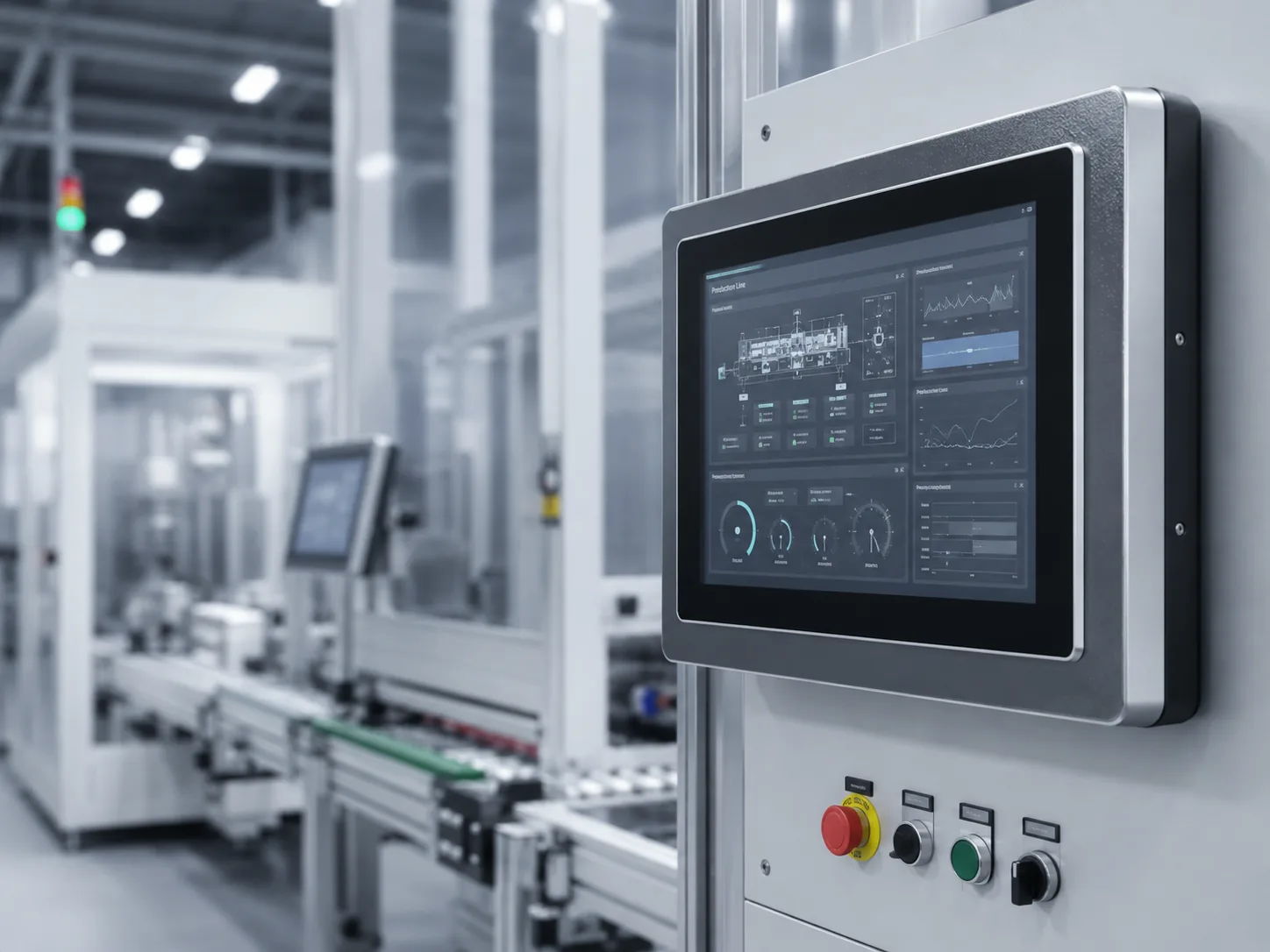
Host Computer
Runs the operating system and application.
Video Connection
HDMI, DisplayPort, VGA or another model-specific input carries the image.
Touch-Data Connection
USB is commonly used. Other connections must be confirmed by model.
Monitor Power
Use the input voltage and adapter specified for the selected configuration.
Compatibility checklist:
- Host computer make and exact model
- Operating system and version
- Available video output
- Target resolution and refresh rate
- Touch-data interface
- Required touch points
- Driver or plug-and-play requirement
- Cable length
- Power input
- Landscape or portrait orientation
- Sleep, wake and restart behavior
Important notice: Compatibility with a Dell computer or another branded host must be verified from the actual ports, operating system and controller. Brand name alone is not a compatibility specification.
MECHANICAL INTEGRATION
Confirm the Installation Before Selecting the Monitor
Two monitors with the same diagonal size can have different overall dimensions, active areas, mounting patterns, rear depths and connector positions.
Desktop Installation
For counters and operator desks using a complete housing and stand.
Confirm: Stand footprint, tilt, viewing angle and cable routing.
VESA or Wall Mounting
For monitor arms, brackets, equipment frames and walls.
Confirm: VESA pattern, screw depth, total load and service clearance.
Open-Frame Installation
For a display installed behind the front bezel of a kiosk or machine.
Confirm: Cutout, active area, glass overlap, rear depth and side fixing points.
Custom Cabinet Integration
For projects requiring a project-specific housing, curved structure, cable exit or mounting arrangement.
Confirm: Complete enclosure drawing, orientation, ventilation and maintenance access.
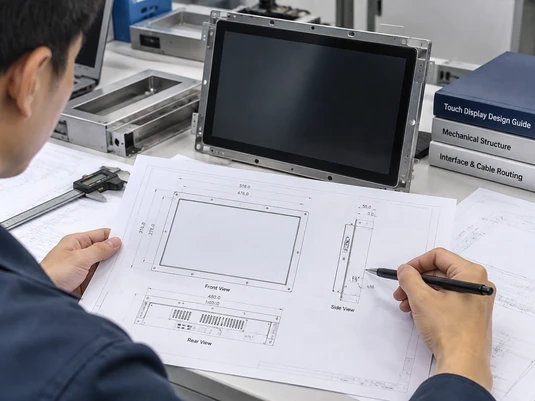
Drawing Review Checklist:
Best practice:
Approve the Lucky-XFC model datasheet and mechanical drawing before machining the final equipment enclosure.
APPLICATION FIT
Custom Touch Displays for Equipment and Commercial Systems
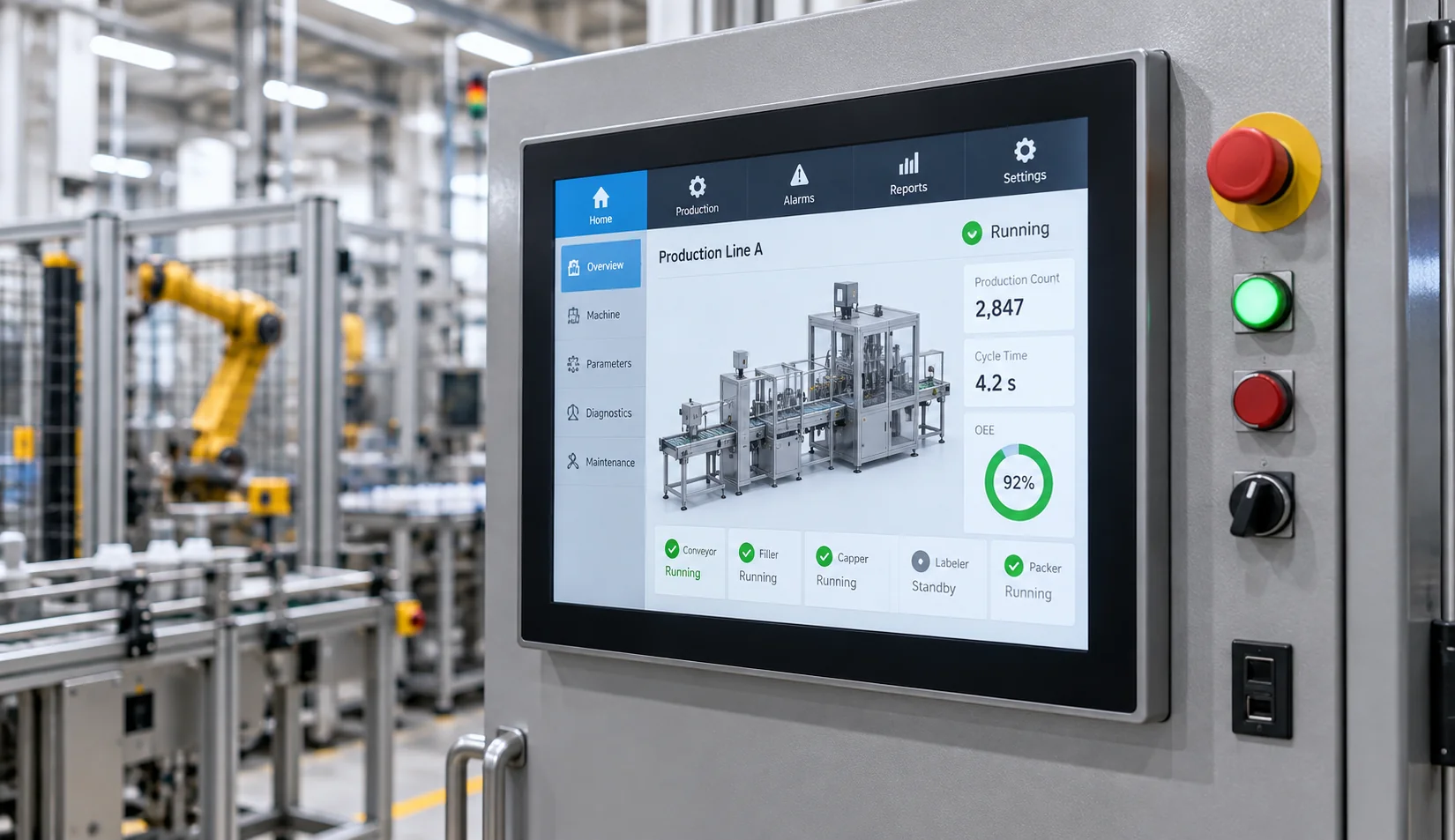
Industrial Control and HMI
Touch interfaces for machinery, operator stations and industrial equipment requiring project-specific mounting and electrical review.
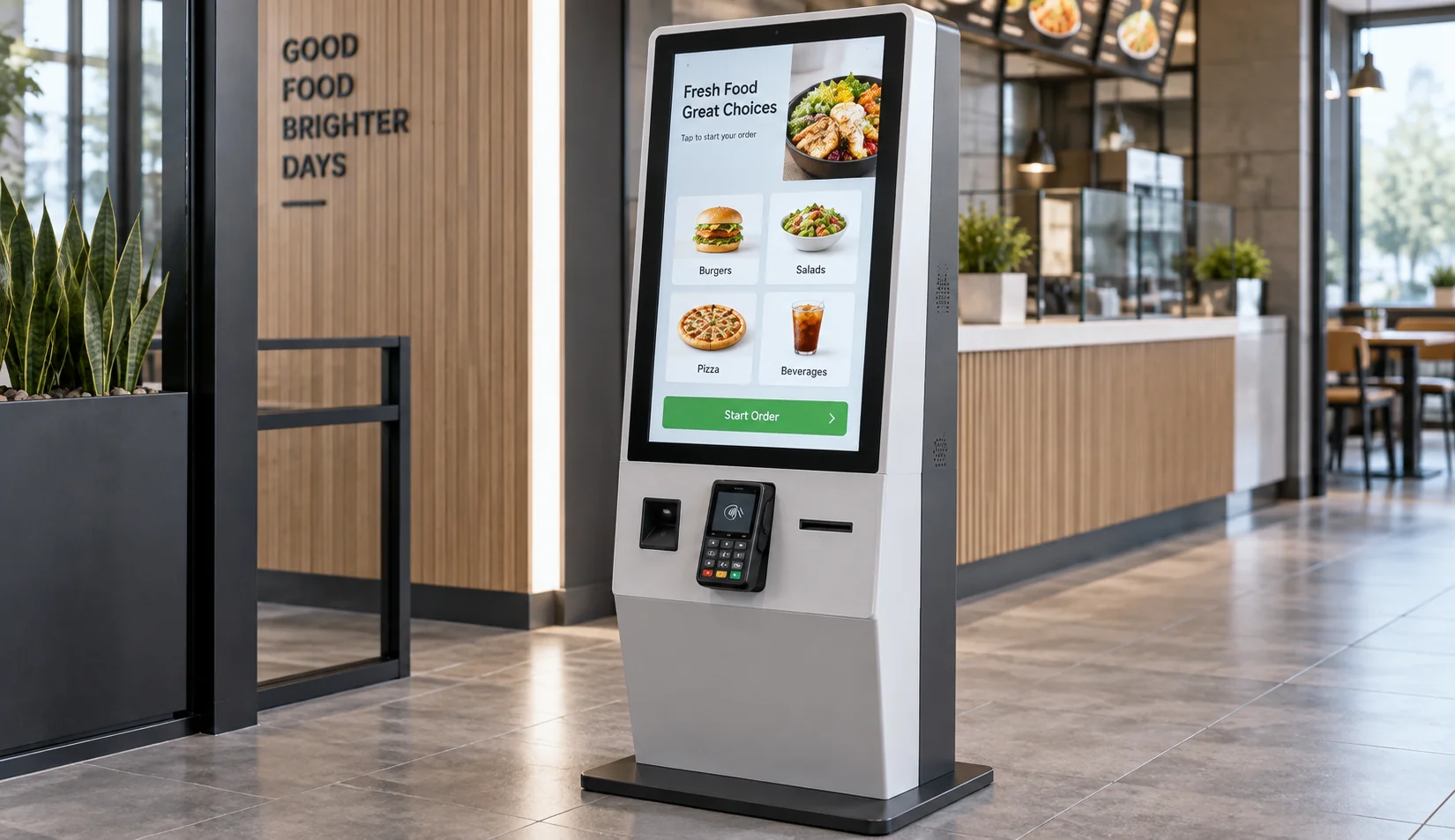
Self-Service Kiosks
Touch displays for ordering, check-in, information, ticketing and service terminals with integrated peripherals.
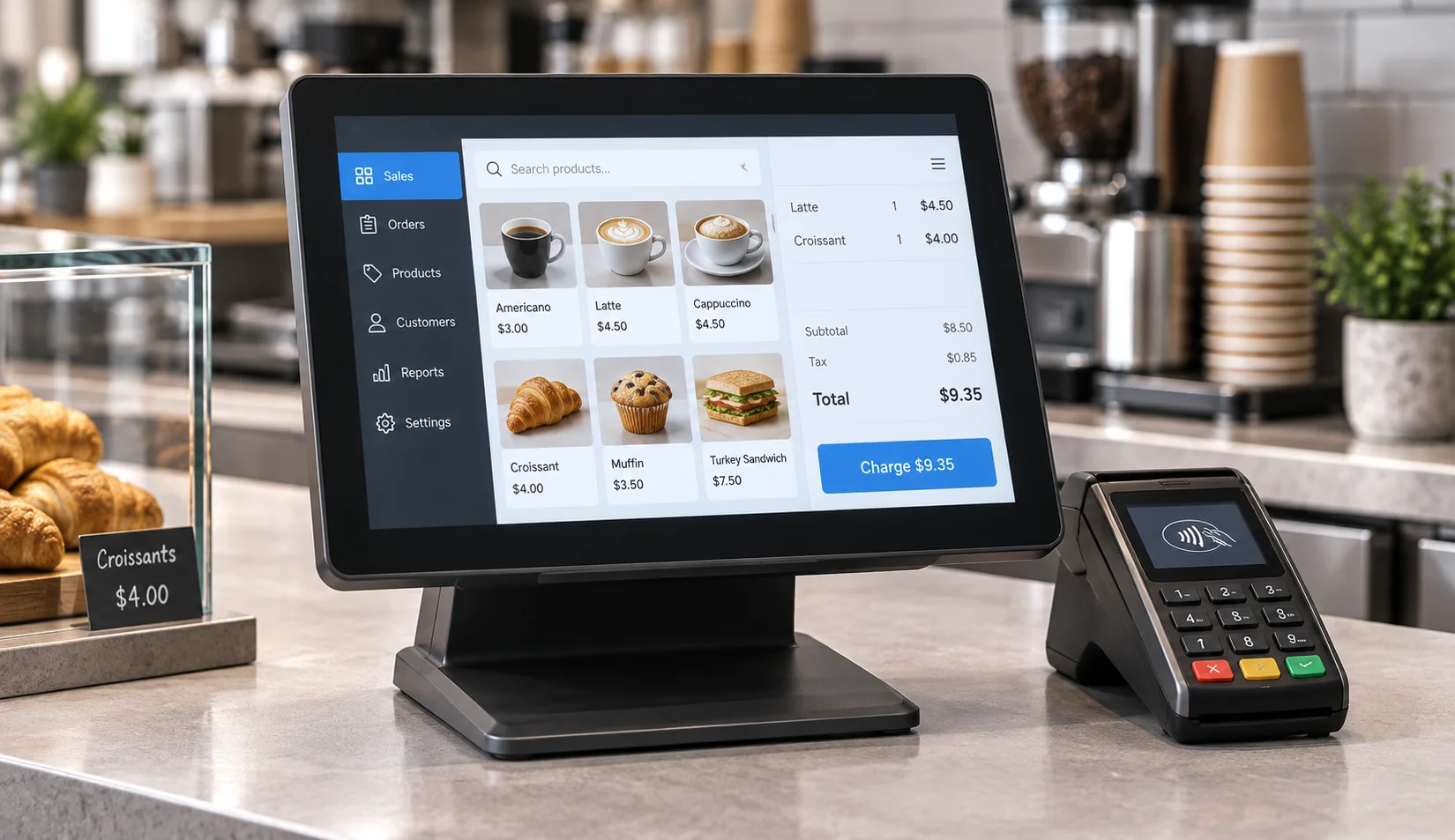
POS and Payment Equipment
Compact flat or embedded touch displays for retail counters and customer-facing transaction interfaces.

Gaming and Casino Cabinets
Flat, J-Type or C-Type touch monitors selected around the equipment structure and interaction area.
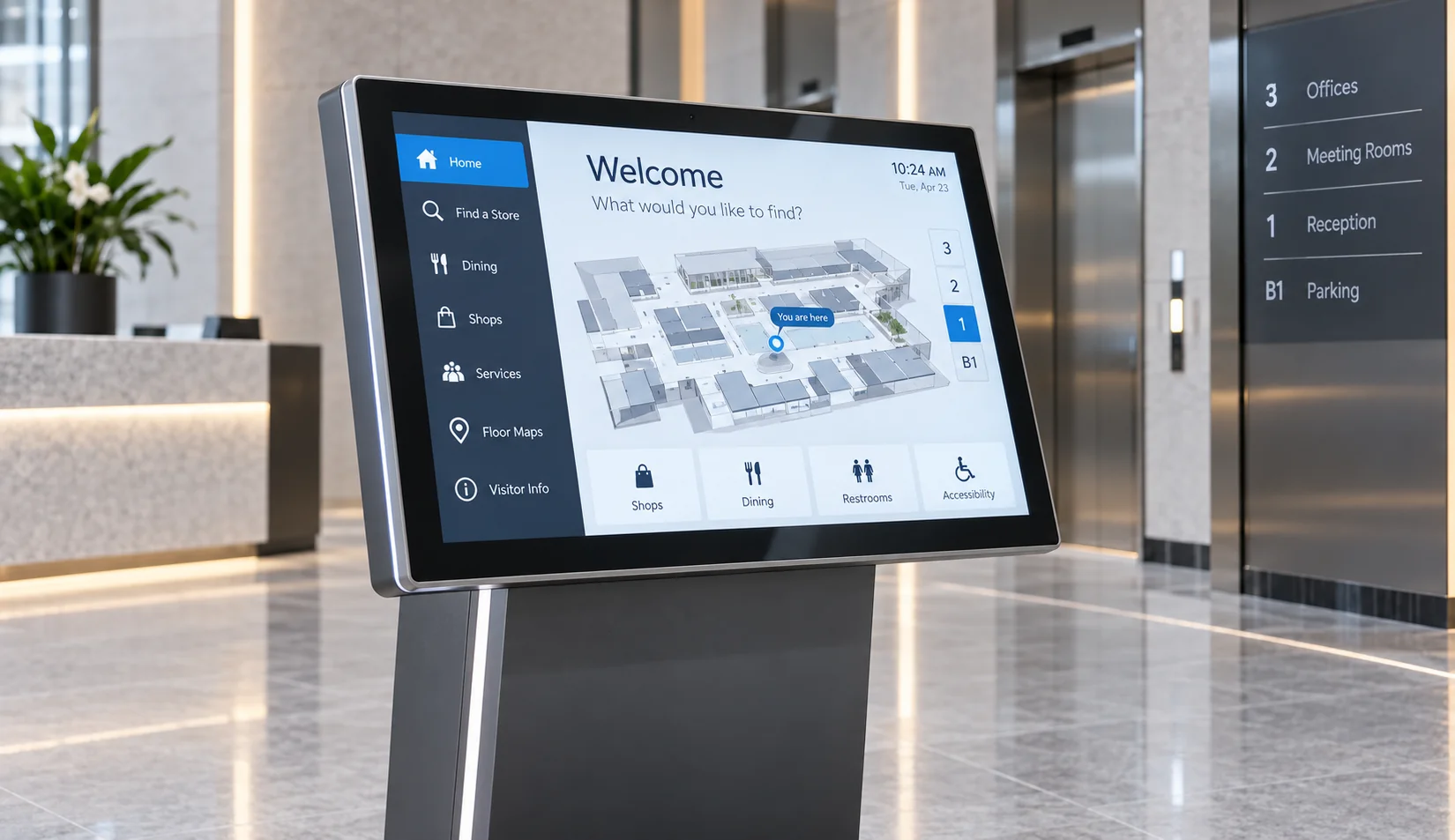
Commercial Information Systems
Interactive displays for directories, wayfinding, product information and public content navigation.
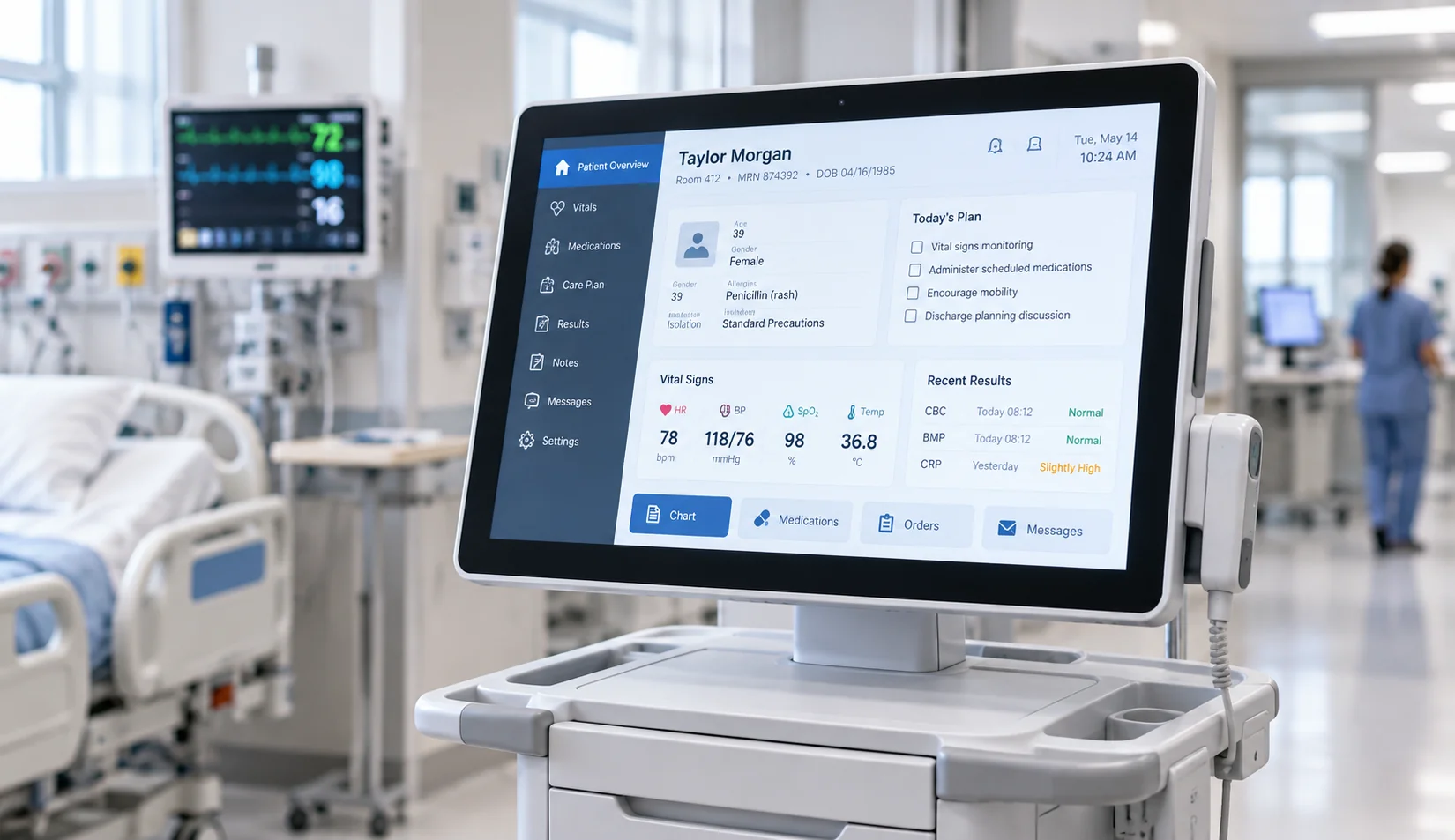
Healthcare Information Equipment
Touch displays for information terminals and equipment interfaces where cleaning, environment and compliance requirements must be confirmed separately.
PROJECT RISK CONTROL
Common Problems in Touchscreen Replacement and Alternative Projects
Project Risk:
Selecting by diagonal size alone
Consequence:
The new monitor may not match the enclosure opening, active area or mounting points.
Project Response:
Compare the complete mechanical drawing instead of relying on the advertised screen size.
Project Risk:
Matching the video connection but not the touch connection
Consequence:
The image may display correctly while touch input remains unavailable.
Project Response:
Confirm the video signal, touch-data interface, controller and operating-system support together.
Project Risk:
Assuming the same brand means automatic compatibility
Consequence:
Ports, drivers, resolution and touch behavior can differ across models and generations.
Project Response:
Use the exact host and monitor specifications as the comparison basis.
Project Risk:
Choosing the wrong touch technology
Consequence:
Gloves, water, thick glass or required gestures may change how the interface behaves.
Project Response:
Define the operator and environment before finalizing the touch configuration.
Project Risk:
Treating a custom monitor as a drop-in replacement
Consequence:
Housing, controls, speakers, USB hubs, accessories or firmware functions may not be reproduced.
Project Response:
Identify which functions are essential, which can change and which require a genuine original-brand product.
A successful alternative project begins with a requirement comparison, not a visual imitation of another monitor.
CUSTOM CONFIGURATION
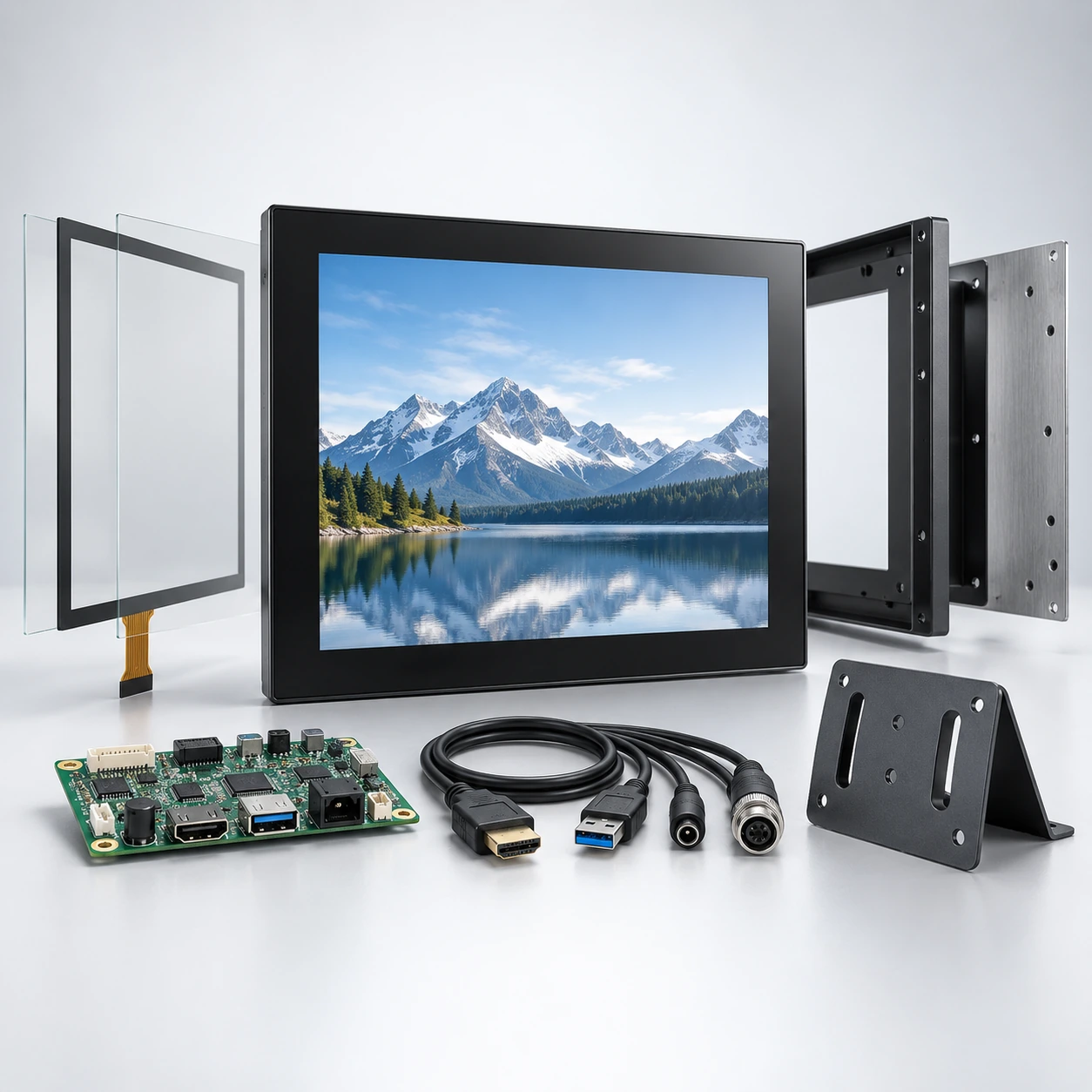
Touchscreen Monitor Configuration Options
Start from a documented product format, then identify which display, touch, electronics and structural parameters need project review.
Display
- •Screen size
- •Full HD or selected 4K configuration
- •Brightness
- •Viewing area
- •Landscape or portrait orientation
- •Panel availability
Touch
- •Touch or non-touch requirement
- •PCAP standard starting point
- •Touch-point requirement
- •Cover glass
- •Touch-area mapping
- •Glove or water behavior requiring validation
Electronics
- •Video input
- •Touch-data connection
- •Power input
- •Controller-board matching
- •Operating-system compatibility
- •Cable direction and length
Structure
- •Complete housing or open frame
- •Metal housing
- •VESA, side bracket or panel mounting
- •Custom enclosure review
- •Mounting holes
- •Cable exit
- •J-Type or C-Type curved structure
Final availability depends on the base model, panel supply, electronics, tooling, quantity and engineering evaluation.
PROJECT COORDINATION
A Documented Route from Display Selection to Equipment Integration
Verified Starting Models
Current flat monitor models and confirmed J-Type and C-Type curved sizes provide practical starting points for product selection.
Mechanical Review
Equipment drawings can be reviewed for display opening, mounting, rear depth, cable clearance and maintenance access.
Display and Touch Coordination
Screen, touch controller, video interface, touch-data connection and host requirements are considered as one configuration.
OEM and ODM Scope
Supported projects may include size, appearance, housing, logo, electronics and structural review from design through production.
Sample-Based Validation
Where applicable, a sample can be used to review fit, image, touch and system behavior before production decisions.
Quality Control and Production Support
Production checks cover display function, touch performance, assembly quality and project requirements before shipment.
MANUFACTURING AND INSPECTION
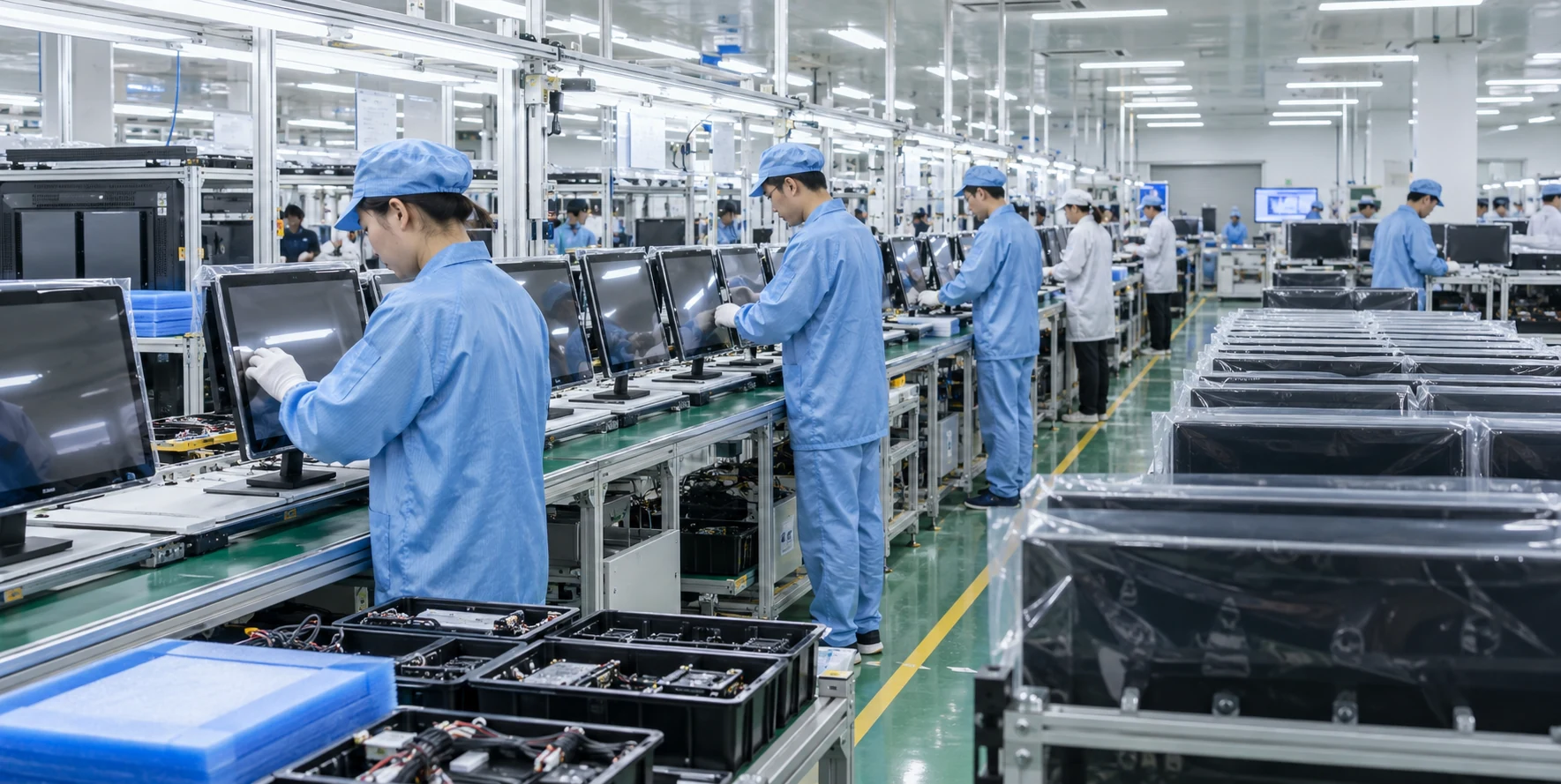
From Touch Display Design to Mass Production
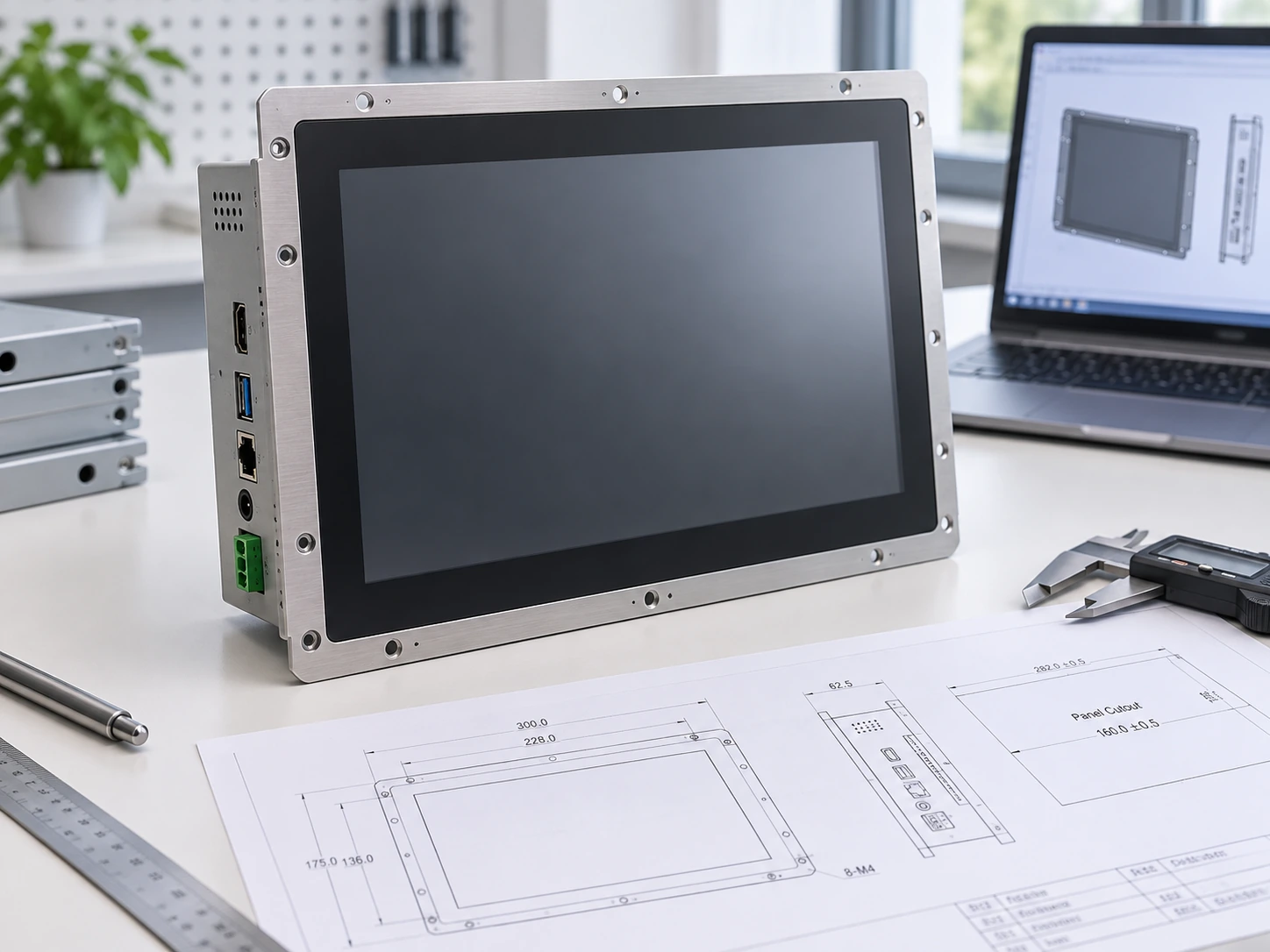
We specialize in comprehensive OEM/ODM touch display development, providing thorough engineering review, seamless display and touch integration, rigorous prototype validation, and reliable mass production support.
- Engineering Review Before Production
- Display and Touch Integration Support
- Flexible Product Configurations
- Prototype Validation to Mass Production
- Quality Control Throughout Manufacturing
- OEM / ODM Customization Support
Inspection Across the Production Process
Incoming Component Review
Check the selected panel, touch components and project configuration against the production requirement.
Assembly Review
Confirm product structure, cable routing and required components during assembly.
Display and Touch Check
Review image output and touch operation against the selected configuration.
Final Configuration Check
Confirm the finished product identity and project-specific configuration before packaging.
Inspection scope and acceptance criteria must follow the approved model specification or project agreement. The company-wide size range does not mean that every format is normally supplied in every size.
PROJECT PROCESS
From Requirement Review to Production
Requirement Review
Define the screen size, quantity, application, touch, host system, resolution, interfaces and mounting.
Component Evaluation
Review panel availability, touch controller, display electronics and power requirements.
Industrial Design
Develop or review the supported product appearance and user-facing structure.
Mechanical Design
Confirm dimensions, mounting, cable exit, ventilation and service access.
Prototype and Sample
Evaluate the agreed sample configuration where the project requires validation.
Assembly and Shipment
Proceed with assembly, inspection, packaging and shipment after configuration approval.
Questions About Dell Alternative Touchscreen Projects
Does Lucky-XFC sell Dell touchscreen monitors?
Can a Lucky-XFC monitor directly replace a Dell touchscreen monitor?
Can the monitor connect to a Dell desktop or laptop?
Which Lucky-XFC model is closest to a 24-inch desktop touch monitor?
Can Lucky-XFC supply a large 4K interactive touch monitor?
What files are useful for a replacement or alternative project?
Can the housing and mounting structure be customized?
What should be validated before placing a production order?
Continue with a Specific Touch Display Format
PROJECT INQUIRY
Request a Custom Touchscreen Monitor Review
Share the required functions and equipment constraints rather than only a third-party model name. Lucky-XFC can use the information to identify a suitable product route and the specifications that still need confirmation.
Prepare These Details
- ✓Existing monitor brand and model, if relevant
- ✓Required screen size
- ✓Equipment application
- ✓Estimated quantity
- ✓Overall dimensions and front opening
- ✓Mounting method
- ✓Required resolution and brightness
- ✓Touch input and touch points
- ✓Host computer and operating system
- ✓Video and touch-data interfaces
- ✓Power input
- ✓Operating environment
- ✓Functions that must be retained
- ✓Functions that may change
Do not upload confidential drawings, manuals or third-party materials unless you are authorized to share them.
