

Digital Signage
Screens
for Commercial Advertising & Information
Lucky-XFC offers customizable digital signage screens for advertising, displays, and interactive use. Choose screen format, installation, touch options, interface, and system configuration as needed.
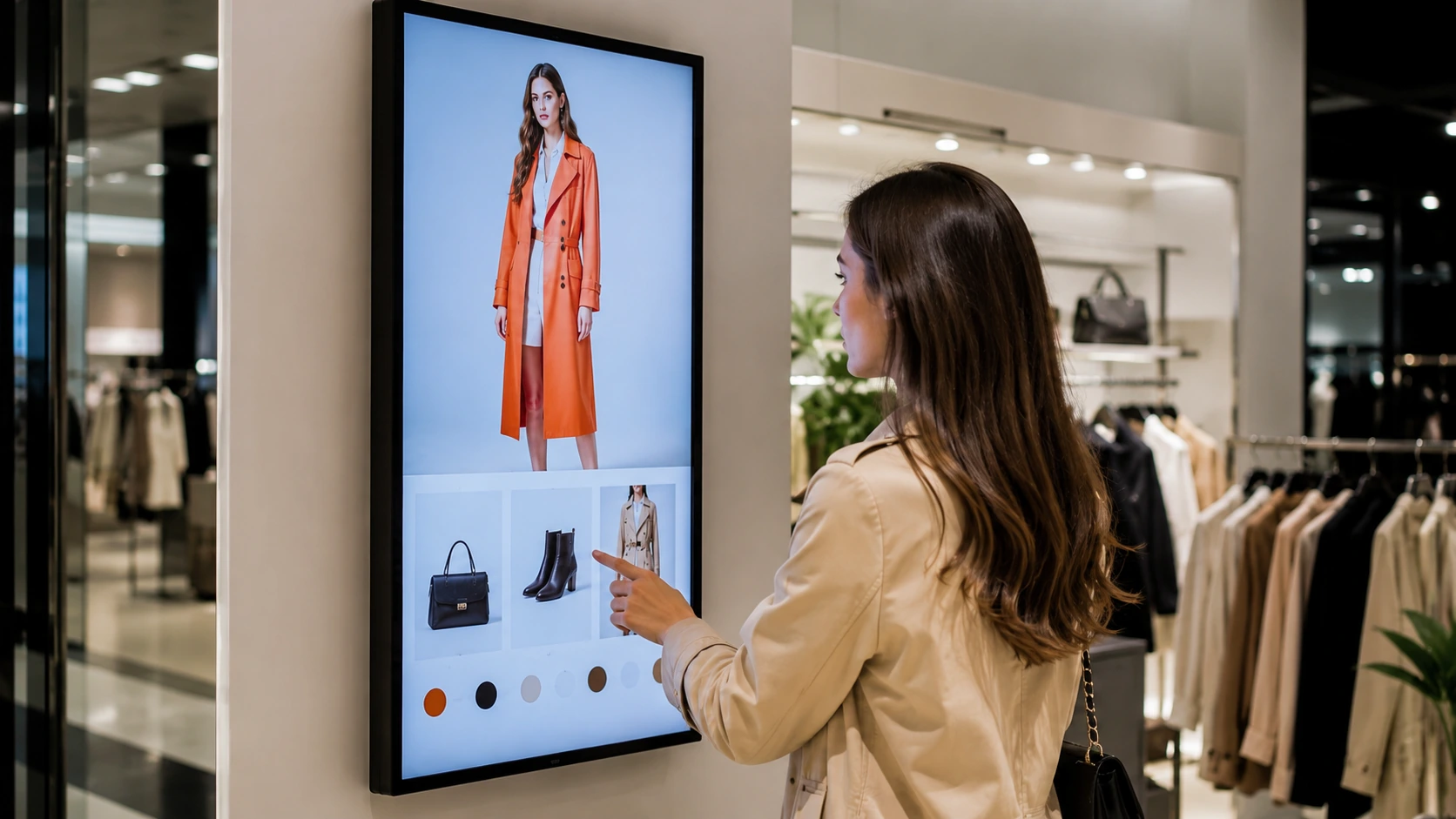
Complete Signage System Structure
Hover to view specs
System Data
The display is only one part of the complete signage system. Media players, CMS platforms, mounting structures and installation services may be supplied separately depending on the project.
What Are Digital Signage Screens?
Digital signage screens are commercial displays used to present advertising, menus, wayfinding, schedules, dashboards and public information.
A complete digital signage setup may also include a media player or built-in system, content management software, network access, mounting hardware, power and digital content.
Digital Signage Display Configurations
Select the right commercial display format based on your installation environment and application requirements.
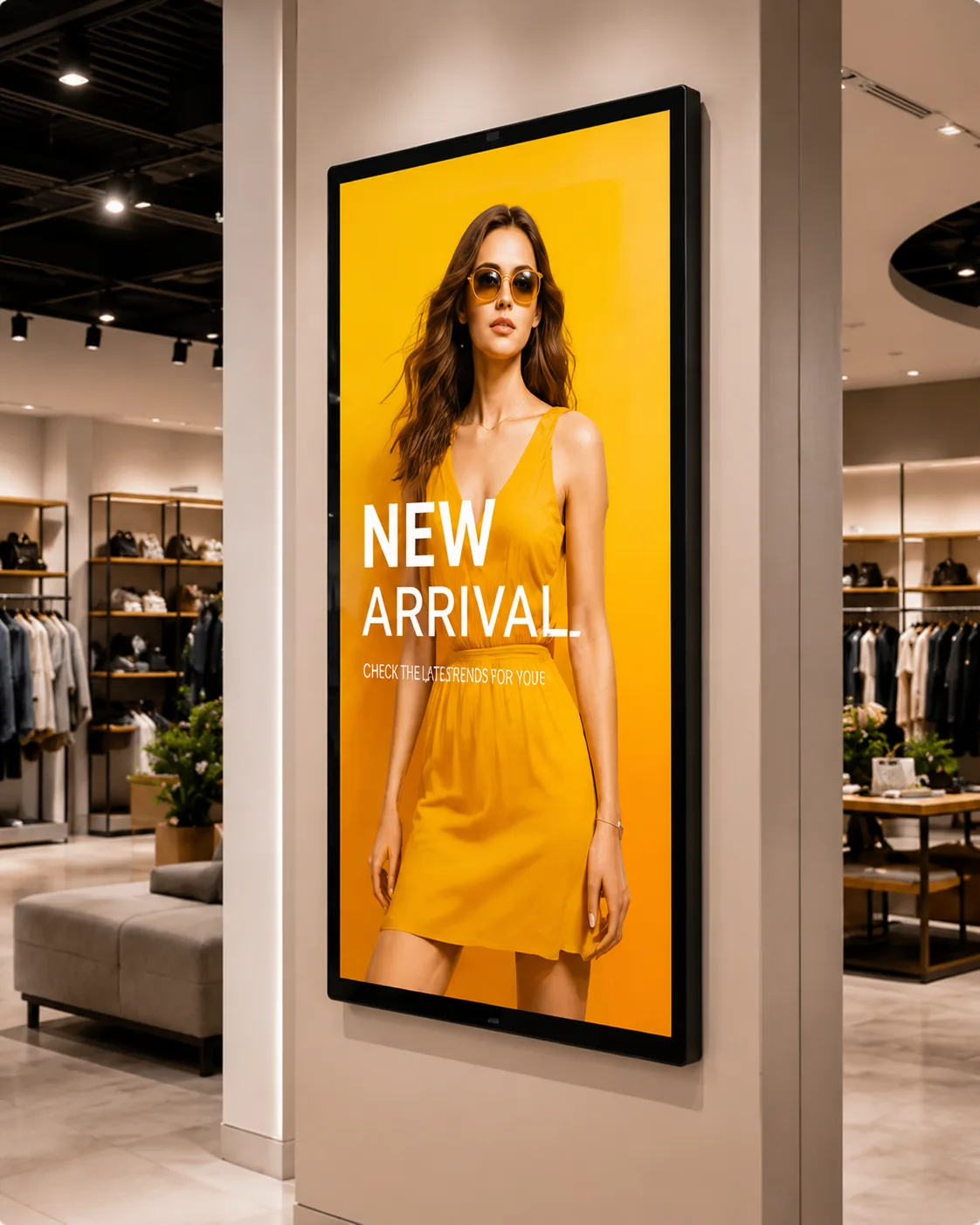
Indoor Commercial Digital Signage
Commercial display screens for retail stores, offices, hotels, restaurants, reception areas and indoor information systems.
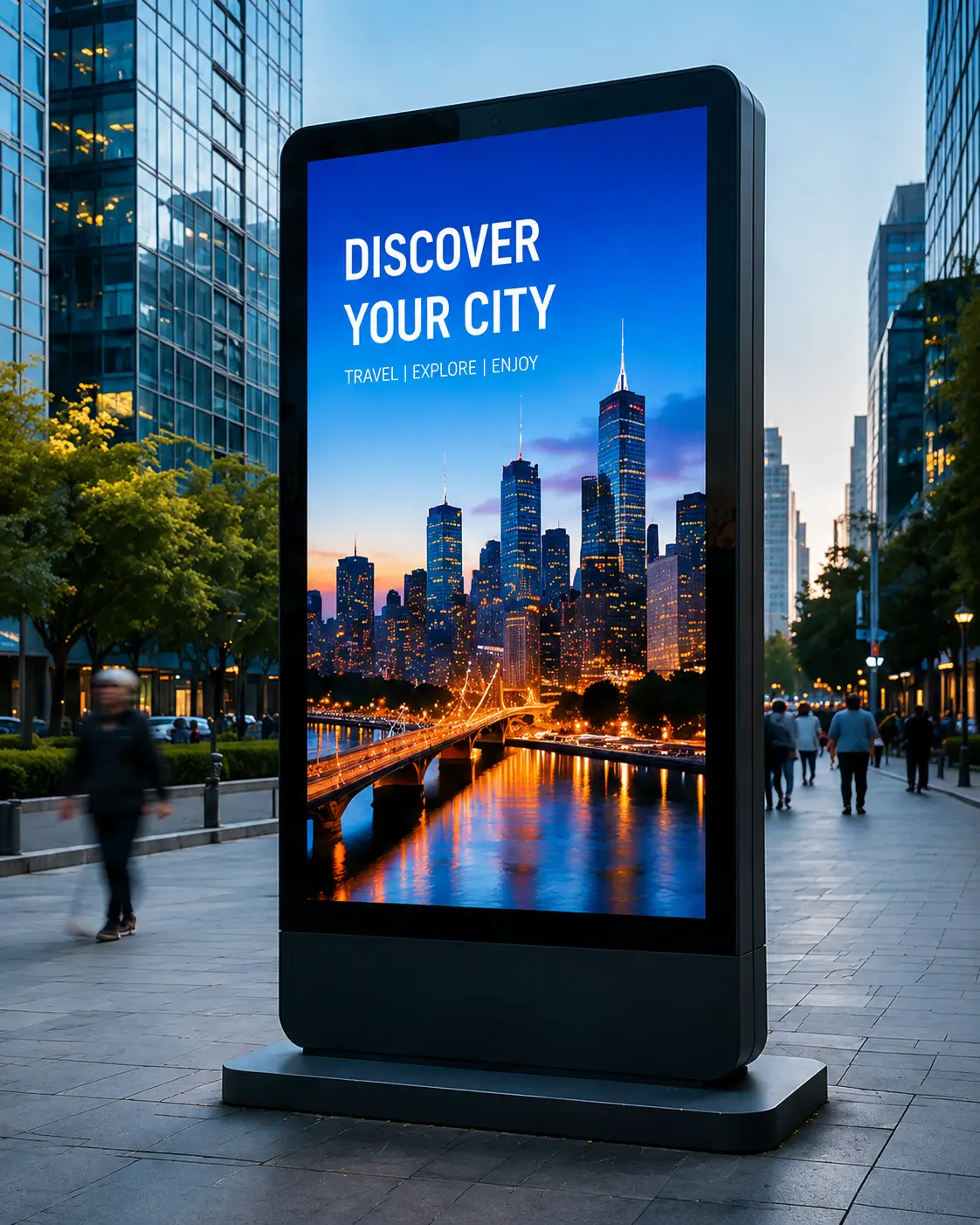
Outdoor Digital Signage Displays
Outdoor display configurations selected according to visibility, enclosure, installation location and environmental requirements.
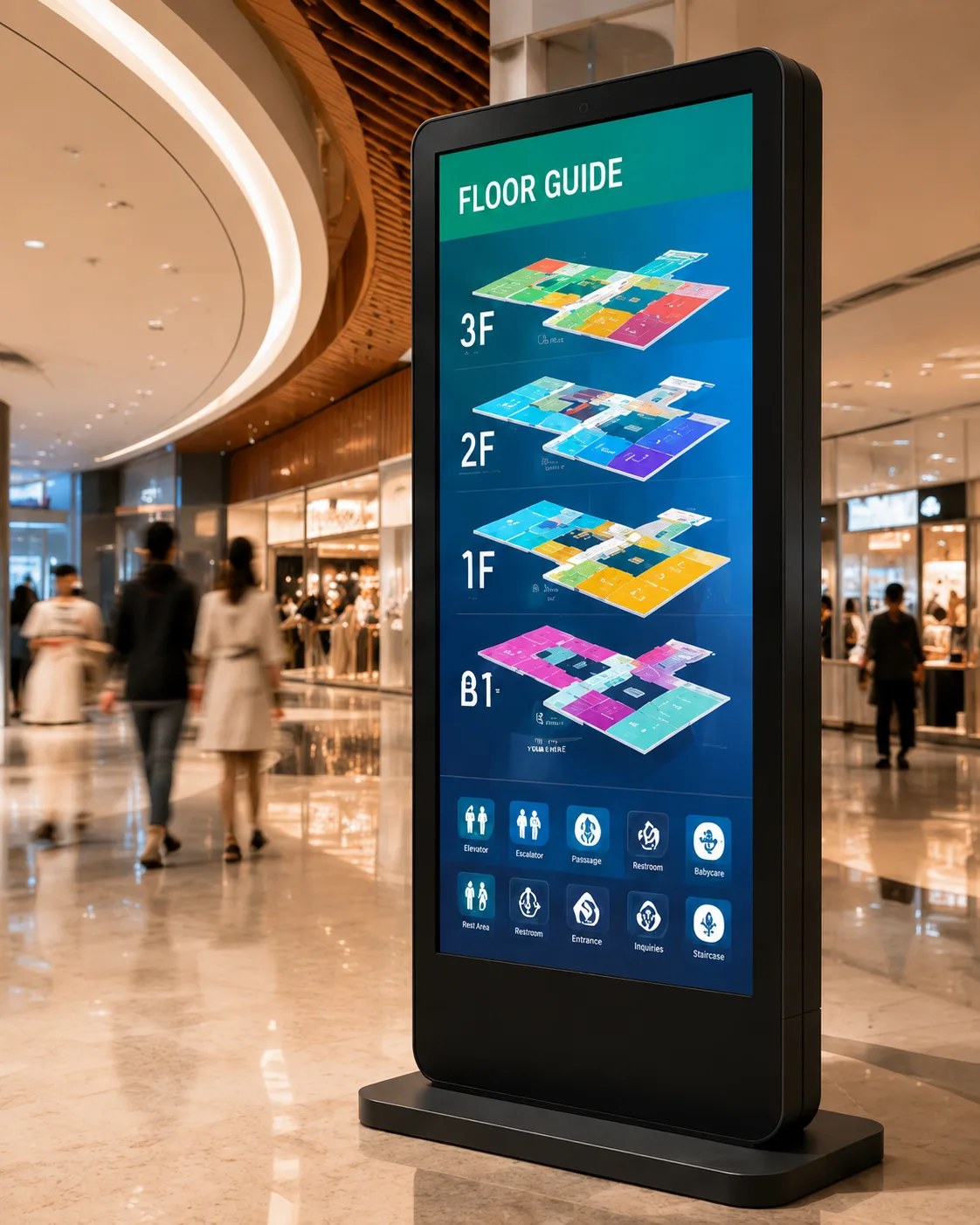
Floor-Standing & Vertical Signage
Freestanding and portrait display formats for entrances, retail spaces, exhibitions, restaurants and public information areas.
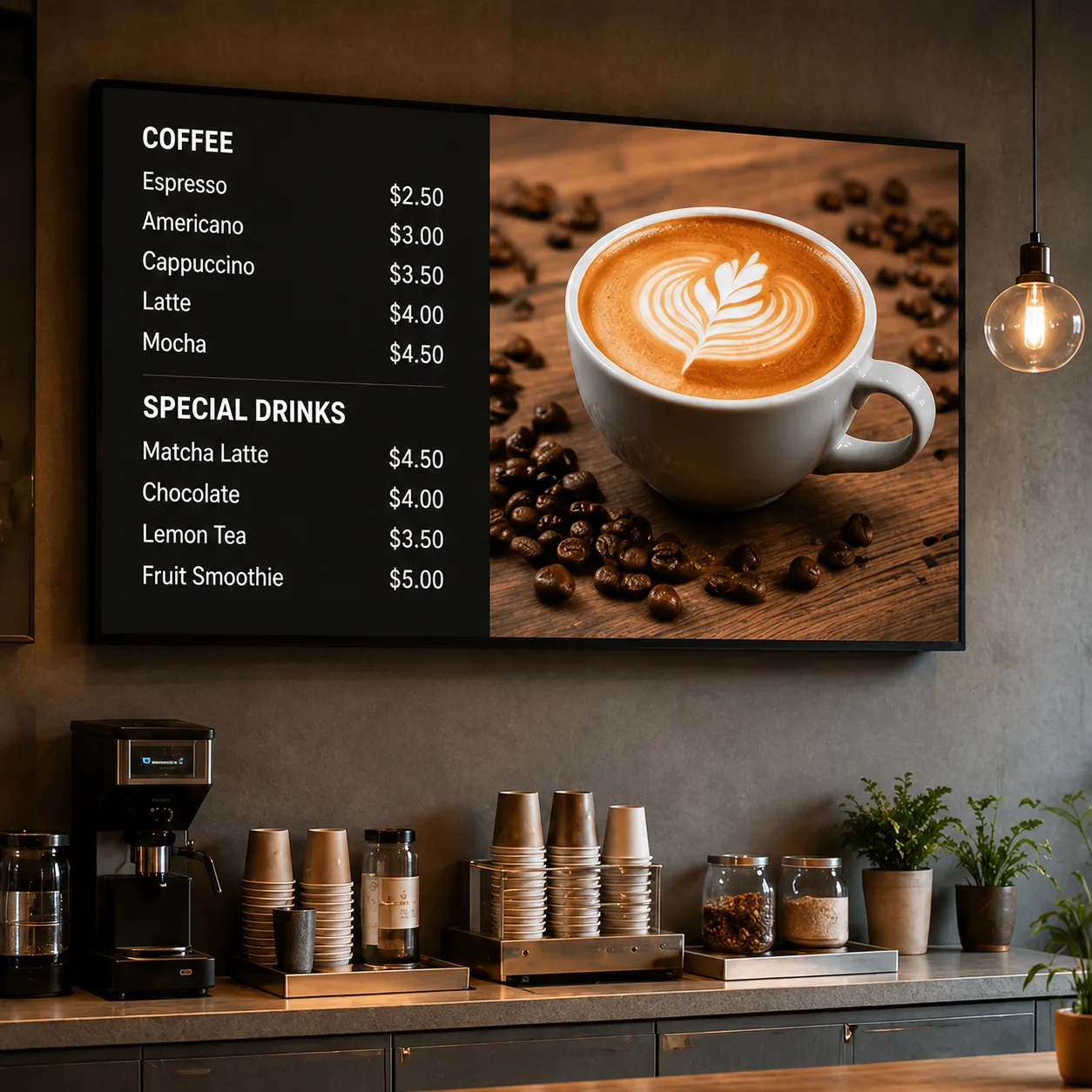
Wall-Mounted Digital Signage
Space-saving wall-mounted display configurations for menus, advertising, schedules, dashboards and information presentation.
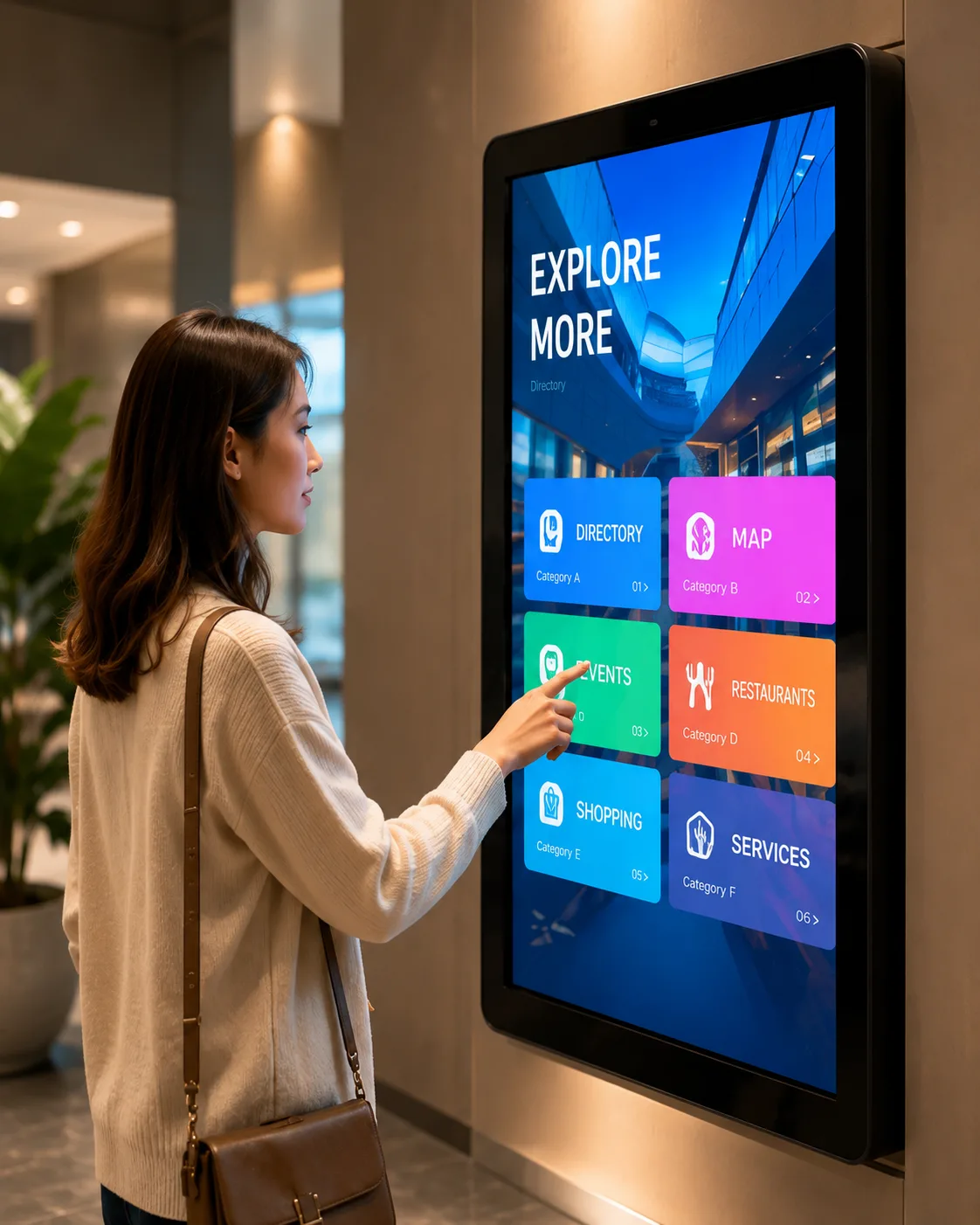
Interactive Digital Signage
Touch-enabled display configurations for self-service, wayfinding, product browsing and interactive information systems.
Custom Requirements?
Get a tailored display solution for your project.
Request Product Options Ask on WhatsAppDigital Signage Screen Models & Project Specifications
Filter and select the base configuration for your project. Customizations available upon request.
| Model | Screen Size | Resolution | Brightness | Touch | Orientation | Installation | System | Interfaces |
|---|---|---|---|---|---|---|---|---|
| XFC-DS320W | 32 Inch | 1920x1080 | Confirmed by Model | No | Landscape/Portrait | Wall-Mounted | Android / External | HDMI, USB, LAN |
| XFC-DS430F | 43 Inch | 1920x1080 / 4K | Confirmed by Model | Optional | Portrait | Floor-Standing | Windows / Android | HDMI, USB, Audio |
| XFC-DS550O | 55 Inch | 4K UHD | Confirmed by Model | No | Landscape/Portrait | Outdoor Enclosure | Android / External | HDMI, DisplayPort, LAN |
| XFC-DS650T | 65 Inch | 4K UHD | Confirmed by Model | Yes | Landscape | Wall / Stand | Windows Configuration | HDMI, USB-C, RS232 |
Which Digital Signage Screen Fits Your Project?
Compare configurations to find the best match for your installation environment.
| Configuration | Suitable Locations | Installation | Touch Option | Key Info to Confirm |
|---|---|---|---|---|
| Indoor Commercial Display | Retail, office, hotel, restaurant | Wall or stand | Optional by model | Lighting, size, viewing distance |
| Outdoor Display | Outdoor advertising and information | Wall, enclosure or freestanding | Confirm by project | Brightness, weather protection, temperature |
| Floor-Standing Display | Entrance, lobby, store and exhibition | Freestanding | Optional | Base structure, orientation, cable routing |
| Interactive Signage | Wayfinding and self-service | Wall, kiosk or stand | Required | Touch technology, OS and application |
| Window-Facing Display | Storefront and window advertising | Window or suspended | Usually non-touch | Ambient light, heat and viewing direction |
Not sure which configuration to choose?
Send us your installation location, required size, quantity and application to get expert recommendations.
Key Digital Signage Display Specifications
Understand the critical factors when specifying commercial displays for your project.
Screen Size & Viewing Distance
Select screen dimensions based on installation space, content layout and audience viewing distance, avoiding a "bigger is always better" approach without spatial context.
Resolution
Confirm Full HD, 4K or other physical resolutions depending on the content type, viewing proximity, video materials and the system output capabilities.
Brightness & Ambient Light
Indoor, window-facing and outdoor environments demand entirely different brightness levels. Specific brightness values (nits) must be confirmed by actual model data.
Landscape or Portrait
Determine orientation requirements early. Options include landscape digital signage, portrait digital signage displays, and vertical digital signage displays to match content ratios.
Touch or Non-Touch
Advertising playback and interactive query systems serve different purposes. Commercial displays do not default to touch capability unless specifically required by the project.
Interfaces & Signal Input
Ensure compatibility by confirming available ports per model, such as HDMI, DisplayPort, USB, LAN, USB-C, Audio, or RS232 control interfaces.
Media Player & OS
Differentiate between external media players, built-in systems, Android configurations, Windows configurations, or customer-supplied playback hardware.
Mounting & Structure
Structure dictates installation. Options include wall-mounted, VESA-mounted, floor-standing bases, embedded designs, kiosk enclosures, and custom housings.
What Is Needed for a Complete Digital Signage Setup?
Understanding the architecture of a commercial display network.
- Digital signage display: The core hardware presenting the visuals.
- Media player or built-in system: The computing engine processing the files.
- Content management software (CMS): The platform to schedule and update media.
- Network and power: Connectivity for remote updates and operation.
- Mounting and installation: Structural support and integration.
Our Supply Scope
Lucky-XFC primarily provides display hardware and project-specific screen configurations. Media players, operating systems, CMS platforms, mounting structures and complete system integration are confirmed according to the selected model and project scope.
Confirm Your System RequirementsCommercial Digital Signage Applications
Adaptable display hardware configured for diverse industry environments.
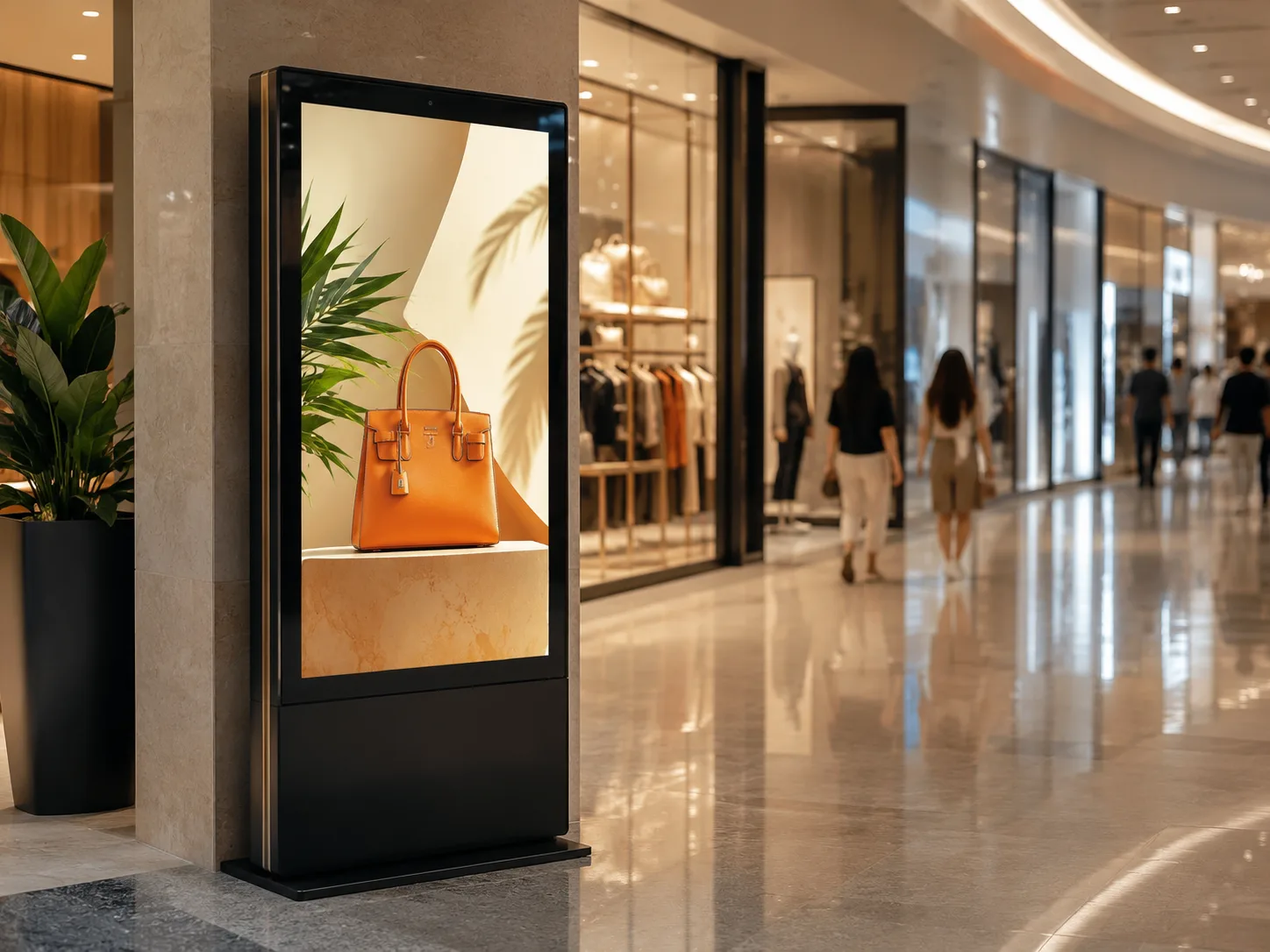
Retail & Shopping Malls
- Promotions
- Product information
- Store navigation
- Window advertising
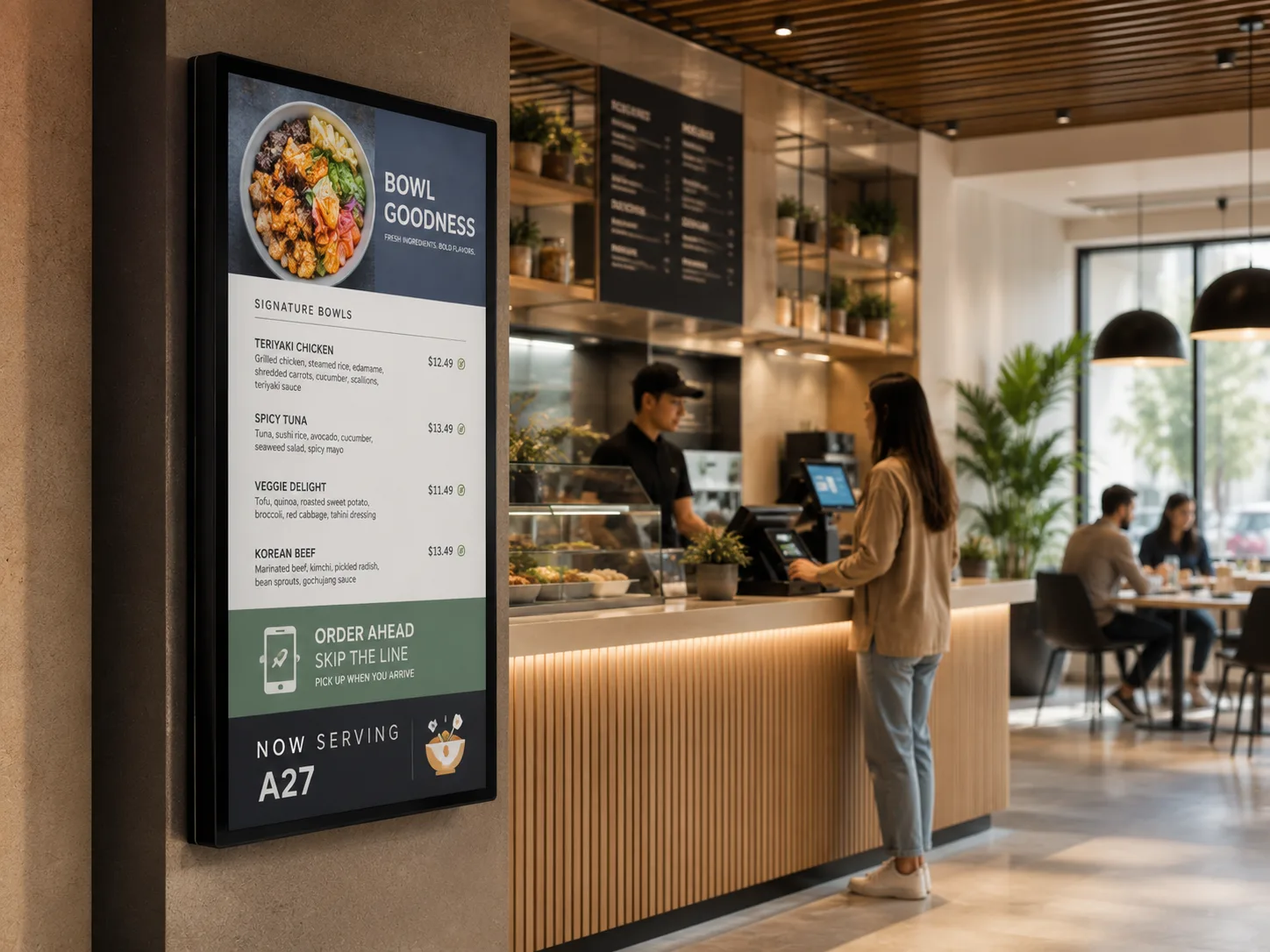
Restaurants & Food Service
- Digital menus
- Promotional content
- Queue information
- Ordering guidance
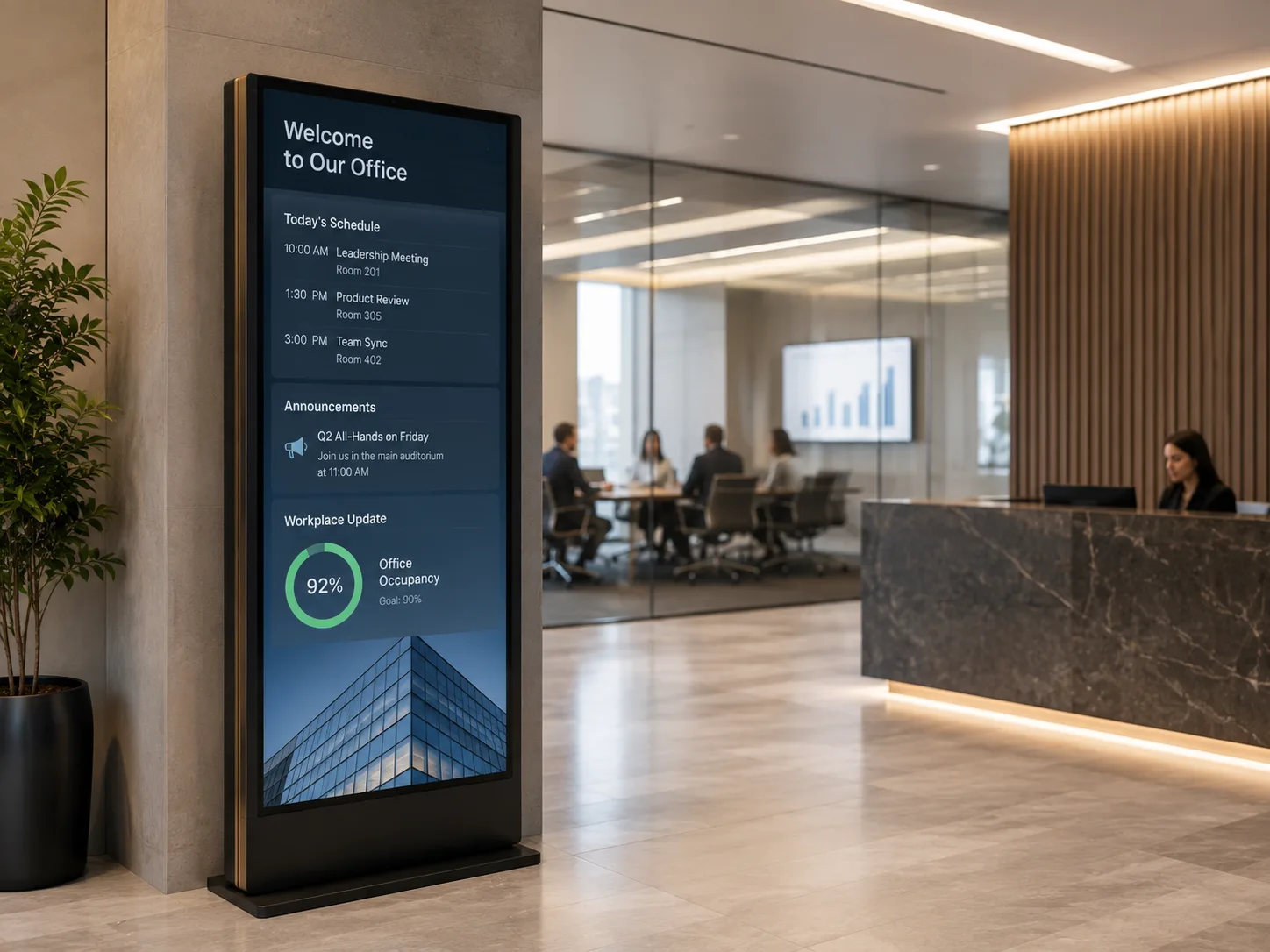
Corporate Offices
- Reception information
- Meeting schedules
- Internal announcements
- Dashboards
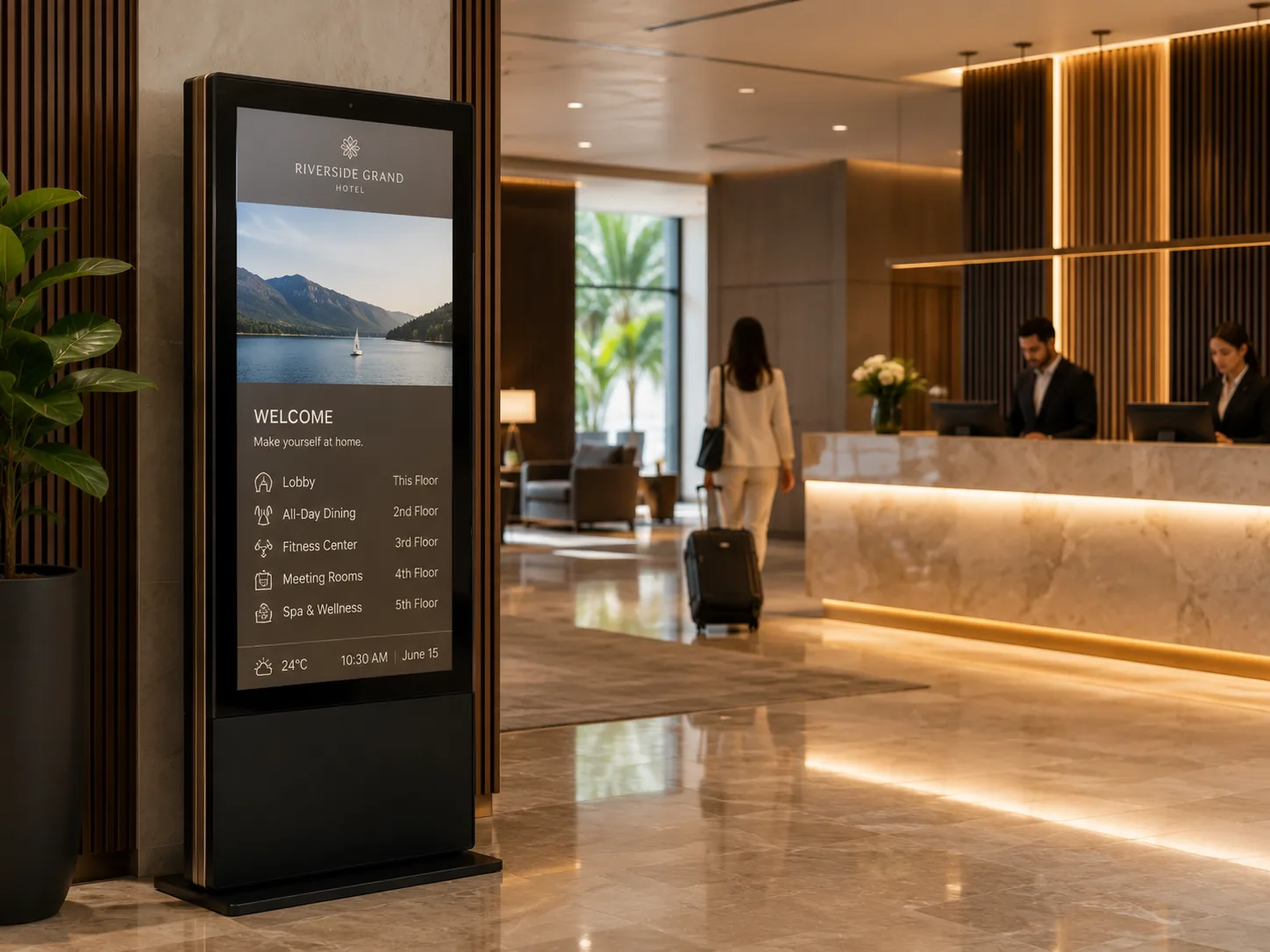
Hotels & Hospitality
- Lobby information
- Event schedules
- Wayfinding
- Service promotion
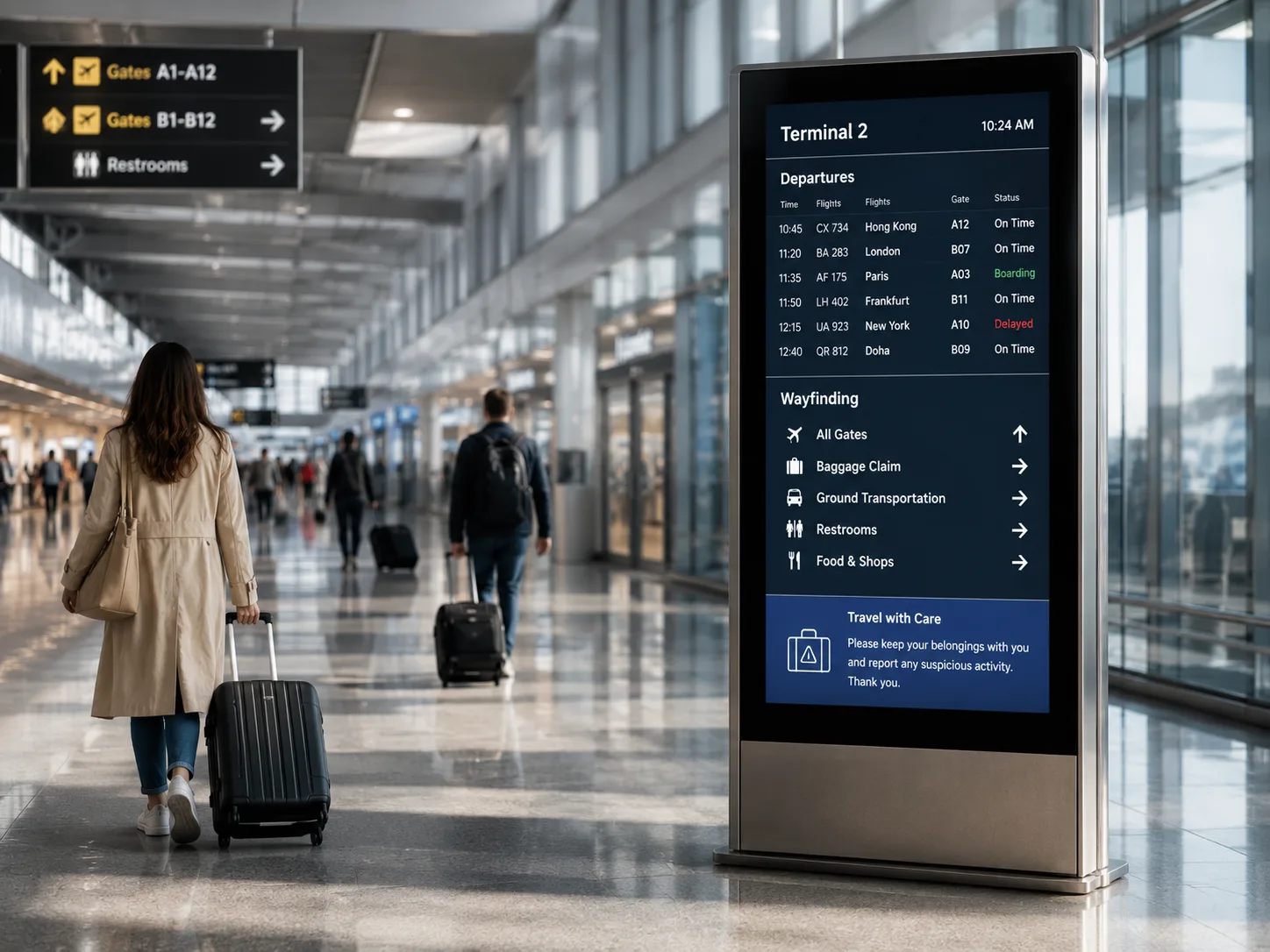
Transportation & Public Areas
- Schedules
- Directions
- Public notices
- Service information
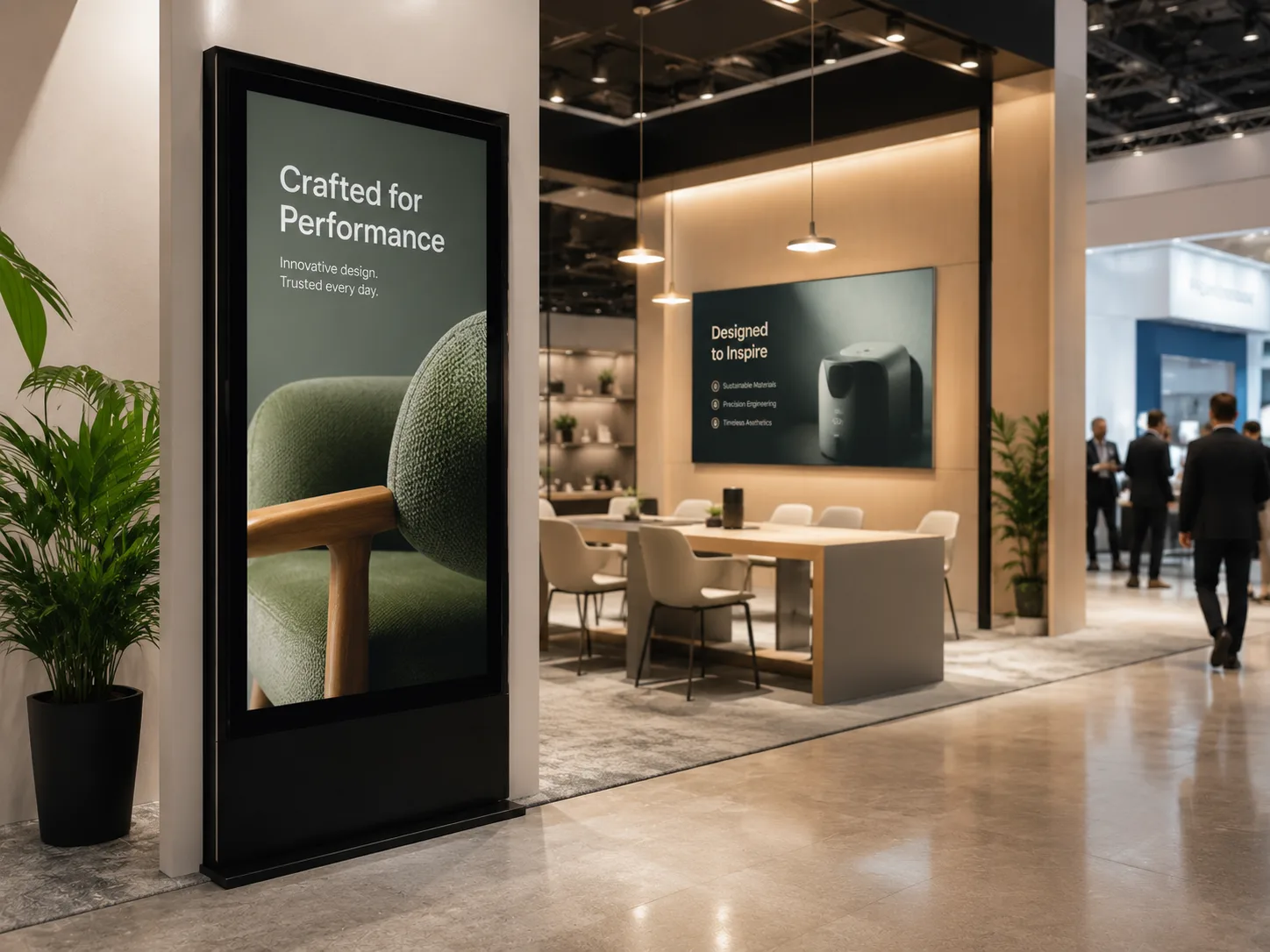
Exhibitions & Showrooms
- Product presentation
- Brand content
- Interactive catalogs
- Visitor information
Digital Signage Display vs TV
Why consumer televisions are rarely suitable for commercial deployment.
| Comparison | Digital Signage Display | Consumer TV |
|---|---|---|
| Intended Use | Commercial information and advertising | Home entertainment |
| Orientation | Model-dependent landscape or portrait support | Usually landscape |
| Installation | Commercial mounting and integration | Home or standard wall mounting |
| System Integration | May connect with players, networks and control systems | Mainly consumer input sources |
| Operating Schedule | Confirm by commercial model | Based on consumer product use |
| Customization | Model and supplier dependent | Usually limited |
Commercial displays are selected for project-specific installation, operating schedules and system integration. The exact differences depend on the selected display model and the intended deployment.
Custom Digital Signage Screens for OEM & Commercial Projects
Tailor hardware specifications to meet precise architectural and operational demands.
OEM Project Flow
Why Work with Lucky-XFC?
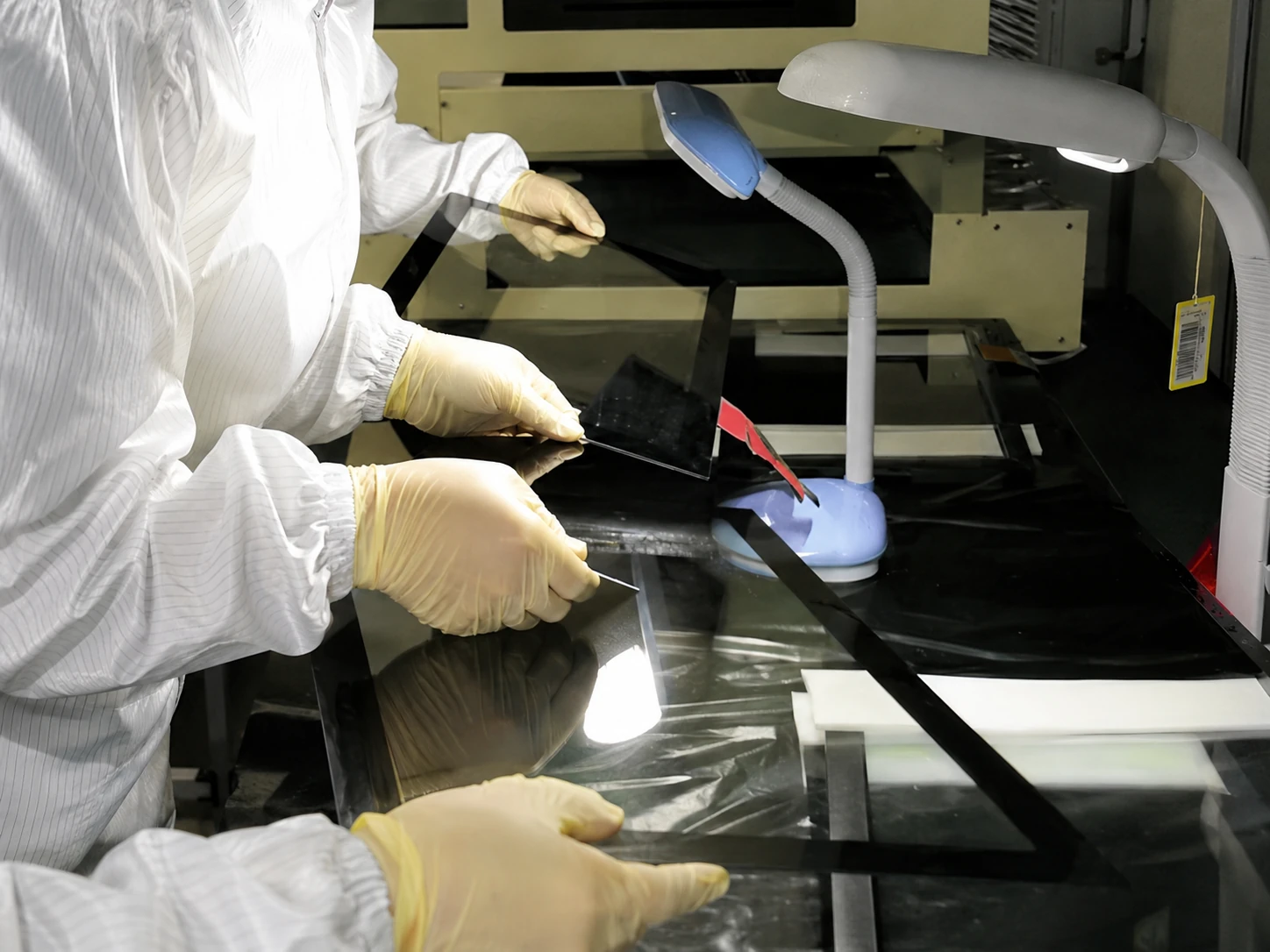
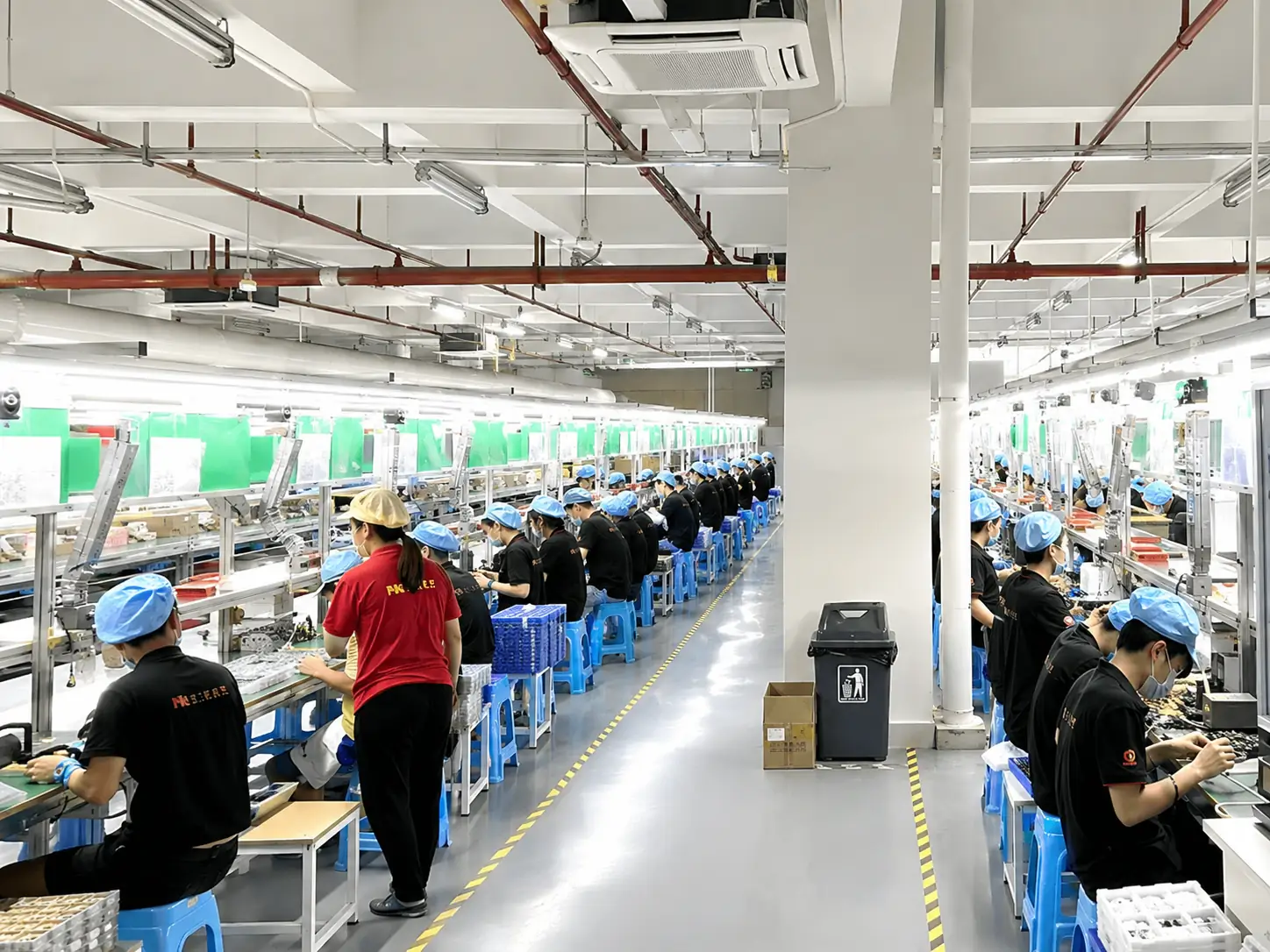
We manufacture commercial and industrial displays with a focus on quality control, structural customization, and reliable project support.
- OEM / ODM Support
- MOQ From 1 Piece
- 100% Inspection Before Delivery
What Affects Digital Signage Screen Pricing?
Digital signage screen pricing depends on the display size, brightness, touch requirement, installation structure, system configuration, customization and order quantity. Send your application, required size, quantity and destination to receive an accurate project quotation.
How to Source Digital Signage Screens
A clear process for specifying and ordering commercial displays.
Define the Application
Confirm if the deployment is for indoor, outdoor, retail, food service, office, information display or interactive query.
Confirm Installation
Decide on wall-mounted, floor-standing, embedded, window-facing, landscape or portrait orientation.
Select Requirements
Specify the required screen size, resolution, brightness rating, touch capability and input interfaces.
System Architecture
Determine if you need an external player, built-in system, Android, Windows or a customer-specified platform.
Review & Sample
Confirm appearance, structure, interface locations, touch performance and content display via drawing or physical sample.
Production & Inspection
Proceed with mass production, followed by 100% inspection, packaging and coordinated shipping arrangements.
Digital Signage Screens FAQ
Answers to common commercial display sourcing questions.
1. What is a digital signage screen?
2. What is the difference between a digital signage display and a TV?
3. What components are needed for digital signage?
4. Does a digital signage screen include a media player?
5. Does Lucky-XFC provide digital signage CMS software?
6. Can digital signage screens be installed vertically?
7. Are touch digital signage displays available?
8. How do I choose between indoor and outdoor digital signage?
9. What screen size should I choose?
10. What brightness is required?
11. Can I use my own media player or CMS?
12. Can the housing and mounting structure be customized?
13. What information is needed for a quotation?
14. Can I order a sample before mass production?
Request a Digital Signage Display Quote
Provide your project details below. Our engineering team will review your specifications and respond promptly with a tailored solution.
13+ Years of Expertise
Industry-leading manufacturer of touch screens and digital signage.
Flexible OEM / ODM
Full customization support with MOQ starting from just 1 piece.
100% Quality Inspected
Rigorous testing processes ensuring pristine 4K display performance.
