
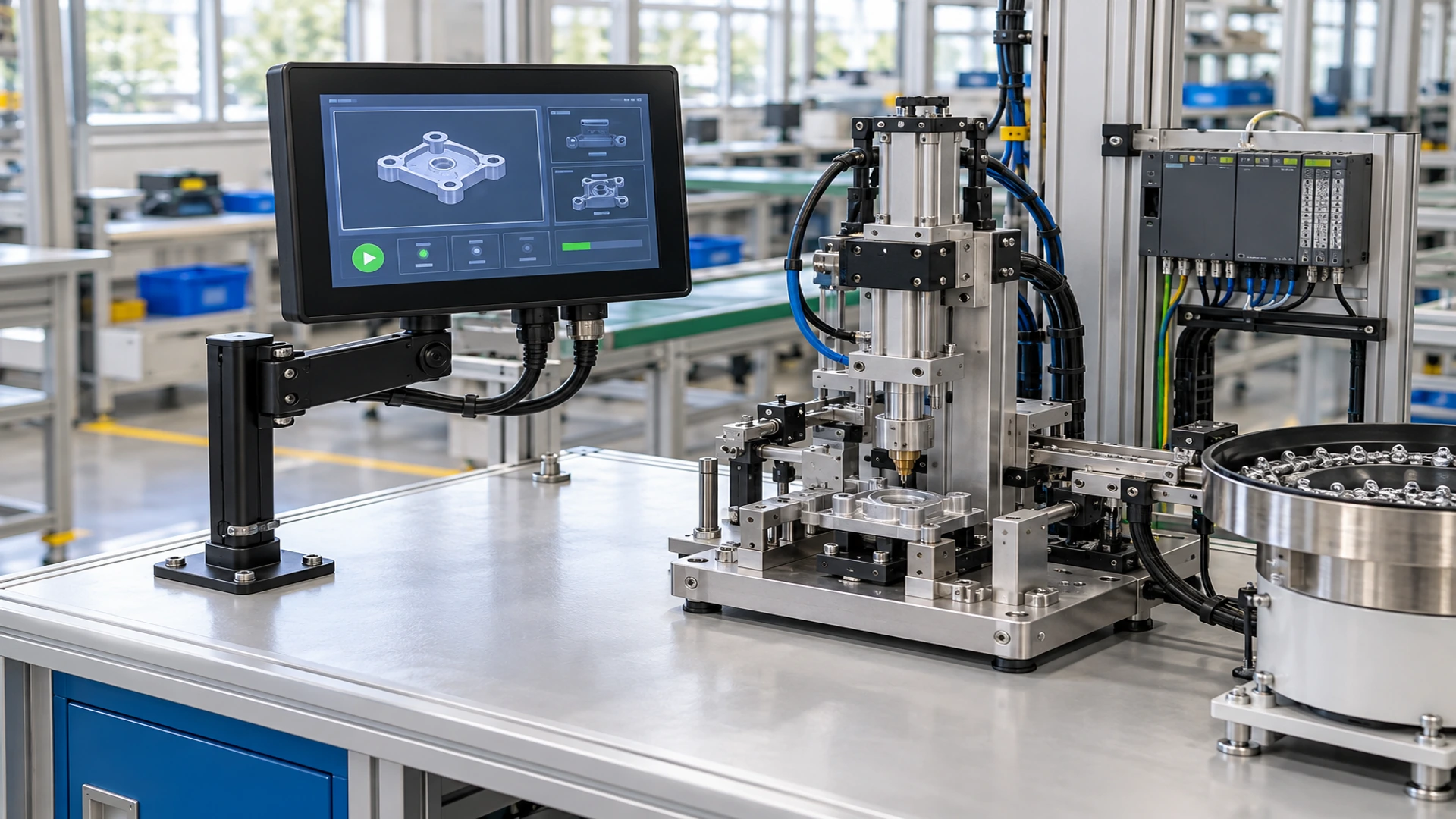
Small Touchscreen Monitor Solutions for Compact Equipment
Compact touch displays engineered around your host system, enclosure and installation space.
Build a small touchscreen monitor around the way your equipment is actually used. Lucky‑XFC supports a verified 10.1-inch industrial model as well as project-based portable, panel-mount, open-frame and mini touch display solutions. Tell us your target size, host device, video output, touch connection and mounting method, and our team will help define a practical display configuration before quotation.
Share your drawing, host model or installation space for a faster technical review.
Why Choose a Small Touchscreen Monitor from Lucky‑XFC?
A compact screen is only useful when it fits the mechanical space, connects correctly to the host and remains easy to operate. Lucky‑XFC approaches each small touchscreen monitor as an integration project rather than a generic screen purchase. We help buyers compare screen class, active display area, resolution, touch technology, video input, touch-data connection, mounting structure and cover-glass requirements.
Use the verified 10.1-inch XFC-IM-101P when its format matches your equipment, or begin a technical review for portable and custom configurations. Final dimensions, interfaces and environmental requirements are recorded in the approved project specification.
Verified 10.1-inch Model
A reliable industrial reference starting point.
External-Host Architecture
Maintain system flexibility and control.
Technical Review
Mechanical and interface review before production.
OEM/ODM Support
Tailored to project-specific requirements.
Small Touchscreen Monitor Types for Different Projects
Choose the product direction first. Size alone does not determine whether a display is suitable for portable use, panel installation or an integrated computer.
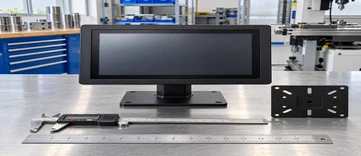
10.1-Inch Compact Industrial Monitor
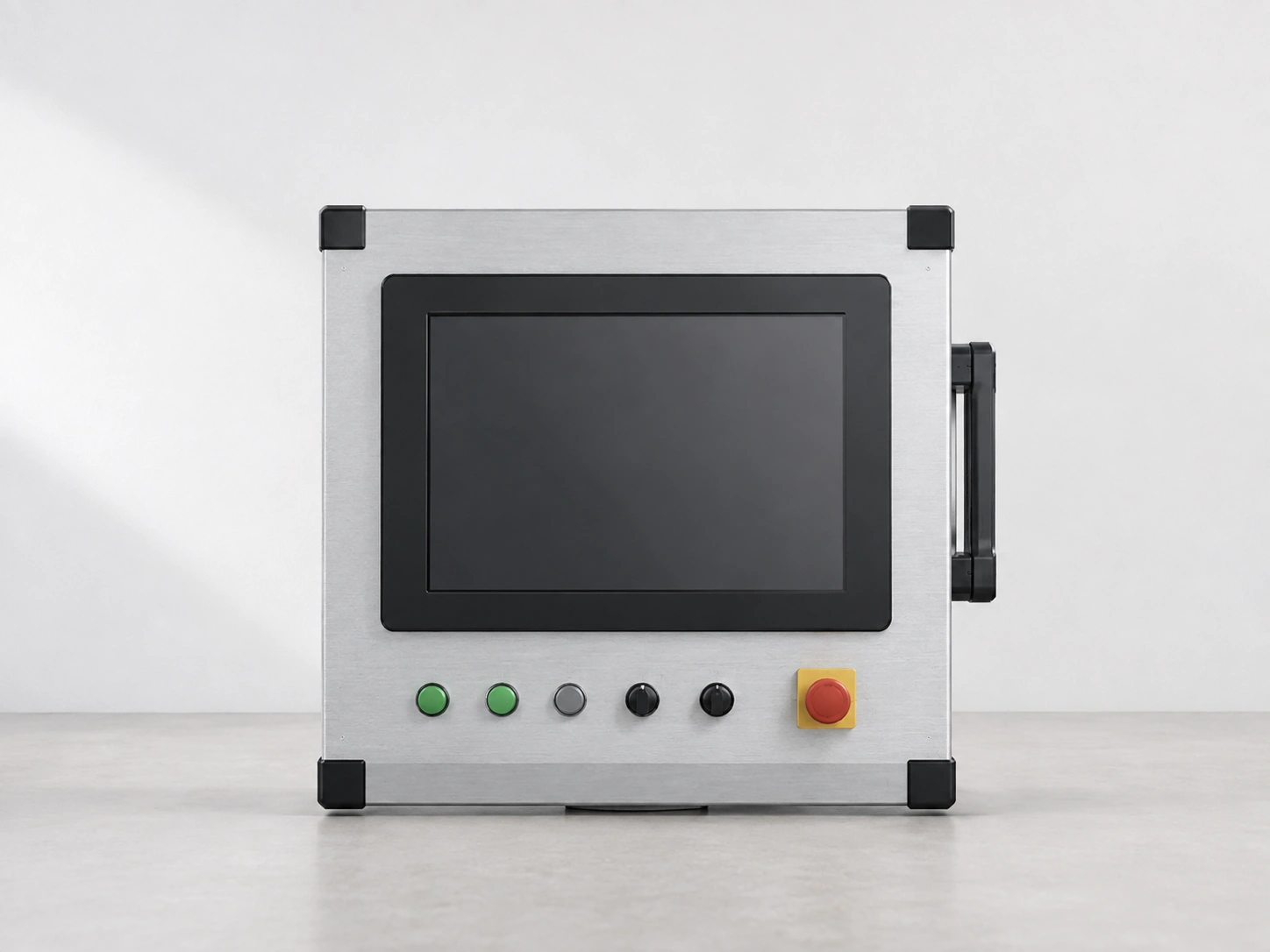
The XFC-IM-101P provides a verified starting point with a 10.1-inch 1280 × 800 display, PCAP touch, HDMI/VGA video inputs and Panel Mount/VESA installation.
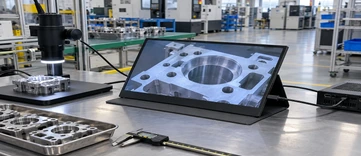
12.3–13.3 Inch Compact Portable Monitor
A compact portable direction for mobile diagnostics, field tools, vehicle auxiliary displays and space-conscious secondary-screen projects.
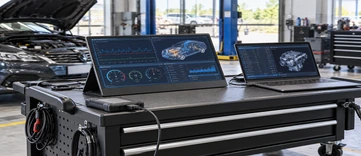
14–16 Inch Portable Monitor
More viewing space for mobile workstations, demonstrations, service equipment and dual-screen workflows while retaining a portable product format.
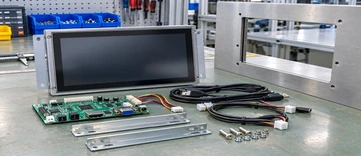
Panel-Mount & Open-Frame Monitor
Designed around equipment cutouts, mounting depth, bezel requirements and enclosure integration for machinery, instruments and control cabinets.
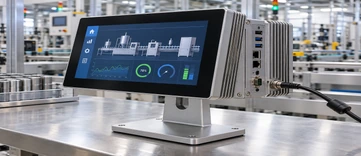
Small Touchscreen Computer
Choose an integrated touchscreen computer when the project needs a processor, memory, storage and operating system inside the terminal.
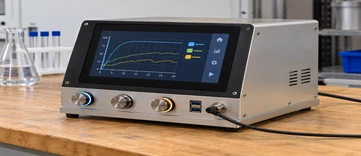
Below-10-Inch Custom Display Project
Mini touch display requirements below 10 inches can enter technical review but are not presented as standard stocked monitor models.
How to Size a Small Touchscreen Monitor
Do not select a small touchscreen monitor by diagonal size alone. The same nominal size can have different aspect ratios, active areas, outer dimensions and mounting structures. Begin with the usable viewing area and the enclosure space available around it.
Below 10 Inches
Best for: Instrument interfaces and highly compact embedded projects
Supply status: Custom technical review only
Confirm: Panel availability, controller, MOQ, housing and interface
10.1 Inches
Best for: Industrial panels, test equipment and compact control terminals
Supply status: Verified XFC-IM-101P reference
Confirm: Outer dimensions, cutout, mounting and touch-data connection
12.3–13.3 Inches
Best for: Portable diagnostics and compact secondary displays
Supply status: Project-based portable configuration
Confirm: Host output, USB-C or HDMI plan, housing and stand
14–16 Inches
Best for: Mobile workstations, service tools and larger portable interfaces
Supply status: Verified project range
Confirm: Port layout, power, weight target and mechanical structure
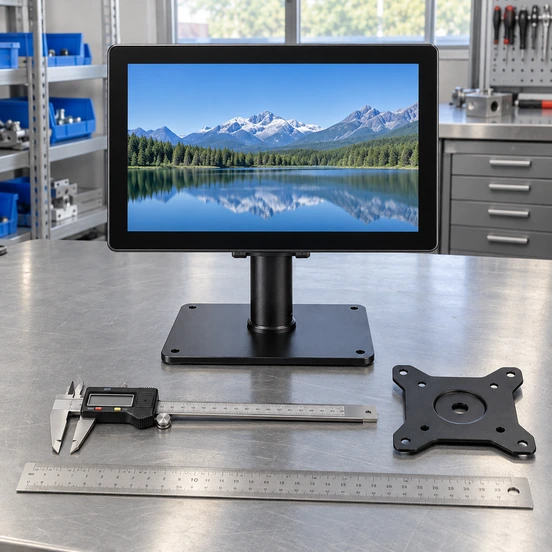
Select the Right Small Touchscreen Monitor Architecture
Use the following decision path before discussing individual specifications.
Does the display connect to an external computer, controller or embedded host?
If yes, select an external-host touchscreen monitor.
Does the terminal need its own processor, memory, storage and operating system?
If yes, evaluate a touchscreen computer instead of a monitor.
Will the screen be built into a cabinet or equipment housing?
Prioritize cutout dimensions, mounting depth, connector direction and front-bezel design.
Will the screen move between locations?
Review portable housing, stand angle, cable management, weight target and host power capability.
Is the requested display below 10 inches?
Begin with a component and system feasibility review rather than assuming a standard monitor is available.
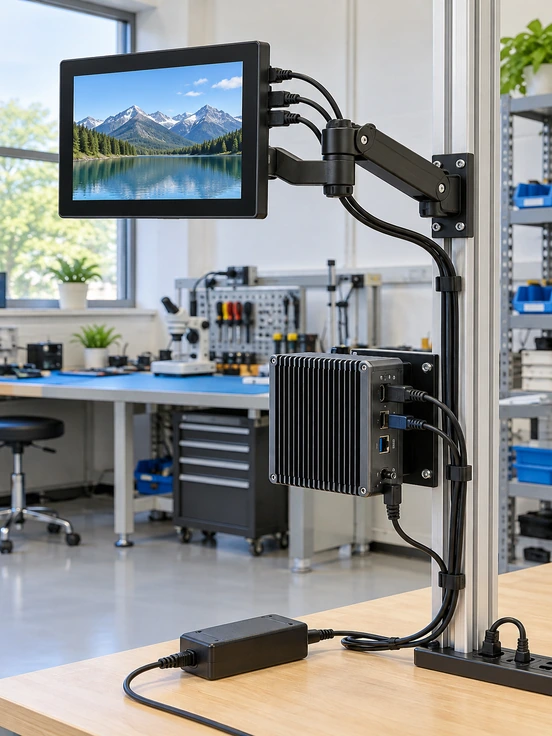
10.1-Inch Small Touchscreen Monitor for Industrial Integration
For buyers seeking a compact and clearly defined industrial starting point, the XFC-IM-101P is the primary verified reference. It combines a 10.1-inch 1280 × 800 panel with PCAP touch, HDMI/VGA video inputs and Panel Mount/VESA installation options.
This external-host architecture lets the customer retain control of the computer, PLC, embedded board or other source device. Before ordering, Lucky‑XFC confirms the final touch-data interface, power input, connector orientation, outer dimensions, mounting drawing and operating requirements in the approved specification.
| Model | XFC-IM-101P |
|---|---|
| Display | 10.1 inch |
| Resolution | 1280 × 800 |
| Touch | PCAP |
| Video Inputs | HDMI / VGA |
| Mounting | Panel Mount / VESA |
| Host Architecture | External host |
| Final Details | Confirm by project |
Small Touchscreen Monitor Mounting for Tight Spaces
Mechanical fit is often the deciding factor in a compact display project. A screen can meet the diagonal-size requirement and still interfere with the enclosure, cable bend radius or nearby components.
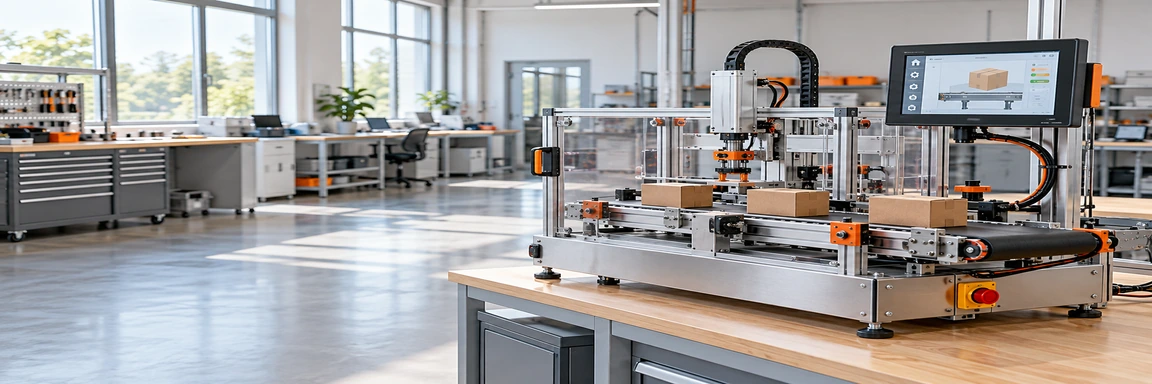
Panel Mount
Suitable when the display is secured to a prepared equipment panel. Confirm cutout size, panel thickness, fastener positions and front-bezel overlap.
VESA Mount
Useful for arms, brackets and adjustable workstations. Confirm the required mounting pattern, load direction and available rear clearance.
Open-Frame Integration
Suitable for OEM housings and custom equipment. Confirm the active-area position, mounting points, overall depth, controller-board location and service access.
Engineering Reminder: Request a 2D mechanical drawing before machining the enclosure. Connector direction and cable clearance must be reviewed together with the mounting structure.
Small Touchscreen Monitor or Touchscreen Computer?
These products may look similar from the front, but their system architecture and purchasing requirements are different.
Small Touchscreen Monitor
- Requires an external host
- Receives video from HDMI, VGA or a confirmed project interface
- Sends touch data through a separate or confirmed data connection
- Easier to pair with the buyer’s selected PC or controller
- Best when computing hardware is managed separately
Touchscreen Computer
- Includes computing hardware
- Can include processor, memory, storage and operating system
- Requires CPU, RAM, storage, OS and thermal planning
- Best for an integrated terminal architecture
- Must be specified as a complete computing system
PCAP Touch for a Responsive Small Touchscreen Monitor
Projected capacitive touch, commonly called PCAP, is the verified touch technology for the XFC-IM-101P. It supports a clean glass-front appearance and responsive touch interaction suited to many industrial, commercial and equipment-control interfaces.
The correct touch solution still depends on the operator, environment and front-surface design. Tell Lucky‑XFC whether users will operate the screen with a bare finger, glove or another input method. Also identify water exposure, cleaning procedures, cover-glass requirements and the target operating system.
For projects considering resistive touch or another touch structure, request a technical review. Do not assume every touch technology is available for every panel size or mechanical design.
Integration Checklist:
- Input method
- Cover-glass requirement
- Glove-use condition
- Water and cleaning exposure
- Touch controller compatibility
- Operating-system recognition
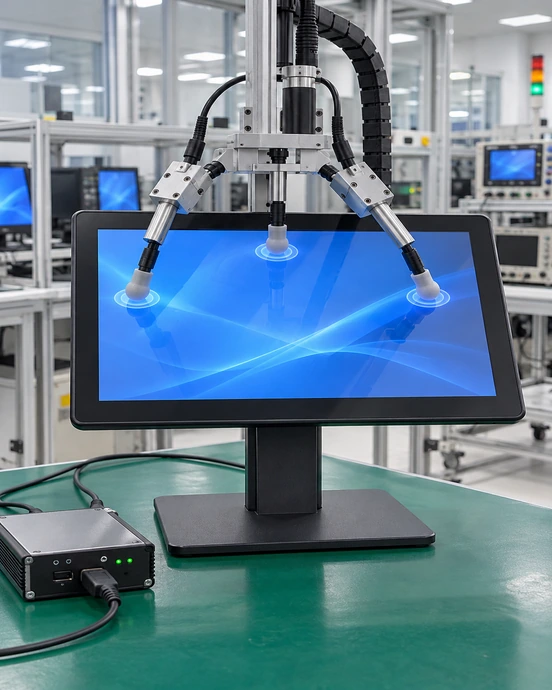
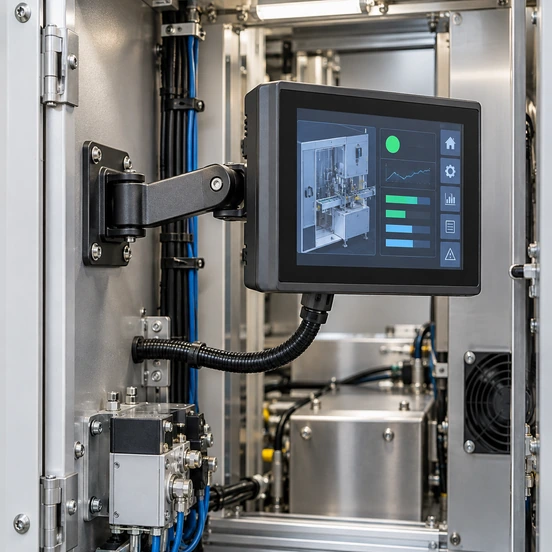
Small Touchscreen Monitor Video, Touch and Power Connections
A successful integration requires three paths to be confirmed separately: video, touch data and power.
Video
The verified 10.1-inch reference supports HDMI and VGA video inputs. Other interfaces are project-dependent.
Touch Data
HDMI normally carries the image signal, not the touch coordinates. Touch commonly requires a USB data connection or another project-confirmed solution.
Power
The power source and connector must match the approved specification. Do not assume that every host USB port can supply sufficient power.
USB-C Projects
USB-C connector shape alone does not guarantee video output. The host, cable and monitor configuration must support the required protocol, such as DisplayPort Alt Mode, together with the required touch-data and power arrangement.
Integration Checklist:
Small Touchscreen Monitor Applications Across Compact Systems
The best configuration depends on what the operator needs to see, how the display is mounted and which host controls the system.
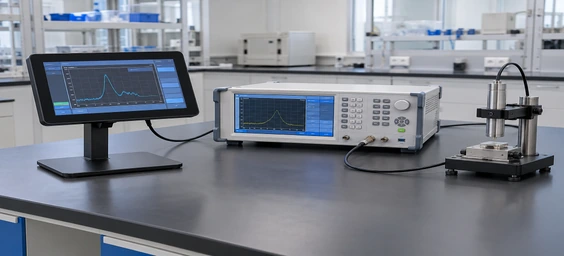
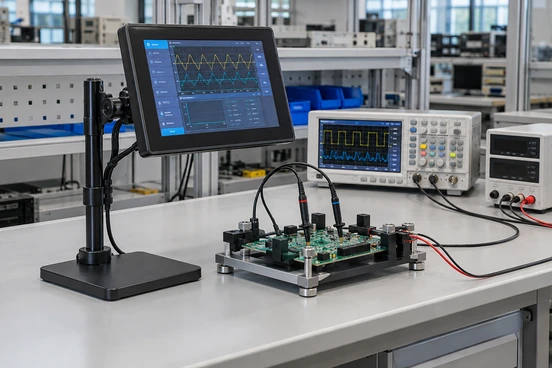
Laboratory Test Equipment
Compact interfaces for displaying measurements, selecting test routines and reviewing device status.
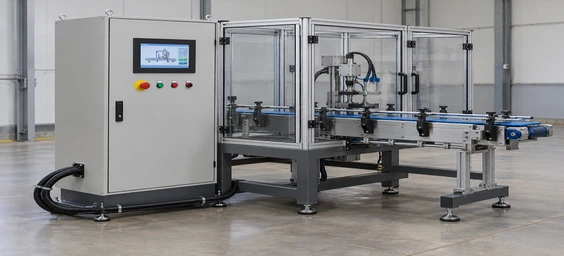
Industrial Machine Panels
Touch access to process settings, alarms and production information where panel space is limited.
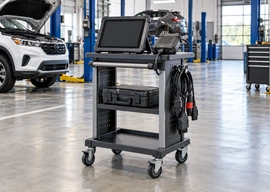
Mobile Diagnostic Stations
Portable or compact displays used with service computers and field diagnostic equipment.
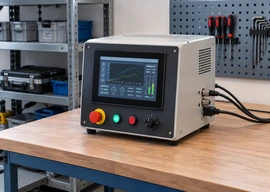
Embedded Control Consoles
Open-frame or panel-mount integration into OEM housings, instruments and custom terminals.
Vehicle Auxiliary Displays
Project-based screens for control, information or monitoring interfaces where host output and power must be confirmed.
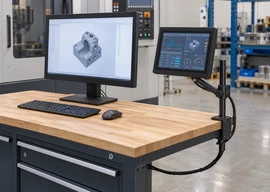
Compact Secondary Workspaces
Additional touch-enabled viewing space for task controls, communication panels or service workflows.
Portable Small Touchscreen Monitor Project Options
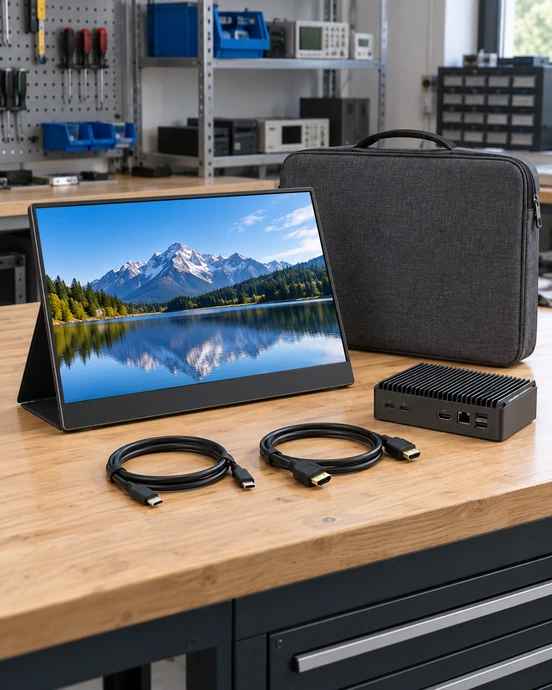
A portable small touchscreen monitor must balance viewing area, housing strength, stand stability, cable arrangement and compatibility with the host. Lucky‑XFC supports project discussions for 12.3, 13.3, 14, 15.6 and 16-inch portable touchscreen monitor formats.
Potential project items include PCAP touch, HDMI or USB-C connection planning, cover glass, housing design and kickstand structure. These are configuration directions, not universal specifications for every size.
Before quotation, provide:
- Target screen size
- Host model
- Required video output
- Touch-data connection
- Available power
- Preferred stand angle
- Port location
- Housing requirements
Small Touchscreen Monitor Compatibility Starts with the Host
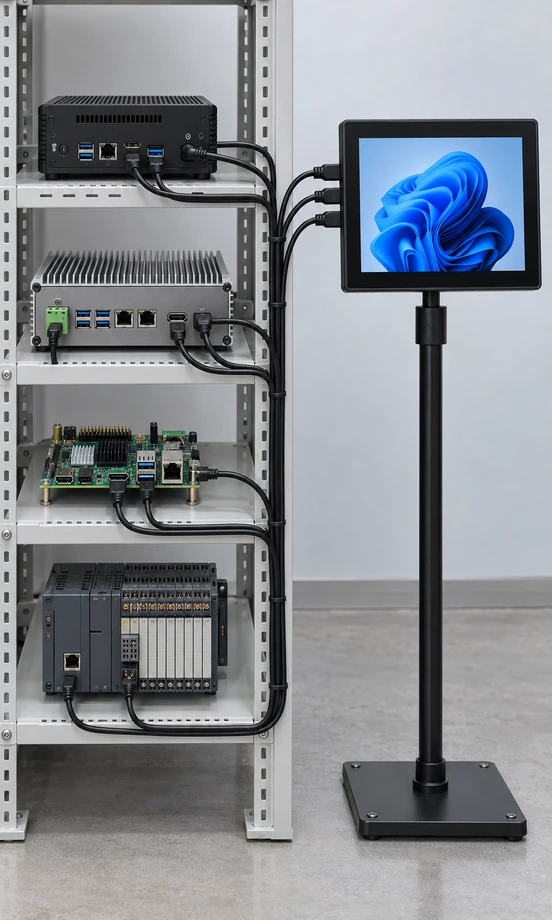
Compatibility cannot be determined from screen size alone. Lucky‑XFC needs to understand the device that produces the image and receives the touch coordinates.
Windows PC or Mini PC
Confirm video output, USB availability, resolution support and touch recognition.
Industrial Computer
Confirm connector type, mounting environment, cable routing and operating-system requirements.
Embedded Board
Confirm supported timing, resolution, USB host function, available drivers and power arrangement.
Raspberry Pi-Type Projects
Confirm the exact board version, operating system, display output, USB touch recognition and power supply. Compatibility must be validated rather than assumed.
PLC or Proprietary Controller
Confirm whether the controller can output a compatible video signal and accept the required touch input. Some PLC projects may require a different HMI architecture.
Small Touchscreen Monitor Responses to Common Buyer Risks

“The screen fits diagonally but not mechanically.”
Response: Review outer dimensions, active area, depth, cutout and cable clearance before enclosure machining.

“The image works but touch does not.”
Response: Separate the video path from the touch-data path and confirm USB recognition, operating system and controller compatibility.

“The USB-C port does not output video.”
Response: Verify host protocol support, cable capability, power delivery and the planned signal architecture.

“The connector is blocked after installation.”
Response: Confirm connector orientation, cable bend radius and rear service space using the mechanical drawing.
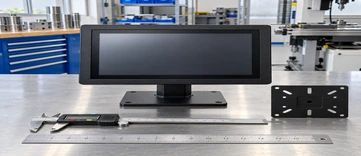
“We need a size below 10 inches.”
Response: Start a feasibility review covering panel resources, touch controller, housing, interface and MOQ instead of assuming standard availability.

“We cannot decide between a monitor and a computer.”
Response: Choose an external-host monitor when computing is already available; choose an integrated system when the terminal needs its own processor and operating system.
Small Touchscreen Monitor Case: Compact Laboratory Test Interface
A laboratory equipment integrator needed a compact touch interface for a benchtop testing system. The available front-panel area was limited, while the customer’s control computer already provided the required computing functions. An integrated touchscreen computer would have duplicated hardware and increased the enclosure design burden.
Lucky‑XFC used a 10.1-inch external-host small touchscreen monitor direction as the evaluation starting point. The project review focused on the host’s video output, USB touch-data connection, front-panel opening, rear installation depth, connector direction and access for maintenance.
Recommended project approach:
- • Keep processing and software on the customer’s existing host
- • Use a compact external touchscreen display architecture
- • Confirm PCAP touch operation with the selected operating system
- • Check panel opening and rear cable clearance before enclosure production
- • Freeze the interface and mounting drawing in the approved specification
Outcome: The customer received a clearer integration path that separated display, touch and computing responsibilities and reduced the risk of redesigning the equipment enclosure.
This is an anonymized representative scenario based on common project requirements. It does not identify a specific customer or disclose confidential project information.
Small Touchscreen Monitor Customization in Six Steps
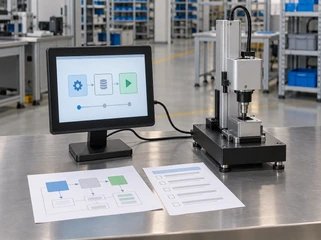
1. Define the Application
Tell us what the operator needs to view and control.
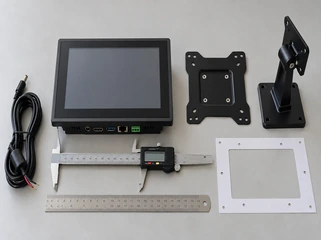
2. Confirm Size and Architecture
Choose an external monitor, portable display, embedded format or integrated computer direction.
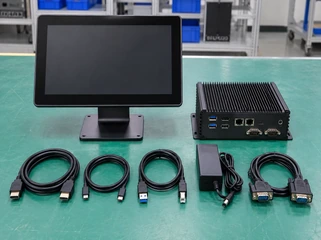
3. Review Host and Interfaces
Provide the host model, video output, touch-data connection and available power.
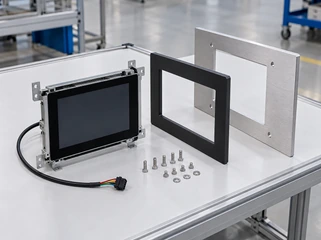
4. Confirm Mechanical Integration
Review outer dimensions, cutout, mounting points, connector direction and cable clearance.
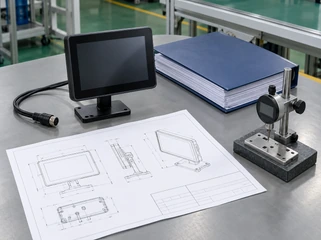
5. Approve the Specification
Freeze the agreed panel, touch, interface and structural requirements before production.
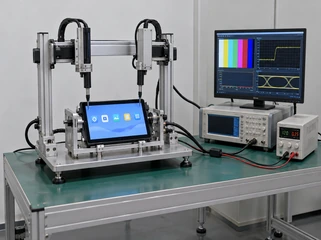
6. Sample and Project Validation
Evaluate fit, signal, touch operation and application suitability against the approved requirements.
Production planning begins only after the product boundary and project specification are clear. Any requested change to the panel, interface or housing should be reviewed for its effect on cost, MOQ and schedule.
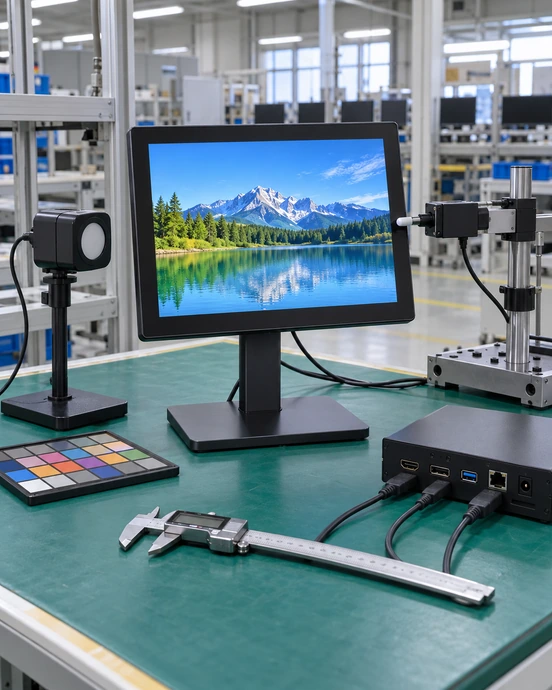
Small Touchscreen Monitor Quality Checks Before Delivery
Quality control should verify the approved project specification rather than rely on generic product claims. The inspection plan may vary by model and application.
Visual Inspection
Check the display surface, housing, connectors and assembly appearance.
Display Function
Verify image input, resolution behavior and basic display operation against the approved configuration.
Touch Function
Check touch response, coordinate behavior and connection with the selected host environment.
Interface Check
Confirm specified video, touch-data and power connections.
Mechanical Check
Compare relevant dimensions, mounting positions and connector locations with the approved drawing.
Project-Specific Testing
Environmental, continuous-operation or other tests are performed only when included in the agreed project requirements.
Do not display certification logos, test standards or numeric performance claims unless supporting records are available for the exact product configuration.
Small Touchscreen Monitor Support from Lucky‑XFC
Lucky‑XFC supports B2B display projects by connecting product selection with mechanical and electrical integration. Instead of presenting every requested size as a standard item, our team identifies whether the requirement matches a verified model, an established customization path or a project that needs additional feasibility review.
Customers can discuss:
- • Industrial touchscreen monitors
- • Portable touchscreen monitor configurations
- • Panel-mount and open-frame integration
- • Touch and cover-glass requirements
- • Interface and host compatibility
- • Housing and mechanical requirements
- • Touchscreen computer alternatives
- • OEM/ODM project documentation
Small Touchscreen Monitor FAQs
What is a small touchscreen monitor?
What is the smallest Lucky‑XFC touchscreen monitor?
Does HDMI carry the touchscreen signal?
Can a small touchscreen monitor work with Raspberry Pi?
Can I order a USB-C small touchscreen monitor?
Should I choose PCAP or resistive touch?
Can the cover glass and housing be customized?
What information is needed for a quotation?
Can the monitor be panel-mounted?
How are MOQ and lead time determined?
Start Your Small Touchscreen Monitor Project
Tell Lucky‑XFC how the display will be installed, which host will drive it and what the operator needs to control. Our team will determine whether the project matches the verified 10.1-inch model, a portable configuration, an integrated touchscreen computer or a custom mini display review.
