Lucky-XFC Logo
Company Address: No. 3, Lianfeng Road, Hongqiaotou Community, Yanluo Street, Bao'an District, Shenzhen, Guangdong Province, China
WhatsApp
Commercial Advertising Display Screen Installation

Advertising Display Screens for Commercial Spaces

Choose wall-mounted LCD signage, floor-standing displays, touch-enabled screens, custom kiosks and outdoor display configurations based on your content, installation and system requirements.

  • Wall, floor and kiosk formats
  • Touch or non-touch configurations
  • Android and external player integration
  • Indoor and outdoor project review
Discuss Your Display Project

Share the screen size, application, installation method and expected quantity for a configuration review.

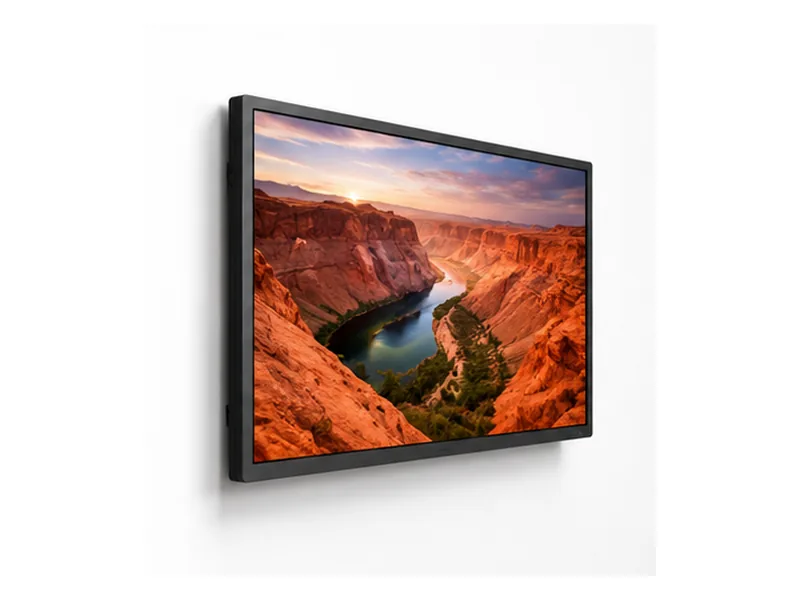
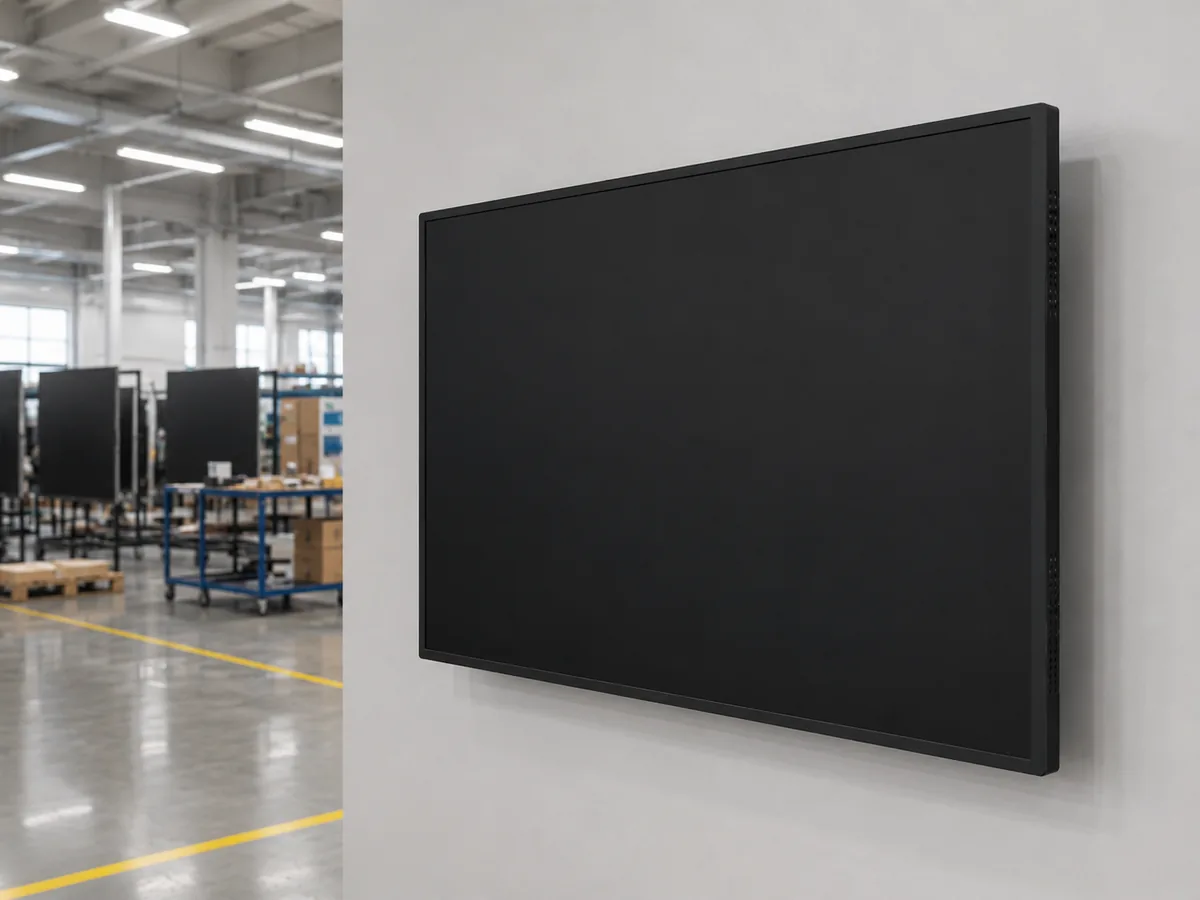
Wall-Mounted LCD Advertising Displays

Wall-Mounted LCD Advertising Displays

A space-efficient format for retail promotions, menu content, corporate information and public communication.

Selection Note:

Consider screen size, portrait or landscape orientation, mounting structure and viewing distance.

Discuss a Wall-Mounted Display
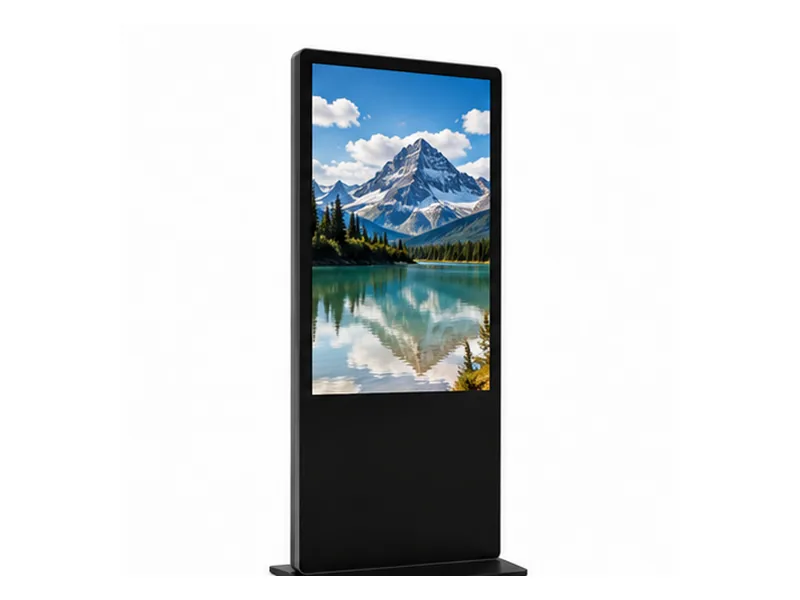
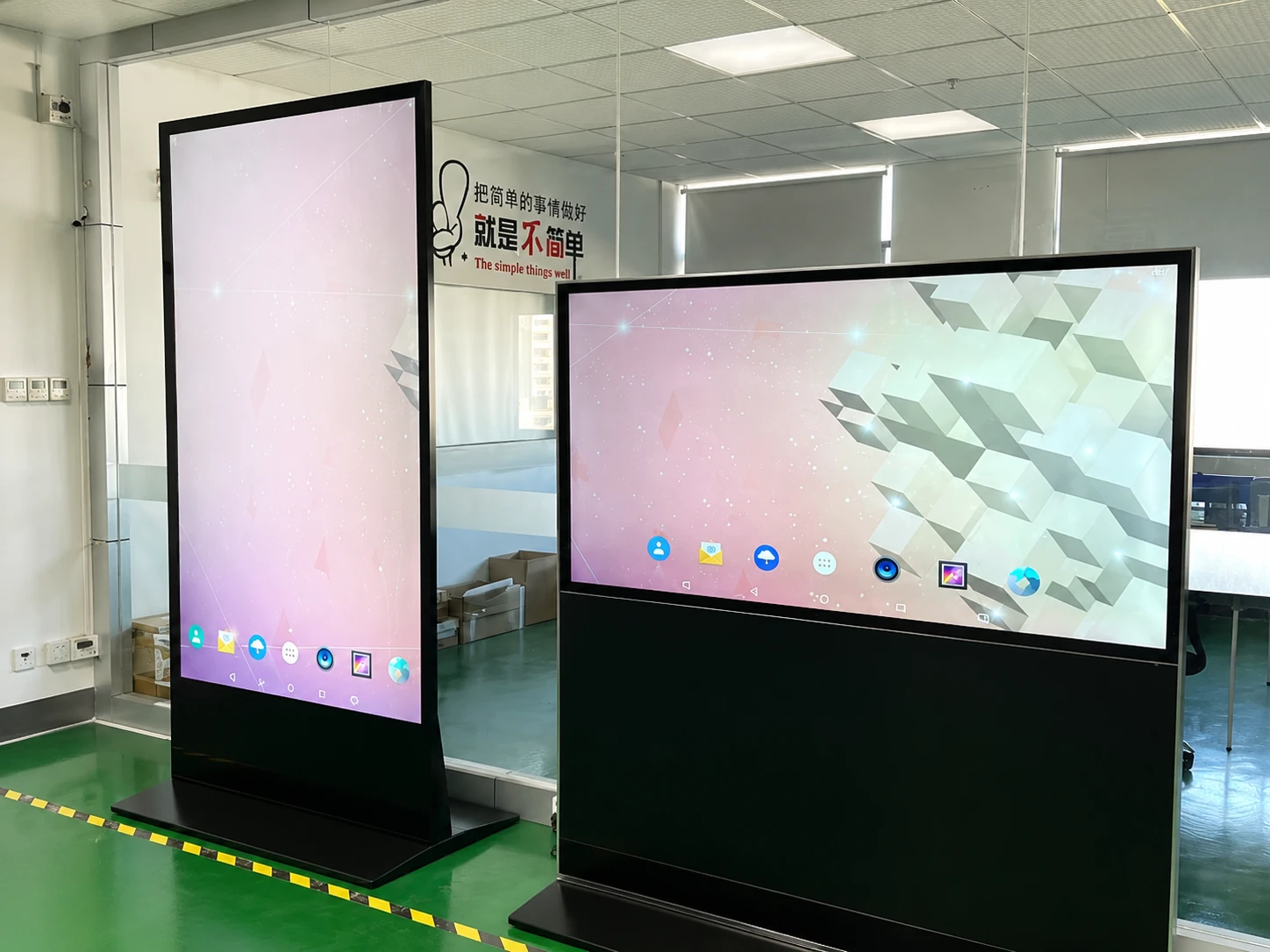
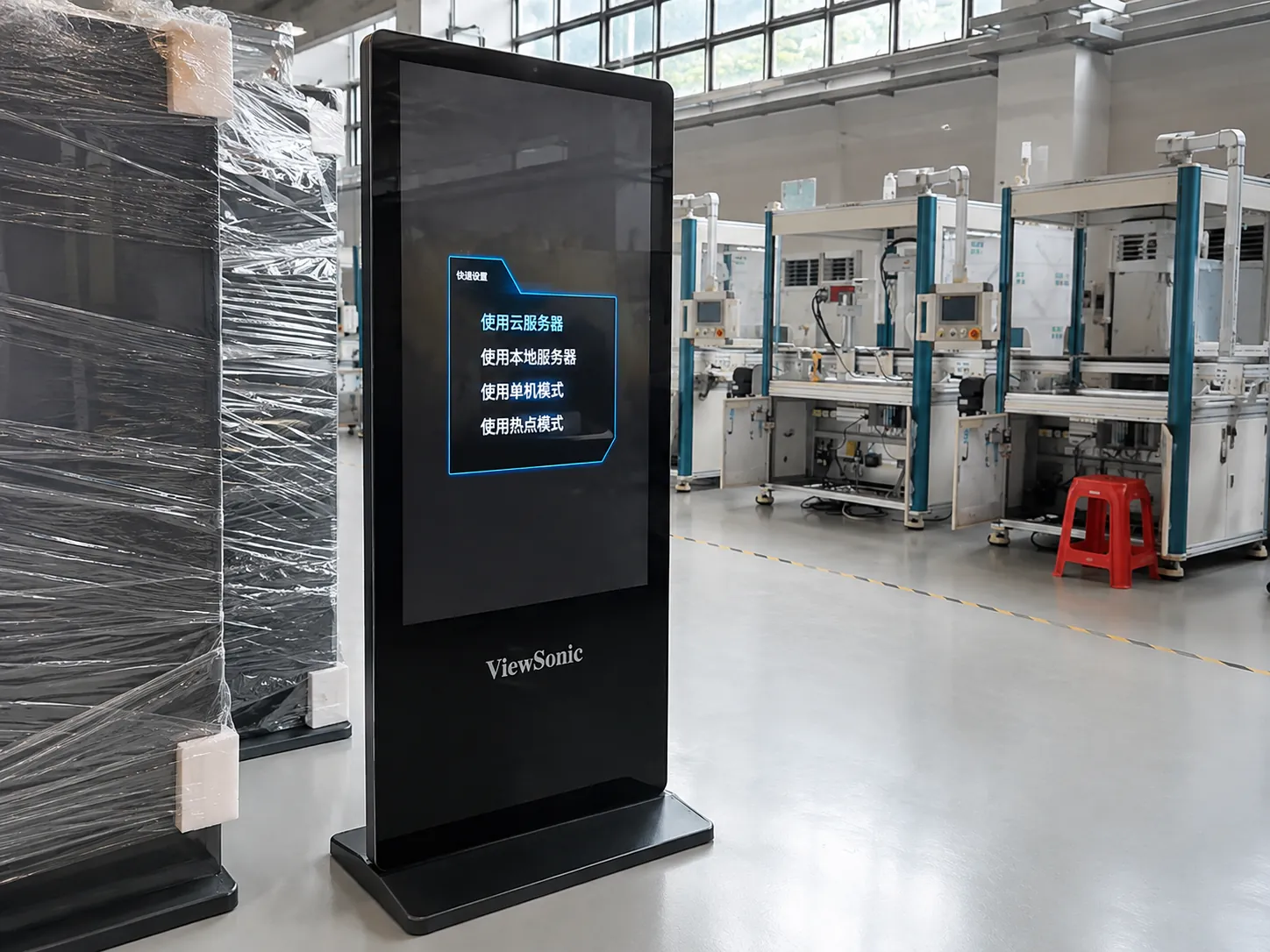
Floor-Standing Digital Signage & Totems

Floor-Standing Digital Signage & Totems

A freestanding display format for entrances, showrooms, shopping areas, exhibitions and high-traffic indoor locations.

Selection Note:

Confirm floor space, enclosure style, orientation, cable routing and anti-tip requirements.

Discuss a Floor-Standing Display
Interactive Touch Advertising Displays

Interactive Touch Advertising Displays

Add capacitive touch for product exploration, wayfinding, information lookup and guided self-service experiences.

Selection Note:

Define the touch workflow, operating system, software interface and expected user environment before selecting hardware.

Discuss a Touch Display
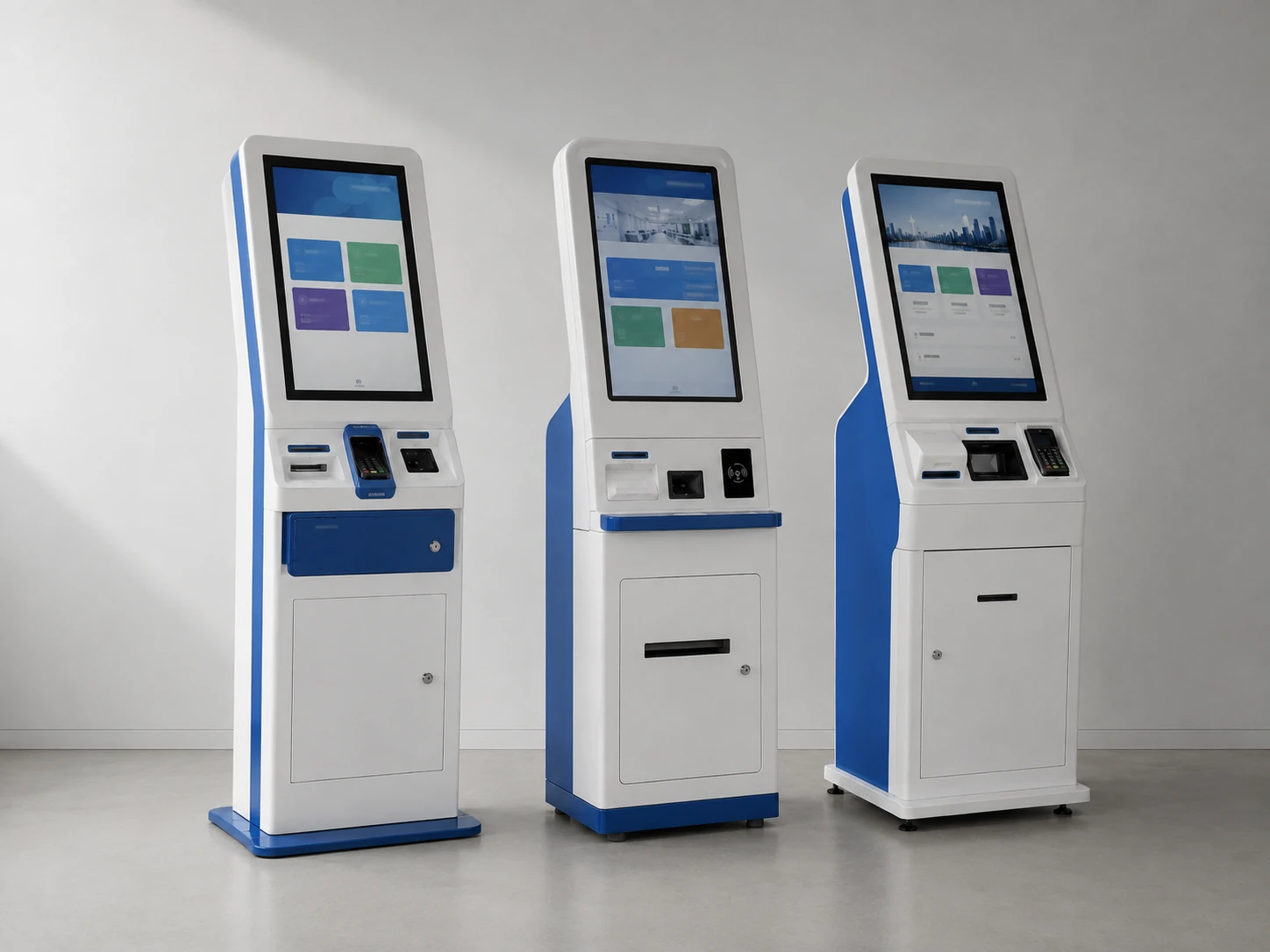
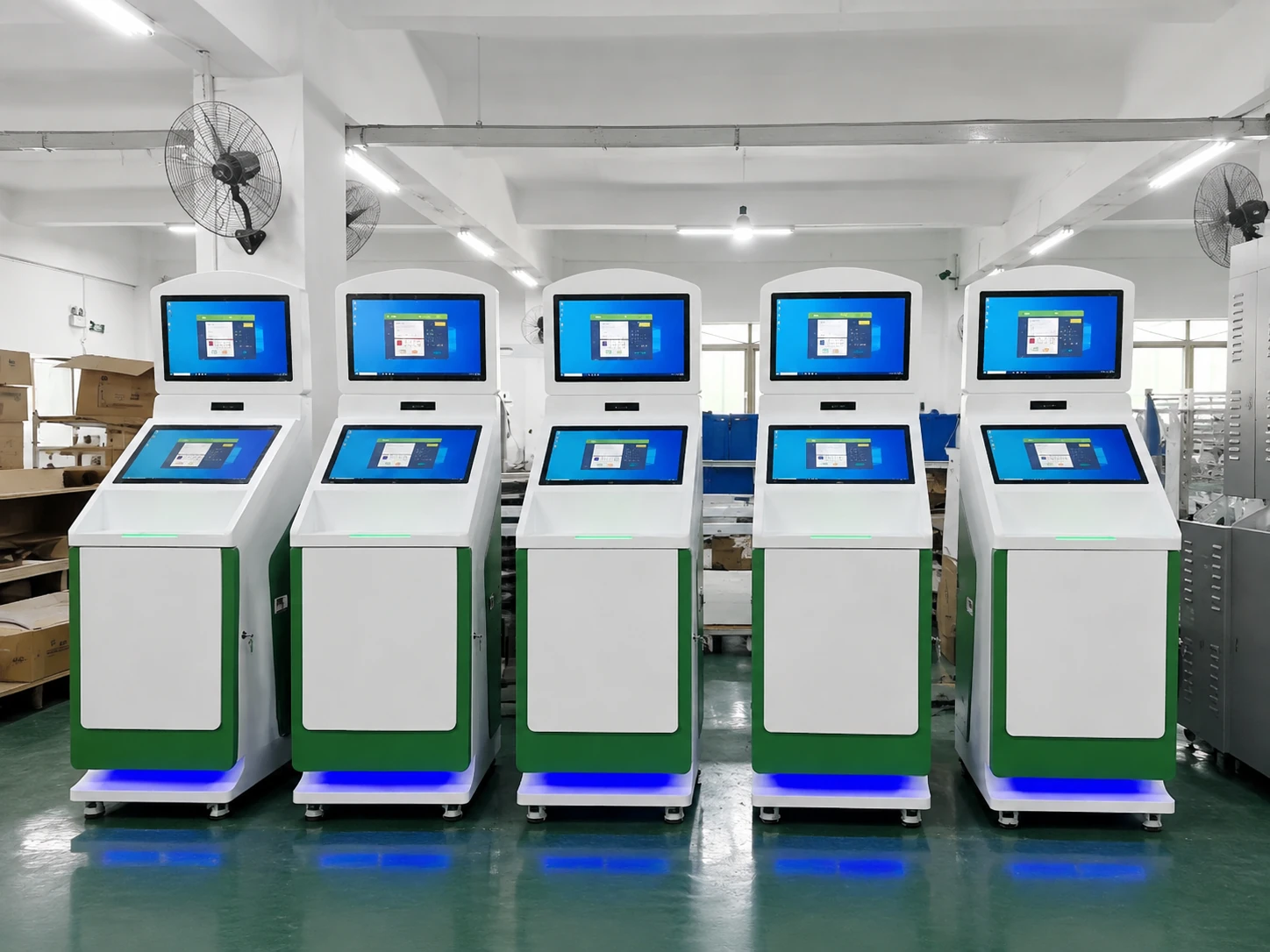
Digital Signage Kiosks & Custom Integrated Displays

Digital Signage Kiosks & Custom Integrated Displays

Combine the display, enclosure, touch interface and computing platform in a project-specific structure.

Selection Note:

Provide the application flow, installation drawing, required peripherals and service-access plan.

Discuss a Custom Kiosk
Outdoor LCD Digital Signage Displays

Outdoor LCD Digital Signage Displays

Outdoor and semi-outdoor projects require configuration review for sunlight, weather exposure, operating temperature, power and maintenance access.

Selection Note:

Do not select an outdoor display by screen size alone. Share the exact installation environment first.

Review an Outdoor Project
Large-Format Direct-View LED Projects

Large-Format Direct-View LED Projects

For projects that specifically require a modular LED billboard or video wall, submit the target dimensions, viewing distance, pixel-pitch expectations and installation plan for a supply-scope review.

Status Note:

Project-review category. Availability and technical scope must be confirmed before quotation.

Request an LED Project Review

Start with the Right Display Technology

‘Advertising display screen’ can refer to different technologies. The correct choice depends on viewing distance, installation scale, content detail and environmental conditions.

Primary Focus

Commercial LCD Digital Signage

LCD signage is suited to detailed images, menus, product information, directories and interactive content viewed from close to medium distances. It is commonly supplied as an integrated wall-mounted, floor-standing or kiosk display, with touch available when the application requires it.

Key Configuration Decisions:

  • Screen size and resolution
  • Portrait or landscape orientation
  • Touch or non-touch operation
  • Built-in Android or external media player
  • Mounting and enclosure design
  • Indoor, window-facing or outdoor environment

Direct-View LED Display

Direct-view LED uses modular LED cabinets rather than an LCD panel. It is typically considered for larger viewing areas, long-distance visibility, stage backgrounds, façades and billboard-scale installations.

Key Configuration Decisions:

  • Pixel pitch and viewing distance
  • Total display dimensions
  • Cabinet and module structure
  • Brightness and environmental exposure
  • Front or rear service access
  • Installation and control-system design

Note: Direct-view LED requirements are reviewed separately and are not represented by the LCD model specifications shown on this page.

Turn Site Requirements into a Workable Display Configuration

A reliable signage project starts with the installation and content workflow—not with screen size alone.

Problem: Selecting only by diagonal size

Risk: The display may not match the viewing distance, content density, wall space or orientation.

Lucky XFC Response:

We review screen size together with active display area, resolution, orientation and installation dimensions.

Problem: Planning the screen, player and software separately

Risk: Ports, operating system, networking or content formats may not work together as expected.

Lucky XFC Response:

We confirm whether the project needs built-in Android playback, USB scheduling, network connectivity or an external media player.

Problem: Adding installation details too late

Risk: Cable access, ventilation, VESA mounting, enclosure depth and maintenance space can delay deployment.

Lucky XFC Response:

We use model specifications and dimensional drawings to review the physical installation before production approval.

Problem: Treating every outdoor site as the same

Risk: Direct sunlight, rain exposure, ambient temperature, power conditions and service access vary significantly.

Lucky XFC Response:

Outdoor configurations are reviewed against the actual site rather than described by a generic outdoor label.

Problem: Choosing touch without defining the interaction

Risk: Unnecessary touch hardware adds complexity, while an undefined workflow can still produce a poor user experience.

Lucky XFC Response:

We first confirm the user journey, software platform, touch points and required peripherals, then match the display hardware.

Match the Display Format to the Application

Application Recommended Starting Format Key Decisions Touch Consideration
Retail wall promotion Wall-mounted LCD display Viewing distance, orientation, mounting height and ambient light Usually optional
Store entrance or promotional zone Floor-standing signage or totem Floor area, enclosure stability, cable route and content update method Optional for product exploration
Directory or information point Interactive touch display or kiosk User flow, software, accessibility, peripherals and service access Usually required
Restaurant menu or service information Wall-mounted or floor-standing LCD Readable text size, scheduling, orientation and content source Depends on the ordering workflow
Outdoor or semi-outdoor promotion Outdoor LCD configuration Sunlight, weather exposure, temperature, power and maintenance access Requires project-specific review
Large billboard or long-distance viewing Direct-view LED project review Pixel pitch, dimensions, viewing distance, structure and control system Generally not the primary requirement

55-Inch Wall-Mounted Digital Signage Reference Configuration

Model: MZYHY55AZ
MZYHY55AZ 55-Inch Wall-Mounted Digital Signage

This documented 55-inch configuration provides a practical reference for indoor wall-mounted advertising and information display projects. Final specifications must be confirmed on the approved project sheet.

Request the MZYHY55AZ Specification

Configuration Parameters

Display Technology
55-inch TFT-LCD with LED backlight
Panel Type
S-IPS
Resolution
3840 × 2160 at 60 Hz
Typical Brightness
300 cd/m²
Typical Contrast Ratio
1200:1
Viewing Angle
178° horizontal / 178° vertical
Active Display Area
1209.6 × 680.4 mm
Operating System
Android 11
Processor
Quad-core Cortex-A55, up to 1.8 GHz
Memory & Storage
2 GB DDR4 (4 GB opt.) / 16 GB (8/32/64 GB opt.)
Media Functions
Loop playback, split-screen display and scheduled power
Connectivity & Interfaces
Ethernet, Wi-Fi, Bluetooth 4.0; 2 × USB 2.0, 1 × RJ45, TF card slot, headphone out
Power Input & Consumption
AC 100–240 V / 150 W (Typical), ≤1 W (Standby)
Audio & Protection
2 × 5 W speakers / Tempered glass front
VESA & Overall Size
400 × 400 mm / 1258.2 × 728.7 × 65.6 mm
Weight & Installation
24.42 kg / Wall-mounted, embedded or base
Operating Temperature
−5°C to 40°C

Important: Values above apply to the MZYHY55AZ reference configuration. Panel source, optional components and final project specifications must be confirmed before order approval.

Flat Capacitive Touch Display Reference Range

These documented flat touch configurations use a 16:9 Full HD display, capacitive touch and a metal housing. System and mechanical requirements are reviewed for each project.

Reference Model Screen Size Resolution Touch Technology Housing
TP215-JX-DR-02 21.5 inch 1920 × 1080 Capacitive touch Metal
TP238-JX-DR-02 23.8 inch 1920 × 1080 Capacitive touch Metal
TP270-JX-DR-02 27 inch 1920 × 1080 Capacitive touch Metal
TP315-JX-DR-02 31.5 inch 1920 × 1080 Capacitive touch Metal
TP430-JX-DR-02 43 inch 1920 × 1080 Capacitive touch Metal

Android, Windows or Linux integration can be reviewed according to the application. Operating-system availability does not imply that every system is standard on every model.

Plan the Content and Hardware Together

The display can be configured around a simple local playback workflow or integrated with an external player and content-management platform.

Local USB Playback

Suitable for straightforward image and video updates when centralized remote management is not required.

Built-In Android Playback

Supports integrated multimedia functions such as loop playback, split-screen layouts and scheduled power on documented configurations.

Network-Connected Signage

Ethernet or Wi-Fi can support network-based workflows when the selected player, application and platform are compatible.

External Media Player or Computer

Use an external player when the project requires a specific operating environment, content platform or computing specification.

Compatibility Note

Before confirming hardware, provide the CMS or application name, operating-system requirement, content resolution, connectivity method and required ports. Software licenses, cloud services and third-party platform compatibility must be confirmed separately.

Outdoor Advertising Display Installation

Outdoor Performance Starts with the Site Survey

An outdoor advertising display must be selected for the exact location. A screen installed under a covered entrance has different requirements from a unit exposed to direct sun, rain and large temperature changes.

Outdoor Project Confirmation Checklist:

  • Indoor, semi-outdoor or fully exposed location
  • Direct-sunlight direction & exposure time
  • Expected ambient temp & ventilation
  • Rain, dust and condensation exposure
  • Available power and network connection
  • Fixed, mobile or wall-mounted installation
  • Required viewing distance & content detail
  • Front or rear maintenance access

High-brightness, mobile and battery-powered sample configurations may be reviewed when relevant. Final brightness, protection, battery runtime and operating conditions must be stated on the approved specification.

Submit Your Outdoor Site Conditions

From Requirement Review to Approved Configuration

1

Define the Application

Share the installation location, audience, content type, interaction flow and expected quantity.

2

Confirm the Hardware

Review size, resolution, touch, operating system, interfaces, enclosure and mounting method.

3

Approve the Details

Confirm the specification sheet, dimensional drawing, appearance and required documentation.

4

Prepare for Deployment

Align content, player compatibility, cabling, installation and maintenance access before shipment.

about

Lucky-XFC

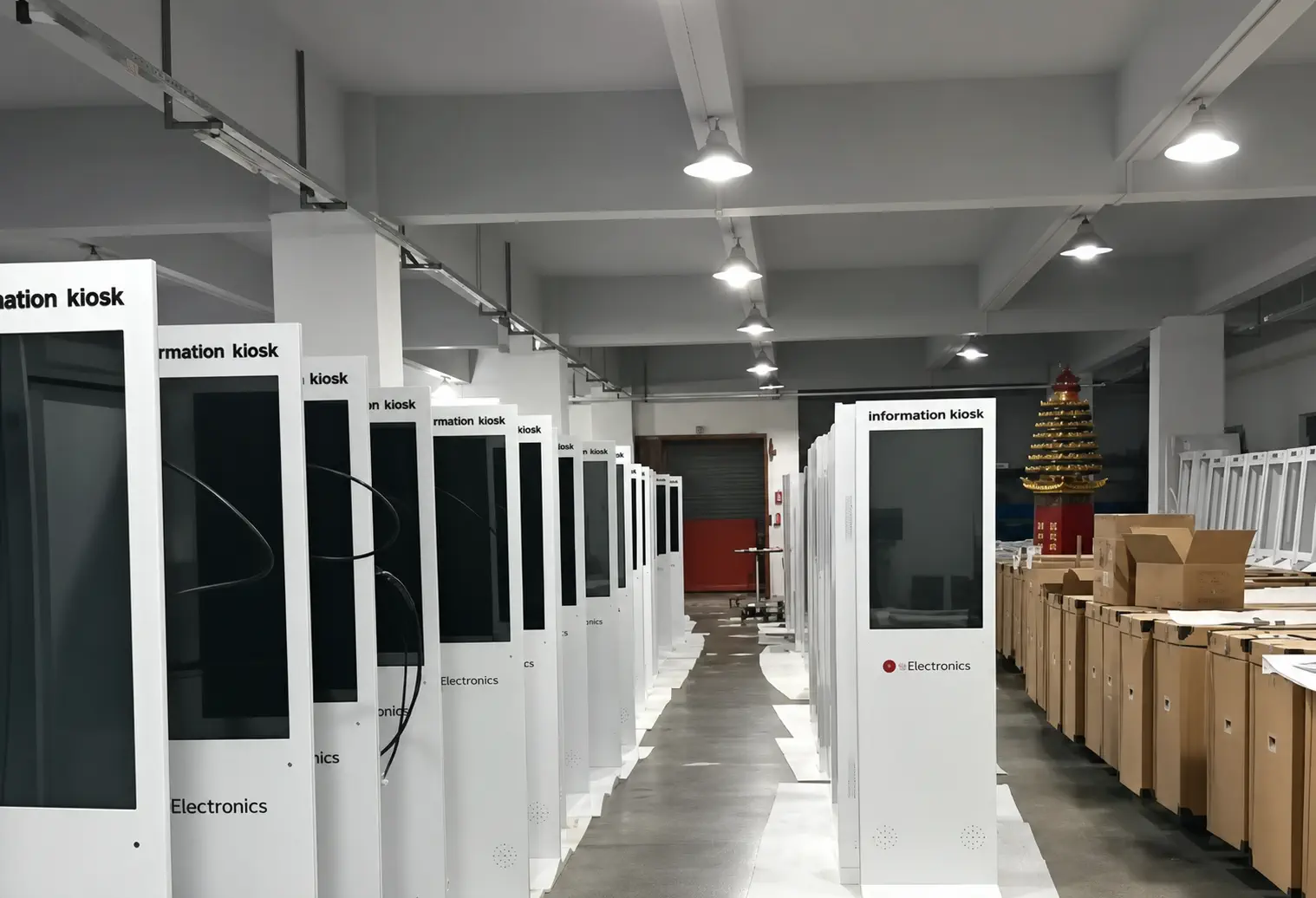
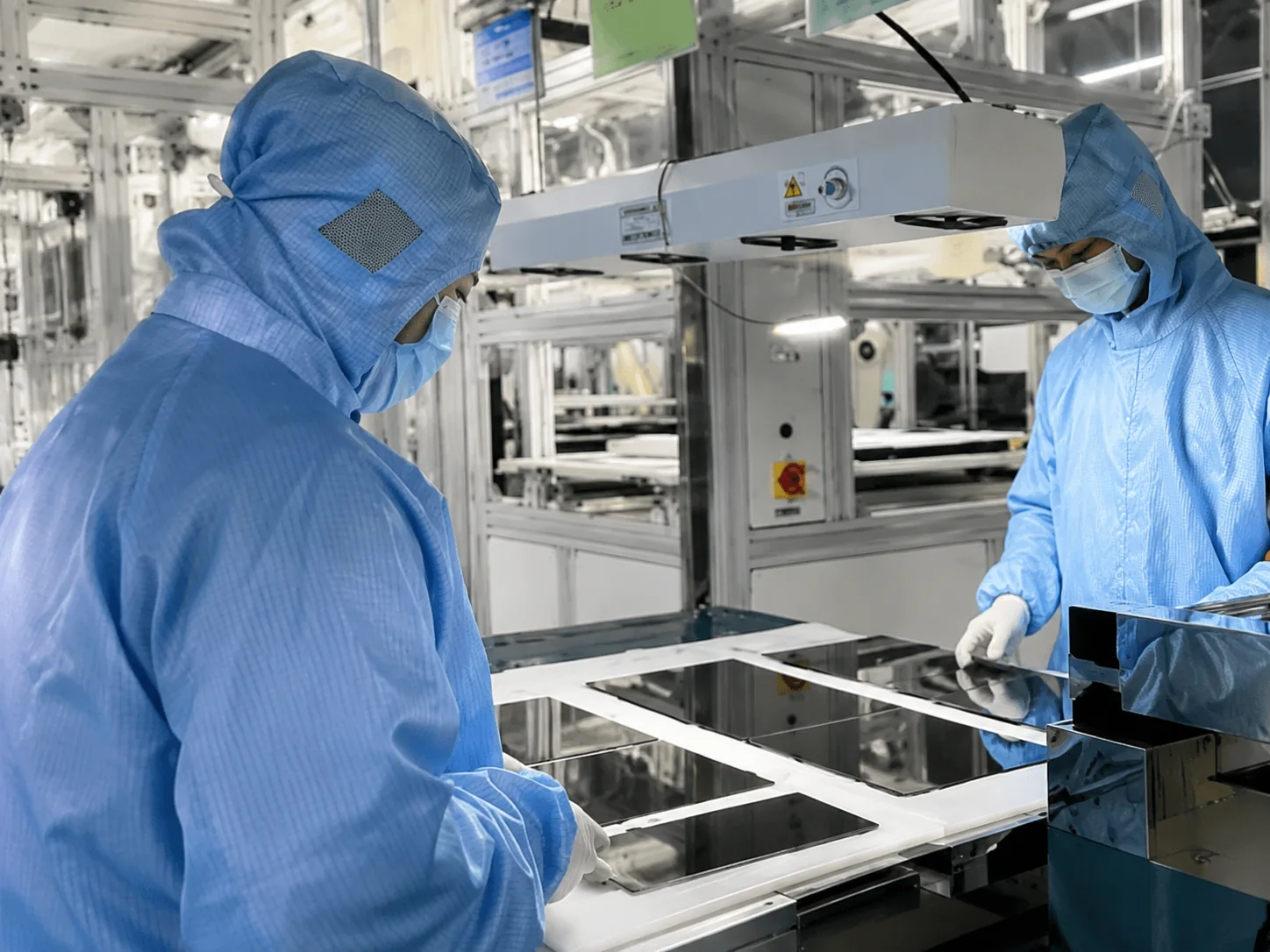
Lucky-XFC supports custom projects from product selection and engineering confirmation through sample production, 100% inspection and shipment.

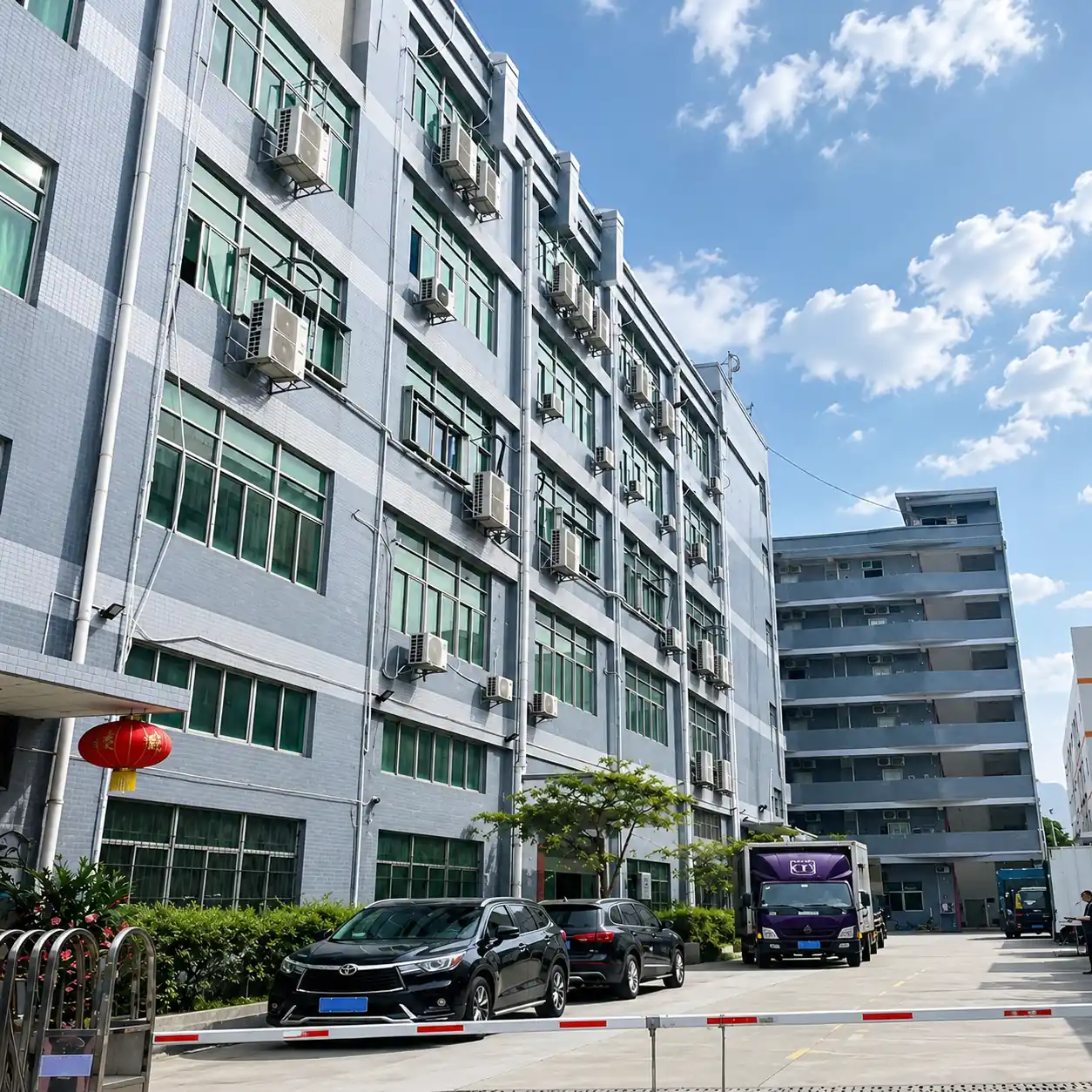
Lucky-XFC Factory Exterior
Factory Exterior
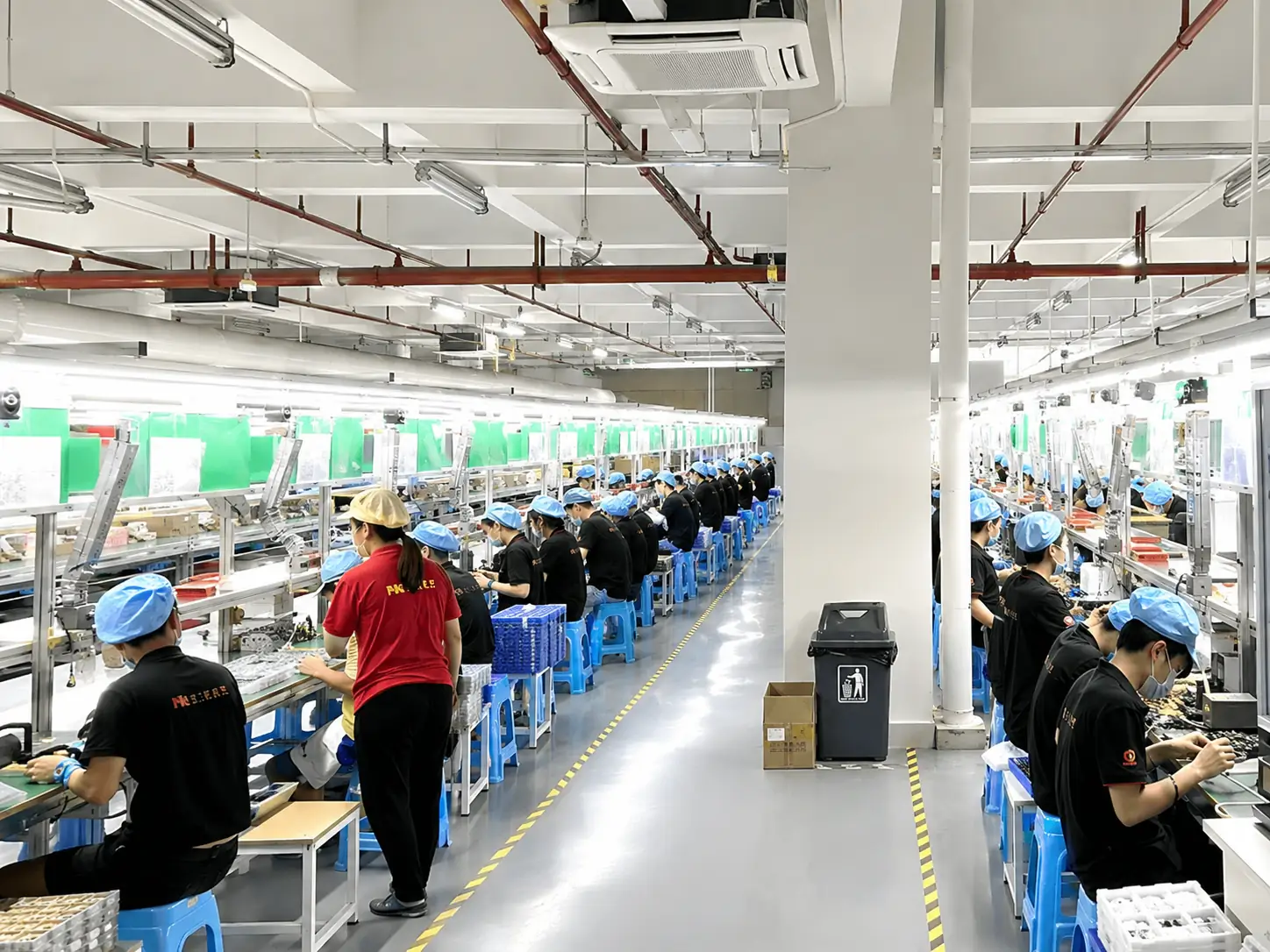
Touchscreen Assembly Area
Assembly Area
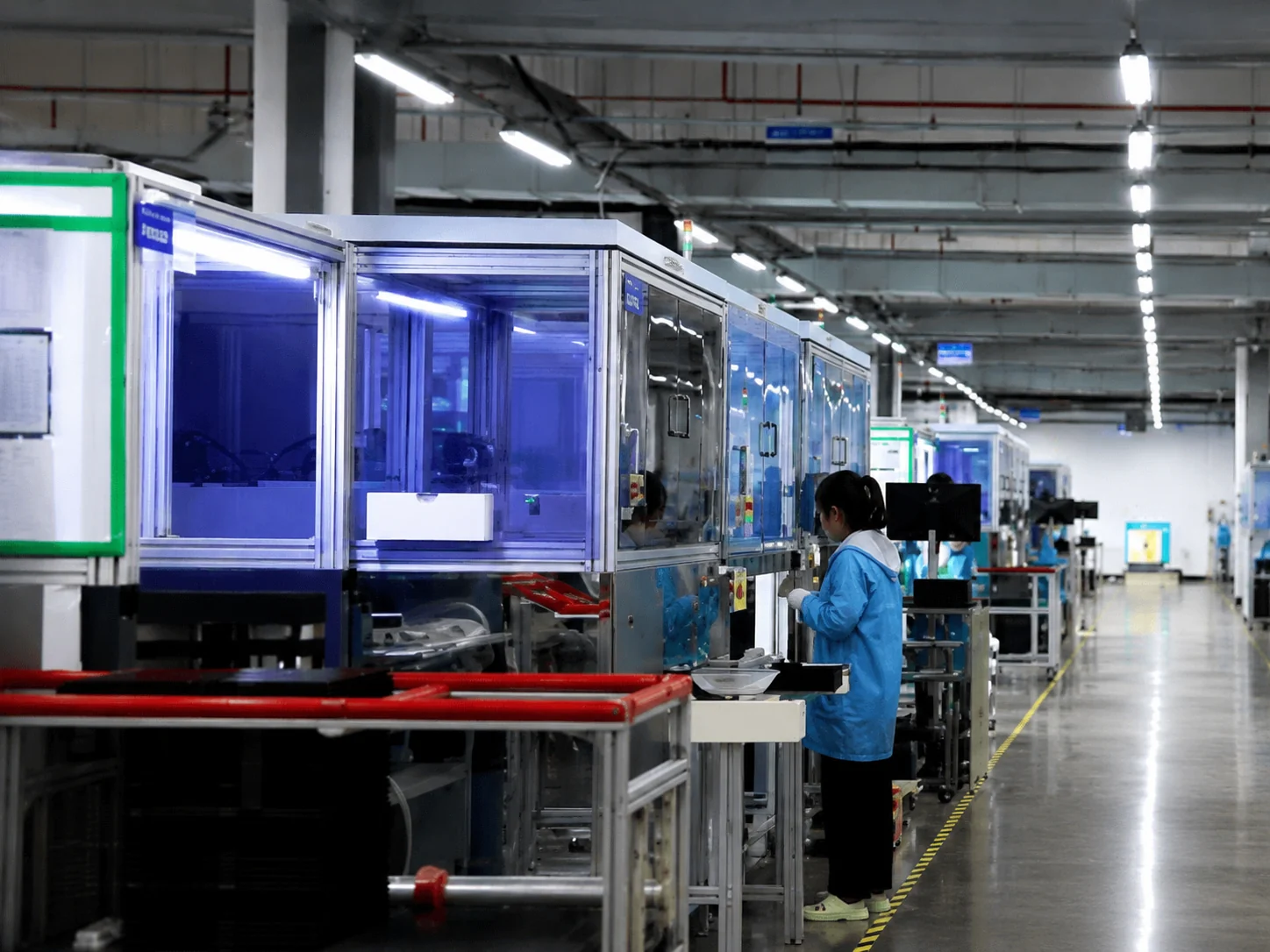
Advanced Production Equipment
Equipment
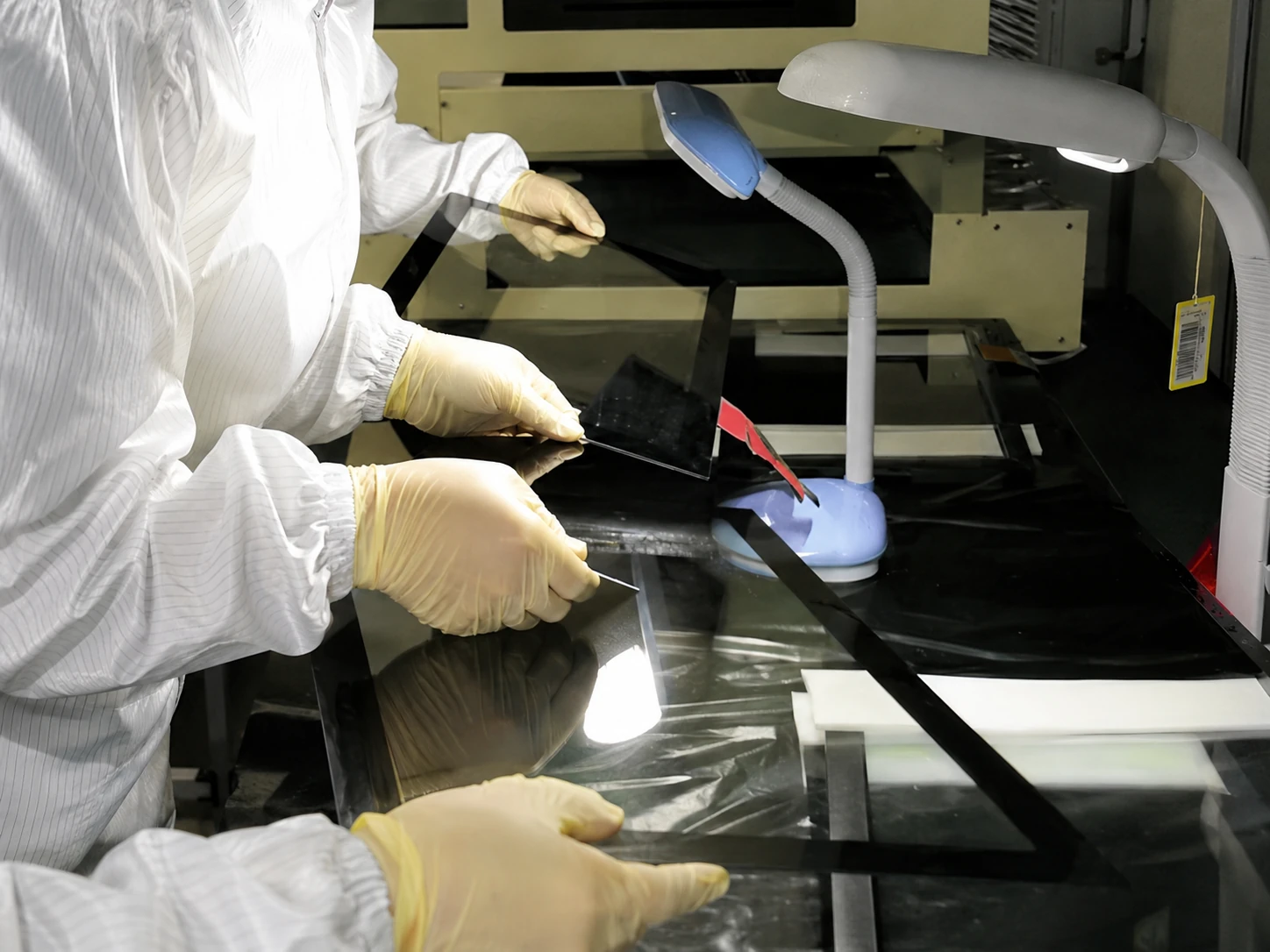
Touchscreen Testing Process
Touch Testing
Quality Control Inspection
Uv Inspection
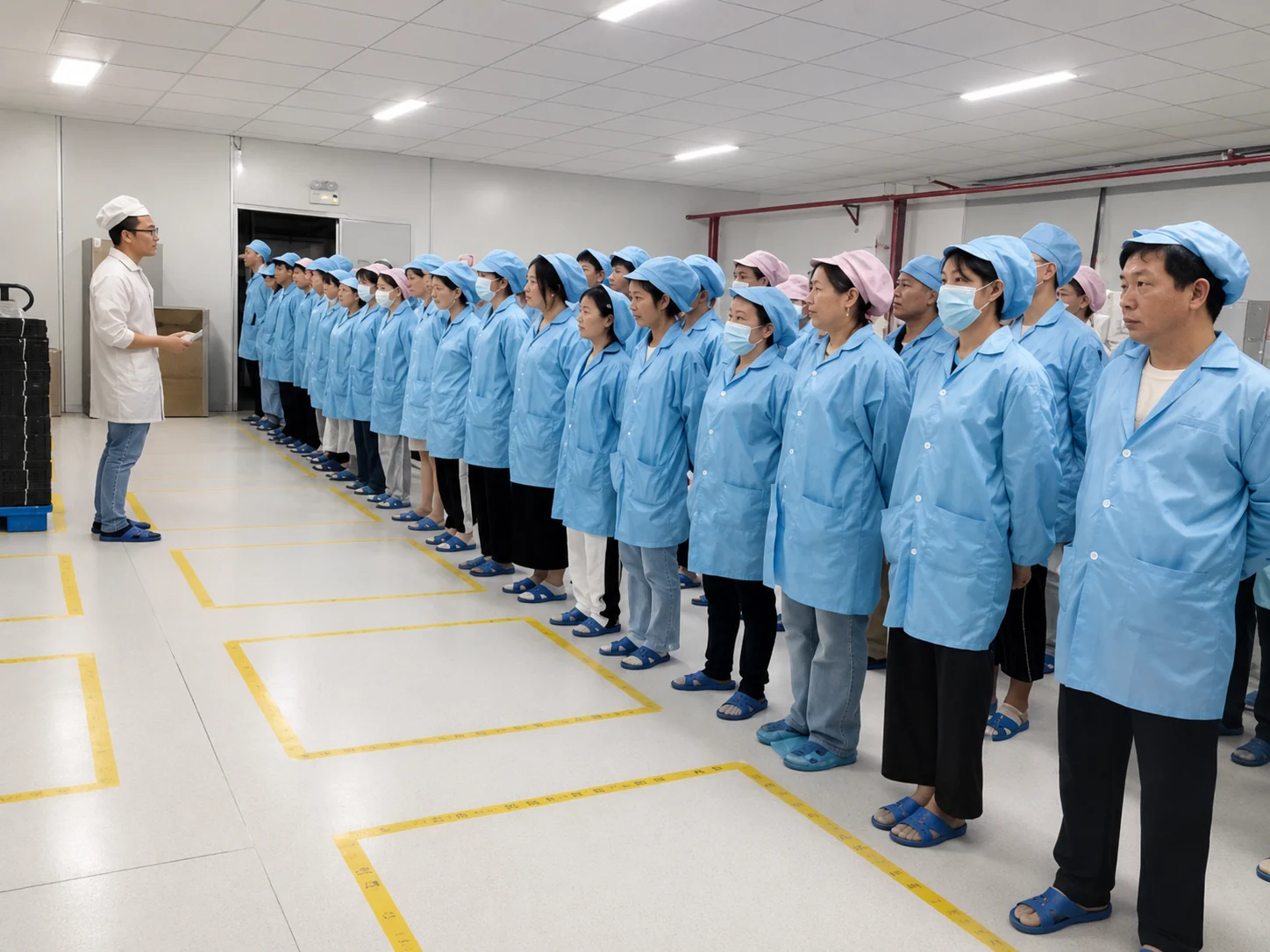
Lucky-XFC Professional Team
Our Professional Team
13 Years Exp. 3,100㎡ Factory 160+ Employees 26 QC Personnel 100% Inspection OEM / ODM Support

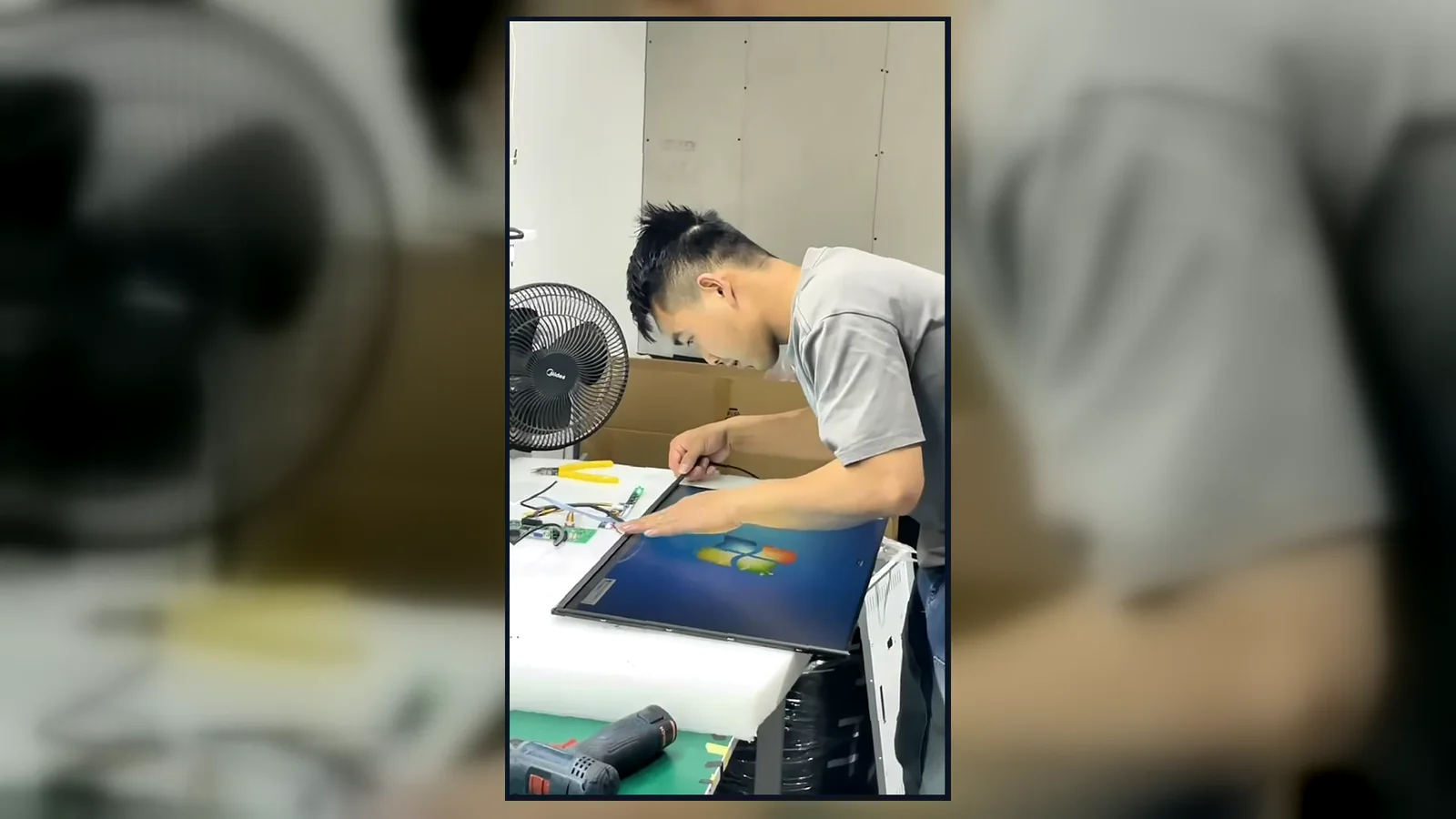
Inside the Factory: Production & Quality Testing

Watch our brief 45-second overview showcasing the rigorous assembly and testing procedures at our facility. See firsthand how our QC team conducts 100% inspections to verify touch response, display quality, interfaces and appearance according to the approved specifications.

Factory Production Video Poster
CERTIFICATIONS

Global Quality & Compliance Standards

Our products are manufactured under strict quality control systems and comply with international standards, ensuring reliability and safety for your projects.

ISO 9001 Certificate

ISO 9001:2015

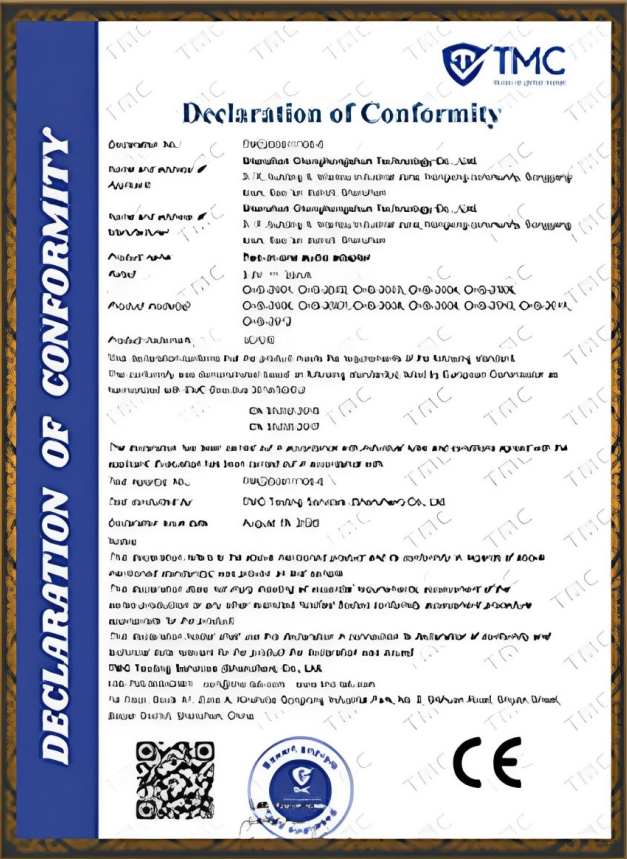
CE Certificate

CE Certification

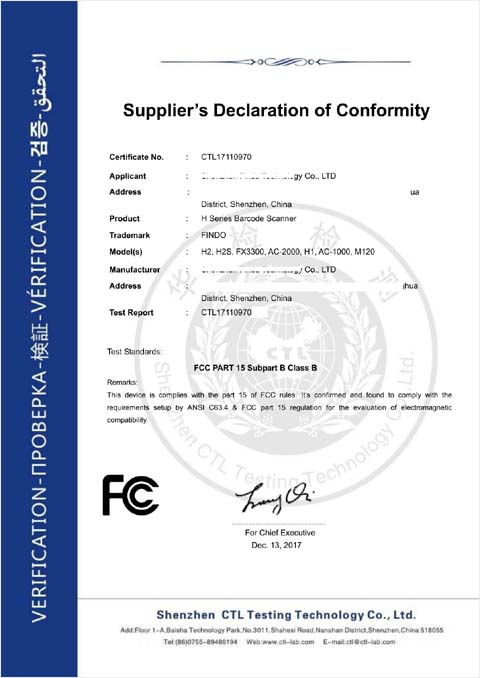
FCC Certificate

FCC Certification

RoHS Certificate

RoHS Compliance

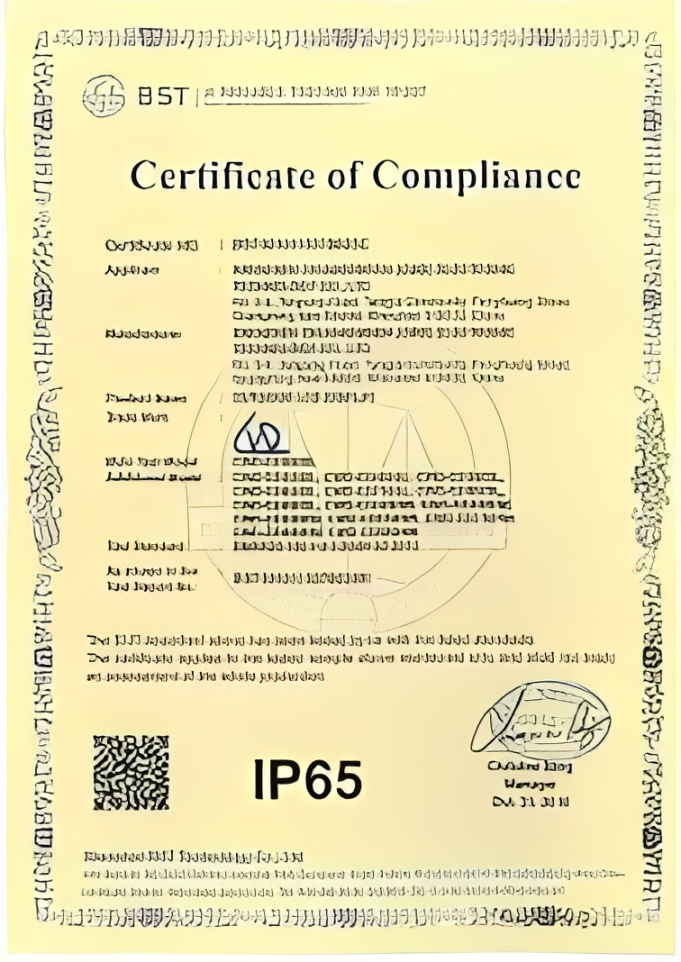
New Certificate

IP56/IP65/IP67/IK10

Documented Hardware for Project-Based Display Integration

Lucky XFC is the commercial display brand of Shenzhen Xinfeichi Technology Co., Ltd., with display manufacturing experience since 2013. Projects can be reviewed across LCD display hardware, touch integration, Android or computer-based systems, enclosures and installation structures.

Multiple Product Formats

Coordinate wall-mounted, floor-standing, touch-enabled and kiosk-style display requirements within one project review.

Documented Reference Models

Use model specifications, dimensional drawings and interface information to reduce uncertainty before approval.

Touch and System Integration

Review touch or non-touch operation together with Android, Windows, Linux or external-player requirements where applicable.

Project-Specific Mechanical Review

Assess enclosure appearance, mounting, cable access, peripherals and service space against the intended installation.

Certificates, compliance documents and test records are supplied according to the selected model and destination-market requirement. Request the applicable documents during configuration review.

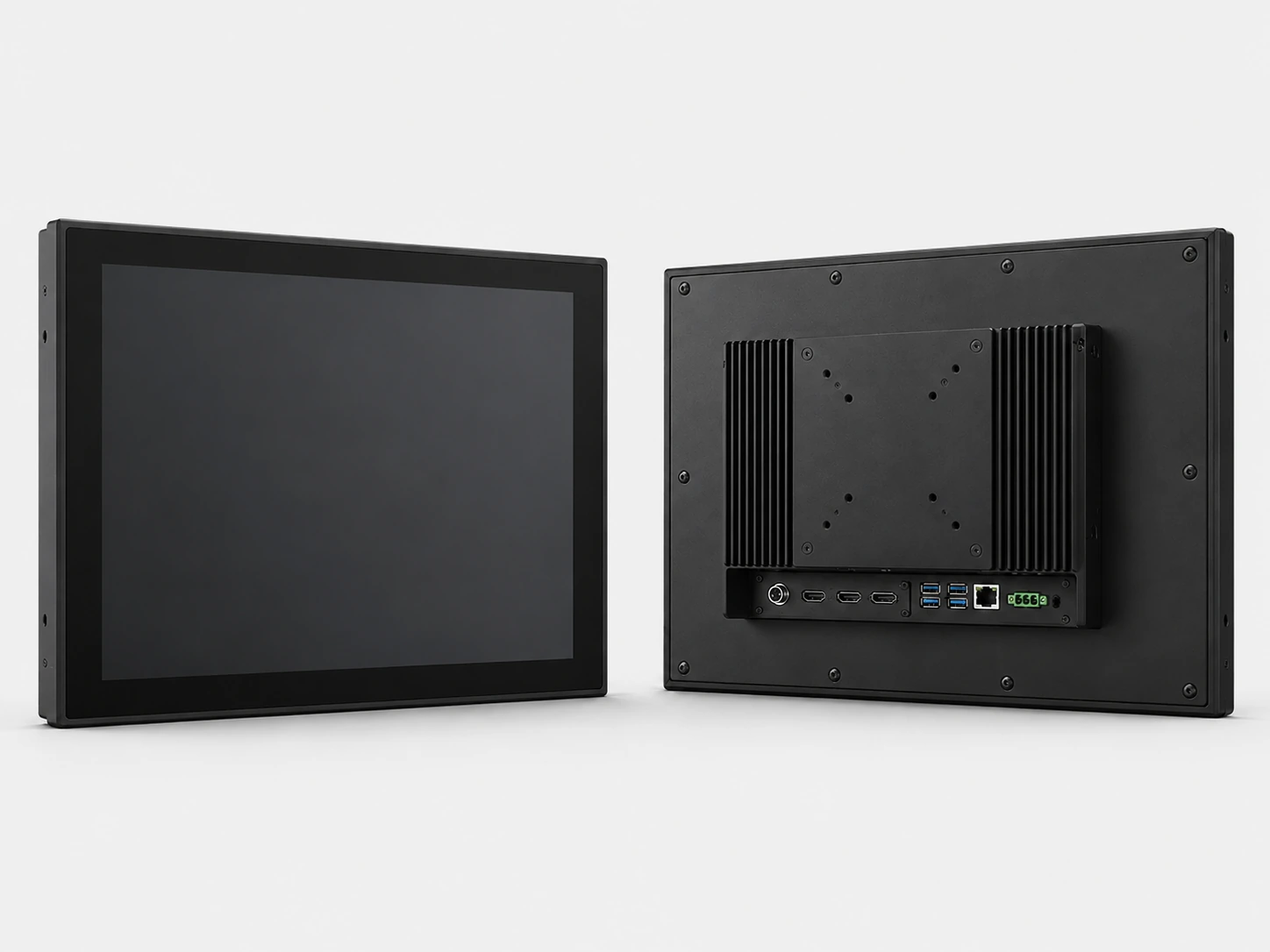
Explore displays for embedded and industrial equipment

Advertising Display Screen Buyer Guide

What type of advertising display screen is best for a retail store?
For wall promotions and menu content, start with a wall-mounted LCD display. Use a floor-standing screen where wall installation is unavailable or where the display must attract attention near an entrance. Add touch only when shoppers need to search, compare, navigate or complete an interactive task.
How should I choose between LCD signage and direct-view LED?
Choose LCD signage for detailed content, close-to-medium viewing and an integrated wall, floor or kiosk enclosure. Consider direct-view LED for a much larger display viewed from farther away. LED selection also requires pixel pitch, cabinet, control-system and service-access decisions. Lucky XFC reviews direct-view LED requirements as a separate project scope.
What makes an advertising display suitable for outdoor use?
Outdoor suitability depends on the complete installation: sunlight, required brightness, rain and dust exposure, ambient temperature, ventilation, power, enclosure design and maintenance access. Ask for a configuration that states the approved operating and protection conditions instead of relying on a generic outdoor label.
What determines the price of a commercial advertising display?
Major price drivers include screen size, panel specification, brightness, touch function, computing platform, enclosure structure, outdoor protection, optional connectivity, peripherals, order quantity and documentation requirements. A meaningful quotation therefore starts with a defined application and configuration rather than a screen-size request alone.
Can the display work with our existing digital signage software?
It may be possible through built-in Android hardware or an external media player, but compatibility must be verified. Provide the CMS name, required operating system, application package, display resolution, network method and required interfaces. Software subscriptions and third-party support are separate from the display hardware unless explicitly included in the quotation.
What information should we prepare before requesting a quotation?
Prepare the application, installation location, screen size or available space, portrait or landscape orientation, touch requirement, operating system, content source, connectivity, expected quantity and destination country. For outdoor or custom-kiosk projects, also provide site photos, drawings, environmental conditions and required peripherals.

Not Sure Which Display Format Fits Your Project?

Send the application and installation conditions first. Lucky XFC can help organize the required screen, touch, system, enclosure and connectivity decisions into a reviewable configuration.

Discuss My Display Requirements

Configure Your Advertising Display Screen

Tell us where the display will be installed and how it needs to operate. Detailed requirements help us review the correct hardware and quotation scope.

Supported formats: PDF, JPG, PNG, STEP, IGES, STL, DWG (Max 20MB)

Supported formats: JPG, PNG, PDF, DOCX (Max 10MB per file)

Your information will only be used to review and respond to this display project.

sales13@lucky-xfc.com
+86 13342931453
No. 3, Lianfeng Road, Hongqiaotou Community, Yanluo Street, Bao'an District, Shenzhen, China