
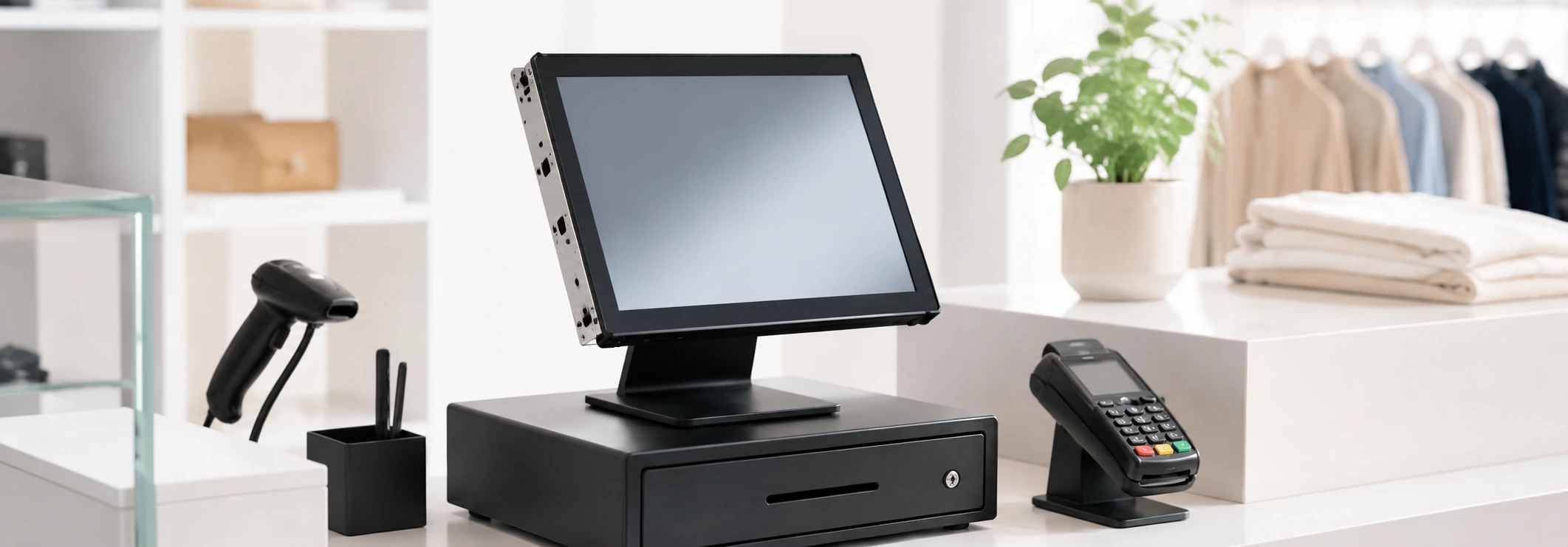
Custom Retail Kiosk Manufacturer for Self-Service & In-Store Automation
Build a retail kiosk customized for your needs. Lucky XFC provides touchscreen kiosks for self-checkout, product discovery, loyalty, and payments, with options like floor-standing, countertop, wall-mounted, and custom enclosures.
-
Configurable Touchscreen Hardware
-
Android, Windows IoT or Linux Options
-
Optional Retail Peripherals
-
OEM/ODM from Prototype to Production
Procurement Tip: Send us your application, preferred screen size, software environment, required peripherals and estimated quantity for a faster engineering evaluation.
Since 2013
Manufacturing Exp.
6,000㎡
Factory Facility
80+
Countries Shipped
1 Unit
Low MOQ
OEM/ODM
Full Support
100%
Inspection Process
Why Retail Kiosk Projects Become Difficult to Deploy
Standardizing hardware for retail environments comes with hidden challenges.
Long Checkout Queues
Customers abandon purchases when wait times at staffed counters exceed their patience during peak hours.
Limited Staff Availability
High labor costs and staffing shortages make it difficult to provide consistent customer service across all store zones.
Out-of-Stock Products & Lost Sales
Without endless aisle access, customers leave empty-handed when specific sizes, colors or items are not on the shelf.
Disconnected Hardware & Software
Off-the-shelf tablets often fail to securely integrate with required printers, scanners and payment terminals.
Inconsistent Devices Across Stores
Deploying different consumer tablets and stands across locations creates a fragmented brand image and support nightmare.
Difficult Maintenance & Access
Poorly designed enclosures make it hard to change printer paper, reboot systems or replace damaged components on-site.
A successful retail kiosk is not only a touchscreen on a stand. The display, computing platform, enclosure, peripherals, software environment, payment workflow, installation space and maintenance access must be planned as one coordinated system.
Discuss Your Retail WorkflowWhat Is a Retail Kiosk?
A retail kiosk is an interactive self-service terminal used inside stores, malls and commercial spaces. It allows customers to search products, check inventory, join loyalty programs, place orders, make payments, collect information or complete checkout tasks without relying entirely on store staff.
A standard retail terminal typically includes:
- Touchscreen Display
- Computing System
- Kiosk Application
- Network Connection
- Printer or Scanner
- Payment or ID Device
- Custom Enclosure
- POS/Cloud Connection
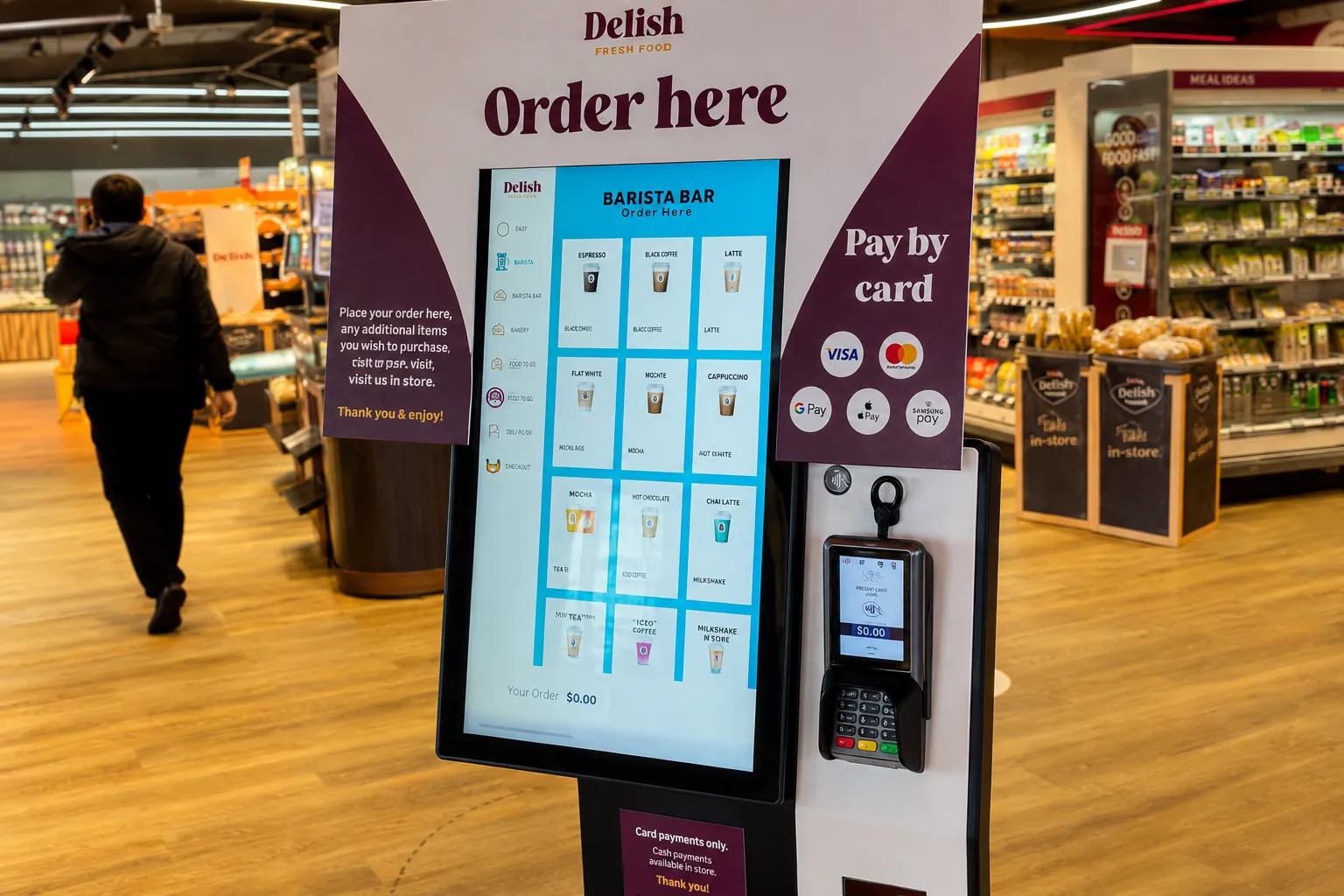
Retail Kiosk Solutions by Customer Workflow
Hardware configurations optimized for specific retail tasks and environments.
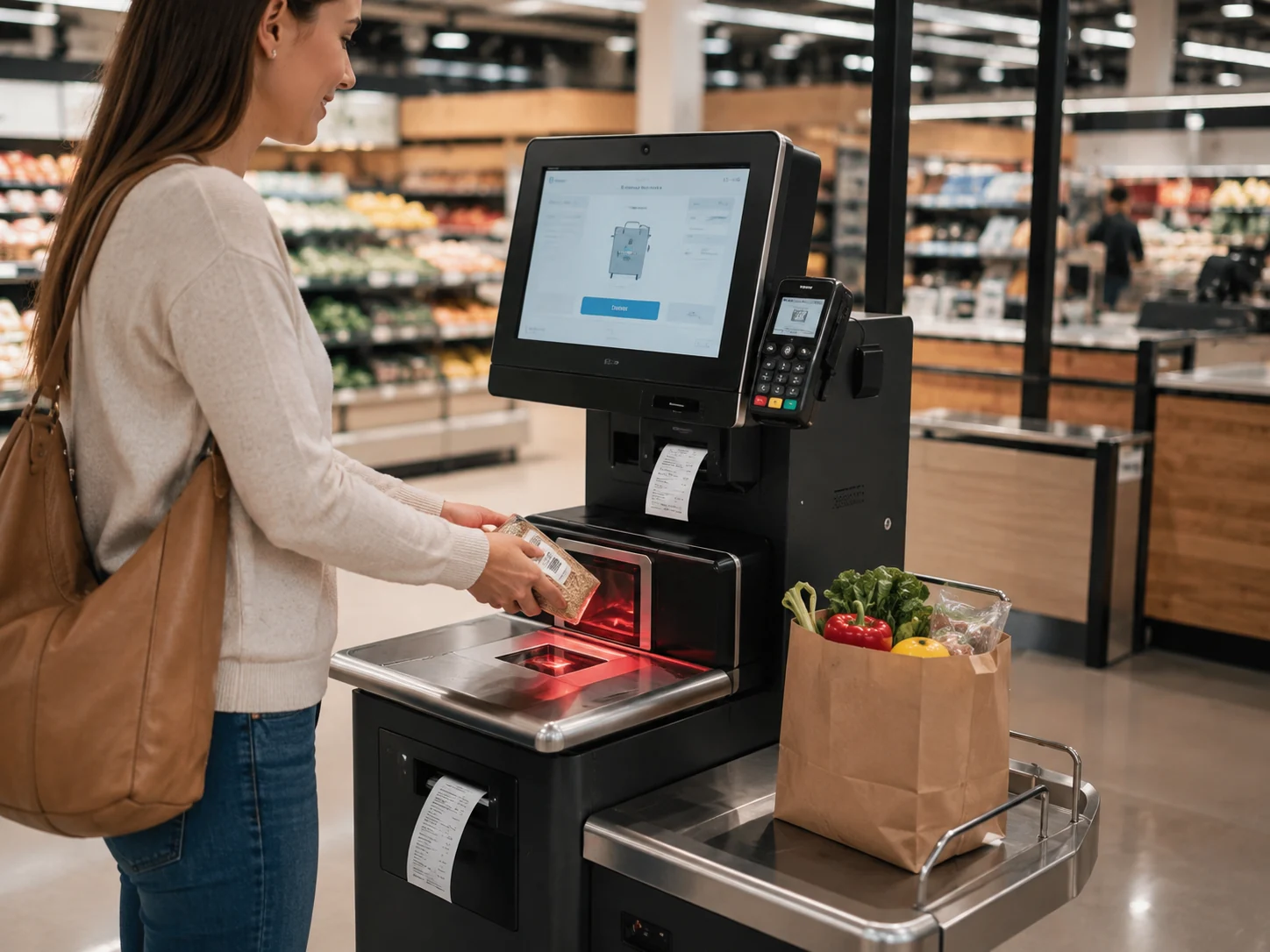
1. Self-Checkout Kiosk
Used for product barcode scanning, self-service checkout, loyalty member identification, payment processing and receipt printing.
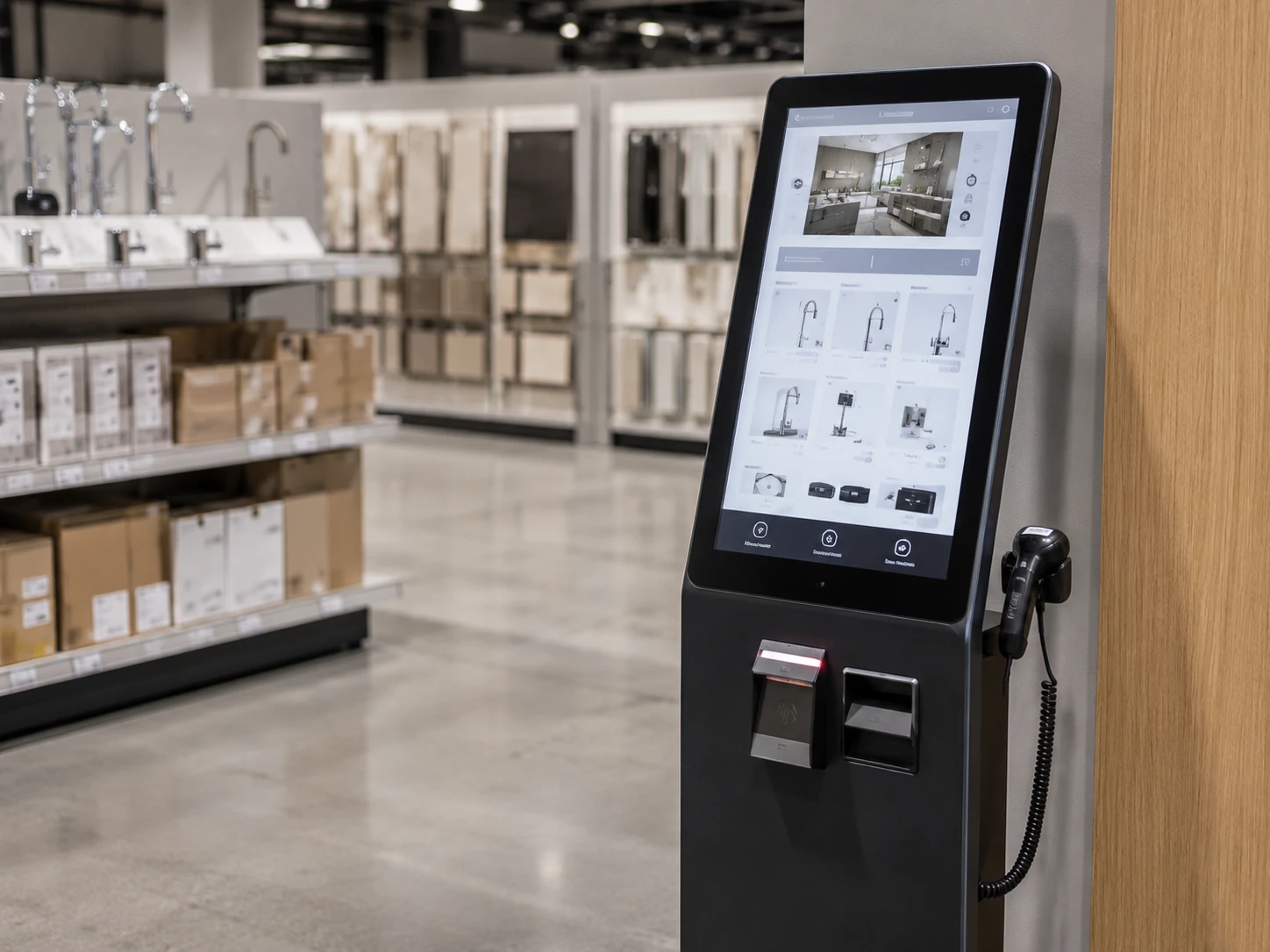
2. Product Lookup & Endless Aisle
Used for product search, specification viewing, store inventory checking, out-of-stock ordering and online catalog browsing.
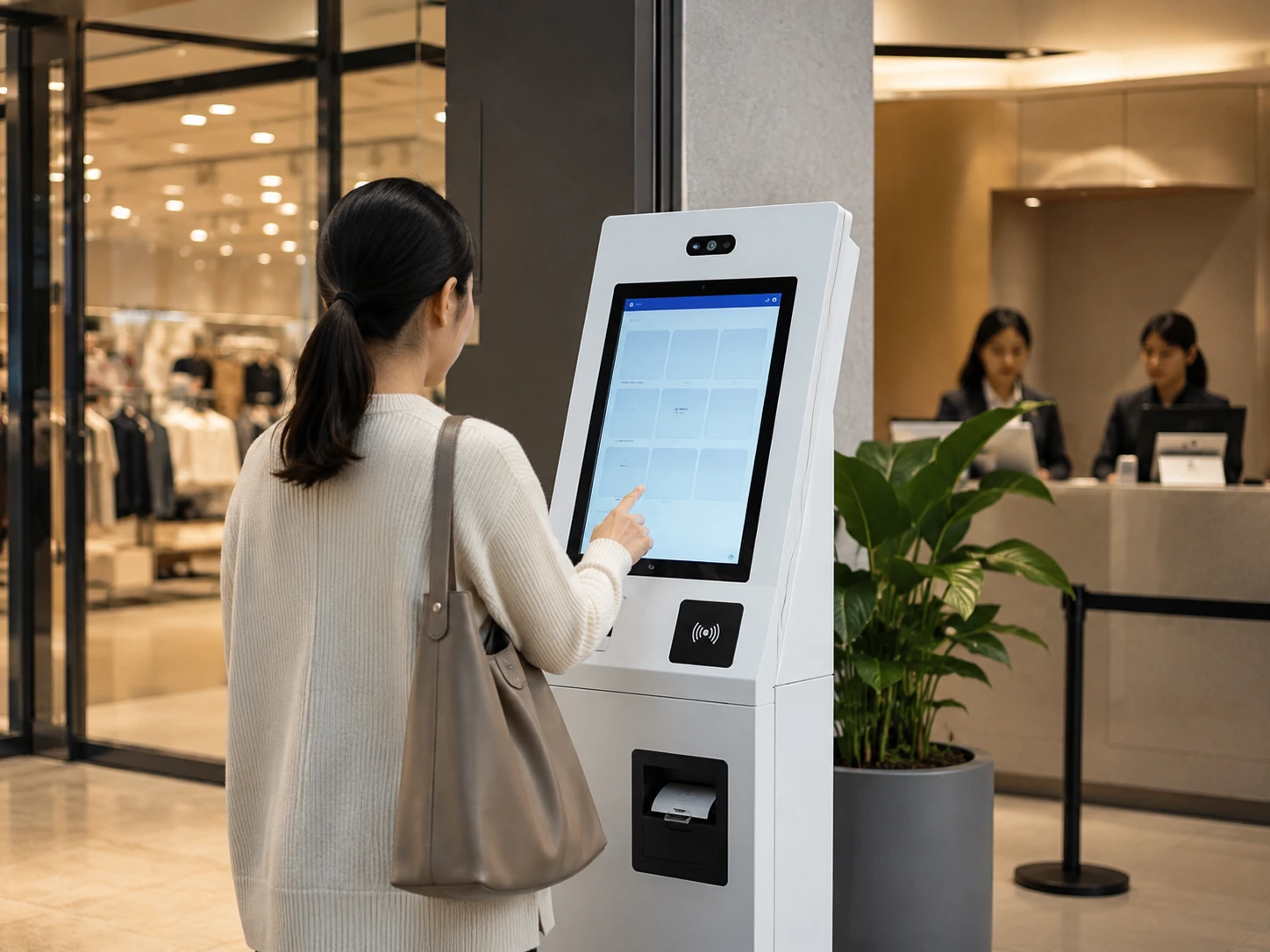
3. Loyalty & Customer Service
Used for membership registration, point balance inquiries, coupon printing, customer feedback and in-store service requests.
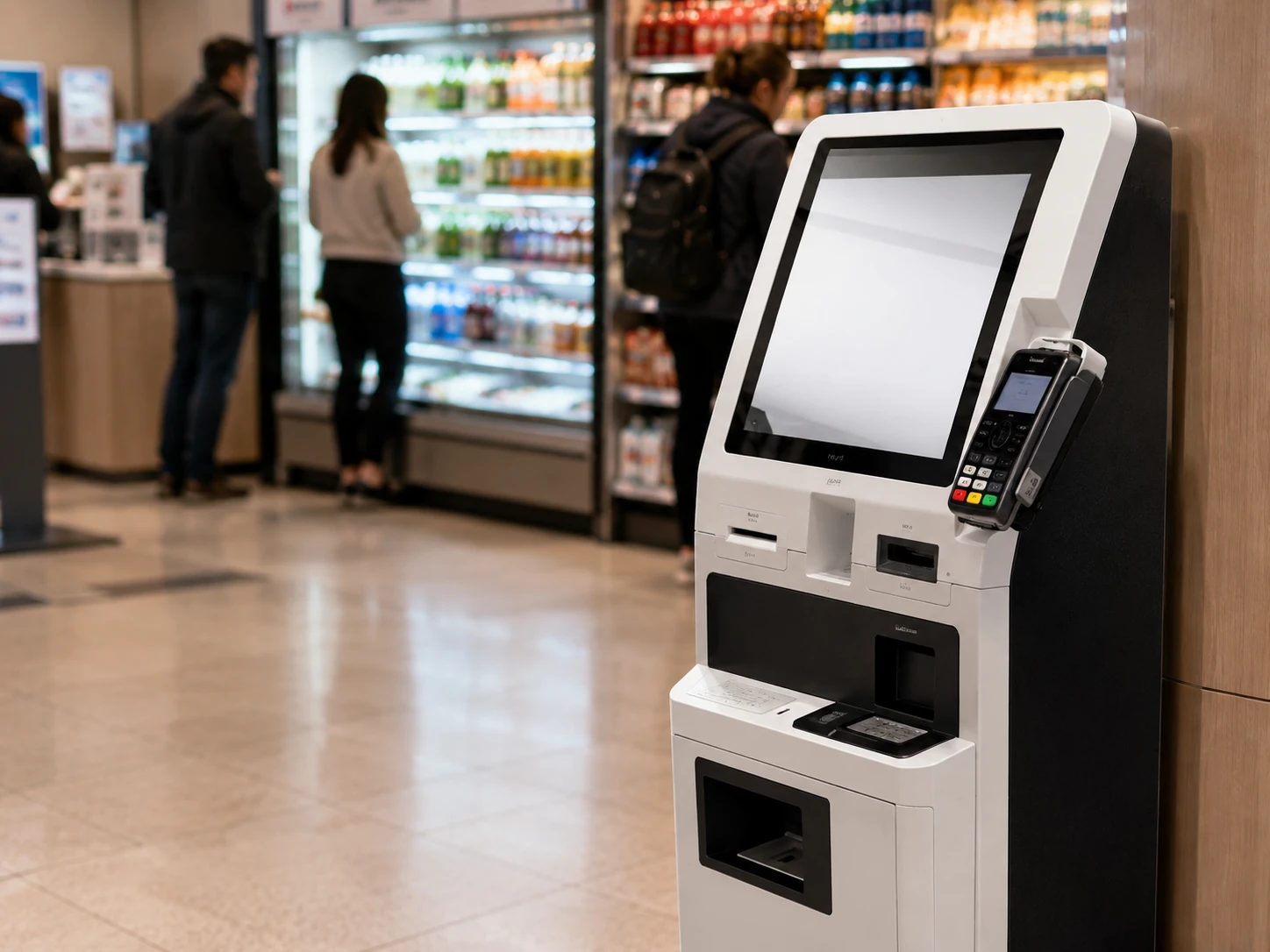
4. Payment & Bill Service
Used for order payment, bill settlement, ticket printing or project-specific transactions. Payment function depends on customer's provider.
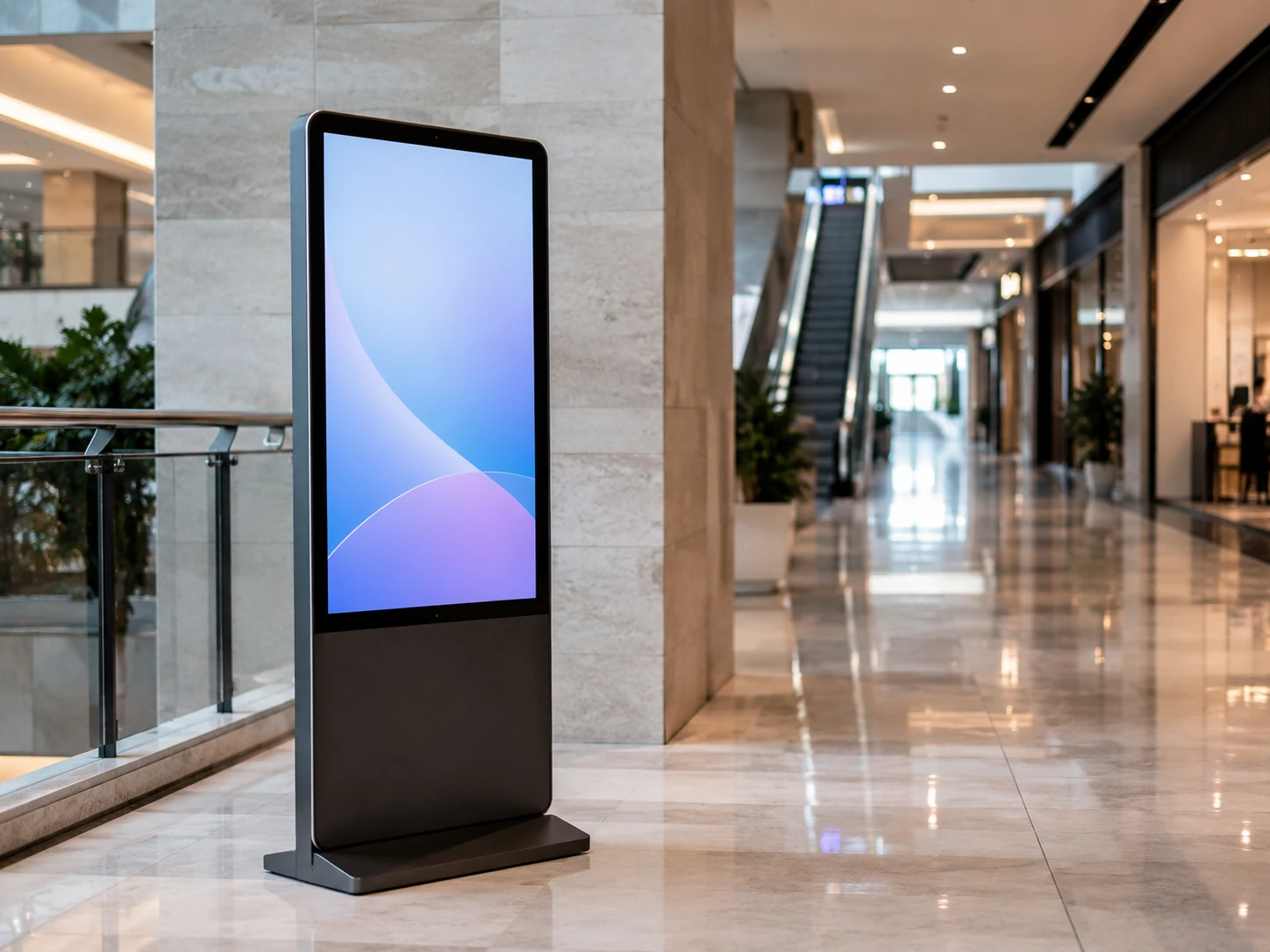
5. Wayfinding & Information
Used for mall navigation, floor directories, brand introductions, promotional information and public facility inquiries.
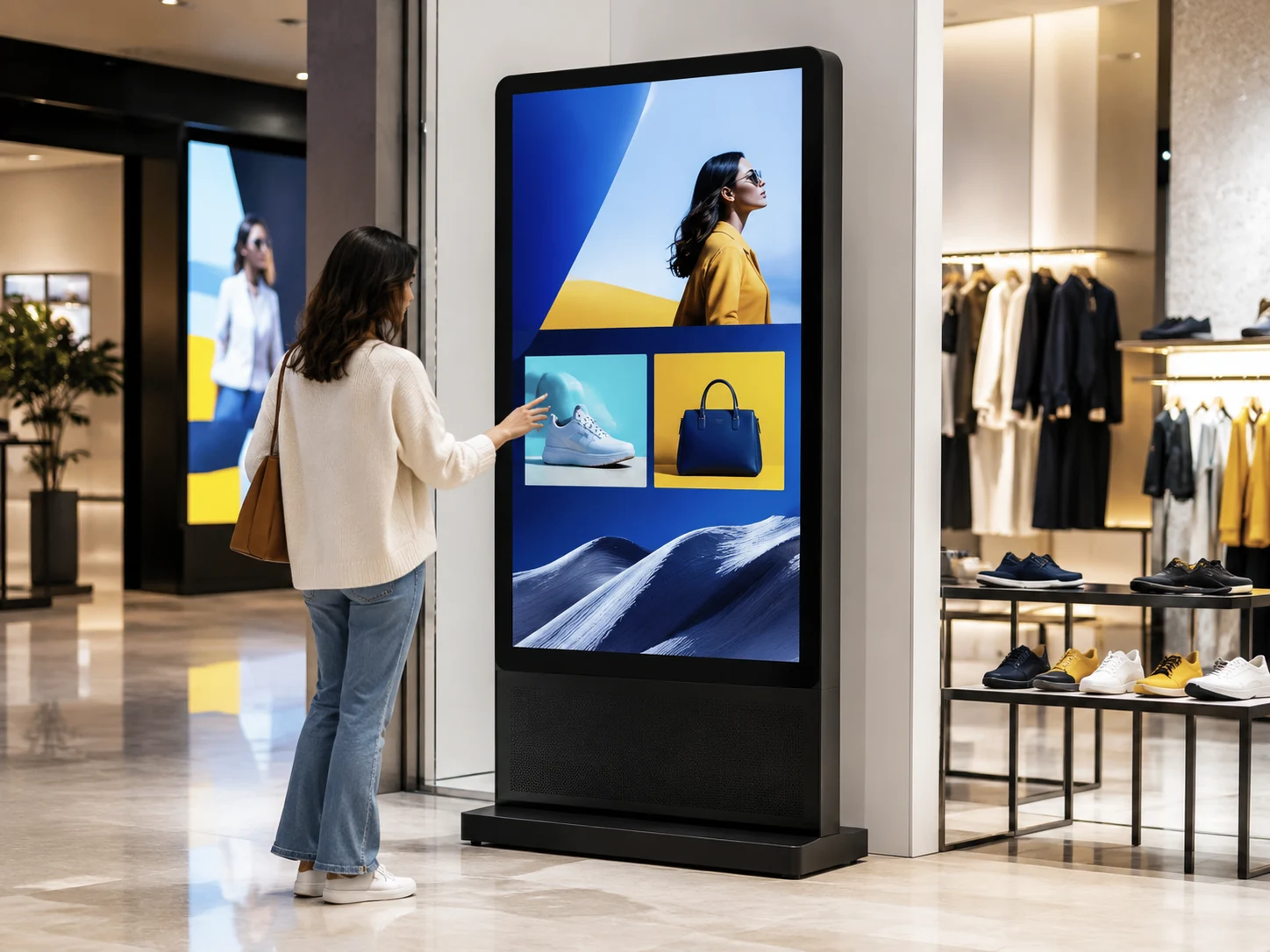
6. Digital Signage & Interactive
Used for advertisements, active promotions, interactive content, product recommendations and dynamic brand displays.
Choose a Retail Kiosk Form Factor
Select the ideal hardware structure based on your installation space, interaction requirements, and peripheral integration needs.
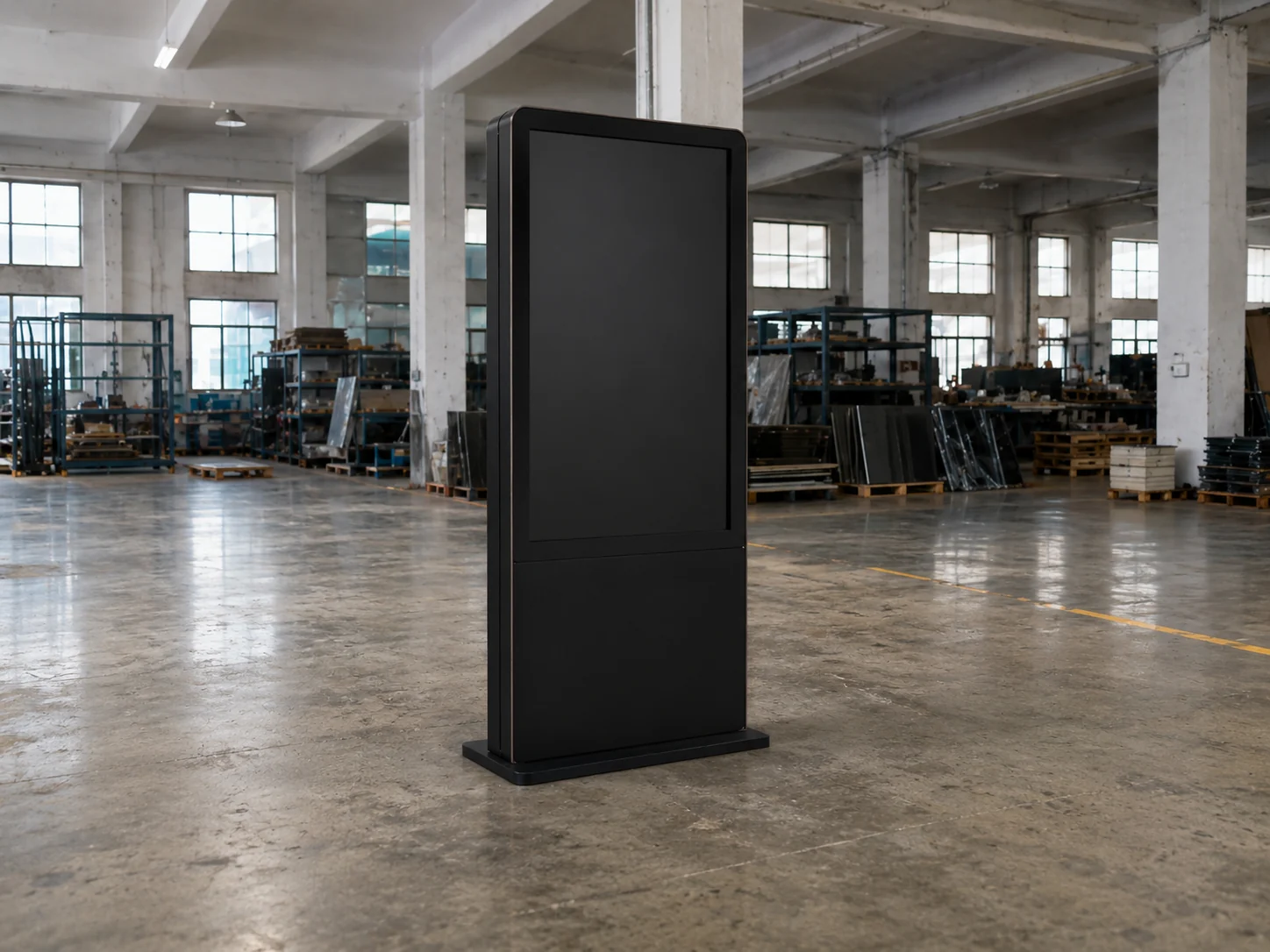
Floor-Standing Retail Kiosk
Floor-standing retail kiosks are suited to entrances, wide aisles and self-checkout zones where a highly visible, dedicated self-service station is required. The enclosure can accommodate printers, scanners and larger POS components, while floor space, cable routing and installation stability should be considered during project planning.
- Best for
- Entrances, Wide aisles, Self-checkout zones
- Space Requirement
- Requires dedicated floor footprint.
- Interaction
- Full body engagement, highly visible.
- Peripherals
- Printers, Scanners, Large POS
- Main Consideration
- Cable routing from the floor and stability.
Countertop Retail Kiosk
Countertop retail kiosks are designed for existing checkout desks, service counters and other compact retail spaces. Their smaller footprint supports close-range customer interaction while allowing selected compact peripherals to be integrated according to the available counter space.
- Best for
- Existing checkout desks, Service counters, Tight spaces
- Space Requirement
- Minimal, uses existing furniture.
- Interaction
- Close-range, eye-level at counter.
- Peripherals
- Compact scanners, Receipt printers
- Main Consideration
- Counter height and ergonomic reach.
Wall-Mounted Retail Kiosk
Wall-mounted retail kiosks are suited to aisles, pillars, price-checking points and other areas where floor space needs to remain clear. Their compact wall-mounted format supports quick standing interaction, while wall structure and power outlet position should be reviewed before installation.
- Best for
- Aisles, Pillars, Price checking, Space-saving areas
- Space Requirement
- Zero floor space.
- Interaction
- Quick lookup, standing interaction.
- Peripherals
- Built-in scanner, Slim components
- Main Consideration
- Wall structural strength and power outlet location.
Dual-Screen Retail Kiosk
Dual-screen retail kiosks are intended for workflows that involve both staff and customer-facing displays. Depending on the project, the hardware can be arranged on a countertop or specialized stand with shared scanner and printer integration.
- Best for
- Staff-assisted checkout with customer-facing display
- Space Requirement
- Countertop or specialized stand.
- Interaction
- Two-way communication.
- Peripherals
- Shared scanner/printer setup.
- Main Consideration
- Software capability to drive dual independent displays.
Custom Retail Kiosk Enclosure
Custom retail kiosk enclosures are developed around project-specific branding, structural requirements and verified hardware integration. The final enclosure layout should be confirmed through engineering review, drawing approval and the required prototype process before production.
- Best for
- Brand-specific shapes, Unique hardware integration
- Space Requirement
- Designed to fit specific architectural needs.
- Interaction
- Fully tailored workflow.
- Peripherals
- Any verified hardware combination.
- Main Consideration
- Requires engineering layout, drawing approval and prototype phase.
Retail Kiosk Specifications and Configuration Options
Hardware parameters designed for commercial environments and continuous operation.
| Display |
Common sizes: 15.6", 17", 19", 21.5", 23.6", 27", 32" and 43"
Larger/Project-specific: Available after engineering confirmation
Orientation: Portrait or landscape, configuration-dependent
Resolution, brightness & touch: Selected according to the final model and application
|
|---|---|
| Computing Platform |
Operating systems: Android, Windows IoT or Linux
Processor, memory & storage: Configured according to the customer’s kiosk software and workload
Connectivity: Display only verified interfaces for the selected configuration.
|
| Optional Peripherals |
Thermal Receipt Printer
A4/Specialty Printer
Barcode/QR Scanner
Camera
NFC/Smart Card Reader
ID/Document Reader
Payment Terminal Mount
PIN Pad
Cash Module
Speakers
Customer-Specified Peripheral Openings available upon request.
|
| Mechanical Configuration |
|
| Commercial Information |
MOQ: From 1 unit
Sample/Small-order: Typically 3–7 days (depends on config/components)
Batch production: Typically 7–15 days after confirmation
Warranty: Display only the warranty confirmed for the selected model or quotation
|
Important: Dimensions, internal layouts and technical specifications may change when printers, scanners, payment devices or custom components are added. The final configuration and engineering drawing must be approved before production.
View our core industrial touchscreen displays used in these kiosks.
Retail Kiosks for Stores, Malls and Omnichannel Commerce
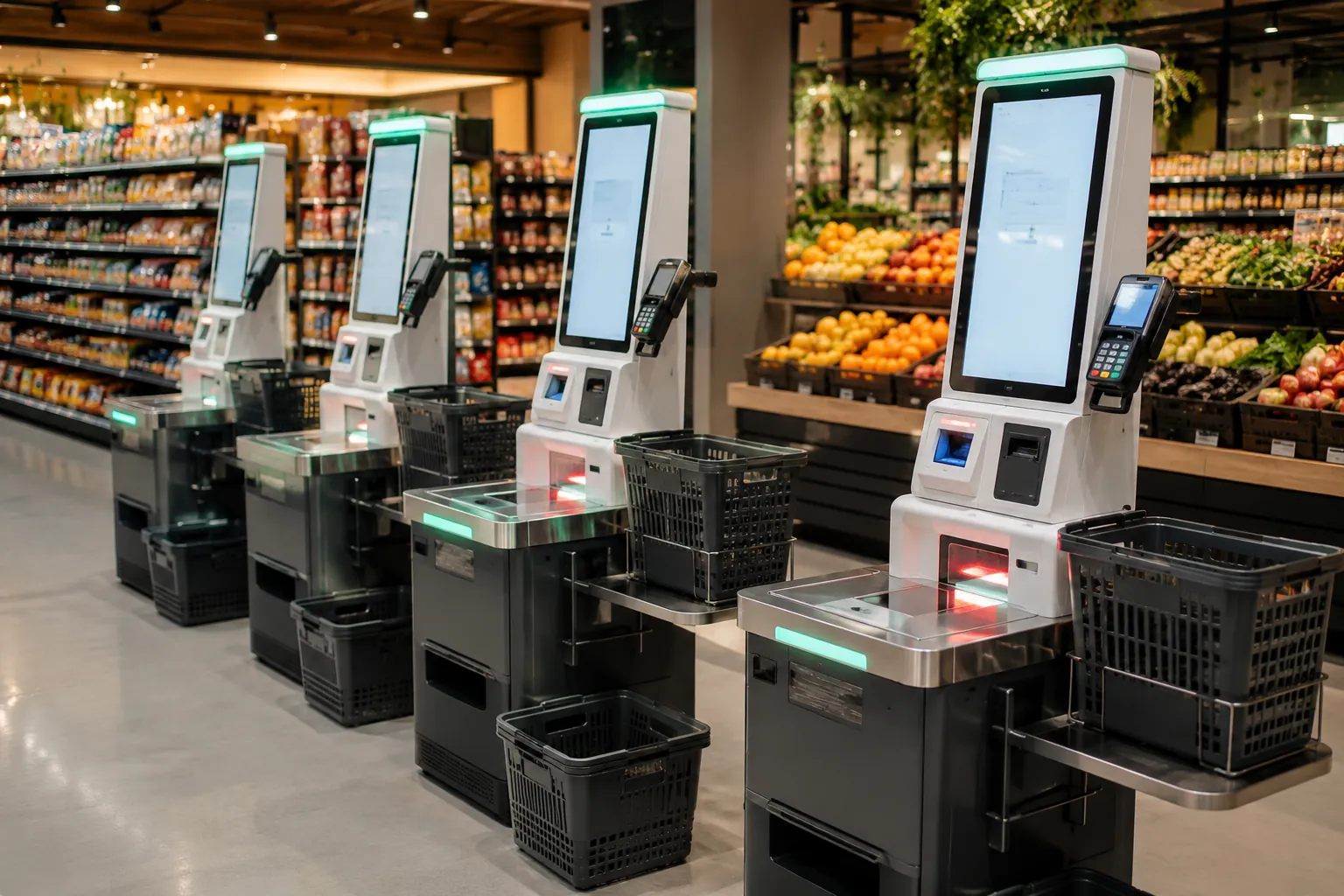
Supermarkets & Grocery
Speed up queue times with self-checkout lanes for basket shoppers and quick barcode scanning.
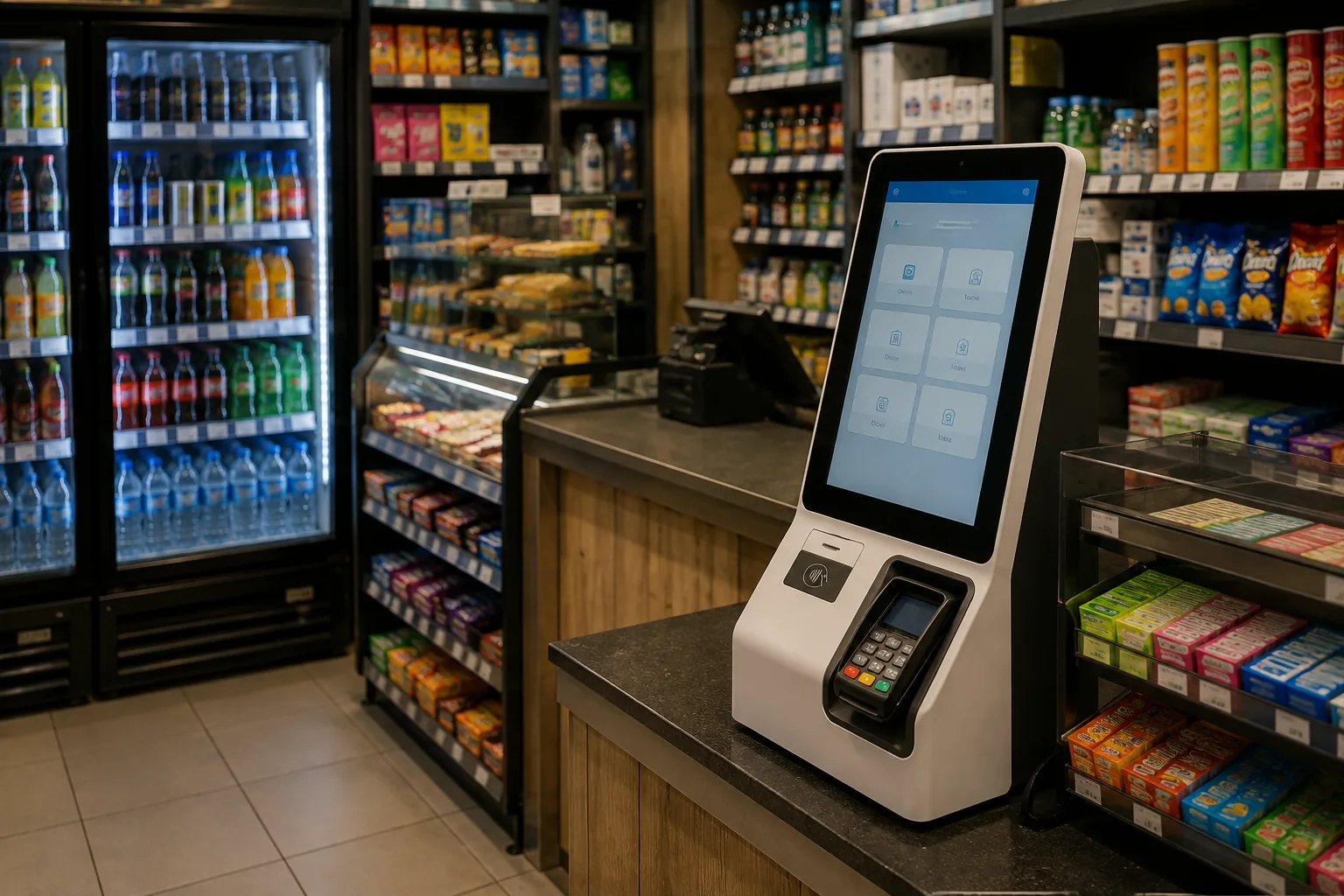
Convenience Stores
Compact countertop units for quick payments, bill services and loyalty point redemption in tight spaces.
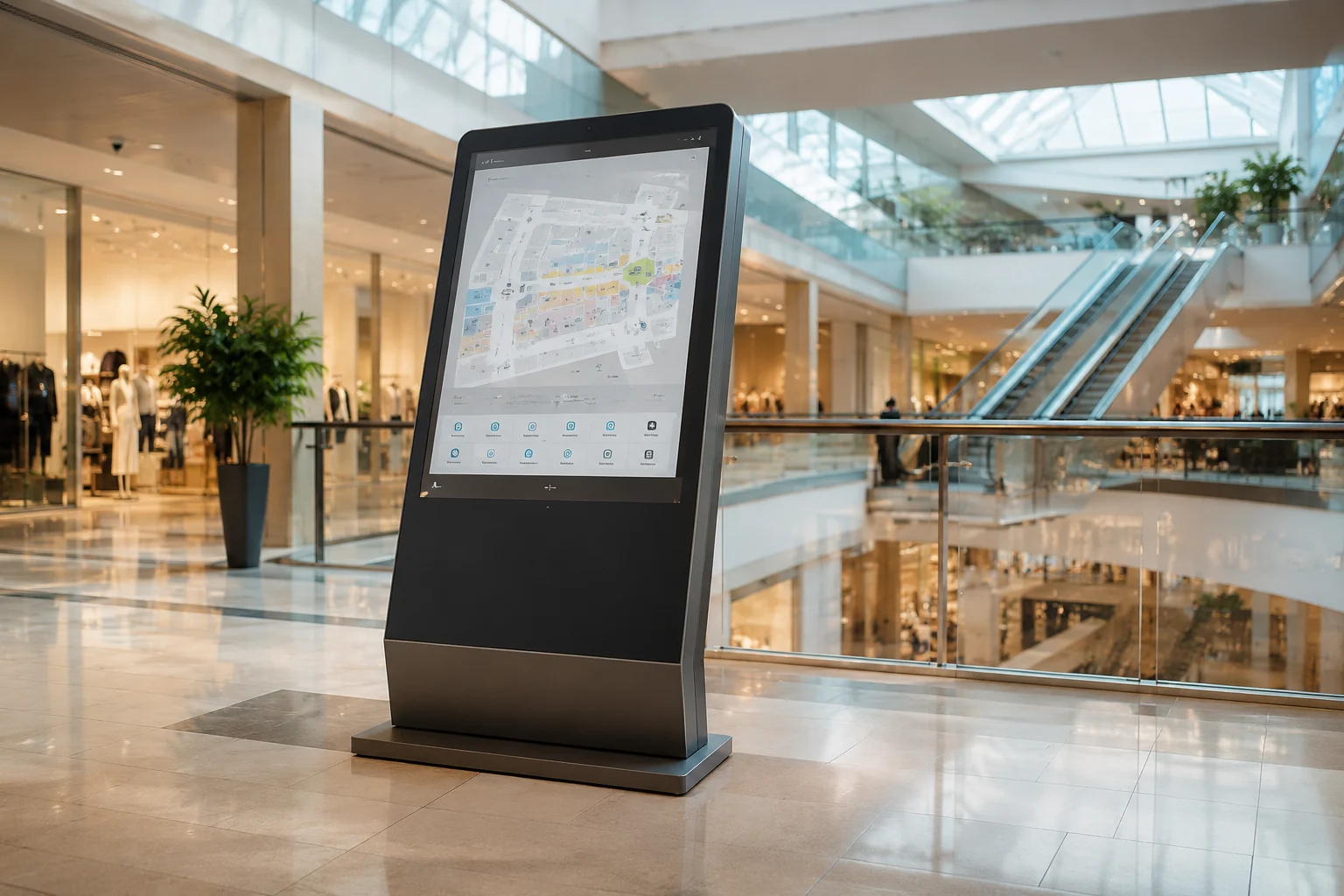
Shopping Malls
Large format interactive displays for 3D wayfinding, store directories and digital promotional campaigns.
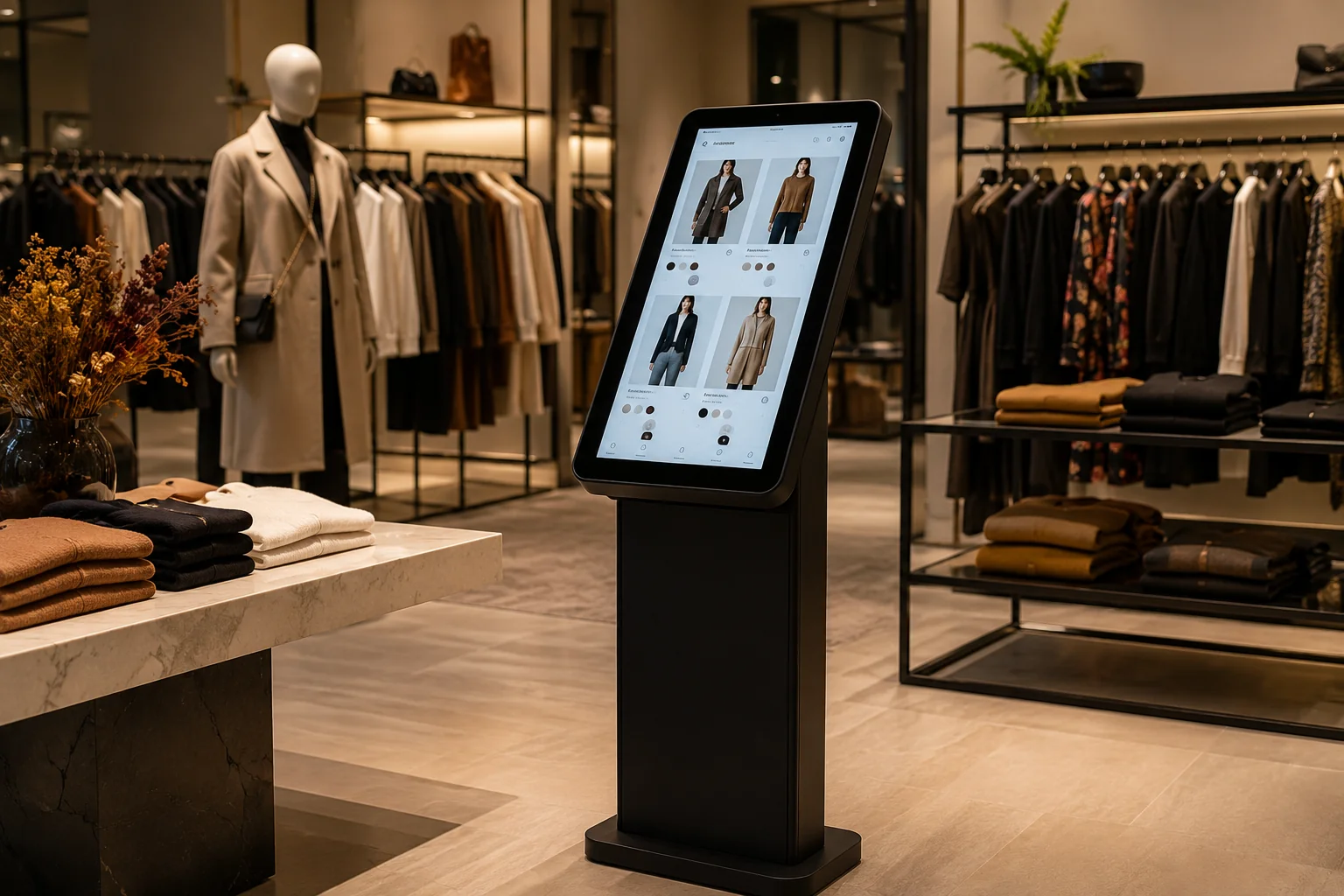
Fashion & Specialty
Enable endless aisle shopping allowing customers to order out-of-stock sizes directly to their home.
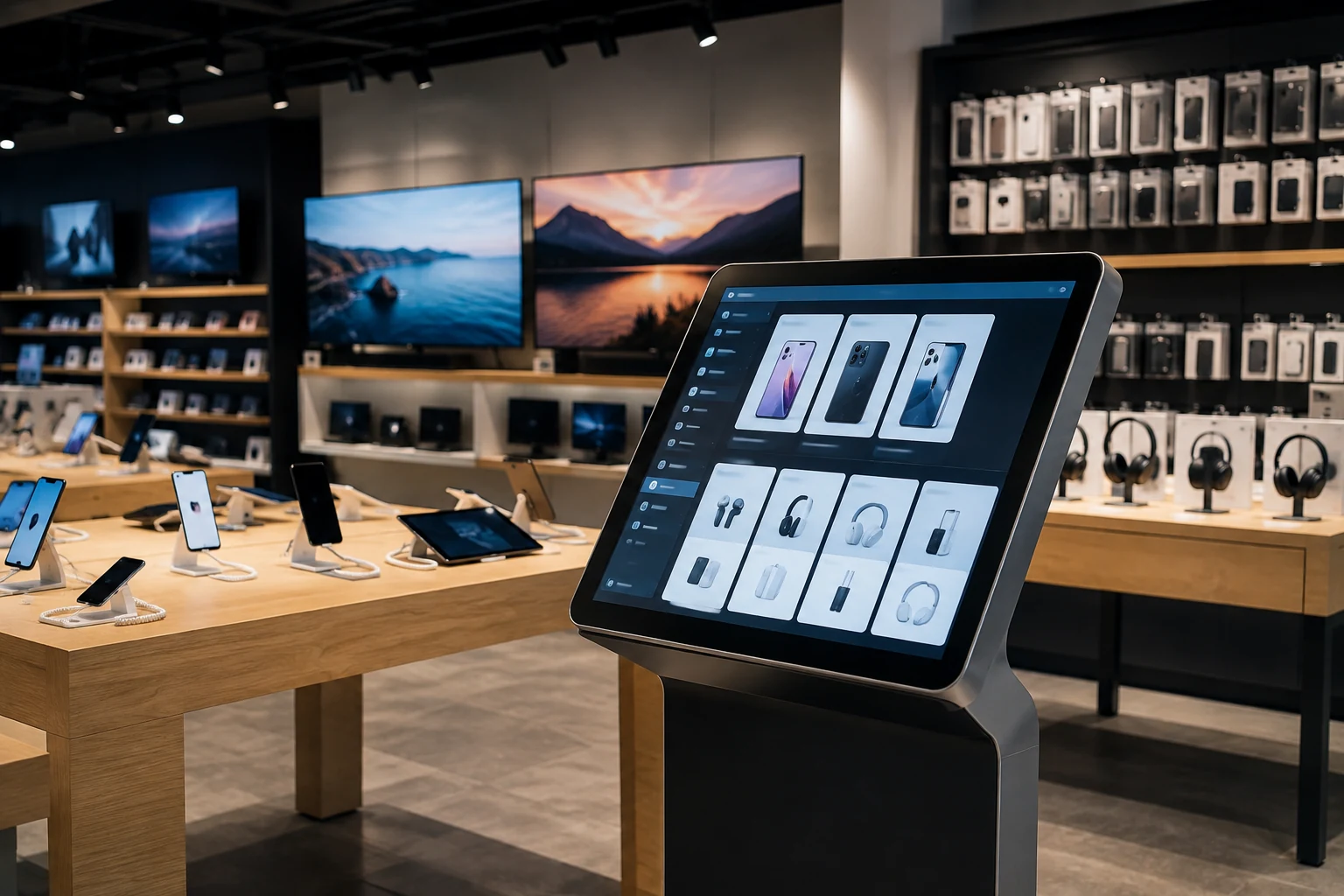
Electronics Stores
Provide deep product specifications, comparison tools and accessory recommendations next to display models.
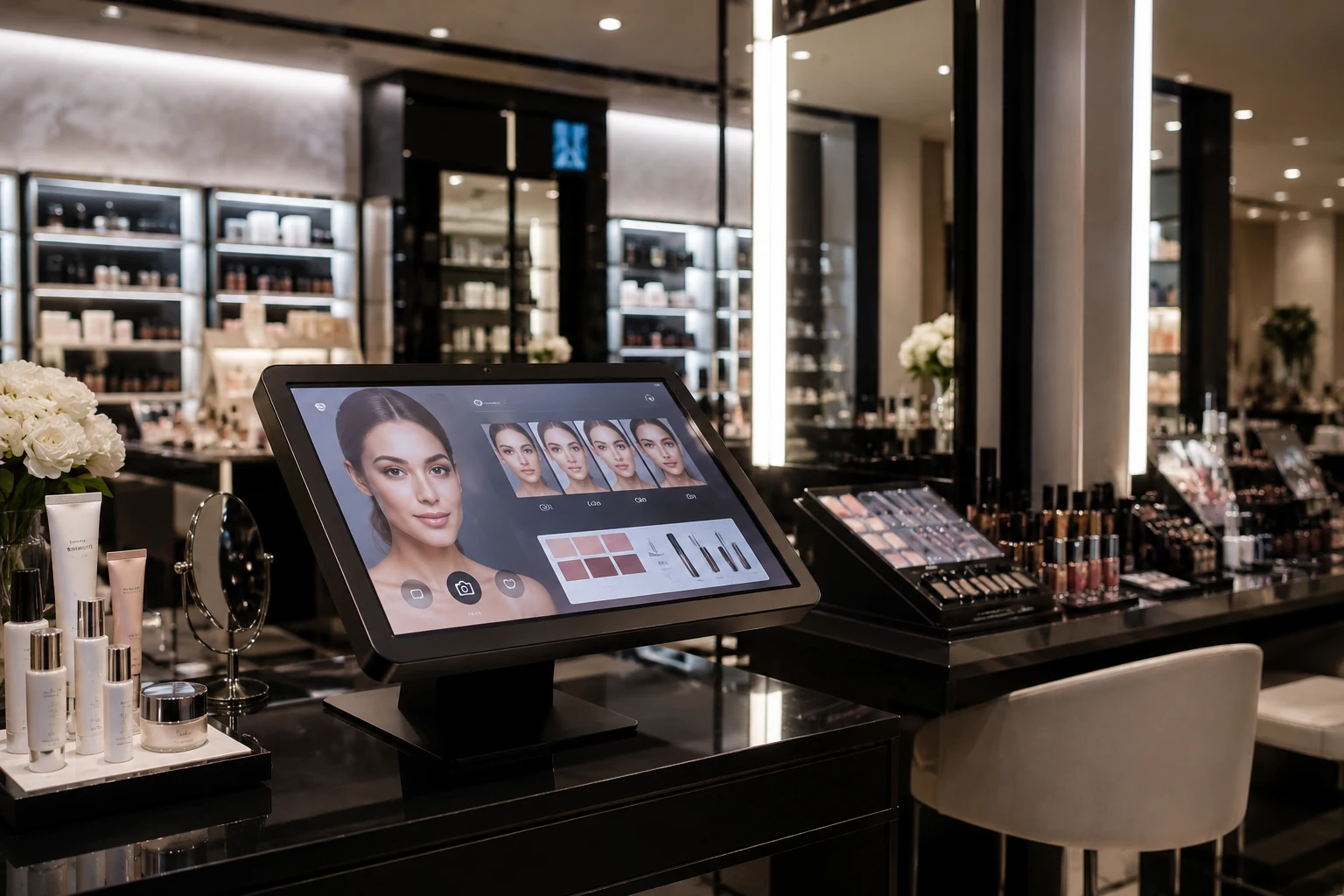
Cosmetics & Beauty
Interactive tutorials, virtual try-ons and loyalty program sign-ups integrated into the beauty counter.
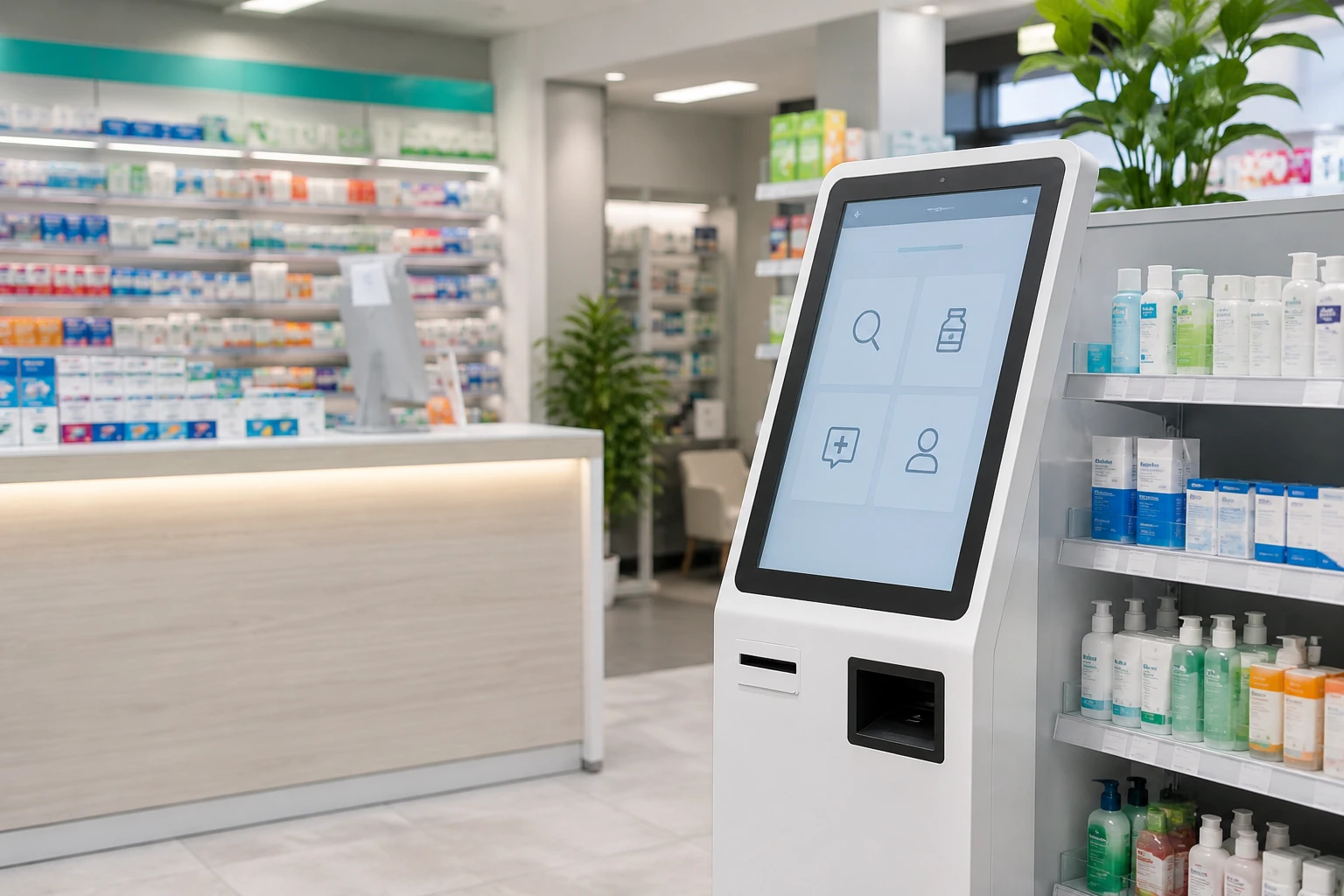
Pharmacies
Self-service queue ticket dispensing and private health product lookup away from busy counters.
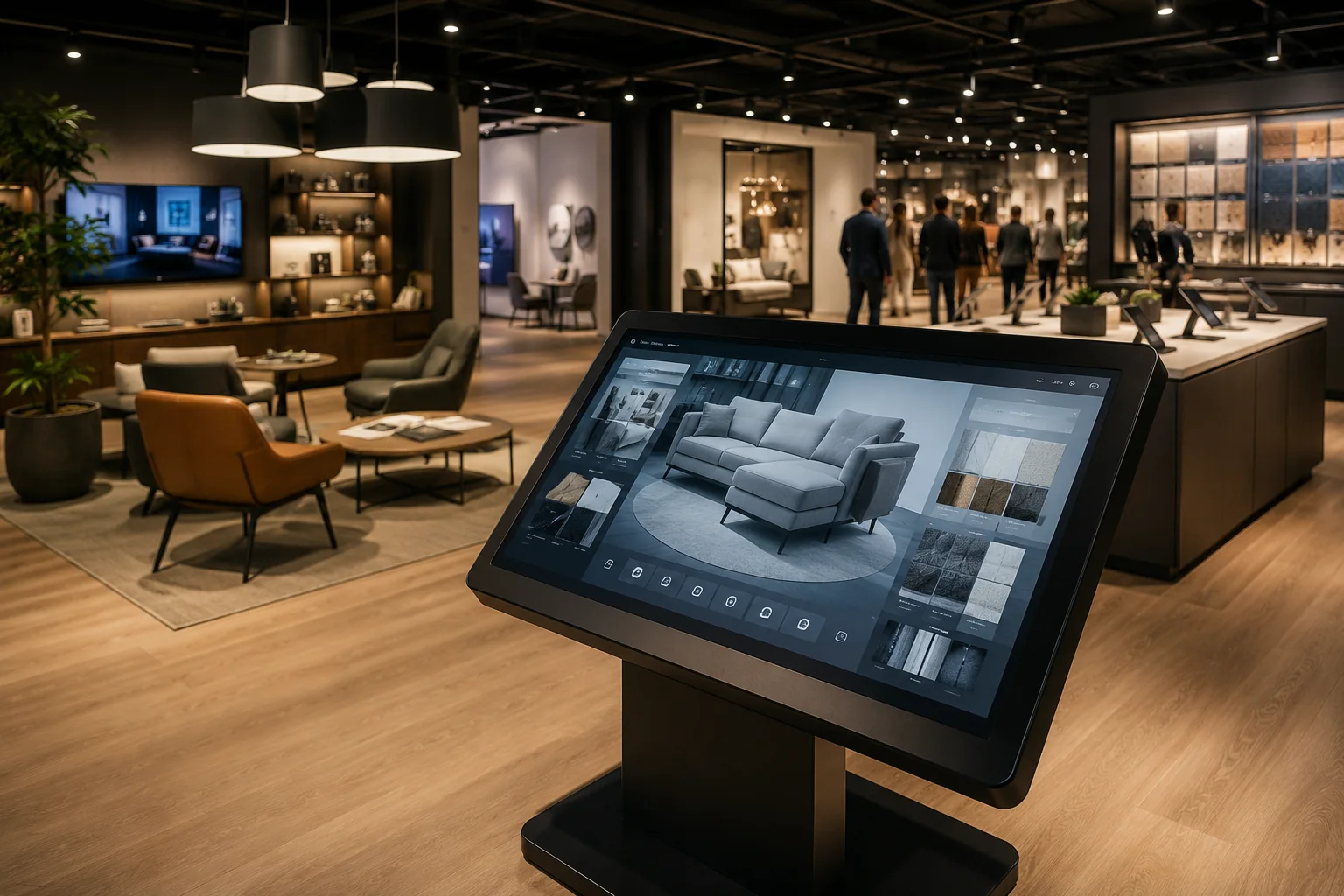
Showrooms & Experience
Guide visitors through brand stories, custom product configurators and digital catalog browsing.
For restaurant menu ordering, explore our self-ordering kiosk solutions.
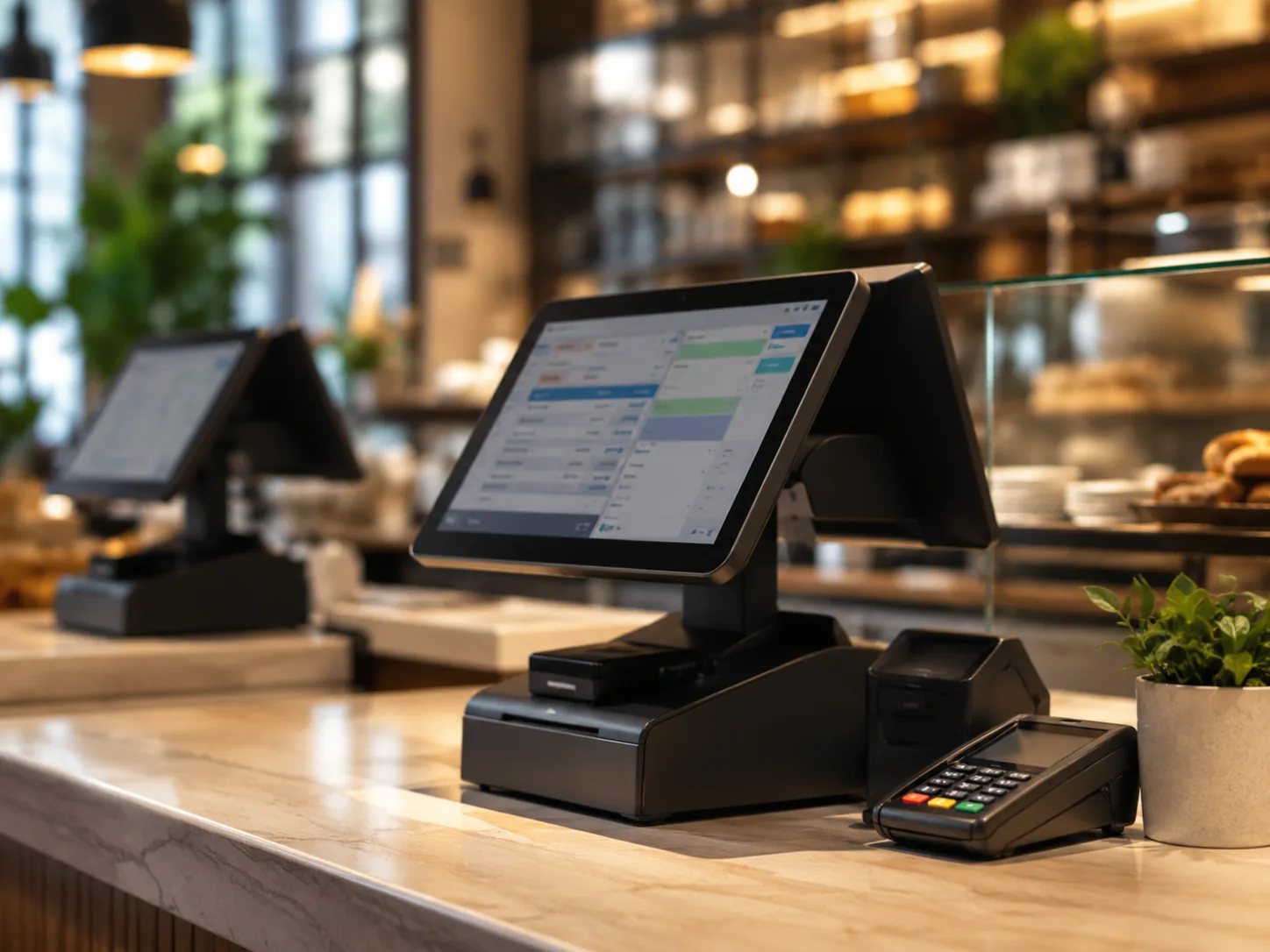
Configure the Hardware Around Your Retail Workflow
Select the modules needed for your specific customer journey.
Software and System Integration
Lucky XFC can evaluate hardware compatibility with the customer’s retail application, POS environment, inventory platform and payment workflow. Final software development, API connection, payment certification and transaction processing remain dependent on the customer’s technology stack and integration partners.
Send Your Peripheral List on WhatsAppHow a Retail Self-Service Kiosk Works
Customer starts a product, service or checkout task
The kiosk displays available options or product info
The customer scans, searches or selects items
Loyalty, ID or payment steps are completed if required
Kiosk sends transaction data to the connected system
A receipt, confirmation or digital result is provided
*Specific workflow varies based on the customer’s software, POS, inventory and payment system integration.
Retail Kiosk vs. Staffed Counter vs. Static Digital Signage
| Feature | Retail Kiosk | Staffed Counter | Static Digital Signage |
|---|---|---|---|
| Primary function | Interactive self-service & transaction | Complex service & personal interaction | One-way information & promotion |
| Customer interaction | High (Touch, Scan, Pay) | High (Verbal, assisted) | Low (Visual only) |
| Transaction capability | Yes (Integrated POS/Payment) | Yes (Cash register/POS) | No |
| Product info depth | Unlimited (Connected to database) | Depends on staff knowledge | Limited to current display loop |
| Staff involvement | Minimal (Supervision/assistance only) | Requires dedicated staff | None during operation |
| Available service hours | Continuous while powered | Limited by shifts | Continuous while powered |
| Best use cases | Self-checkout, endless aisle, loyalty | Returns, complex queries, cash handling | Window displays, menu boards, ads |
Retail Kiosk vs. Self-Ordering Kiosk vs. Mall Kiosk
Retail Kiosk
A broad category of interactive terminals covering self-checkout, product lookup, payment, loyalty, wayfinding and retail services across various store types.
Self-Ordering Kiosk
Specifically designed for restaurants, QSRs, cafes and food ordering workflows. View self-ordering kiosks.
Mall Kiosk (RMU)
Usually refers to physical retail merchandising units (RMUs), booths or retail furniture in a mall concourse. It does not necessarily include an interactive touchscreen terminal.
How to Choose a Retail Kiosk
Define the Task
Confirm if the terminal is for checkout, lookup, payment, loyalty, wayfinding, promotions or other specific tasks.
Review Space
Check indoor/outdoor, floor/counter, aisle width, height, power, network, maintenance space and traffic flow.
Screen Size & Ori.
Select size and portrait/landscape based on interaction distance, content volume, space and accessibility rules.
Software Env.
Provide OS (Android/Windows), app type, POS, inventory system, API, browser or cloud platform requirements.
List Peripherals
Confirm printers, scanners, cameras, NFC, payment terminals, PIN pads, cash modules and other devices needed.
Payment & Compliance
Payment terminal models, regional payment standards and certification requirements must be confirmed early.
Plan Rollout
Confirm access doors, consumable replacement, remote maintenance, spare parts and multi-store consistency.
Confirm Schedule
Define sample quantity, estimated batch volume, target delivery time and destination country.
For the fastest recommendation, send your application, preferred form factor, screen size, software environment, peripheral list, quantity and project location.
Get Configuration AdviceHow Much Does a Retail Kiosk Cost?
Retail kiosk pricing depends on the screen size, computing platform, enclosure design, integrated peripherals, payment hardware, software compatibility work, certification requirements, order quantity and shipping destination. A reliable quotation requires a confirmed hardware configuration and project scope.
Custom Retail Kiosk OEM/ODM Process
We take your retail concept from initial requirements to mass production.
Requirement Review
Hardware Recommendation
Mechanical Layout & Drawing
Prototype Production
Compatibility & Function Testing
Customer Approval
Batch Production & QC
What to Provide to Start:
- Application and workflow
- Reference photos or drawings
- Preferred dimensions & Screen size
- Software and operating system
- Peripheral & Payment terminal models
- Quantity & Destination country
- Certification requirements
Why Choose Lucky XFC as Your Retail Kiosk Manufacturer?
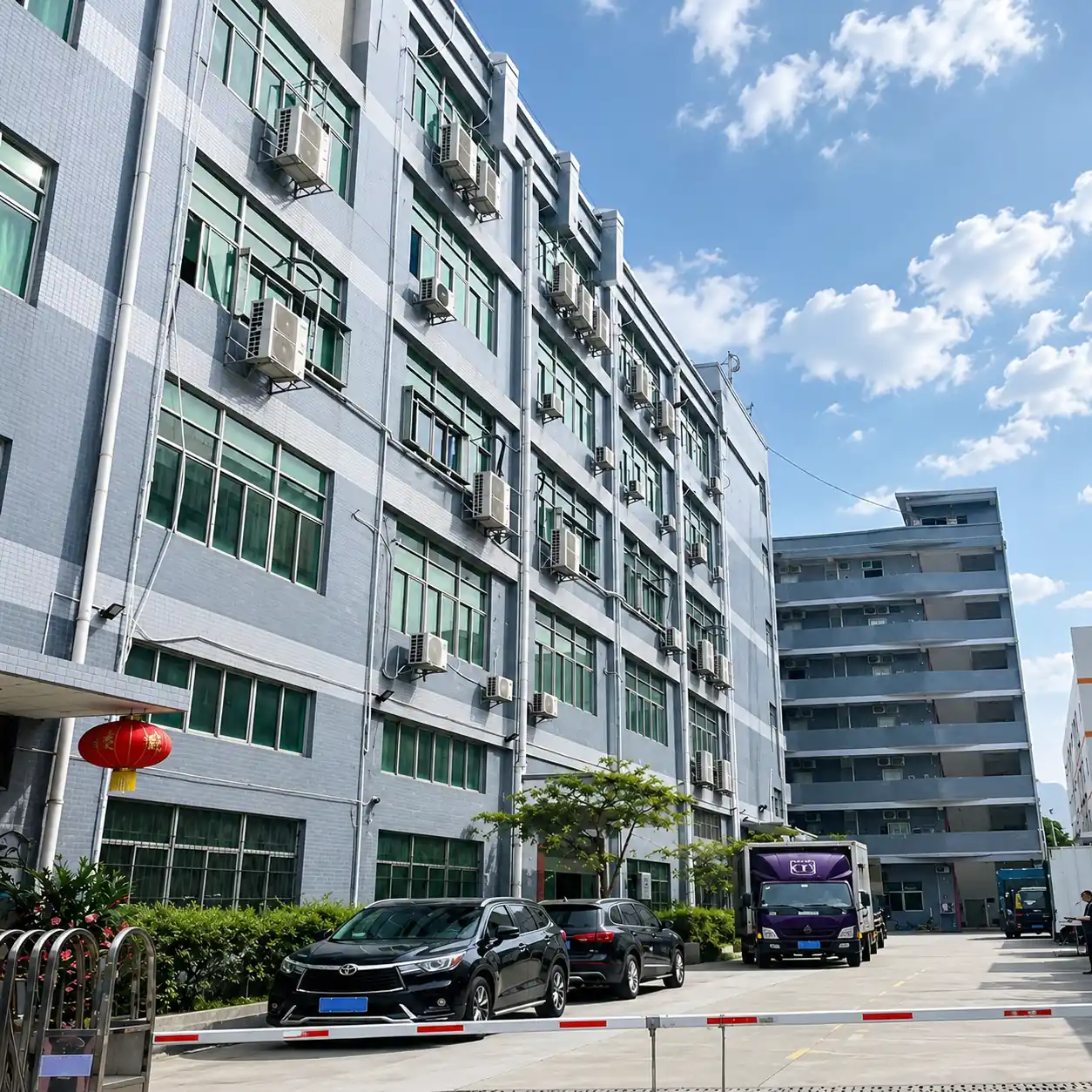
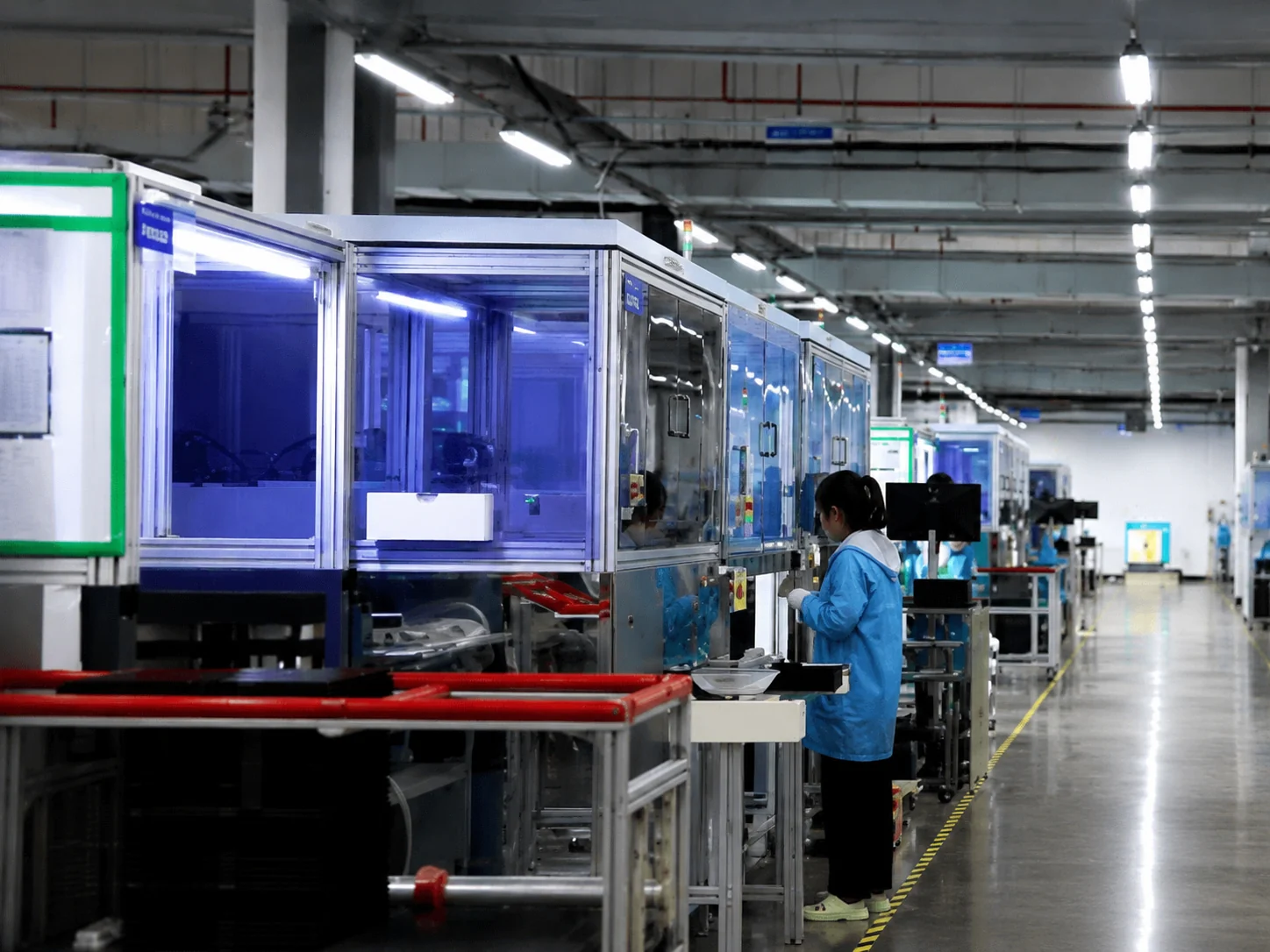
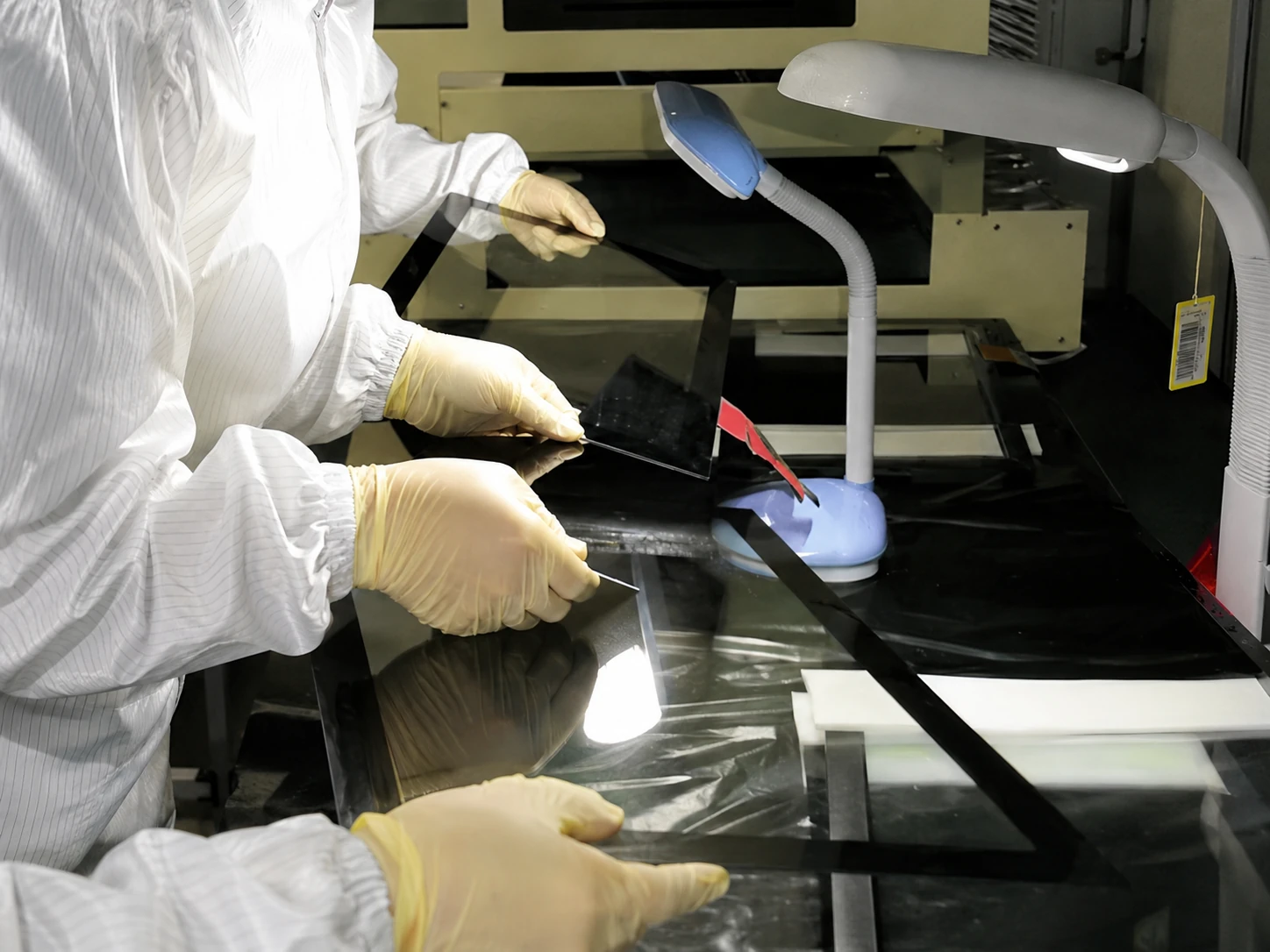
Manufacturing Capabilities
- Since 2013
- 6,000㎡ Manufacturing Facility
- OEM/ODM Hardware Support
- MOQ from 1 Unit
- Prototype-to-Production Support
- Products Shipped to 80+ Countries
- Touch Display & Metal Exp.
- 100% Inspection Process
100% Quality Control Process
- 1. Incoming Component Check
- 2. Display and Touch Sensitivity Test
- 3. Interface and Peripheral Function Test
- 4. Appearance and Enclosure Inspection
- 5. Aging or Operation Test (When Required)
- 6. Packaging Safety Check
- 7. Final Configuration Verification
Certifications Available by Product and Project Requirement
Specific certifications (CE, FCC, RoHS, etc.) are verified and provided based on the exact kiosk model and shipping destination.
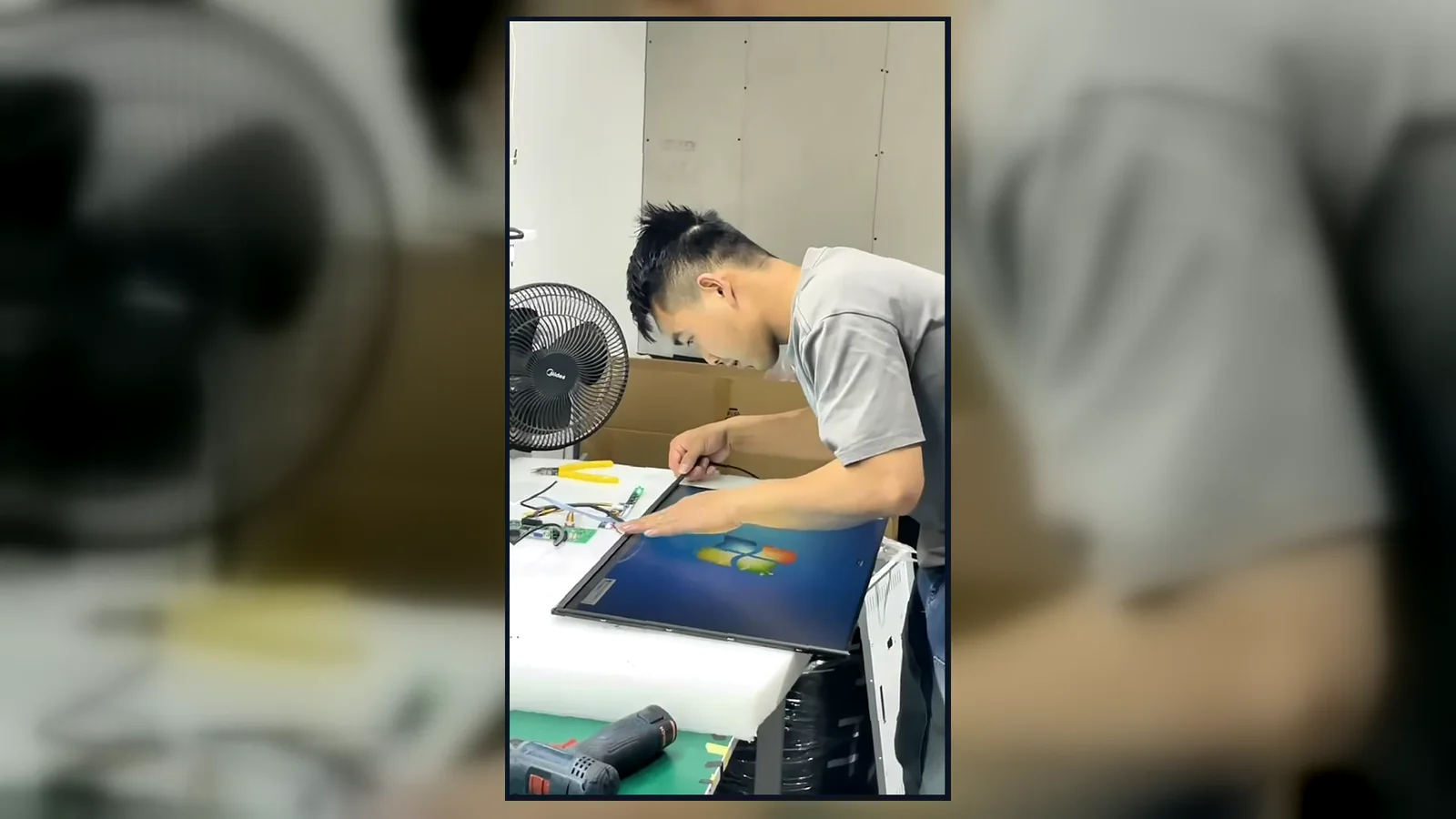
Inside the Factory: Production & Quality Testing
Watch our brief 45-second overview showcasing the rigorous assembly and testing procedures at our facility. See firsthand how our QC team conducts 100% inspections to verify touch response, display quality, interfaces and appearance according to the approved specifications.
Global Quality & Compliance Standards
Our products are manufactured under strict quality control systems and comply with international standards, ensuring reliability and safety for your projects.

ISO 9001:2015
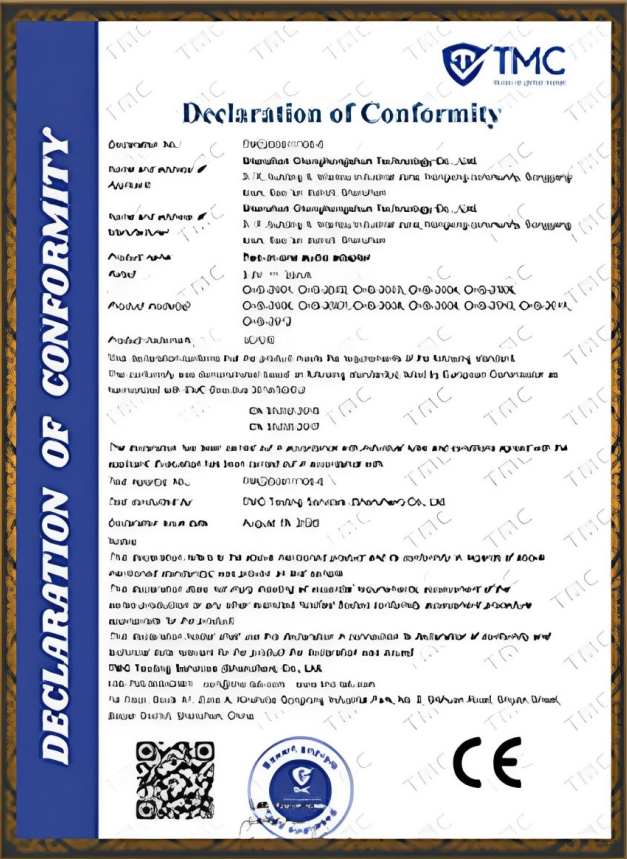
CE Certification
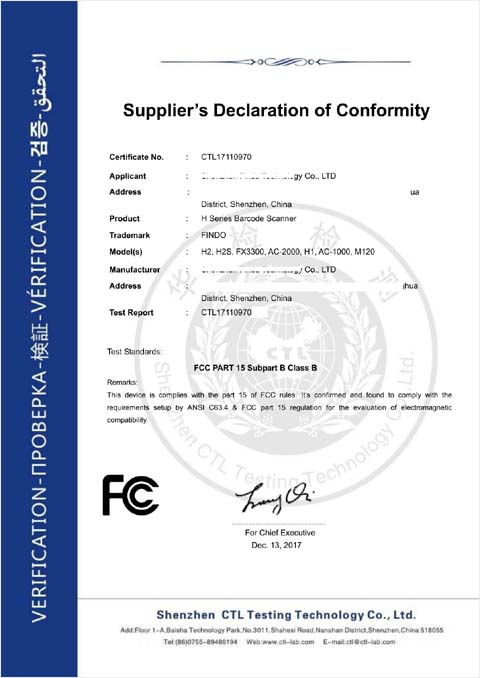
FCC Certification
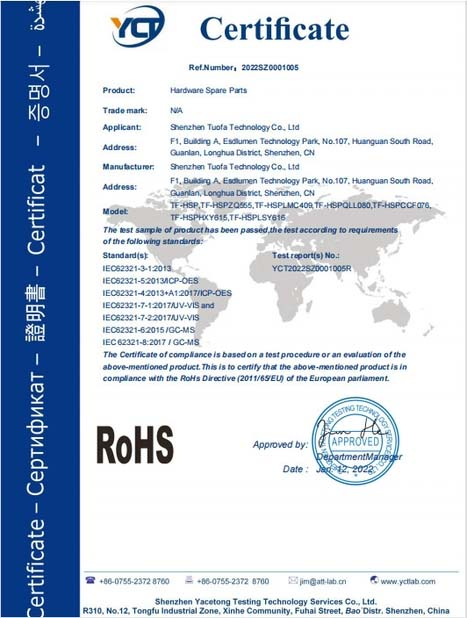
RoHS Compliance
IP56/IP65/IP67/IK10
Retail and Self-Service Kiosk Project Experience
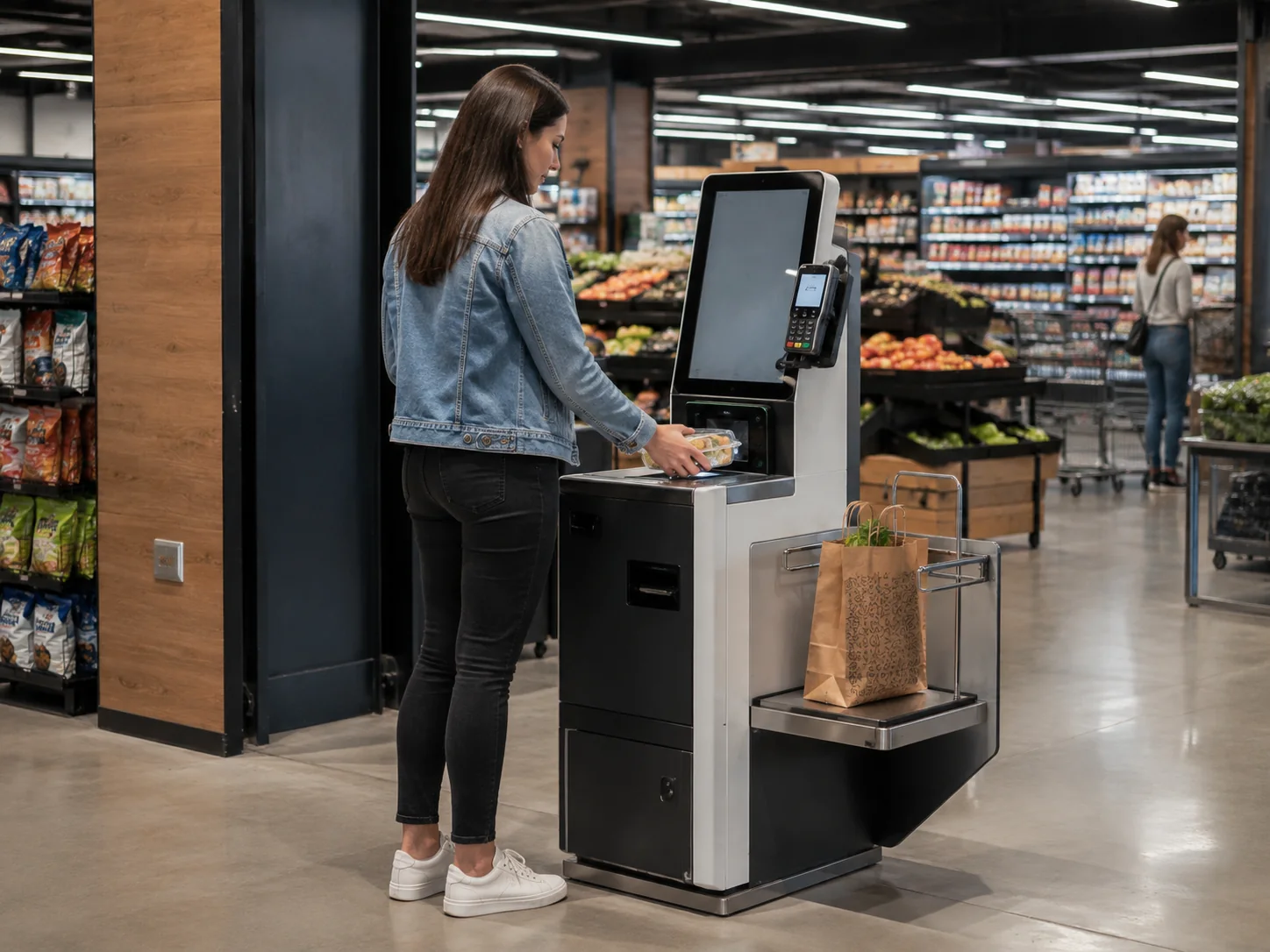
Self-Checkout Rollout
Application: Grocery Self-Checkout
Challenge: Integrating a specific regional payment terminal securely into a slim floor stand.
Format: Floor-Standing
Hardware: 21.5" PCAP touch, Windows IoT, Scanner, Receipt Printer, Custom Payment Mount.
Status: Batch Production
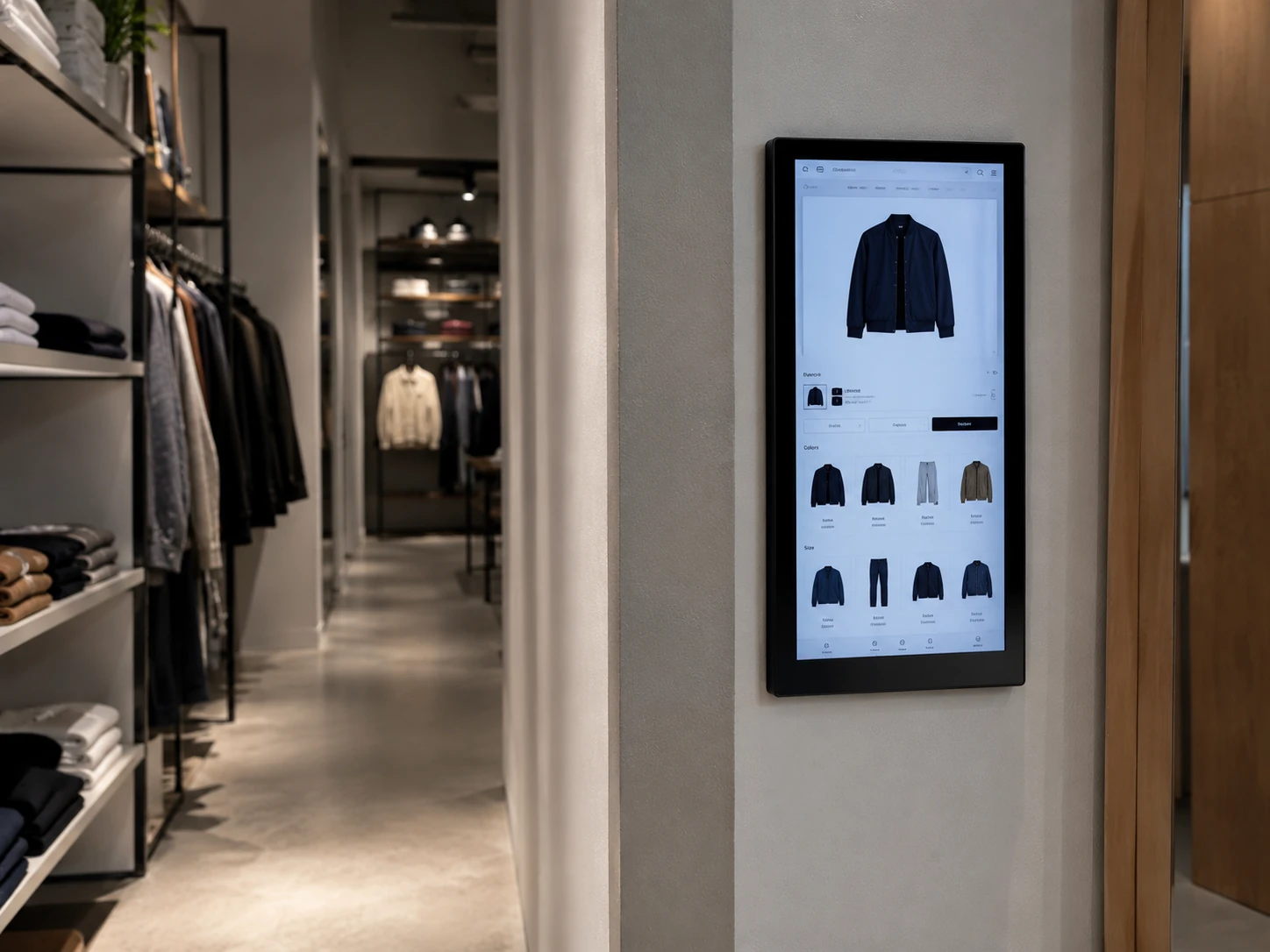
Endless Aisle Terminals
Application: Fashion Retail Lookup
Challenge: Required a branded, ultra-thin wall-mounted design that didn't block narrow aisles.
Format: Wall-Mounted
Hardware: 27" Portrait Touch Display, Android RK3399, Built-in RFID reader.
Status: Deployed
Your Project Here
We protect our clients' confidential designs. Contact us to discuss case studies relevant to your specific application.
Discuss a Similar ProjectRetail Kiosk Frequently Asked Questions
What is a retail kiosk?
What is the difference between a retail kiosk and a mall kiosk?
What is the best retail kiosk for a small business?
How do I choose a retail kiosk for a mall or retail store?
How much does a retail kiosk cost?
Can a retail kiosk be customized for my brand?
Can the kiosk connect to my POS and inventory system?
What payment devices can be integrated?
What screen size should I choose?
Do you manufacture modular retail kiosk units?
Can the kiosk be used outdoors?
What permits or licenses are required for a retail kiosk?
What is the minimum order quantity (MOQ)?
How long does a custom retail kiosk take to produce?
What information is required for a quotation?
Tell Us About Your Retail Kiosk Project
Send us your retail workflow, preferred kiosk format, screen size, software environment, peripheral list, quantity and destination. Our team will review the requirements and recommend a suitable hardware configuration.
Direct Contact
Email:
sales13@lucky-xfc.com
WhatsApp / Phone:
+86 135 3036 8341
Factory Address:
No. 3, Lianfeng Road, Hongqiaotou Community, Yanluo Street, Bao'an District, Shenzhen, China
