
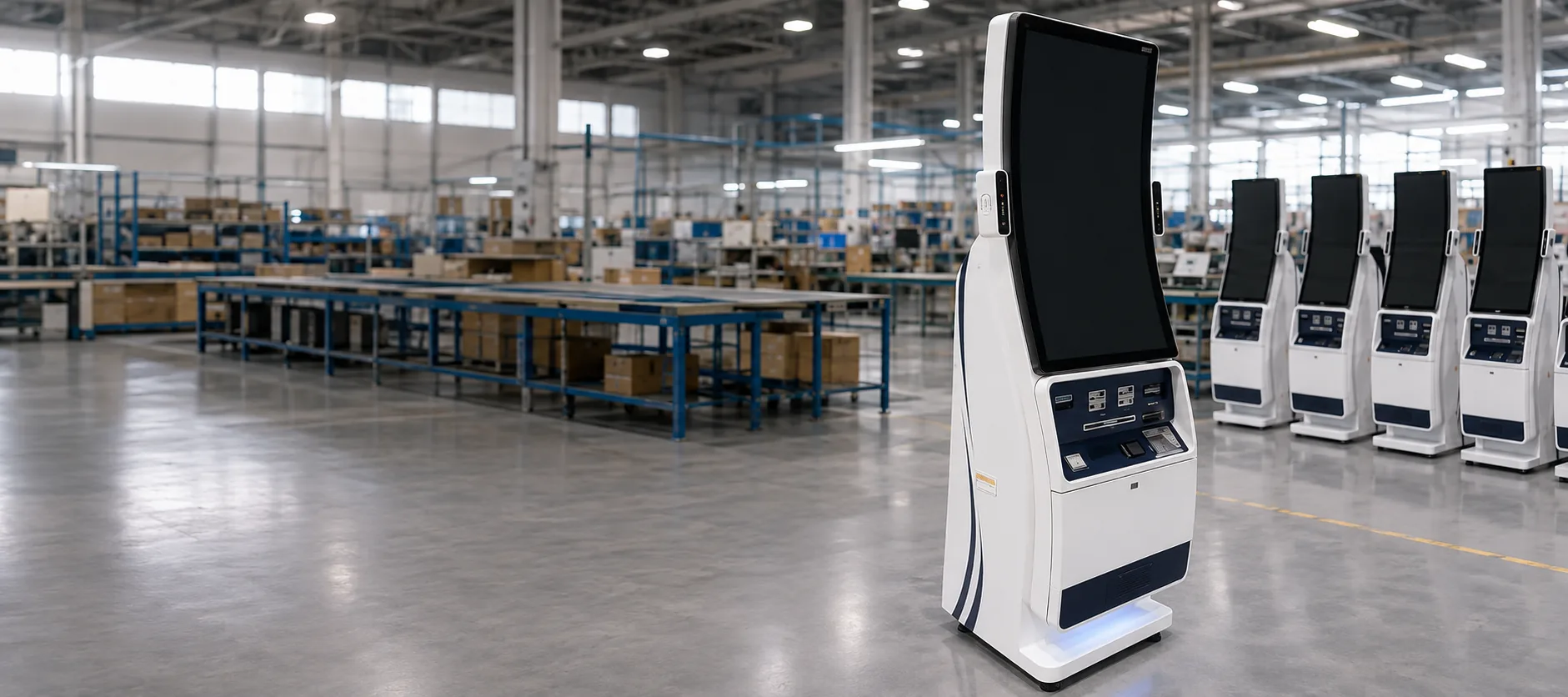
Custom Patient Check-In Kiosk Hardware
Configurable kiosk hardware for hospitals, clinics, healthcare providers, and system integrators. Customize the touchscreen, enclosure, computing platform, mounting, and peripherals to fit your patient check-in workflow.
Hardware Scope: XFC supplies and customizes the kiosk hardware. Your software team or system integrator can deploy and manage the patient check-in application.
- Custom touchscreen & enclosure
- Flexible peripheral integration
- Android / Windows / Linux options
- Third-party software ready
Patient Check-In Hardware Built Around Your Application
A patient check-in project needs reliable hardware, practical installation design, and a clear software responsibility boundary. XFC helps healthcare projects turn a check-in application into a deployable touchscreen kiosk terminal.
XFC Provides the Kiosk Hardware
XFC can provide the touchscreen display, computing hardware, metal enclosure, mounting structure, cable routing, interface layout, branding, assembly, and final hardware production.
Your Software Partner Provides the Application
Patient registration workflow, appointment lookup, EHR/EMR connection, insurance verification, payment processing, cybersecurity policy, and patient data management are handled by your hospital system, software vendor, or system integrator.
Hardware Compatibility Planning
Share your software environment, operating system, required peripherals, and installation scenario. XFC can recommend a suitable hardware configuration for testing and deployment.
What Is a Patient Check-In Kiosk?
A patient check-in kiosk is a self-service touchscreen terminal used in healthcare reception areas. It allows patients to interact with a third-party application to start check-in, confirm appointments, update information, scan documents, print queue tickets, or follow on-screen instructions.
Clarification: The kiosk hardware is the physical terminal. The software controls the patient workflow, data processing, EHR/EMR connection, payment logic, and privacy settings.
Patient Check-In Kiosk Types
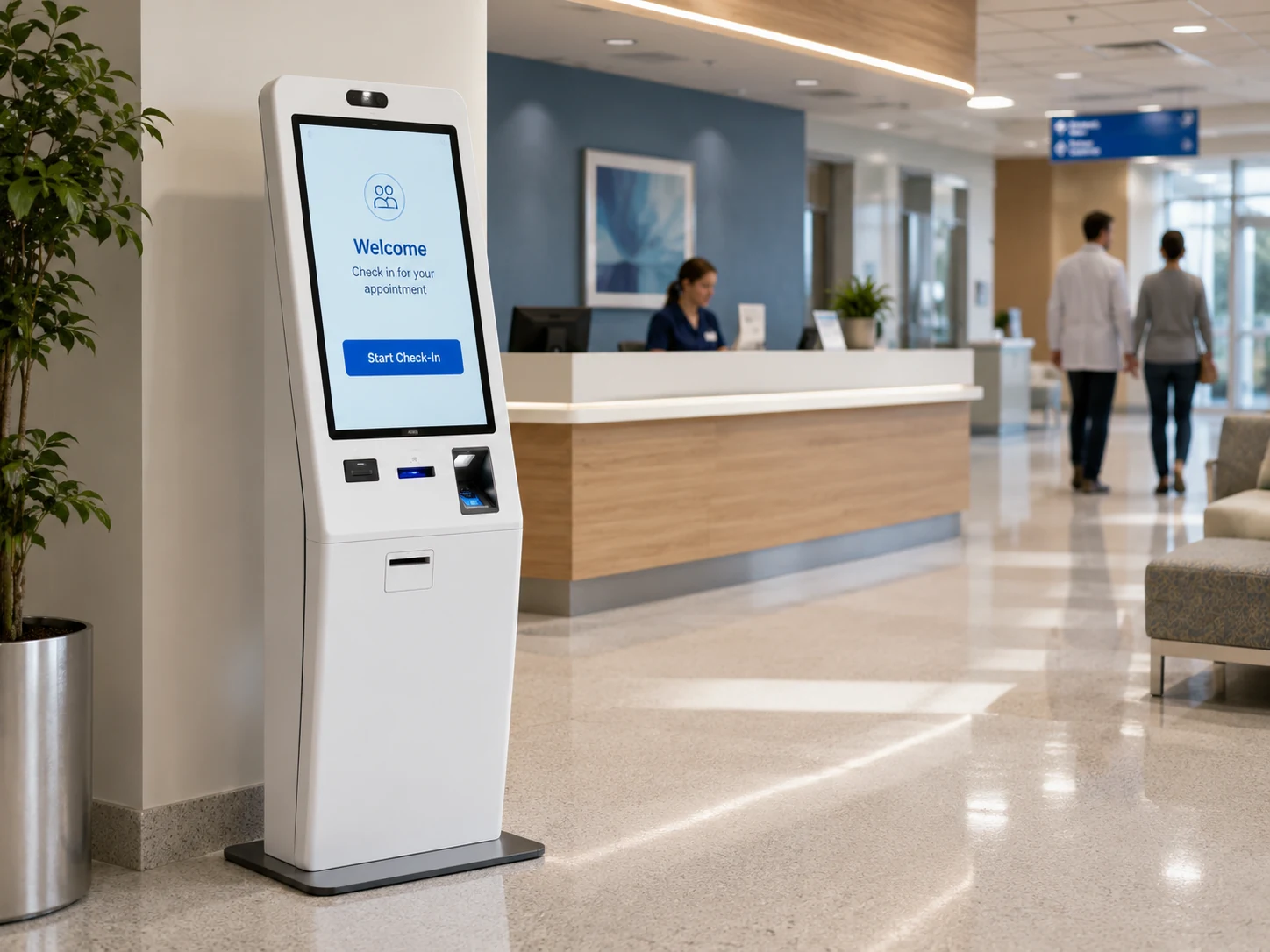
Freestanding Patient Check-In Kiosk
Best for hospital lobbies, outpatient halls, medical centers, and high-traffic reception areas. It provides strong visibility, stable installation, and enough internal space for printers, scanners, and computing hardware.
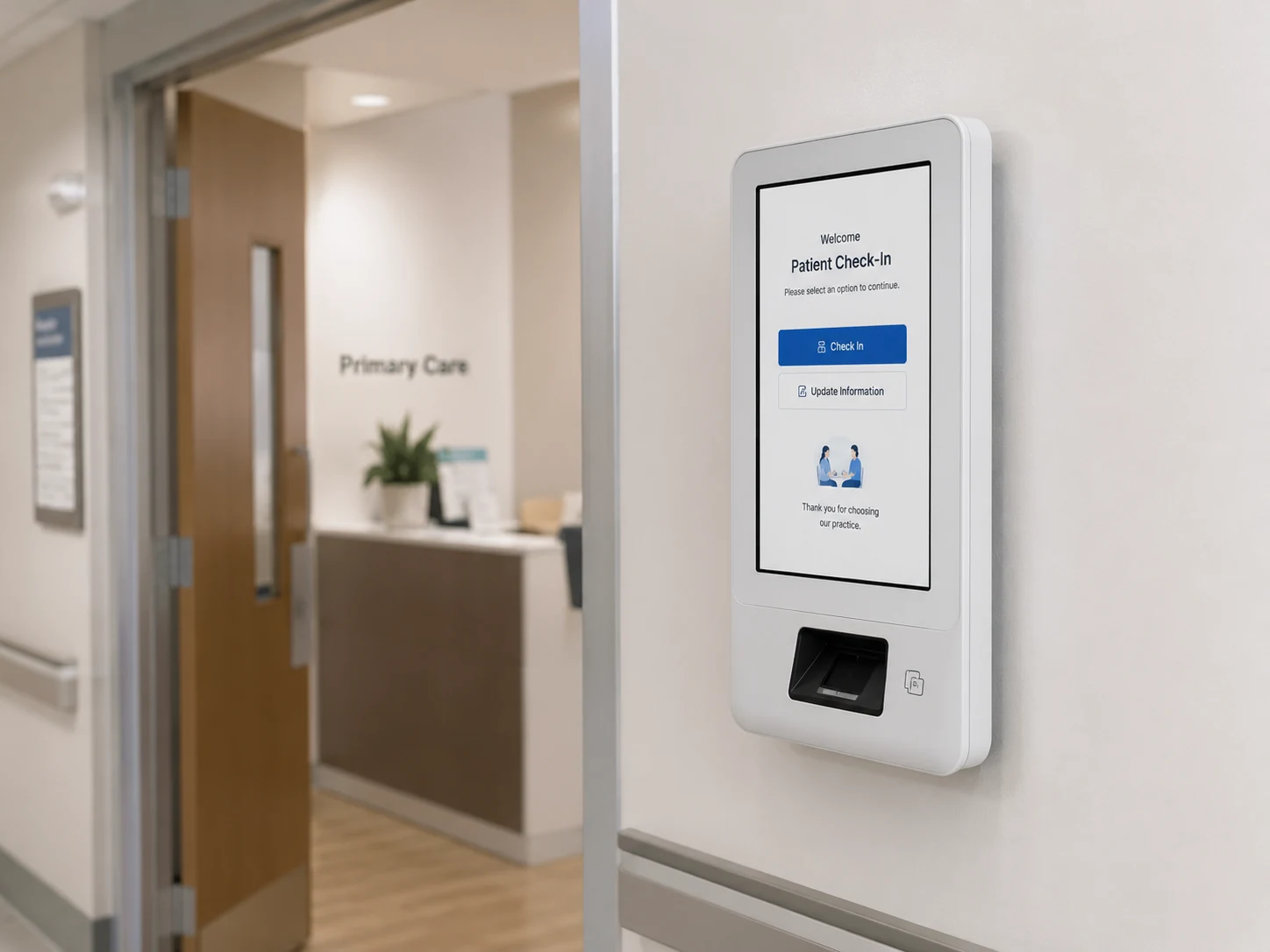
Wall-Mounted Patient Check-In Kiosk
Best for clinics, corridors, department entrances, and areas with limited floor space. It keeps the patient check-in terminal accessible without occupying a large footprint.
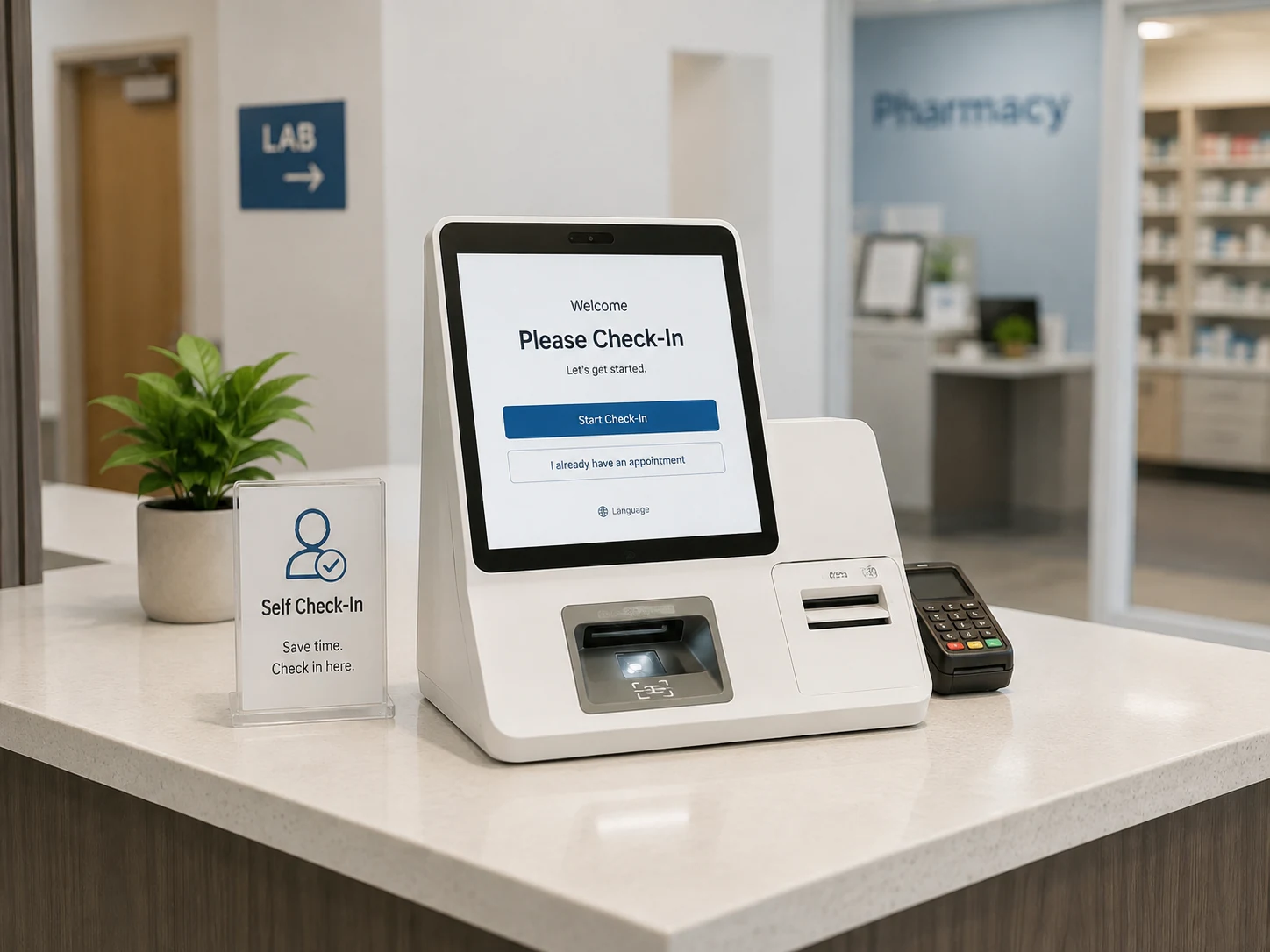
Desktop Patient Check-In Kiosk
Best for front desks, small clinics, pharmacies, laboratories, and counter-based self-service points. It is compact, easy to place, and suitable for lighter workflows.
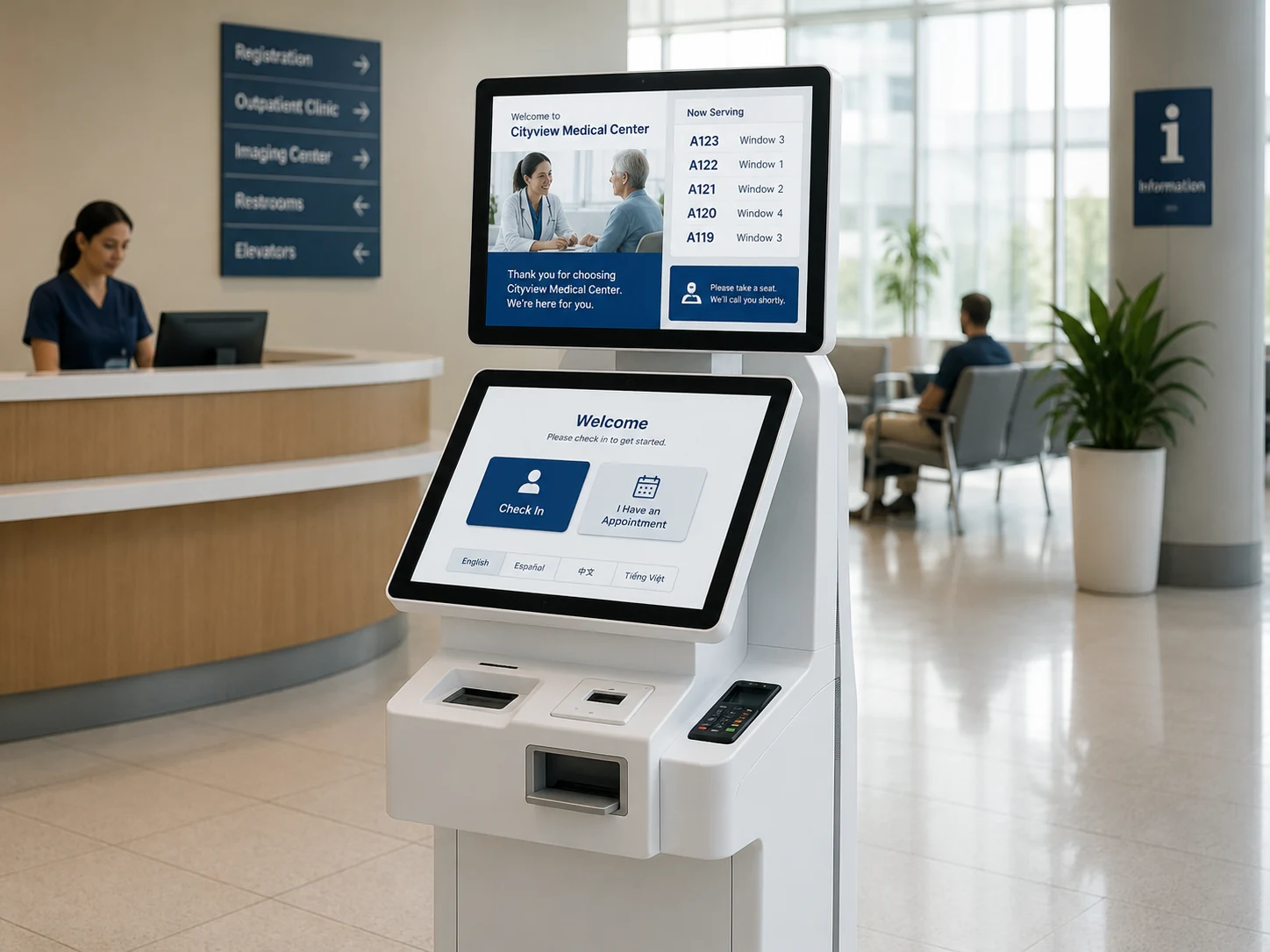
Dual-Screen Patient Check-In Kiosk
Best for projects that need a patient-facing screen plus a second display for staff information, advertising, instructions, or queue content.
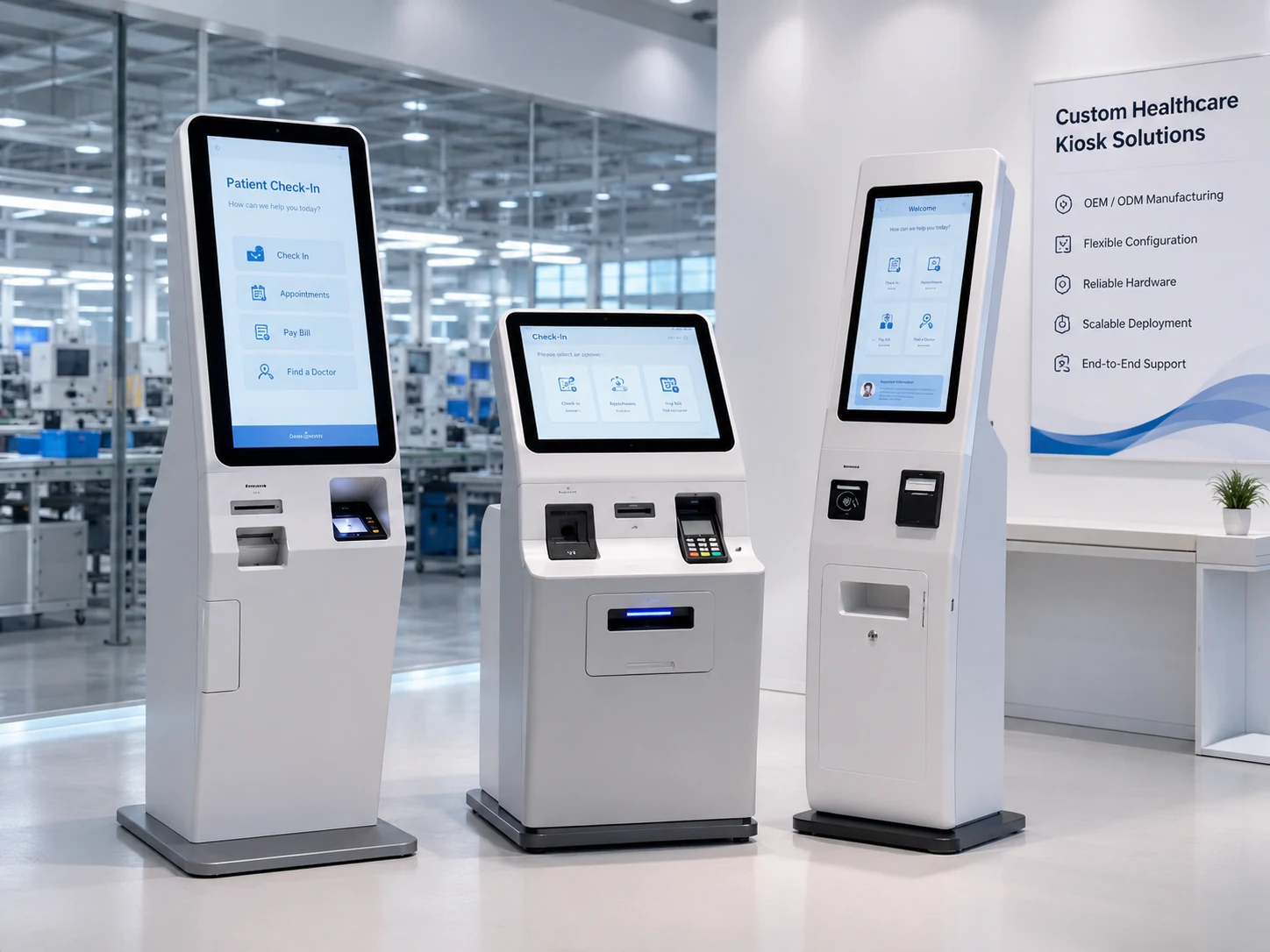
Custom OEM/ODM Healthcare Kiosk
Best for healthcare software companies, system integrators, kiosk distributors, and project contractors that need branded hardware for repeat deployment.
Why Healthcare Facilities Use Patient Check-In Kiosks
Long Front-Desk Queues
A self-service kiosk can help move repetitive check-in steps away from the reception counter when connected to the customer’s own software workflow.
Repeated Manual Data Entry
Touchscreen terminals can support digital intake workflows and reduce repeated paper-based processes when paired with the correct application.
Peak-Hour Reception Pressure
Hospitals and clinics can place kiosks in high-traffic areas to support multiple patients at the same time.
Clear Patient Routing
Optional printers and queue systems can help issue tickets, receipts, labels, or visit instructions when supported by the customer’s software.
Modern Reception Experience
A purpose-built medical check-in kiosk creates a more professional and consistent front-desk experience than temporary tablet stands.
Patient Check-In Kiosk Sizes and Chassis Options
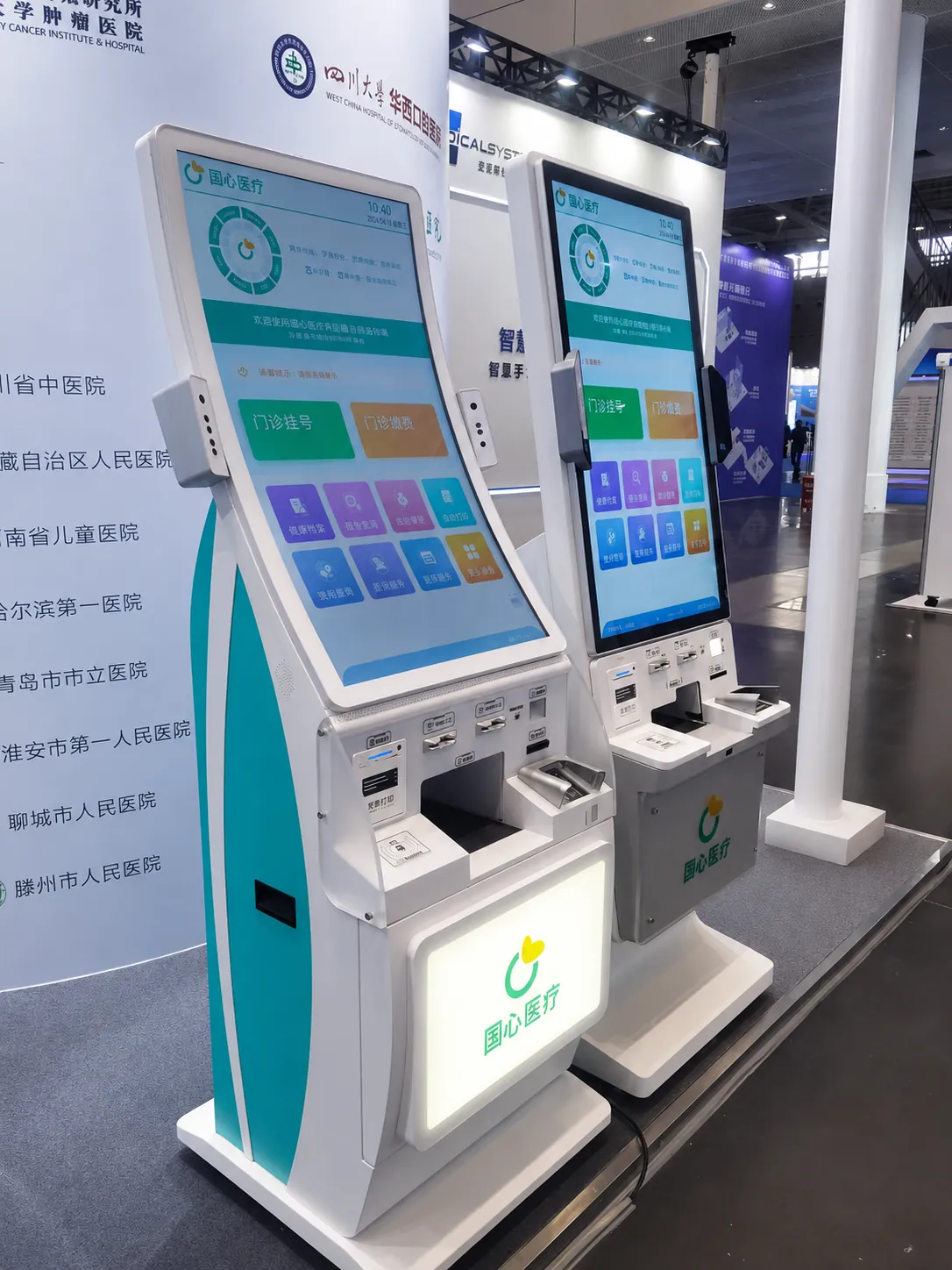
Smart Healthcare Kiosks
High-performance touch screens tailored for modern medical centers.
Note: Final dimensions, structure, and peripheral layout depend on the confirmed drawings, selected components, and project requirements.
Patient Check-In Kiosk Hardware Specifications
- Touchscreen size
- 17 inch to 43 inch standard options, custom sizes available
- Touch technology
- Capacitive touch or project-based touch solution
- Display orientation
- Portrait or landscape
- Operating system options
- Windows, Android, or Linux hardware configuration
- Computer options
- Industrial PC, Android board, or customer-specified computing platform
- Enclosure
- Sheet metal structure, custom color, logo, ventilation, service door, and internal mounting design
- Mounting
- Freestanding, wall-mounted, desktop, embedded, or custom installation
- Connectivity
- USB, LAN, Wi-Fi, Bluetooth, HDMI, RS232, and custom I/O depending on project design
- Optional peripherals
- Barcode scanner, QR scanner, camera, ID card reader, NFC reader, RFID reader, receipt printer, thermal printer, A4 printer, card reader space, payment terminal holder, speaker, microphone, indicator light
- MOQ
- 1 PCS
- Customization
- Screen size, enclosure, logo, color, ports, peripheral position, camera position, printer bay, service access, packaging
Optional Patient Check-In Kiosk Peripherals
Customize your kiosk hardware to support your specific patient intake workflow.
Important note: Peripheral availability and compatibility depend on the customer’s software, selected device model, local compliance requirements, and final kiosk design.
Hardware Ready for Third-Party Healthcare Applications
XFC patient check-in kiosk hardware can be configured for third-party healthcare applications, including patient registration software, appointment check-in software, queue management systems, telehealth intake workflows, visitor management, and EHR/EMR-connected front-desk solutions.
Important Statement: XFC does not develop, license, operate, or maintain the medical check-in software. We provide hardware configuration support for your software environment.
Patient Check-In Kiosk Use Cases
Hospitals
Use patient check-in kiosk hardware for lobby check-in, outpatient registration, department routing, queue ticket printing, and self-service reception workflows.
Private Clinics
Support appointment confirmation, patient information update, document scan, and front-desk workload reduction.
Dental & Eye Clinics
Deploy compact or freestanding kiosks for high-frequency appointments, quick check-in, and patient identity confirmation.
Diagnostic & Imaging Centers
Use kiosk terminals for exam appointment check-in, queue ticket printing, and patient flow guidance.
Healthcare Software Vendors
Turn patient intake or check-in software into a complete hardware terminal solution for clients.
System Integrators
Use XFC hardware for hospital tenders, medical projects, multi-location deployments, and custom self-service solutions.
Why Choose XFC for Patient Check-In Kiosk Hardware?
13+ years of touchscreen and kiosk manufacturing experience
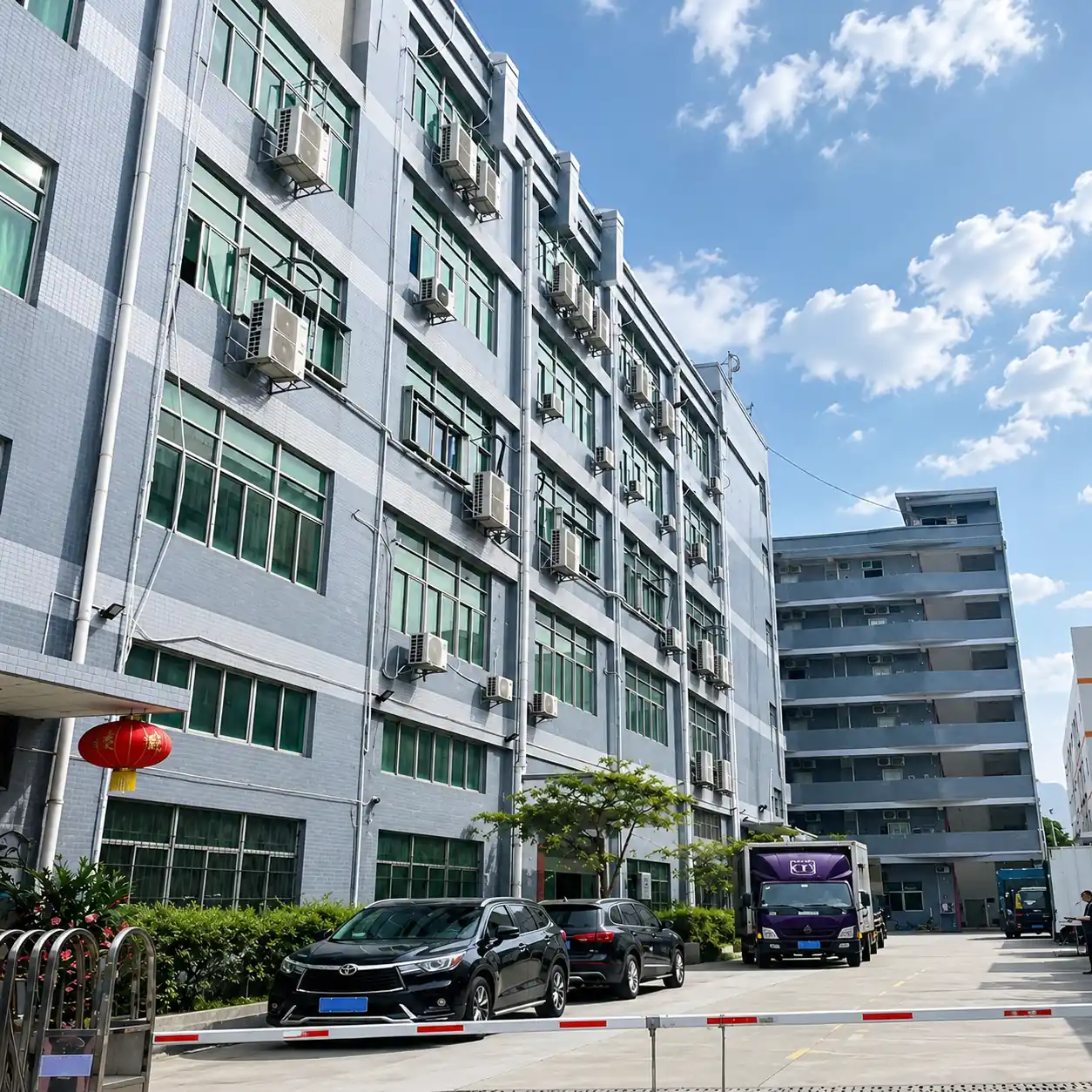
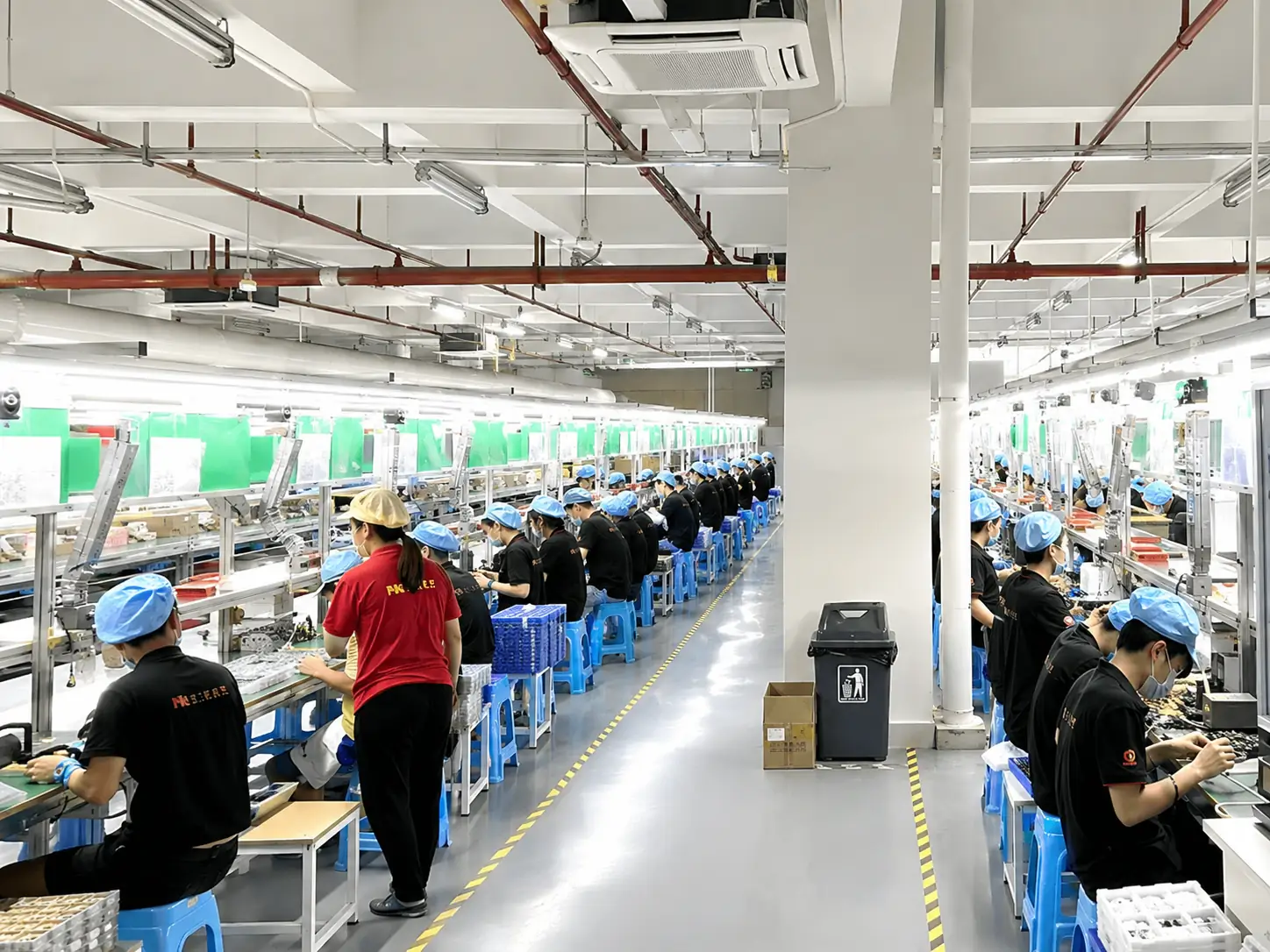
About 6,000 m² factory with 300+ staff
Export experience to 80+ countries
OEM/ODM customization for healthcare reception environments
MOQ from 1 PCS for sample and project testing
Custom screen size, enclosure, color, logo, interface, and peripheral layout
Support for Windows, Android, and Linux hardware configurations
Pre-shipment quality inspection & Warranty up to 3 years

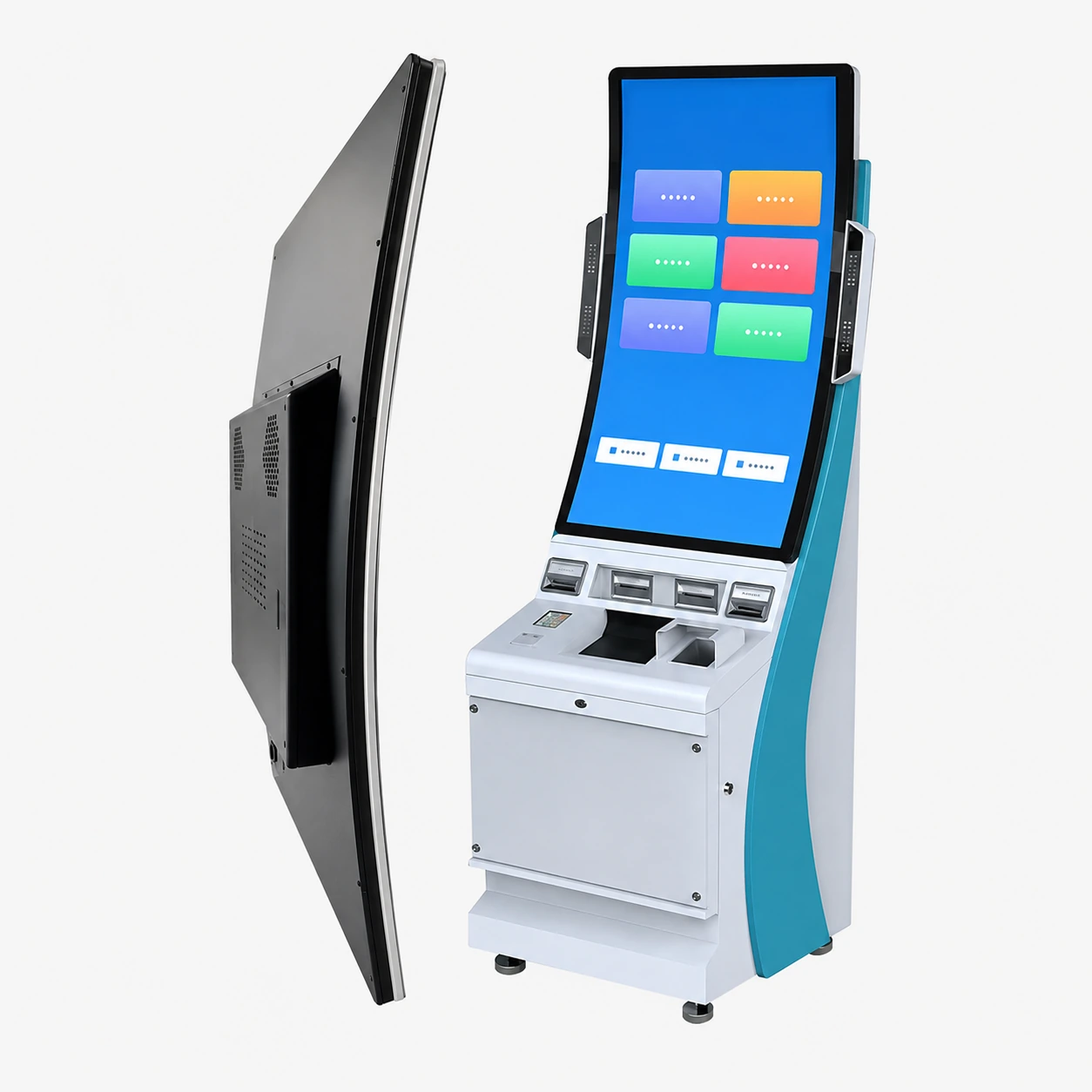
Lucky-XFC
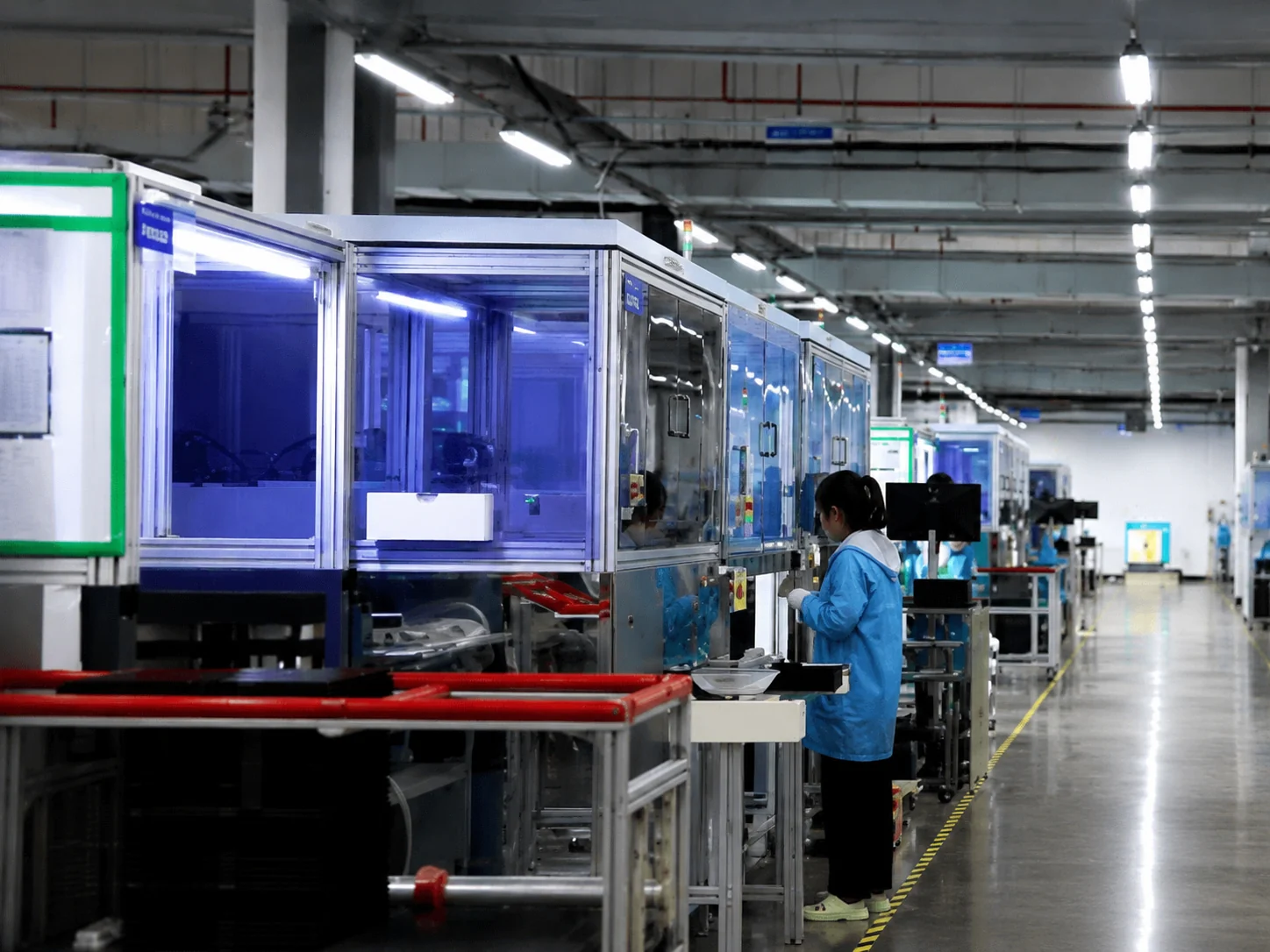
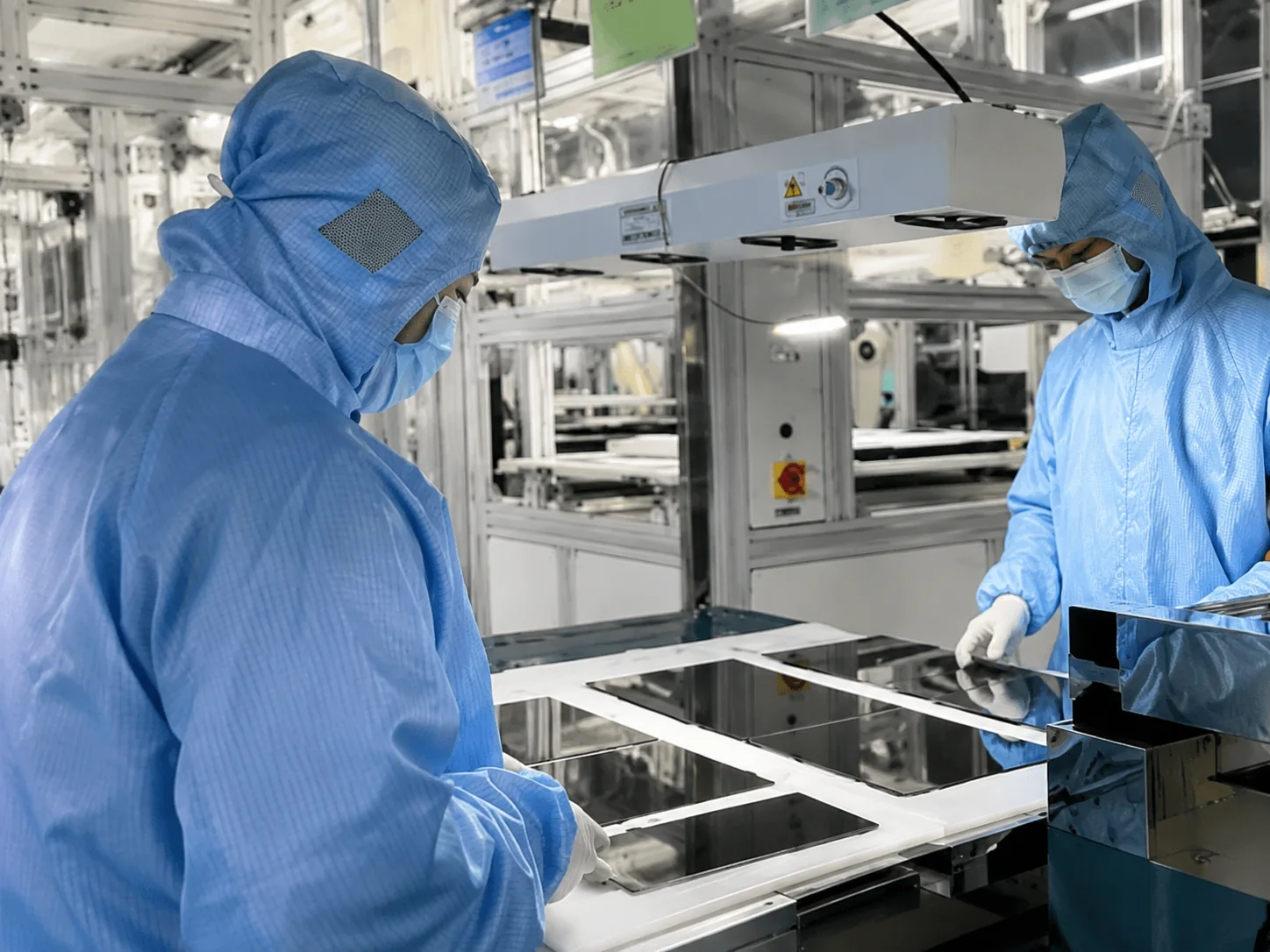
Lucky-XFC supports custom projects from product selection and engineering confirmation through sample production, 100% inspection and shipment.
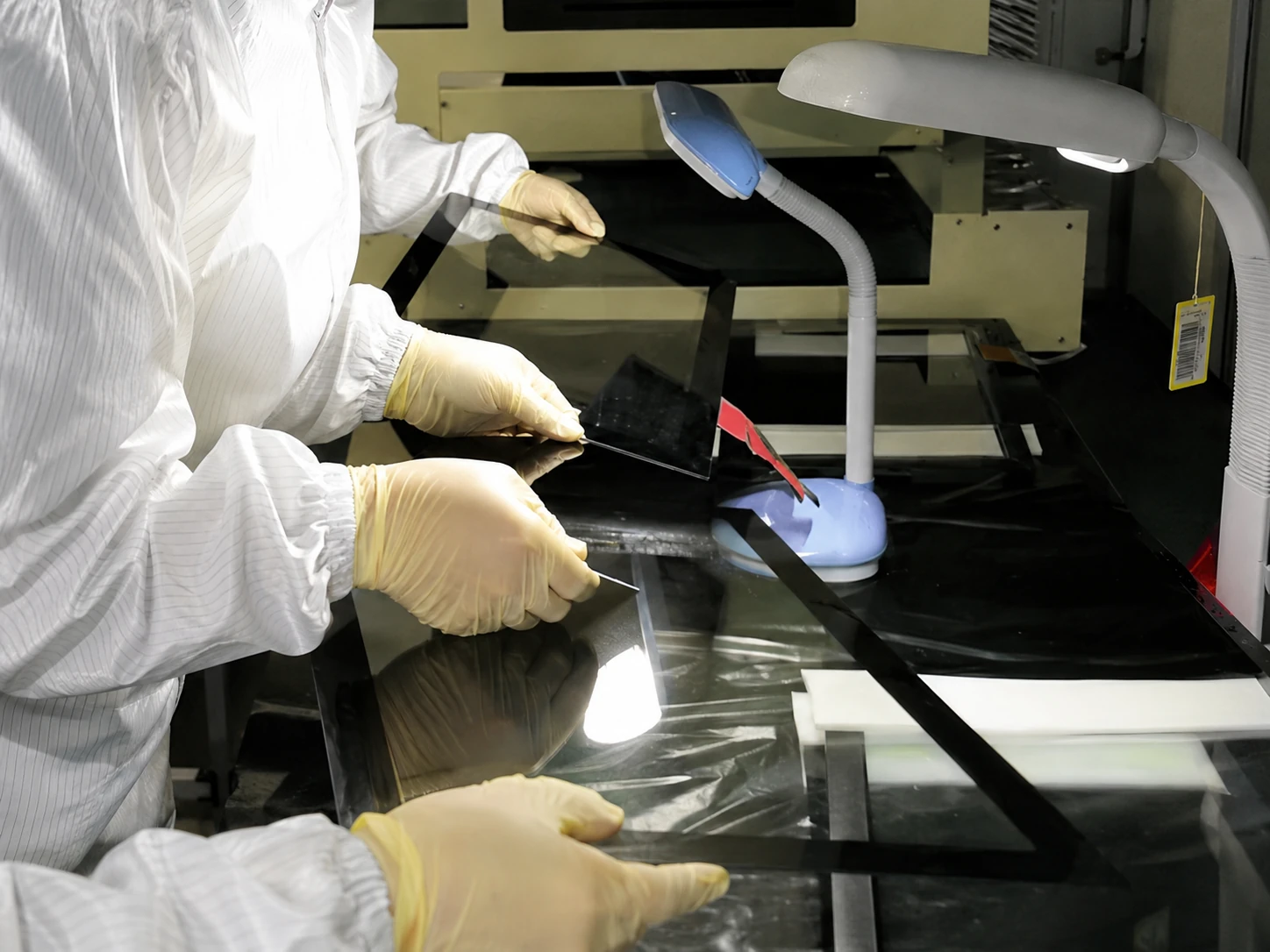
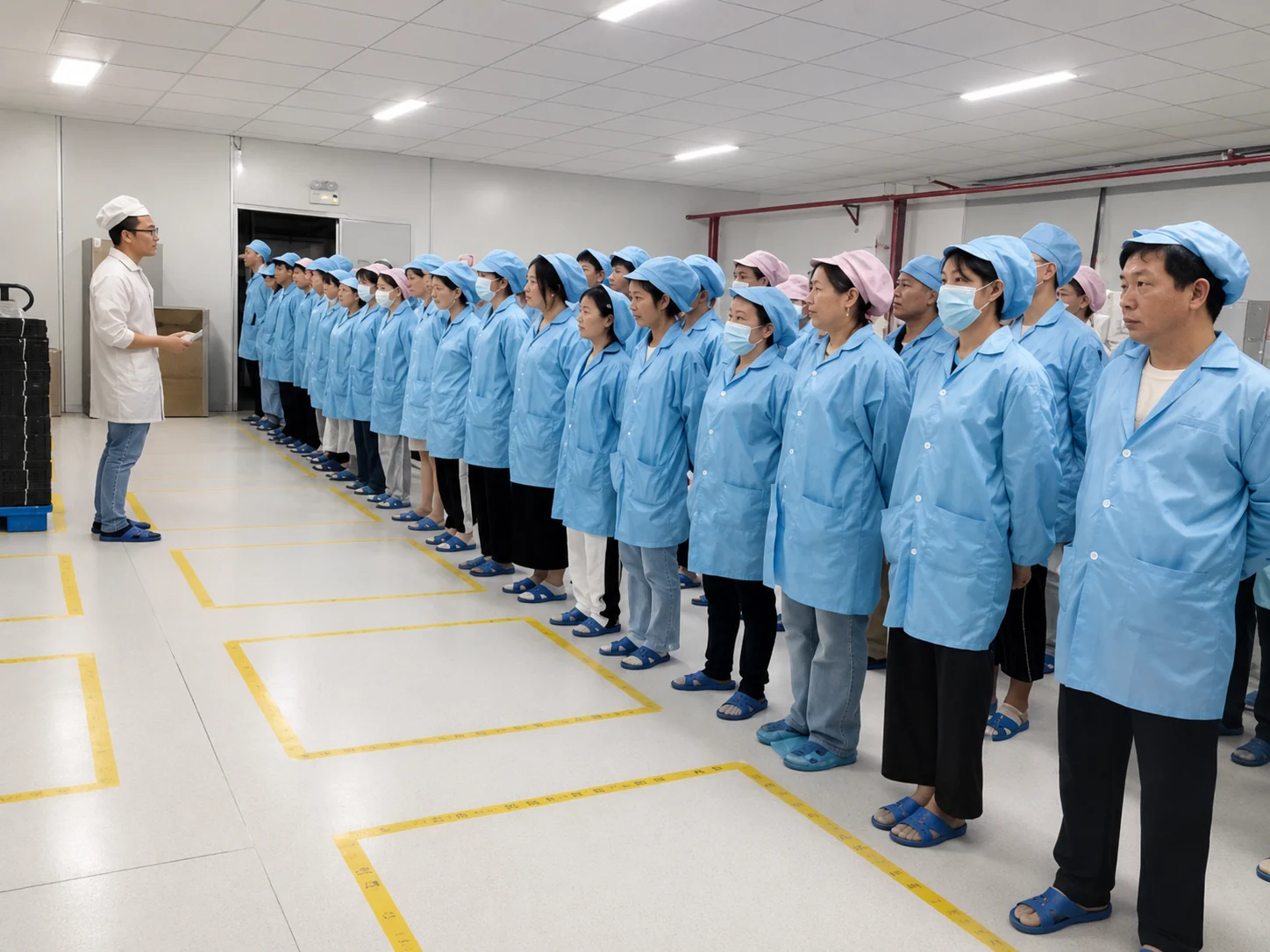
Inside the Factory: Production & Quality Testing
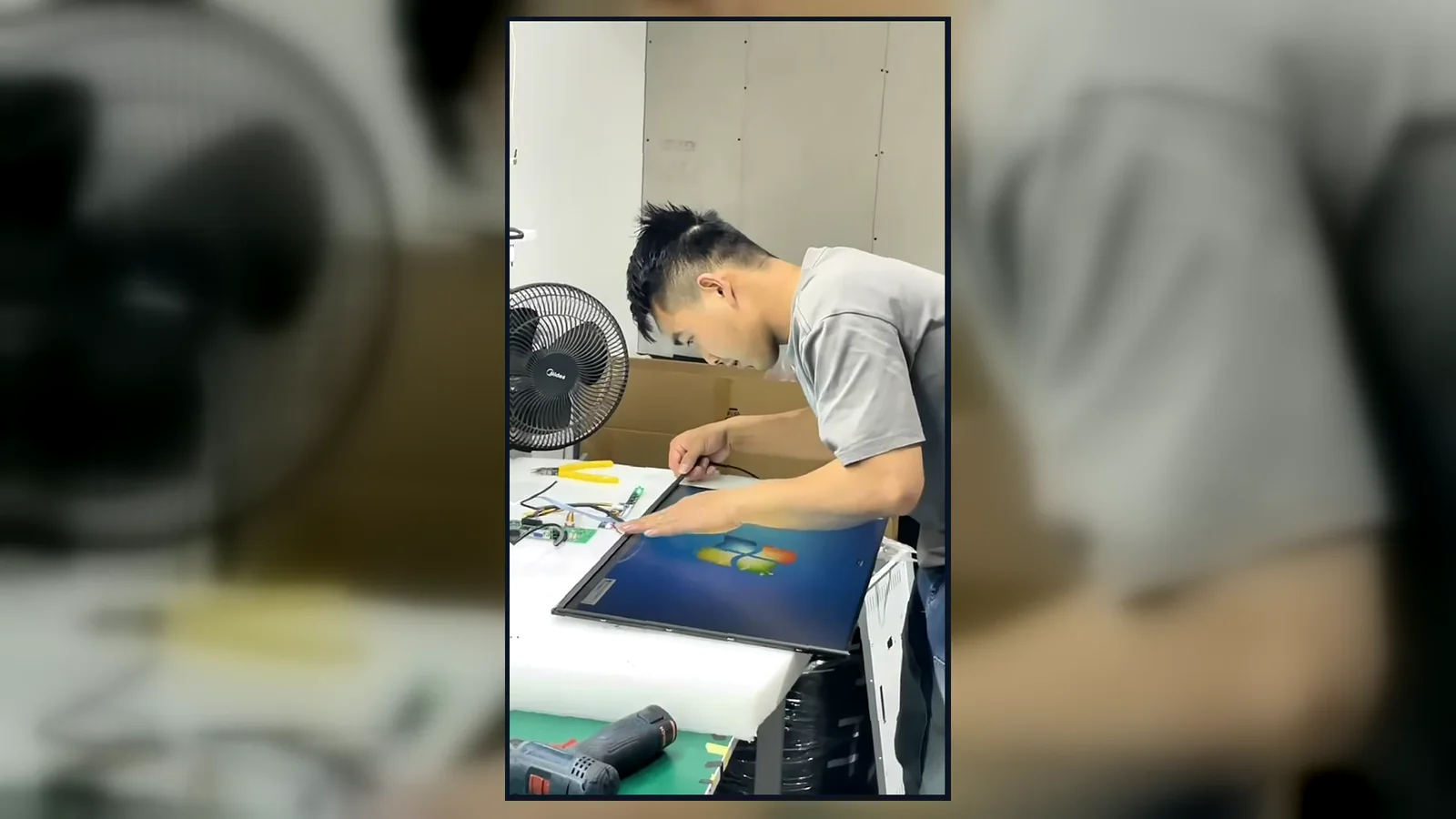
Watch our brief 45-second overview showcasing the rigorous assembly and testing procedures at our facility. See firsthand how our QC team conducts 100% inspections to verify touch response, display quality, interfaces and appearance according to the approved specifications.
Global Quality & Compliance Standards
Our products are manufactured under strict quality control systems and comply with international standards, ensuring reliability and safety for your projects.

ISO 9001:2015
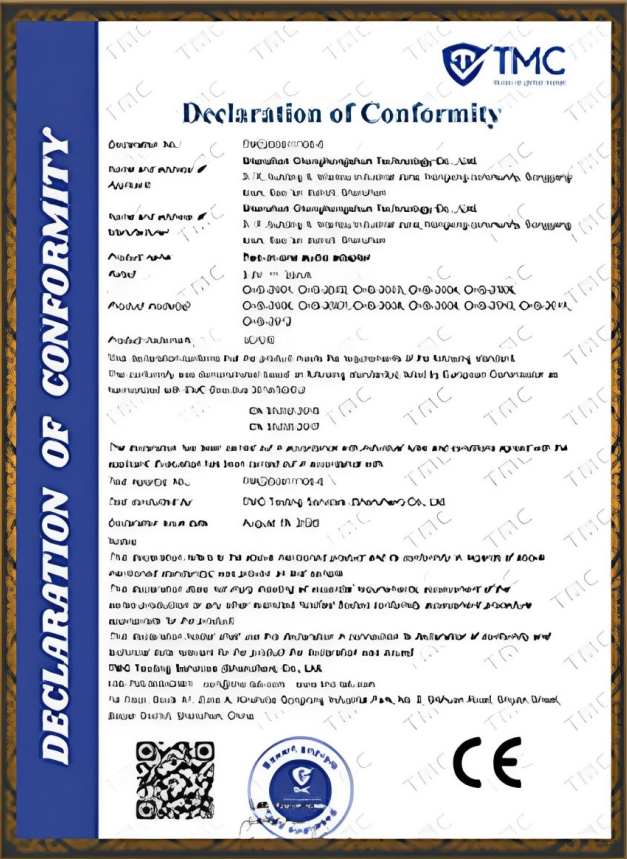
CE Certification
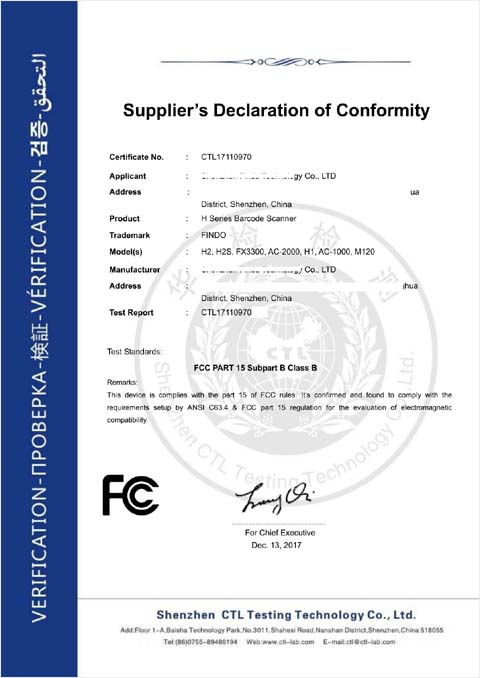
FCC Certification
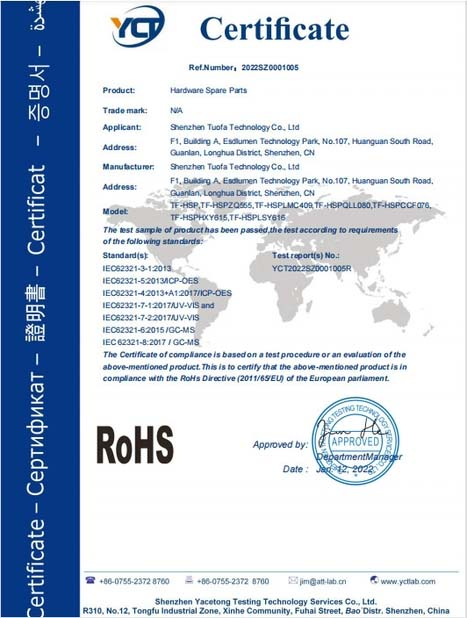
RoHS Compliance

IP56/IP65/IP67/IK10
Patient Check-In Kiosk vs. Tablet Stand
| Comparison Point | Patient Check-In Kiosk Hardware | Tablet Stand |
|---|---|---|
| Durability | Designed for long-term public use | Better for temporary or light-duty use |
| Peripheral Integration | Supports scanner, printer, camera, card reader, NFC, and payment terminal space | Limited peripheral installation |
| Cable Management | Internal cable routing and lockable structure available | Cables may be exposed |
| Branding | Custom enclosure, color, and logo available | Limited brand presentation |
| Service Access | Designed with maintenance doors and internal layout | Limited service structure |
| Installation Stability | Freestanding, wall-mounted, desktop, or embedded options | Usually lighter and less stable |
| Large-Screen Usability | Larger screens support more complex workflows | Smaller screen limits input comfort |
| Multi-Location Deployment | Easier to standardize across hospitals and clinics | Less suitable for professional long-term rollout |
Conclusion: Tablet stands may work for small temporary deployments, while purpose-built patient check-in kiosk hardware is better for professional healthcare reception areas, integrated peripherals, brand consistency, and long-term operation.
How to Choose Patient Check-In Kiosk Hardware
-
1Confirm your patient check-in software operating system
-
2Define the patient workflow before choosing hardware
-
3Choose screen size based on input complexity and viewing distance
-
4Select freestanding, wall-mounted, desktop, or custom installation
-
5Confirm scanner, printer, camera, NFC, card reader, or payment terminal requirements
-
6Check cable routing, privacy, service access, and cleaning requirements
-
7Plan accessibility needs such as height, viewing angle, and reach range
-
8Request drawings or a sample before bulk production
-
9Let the software vendor validate application compatibility before mass deployment
Hardware vs. Software Responsibility
XFC Hardware Scope
- • Touchscreen terminal
- • Kiosk enclosure
- • Computer configuration
- • Operating-system-ready hardware
- • Mounting structure
- • Peripheral installation space
- • Internal wiring
- • Custom logo and color
- • Hardware sample
- • Production & quality inspection
- • Packaging and shipment
Customer / Software Scope
- • Patient registration software
- • Appointment database
- • EHR/EMR integration
- • Insurance verification
- • Payment processing
- • Cybersecurity policy
- • HIPAA workflow compliance
- • Patient data management
- • Software updates & maintenance
- • Network & deployment security
This clear separation helps hospitals, software companies, and system integrators choose reliable hardware without confusing hardware supply with clinical software responsibility.
Security, Privacy & Accessibility
XFC can support hardware-level planning for privacy, service access, enclosure stability, cable routing, peripheral mounting, and installation method.
Hardware considerations:
- Privacy screen filter option
- Lockable service door
- Stable structure
- Controlled cable routing
- Secure peripheral mounting
- Camera/scanner positioning
- ADA-conscious height planning
Compliance note: HIPAA or local healthcare data compliance depends on the complete software, network, data storage, user permission, workflow, and deployment environment. XFC can support hardware planning, while compliance validation should be handled by the customer and relevant software or security teams.
Custom OEM & ODM Services
XFC supports OEM and ODM patient check-in kiosk hardware projects for healthcare software brands, hospital IT projects, kiosk distributors, medical solution providers, and system integrators.
Patient Check-In Kiosk Project Process
Step 1
Share software & hardware requirements
Step 2
Confirm specs, peripherals & installation
Step 3
Hardware proposal and quotation
Step 4
Confirm drawings & appearance design
Step 5
Sample production and hardware testing
Step 6
Validate application compatibility
Step 7
Bulk production after confirmation
Step 8
Quality inspection, packaging & shipment
How Much Does Patient Check-In Kiosk Hardware Cost?
Patient check-in kiosk hardware is usually project-based. The final price depends on screen size, touch panel type, computer configuration, enclosure complexity, custom color and logo, peripheral layout, order quantity, packaging, and shipping requirements.
For an accurate quote, send XFC your target screen size, operating system, required peripherals, installation method, quantity, and project drawings if available.
FAQ About Patient Check-In Kiosk Hardware
Does XFC provide patient check-in software?
Can XFC build hardware for our existing patient check-in software?
Can the kiosk support EHR or EMR workflows?
Can XFC add scanners, printers, or card readers?
What screen sizes are available?
Can I customize the kiosk appearance?
What is the MOQ?
Is the kiosk HIPAA compliant?
Can XFC ship internationally?
How do I get a quotation?
Related XFC Touchscreen and Kiosk Hardware
Build Patient Check-In Hardware Around Your Software
Already have patient check-in software, a hospital registration workflow, or a healthcare self-service project? XFC can help you turn it into reliable kiosk hardware with custom touchscreen size, enclosure structure, operating system configuration, and peripheral layout.
Shenzhen Xinfeichi Technology Co., Ltd.
No. 3, Lianfeng Road, Hongqiaotou Community, Yanluo Street, Bao'an District, Shenzhen, Guangdong Province, China
Phone: +86 13342931453
