
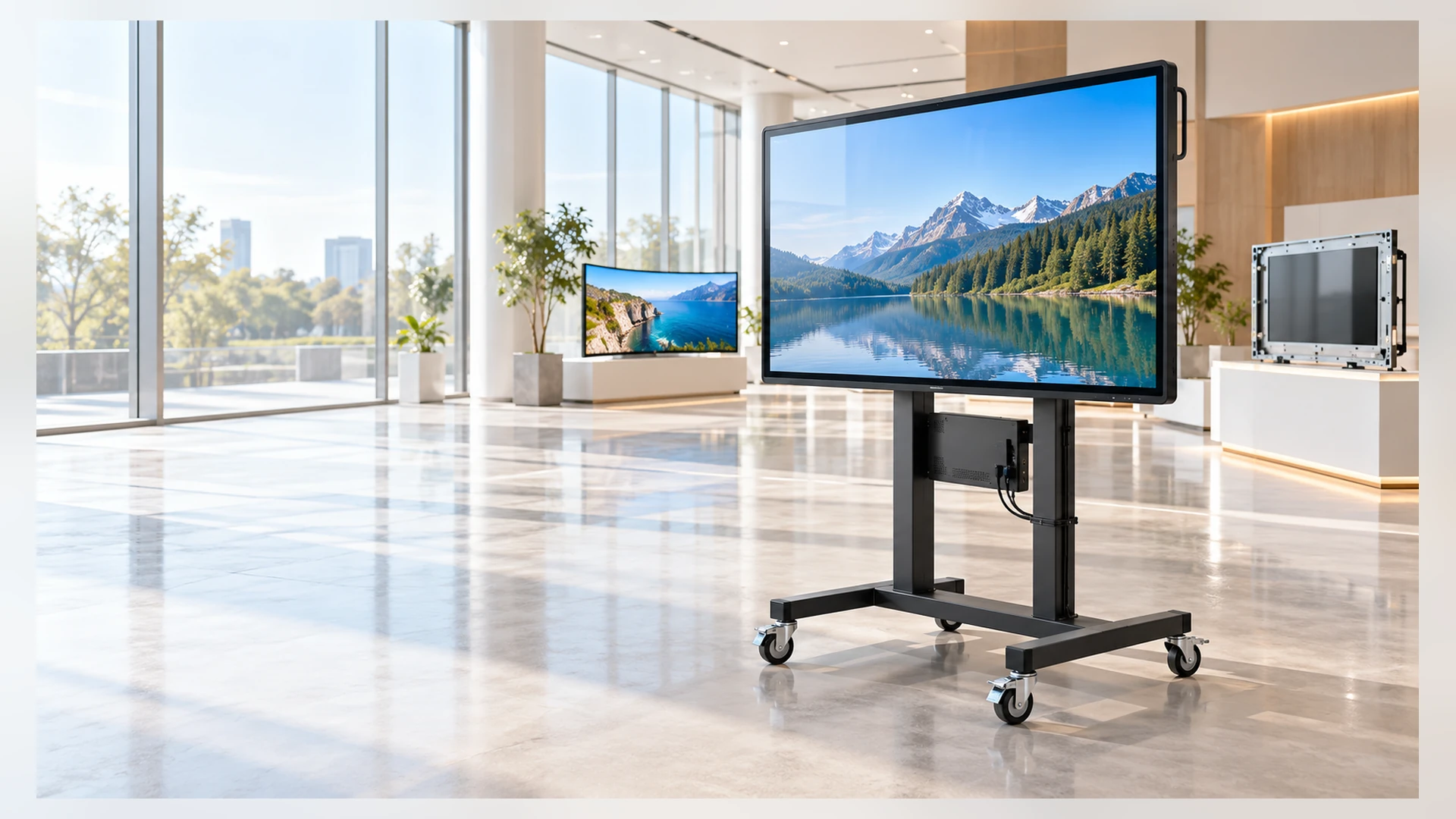
55 Inch Touchscreen Monitor Manufacturer for Custom Commercial Equipment
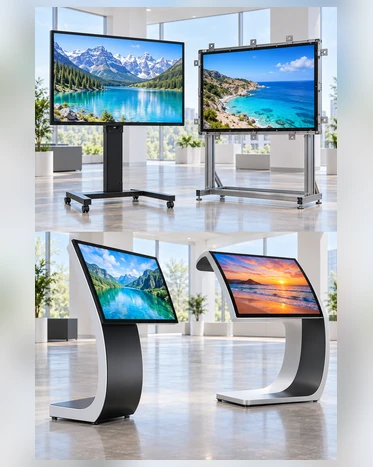
Develop a 55 inch touchscreen monitor around the display shape, touch method, host system and mechanical structure required by your equipment. Lucky-XFC supports confirmed 55-inch J-type and C-type curved capacitive touch configurations, together with engineering evaluation for flat enclosed and open-frame projects.
Use the external-host monitor path when your computer or industrial PC is already selected. Evaluate an integrated Android or Windows configuration when the display must operate as a self-contained terminal.
- Confirmed 55-Inch Curved Touch Options
- PCAP Touch Reference Configurations
- Full HD Standard, 4K Subject to Feasibility
- Flat and Open-Frame Engineering Review
- OEM / ODM Project Support
55 Inch Touchscreen Monitor at a Glance
A touchscreen monitor normally connects to a separate host for video and touch data. A configuration with an embedded Android or Windows computer is a different system level and must be specified separately.
Choose Your 55 Inch Touchscreen Monitor Configuration
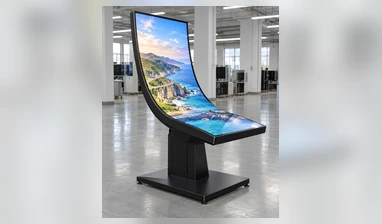
J-Type Curved 55-Inch Monitor
ConfirmedA primary viewing area with a distinct curved edge for shaped user interfaces and asymmetric gaming or interactive cabinets.
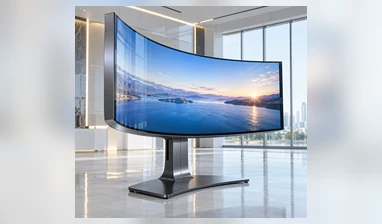
C-Type Curved 55-Inch Monitor
ConfirmedA continuous curved surface for immersive interfaces and cabinets designed around a deeper curved display profile.
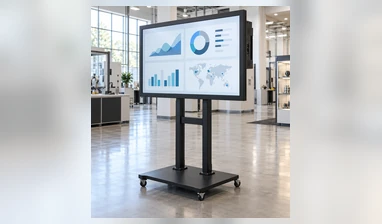
Flat Enclosed 55-Inch Monitor
Custom EvaluationA finished housing direction for wall, stand or equipment mounting. Panel, touch, interfaces and mechanical dimensions require project review.
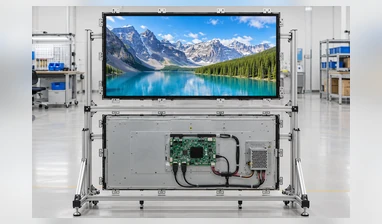
Open-Frame 55-Inch Monitor
Custom EvaluationA reduced-enclosure structure intended for integration behind a kiosk, machine or custom front panel.
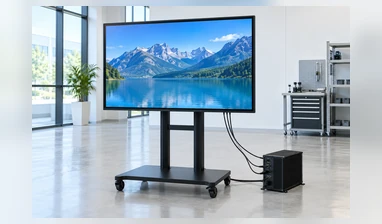
External-Host Touch Monitor
The monitor receives video from a computer or industrial PC and returns touch data through the confirmed touch connection.
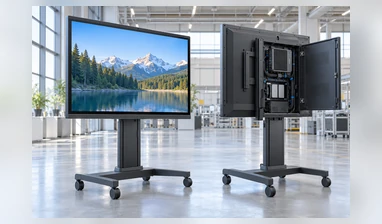
Integrated Computing Display
An Android or Windows computing platform may be evaluated when the display must operate without a separate external computer.
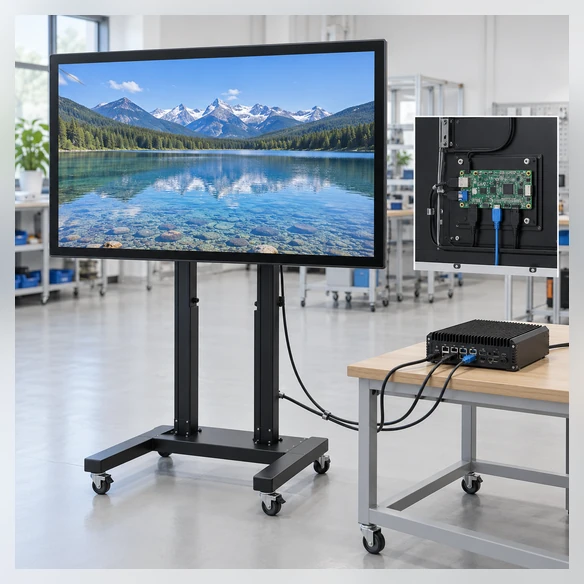
What Is a 55 Inch Touchscreen Monitor?
A 55 inch touchscreen monitor combines a large-format display, a touch sensor, a touch controller and the interfaces required to send touch input back to a host system. A standard monitor does not automatically include a CPU, memory, storage or an operating system.
This distinction matters during sourcing. A monitor connects to an external PC or media system. An all-in-one display adds a computing platform. A complete kiosk may also include an enclosure, printer, scanner, payment hardware and application software.
Touchscreen Monitor
- Display and touch
- External host normally required
- Video and touch connections confirmed separately
Touchscreen All-in-One
- Display, touch and computing hardware
- Android or Windows by configuration
- Memory, storage and I/O require confirmation
Complete Interactive Terminal
- Display system plus enclosure and peripherals
- Project-specific mechanical and software integration
- Separate terminal-level engineering scope
Why 55 Inch Touchscreen Monitor Projects Fail at Integration
1. Touch Unresponsive
The screen displays an image but touch does not respond.
Cause
Video is connected, but USB touch data, controller, driver or operating-system support is missing.
Response
Validate video and touch connections separately with the actual host.
2. Mechanical Mismatch
The monitor does not fit the cabinet opening.
Cause
External dimensions, active area, curve profile, mounting points or cable exits were not reviewed together.
Response
Approve mechanical drawings before sample production.
3. Resolution Conflict
The selected resolution does not match the interface or application.
Cause
4K panel selection, host output, cable standard and UI scaling were treated as independent choices.
Response
Validate resolution, refresh requirements, interface bandwidth and software scaling as one system.
4. Environmental Interference
Touch behavior changes inside the final equipment.
Cause
Cover glass, grounding, electrical noise, cabinet materials or input method affects the touch system.
Response
Test the complete assembly in the final enclosure and software environment.
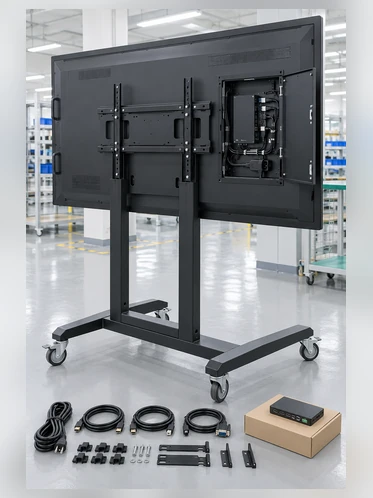
Verified 55 Inch Touchscreen Monitor Supply Scope
| Parameter | Current Supply Direction |
|---|---|
| Screen Size | 55 inch |
| Confirmed Formats | J-Type curved and C-Type curved |
| Flat Format | Project-specific engineering evaluation |
| Open-Frame Format | Project-specific engineering evaluation |
| Confirmed Touch | Projected capacitive touch on current curved configurations |
| Reference Resolution | 1920 × 1080 |
| Optional Resolution | 3840 × 2160 subject to feasibility |
| Aspect Ratio | 16:9 reference configuration |
| Housing | Metal housing on confirmed curved configurations |
| Reference Power | AC220V on confirmed 55-inch curved configurations |
| Video Interface | HDMI subject to configuration |
| Touch Interface | USB subject to controller and configuration |
| Optional Integration | RJ45, RS232 and project-specific interfaces |
| System Direction | External host, Android or Windows integration by configuration |
| Installation | Custom cabinet integration; flat mounting reviewed separately |
Note: Brightness, touch-point count, interface quantity, power design, overall dimensions, mounting pattern and environmental specifications are confirmed against the selected configuration and approved drawing.
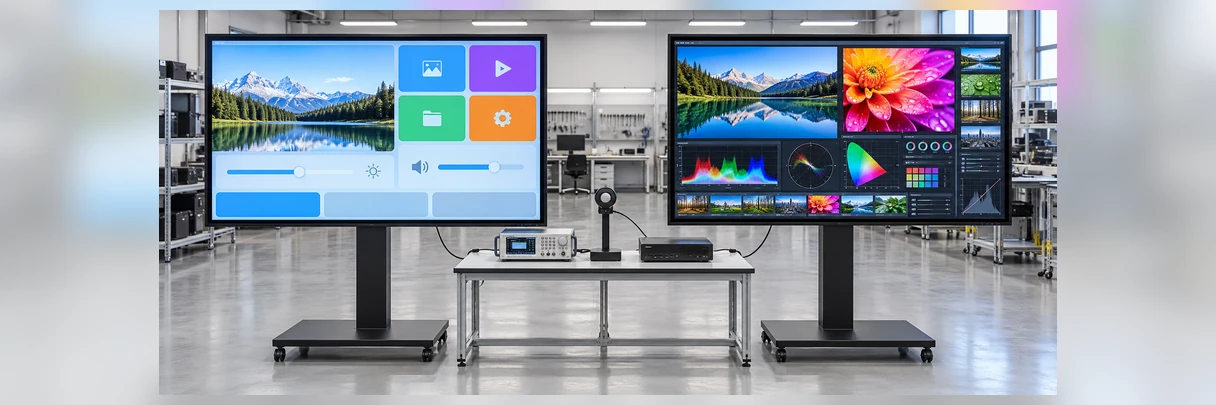
55 Inch Touchscreen Monitor Resolution and Display Selection
| Decision | Full HD 1920 × 1080 | 4K 3840 × 2160 |
|---|---|---|
| Current Supply Status | Reference resolution for confirmed curved configurations | Optional after feasibility review |
| Best Considered For | Large interface elements, gaming UI, interactive controls | Fine text, detailed maps, dense dashboards, close viewing |
| Host Requirement | Confirm the host output and scaling | Confirm 4K output, interface bandwidth and UI scaling |
| Content Review | Test actual application resolution | Test actual 4K content and text size |
| Procurement Note | Confirm final panel model | Do not assume 4K across every structure |
Resolution should be selected together with viewing distance, content density, host capability and the user interface. A higher pixel count does not replace touch, cabinet and software validation.
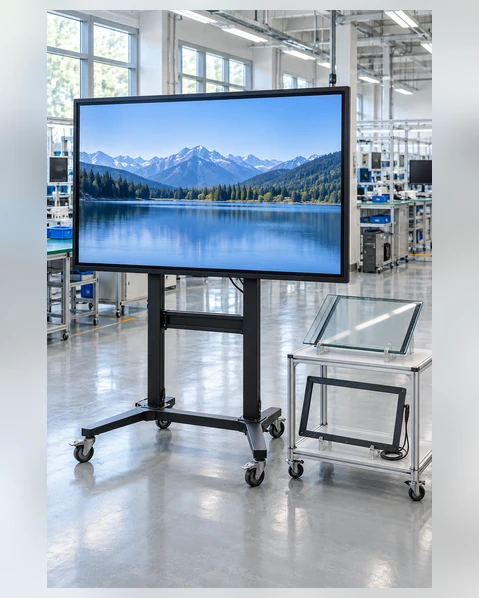
55 Inch Touchscreen Monitor Touch Technology Selection
| Factor | PCAP | Infrared |
|---|---|---|
| Detection Method | Electrical-field change through the touch surface | Infrared beam interruption around the display |
| Typical Input | Finger and compatible conductive stylus or gloves | Finger, stylus or other opaque input |
| Surface Appearance | Clean glass front and responsive gesture interaction | Bezel-mounted sensing frame |
| Large-Format Use | Confirmed path for Lucky-XFC 55-inch curved configurations | Common industry option for large flat interactive displays; project availability must be confirmed |
| Environmental Review | Grounding, glass, water and glove behavior | Dust, sunlight, bezel obstruction and frame condition |
| Validation | Test with final glass, controller, host and input method | Test with final bezel, lighting and intended input object |
PCAP is the confirmed touch direction for current Lucky-XFC 55-inch curved configurations. Infrared is included as selection guidance for large-format flat projects, not as a claim that every Lucky-XFC 55-inch model uses IR.
55 Inch Touchscreen Monitor Connections and Host Compatibility
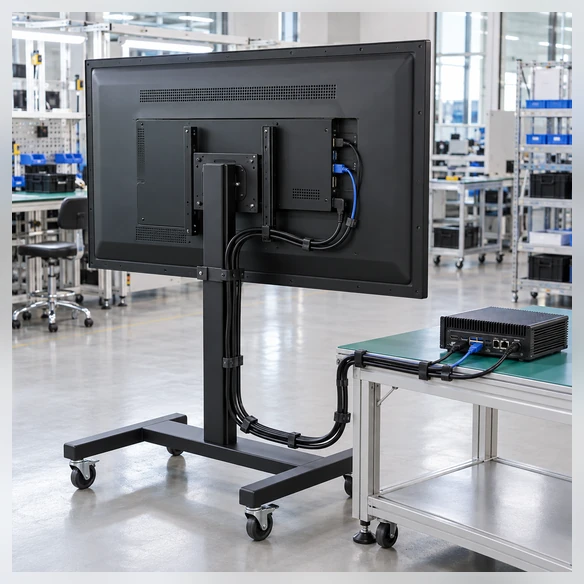
- HDMI normally carries video and audio, not touchscreen input.
- USB commonly carries touch data back to the host.
- USB-C can combine video, touch data and power only when the monitor, cable and host support the required functions.
- RJ45 is for network or system integration when included; it should not automatically be described as the touch-data connection.
- Windows, Android and Linux support depends on the selected controller, computing platform and version.
- macOS video may work, but touch and gesture support require model-specific driver validation.
55 Inch Touchscreen Monitor Mounting and Cabinet Integration
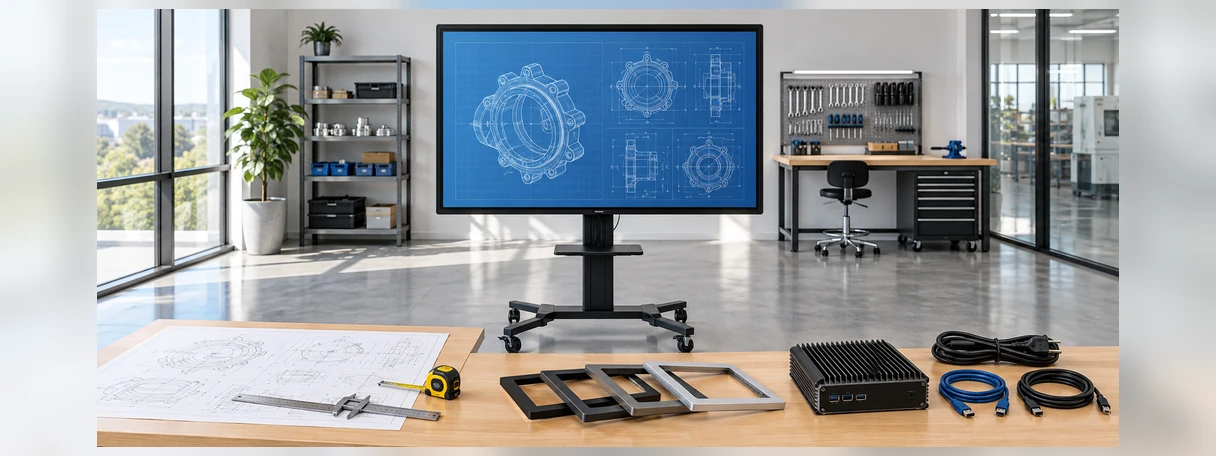
A 55-inch display is a structural component, not only a screen-size choice. The drawing review must account for the active area, bezel transition, mounting load, cable bend radius and access for future service.
J-type and C-type curved monitors normally require custom cabinet integration. Flat enclosed and open-frame configurations must be reviewed according to the intended wall, stand, kiosk or machine structure.
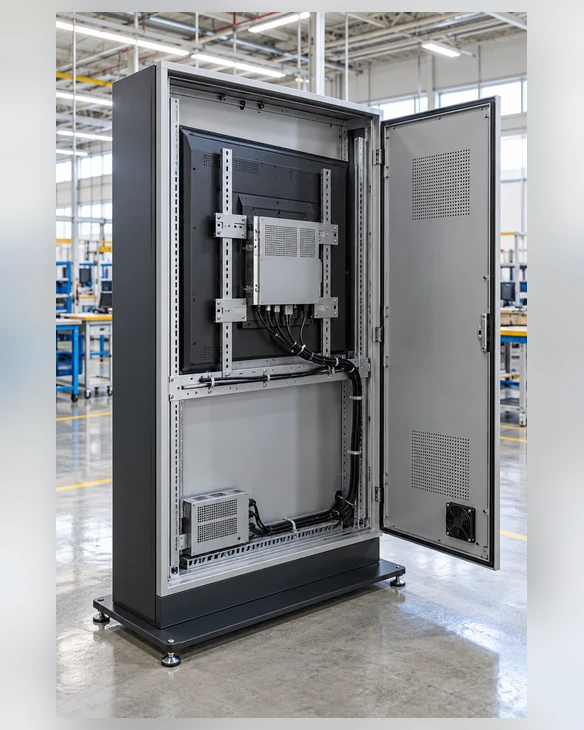
55 Inch Touchscreen Monitor Applications
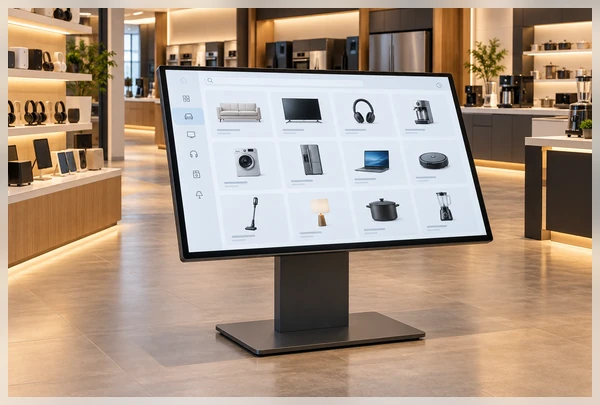
Interactive Retail & Product Discovery
Large product catalogs, guided product selection and interactive brand content.
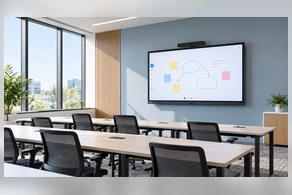
Meeting & Training Spaces
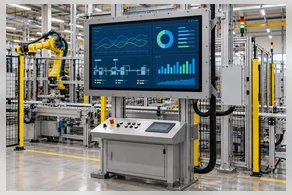
Industrial Dashboards
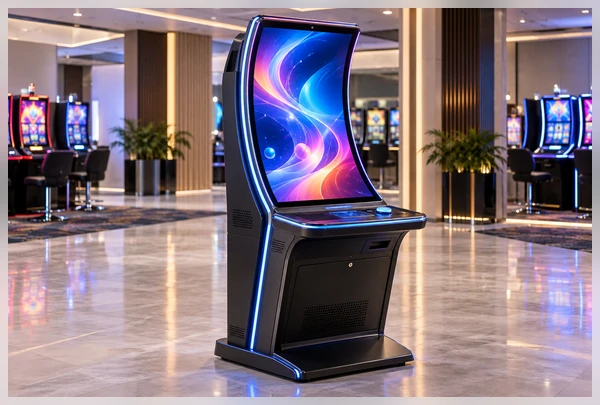
Gaming & Casino Cabinets
J-type or C-type curved configurations for equipment designed around shaped interfaces.
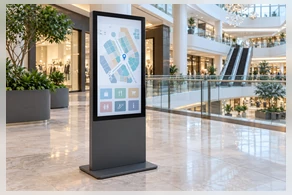
Interactive Digital Signage
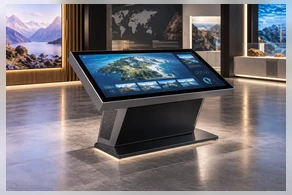
Exhibition & Experience Systems
55 Inch Touchscreen Monitor Representative Project Scenario
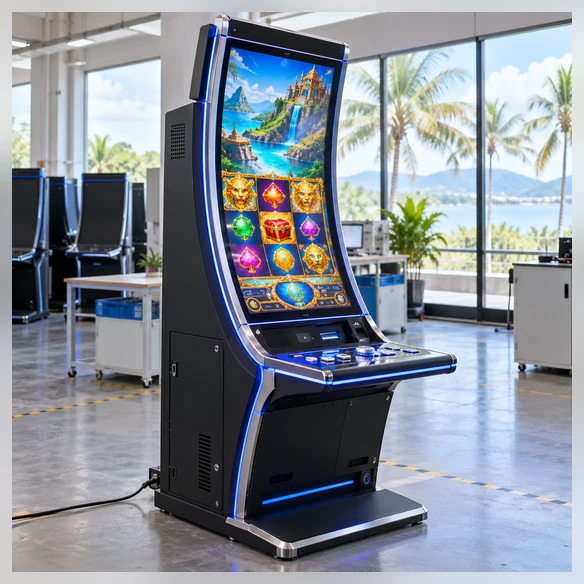
Curved Gaming Cabinet Integration in the Philippines
An entertainment-equipment integrator needed a 55-inch touch display for a new curved gaming cabinet. The display had to match the cabinet profile, provide a continuous touch path across the user interface and connect to the customer’s selected host system.
The first decision was not the resolution. It was the screen profile. The cabinet drawing, user position and interface layout were compared against the J-type and C-type structures. The review then covered the active area, mounting depth, cable exits, controller connection and maintenance clearance.
A 1920 × 1080 projected-capacitive configuration provided the reference starting point. Any move to 4K would require a separate panel, host-output and software-scaling review. The validation plan included touch-path testing, host compatibility, cabinet fit and access for servicing before a production configuration could be approved.
Project Summary
- Project Type: 55-inch curved gaming cabinet
- Main Challenges: Curve selection, cabinet opening, controller compatibility and service access
- Recommended Review Path: Drawing approval → configuration selection → sample integration → application validation
This anonymized representative scenario combines common project requirements to explain the selection and validation process. It does not identify a specific customer or claim a published project result.
Custom 55 Inch Touchscreen Monitor Options
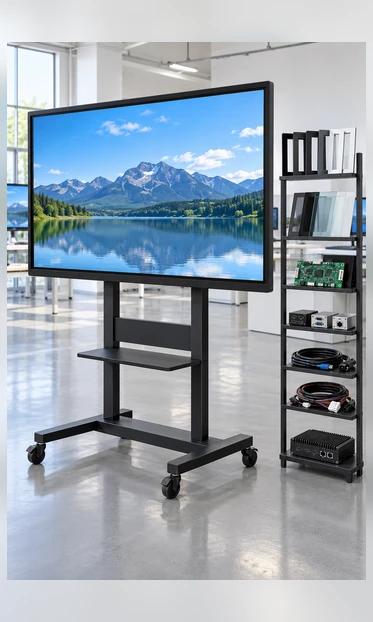
Display
- Full HD reference configuration
- 4K evaluation
- Brightness confirmed by application
- Landscape or portrait requirement
Touch
- PCAP reference path
- IR evaluation for applicable flat projects
- Touch-point requirement
- Glass, glove and stylus validation
Mechanical
- J-type or C-type curved profile
- Flat enclosed or open-frame evaluation
- Cabinet opening & mounting points
- Housing and appearance
- Cable-exit direction
Electronics
- HDMI and USB reference connection
- Project-specific video interfaces
- RJ45 or RS232 where applicable
- External host or integrated computing platform
Branding
- Logo
- Labels
- Housing appearance
- Packaging direction, when confirmed for the project
55 Inch Touchscreen Monitor Project Workflow

1. Application Review
Confirm application, environment, user position and interaction method.

2. Product Path Selection
Choose J-type, C-type, flat enclosed or open-frame direction.

3. Specification & Drawing Review
Confirm resolution, touch, host, interfaces, dimensions and mounting.

4. Sample Configuration
Prepare the agreed sample or project configuration for integration review.

5. System Validation
Test cabinet fit, touch path, software, host connection and service access.

6. Production & Inspection
Produce the approved configuration and perform applicable display, touch, interface, appearance and packaging checks.
55 Inch Touchscreen Monitor Manufacturing and Inspection
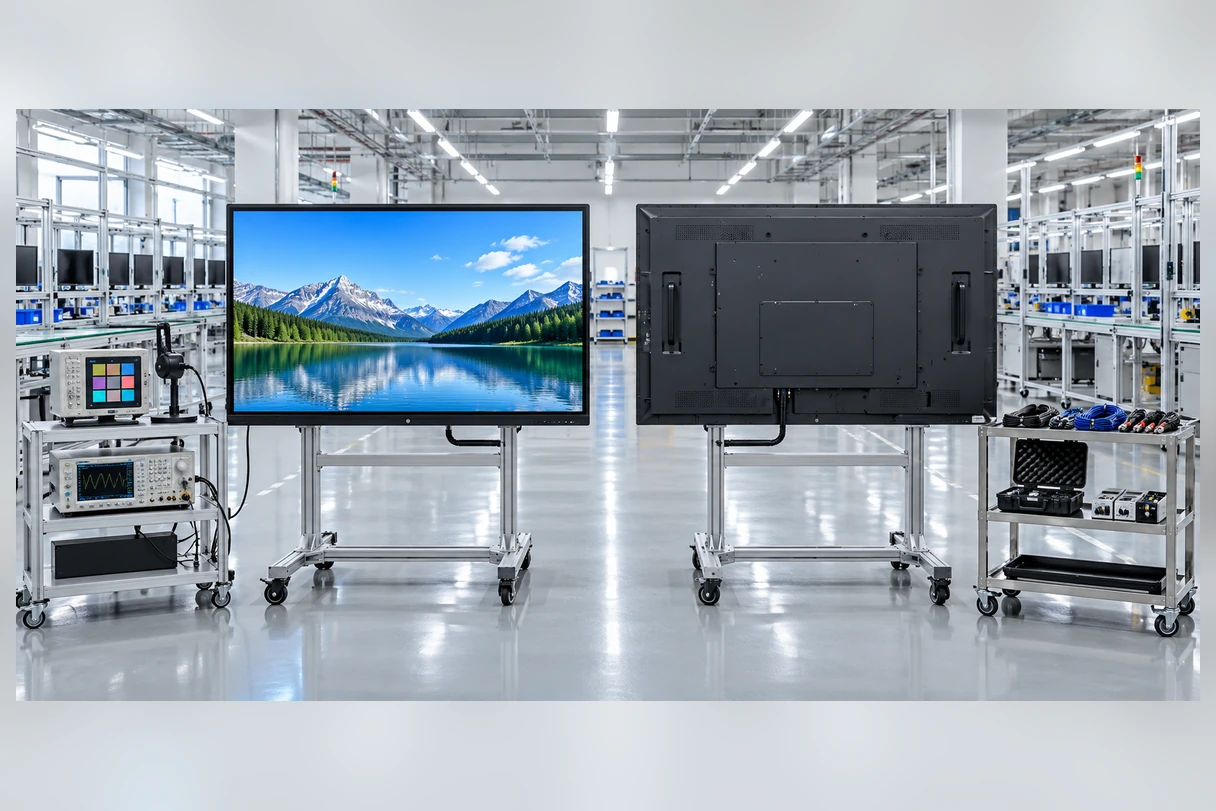
Lucky-XFC has focused on touch display products for 13 years, with a 3,100 m² factory, a production team of more than 160 people and 26 quality-control personnel. OEM and ODM projects can move from requirement review and configuration confirmation to sample validation and production planning.
Inspection follows the approved product configuration rather than one generic checklist.
Inspection Scope
- Incoming component review
- Display-function inspection
- Touch response and touch-path testing
- Interface and signal testing
- Appearance inspection
- Mechanical fit review where applicable
- Packaging inspection
- 100% pre-shipment inspection
Why Work with Lucky-XFC on a 55 Inch Touchscreen Monitor?
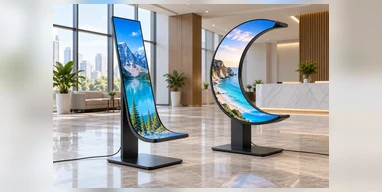
Confirmed 55-Inch Curved Options
J-type and C-type product directions provide two defined starting points for shaped equipment.
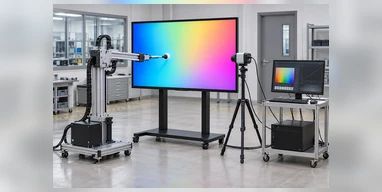
Display-to-Touch Coordination
The display panel, touch layer, controller and host connection are reviewed as one system.
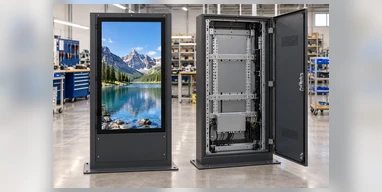
Mechanical Integration Review
Cabinet openings, mounting points, cable routes and service clearance can be reviewed before configuration approval.
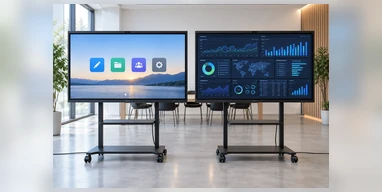
Resolution Selection with Conditions
Full HD is the current curved reference, while 4K is evaluated against the panel, structure, interface and host.
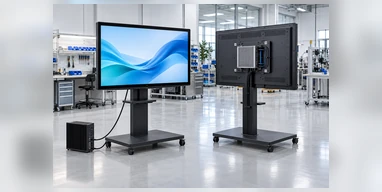
External or Integrated Host Paths
Projects can start with an external-computer monitor or evaluate Android and Windows integration.
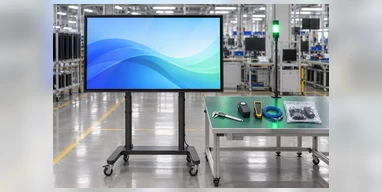
Inspection Based on the Approved Configuration
Display, touch, interface, appearance and packaging checks follow the confirmed project scope.
55 Inch Touchscreen Monitor Selection Matrix
| Product Path | Supply State | Installation | Touch Direction | Resolution Direction | Best-Fit Project |
|---|---|---|---|---|---|
| J-Type Curved | Confirmed 55-inch configuration | Custom cabinet | PCAP | 1920×1080 reference; 4K feasibility review | Edge-oriented or asymmetric interactive UI |
| C-Type Curved | Confirmed 55-inch configuration | Custom curved cabinet | PCAP | 1920×1080 reference; 4K feasibility review | Continuous immersive interface |
| Flat Enclosed | Custom evaluation | Wall, stand or equipment mounting | Confirm by project | Confirm by panel and project | Commercial interaction and equipment display |
| Flat Open Frame | Custom evaluation | Behind a machine, kiosk or front panel | Confirm by project | Confirm by panel and project | OEM enclosure integration |
Choose External Host When:
- The project already has a PC or industrial computer
- The display and computer must be serviced separately
- The customer controls the operating system and application
Evaluate Integrated Computing When:
- The display must operate as one terminal
- Android or Windows hardware is required inside the unit
- Memory, storage, network and peripheral requirements can be confirmed
55 Inch Touchscreen Monitor Buying Guide
1. Is 55 inches the right screen size?
Confirm viewing distance, user reach, installation height, content density and available cabinet space. A large visible area is useful only when users can comfortably reach the required interaction zones.
2. Should I choose Full HD or 4K?
Use the actual interface and content. Full HD is the reference resolution for current curved configurations. Choose 4K only after confirming the panel, host output, interface bandwidth, UI scaling and viewing distance.
3. Should I use PCAP or infrared touch?
PCAP provides a clean glass interaction surface and is the confirmed direction for the current 55-inch curved configurations. IR may suit some large flat displays and broader input methods, but the bezel, ambient light, dust and final availability must be reviewed.
4. Does HDMI carry touch input?
No. HDMI normally carries the image and audio. A separate USB connection commonly returns touch input to the host unless an approved integrated connection is used.
5. Should the monitor be enclosed, open frame or curved?
Choose enclosed for a finished mounting structure, open frame for integration behind an equipment panel and curved when the cabinet and interface are designed around a shaped display.
6. What should be validated before production?
Use the actual host, operating-system version, application, cabinet, cables and intended input method. Confirm drawings and test the touch path, mounting, heat-management direction and maintenance access.
55 Inch Touchscreen Monitor FAQs
Is a 55 inch touchscreen monitor available in 4K?
What 55-inch touchscreen configurations does Lucky-XFC currently confirm?
Can the monitor connect to a Windows PC?
Does the monitor work with Android or Linux?
Can it be wall-mounted?
Can the screen be installed vertically?
Is the monitor suitable for outdoor use?
What information is needed for a quotation?
Related 55 Inch Touchscreen Monitor Product Paths


Discuss Your 55 Inch Touchscreen Monitor Project
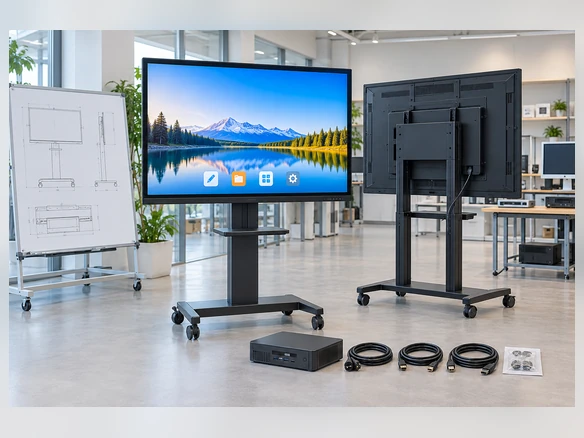
Share the display shape, application, host system and installation requirements for your 55-inch project. The information helps the team review whether a confirmed curved configuration or a custom flat structure is the appropriate starting point.
