
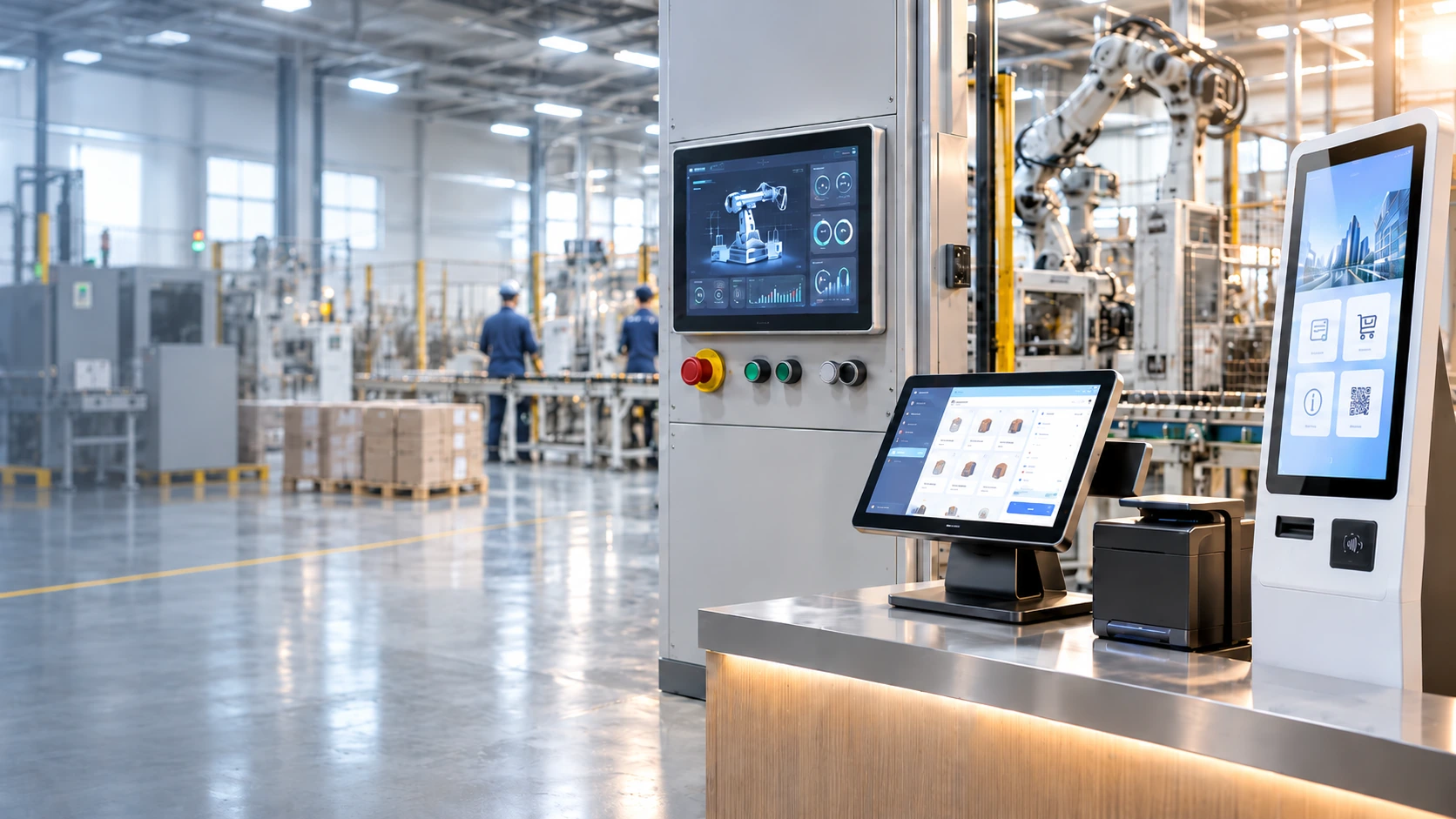
Custom Touchscreen Computer Manufacturer for Kiosks, POS & Industrial Equipment
Integrate the display, touch interface and computing platform in one project-specific unit. XFC supports commercial all-in-one computers, industrial panel PCs, kiosk computers, POS terminals and curved touch computer configurations for equipment builders, system integrators and branded hardware projects.
- Integrated Display, Touch & Computing
- OEM/ODM Configuration Review
- Mechanical & Peripheral Coordination
What Is a Touchscreen Computer?
A touchscreen computer combines a display, touch input and computing hardware in one unit, allowing the device to run its operating system and application without a separate external PC. Depending on the project, the unit may be installed on a counter, mounted to a wall, integrated into a machine panel or built into a self-service enclosure.
A touchscreen computer is the appropriate starting point when the screen must also run the software. If the equipment already contains a host computer, PLC or external controller, a touchscreen monitor may provide the simpler architecture.
System Architecture Layers
* The final architecture is defined by the software workload, installation method, interface map and operating environment.
Touchscreen Computer Types for Commercial and Equipment Projects
Start with the product form that matches where the computer will be installed and what it needs to control. Final computing, display and interface specifications are confirmed for each project.
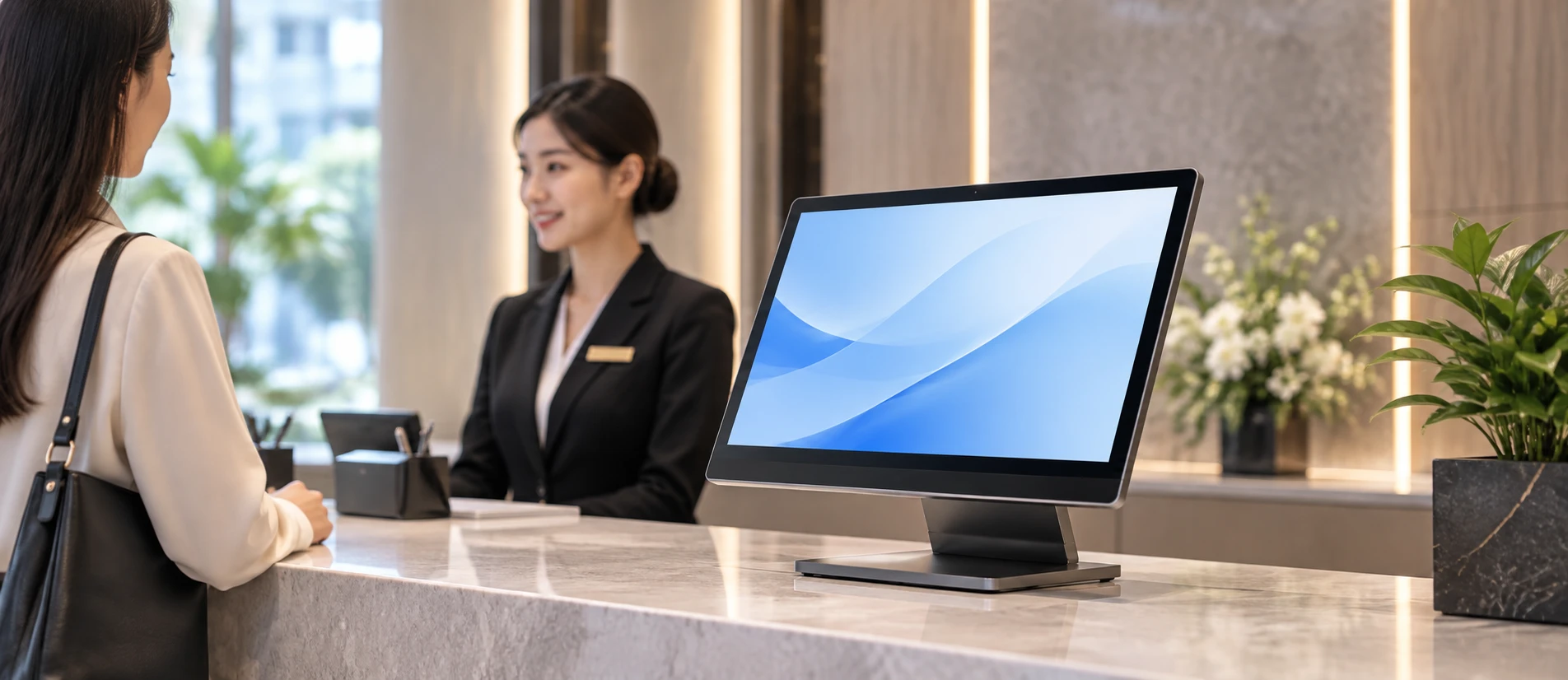
Commercial Touchscreen All-in-One Computers
An integrated display, touch interface and computing platform for reception, information access, interactive presentation and other commercial terminals.
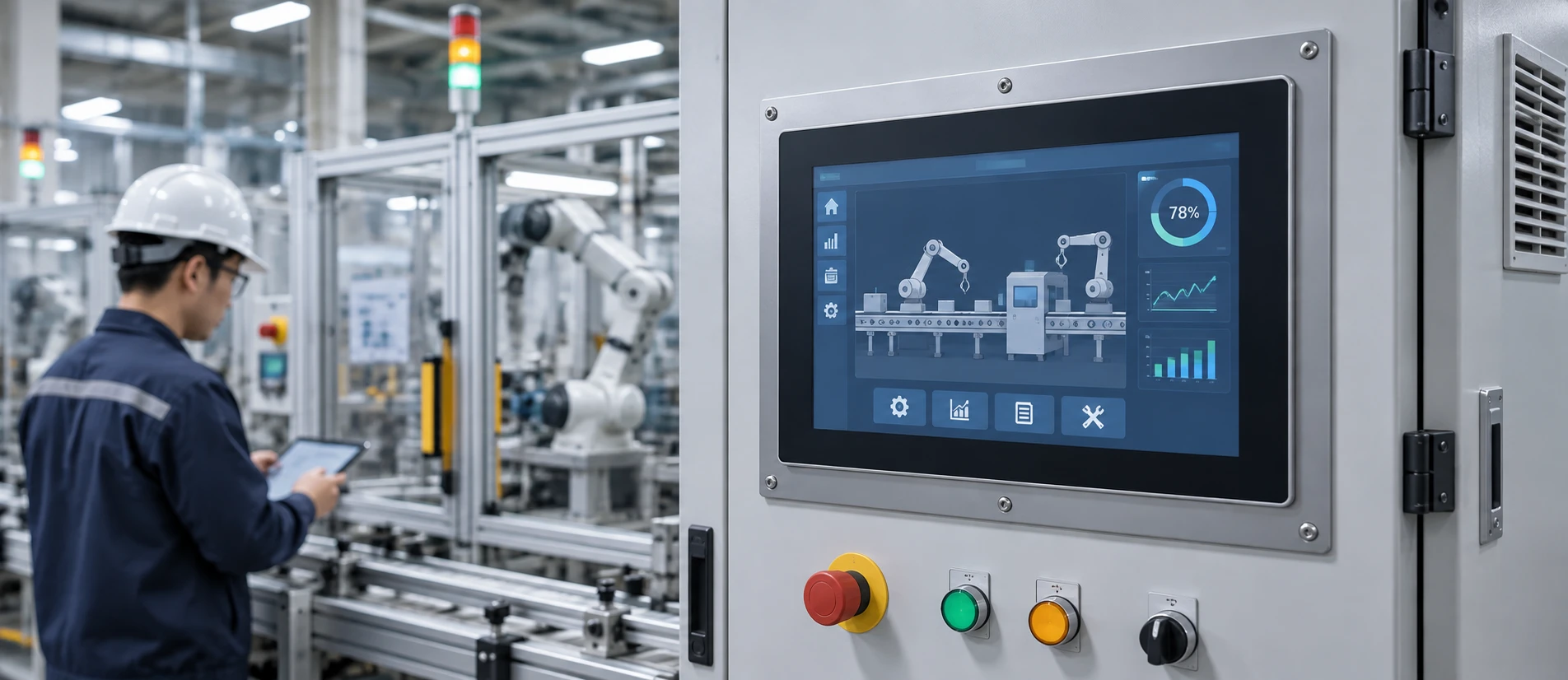
Industrial Touchscreen Computers / Panel PCs
An integrated touch computer for machine panels, automation terminals and equipment interfaces where the computing hardware must be installed with the display.
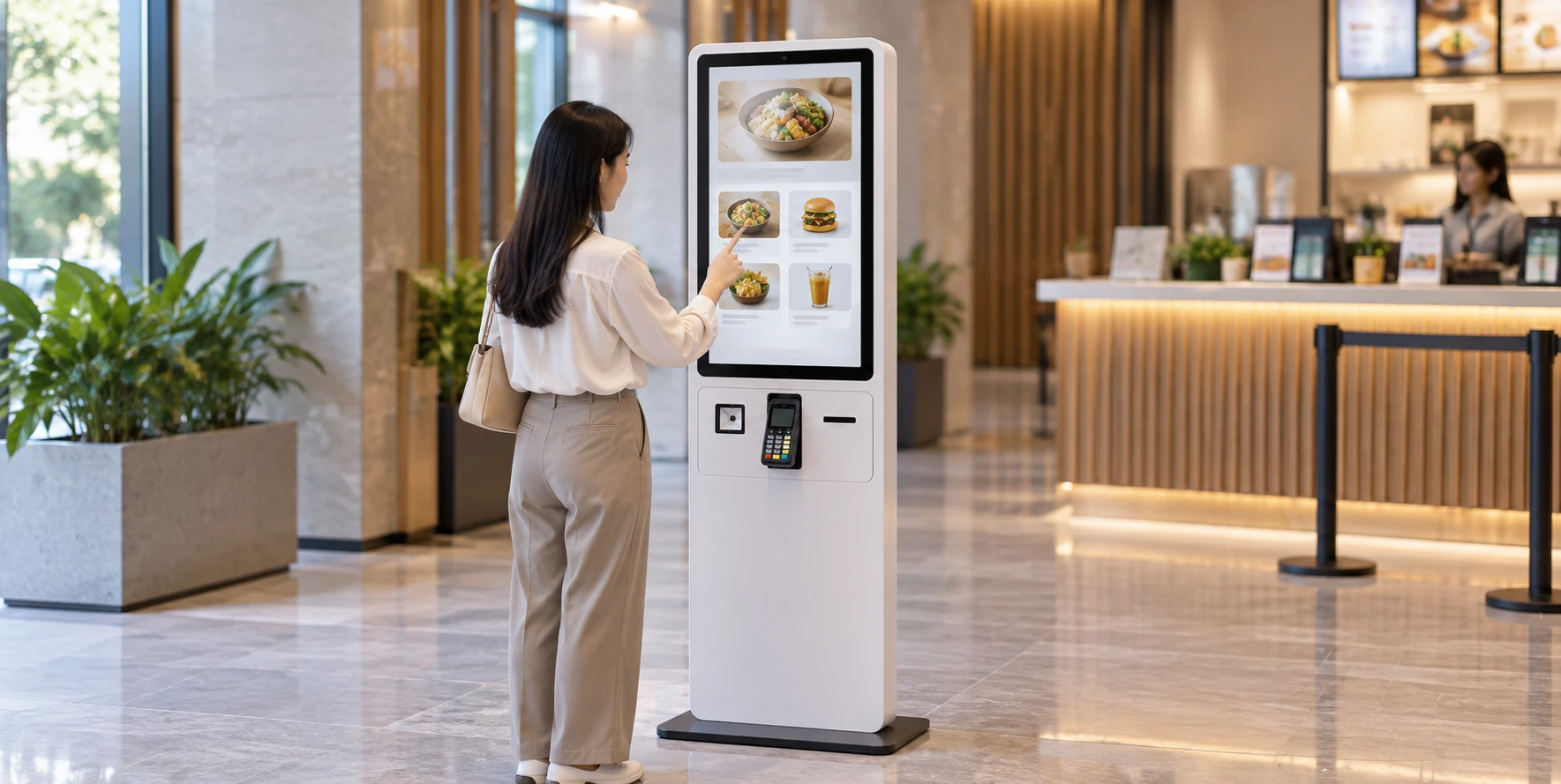
Kiosk Touchscreen Computers
A touch display and computing module designed to become the interactive core of a self-service enclosure. The enclosure and peripheral scope can be reviewed separately.
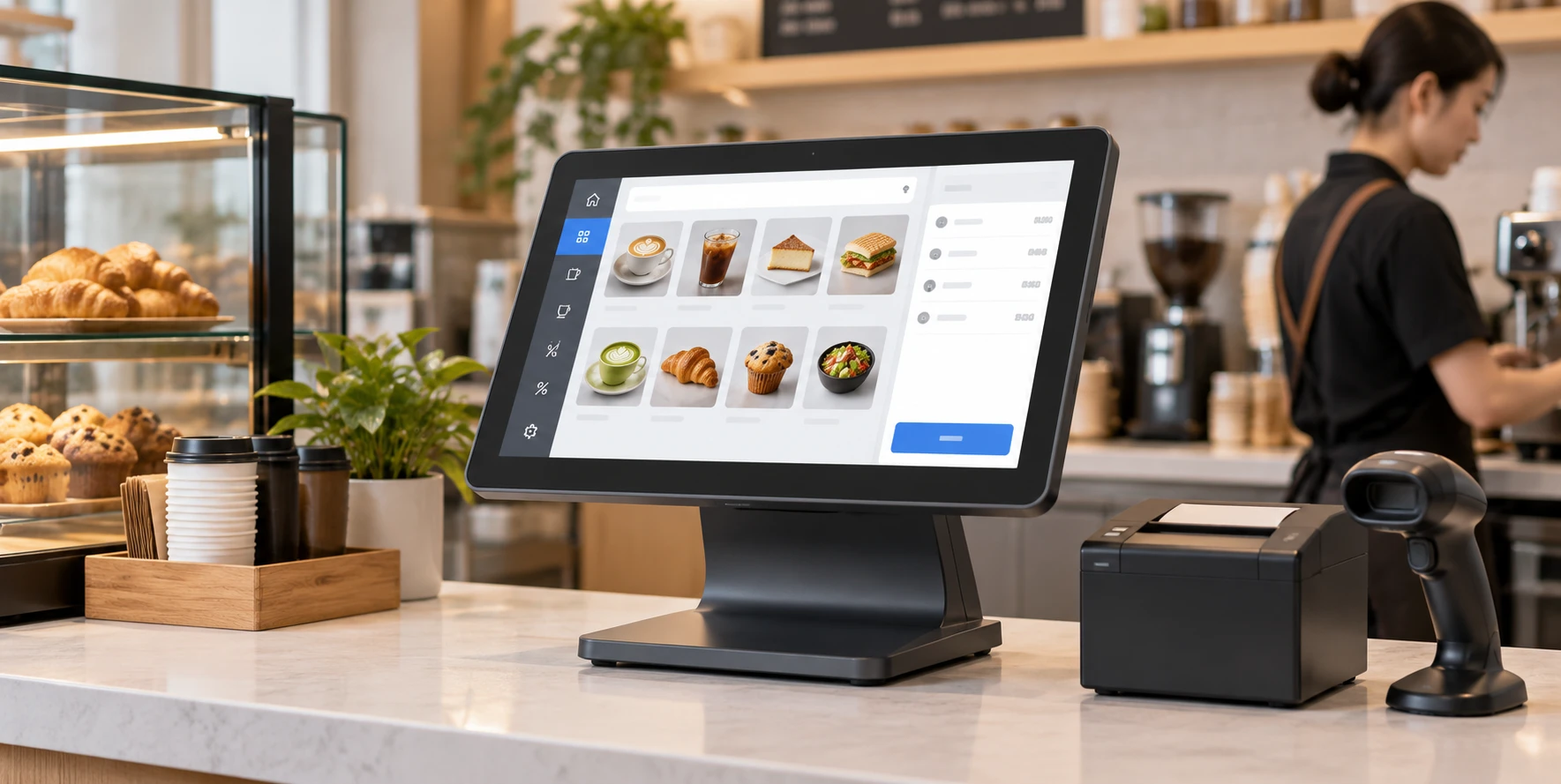
POS Touchscreen Computers
A countertop or equipment-integrated touch computer for retail and restaurant workflows, planned around POS software and connected devices.
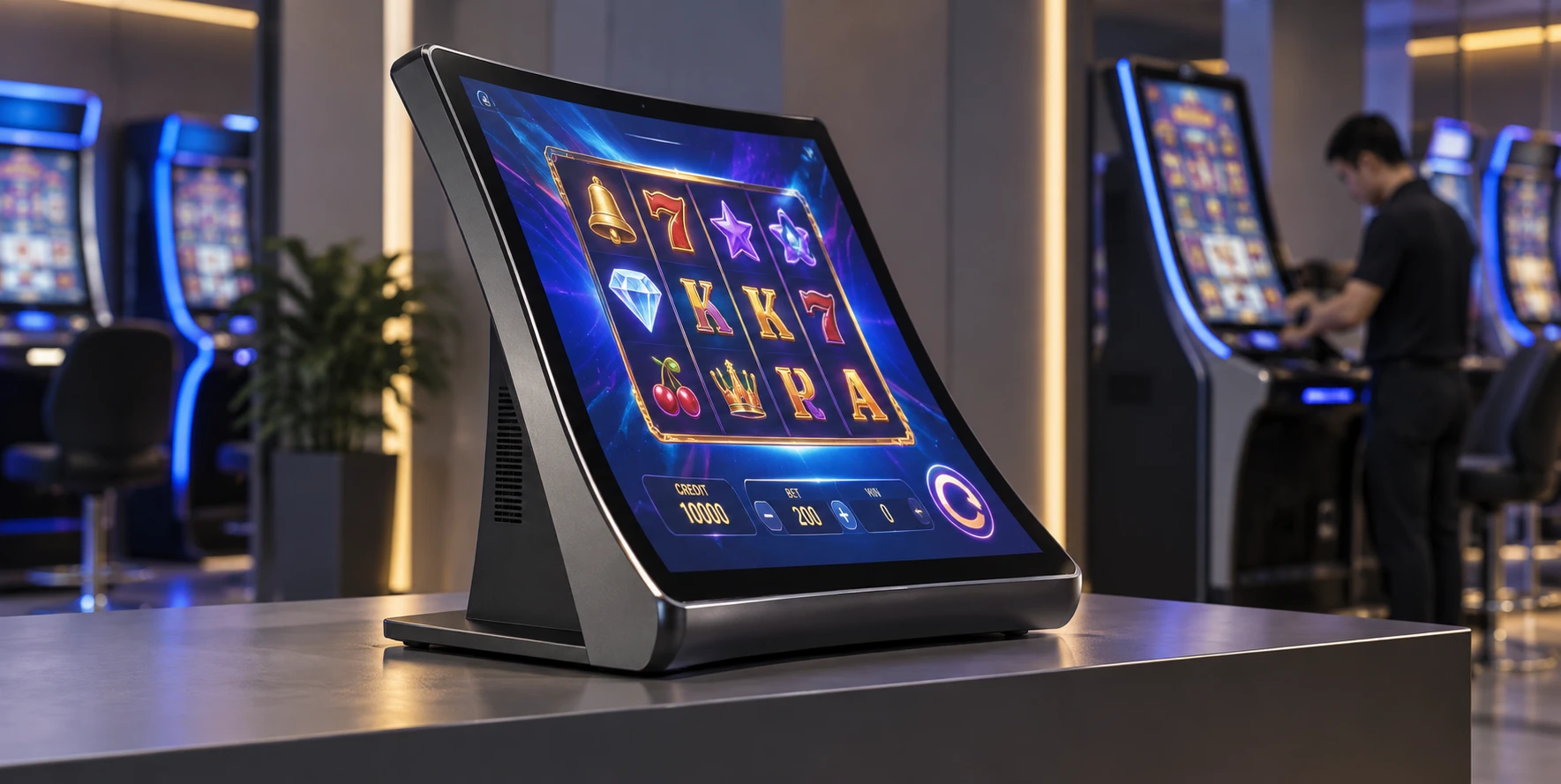
Curved Touchscreen Computers
A J-curved or C-curved touch display combined with a project-selected computing configuration for gaming equipment, custom cabinets and distinctive interactive terminals.
Choosing the Right Architecture
Understanding the difference between a monitor, a computer, and a complete kiosk ensures you source the correct level of integration for your project.
| Feature | Touchscreen Monitor | Touchscreen Computer (This Page) | Complete Kiosk |
|---|---|---|---|
| Computing Hardware | Requires external PC/Host | Built-in (Integrated Motherboard) | Built-in |
| Operating System | None (Runs off host) | Runs OS internally (Win/Android/Linux) | Runs OS internally |
| Enclosure Scope | Screen housing only | Screen + Computing housing | Full floor/wall cabinet structure |
| Best Application | Connecting to existing machine controllers | All-in-one stations, embedded panel PCs | Turnkey self-service environments |
Swipe horizontally to view full comparison
Verified OEM/ODM Manufacturing by XFC
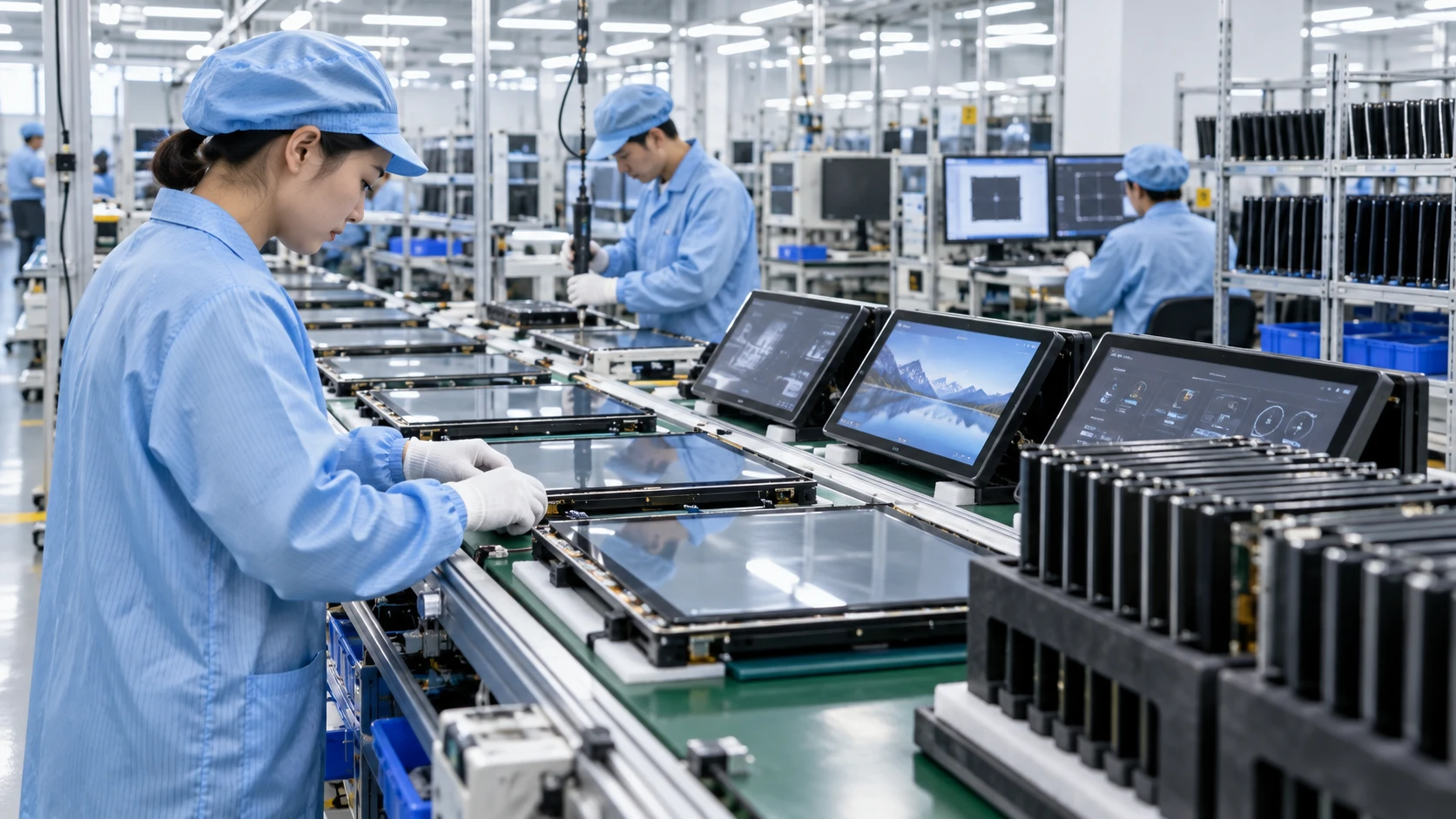
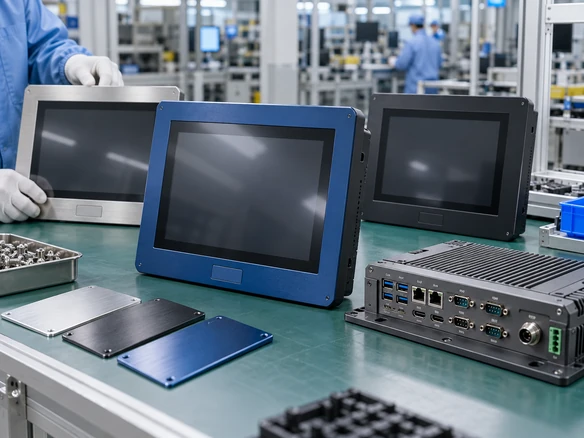
Shenzhen Xin Fei Chi Technology Co., Ltd. provides direct factory support for custom touch computing projects. We do not just assemble parts; we support the product development lifecycle from design concept and component evaluation through industrial design, prototyping, and final assembly.
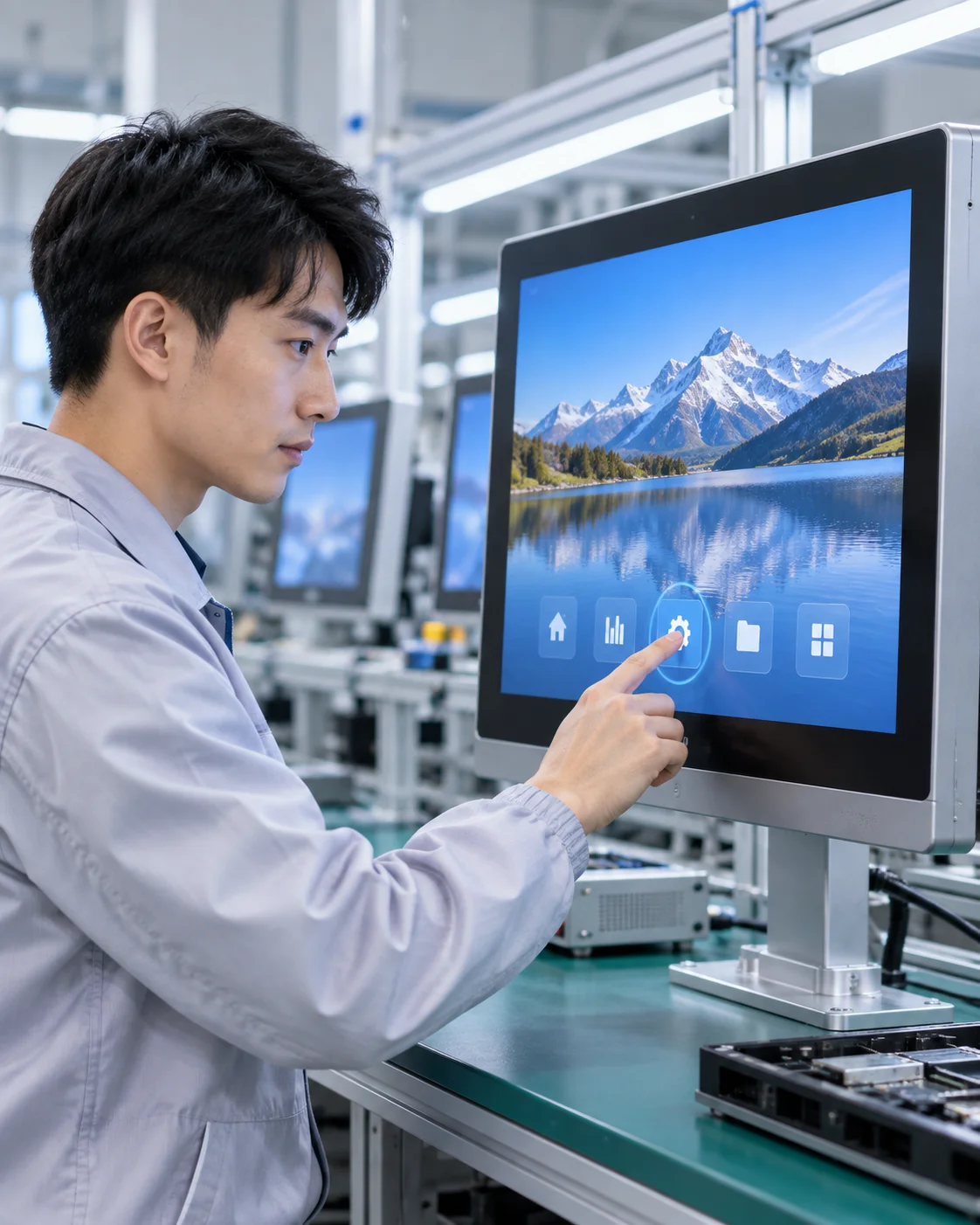
Display & Touch Specifications
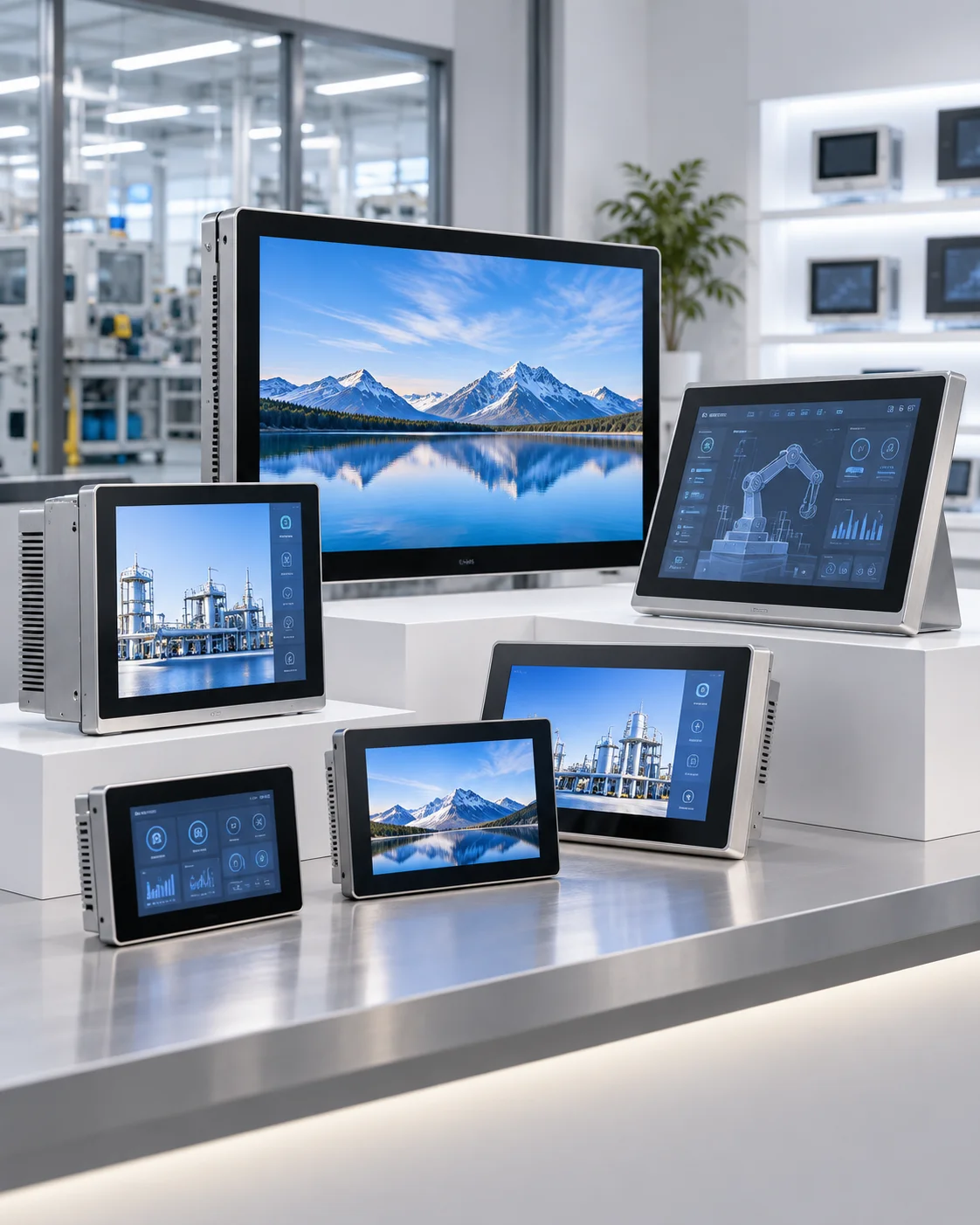
The broader XFC touch-display portfolio supports custom review from 2.5 to 120 inches. Note that while large sizes are available, the feasibility of integrating computing hardware into extreme sizes is reviewed case-by-case.
-
Custom Sizes Project support spanning from compact 2.5" embedded screens to massive 120" interactive walls.
-
Touch Technology Capacitive or project-specific touch interfaces engineered for responsive interaction.
-
Visual Performance Brightness, resolution, and contrast ratios are customized based on the final application and environment.
Computing Platform Flexibility
We do not limit you to off-the-shelf consumer specs. CPU, RAM, storage, and operating systems are configured according to your software workload and application requirements.
Windows Architecture
Configured for heavy software workloads, legacy POS systems, and complex industrial control applications.
Android Ecosystem
Optimized for commercial kiosks, modern retail POS, and dedicated interactive applications with efficient power use.
Linux Systems
Deployed for specialized industrial environments, custom embedded systems, and secure terminal networks.
* Windows, Android or Linux availability must always be confirmed against the selected hardware configuration.
Structural & Mounting Configurations
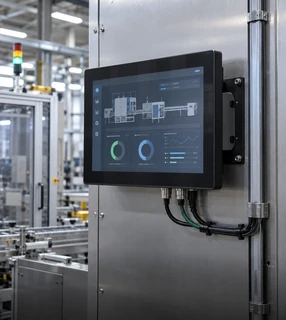
Wall-Mounted
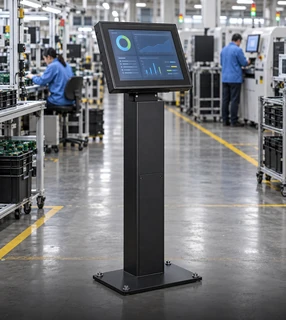
Floor-Standing
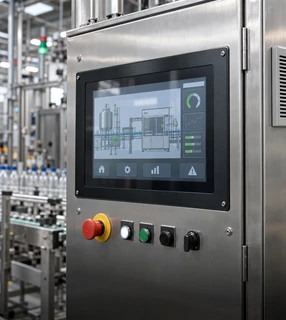
Embedded / Panel
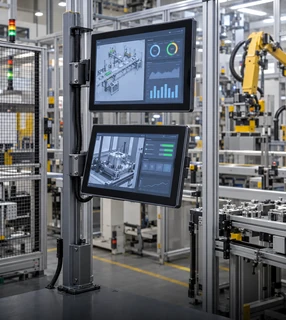
Dual-Screen Structures
Peripheral & Interface Coordination
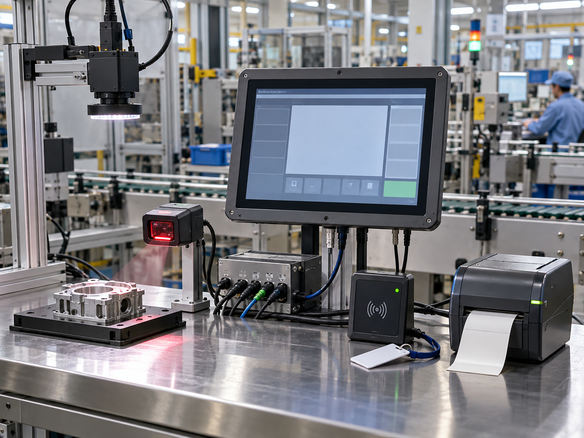
A touchscreen computer rarely operates in isolation. We coordinate the mechanical design and I/O mapping to ensure seamless integration of related terminal peripherals based on your project confirmation.
Curved Touchscreen Computers
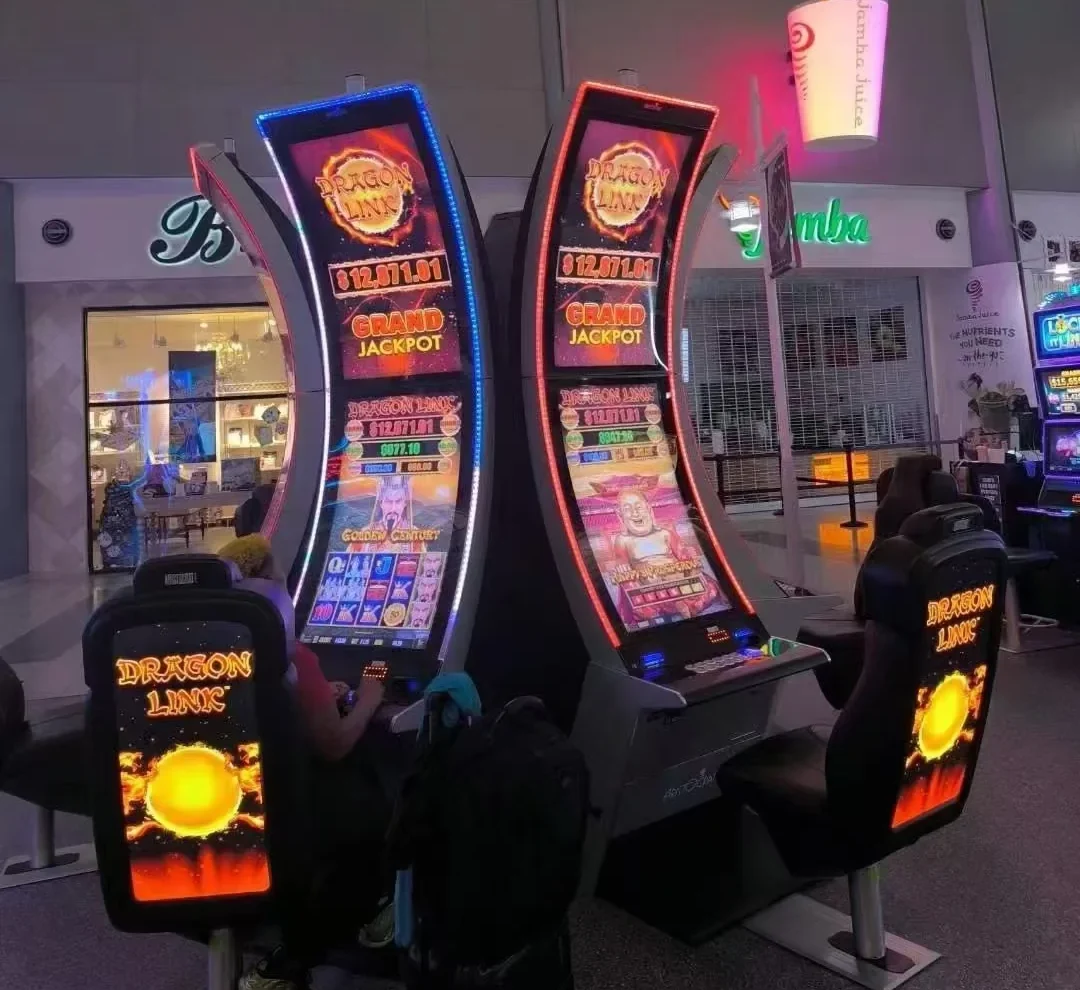
For highly immersive interactive terminals and gaming cabinets, XFC manufactures curved touch computers. These systems integrate the motherboard directly into the curved display chassis.
J-Curved Options
Distinctive top-curve profile ideal for standing gaming or betting terminals.
C-Curved Options
Symmetrical curve wrapping around the user's field of view.
100% Inspection & Quality Assurance
Reliability is non-negotiable for commercial and industrial computing. XFC employs 26 dedicated quality-control personnel to ensure every unit meets the agreed project specifications.
Component Evaluation
Rigorous vetting of motherboards, screens, and touch sensors.
Display Testing
Verification of brightness, color accuracy, and touch responsiveness.
System Aging
Continuous operation tests to validate thermal and hardware stability.
Final Assembly QA
100% inspection of final ports, enclosure fit, and packaging.
End-to-End Product Development Support
Design Concept
Defining application needs and specifications.
Component Eval
Selecting display, touch, and computing hardware.
Industrial Design
Mechanical structuring and enclosure drafting.
Prototype
Building and testing the initial physical unit.
Assembly & Ship
Mass production, 100% QA, and global delivery.
Engineered for Commercial & Industrial Environments
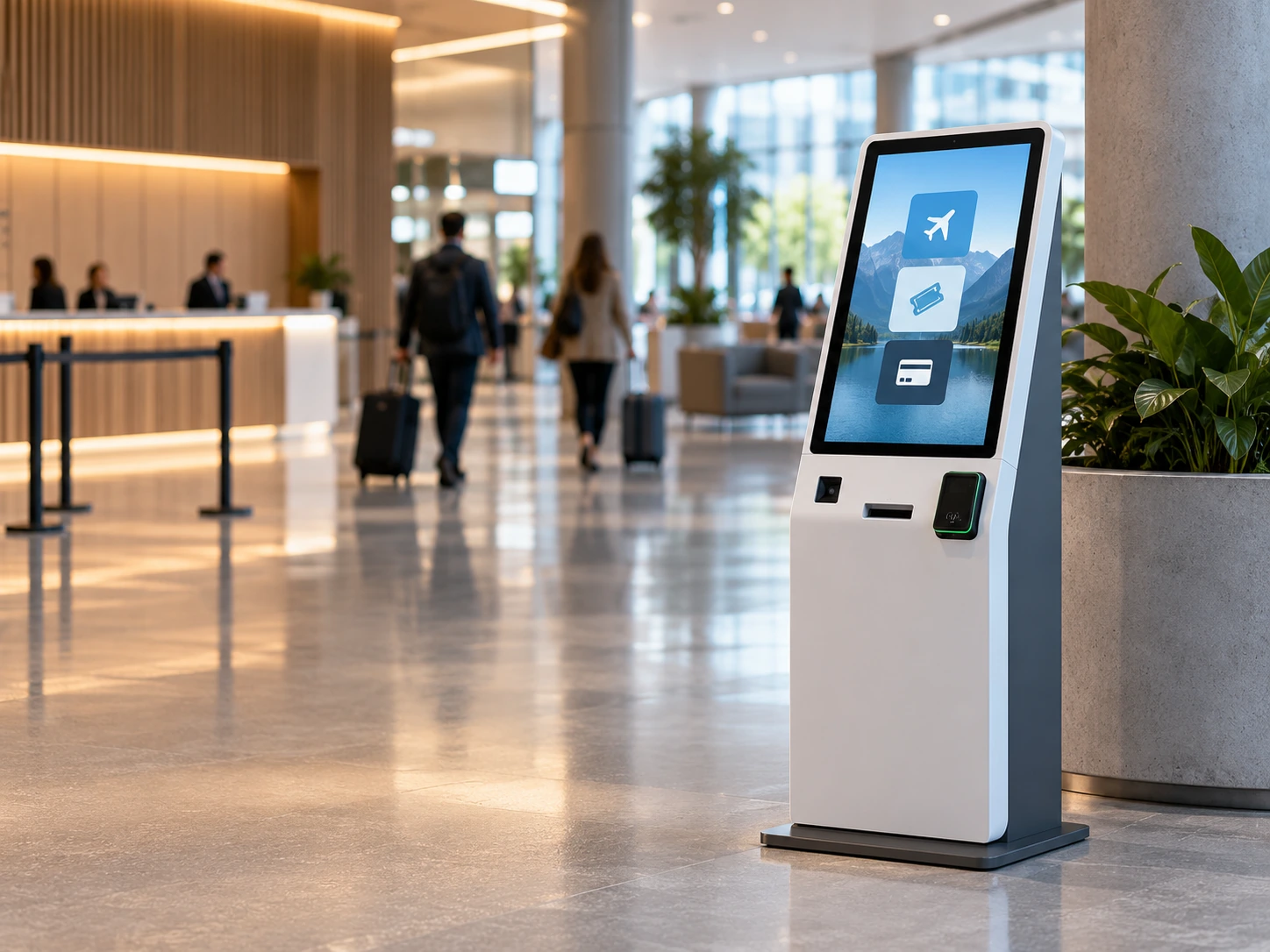
Self-Service & Kiosks
Providing the interactive core for ticketing, ordering, and information stations.
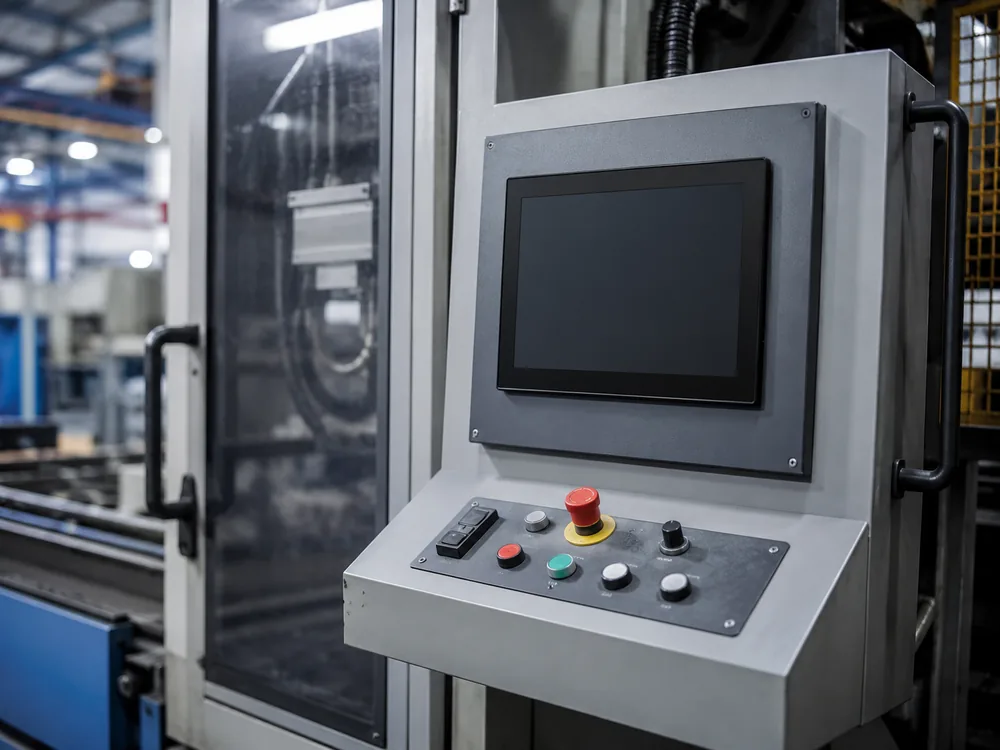
Industrial Equipment
Durable panel PCs integrated directly into machinery and automation panels.
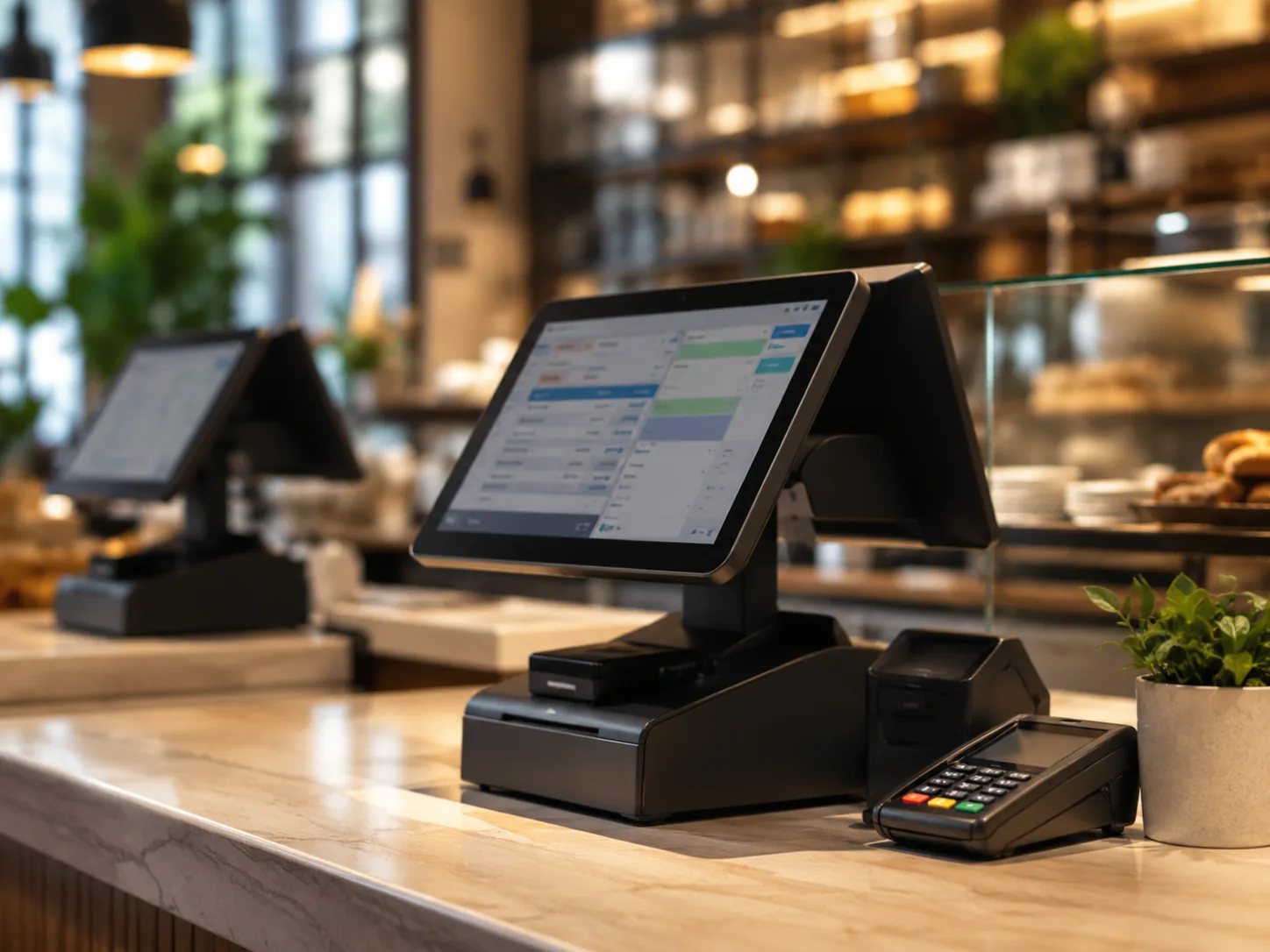
Retail & POS
Reliable countertop and integrated computers for high-traffic commercial operations.
Brand & Aesthetic Customization
As an OEM/ODM manufacturer, XFC ensures that the final touchscreen computer aligns with your brand identity and equipment design language.
- Logo Customization & Silk Printing
- Custom Bezel Colors & Finishes
- Tailored Enclosure Materials
- Specific I/O Port Layouts
Frequently Asked Questions
Do you provide the software for the touchscreen computer?
Can we specify the exact processor and RAM?
What is the difference between your touch computers and a complete kiosk?
Do you support OEM branding?
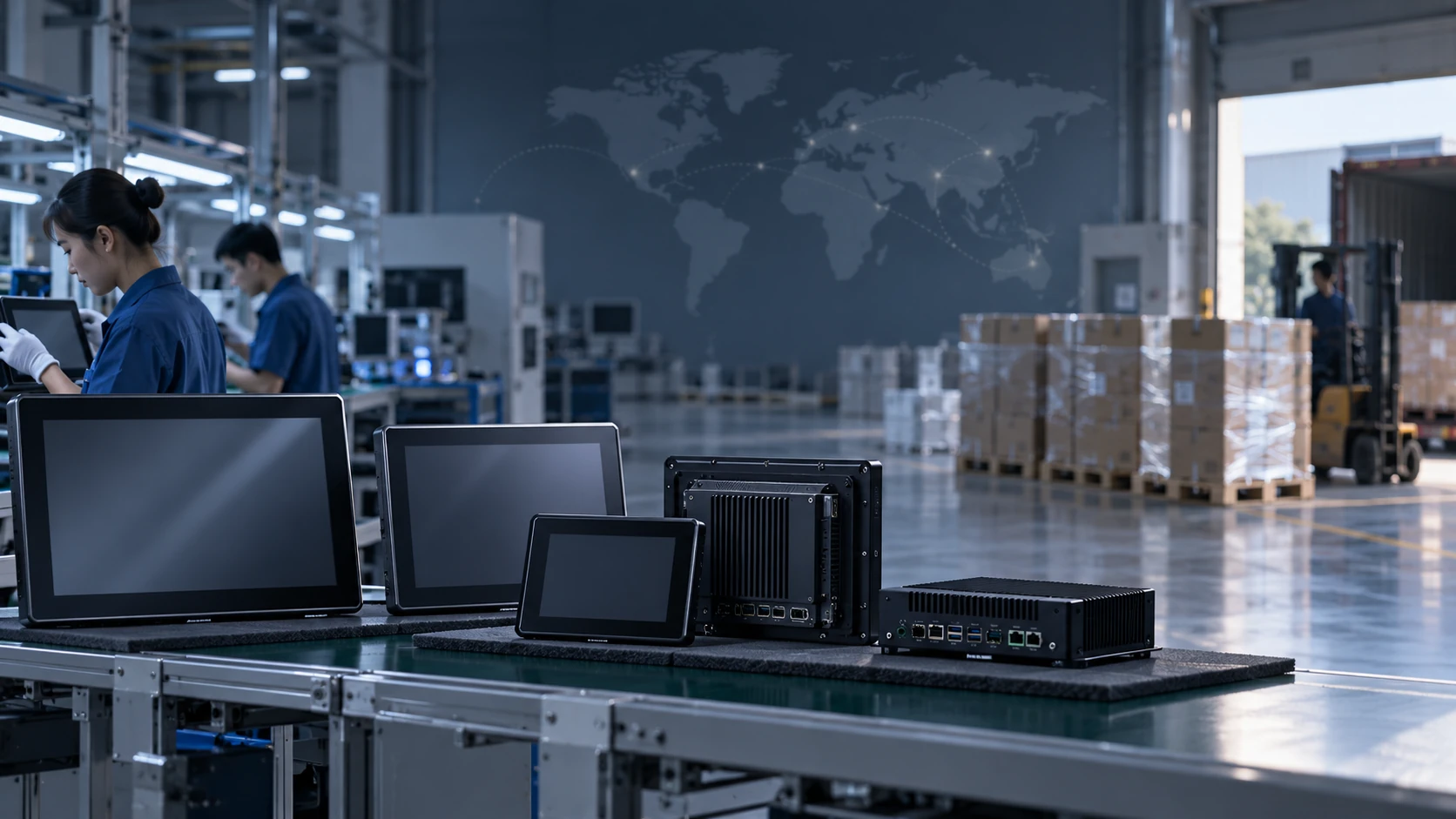
Trusted by Equipment Builders Worldwide
XFC touch computing products are exported to over 80 countries, supporting global system integrators, brand owners, and commercial projects with verified quality and flexible minimum order quantities.
Discuss Your Project Specifications
Submit your application details for a hardware configuration review.
Factory Address
No. 15, Lianfeng Road, Hongqiaotou, Yanluo Street,
Songgang Town, Bao'an District, Shenzhen City, Guangdong Province
