
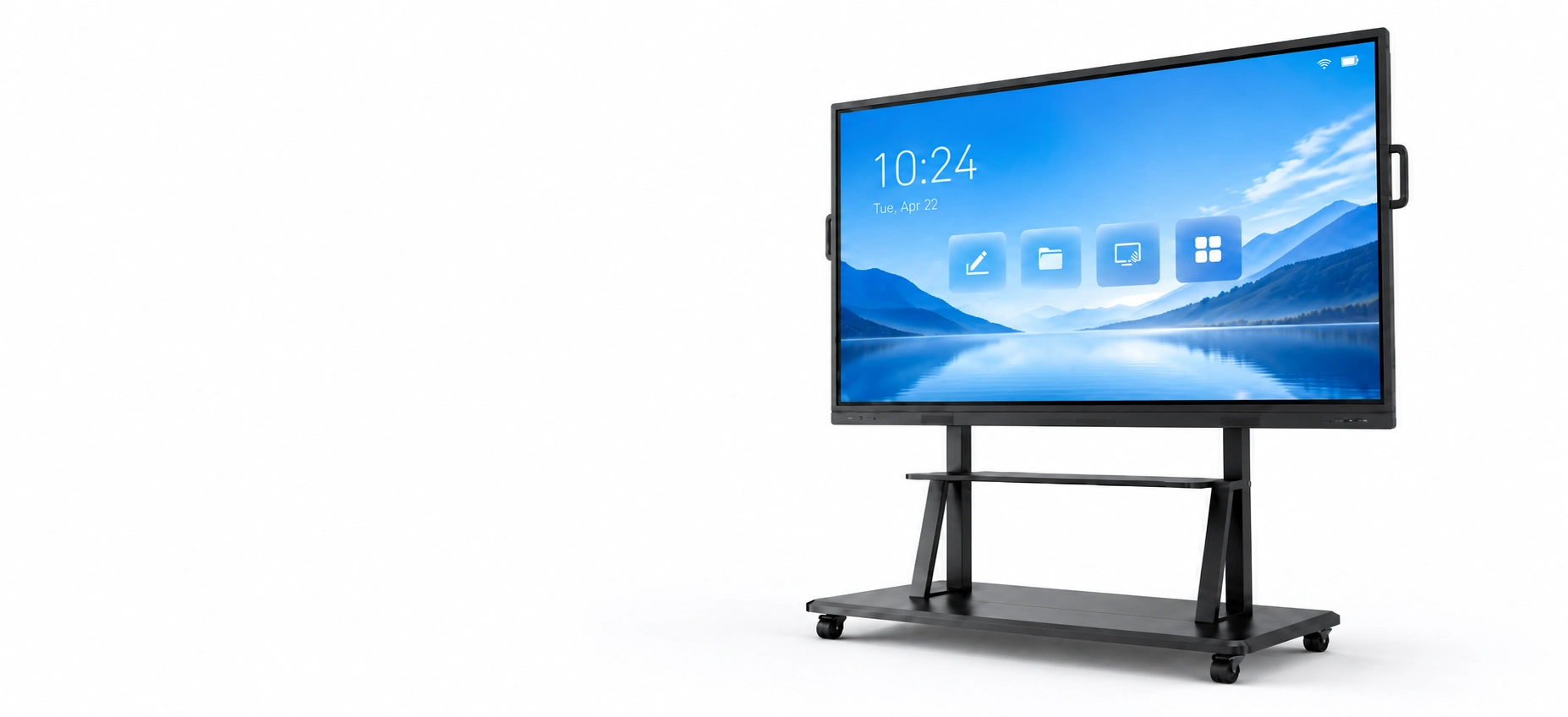
Interactive Whiteboards Manufacturer for Education and Meeting Room Projects
Lucky-XFC supports project-based interactive whiteboard sourcing for classrooms, training facilities and corporate meeting rooms. Submit your preferred size, system, interfaces, mounting method, quantity and destination to receive available model recommendations and a formal quotation.
Available Interactive Whiteboard Configurations
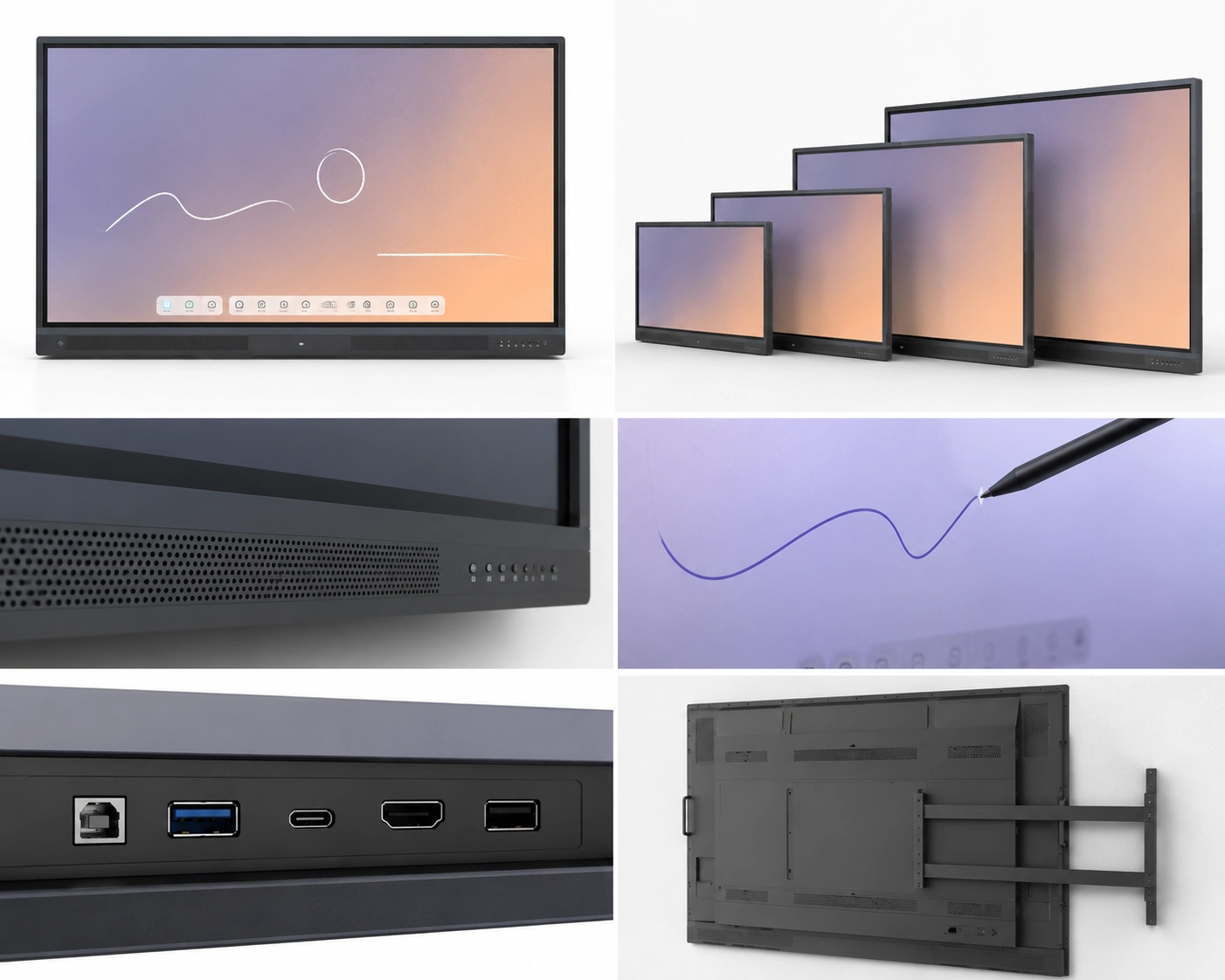
Engineered for modern collaboration, our interactive displays feature 4K resolution, ultra-fast PCAP touch response, and versatile system integration. Custom OEM/ODM configurations are supported.
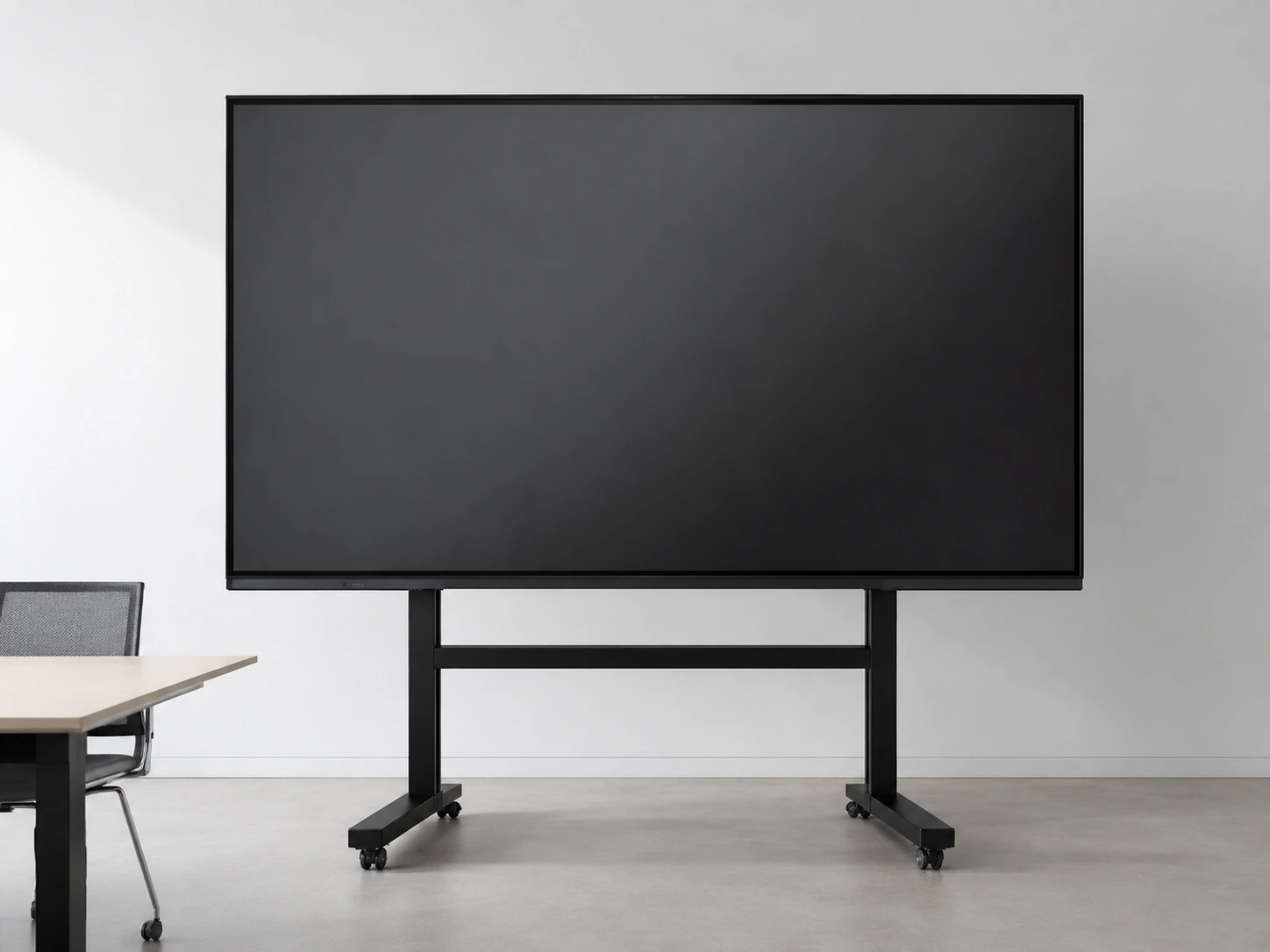
86 Inch Interactive Whiteboard
-
Model: XFC-IWB-8600
-
Display: 86"
-
Touch: PCAP Touch
-
System: Android / Windows / External PC
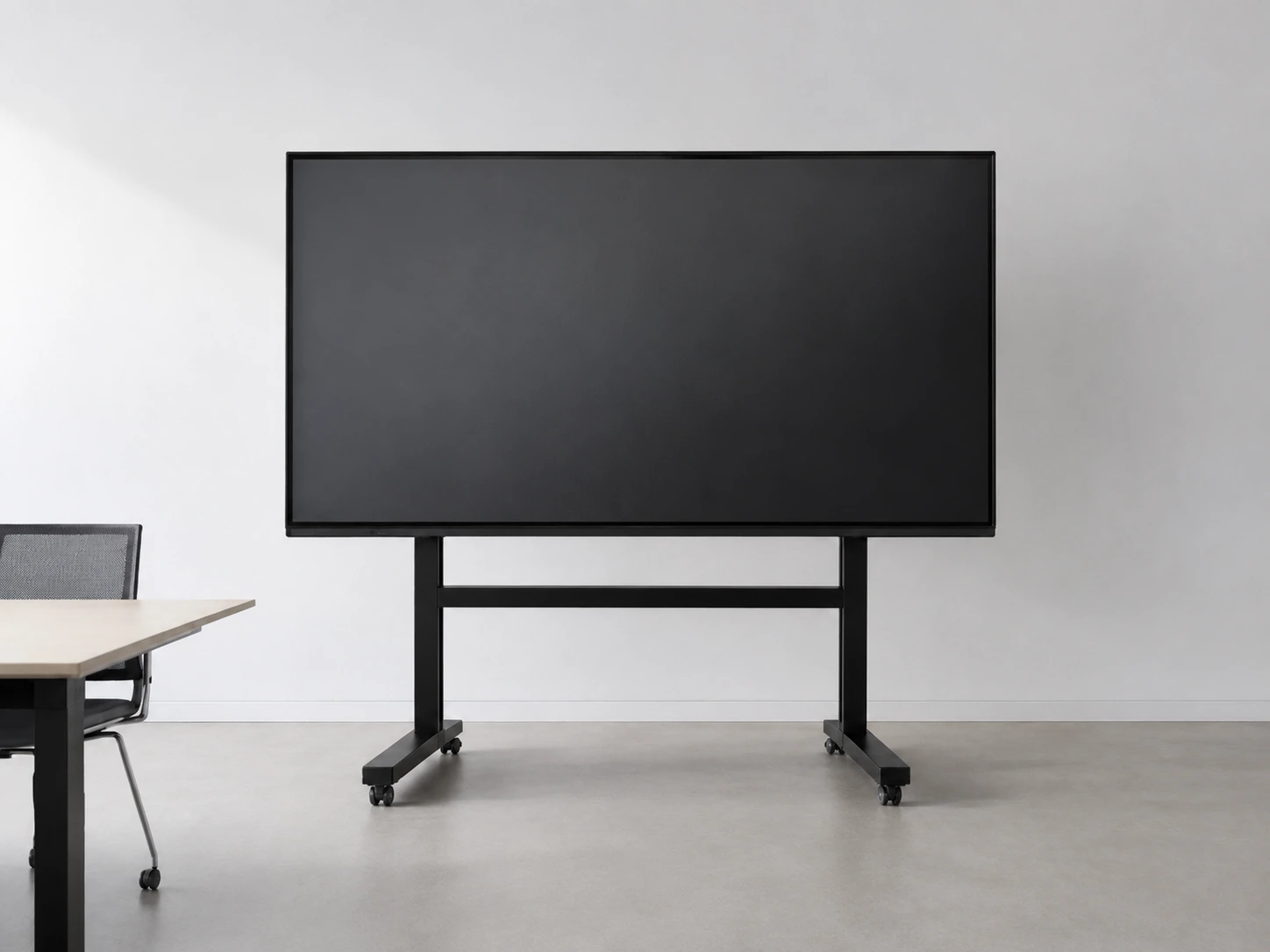
75 Inch Interactive Whiteboard
-
Model: XFC-IWB-7500
-
Display: 75"
-
Touch: PCAP Touch
-
System: Android / Windows / External PC
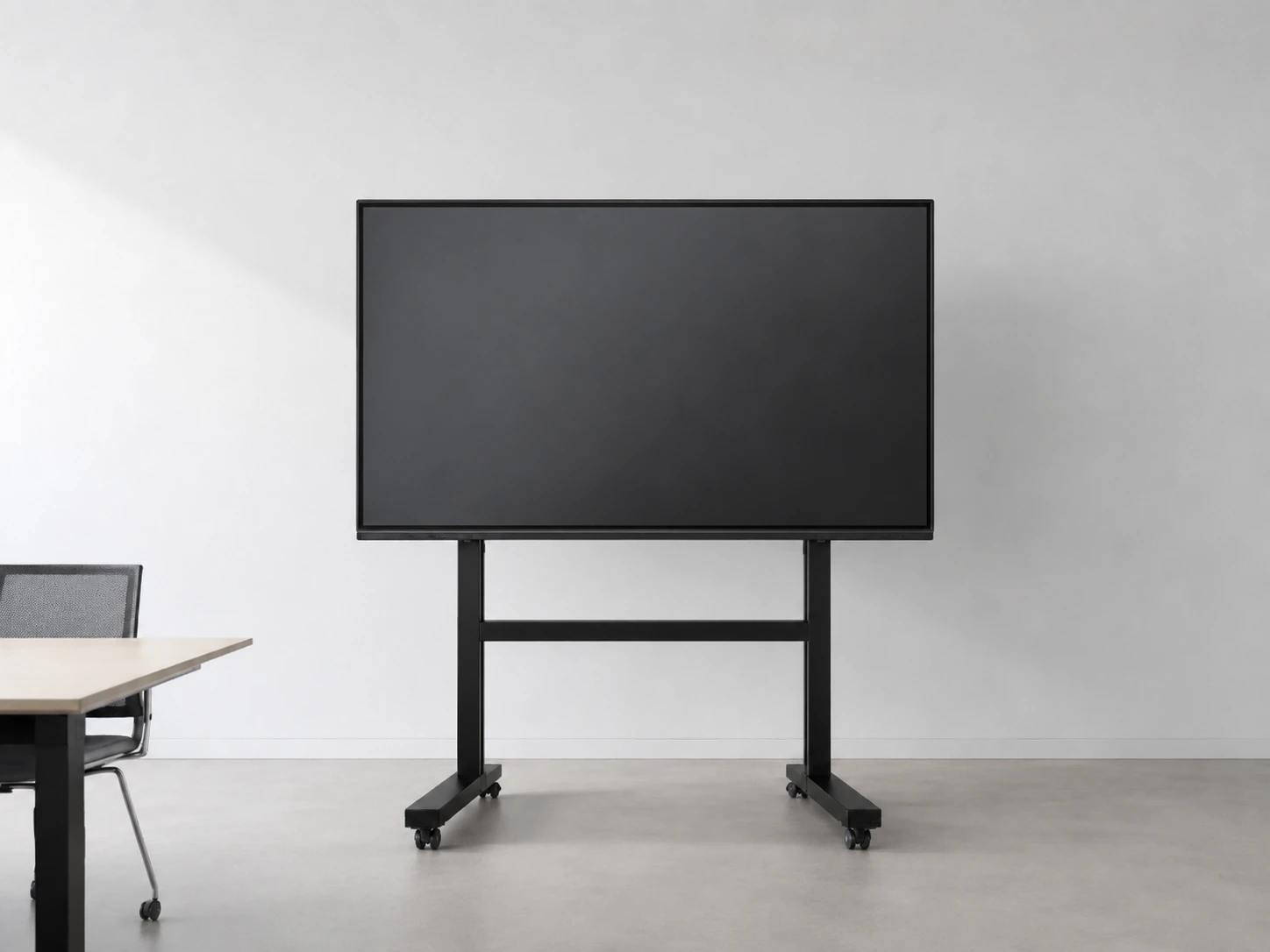
65 Inch Interactive Whiteboard
-
Model: XFC-IWB-6500
-
Display: 65"
-
Touch: PCAP Touch
-
System: Android / Windows / External PC
What Is an Interactive Whiteboard?
An interactive whiteboard is a large touch-enabled display used to present, annotate and interact with digital content. Depending on the selected configuration, it may connect to an external computer or include an integrated operating system. Buyers should confirm the display, touch, system, interface, mounting and software requirements before ordering.
Compare Interactive Whiteboards, Smart Boards and Interactive Flat PanelsInteractive Whiteboard Solutions by Application
Review our project-based configuration paths. Final specifications including screen size, resolution, touch points, and operating system will be confirmed based on your specific application requirements.
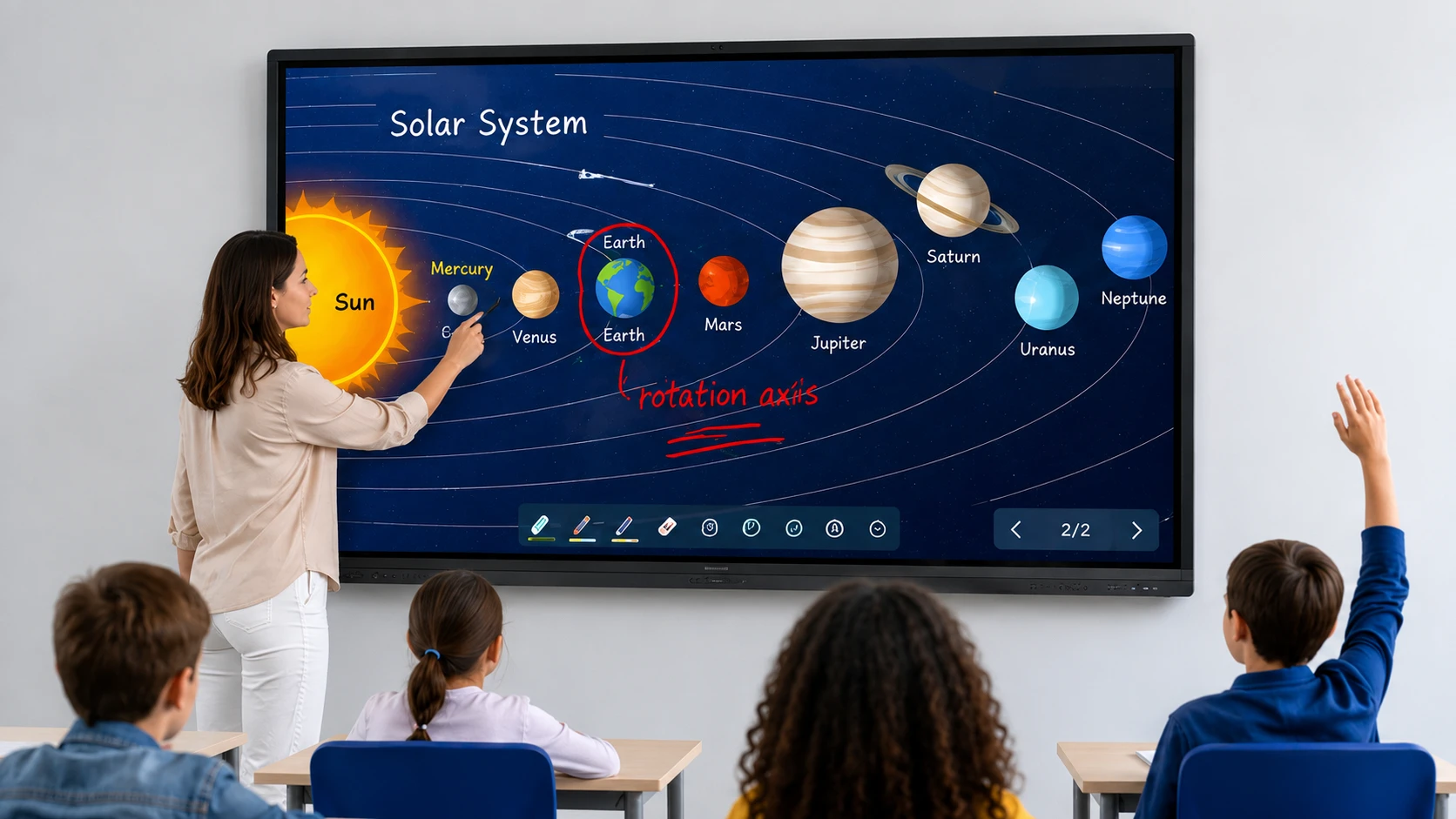
Classroom & K-12 Education Solutions
Tell us your room size, teacher devices, annotation workflow, mounting and software environment. Available configurations will be confirmed according to the selected model.
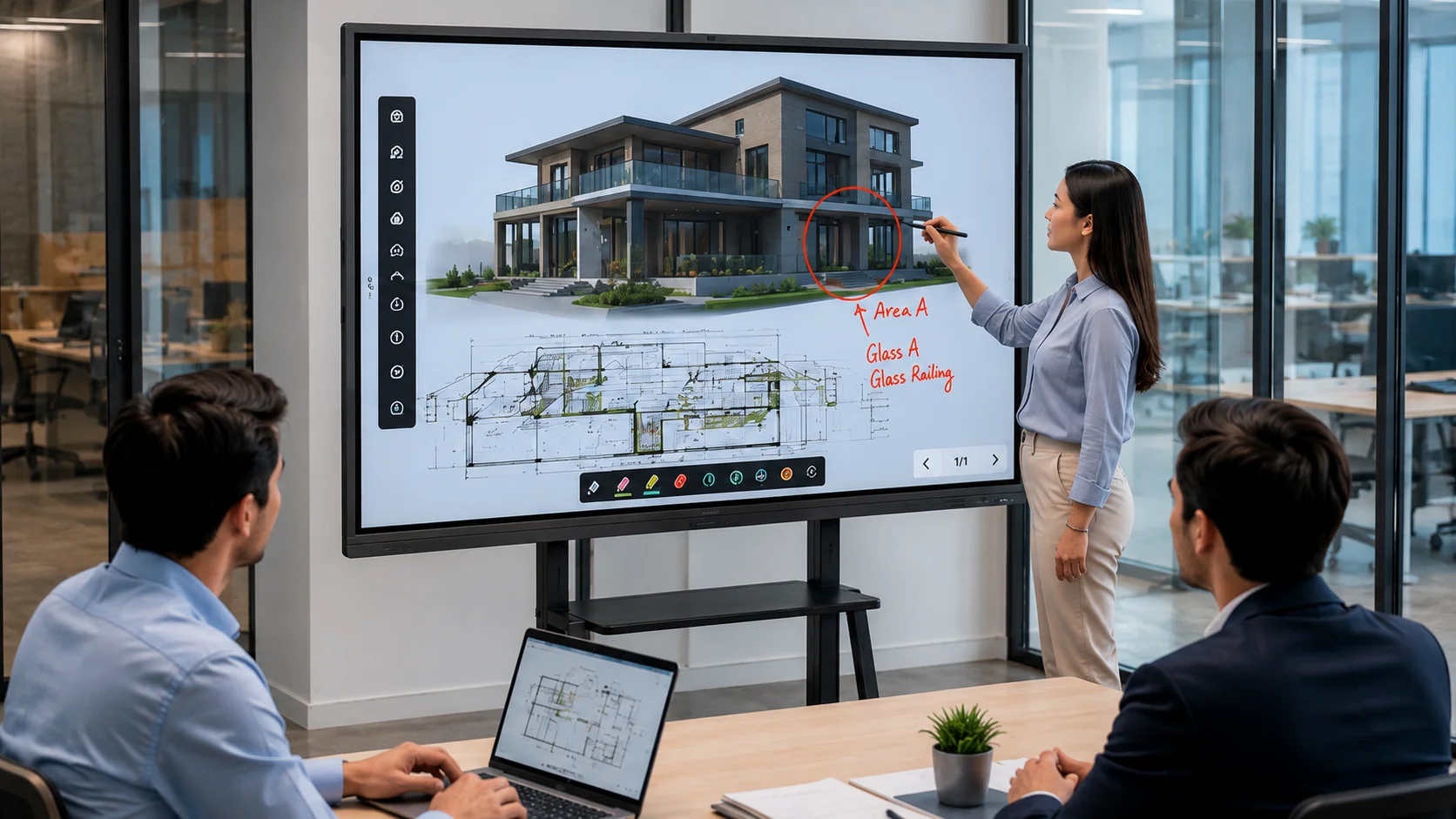
Corporate Meeting Room Solutions
Tell us your laptop connection, conferencing platform, camera, audio and network requirements. Available configurations will be confirmed according to the selected model.
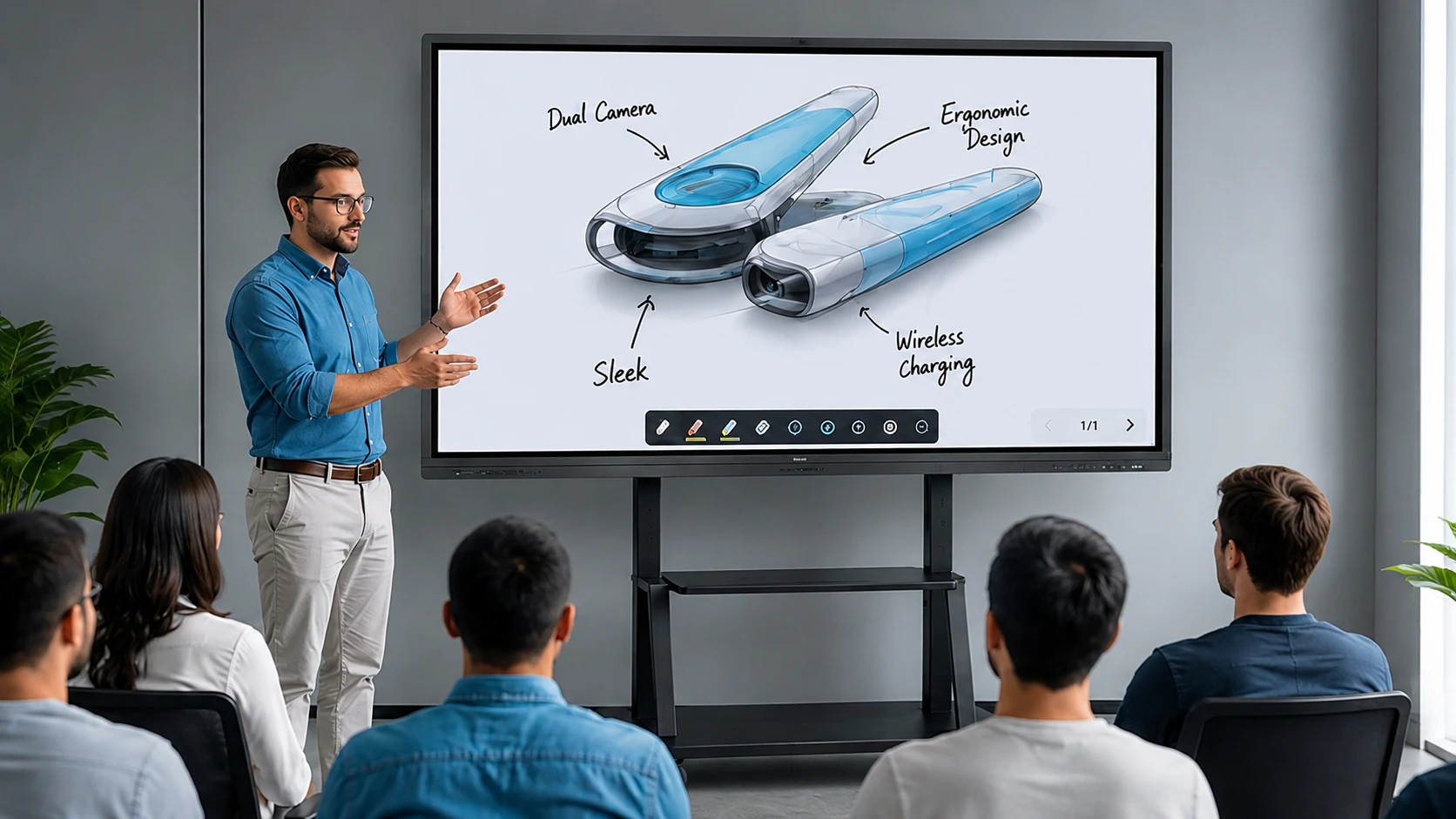
Training Room Display Solutions
Tell us your presentation flow, file sharing, mobility and mounting needs. Available configurations will be confirmed according to the selected model.

OEM/ODM Custom Solutions
Tell us your size, structure, system, interfaces, quantity and drawings for feasibility review. Available configurations will be confirmed according to the selected model.
Interactive Whiteboards for Education and Business
Select a hardware configuration that matches the specific workflows, room layouts, and software environments of your end-users.
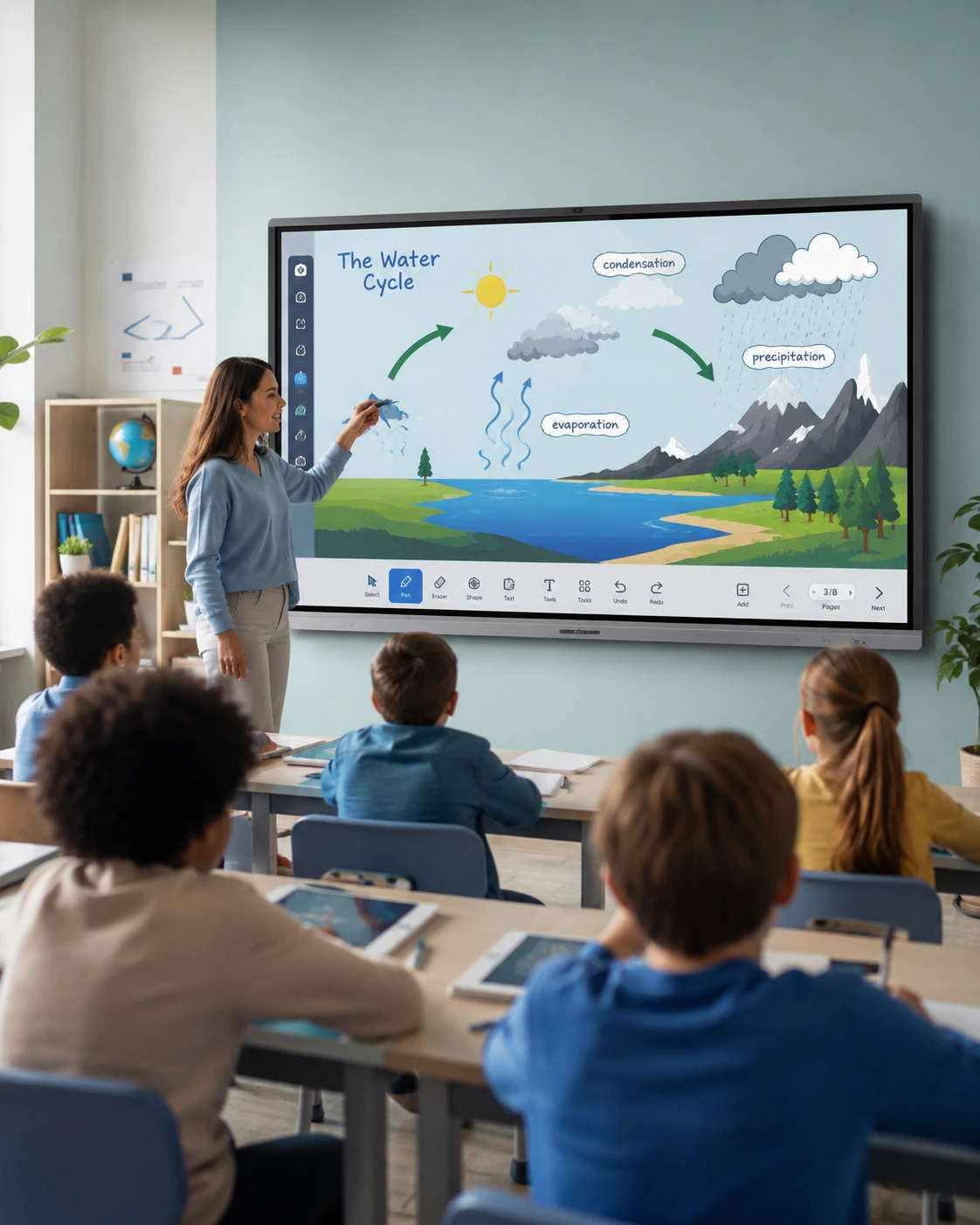
Classroom & K-12 Education
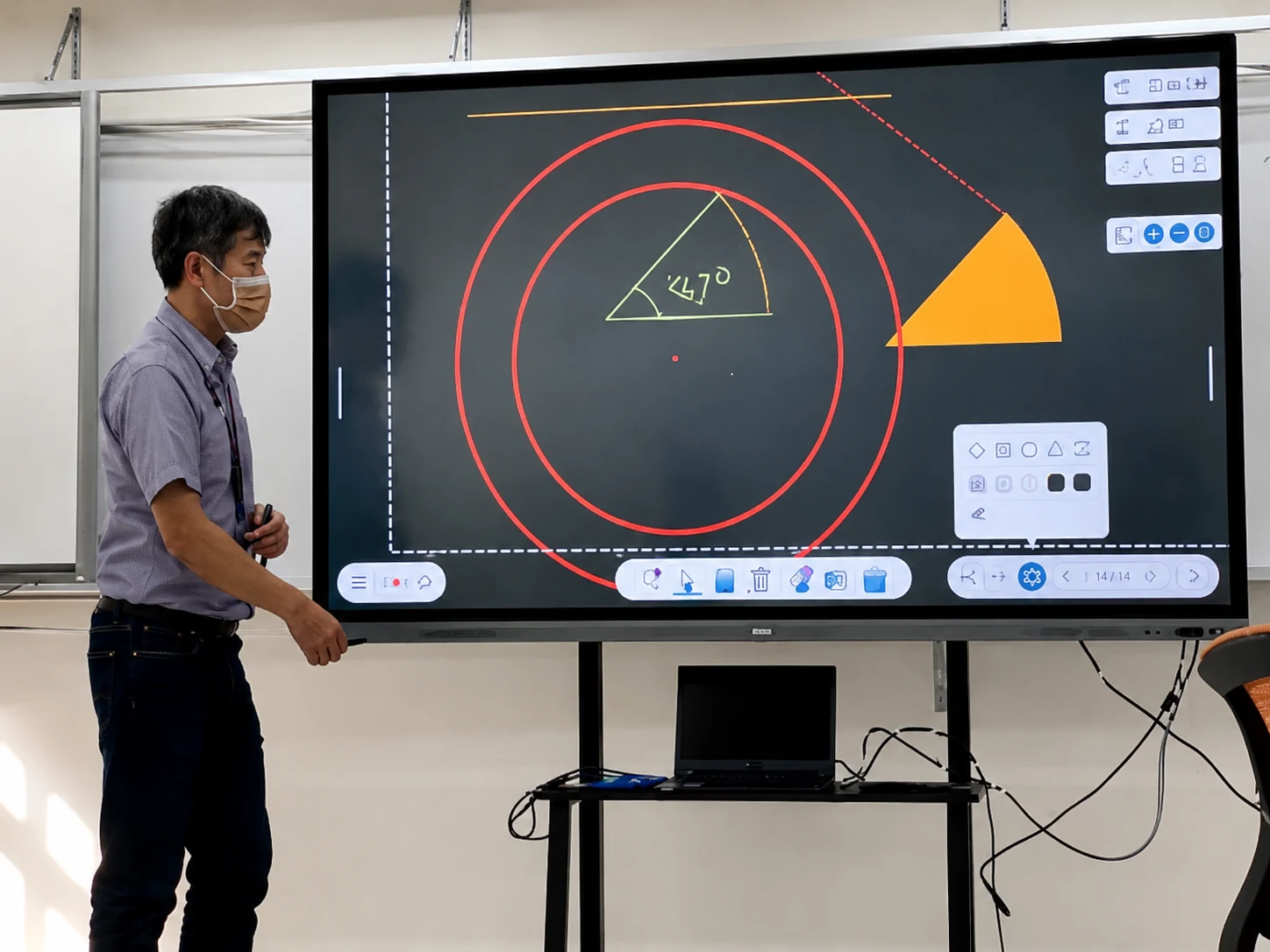
For schools, universities and training institutions requiring interactive teaching, annotation and digital presentation solutions.
Confirm room size, viewing distance, teacher devices, annotation workflow, installation method and the existing software environment.

Meeting Rooms & Corporate Offices
For companies requiring interactive presentations, laptop connectivity and collaborative meeting environments.
Confirm laptop connections, conferencing equipment, screen-sharing workflow, camera and audio requirements, network conditions and room layout.

Training & Remote Teaching
For online educators and corporate trainers requiring seamless content sharing, real-time annotation and virtual collaboration.
Confirm content-sharing workflow, annotation needs, camera and microphone requirements, mobility and compatibility with the existing platform.
Interactive Whiteboard Configuration Checklist
To ensure accurate quotation and successful deployment, please verify these project requirements with our engineering team.
Screen Size and Room Layout
Confirm size based on viewing distance, installation wall space, and room capacity.
Touch and Writing Requirements
Specify multi-touch user count, annotation workflow, and finger or stylus preference.
System Configuration
Specify whether the project requires an external computer, Android configuration or integrated computing system.
Wired Connections
Provide actual port requirements including HDMI, DisplayPort, USB touch, and USB-C.
Wireless Connections
Check required protocols only if the selected hardware and software confirm support.
Camera and Audio Requirements
Confirm cameras, microphones, and speakers per project, not assumed standard.
Mounting and Accessories
Specify requirements for wall mounts, mobile stands, OPS modules, and styluses.
Software and Device Environment
Check existing customer systems before verifying compatible hardware solutions.
Compare Interactive Whiteboard Project Configurations
| Project Type | Main Requirements to Confirm | Recommended Next Step |
|---|---|---|
| Classroom & K-12 | Room size, teacher devices, annotation workflow, mounting | Classroom configuration review |
| Meeting Room | Laptop connections, conferencing equipment, camera/audio, network | Meeting room configuration review |
| Training Room | Presentation flow, file sharing, mobility and mounting | Request a project configuration |
| Remote Teaching | Existing platform, camera, microphone and network | Compatibility review |
| OEM/ODM | Size, structure, system, interfaces, quantity and drawings | Engineering inquiry |
| Replacement | Existing model, dimensions, VESA, ports and photos | Upload drawings |
How Does an Interactive Whiteboard Connect to a Laptop?
Depending on the selected model, an interactive whiteboard may connect through a supported USB-C connection or through a video connection such as HDMI together with a USB touch-control connection. Always confirm the available ports, operating system and connection diagram before installation.
- 1 Connect the video source
- 2 Connect the touch-control cable when required
- 3 Select the correct display input
- 4 Confirm laptop display output
- 5 Test touch and annotation
Interactive Whiteboard vs Smart Board vs Interactive Flat Panel
| Term | Explanation |
|---|---|
| Interactive Whiteboard | Generic interactive presentation and annotation system |
| Flat-panel display hardware with touch interaction | |
| Digital Whiteboard | May refer to hardware or software |
| Often used generically, but SMART Board is also a brand name | |
| Touchscreen Monitor | Normally requires an external computer |
| Touchscreen All-in-One | Includes display, touch and integrated computing |
OEM/ODM Interactive Whiteboard Engineering Support
Lucky-XFC supports project evaluation from requirement review and sampling to inspection and mass production. Send your target application, product dimensions, system requirements, interfaces, mounting method, quantity and reference files for feasibility review.
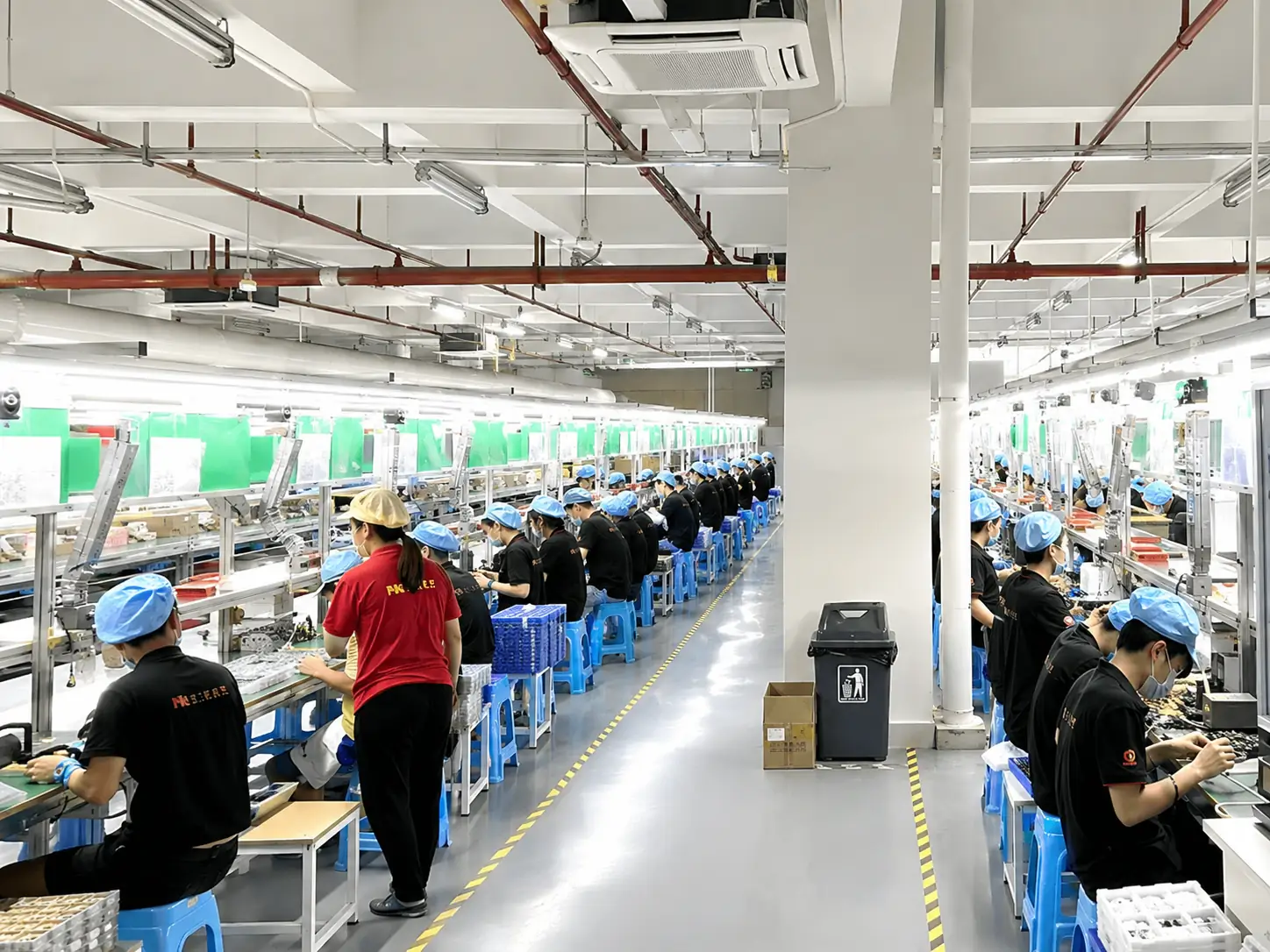
Manufacturing Facility
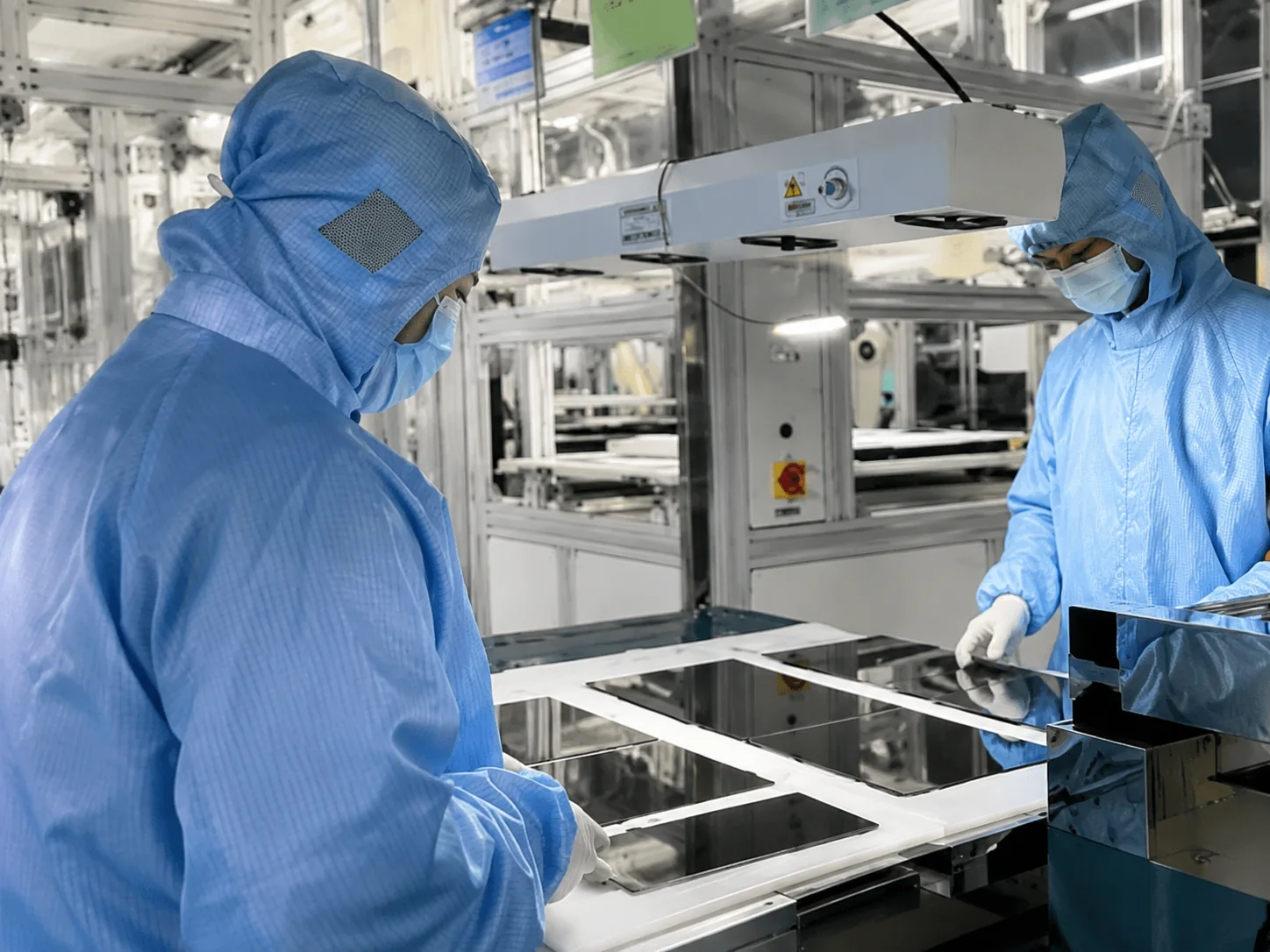
Quality Inspection
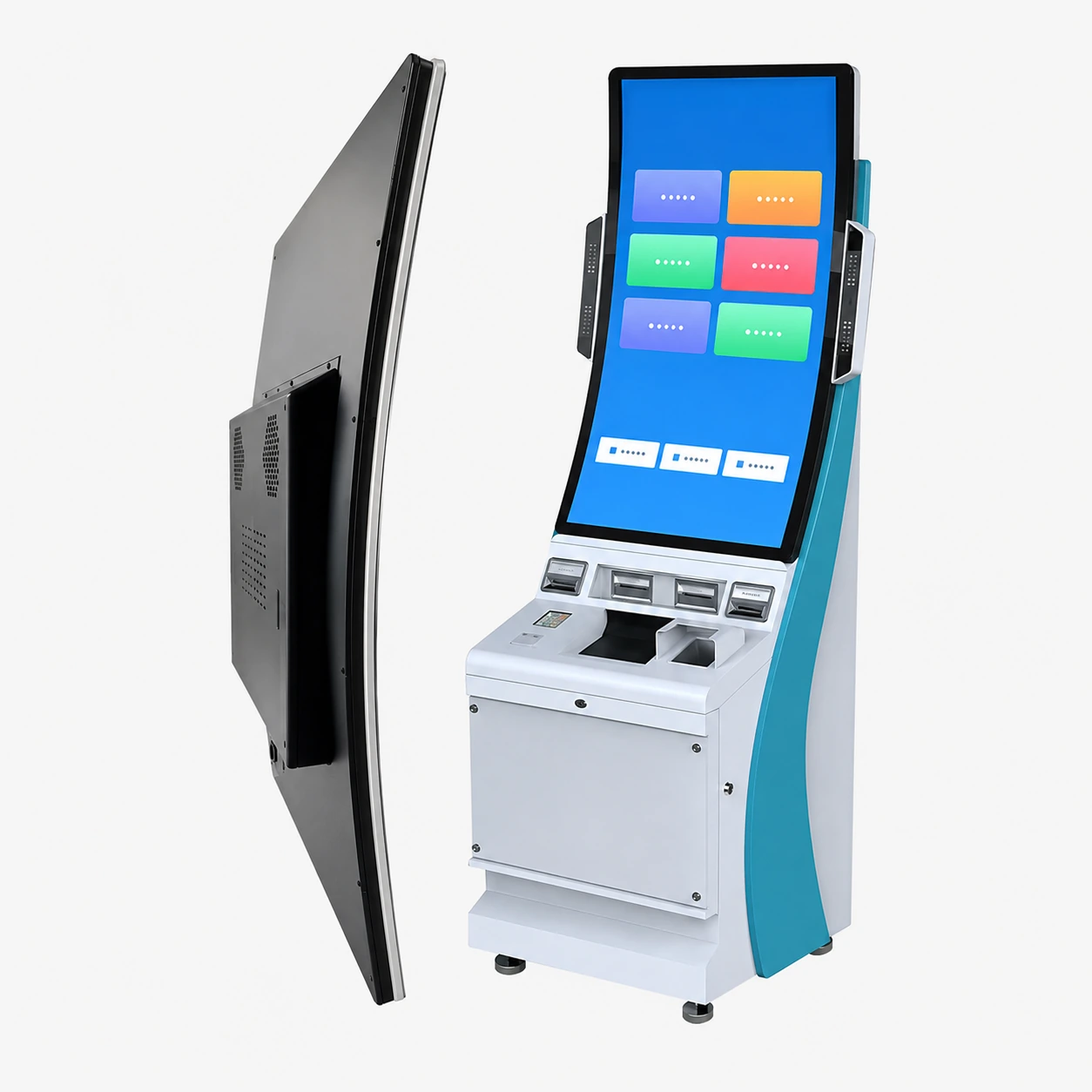
Curved Touch Screens
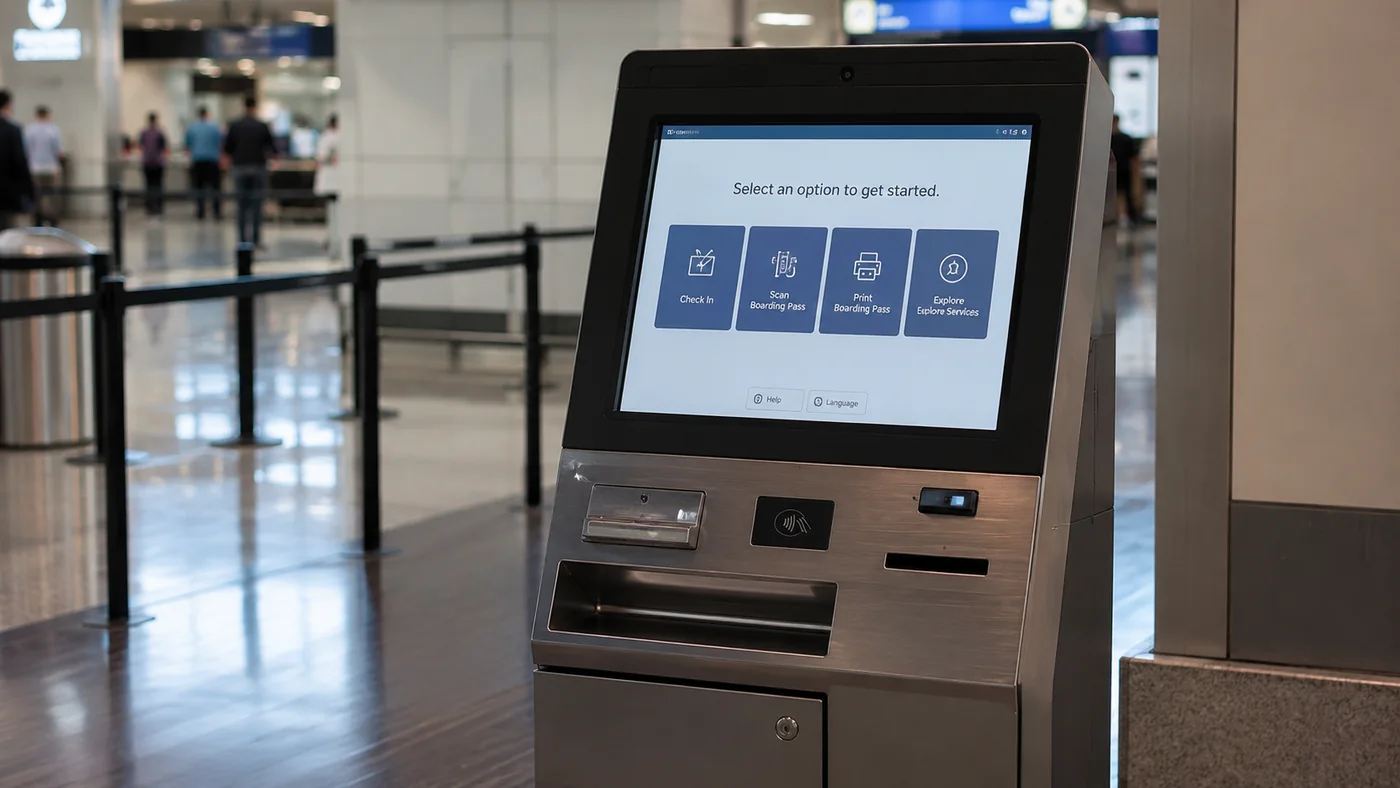
Industrial Monitors
Interactive Whiteboards
Manufacturing and Quality Support for Commercial Projects
Partner with a manufacturer capable of supporting your project from initial design review through mass production and final inspection.
Interactive Whiteboard Pricing and Procurement
Interactive whiteboard pricing depends on the selected display size, touch and system configuration, interfaces, mounting, accessories, customization, quantity, packaging and delivery destination. A formal quotation should be based on the complete project configuration rather than screen size alone.
Key Factors Influencing Price:
- Screen size
- Display and touch configuration
- Operating system or computing option
- Interfaces
- Camera and audio requirements
- Mounting and accessories
- Customization
- Packaging and destination
Need an Interactive Whiteboard for a Classroom or Meeting Room?
Send the application, size, quantity and system requirements to receive available configuration options.
Interactive Whiteboard Procurement FAQs
What information should I provide for an interactive whiteboard recommendation?
Which interactive whiteboard sizes and models are available?
Can XFC provide display-only and integrated-system configurations?
How should I choose between a classroom and meeting-room configuration?
How does an interactive whiteboard connect to a laptop?
Can wireless sharing, Windows, Android, cameras or microphones be included?
Does XFC provide OEM, ODM and private-label services?
Can XFC review drawings and mounting requirements?
What affects the price of an interactive whiteboard?
What is the MOQ, and can I order a sample?
How are the products inspected?
What technical documents can be provided?
What are the lead time, warranty and shipping options?
Request an Interactive Whiteboard Quote
Please provide your project details below. Our technical sales team will review your requirements and provide a customized proposal within 24 hours.
Need a faster discussion?
Skip the form. Send your application, quantity and destination directly through WhatsApp for an immediate response from our experts.
Chat on WhatsApp