Lucky-XFC Logo
Lucky-XFC flat touchscreen monitor for custom equipment integration
INDEPENDENT TOUCH DISPLAY MANUFACTURING

ViewSonic Touchscreen Monitor Alternative for Custom Equipment

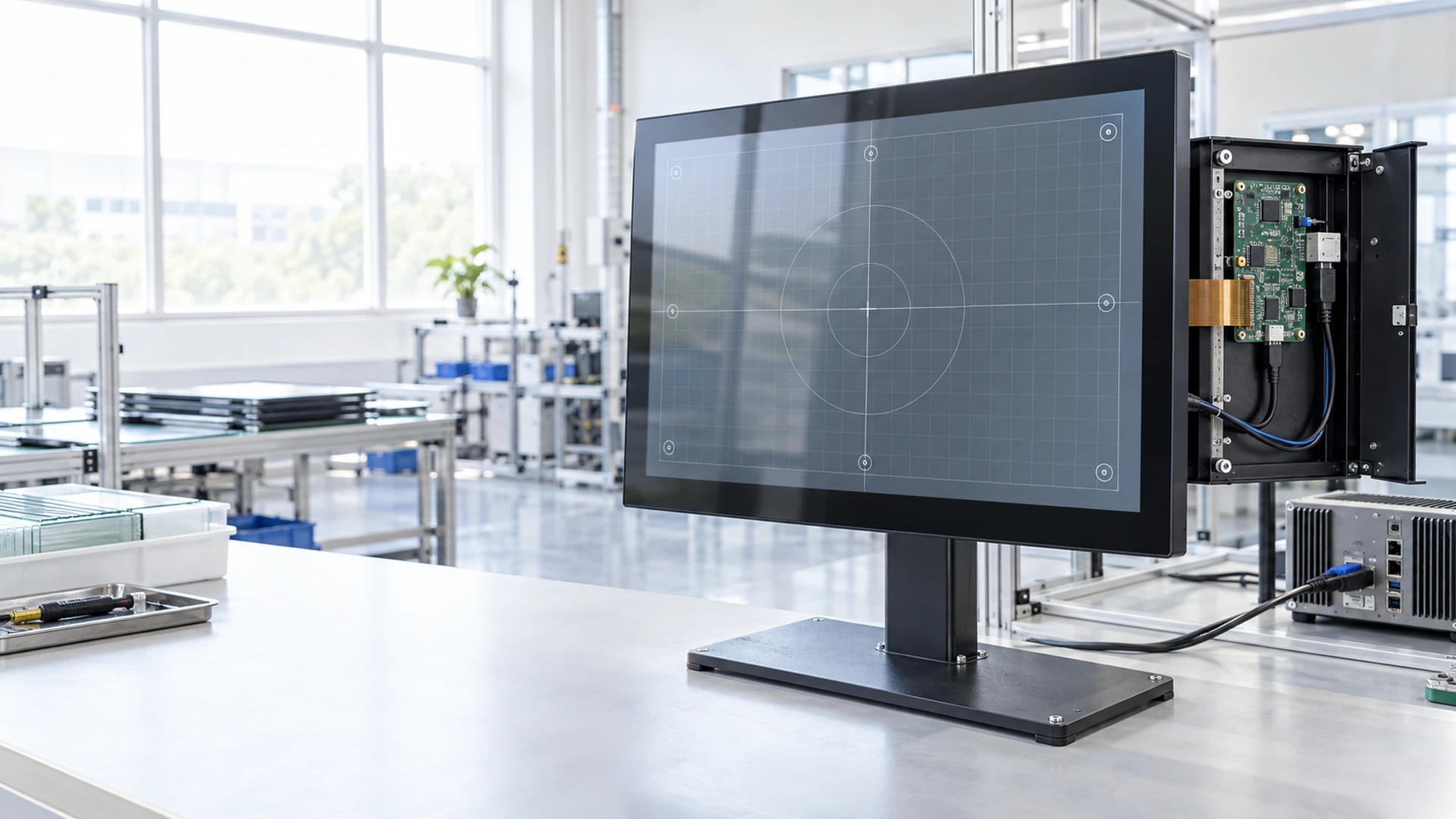
For buyers evaluating a ViewSonic touchscreen monitor reference, Lucky-XFC provides independently manufactured touch display options for custom equipment, kiosks, operator stations, portable systems and commercial terminals. Compare the required screen class, touch method, connections and mounting structure before selecting a Lucky-XFC starting model.

  • 12.3-inch to 43-inch verified product and project paths
  • Flat, open-frame and portable touch display structures
  • PCAP and selected resistive-touch options
  • OEM and ODM mechanical and interface customization

An Independent Product Evaluation Path

ViewSonic is a trademark of its respective owner. Lucky-XFC is an independent touch display manufacturer and is not affiliated with, authorized by, sponsored by or endorsed by ViewSonic. Brand references are used only to help buyers describe their requirements and evaluate independently manufactured alternatives.

Independent Manufacturer
Lucky-XFC Products and Configurations
13 Years
Touch Display Manufacturing
3,100 m²
Manufacturing Facility
160+
Production Team
100%
Inspection Before Delivery

A reference brand or model does not establish interchangeability. Final selection depends on the approved Lucky-XFC specification, drawing, touch technology, interfaces and equipment requirements.

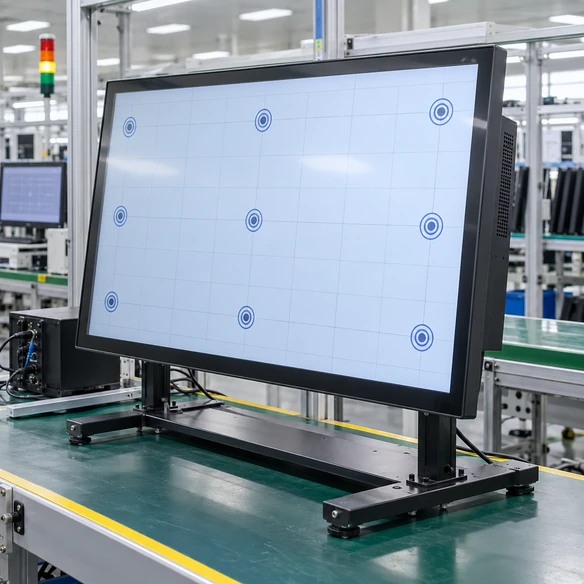
Lucky-XFC Touchscreen Monitor Alternatives by Product Format

Use the reference product to identify the required screen class and functions, then select a Lucky-XFC product around the actual application. Similar screen sizes do not automatically mean identical dimensions, touch technology, ports or mounting.

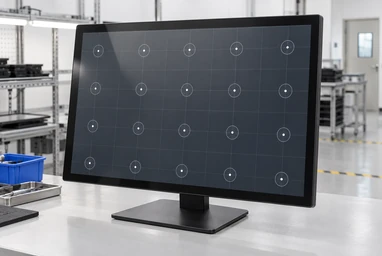
Lucky-XFC 21.5 and 23.8-inch flat PCAP touchscreen monitors

21.5–23.8 Inch Flat PCAP Touchscreen Monitors

These verified Full HD metal-housing models provide starting points for projects commonly described as 22 or 24-inch-class touch monitors. They use capacitive touch and are suitable for commercial terminals, POS equipment and operator interfaces.

Models: TP215-JX-DR-02, TP238-JX-DR-02

Choose this range when equipment space and user distance require a compact desktop or externally mounted display.
Lucky-XFC 27 and 31.5-inch flat PCAP touchscreen monitors

27–31.5 Inch Flat PCAP Touchscreen Monitors

These Full HD PCAP models provide a larger interactive area for control systems, self-service equipment and information terminals. The actual 31.5-inch panel is commonly grouped into the 32-inch market class.

Models: TP270-JX-DR-02, TP315-JX-DR-02

Choose this range when the interface needs more workspace or a longer viewing distance.

Lucky-XFC 43-inch metal-housing PCAP touchscreen monitor

43 Inch Large-Format PCAP Touchscreen Monitor

TP430-JX-DR-02 provides a verified Full HD capacitive-touch starting point for large information terminals, interactive retail equipment and custom commercial display systems.

Choose this model when the application needs a larger visual and touch area but not an integrated computer or complete kiosk.

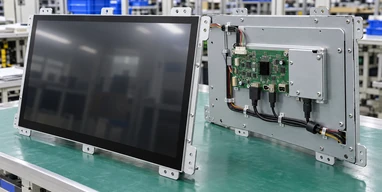
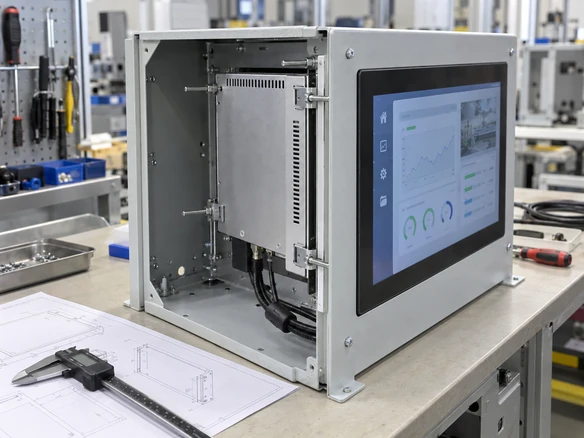
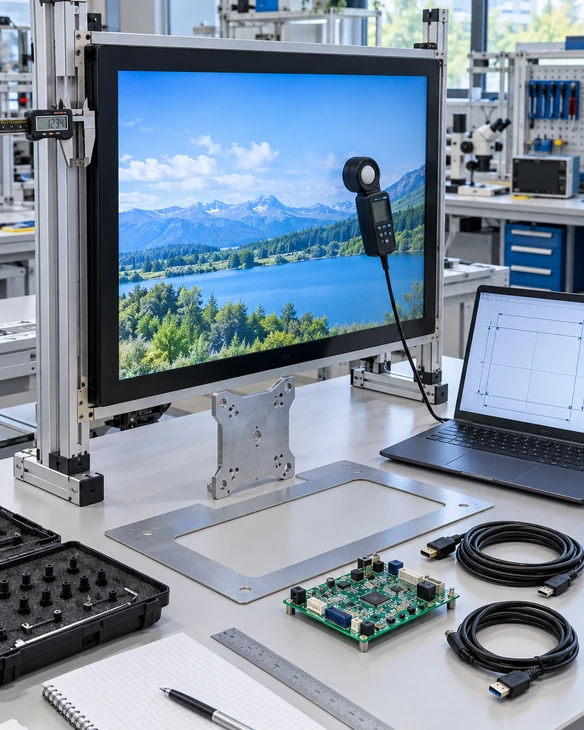
Lucky-XFC open-frame touch monitor installed behind an equipment panel

Open Frame PCAP or Resistive Touchscreen Monitors

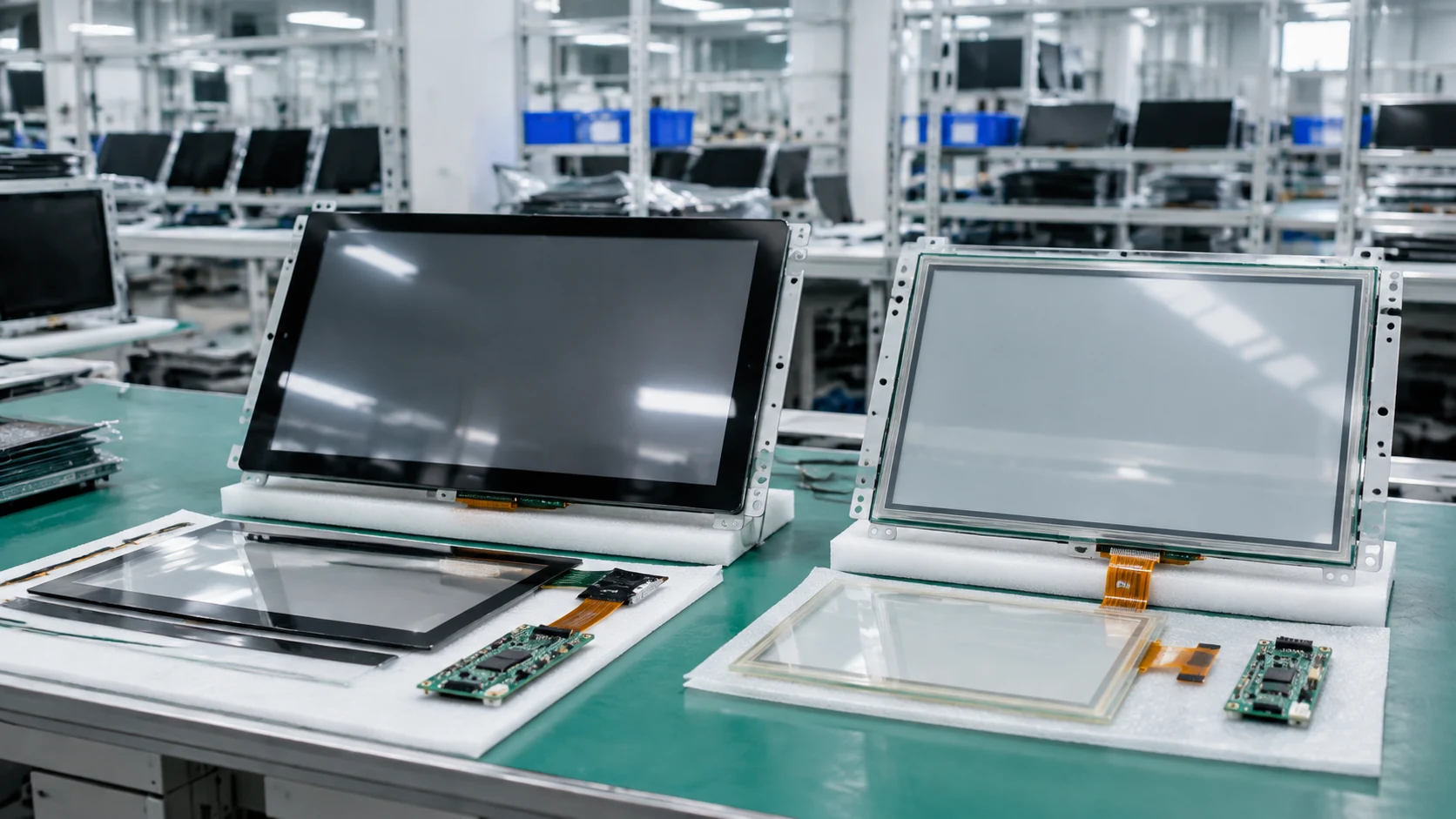
Open-frame monitors place the display and touch electronics inside an integration-oriented chassis. Verified PCAP starting models include 21.5, 27 and 43-inch formats. Selected resistive-touch projects can be evaluated according to the required input method.

Choose open frame when the customer’s machine or kiosk supplies the finished exterior.

Explore Open-Frame Touch Monitors
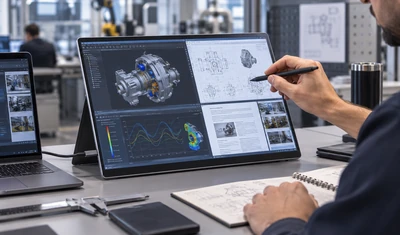
Lucky-XFC portable PCAP touchscreen monitor with custom support structure

12.3–16 Inch Portable PCAP Touchscreen Monitors

Portable project options include 12.3, 13.3, 14, 15.6 and 16-inch formats with PCAP touch, controller matching, HDMI or USB-C interface planning and a custom housing or support structure.

Choose a portable format for mobile workstations, equipment commissioning, diagnostics or detachable control interfaces.

Touchscreen monitor requirement conversion from reference product to custom specification
Reference Requirement Conversion

Use a reference monitor to identify the required size class, resolution, touch method, ports, orientation and mounting. Do not assume that another manufacturer’s housing, stand, cutout or interface arrangement is interchangeable with a Lucky-XFC model.

Review the Selection Framework

What Does “Touchscreen Monitor Alternative” Mean?

An alternative is an independently manufactured product selected around the same project requirements. It is not automatically a drop-in replacement.

A buyer may begin with a reference monitor because its screen size, touch method or interfaces are familiar. The next step is to translate that reference into measurable requirements and compare them with a verified Lucky-XFC model or customization path.

Requirement-Based Alternative

  • ✓ Selected from the required screen class
  • ✓ Touch technology matched to the user workflow
  • ✓ Interfaces confirmed against the host
  • ✓ Mechanical structure reviewed from drawings
  • ✓ Final product uses Lucky-XFC specifications and branding

Drop-In Replacement Claim

  • ✗ Assumes identical outer dimensions
  • ✗ Assumes identical mounting positions
  • ✗ Assumes identical connector locations
  • ✗ Assumes identical drivers and touch behavior
  • ✗ Requires complete documented verification
Note: Do not describe a Lucky-XFC monitor as a drop-in replacement unless every relevant electrical, mechanical, touch and software parameter has been verified for the exact installation.
Comparison between requirement-based alternative and drop-in touchscreen replacement

Convert the Reference Monitor into a Project Specification

REFERENCE PRODUCT OR EXISTING INSTALLATION
1

Screen and Image Requirements

Actual diagonal, active area, aspect ratio, resolution, brightness and orientation

↓
2

Touch Requirements

PCAP, infrared or resistive reference; touch points; finger, glove or stylus input

↓
3

Connection Requirements

HDMI, DisplayPort, VGA, USB touch, USB-C, serial control or project-specific ports

↓
4

Mechanical Requirements

Outer dimensions, panel opening, mounting holes, stand, depth and cable exit

↓
5

Host and Software Requirements

Computer, operating system, application, drivers, scaling and touch mapping

↓
LUCKY-XFC MODEL OR CUSTOM PROJECT PATH

The result is a Lucky-XFC configuration based on project requirements, not a copied third-party model.

Translate Market Size Classes into Lucky-XFC Starting Models

Commercial size labels are useful for initial searching, but final selection must use the actual panel and mechanical drawing.

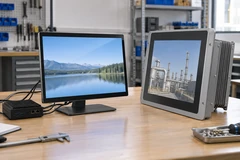
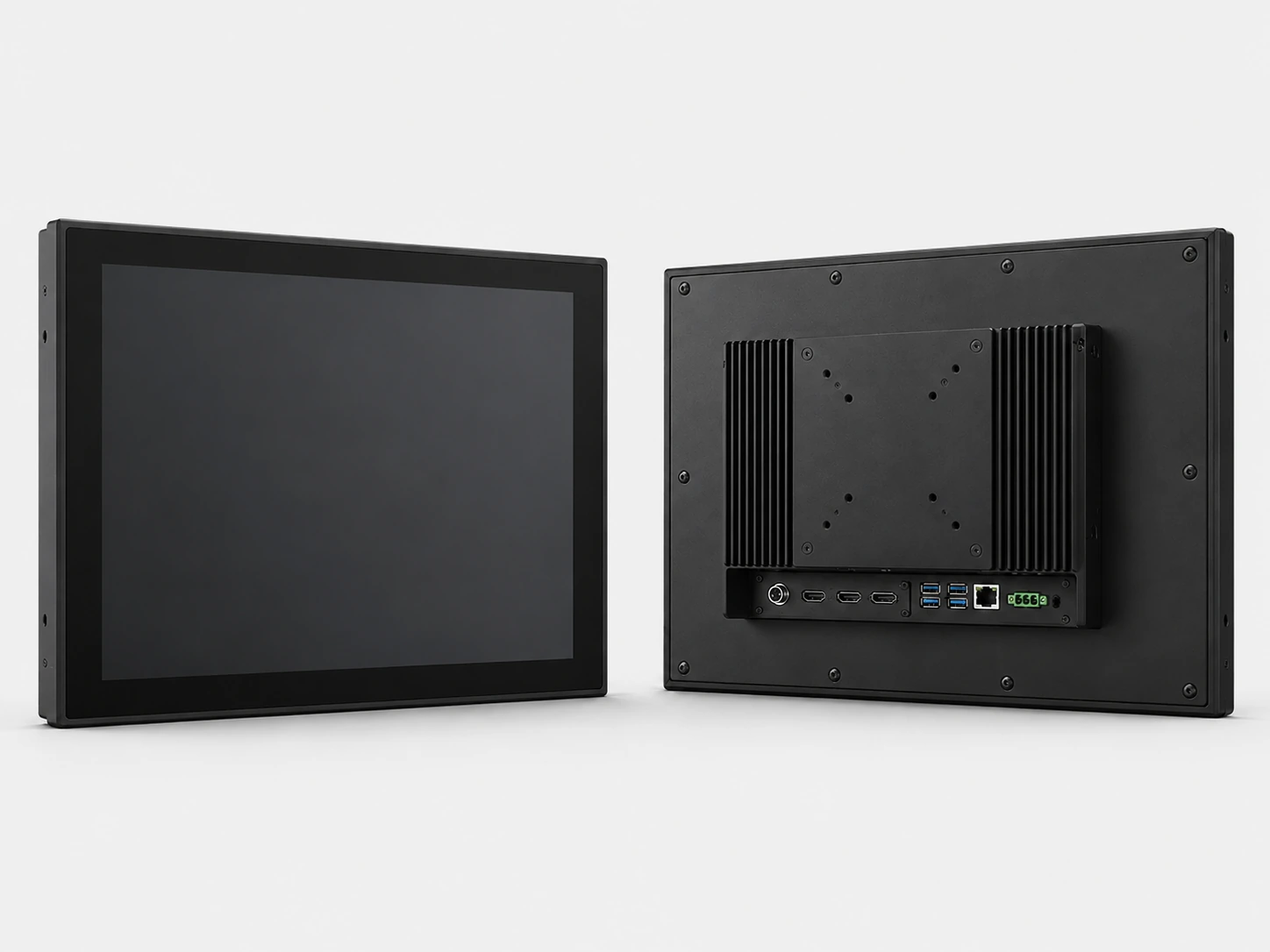
Front, side and rear views of Lucky-XFC touchscreen monitor sizes
Reference Size Class Lucky-XFC Starting Point Actual Size Verified Display Touch Supply Path
22-inch class TP215-JX-DR-02 21.5 inch 1920×1080, 16:9 Capacitive Verified flat model
24-inch class TP238-JX-DR-02 23.8 inch 1920×1080, 16:9 Capacitive Verified flat model
27-inch class TP270-JX-DR-02 27 inch 1920×1080, 16:9 Capacitive Verified flat model
32-inch class TP315-JX-DR-02 31.5 inch 1920×1080, 16:9 Capacitive Verified flat model
43-inch class TP430-JX-DR-02 43 inch 1920×1080, 16:9 Capacitive Verified flat model
15.6–16-inch portable class Portable project range 15.6 or 16 inch Confirmed by selected panel PCAP project path Verified customization path
Open-frame requirement XFC-OF215-PCAP 21.5 inch 1920×1080 PCAP, 10-point Verified open-frame model
Open-frame requirement XFC-OF270-PCAP 27 inch 1920×1080 PCAP, 10-point Verified open-frame model
Large open-frame requirement XFC-OF430-PCAP 43 inch Full HD or 4K by configuration PCAP, 10-point Verified open-frame model

This table identifies starting points only. It does not claim identical dimensions, mounting, interfaces, brightness, touch technology or software behavior between different manufacturers.

Match the Touch Technology to the User Workflow

PCAP, resistive and infrared touchscreen selection comparison

PCAP Touch

How it works:
Detects conductive touch through the touch surface.
Input:
Finger or compatible conductive input.
Interaction:
Commonly supports multi-touch, subject to the selected controller and operating system.
Lucky-XFC status:
Verified standard technology for the flat monitor range and verified open-frame PCAP models.
Best-fit direction:
Modern commercial interfaces, gesture-based controls, kiosks and operator terminals.

Resistive Touch

How it works:
Uses pressure to bring conductive layers together.
Input:
Finger, glove, stylus or another suitable pressure input.
Interaction:
Usually selected for single-point operation.
Lucky-XFC status:
Available as a selected open-frame customization path; final controller and product configuration require confirmation.
Best-fit direction:
Pressure-based control and selected glove or stylus workflows.

Infrared Touch

How it works:
Uses an infrared beam grid around the screen edge.
Input:
Finger, glove or suitable object depending on the system.
Interaction:
Touch behavior depends on the sensor frame and controller.
Lucky-XFC status:
Do not present infrared touch as a verified standard product line. Requirements referencing IR must receive a separate feasibility review.
Best-fit direction:
Retain IR only when the application or existing system specifically requires it and compatibility has been confirmed.
Selection Tip: Do not substitute one touch technology only because the screen size is similar. Input method, bezel structure, touch points, optical requirements, enclosure and operating environment can change the correct choice.
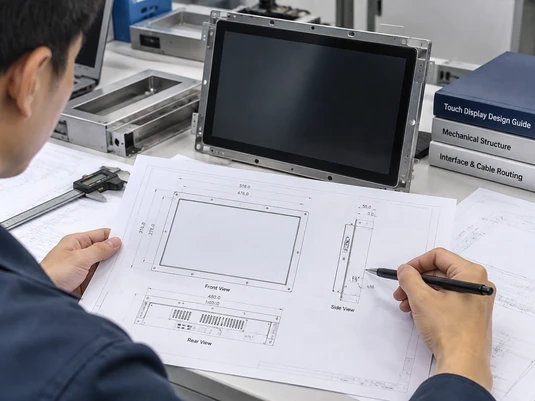
Touchscreen monitor drawing showing active area, housing, opening, depth and mounting points

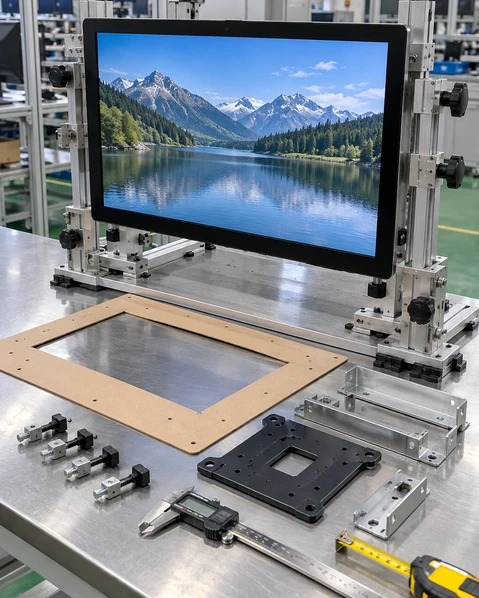
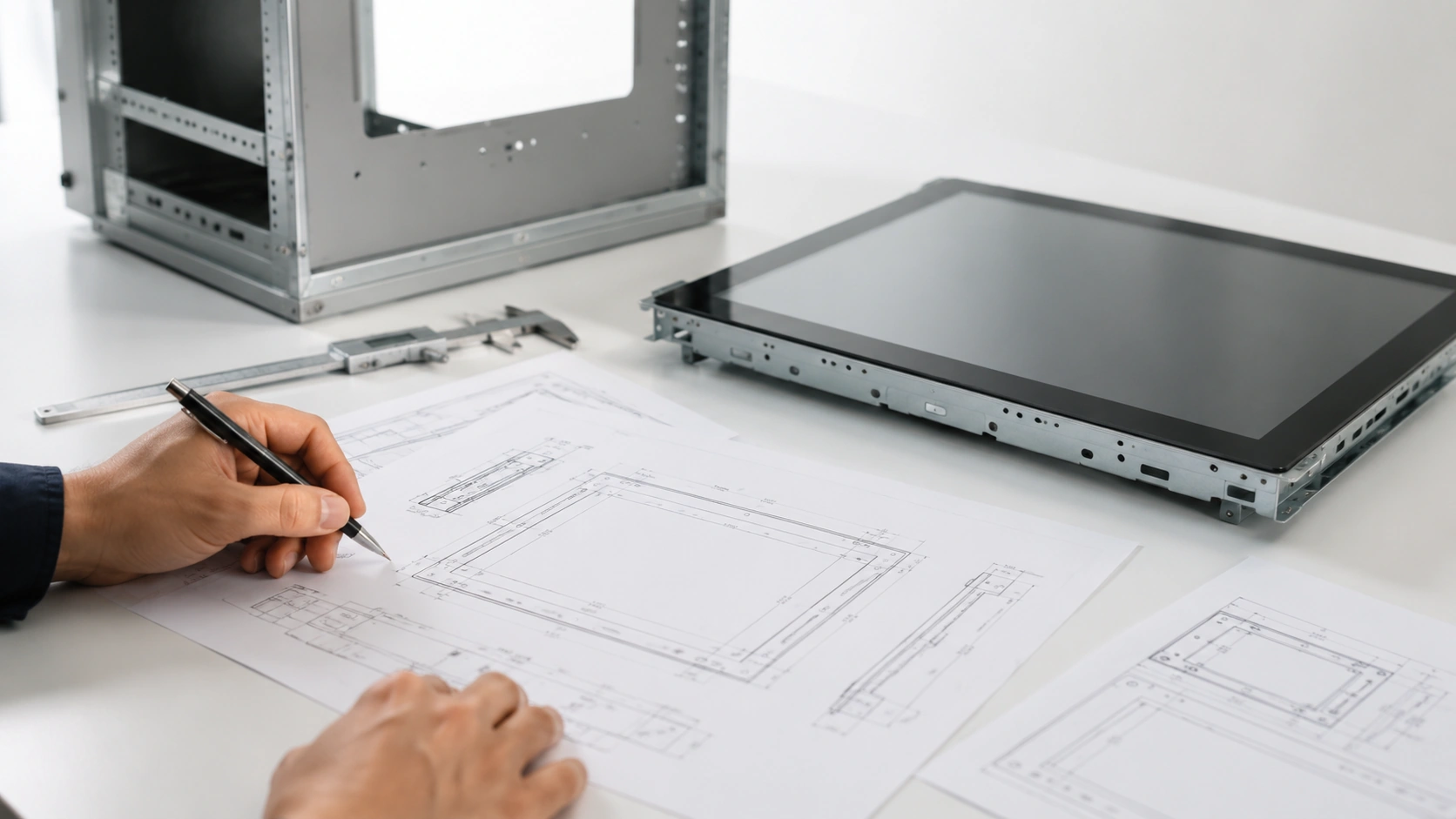
Check Mechanical Fit Before Calling a Product a Replacement

Panel diagonal

The advertised size class may differ from the actual panel diagonal.

Active display area

Confirm the exact visible image area and application layout.

Outer dimensions

Measure the complete housing, including the bezel and rear enclosure.

Open-frame cutout

Confirm the required panel opening, bezel overlap and fixing structure.

Installation depth

Include the chassis, connectors, cable bending radius and service clearance.

Mounting pattern

Check VESA, side brackets, rear fixing points or project-specific mounting.

Stand and touch force

A desktop or portable support structure must remain stable during touch operation.

Connector location

HDMI, DisplayPort, USB, power and control ports must remain accessible inside the equipment.

Landscape or portrait use

Confirm the display, structure, application layout and cable orientation.

Important: A monitor with the same marketed screen size may still require a different enclosure opening, bracket or cable arrangement. Always use the approved Lucky-XFC drawing.

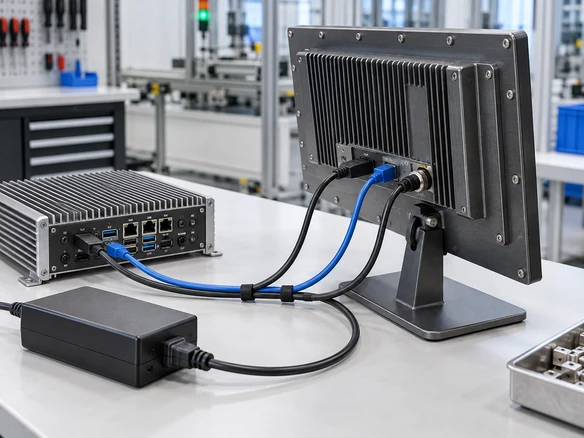
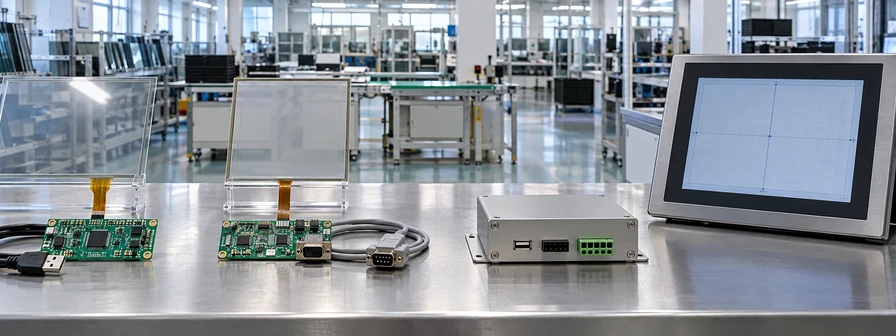
Compare Connections as Separate Functions

Function Common Connection What to Confirm
Video HDMI, DisplayPort or VGA Host output, selected input, resolution and adapter
Touch Data USB Touch controller, OS support and cable data capability
Power Approved adapter, USB or equipment power Voltage, current, connector and grounding
USB-C Combined Path Compatible USB-C video, data and power Host Alt Mode, cable rating and power budget
Serial or Control Interface RS232 or project-specific interface Actual required function and protocol

A matching connector does not prove full compatibility. HDMI can provide the picture without touch input. USB-C can provide charging without video. A USB cable can provide power without carrying touch data. Record the function of every connection in the approved configuration.

Host systems to evaluate:

  • Desktop or laptop computer
  • Industrial PC
  • Android controller
  • Linux computer
  • Media player
  • Raspberry Pi or other SBC
  • Integrated touchscreen computer
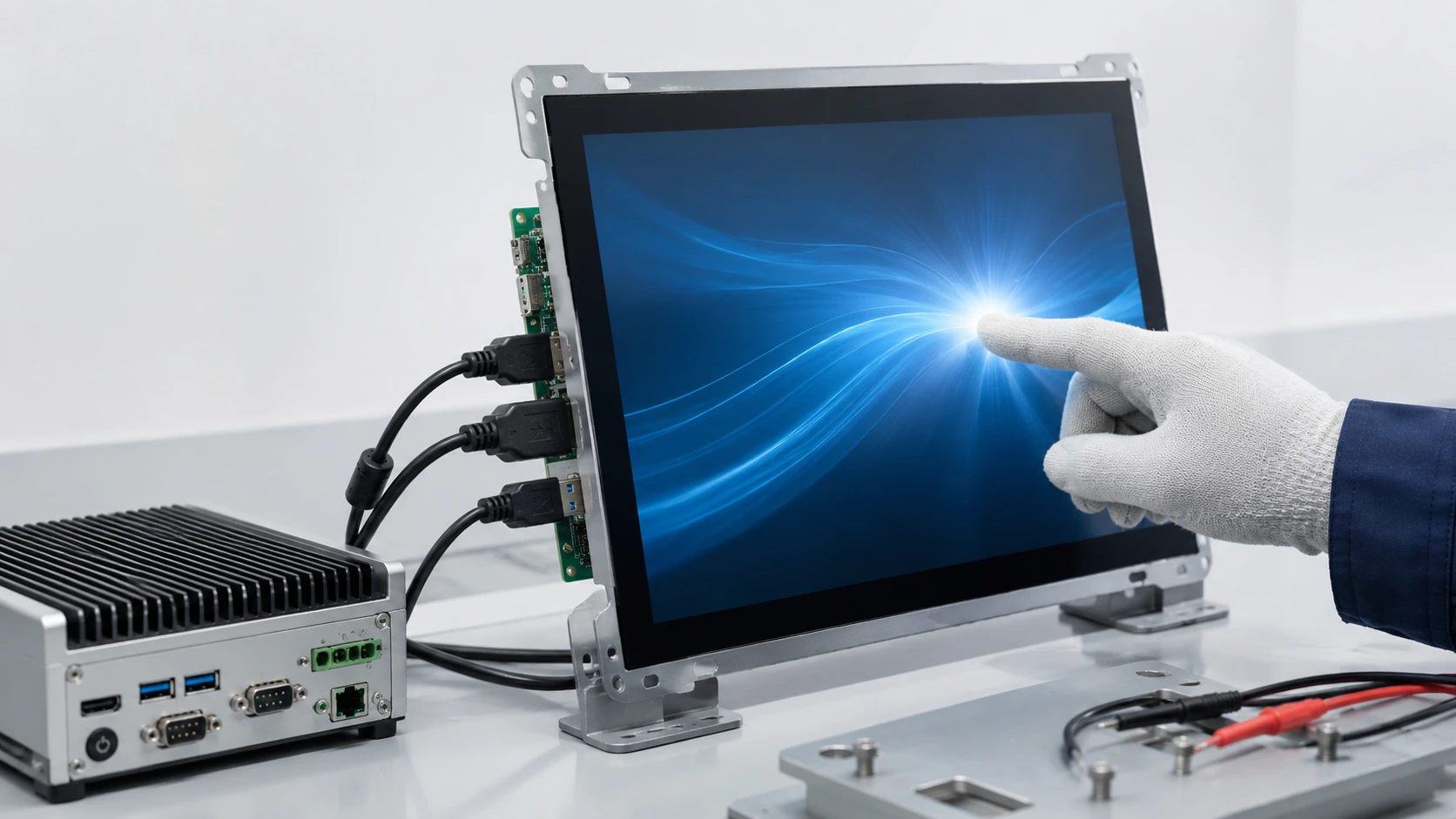
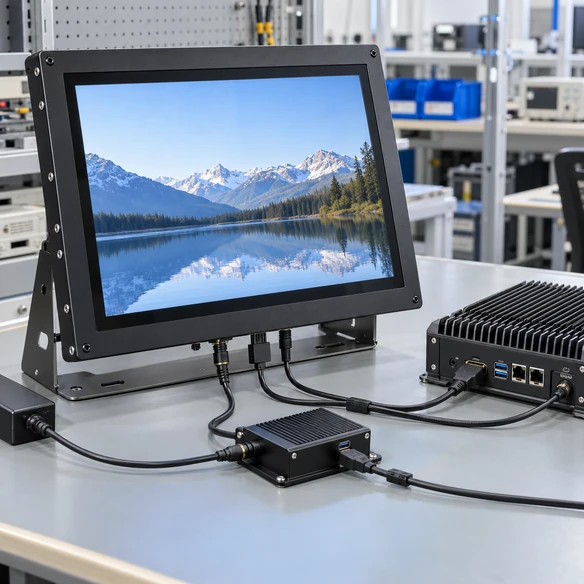
Touchscreen monitor video, USB touch and power connection diagram
Annotated touchscreen monitor selection risks covering size, touch, ports and mounting

Avoid Common Errors When Selecting an Alternative Monitor

Assumption: The same advertised size means the same housing.

Risk: Outer dimensions, active area, depth and mounting positions can differ.

Response: Compare the approved mechanical drawings.

Assumption: Every multi-touch monitor uses the same touch technology.

Risk: PCAP, IR and resistive systems differ in surface construction, controller, input method and bezel requirements.

Response: Identify the required touch method before selecting the model.

Assumption: The same ports guarantee compatibility.

Risk: Connector type does not confirm signal mode, touch data, power or driver behavior.

Response: Map video, touch and power separately.

Assumption: A similar resolution creates the same user experience.

Risk: Panel size, active area, viewing distance, scaling and application layout affect usability.

Response: Test the actual application at the selected size and resolution.

Assumption: A reference product can be replaced without sample validation.

Risk: Mechanical, touch, software and cable issues may only appear in the final installation.

Response: Validate the selected Lucky-XFC configuration with the intended host and enclosure when the project plan includes a sample.

Requirement-based selection reduces avoidable mismatches, but the buyer remains responsible for validating the complete final equipment.

Lucky-XFC Touchscreen Monitor Applications

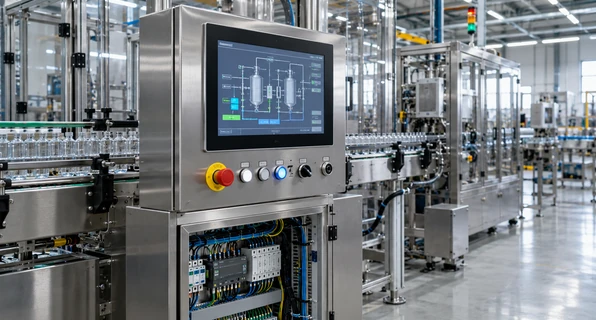
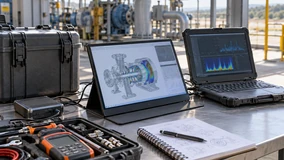
Lucky-XFC touchscreen monitor installed at an industrial operator station

Industrial Operator Stations

Flat or open-frame PCAP monitors can provide touch-based control and process visualization when the mounting, host system, grounding and cable arrangement are reviewed together.

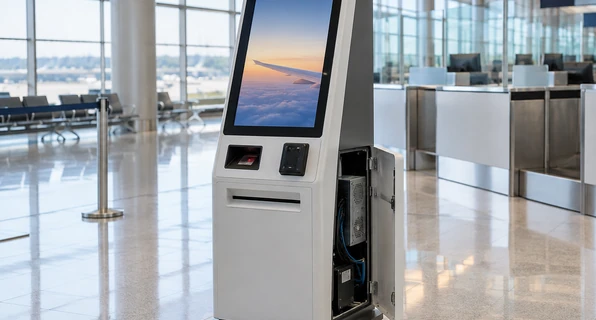
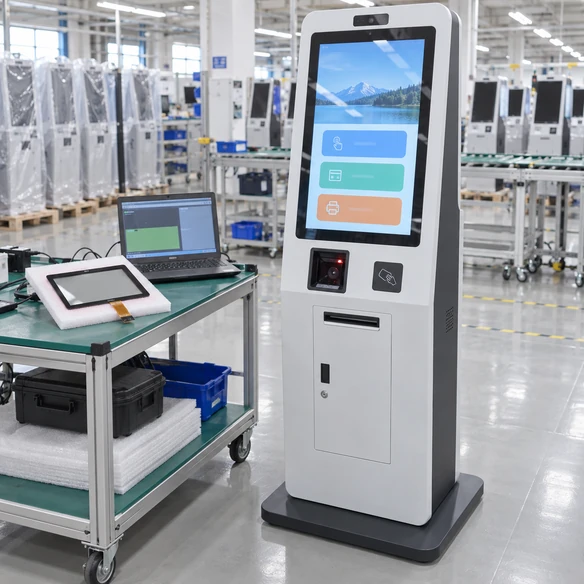
Lucky-XFC touchscreen monitor integrated into a self-service kiosk

Self-Service and Check-In Kiosks

The display can be coordinated with a computer, enclosure, printer, scanner or identification device around the complete user and maintenance workflow.

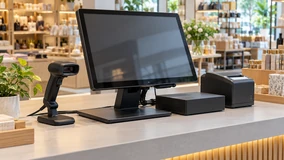
Touchscreen monitor used in a retail POS terminal

POS and Retail Terminals

21.5 and 23.8-inch flat or open-frame configurations provide practical starting points for ordering, checkout and interactive service equipment.

Portable touchscreen monitor used as an auxiliary workstation display

Portable Workstations

A 12.3–16 inch portable project can support mobile diagnostics, device commissioning, software controls and additional touch-operated workspace.

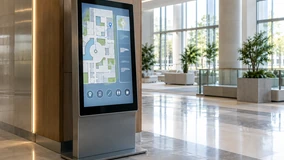
Touchscreen information and wayfinding terminal

Information and Wayfinding

27, 31.5 or 43-inch configurations can support maps, directories, forms and guided information when content scale and touch reach are designed together.

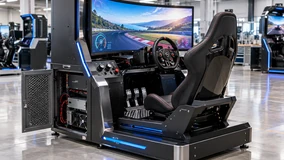
Touchscreen monitor integrated into a custom gaming equipment cabinet

Gaming and Custom Equipment

The display structure, touch technology, active area, controller, interfaces and cabinet opening should be selected as one integrated system.

US Check-In Kiosk Integration Project

Coordinating the touch display, Windows IoT environment, A4 printer and ID scanner around one validation path.

Project Requirement

A US project required a custom check-in kiosk combining a touchscreen interface, A4 printing and ID scanning. The hardware needed to support the customer’s application and peripheral workflow.

System Review

The touch display, computer, printer, scanner and enclosure were reviewed as parts of one system. Printer-driver operation was tested with Windows IoT rather than being assumed from a component list.

Prototype Validation & Mechanical Adjustment

One prototype was prepared for the customer’s software team to validate the application and peripheral workflow. The validation process identified that paper loading needed easier access. Minor structural changes were made before the rollout configuration was finalized.

Delivery Planning

The project used phased delivery planning for a regional rollout.

Project Lessons

  • • Validate software and peripherals in the intended operating-system environment.
  • • Review screen, touch controller, computer and enclosure together.
  • • Use a prototype to identify maintenance issues.
  • • Recheck cable and service access after peripherals are installed.
US check-in kiosk integration with touchscreen, A4 printer and ID scanner
Custom touchscreen monitor options for glass, housing, touch, ports and mounting

Configure the Touch Monitor Around Your Equipment

1 Display

  • • 21.5, 23.8, 27, 31.5 and 43-inch verified flat references
  • • 12.3–16 inch portable project range
  • • Full HD standard flat references
  • • Project-specific display evaluation where required
  • • Landscape or portrait planning

2 Touch and Glass

  • • PCAP standard flat references
  • • PCAP open-frame starting models
  • • Selected resistive open-frame evaluation
  • • Cover-glass dimensions and printed border
  • • Controller matching
  • • Touch-point requirement confirmed by configuration

3 Interfaces

  • • HDMI, DisplayPort, VGA and USB according to model
  • • USB-C evaluation when combined video, data and power are required
  • • Cable direction and connector clearance
  • • Project-specific control connections after confirmation

4 Mechanical Structure

  • • Finished metal housing or open-frame chassis
  • • VESA or side brackets
  • • Portable kickstand
  • • Custom cabinet installation
  • • Port location and maintenance access

5 Host Compatibility

  • • Windows, Android or Linux according to configuration
  • • macOS touch behavior requires model-specific review
  • • Industrial PCs, media players and SBCs require host validation

6 Brand Appearance

  • • Lucky-XFC product branding
  • • Customer logo, color and printed details when included in the approved project scope
  • • Never apply the ViewSonic brand or imitate its trade dress

From Reference Requirement to an Approved Configuration

Reference touchscreen monitor requirement review

1. Requirement Review

Record the application, reference size, touch method, ports, host system, mounting and estimated quantity.

Lucky-XFC touchscreen model selection

2. Starting Model Selection

Match the requirement with a verified flat model, open-frame configuration or portable project path.

Touch technology and connection compatibility review

3. Touch and Interface Review

Confirm touch technology, video input, USB touch path, power and operating-system requirements.

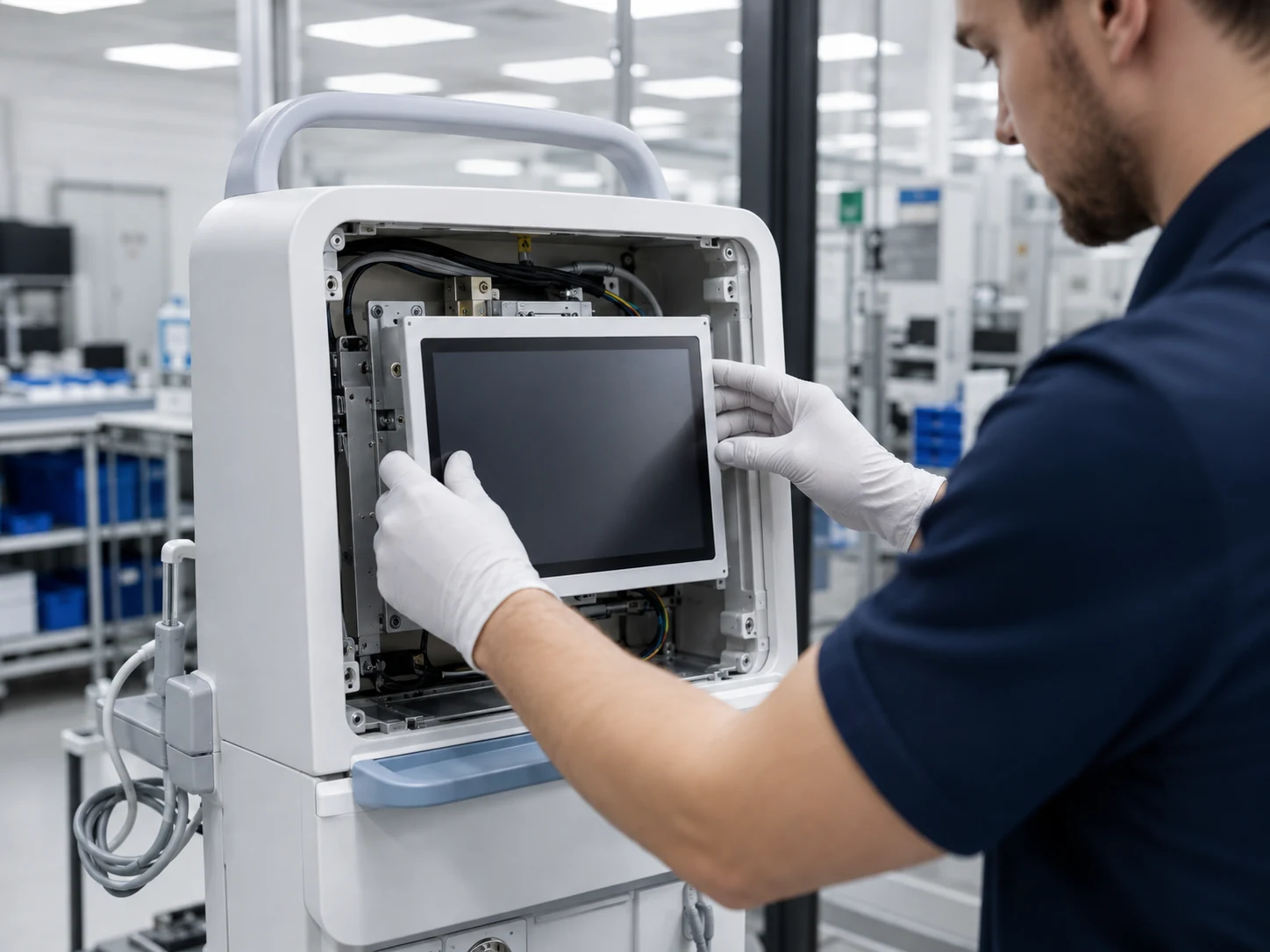
Touchscreen mechanical drawing and enclosure review

4. Mechanical Review

Compare active area, outer dimensions, opening, depth, mounting, ports and cable clearance.

Touchscreen sample and system validation

5. Sample Validation

When included in the project, test the selected configuration with the intended host, application and enclosure.

Touchscreen monitor production and inspection

6. Production and Inspection

Produce against the approved Lucky-XFC configuration and inspect the agreed functions and appearance before delivery.

The project schedule, sample scope, documents and validation conditions are confirmed separately. Do not promise fixed timing.

Manufacturing and Inspection for the Approved Configuration

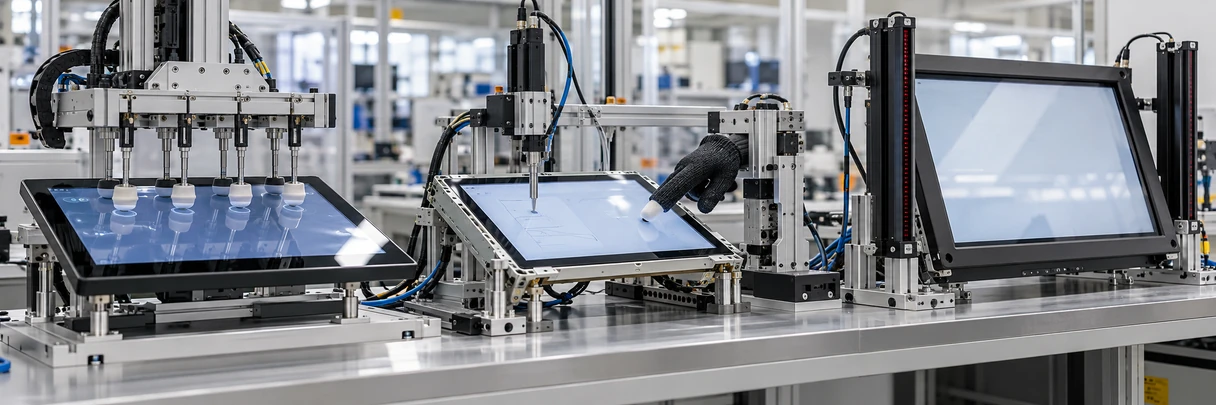
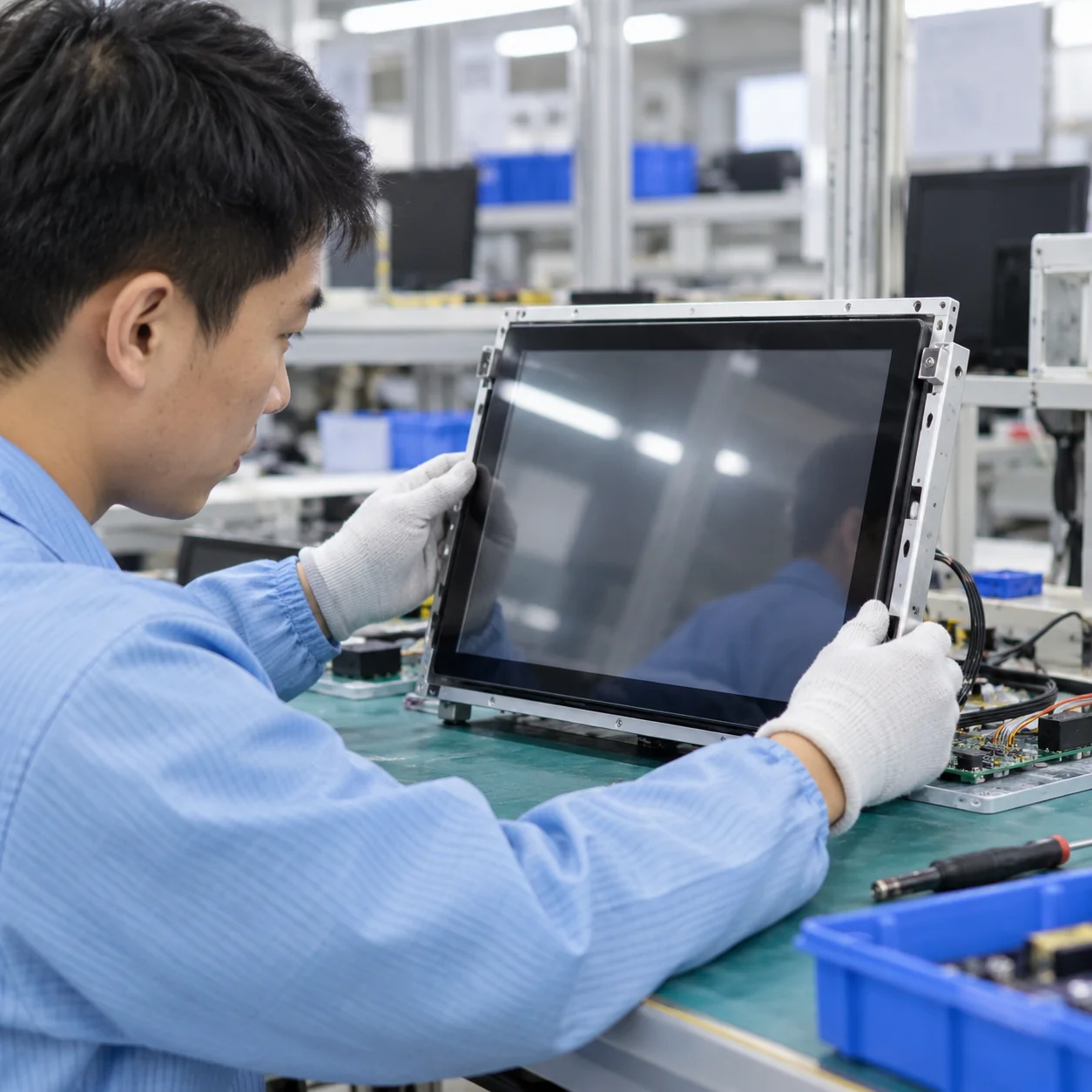
Lucky-XFC has 13 years of touch display manufacturing experience, supported by a 3,100 m² facility, a production team of more than 160 people and 26 quality personnel. Products undergo inspection before delivery according to the approved model and project requirements.

Configuration Identity

Selected model, panel, touch controller, housing and interface arrangement

Display Operation

Visible image and approved resolution

Touch Response

Touch recognition using the approved controller and data path

Interface Function

Confirmed video, USB, power and project-specific ports

Mechanical Assembly

Housing, mounting parts, connector access and visible appearance

Project Details

Approved branding, labels and included accessories

Inspection criteria depend on the selected product and agreed project. Do not claim universal certification, zero defects or guaranteed performance in every customer system.

Lucky-XFC touchscreen monitor manufacturing and inspection

Why Evaluate Lucky-XFC for a Custom Touch Monitor Project?

Lucky-XFC verified flat touchscreen monitor range

Defined Flat Starting Models

Five verified flat models cover actual 21.5, 23.8, 27, 31.5 and 43-inch sizes instead of relying on an undefined market-size label.

Flat, open-frame and portable touchscreen structures

Several Installation Structures

Finished metal housings, open-frame chassis and portable project formats support different equipment architectures.

PCAP and resistive touch selection for custom equipment

Touch Selection Based on Use

PCAP is the verified standard flat direction, while selected open-frame projects can evaluate resistive input when pressure operation is required.

Mechanical drawing review for touchscreen integration

Drawing-Based Integration

Outer dimensions, panel opening, mounting, depth, connector position and service clearance can be reviewed before enclosure production.

Touch controller, host computer and operating-system coordination

Host and Controller Coordination

The display, touch controller, video connection, operating system and application can be evaluated as connected parts of the same system.

Touchscreen sample validation and pre-shipment inspection

Sample and Inspection Support

When included in the project plan, a sample provides a practical stage for checking fit, touch behavior, software and connections before production.

Validate the Complete Requirement Before Approval

Approval should be based on the Lucky-XFC datasheet, drawing and tested project configuration—not only on the reference brand or marketed size.

Touchscreen monitor alternative validation checklist
Check Reference Information Lucky-XFC Confirmation Why It Matters
Screen Market size, actual diagonal and active area Selected panel and model Marketed size does not define the full product
Resolution Native resolution and supported host output Verified model resolution Incorrect scaling can affect image and touch mapping
Touch Technology PCAP, IR or resistive PCAP standard, selected resistive path or separate review Technologies are not automatically interchangeable
Touch Points Required application behavior Confirm by selected controller Multi-touch requirements depend on the software and OS
Video Input HDMI, DP, VGA or USB-C Confirmed model interfaces Connector availability varies by model
Touch Data USB or other reference interface Approved touch-data connection Video can work without touch
Power Voltage, current and adapter Approved power configuration Incorrect power can cause unstable operation
Operating System Exact OS and version Controller and driver validation Compatibility varies by controller and version
Outer Dimensions Complete housing measurement Lucky-XFC model drawing Similar diagonal size can use a different enclosure
Mounting VESA, stand, open-frame fixing or bracket Approved Lucky-XFC mounting Existing brackets may not align
Port Location Rear or side connector position Selected product layout Cable collision can prevent installation
Application Orientation, scaling and workflow Sample or system validation where applicable Bench operation does not validate the finished equipment
Touchscreen monitor alternative selection guide

How to Source an Independent Touchscreen Monitor Alternative

Guide 1 — Define the required function

Decide whether the project needs a finished desktop monitor, an externally mounted commercial display, an open-frame component, a portable monitor or a complete touchscreen computer. A reference product may belong to a different architecture even when the screen size is similar.

Guide 2 — Separate essential and optional features

Identify which requirements are mandatory: panel size, resolution, touch type, orientation, video input, USB touch, power, mounting and operating-system support. Treat stands, speakers, control ports, cover glass and branding as separate requirements rather than assuming they are included.

Guide 3 — Select the touch technology

Use PCAP for modern multi-touch interfaces when the controller and operating environment are suitable. Evaluate resistive touch for pressure-based input. Retain an IR requirement only when the application genuinely needs it and a suitable Lucky-XFC configuration has been confirmed.

Guide 4 — Compare mechanical drawings

Compare actual panel size, active area, outside dimensions, depth, mounting holes, port position and cable clearance. Do not use only diagonal size or an online product photo.

Guide 5 — Validate the host system

Test the intended computer, operating system, display output, USB touch path, application scaling and gestures. For equipment projects, repeat the test after final cabling and enclosure installation.

Guide 6 — Approve the Lucky-XFC configuration

The approved purchasing reference should use the Lucky-XFC model, specification and drawing. The third-party reference should remain background information rather than the production identity.

Purchasing Information Checklist

  • ✓ Application
  • ✓ Reference size or existing product
  • ✓ Required display dimensions
  • ✓ Resolution
  • ✓ Touch technology
  • ✓ Touch-point requirement
  • ✓ Video, touch and power connections
  • ✓ Host computer
  • ✓ Operating system and version
  • ✓ Installation structure
  • ✓ Enclosure drawing
  • ✓ Operating environment
  • ✓ Estimated quantity

ViewSonic Touchscreen Monitor Alternative FAQs

Is Lucky-XFC affiliated with ViewSonic?
No. Lucky-XFC is an independent touch display manufacturer and is not affiliated with, authorized by, sponsored by or endorsed by ViewSonic. Brand references are used only to describe buyer requirements and evaluate independent alternatives.
Does Lucky-XFC sell original ViewSonic monitors?
No. Lucky-XFC supplies its own touchscreen monitor models and project-specific configurations. The products use Lucky-XFC specifications, drawings and branding.
Can a Lucky-XFC monitor be used as a direct drop-in replacement?
Not automatically. Screen class, active area, outer dimensions, mounting, port locations, power, touch technology, controller and software behavior must all be compared before interchangeability can be established.
Which Lucky-XFC size corresponds to a 22 or 24-inch monitor class?
The verified flat starting points are 21.5 inches for the 22-inch market class and 23.8 inches for the 24-inch market class. Use the actual product drawing before approving the enclosure.
Does Lucky-XFC offer a 32-inch-class touchscreen monitor?
TP315-JX-DR-02 uses an actual 31.5-inch panel, which buyers commonly group into the 32-inch monitor class. It is a Full HD, 16:9 capacitive-touch monitor with a metal housing.
Does Lucky-XFC offer PCAP, IR and resistive touch?
PCAP is the verified standard technology for the current flat series and documented open-frame starting models. Selected open-frame projects can evaluate resistive touch. Infrared touch should not be treated as a standard Lucky-XFC product without a separate feasibility confirmation.
Can Lucky-XFC provide an open-frame alternative?
Yes. Verified open-frame PCAP starting models include 21.5, 27 and 43-inch configurations. Selected 23.8 and 31.5-inch projects may also be evaluated, subject to panel and mechanical confirmation.
Can Lucky-XFC provide a portable touch monitor?
Portable project options include 12.3, 13.3, 14, 15.6 and 16-inch formats with PCAP touch, controller matching, HDMI or USB-C interface planning and custom housing or support structures.
Are Lucky-XFC monitors compatible with Windows, Android, Linux or macOS?
Compatibility depends on the selected touch controller, operating-system version, host hardware and application. Windows, Android and Linux can be evaluated according to configuration. macOS touch and gesture behavior requires model-specific validation.
What information is needed to evaluate an alternative?
Provide the application, reference size or product, required resolution, touch technology, interfaces, host computer, operating system, installation drawing, operating conditions and estimated quantity. Clearly identify which features are mandatory.

Discuss an Independent Touchscreen Monitor Alternative

Share the reference size or product, required touch method, interfaces, host system and installation drawing. Lucky-XFC can use these details to identify a verified starting model or a project-specific configuration without assuming that products from different manufacturers are interchangeable.

Useful details include:

  • • Application
  • • Reference product or market size
  • • Required actual display size
  • • Resolution and orientation
  • • PCAP, resistive, IR reference or undecided
  • • Required video and touch interfaces
  • • Host computer and operating system
  • • Mounting or enclosure structure
  • • Available installation depth
  • • Operating conditions
  • • Estimated quantity

Request an Alternative Configuration Review

ViewSonic is a trademark of its respective owner. Lucky-XFC supplies independently manufactured products and does not sell or represent original ViewSonic products.